

GPTChat for Slack Overview
GPTChat for Slack is a powerful AI integration designed to supercharge your team's productivity and collaboration by bringing the advanced capabilities of OpenAI's language models directly into your Slack workspace. This tool acts as an always-on AI assistant, capable of understanding context, generating human-like text, writing code, and answering complex questions on demand. By eliminating the need to switch between applications, GPTChat for Slack streamlines workflows, accelerates content creation, and fosters a more efficient and innovative team environment. Whether you're a developer needing a quick code snippet, a marketer drafting ad copy, or a manager summarizing meeting notes, this integration provides instant support within the platform your team already uses every day.
The integration is built with simplicity and security in mind. It operates on a "Bring Your Own Key" (BYOK) model, meaning you connect your own OpenAI API key. This gives you full control over your usage and costs, billed directly by OpenAI, while ensuring your data is processed under your own account's privacy terms. The tool itself acts as a secure bridge, and as per its privacy policy, conversation logs are only stored temporarily for up to 30 days for troubleshooting purposes, ensuring confidentiality.
How to use GPTChat for Slack
Getting started with GPTChat for Slack is a straightforward process designed to get your team up and running in minutes:
- Add to Slack: Begin by visiting the GPTChat for Slack website or the Slack App Directory. Click the "Add to Slack" button and authorize the application to access your workspace.
- Register and Configure: You will be prompted to register, ideally using the same email address associated with your Slack organization for seamless integration.
- Provide OpenAI API Key: The core of the setup is linking your OpenAI account. You'll need to generate an API key from your OpenAI platform dashboard and paste it into the GPTChat configuration settings. This securely connects the app to the power of models like GPT-3.5 or GPT-4.
- Start Interacting: Once configured, you can start using the AI assistant. Typically, you can invoke it in any channel or direct message by using a slash command (e.g.,
/gptchat write a marketing email about our new feature) or by mentioning the bot directly (e.g.,@GPTChat explain this code block).
Core Features of GPTChat for Slack
- Seamless Slack Integration: Access AI capabilities without ever leaving your Slack channels or direct messages.
- Versatile Content Generation: Instantly create a wide range of written content, including emails, blog posts, articles, social media updates, marketing copy, and press releases.
- Advanced Code Assistant: Generate code snippets in various programming languages, debug existing code, explain complex algorithms, and write documentation.
- Team Brainstorming & Idea Generation: Use the AI to brainstorm new product ideas, suggest marketing campaign angles, create lists of best practices, or explore creative solutions to problems.
- Instant Knowledge Base: Ask any question and receive a concise, accurate answer based on the AI's vast knowledge base. Perfect for quick research or clarifying technical concepts.
- Summarization and Analysis: Paste long texts, articles, or even Slack thread summaries and ask the AI to provide a brief, digestible summary.
- Bring Your Own Key (BYOK) Model: Connect your personal or company OpenAI API key for full control over usage, costs, and data privacy.
Use Cases for GPTChat for Slack
GPTChat for Slack is a versatile tool that adds value across various departments:
- Engineering & Development Teams: Can accelerate development cycles by generating boilerplate code, debugging errors, converting code between languages, and writing technical documentation directly in their development channels.
- Marketing & Sales Teams: Can quickly draft compelling ad copy, social media posts, email newsletters, and sales pitches. It can also be used to brainstorm campaign slogans and analyze competitor messaging.
- Customer Support Teams: Can formulate professional, empathetic, and accurate responses to customer queries, improving response time and consistency.
- Human Resources: Can streamline recruitment by drafting job descriptions, creating interview questions, and writing internal company announcements.
- Content Creators & Writers: Can overcome writer's block by generating outlines, drafting paragraphs, or rephrasing sentences to improve clarity and tone.
Advantages of GPTChat for Slack
Integrating GPTChat into your Slack workspace offers significant advantages. Firstly, it dramatically boosts efficiency by centralizing communication and AI-powered task execution in one place. This context-switching reduction saves valuable time. Secondly, it enhances collaboration, as team members can publicly interact with the AI in a channel, allowing others to see the results, provide feedback, and build upon the generated ideas collectively. Thirdly, the BYOK model is both cost-effective and secure, as you only pay OpenAI for what you use and maintain control over your data. Finally, it democratizes access to powerful AI, enabling every team member, regardless of their technical skill, to leverage AI for their daily tasks.
Pricing and Plans
GPTChat for Slack operates on a "Bring Your Own Key" (BYOK) model. The application itself is free to add to your Slack workspace. There are no subscription fees or hidden charges from GPTChat. However, to use the tool's functionality, you must connect your own OpenAI API key. All usage is then billed directly to your OpenAI account based on their standard API pricing for the models you use (e.g., GPT-4, GPT-3.5-Turbo). This transparent model ensures you only pay for what you consume, giving you complete control over your expenses.
GPTChat for Slack Alternatives
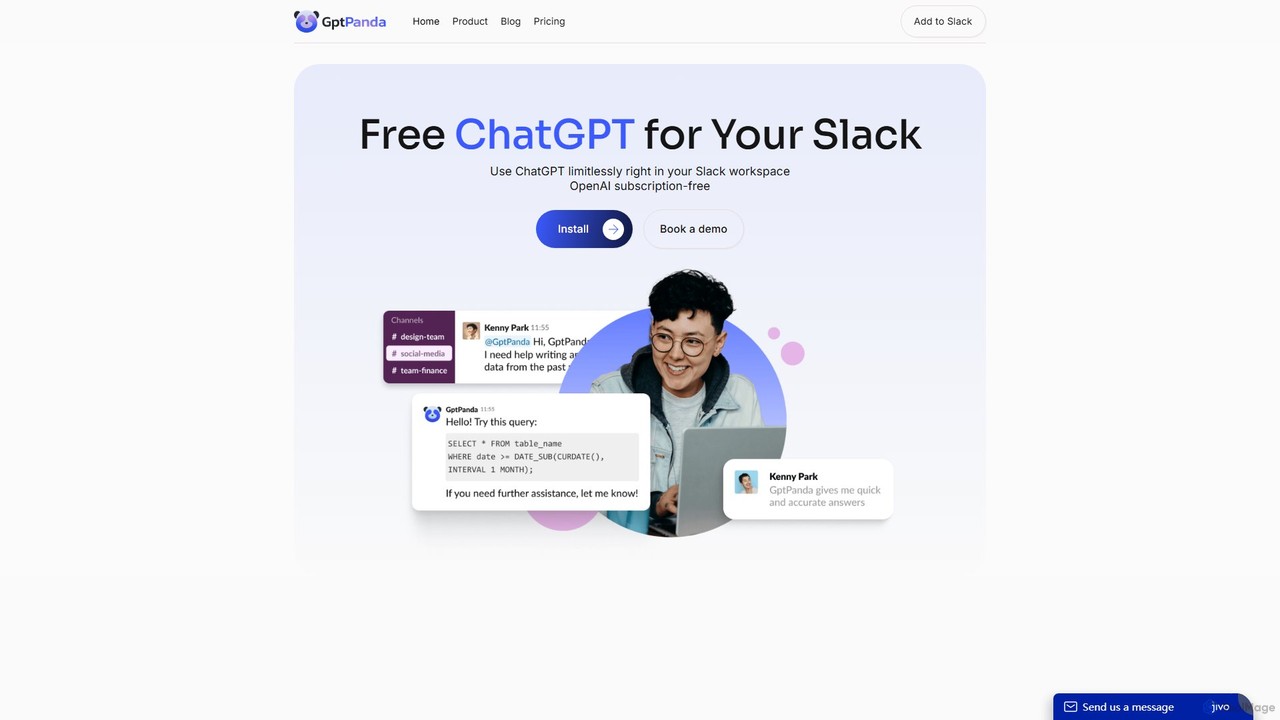
gptpanda
gptpanda integrates the latest ChatGPT models, like GPT-4o, directly into your Slack workspace. It allows teams to make unlimited requests in channels and private messages without leaving Slack. This tool boosts productivity by providing instant answers, facilitating brainstorming, and assisting with tasks, all while ensuring data privacy. It's designed for startups and small businesses, offering a powerful free tier to make AI accessible to everyone.
Chatbot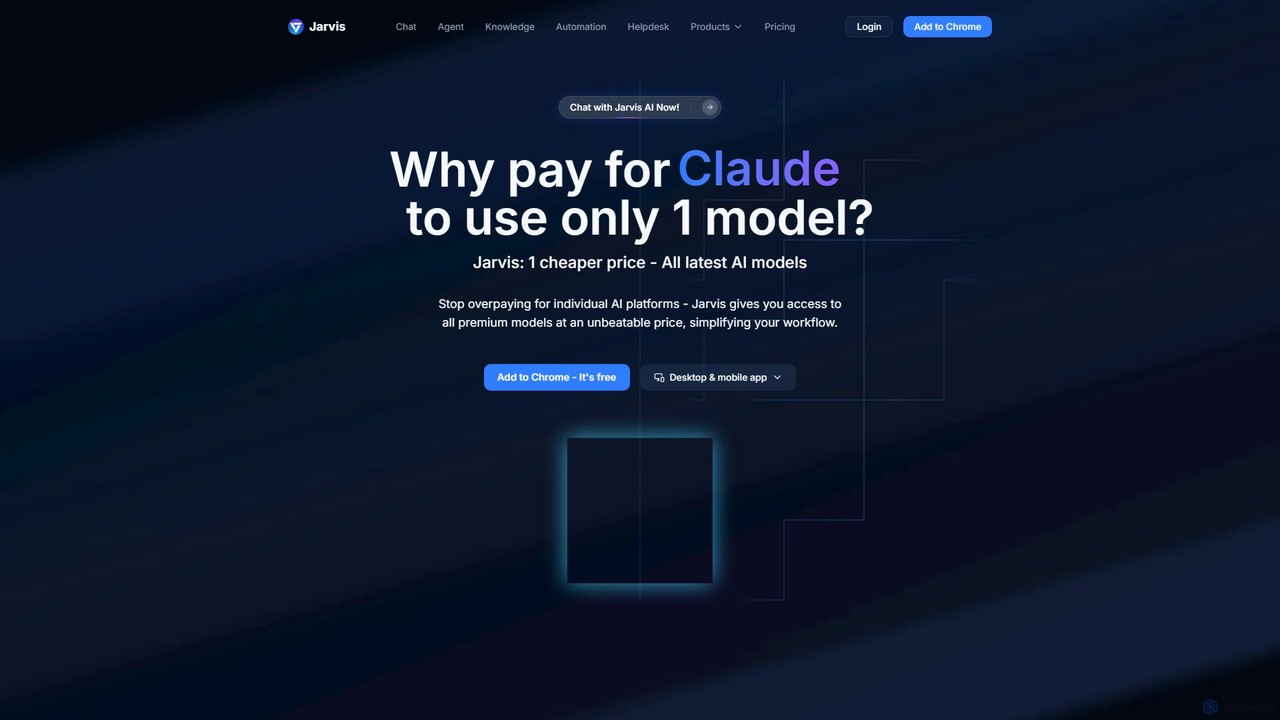
Jarvis AI
Jarvis AI is an all-in-one AI platform that integrates leading models like GPT-4o, Claude 3.5, and Gemini 2.0 into a single, cost-effective subscription. It functions as a cross-platform assistant, offering personalized knowledge bases, advanced writing tools, browser automation, and a dedicated AI helpdesk solution to streamline workflows across all your devices.
Chatbot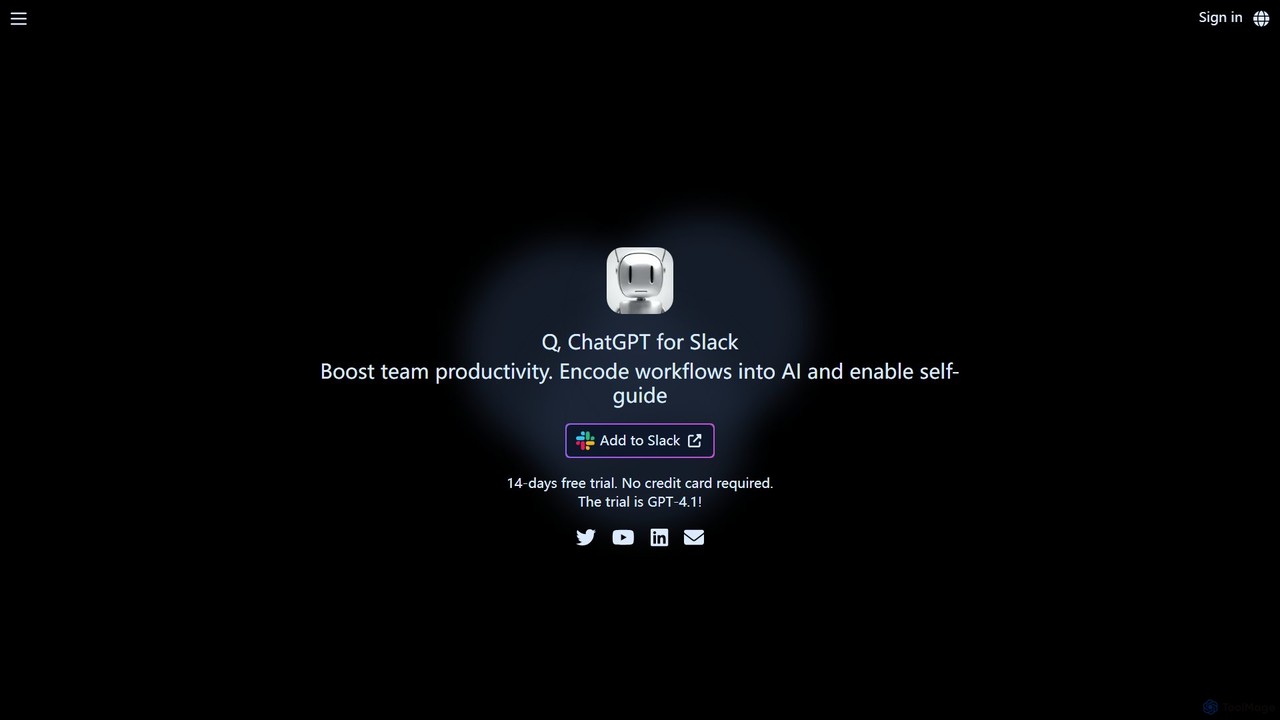
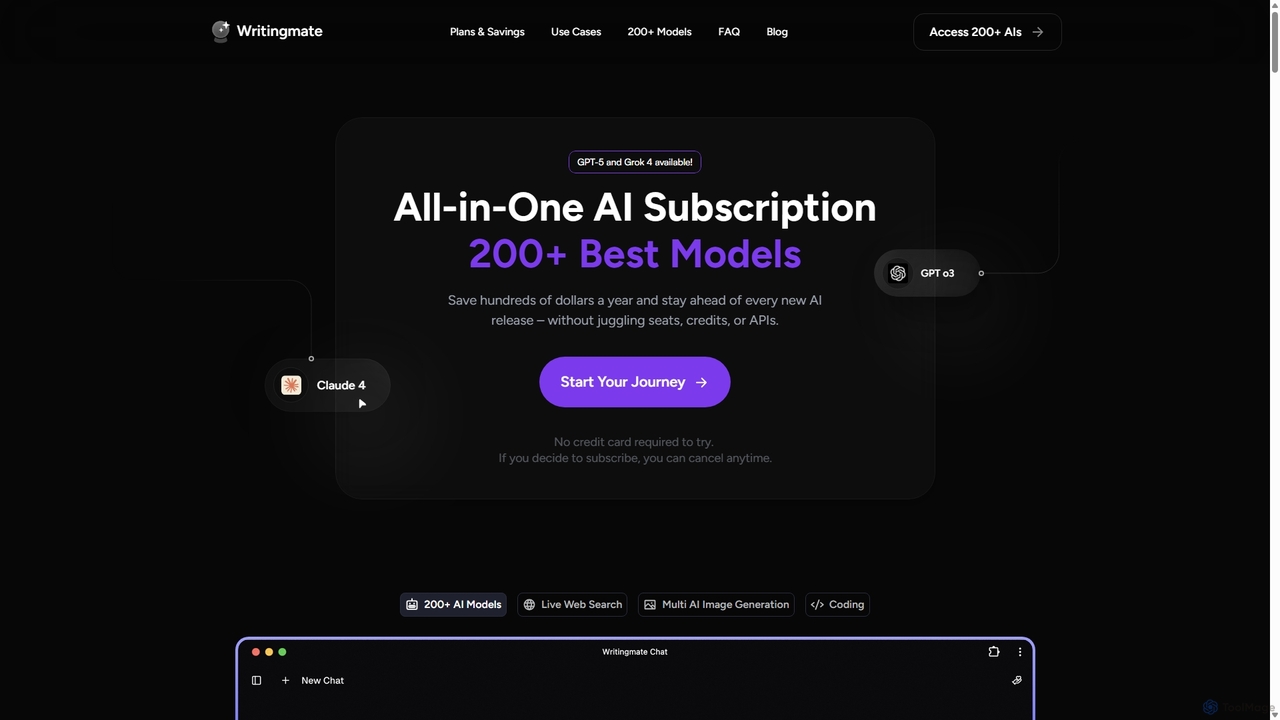
Writingmate
Writingmate is an all-in-one AI platform that provides access to over 200 of the best AI models, including GPT-5, Claude 4, and Grok 4, through a single subscription. It saves users money and time by eliminating the need to manage multiple AI tool subscriptions. Features include a model switcher, live web search, document chat, AI coding assistants, and multi-model image generation, catering to a wide range of professionals from developers to marketers.
Code Assistant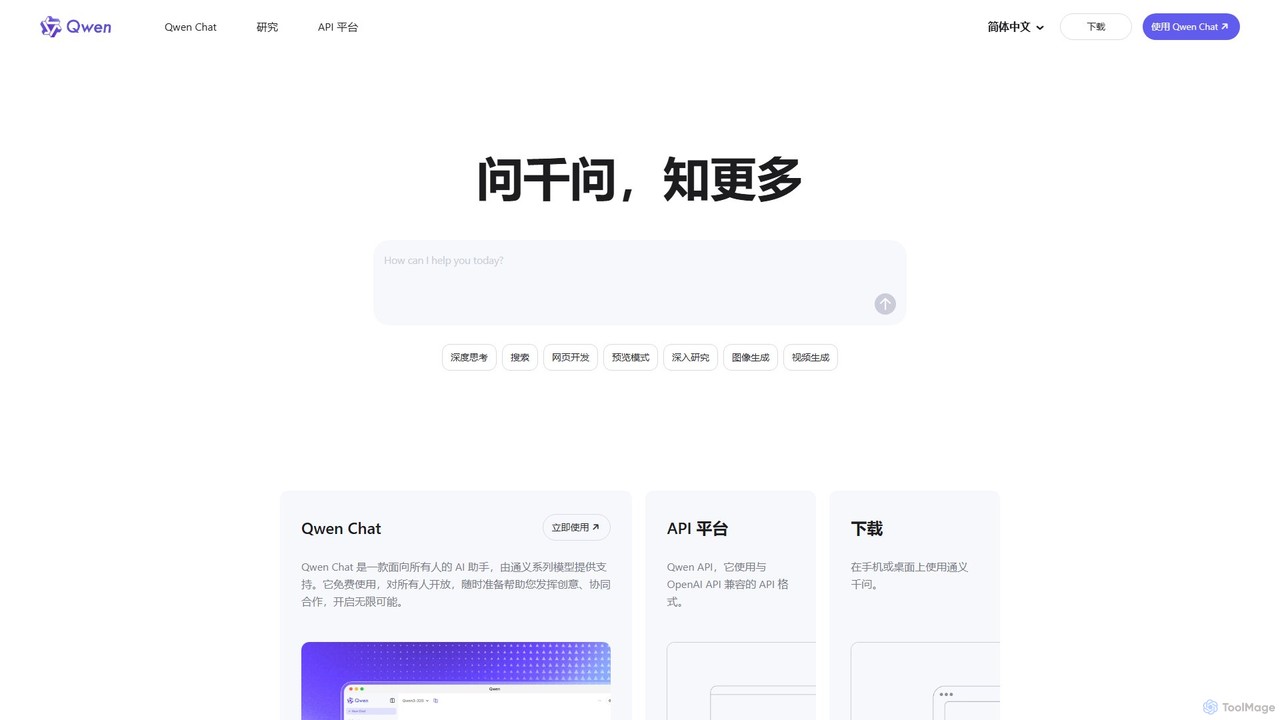
Qwen
Qwen is a powerful, multimodal AI assistant from Alibaba Cloud. It features a versatile chatbot (Qwen Chat), advanced image generation (Qwen-VL), in-depth research agents, and code generation (Qwen3-Coder). Available on web and mobile, Qwen excels at complex reasoning, data analysis, and creative tasks, offering both a free chat interface and a robust API for developers.
Image GeneratorGPTChat for Slack Categories
GPTChat for Slack Embed Widget
Copy this embed code to place the badge on your blog, article, or product site and send readers directly to this ToolMage detail page.

Related AI tools
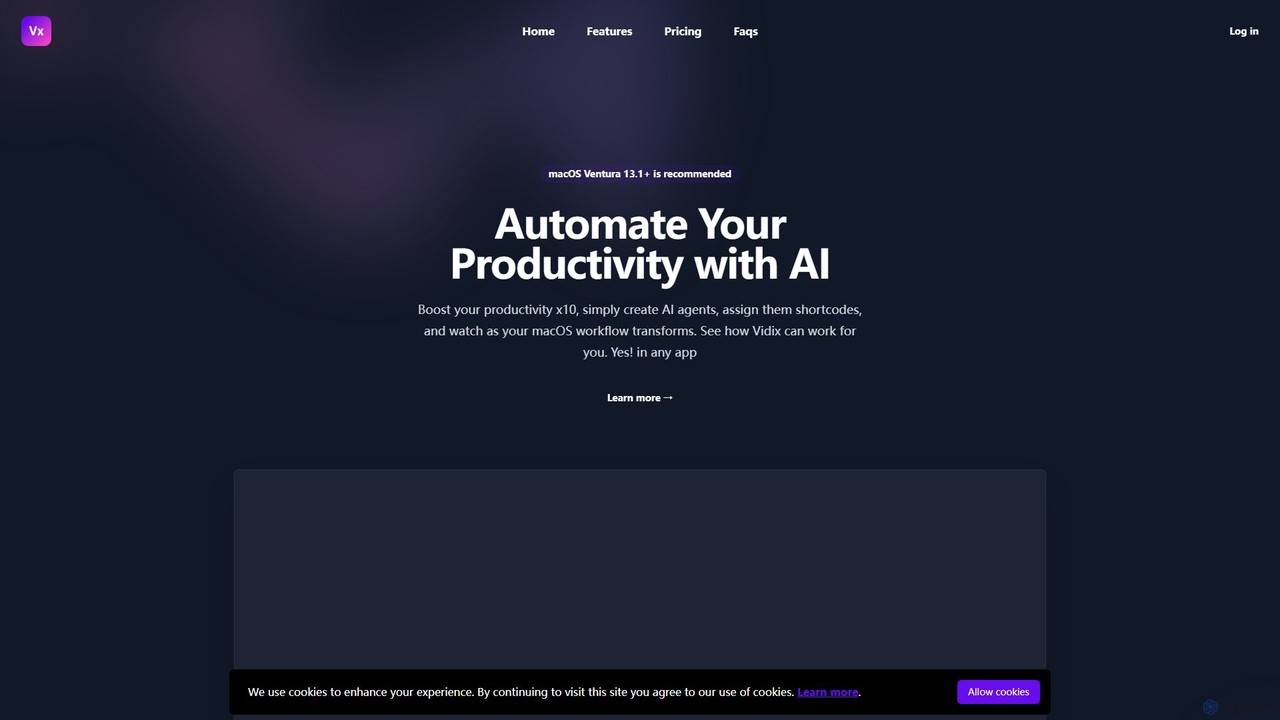
Vidix
Vidix is a powerful AI assistant for macOS designed to boost productivity. It allows users to create custom AI agents, assign them shortcodes, and activate them in any application to automate tasks, process text, and streamline workflows seamlessly.
Code Assistant
EasyFunctionCall
A developer-centric platform designed to simplify the integration of function calling and API connections for Large Language Models (LLMs). It abstracts the complexity of building AI agents and applications that can interact with external tools and data sources, enabling faster development and more robust performance. Supports major LLMs like GPT, Gemini, and Claude.
Model Integration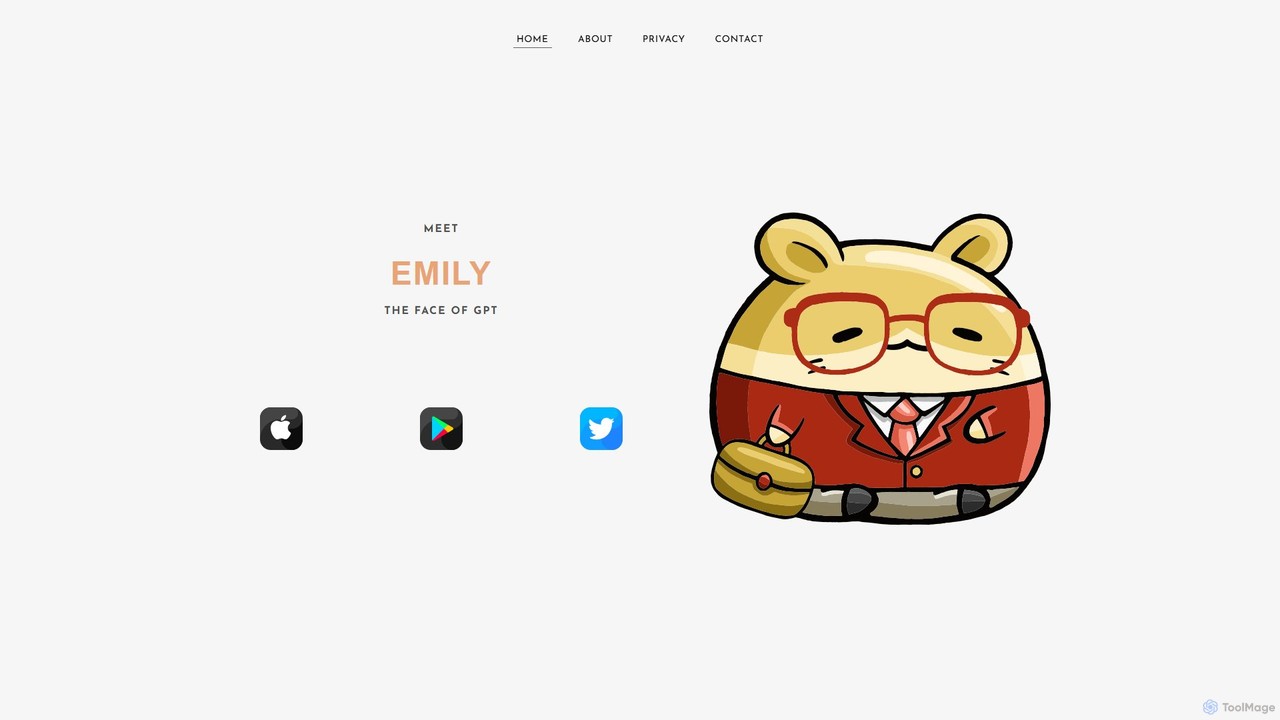
EmilyGPT
EmilyGPT is a friendly and powerful virtual digital assistant powered by OpenAI and Microsoft Azure. Designed as an approachable AI chatbot, it helps users with a wide range of tasks, from answering complex questions and generating creative content to assisting with professional writing and coding.
Assistant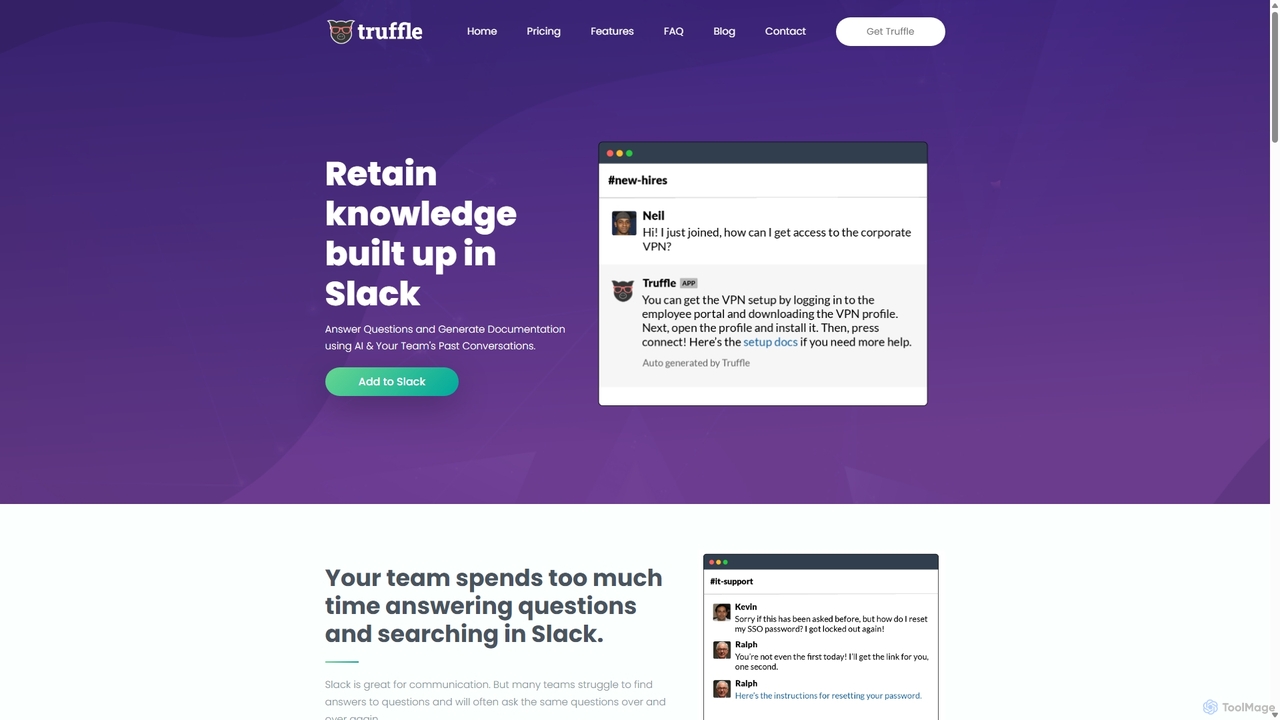
Truffle
Truffle is an AI-powered Slack bot that automatically builds a knowledge base from your team's past conversations. It instantly answers repetitive questions, saving time for HR, IT, and product teams, and making information accessible to everyone.
Team CollaborationJarvis AI
Jarvis AI is an all-in-one AI platform that integrates leading models like GPT-4o, Claude 3.5, and Gemini 2.0 into a single, cost-effective subscription. It functions as a cross-platform assistant, offering personalized knowledge bases, advanced writing tools, browser automation, and a dedicated AI helpdesk solution to streamline workflows across all your devices.
Chatbotgptpanda
gptpanda integrates the latest ChatGPT models, like GPT-4o, directly into your Slack workspace. It allows teams to make unlimited requests in channels and private messages without leaving Slack. This tool boosts productivity by providing instant answers, facilitating brainstorming, and assisting with tasks, all while ensuring data privacy. It's designed for startups and small businesses, offering a powerful free tier to make AI accessible to everyone.
Chatbot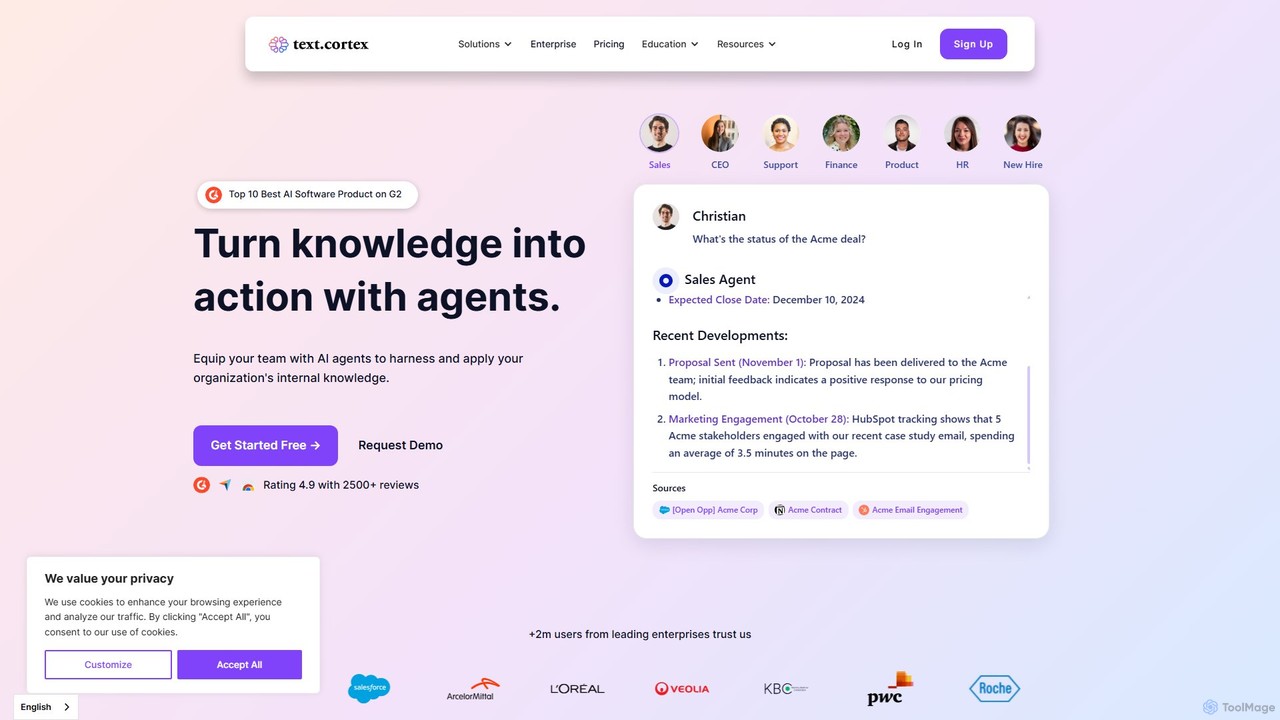
TextCortex
TextCortex is an enterprise-grade AI platform that transforms your company's internal knowledge into actionable insights. It enables teams to build custom AI agents, automate workflows, and enhance productivity with a highly personalized AI copilot that integrates across 30,000+ applications.
Knowledge Management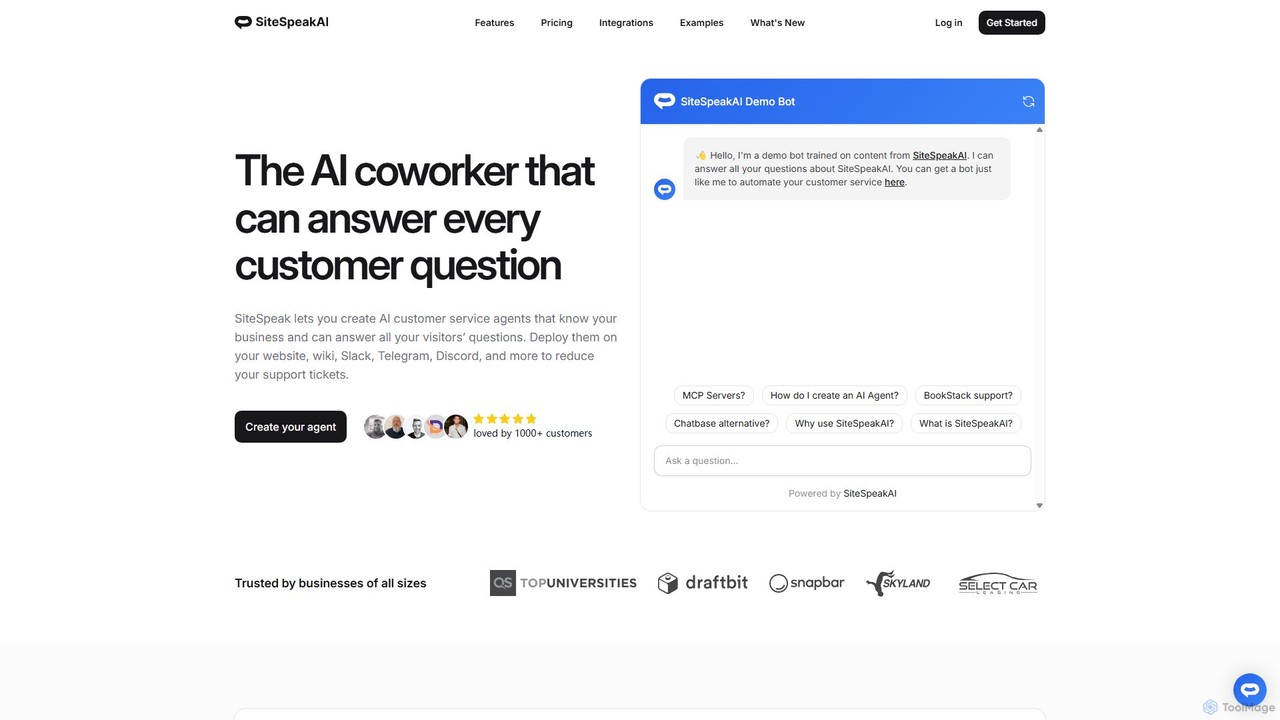
SiteSpeakAI
SiteSpeakAI allows you to create custom AI customer service agents trained on your business data. Deploy them on your website, Slack, Discord, and more to automate support, reduce tickets, and answer customer questions 24/7.
Chatbot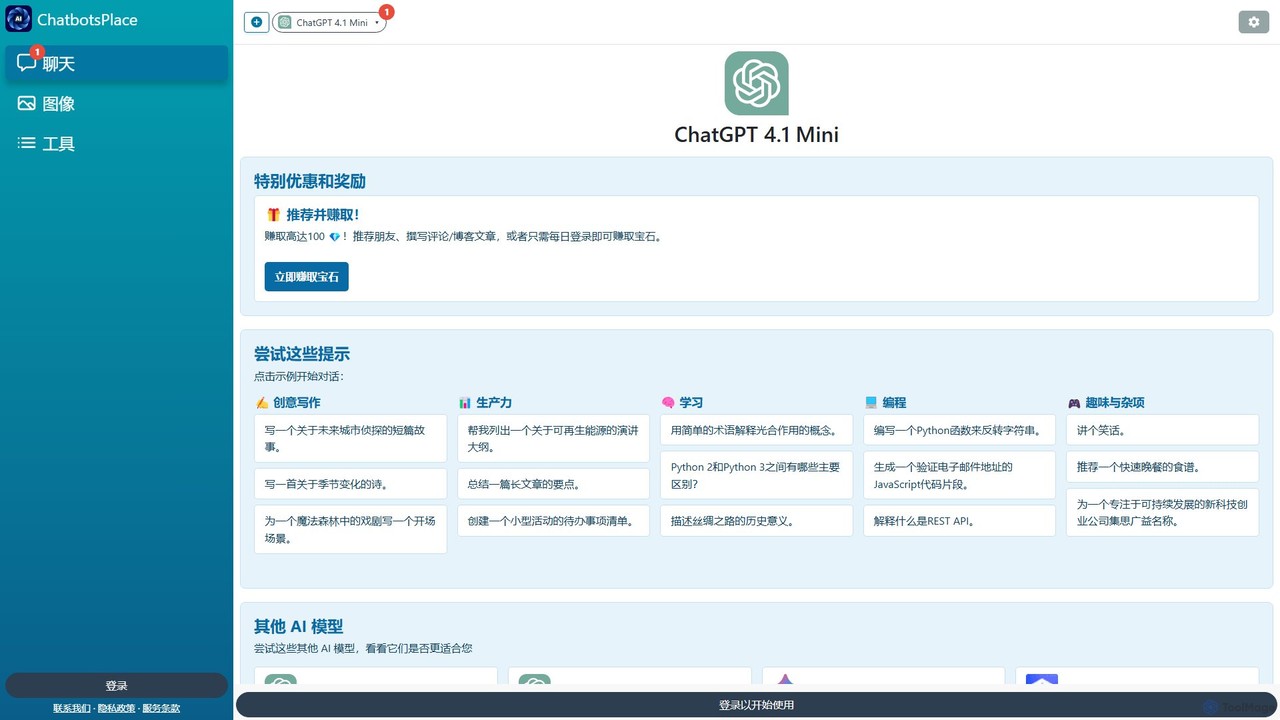
ChatGPT 4.1 Mini
ChatGPT 4.1 Mini is a versatile and fast AI chatbot on the ChatbotsPlace platform. It's designed for a wide range of tasks, including creative writing, productivity, learning, and programming. Accessible via web, browser extensions, and mobile apps, it offers a user-friendly interface with prompt suggestions to help users get started quickly and efficiently.
Code Assistant
heyalice
heyalice is a personal AI assistant for your desktop (macOS, Windows, Linux) that centralizes top AI models like GPT-4o and Claude 3.5. It enhances productivity through customizable assistants, reusable prompts (Skills), and seamless integration with automation tools like Zapier and Make. Bring your own API keys to control costs and work faster with powerful keyboard shortcuts, all within a privacy-focused, local application.
Code Assistant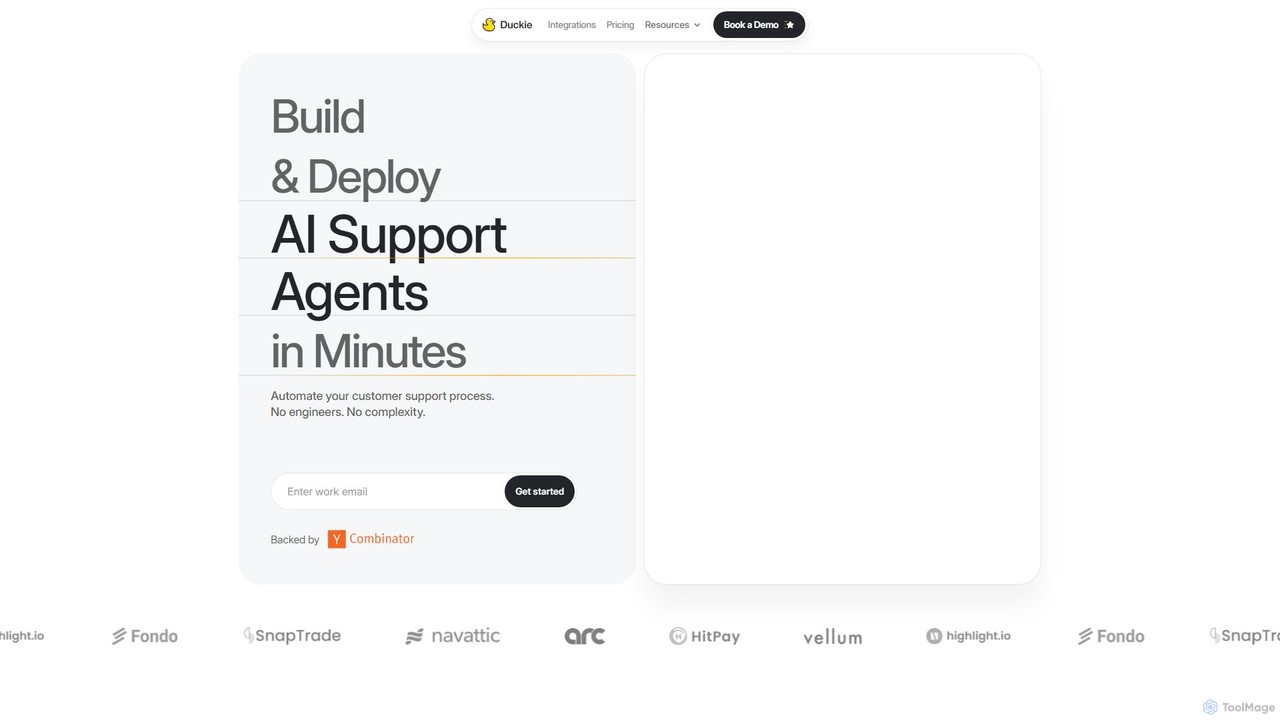
Duckie
Duckie is an AI-powered customer support platform designed for B2B SaaS companies. It enables businesses to build and deploy no-code AI support agents in minutes. These agents connect to your knowledge base to provide accurate answers, automate workflows, and perform actions like processing refunds or creating tickets. By integrating with tools like Slack, Zendesk, and Discord, Duckie deflects tickets, reduces resolution times, and empowers human agents with an AI copilot, ultimately saving costs and boosting team productivity.
Customer Relationship Management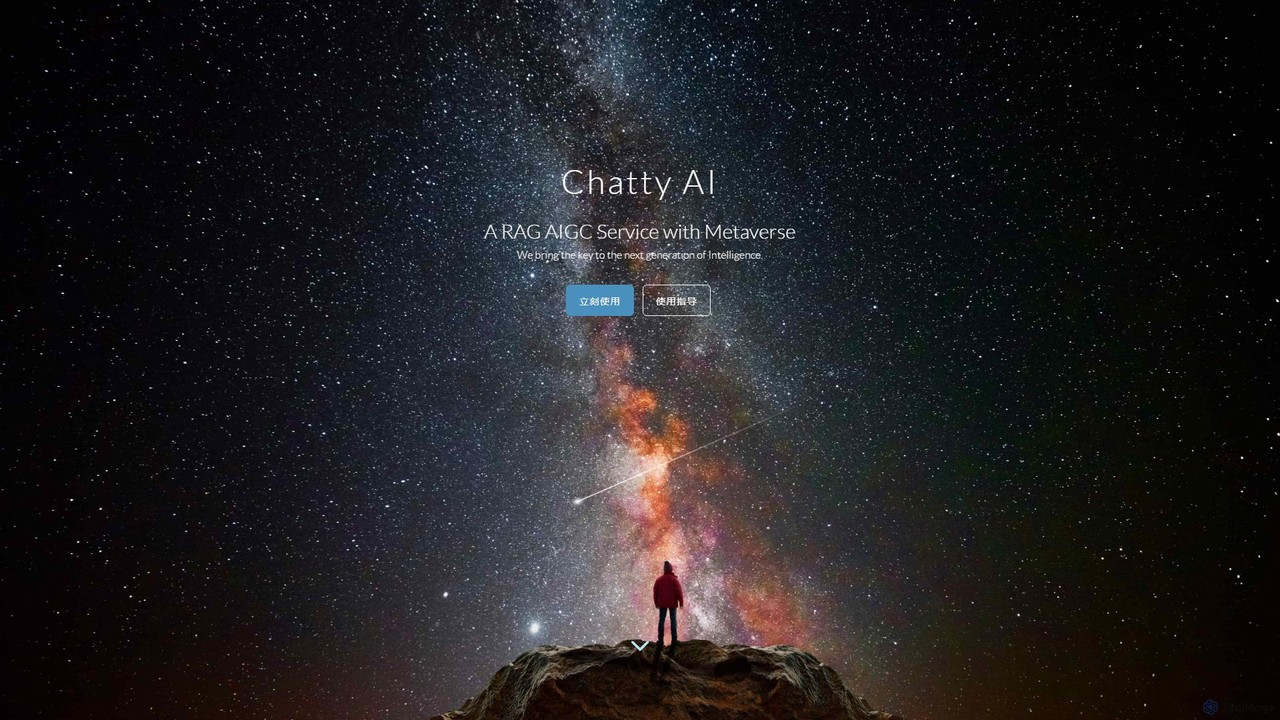
Chatty AI
Chatty AI is a versatile AIGC service powered by RAG technology. It serves as an all-in-one assistant for writing, coding, learning, social chatting with virtual characters, and specialized consulting for tasks like visa or business applications. It aims to provide a next-generation, intelligent, and interactive experience.
Ai Chatbot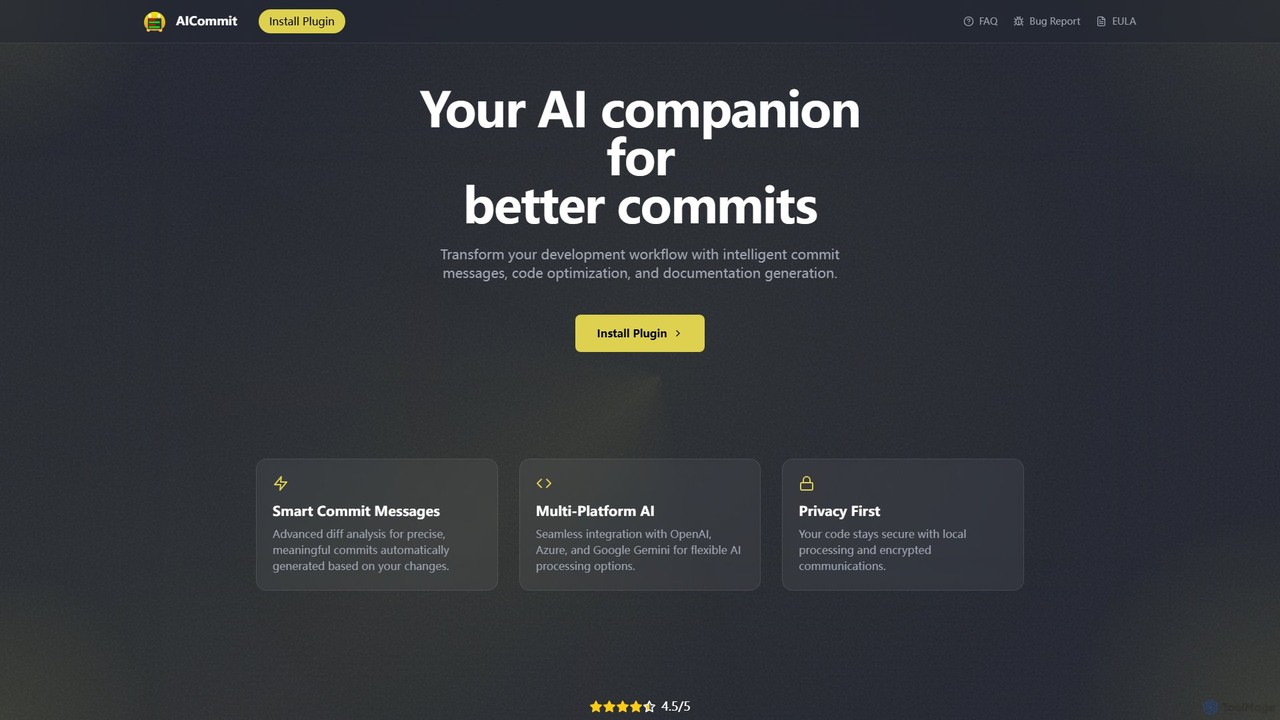
AICommit
AICommit is an intelligent IDE plugin that transforms your development workflow by automatically generating precise and meaningful Git commit messages. It analyzes your code changes and uses AI models from OpenAI, Azure, or Google Gemini to create high-quality commits, saving you time and improving repository clarity.
Version Control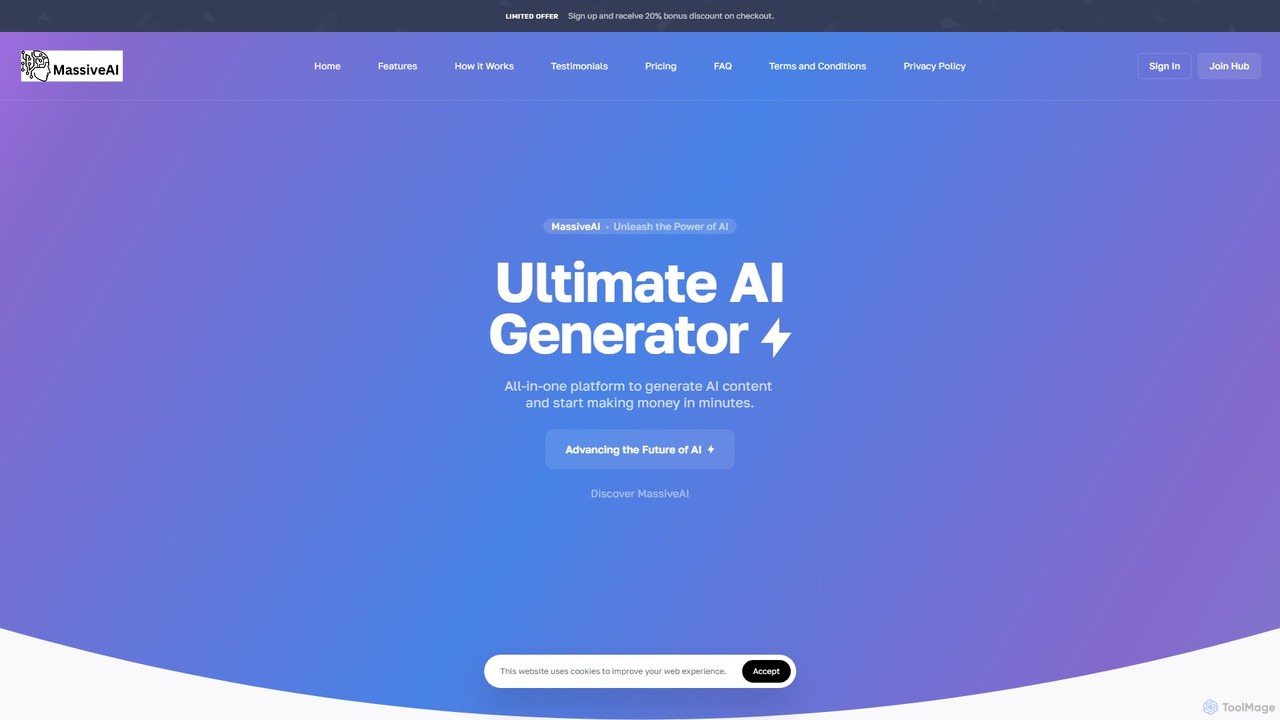
MassiveAI
MassiveAI is an all-in-one AI platform designed for content creation, marketing, and business growth. It integrates powerful tools for generating text, images, code, and speech-to-text, alongside an intelligent AI chatbot. Powered by OpenAI, it offers an intuitive dashboard with analytics to help digital agencies, marketers, developers, and entrepreneurs streamline their workflows and accelerate productivity.
Image Generation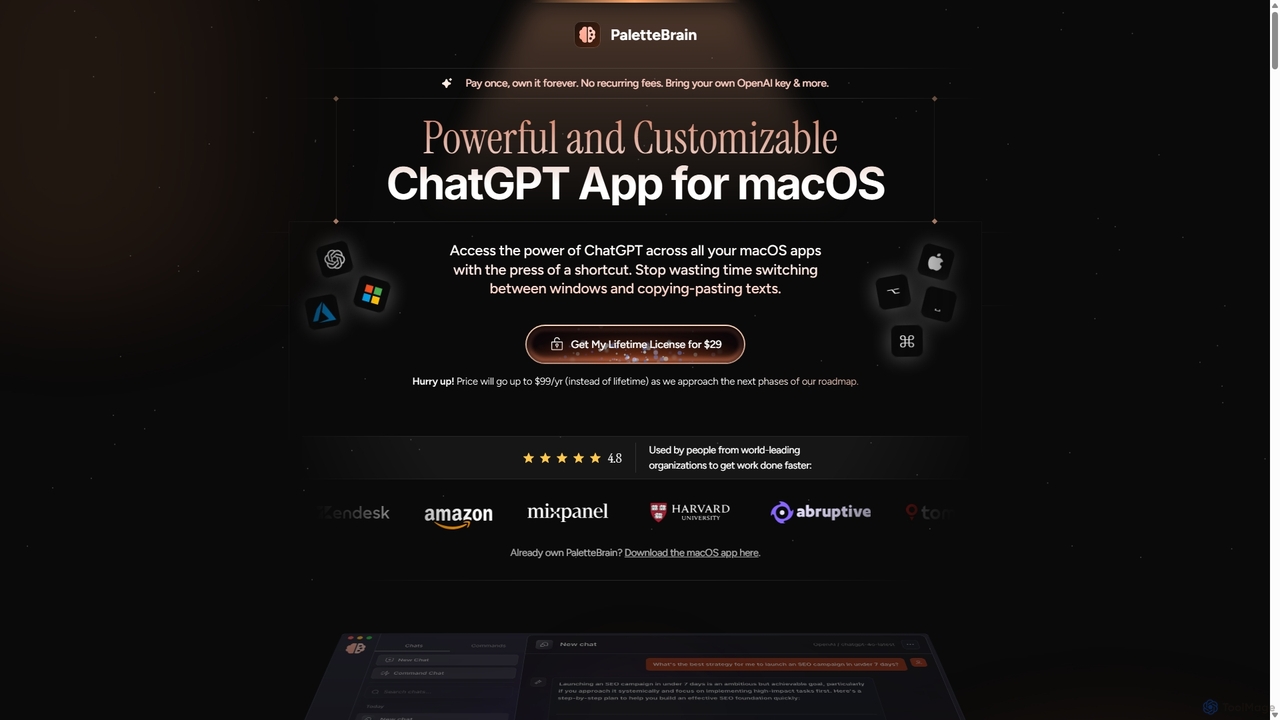
PaletteBrain
PaletteBrain is a native macOS application that integrates the power of ChatGPT directly into your workflow. With a simple keyboard shortcut, you can access AI commands on any selected text within any app, eliminating context switching. It offers customizable prompts, a one-time purchase model, and allows you to use your own OpenAI key for pay-as-you-go usage, making it a cost-effective and efficient productivity booster for writers, developers, and marketers.
Code Assistant
GPTChat for Slack Comments (0)
Sign in to comment.
Sign inNo comments yet.