
gptpanda Overview
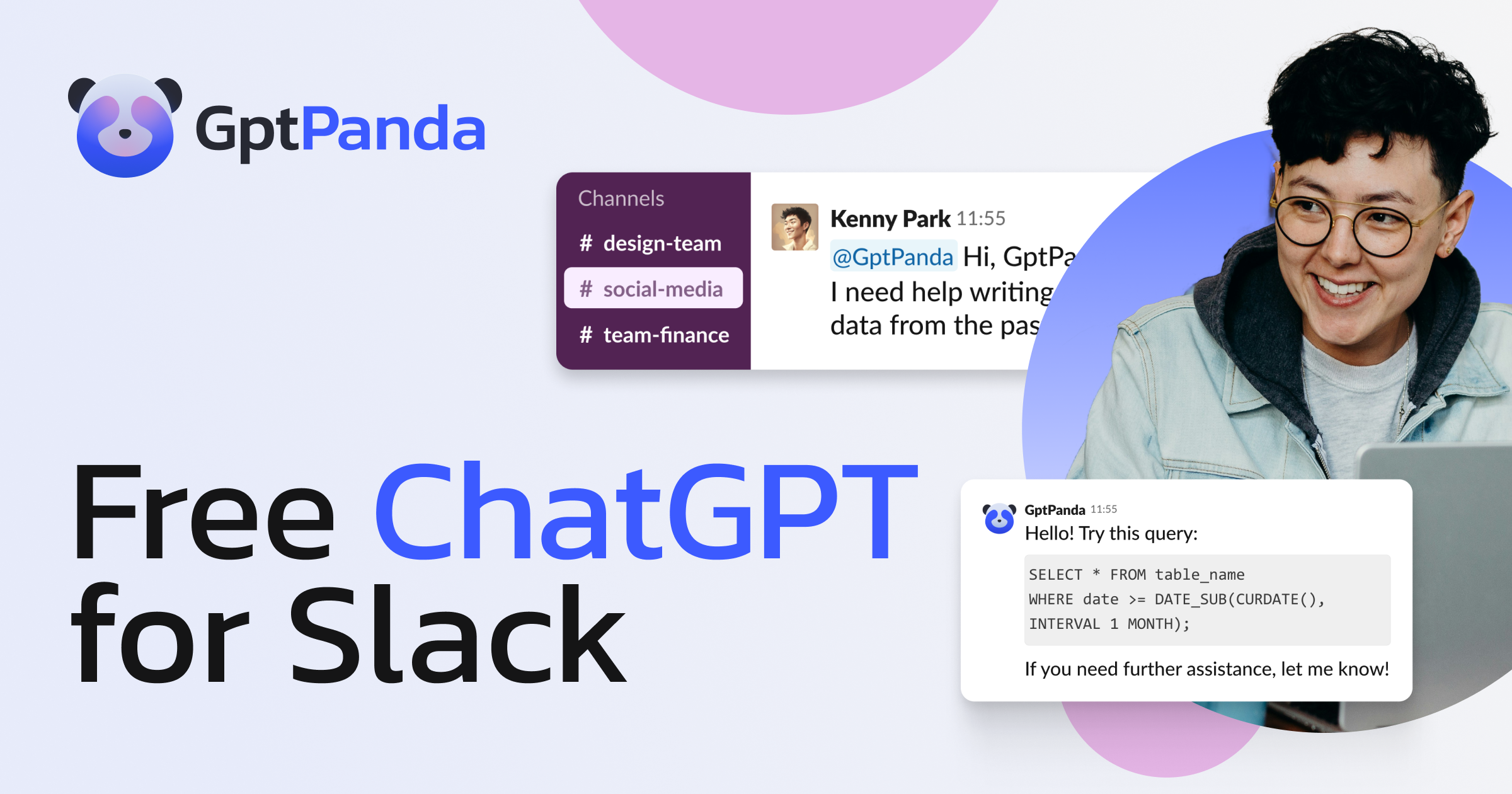
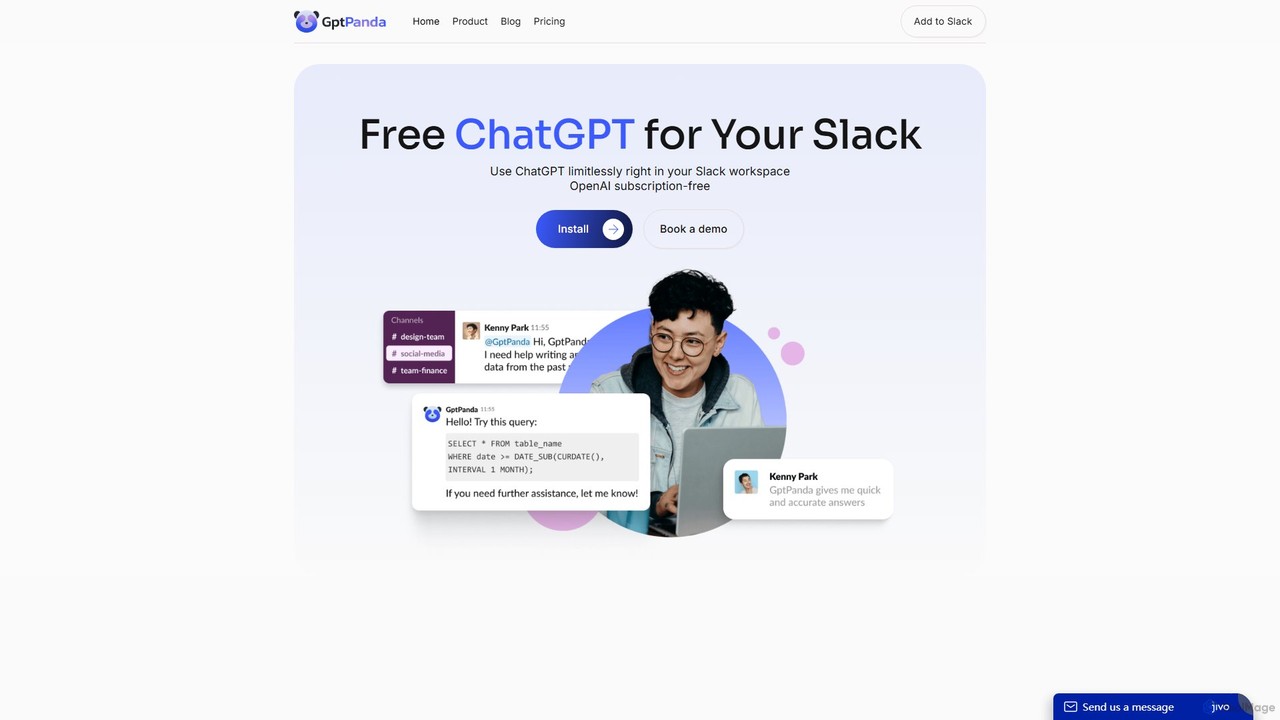
gptpanda is a powerful AI assistant designed to supercharge your team's productivity by seamlessly integrating the capabilities of ChatGPT directly into your Slack workspace. It eliminates the need to constantly switch between applications, allowing your team to access the latest AI models, including the advanced GPT-4o, without ever leaving your communication hub. Whether in public channels, private groups, or direct messages, gptpanda is always available to provide instant answers, generate creative content, and streamline workflows, making it an indispensable tool for modern, fast-paced teams.
The core mission of gptpanda is to democratize access to powerful AI, especially for startups and small to medium-sized businesses. By offering unlimited requests on its generous free plan, it provides a significant competitive advantage, enabling teams to leverage cutting-edge technology without the high costs typically associated with enterprise AI solutions. The platform is built with a strong emphasis on privacy and security, ensuring that your company's data remains confidential and is never used for model training.
How to use gptpanda
Getting started with gptpanda is incredibly simple and designed for immediate use. The integration process takes just a couple of clicks:
- Install the App: Navigate to the gptpanda website and click the "Install" or "Get Started" button.
- Authorize Access: You will be redirected to Slack to authorize the application. Select the desired workspace and click "Allow" to grant the necessary permissions.
- Introduce to Your Team: Announce the new AI assistant to your team members. Let them know they can now leverage ChatGPT's power within Slack.
- Start Interacting: To use gptpanda in a public channel, simply type
/call_pandafollowed by your question or prompt. For private conversations, you can go to the Messages section and interact with gptpanda directly, just like you would with a colleague.
Core Features of gptpanda
- Seamless Slack Integration: Works effortlessly within public channels, private channels, and direct messages, making AI a natural part of your team's conversations.
- Unlimited Requests: Ask as many questions as you need without any caps or restrictions. Your entire team can use it limitlessly.
- Access to Latest AI Models: Always equipped with the most advanced models from OpenAI, such as GPT-4o, for high-quality answers, creative brainstorming, and complex problem-solving.
- Private & Secure: gptpanda does not store your conversation data, and it is not used for training AI models by OpenAI, ensuring your sensitive information remains protected.
- High-Speed Responses: Engineered for efficiency, gptpanda processes requests and delivers answers in an average of just 5 seconds.
- Context Recognition: The paid plans offer context awareness, allowing the bot to understand the flow of a conversation for more relevant and coherent responses.
- Easy Two-Click Setup: No complex configuration is needed. You can have gptpanda up and running in your workspace in under a minute.
Use Cases for gptpanda
gptpanda is a versatile tool that can be applied across various departments and functions:
- Marketing Teams: Brainstorm campaign ideas, generate ad copy, write social media posts, draft blog content, and perform market research.
- Sales Teams: Craft personalized outreach emails, prepare for client meetings by summarizing key information, and automate follow-up messages.
- Developer & Engineering Teams: Generate code snippets, debug errors, explain complex algorithms, and draft technical documentation.
- Customer Support: Quickly formulate clear and empathetic responses to common customer inquiries, improving response times.
- Content Creation: Overcome writer's block by generating outlines, paragraphs, or entire articles on any topic.
- General Productivity: Summarize long threads, translate text, draft internal announcements, and manage simple tasks.
Advantages of gptpanda
Integrating gptpanda into your Slack workspace offers numerous benefits:
- Boosted Productivity: By keeping all interactions within Slack, it minimizes context switching and keeps your team focused.
- Cost-Effective AI Power: The robust free plan makes enterprise-level AI accessible to businesses of all sizes, especially startups.
- Enhanced Team Collaboration: AI becomes a collaborative partner that anyone on the team can consult, fostering a more innovative and efficient work environment.
- Streamlined Workflows: Automate repetitive communication and content generation tasks, freeing up valuable time for strategic work.
- Data Confidentiality: Use the tool with confidence, knowing your proprietary information is secure and private.
Pricing and Plans
gptpanda offers a flexible pricing structure to suit different team needs:
- Starter Plan: Free. This plan includes unlimited requests, answers in public channels and direct messages, and access to the latest AI models with standard support.
- Basic Plan: $1 per user/month. This includes all features of the Starter plan, plus context recognition for more intelligent conversations and premium support.
- Self-hosted Plan: Custom pricing (upon request). Ideal for large organizations or those with strict security requirements, this plan offers full control, customization, enhanced security, and seamless integration into your infrastructure.
gptpanda Alternatives
GPTChat for Slack
GPTChat for Slack integrates the power of OpenAI's GPT models directly into your Slack workspace. Boost team productivity by generating content, writing code, brainstorming ideas, and getting instant answers to complex questions, all without leaving your communication hub.
Chatbot
Ninjachat
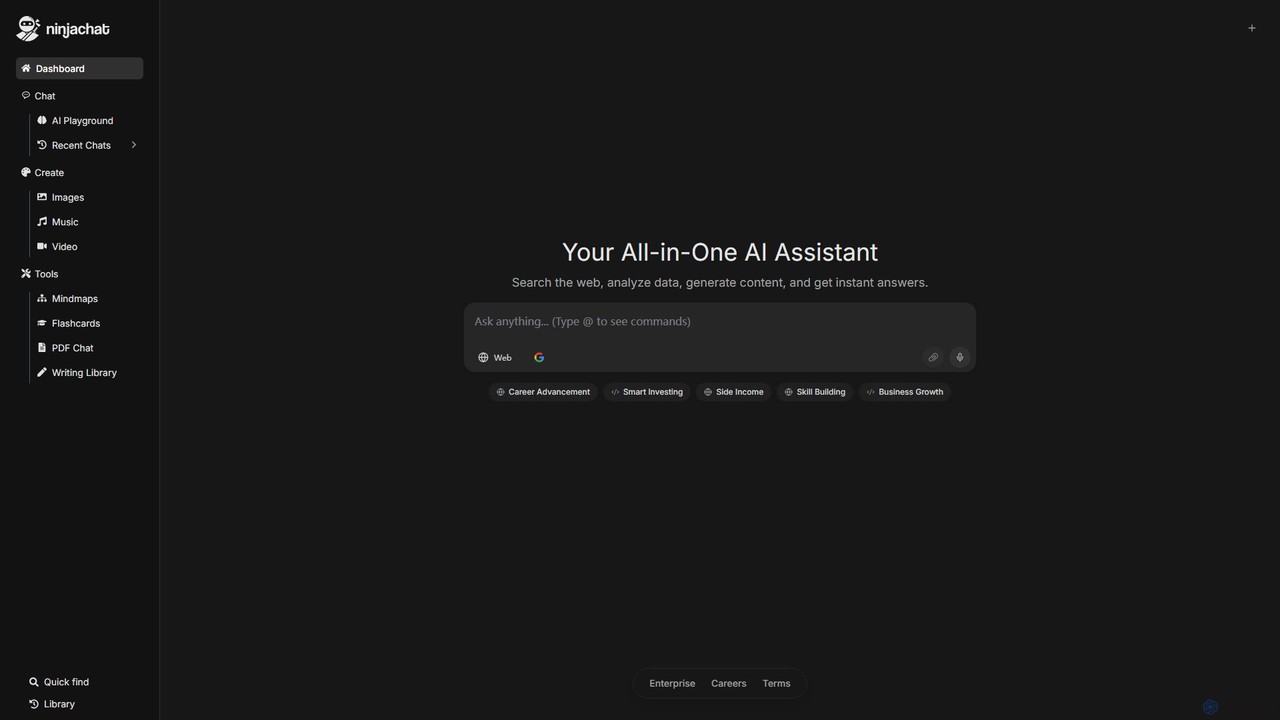
Ninjachat is an all-in-one AI assistant that provides access to a wide range of leading large language models (LLMs) through a single, unified interface. Compare outputs from models like GPT-4o, Gemini 1.5 Pro, Claude 3.7 Sonnet, and Llama 4 to find the best results for any task, from content creation and coding to complex research.
Code Assistant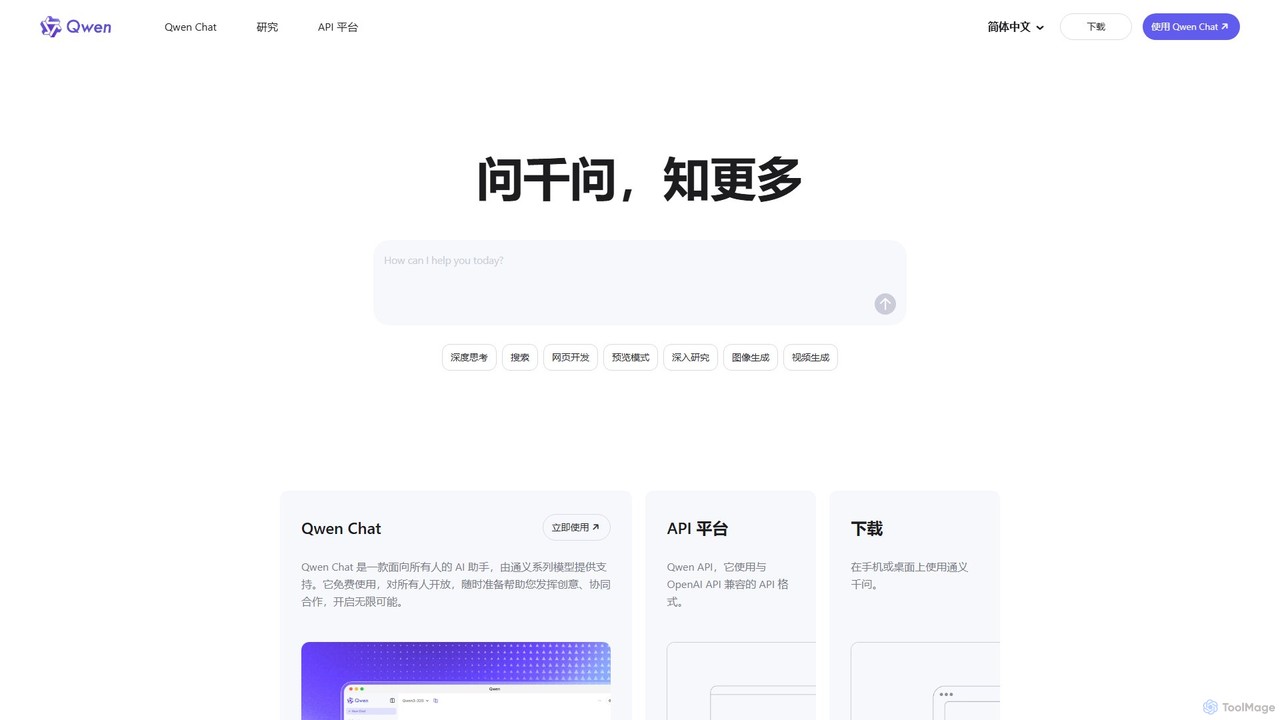
Qwen
Qwen is a powerful, multimodal AI assistant from Alibaba Cloud. It features a versatile chatbot (Qwen Chat), advanced image generation (Qwen-VL), in-depth research agents, and code generation (Qwen3-Coder). Available on web and mobile, Qwen excels at complex reasoning, data analysis, and creative tasks, offering both a free chat interface and a robust API for developers.
Image Generator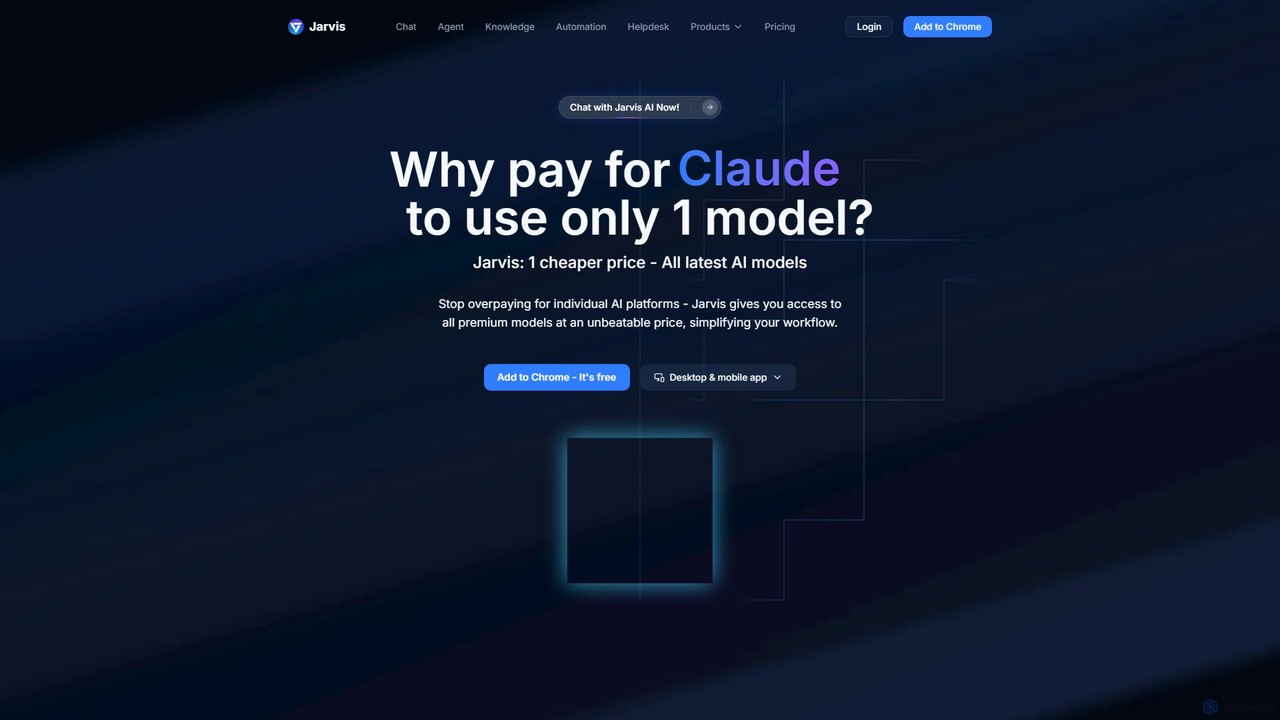
Jarvis AI
Jarvis AI is an all-in-one AI platform that integrates leading models like GPT-4o, Claude 3.5, and Gemini 2.0 into a single, cost-effective subscription. It functions as a cross-platform assistant, offering personalized knowledge bases, advanced writing tools, browser automation, and a dedicated AI helpdesk solution to streamline workflows across all your devices.
Chatbotgptpanda Categories
gptpanda Embed Widget
Copy this embed code to place the badge on your blog, article, or product site and send readers directly to this ToolMage detail page.

Related AI tools
ChatScope AI
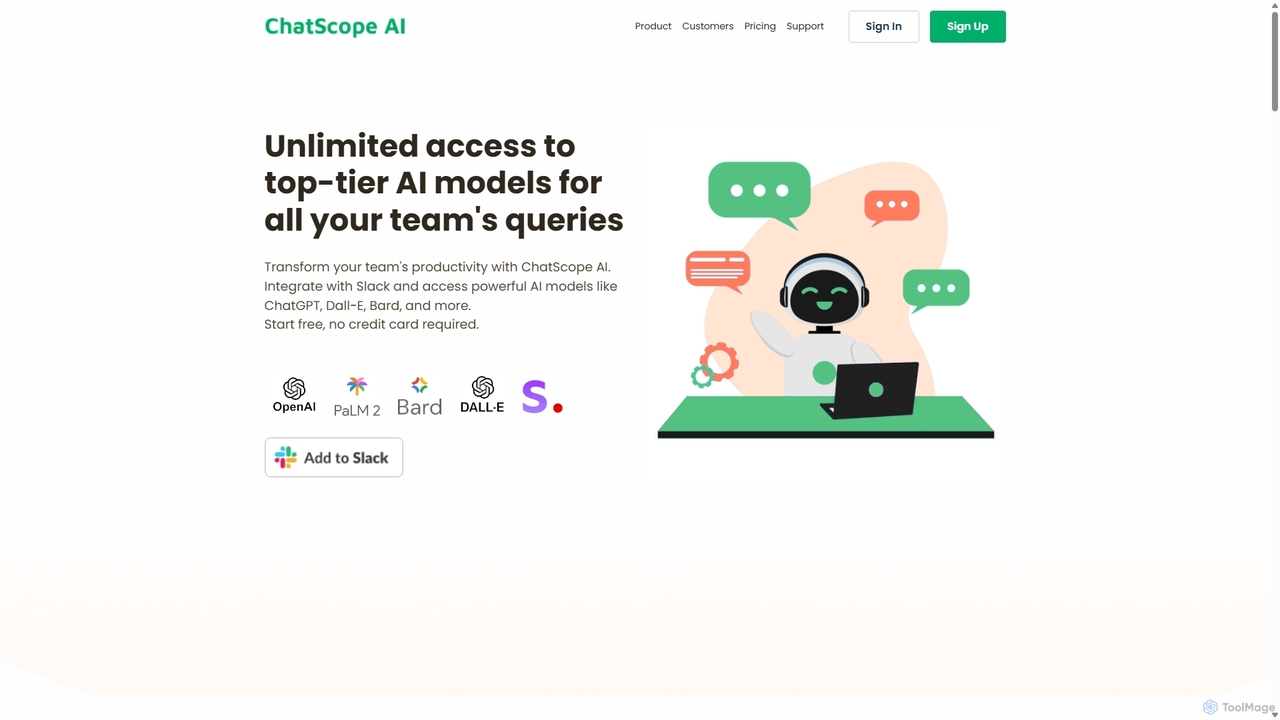
ChatScope AI integrates top-tier AI models like ChatGPT, Dall-E, and Bard directly into your Slack workspace. Boost team productivity by answering questions, summarizing threads, brainstorming ideas, and generating content, all within your existing communication channels. It's a cost-effective solution designed for seamless collaboration and enhanced efficiency.
Multi Model Access
Super
Super is an AI platform that transforms your company's scattered data into a unified, searchable knowledge base. It connects with tools like Slack, Google Drive, and Notion to provide instant answers, automate workflows, and deploy ready-to-use AI assistants, boosting team productivity and efficiency.
Enterprise Search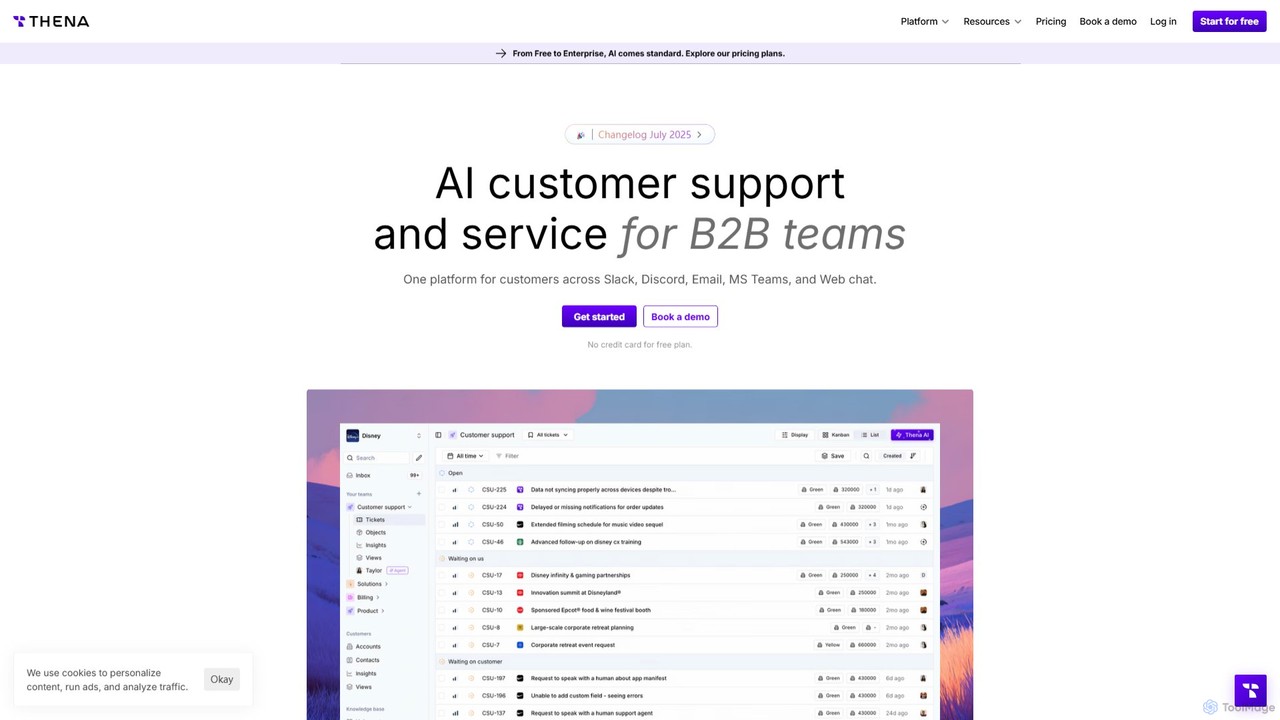
Thena
Thena is an AI-powered customer support platform designed for B2B teams. It unifies communications from channels like Slack, Email, MS Teams, and Discord into a single, intelligent helpdesk. Thena uses AI to automate ticket creation, provide instant responses, and streamline complex support workflows, helping teams resolve issues faster and improve customer satisfaction.
Customer Relationship Management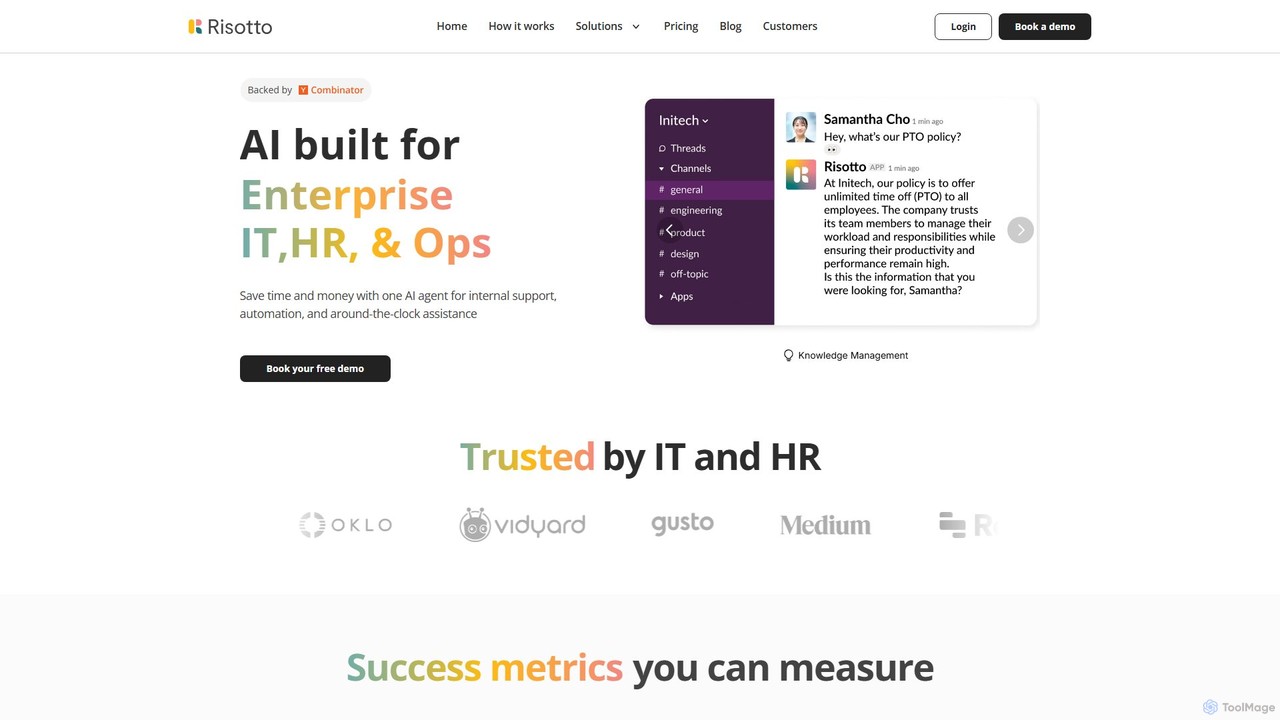
Risotto
Risotto is an AI-powered IT help desk automation platform built for Slack. It unifies support operations, automates Tier 1 ticket resolution, and streamlines identity and access management (IAM). By leveraging AI to learn from your knowledge base and past tickets, Risotto deflects common requests, provides 24/7 support, and accelerates employee onboarding, all within your existing Slack workspace.
Customer Support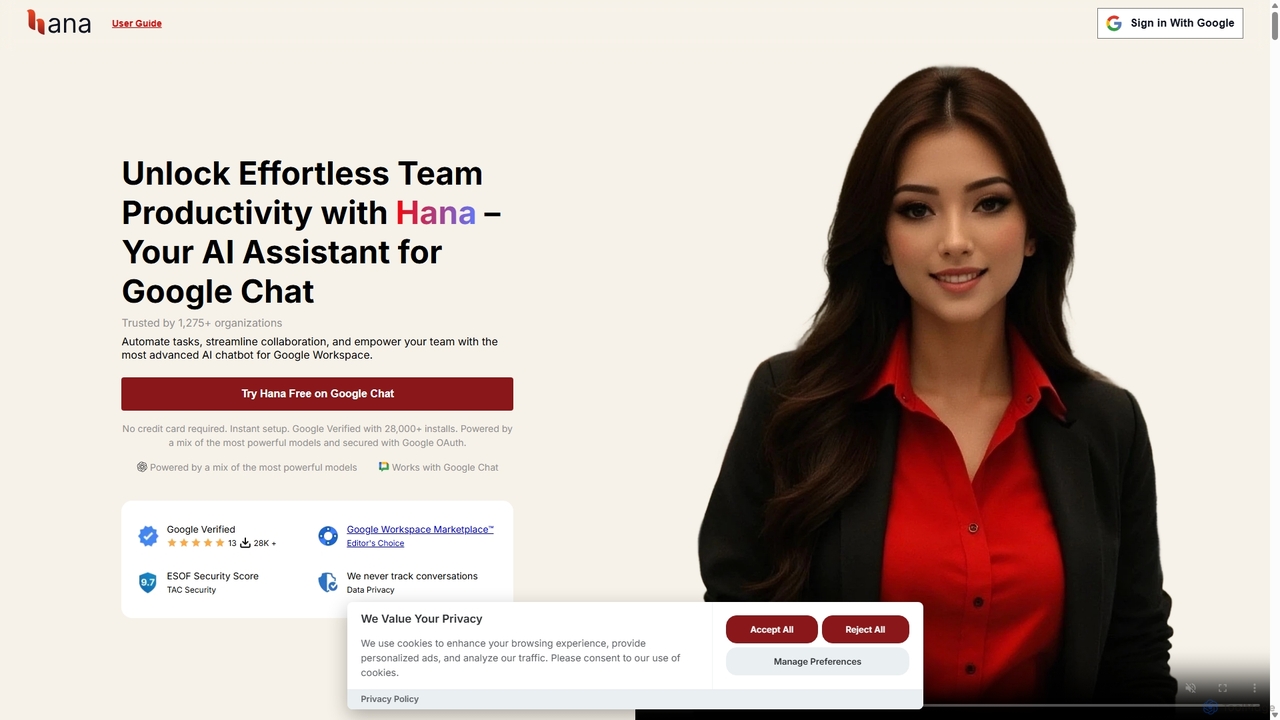
Hana
Hana is an advanced AI assistant integrated directly into Google Chat, designed to enhance team productivity and streamline collaboration. It automates tasks, manages reminders, and provides instant answers from a shared knowledge base, acting as an always-available AI teammate for Google Workspace users.
ChatbotsNinjachat
Ninjachat is an all-in-one AI assistant that provides access to a wide range of leading large language models (LLMs) through a single, unified interface. Compare outputs from models like GPT-4o, Gemini 1.5 Pro, Claude 3.7 Sonnet, and Llama 4 to find the best results for any task, from content creation and coding to complex research.
Code AssistantGPTChat for Slack
GPTChat for Slack integrates the power of OpenAI's GPT models directly into your Slack workspace. Boost team productivity by generating content, writing code, brainstorming ideas, and getting instant answers to complex questions, all without leaving your communication hub.
Chatbot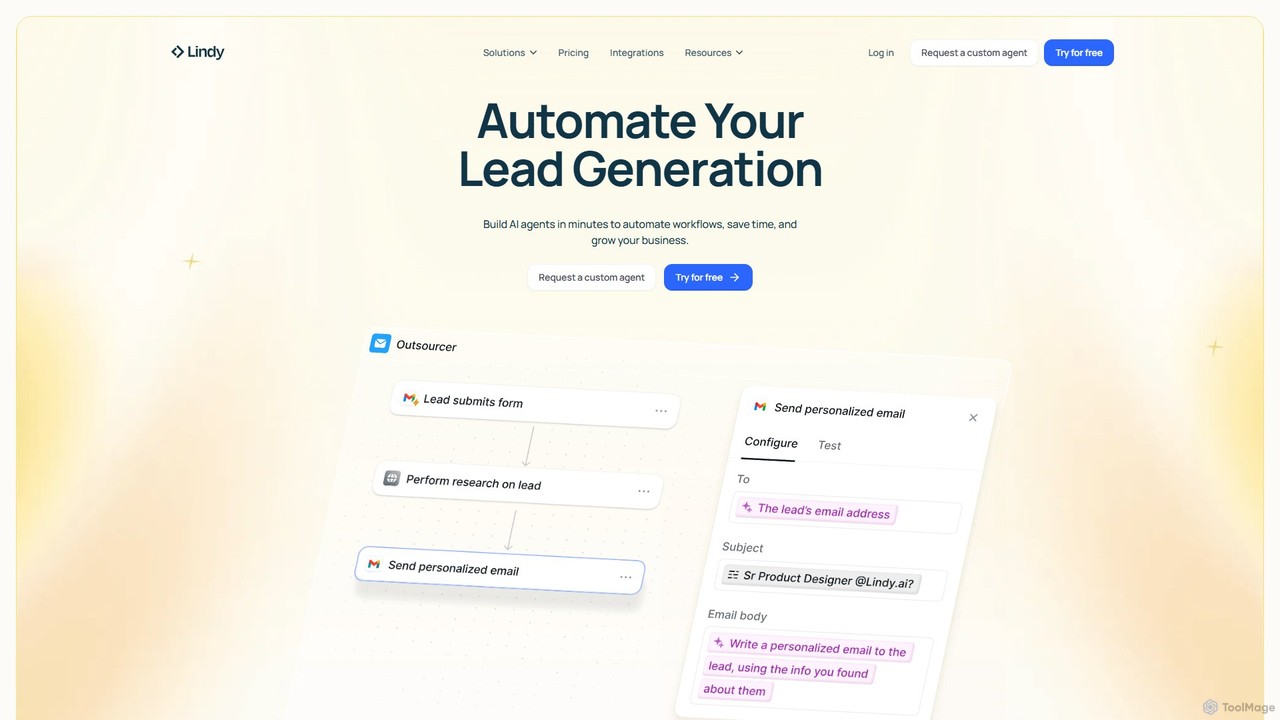
Lindy
Lindy is an AI assistant platform that enables you to build custom AI agents to automate workflows, saving time and scaling business operations. It integrates with hundreds of apps like Gmail and HubSpot, allowing you to automate tasks in sales, customer support, recruiting, and personal productivity using simple natural language commands.
Chatbot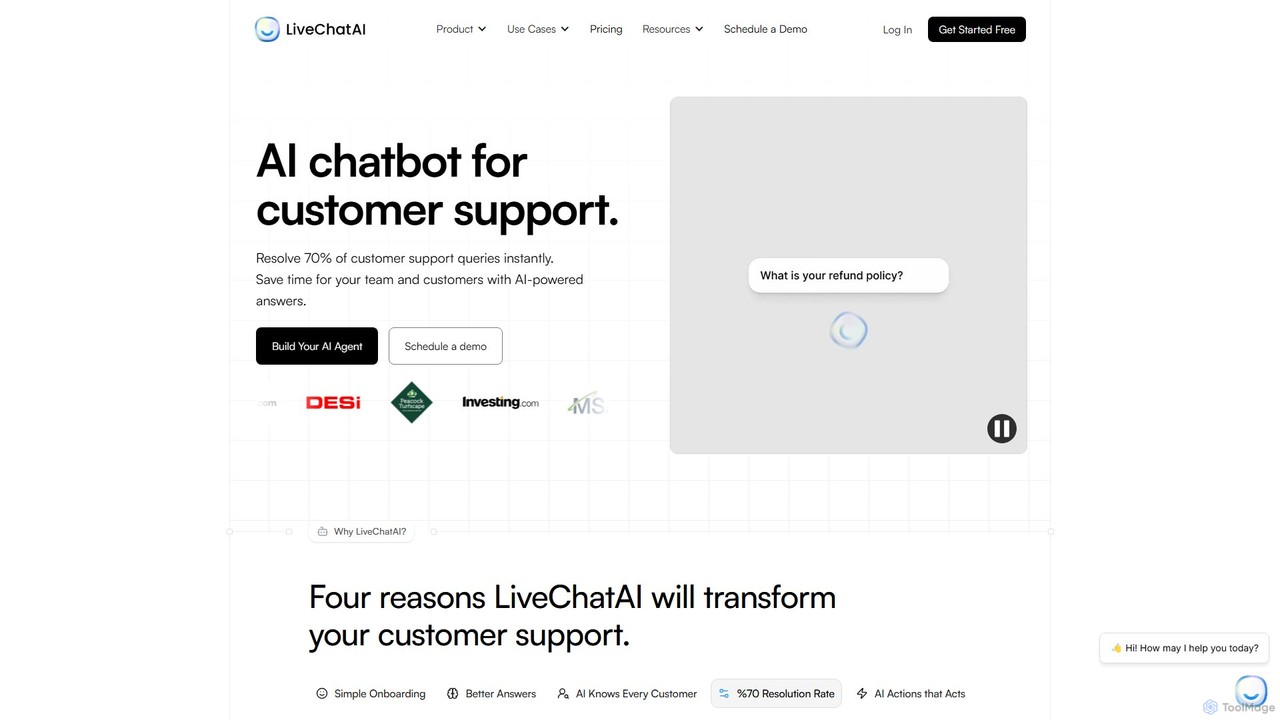
LiveChatAI
LiveChatAI is a GPT-4o powered platform that creates an AI chatbot for customer support, trained on your own data. It aims to instantly resolve up to 70% of customer queries, offering 24/7 automated assistance, seamless human handoff, and powerful AI Actions to automate tasks beyond conversation.
Chatbot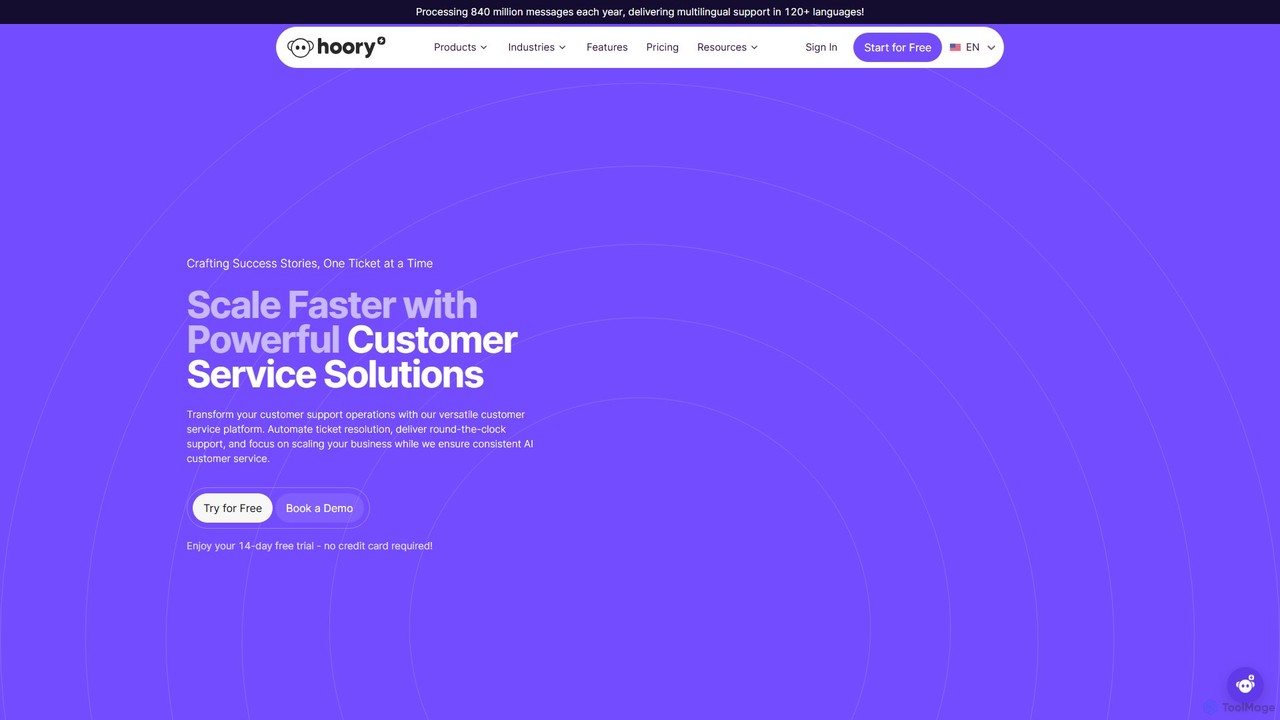
Hoory
Hoory is an AI-powered customer service platform designed to help businesses scale through automation. It offers a suite of tools including a versatile AI Assistant, live chat, a no-code chatbot builder, and an AI call center solution. Supporting over 120 languages, Hoory enables 24/7 omnichannel support, streamlines workflows, and enhances customer satisfaction while reducing operational costs.
Chatbot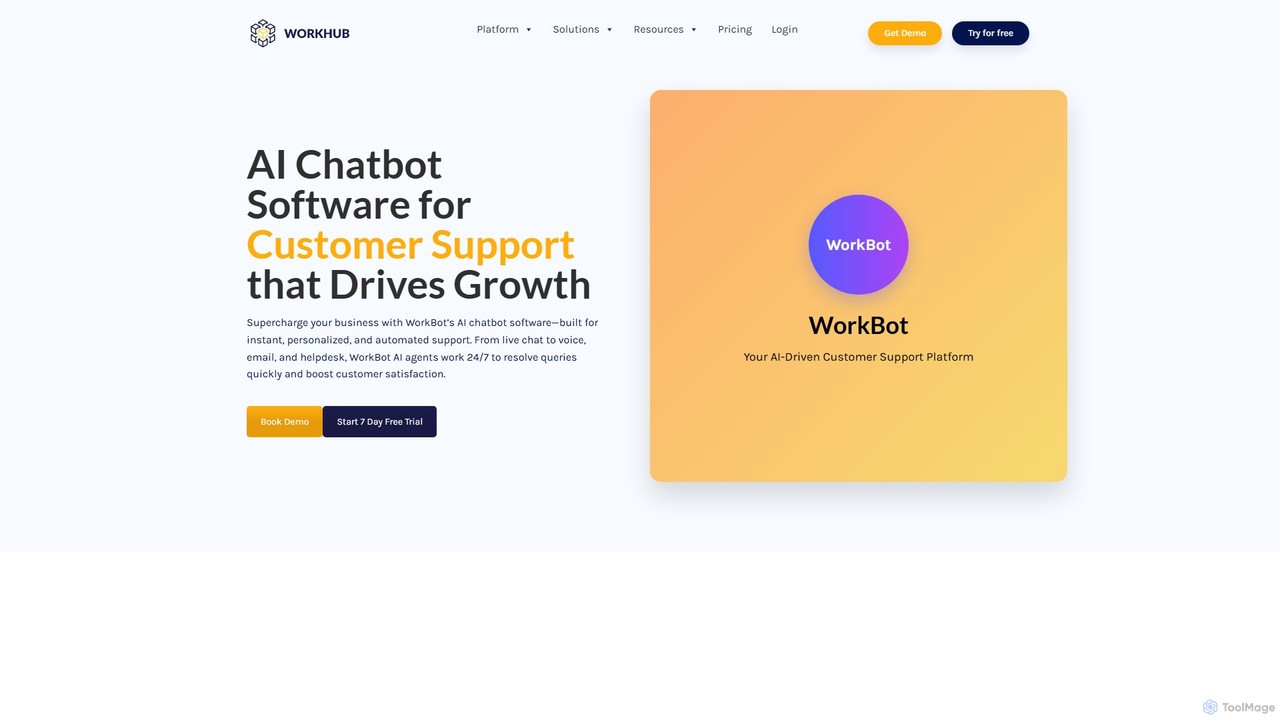
WorkHub
WorkHub is an all-in-one AI platform designed to streamline business operations and automate customer support. It offers a suite of tools, including the WorkBot AI chatbot, AI voice agents, and a desktop Work Assistant. With a no-code interface, it enables businesses to build and deploy intelligent agents for chat, voice, and email, enhancing customer satisfaction, boosting productivity, and reducing operational costs. The platform supports over 50 languages and integrates seamlessly with existing workflows and CRMs.
Voice Assistant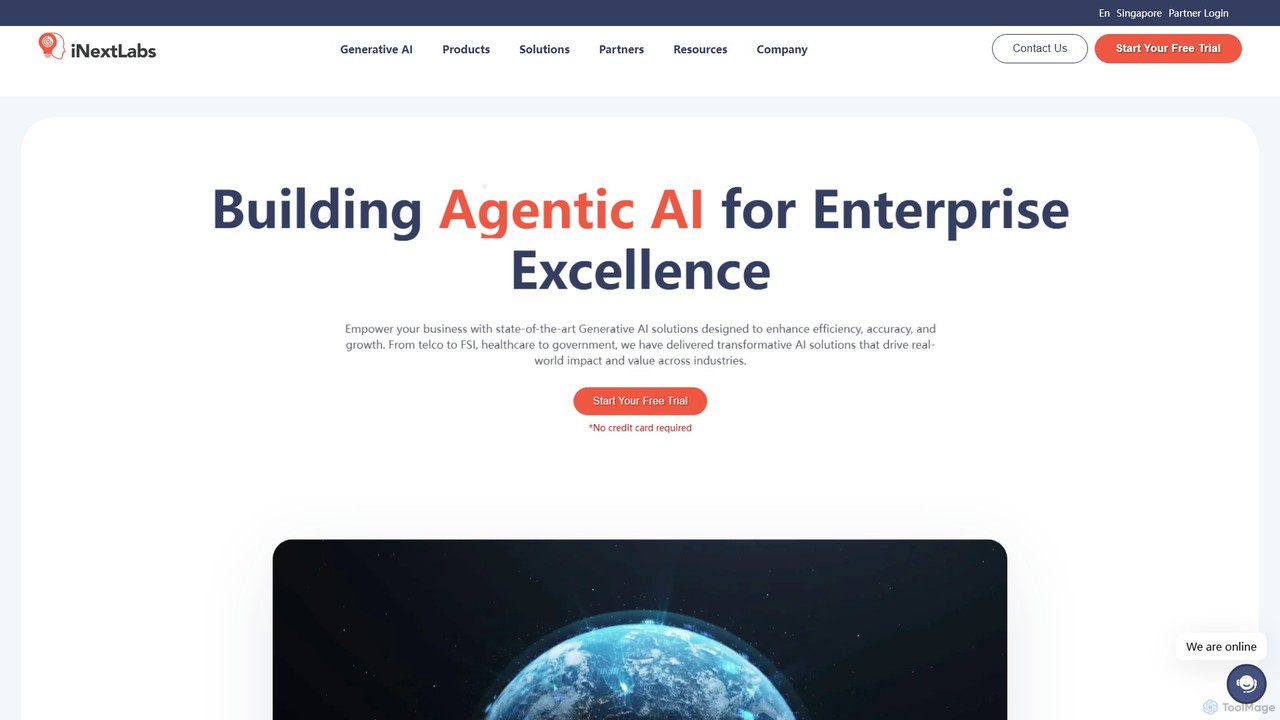
inextlabs
inextlabs is an enterprise-grade Generative AI platform designed to enhance business efficiency and growth. It offers a suite of agentic AI solutions, including inFlow Assistant for omnichannel support, inFlow DocsAI for intelligent document processing, and inFlow Insights for data analytics. Focusing on security, scalability, and customization, inextlabs helps industries like healthcare, finance, and retail automate workflows, gain actionable insights, and deliver superior customer experiences through secure, AI-driven applications.
Enterprise Solutions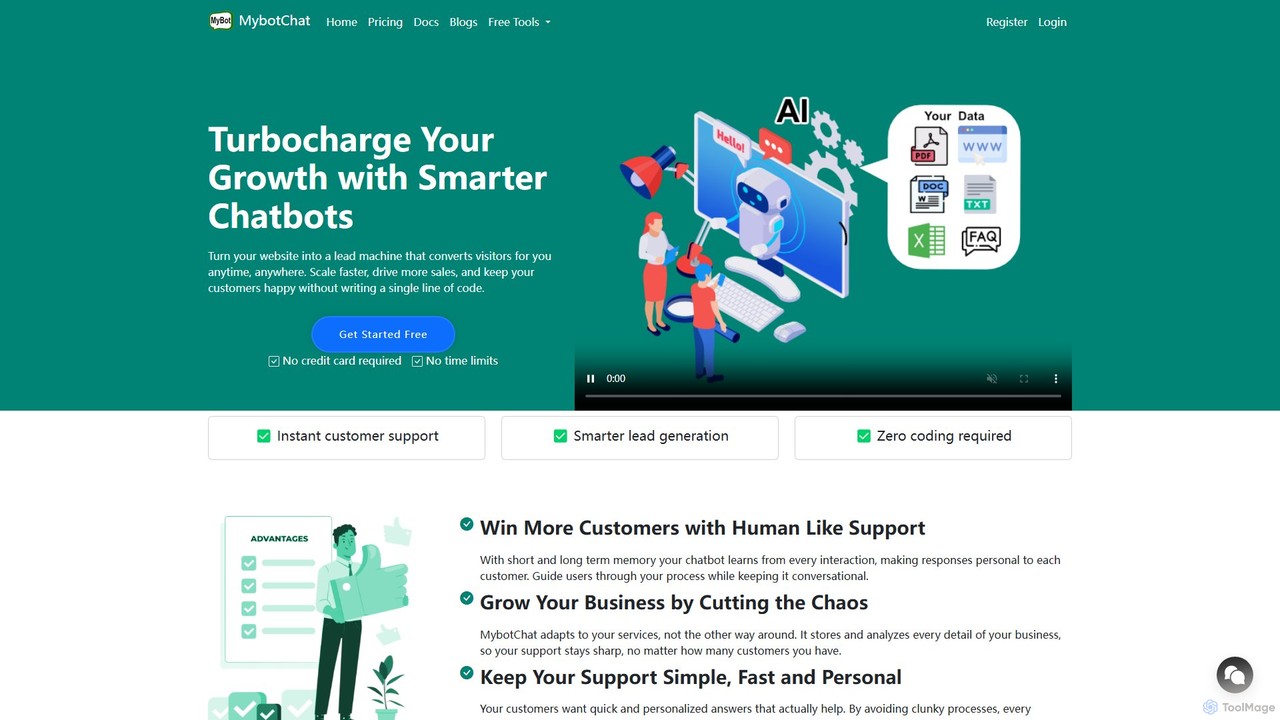
MyBot.Chat
MyBot.Chat is a no-code platform that allows you to build custom AI chatbots from your website content, PDFs, documents, and text. It enhances customer support, automates lead generation, and provides personalized user experiences 24/7. Powered by top AI models like GPT-4o and Llama 3, it offers human-like conversations with short and long-term memory.
Chatbot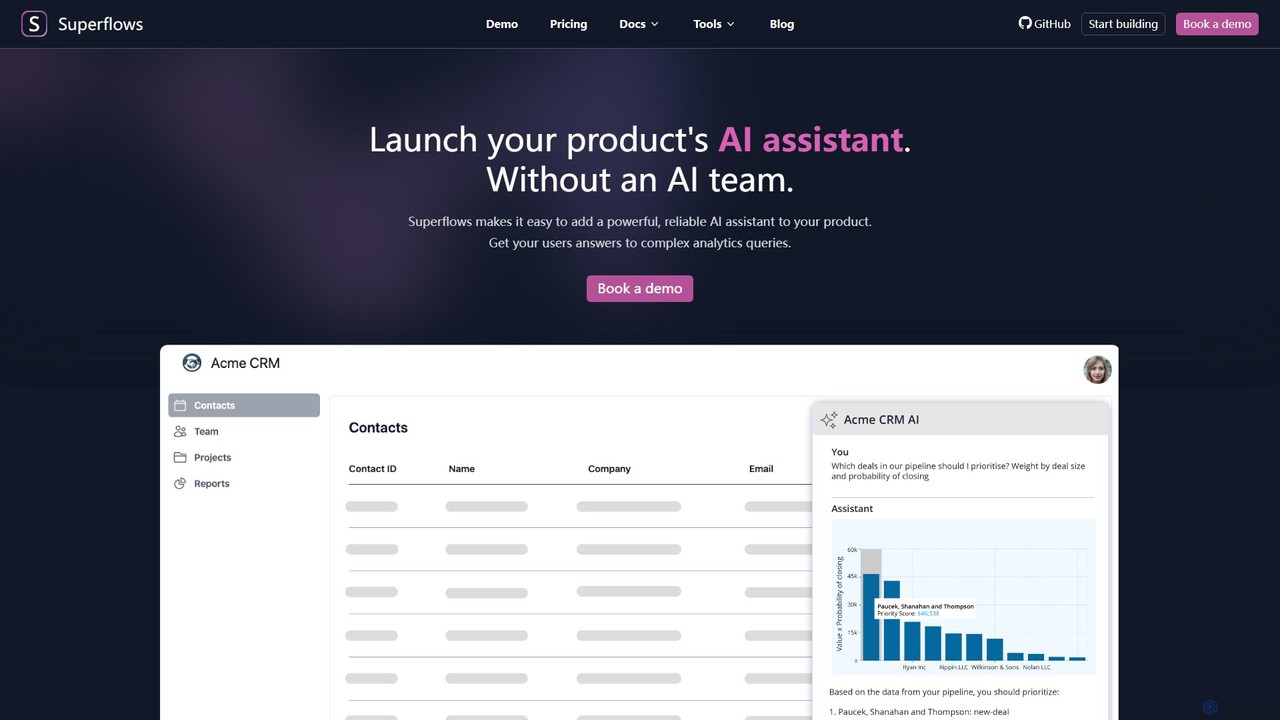
Superflows
Superflows allows SaaS companies to easily embed a powerful, reliable AI assistant into their product. This AI copilot can handle complex analytics, perform actions, and provide documentation support, all without requiring an in-house AI team.
Chatbot
gptpanda Comments (0)
Sign in to comment.
Sign inNo comments yet.