WorkHub
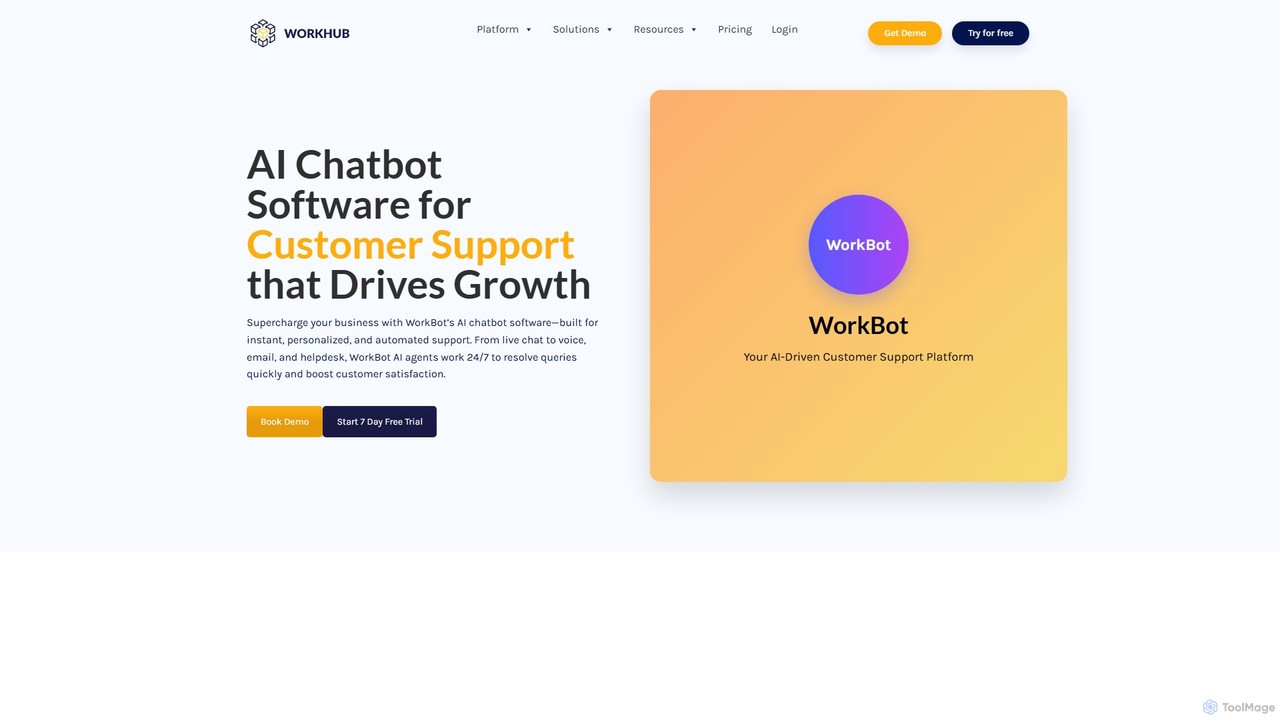
WorkHub is an all-in-one AI platform designed to streamline business operations and automate customer support. It offers a …
WorkHub is an all-in-one AI platform designed to streamline business operations and automate customer support. It offers a suite of tools, including the WorkBot AI chatbot, AI voice agents, and a desktop Work Assistant. With a no-code interface, it enables businesses to build and deploy intelligent agents for chat, voice, and email, enhancing customer satisfaction, boosting productivity, and reducing operational costs. The platform supports over 50 languages and integrates seamlessly with existing workflows and CRMs.
About Voice Assistant
A Voice Assistant is an AI-powered application designed to understand and respond to human speech, enabling hands-free interaction with devices and services. These tools utilize advanced technologies like automatic speech recognition (ASR) and natural language processing (NLP) to interpret user commands and intent accurately. They serve as personal productivity aids, capable of automating tasks, retrieving information, and controlling connected devices through simple voice prompts. Their primary advantage is providing a seamless, conversational interface that makes technology more accessible and efficient for a wide range of users and environments.
Core Features
- Voice Command Recognition: Accurately processes spoken instructions to perform specific actions or tasks.
- Natural Language Understanding (NLU): Interprets the intent and context behind user queries, allowing for conversational interactions.
- Task Automation: Executes routines such as setting alarms, scheduling appointments, sending messages, or playing media.
- Smart Device Integration: Connects with and controls various smart home devices, including lights, thermostats, and security systems.
- Real-time Information Retrieval: Answers questions by searching the web or internal databases for weather, news, facts, and more.
Use Cases
Voice Assistants are widely used in smart home environments for controlling IoT devices. They are also integral to modern vehicles for hands-free navigation, communication, and entertainment. In professional settings, they assist with dictating notes, managing schedules, and improving accessibility for users with physical limitations. Their application extends to customer service, where they can power interactive voice response (IVR) systems.
How to Choose
When selecting a Voice Assistant, consider its ecosystem and compatibility with your existing devices (e.g., iOS, Android, smart speakers). Evaluate its language and accent recognition capabilities to ensure accuracy. Assess the breadth of its third-party integrations (often called 'skills' or 'actions'), as this determines its versatility. Finally, review the privacy controls and data management policies to understand how your voice data is handled.

Voice AssistantUse Cases
Smart Home Automation and Control
For homeowners, a Voice Assistant acts as a central hub for managing all connected devices. While cooking or busy with other tasks, a user can simply say, 'Set the living room lights to 50%' or 'Play my evening playlist.' This hands-free control streamlines daily routines, enhances home security by allowing voice-activated locks and cameras, and creates a more comfortable and responsive living environment without needing to interact with multiple apps or physical switches.
Hands-Free Assistance While Driving
Drivers use Voice Assistants to enhance safety and convenience on the road. Instead of fumbling with a phone, a driver can ask the assistant to 'Navigate to the nearest gas station,' 'Call Sarah,' or 'Read my last text message.' This allows them to keep their hands on the wheel and eyes on the road, reducing distractions. The assistant can also control in-car entertainment and climate, making the entire driving experience safer and more seamless.
Personal Productivity and Task Management
For busy professionals and students, a Voice Assistant is a powerful tool for staying organized. A user can dictate emails or notes while commuting, set reminders for important deadlines by saying 'Remind me to submit the report tomorrow at 9 AM,' or quickly add items to a shopping list. This verbal interaction is often faster than typing and allows for multitasking. It helps manage a packed schedule, capture fleeting ideas, and ensure that no important task is forgotten, directly boosting personal efficiency.
Accessibility Tool for Enhanced Independence
Voice Assistants are transformative for users with visual impairments or mobility challenges. They provide an essential interface to the digital world. A user can have news articles read aloud, compose and send messages without needing to see a screen, or identify household items using integrated camera features. For those with limited mobility, controlling lights, thermostats, and entertainment systems by voice removes physical barriers, fostering greater independence and improving overall quality of life in their own homes.
Quick Information and Fact-Checking
Whether for settling a debate among friends, helping a child with homework, or quickly converting measurements while cooking, Voice Assistants provide instant access to information. Users can ask questions in natural language, such as 'What's the capital of Australia?' or 'How many ounces are in a cup?'. The assistant searches the web and delivers a concise, spoken answer in seconds. This immediate retrieval of facts makes it a highly efficient tool for learning, curiosity, and everyday problem-solving without interrupting the user's current activity.
In-App Voice Navigation and Commands
Developers integrate Voice Assistant capabilities directly into their applications to offer a more intuitive user experience. Within a complex app, a user might say 'Show me my sales report for last quarter' or 'Find all action movies starring Tom Cruise' instead of navigating through multiple menus. This is particularly useful in e-commerce for searching products, in media apps for content discovery, and in enterprise software for accessing data. Voice commands simplify complex workflows, reduce clicks, and make applications more accessible and faster to use.