ToolMage
Sign in

Best 3 Image Generator for Design & Art

Popular Image Generator in Design & Art include Qwen, macbeth.ai, and Thumbmachine, helping you work more efficiently.

macbeth.ai
Freemium

macbeth.ai

macbeth.ai is an all-in-one AI assistant designed to boost productivity for creators, marketers, and developers. It offers a comprehensive suite of tools for generating high-quality text, code, images, and audio, including blog posts, social media content, code snippets, and AI-powered chat.

Image Generator
Visits 5.5KFavorites 134Likes 152
Qwen
Freemium

Qwen

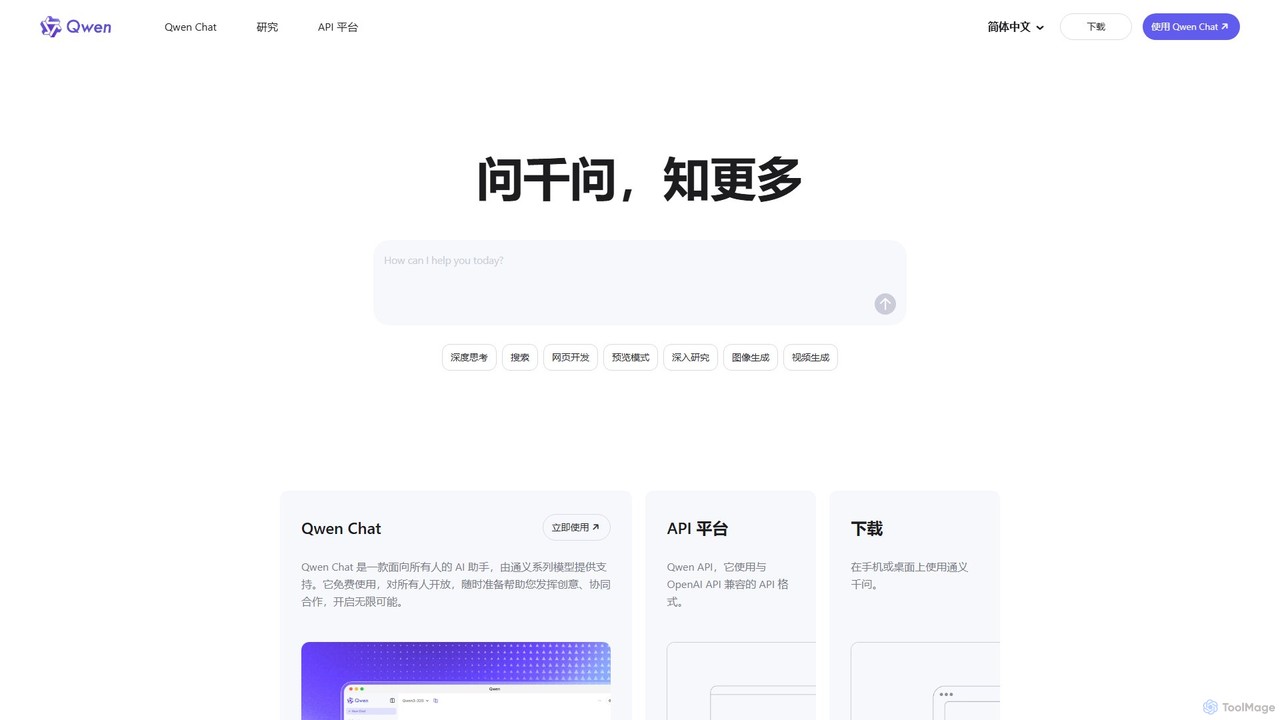
Qwen is a powerful, multimodal AI assistant from Alibaba Cloud. It features a versatile chatbot (Qwen Chat), advanced image generation (Qwen-VL), in-depth research agents, and code generation (Qwen3-Coder). Available on web and mobile, Qwen excels at complex reasoning, data analysis, and creative tasks, offering both a free chat interface and a robust API for developers.

Image Generator
Visits 38MFavorites 128Likes 120
Thumbmachine
Freemium

Thumbmachine

Thumbmachine is an AI-powered platform for creating stunning YouTube thumbnails, ad creatives, and social media graphics. It combines a text-to-image generator, background remover, image upscaler, and a vast stock photo library. Generate multiple design variations in seconds, A/B test for higher click-through rates, and streamline your creative workflow without needing any design skills. It's a web-based tool with flexible pay-as-you-go pricing.

Image Generator
Visits 5.5KFavorites 122Likes 124

About Image Generator

AI Image Generators are tools that create new, original images from text descriptions or other inputs. They utilize advanced deep learning models, such as diffusion or generative adversarial networks (GANs), to interpret prompts and synthesize visuals that match the given context. This technology enables users to produce a vast range of visual content, from photorealistic scenes to abstract art, without needing traditional artistic skills. As a key component within the Design & Art category, these generators focus specifically on creation from scratch, offering a powerful new medium for creative expression and visual communication.

Core Features

  • Text-to-Image Generation: Creates detailed images based on written descriptions (prompts).
  • Image-to-Image Transformation: Modifies an existing image based on a text prompt, changing its style or content.
  • Style Control & Customization: Allows users to specify artistic styles (e.g., anime, photorealistic, oil painting) and adjust parameters like aspect ratio and detail level.
  • Inpainting & Outpainting: Fills in missing parts of an image or extends its canvas by generating new content that seamlessly blends with the original.
  • Negative Prompts: Enables users to specify elements to exclude from the final image, offering greater creative control.

Use Cases

AI Image Generators are widely used by digital artists for concept art and inspiration, marketing teams for creating unique ad creatives and social media visuals, and game developers for rapidly prototyping characters, environments, and assets. Content creators also use them to produce custom illustrations for articles and videos, reducing reliance on stock photography.

How to Choose

When selecting an AI Image Generator, consider the image quality and coherence it produces, its versatility across different artistic styles, and how well it understands complex prompts. Also evaluate the level of control offered through advanced settings, the user interface's ease of use, and the pricing model (e.g., subscription vs. credit-based system) to ensure it aligns with your creative needs and budget.

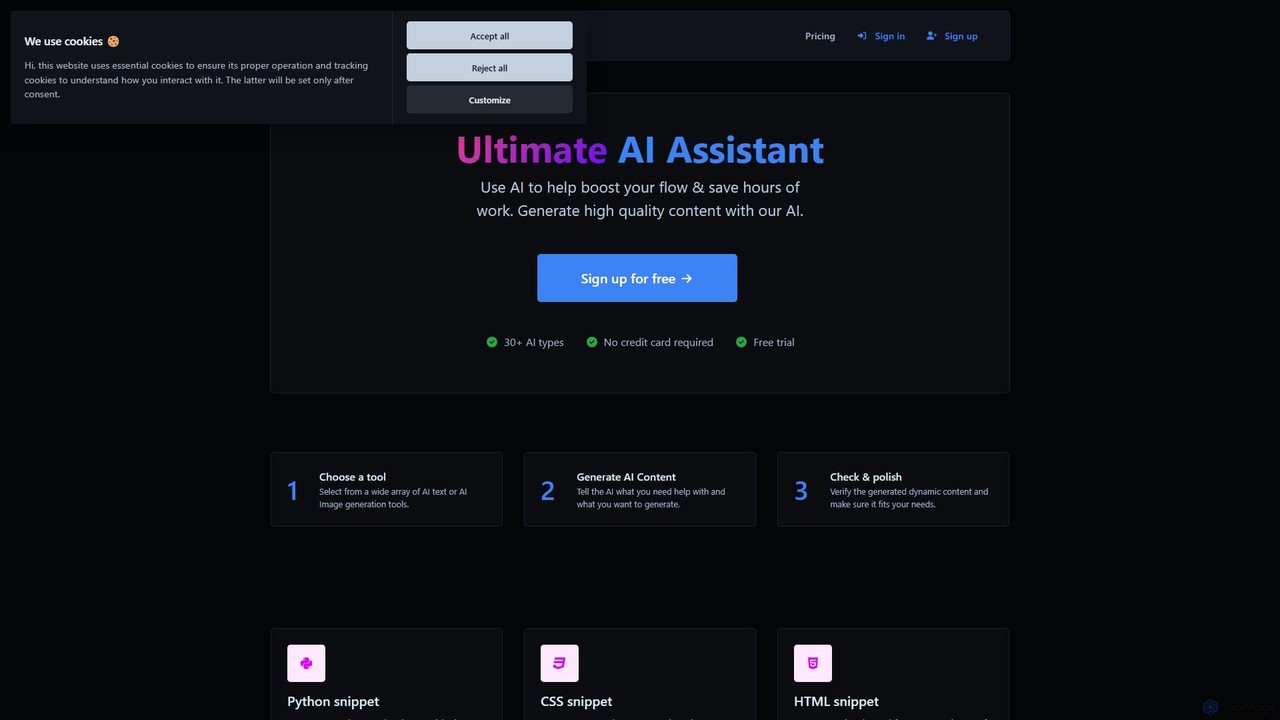
Image Generator use cases

1

Creating Marketing Campaign Visuals

A marketing manager for a new beverage brand needs a series of vibrant, eye-catching images for a social media campaign. Instead of hiring a photographer and organizing a costly photoshoot, they use an AI Image Generator. By inputting prompts like "a refreshing fruit-infused soda in a glass with condensation, on a tropical beach at sunset, hyperrealistic style," they can generate dozens of unique visual variations in minutes. This allows for rapid A/B testing of different ad creatives to see which performs best, significantly reducing production time and costs while increasing creative flexibility.

2

Concept Art for Game Development

An indie game developer is in the early stages of designing a fantasy world. They need to visualize characters, creatures, and environments quickly to establish the game's art style. Using an AI Image Generator, the developer can input detailed descriptions like "a wise old elf mage with glowing runes on his robes, in an ancient forest library, fantasy concept art." The tool generates multiple high-quality concepts, allowing the team to iterate on designs much faster than traditional sketching. This process accelerates pre-production and helps secure a unified artistic vision for the project early on.

3

Generating Custom Blog Post Illustrations

A content creator runs a tech blog and wants to use unique, relevant images for each article instead of generic stock photos. For an article about 'The Future of Quantum Computing,' they use an AI Image Generator with the prompt "an abstract visualization of quantum bits and entanglement, glowing neon lines on a dark background, futuristic digital art." The generator provides several compelling and on-theme images. This not only makes the content more visually appealing and professional but also improves SEO by using original imagery, helping the blog stand out in a crowded market.

4

Product Prototyping and Mockups

A product designer is developing a new line of smartwatches. To present different design concepts to stakeholders, they use an AI Image Generator to create realistic product mockups. By providing a base sketch of the watch and using prompts like "smartwatch with a sleek titanium case and a leather strap, displaying a weather app on the screen, on a user's wrist in a modern office setting," they can generate a variety of lifestyle shots. This method is far quicker and more cost-effective than 3D rendering or physical prototyping for early-stage feedback, enabling faster design decisions.

5

Architectural and Interior Design Visualization

An architect wants to show a client how a proposed building will look in its actual environment. They use an AI Image Generator's image-to-image feature. Starting with a basic 3D model or a simple sketch of the building, they upload it and provide a prompt like "modern glass and steel office building, photorealistic, sunny day with light clouds, surrounded by green trees." The AI transforms the simple input into a highly realistic rendering, complete with accurate lighting, textures, and landscaping. This allows clients to visualize the final project vividly and provide feedback without waiting for time-consuming manual rendering.

6

Creating Personalized Avatars and Art

An individual wants a unique avatar for their social media profiles that reflects their personality. Instead of using a generic profile picture, they use an AI Image Generator. They can upload a photo of themselves and use a prompt like "transform this photo into a cyberpunk-style avatar, with neon highlights and a futuristic city background." The tool generates a custom piece of digital art that is both personal and highly stylized. This application extends to creating personalized gifts, custom phone wallpapers, or simply exploring artistic self-expression without needing any drawing skills.

Image Generator FAQ

What is an AI Image Generator?

An AI Image Generator is a type of artificial intelligence tool designed to create new, original images from text-based descriptions, also known as prompts. It uses complex neural networks, like diffusion models, to understand the relationship between words and visual concepts. Users can describe a scene, object, or style, and the AI will generate a corresponding image from scratch. These tools are a core part of generative AI in the visual arts, enabling creation without traditional artistic skills.

How to choose the right AI Image Generator?

To choose the right AI Image Generator, consider these factors:

  • Image Quality: Evaluate the realism, detail, and coherence of the generated images. Some models excel at photorealism, while others are better for artistic styles.
  • Style Versatility: Check if the tool can produce a wide range of styles (e.g., anime, 3D render, painting) that match your needs.
  • Ease of Use: Look for an intuitive interface and clear documentation, especially if you are a beginner.
  • Customization Options: Advanced users may want features like negative prompts, seed control, and image-to-image editing for greater control.
  • Pricing Model: Compare free tiers, subscription plans, and credit-based systems to find what best fits your usage frequency and budget.
What's the difference between an AI Image Generator and an AI Image Editor?

The key difference lies in their primary function: creation versus modification. An AI Image Generator creates entirely new images from scratch based on text prompts. Its purpose is to generate original visual content. In contrast, an AI Image Editor is designed to modify, enhance, or manipulate existing images. While some editors incorporate generative features (like adding objects), their main role is to improve or alter a pre-existing picture, performing tasks like background removal, color correction, or object resizing.

What are the main features of AI Image Generators?

Most AI Image Generators share a set of core features designed for creative control and versatility. Key features include:

  • Text-to-Image: The fundamental ability to generate images from descriptive text prompts.
  • Image-to-Image: Modifying an input image based on a text prompt to change its style or elements.
  • Inpainting/Outpainting: Editing specific parts of an image by 'painting' over an area to add/remove objects, or extending the image's borders.
  • Style and Parameter Controls: Options to specify artistic styles (e.g., photorealistic, cartoon, abstract), aspect ratios, and generation quality.
  • Negative Prompts: A feature to specify what you don't want in the image, helping to refine the output and avoid unwanted elements.
Who can benefit from using AI Image Generators?

A wide range of professionals and creators can benefit from AI Image Generators. This includes:

  • Graphic Designers & Artists: For brainstorming, creating concept art, and generating unique assets quickly.
  • Marketers & Social Media Managers: To produce original and eye-catching visuals for campaigns, ads, and posts without relying on stock photos.
  • Content Creators & Bloggers: For creating custom illustrations and featured images that enhance their articles and videos.
  • Game & Product Developers: To rapidly prototype visual ideas for characters, environments, and products.
  • Individuals & Hobbyists: For exploring creativity, generating personalized art, and creating unique avatars or wallpapers.