Zivy
Zivy is an AI copilot for Slack designed to help managers and teams reduce noise, prioritize conversations, and …
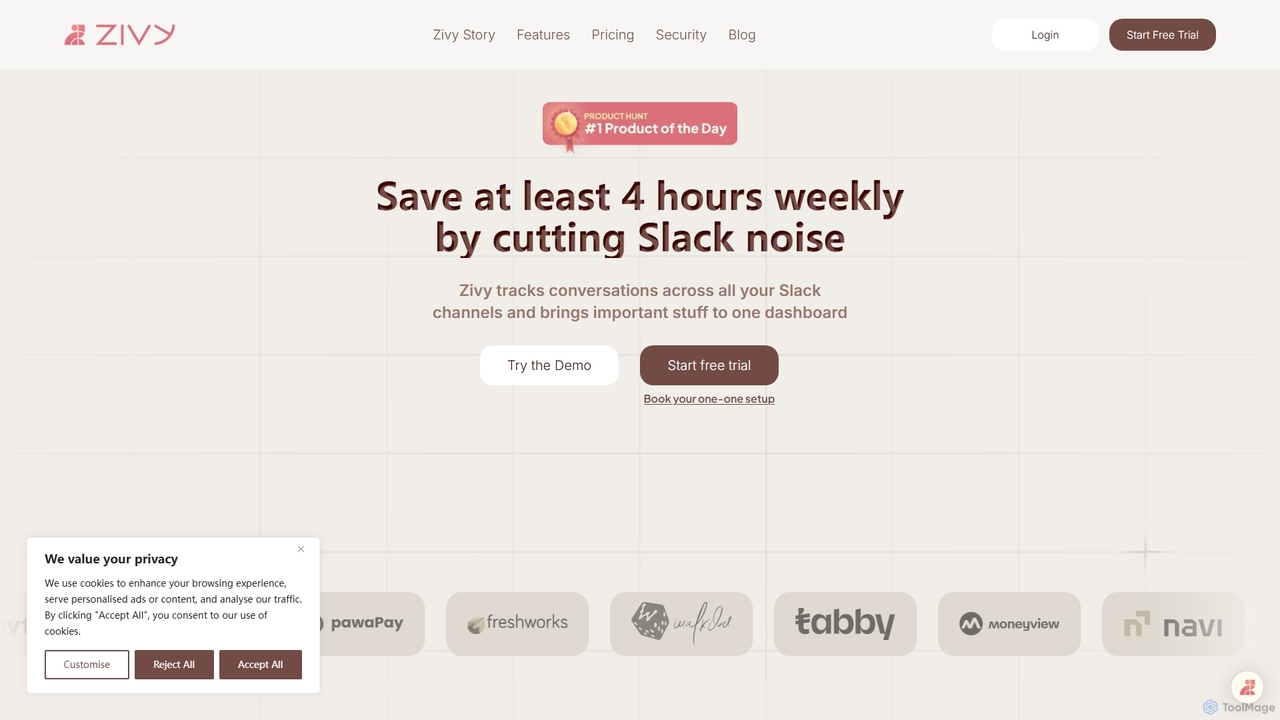
Zivy is an AI copilot for Slack designed to help managers and teams reduce noise, prioritize conversations, and automate tasks. It intelligently filters messages, summarizes long threads, automates follow-ups, and drafts replies, saving users over 4 hours per week and transforming Slack from a source of distraction into a focused productivity hub.
About Task Management
AI Task Management tools are applications that leverage artificial intelligence to intelligently organize, prioritize, and automate personal and team workflows. These tools go beyond simple to-do lists by using algorithms for smart scheduling, natural language processing (NLP) to create tasks from text, and predictive analytics to forecast project timelines. Their primary value lies in reducing manual administrative work, preventing bottlenecks, and providing data-driven insights to enhance productivity. They act as a proactive assistant, helping users focus on the most impactful work.
Core Features
- Intelligent Prioritization: AI analyzes deadlines, dependencies, and user habits to automatically suggest or rank tasks.
- Natural Language Processing (NLP): Create tasks and set due dates from conversational text, emails, or messages.
- Automated Workflow Creation: Automatically generates task sequences or project templates for recurring processes.
- Predictive Analytics: Forecasts task completion times and identifies potential project risks or delays.
- Smart Scheduling: Suggests optimal times to work on tasks by integrating with your calendar and understanding your workload.
Use Cases
These tools are widely used by project managers in tech companies to automate sprint planning and resource allocation. They are also valuable for marketing teams managing complex content calendars and campaigns, as well as for individual freelancers and consultants juggling multiple clients and deadlines. Essentially, any role that requires managing numerous interdependent tasks can benefit.
How to Choose
When selecting an AI Task Management tool, first evaluate the sophistication of its AI features—does it offer simple suggestions or complex workflow automation? Consider its integration capabilities with your existing tools like calendars, email, and communication platforms (e.g., Slack, Microsoft Teams). Also, assess the collaboration features for team use and ensure the pricing model aligns with your budget and team size.

Task ManagementUse Cases
Automating Team Workflows for Project Managers
A project manager overseeing a software development team uses an AI task management tool to streamline their sprint planning. By integrating with their code repository and communication channels, the AI automatically creates tasks from new feature requests and bug reports. It then suggests task assignments based on each developer's historical performance, current workload, and skills. The tool also predicts potential delays by analyzing task dependencies and completion rates, allowing the manager to proactively adjust resources and keep the project on track without constant manual oversight.
Managing Client Projects for Freelancers
A freelance graphic designer juggles projects for multiple clients. They use an AI task manager's natural language processing feature to forward client emails directly to the tool. The AI parses the emails, creates tasks like "Design logo mockups for Client A" or "Revise brochure for Client B," and automatically assigns them to the correct project and sets a preliminary due date. The tool's smart scheduling feature then analyzes their entire workload and suggests a daily plan, helping them balance priorities and ensure no client deadline is missed.
Organizing a Content Marketing Calendar
A content marketing team plans their quarterly editorial calendar. They use an AI task management tool to create a master project for the quarter. The AI helps break down high-level goals like "Launch new ebook" into a detailed workflow, including tasks for outlining, writing, designing, editing, and promotion. It automatically sets dependencies, so the design task for the cover can't start until the title is finalized. Based on past projects, the AI also provides time estimates for each stage, giving the team a realistic timeline for completion.
Personal Productivity and Goal Tracking
An individual uses an AI task manager to achieve a personal goal, such as learning a new language. They set a goal: "Become conversational in Spanish in 6 months." The AI tool suggests a recurring task structure, like "Practice vocabulary for 15 mins daily" and "Complete one grammar lesson weekly." It integrates with their calendar to find and block out study time. As they complete tasks, the tool tracks their progress, visualizes their consistency, and adjusts the schedule if they fall behind, helping them stay motivated and on track toward their long-term objective.
Streamlining Academic Research for Students
A graduate student is working on their thesis, which involves multiple stages like literature review, data collection, analysis, and writing. They use an AI task manager to map out the entire thesis project. The AI helps create a timeline with milestones for each chapter. It can also create sub-tasks automatically, such as "Find 10 papers on topic X" or "Schedule interviews with 5 experts." By visualizing dependencies, the student sees that data analysis cannot begin until data collection is complete, helping them structure their research process logically and avoid last-minute rushes.
Coordinating Event Planning Tasks
An event planning team is organizing a corporate conference. They use an AI task management platform to coordinate all activities. The AI assistant helps create a project template for "Conference Planning," which includes standard tasks like booking a venue, securing speakers, managing registrations, and coordinating with vendors. When a task like "Send invitations" is marked complete, the AI automatically creates a follow-up task to "Track RSVPs." It also prioritizes tasks based on deadlines, ensuring that critical path items, like signing the venue contract, are addressed first.