

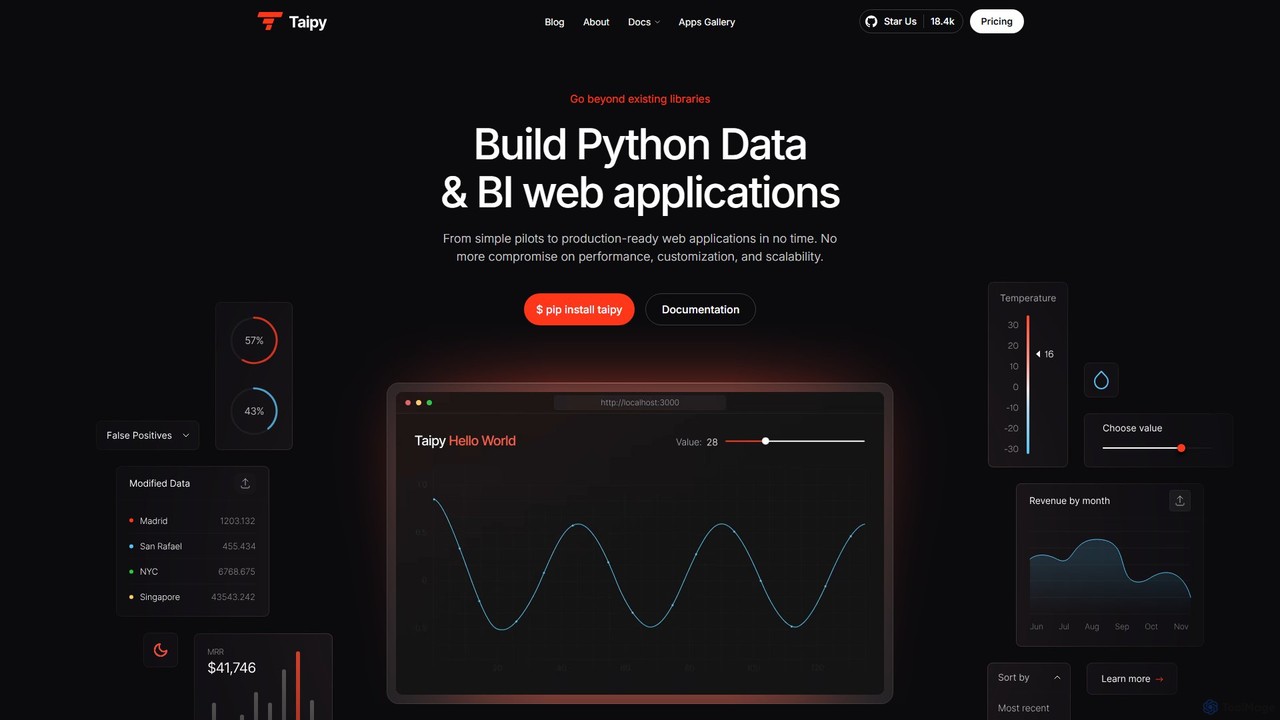
Taipy Overview
Taipy is a comprehensive, open-source Python library designed to streamline the creation of data and business intelligence (BI) web applications. It empowers Python developers, data scientists, and business analysts to transform data scripts into fully functional, production-ready web applications with remarkable speed and efficiency. Taipy bridges the gap between data analysis and end-user interaction, offering a full-stack solution that handles both the front-end GUI and the back-end data processing and orchestration, all within the familiar Python ecosystem. This eliminates the need for complex web development frameworks, reducing development time by up to 4x and lines of code by up to 10x. The platform is built for performance, featuring intelligent caching, selective component rendering, and a built-in decimator for handling massive datasets without sacrificing speed or responsiveness.
How to use Taipy
Getting started with Taipy is straightforward. First, install the library using pip: $ pip install taipy. Once installed, you can begin building your application. The user interface (GUI) can be created using simple Markdown syntax, making it accessible even for those without extensive front-end experience. For more complex layouts, you can integrate HTML. The core of a Taipy application involves defining your data pipelines and scenarios. You can use the Taipy Studio, a powerful VS Code extension, which provides a graphical editor to configure and manage your scenarios and pipelines visually. For business analysts, the Taipy Designer offers a no-code, drag-and-drop interface to build custom dashboards directly on top of Python code. The back-end logic handles task scheduling, long-running background jobs, and multi-user state management, ensuring a robust and scalable application. Finally, deploy your application on various platforms, including local servers, Docker, Kubernetes, or cloud services like Azure and AWS.
Core Features of Taipy
- Scenario Management: Perform detailed what-if analyses, compare outcomes, and track executions and data sources.
- Taipy Designer: A low-code/no-code drag-and-drop GUI builder for creating dashboards without programming.
- High Performance: Up to 10x faster rendering for resource-heavy apps through caching control and selective updates.
- Large Data Support: Effortlessly manages massive datasets with a built-in chart decimator that intelligently reduces data points.
- Full-Stack in Python: Build both front-end and back-end using only Python, simplifying the development stack.
- TalkToTaipy: An LLM-based feature that allows users to explore datasets using natural language queries.
- Multi-User Support: Each end-user has their own state, enabling true multi-user collaborative applications.
- Extensive Integrations: Connects seamlessly with leading data platforms like Databricks, Snowflake, Dataiku, AWS SageMaker, and more.
- Task Scheduling & Background Jobs: Run heavy computations in the background without freezing the user interface.
Use Cases for Taipy
Taipy's flexibility makes it suitable for a wide range of applications across various industries. Common use cases include building interactive dashboards for business intelligence, such as sales prediction, stock visualization, and real-time pollution monitoring. In the financial sector, it's used for creating fraud detection systems and analyzing credit card transactions. Data scientists leverage its scenario management for machine learning projects, such as drift detection and churn classification, allowing them to experiment with different models and parameters easily. It has also been successfully implemented in the Quick Service Restaurant (QSR) market for operational analytics and in the energy sector for sustainable mobility projects.
Advantages of Taipy
The primary advantage of Taipy is its ability to dramatically accelerate the development lifecycle from pilot to production. By providing a unified Python framework for both front-end and back-end, it eliminates the complexity of integrating disparate technologies. Its low-code features, like the Taipy Designer and Markdown-based UI, make application development accessible to a broader audience, including business analysts and data scientists. The platform is designed for scalability and performance, capable of handling large datasets and multiple concurrent users with ease. This combination of speed, simplicity, and power enables organizations to build and deploy more successful data and AI applications, fostering better collaboration between technical and business teams.
Pricing and Plans
Taipy offers a tiered pricing model to suit different needs:
- Taipy Community: A completely free, open-source version that provides unlimited access to the core library and support through the community of developers. It's ideal for individual developers, students, and small projects.
- Taipy Business: A paid plan designed for professional use. It includes features like user management, enhanced performance and scalability, a Taipy Designer license for one developer, and 24x5 support with guaranteed response times. Pricing is available upon request.
- Taipy Enterprise: The most comprehensive plan for large-scale, critical applications. It offers unlimited scenarios, Taipy Designer licenses for multiple developers, advanced features like distributed computing and telemetry, robust security (SSO, ACL), and dedicated support. Pricing is available upon request.
Traffic
Latest traffic
Status
Monthly traffic trend
- 2025-9: 27.0K
- 2026-1: 21.6K
- 2026-2: 10.9K
- 2026-3: 17.2K
- 2026-4: 13.2K
- 2026-5: 12.9K
Geography
Top 5 countries / regions
- 🇺🇸United States36.6%
- 🇻🇳Vietnam26.0%
- 🇮🇳India22.6%
- 🇧🇷Brazil9.0%
- 🇩🇪Germany5.7%
Top keywords
| Keyword | Cost per click |
|---|---|
| ngo bao chau | $0.00 |
| power bi alternative python | $0.00 |
| python library for powerbi substitute | $0.00 |
| taipy | $0.00 |
| taipy docs | $0.00 |
Taipy Videos on YouTube


Elijah Jenkins


Taipy Alternatives
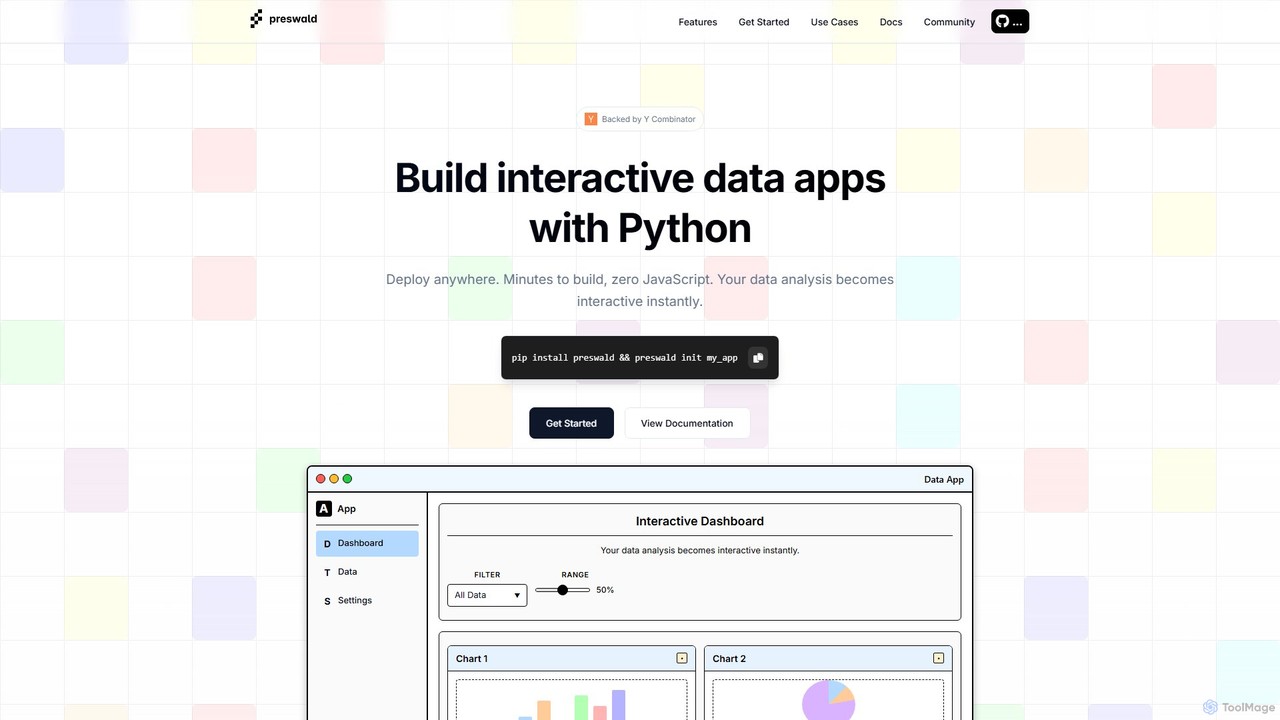
preswald
Preswald is a YC-backed tool that empowers data scientists and Python developers to transform their scripts into fully interactive web applications without writing any JavaScript. It generates fast, responsive, and deployable static sites that can run anywhere, even offline. Ideal for creating dashboards, reports, and AI-driven data exploration tools with ease.
Data Visualization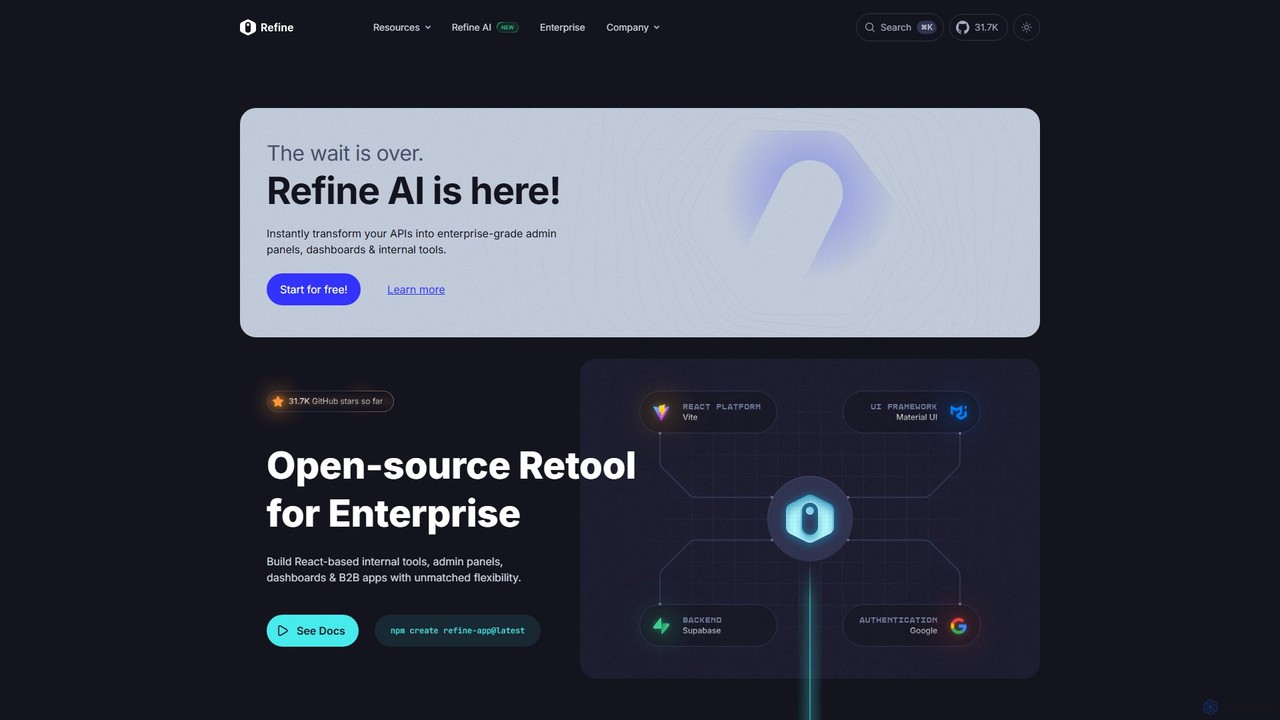
Refine
Refine is an open-source, React-based framework for rapidly building enterprise-grade internal tools, admin panels, dashboards, and B2B applications. It combines the speed of low-code solutions with the flexibility of full-code development, featuring an AI-powered generator to instantly create applications from APIs.
Internal Tools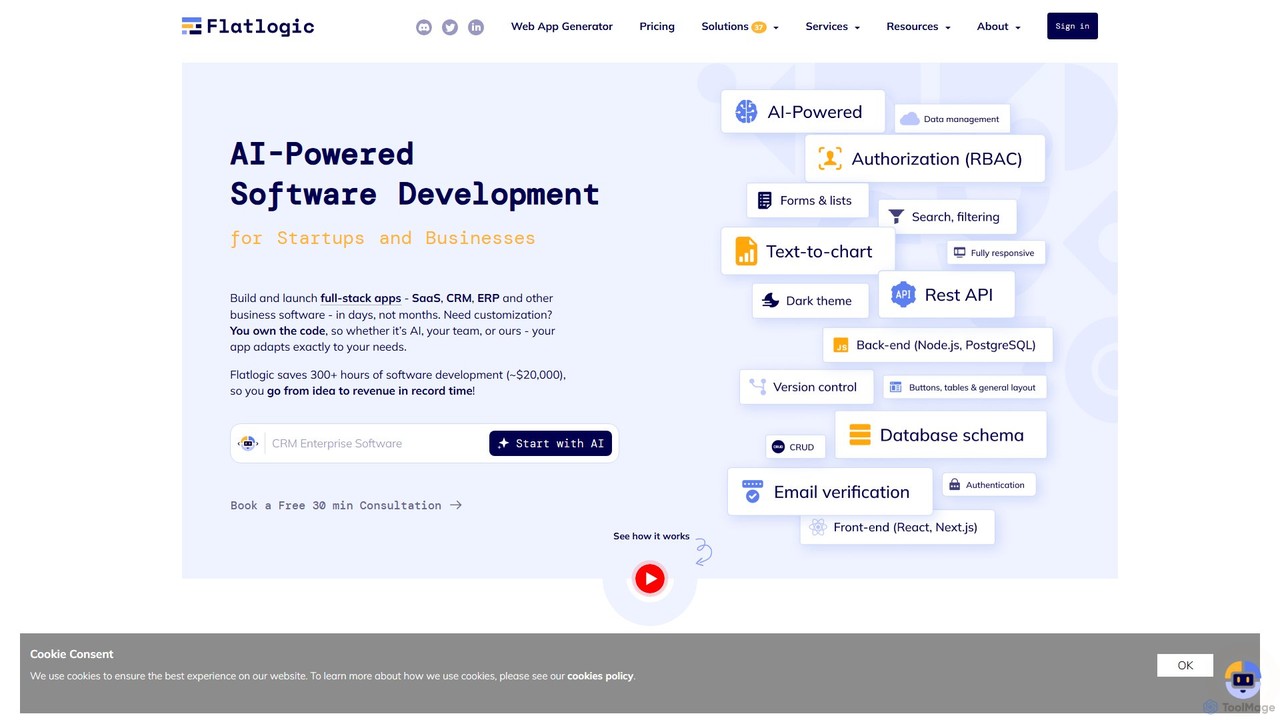
Flatlogic
Flatlogic is an AI-powered platform that accelerates web application development for startups and businesses. It generates full-stack applications (SaaS, CRM, ERP) with clean, production-ready code in days, not months. Users own the source code, ensuring full customization and avoiding vendor lock-in, while benefiting from one-click deployment and a modern tech stack.
Application Builder
PolymorphApp
PolymorphApp is an AI-powered application builder for macOS that enables users to create web apps, Node.js backends, Python desktop GUIs, and CLI tools using natural language. No coding is required; simply chat with the AI to build, modify, and manage your projects.
Low Code No Code
StackSpaces
StackSpaces is an integrated development platform designed to help developers build, deploy, and scale full-stack AI applications with ease. It provides a unified environment with backend, frontend, and infrastructure components, streamlining the entire development lifecycle from idea to production.
BackendTaipy Categories
Taipy Embed Widget
Copy this embed code to place the badge on your blog, article, or product site and send readers directly to this ToolMage detail page.

Related AI tools
Hex
Hex is an AI-powered analytics workspace designed for teams. It integrates notebooks for Python and SQL, interactive data apps, and self-serve exploration into a single collaborative platform, enabling faster, data-driven decision-making.
Data Science
Deepnote
Deepnote is an AI-powered, collaborative data science notebook for teams. It unifies Python, SQL, and R in a single cloud-based workspace, enabling users to explore data, build machine learning models, and create interactive dashboards and apps with ease. Powered by GPT-4o, it automates analysis and code generation, making data science accessible to all skill levels.
Business Intelligence
Briefer
Briefer is a collaborative data platform featuring a built-in AI analyst. It empowers teams to transform data into actionable insights using SQL, Python, and interactive visualizations within a unified workspace. Designed for both technical and non-technical users, it streamlines data analysis, reporting, and real-time collaboration, accelerating data-driven decision-making. It is backed by Y Combinator and offers both cloud-hosted and self-hosted open-source versions.
Database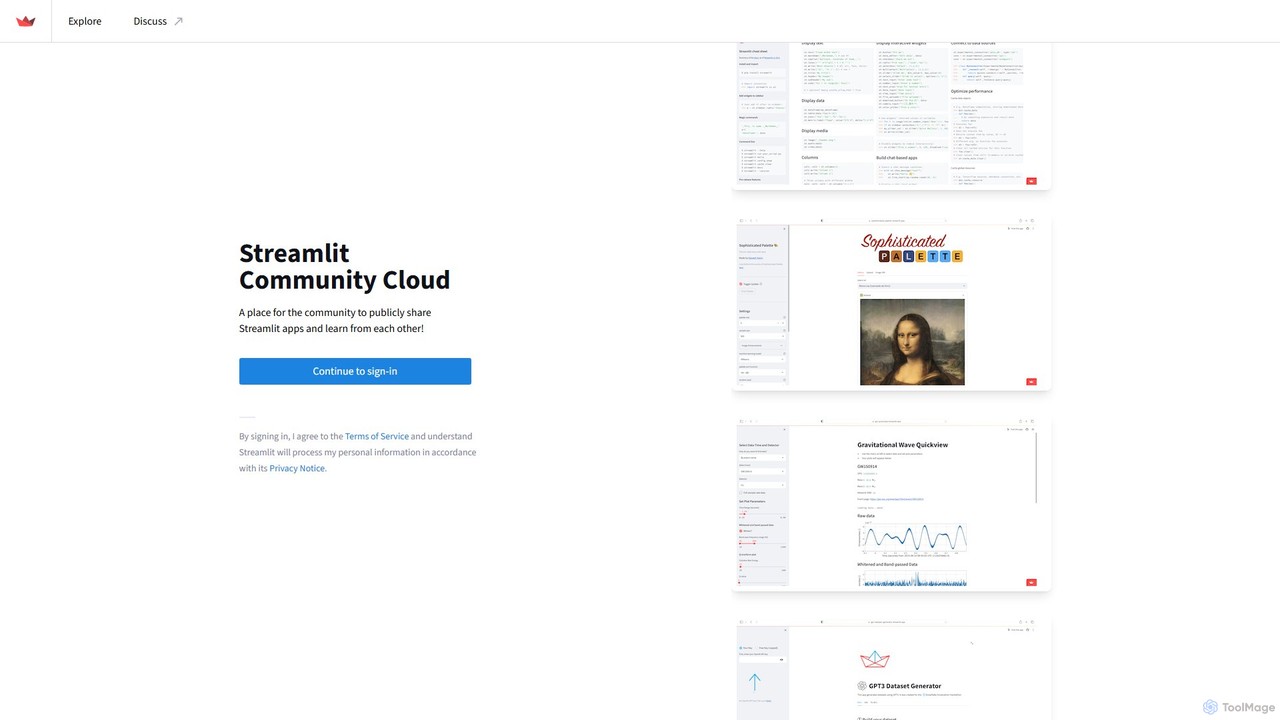
Streamlit
Streamlit is an open-source Python framework that enables developers and data scientists to build and share beautiful, custom web apps for machine learning and data science in minutes. The Streamlit Community Cloud provides a free platform to deploy, manage, and share these public applications with the world, fostering a collaborative environment for innovation.
Data Visualization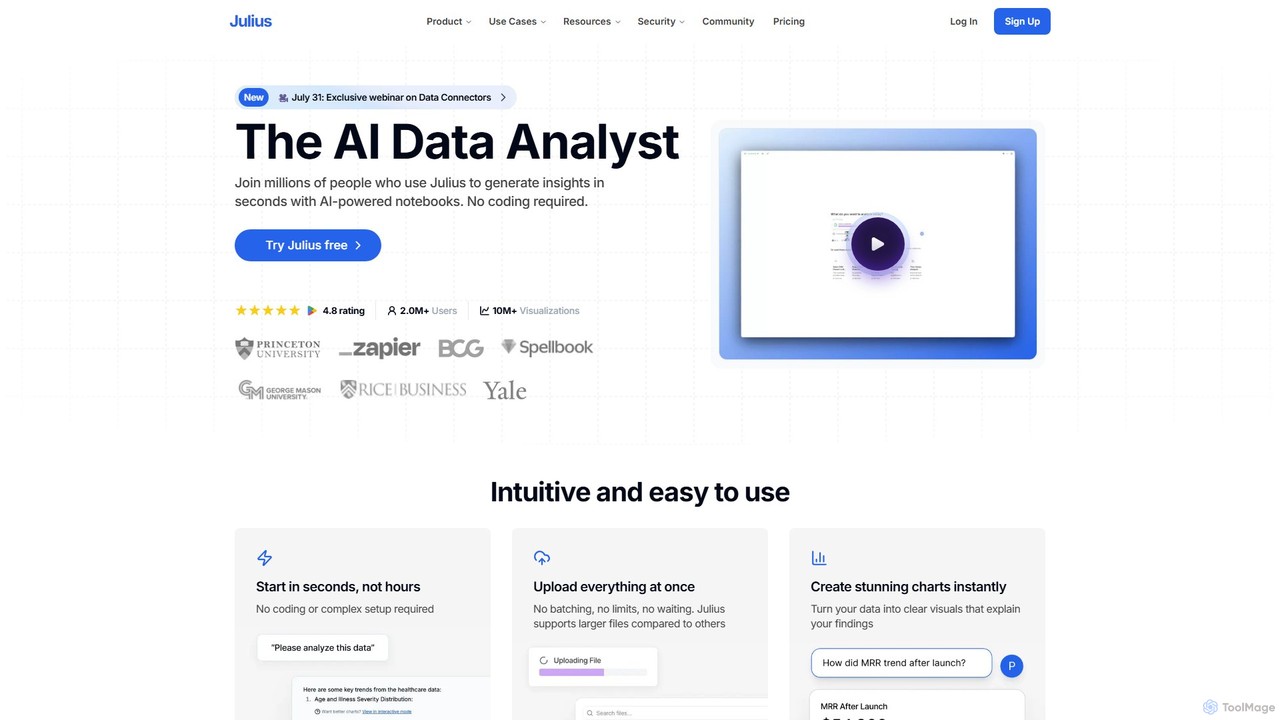
Julius AI
Julius AI is your AI Data Analyst, designed to interpret, analyze, and visualize complex data effortlessly. Connect your data from spreadsheets, databases, or PDFs, ask questions in natural language, and receive instant insights, charts, and reports. No coding is required, but it also supports Python, R, and SQL for advanced users, making data analysis accessible to everyone.
Developer Tools
Fabi.ai
Fabi.ai is an AI-powered business intelligence and data analysis platform designed for lean teams. It integrates SQL, Python, and AI to help users build dashboards, automate workflows, and explore data 10x faster. The platform offers an all-in-one collaborative environment, reducing context switching and enabling both technical and non-technical users to derive insights from their data sources like data warehouses, Google Sheets, and more.
Business Intelligence
astronuts
astronuts is an AI-powered data intelligence platform that transforms complex data into clear, actionable insights. Connect your data sources, ask questions in natural language, and automatically generate interactive dashboards and reports. It's designed for teams to explore data, uncover hidden patterns, and make smarter decisions, faster.
3D
dflux
dflux is a unified, no-code/low-code data science platform that empowers businesses to perform end-to-end data engineering, build machine learning models, and create interactive visualizations. It streamlines the entire data lifecycle from integration and preparation to model deployment and MLOps, making advanced analytics accessible to both technical and non-technical users.
Business Intelligencepreswald
Preswald is a YC-backed tool that empowers data scientists and Python developers to transform their scripts into fully interactive web applications without writing any JavaScript. It generates fast, responsive, and deployable static sites that can run anywhere, even offline. Ideal for creating dashboards, reports, and AI-driven data exploration tools with ease.
Data Visualization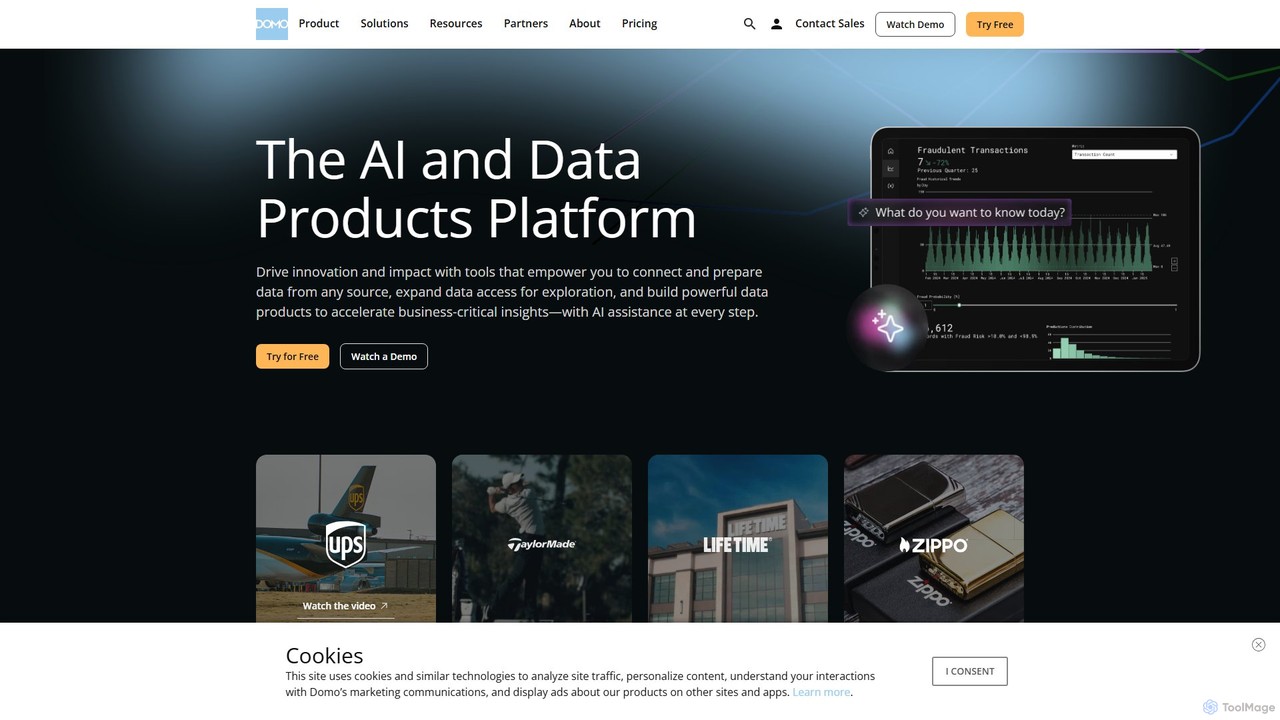
Domo
Domo is an AI-powered cloud platform that integrates all your business data, providing real-time analytics, interactive dashboards, and automated workflows. It empowers users to build data products, create AI agents, and make faster, data-driven decisions across the entire organization.
Business Intelligence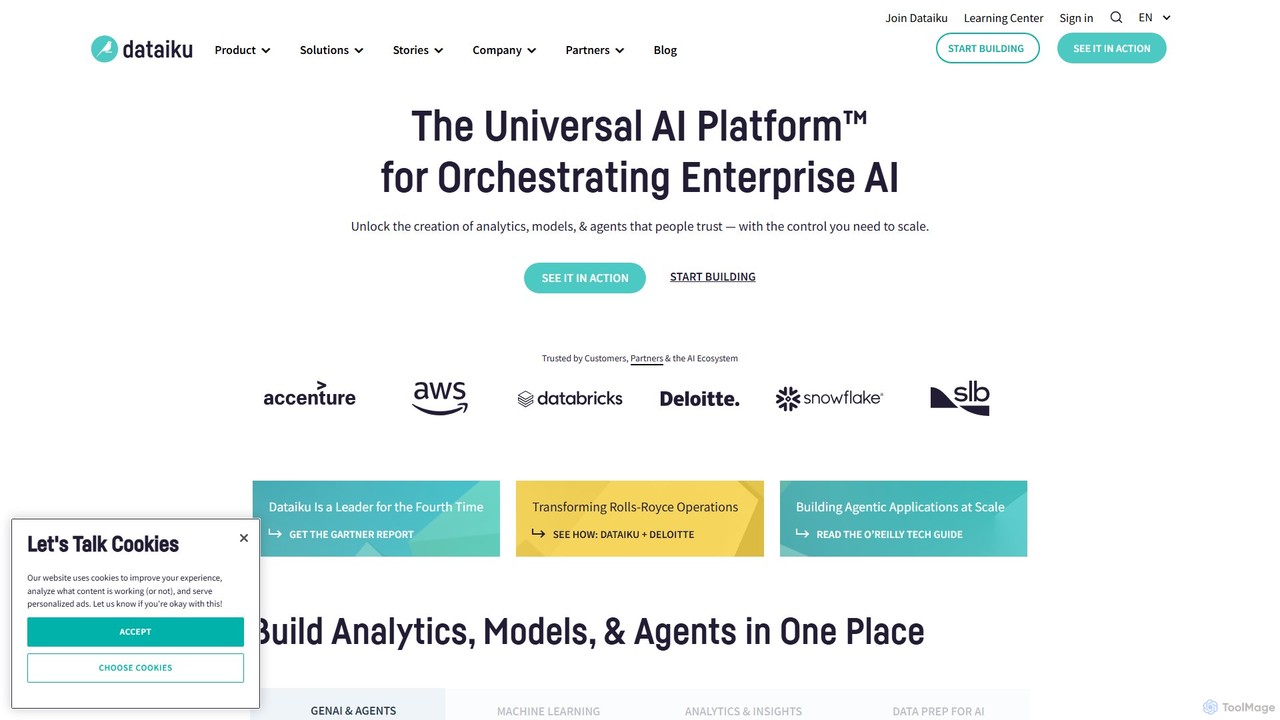
Dataiku
Dataiku is the Universal AI Platform™, enabling organizations to build, deploy, and manage AI and analytics applications. It provides a collaborative, end-to-end environment for everyone, from data analysts to data scientists, to work with data, create machine learning models, and build enterprise-grade Generative AI solutions with robust governance and scalability.
Business Intelligence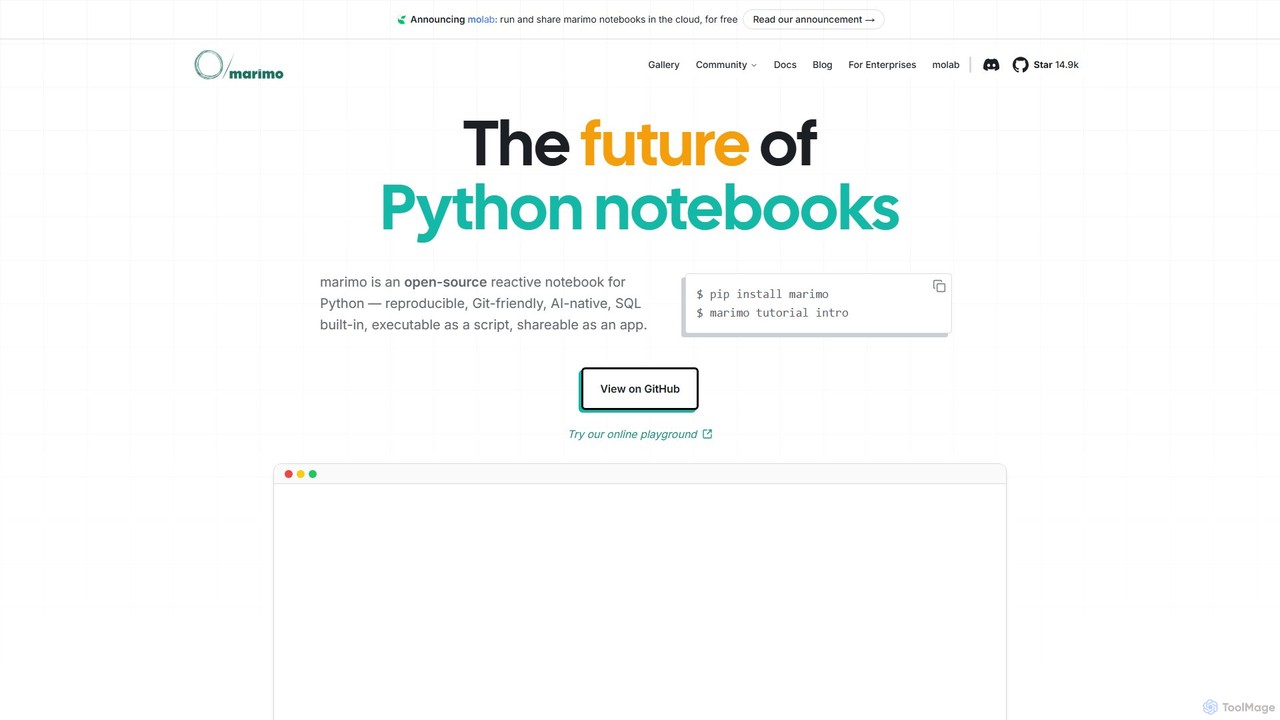
marimo
marimo is an open-source reactive Python notebook for modern data science and AI. It offers a reproducible, Git-friendly, and interactive environment where notebooks are pure Python scripts. Features include built-in AI assistance, SQL cells, and the ability to share notebooks as web apps, streamlining the workflow from experiment to production.
Data Visualization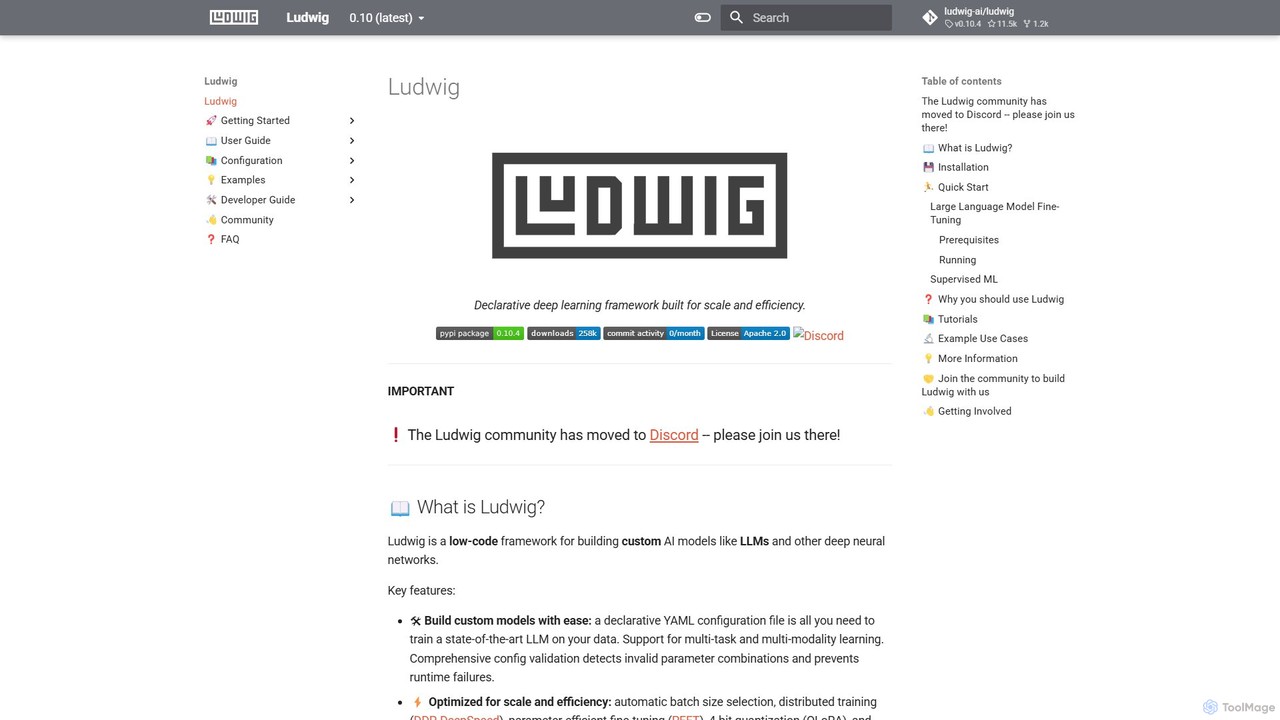
Ludwig
Ludwig is a low-code, open-source deep learning framework that simplifies building and training custom AI models. Using declarative YAML configurations, users can easily create complex models, including LLMs, for multi-modal and multi-task learning without extensive boilerplate code. It's designed for scalability, production-readiness, and integrates with popular tools like HuggingFace and MLFlow.
Model Training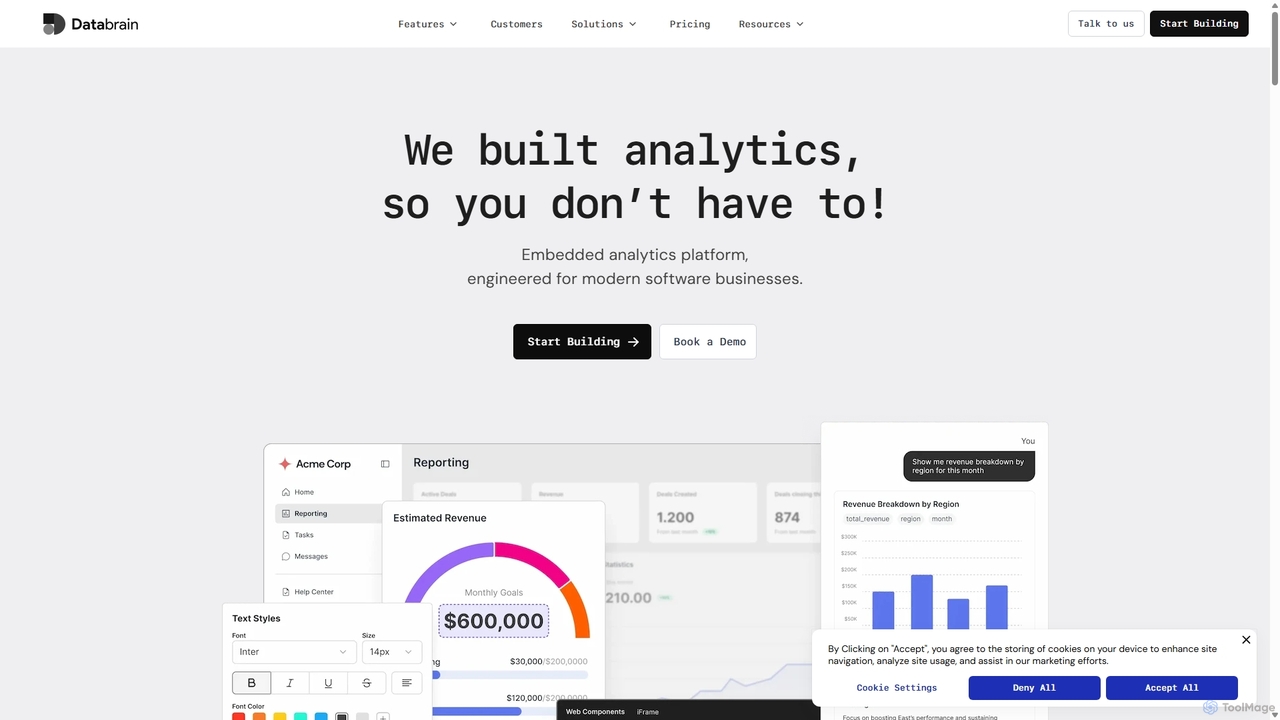
DataBrain
DataBrain is an AI-powered embedded analytics platform designed for modern software businesses. It enables companies to quickly build and integrate interactive, customer-facing dashboards and reports directly into their products. With a low-code interface, extensive customization, and natural language querying, DataBrain helps save significant development time, increase product stickiness, and create new revenue streams.
Embedded Analytics
OpenDoc AI
OpenDoc AI is a next-generation, no-code AI platform that empowers users to automate data workflows, generate business insights, and build custom AI models using simple natural language prompts. It connects to various data sources, making data science accessible to everyone, regardless of technical expertise.
No Code
Taipy Comments (0)
Sign in to comment.
Sign inNo comments yet.