Productivity Best in category 17 results App Builder AI Tool

Popular AI tools in the App Builder field of Productivity include FlutterFlow、Streamlit、Blink、OnSpace.ai、MeDo、Dyad、a0.dev、BuildAI、Bravo Studio、swiftspeed, etc., helping you quickly improve efficiency.

v0

v0

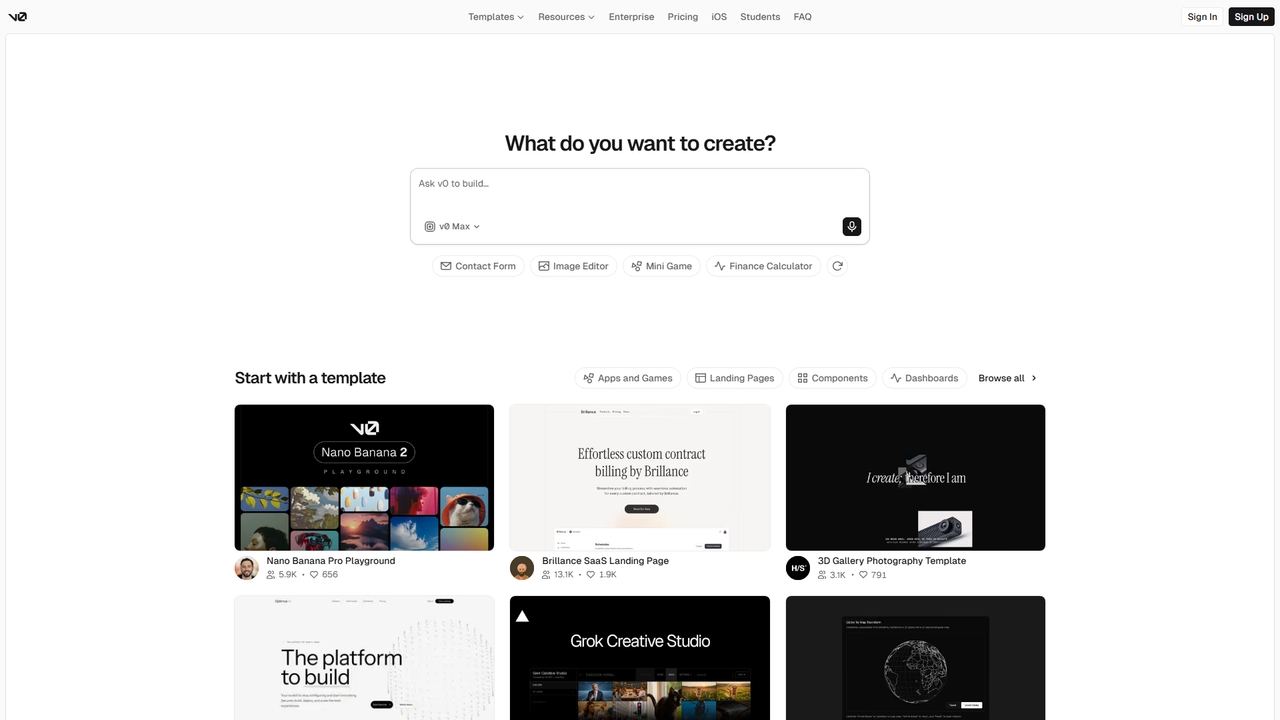
v0 is an AI agent by Vercel that helps anyone create real code, full-stack apps, and intelligent agents …

2.4K
MeDo

MeDo

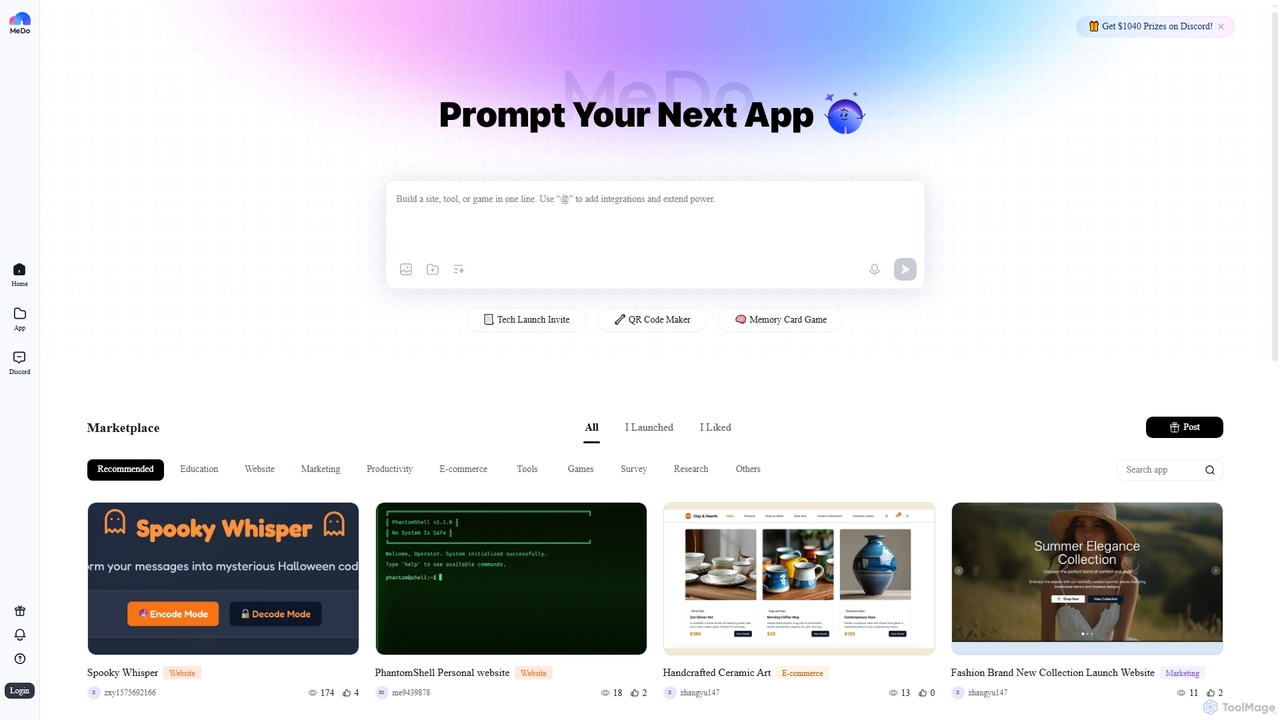
MeDo is an AI-powered platform that enables users to generate functional applications, including websites, games, and WeChat Mini …

397.1K
Whisp

Whisp

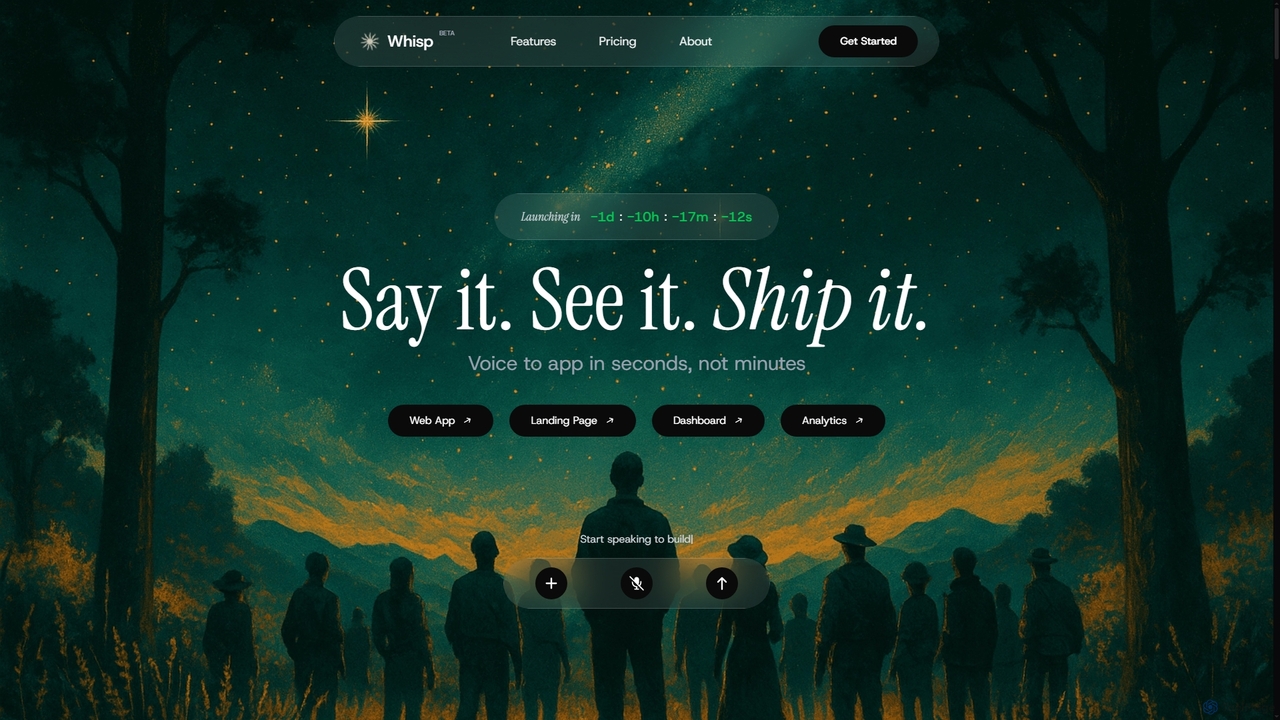
Whisp is a voice-first AI development platform that transforms spoken ideas into fully functional web applications, dashboards, and …

5.2K
App2

App2

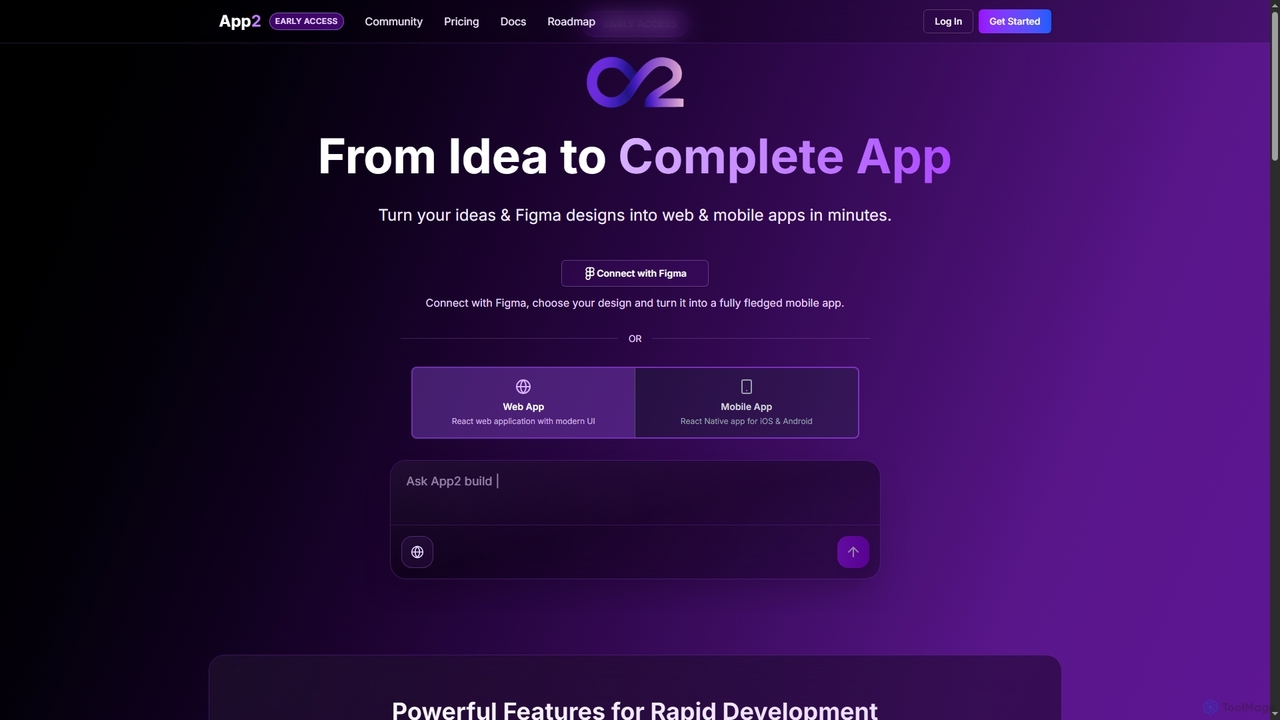
App2 is an AI-powered platform that transforms ideas and Figma designs into production-ready web and mobile applications without …

2.7K
Blink

Blink

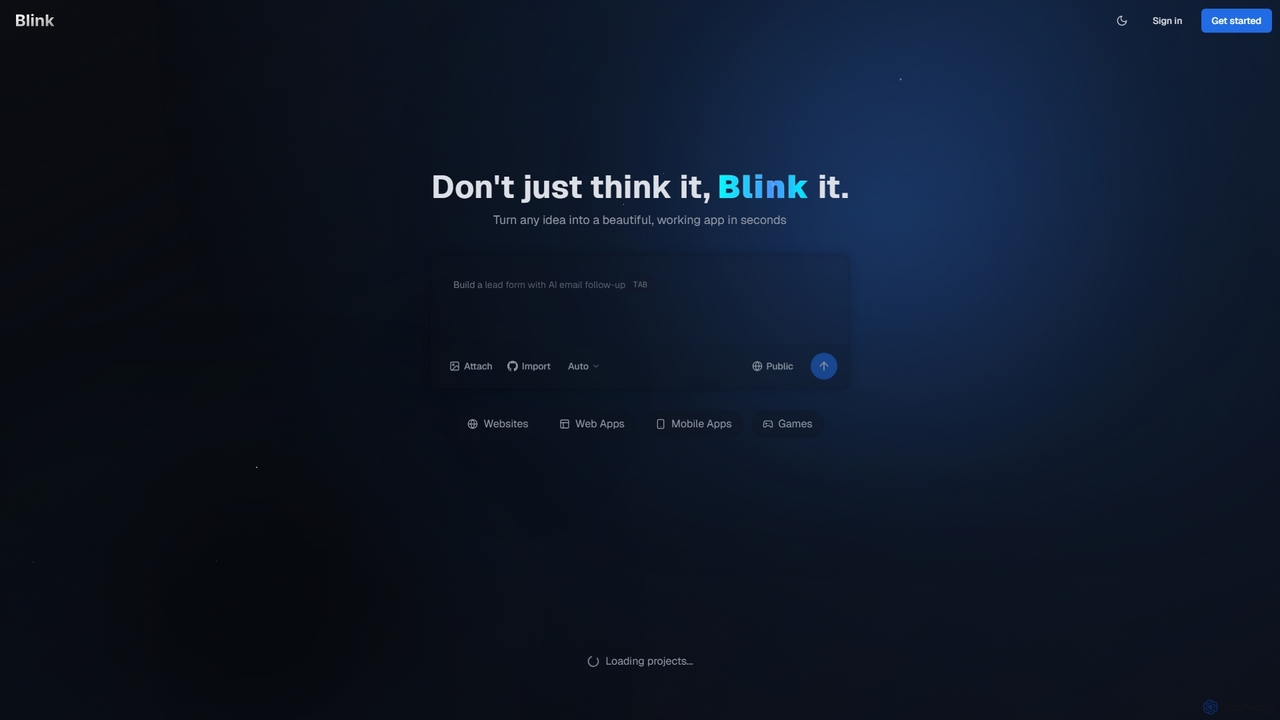
Blink is an AI-powered app developer that allows you to build websites, web apps, and mobile applications using …

753.6K
Tile

Tile

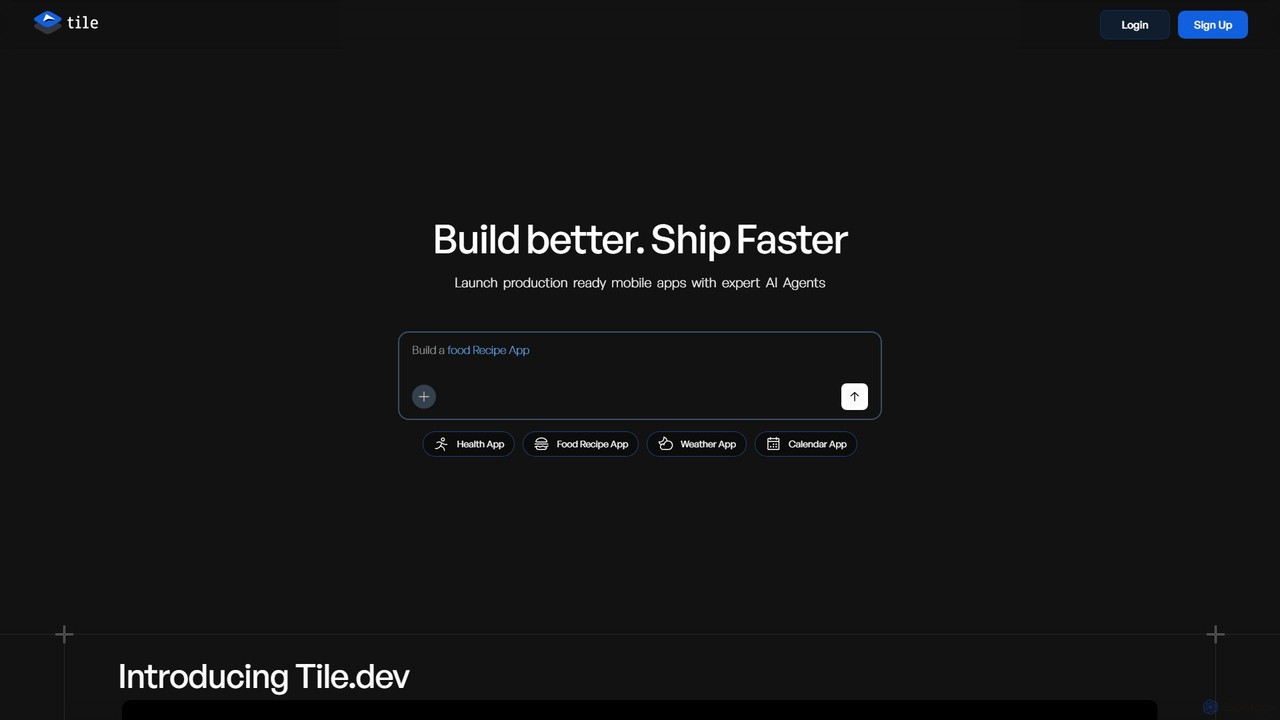
Tile is an AI-powered mobile app builder that transforms your ideas into production-ready iOS and Android applications. Describe …

24.4K
Streamlit

Streamlit

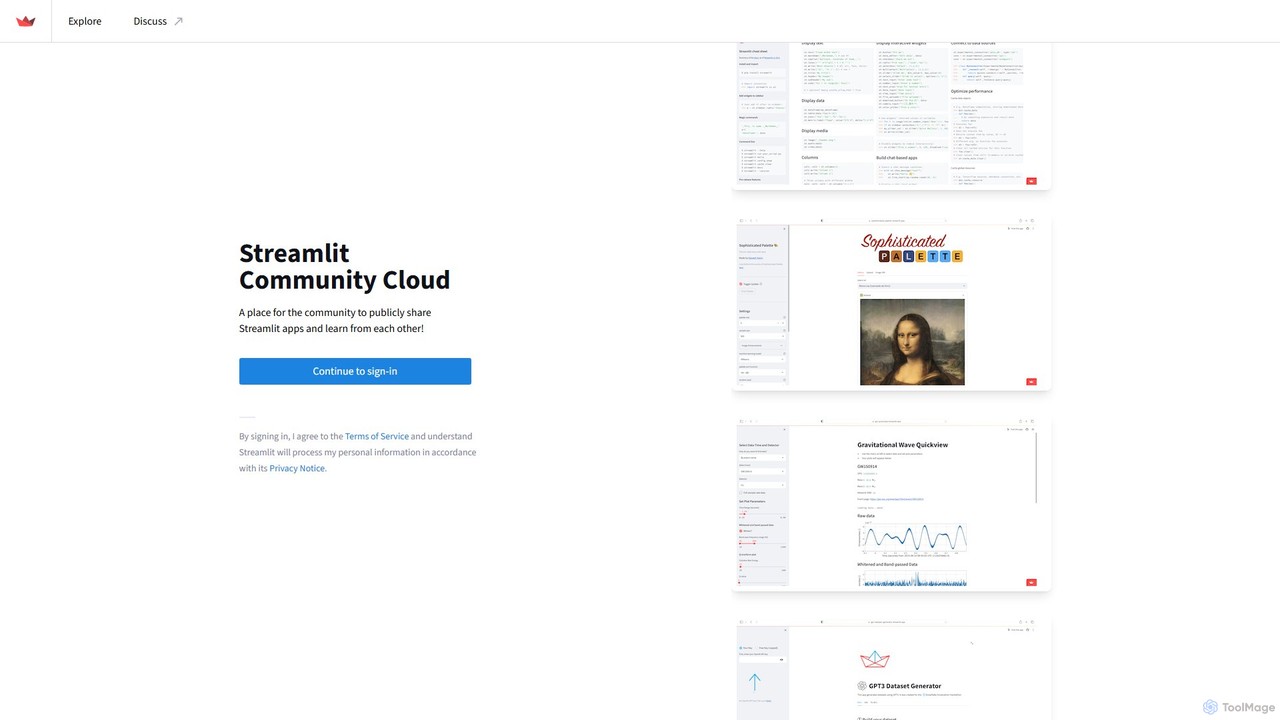
Streamlit is an open-source Python framework that enables developers and data scientists to build and share beautiful, custom …

865.4K
FlutterFlow

FlutterFlow

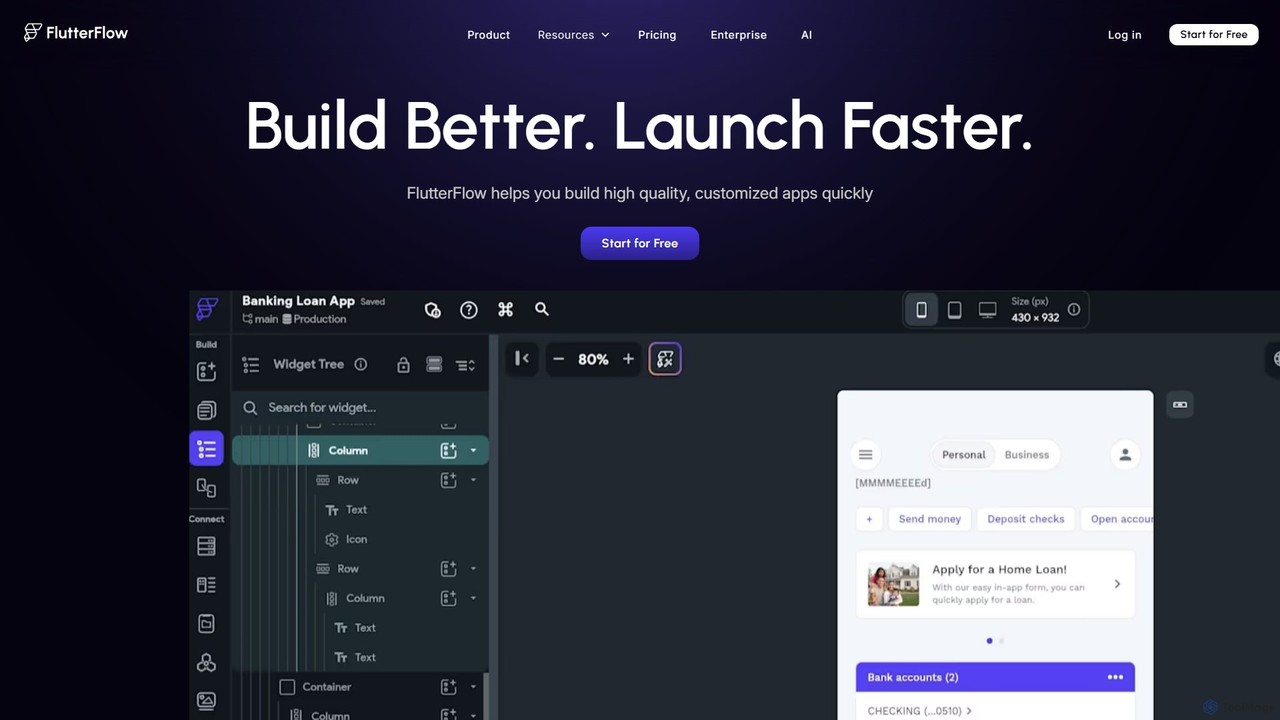
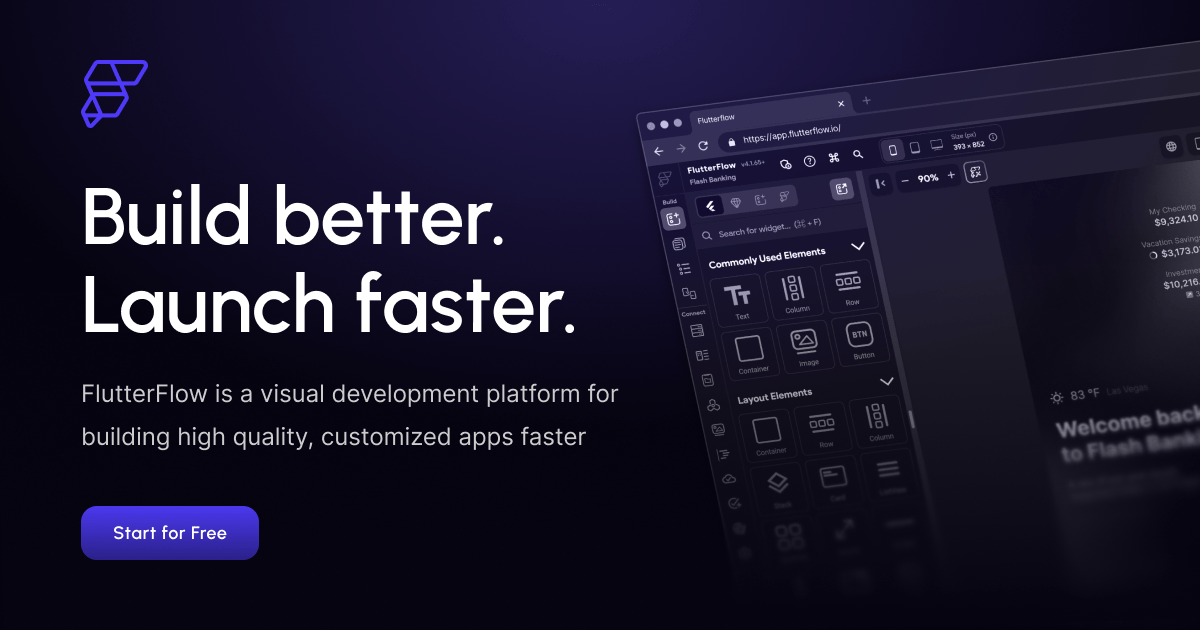
FlutterFlow is a low-code platform for visually building native mobile, web, and desktop applications. It empowers developers and …

1.9M
BuildAI

BuildAI

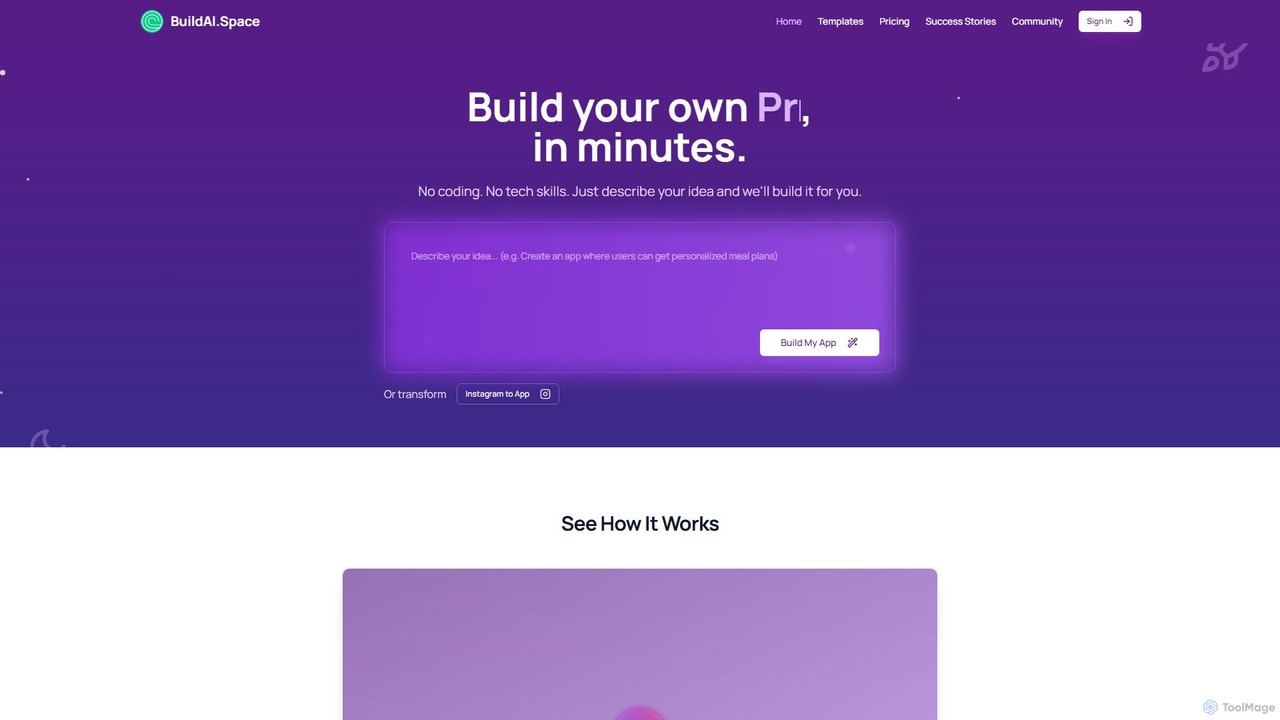
BuildAI is a no-code platform that empowers entrepreneurs and creators to build and launch custom AI-powered applications in …

86.2K
Calculator Tools

Calculator Tools

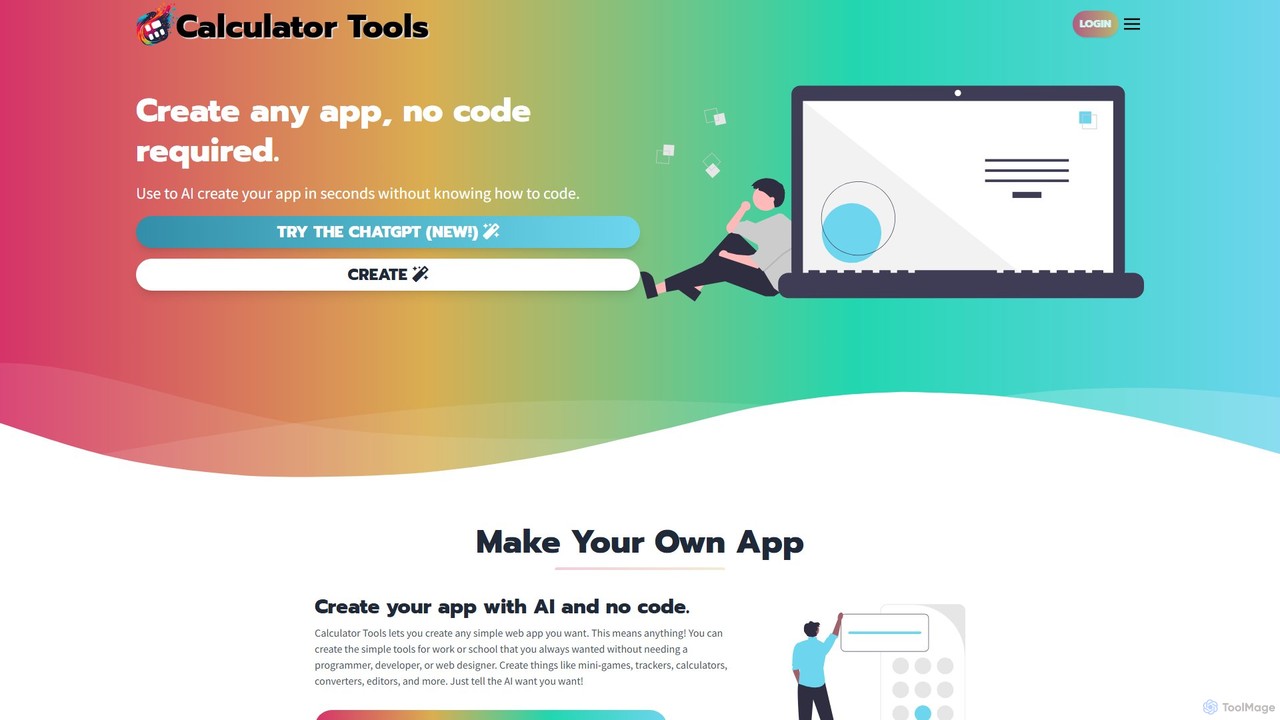
Calculator Tools is an AI-powered, no-code platform that enables anyone to instantly create custom web apps, calculators, tools, …

4.3K
CodeGrow

CodeGrow

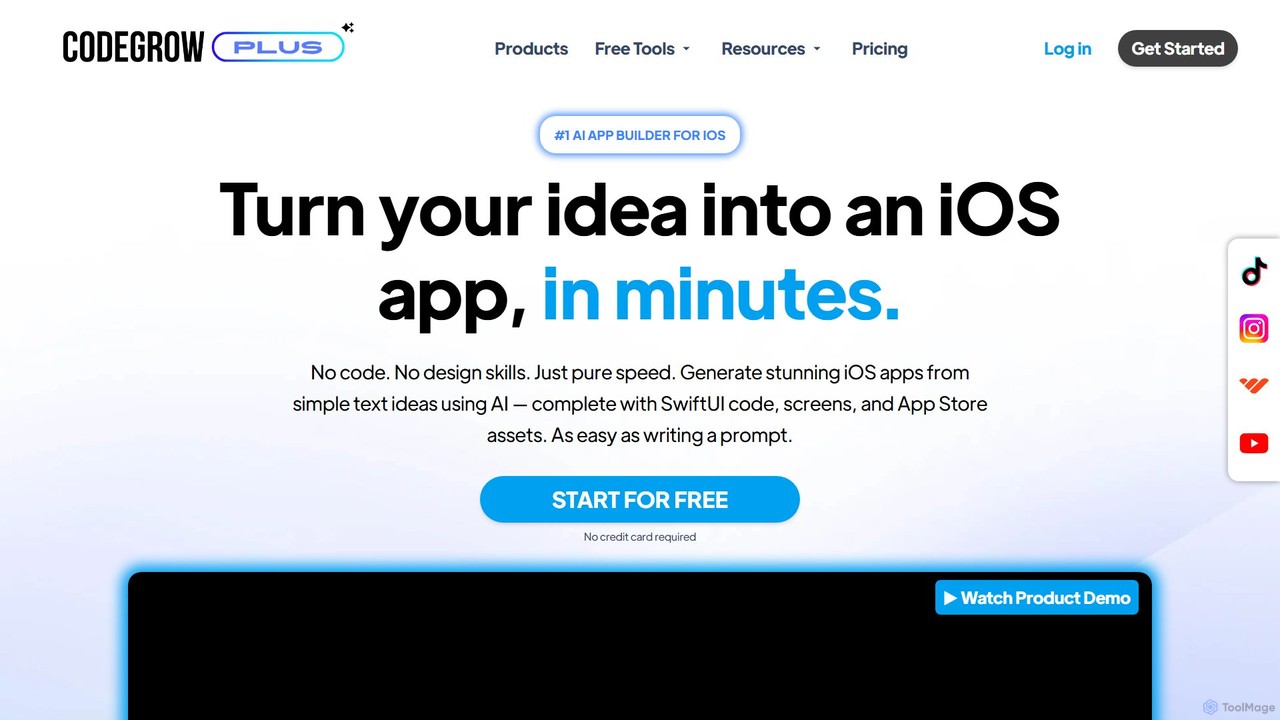
CodeGrow is a revolutionary AI-powered, no-code platform that transforms your app ideas into fully functional native iOS apps …

4.2K
swiftspeed

swiftspeed

Swiftspeed is an AI-powered, no-code app builder that enables users to create native Android and iOS applications without …

29.5K
Dyad

Dyad

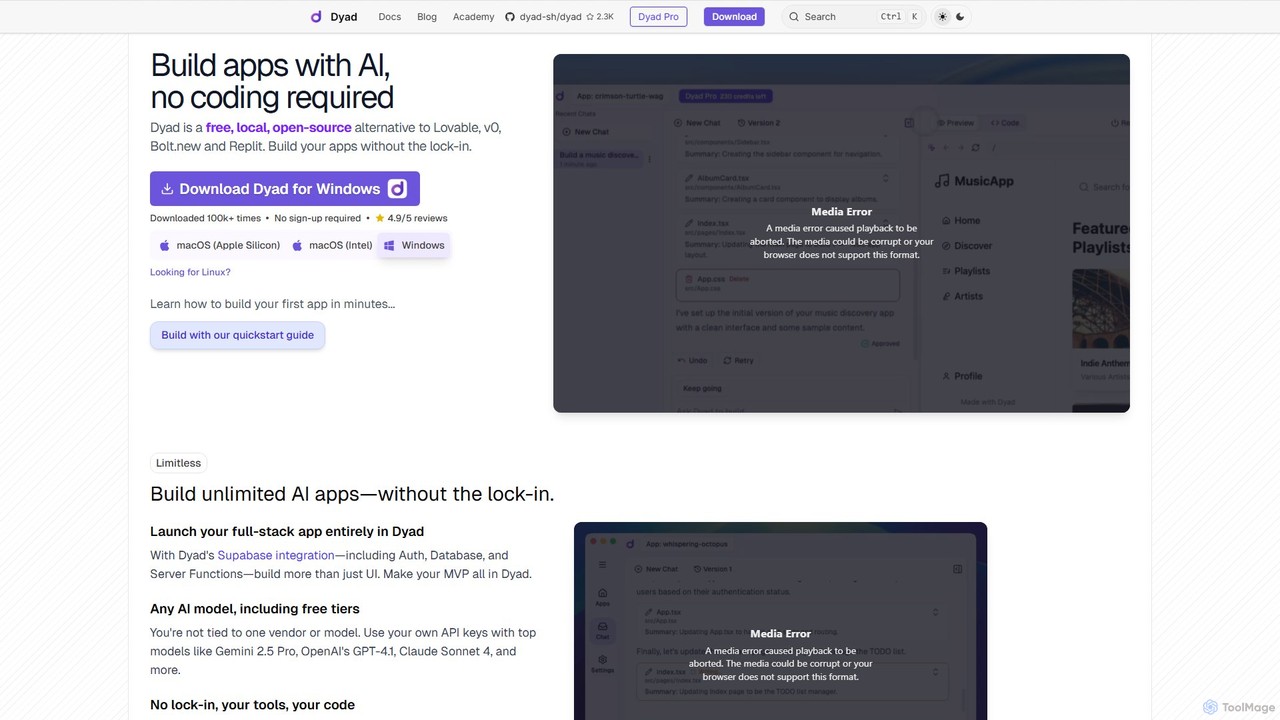
Dyad is a free, local, and open-source AI app builder that allows you to create full-stack applications without …

253.0K
a0.dev

a0.dev

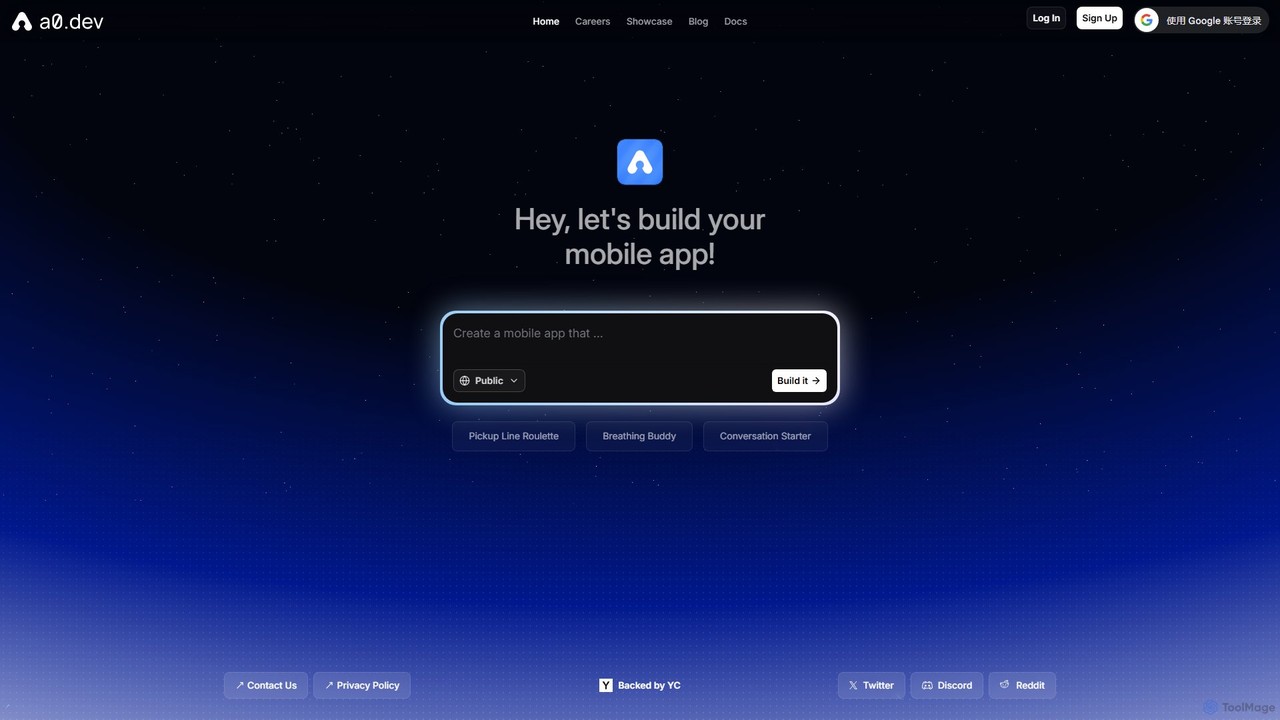
a0.dev is a revolutionary AI-powered platform that enables anyone to build native mobile apps for iOS and Android …

122.0K
Imagica

Imagica

Imagica is a powerful no-code platform that allows users to build, deploy, and monetize custom AI applications in …

3.4K
OnSpace.ai

OnSpace.ai

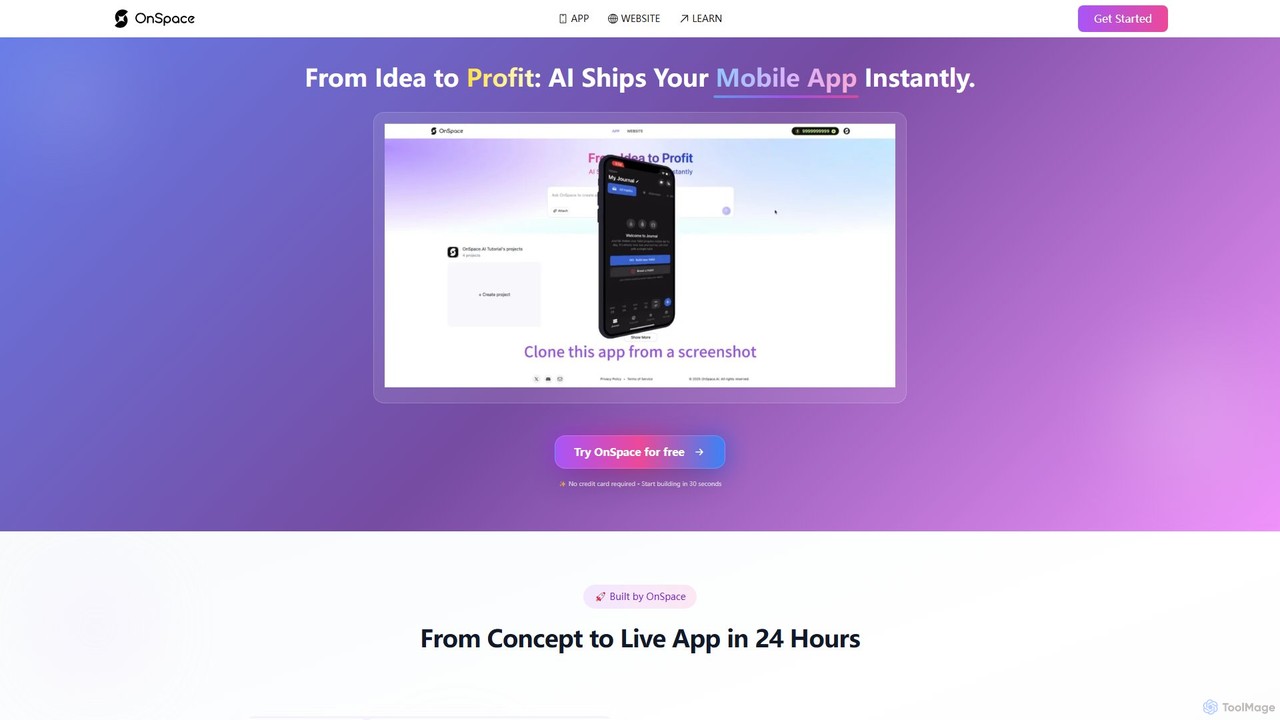
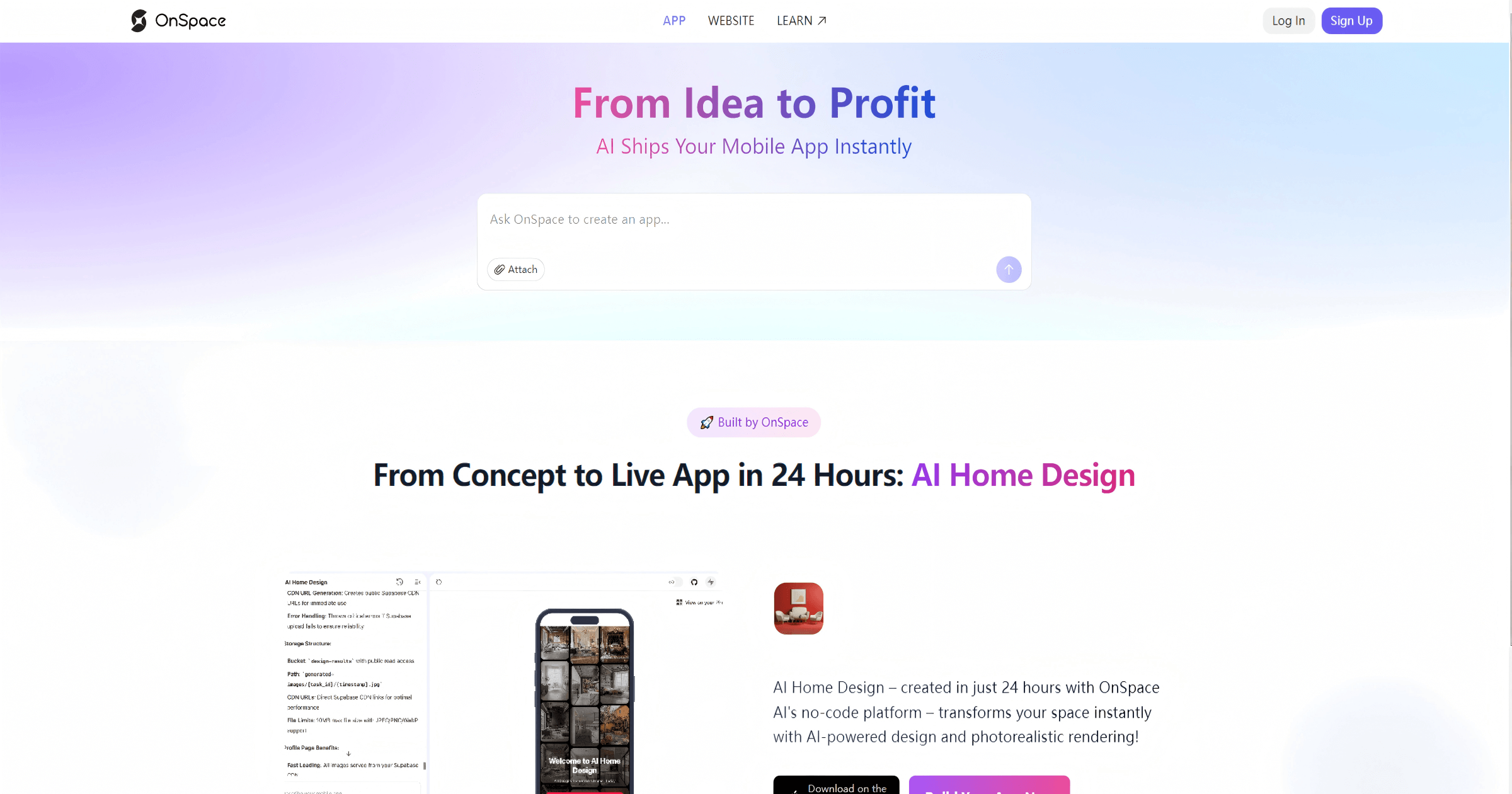
OnSpace.ai is a leading no-code AI platform that instantly transforms your ideas, screenshots, or Figma designs into full-stack, …

522.4K
Bravo Studio

Bravo Studio

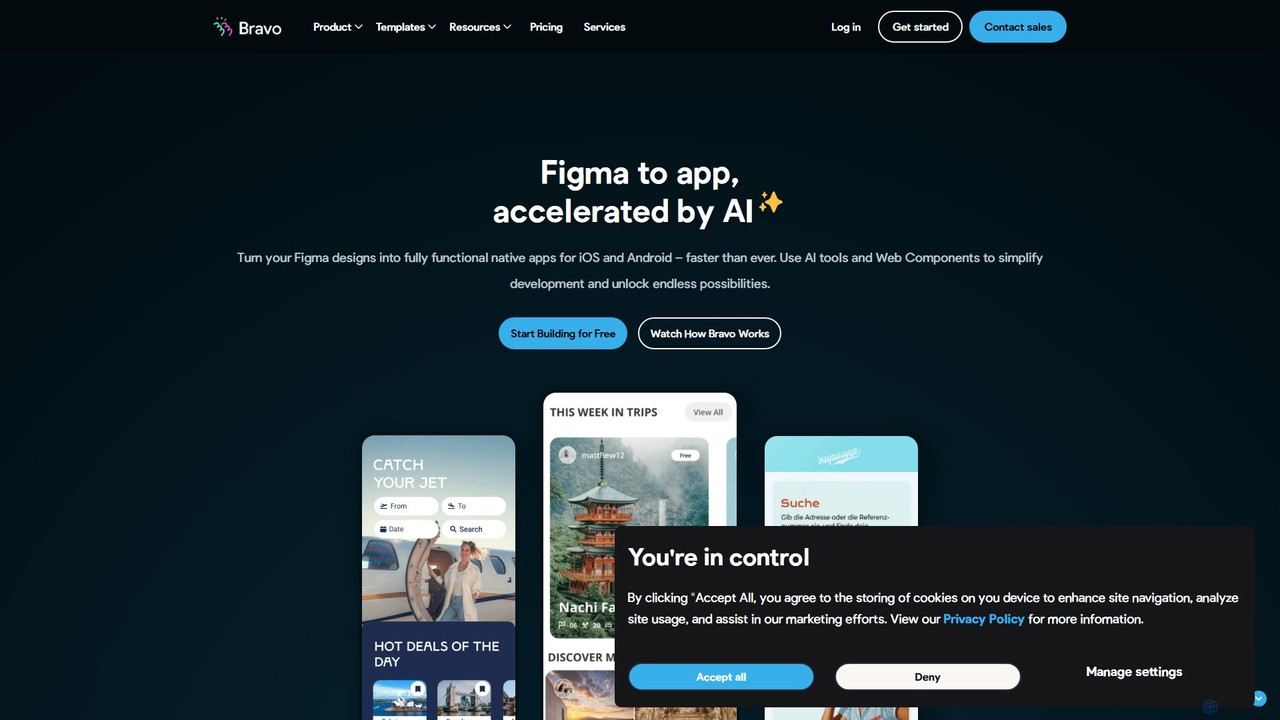
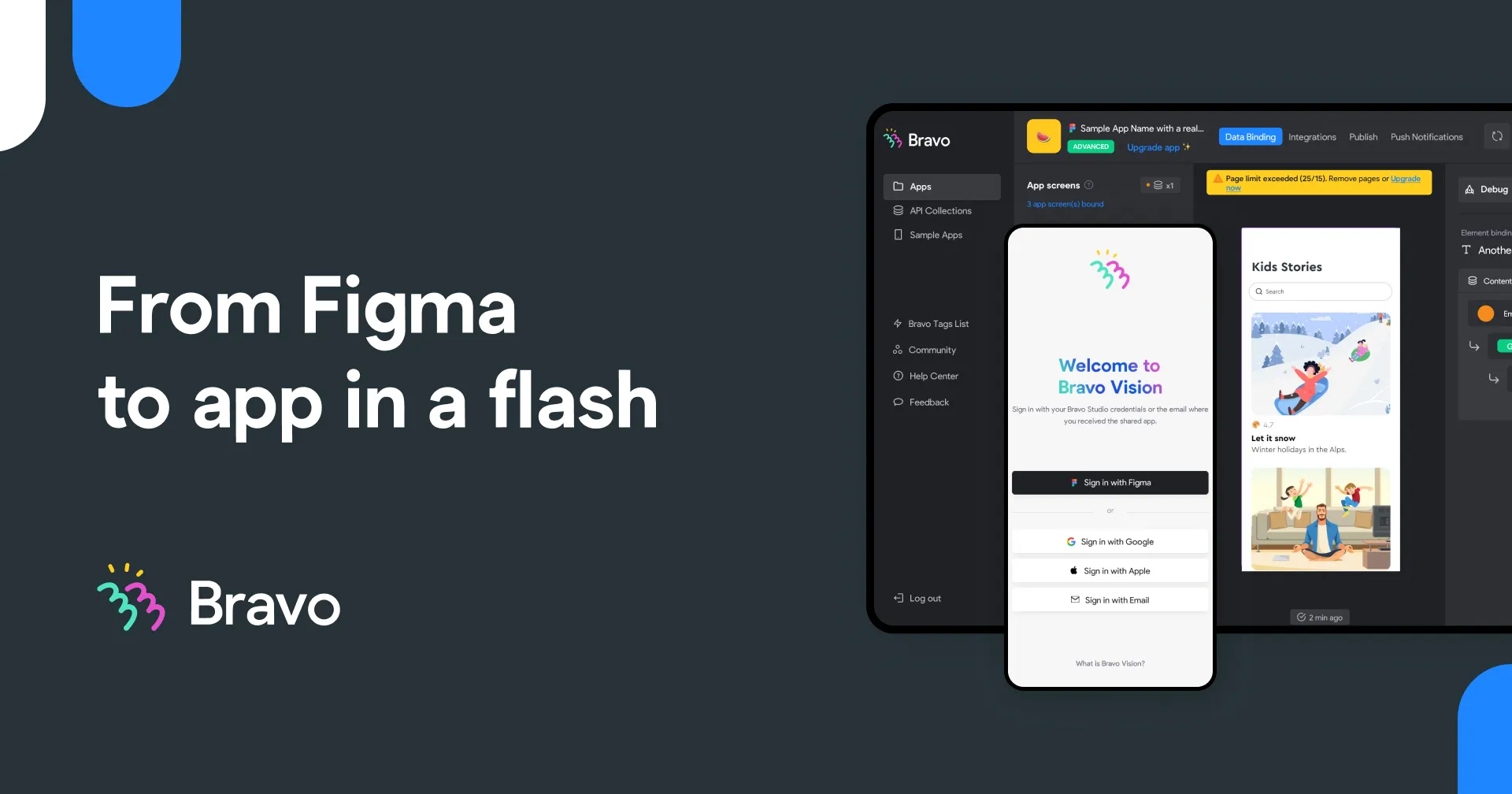
Bravo Studio is a design-first, no-code platform that transforms your Figma or Adobe XD designs into fully native …

50.5K

About App Builder

AI App Builders are tools that enable users to create functional web and mobile applications with minimal to no coding. They leverage artificial intelligence to interpret natural language prompts, automate code generation, and design user interfaces. This technology significantly lowers the barrier to software development, allowing entrepreneurs, designers, and business professionals to build prototypes, internal tools, or full-fledged applications quickly. AI assists throughout the process, from structuring the database to implementing complex business logic, accelerating the journey from idea to launch.

Core Features

  • Natural Language Prompting: Describe your app's functionality in plain text, and the AI generates the corresponding components and logic.
  • Visual Drag-and-Drop Editor: Assemble your application's interface and workflows using pre-built, customizable UI elements.
  • AI-Powered Code Generation: Automatically creates clean, maintainable code for both frontend and backend based on your specifications.
  • Automated Database Schema Design: The AI suggests and creates an efficient database structure based on the data your application needs to manage.
  • One-Click Deployment: Simplifies the process of publishing your application to the web or app stores with integrated hosting and deployment services.

Use Cases

AI App Builders are ideal for startups needing to rapidly develop a Minimum Viable Product (MVP) to test market fit. They are also widely used within enterprises by departments like HR or Operations to create custom internal tools, such as approval workflows or inventory management systems, without relying on IT resources. Marketers and agencies also use them to build interactive landing pages or campaign-specific micro-apps.

How to Choose

When selecting an AI App Builder, first consider the technical skill required—choose a no-code platform for non-developers or a low-code platform for more customization. Evaluate the target platforms (web, iOS, Android). Assess the tool's scalability and whether you can export the code for future development. Finally, check its integration capabilities with other services and analyze the pricing model to ensure it aligns with your budget and growth plans.

App BuilderUse Cases

1

Build a Minimum Viable Product (MVP) for a Startup

A startup founder with a great idea but limited technical resources needs to validate their concept with real users. Instead of spending months and significant capital on hiring a development team, they use an AI App Builder. By describing the core features like user registration, product listings, and a simple feedback system in natural language, the AI generates a functional web application in a matter of days. This allows the founder to launch quickly, gather crucial user feedback, and present a working prototype to potential investors, dramatically accelerating their business timeline.

2

Create Custom Internal Tools for a Business

An operations manager at a mid-sized company identifies a bottleneck in their inventory tracking process, which relies on spreadsheets and manual emails. The IT department's backlog is too long to build a custom solution. The manager uses a no-code AI App Builder to design a simple application. It includes a form for logging new stock, a searchable database of all items, and automated low-stock email alerts. In one afternoon, a tailored tool is created and deployed to the team, reducing manual errors by 90% and saving hours of administrative work each week.

3

Develop an Interactive Client Portal

A freelance web designer wants to provide a more professional experience for their clients beyond email chains and shared folders. They use an AI App Builder to create a secure client portal. The portal allows clients to log in, view project timelines, approve design mockups, upload assets, and see all communication in one place. The AI helps structure the database for users and projects and generates the logic for file uploads and comment threads. This self-service portal enhances client satisfaction and streamlines project management, making the freelancer's business appear more established and organized.

4

Create High-Fidelity Interactive Prototypes

A UI/UX designer needs to present a new app concept to stakeholders. Static design tools like Figma can show the look, but not the feel of the interactions. The designer uses an AI App Builder to quickly turn their static designs into a functional, high-fidelity prototype. They can easily add real data inputs, conditional logic, and seamless transitions between screens. Stakeholders can now interact with a working version of the app on their phones, providing much more accurate and valuable feedback on the user experience before a single line of production code is written.

5

Build a Niche Community Mobile App

A community manager for a local gardening club wants to increase engagement among members. They decide to create a dedicated mobile app. Using an AI App Builder with pre-built templates, they quickly assemble an app featuring a member directory, an event calendar for workshops, a forum for sharing tips, and push notifications for important announcements. The AI helps customize the look and feel to match the club's branding. The app is launched on both iOS and Android, providing a central hub for the community that is more accessible and engaging than a website or social media group.

6

Automate a Business Workflow with Integrations

A sales team struggles with a manual process for lead qualification that involves copying data between their CRM, a spreadsheet, and an email client. A business analyst uses a low-code AI App Builder to create a workflow automation app. The app connects to the CRM's API to pull new leads, uses AI to score them based on predefined criteria, and then automatically sends a personalized follow-up email or assigns the lead to a sales representative. This custom application eliminates hours of data entry, ensures faster lead response times, and reduces the risk of human error in the sales process.

App BuilderFrequently Asked Questions