

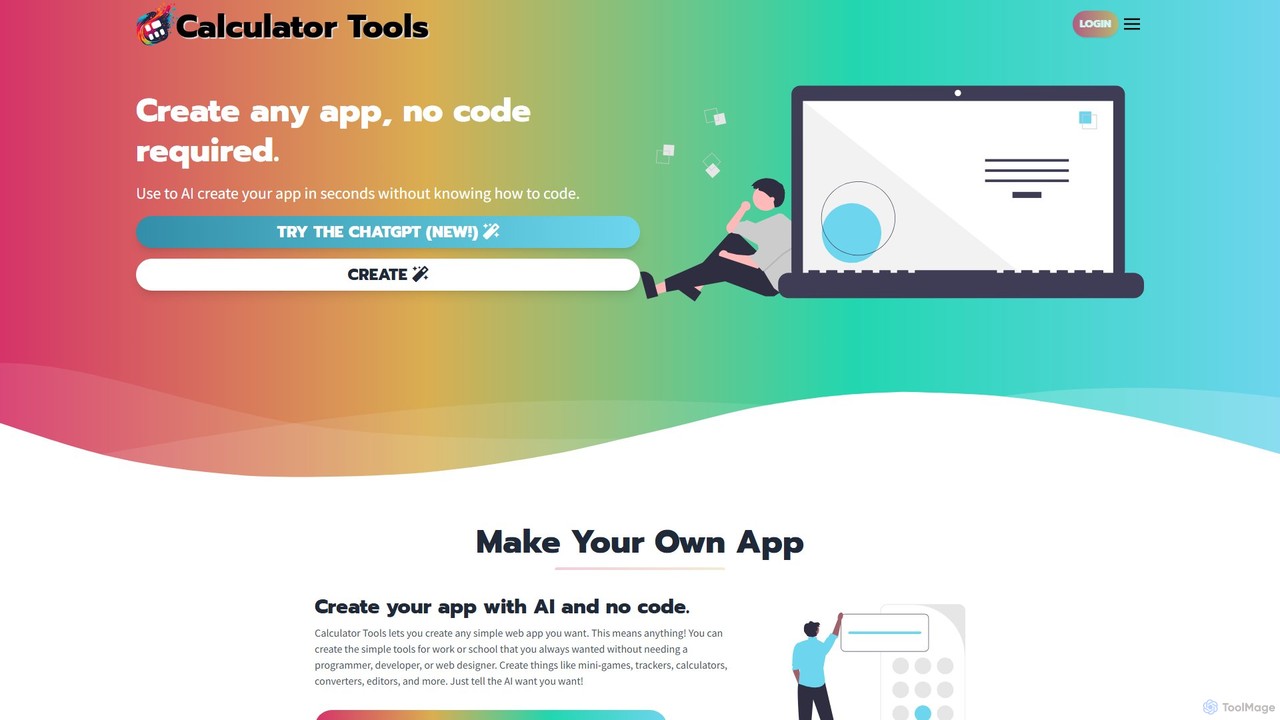
Calculator Tools Overview
Calculator Tools is a revolutionary no-code platform that democratizes application development by leveraging the power of artificial intelligence. It allows users, regardless of their technical background, to build a wide variety of digital tools, including web applications, specialized calculators, mini-games, and websites. The core premise is simple: describe what you want to create, and the AI handles the programming. This intuitive approach opens up development to a much broader audience, from hobbyists and students to entrepreneurs and small business owners who need custom solutions without the cost and time of traditional development.
The platform is powered by a sophisticated suite of cutting-edge AI models, including OpenAI's GPT-4o and DALL-E 3, as well as models from Anthropic (Claude 3.5 Sonnet) and Google (Gemini). This diverse AI engine ensures high-quality, functional, and creative outputs. Users can generate applications not just from text prompts, but also through visual inputs. The 'Image to App' and 'Screenshot to App' features are particularly innovative, allowing you to turn a simple drawing, a photo, or a screenshot of an existing interface into a working web app.
How to use Calculator Tools
Using Calculator Tools is designed to be a straightforward and intuitive process. Here’s a typical workflow:
- Choose Your Creation Method: Start by deciding how you want to generate your app. You can type a detailed text description (e.g., "Create a BMI calculator with inputs for height in feet/inches and weight in pounds"), upload an image or photo of your concept, or take a screenshot of a design you'd like to replicate.
- AI Generation: Once you provide the input, the AI gets to work. It interprets your request and generates the necessary HTML, CSS, and JavaScript code to create a functional web application. This process is incredibly fast, often taking just a few moments.
- Review and Edit: The platform presents you with the initial version of your app. You can test its functionality immediately. If it's not perfect, you can use the integrated no-code editor to make changes or provide further instructions to the AI to refine and iterate on the design and features.
- Use and Share: Once you are satisfied with your creation, you can use it directly. You also have the option to share your app with the community, allowing others to use, learn from, or even remix your creation into something new.
- Custom GPTs: For advanced users, Calculator Tools offers integration with ChatGPT through official Custom GPTs for specialized tasks like Automatic Programming, ADA Compliance checks, and Automatic Grading, further extending the platform's capabilities.
Core Features of Calculator Tools
- AI-Powered App Generation: Utilizes multiple advanced LLMs (GPT-4o, Claude 3.5, Gemini) to translate natural language prompts into functional code.
- No-Code Platform: No programming knowledge is required. The entire process is managed through an intuitive user interface.
- Visual Input Generation: Unique 'Image to App' and 'Screenshot to App' features that use vision AI to build applications from visual mockups.
- Community App Gallery: An extensive library of apps created by the community. Users can browse for inspiration, use existing apps, or clone and modify them.
- Custom GPT Integration: Offers specialized Custom GPTs for ChatGPT to streamline complex tasks like programming, accessibility compliance, and more.
- Instant Iteration: Easily edit and modify your app with AI assistance, allowing for rapid prototyping and development.
- Wide Range of Applications: Capable of creating everything from simple calculators and trackers to interactive games, educational tools, and simple websites.
Use Cases for Calculator Tools
The versatility of Calculator Tools makes it suitable for numerous applications:
- Education: Teachers and students can create interactive learning tools, quizzes, and educational games without needing to code.
- Small Business: Business owners can quickly build custom calculators for quotes, lead generation forms, or internal productivity tools.
- Prototyping: Designers and developers can rapidly create functional prototypes from mockups to test ideas and user flows.
- Personal Projects: Hobbyists can bring their creative ideas to life, whether it's a personal health tracker (like a BMI calculator), a fun clicker game, or a utility to solve a specific problem.
- Marketing: Marketers can create simple, engaging mini-games or interactive tools as part of promotional campaigns.
Advantages of Calculator Tools
The primary advantage of Calculator Tools is its accessibility and speed. It dramatically lowers the barrier to entry for software creation. Instead of weeks or months, a functional app can be generated in minutes. The use of multiple top-tier AI models ensures a high degree of capability and creativity in the generated apps. Furthermore, the community-driven approach fosters a collaborative environment where users can learn from each other and build upon a vast, pre-existing library of tools.
Pricing and Plans
Calculator Tools is primarily offered as a free-to-use platform. Users can generate and use applications without an upfront cost. While the core functionality is free, there may be premium plans or features for advanced users or higher usage limits in the future. It is recommended to check the official website for the most current information on any potential paid tiers.
Traffic
Latest traffic
Status
Monthly traffic trend
- 2025-9: 1.1K
- 2026-1: 1.0K
- 2026-2: 317
- 2026-3: 1.8K
- 2026-4: 1.7K
- 2026-5: 989
Geography
Top 5 countries / regions
- 🇺🇸United States86.3%
- 🇮🇳India13.7%
Top keywords
| Keyword | Cost per click |
|---|---|
| calculator tools | $0.00 |
| edgar brawl stars quotes | $0.00 |
| hypertranslate | $1.15 |
| ihtx source generaor | $0.00 |
| mbg calculator | $0.00 |
Calculator Tools Alternatives
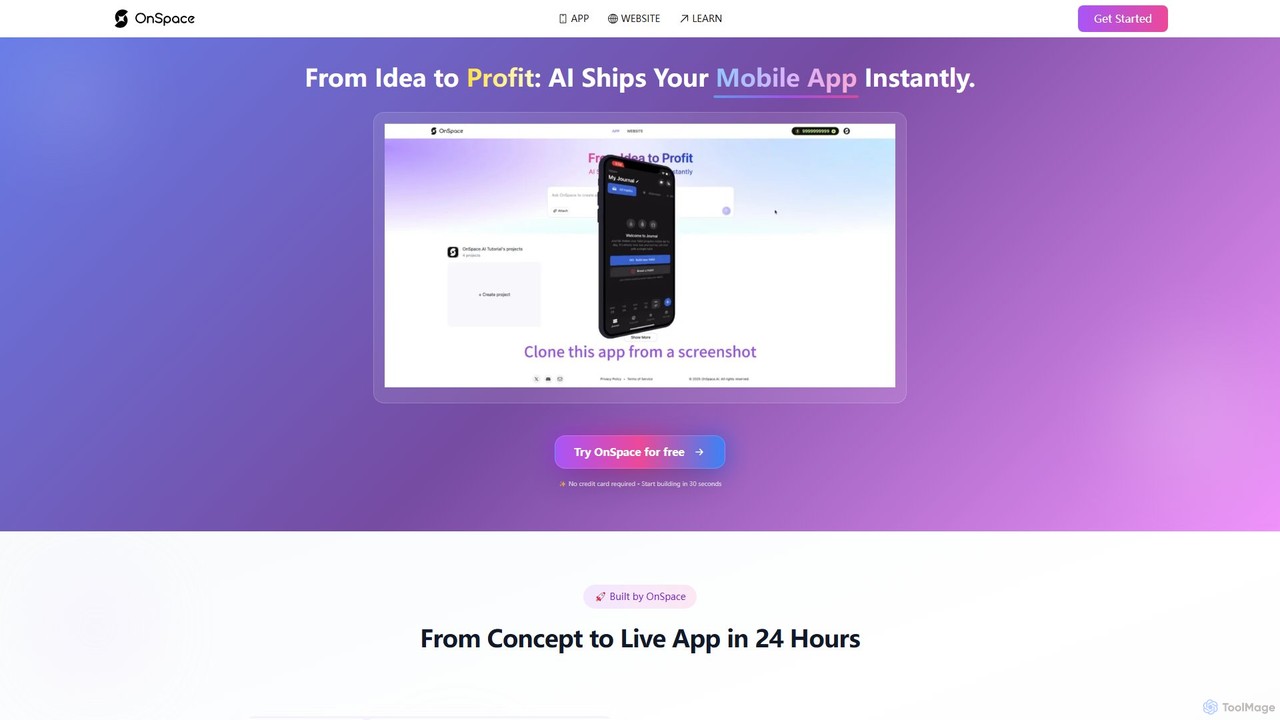
OnSpace.ai
OnSpace.ai is a leading no-code AI platform that instantly transforms your ideas, screenshots, or Figma designs into full-stack, monetizable mobile and web applications. Built for speed and accessibility, it allows anyone to launch a functional app for iOS, Android, and the web in as little as 24 hours, without writing a single line of code.
No Code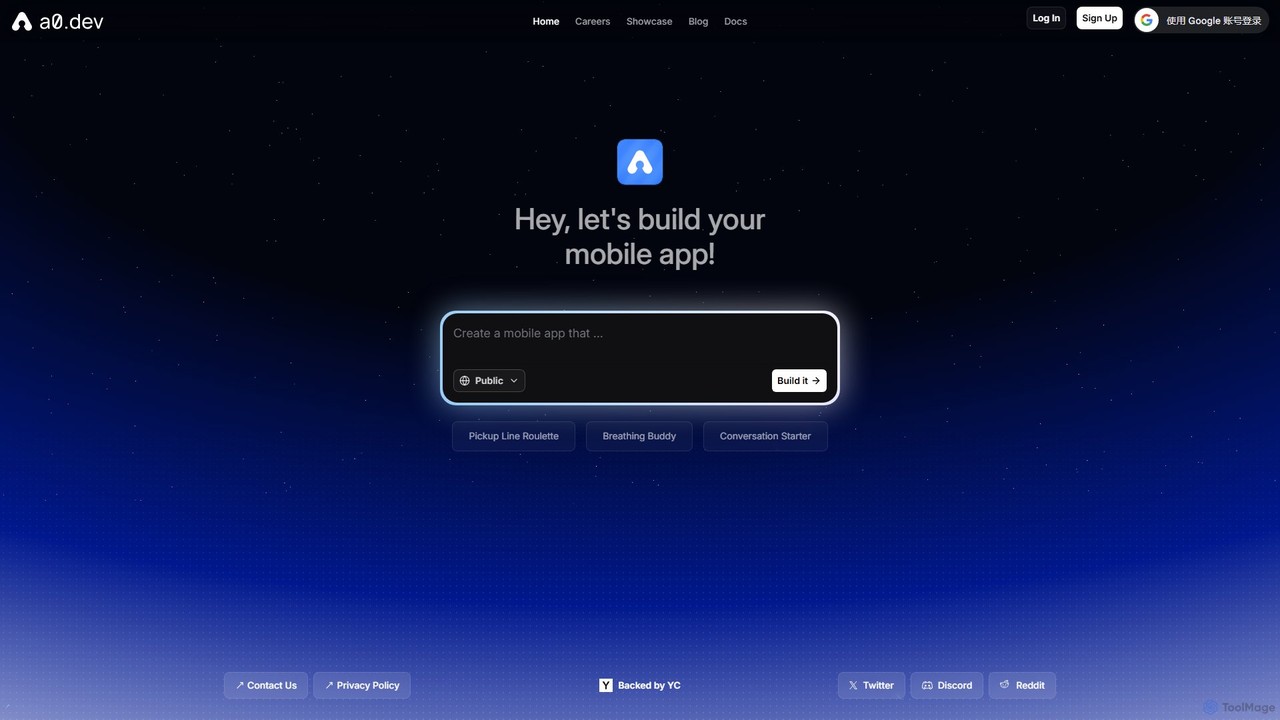
a0.dev
a0.dev is a revolutionary AI-powered platform that enables anyone to build native mobile apps for iOS and Android using simple text prompts. Describe your app idea in natural language, and the AI will generate, iterate, and help you publish it directly to the app stores, no coding required.
Text To App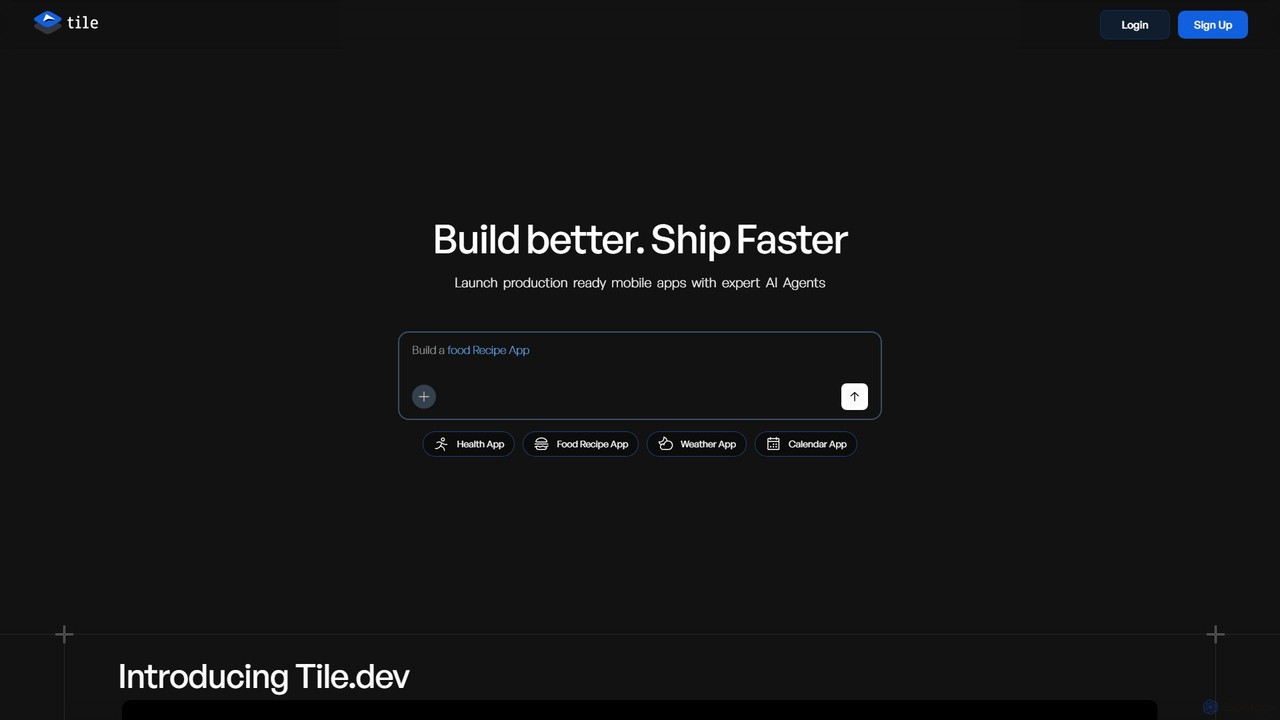
Tile
Tile is an AI-powered mobile app builder that transforms your ideas into production-ready iOS and Android applications. Describe your app concept using text or visuals, and specialized AI agents will build it. You can then refine the app with a powerful no-code visual editor and publish it directly to the App Store and Play Store. It's designed for founders, developers, and creators to ship apps faster.
Generative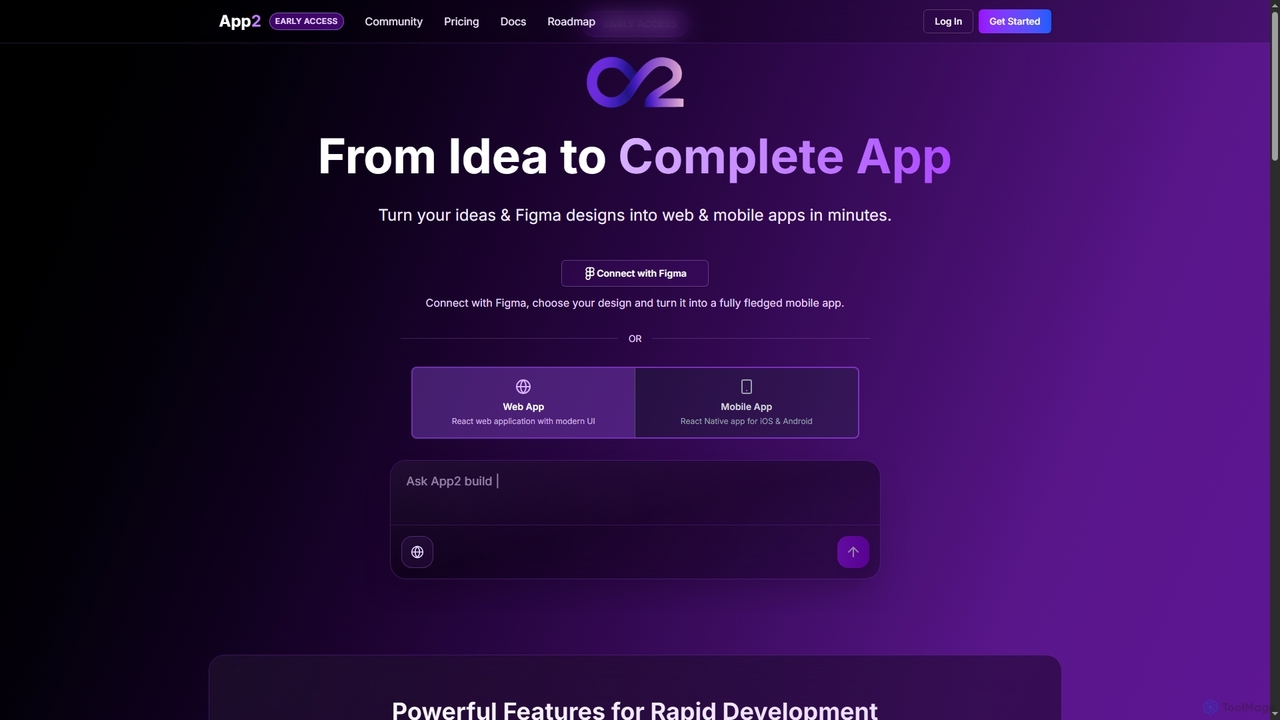
App2
App2 is an AI-powered platform that transforms ideas and Figma designs into production-ready web and mobile applications without code. Build, debug, and deploy React and React Native apps through conversational prompts, leveraging models like GPT-4, Claude, and Gemini.
Design To Code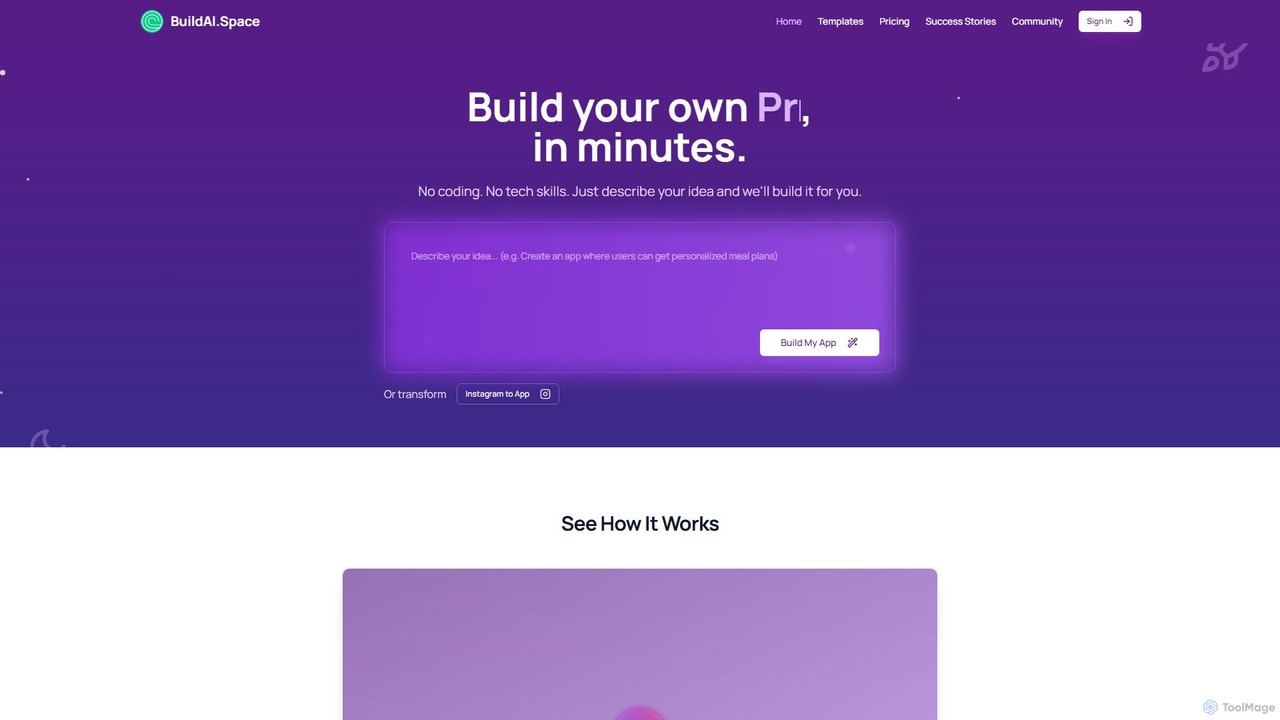
BuildAI
BuildAI is a no-code platform that empowers entrepreneurs and creators to build and launch custom AI-powered applications in minutes. Simply describe your idea in plain language, and the platform generates a fully functional app with features like user management, subscription payments, and personalized AI experiences. No technical skills are required, making it ideal for turning expertise into a scalable online business.
SaasCalculator Tools Categories
Calculator Tools Embed Widget
Copy this embed code to place the badge on your blog, article, or product site and send readers directly to this ToolMage detail page.

Related AI tools
Pico
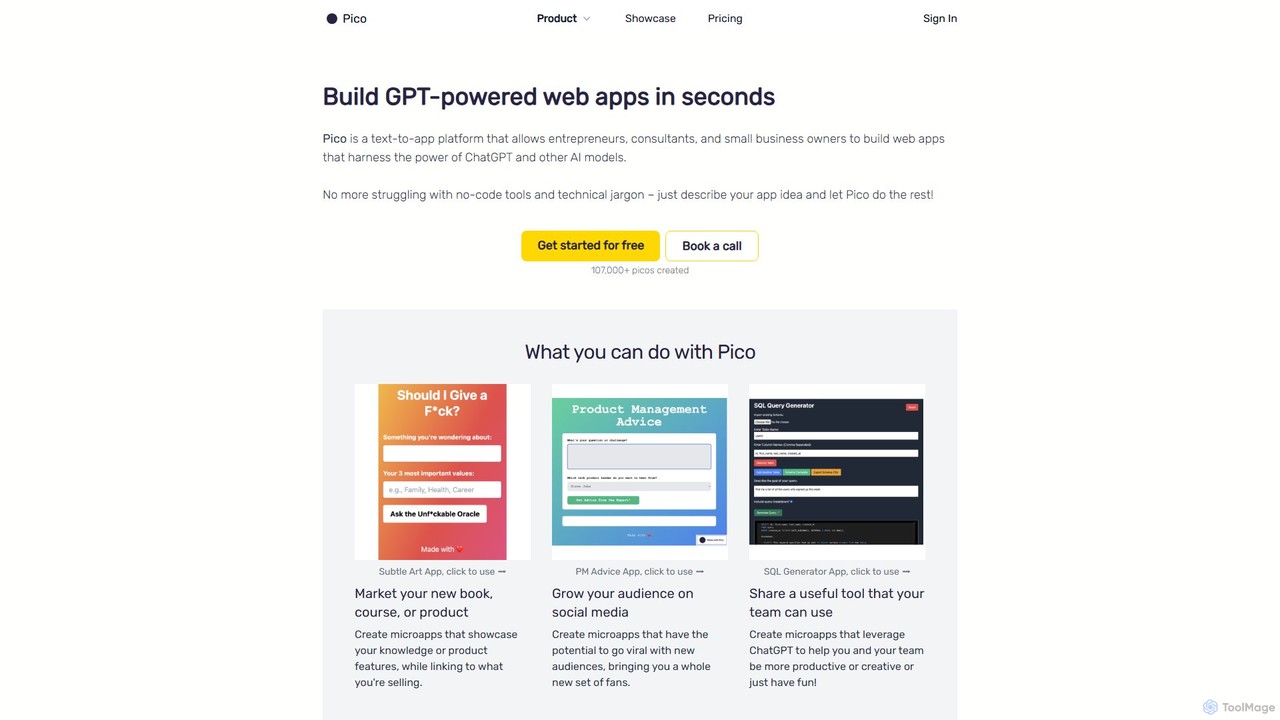
Pico is a text-to-app platform that empowers users to build GPT-powered web applications in seconds using simple natural language descriptions. Ideal for entrepreneurs, consultants, and small businesses, Pico eliminates the need for coding, allowing anyone to create, iterate, and deploy functional web apps effortlessly.
No Code
dotapp
dotapp is an AI-powered no-code platform that enables users to build fully functional web and mobile applications simply by describing their ideas in natural language. It automates design, development, and deployment, making app creation accessible to everyone.
App Builder
Jyek
Jyek is an AI agent platform that understands objectives, creates execution plans, uses tools, and delivers verifiable results for complex, multi-step tasks.
Automation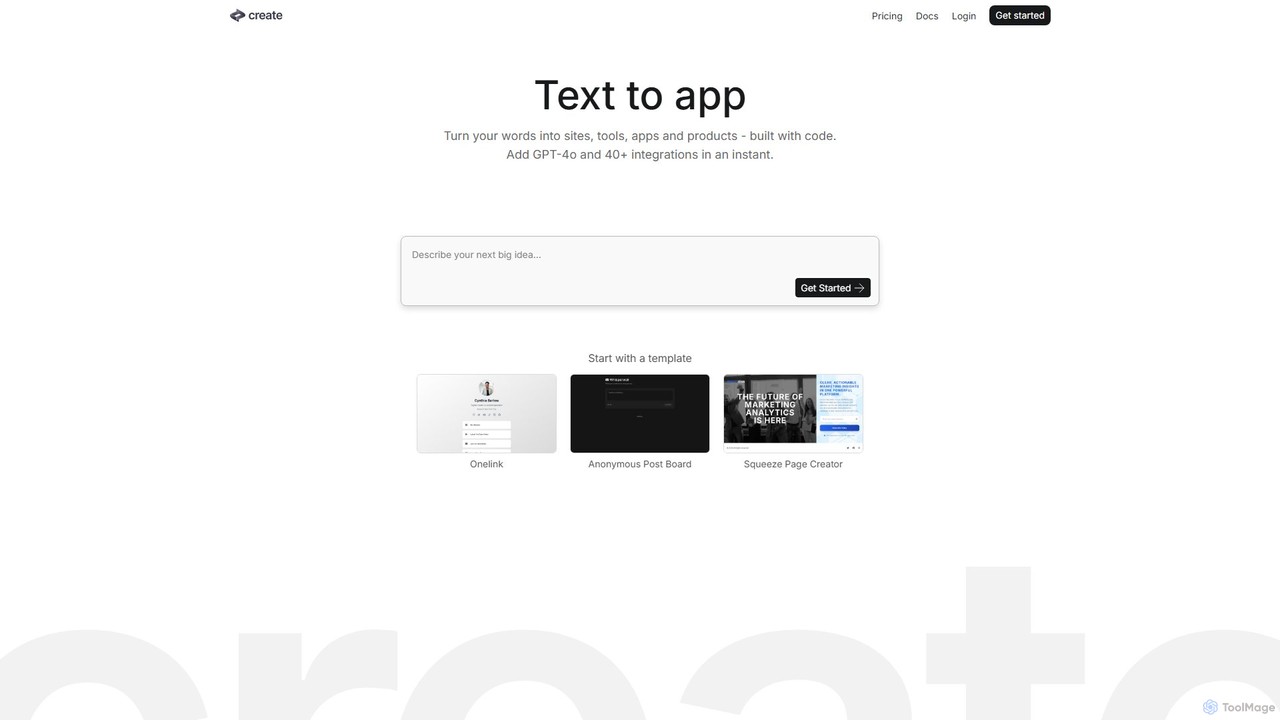
Create
Create is a no-code AI application builder that transforms your text descriptions into functional websites, tools, and apps. Integrate powerful AI models like GPT-4o and Claude 3.5, connect to any API, and launch your project without writing a single line of code. Ideal for building prototypes, internal tools, and AI-powered products quickly.
No Code & Low Code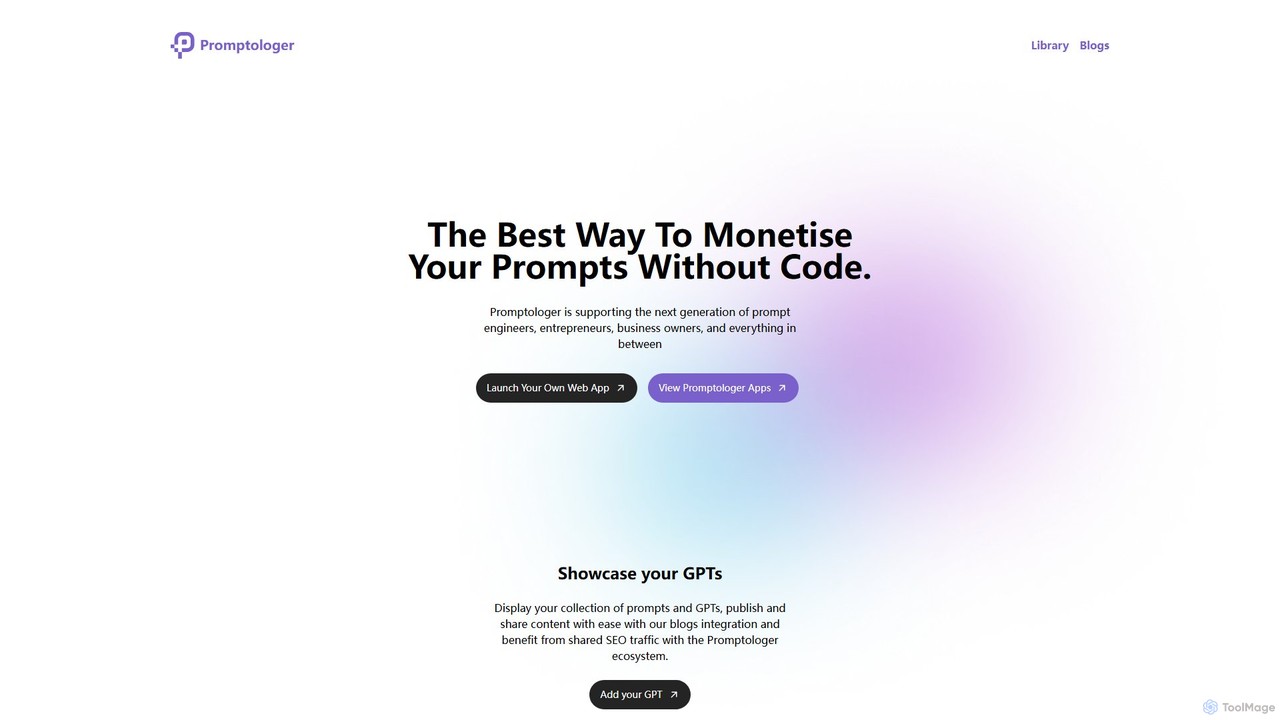
Promptologer
A no-code platform that empowers prompt engineers and creators to build and monetize their AI prompts by turning them into standalone web applications. It also offers solutions for businesses to deploy private AI apps for internal team use.
App BuilderOnSpace.ai
OnSpace.ai is a leading no-code AI platform that instantly transforms your ideas, screenshots, or Figma designs into full-stack, monetizable mobile and web applications. Built for speed and accessibility, it allows anyone to launch a functional app for iOS, Android, and the web in as little as 24 hours, without writing a single line of code.
No Codea0.dev
a0.dev is a revolutionary AI-powered platform that enables anyone to build native mobile apps for iOS and Android using simple text prompts. Describe your app idea in natural language, and the AI will generate, iterate, and help you publish it directly to the app stores, no coding required.
Text To AppTile
Tile is an AI-powered mobile app builder that transforms your ideas into production-ready iOS and Android applications. Describe your app concept using text or visuals, and specialized AI agents will build it. You can then refine the app with a powerful no-code visual editor and publish it directly to the App Store and Play Store. It's designed for founders, developers, and creators to ship apps faster.
GenerativeApp2
App2 is an AI-powered platform that transforms ideas and Figma designs into production-ready web and mobile applications without code. Build, debug, and deploy React and React Native apps through conversational prompts, leveraging models like GPT-4, Claude, and Gemini.
Design To Code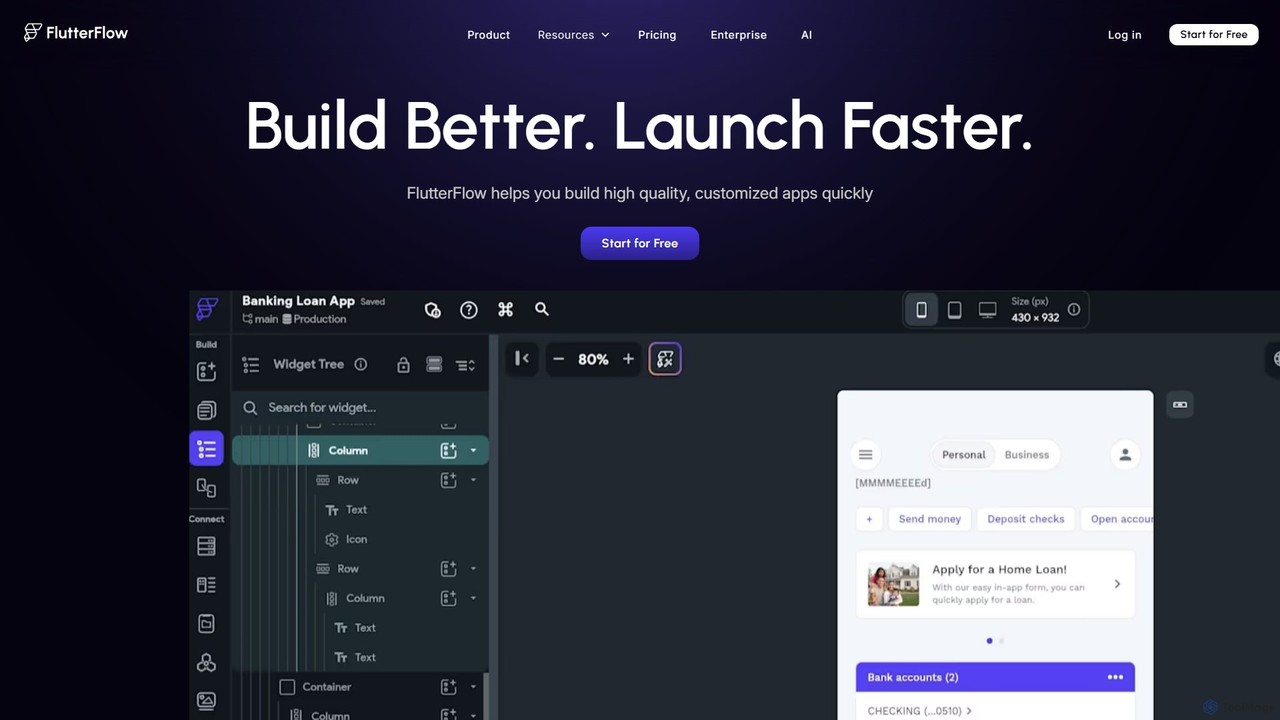
FlutterFlow
FlutterFlow is a low-code platform for visually building native mobile, web, and desktop applications. It empowers developers and non-developers to create high-quality, customized apps with a drag-and-drop interface, pre-built components, and powerful integrations like Firebase and Supabase, significantly accelerating the development process.
Low Code No Code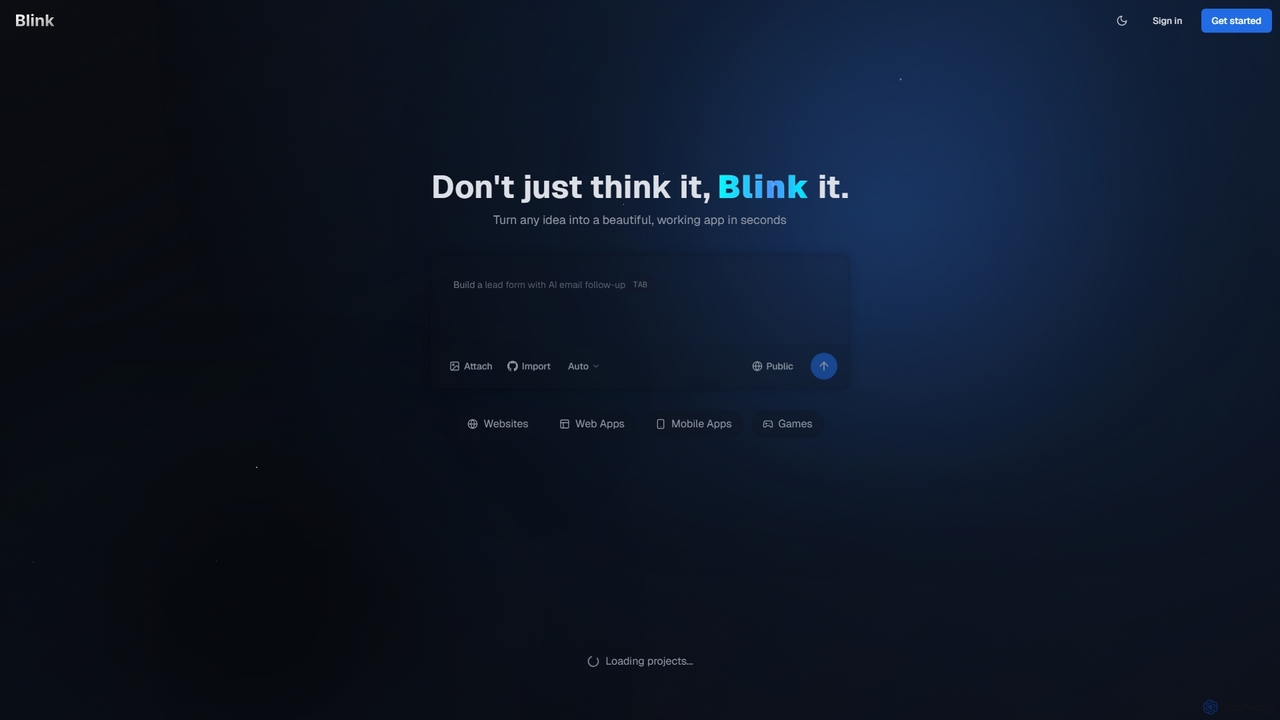
Blink
Blink is an AI-powered app developer that allows you to build websites, web apps, and mobile applications using plain English. No coding required. Simply describe your idea, and Blink's AI agent writes the code, sets up databases, and deploys your project automatically. It's designed for entrepreneurs and businesses to launch their ideas quickly and affordably.
No Code & Low Code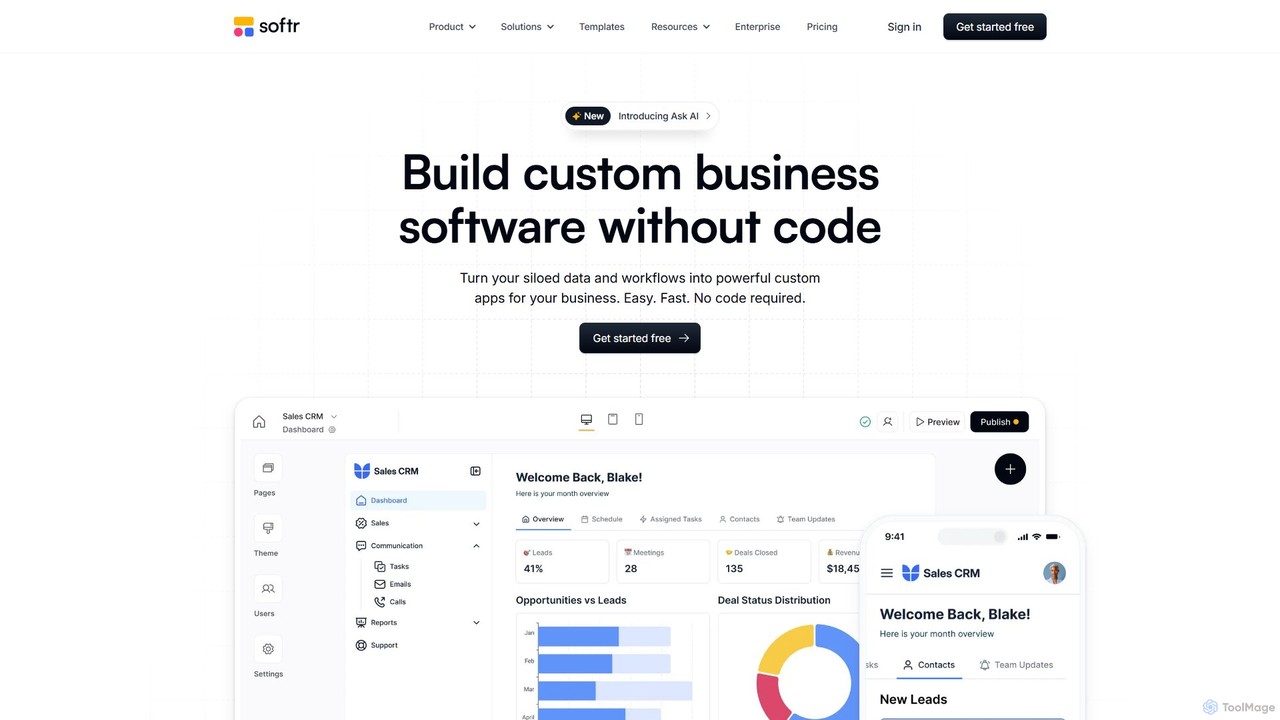
Softr
Softr is a leading no-code platform that empowers users to build custom business applications, client portals, and internal tools without writing a single line of code. It transforms existing data from sources like Airtable, Google Sheets, and HubSpot into powerful, interactive web apps. With its new AI-powered builder, you can generate applications even faster, streamlining workflows and boosting productivity.
Internal Tools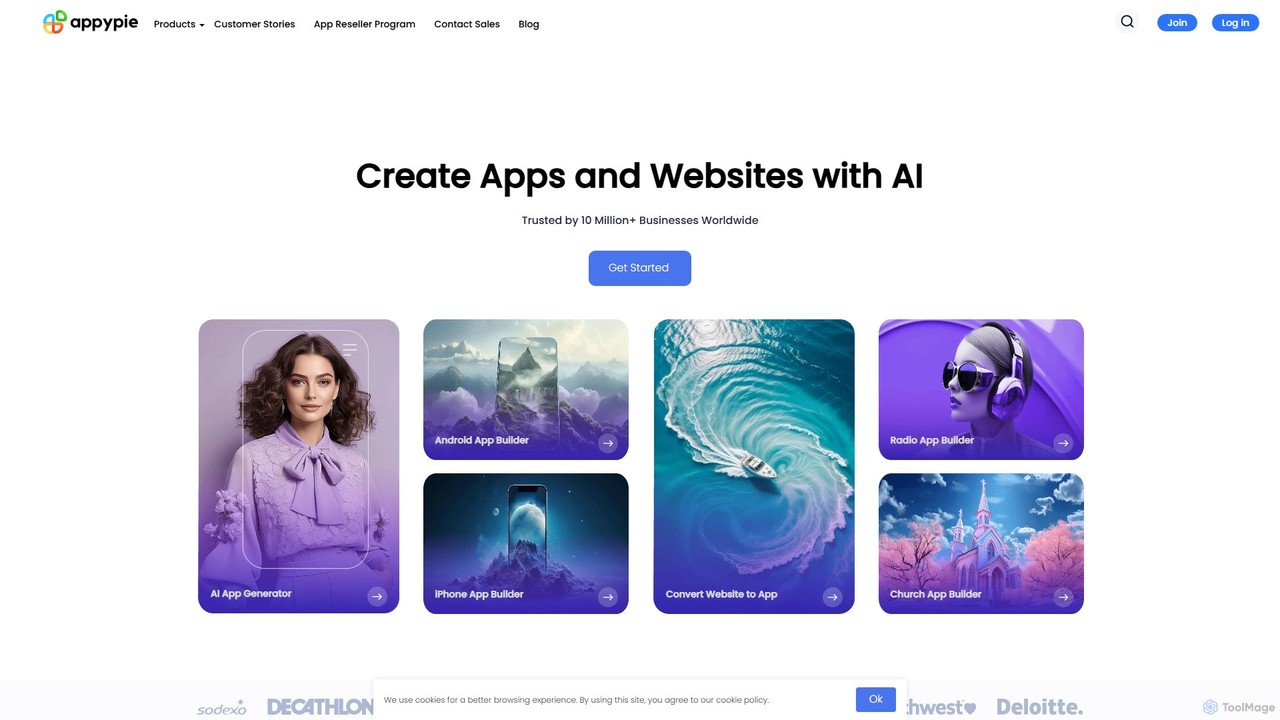
Appy Pie
Appy Pie is a leading AI-powered no-code development platform that enables users to create mobile apps, websites, and other digital solutions without any coding. Simply describe your idea, and the AI generator will build a functional foundation for you to customize and launch quickly.
App Builder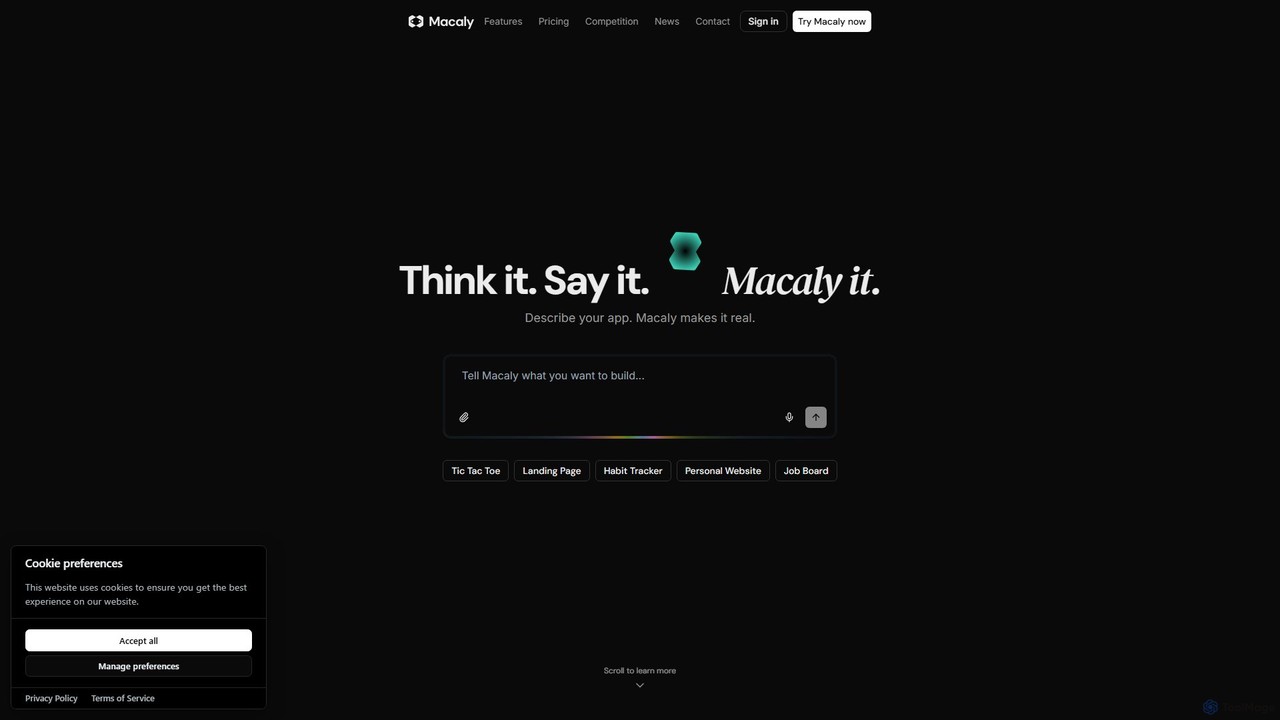
Macaly
Macaly is an AI-powered platform that transforms your ideas into functional web apps and websites using natural language. No coding required. Simply describe what you want, and Macaly's AI agent builds it instantly, making it perfect for entrepreneurs, marketers, and non-developers to rapidly prototype and launch projects.
No Code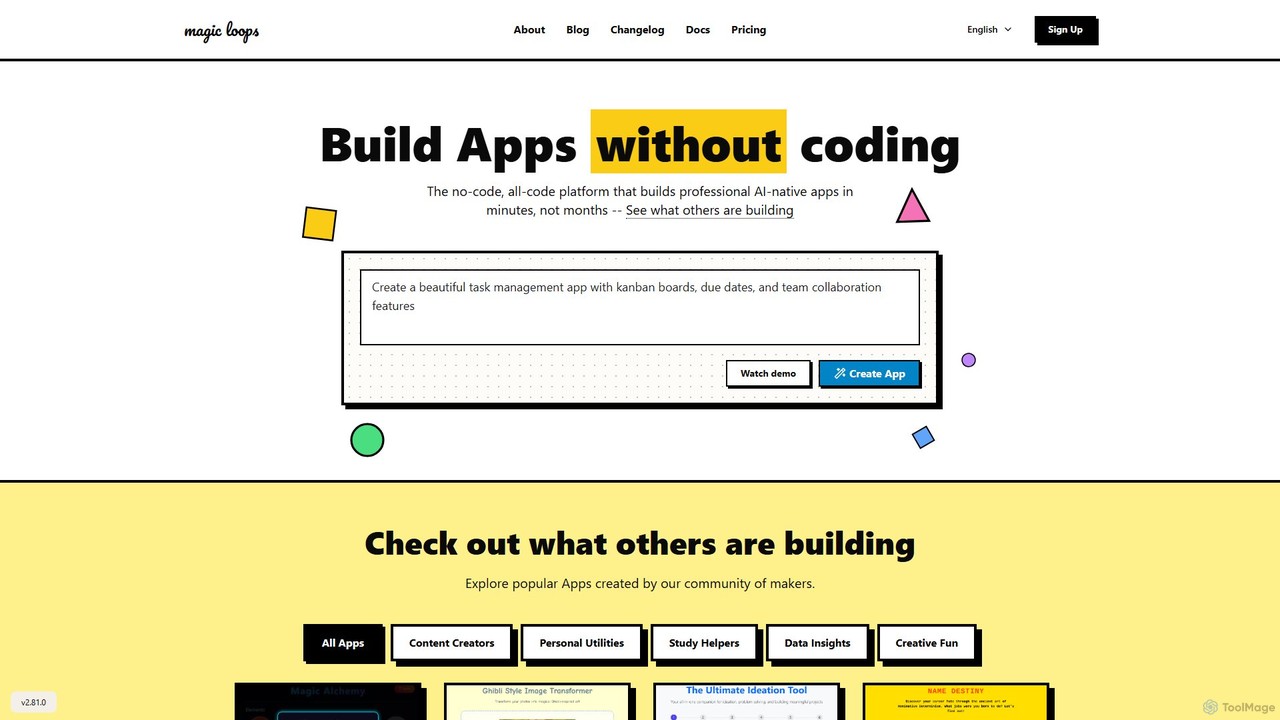
Magic Loops
Magic Loops is a no-code/low-code platform that empowers you to build professional, AI-native applications in minutes. Simply describe your idea in plain English, and Magic Loops generates the underlying workflow and user interface. It's perfect for creators, developers, and businesses looking to rapidly prototype and deploy AI-powered tools, automations, and utilities without extensive coding.
Builders
Calculator Tools Comments (0)
Sign in to comment.
Sign inNo comments yet.