

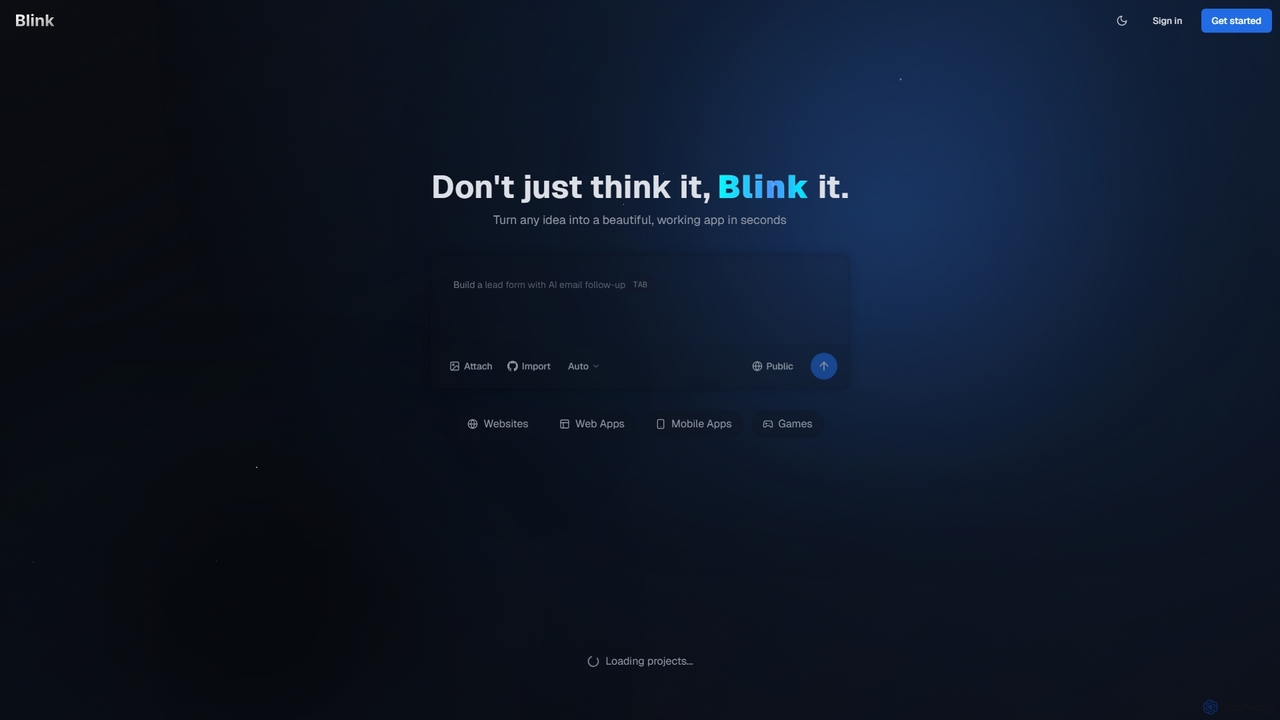
Blink Overview
Blink is a revolutionary AI-powered development platform that empowers anyone to build custom websites, web applications, and mobile apps without writing a single line of code. It acts as an intelligent AI coding agent, translating your ideas, described in plain English, into fully functional, production-ready software. Designed for entrepreneurs, startups, and businesses, Blink dramatically accelerates the development process, allowing you to go from concept to launch in a fraction of the time and cost of traditional methods. Whether you're looking to build a minimum viable product (MVP), an internal tool, or a sophisticated web service, Blink provides the infrastructure, code generation, and deployment capabilities to bring your vision to life.
How to use Blink
Getting started with Blink is designed to be intuitive and straightforward, even for those with no technical background. The process is centered around natural language communication with the AI agent:
- Sign Up: Create a free account using your email, Google, or GitHub account to get started.
- Describe Your Project: In the project creation interface, simply describe the application you want to build. Be as detailed as possible. For example, instead of "a task app," try "a to-do list application where users can sign up, create tasks with due dates and priorities, and mark them as complete."
- AI Generation: Blink's AI agent will analyze your description, ask clarifying questions if needed, and then begin generating the necessary components: front-end code (UI/UX), back-end logic, and database schemas.
- Review and Iterate: Once the initial version is built, you can review it. If you need changes or new features, you can provide further instructions in plain English, such as "Add a dark mode toggle" or "Integrate a payment gateway." The AI will iterate on the existing codebase.
- Deploy: With a single click, Blink handles the entire deployment process. It sets up hosting, configures the server, and makes your application live on the web. Paid plans allow you to connect a custom domain for a professional touch.
Core Features of Blink
- AI-Powered Code Generation: Leverages advanced AI models to write clean, efficient, and scalable code for front-end, back-end, and databases based on natural language prompts.
- Full-Stack Application Development: Capable of building complete applications, including user interfaces, server-side logic, user authentication, and database management.
- No-Code/Low-Code Interface: Eliminates the need for traditional coding, making software development accessible to everyone, regardless of their technical expertise.
- Automated Deployment & Hosting: Simplifies the launch process by automatically handling server setup, deployment, and hosting, with all plans including hosting services.
- Code Ownership and Export: On paid plans, you have full ownership of the generated code and can download the entire source code, preventing vendor lock-in and allowing for custom modifications or migration to other platforms.
- Iterative Development Cycle: Easily add features, fix bugs, or change the design by providing new text-based instructions to the AI.
- Project Collaboration: The Pro plan and higher allow multiple users to collaborate on the same project, making it suitable for teams.
- Custom Domain Support: Connect your own domain name to your application for a branded, professional online presence.
Use Cases for Blink
Blink is a versatile tool suitable for a wide range of projects, including:
- Minimum Viable Products (MVPs): Entrepreneurs and startups can rapidly build and launch MVPs to test market demand and gather user feedback without significant upfront investment.
- Internal Business Tools: Create custom applications for internal use, such as project management dashboards, employee directories, inventory trackers, or custom CRMs.
- Websites and Landing Pages: Build dynamic websites, marketing landing pages, and lead generation forms with integrated follow-up sequences.
- Small E-commerce Platforms: Develop simple online stores or booking systems to sell products or services.
- Functional Prototypes: Product managers and designers can create high-fidelity, functional prototypes to demonstrate user flows and features to stakeholders.
Advantages of Blink
Using Blink offers several key advantages over traditional development or other no-code platforms:
- Unprecedented Speed: Reduce development timelines from months to mere days or even hours.
- Significant Cost Savings: Avoid the high costs associated with hiring developers, designers, and DevOps engineers.
- Democratization of Technology: Empowers non-technical founders and business professionals to build their own software solutions.
- Flexibility and Scalability: Unlike many closed no-code systems, the ability to export your code means your application can grow and scale beyond the platform's initial capabilities.
- Focus on Idea, Not Implementation: Allows you to concentrate on your business idea and user experience, while the AI handles the technical implementation details.
Pricing and Plans
Blink offers a flexible pricing structure to suit different needs, from hobbyists to power users. All plans operate on a credit system, where credits are used for AI generation tasks.
- Free Plan ($0/month): Perfect for getting started and exploring the platform. Includes 10 credits per month, public projects, and community support.
- Starter Plan ($20/month): Ideal for hobby projects and small applications. Includes 100 credits per month, private projects, custom domains, the ability to download code, and removal of the Blink badge.
- Pro Plan ($50/month): Designed for active development and professional use. Includes 250 credits per month, everything in Starter, plus access to advanced AI models, priority support, and project collaboration features.
- Max Plan ($200/month): The best value for power users and businesses. Includes 1,200 credits per month, everything in Pro, plus early access to beta features and premium support.
You can upgrade, downgrade, or cancel your plan at any time, providing complete flexibility as your project's needs evolve.
Traffic
Latest traffic
Status
Monthly traffic trend
- 2025-9: 310.0K
- 2026-1: 557.2K
- 2026-2: 563.5K
- 2026-3: 749.8K
- 2026-4: 750.8K
- 2026-5: 1.1M
Geography
Top 5 countries / regions
- 🇺🇸United States58.1%
- 🇫🇷France13.0%
- 🇮🇳India12.8%
- 🇨🇦Canada9.3%
- 🇬🇧United Kingdom6.7%
Traffic sources
| Source type | Percentage |
|---|---|
Direct | 83.1% |
Referral | 13.8% |
Email | 3.0% |
Top keywords
| Keyword | Cost per click |
|---|---|
| 1flex | $1.28 |
| blink | $1.33 |
| blink ai | $0.99 |
| motionmuse | $1.00 |
| skillspring.app | $0.00 |
Blink Videos on YouTube



Boolean Buffet
![Extreme How TO'show to use blink ai[2026 Full Guide]](https://i.ytimg.com/vi/h6bHYsQJAXQ/maxresdefault.jpg)
Extreme How To's
Blink Alternatives
Gptengineer
gptengineer is an AI-powered development platform that enables users to build websites, web apps, and internal tools through conversational prompts. Simply describe your idea in plain English, and the AI will generate the code and a functional application, drastically accelerating the prototyping and development process for both developers and non-developers.
Code Generation
Vibecode
Vibecode is an AI-powered mobile app builder that transforms text descriptions into functional, native React Native applications. It enables users, from non-technical creators to professional developers, to rapidly prototype, test via App Clips, and deploy mobile apps without writing code from scratch.
Mobile App Building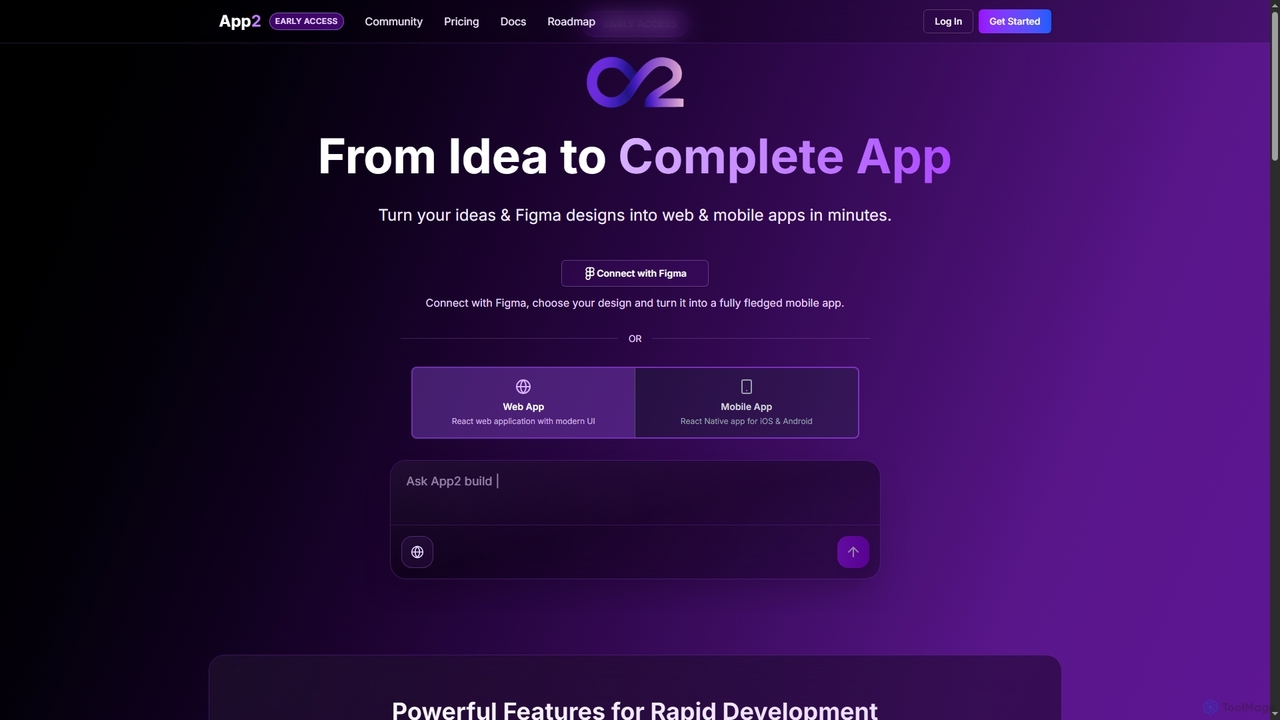
App2
App2 is an AI-powered platform that transforms ideas and Figma designs into production-ready web and mobile applications without code. Build, debug, and deploy React and React Native apps through conversational prompts, leveraging models like GPT-4, Claude, and Gemini.
Design To Code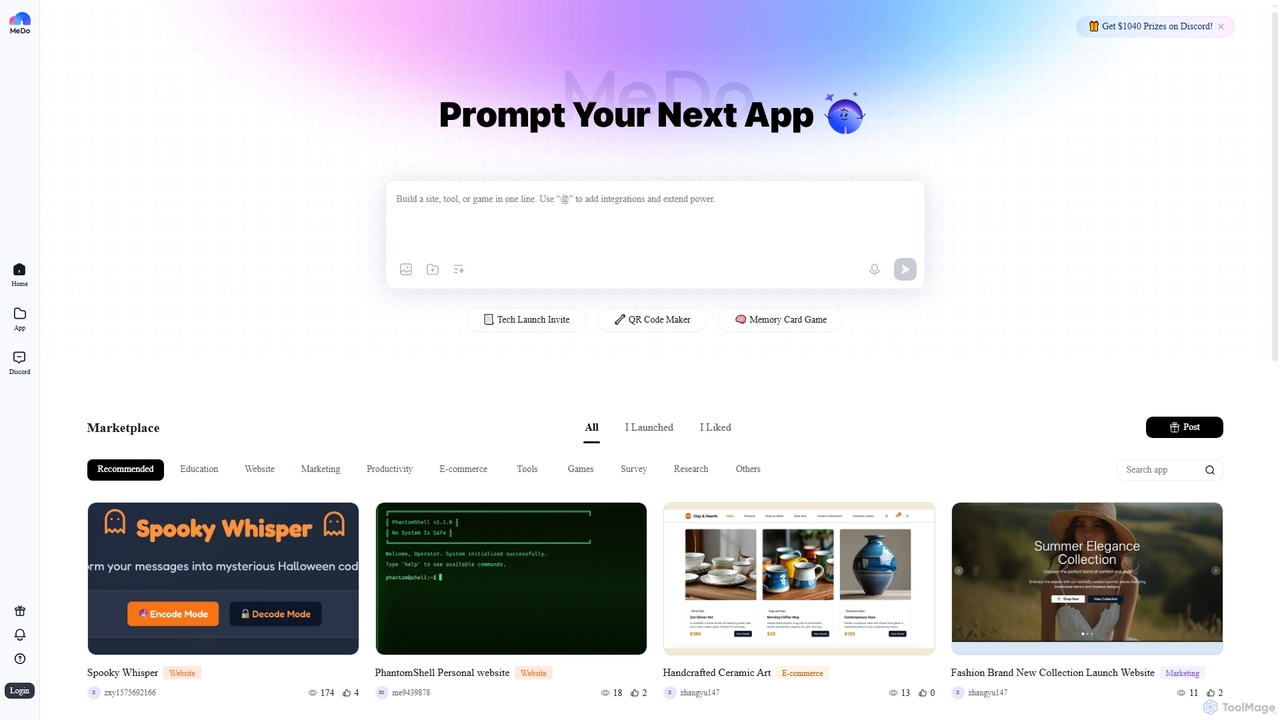
MeDo
MeDo is an AI-powered platform that enables users to generate functional applications, including websites, games, and WeChat Mini Programs, simply by writing a text prompt. It streamlines the development process, turning ideas into apps without extensive coding.
Low Code No Code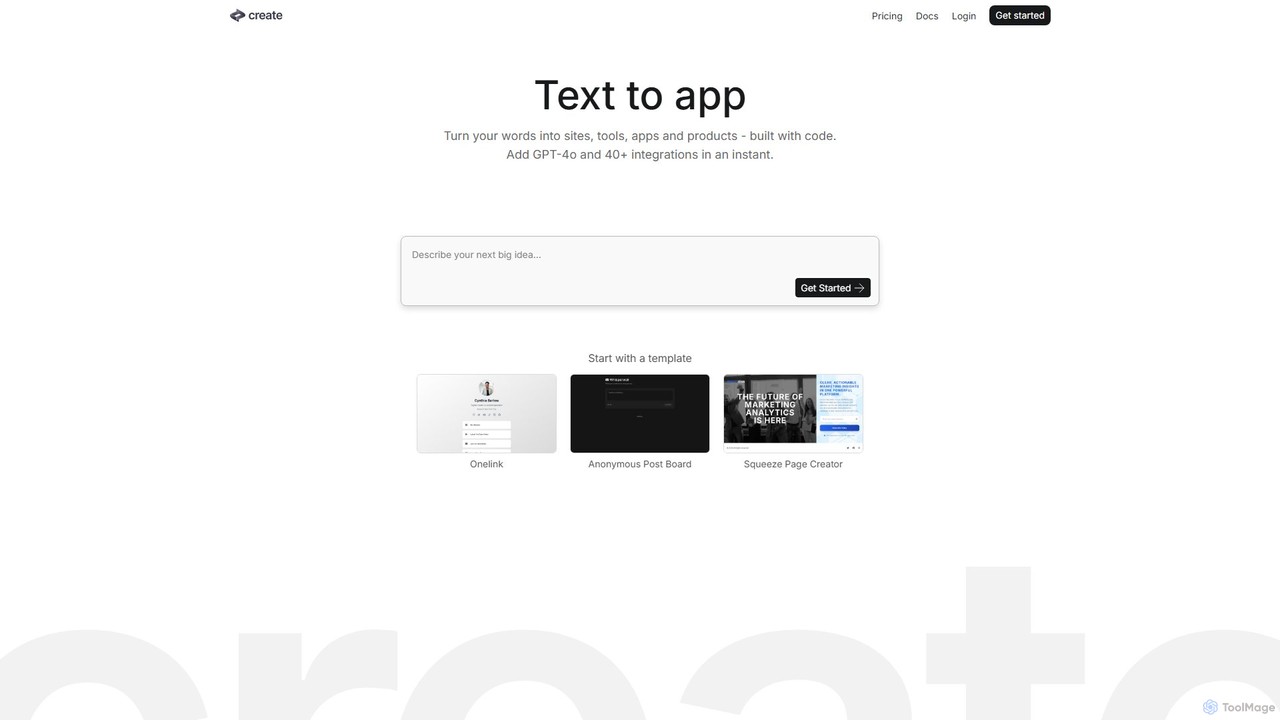
Create
Create is a no-code AI application builder that transforms your text descriptions into functional websites, tools, and apps. Integrate powerful AI models like GPT-4o and Claude 3.5, connect to any API, and launch your project without writing a single line of code. Ideal for building prototypes, internal tools, and AI-powered products quickly.
No Code & Low CodeBlink Categories
Blink Jobs
Blink Embed Widget
Copy this embed code to place the badge on your blog, article, or product site and send readers directly to this ToolMage detail page.

Related AI tools
Gptengineer
gptengineer is an AI-powered development platform that enables users to build websites, web apps, and internal tools through conversational prompts. Simply describe your idea in plain English, and the AI will generate the code and a functional application, drastically accelerating the prototyping and development process for both developers and non-developers.
Code Generation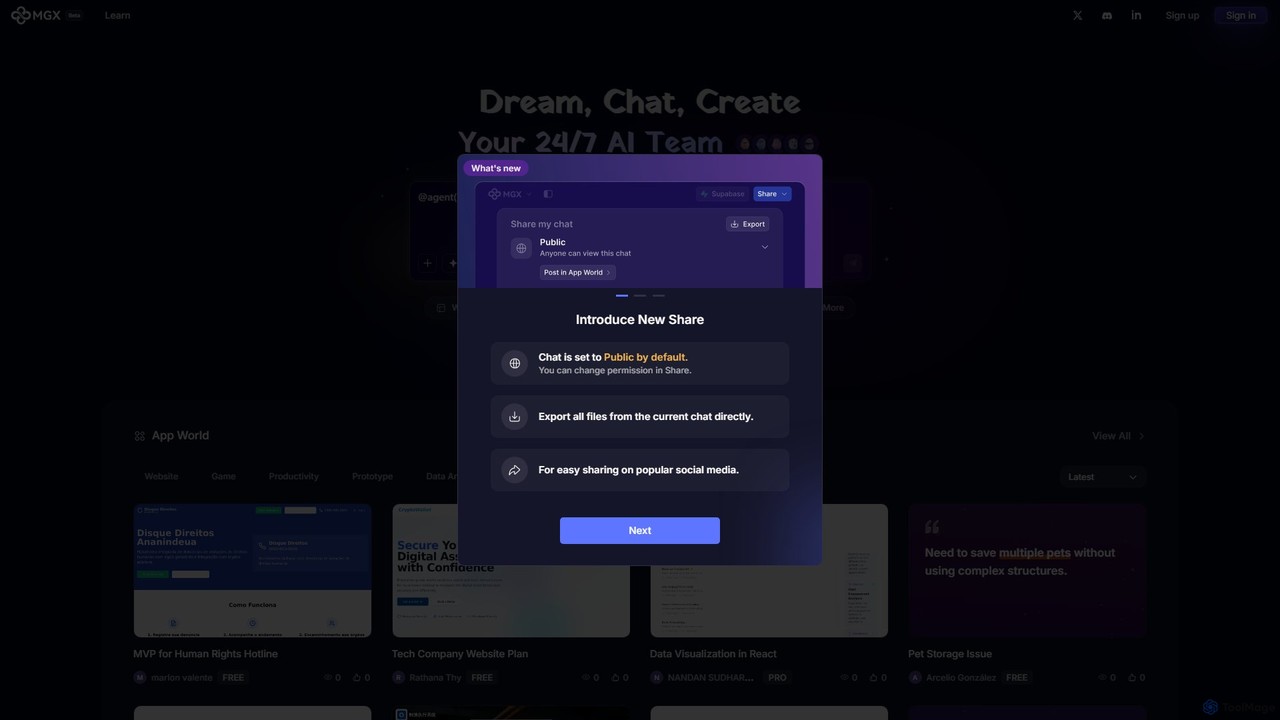
MetaGPT X (MGX)
MGX (MetaGPT X) is an AI-powered software development platform that acts as your 24/7 AI team. By simply describing your idea in natural language, you can have a team of AI agents—including product managers, architects, and engineers—collaborate to design, code, and build complete applications. It streamlines the creation of websites, prototypes, data analysis tools, and more, turning your concepts into functional software with remarkable speed.
Code Generation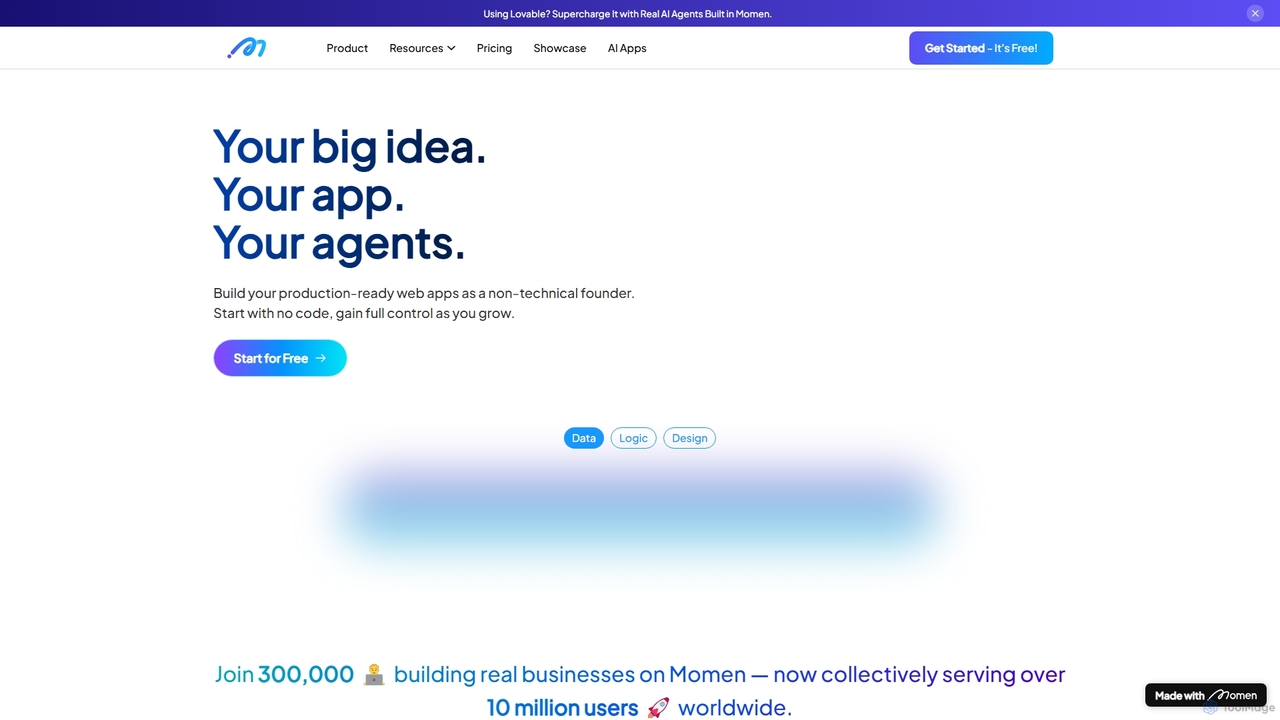
Momen
Momen is a powerful no-code platform for building, launching, and scaling production-ready web applications and AI agents. It empowers non-technical founders and developers with a visual interface, AI workflow automation, robust scalability for millions of users, and built-in monetization tools. Momen offers the flexibility to start without code and later integrate custom JavaScript or React components, making it an ideal solution for projects of any size, from MVPs to complex business applications.
Ai App BuildersVibecode
Vibecode is an AI-powered mobile app builder that transforms text descriptions into functional, native React Native applications. It enables users, from non-technical creators to professional developers, to rapidly prototype, test via App Clips, and deploy mobile apps without writing code from scratch.
Mobile App Building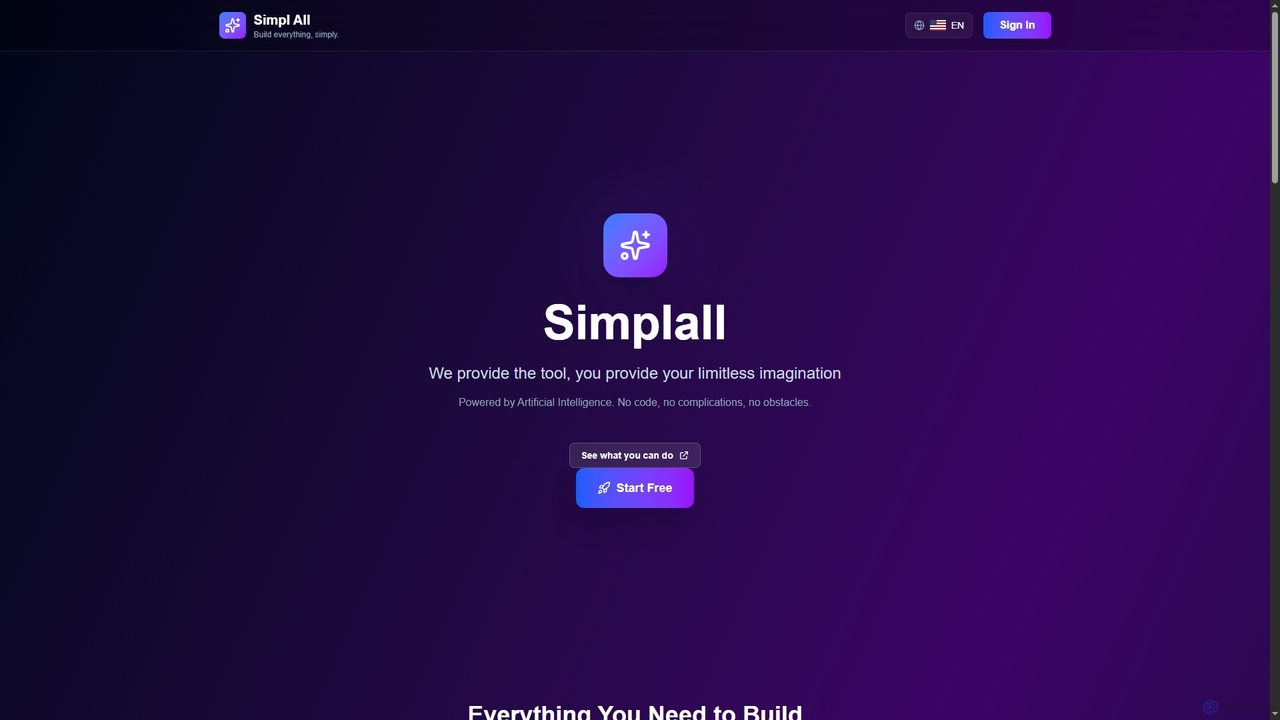
Simplall
Simplall is an AI-powered code generator that transforms natural language descriptions into functional web applications. It enables users, regardless of coding experience, to instantly create professional React apps, HTML websites, and interactive dashboards with live previews, clean code, and easy modification capabilities.
Code Generation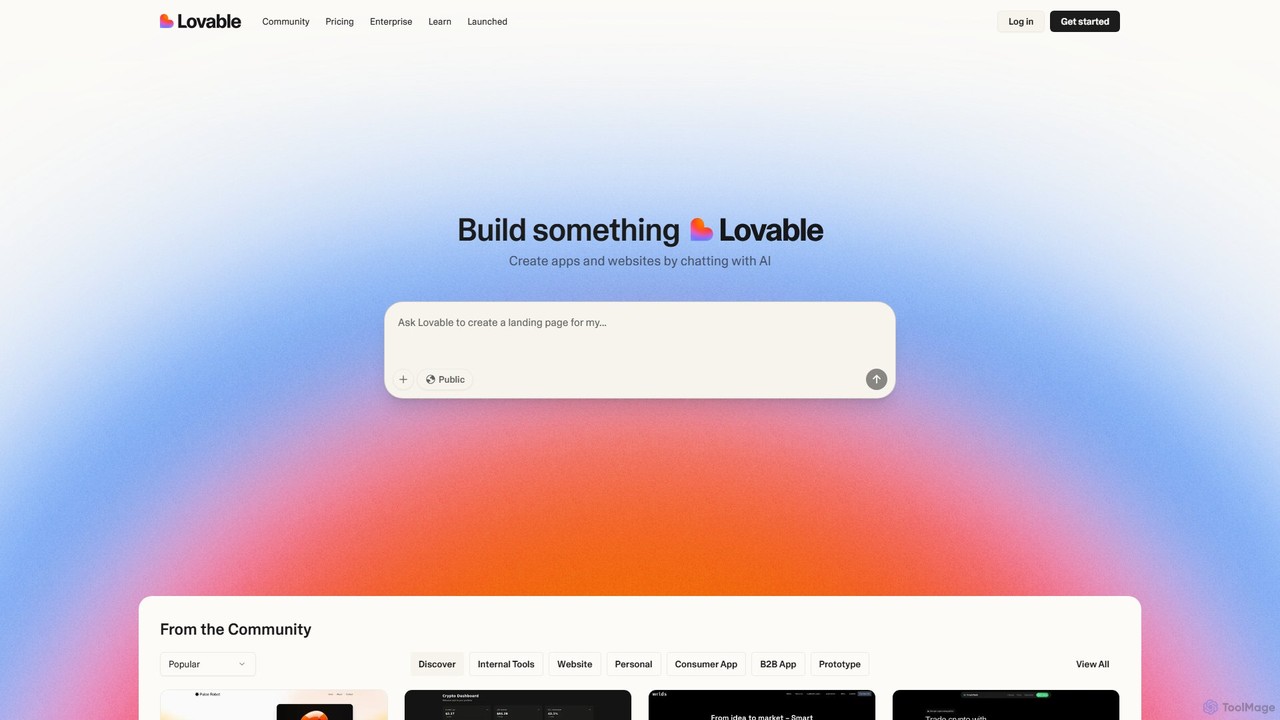
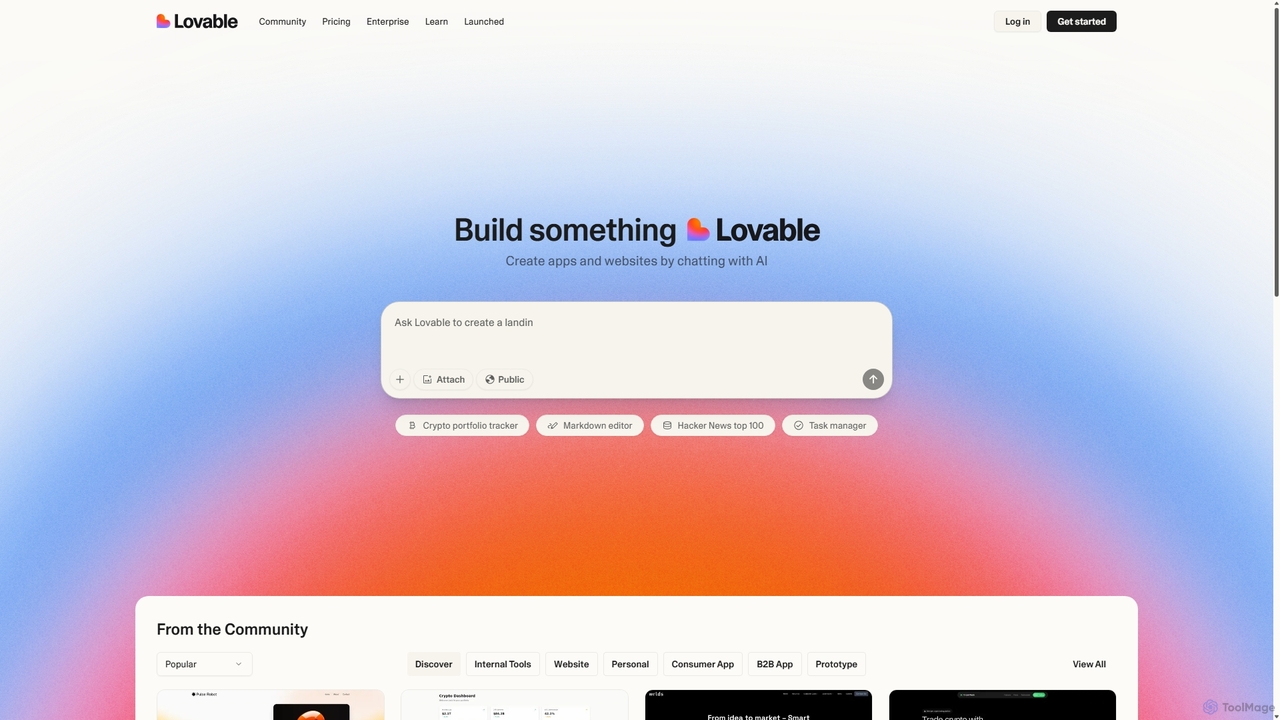
Lovable
Lovable is an AI-powered development platform that allows you to build web applications and websites through a simple conversational interface. Describe your idea in plain English, and the AI will generate the full-stack application, enabling rapid prototyping and development for both technical and non-technical users.
Low Code No CodeApp2
App2 is an AI-powered platform that transforms ideas and Figma designs into production-ready web and mobile applications without code. Build, debug, and deploy React and React Native apps through conversational prompts, leveraging models like GPT-4, Claude, and Gemini.
Design To Code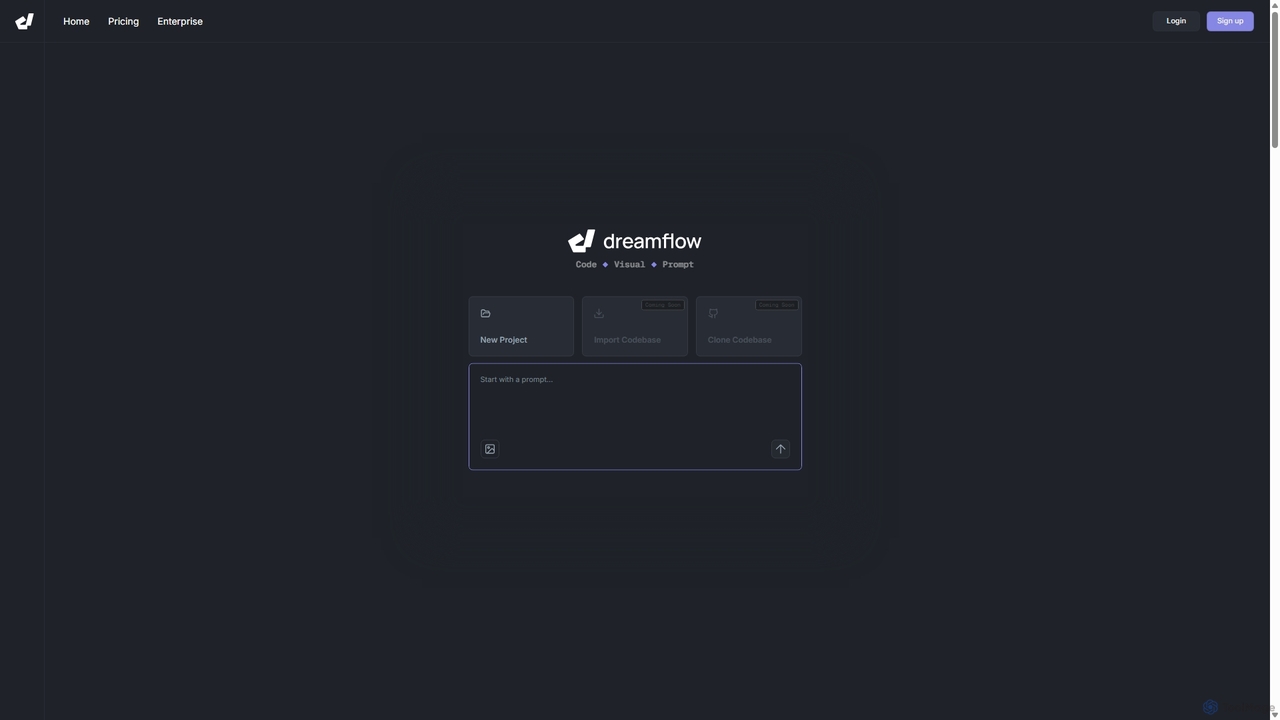
DreamFlow
DreamFlow is an AI-first development environment that transforms text prompts into cross-platform mobile applications. It integrates AI-powered code generation, a visual UI builder, and a full-featured code editor to accelerate the entire app development lifecycle for Flutter, from idea to deployment.
Code Generation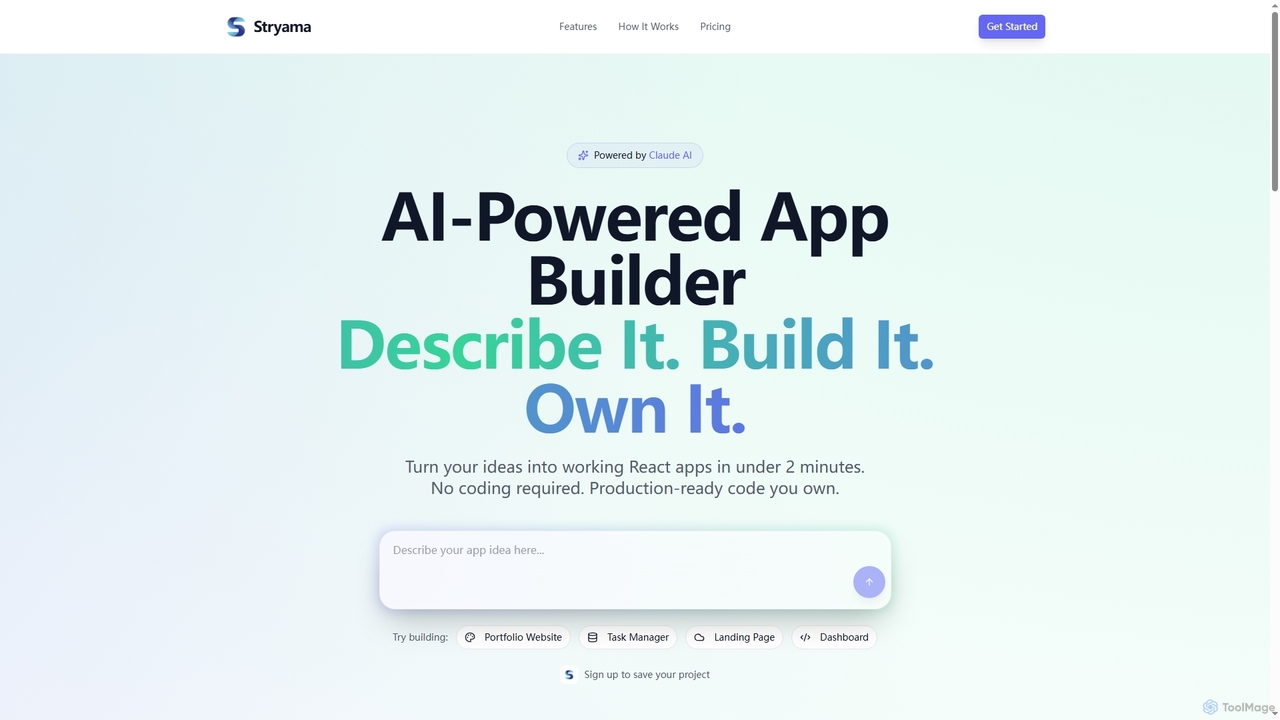
Stryama
Stryama is an AI-powered app builder that transforms your ideas into functional React applications in minutes, requiring no coding. It generates production-ready code that you fully own, enabling rapid development and deployment for various web projects.
App Development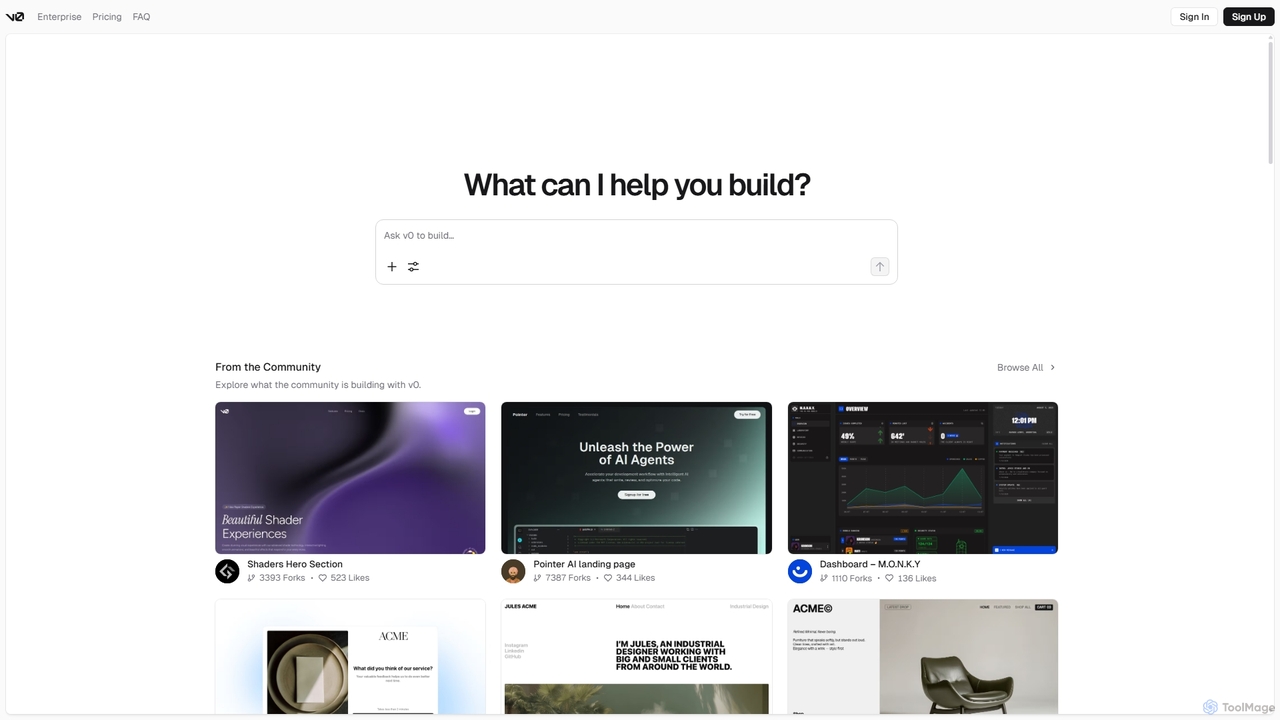
V0
V0 by Vercel is a generative AI platform that transforms text prompts, screenshots, and Figma designs into production-ready frontend code. It acts as an AI pair-programmer, enabling users to rapidly build and iterate on UI components and full-stack applications using React, Svelte, and Vue. With its chat-based interface, it accelerates the development workflow for engineers, designers, and product managers, allowing for seamless deployment to the Vercel platform.
Ui Ux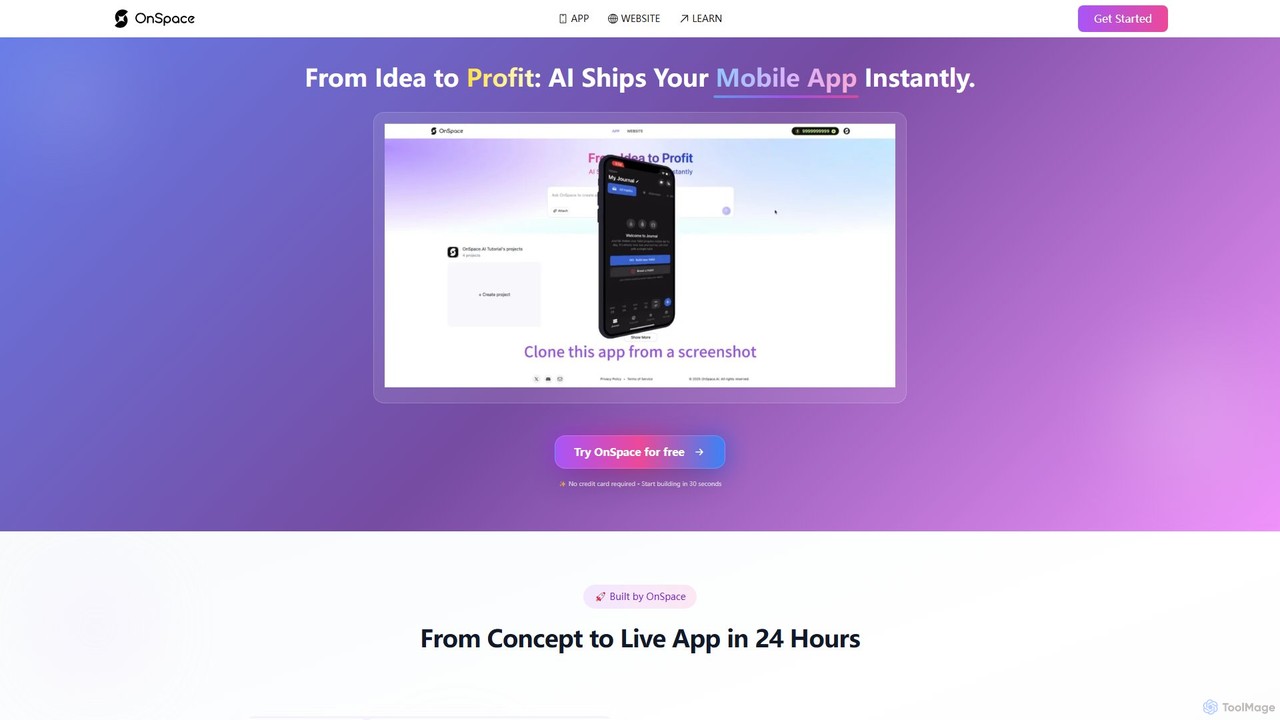
OnSpace.ai
OnSpace.ai is a leading no-code AI platform that instantly transforms your ideas, screenshots, or Figma designs into full-stack, monetizable mobile and web applications. Built for speed and accessibility, it allows anyone to launch a functional app for iOS, Android, and the web in as little as 24 hours, without writing a single line of code.
No Code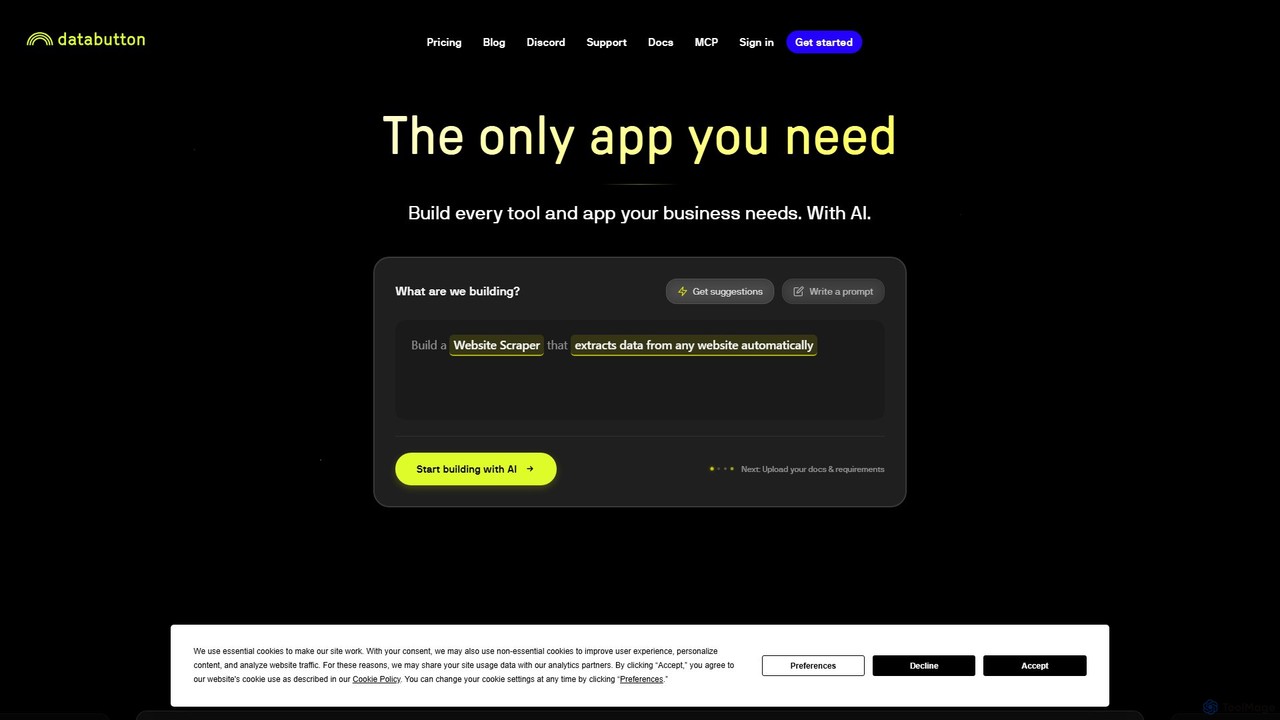
Databutton
Databutton is an AI-powered app builder that empowers non-technical users and entrepreneurs to create and deploy fully functional web applications. Through a conversational AI agent, you can describe your app idea, and Databutton will generate the frontend, backend, and database, allowing for rapid iteration and one-click deployment without writing a single line of code.
Startup Tools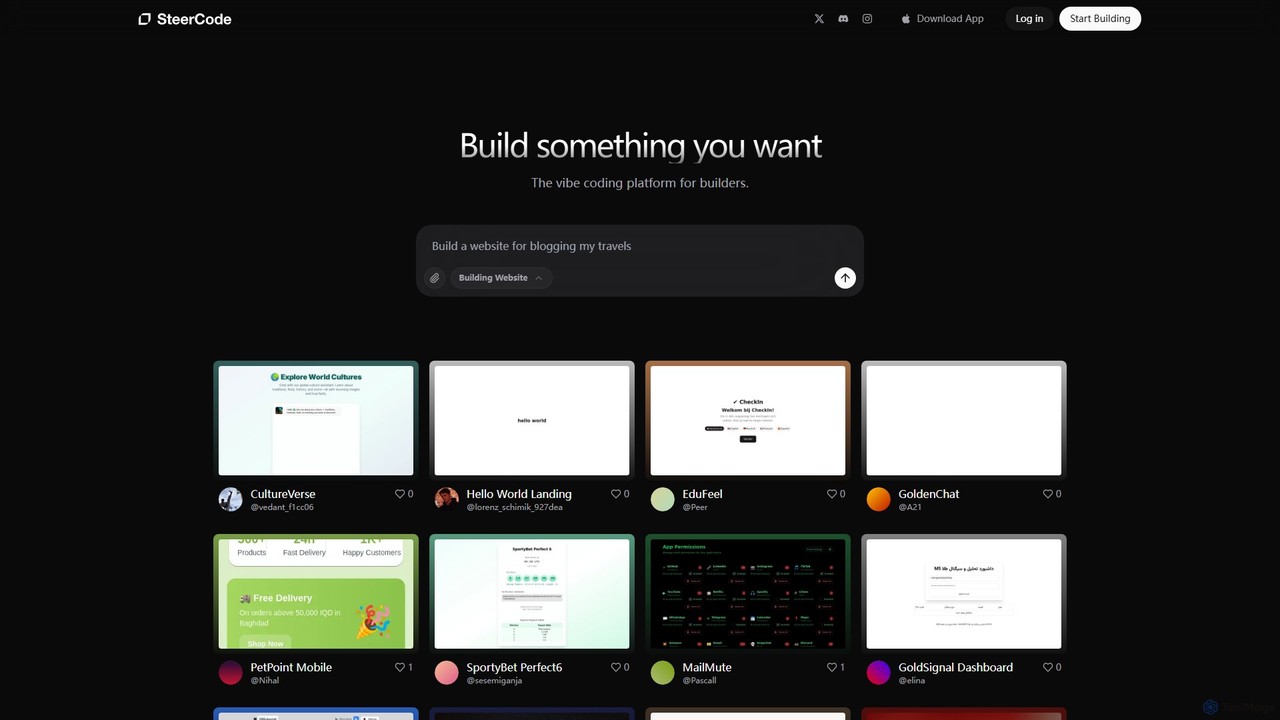
SteerCode
SteerCode is an AI-powered development platform that transforms your ideas into functional websites, apps, and games using simple text prompts. Designed for builders of all skill levels, it eliminates the need for traditional coding. Just describe what you want to create, and watch the AI build it in real-time, right from your browser, even on your phone.
App Builder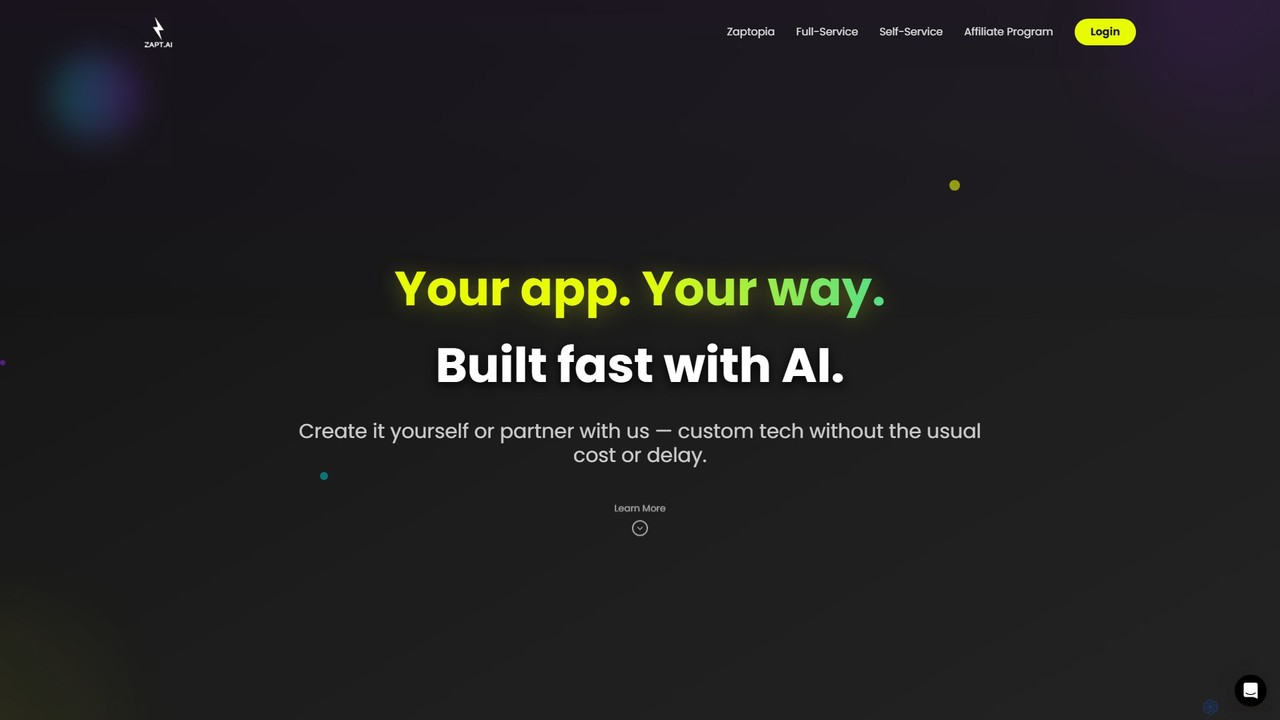
ZAPT
ZAPT is an AI-powered platform that enables anyone to build custom applications without writing a single line of code. Whether you have an idea for a business tool, a community app, or a personal project, ZAPT provides the tools to bring it to life quickly and affordably. You can build it yourself with the AI-assisted self-serve platform or partner with their expert team for a full-service development experience.
Ai App Builder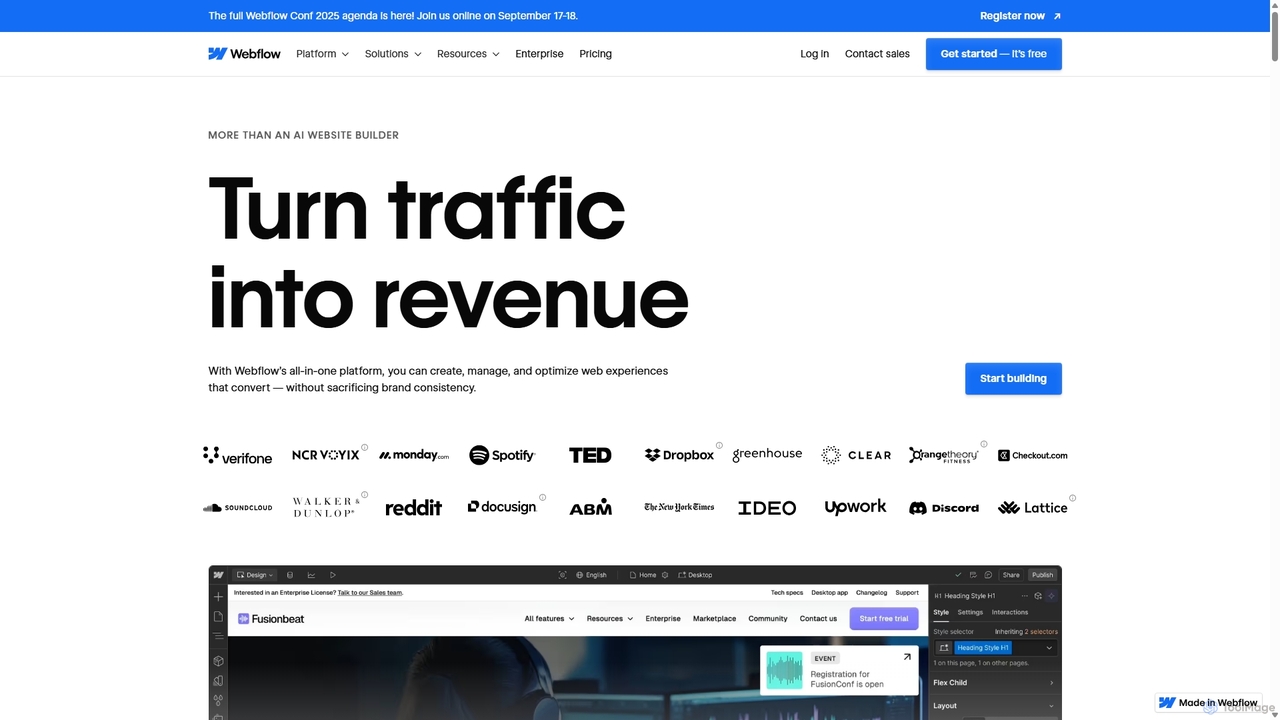
Webflow
Webflow is a visual development platform that empowers users to design, build, and launch professional, custom websites without writing code. It combines a powerful visual designer, a flexible CMS, and high-performance hosting into a single platform, enhanced with AI features for faster creation and optimization.
Web Design
Blink Comments (0)
Sign in to comment.
Sign inNo comments yet.