Business Best in category 9 results App Builder AI Tool

Popular AI tools in the App Builder field of Business include Appy Pie、Appy Pie App Maker、snappy、Noloco、Buzzy、Woz、Promptologer、dotapp、ubdroid, etc., helping you quickly improve efficiency.

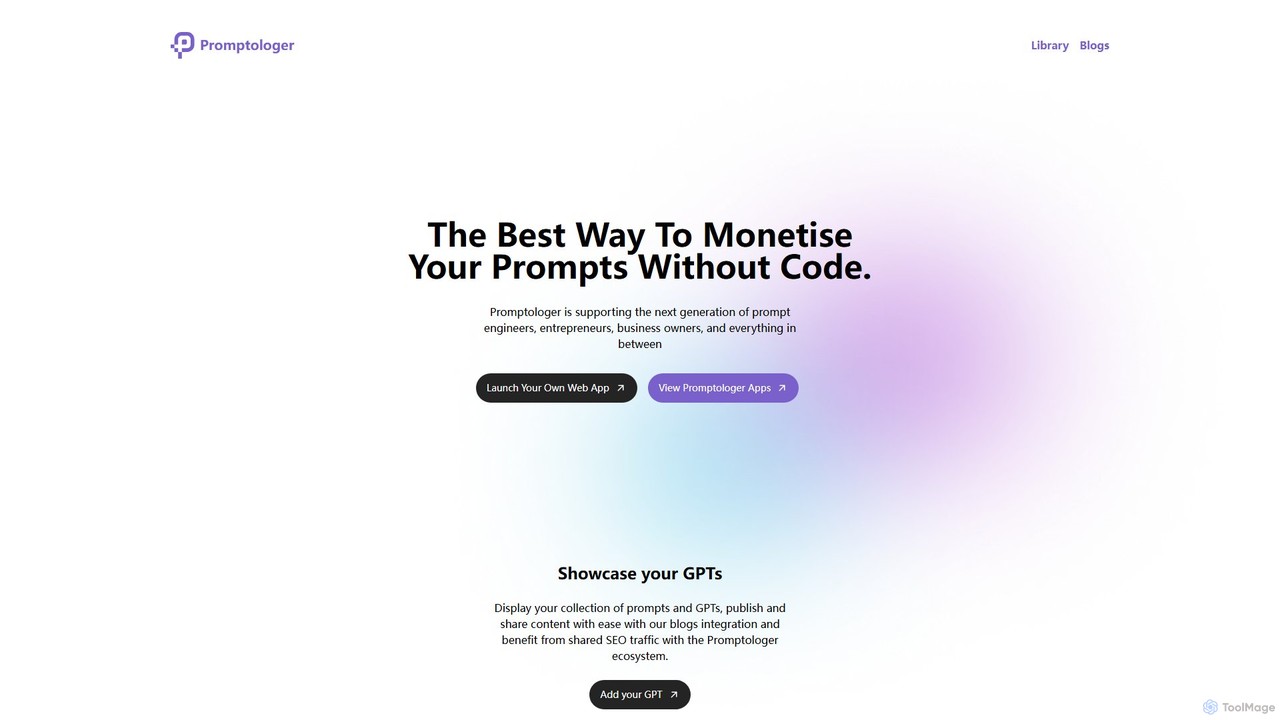
Promptologer

Promptologer

A no-code platform that empowers prompt engineers and creators to build and monetize their AI prompts by turning …

3.1K
snappy

snappy

snappy by Appy Pie is an AI-powered no-code platform that enables users to create custom mobile apps for …

83.7K
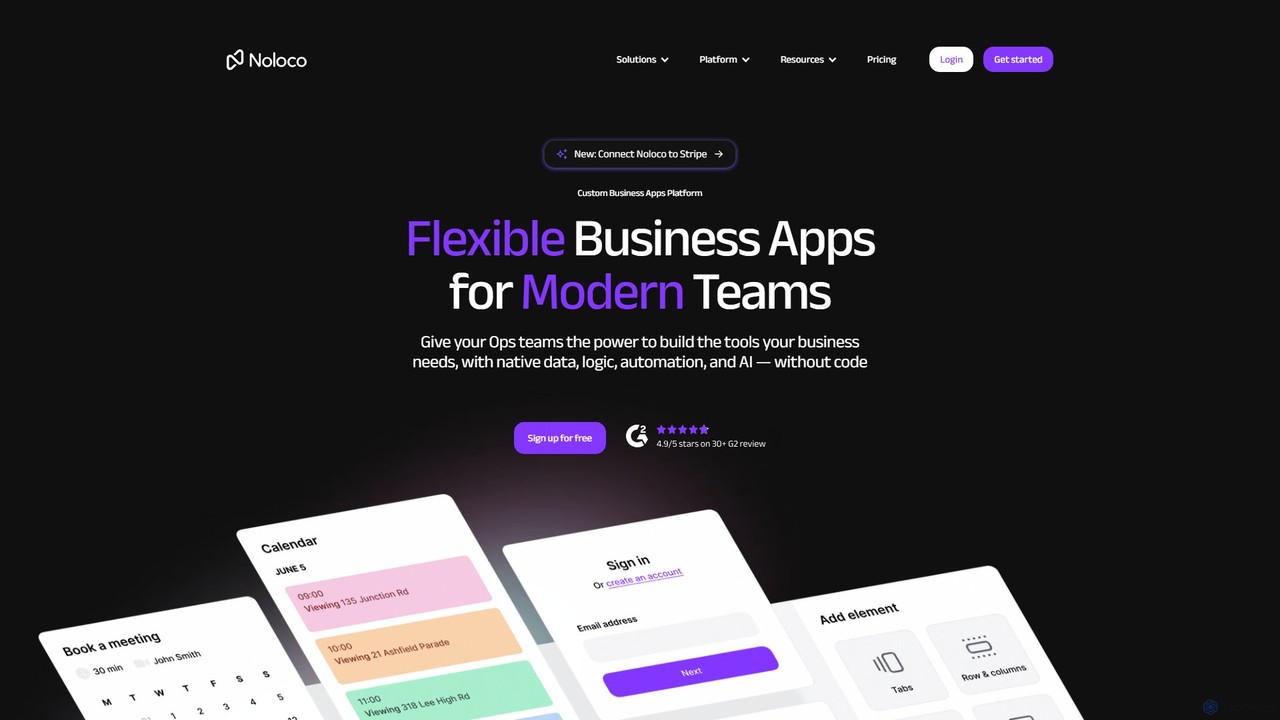
Noloco

Noloco

Noloco is a powerful no-code platform that enables teams to build custom business applications without writing any code. …

82.1K
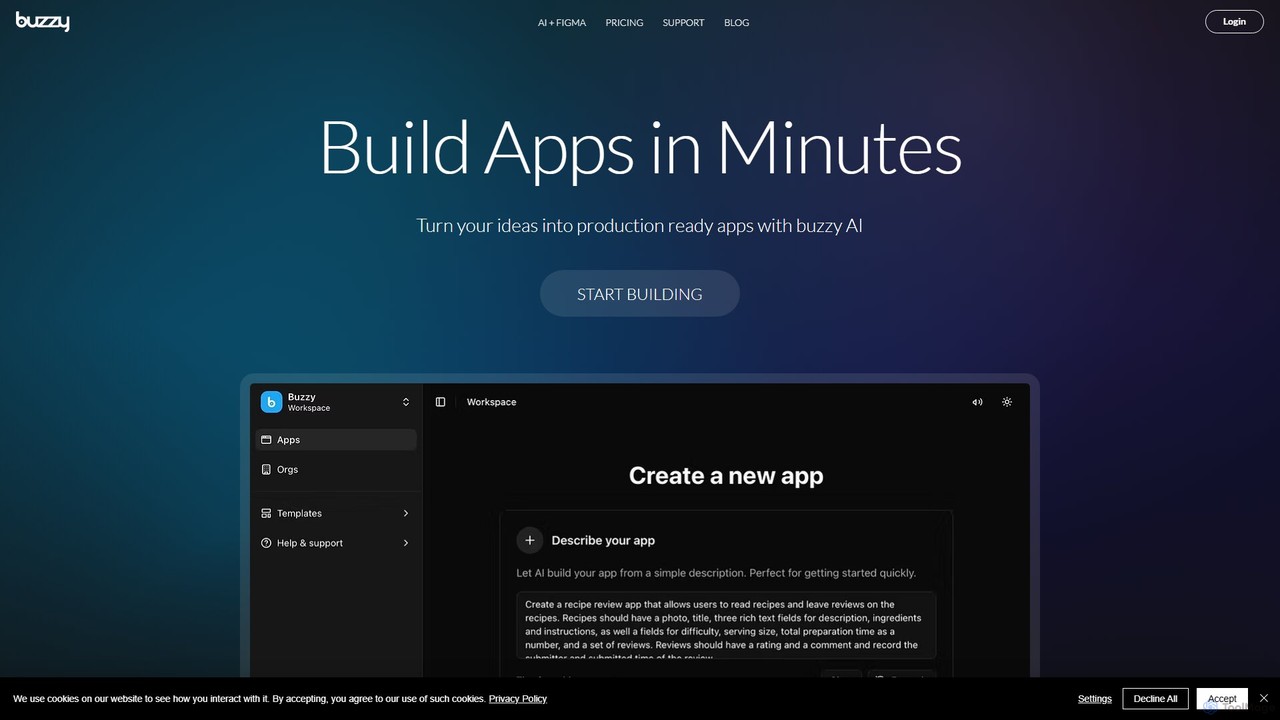
Buzzy

Buzzy

Buzzy is an AI-powered no-code platform that transforms your ideas into fully functional web and mobile applications in …

18.8K
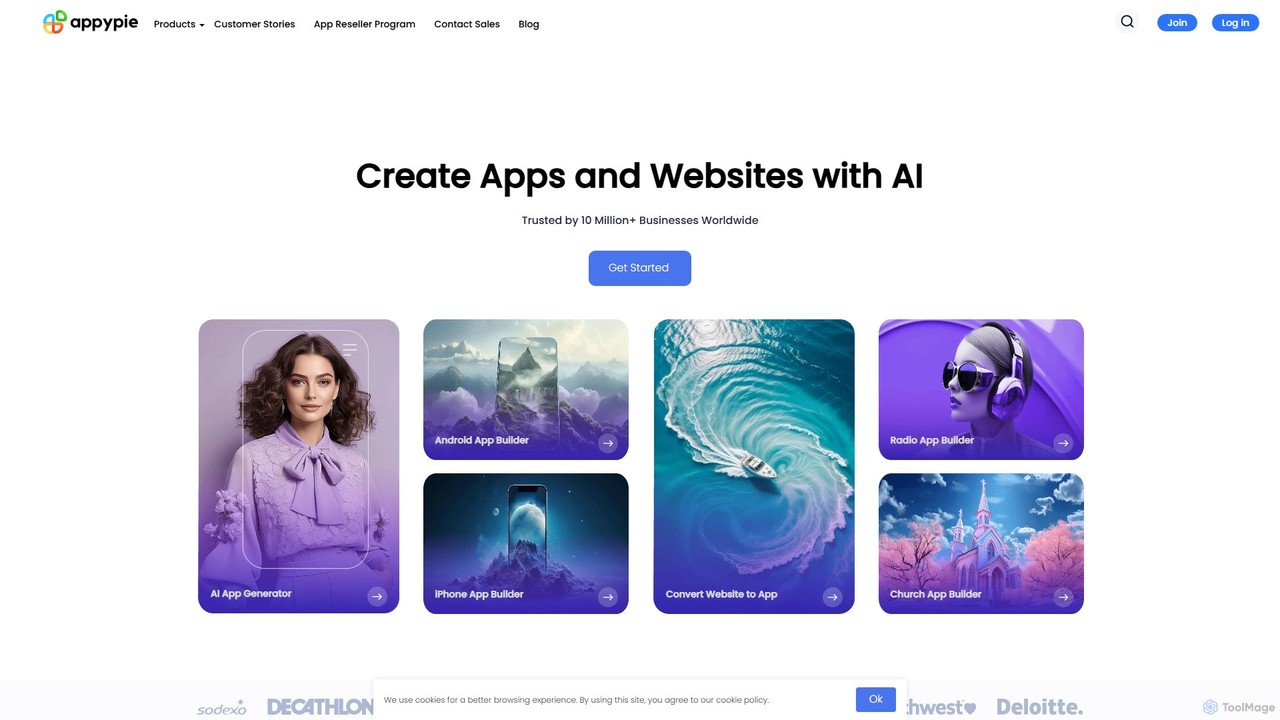
Appy Pie

Appy Pie

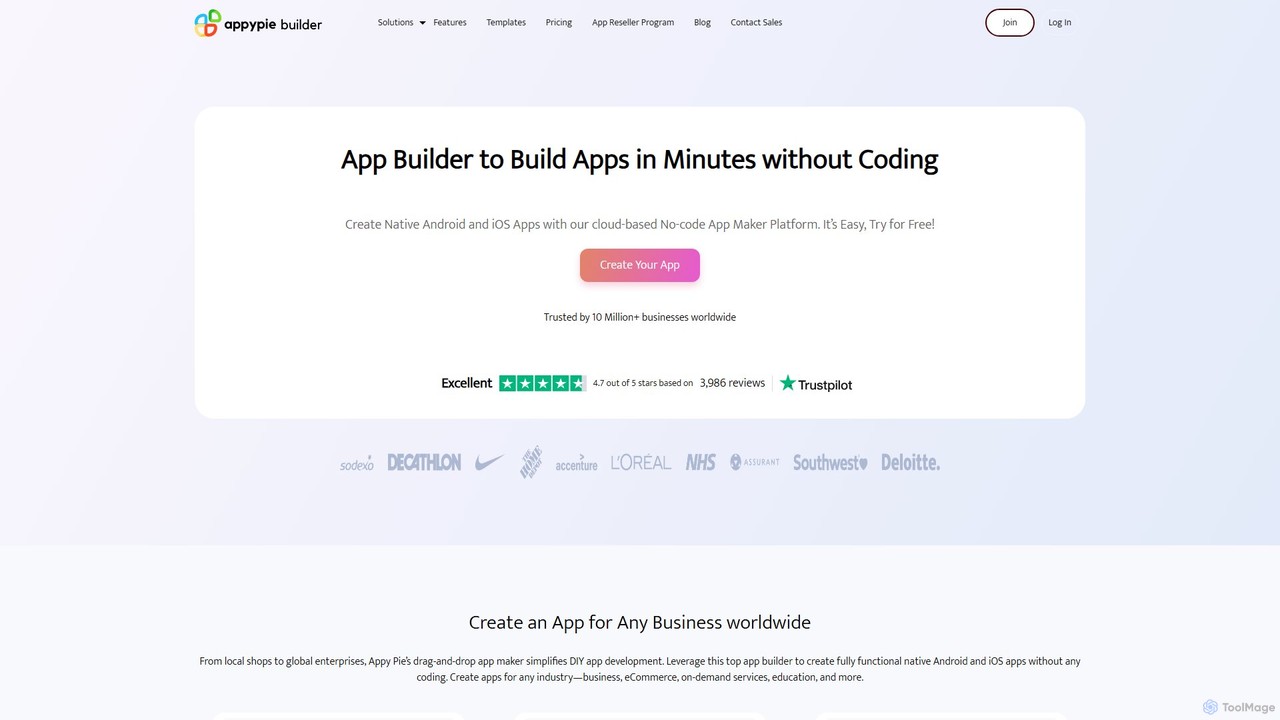
Appy Pie is a leading AI-powered no-code development platform that enables users to create mobile apps, websites, and …

258.3K
Woz

Woz

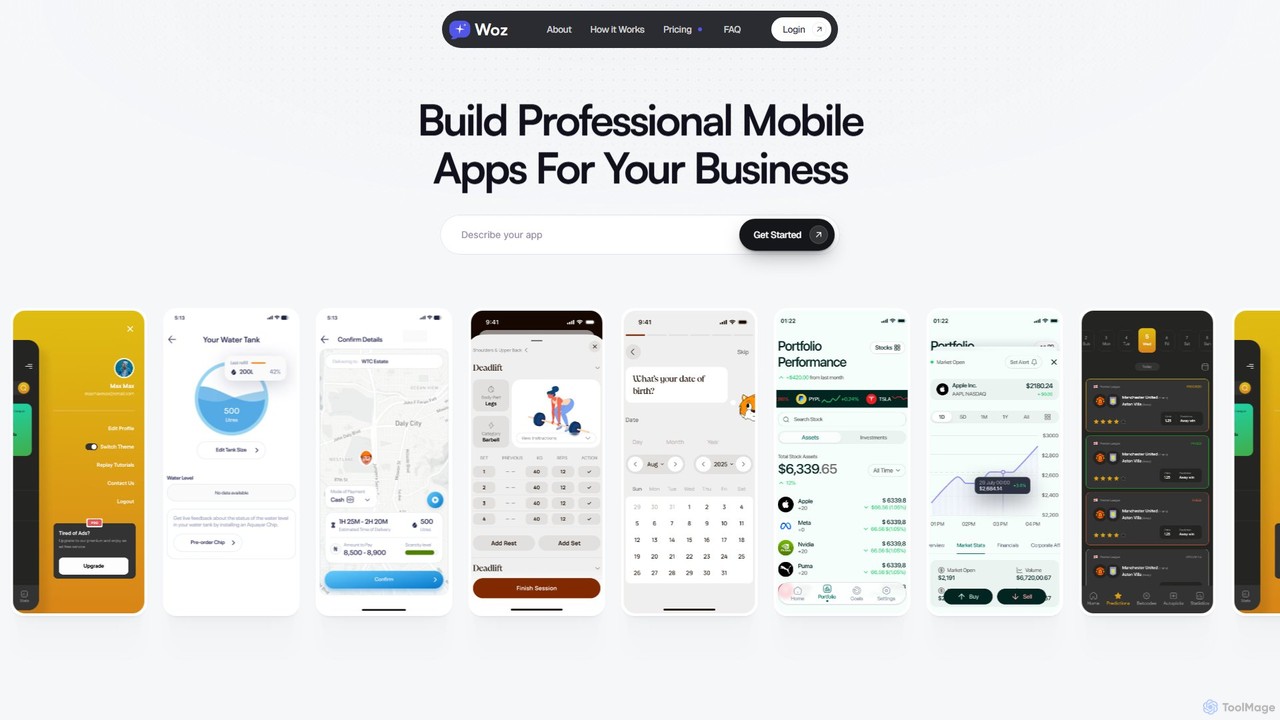
Woz is an AI-powered platform that enables entrepreneurs and businesses to build, launch, and maintain professional mobile apps …

12.4K
dotapp

dotapp

dotapp is an AI-powered no-code platform that enables users to build fully functional web and mobile applications simply …

2.7K
Appy Pie App Maker

Appy Pie App Maker

An AI-powered, no-code app development platform that allows users to create native Android and iOS mobile apps using …

258.3K
ubdroid

ubdroid

ubdroid is an AI-powered no-code platform that enables users to create native Android applications from simple text descriptions …

2.6K

About App Builder

AI App Builders are tools that use artificial intelligence to automate and accelerate the creation of web and mobile applications, often requiring minimal to no coding. These platforms leverage generative AI to interpret natural language prompts, sketches, or data models, translating them into functional user interfaces, backend logic, and database structures. This significantly reduces development time and technical barriers, empowering businesses and individuals to build custom software solutions efficiently. Their primary value lies in transforming ideas into deployable applications with unprecedented speed.

Core Features

  • Natural Language to UI Generation: Converts plain text descriptions into interactive application layouts and components.
  • AI-Assisted Backend Logic: Automatically generates business workflows, data processing rules, and API endpoints based on requirements.
  • Automated Database Design: Creates and configures optimal database schemas from application data descriptions.
  • Generative Code Assistance: Offers AI-powered code suggestions, completion, and debugging for low-code customizations.
  • One-Click Deployment: Streamlines the process of publishing and hosting the application on cloud infrastructure.

Use Cases

AI App Builders are ideal for startups creating Minimum Viable Products (MVPs), small to medium-sized businesses developing internal tools (like CRMs or inventory systems), and non-technical founders prototyping new ideas. They are also used by enterprise departments to quickly build solutions for specific operational needs without relying on central IT resources.

How to Choose

When selecting an AI App Builder, consider the target platforms (web, iOS, Android), the level of customization and code access (no-code vs. low-code), integration capabilities with third-party services and APIs, and the platform's scalability and hosting options. Also, evaluate the sophistication of its AI in understanding complex requirements and generating clean, maintainable code.

App BuilderUse Cases

1

Build a Minimum Viable Product (MVP) for a Startup

A non-technical founder has a new business idea but lacks the resources for a development team. They use an AI App Builder to describe their core features in plain English, such as 'a user profile page, a product listing with search, and a simple checkout process.' The AI generates a functional web application prototype in hours. This allows the founder to validate the concept with real users, gather feedback, and present a working product to potential investors, significantly accelerating their path to market.

2

Develop a Custom Internal Management Tool

An operations manager at a logistics company needs a tool to track daily deliveries and driver assignments. Instead of a complex spreadsheet, they use an AI App Builder. They specify the required fields: 'Driver Name,' 'Vehicle ID,' 'Delivery Route,' and 'Status (In-progress, Completed).' The AI generates a mobile-friendly app where drivers can update their status in real-time and managers can view a central dashboard. This custom solution improves operational visibility and efficiency without requiring IT department resources.

3

Create a Customer Booking Portal

A local service business, like a yoga studio, wants to allow clients to book classes online. The owner uses an AI App Builder and describes the workflow: 'Show a calendar of classes, let users select a time slot, and collect their name and email to confirm.' The AI generates a web portal with a calendar view, a booking form, and automated email confirmation logic. This empowers the business to manage appointments efficiently and provide a better customer experience without the cost of custom software development.

4

Automate a Marketing Content Approval Workflow

A marketing team struggles with tracking content approvals via email and chat. A marketing specialist uses an AI App Builder to create a simple workflow app. They prompt: 'Create a form to submit content drafts with fields for title, author, and attachment. Add an approval status (Pending, Approved, Rejected) and a comments section.' The AI generates an application where team members can submit content, managers receive notifications to review, and everyone can see the status of each piece in a centralized dashboard, streamlining the entire process.

5

Rapid Prototyping from a UI/UX Design

A UI/UX designer has created a set of wireframes for a new mobile app in a design tool. To quickly create an interactive prototype for user testing, they upload the designs to an AI App Builder. The AI analyzes the visual layout, identifies components like buttons and forms, and converts the static images into a clickable, functional prototype. This allows the design team to test user flows and gather feedback on a realistic application without writing a single line of code, bridging the gap between design and development.

6

Build a Data-Driven Dashboard for Analytics

A business analyst needs to consolidate data from multiple sources (e.g., Google Analytics, a CRM, and a sales database) into a single dashboard. Using an AI App Builder, they connect these data sources via APIs. They then describe the desired visualizations in natural language: 'Show me a line chart of monthly revenue, a pie chart of sales by region, and a table of top customers.' The AI generates an interactive, real-time dashboard that automatically updates, providing key business insights without manual data compilation or specialized BI software.

App BuilderFrequently Asked Questions