Theia IDE
Theia IDE is a modern, open-source IDE for cloud and desktop environments. It offers a flexible, extensible platform …
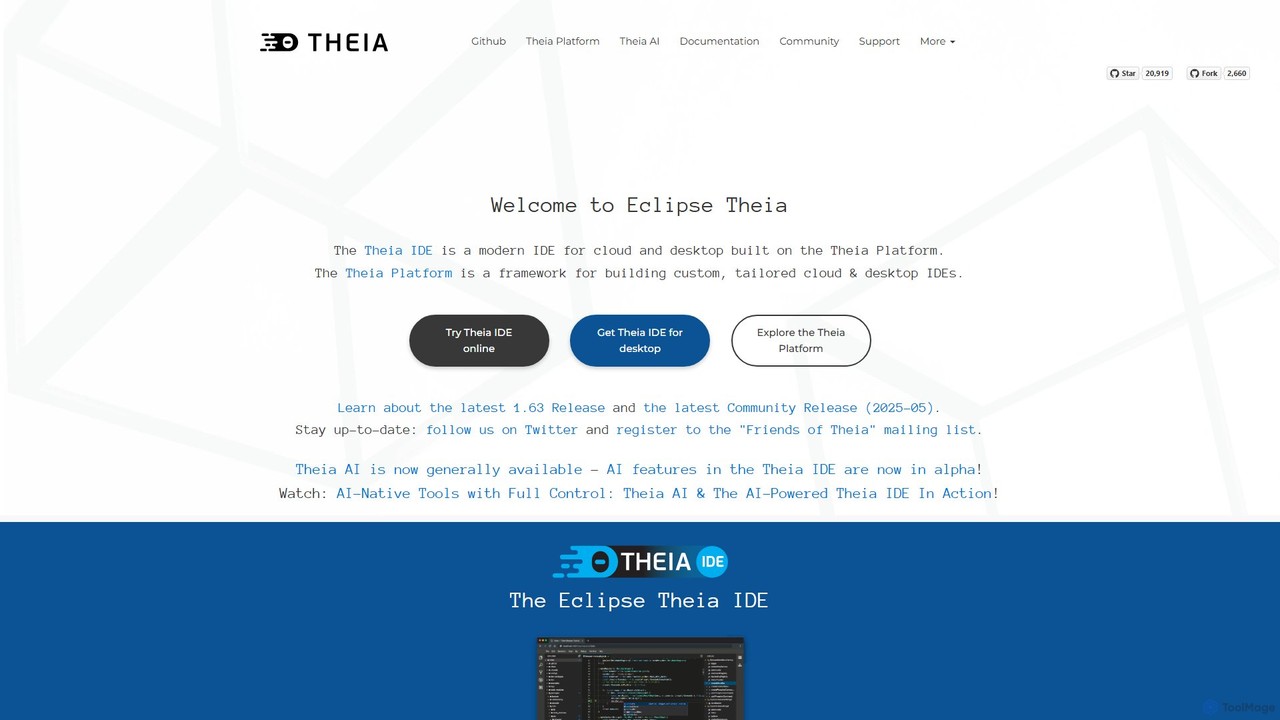
Theia IDE is a modern, open-source IDE for cloud and desktop environments. It offers a flexible, extensible platform compatible with VS Code extensions and features powerful, privacy-focused AI capabilities. As a vendor-neutral alternative to VS Code, it supports numerous programming languages and allows for deep customization, making it ideal for individual developers and enterprises seeking control over their development tools.
About Integrated Development Environment
An Integrated Development Environment (IDE) is a software application that provides comprehensive facilities to computer programmers for software development. It consolidates common developer tools like a source code editor, build automation tools, and a debugger into a single graphical user interface. This integration significantly streamlines the software development lifecycle, enhancing developer productivity and project management efficiency. By offering intelligent code assistance, real-time error detection, and robust project management features, IDEs are indispensable for modern software engineering, serving as the central hub for coding, testing, and deployment.
Core Features
- Code Editor: Provides syntax highlighting, autocompletion, intelligent code suggestions, and refactoring capabilities to speed up coding and improve code quality.
- Debugger: Allows developers to step through code, set breakpoints, inspect variables, and analyze call stacks to efficiently identify and fix errors.
- Compiler/Interpreter Integration: Seamlessly compiles or interprets code directly within the environment, providing immediate feedback on syntax and runtime issues.
- Version Control Integration: Connects with systems like Git, enabling easy code management, collaborative development, branching, merging, and history tracking.
- Project Management Tools: Offers features for organizing files, managing dependencies, automating build processes, and integrating with task trackers for comprehensive project oversight.
- Testing Framework Integration: Supports running unit tests, integration tests, and other automated tests directly within the IDE, providing quick feedback on code changes.
Applicable Scenarios
IDEs are crucial for professional software developers, web developers, and mobile app creators working on complex, multi-file projects across various programming languages. They are extensively used in enterprise-level application development, open-source contributions, game development, and academic research. These environments facilitate efficient coding, testing, debugging, and deployment workflows, making them essential for teams and individuals building robust software solutions.
How to Choose
When selecting an IDE, consider its comprehensive language support for your primary programming languages and frameworks, the availability and quality of its plugin and extension ecosystem for specific development needs, and its performance and resource consumption on your hardware. Evaluate the licensing model, community support, and its integration capabilities with other development tools like CI/CD pipelines and cloud platforms. User interface intuitiveness and customization options are also key factors for long-term productivity.

Integrated Development EnvironmentUse Cases
Rapid Application Prototyping
Software developers utilize IDEs to quickly build and test new features or small applications. The integrated environment allows for seamless transitions from coding to debugging and compilation, enabling rapid iteration and immediate feedback. This accelerates the prototyping phase, allowing developers to validate ideas and demonstrate concepts efficiently without switching between multiple tools.
Collaborative Team Development
Development teams working on large codebases with multiple contributors rely on IDEs for streamlined collaboration. Integrated version control systems (like Git) allow team members to manage code changes, merge contributions, and resolve conflicts directly within the IDE. This fosters a cohesive development environment, ensuring all team members are synchronized and contributing effectively to the project.
Debugging Complex Systems
Senior developers and troubleshooters leverage IDEs to identify and fix bugs in large, multi-module applications. Powerful debuggers within IDEs offer features like breakpoints, step-through execution, variable inspection, and call stack analysis. These tools enable precise fault isolation and efficient problem-solving, significantly reducing the time and effort required to resolve intricate software defects.
Cross-Platform Mobile Development
Mobile app developers building applications for both iOS and Android platforms benefit immensely from IDEs that support frameworks like Flutter or React Native. These IDEs provide a unified development environment, allowing developers to write code once and deploy it across multiple platforms. Integrated emulators, simulators, and debugging tools streamline the testing and deployment process, enhancing efficiency.
Enterprise Software Maintenance
Maintenance engineers and developers responsible for updating and maintaining legacy enterprise applications find IDEs invaluable. Features like advanced code navigation, refactoring tools, and static analysis help them understand complex existing codebases, identify areas for improvement, and safely implement changes. This ensures the longevity and stability of critical business systems, reducing the risk of introducing new bugs.
Learning & Education in Programming
Students and new programmers benefit from IDEs as they learn new programming languages or frameworks. User-friendly interfaces, integrated tutorials, and immediate feedback from compilers/debuggers facilitate the learning process. IDEs provide a structured environment that helps beginners understand code structure, identify errors early, and build foundational programming skills more effectively than simple text editors.