Developer Tools Best in category 2 results Cloud Ide AI Tool

Popular AI tools in the Cloud Ide field of Developer Tools include CodeSandbox、Vairflow, etc., helping you quickly improve efficiency.

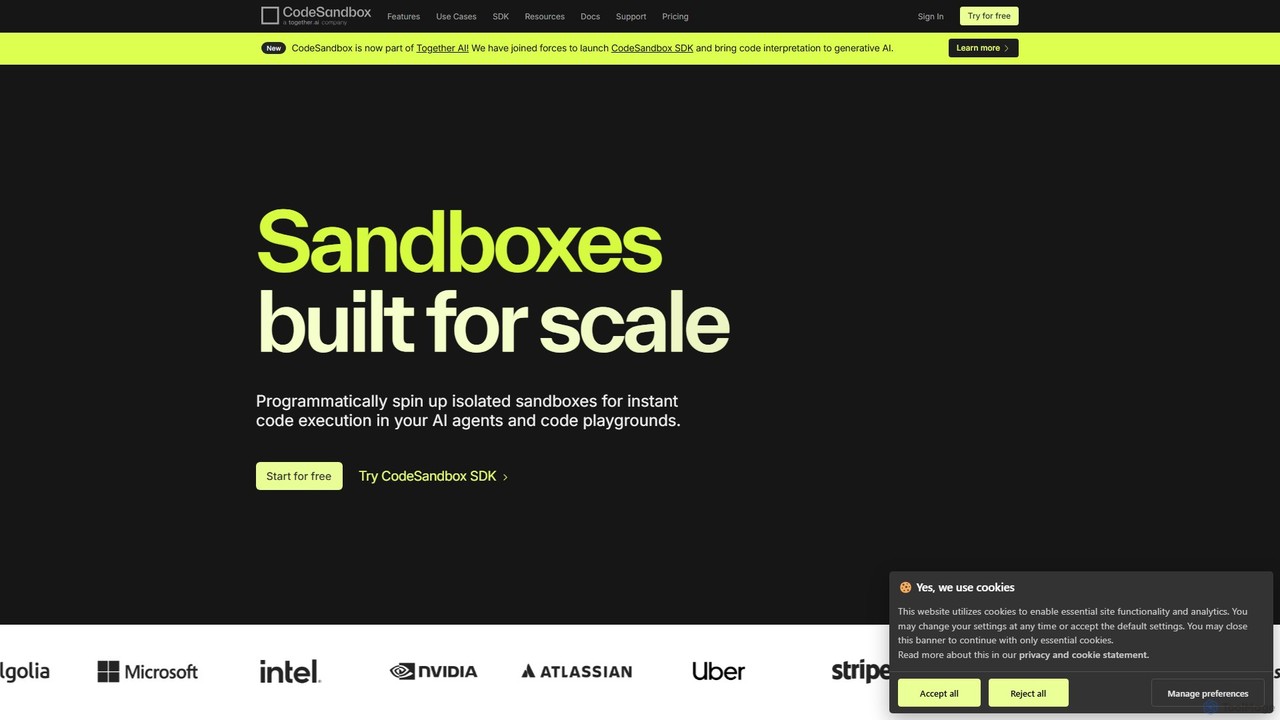
CodeSandbox

CodeSandbox

CodeSandbox is an instant cloud development environment that enables developers to build, share, and collaborate on web applications. …

2.1M
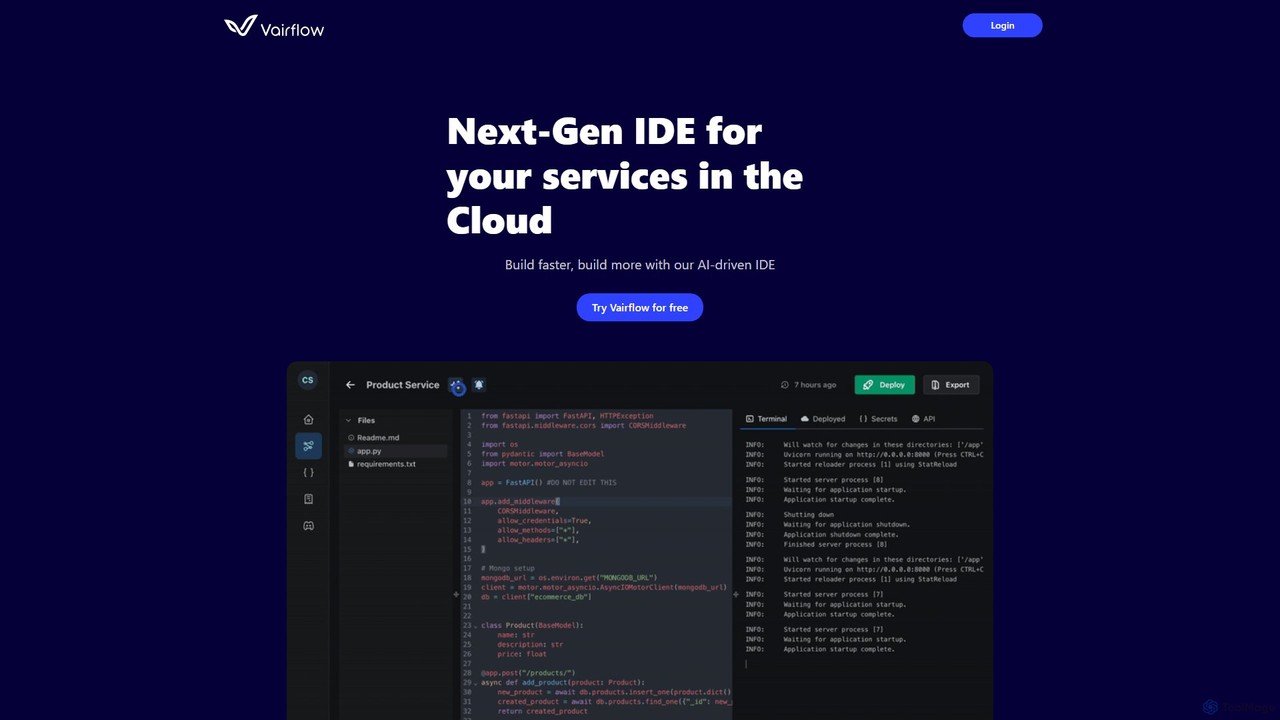
Vairflow

Vairflow

Vairflow is a next-generation, AI-driven Integrated Development Environment (IDE) designed for cloud services. It streamlines development by breaking …

2.4K

About Cloud Ide

Cloud IDEs (Integrated Development Environments) are browser-based platforms that enable developers to write, compile, debug, and deploy code directly from a web browser. These tools leverage cloud computing resources, providing a fully configured development environment accessible from anywhere, without the need for local software installation. They offer unparalleled flexibility and collaboration capabilities, streamlining development workflows for individuals and teams alike.

Core Features

  • Browser-Based Access: Develop from any device with an internet connection, eliminating local setup complexities.
  • Pre-Configured Environments: Instantly provision development environments with necessary languages, frameworks, and tools.
  • Collaborative Coding: Real-time co-editing, shared terminals, and integrated communication for team projects.
  • Integrated Development Tools: Includes code editors, debuggers, version control integration, and terminal access.
  • Scalability & Resource Management: Easily scale computing resources (CPU, RAM) as project needs evolve.

Use Cases

Cloud IDEs are ideal for remote development teams needing consistent environments, educational institutions providing ready-to-use coding platforms for students, and individual developers seeking quick prototyping or cross-platform compatibility. They simplify onboarding for new team members and facilitate rapid iteration on projects.

How to Choose

When selecting a Cloud IDE, consider its support for your primary programming languages and frameworks, integration capabilities with your existing cloud providers (AWS, Azure, GCP) and version control systems (Git), and the robustness of its collaborative features. Evaluate performance, security protocols, and pricing models based on your team's size and project requirements.

Cloud IdeUse Cases

1

Facilitating Remote Team Collaboration on Software Projects

For distributed development teams, Cloud IDEs provide a centralized, consistent environment where multiple developers can co-edit code in real-time, share terminals, and review changes seamlessly. This eliminates "it works on my machine" issues and significantly streamlines the collaborative coding process, improving productivity and code quality across different geographical locations.

2

Providing Accessible Coding Environments for Online Education

Educational institutions and coding bootcamps utilize Cloud IDEs to offer students instant access to pre-configured development environments. This removes the barrier of complex local setups, allowing students to focus immediately on learning to code, regardless of their operating system or hardware. Instructors can also easily monitor progress and provide direct assistance within the shared environment.

3

Rapid Prototyping and Experimentation for New Ideas

Individual developers or innovation teams can quickly spin up isolated Cloud IDE environments to test new libraries, frameworks, or architectural concepts without affecting their local setup. This agility enables rapid prototyping, allowing for faster iteration and validation of ideas, reducing the overhead associated with environment configuration for each new experiment.

4

Ensuring Consistent Development Across Diverse Operating Systems

When a development team uses a mix of Windows, macOS, and Linux machines, maintaining consistent local development environments can be challenging. Cloud IDEs standardize the environment in the cloud, ensuring that all developers are working with the exact same dependencies, configurations, and tools, thereby minimizing compatibility issues and build failures.

5

Streamlining Onboarding for New Developers

New hires often spend days setting up their local development environment, installing dependencies, and configuring tools. With a Cloud IDE, new developers can be onboarded in minutes, gaining immediate access to a fully functional, pre-configured workspace. This drastically reduces ramp-up time, allowing them to contribute to projects almost instantly.

6

Integrating Development with CI/CD Pipelines

Cloud IDEs can be seamlessly integrated with continuous integration and continuous deployment (CI/CD) pipelines hosted on cloud platforms. Developers can commit code directly from their browser-based IDE, triggering automated builds, tests, and deployments. This tight integration accelerates the development lifecycle, ensuring faster delivery of features and bug fixes.

Cloud IdeFrequently Asked Questions