

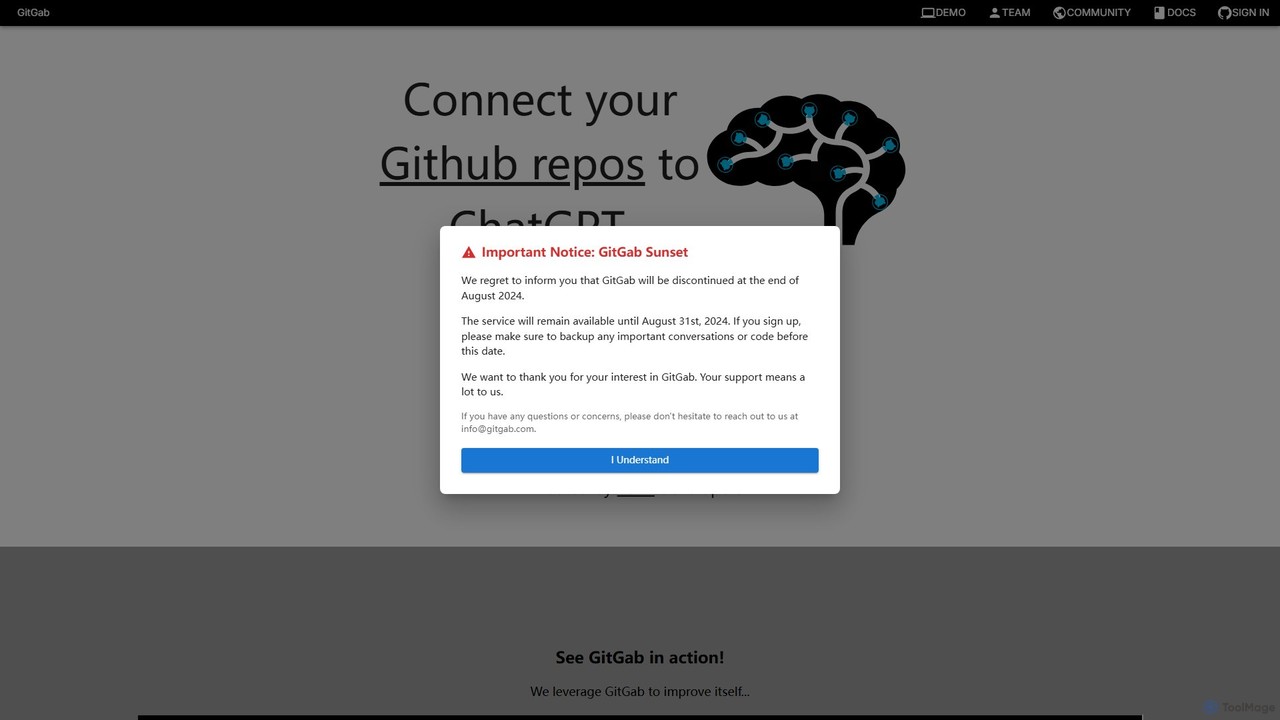
GitGab Overview
GitGab is a state-of-the-art AI-powered development partner designed to supercharge a developer's workflow. It integrates seamlessly with your coding environment by understanding the full context of your projects. Unlike other tools that may be limited to a single file or repository, GitGab can draw insights from multiple repositories and local files simultaneously. This allows it to provide highly accurate and relevant assistance for complex tasks. By harnessing the power of leading Large Language Models (LLMs) such as OpenAI's ChatGPT, Anthropic's Claude, and Google's Gemini, GitGab offers a versatile and powerful solution for modern software development.
The platform is built with developer productivity at its core. Whether you're building a new feature from scratch, hunting down a tricky bug that spans across microservices, or trying to understand a legacy codebase, GitGab acts as an expert pair programmer. It contextualizes your requests with the relevant code snippets, dependencies, and architectural patterns from your entire codebase, leading to suggestions that are not just syntactically correct but also contextually appropriate.
How to use GitGab
Using GitGab is a straightforward process designed to get you up and running quickly:
- Sign Up and Connect: Create a free account on the GitGab website. Connect your Git provider (like GitHub, GitLab, or Bitbucket) to grant GitGab access to your repositories. The process is secure and uses standard OAuth protocols.
- Select Repositories: Choose the specific repositories you want GitGab to use as context for your conversation. You can select multiple repos, which is ideal for projects with microservices or shared libraries.
- Connect Local Files (Optional): For projects or files not yet pushed to a remote repository, you can securely connect local directories. GitGab can then analyze this local code, providing a complete picture of your work-in-progress.
- Start a Conversation: Open the chat interface and start asking questions in natural language. You can ask it to perform a wide range of tasks, such as "Implement a new API endpoint for user authentication based on the existing schema in the 'auth-service' repo" or "Find potential null pointer exceptions in the 'payment-processor' module."
- Iterate and Refine: GitGab will provide code, explanations, and suggestions. You can then ask follow-up questions to refine the output, ask for alternative implementations, or request a detailed explanation of the proposed solution.
Core Features of GitGab
- Multi-Repo Context: The ability to analyze and understand code across multiple repositories in a single conversation, providing holistic insights for complex systems.
- Local File Integration: Securely connects to your local machine to include uncommitted changes and local projects in its context.
- State-of-the-Art LLM Support: Leverages multiple top-tier AI models (ChatGPT, Claude, Gemini), allowing you to choose the best model for your specific task.
- Feature Implementation: Generates functional code for new features based on high-level descriptions and existing codebase patterns.
- Advanced Bug Detection: Intelligently scans your code to identify subtle bugs, race conditions, and security vulnerabilities by understanding the interactions between different parts of your code.
- Automated Documentation: Creates comprehensive and accurate documentation, including README files, API docs, and in-line code comments.
- Code Optimization and Refactoring: Analyzes your code for performance bottlenecks and suggests refactoring improvements to enhance readability, maintainability, and speed.
- Privacy and Security First: Your code is never shared with third parties, and all sensitive data is stored with state-of-the-art encryption.
Use Cases for GitGab
GitGab is versatile and can be applied in numerous development scenarios:
- Onboarding New Engineers: New team members can quickly get up to speed on a large, complex codebase by asking GitGab questions about architecture, data flow, and functionality.
- Microservices Development: When building a feature that touches multiple microservices, developers can use GitGab to understand dependencies and ensure consistency across different repositories.
- Legacy Code Modernization: Safely refactor and document old codebases with limited existing documentation by having GitGab analyze the code and explain its behavior.
- Complex Debugging: Trace bugs that originate in one service and cause issues in another by providing GitGab with the full context of both services.
- Rapid Prototyping: Quickly scaffold new applications or features by describing the requirements to GitGab and letting it generate the boilerplate code.
Advantages of GitGab
GitGab offers significant advantages over traditional coding assistants:
- Superior Contextual Understanding: Its multi-repo and local file capabilities provide a deeper understanding than tools limited to a single repo.
- Higher Accuracy: More context leads to more accurate, relevant, and useful suggestions, reducing the time spent correcting AI-generated code.
- Increased Productivity: Automates tedious tasks like writing documentation, finding bugs, and implementing boilerplate, allowing developers to focus on high-level problem-solving.
- Enhanced Code Quality: Helps maintain high standards by suggesting optimizations and identifying potential issues before they become problems.
- Flexible and Powerful: Access to multiple leading AI models ensures you always have the best tool for the job.
Pricing and Plans
GitGab operates on a freemium model, making it accessible to everyone.
- Free Plan: Perfect for individual developers, students, and hobbyists. This plan is free to use and includes a generous monthly token limit, allowing you to experience the core features of AI-powered code assistance.
- Pro Plan (Hypothetical): Aimed at professional developers and small teams, this plan would offer significantly higher token limits, priority access to new models, and enhanced support.
- Enterprise Plan (Hypothetical): Designed for large organizations, this plan would provide unlimited usage, dedicated support, advanced security features like SSO, and options for on-premise or private cloud deployment. Pricing is typically available upon request by contacting the sales team.
GitGab Alternatives

All Hands AI (OpenHands)
All Hands AI (OpenHands) is a leading open-source AI coding agent designed to automate software development. It helps engineers with tasks like code reviews, refactoring, bug fixing, and test generation. Available as a flexible SaaS, self-hosted, or open-source solution, it integrates with tools like GitHub and GitLab to accelerate development cycles and improve code quality.
Code Generation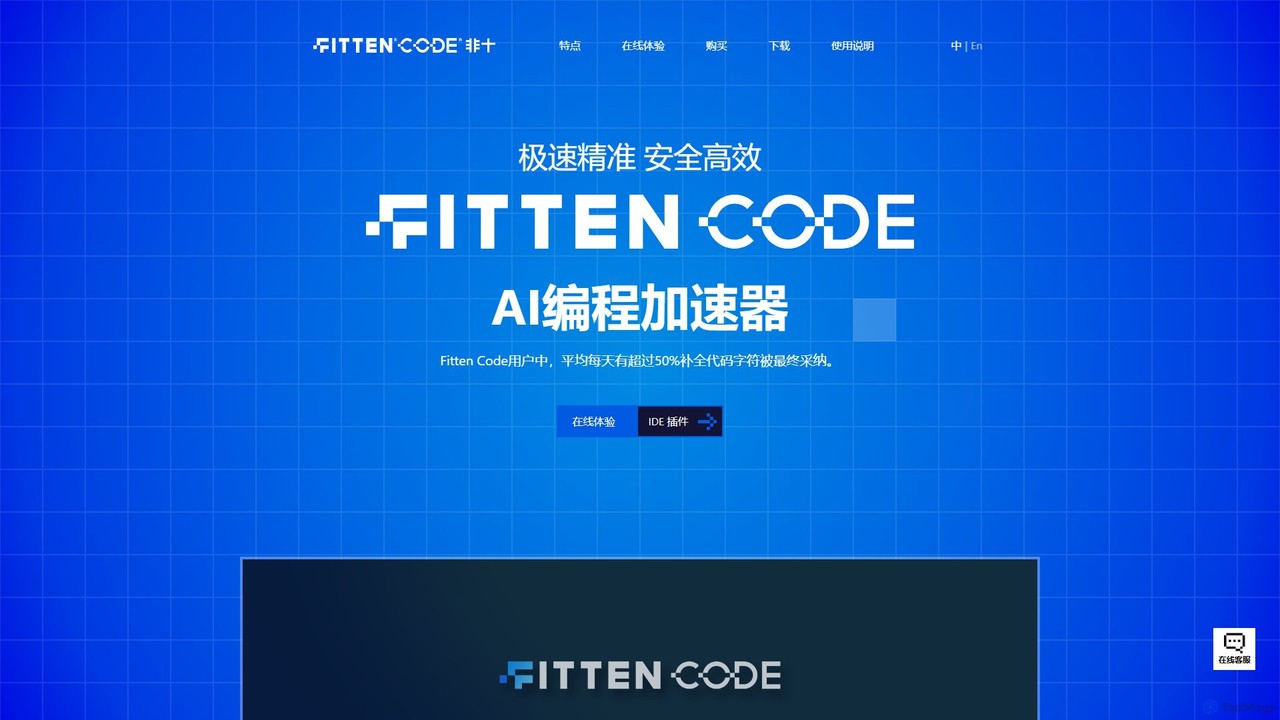
Fitten Code
Fitten Code is a next-generation AI programming assistant designed to accelerate software development. It offers ultra-fast code completion, intelligent Q&A, automated unit test generation, and code optimization. Built by a Tsinghua PhD team, it supports major IDEs and languages, significantly boosting developer productivity while ensuring data privacy.
Code Generation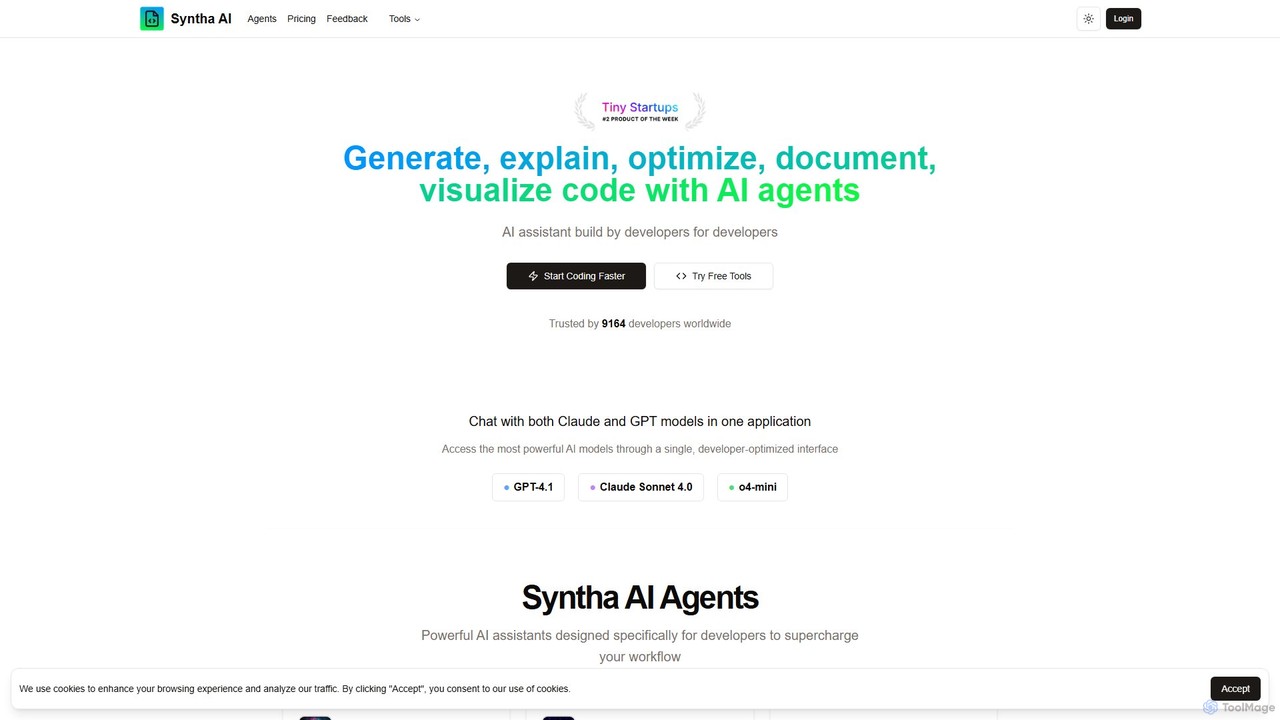
Syntha AI
Syntha AI is a developer-centric AI assistant designed to streamline the entire coding lifecycle. It integrates top AI models like GPT-4 and Claude, offering specialized agents to generate, explain, optimize, convert, and document code, helping developers build software faster and more efficiently.
Code Documentation
codimite
Codimite is an AI-powered coding assistant designed to accelerate the software development lifecycle. It acts as a pair programmer, helping developers write, debug, and optimize code faster with features like intelligent code completion, natural language-to-code generation, and automated bug fixing, integrating directly into your favorite IDE.
Code Generation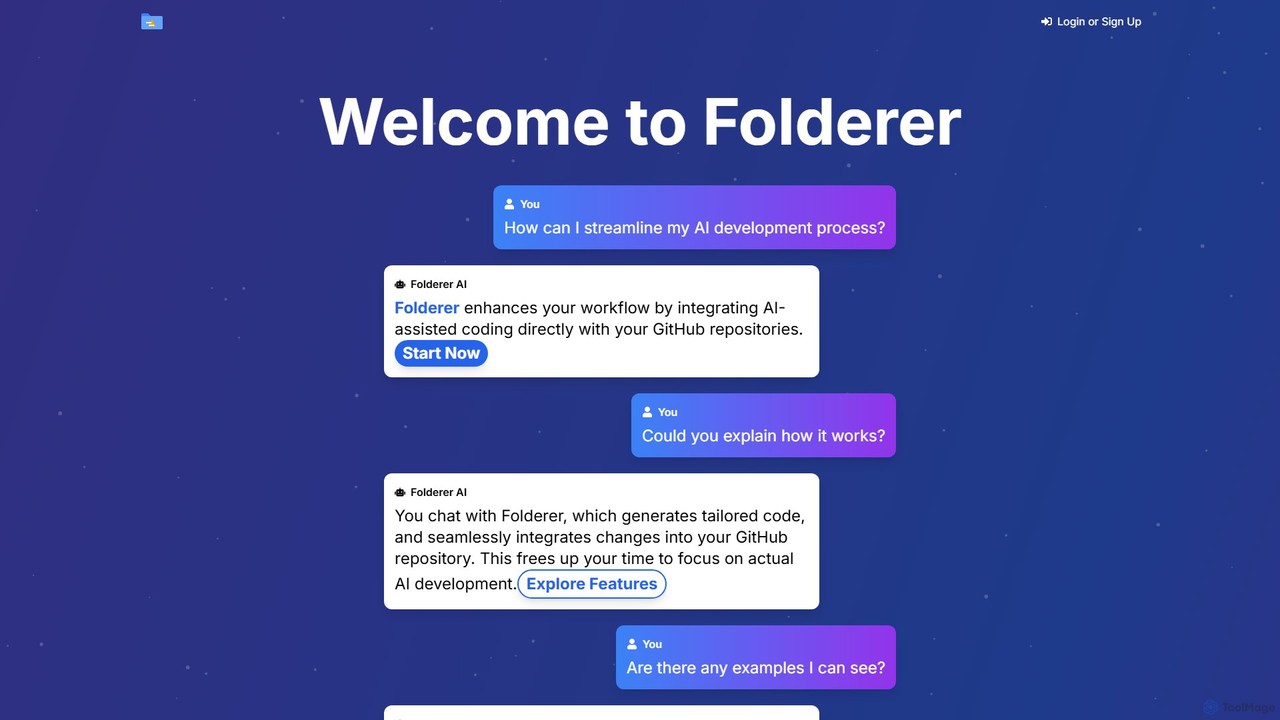
Folderer
Folderer is an AI-powered coding assistant that integrates directly with your GitHub repositories. It uses a conversational chat interface to generate, refine, and commit high-quality code, streamlining the entire development workflow from idea to deployment.
Code GenerationGitGab Categories
GitGab Embed Widget
Copy this embed code to place the badge on your blog, article, or product site and send readers directly to this ToolMage detail page.

Related AI tools
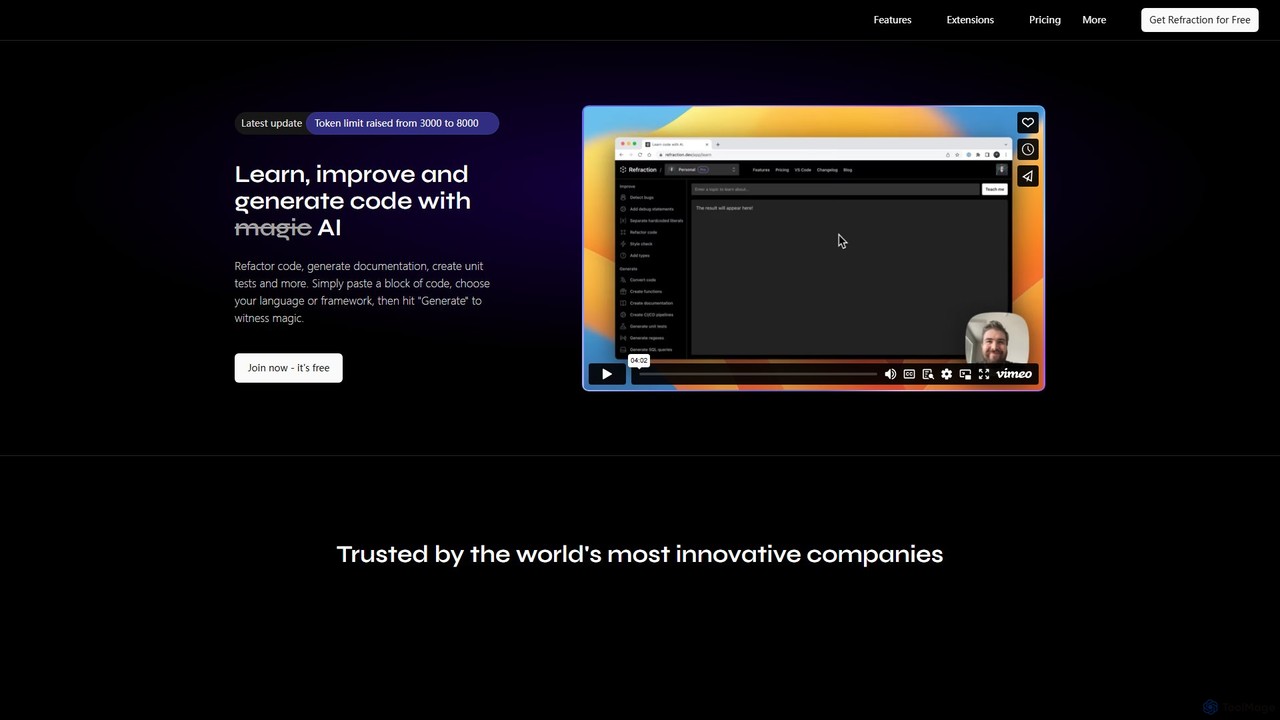
Refraction
Refraction is an AI-powered coding assistant for developers. It automates tedious tasks like generating unit tests, writing documentation, refactoring code, and converting between 56 programming languages. Boost your productivity and focus on building great software.
Code Assistant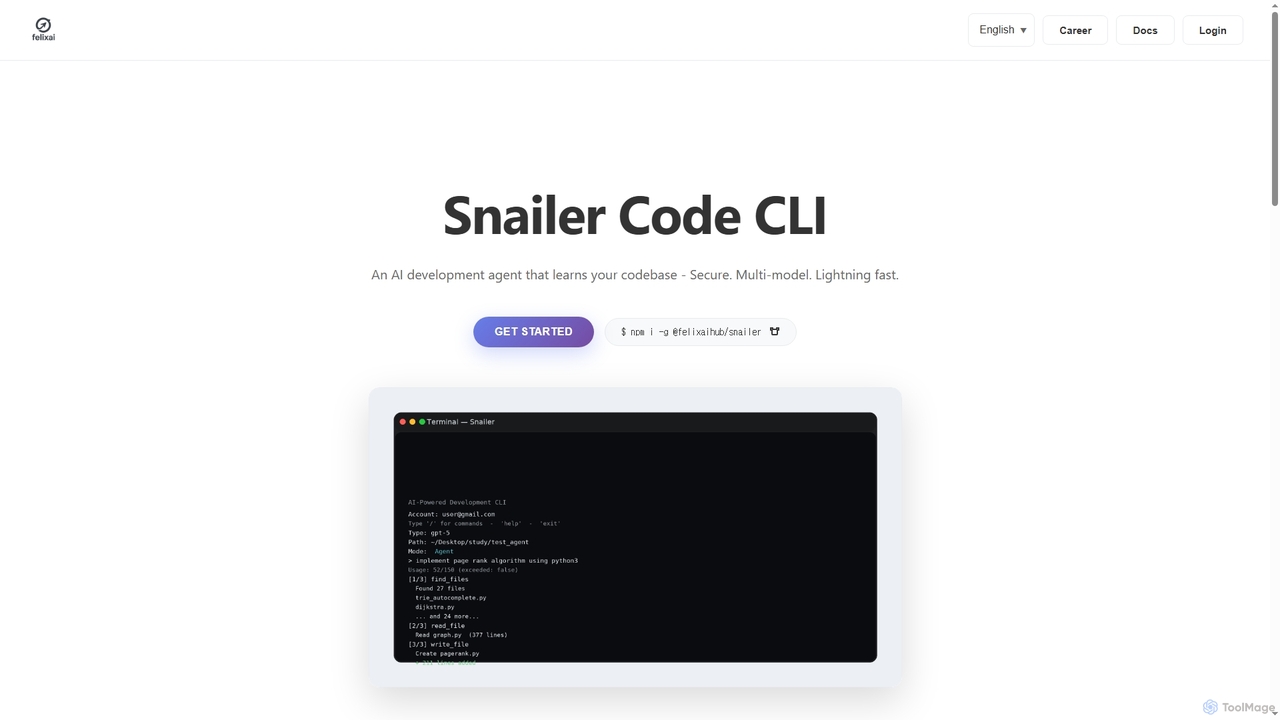
Snailer
Snailer is a multi-model AI coding agent that operates within your command-line interface (CLI) and integrates with popular IDEs. It understands your codebase, allowing you to describe tasks in plain English to generate, propose, and execute code edits securely and efficiently.
Code Assistant
Git Assistant
Git Assistant is an AI-powered tool that integrates with GitHub and ChatGPT to streamline your coding workflow. It allows developers to use natural language prompts to generate, refactor, and iterate on code, and then automatically create pull requests. It's designed to boost productivity by automating repetitive tasks and simplifying version control.
Version Control
CodeMaker AI
CodeMaker AI is a next-generation developer toolkit designed to boost productivity by automating software writing, testing, and documentation. It integrates seamlessly into your workflow via IDEs, GitHub, and CLI, offering context-aware code generation and a powerful AI assistant.
Code Assistant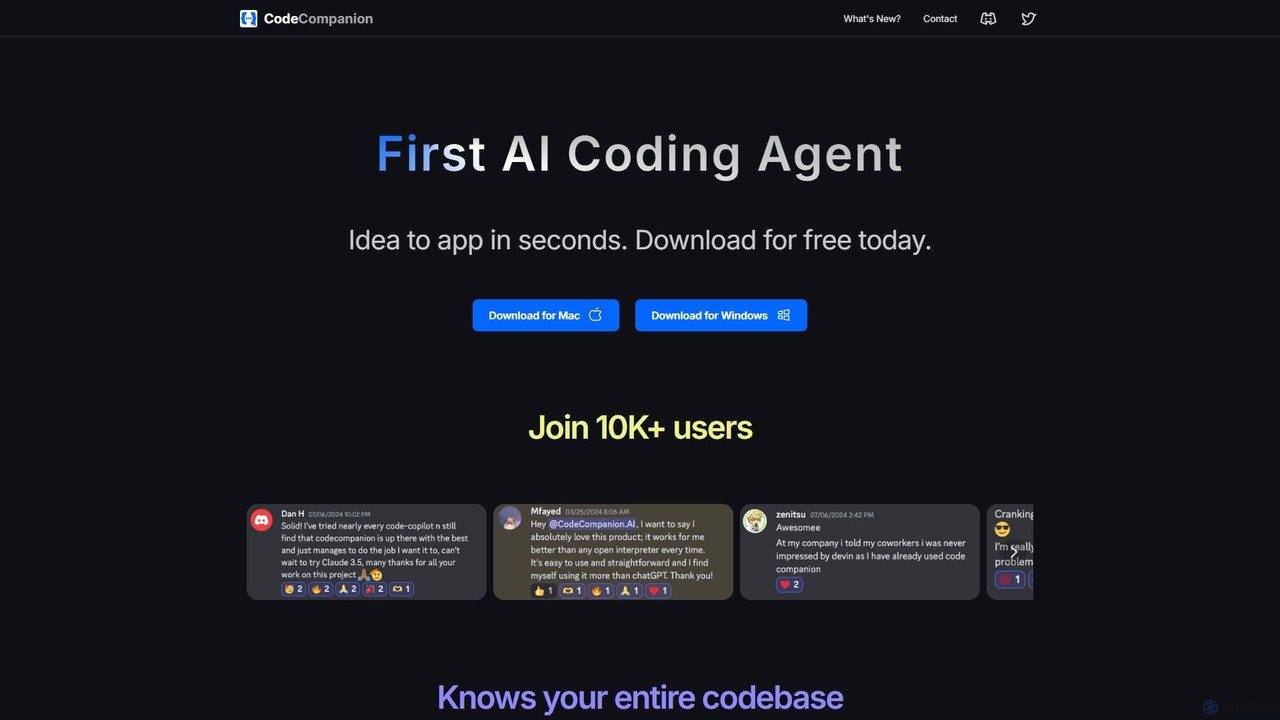
CodeCompanion
CodeCompanion is an advanced AI coding agent that functions as a junior developer on your local machine. It understands your entire codebase, uses an integrated terminal and browser to research and execute tasks, and can turn ideas into applications in seconds. It prioritizes privacy by keeping all data local.
Code AssistantAll Hands AI (OpenHands)
All Hands AI (OpenHands) is a leading open-source AI coding agent designed to automate software development. It helps engineers with tasks like code reviews, refactoring, bug fixing, and test generation. Available as a flexible SaaS, self-hosted, or open-source solution, it integrates with tools like GitHub and GitLab to accelerate development cycles and improve code quality.
Code Generation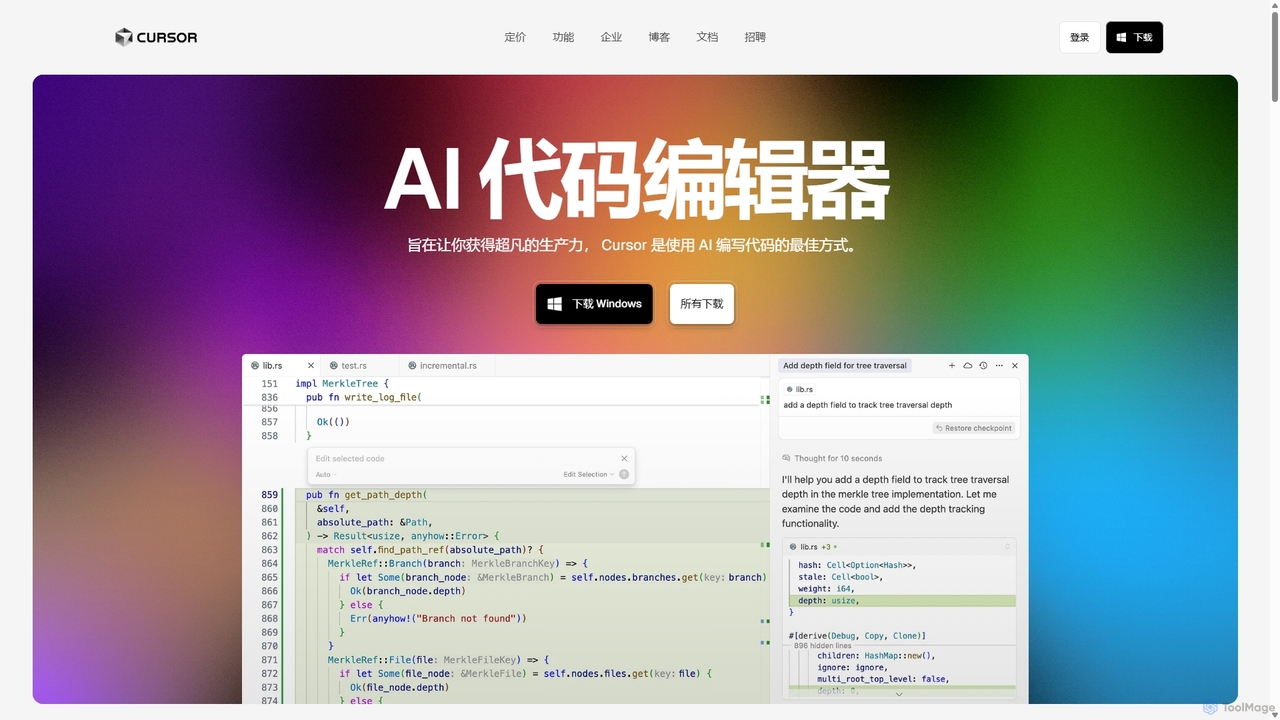
Cursor
Cursor is an AI-first code editor designed for pair-programming with artificial intelligence. Built as a fork of VS Code, it offers a familiar environment supercharged with advanced AI capabilities for code generation, editing, debugging, and codebase comprehension, aiming to significantly boost developer productivity.
Code Assistant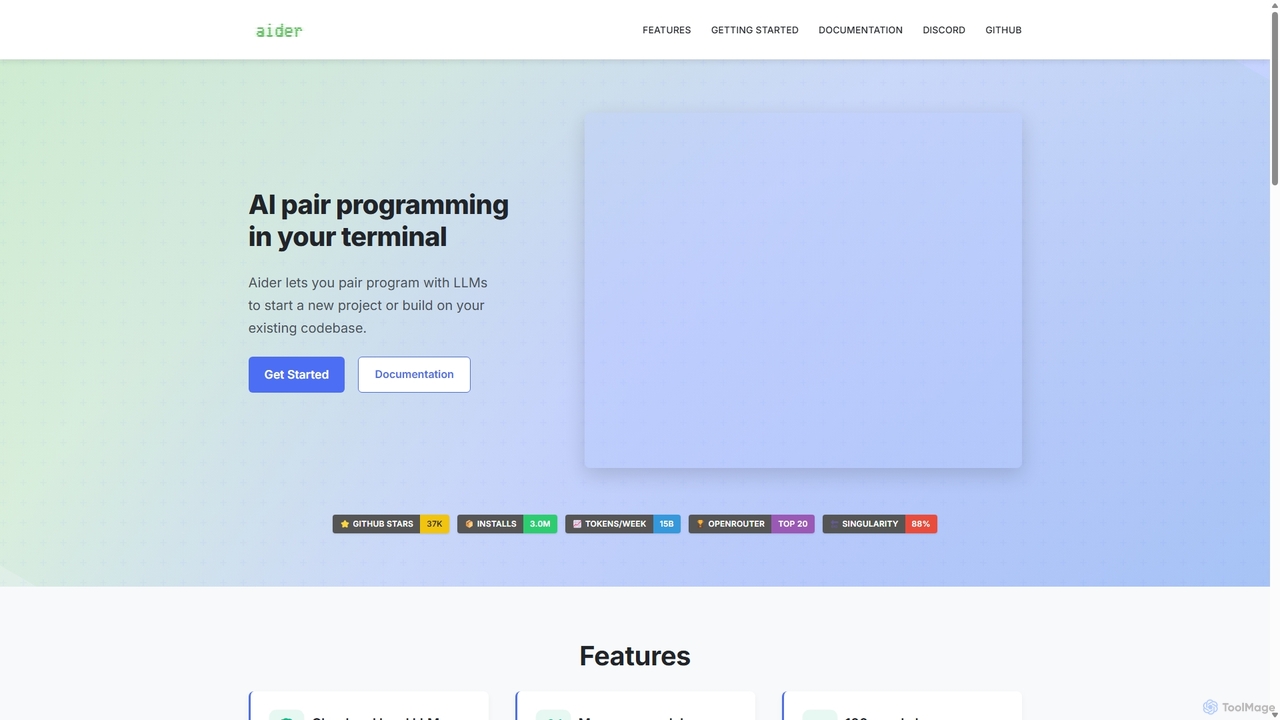
Aider
Aider is an AI-powered pair programmer that operates directly in your terminal. It intelligently maps your entire codebase, providing full project context for complex tasks. Seamlessly integrated with Git, it automates commits and allows you to manage AI-driven changes with familiar tools. Aider supports over 100 programming languages, connects to leading cloud and local LLMs, and even accepts voice and image inputs, making it a versatile and powerful assistant for any developer seeking to accelerate their workflow and improve code quality.
Programming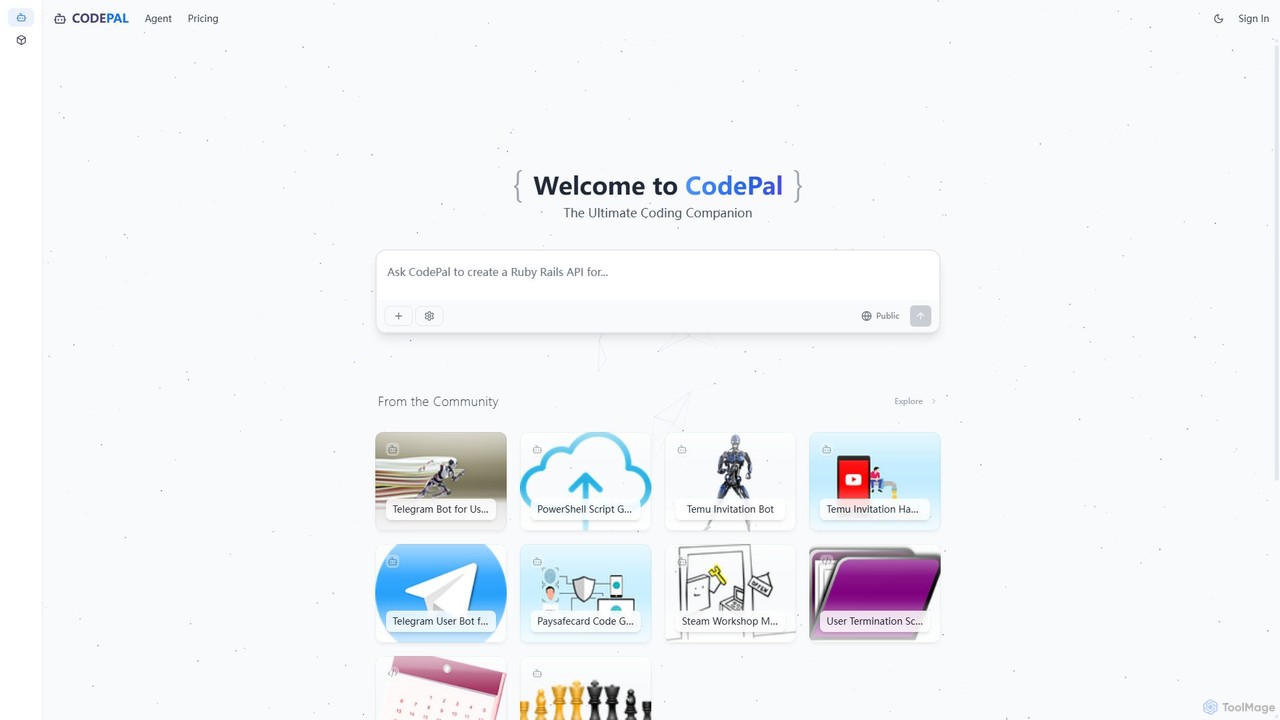
CodePal
A powerful AI coding companion and autonomous engineer that integrates directly into GitHub. Automate code reviews, generate documentation, resolve issues, and write unit tests with simple commands to accelerate your development workflow.
Code Assistant
Jyek
Jyek is an AI agent platform that understands objectives, creates execution plans, uses tools, and delivers verifiable results for complex, multi-step tasks.
Automation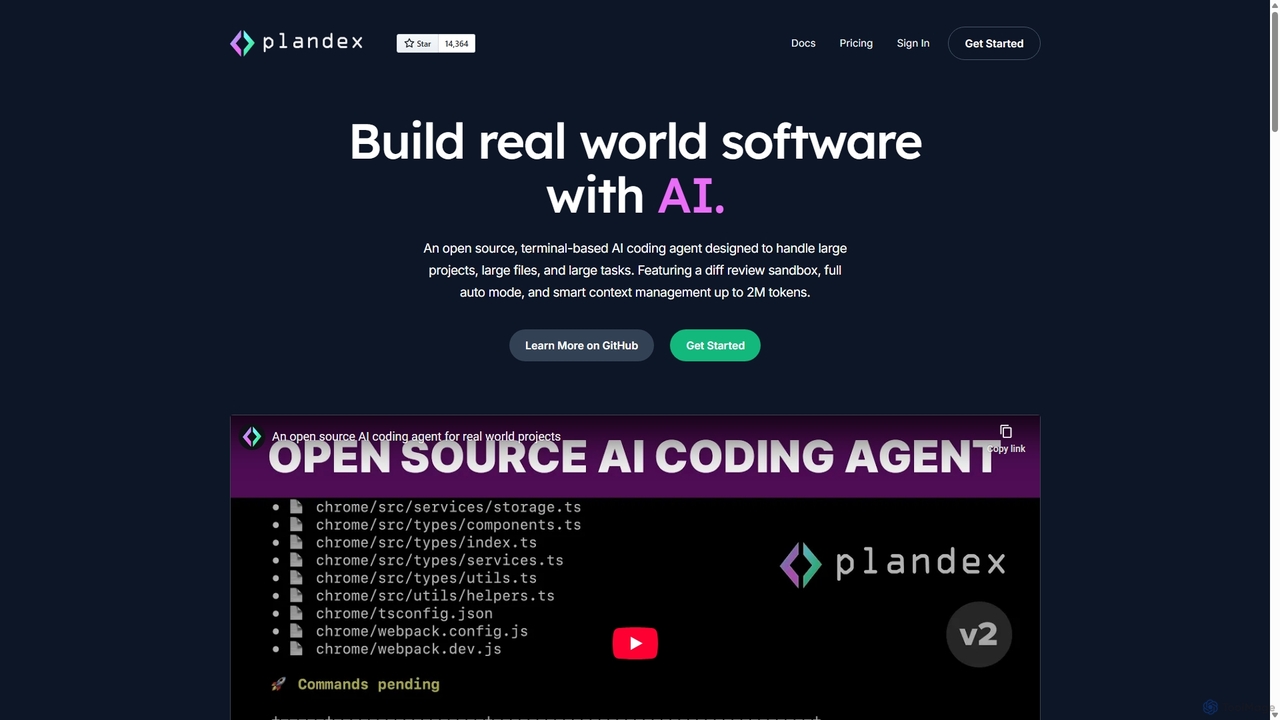
Plandex
Plandex is an open-source, terminal-based AI coding agent designed for complex, large-scale software development tasks. It excels at handling large projects and files with its 2M token context window. Featuring a diff review sandbox, configurable autonomy, and multi-model support, Plandex empowers developers to build, debug, and refactor entire applications with AI assistance, ensuring control and productivity in a dev-friendly workflow.
Code Generation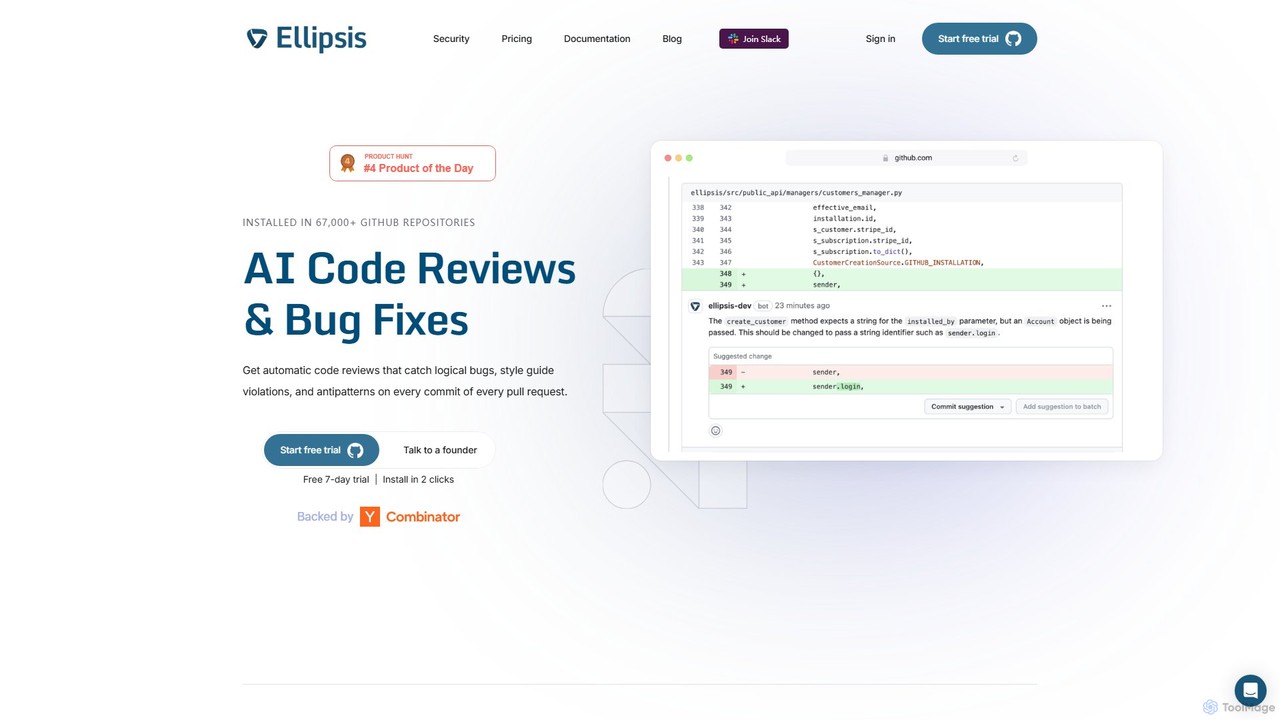
Ellipsis
Ellipsis is an AI-powered engineering teammate that automates code reviews on GitHub. It intelligently catches logical bugs, style violations, and anti-patterns in every pull request, helping teams ship code faster while maintaining high quality and security standards.
Code Review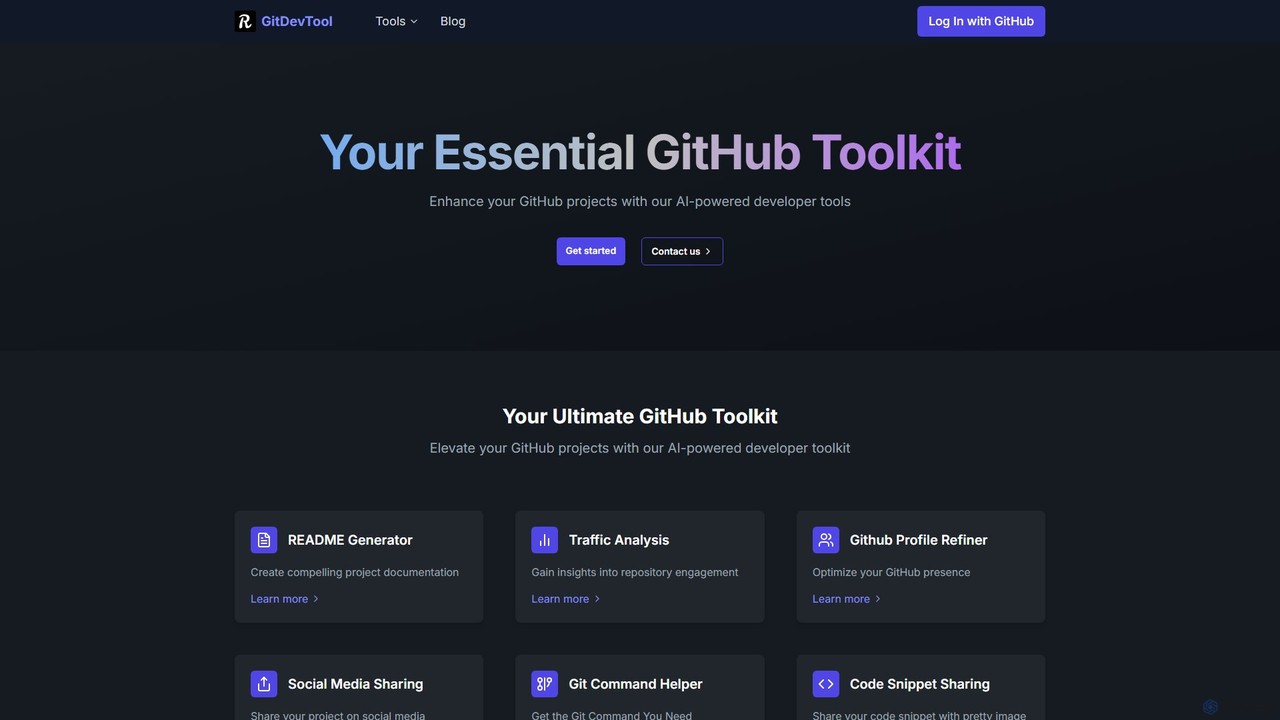
GitDevTool
GitDevTool is an AI-powered toolkit designed for developers to enhance their GitHub projects. It offers a suite of tools including a README generator, traffic analysis, profile refiner, and more, to streamline documentation, boost visibility, and optimize repository management.
Code Generation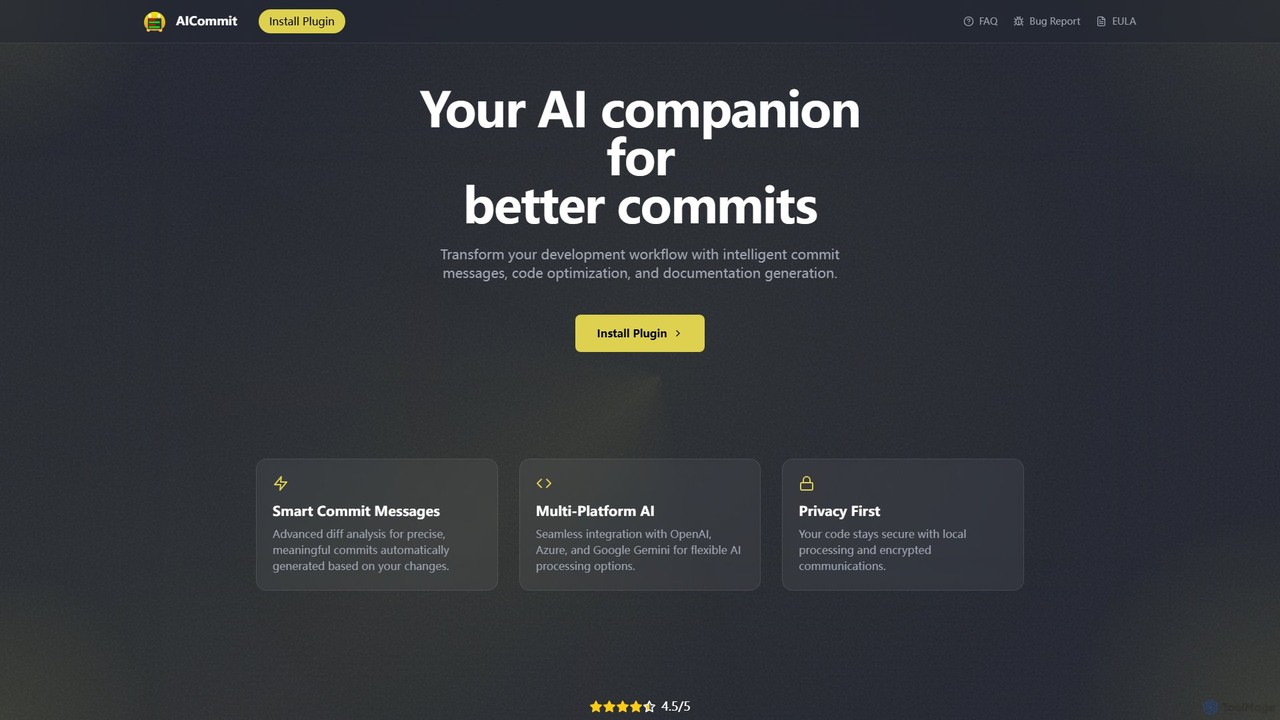
AICommit
AICommit is an intelligent IDE plugin that transforms your development workflow by automatically generating precise and meaningful Git commit messages. It analyzes your code changes and uses AI models from OpenAI, Azure, or Google Gemini to create high-quality commits, saving you time and improving repository clarity.
Version Control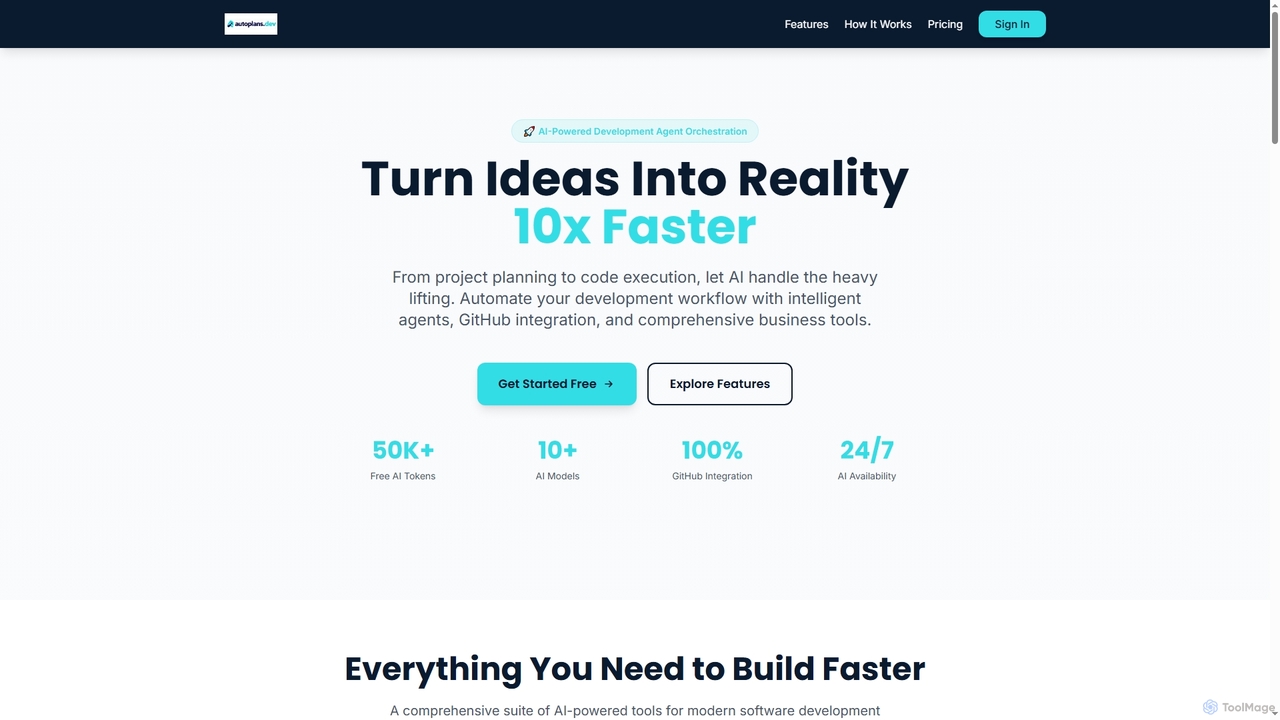
Autoplans
Autoplans is an AI-powered development orchestration platform that automates the entire software development workflow. It uses intelligent agents to transform project ideas into structured plans, generate code, and create GitHub pull requests, aiming to accelerate development by up to 10x.
Code Generation
GitGab Comments (0)
Sign in to comment.
Sign inNo comments yet.