

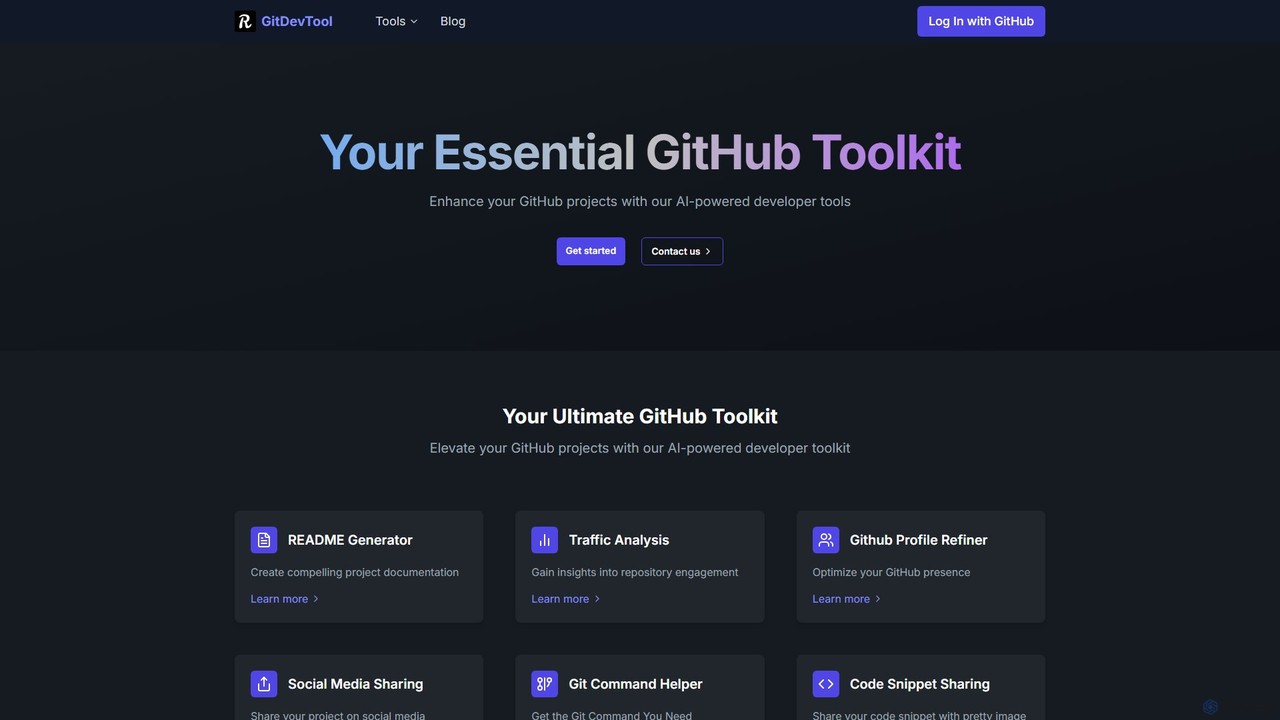
GitDevTool Overview
GitDevTool is a comprehensive, AI-powered toolkit designed to supercharge your GitHub workflow. It serves as an essential companion for developers, open-source maintainers, and teams looking to improve their project's quality, visibility, and documentation. By integrating a suite of intelligent tools into a single platform, GitDevTool automates tedious tasks and provides valuable insights, allowing developers to focus on what they do best: coding.
The platform's core philosophy is to leverage artificial intelligence to handle the ancillary tasks surrounding software development. From creating compelling project documentation to analyzing repository engagement, GitDevTool provides a seamless experience for managing and promoting your work on GitHub.
How to use GitDevTool
Using GitDevTool is straightforward and designed for a quick start:
- Sign Up/Connect GitHub: Visit the GitDevTool website and sign up, typically by connecting your GitHub account for seamless repository access.
- Select a Tool: From the main dashboard, browse the suite of available tools. Choose the one that fits your current need, such as the 'README Generator' or 'Traffic Analysis'.
- Link Your Repository: Select the GitHub repository you wish to work on. The platform will require read access to analyze your code and structure.
- Configure and Generate: For tools like the README Generator, the AI will analyze your project and produce a draft. You may be asked for additional context or to choose a template. For analysis tools, the results will be displayed on a dashboard.
- Review and Implement: Review the AI-generated content or insights. You can then copy the generated README to your project, use the suggested Git commands, or apply the profile optimization tips.
Core Features of GitDevTool
- AI README Generator: Automatically creates professional, well-structured README.md files by analyzing your repository's code, dependencies, and structure.
- Repository Traffic Analysis: Provides detailed insights and analytics on your repository's traffic, helping you understand visitor sources, popular content, and user engagement patterns.
- GitHub Profile Refiner: Optimizes your GitHub profile by providing AI-driven suggestions for your bio, pinned repositories, and profile README to enhance your professional presence.
- Git Command Helper: Translates natural language descriptions into the correct Git commands. Simply describe what you want to do (e.g., "undo my last commit"), and the tool provides the command.
- Repo2LLM Converter: Processes an entire GitHub repository and converts its file structure and code into a clean, consolidated format suitable for input into Large Language Models (LLMs) for advanced analysis or querying.
- Code Snippet Sharing: Creates visually appealing, shareable images of your code snippets with syntax highlighting, perfect for social media, blogs, or presentations.
- HackerNews Engagement Finder: Scans HackerNews for relevant discussions and posts where you can organically engage and promote your project.
- SEO Toolbox: A collection of practical tools to help optimize your project's documentation and website for better search engine visibility.
Use Cases for GitDevTool
For Individual Developers: Quickly generate a high-quality README for a new side project. Optimize your GitHub profile to attract potential employers. Find the right Git command without searching through documentation.
For Open-Source Maintainers: Attract more contributors with clear, comprehensive documentation. Analyze repository traffic to understand which parts of the project are most interesting to users. Promote the project effectively on social media and HackerNews.
For Development Teams: Ensure consistent and professional documentation across all company repositories. Easily share code snippets during code reviews or team discussions. Prepare repository data for advanced AI-driven code analysis or internal knowledge base creation.
Advantages of GitDevTool
GitDevTool offers a significant competitive edge by consolidating multiple developer-centric tasks into one platform. Its primary advantage is efficiency—automating time-consuming tasks like writing documentation and marketing. The AI-powered nature of the tools ensures high-quality, relevant outputs that go beyond simple templates. This enhances project professionalism, improves discoverability, and ultimately frees up valuable developer time.
Pricing and Plans
GitDevTool likely operates on a freemium model. This typically includes a free tier with access to basic features and certain usage limits, allowing individual developers and small projects to benefit without cost. For advanced features, higher usage quotas, team collaboration, and priority support, premium subscription plans are usually available. For the most accurate and current pricing details, please visit the official GitDevTool website.
Traffic
Latest traffic
Status
Monthly traffic trend
- 2025-9: 392
- 2026-1: 100
- 2026-2: 903
- 2026-3: 2.3K
- 2026-4: 415
- 2026-5: 1.7K
Geography
Top 5 countries / regions
- 🇮🇩Indonesia59.6%
- 🇮🇳India40.4%
Top keywords
| Keyword | Cost per click |
|---|---|
| create readme github base on project | $0.00 |
| github profile generator ai | $0.00 |
| github traffic | $0.00 |
| how to popularize a repo | $0.00 |
| repo converter ai konteks | $0.00 |
GitDevTool Alternatives
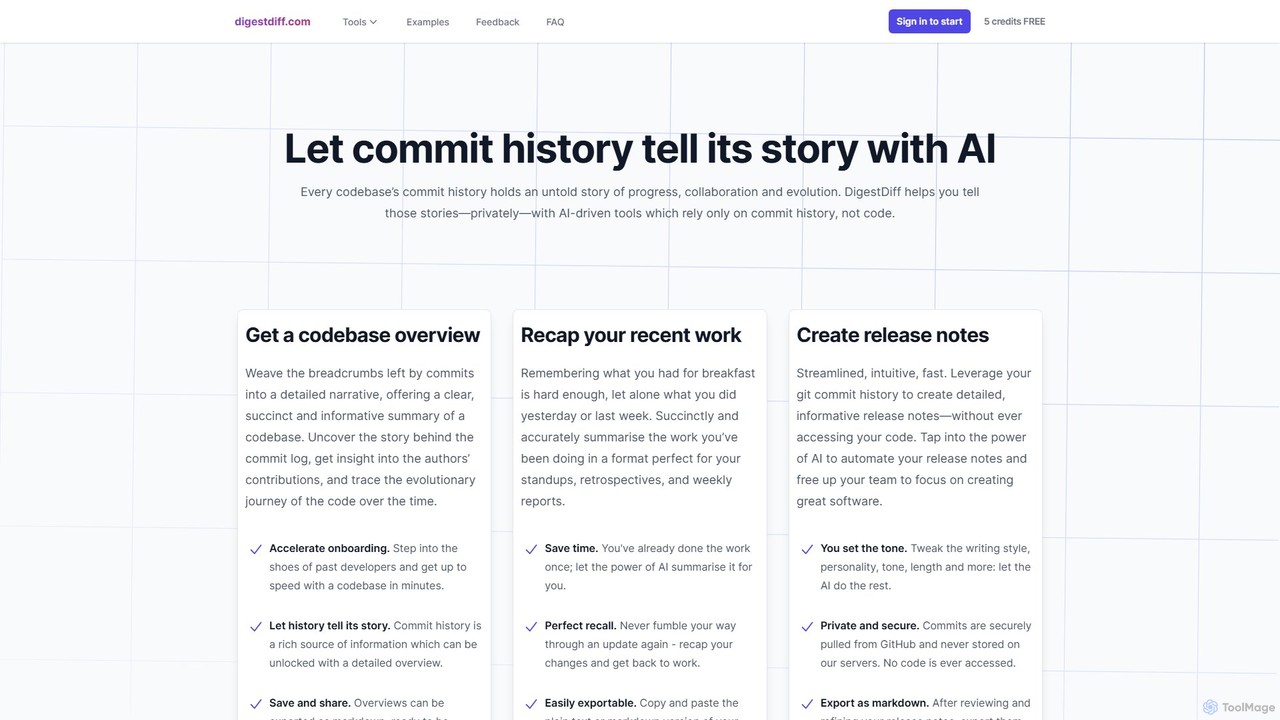
DigestDiff
DigestDiff is an AI-powered tool for developers that analyzes Git commit history to automatically generate codebase overviews, daily stand-up recaps, and detailed release notes. It enhances productivity and accelerates onboarding by transforming commit logs into insightful narratives, all without ever accessing your source code.
Version Control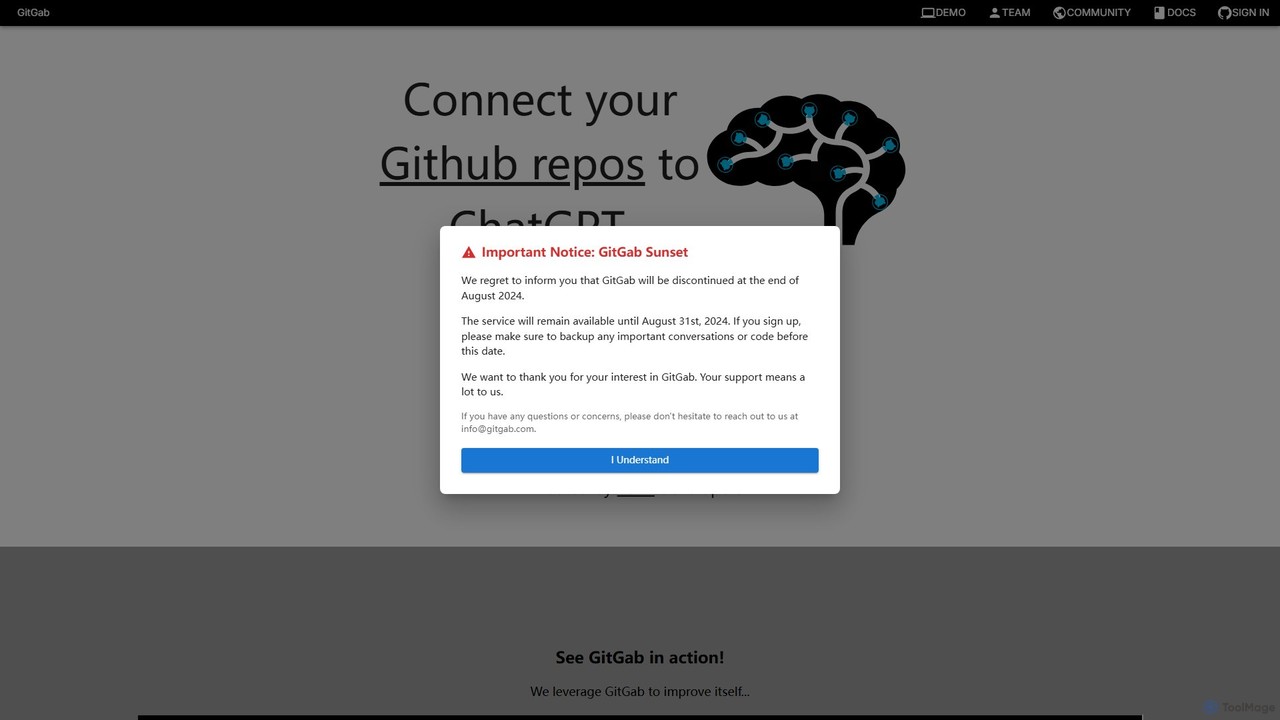
GitGab
GitGab is an advanced AI code assistant that leverages top models like ChatGPT, Claude, and Gemini. It uniquely contextualizes your entire codebase, including multiple repositories and local files, to help you implement features, find bugs, write documentation, and optimize code with unparalleled accuracy.
Code Generation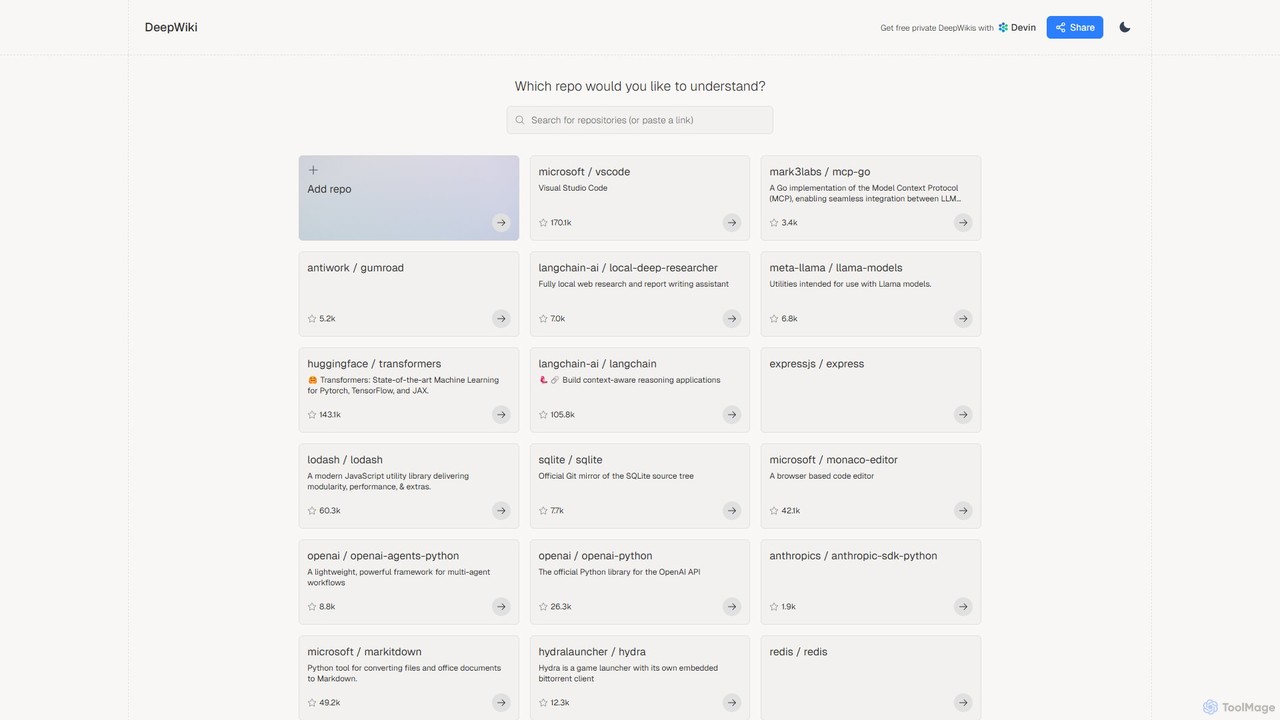
DeepWiki
DeepWiki is an AI-powered tool that automatically generates interactive, conversational documentation for any GitHub repository. It analyzes codebases to create a structured, searchable wiki, allowing developers to ask natural language questions and quickly understand complex projects.
Code Analysis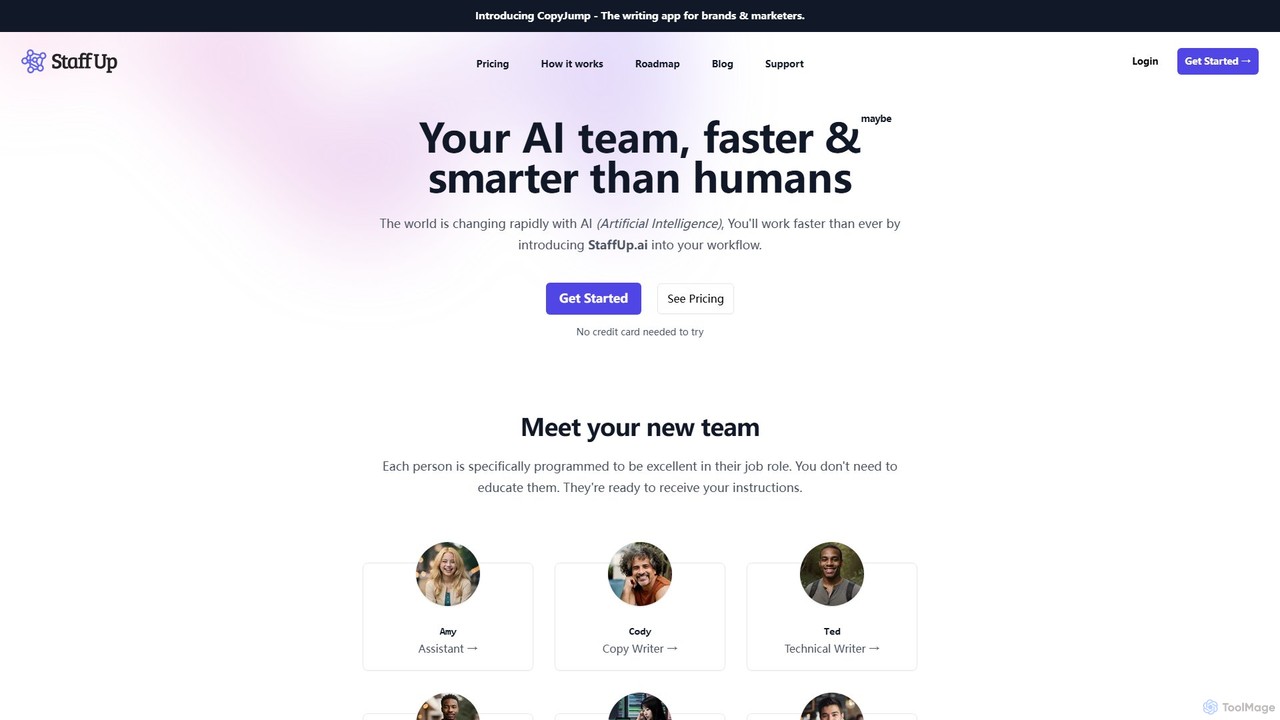
StaffUp.ai
StaffUp.ai provides a virtual team of specialized AI assistants designed to accelerate business workflows. From copywriting and coding to SEO and customer support, these pre-programmed AI staff members are ready to handle tasks with minimal prompting, operating within a collaborative workspace to boost productivity and efficiency.
Code Assistant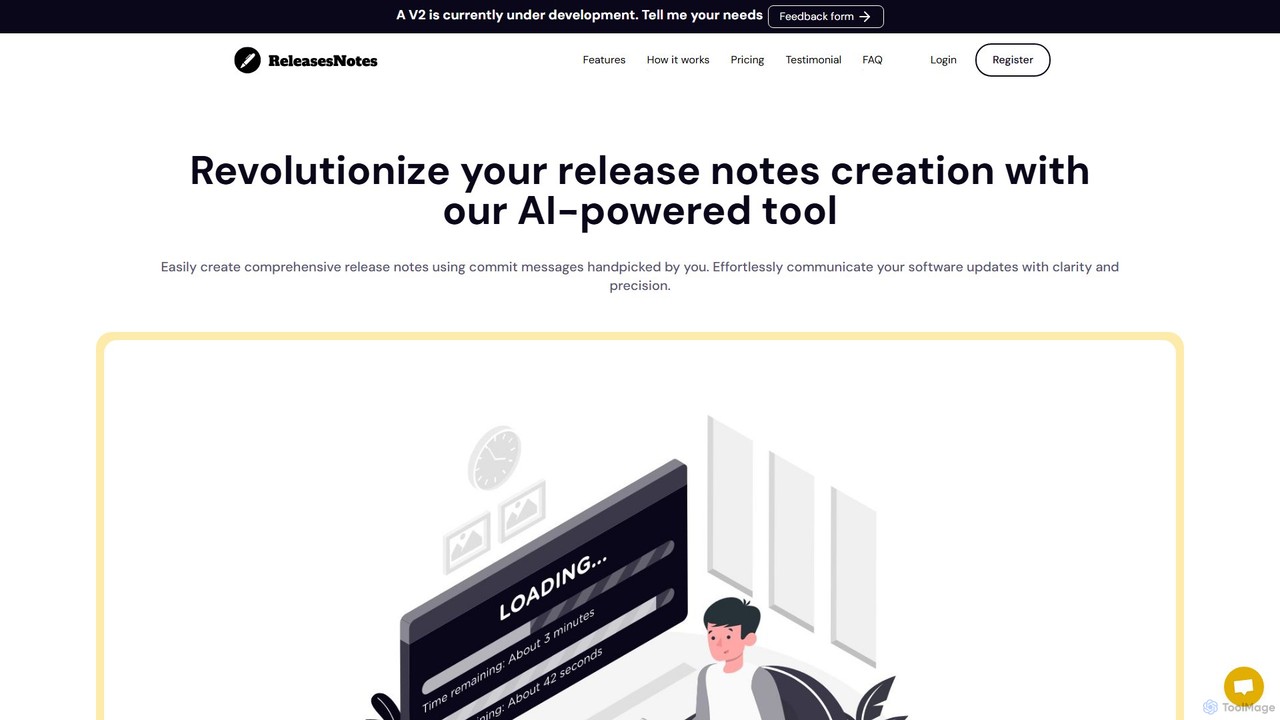
ReleasesNotes
ReleasesNotes is an AI-powered tool that automates the creation of comprehensive release notes from your GitHub or GitLab commit messages. It streamlines the documentation process, saving developers valuable time and improving communication with users and stakeholders.
Code AssistantGitDevTool Categories
GitDevTool Embed Widget
Copy this embed code to place the badge on your blog, article, or product site and send readers directly to this ToolMage detail page.

Related AI tools
DigestDiff
DigestDiff is an AI-powered tool for developers that analyzes Git commit history to automatically generate codebase overviews, daily stand-up recaps, and detailed release notes. It enhances productivity and accelerates onboarding by transforming commit logs into insightful narratives, all without ever accessing your source code.
Version ControlGitGab
GitGab is an advanced AI code assistant that leverages top models like ChatGPT, Claude, and Gemini. It uniquely contextualizes your entire codebase, including multiple repositories and local files, to help you implement features, find bugs, write documentation, and optimize code with unparalleled accuracy.
Code Generation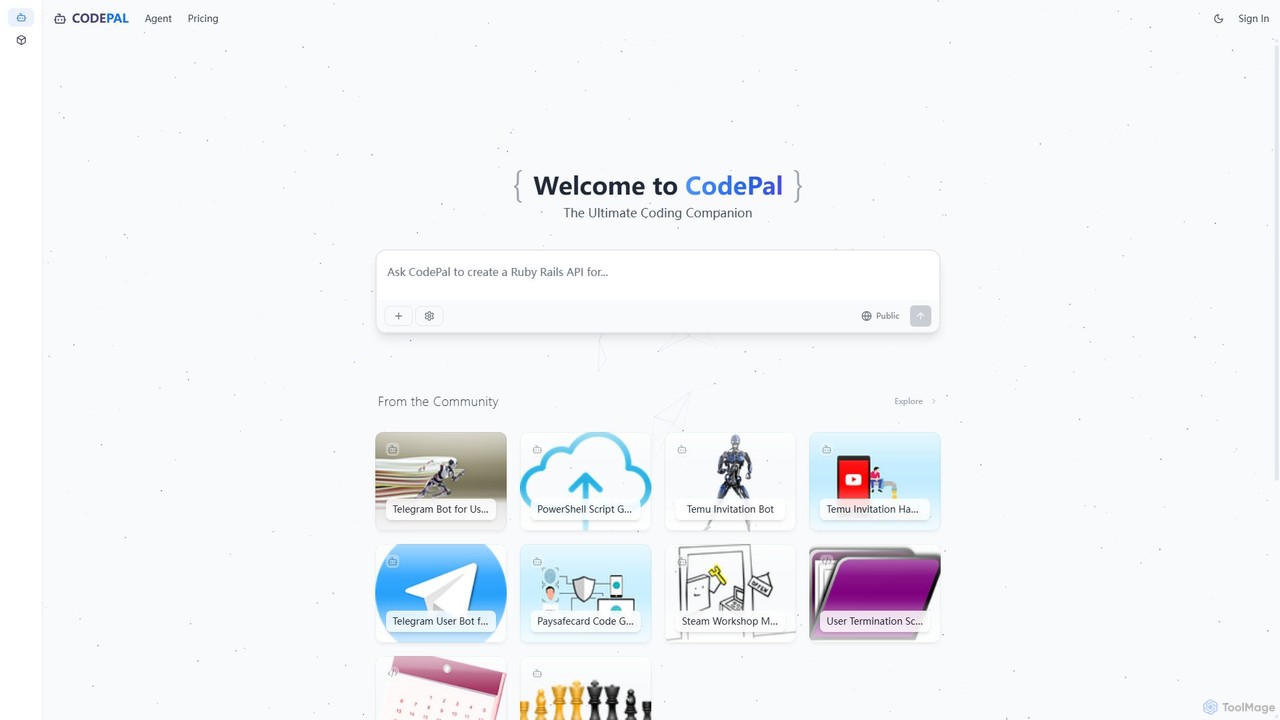
CodePal
A powerful AI coding companion and autonomous engineer that integrates directly into GitHub. Automate code reviews, generate documentation, resolve issues, and write unit tests with simple commands to accelerate your development workflow.
Code Assistant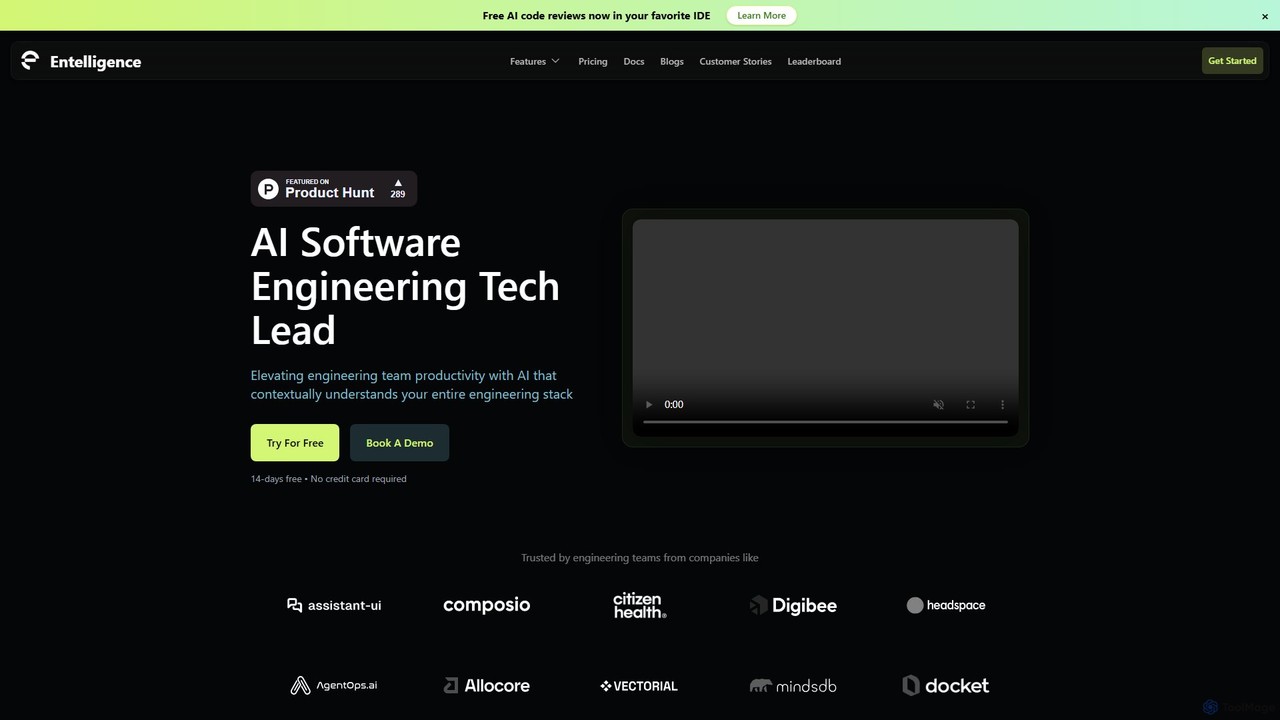
Entelligence
Entelligence is an AI-powered software engineering platform that acts as a tech lead for your team. It streamlines code reviews, automatically generates and updates documentation, and provides deep performance insights to boost engineering productivity and code quality.
Code Assistant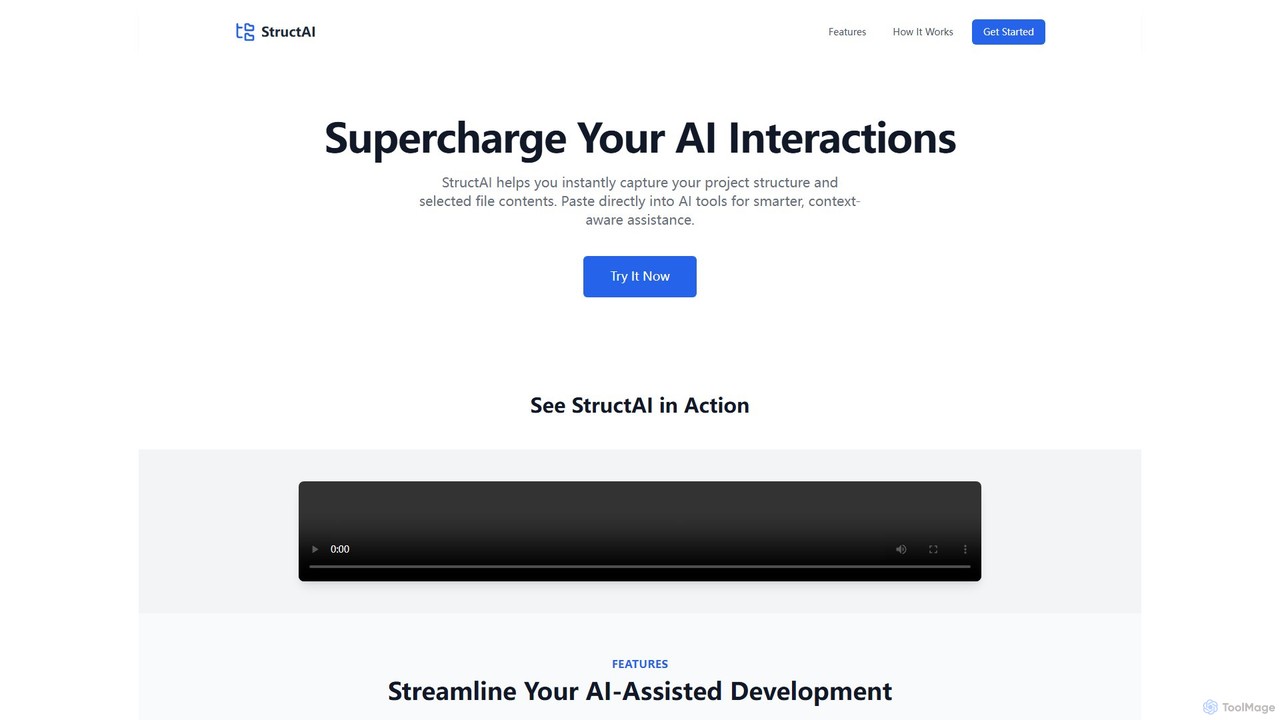
StructAI
StructAI is a developer tool that instantly captures your project's folder structure and selected file contents. It generates a context-rich, AI-ready output that you can paste into any AI assistant (like ChatGPT, Claude) for smarter, more accurate code generation, debugging, and analysis.
Prompt Engineering
Repodex
Repodex is an AI-powered code intelligence platform that helps developers and teams search, understand, and manage their code repositories. Using natural language, you can find code, get explanations, and generate documentation instantly.
Code Generation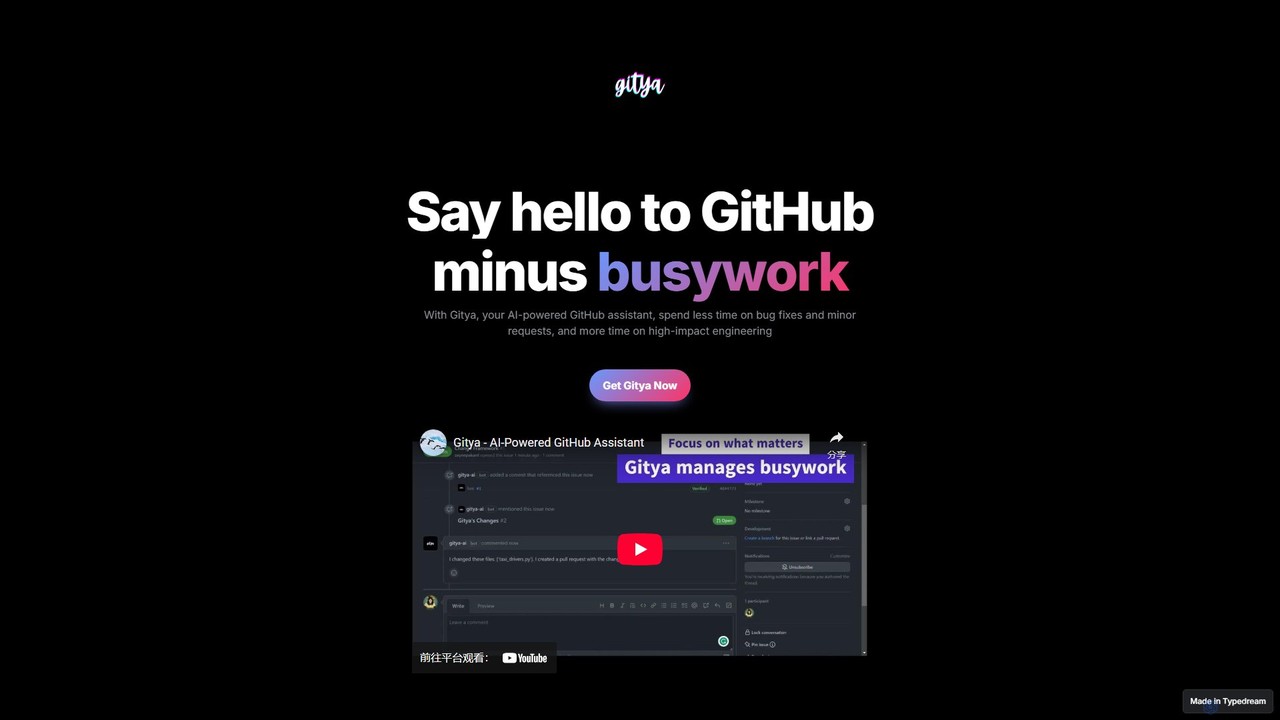
gitya
gitya is an AI-powered GitHub assistant designed to automate routine development tasks. It helps teams by handling minor bug fixes, managing pull requests with automated reviews, and resolving simple tickets, allowing developers to focus on high-impact engineering and innovation.
Version Control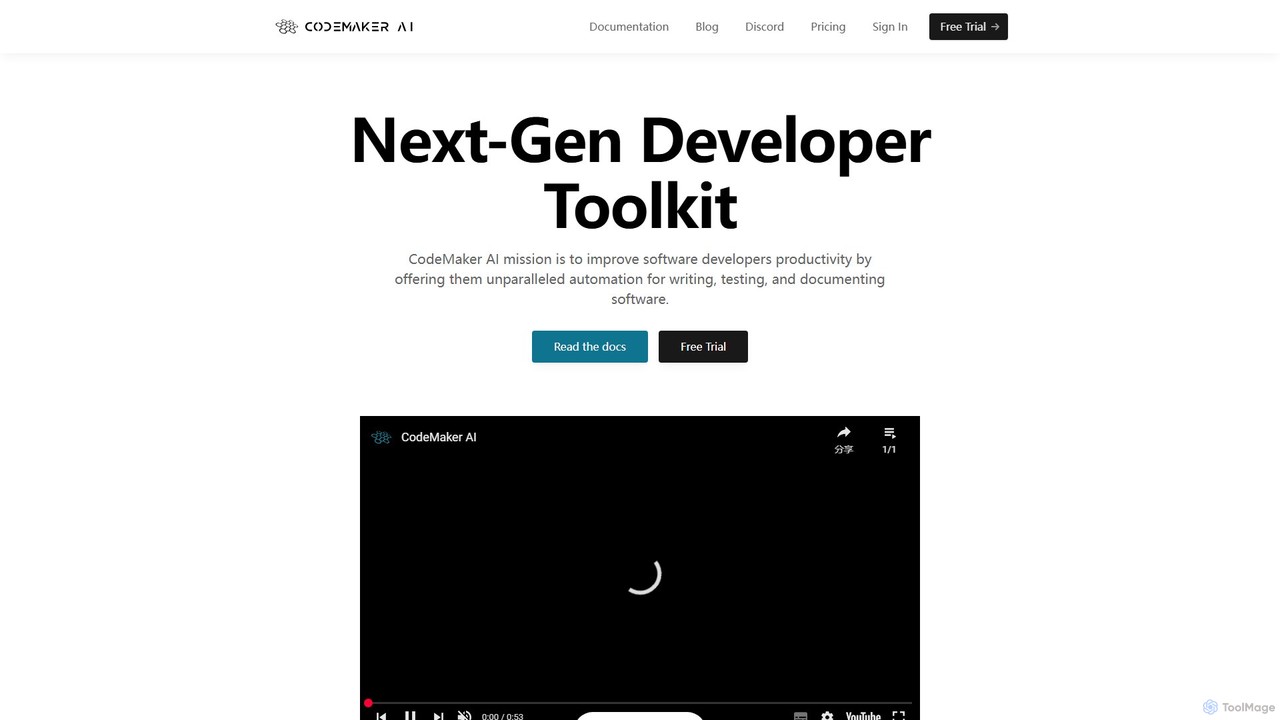
CodeMaker AI
CodeMaker AI is a next-generation developer toolkit designed to boost productivity by automating software writing, testing, and documentation. It integrates seamlessly into your workflow via IDEs, GitHub, and CLI, offering context-aware code generation and a powerful AI assistant.
Code Assistant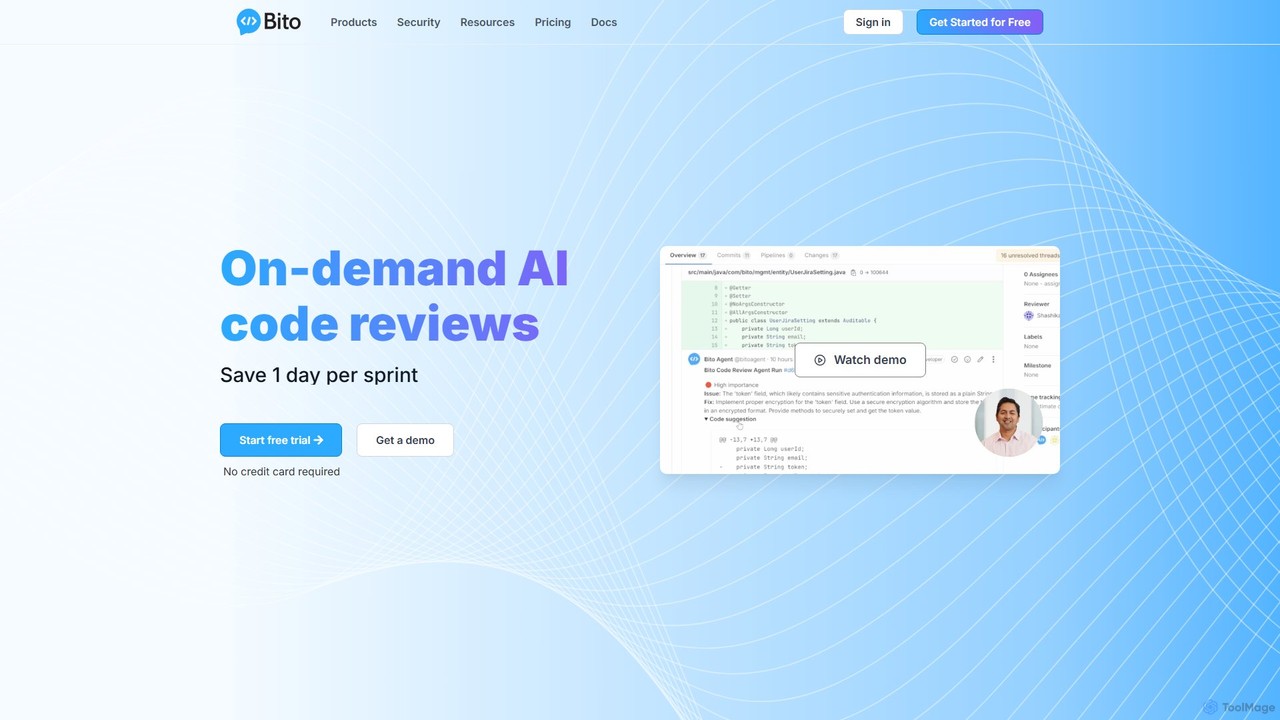
Bito
Bito is an AI-powered code review assistant that integrates directly into your IDE and Git provider. It helps development teams accelerate their workflow, improve code quality, and reduce regressions by providing on-demand, context-aware feedback and suggestions. Bito is designed to save time, upskill junior engineers, and ensure enterprise-grade security.
Code Quality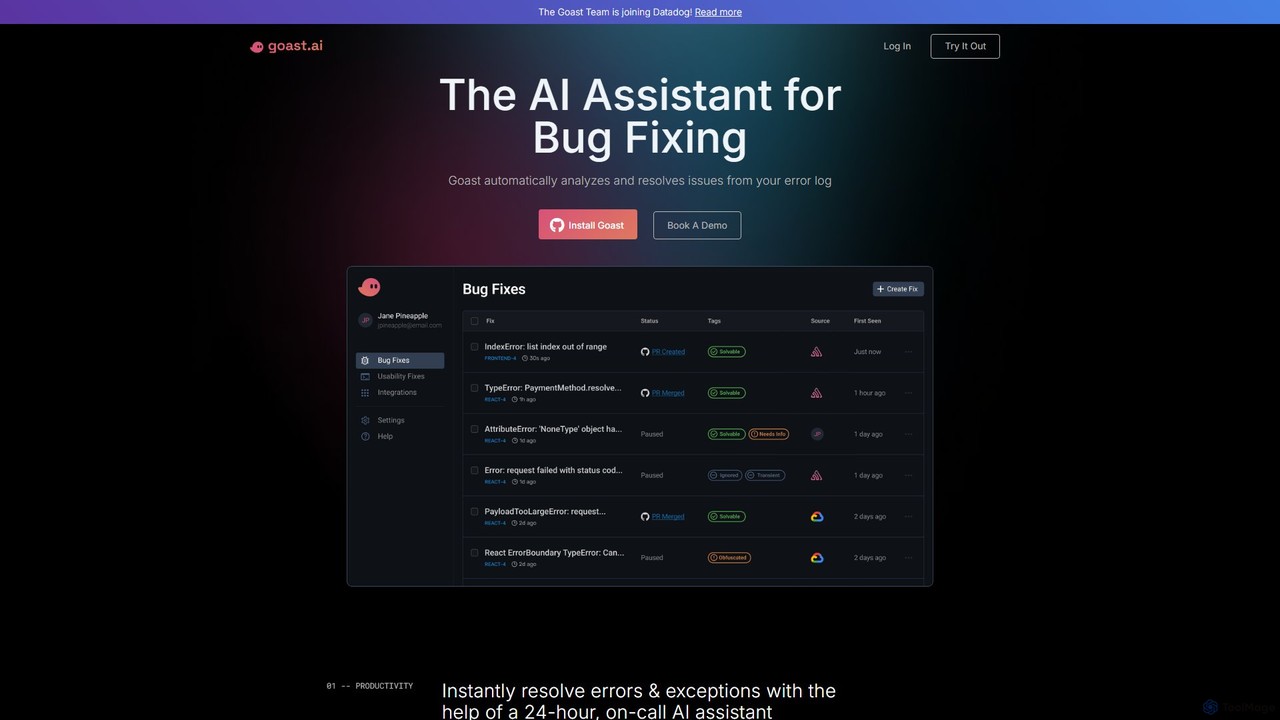
Goast.ai
Goast.ai is an AI-powered assistant designed for engineering teams to automate bug fixing. It analyzes error logs, identifies the root cause, and automatically generates pull requests with code fixes, significantly speeding up the resolution process. NOTE: The Goast.ai team has been acquired by and joined Datadog.
Code Review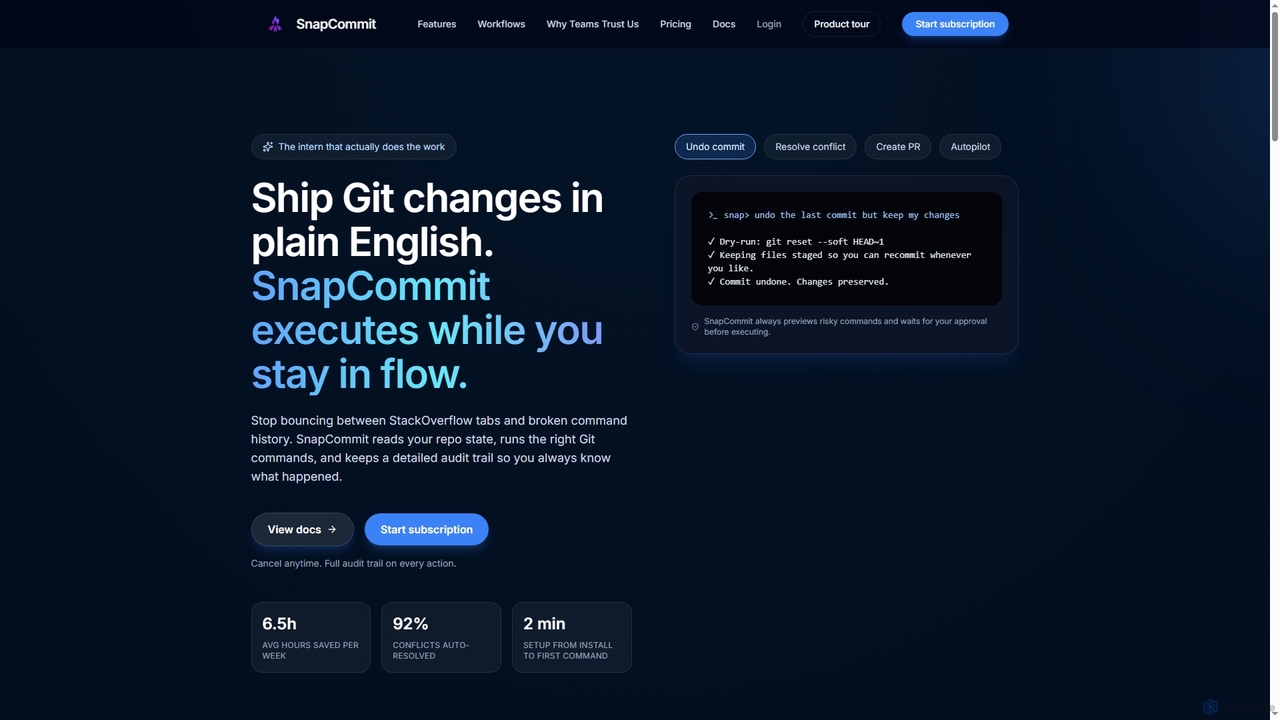
SnapCommit
SnapCommit is an AI-powered terminal Git assistant that allows developers to manage Git operations using plain English commands. It automates complex workflows like committing, resolving conflicts, and creating pull requests, enhancing productivity and ensuring code integrity with dry-run previews and a detailed audit trail.
Code Assistant
StarSense
StarSense is an AI-powered tool that analyzes your GitHub starred repositories to reveal your unique developer personality, technical interests, and coding preferences. It provides deep, data-driven insights, helping you understand your developer DNA and share a personalized profile with the community.
Code AnalysisDeepWiki
DeepWiki is an AI-powered tool that automatically generates interactive, conversational documentation for any GitHub repository. It analyzes codebases to create a structured, searchable wiki, allowing developers to ask natural language questions and quickly understand complex projects.
Code AnalysisStaffUp.ai
StaffUp.ai provides a virtual team of specialized AI assistants designed to accelerate business workflows. From copywriting and coding to SEO and customer support, these pre-programmed AI staff members are ready to handle tasks with minimal prompting, operating within a collaborative workspace to boost productivity and efficiency.
Code AssistantReleasesNotes
ReleasesNotes is an AI-powered tool that automates the creation of comprehensive release notes from your GitHub or GitLab commit messages. It streamlines the documentation process, saving developers valuable time and improving communication with users and stakeholders.
Code Assistant
GitDevTool Comments (0)
Sign in to comment.
Sign inNo comments yet.