ToolMage
Sign in

Best 19 Code Analysis AI tools for Developer Tools

Popular Code Analysis AI tools in Developer Tools include Copyleaks, Code Wiki, OSS Insight, Cryptosense, Binarly, TimeComplexity.ai, codetoflow, Axal, CodeViz, and Repobase, helping you work more efficiently.

Codedetector
Freemium

Codedetector

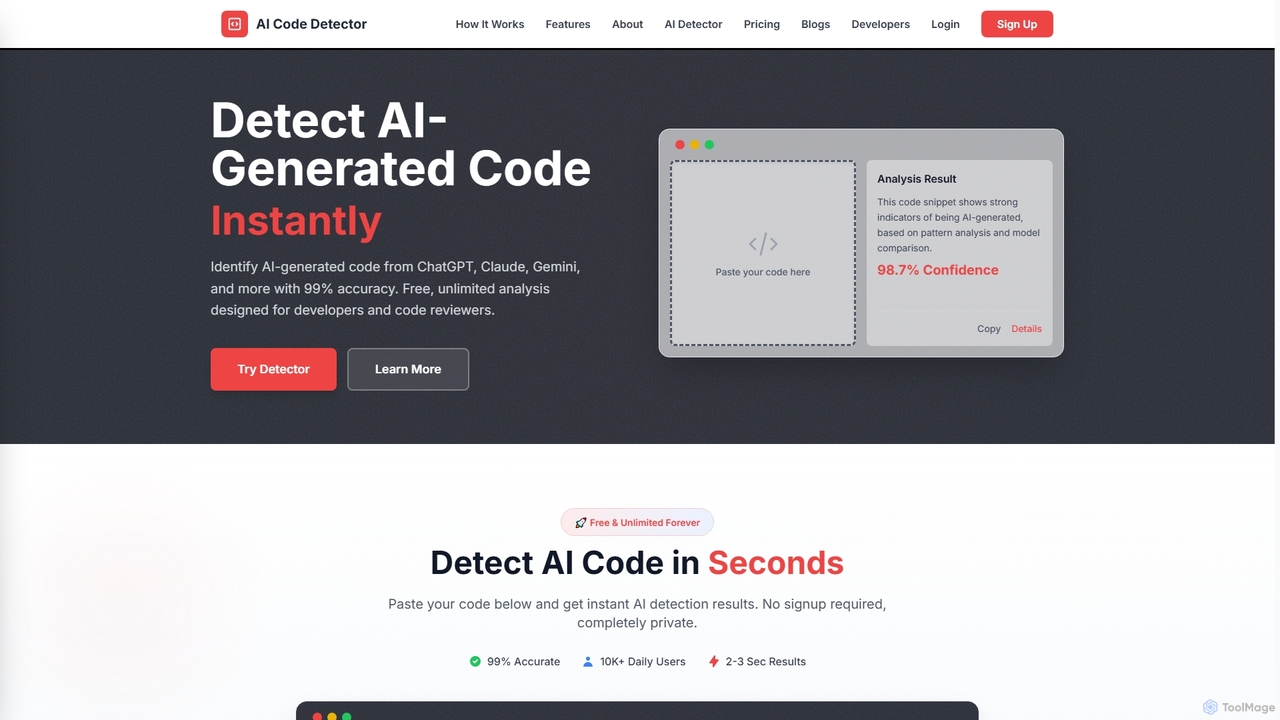
An AI-powered tool designed for developers and code reviewers to detect AI-generated code from models like ChatGPT, Gemini, and Claude with 99% accuracy. It also offers AI text and plagiarism detection. The online tool is free, unlimited, and requires no signup.

Code Analysis
Visits 6.9KFavorites 89Likes 108
Code Wiki
Free

Code Wiki

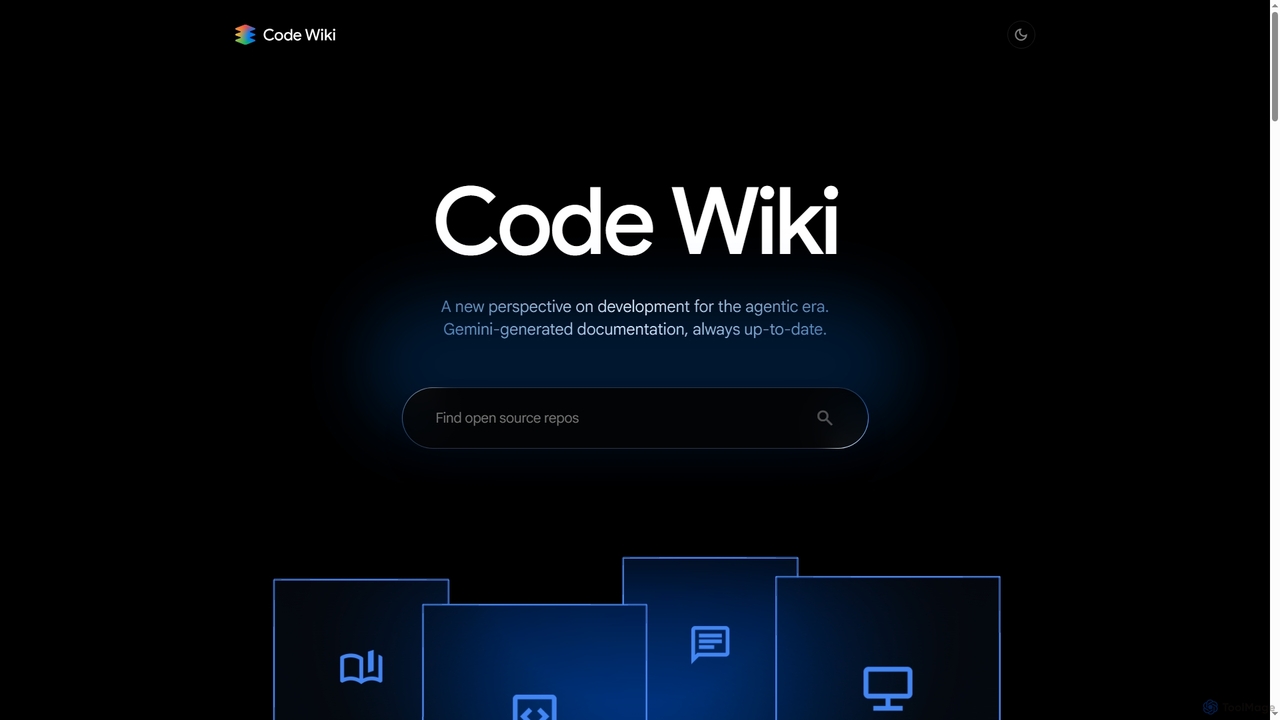
Code Wiki is an AI-powered documentation hub by Google, built on Gemini models. It automatically analyzes code repositories to generate up-to-date documentation, interactive architectural diagrams, and a conversational chat interface, helping developers understand complex codebases faster.

Code Analysis
Visits 344.5KFavorites 103Likes 101
Trustrepo
Freemium

Trustrepo

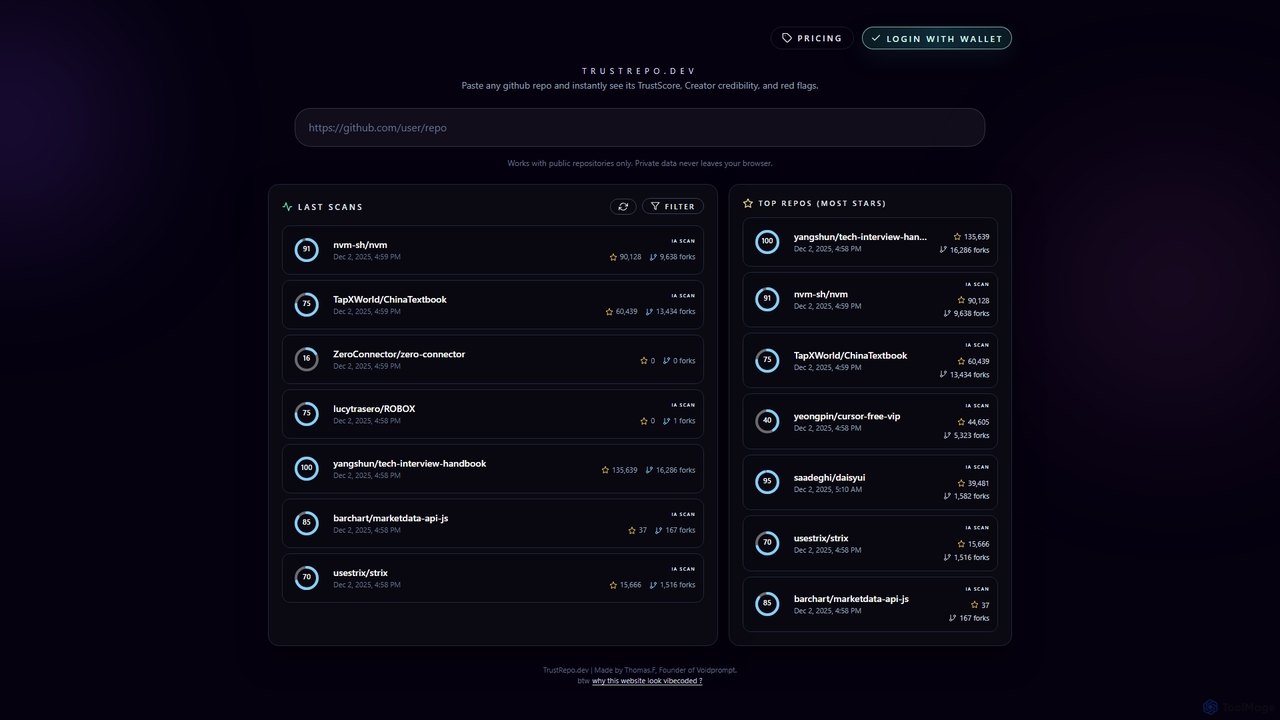
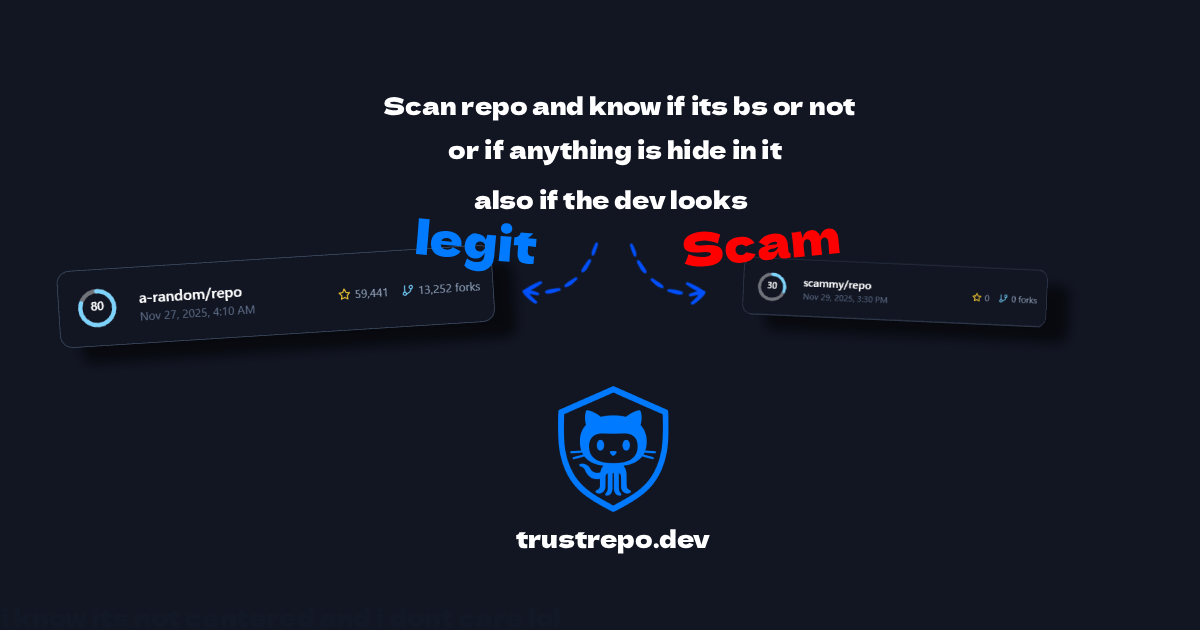
Trustrepo is an AI-powered tool that analyzes public GitHub repositories to generate a TrustScore. It helps developers and investors assess the safety, legitimacy, and potential risks of open-source projects through algorithmic analysis and in-depth AI code scans.

Code Analysis
Visits 6.5KFavorites 137Likes 132
Sapiens

Sapiens

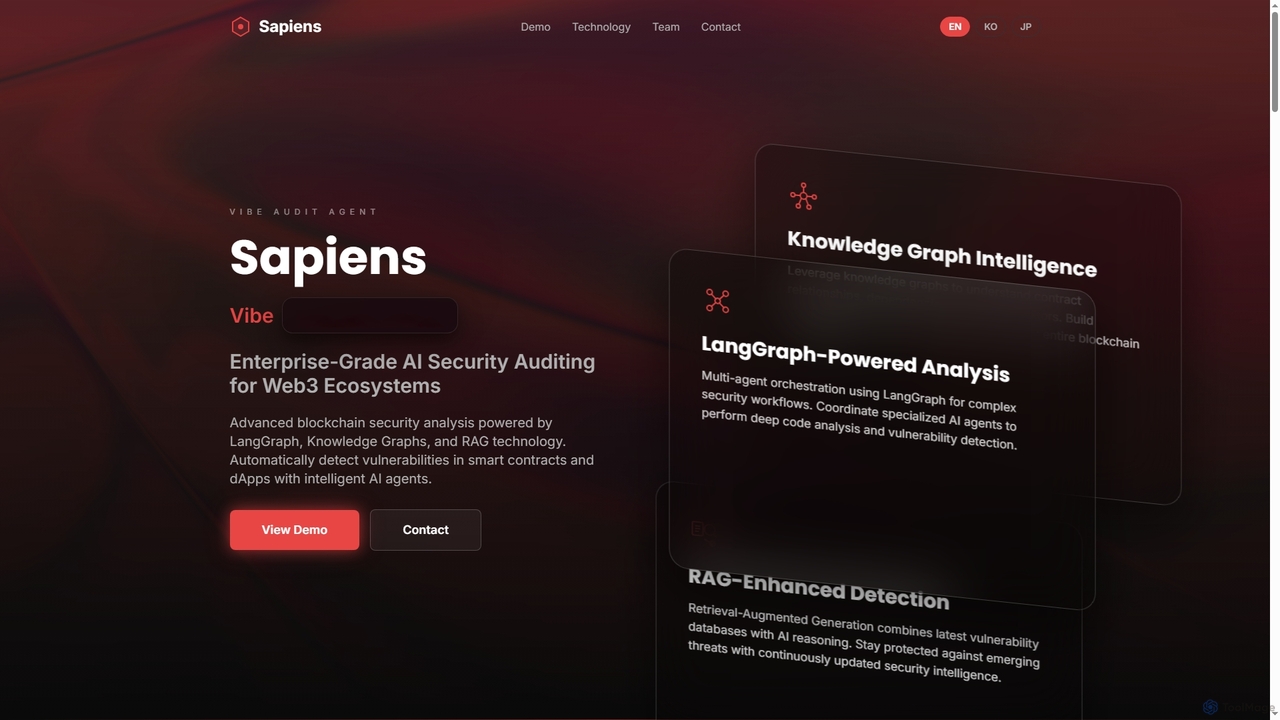
Sapiens is an enterprise-grade AI security auditing platform for Web3 ecosystems. It leverages advanced technologies like LangGraph, Knowledge Graphs, and RAG to automatically detect vulnerabilities in smart contracts and dApps, providing comprehensive analysis and real-time protection.

Code Analysis
Visits 6.5KFavorites 150Likes 126
Marchen
Freemium

Marchen

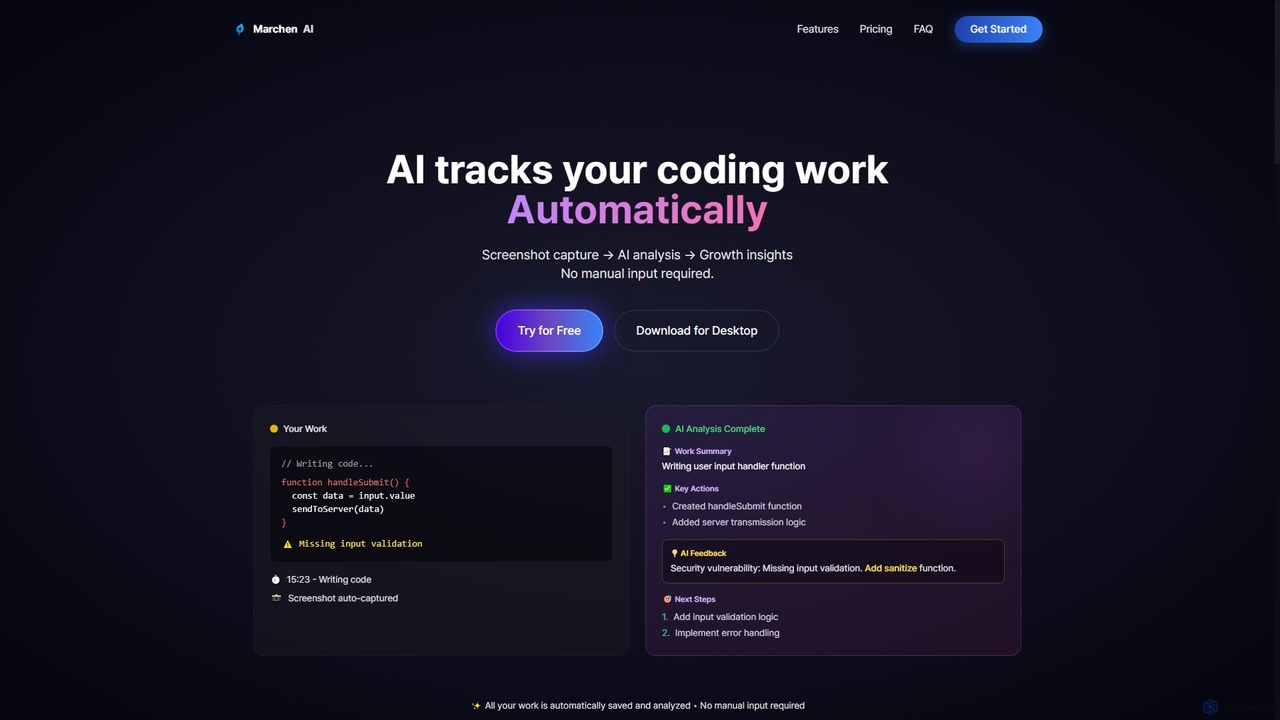
Marchen is an AI-powered desktop application that automatically tracks your coding work, captures screenshots, and analyzes your activity to provide real-time growth insights, feedback, and an AI assistant. It helps developers enhance productivity and identify areas for improvement without manual input.

Personal Assistant
Visits 6.4KFavorites 128Likes 129
Wellcode CLI
Freemium

Wellcode CLI

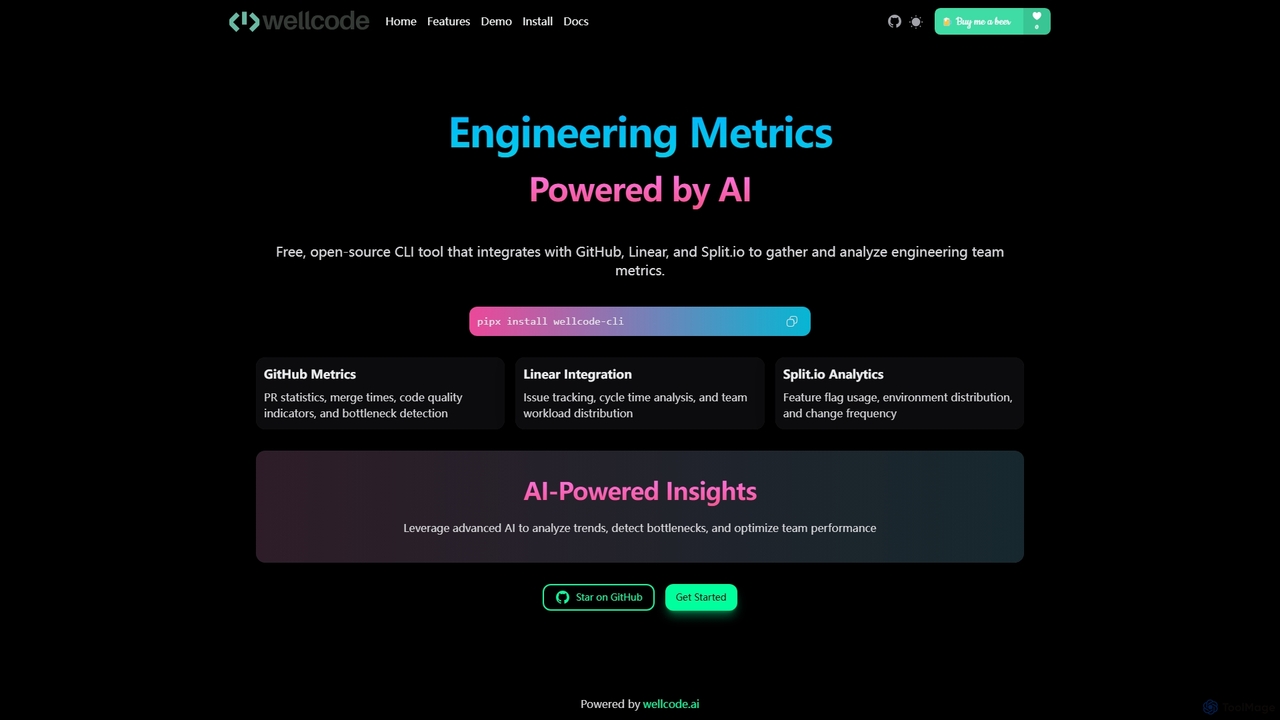
A powerful command-line interface tool that leverages AI to provide comprehensive engineering metrics. It integrates with GitHub, Linear, and Split.io to analyze pull requests, issue tracking, and feature flag usage, offering actionable insights to optimize team performance and development workflows.

Code Analysis
Visits 6.5KFavorites 141Likes 146
Binarly
Freemium

Binarly

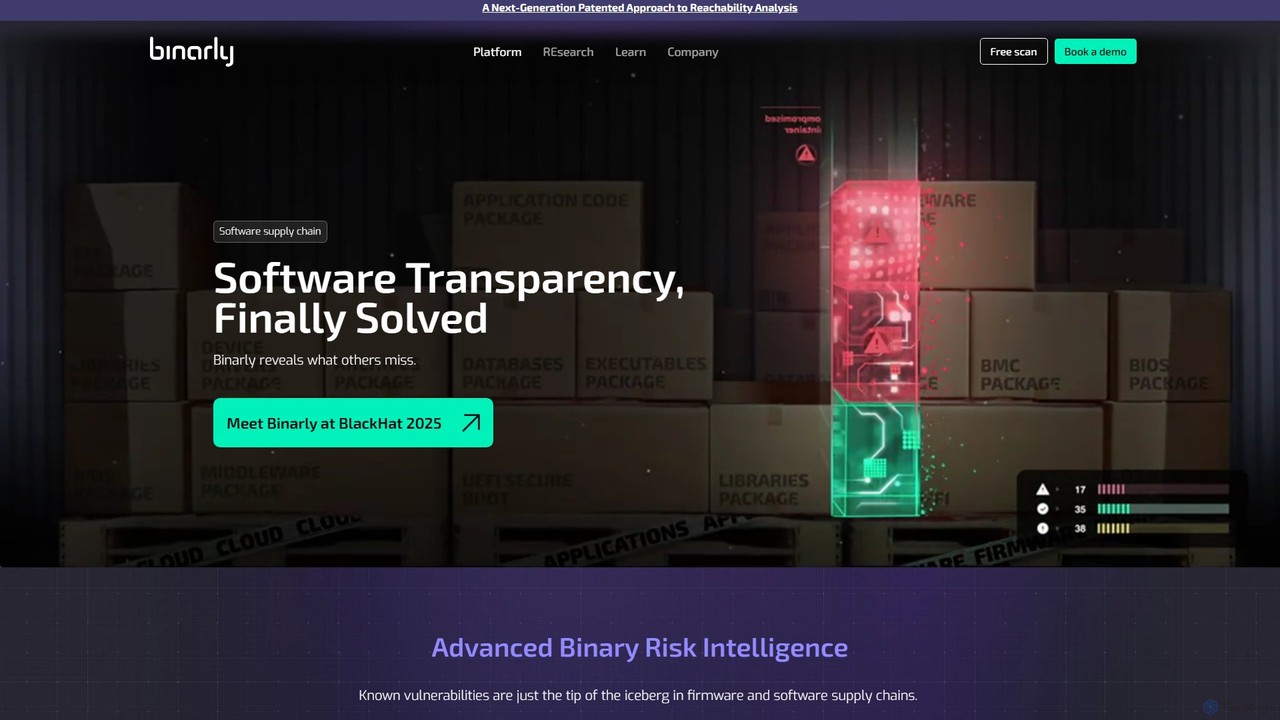
Binarly is an AI-powered firmware and software supply chain security platform. It utilizes advanced binary analysis to detect both known and unknown vulnerabilities, malicious code, and hidden dependencies without needing source code, significantly reducing false positives and providing actionable fixes.

Code Analysis
Visits 27.4KFavorites 131Likes 131
Axal
Freemium

Axal

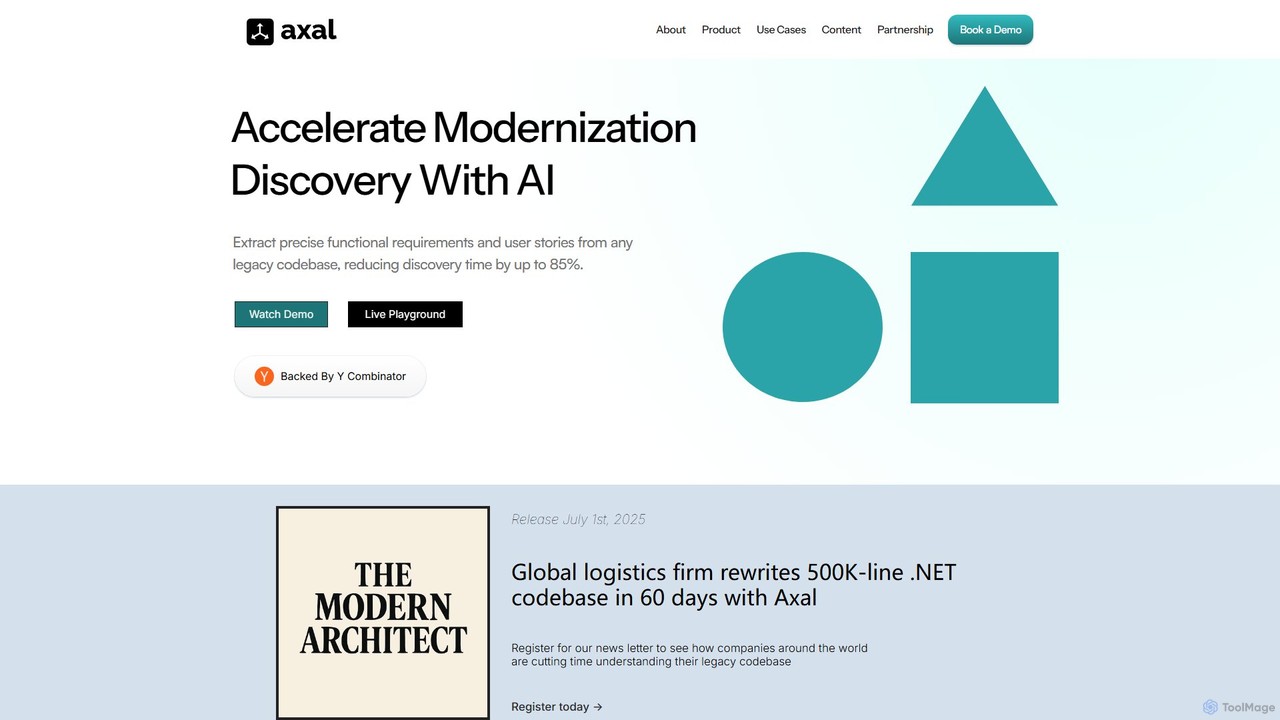
Axal is a Y Combinator-backed AI platform that analyzes legacy codebases to automatically extract functional requirements, user stories, and business logic. It accelerates software modernization by reducing discovery time by up to 85%, enabling teams to understand complex systems in hours instead of months.

Code Analysis
Visits 12.3KFavorites 123Likes 121
codetoflow
Freemium

codetoflow

codetoflow is an AI-powered tool that instantly converts source code from major programming languages into interactive flowcharts, sequence diagrams, and class diagrams. It helps developers, students, and teams visualize, understand, and document complex program logic effortlessly, boosting productivity and code comprehension.

Code Analysis
Visits 18.8KFavorites 165Likes 141
TopDev
Freemium

TopDev

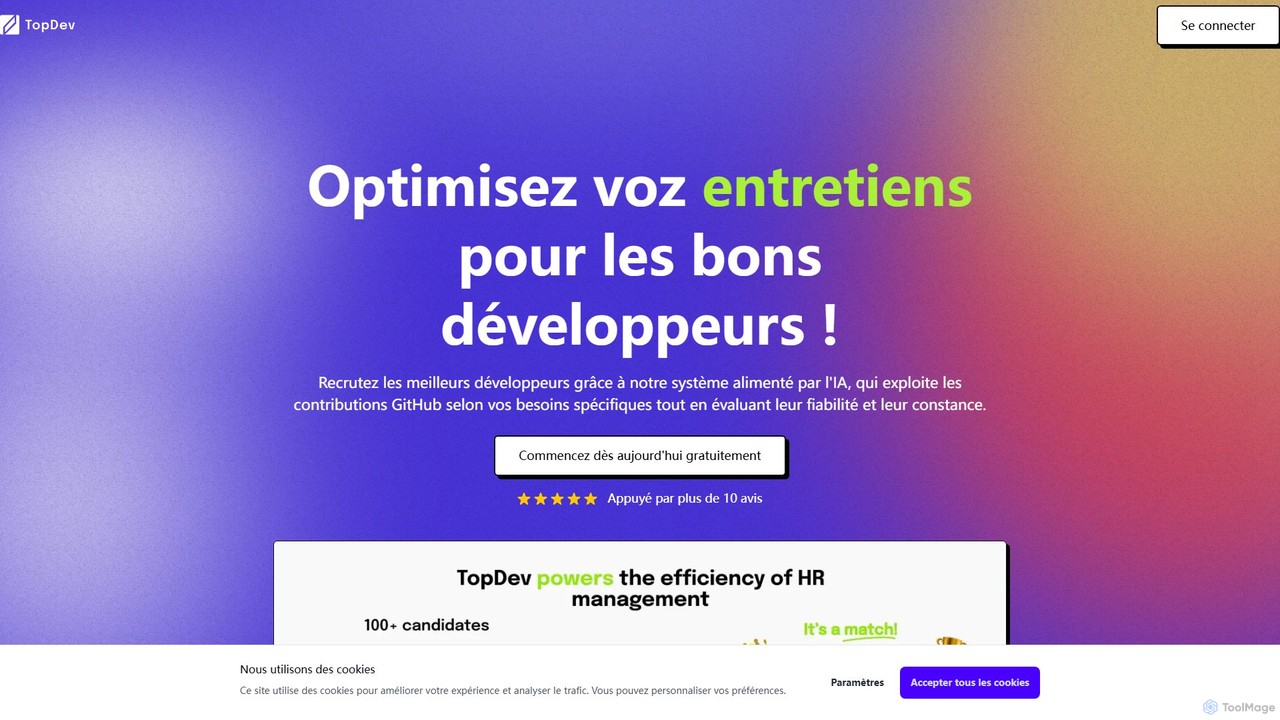
TopDev is an AI-powered recruitment platform that helps companies hire top developers by analyzing their GitHub profiles. It assesses technical skills, reliability, and consistency to provide deep insights, streamlining the hiring process and saving significant time for HR teams and startups.

Code Analysis
Visits 6.3KFavorites 118Likes 139
StarLens
Free

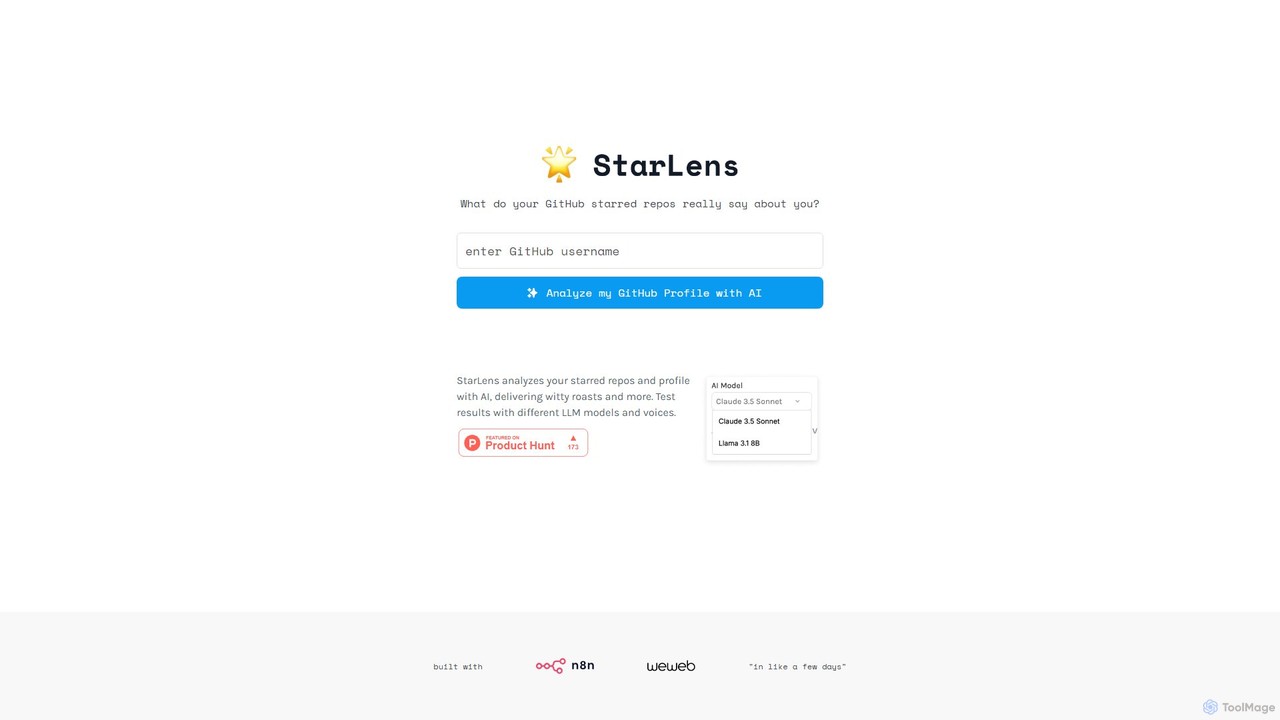
StarLens

An AI-powered tool that analyzes your GitHub profile and starred repositories to generate insightful summaries and witty roasts. Discover what your coding interests truly reveal about you in a fun, shareable format.

Code Analysis
Visits 6.2KFavorites 98Likes 121
Cryptosense
Paid

Cryptosense

An enterprise-grade platform, now part of SandboxAQ's Security Suite, that provides automated discovery, analysis, and management of your entire cryptographic infrastructure. It helps organizations achieve crypto-agility and migrate to post-quantum cryptography (PQC) securely.

Code Analysis
Visits 102.5KFavorites 144Likes 144
OSS Insight
Free

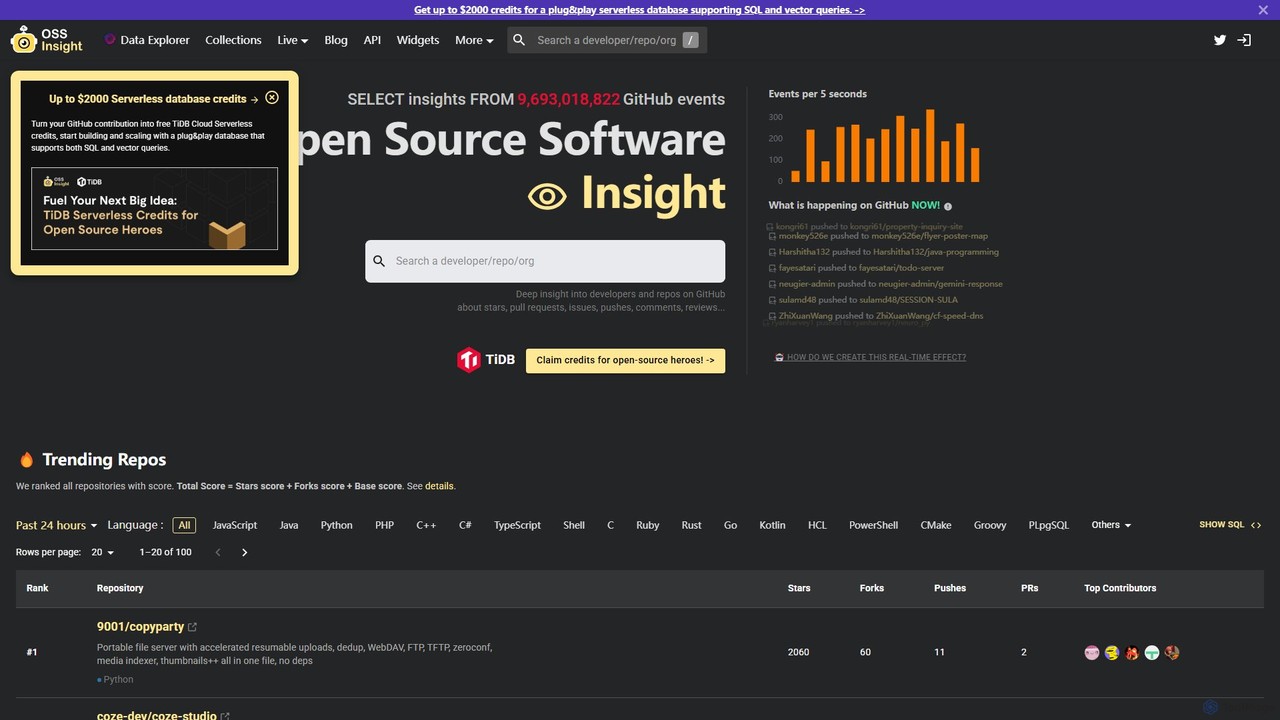
OSS Insight

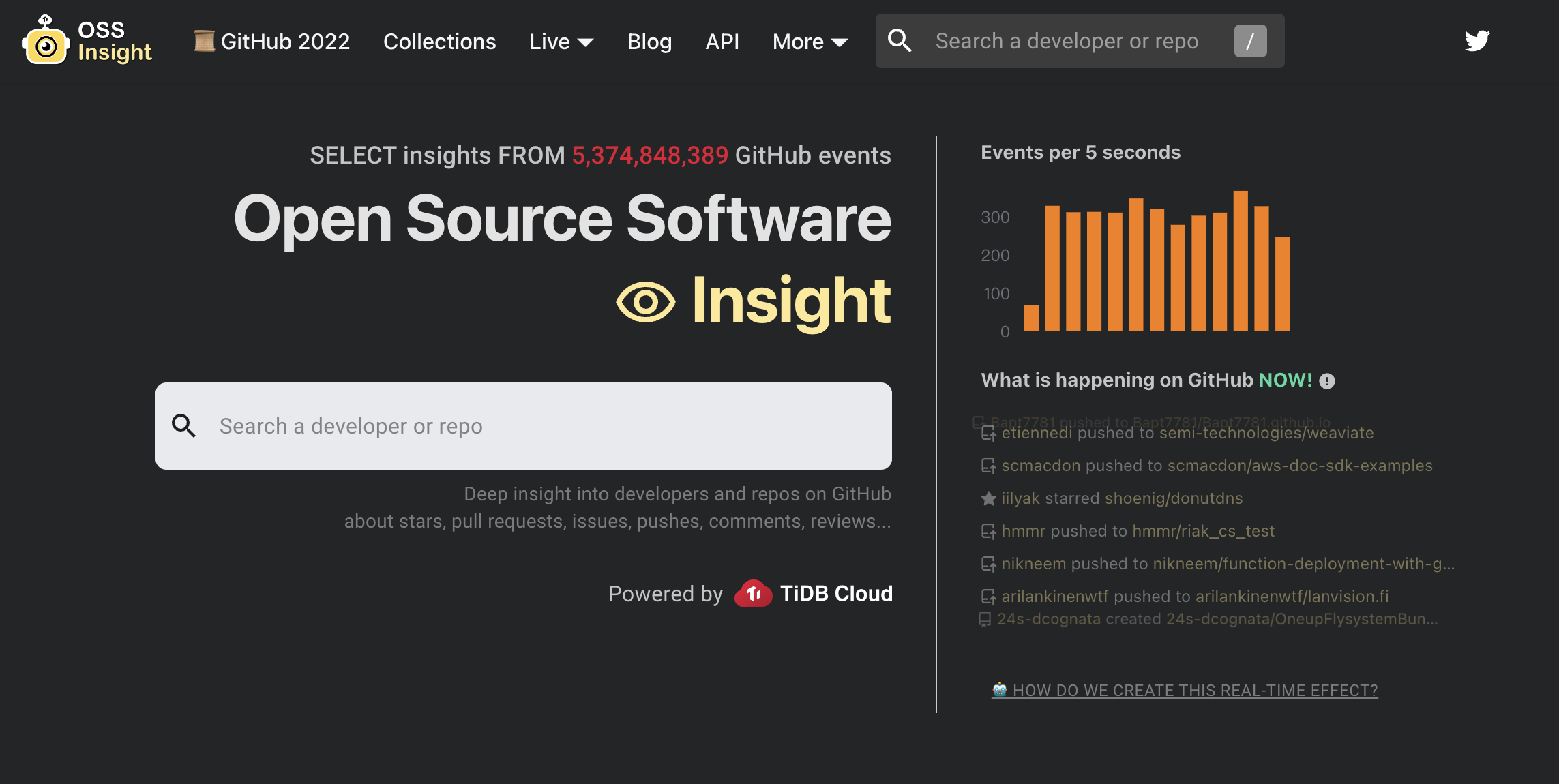
OSS Insight is a powerful open-source analysis tool that provides deep insights into over 5 billion GitHub events. Using natural language queries powered by AI, it allows users to explore trends, analyze developer and repository performance, compare projects, and track real-time activity across the open-source ecosystem.

Code Analysis
Visits 126.5KFavorites 138Likes 132
TimeComplexity.ai
Freemium

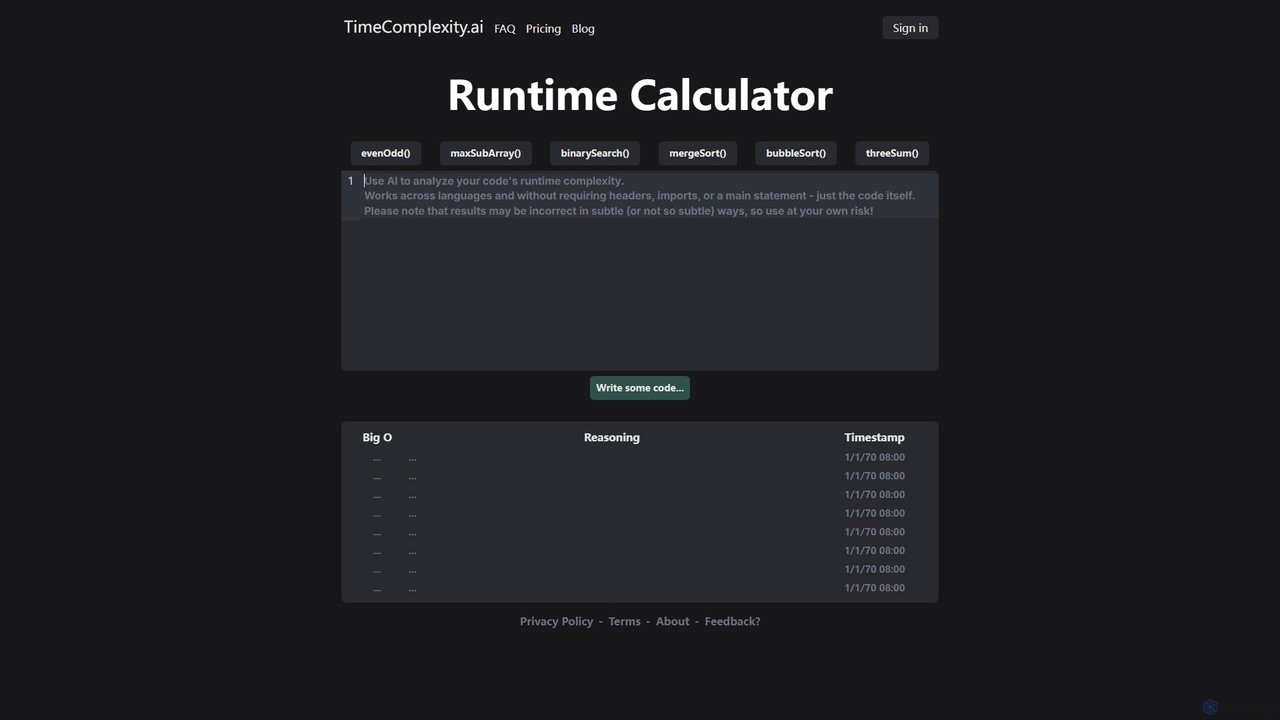
TimeComplexity.ai

TimeComplexity.ai is an AI-powered tool that analyzes the runtime complexity of your code. It supports various programming languages and provides instant Big O notation along with detailed reasoning. Ideal for developers, students, and anyone preparing for technical interviews to understand and optimize algorithm efficiency.

Code Analysis
Visits 19KFavorites 130Likes 137
Repobase
Freemium

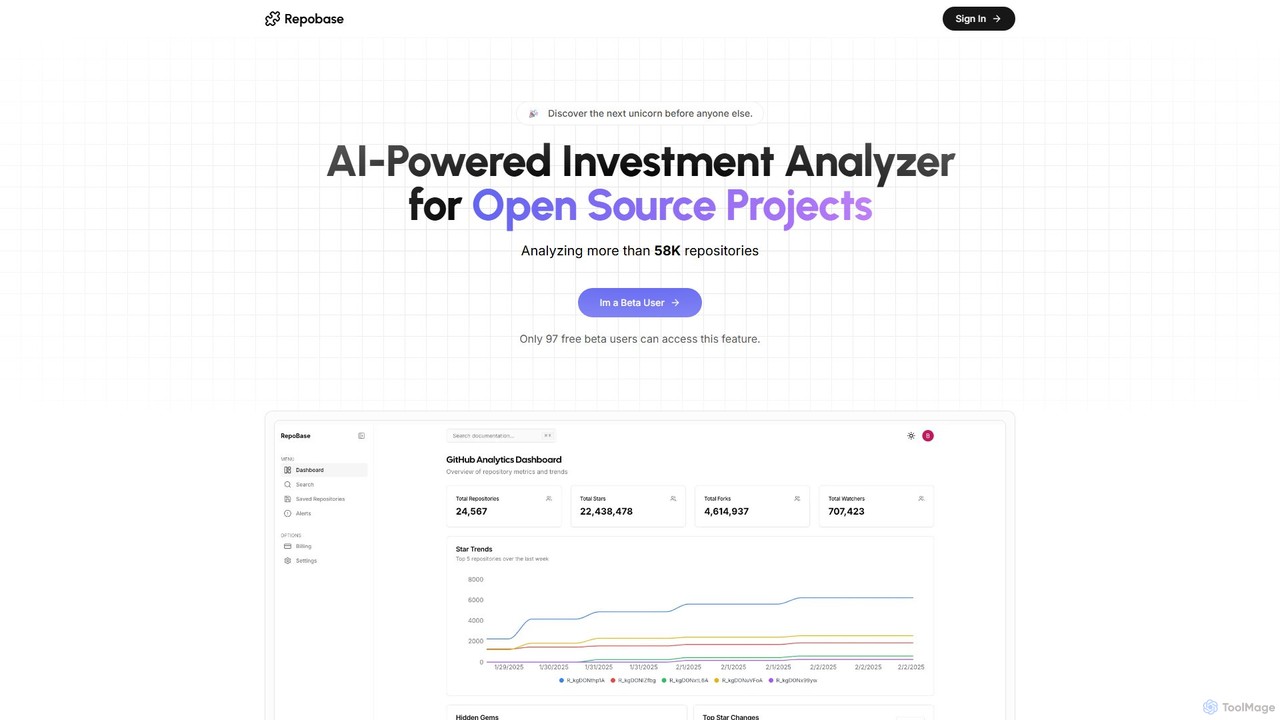
Repobase

An AI-powered investment analysis platform for open-source projects. Repobase scans thousands of GitHub repositories daily to help investors and developers discover high-potential projects, track growth trends, and make data-driven decisions with comprehensive analytics.

Market Intelligence
Visits 7.1KFavorites 126Likes 128
Copyleaks
Freemium

Copyleaks

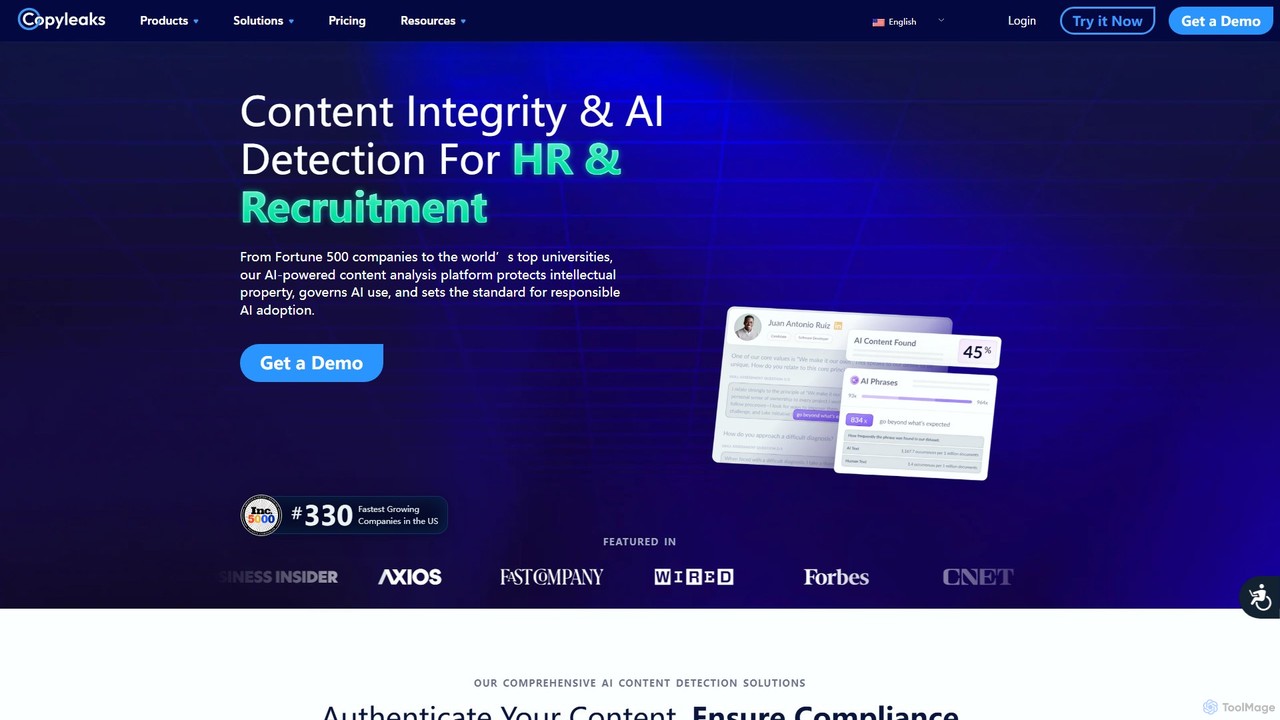
Copyleaks is an advanced AI-powered platform for detecting plagiarism and AI-generated content. It serves educational institutions, businesses, and publishers by ensuring content authenticity and originality. With high accuracy, multilingual support, and seamless integrations, Copyleaks helps maintain academic integrity and protect intellectual property in the digital age.

Code Analysis
Visits 3.8MFavorites 105Likes 118
StarSense
Freemium

StarSense

StarSense is an AI-powered tool that analyzes your GitHub starred repositories to reveal your unique developer personality, technical interests, and coding preferences. It provides deep, data-driven insights, helping you understand your developer DNA and share a personalized profile with the community.

Code Analysis
Visits 6.4KFavorites 124Likes 139
CodeViz
Freemium

CodeViz

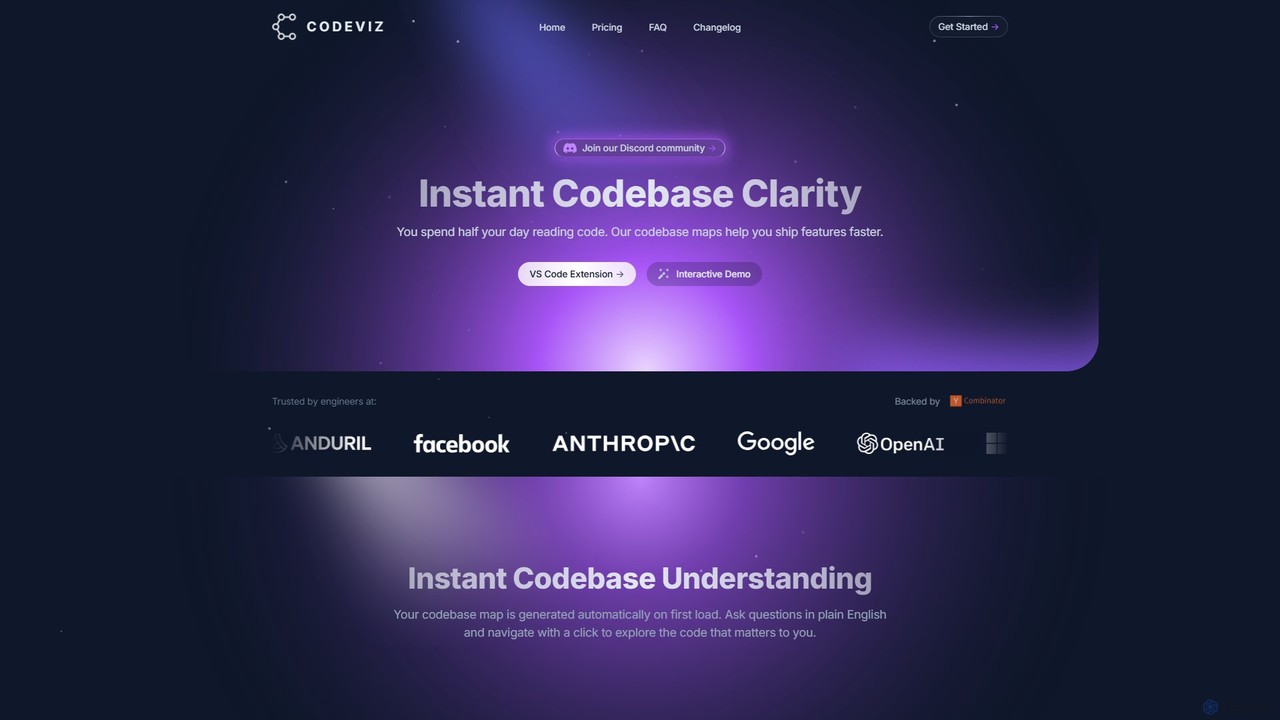
CodeViz is an AI-powered VS Code extension that instantly generates interactive diagrams of your codebase. It helps developers understand complex system architectures, navigate codebases efficiently, and ship features faster. By combining static analysis with AI, CodeViz allows you to ask questions in plain English, visualize everything from high-level architecture to specific function calls, and accelerate your development workflow.

Code Analysis
Visits 8.9KFavorites 142Likes 146
win3zz
Freemium

win3zz

win3zz is an AI-powered cybersecurity platform designed for proactive threat detection and vulnerability management. It automates penetration testing, scans for vulnerabilities across web, mobile, and network assets, and provides AI-driven code analysis to help developers and security teams build and maintain secure applications.

Code Analysis
Visits 6.4KFavorites 145Likes 147

About Code Analysis

Code Analysis tools are AI-powered solutions designed to automatically examine source code for potential issues, vulnerabilities, and quality improvements. These tools leverage advanced algorithms, including machine learning, to identify patterns, enforce coding standards, and suggest optimizations without executing the code. They significantly enhance software reliability, security, and maintainability, streamlining the development workflow for teams and individual developers.

Core Features

  • Static Code Analysis: Automatically scans source code, bytecode, or binary code without execution to detect bugs, security vulnerabilities, and compliance issues.
  • Dynamic Code Analysis: Monitors code behavior during runtime to identify performance bottlenecks, memory leaks, and other runtime errors.
  • Vulnerability Detection: Pinpoints common security flaws like SQL injection, cross-site scripting (XSS), and insecure configurations.
  • Code Quality Metrics: Calculates metrics such as cyclomatic complexity, code duplication, and maintainability index to assess code health.
  • Automated Refactoring Suggestions: Provides intelligent recommendations for improving code structure, readability, and efficiency.

Use Cases

Code Analysis tools are indispensable for software development teams, security engineers, and quality assurance professionals. They are used to proactively identify and fix issues early in the development lifecycle, ensuring that code adheres to best practices and security standards before deployment. This helps prevent costly post-release bugs and security breaches.

How to Choose

When selecting a Code Analysis tool, consider its language support, integration capabilities with your existing CI/CD pipeline, and the types of issues it can detect (e.g., security, performance, style). Evaluate its reporting features, customization options for rulesets, and whether it offers actionable recommendations. Scalability for large codebases and community support or vendor reliability are also crucial factors.

Featured tool rankings

Code Analysis use cases

1

Automated Security Vulnerability Scanning

Security engineers integrate code analysis tools into their CI/CD pipelines to automatically scan new code commits for common security vulnerabilities like SQL injection, XSS, and insecure API endpoints. This proactive approach identifies critical flaws before deployment, preventing potential data breaches and ensuring compliance with security standards, saving hundreds of hours of manual security reviews.

2

Enforcing Coding Standards and Style Guides

Development teams utilize code analysis tools to automatically enforce consistent coding standards and style guides across their entire codebase. By configuring custom rule sets, the tools flag deviations from established conventions, such as naming conventions, indentation, and complexity limits. This ensures code readability, reduces technical debt, and simplifies onboarding for new team members, improving overall code quality by 30%.

3

Identifying Performance Bottlenecks in Production

DevOps engineers deploy dynamic code analysis tools to monitor application performance in production environments. These tools track resource consumption, identify memory leaks, and pinpoint inefficient code sections that cause slowdowns or crashes. By providing real-time insights into runtime behavior, they enable rapid diagnosis and resolution of performance issues, ensuring optimal user experience and system stability.

4

Automating Code Review Processes

Software architects and lead developers leverage code analysis tools to automate initial code review stages. Before human reviewers examine pull requests, the tools automatically check for common errors, style violations, and potential bugs. This pre-screening significantly reduces the workload for human reviewers, allowing them to focus on complex logic and architectural decisions, thereby accelerating the code review cycle by up to 50%.

5

Refactoring Legacy Codebases for Modernization

Teams working on modernizing legacy systems use code analysis tools to identify areas of high complexity, code duplication, and outdated patterns. The tools generate reports that highlight sections of code most in need of refactoring, providing actionable insights for improving maintainability and performance. This systematic approach helps reduce technical debt and facilitates the migration to newer architectures, cutting modernization efforts by 25%.

6

Ensuring Compliance with Industry Regulations

Organizations in regulated industries (e.g., finance, healthcare) leverage code analysis tools to ensure their software complies with specific industry regulations and internal policies. These tools can be configured with custom rule sets to check for data privacy violations (like PII handling), security standards (e.g., OWASP Top 10), and other compliance requirements. This helps avoid hefty fines and maintains trust with customers by demonstrating adherence to strict guidelines.

Code Analysis FAQ

What are Code Analysis tools?

Code Analysis tools are AI-powered software applications that automatically examine source code, bytecode, or binary code to identify potential bugs, security vulnerabilities, and code quality issues. They operate without executing the code, using static analysis, or monitor behavior during runtime with dynamic analysis. Their primary goal is to improve software reliability, security, and maintainability by catching issues early in the development cycle.

How do Code Analysis tools differ from traditional testing?

Code Analysis tools primarily focus on examining the code itself (static analysis) or its runtime behavior (dynamic analysis) to find issues without requiring extensive test cases or user interaction. Traditional testing, such as unit, integration, or end-to-end testing, typically involves executing the software with predefined inputs to verify functionality and catch bugs. Code analysis complements testing by identifying issues that might be missed by tests or by catching them earlier in the development process.

What are the benefits of using AI in Code Analysis?

AI enhances code analysis by enabling more intelligent pattern recognition, reducing false positives, and providing more accurate and actionable recommendations. Machine learning models can learn from vast codebases to identify subtle bugs, predict potential vulnerabilities, and suggest refactoring improvements that go beyond simple rule-based checks. This leads to higher quality code, faster development cycles, and improved security posture with less manual effort.

How to choose the right Code Analysis tool for my project?

To choose the right tool, first consider the programming languages and frameworks your project uses, as tools vary in support. Evaluate its integration capabilities with your existing CI/CD pipeline and IDEs. Look for features like comprehensive rule sets, customizable checks, and clear reporting with actionable recommendations. Also, assess the vendor's reputation, community support, pricing model, and scalability for your project's size and future growth.

Can Code Analysis tools replace human code reviewers?

While Code Analysis tools significantly automate and streamline the initial stages of code review, they cannot fully replace human code reviewers. Tools excel at identifying common errors, security vulnerabilities, and style violations based on predefined rules or learned patterns. However, human reviewers are crucial for understanding complex business logic, architectural decisions, design patterns, and the overall intent behind the code. The most effective approach combines automated analysis with human expertise for comprehensive code quality assurance.