

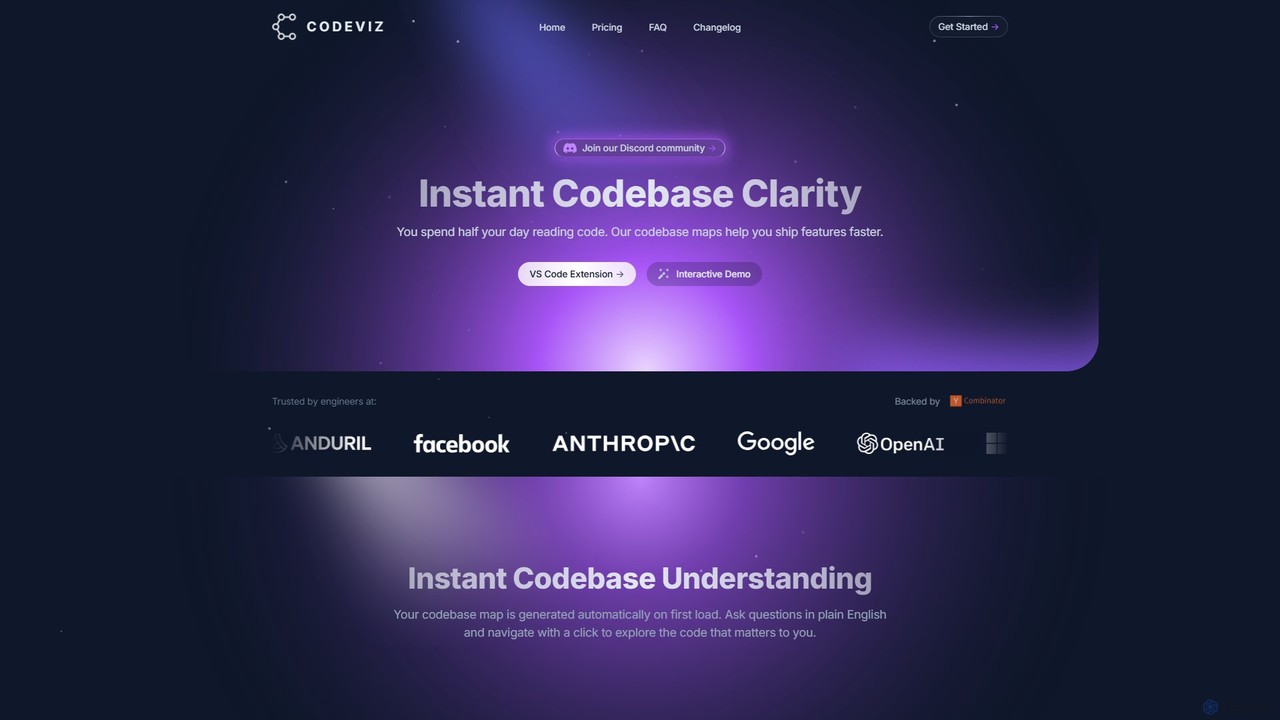
CodeViz Overview
CodeViz is an intelligent tool designed to provide instant clarity into complex codebases directly within the Visual Studio Code editor. It addresses a common bottleneck in software development: the significant amount of time engineers spend reading and trying to understand existing code. By automatically generating interactive, multi-level maps of a codebase, CodeViz empowers developers to grasp system architecture, trace data flows, and identify dependencies with unprecedented speed and ease.
The tool leverages a powerful combination of static analysis and advanced AI models, including those from Anthropic, to parse your code and create meaningful visualizations. This allows developers to move beyond manually tracing function calls and instead interact with a dynamic, queryable representation of their software. Whether you're a new developer onboarding to a project or a seasoned engineer tackling a complex refactor, CodeViz serves as an indispensable co-pilot for code comprehension.
How to use CodeViz
Getting started with CodeViz is a seamless process integrated into the typical developer workflow:
- Installation: Find and install the CodeViz extension directly from the Visual Studio Code Marketplace.
- Automatic Analysis: Upon opening a project or workspace, CodeViz automatically begins its initial analysis, generating a high-level architecture map of your entire codebase without any manual configuration.
- Interactive Exploration: Interact with the generated diagram. You can zoom in and out to view different levels of abstraction, from the overall system architecture down to individual function calls. Click on any node or edge in the diagram to instantly navigate to the corresponding code in your editor.
- Natural Language Queries: Use the query bar to ask questions in plain English, such as "Show me the user authentication flow" or "Where is the database connection initialized?". CodeViz will generate a specific visualization to answer your question.
- Export and Share: Export diagrams in formats like Mermaid for use in documentation, pull requests, or team discussions to facilitate clear communication about code structure and changes.
Core Features of CodeViz
- AI-Powered Code Visualization: Automatically generates interactive diagrams of your codebase using a combination of static analysis and AI.
- Multi-Level Architecture Maps: Explore your code at any level of detail, from high-level system architecture to granular function call graphs.
- Natural Language Querying: Ask questions about your code in plain English to get instant, targeted visualizations and answers.
- Interactive and Navigable Diagrams: Diagrams are not static images. They are fully interactive, with clickable nodes that link directly to the source code, expandable components, and smooth navigation.
- Seamless VS Code Integration: Works as an extension directly within your VS Code environment, respecting your UI themes and providing a non-disruptive experience.
- Diagram Export: Export visualizations to formats like Mermaid to easily share and embed in documentation or wikis.
- Team Collaboration Features: The Teams plan offers collaborative notes, shared diagrams, and Git pull request/issue tracking to enhance team-wide understanding.
- Enterprise-Grade Solutions: For large organizations, CodeViz offers on-premise deployment, platform API access, and custom integrations to meet security and workflow requirements.
Use Cases for CodeViz
CodeViz is valuable across various software development scenarios:
- New Developer Onboarding: New team members can rapidly get up to speed on a complex, unfamiliar codebase by visually exploring its structure.
- Feature Development: Before writing new code, developers can quickly understand the impact of their changes and identify the correct places for implementation.
- Code Refactoring: Visualize dependencies and system architecture to make informed, confident decisions when restructuring or modernizing code.
- Bug Fixing: Trace data flows and function calls visually to pinpoint the root cause of bugs more efficiently.
- Code Reviews: Use diagrams in pull requests to provide clear context for changes, making the review process faster and more effective.
- Architectural Documentation: Automatically generate and maintain up-to-date system architecture diagrams, eliminating the need for manual drawing and upkeep.
Advantages of CodeViz
CodeViz offers a significant competitive edge for development teams:
- Accelerated Development Velocity: By drastically reducing the time spent on code comprehension, it allows engineers to focus on building and shipping features faster.
- Improved Code Quality: A deeper understanding of the codebase leads to better architectural decisions and fewer bugs.
- Enhanced Team Collaboration: Shared visual models of the code ensure that all team members have a consistent and accurate understanding of the system.
- Scalable Solution: With plans ranging from a free tier for individuals to a full-featured enterprise option, CodeViz can support developers and teams of any size.
- Reduced Cognitive Load: Visualizing code is more intuitive than reading it line-by-line, reducing the mental effort required to understand complex systems.
Pricing and Plans
CodeViz offers a freemium model designed to scale with your needs:
- Free: $0/mo. Ideal for getting started. Includes full codebase architecture, query-based analysis, diagram export, and live query suggestions. Subject to daily usage limits.
- Individual: $19/mo. For professionals who need unlimited analysis. Includes all free features plus unlimited analysis at every architecture level and dedicated computing resources.
- Teams: $50/mo. Designed for small teams and professionals. Includes all Individual features plus Git pull request & issue tracking, collaborative notes & diagrams, and 24/7 support.
- Enterprise: Custom Pricing. For large organizations with specific needs. Includes all Teams features plus on-premise deployment, platform APIs, custom integrations, custom onboarding, and admin management.
Traffic
Latest traffic
Status
Monthly traffic trend
- 2025-9: 6.7K
- 2026-1: 2.7K
- 2026-2: 2.5K
- 2026-3: 6.3K
- 2026-4: 3.3K
- 2026-5: 2.5K
Geography
Top 5 countries / regions
- 🇺🇸United States100.0%
Top keywords
| Keyword | Cost per click |
|---|---|
| codebase visualizer | $0.00 |
| codeviz | $1.12 |
| codeviz student discount | $0.00 |
| visualize your code code base | $0.00 |
| vosuaze codebade | $0.00 |
CodeViz Alternatives
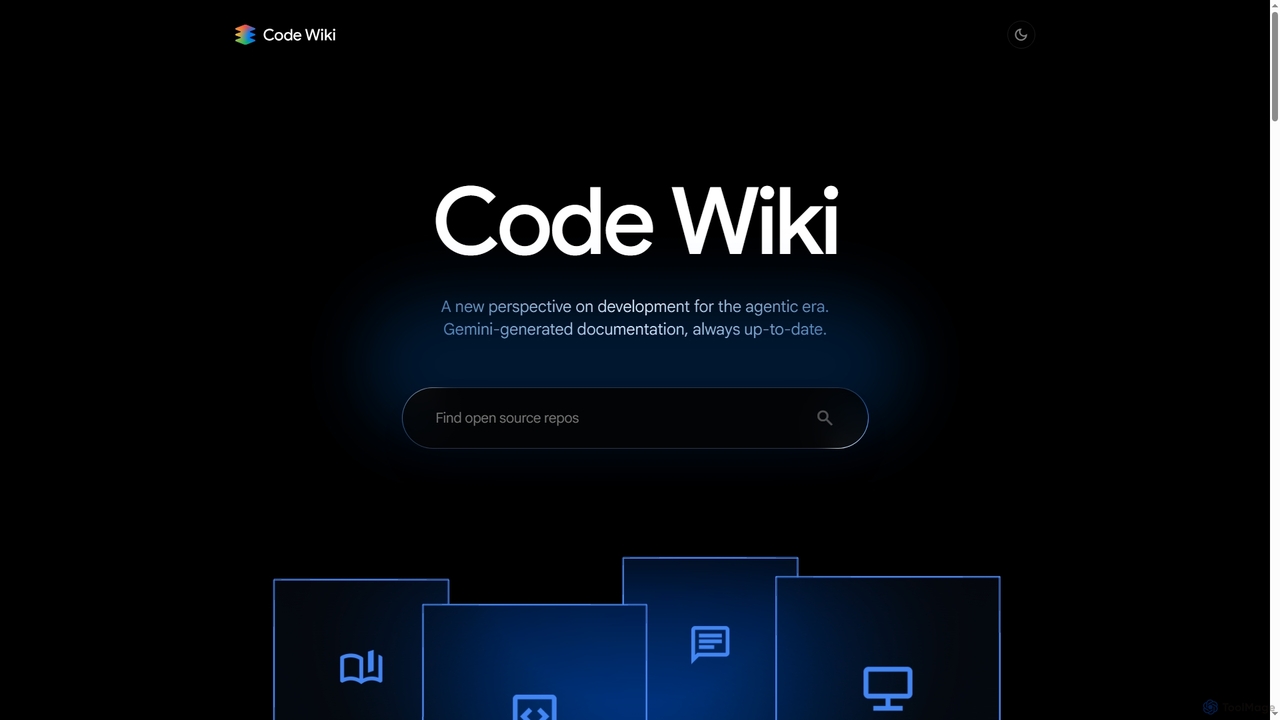
Code Wiki
Code Wiki is an AI-powered documentation hub by Google, built on Gemini models. It automatically analyzes code repositories to generate up-to-date documentation, interactive architectural diagrams, and a conversational chat interface, helping developers understand complex codebases faster.
Code Analysis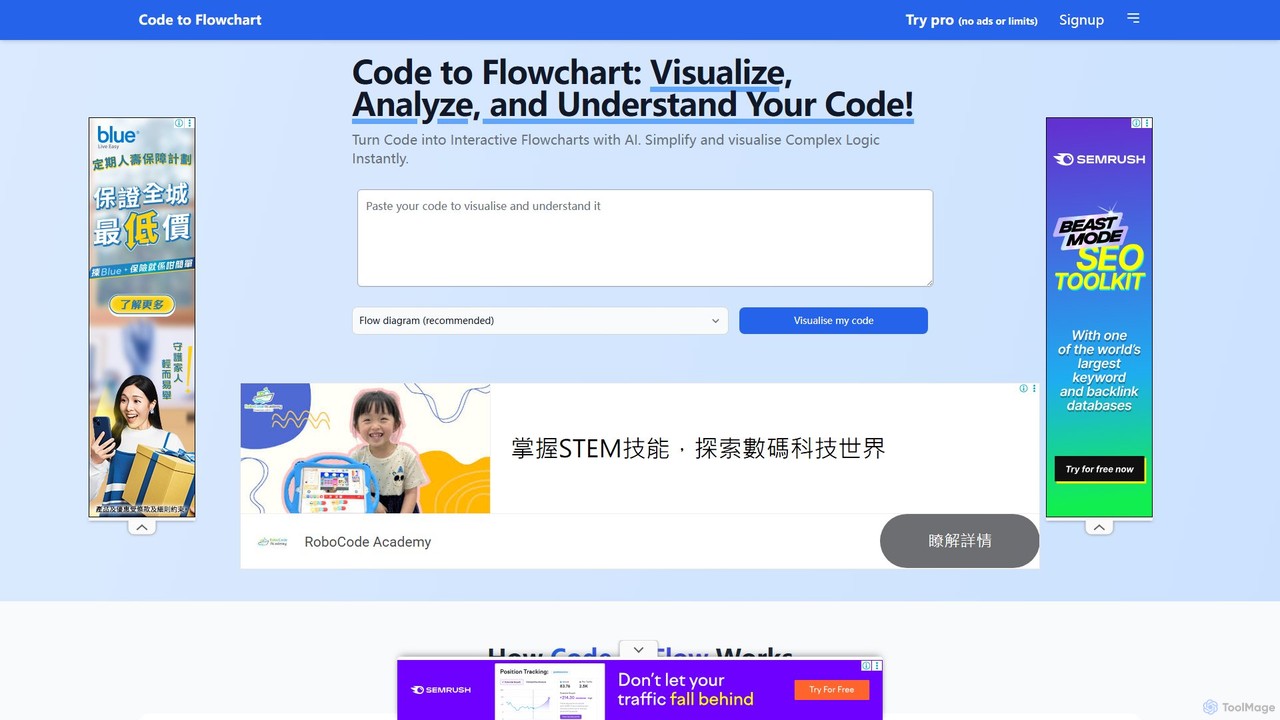
codetoflow
codetoflow is an AI-powered tool that instantly converts source code from major programming languages into interactive flowcharts, sequence diagrams, and class diagrams. It helps developers, students, and teams visualize, understand, and document complex program logic effortlessly, boosting productivity and code comprehension.
Code Analysis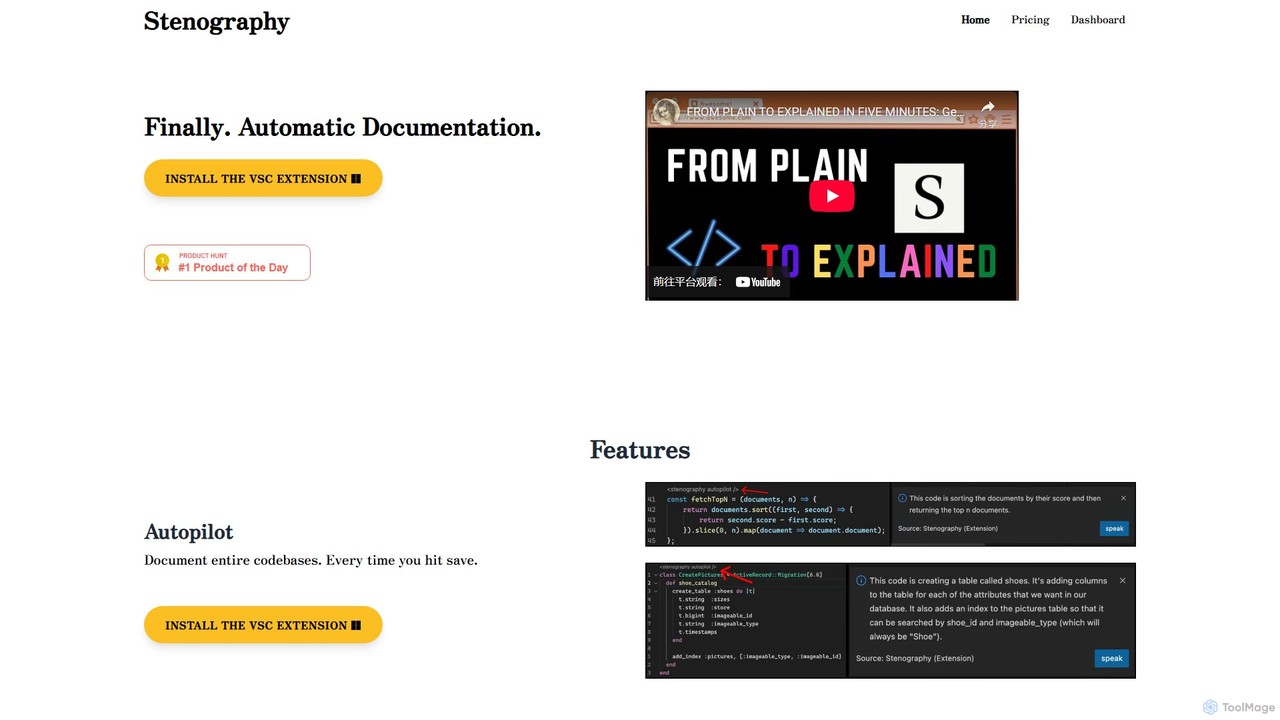
Stenography
Stenography is an AI-powered tool that automates code documentation for developers. It integrates directly into your workflow via VS Code and Chrome extensions, automatically generating clear, plain-English explanations for your code every time you save. With features like integrated Stack Overflow suggestions and a privacy-first architecture, it streamlines the documentation process, enhances code clarity, and boosts productivity.
Documentation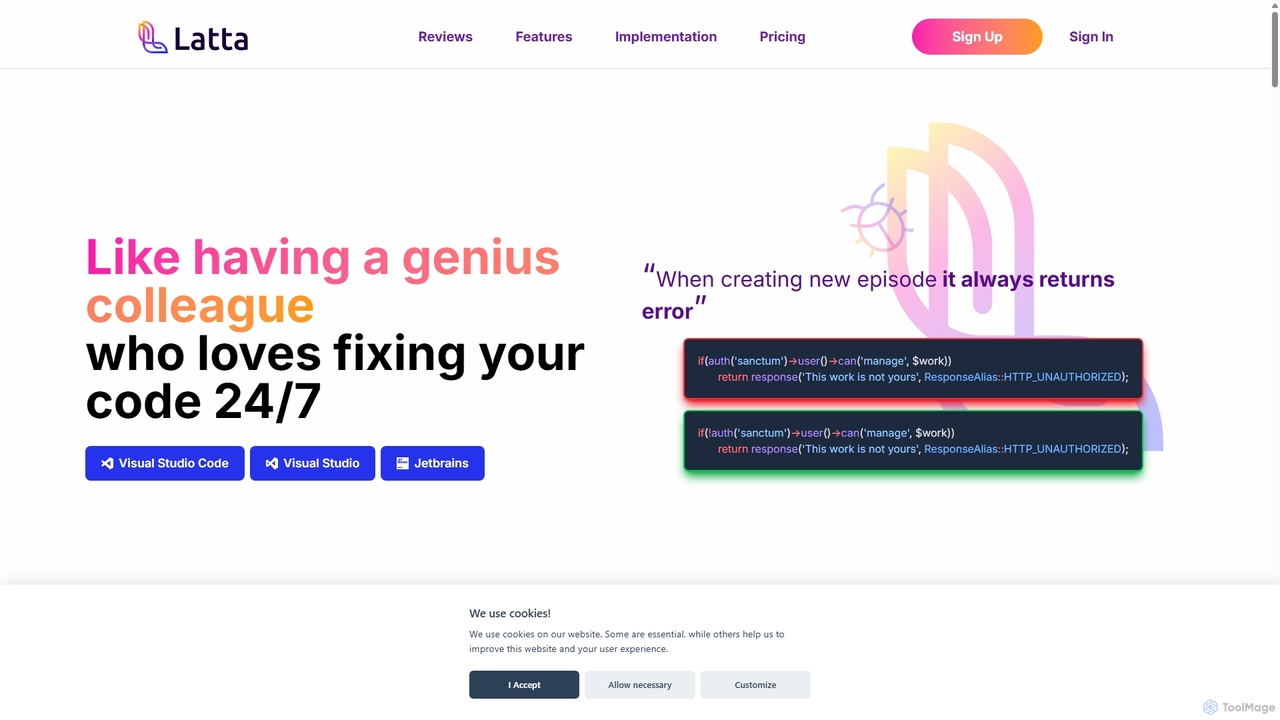
Latta
Latta is an AI-powered coding assistant designed to be your 24/7 genius colleague for debugging. It integrates with popular IDEs like VS Code and JetBrains to find and fix bugs across complex projects. With features like user session replay and Git integration, Latta streamlines bug reporting and resolution, saving developers significant time and effort.
Debugging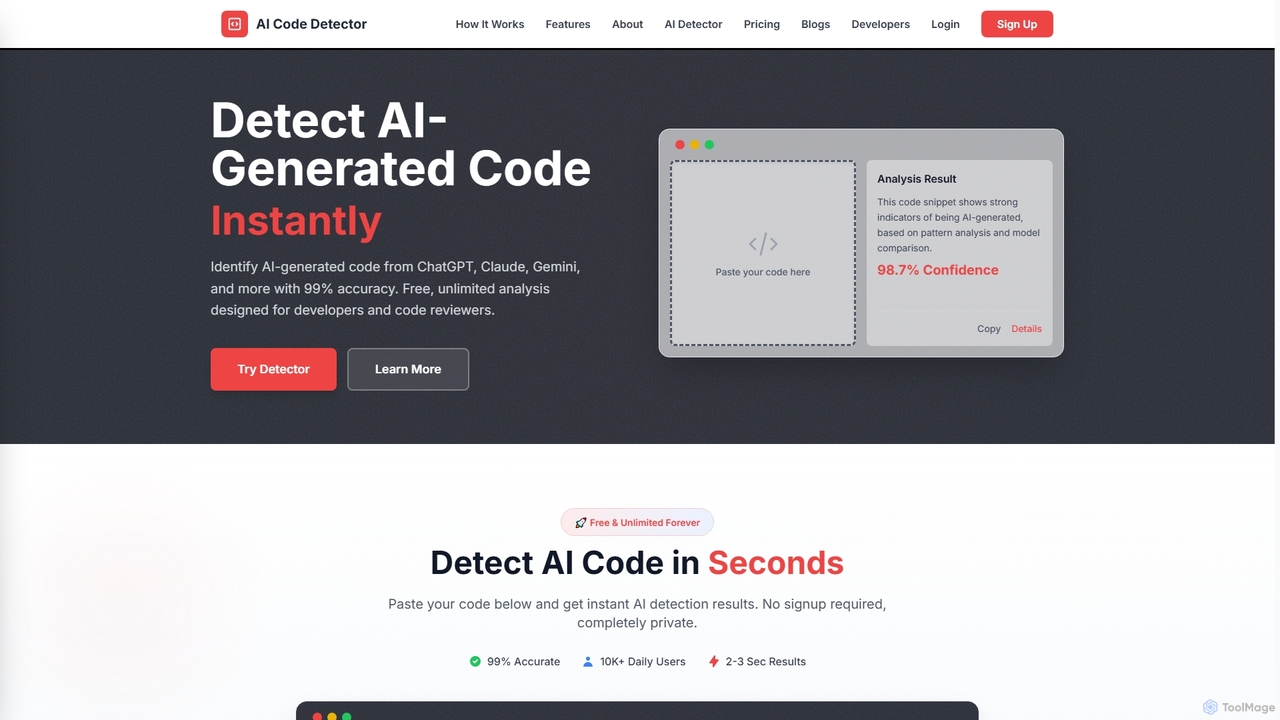
Codedetector
An AI-powered tool designed for developers and code reviewers to detect AI-generated code from models like ChatGPT, Gemini, and Claude with 99% accuracy. It also offers AI text and plagiarism detection. The online tool is free, unlimited, and requires no signup.
Code AnalysisCodeViz Categories
CodeViz Embed Widget
Copy this embed code to place the badge on your blog, article, or product site and send readers directly to this ToolMage detail page.

Related AI tools
Code Wiki
Code Wiki is an AI-powered documentation hub by Google, built on Gemini models. It automatically analyzes code repositories to generate up-to-date documentation, interactive architectural diagrams, and a conversational chat interface, helping developers understand complex codebases faster.
Code Analysiscodetoflow
codetoflow is an AI-powered tool that instantly converts source code from major programming languages into interactive flowcharts, sequence diagrams, and class diagrams. It helps developers, students, and teams visualize, understand, and document complex program logic effortlessly, boosting productivity and code comprehension.
Code AnalysisStenography
Stenography is an AI-powered tool that automates code documentation for developers. It integrates directly into your workflow via VS Code and Chrome extensions, automatically generating clear, plain-English explanations for your code every time you save. With features like integrated Stack Overflow suggestions and a privacy-first architecture, it streamlines the documentation process, enhances code clarity, and boosts productivity.
Documentation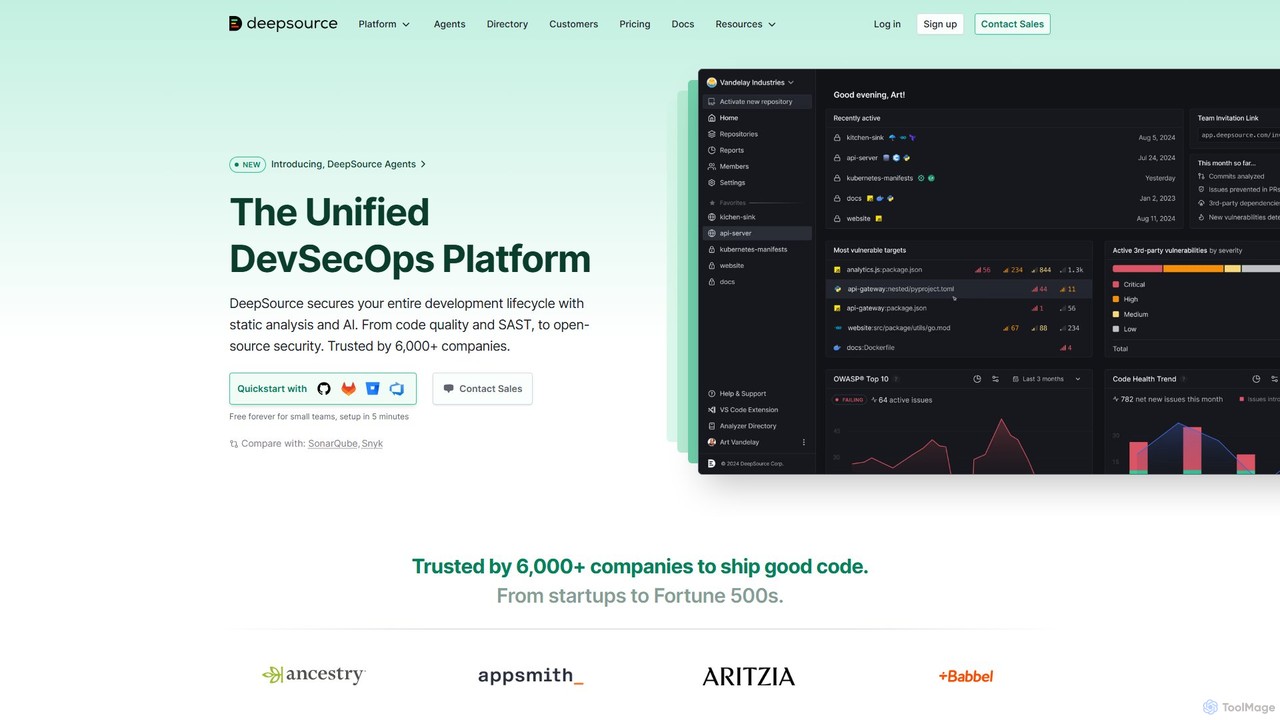
DeepSource
DeepSource is a unified DevSecOps platform that uses static analysis and AI to secure the entire development lifecycle. It helps developers ship clean and secure code by automating code quality checks, security scanning (SAST), and open-source dependency analysis (SCA).
Code Assistant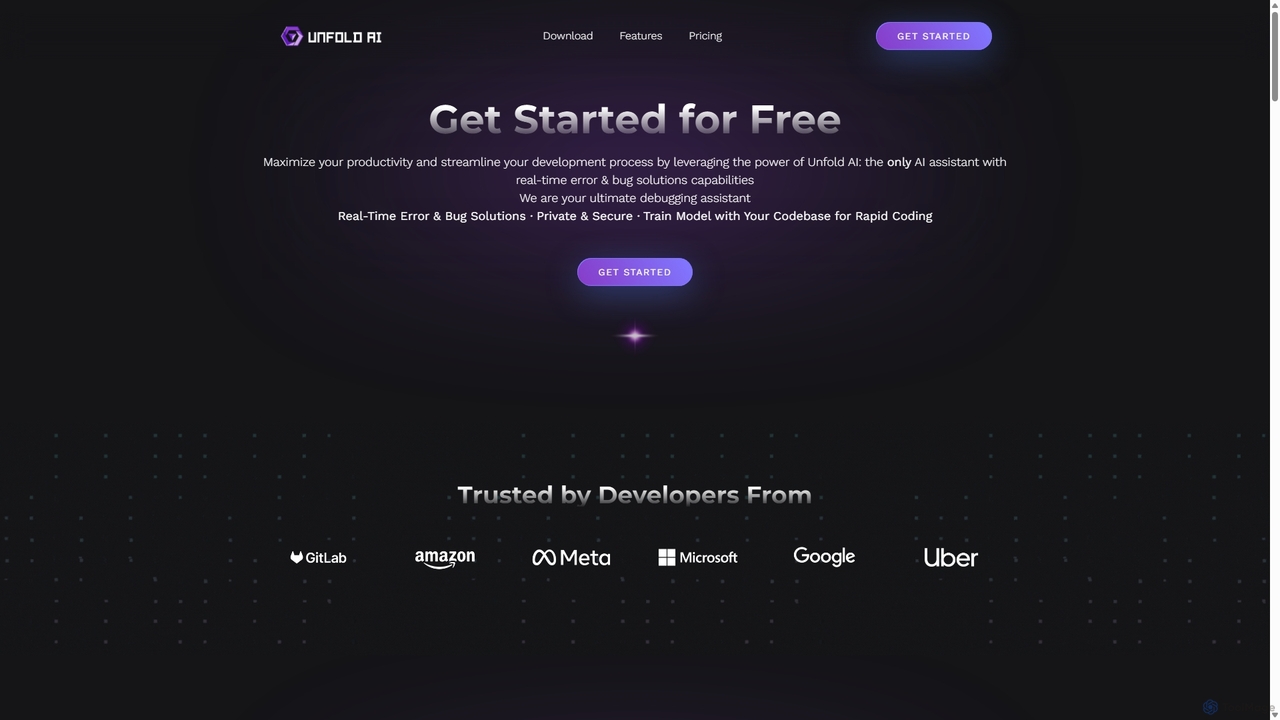
Unfold AI
Unfold AI is an all-in-one AI coding assistant designed for developers. It integrates into your IDE to provide real-time error and bug solutions, generate code from natural language, and complete code snippets. A key feature is its ability to be trained on your private codebase for highly customized and accurate assistance across 20+ programming languages.
Code Assistant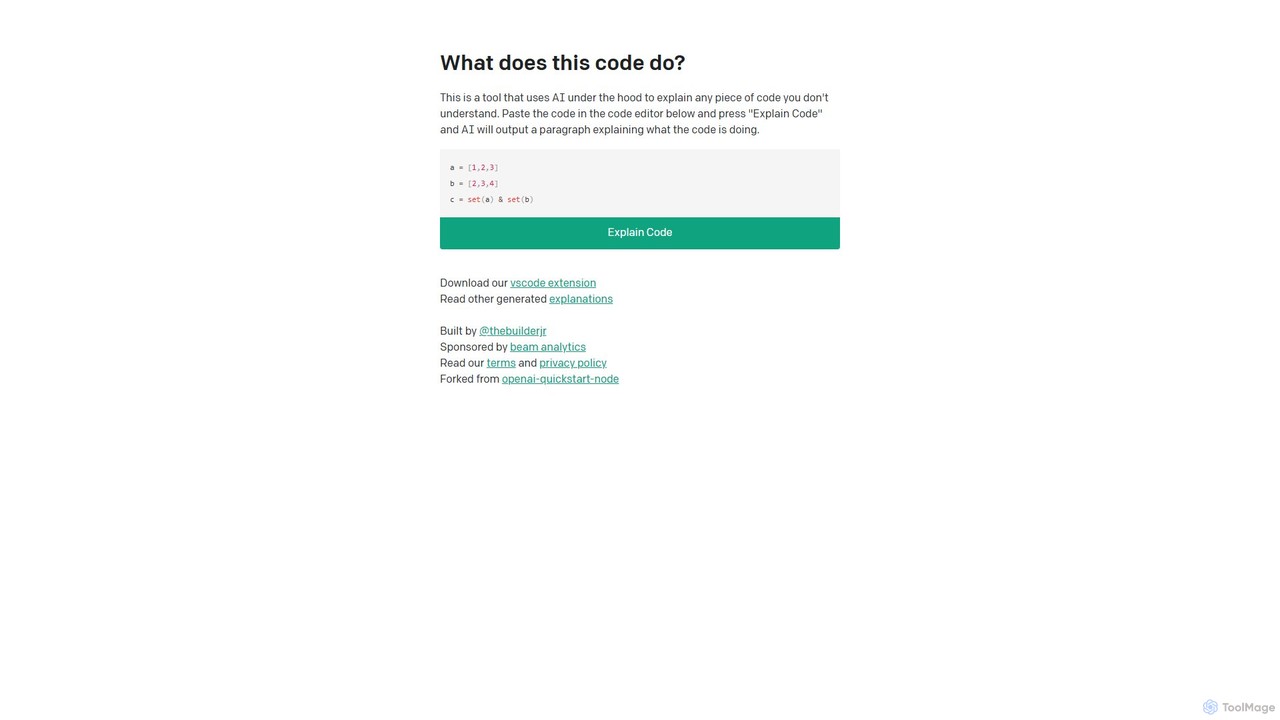
WhatDoesThisCodeDo
An AI-powered tool that explains any piece of code in plain English. Simply paste your code to get a clear, concise explanation of its functionality. It supports numerous programming languages and offers a VSCode extension for seamless integration.
Code Assistant
Buildt
Buildt is an AI-powered code search and understanding tool for developers. It integrates directly into your IDE, allowing you to search your entire codebase using natural language, understand complex code snippets, and generate or modify code on the fly, acting as an intelligent assistant.
Code GenerationLatta
Latta is an AI-powered coding assistant designed to be your 24/7 genius colleague for debugging. It integrates with popular IDEs like VS Code and JetBrains to find and fix bugs across complex projects. With features like user session replay and Git integration, Latta streamlines bug reporting and resolution, saving developers significant time and effort.
DebuggingCodedetector
An AI-powered tool designed for developers and code reviewers to detect AI-generated code from models like ChatGPT, Gemini, and Claude with 99% accuracy. It also offers AI text and plagiarism detection. The online tool is free, unlimited, and requires no signup.
Code Analysis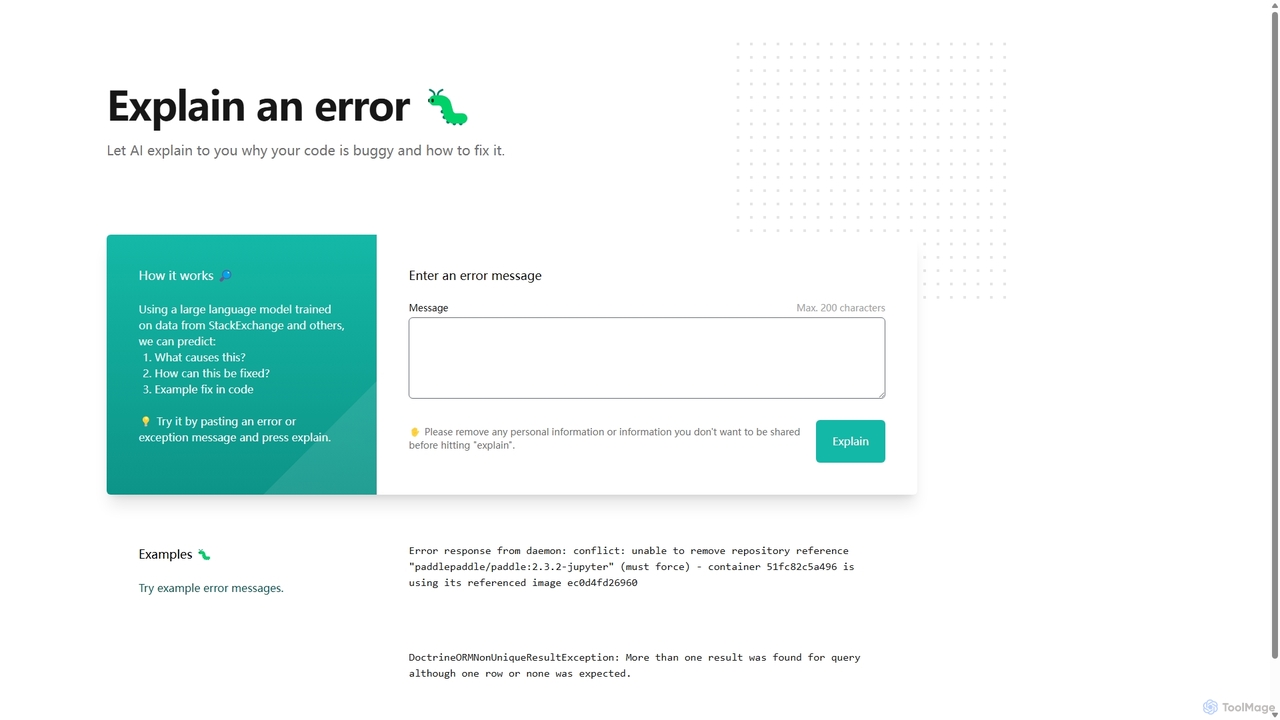
Explain by Whybug
Explain by Whybug is an AI-powered tool for developers that instantly demystifies cryptic code errors. Simply paste your error message, and the AI will provide a clear explanation of the root cause, along with actionable suggestions and code examples to help you fix the bug quickly and efficiently.
Debugging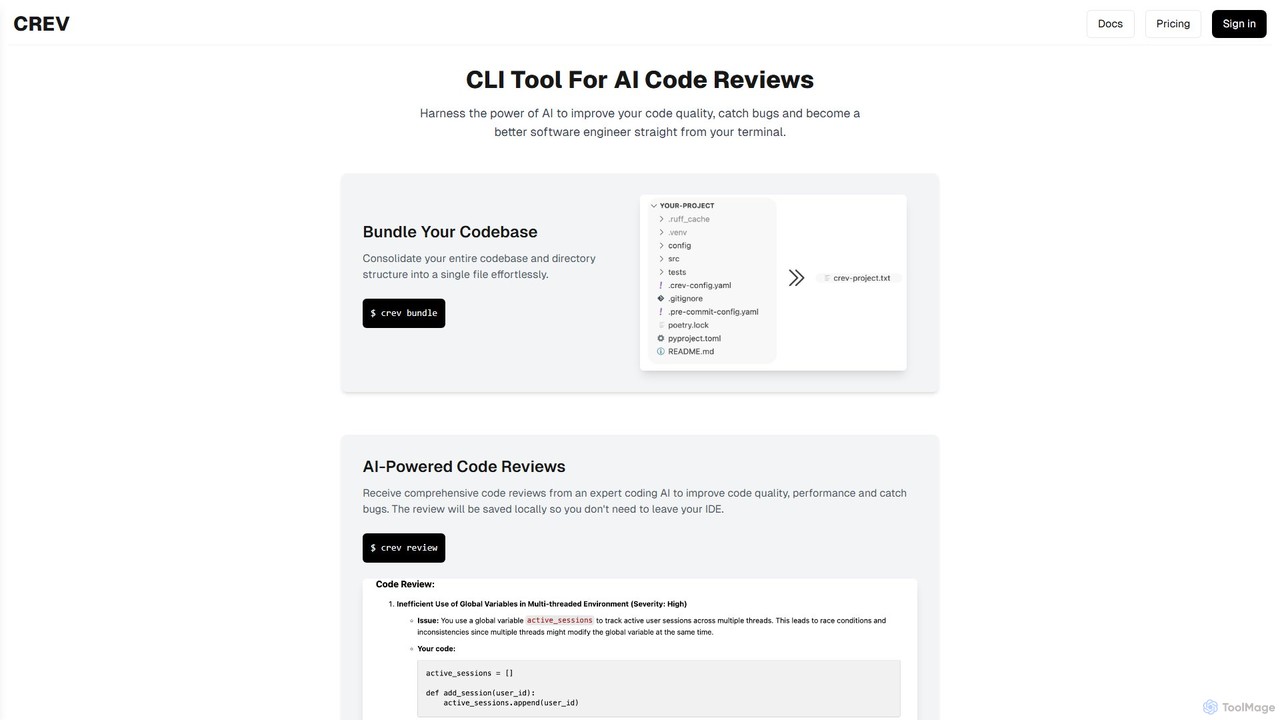
crevcli
crevcli is a powerful command-line interface (CLI) tool that leverages AI to provide comprehensive code reviews. It helps developers improve code quality, catch bugs early, and enhance their programming skills directly from the terminal. By bundling your entire codebase for analysis, crevcli offers a seamless and efficient workflow, integrating AI feedback into your daily development process without ever leaving your IDE.
Code Quality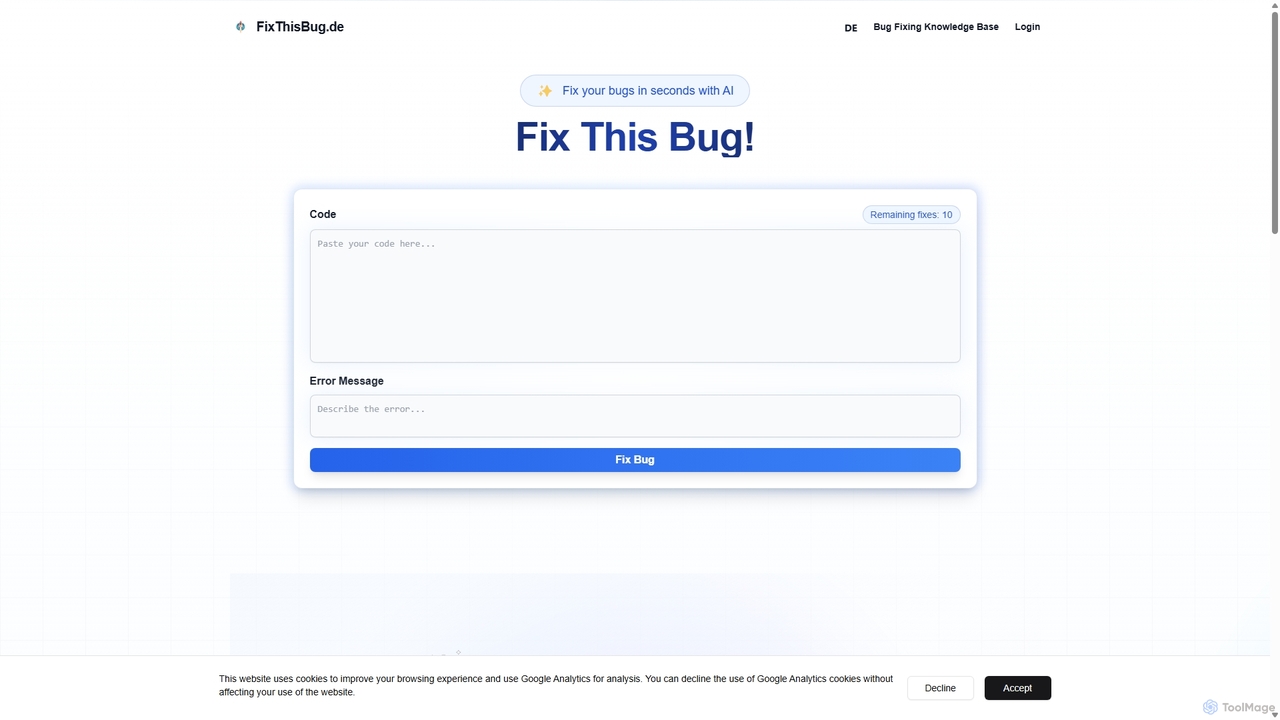
FixThisBug
FixThisBug is an AI-powered debugging assistant for developers. It instantly analyzes your code and error messages to provide accurate fixes and detailed explanations. Supporting all major programming languages, it prioritizes privacy with self-hosted models on German servers, ensuring 100% GDPR compliance. Fix bugs faster and learn as you code.
Code Correction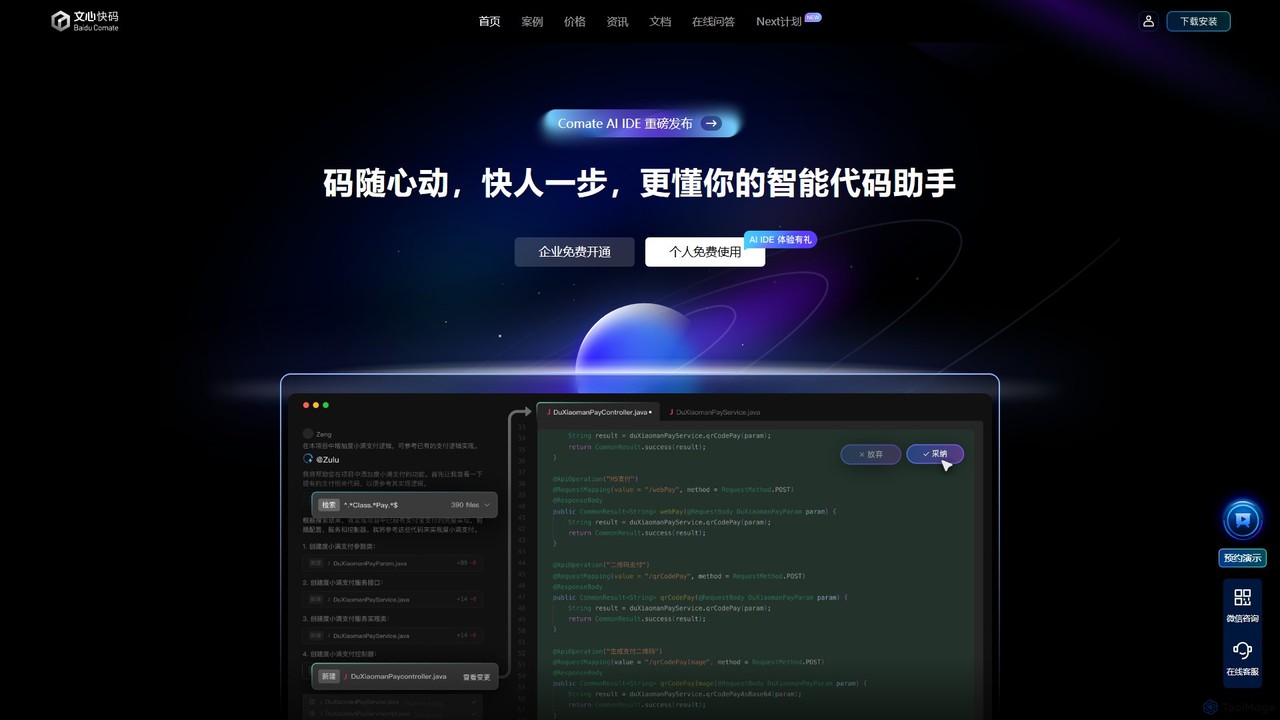
Baidu Comate
Baidu Comate is an intelligent AI code assistant powered by Baidu's Wenxin large language model. It integrates seamlessly into IDEs like VS Code and JetBrains to provide real-time code completion, code generation from natural language, bug fixing, and unit test creation, significantly boosting developer productivity.
Code Generation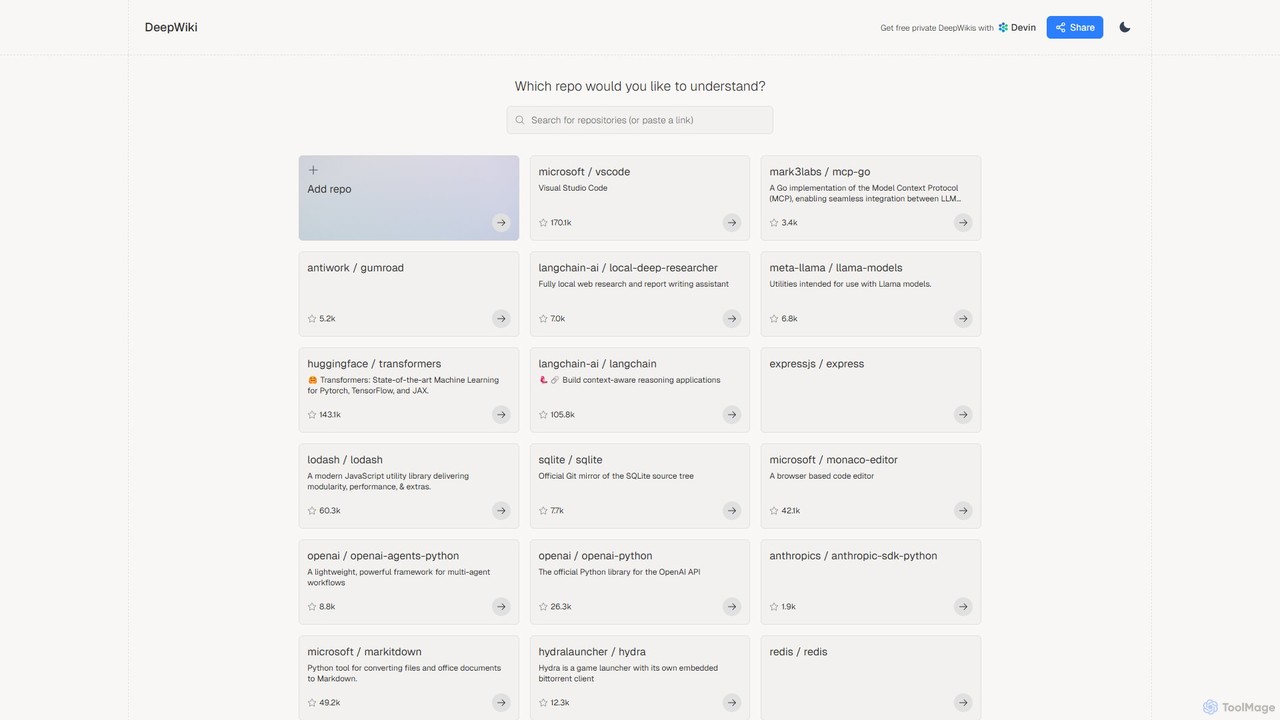
DeepWiki
DeepWiki is an AI-powered tool that automatically generates interactive, conversational documentation for any GitHub repository. It analyzes codebases to create a structured, searchable wiki, allowing developers to ask natural language questions and quickly understand complex projects.
Code Analysis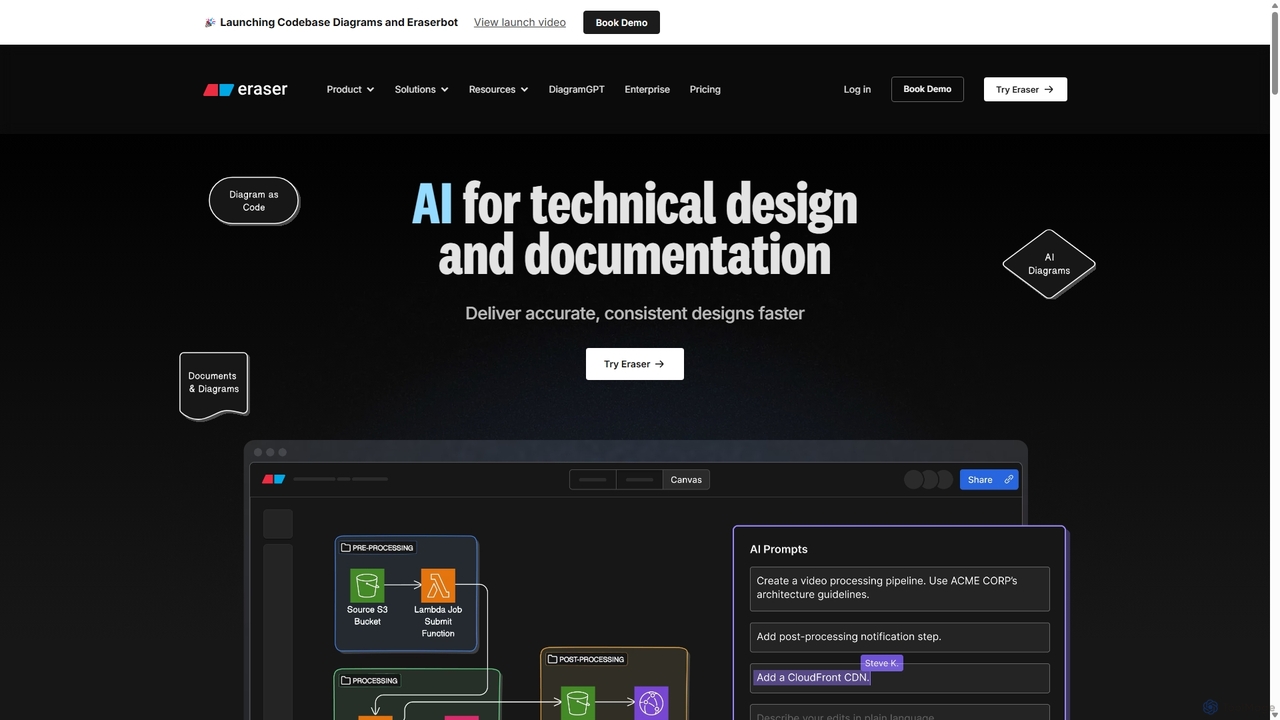
Eraser
Eraser is an AI-powered co-pilot for technical design and documentation, built for engineering teams. It enables users to generate and edit diagrams like architecture, flowcharts, and ERDs using natural language prompts. It combines a collaborative canvas with a markdown editor and diagram-as-code functionality to streamline the entire design process, from brainstorming to documentation.
Whiteboard
CodeViz Comments (0)
Sign in to comment.
Sign inNo comments yet.