

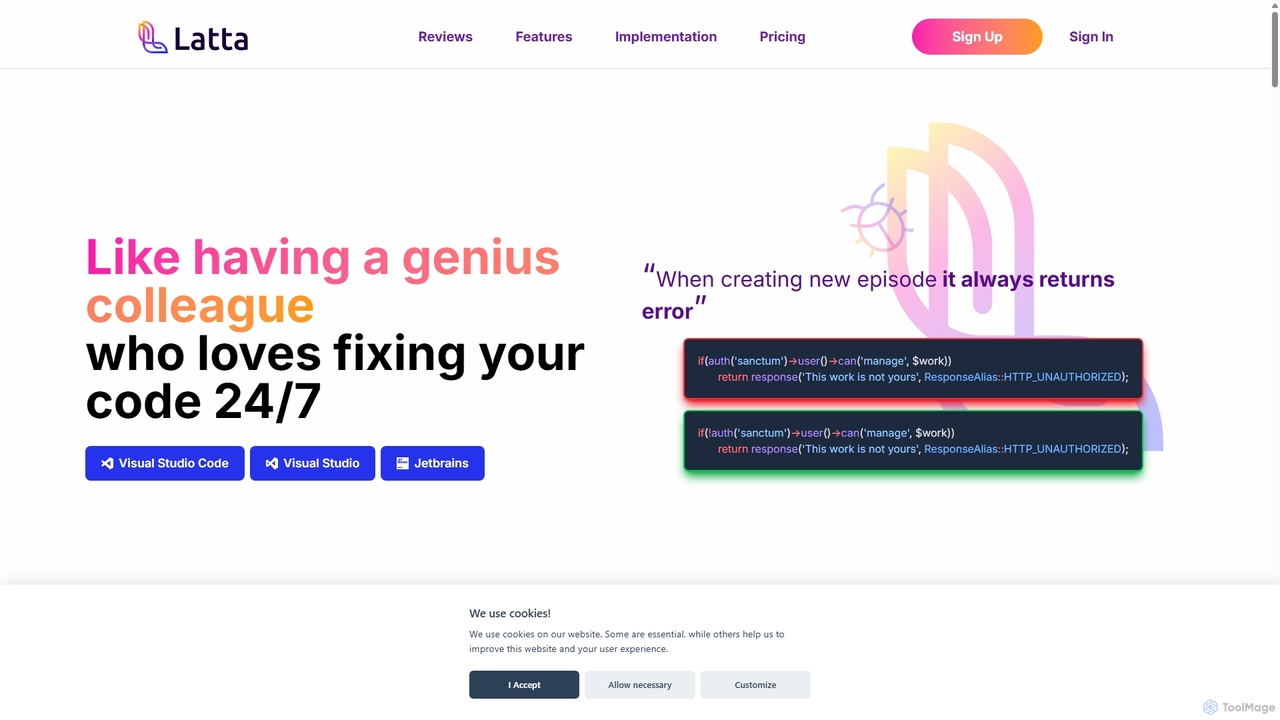
Latta Overview
Latta is a revolutionary AI-powered tool designed to act as a dedicated, 24/7 debugging partner for software developers. It goes beyond traditional AI code assistants by specializing in identifying, reproducing, and fixing bugs with unparalleled efficiency. By integrating directly into your development workflow, Latta helps eliminate the frustrating and time-consuming process of debugging, allowing developers to focus on building new features and delivering stable, high-quality applications. Its unique ability to analyze issues across multiple files and repositories, combined with a user session replay feature, makes it an indispensable asset for software companies, freelancers, and startups alike.
How to use Latta
Getting started with Latta is straightforward and can be tailored to your specific needs through three primary workflows:
- Instant Code Fixing in Your IDE: For immediate debugging, simply register on the Latta website, install the extension for your preferred IDE (Visual Studio Code, Visual Studio, or JetBrains), and you're ready to go. When you encounter code that doesn't work as intended, describe the problem to Latta, and it will analyze and provide a one-click fix.
- Bug Reporting and Replay: To streamline collaboration with testers and users, create a project in Latta and link it to your GitHub or GitLab repositories. Insert a small recording script into your application. Now, when testers or users find a bug, they can report it with a single click. Latta records their entire session, allowing you to replay the exact sequence of events that led to the error and then use the AI to fix the underlying code instantly.
- Automated Task and Bug Handling via Git: For smaller tasks or bugs, your project manager can create an issue directly in GitHub or GitLab. Describe the task—such as changing button colors, resizing elements, or altering an output format—and Latta will automatically create a new branch with the complete, coded solution, ready for your review.
Core Features of Latta
- AI-Powered Bug Fixing: Utilizes advanced AI to understand the context of your code and provide accurate, one-click solutions to complex bugs and errors.
- User Session Replay: Eliminates the 'cannot reproduce' problem by recording user sessions, providing developers with a perfect replay of the steps that triggered a bug.
- Seamless IDE Integration: Works as an extension within major IDEs including Visual Studio Code, Visual Studio, and the JetBrains suite, ensuring it fits naturally into your existing workflow.
- Deep Git Integration: Connects with GitHub and GitLab to automate the bug-fixing process, from issue creation to generating pull requests with the proposed solution.
- Cross-Repository Analysis: Unlike many other tools, Latta can trace and fix issues that span across multiple files and even different repositories within a complex project.
- Strict Privacy and Security: Operates with a no-code-storage policy and a no-AI-learning policy, ensuring your proprietary code remains confidential and is never used for model training.
Use Cases for Latta
Latta is designed to revolutionize software development for various stakeholders:
- Software Companies: Streamline the entire quality assurance process, reduce the time-to-resolution for customer-reported issues, improve application stability, and significantly lower development and support costs.
- Freelance Developers: Save countless hours by quickly resolving hard-to-reproduce bugs reported by clients. This allows freelancers to meet deadlines faster, improve client satisfaction, and take on more projects.
- Startups: Accelerate development cycles in a resource-constrained environment. Latta helps small teams fix bugs rapidly, launch features quicker, and provide better user support, which is critical for staying agile and competitive.
- Project Managers: Empower non-coders to manage and resolve minor development tasks. By creating descriptive issues in Git, they can delegate simple UI tweaks or format changes directly to Latta, freeing up valuable developer time for more complex challenges.
Advantages of Latta
Latta stands out from other AI coding tools with its specialized focus on debugging. While general-purpose assistants like GitHub Copilot are excellent for code generation, Latta's strength lies in its deep analytical capabilities for bug resolution. Its session replay feature bridges the communication gap between users and developers, making bug reports actionable and precise. This targeted approach saves up to 40% of coding time typically spent on fixing issues, enhances team productivity, and ultimately leads to more robust and reliable software.
Pricing and Plans
Latta offers a generous freemium model to get you started immediately:
- Free Plan: New users receive free credits upon registration and additional credits every month. This plan includes:
- Up to 15 fixes per month directly via the IDE extension.
- Up to 2 fixes per month originating from GitHub/GitLab issues or user reports.
- Up to 10 recordings of user-reported bugs.
This free tier allows individual developers and small teams to experience the full power of Latta's features without any initial investment. For teams with higher usage needs, custom or paid plans are expected to be available to provide more credits and advanced features.
Traffic
Latest traffic
Status
Monthly traffic trend
- 2025-9: 2.3K
- 2026-1: 2.1K
- 2026-2: 1.8K
- 2026-3: 1.9K
- 2026-4: 625
- 2026-5: 354
Geography
Top 5 countries / regions
- 🇺🇸United States100.0%
Latta Alternatives
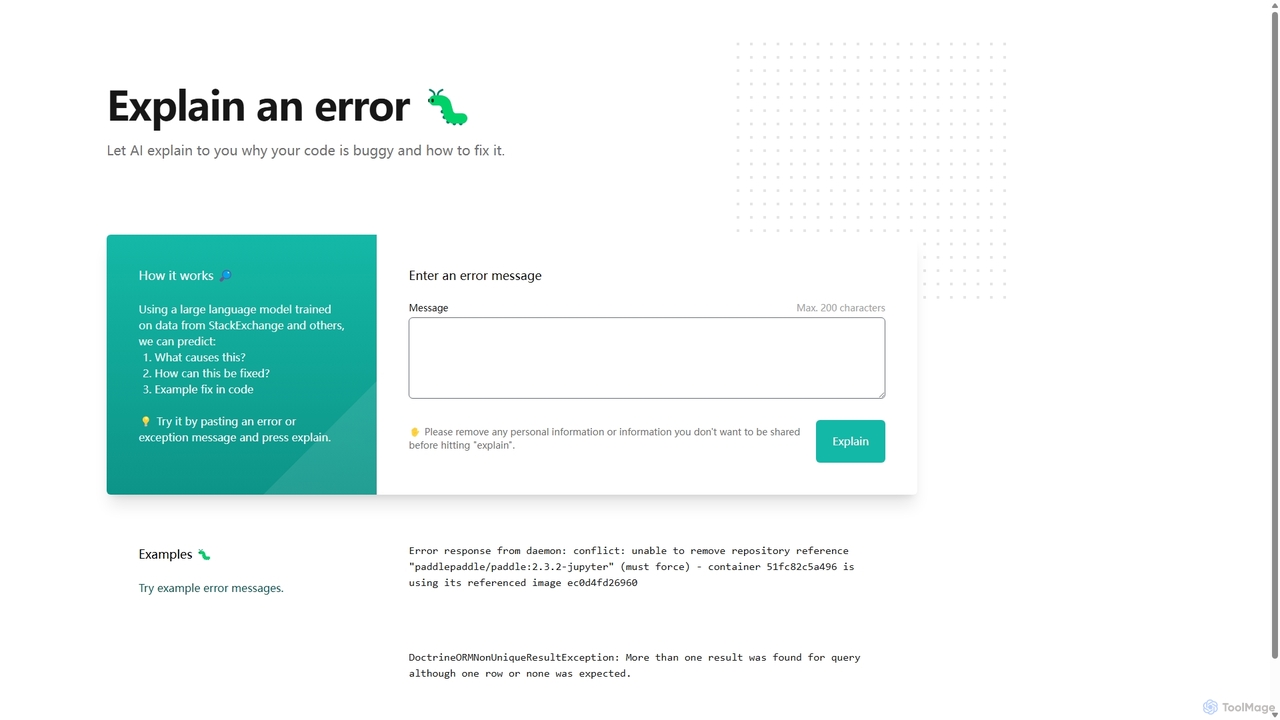
Explain by Whybug
Explain by Whybug is an AI-powered tool for developers that instantly demystifies cryptic code errors. Simply paste your error message, and the AI will provide a clear explanation of the root cause, along with actionable suggestions and code examples to help you fix the bug quickly and efficiently.
Debugging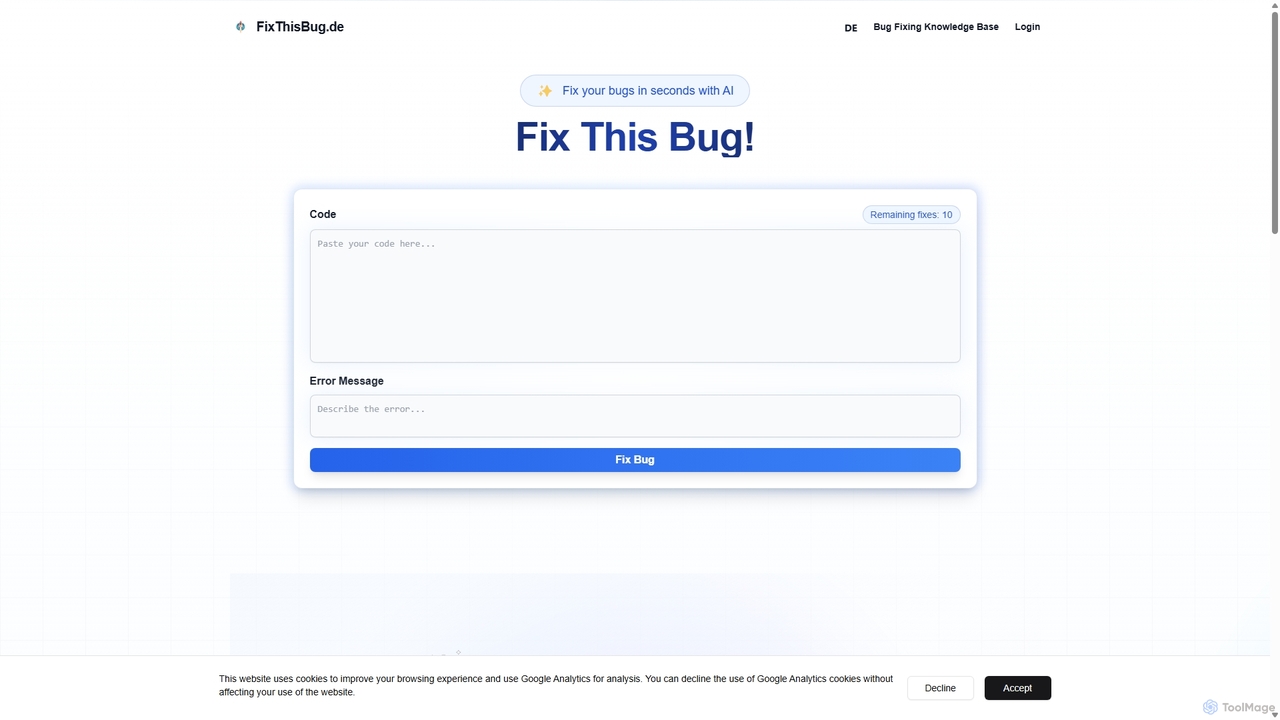
FixThisBug
FixThisBug is an AI-powered debugging assistant for developers. It instantly analyzes your code and error messages to provide accurate fixes and detailed explanations. Supporting all major programming languages, it prioritizes privacy with self-hosted models on German servers, ensuring 100% GDPR compliance. Fix bugs faster and learn as you code.
Code Correction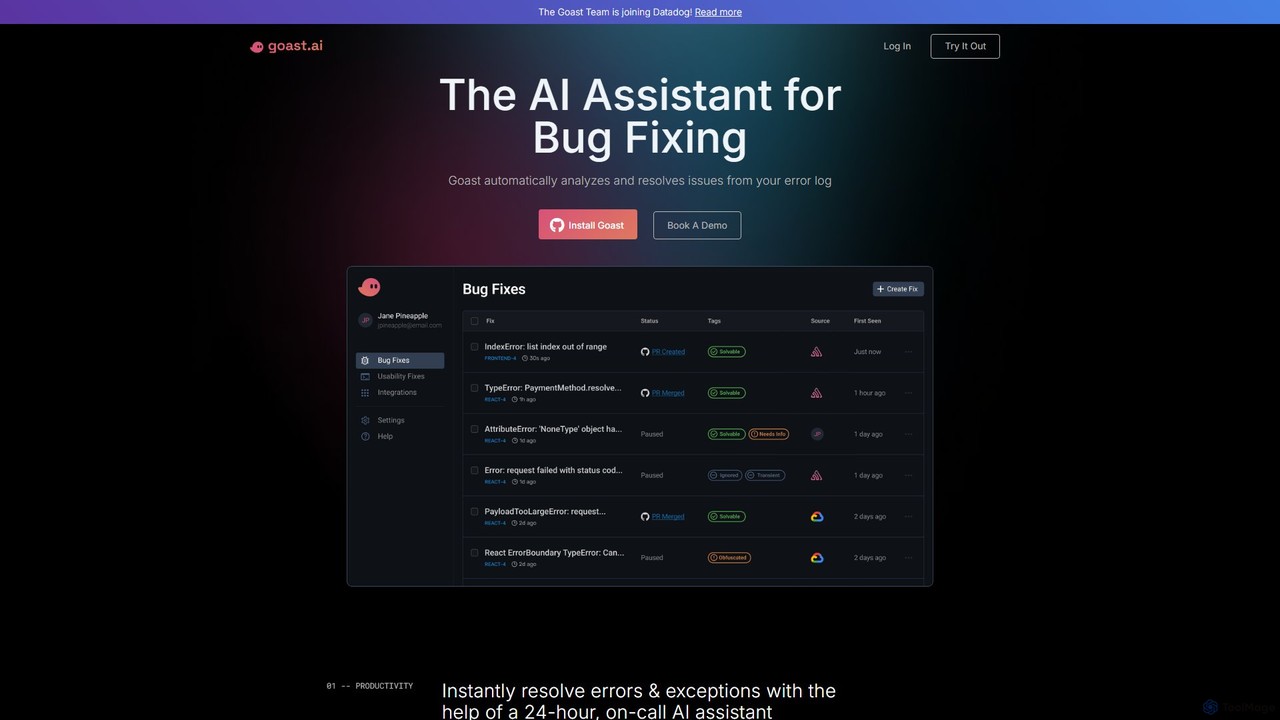
Goast.ai
Goast.ai is an AI-powered assistant designed for engineering teams to automate bug fixing. It analyzes error logs, identifies the root cause, and automatically generates pull requests with code fixes, significantly speeding up the resolution process. NOTE: The Goast.ai team has been acquired by and joined Datadog.
Code Review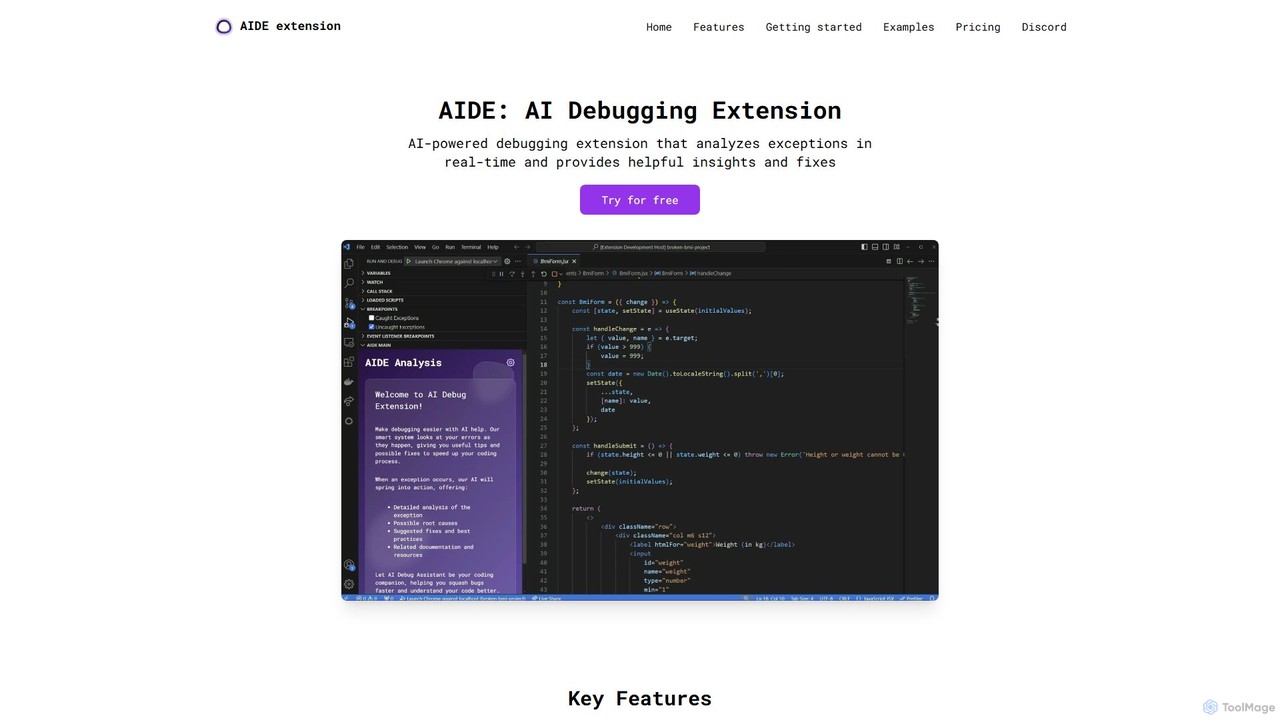
AIDE
AIDE is an AI-powered debugging extension for VS Code that automatically analyzes errors, identifies their root causes, and suggests concrete code solutions. It streamlines the development workflow by providing instant, context-aware fixes for common issues in JavaScript, React, and more, directly within your editor.
Code Quality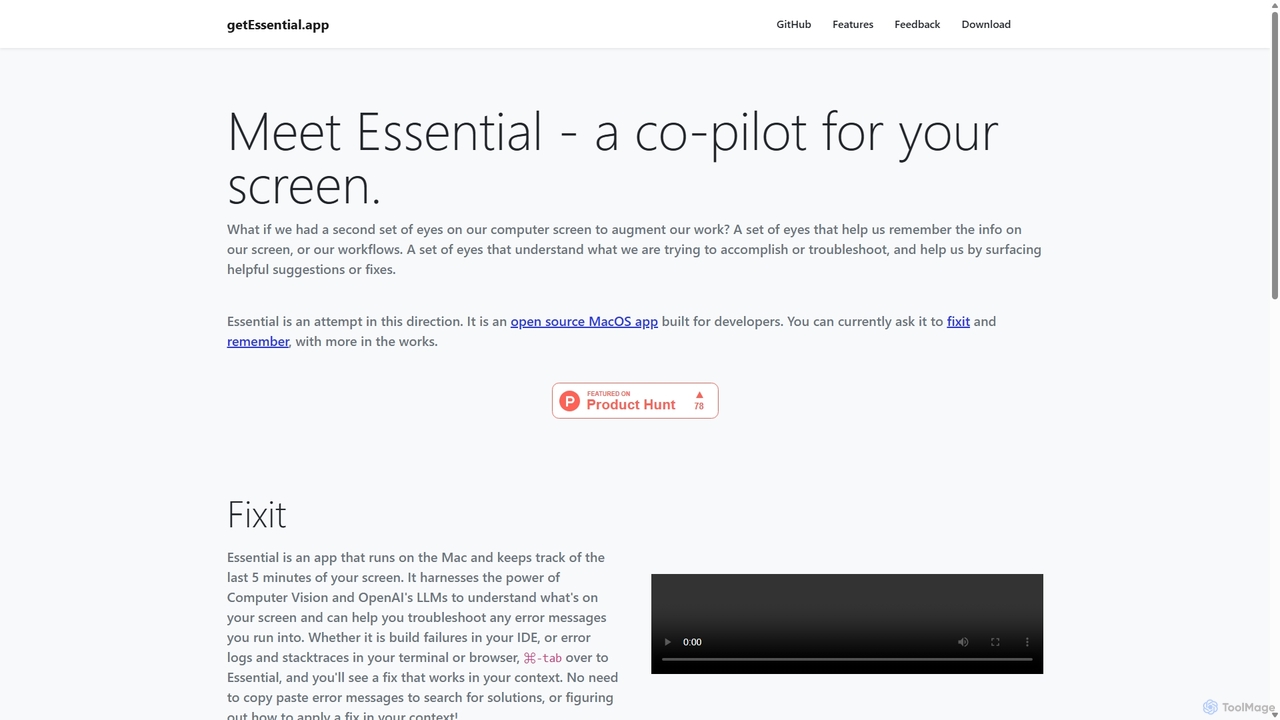
GetEssential
getEssential is an AI-powered Mac application that continuously records your screen to instantly troubleshoot errors. It uses Computer Vision and LLMs to analyze build failures, error logs, and stack traces, providing contextual fixes without manual searching. A productivity booster for developers and IT professionals.
Code AssistantLatta Categories
Latta Jobs
Latta Embed Widget
Copy this embed code to place the badge on your blog, article, or product site and send readers directly to this ToolMage detail page.

Related AI tools
Unfold AI
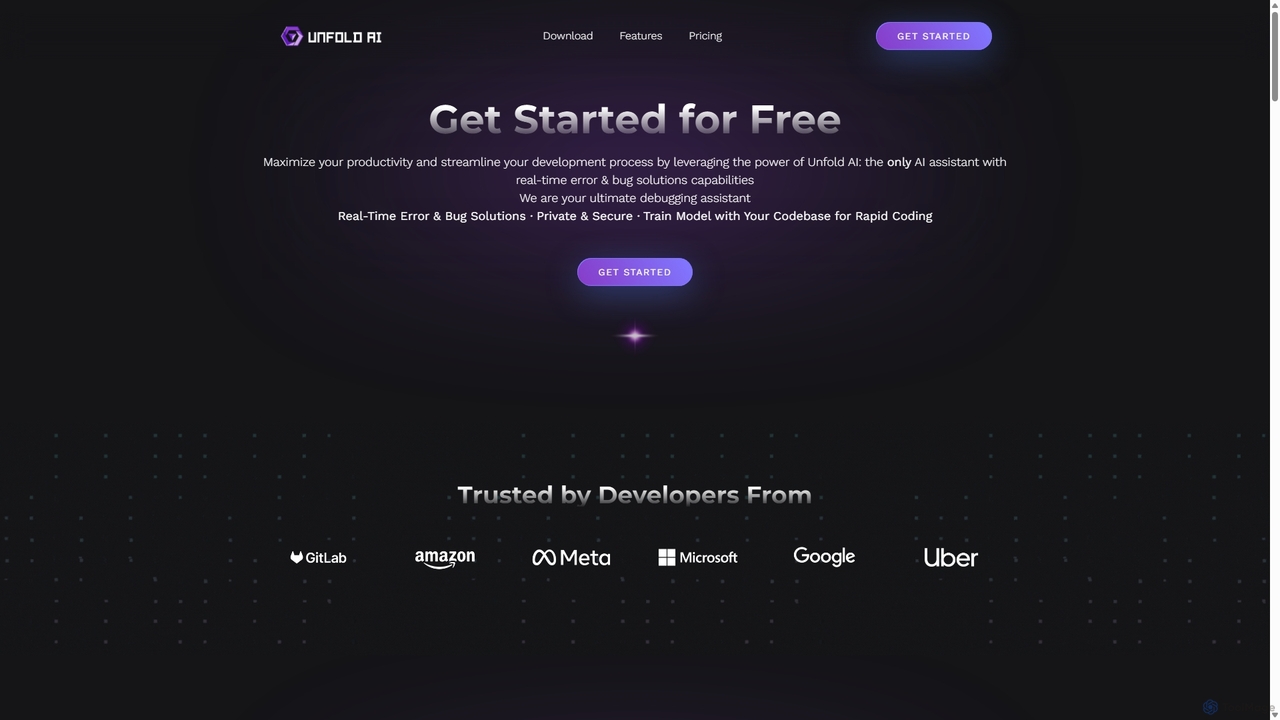
Unfold AI is an all-in-one AI coding assistant designed for developers. It integrates into your IDE to provide real-time error and bug solutions, generate code from natural language, and complete code snippets. A key feature is its ability to be trained on your private codebase for highly customized and accurate assistance across 20+ programming languages.
Code Assistant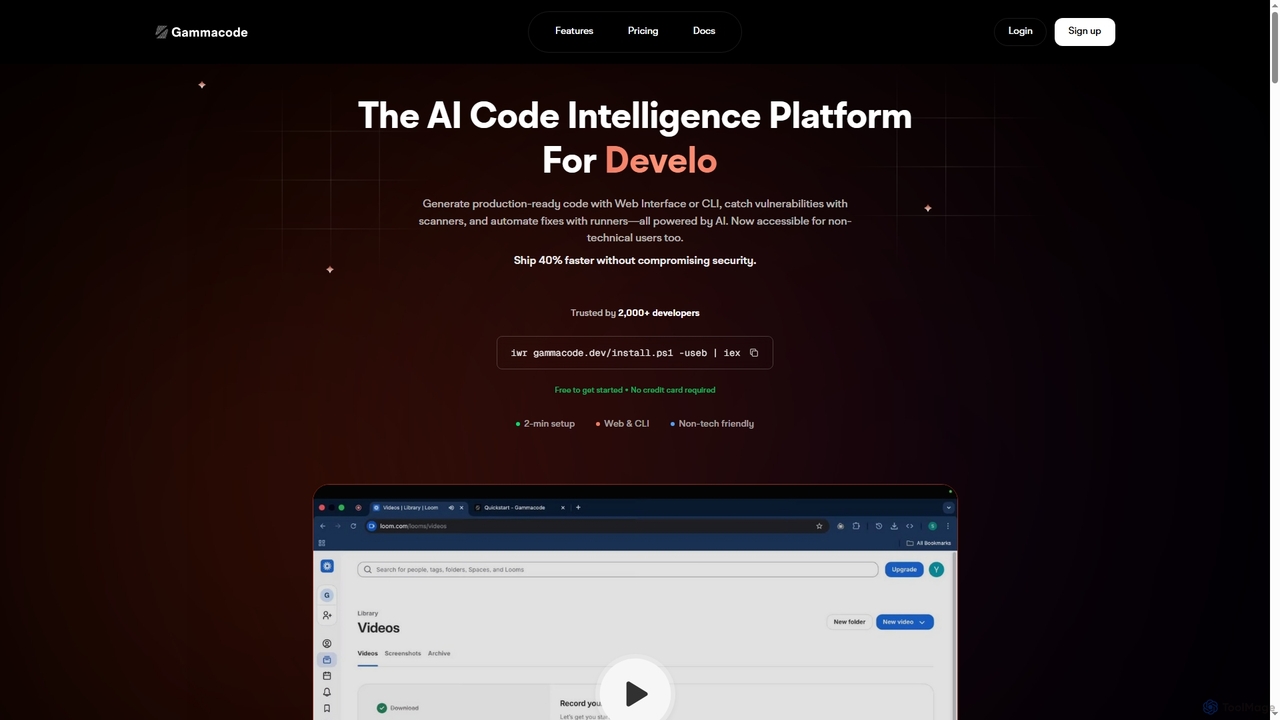
Gammacode
Gammacode is an AI-powered code intelligence platform designed to accelerate software development by generating production-ready code, detecting vulnerabilities, and automating fixes. It supports both technical and non-technical users through a web interface and CLI, emphasizing privacy and security.
Code GenerationExplain by Whybug
Explain by Whybug is an AI-powered tool for developers that instantly demystifies cryptic code errors. Simply paste your error message, and the AI will provide a clear explanation of the root cause, along with actionable suggestions and code examples to help you fix the bug quickly and efficiently.
DebuggingGetEssential
getEssential is an AI-powered Mac application that continuously records your screen to instantly troubleshoot errors. It uses Computer Vision and LLMs to analyze build failures, error logs, and stack traces, providing contextual fixes without manual searching. A productivity booster for developers and IT professionals.
Code Assistant
Codeium
Codeium is an AI-powered code acceleration toolkit that provides free, ultra-fast code completion, in-editor chat, and other intelligent features. It supports over 70 programming languages and integrates seamlessly with more than 40 popular IDEs to help developers code faster and more efficiently.
Code Assistant
CodeWiz
CodeWiz is an AI-powered coding assistant designed to accelerate software development. It integrates into your IDE to provide intelligent code completion, real-time debugging, code explanation, and automated test generation, helping developers write better code faster and with fewer errors.
Code AssistantFixThisBug
FixThisBug is an AI-powered debugging assistant for developers. It instantly analyzes your code and error messages to provide accurate fixes and detailed explanations. Supporting all major programming languages, it prioritizes privacy with self-hosted models on German servers, ensuring 100% GDPR compliance. Fix bugs faster and learn as you code.
Code Correction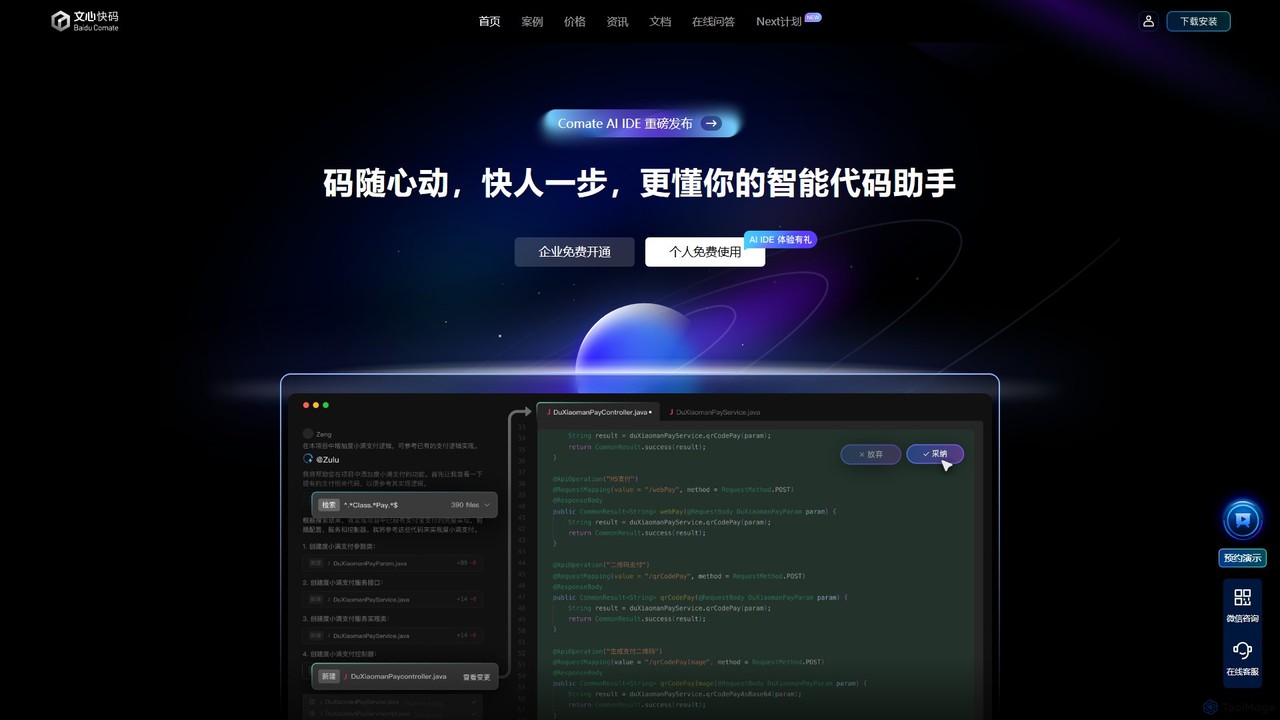
Baidu Comate
Baidu Comate is an intelligent AI code assistant powered by Baidu's Wenxin large language model. It integrates seamlessly into IDEs like VS Code and JetBrains to provide real-time code completion, code generation from natural language, bug fixing, and unit test creation, significantly boosting developer productivity.
Code Generation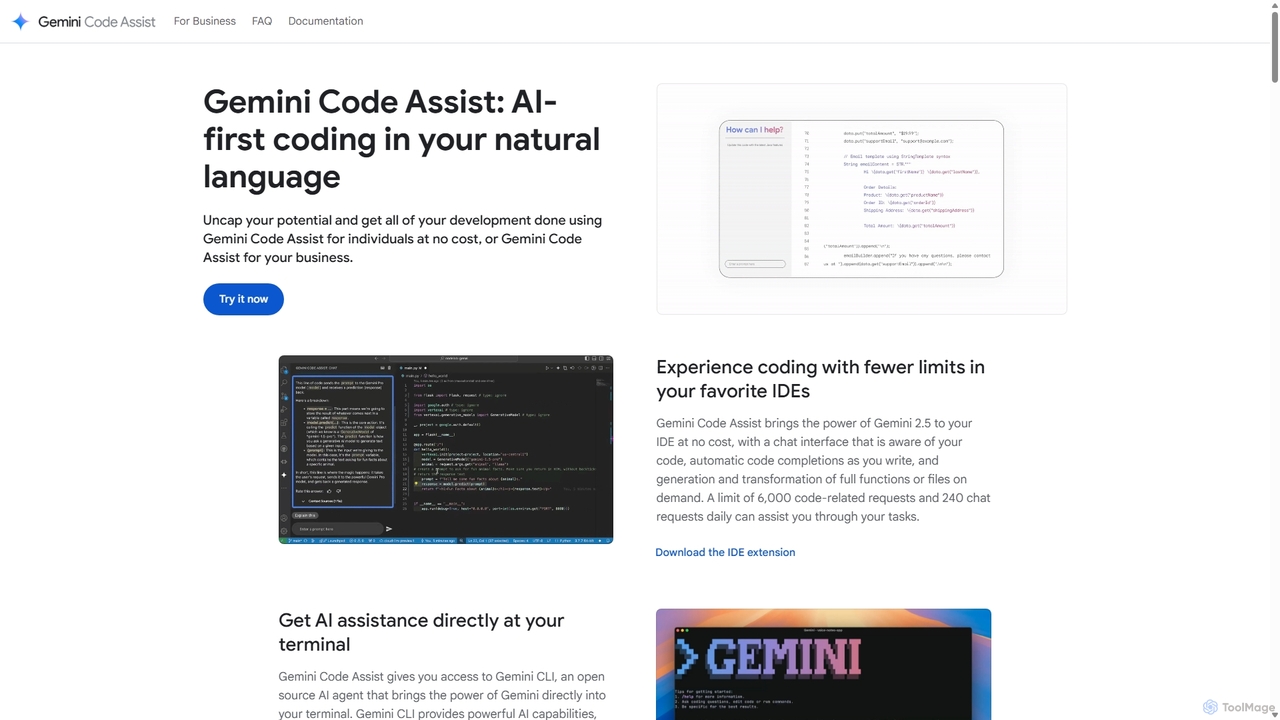
Gemini Code Assist
Gemini Code Assist is an AI-powered coding assistant from Google, powered by the Gemini 2.5 model. It integrates into your favorite IDEs, terminal, and development platforms to accelerate the entire software development lifecycle with features like code completion, generation, natural language chat, and automated code reviews.
Code AssistantGoast.ai
Goast.ai is an AI-powered assistant designed for engineering teams to automate bug fixing. It analyzes error logs, identifies the root cause, and automatically generates pull requests with code fixes, significantly speeding up the resolution process. NOTE: The Goast.ai team has been acquired by and joined Datadog.
Code Review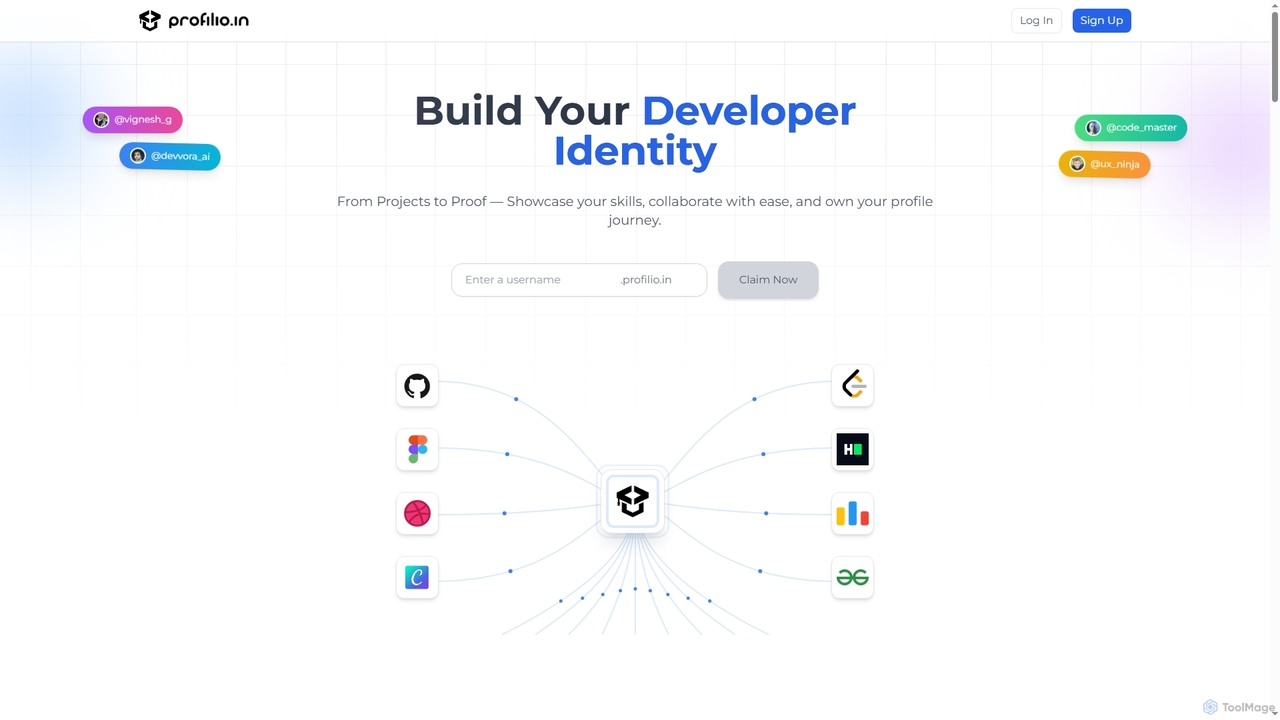
Profilio
Profilio is an AI-powered platform designed for developers to instantly create, manage, and share a comprehensive online portfolio. It unifies coding profiles, projects, and achievements from various platforms like GitHub, Dev.to, and LeetCode into one centralized dashboard. With features like real-time synchronization, smart analytics, and AI-verified skills, Profilio helps developers build a strong digital identity and showcase their expertise effectively to potential employers and collaborators.
Skill Verification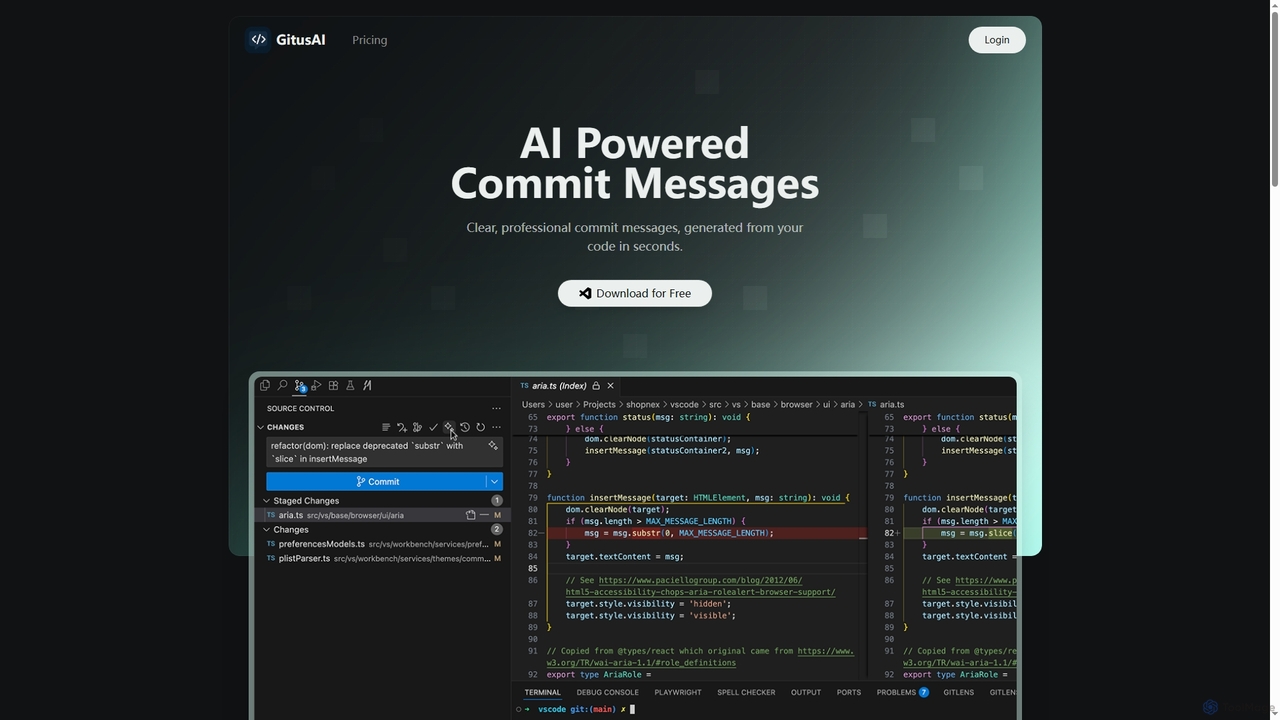
GitusAI
GitusAI is an AI-powered VS Code extension that automates the generation of clear, professional commit messages from your code changes. It helps developers save time, maintain a clean Git history, and ensure consistent commit practices across projects and teams. Ideal for individual developers, freelancers, and large organizations seeking to streamline their development workflow.
Code Generation
XcodeChatGPT
XcodeChatGPT is a powerful AI-powered code assistant that integrates directly into Xcode. It supercharges Swift development by helping developers write, debug, refactor, and understand code faster. Generate code snippets, get explanations, and resolve errors without leaving your IDE.
Code Generation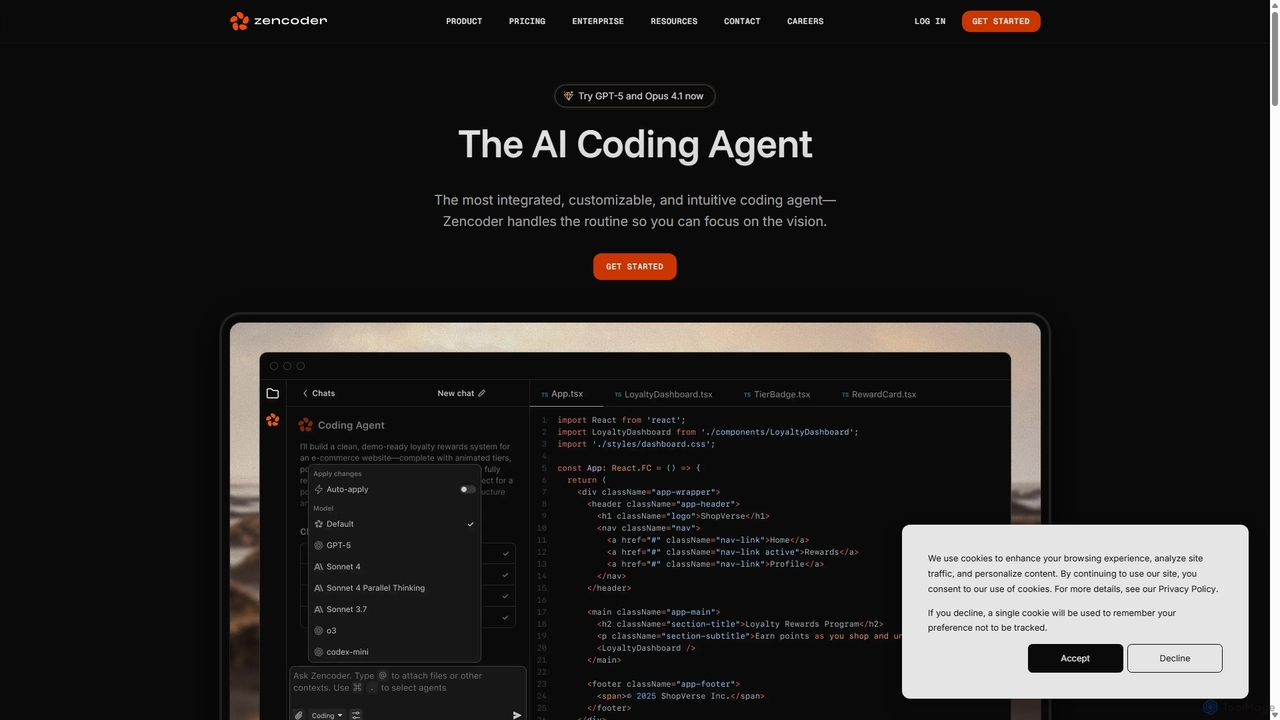
Zencoder
Zencoder is an advanced AI coding agent designed to automate routine development tasks. It deeply integrates into your workflow, understanding your entire codebase to implement features, write tests, fix bugs, and refactor code autonomously. With customizable 'Zen Agents' and seamless integration with VS Code, JetBrains, and over 100 developer tools, Zencoder empowers engineering teams to focus on innovation and ship products faster.
Code Assistant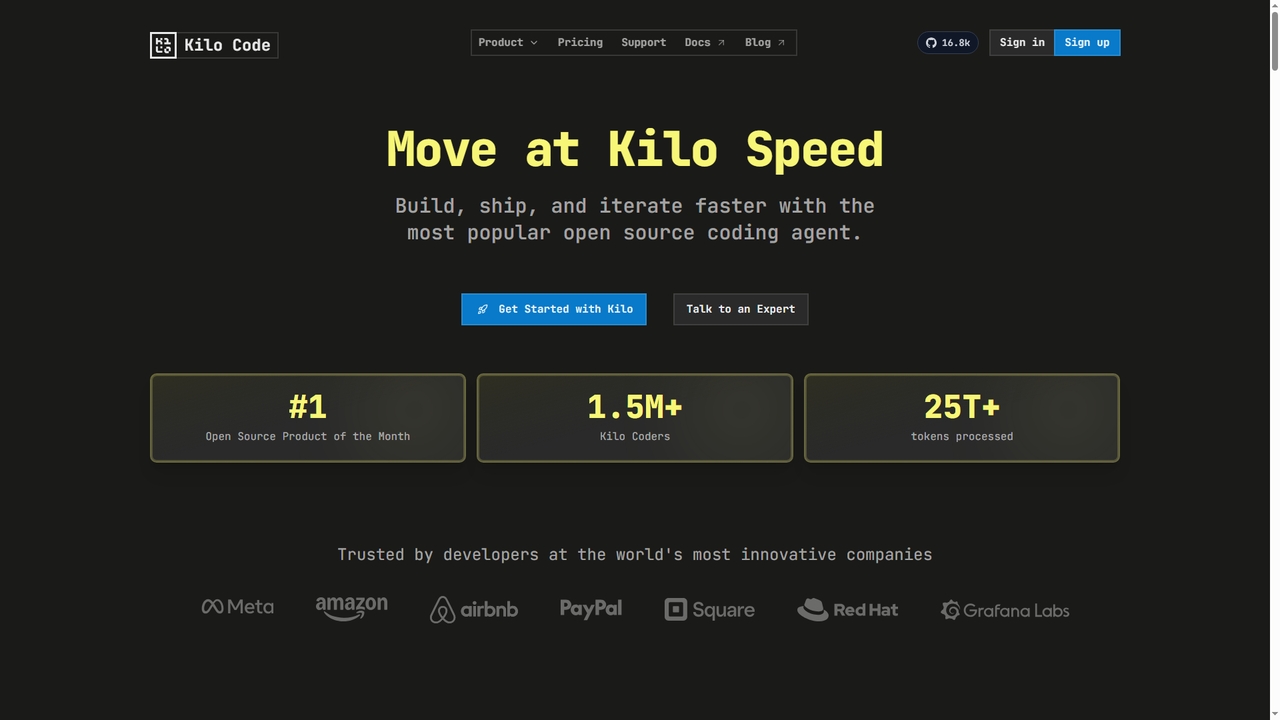
Kilo
Kilo is an open-source, all-in-one AI coding agent and orchestration platform designed to accelerate software development. It integrates seamlessly into your workflow via VS Code, JetBrains IDEs, and the CLI, offering access to 500+ AI models, automated code reviews, cloud agents, and deployment tools—all while emphasizing transparency, control, and developer productivity.
Ai Code Assistant
Latta Comments (0)
Sign in to comment.
Sign inNo comments yet.