

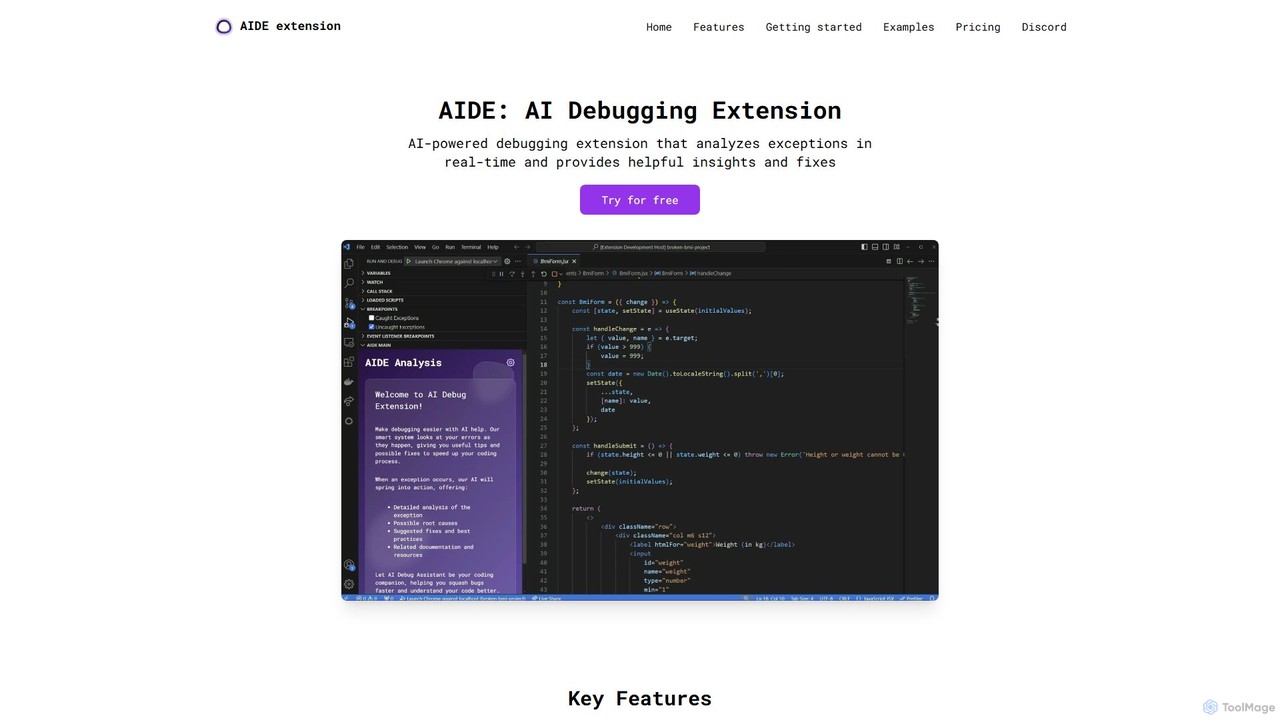
AIDE Overview
AIDE (AI Debug Extension) is a revolutionary tool for developers using Visual Studio Code, designed to transform the often tedious and time-consuming process of debugging. By leveraging the power of artificial intelligence, AIDE acts as an intelligent assistant that lives directly in your editor, providing real-time analysis and solutions for code errors. It significantly reduces the time spent deciphering cryptic error messages and searching for solutions online, allowing developers to maintain focus and momentum.
The extension is built to understand the context of your code. When an error occurs, AIDE doesn't just display the message; it analyzes the stack trace, the problematic code, and the surrounding logic to pinpoint the fundamental root cause. Whether it's an unhandled promise in asynchronous code, a type error in a React component, or an out-of-bounds array access, AIDE provides a clear explanation of what went wrong and why.
How to use AIDE
Using AIDE is designed to be a seamless part of your development workflow. Here’s how to get started:
- Installation: Search for "AIDE: AI Debug Extension" in the Visual Studio Code Marketplace and click install.
- Automatic Analysis: Once installed, AIDE runs in the background. When you run your code and an error is thrown in the terminal or debug console, AIDE automatically intercepts it.
- Receive Insights: AIDE will present a clear, concise analysis of the error. This includes identifying the root cause, such as a missing null check or an improper asynchronous pattern.
- Implement Solutions: Alongside the analysis, AIDE provides a suggested code snippet to fix the issue. You can review the suggestion, understand the logic behind it, and implement it directly into your codebase, often with a single click.
Core Features of AIDE
- AI-Powered Error Analysis: Intelligently parses complex error messages and stack traces to provide human-readable explanations.
- Root Cause Identification: Goes beyond surface-level errors to identify the underlying logical flaw, such as race conditions or improper state management.
- Context-Aware Code Suggestions: Generates precise, ready-to-use code snippets that are tailored to your specific codebase and the error at hand.
- Seamless VS Code Integration: Functions as a native part of the VS Code UI, requiring no external tools or context switching.
- Broad Language Support: Excels in modern web development stacks, including robust support for JavaScript, TypeScript, React, and Node.js.
- Proactive Error Prevention: The solutions provided, such as optional chaining (`?.`) and proper checks, teach developers best practices for writing more resilient and bug-free code from the start.
Use Cases for AIDE
AIDE is valuable in numerous development scenarios:
- Asynchronous JavaScript: Quickly debugs `UnhandledPromiseRejectionWarning` by suggesting `try/catch` blocks or proper promise chaining.
- React Development: Solves common `TypeError` issues by suggesting conditional rendering or optional chaining for props and state that might be undefined during the initial render.
- Data Manipulation: Prevents runtime errors from array or object manipulation by suggesting checks for empty arrays (`if (items.length)`) or null objects before access.
- Onboarding & Learning: Helps junior developers understand common programming errors and learn best practices for error handling in a practical, hands-on way.
- Code Reviews: Can be used as a tool to quickly spot and suggest fixes for potential runtime errors in pull requests.
Advantages of AIDE
Integrating AIDE into your workflow offers significant benefits:
- Massive Productivity Boost: Drastically cuts down debugging time, freeing up developers to focus on building features.
- Improved Code Quality: Encourages the adoption of defensive programming techniques, leading to more robust and stable applications.
- Reduced Cognitive Load: Eliminates the need to jump between the editor, browser, and documentation, allowing for deep, uninterrupted focus.
- Accelerated Learning: Acts as a personal mentor, providing instant feedback and explanations that reinforce programming concepts.
Pricing and Plans
AIDE operates on a freemium model. A generous free tier is available for all users, providing core error analysis and solution suggestions for everyday debugging tasks. For professional developers and teams who require more advanced capabilities, such as deeper project-wide analysis or priority support, premium plans are available. Please check the official AIDE page on the VS Code Marketplace for the most up-to-date pricing information.
AIDE Alternatives
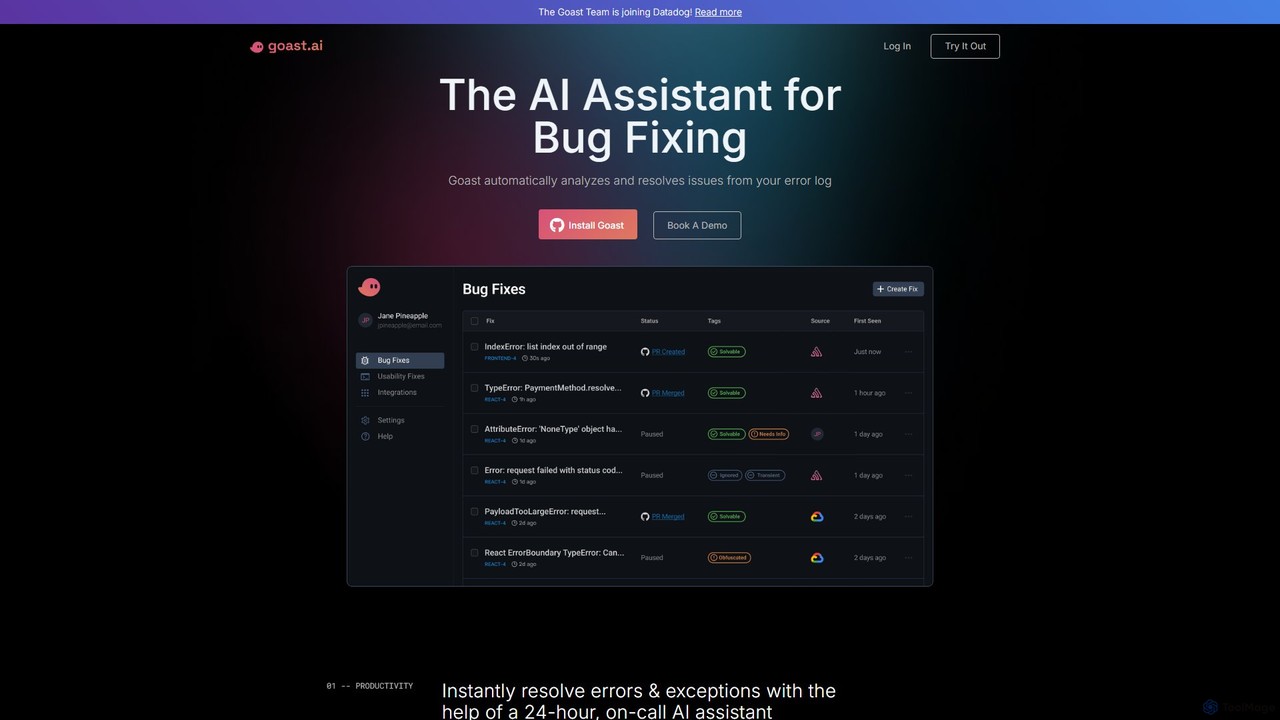
Goast.ai
Goast.ai is an AI-powered assistant designed for engineering teams to automate bug fixing. It analyzes error logs, identifies the root cause, and automatically generates pull requests with code fixes, significantly speeding up the resolution process. NOTE: The Goast.ai team has been acquired by and joined Datadog.
Code Review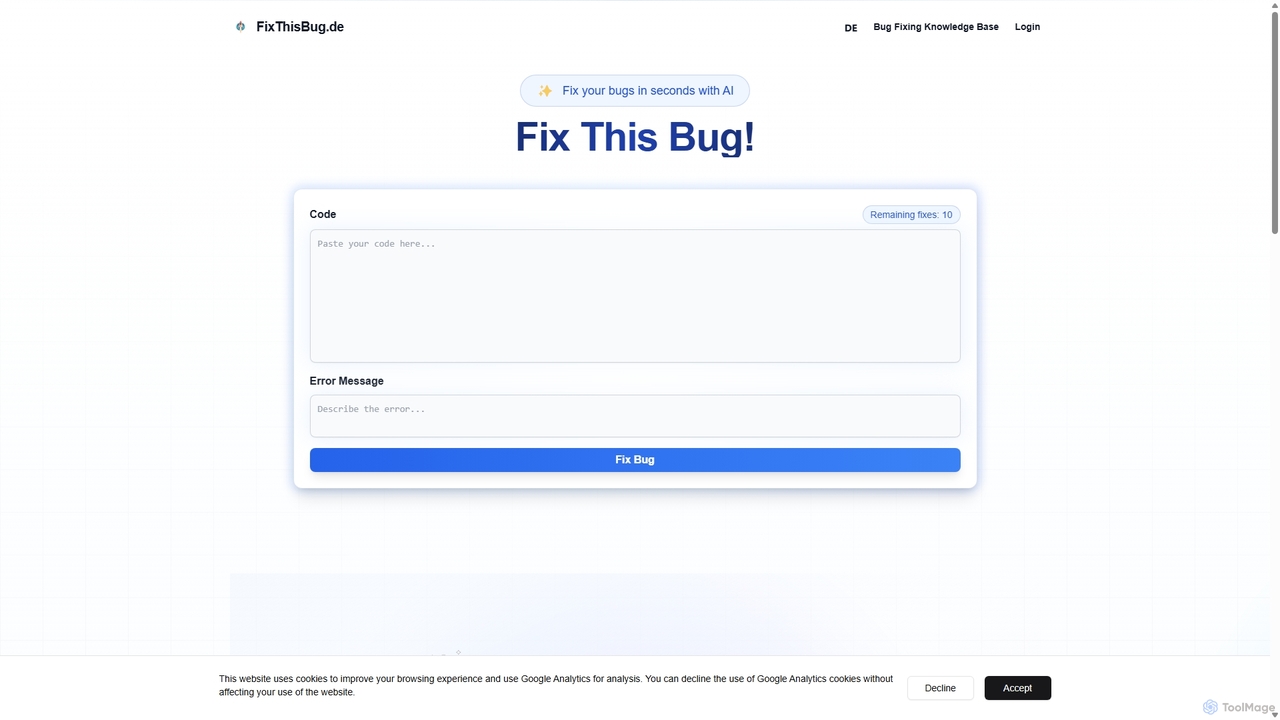
FixThisBug
FixThisBug is an AI-powered debugging assistant for developers. It instantly analyzes your code and error messages to provide accurate fixes and detailed explanations. Supporting all major programming languages, it prioritizes privacy with self-hosted models on German servers, ensuring 100% GDPR compliance. Fix bugs faster and learn as you code.
Code Correction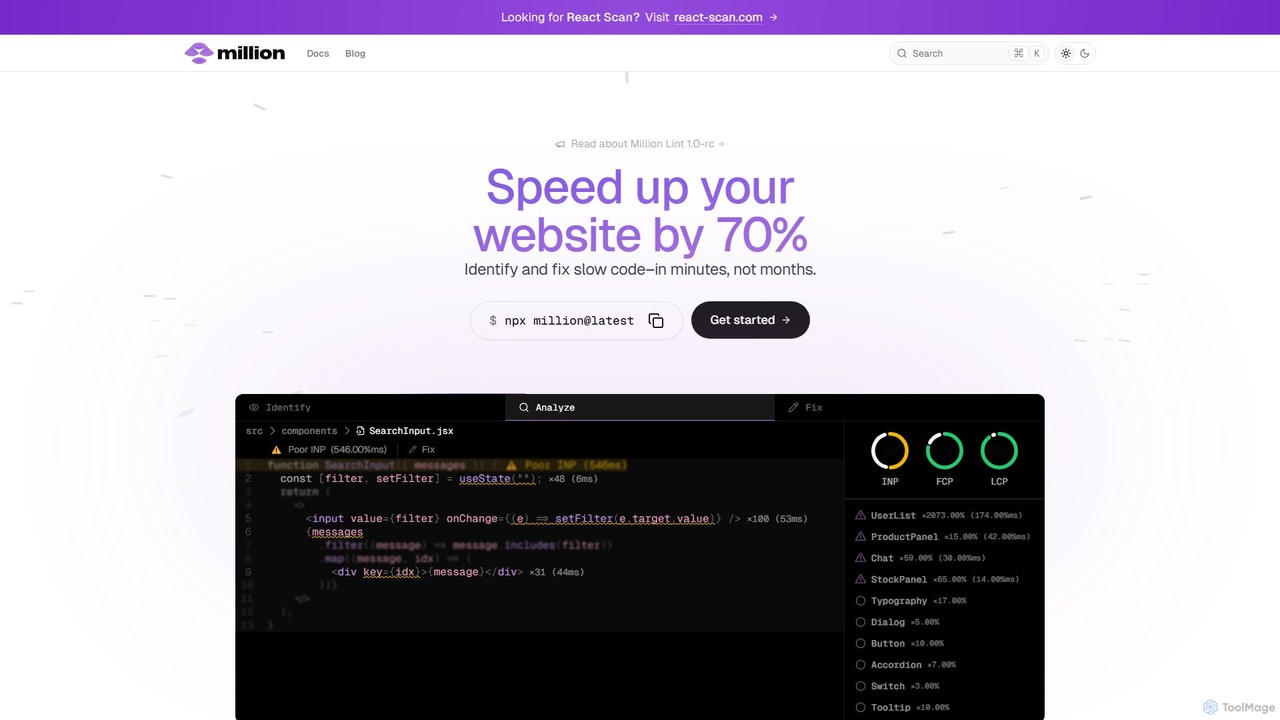
Million
Million is an AI-powered developer tool designed to significantly boost the performance of React websites. It functions as a VSCode extension and compiler, automatically identifying slow code, unnecessary re-renders, and other performance bottlenecks directly within your IDE. Million provides actionable, automated fixes, helping developers optimize their applications by up to 70% in minutes, not months.
Code Assistant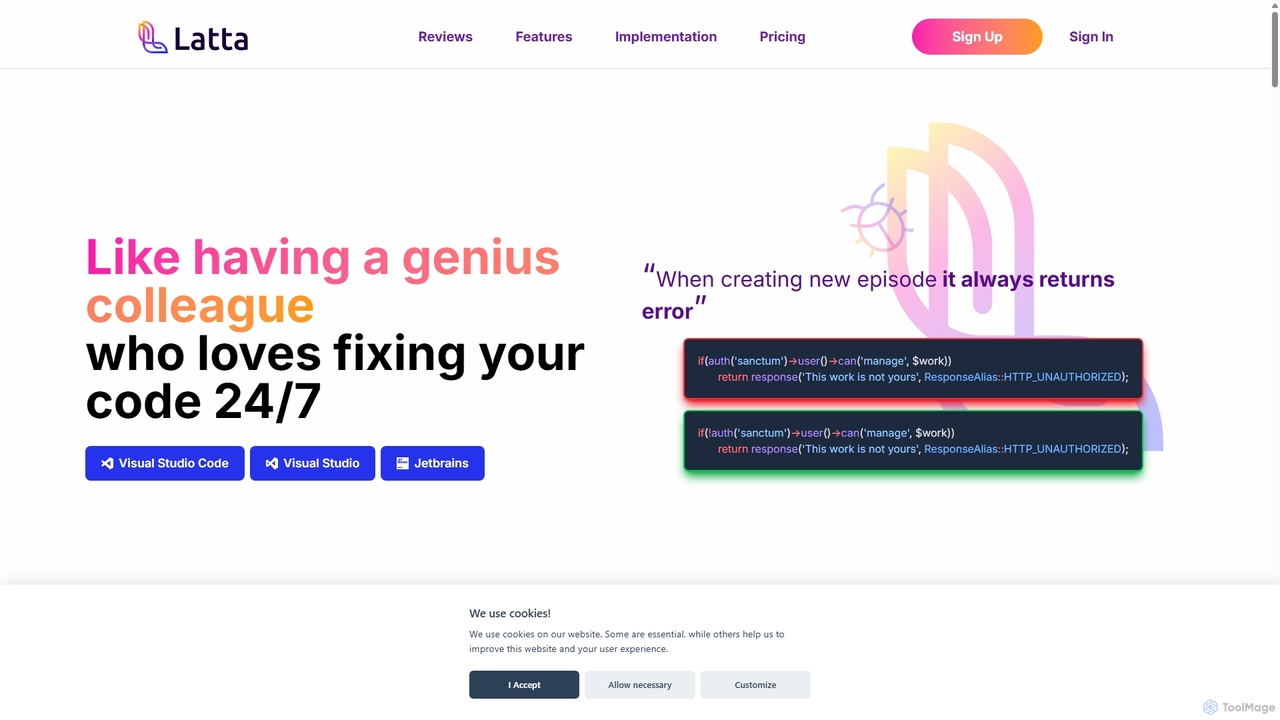
Latta
Latta is an AI-powered coding assistant designed to be your 24/7 genius colleague for debugging. It integrates with popular IDEs like VS Code and JetBrains to find and fix bugs across complex projects. With features like user session replay and Git integration, Latta streamlines bug reporting and resolution, saving developers significant time and effort.
Debugging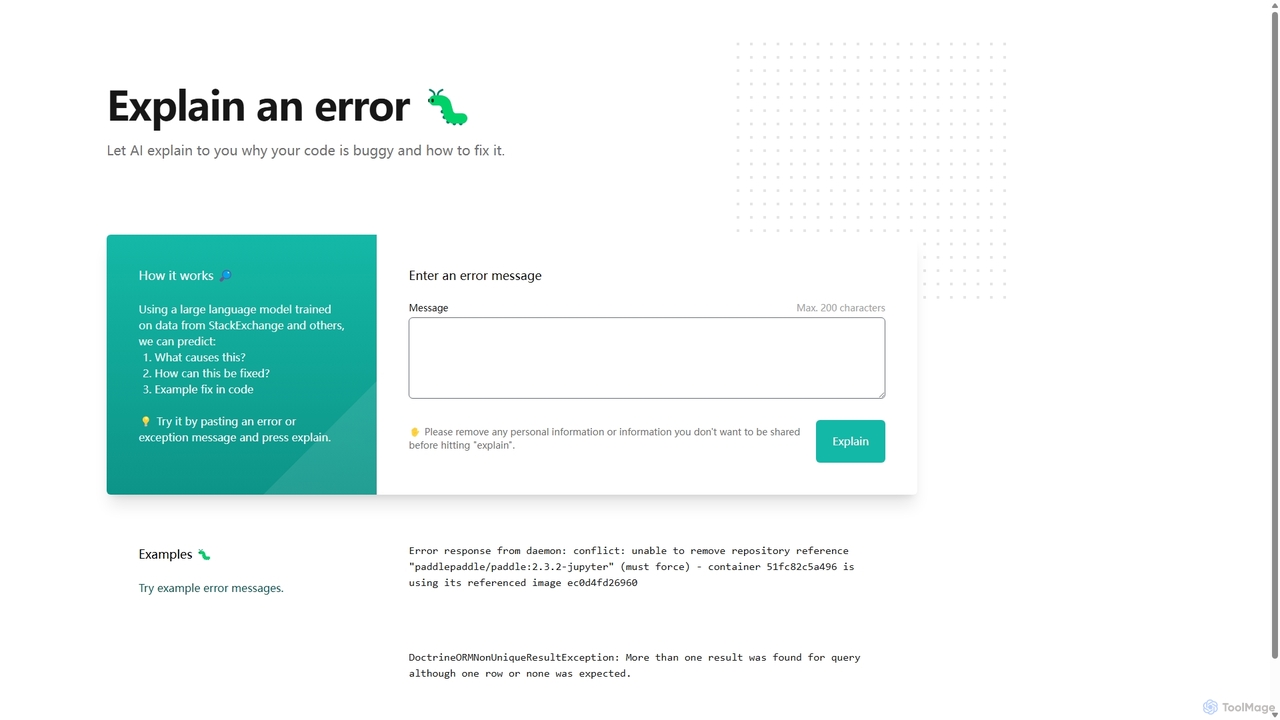
Explain by Whybug
Explain by Whybug is an AI-powered tool for developers that instantly demystifies cryptic code errors. Simply paste your error message, and the AI will provide a clear explanation of the root cause, along with actionable suggestions and code examples to help you fix the bug quickly and efficiently.
DebuggingAIDE Categories
AIDE Embed Widget
Copy this embed code to place the badge on your blog, article, or product site and send readers directly to this ToolMage detail page.

Related AI tools
Million
Million is an AI-powered developer tool designed to significantly boost the performance of React websites. It functions as a VSCode extension and compiler, automatically identifying slow code, unnecessary re-renders, and other performance bottlenecks directly within your IDE. Million provides actionable, automated fixes, helping developers optimize their applications by up to 70% in minutes, not months.
Code Assistant
reactgpt
reactgpt is an AI-powered code assistant specifically designed for the React ecosystem. It accelerates frontend development by generating high-quality React components, hooks, and functions from natural language prompts. The tool helps developers write cleaner code, debug faster, and streamline their workflow, from rapid prototyping to production-ready applications. It's the ultimate productivity tool for any React developer.
Code AssistantGoast.ai
Goast.ai is an AI-powered assistant designed for engineering teams to automate bug fixing. It analyzes error logs, identifies the root cause, and automatically generates pull requests with code fixes, significantly speeding up the resolution process. NOTE: The Goast.ai team has been acquired by and joined Datadog.
Code ReviewFixThisBug
FixThisBug is an AI-powered debugging assistant for developers. It instantly analyzes your code and error messages to provide accurate fixes and detailed explanations. Supporting all major programming languages, it prioritizes privacy with self-hosted models on German servers, ensuring 100% GDPR compliance. Fix bugs faster and learn as you code.
Code Correction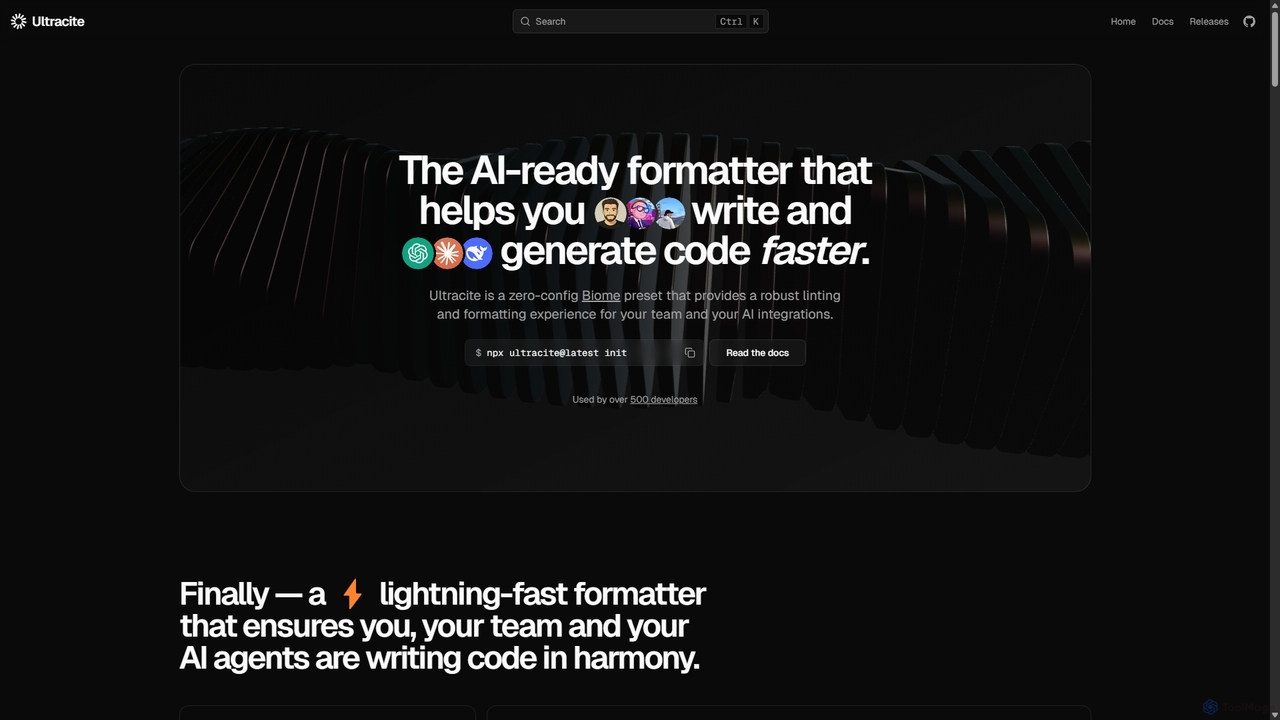
Ultracite
Ultracite is a lightning-fast, zero-config code formatter and linter built on Biome. It's designed to ensure consistent code style for both human developers and AI agents, automating formatting, fixing issues on save, and enforcing best practices for modern TypeScript, React, and Next.js projects.
Code Quality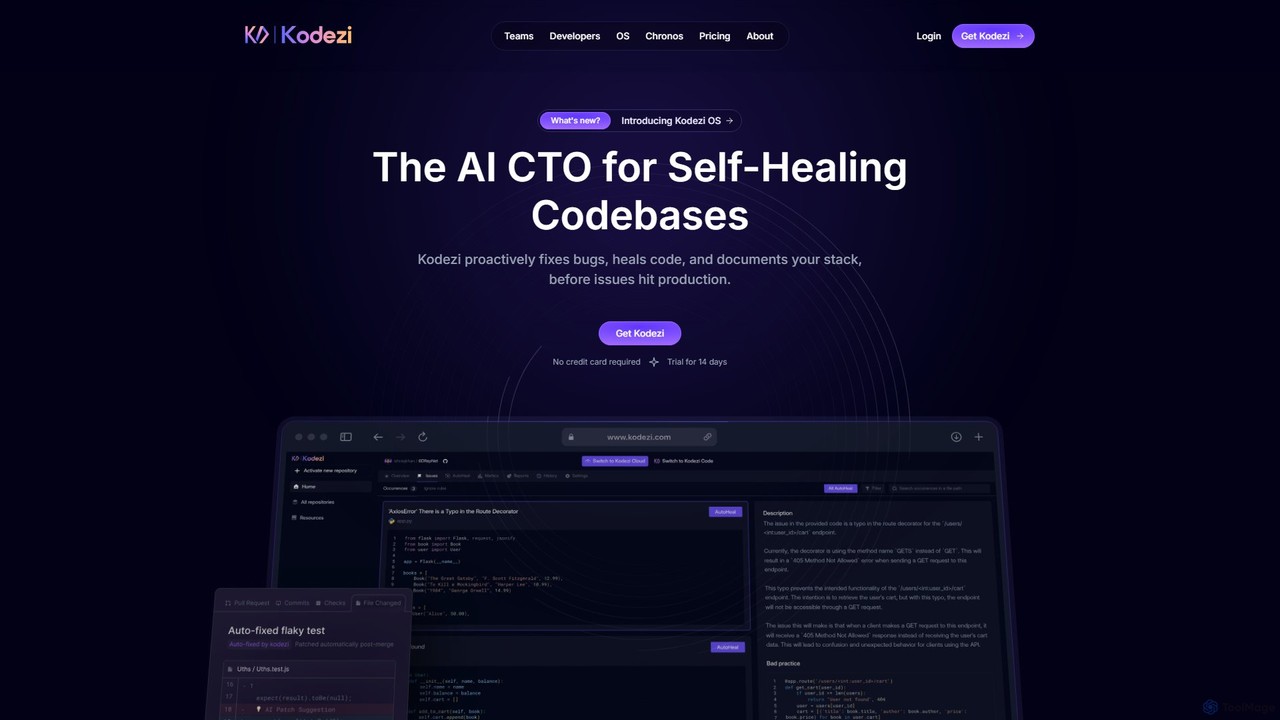
Kodezi
Kodezi is an AI-powered developer platform that acts as an AI CTO for your codebase. It autonomously fixes bugs, refines code, detects vulnerabilities, and automates documentation, integrating seamlessly into your development workflow to enhance productivity and code quality.
Code Assistant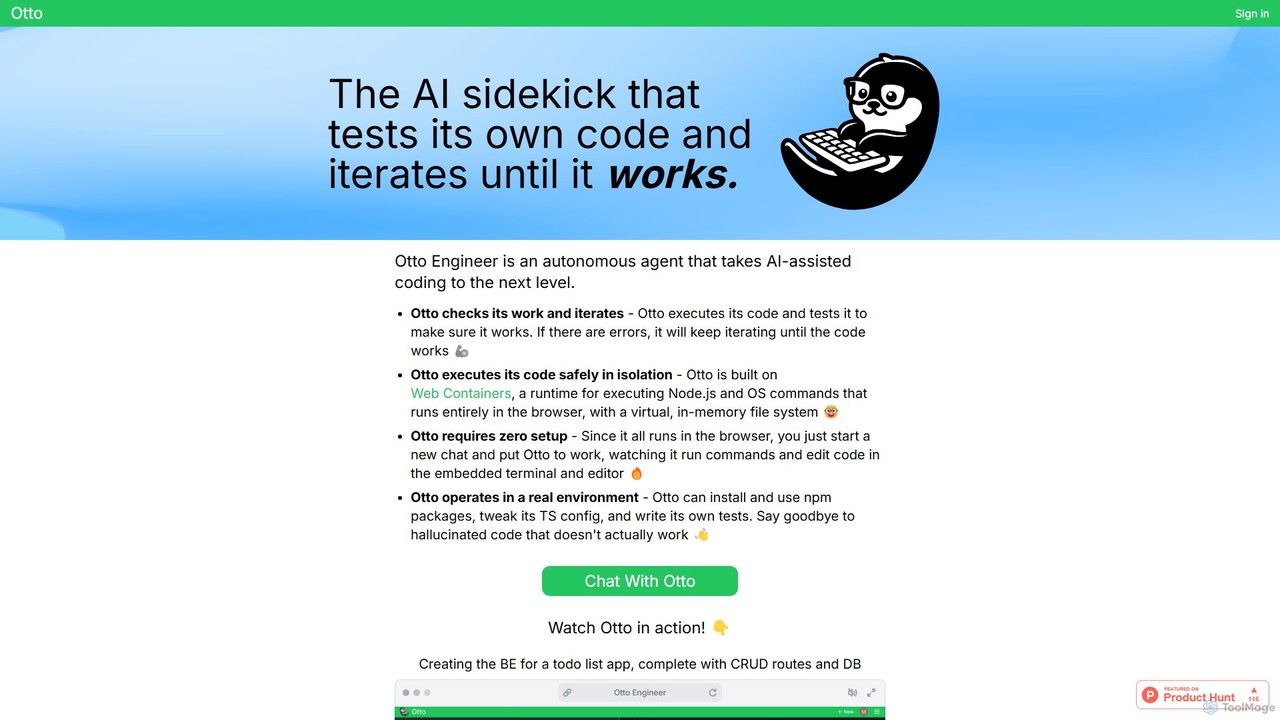
Otto Engineer
Otto Engineer is an autonomous AI agent that elevates coding by writing, testing, and iterating on code directly in your browser. It operates in a secure, sandboxed environment, requiring zero setup to prototype applications, debug complex issues, and generate reliable, working code.
Code Assistant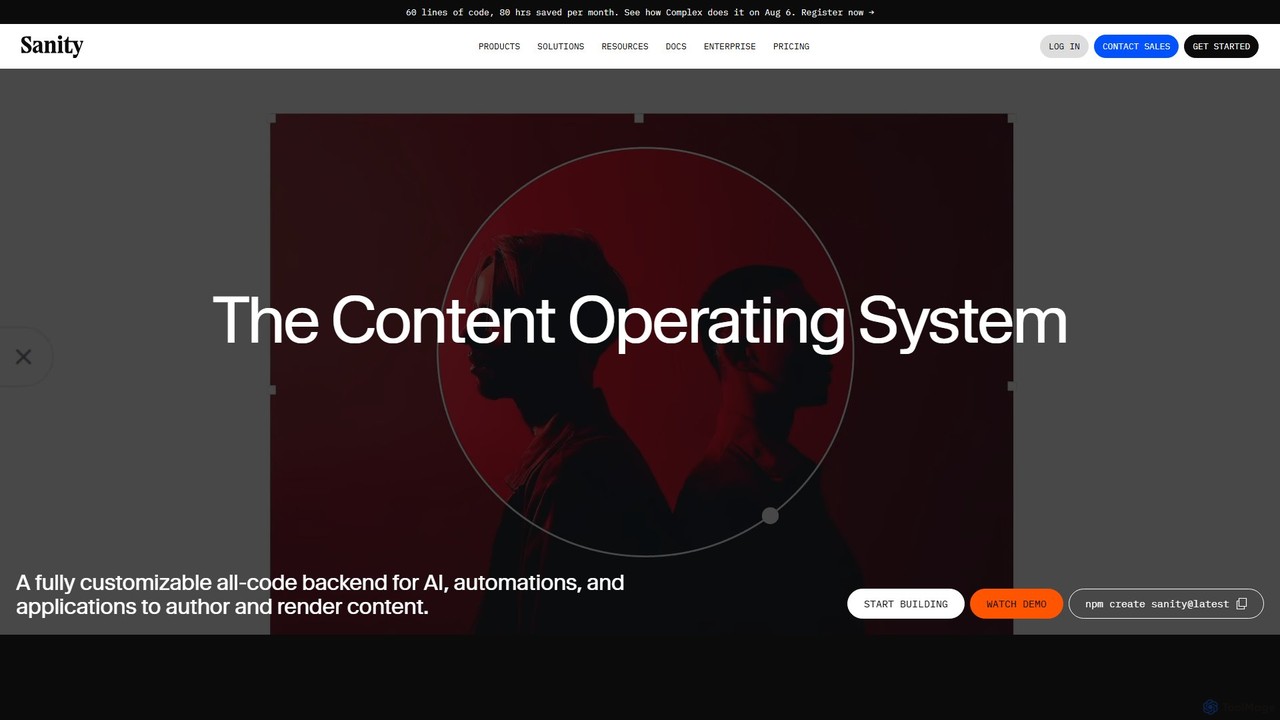
Sanity
Sanity is a composable content platform, often called a "Content Operating System," designed for developers and content creators. It provides a customizable, real-time backend with a powerful query language (GROQ), serverless functions, and integrated AI capabilities. It enables teams to build scalable, content-driven experiences for any channel, from websites to AI applications.
Headless Cms
Codeium
Codeium is a free, AI-powered toolkit for developers, offering lightning-fast code completion and an in-editor chat assistant. As a leading alternative to GitHub Copilot, it supports over 70 languages and integrates with more than 40 IDEs to accelerate software development.
Code Generation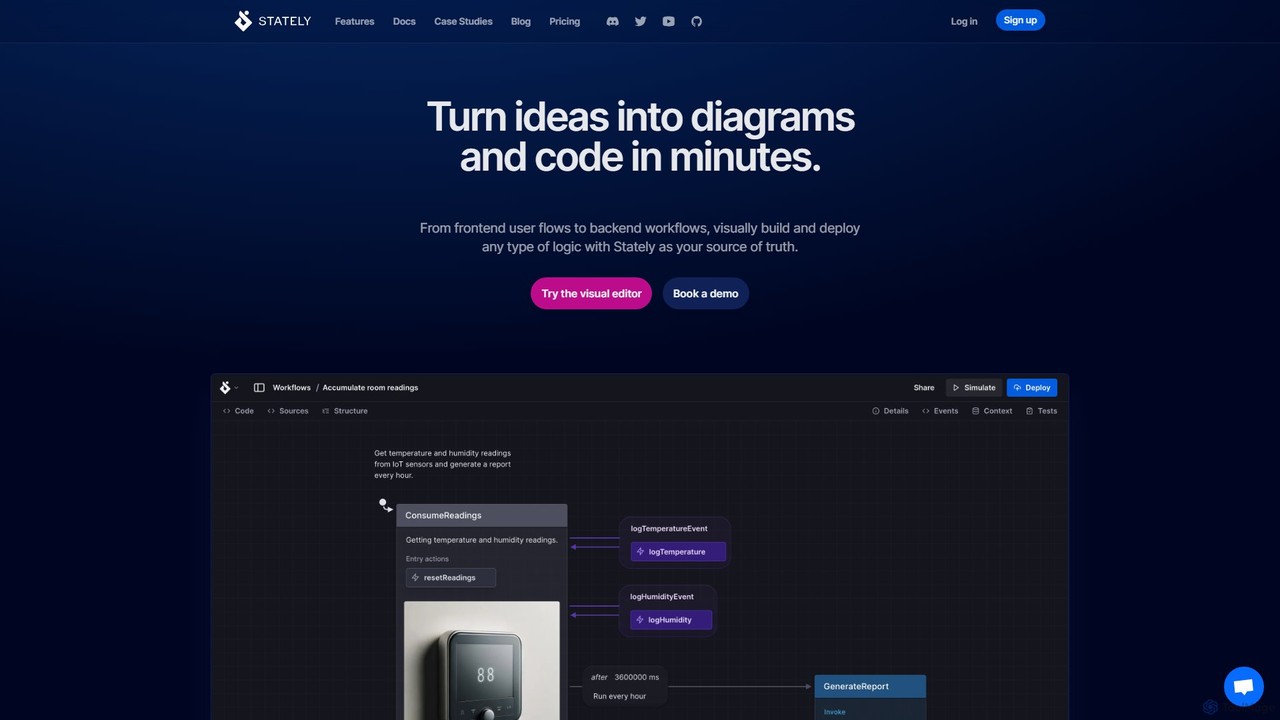
Stately
Stately is an intelligent platform for visually building, testing, and deploying complex application logic. Using state machines and statecharts, it enables teams to turn ideas into executable diagrams and code, with AI assistance for scaffolding, test generation, and more. It bridges the gap between design and development.
Debugging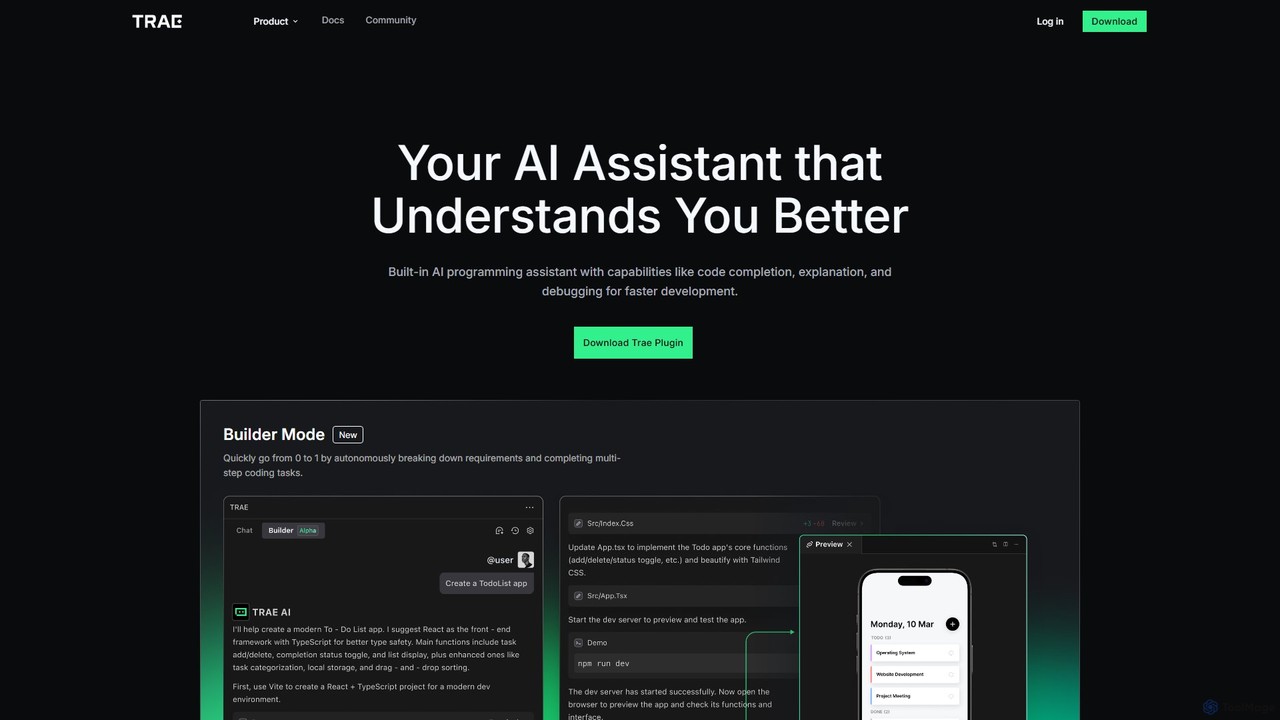
MarsCode Trae
MarsCode Trae is an intelligent AI coding assistant plugin for VSCode and JetBrains IDEs. It enhances developer productivity with features like autonomous task completion, advanced code completion, one-click debugging, unit test generation, and in-depth code explanation, supporting over 100 programming languages.
Code Generation
All Hands AI (OpenHands)
All Hands AI (OpenHands) is a leading open-source AI coding agent designed to automate software development. It helps engineers with tasks like code reviews, refactoring, bug fixing, and test generation. Available as a flexible SaaS, self-hosted, or open-source solution, it integrates with tools like GitHub and GitLab to accelerate development cycles and improve code quality.
Code Generation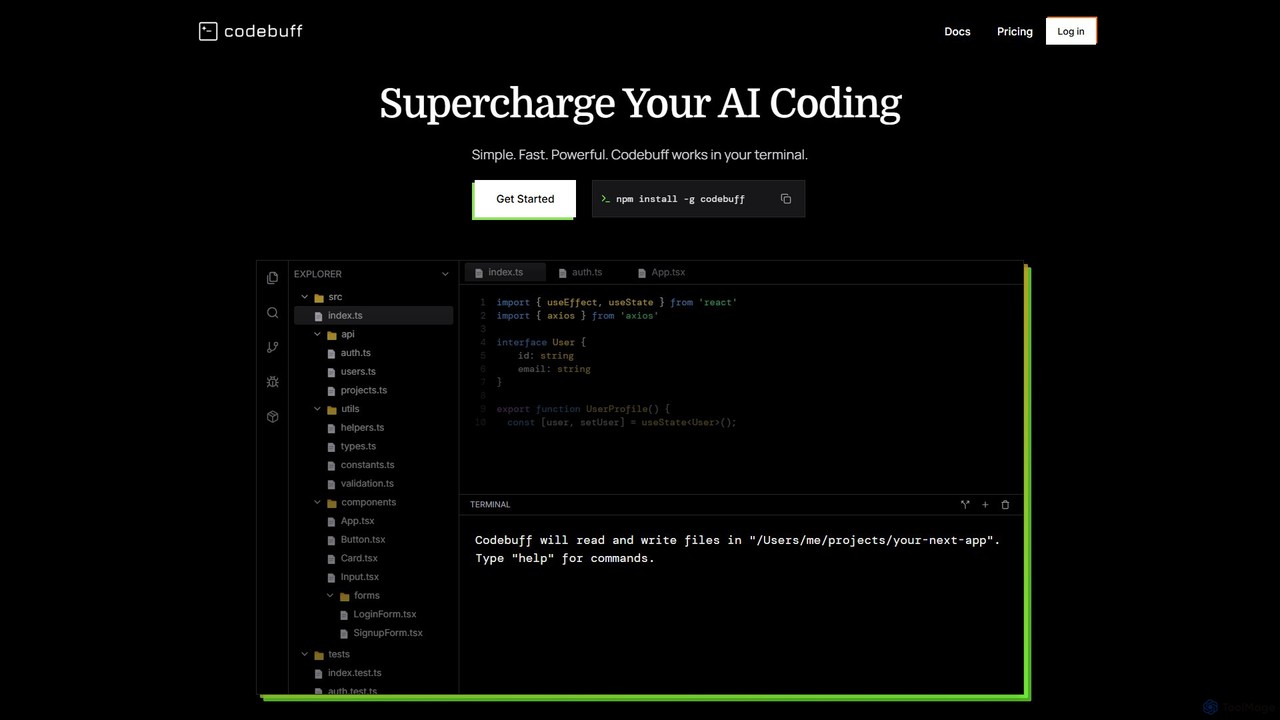
Codebuff
Codebuff is a powerful AI coding assistant that operates directly in your terminal. It deeply understands your entire codebase, enabling it to perform complex tasks like surgical code edits, feature implementation, and large-scale refactoring with unparalleled speed and accuracy. It learns from your project context and integrates seamlessly into any tech stack.
Code Generation
Sweep
Sweep is an AI-powered developer assistant designed as a plugin for JetBrains IDEs. It enhances coding productivity with intelligent 'next-edit' autocomplete and an AI agent that understands your entire codebase to handle complex, multi-file changes, run tests, and fix bugs. Sweep prioritizes privacy with a zero data retention policy and offers on-premise deployment for enterprises.
Code Generation
Fitten Code
Fitten Code is a next-generation AI programming assistant designed to accelerate software development. It offers ultra-fast code completion, intelligent Q&A, automated unit test generation, and code optimization. Built by a Tsinghua PhD team, it supports major IDEs and languages, significantly boosting developer productivity while ensuring data privacy.
Code Generation
AIDE Comments (0)
Sign in to comment.
Sign inNo comments yet.