

Million Overview
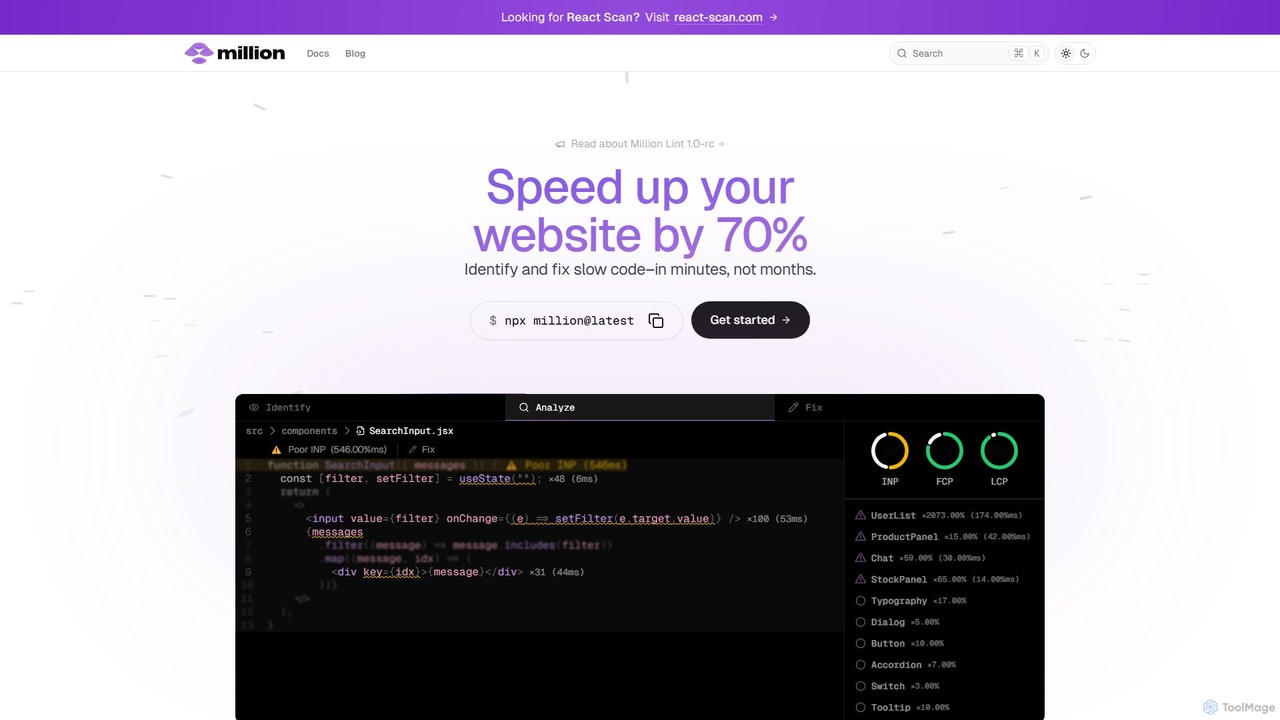
Million is a comprehensive performance optimization toolchain for modern React applications. It aims to eliminate the complexity and time-consuming nature of traditional performance profiling. Instead of forcing developers to decipher complex flamegraphs, Million integrates directly into the development environment (via a VSCode extension called Million Lint) to provide real-time, actionable insights. It automatically detects performance issues like slow components, excessive re-renders, and input lag, then suggests and often automates the fix, much like a linter for performance.
The core philosophy of Million is 'Profile-guided optimization' (PGO). Unlike static analysis tools such as the React Compiler, which can only optimize based on code structure, Million instruments the code to collect runtime performance data. This allows it to understand the actual behavior of the application and identify optimization opportunities that static analysis would miss. It's like having an expert performance engineer constantly reviewing your code as you write it. The tool is incredibly lightweight, adding less than 4kB (gzipped) to your bundle and consuming minimal JS execution time, making it safe for both development and production environments.
How to use Million
Getting started with Million is designed to be quick and seamless, integrating into your existing React project in minutes. The primary method is through a simple command-line interface.
- Automatic Installation: Open your terminal in the root of your React project (Next.js, Vite, Create React App, etc.) and run the command:
npx million@latest. - Setup Wizard: The installer will guide you through the process, which includes installing the
@million/lintpackage and the companion Million Lint VSCode extension. It automatically configures your build tool (e.g.,next.config.jsorvite.config.js) to work with Million. - Start Developing: Once installed, simply run your development server as usual. Million Lint will now work in the background.
- Identify & Fix: As you navigate and interact with your application, Million Lint analyzes component rendering performance. It will highlight slow components and performance bottlenecks directly in your VSCode editor, next to the relevant lines of code. It provides clear explanations of the issue and often offers a one-click 'quick fix' to apply the optimization.
Core Features of Million
- Automatic Performance Issue Detection: Proactively finds the slowest components and performance hogs in your application without manual profiling.
- In-IDE Analysis and Fixing: Displays performance metrics and actionable suggestions directly within VSCode, turning performance optimization into a seamless part of the development workflow.
- AI-Powered Code Suggestions: Uses a combination of runtime data and language models to generate precise code fixes for complex issues like input lag, inefficient state management, and unnecessary re-renders.
- Event Replay: A powerful debugging feature that allows you to record and replay user interactions to consistently reproduce and investigate performance issues.
- Optimizing Compiler (Million.js): A separate but integrated compiler that can automatically optimize DOM-heavy operations, delivering performance gains of up to 70%.
- Extremely Lightweight: The runtime script is less than 4kB gzipped and has a negligible performance overhead (
- Production Observability (Upcoming): Future capabilities will allow you to collect performance data from your live production application and see the insights directly in your IDE.
Use Cases for Million
Million is invaluable for any developer or team building with React, especially for complex, data-driven applications.
- E-commerce Sites: Optimizing product grids, search filters, and checkout forms to improve user experience and conversion rates.
- Dashboards and Data Visualization: Speeding up applications that render large datasets, charts, and tables, preventing UI lag.
- Social Media & Content Platforms: Ensuring smooth scrolling and interaction in feeds with many components.
- SaaS Applications: Improving the responsiveness of complex user interfaces with heavy state management (e.g., using Redux, MobX, or Context API).
- Improving Core Web Vitals: Directly addressing issues that cause poor Interaction to Next Paint (INP), First Contentful Paint (FCP), and Largest Contentful Paint (LCP) scores.
Advantages of Million
Million offers a significant advantage over traditional performance tools and workflows.
- Simplicity and Accessibility: It abstracts away the complexity of profilers and flamegraphs, making performance optimization accessible to all developers, not just experts.
- Proactive, Not Reactive: It finds issues as you code, preventing performance regressions from ever reaching production.
- Contextual and Actionable: By showing issues directly in the IDE, it provides the right information at the right time, enabling developers to fix problems in minutes.
- Runtime-Aware Intelligence: Its Profile-guided optimization (PGO) approach provides more effective and creative solutions than purely static analysis tools.
- Holistic Toolchain: Combining a linter (Million Lint) and a compiler (Million.js), it offers a multi-layered approach to performance.
Pricing and Plans
Million operates on a freemium model, making it accessible for projects of all sizes. Developers can start using the tool with a Free account, which includes the core features for individual use. For teams and companies that require more advanced capabilities, collaboration features, and dedicated support, Million offers custom Enterprise plans. To learn more about Enterprise pricing and features, you can contact their sales team directly through the official website.
Traffic
Latest traffic
Status
Monthly traffic trend
- 2025-9: 29.9K
- 2026-1: 19.0K
- 2026-2: 19.0K
- 2026-3: 16.8K
- 2026-4: 12.8K
- 2026-5: 22.9K
Geography
Top 5 countries / regions
- 🇺🇸United States39.5%
- 🇮🇳India29.8%
- 🇫🇷France14.5%
- 🇧🇷Brazil8.4%
- 🇲🇾Malaysia7.8%
Traffic sources
| Source type | Percentage |
|---|---|
Direct | 87.1% |
Referral | 12.9% |
Top keywords
| Keyword | Cost per click |
|---|---|
| million | $2.32 |
| million js | $0.00 |
| million.js | $0.00 |
| millionjs | $0.00 |
| million react | $0.00 |
Million Videos on YouTube


The Calum Johnson Show




Million Alternatives
Otto Engineer
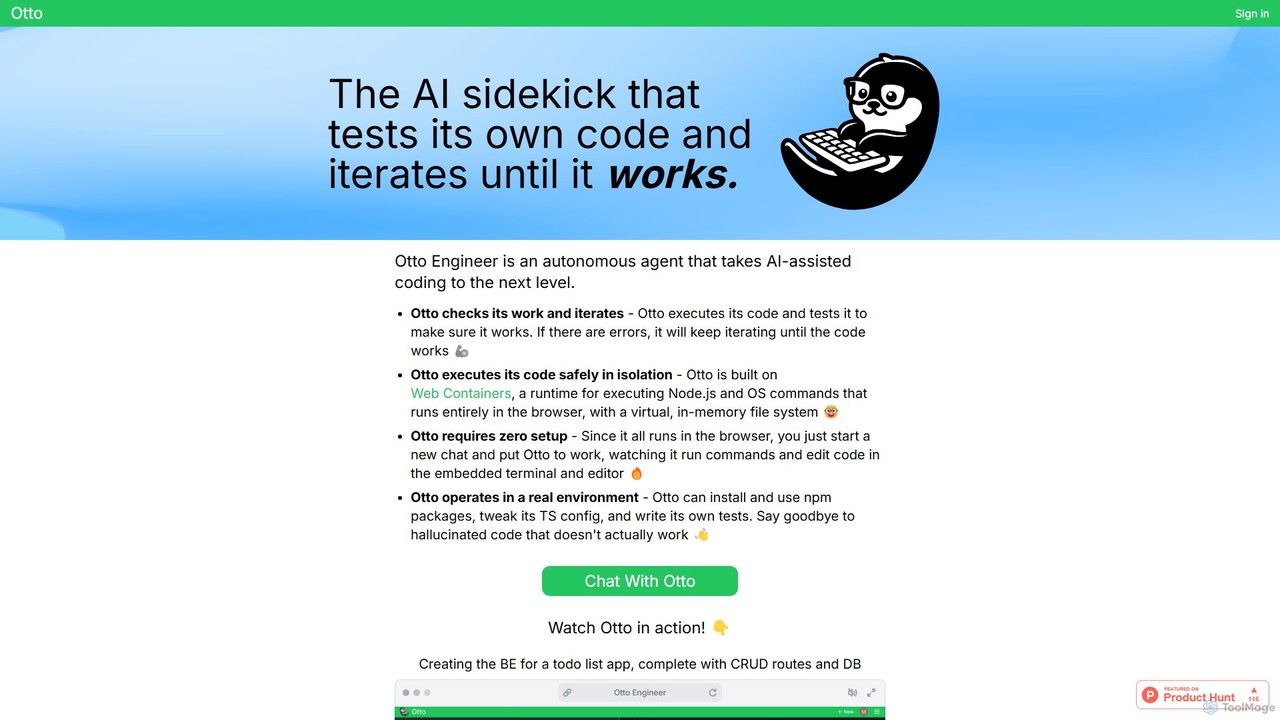
Otto Engineer is an autonomous AI agent that elevates coding by writing, testing, and iterating on code directly in your browser. It operates in a secure, sandboxed environment, requiring zero setup to prototype applications, debug complex issues, and generate reliable, working code.
Code Assistant
Neurolint
Neurolint is a free CLI tool that automatically detects and fixes bugs in React & Next.js codebases. It uses a deterministic, rule-based 7-layer architecture, not AI, to provide precise fixes for issues like hydration errors, accessibility problems, and performance bottlenecks, ensuring your code remains valid and production-ready.
Code Assistant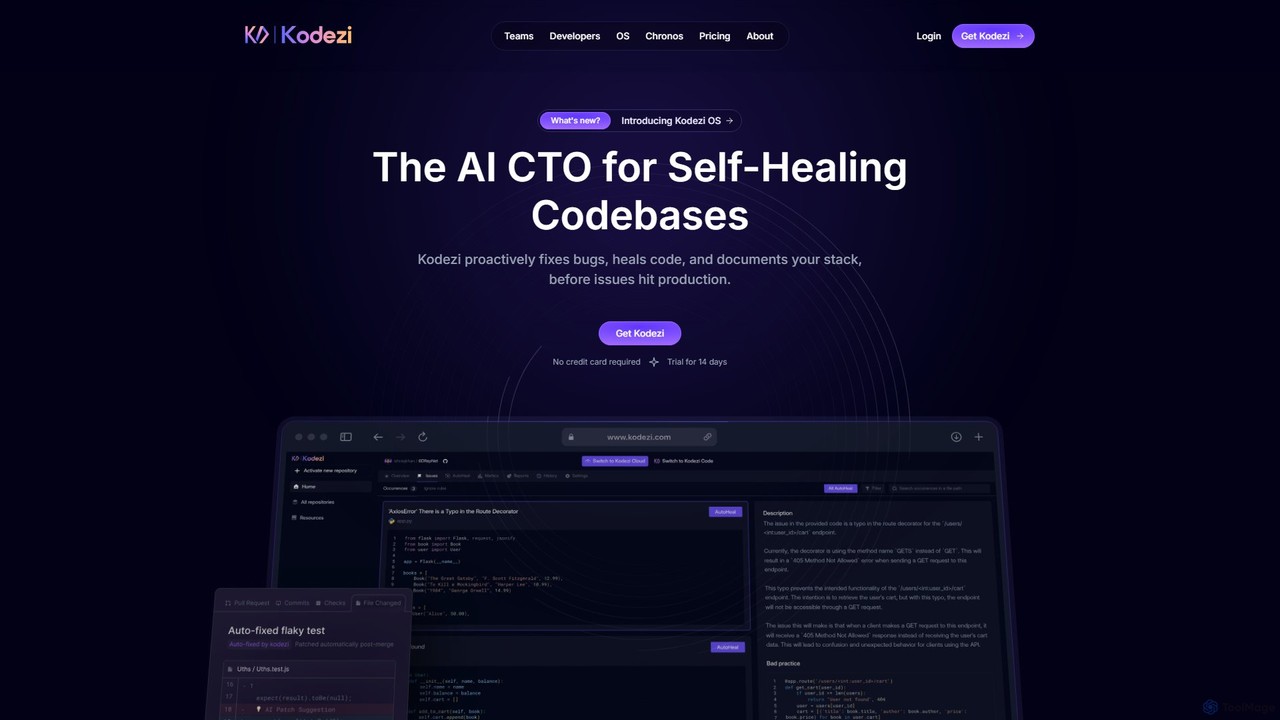
Kodezi
Kodezi is an AI-powered developer platform that acts as an AI CTO for your codebase. It autonomously fixes bugs, refines code, detects vulnerabilities, and automates documentation, integrating seamlessly into your development workflow to enhance productivity and code quality.
Code Assistant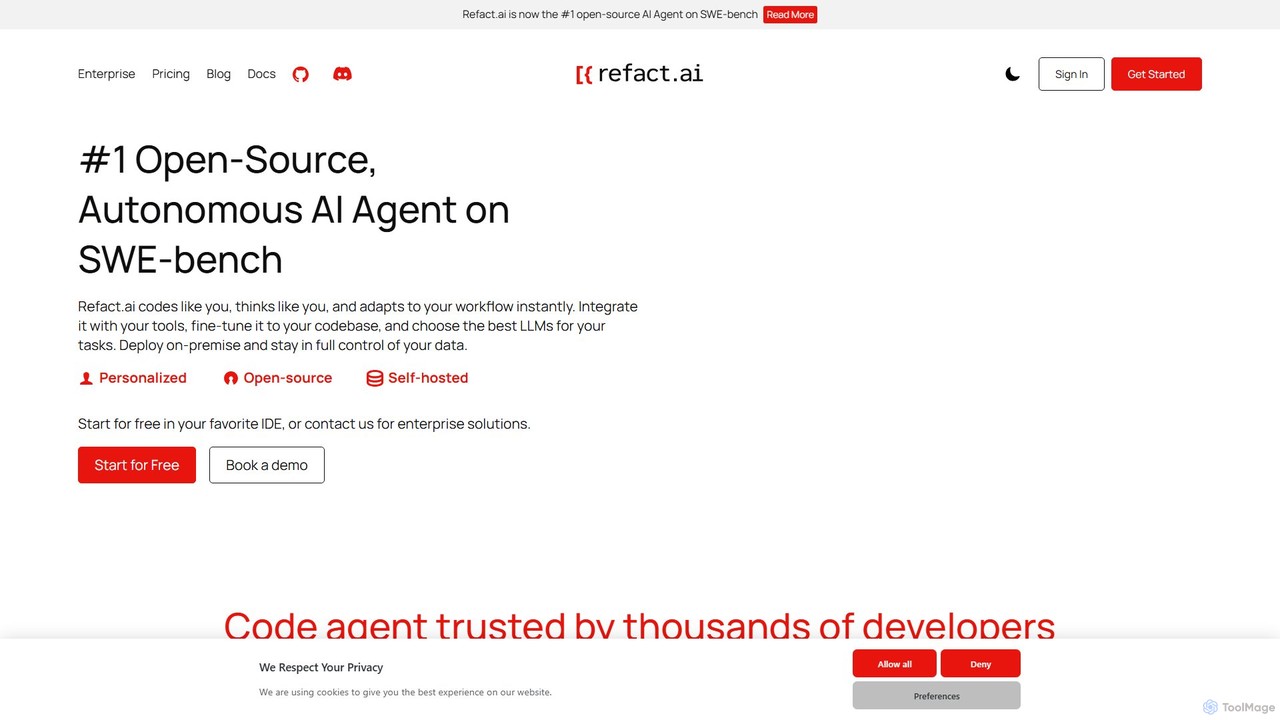
Refact
Refact is an open-source, self-hostable, and autonomous AI coding agent. It integrates into your IDE to act as a digital twin, automating coding tasks, providing context-aware completions and chat, and adapting to your codebase for maximum productivity and data privacy.
Code Assistant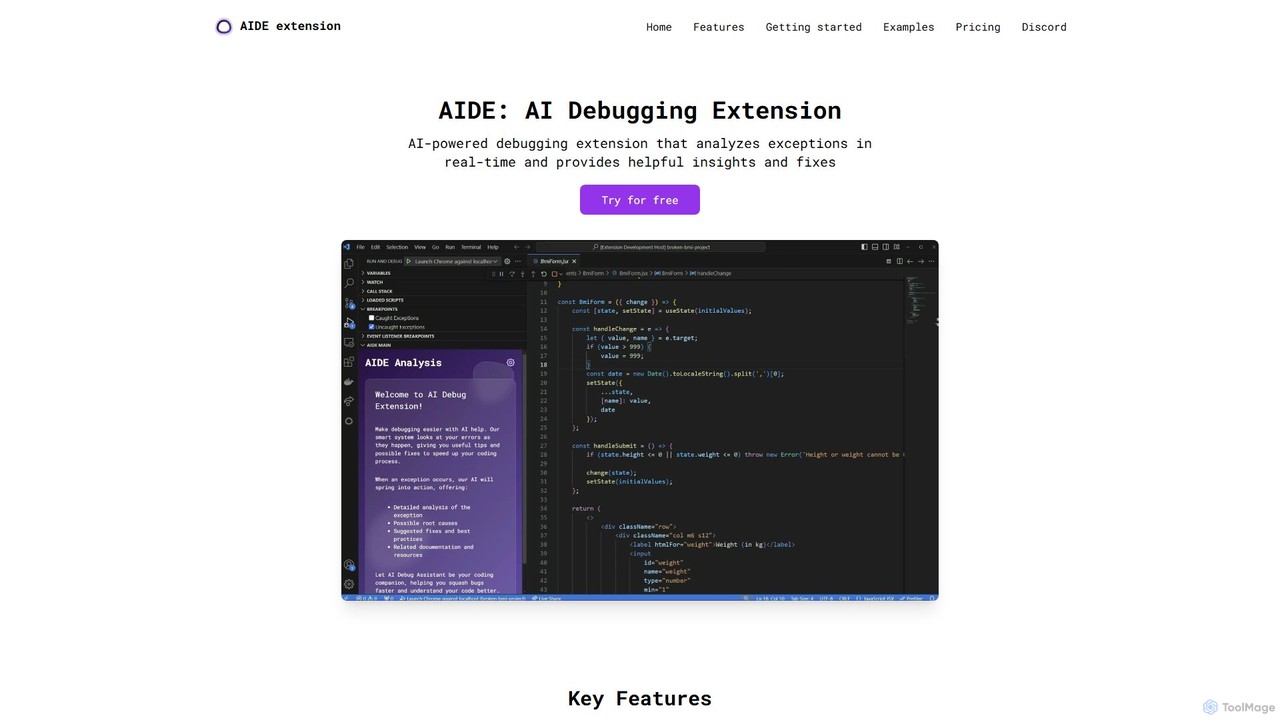
AIDE
AIDE is an AI-powered debugging extension for VS Code that automatically analyzes errors, identifies their root causes, and suggests concrete code solutions. It streamlines the development workflow by providing instant, context-aware fixes for common issues in JavaScript, React, and more, directly within your editor.
Code QualityMillion Categories
Million Embed Widget
Copy this embed code to place the badge on your blog, article, or product site and send readers directly to this ToolMage detail page.

Related AI tools
AIDE
AIDE is an AI-powered debugging extension for VS Code that automatically analyzes errors, identifies their root causes, and suggests concrete code solutions. It streamlines the development workflow by providing instant, context-aware fixes for common issues in JavaScript, React, and more, directly within your editor.
Code Quality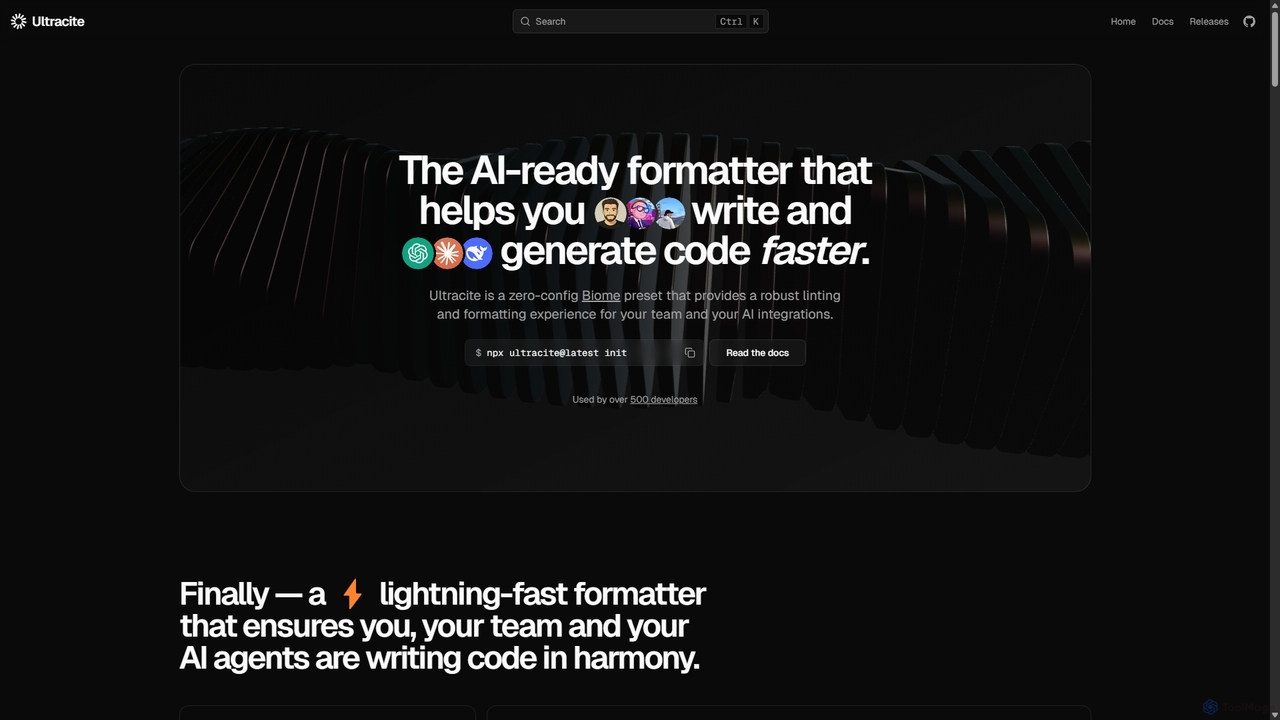
Ultracite
Ultracite is a lightning-fast, zero-config code formatter and linter built on Biome. It's designed to ensure consistent code style for both human developers and AI agents, automating formatting, fixing issues on save, and enforcing best practices for modern TypeScript, React, and Next.js projects.
Code Quality
reactgpt
reactgpt is an AI-powered code assistant specifically designed for the React ecosystem. It accelerates frontend development by generating high-quality React components, hooks, and functions from natural language prompts. The tool helps developers write cleaner code, debug faster, and streamline their workflow, from rapid prototyping to production-ready applications. It's the ultimate productivity tool for any React developer.
Code AssistantOtto Engineer
Otto Engineer is an autonomous AI agent that elevates coding by writing, testing, and iterating on code directly in your browser. It operates in a secure, sandboxed environment, requiring zero setup to prototype applications, debug complex issues, and generate reliable, working code.
Code AssistantNeurolint
Neurolint is a free CLI tool that automatically detects and fixes bugs in React & Next.js codebases. It uses a deterministic, rule-based 7-layer architecture, not AI, to provide precise fixes for issues like hydration errors, accessibility problems, and performance bottlenecks, ensuring your code remains valid and production-ready.
Code Assistant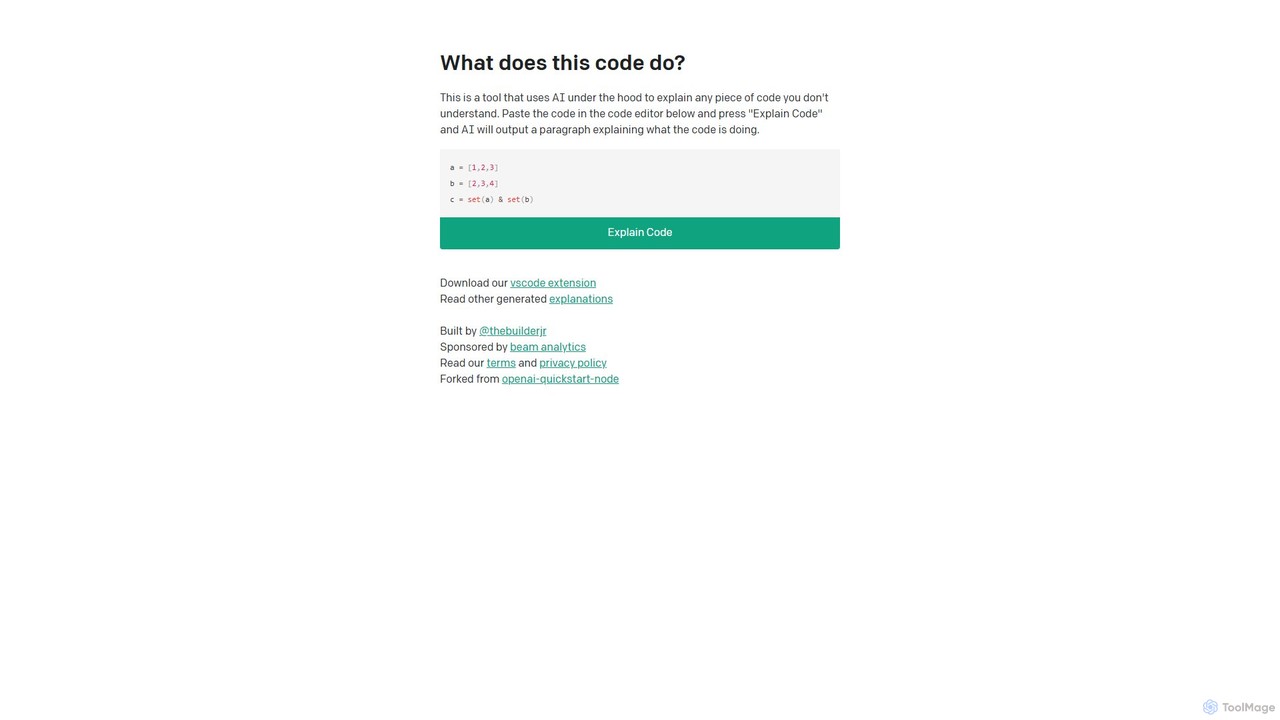
WhatDoesThisCodeDo
An AI-powered tool that explains any piece of code in plain English. Simply paste your code to get a clear, concise explanation of its functionality. It supports numerous programming languages and offers a VSCode extension for seamless integration.
Code Assistant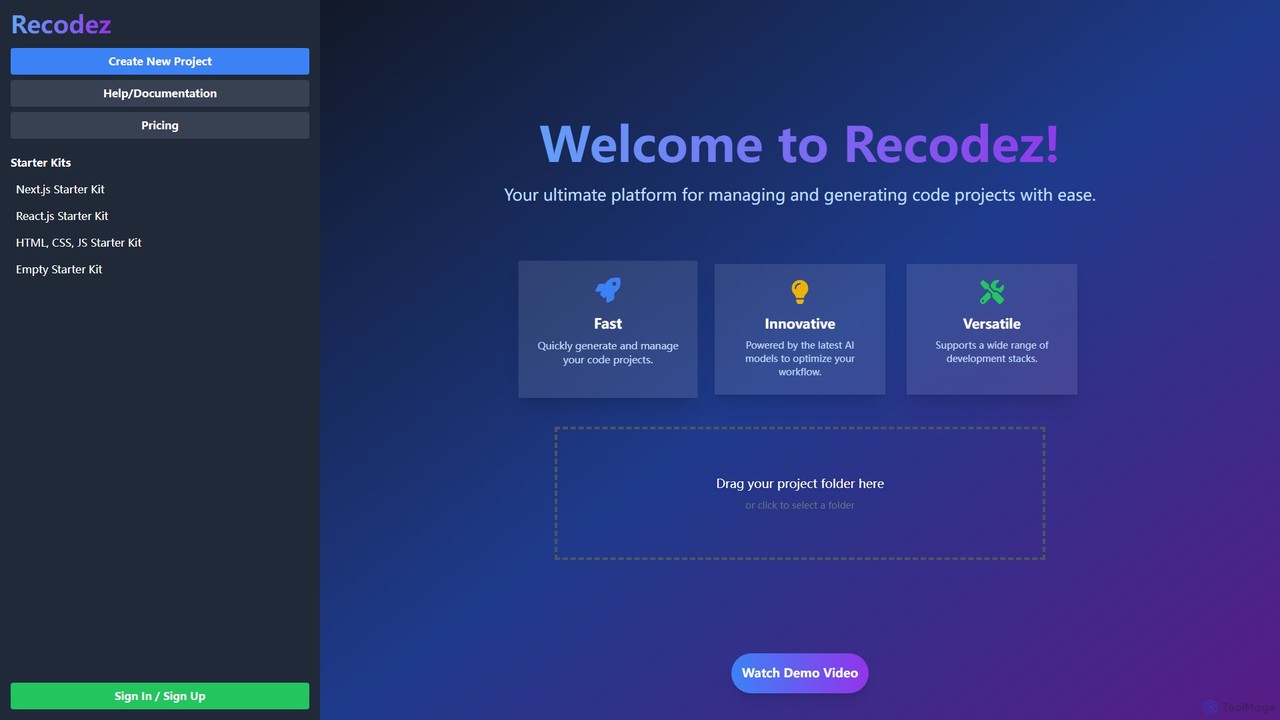
Recodez
Recodez is an AI-powered platform designed to streamline software development. It enables developers to generate, manage, and refactor code projects with ease, supporting various frameworks like Next.js and React. By leveraging advanced AI models, Recodez accelerates the entire development lifecycle, from project scaffolding to code optimization.
Code Assistant
Superflex
Superflex is an AI-powered tool that transforms Figma designs, images, and text prompts into production-ready front-end code in seconds. It accelerates development by analyzing your existing codebase to reuse UI components and adapting to your unique coding style. Ideal for developers and teams looking to boost productivity and bridge the gap between design and implementation.
Design To Code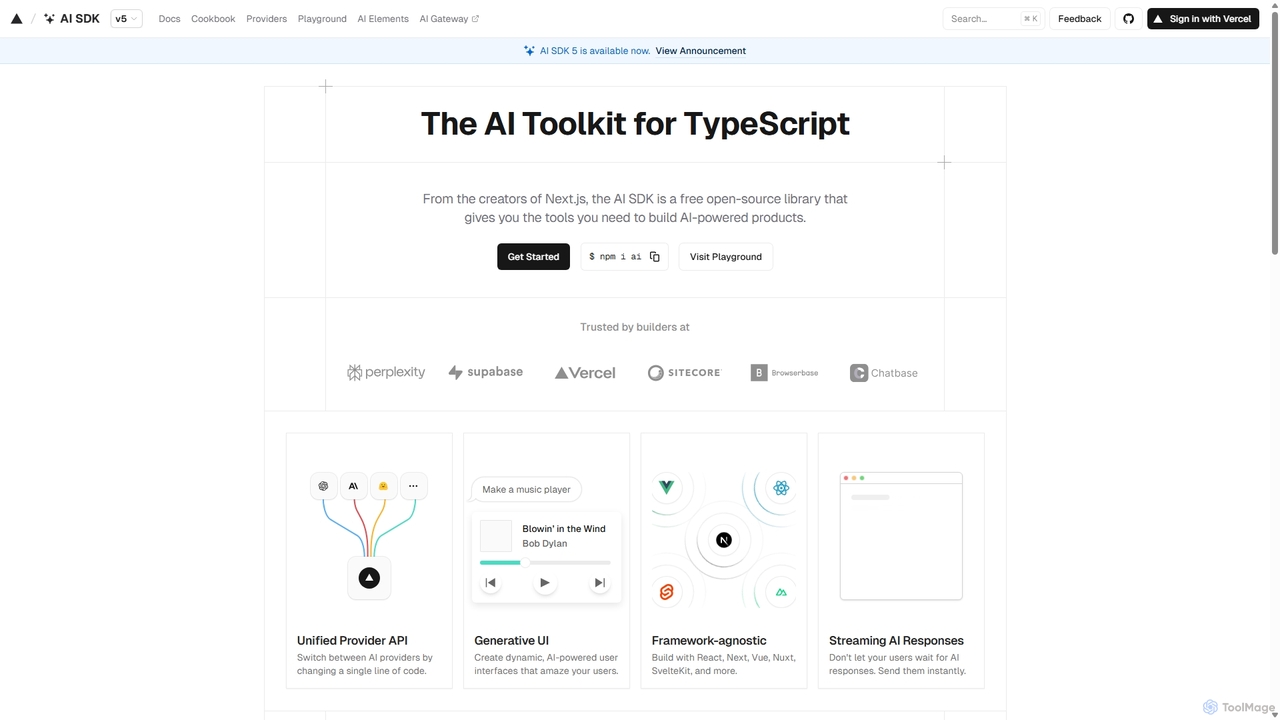
AI SDK
AI SDK by Vercel is a free, open-source TypeScript toolkit designed to help developers build AI-powered applications. It provides a unified API to seamlessly integrate with various large language models like OpenAI, Anthropic, and Google Gemini. The SDK is framework-agnostic, supporting React, Next.js, Vue, Svelte, and more, enabling the creation of features like streaming responses and generative UIs with minimal effort.
Model Integration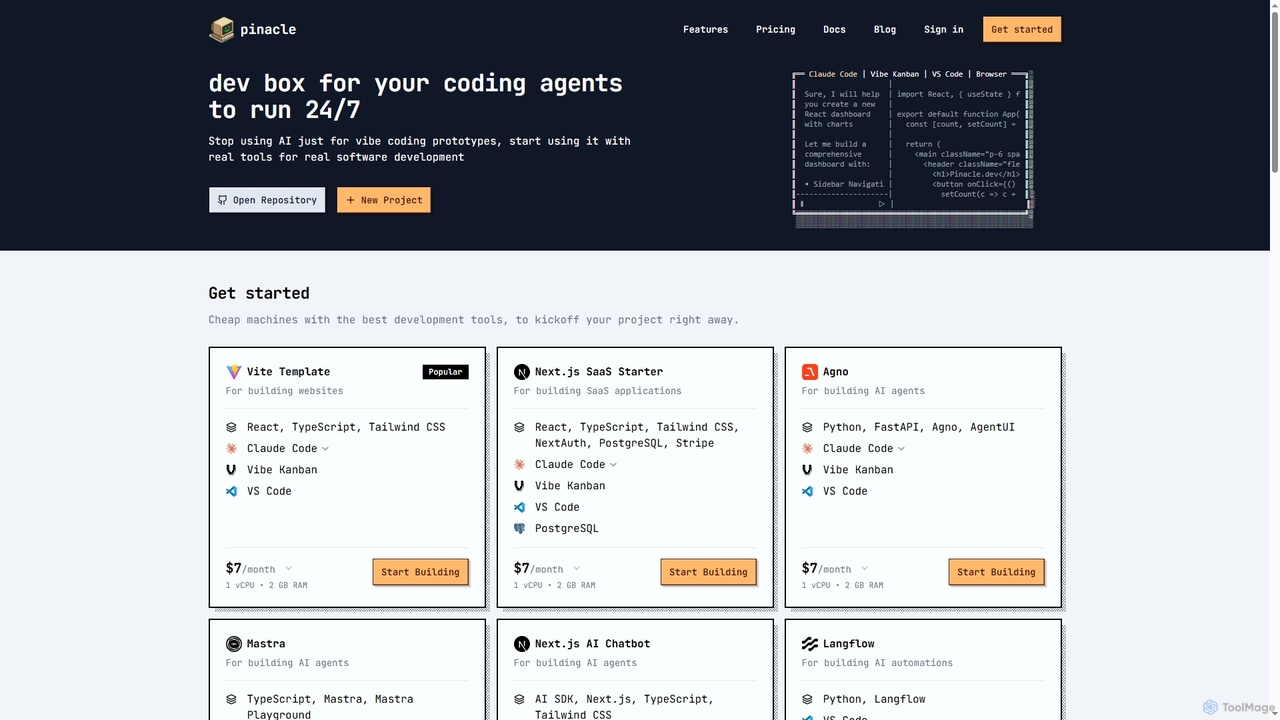
Pinacle
Pinacle provides instant, browser-based cloud development environments (VMs) designed for real software development and 24/7 AI agent operations. It offers pre-configured stacks, root access, and integrates popular tools like VS Code, enabling developers to build, test, and deploy projects without local setup complexities.
Code CollaborationKodezi
Kodezi is an AI-powered developer platform that acts as an AI CTO for your codebase. It autonomously fixes bugs, refines code, detects vulnerabilities, and automates documentation, integrating seamlessly into your development workflow to enhance productivity and code quality.
Code Assistant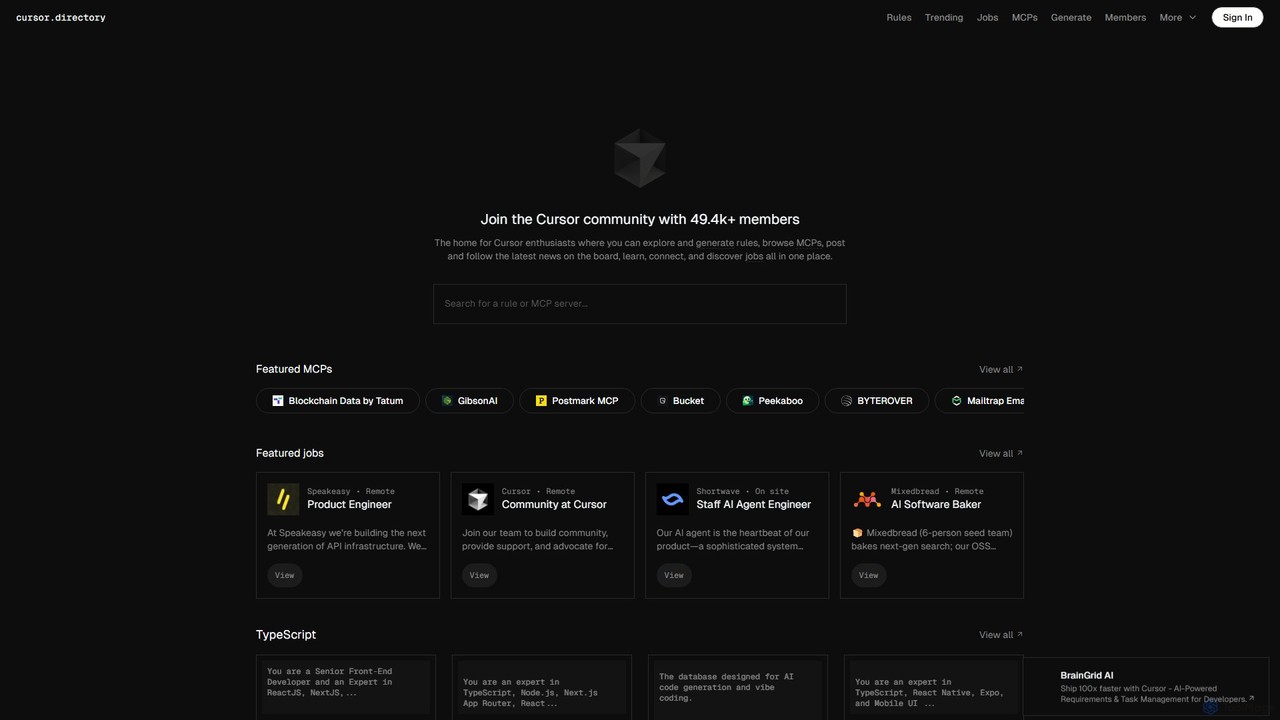
Cursor
Cursor is an AI-first code editor designed for modern software development. Built as a fork of VS Code, it integrates powerful AI capabilities directly into the editing experience, allowing developers to chat with their codebase, generate, edit, and debug code with unprecedented speed and context-awareness.
Code Generation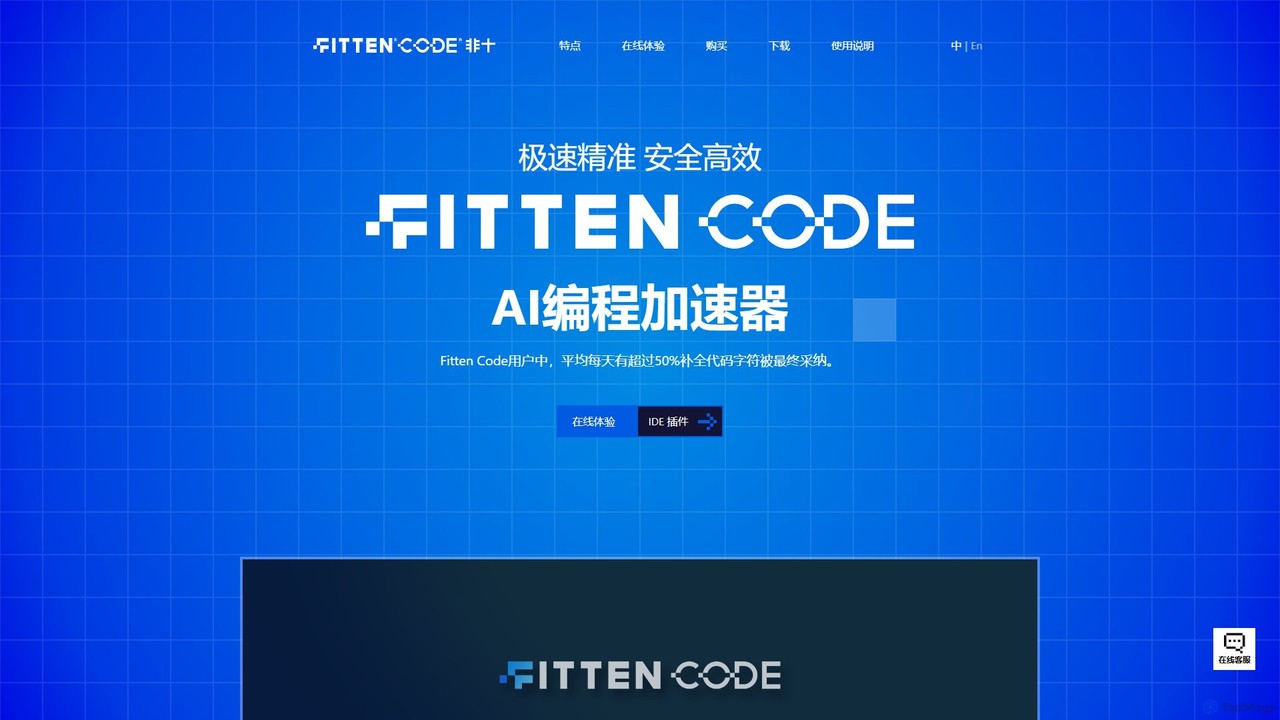
Fitten Code
Fitten Code is a next-generation AI programming assistant designed to accelerate software development. It offers ultra-fast code completion, intelligent Q&A, automated unit test generation, and code optimization. Built by a Tsinghua PhD team, it supports major IDEs and languages, significantly boosting developer productivity while ensuring data privacy.
Code Generation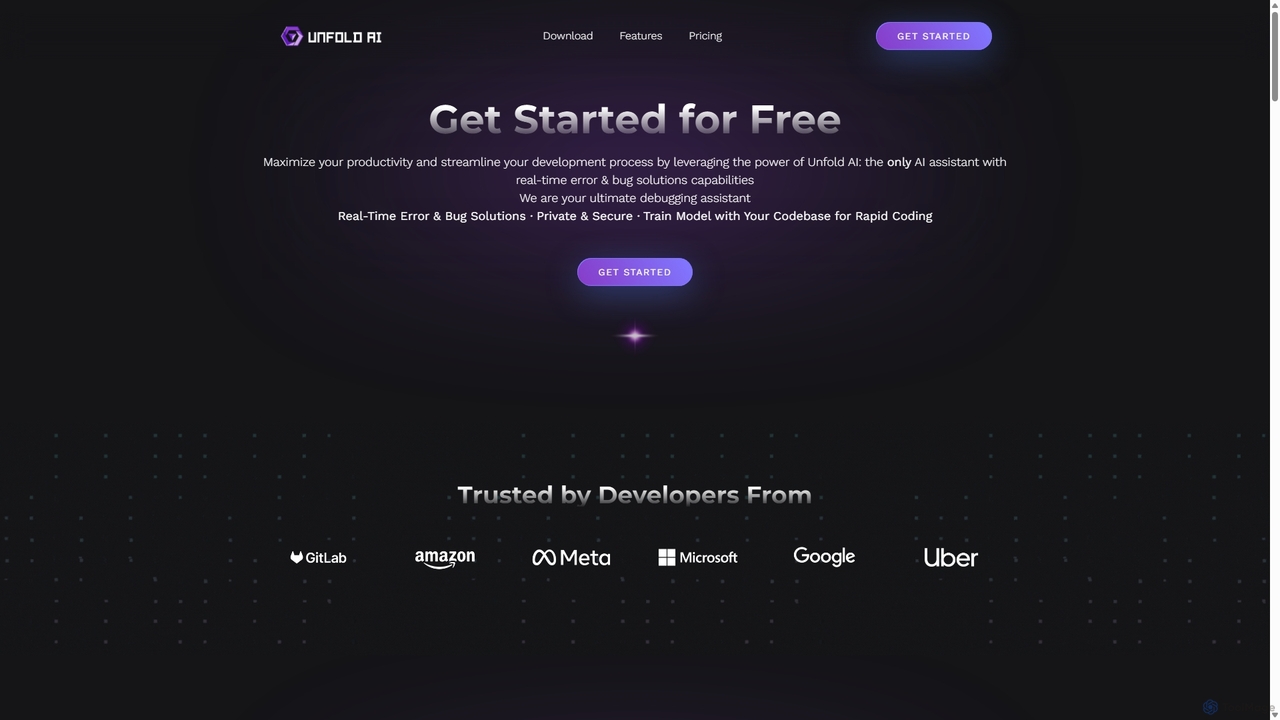
Unfold AI
Unfold AI is an all-in-one AI coding assistant designed for developers. It integrates into your IDE to provide real-time error and bug solutions, generate code from natural language, and complete code snippets. A key feature is its ability to be trained on your private codebase for highly customized and accurate assistance across 20+ programming languages.
Code Assistant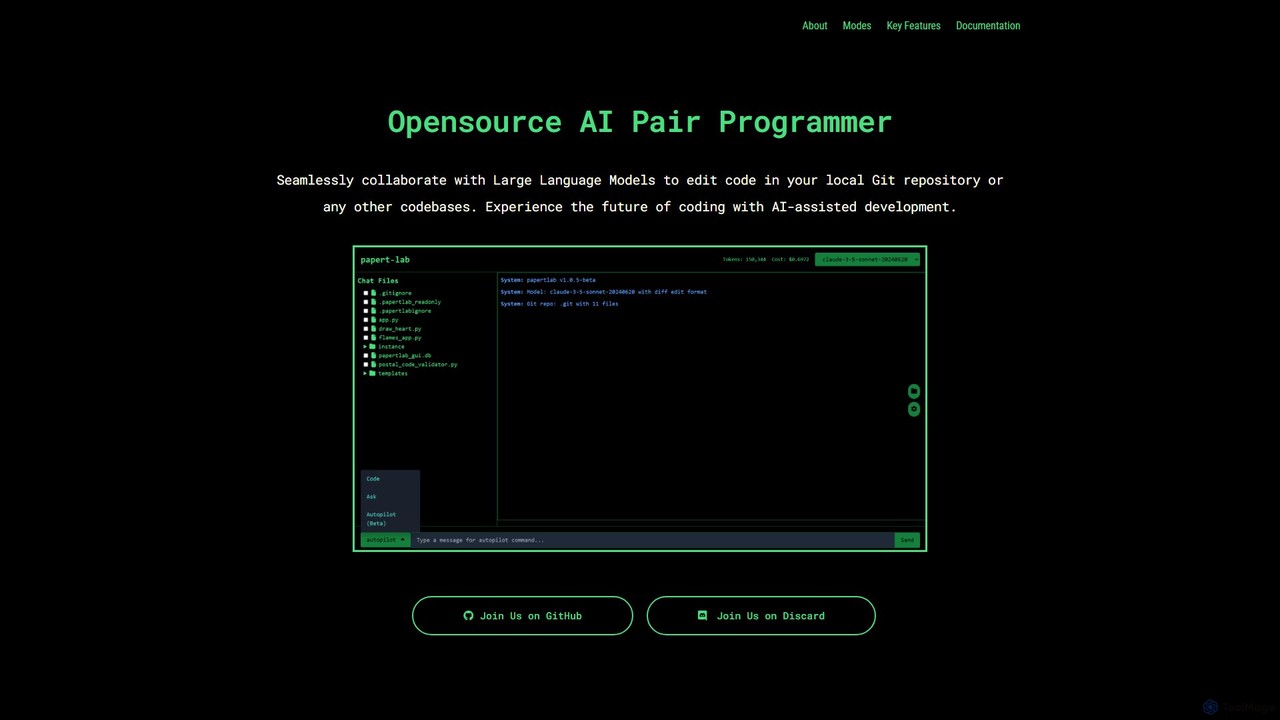
papert
papert is an open-source AI pair programmer that integrates with your local Git repository. It allows developers to collaborate with LLMs like GPT-4o and Claude 3.5 Sonnet to ask questions, edit code across multiple files, refactor, debug, and automate routine coding tasks.
Debugging
Million Comments (0)
Sign in to comment.
Sign inNo comments yet.