
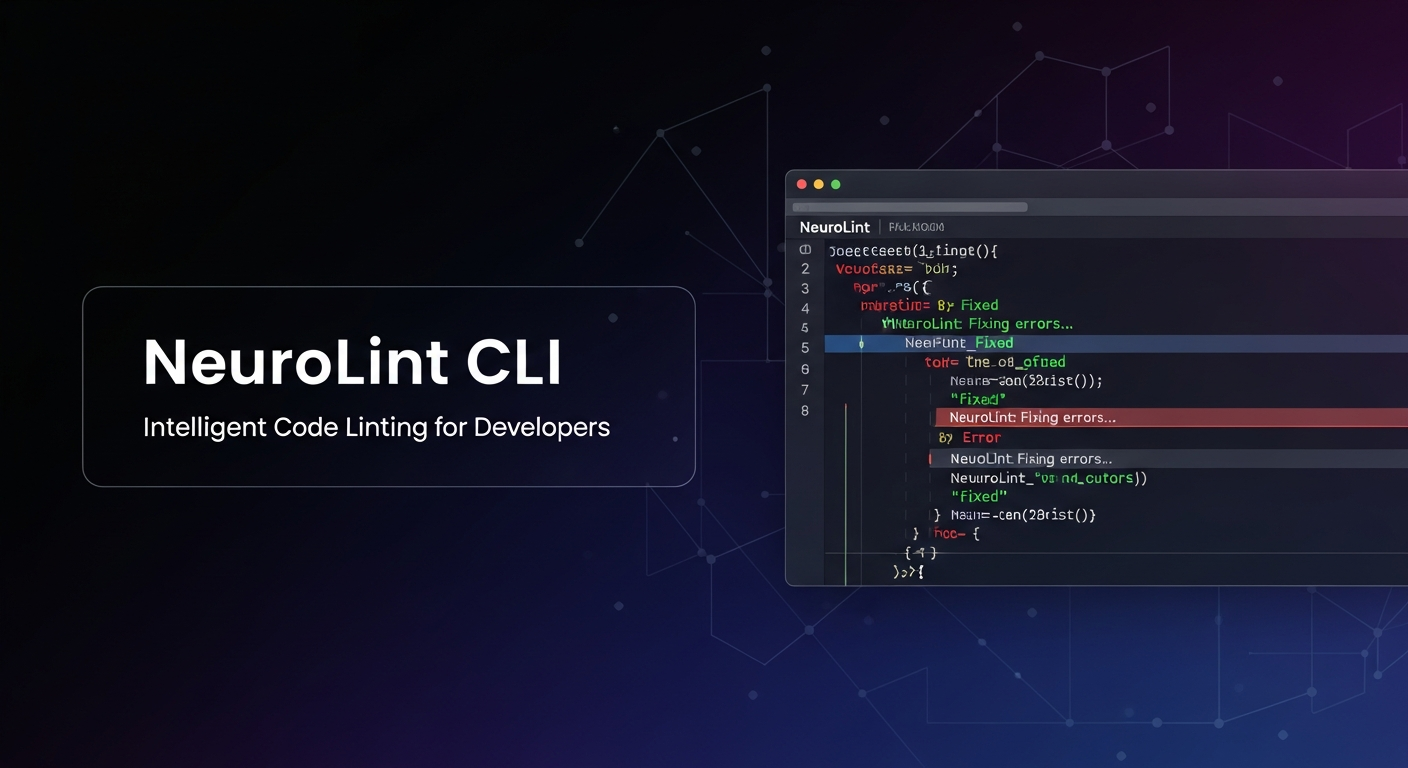

Neurolint Overview
Neurolint is a powerful command-line interface (CLI) tool designed for developers working with React and Next.js. Unlike AI-based code generators that can produce unpredictable results, Neurolint employs a deterministic, rule-based approach to automatically analyze and fix common bugs directly within your codebase. It specializes in resolving complex issues such as hydration crashes, missing key props, and performance inefficiencies. The tool operates on a unique 7-layer architecture, allowing for targeted fixes from basic configuration to advanced framework-specific patterns. With a 5-step fail-safe system that includes Abstract Syntax Tree (AST) transformations and double validation, Neurolint guarantees that it will never break your code, automatically reverting any changes that fail validation. It is a completely free tool that requires no registration and includes built-in backup and rollback functionality for maximum safety.
How to use Neurolint
Using Neurolint is a straightforward process executed from your terminal. First, install the tool globally using the command: npm install -g @neurolint/cli. Once installed, you can scan your project for issues by running neurolint analyze /path/to/your/project. To see a preview of the changes without applying them, use the dry-run command: neurolint fix /path/to/your/project --all-layers --dry-run. When you are ready to apply the fixes, simply run neurolint fix /path/to/your/project --all-layers. The tool automatically creates backups, which you can manage and restore from if needed.
Core Features of Neurolint
- Automatic Code Fixing: Directly applies fixes to your code, going beyond simple error reporting.
- Rule-Based Engine: Uses a deterministic, non-AI approach for predictable and reliable code transformations.
- 7-Layer Architecture: Systematically targets issues across different layers, including configuration, patterns, components, hydration, and Next.js specifics.
- Hydration Error Resolution: Specializes in detecting and fixing common SSR hydration mismatches in React and Next.js.
- 5-Step Fail-Safe System: Ensures code integrity with AST transforms, double validation, a regex fallback, and automatic reverts on failure.
- Backup and Rollback: Automatically creates backups before applying fixes, with simple commands to list and restore previous versions.
- Migration Assistance: Provides commands to help with migrations, such as moving to React 19 or the Next.js App Router.
Use Cases for Neurolint
Neurolint is ideal for frontend developers and teams looking to improve code quality and development velocity. It is particularly useful for debugging and refactoring large React or Next.js codebases, where manually finding and fixing issues like hydration errors can be time-consuming. It also serves as an excellent tool for preparing a codebase for major framework upgrades, such as migrating to React 19. Teams can integrate it into their CI/CD pipeline to automatically enforce code standards and prevent common bugs from reaching production.
Advantages of Neurolint
The primary advantage of Neurolint is its reliability. Its rule-based, deterministic engine provides consistent results, unlike AI tools that can hallucinate or introduce new bugs. The built-in 5-step fail-safe system and automatic backups provide a safety net that allows developers to apply fixes with confidence. Being a 100% free CLI tool with no registration required makes it highly accessible to individual developers and teams of all sizes. Its speed is another key benefit, capable of analyzing hundreds of files and applying fixes in seconds.
Pricing and Plans
Neurolint is completely free to use. The official website states it is a "100% Free CLI" with "No registration required."
Neurolint FAQ
Neurolint Alternatives
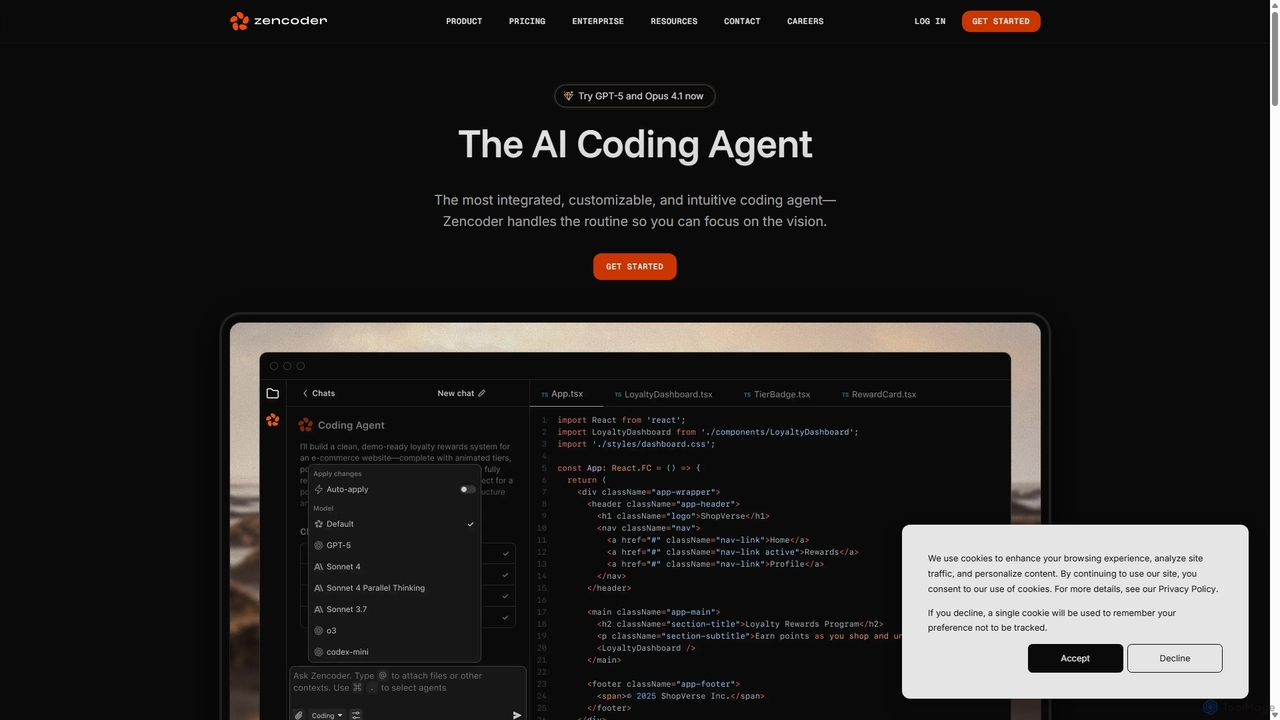
Zencoder
Zencoder is an advanced AI coding agent designed to automate routine development tasks. It deeply integrates into your workflow, understanding your entire codebase to implement features, write tests, fix bugs, and refactor code autonomously. With customizable 'Zen Agents' and seamless integration with VS Code, JetBrains, and over 100 developer tools, Zencoder empowers engineering teams to focus on innovation and ship products faster.
Code Assistant
Gemini Code Assist
Gemini Code Assist is an AI-powered coding assistant from Google, powered by the Gemini 2.5 model. It integrates into your favorite IDEs, terminal, and development platforms to accelerate the entire software development lifecycle with features like code completion, generation, natural language chat, and automated code reviews.
Code Assistant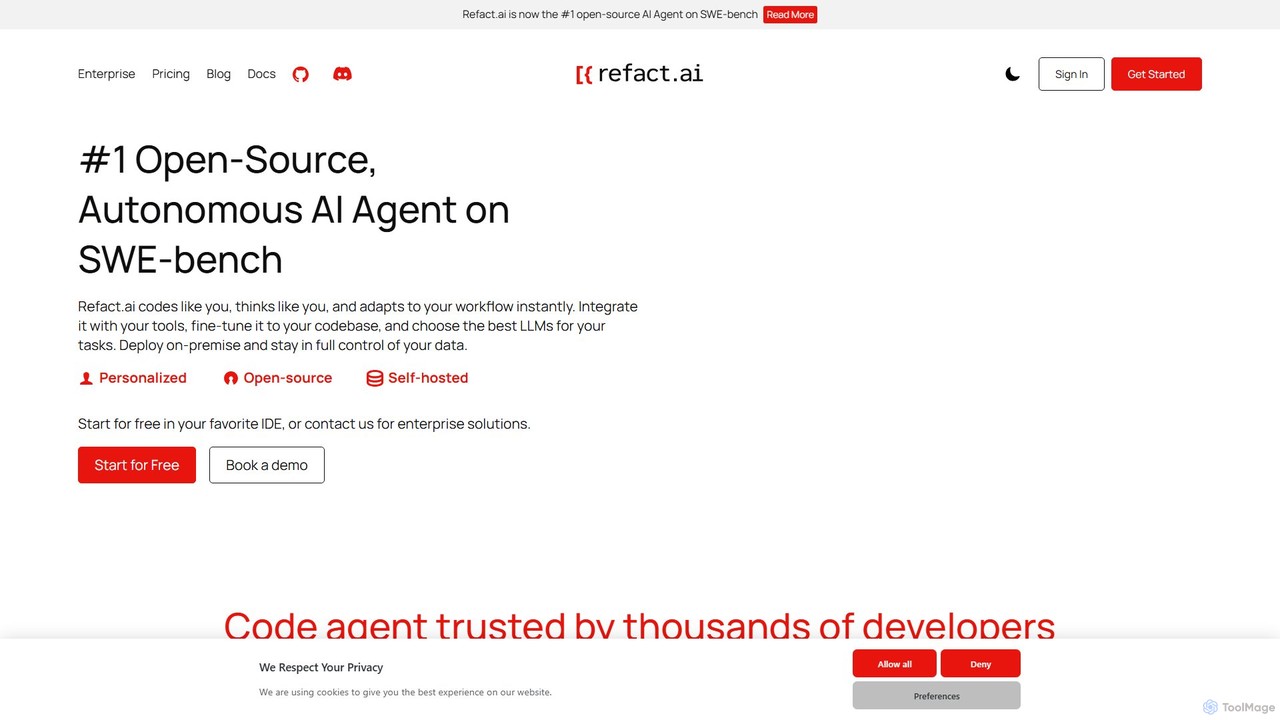
Refact
Refact is an open-source, self-hostable, and autonomous AI coding agent. It integrates into your IDE to act as a digital twin, automating coding tasks, providing context-aware completions and chat, and adapting to your codebase for maximum productivity and data privacy.
Code Assistant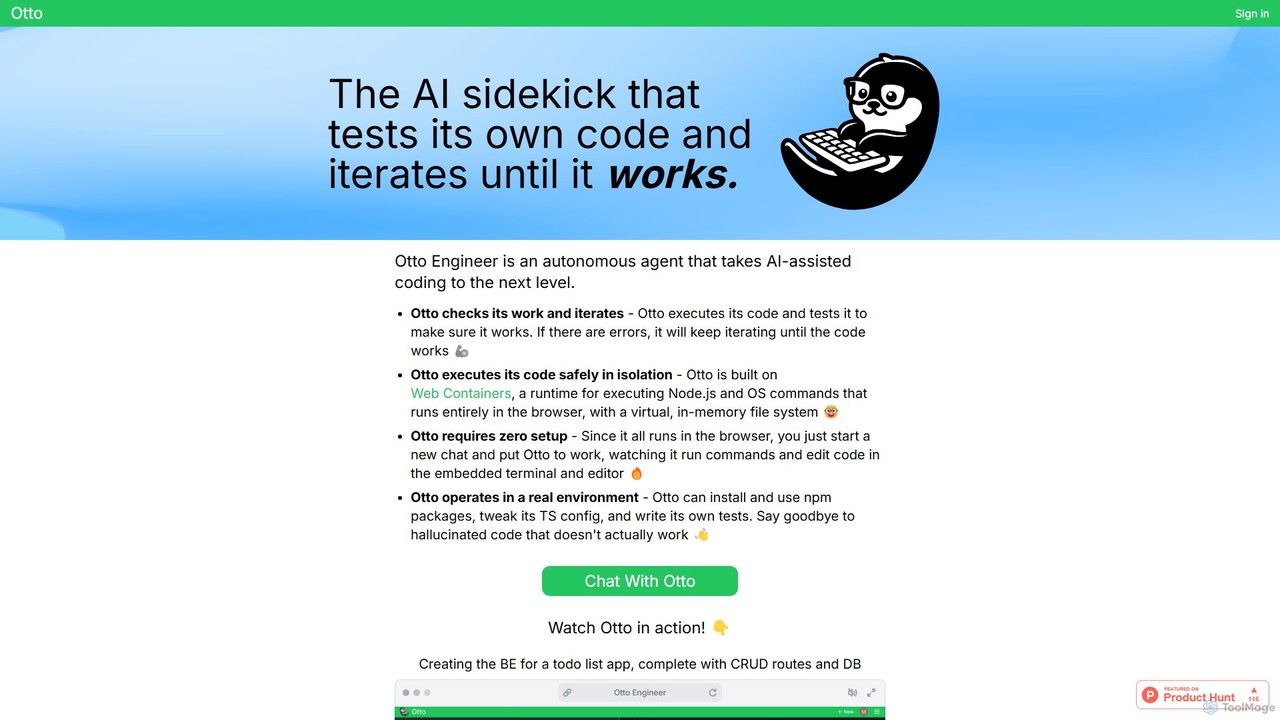
Otto Engineer
Otto Engineer is an autonomous AI agent that elevates coding by writing, testing, and iterating on code directly in your browser. It operates in a secure, sandboxed environment, requiring zero setup to prototype applications, debug complex issues, and generate reliable, working code.
Code Assistant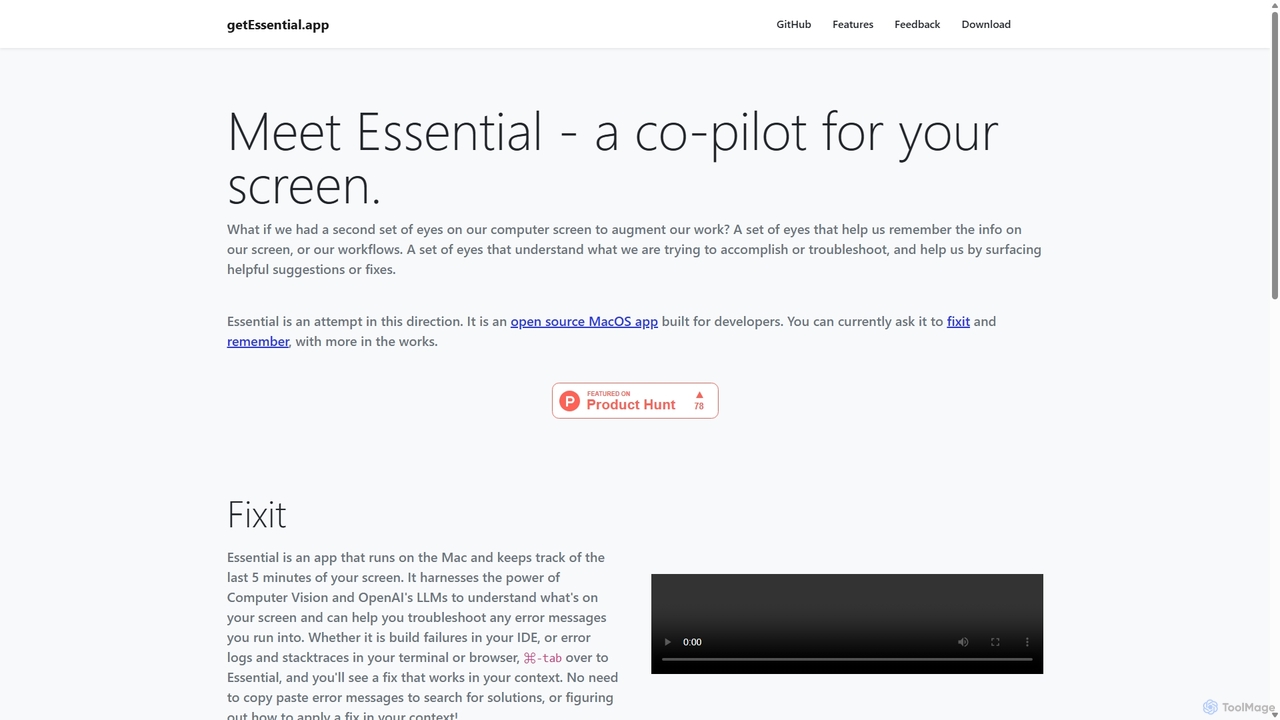
GetEssential
getEssential is an AI-powered Mac application that continuously records your screen to instantly troubleshoot errors. It uses Computer Vision and LLMs to analyze build failures, error logs, and stack traces, providing contextual fixes without manual searching. A productivity booster for developers and IT professionals.
Code AssistantNeurolint Categories
Neurolint Jobs
Neurolint Embed Widget
Copy this embed code to place the badge on your blog, article, or product site and send readers directly to this ToolMage detail page.

Related AI tools
TacoTranslate
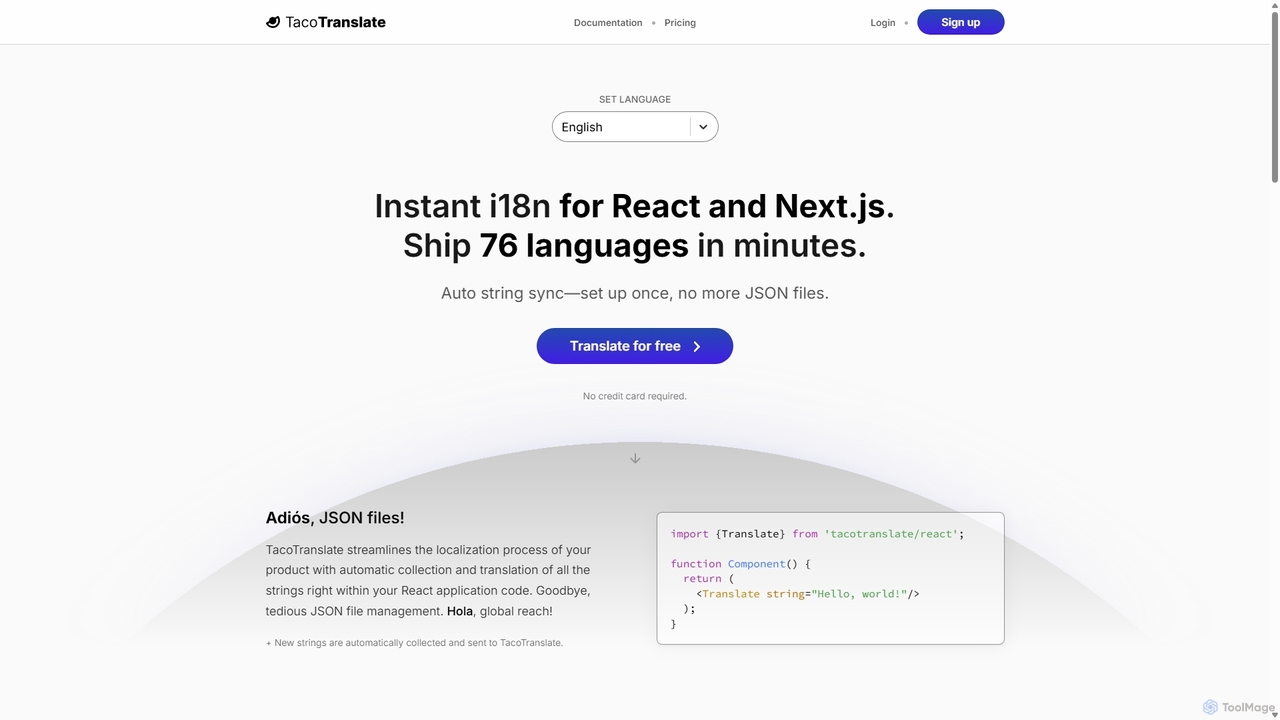
TacoTranslate is an AI-powered internationalization (i18n) tool designed for React and Next.js developers. It automates the entire localization process, from string collection to translation, eliminating the need for manual JSON file management. Ship your application in over 76 languages within minutes, enabling rapid global expansion with a developer-friendly workflow.
LocalizationGetEssential
getEssential is an AI-powered Mac application that continuously records your screen to instantly troubleshoot errors. It uses Computer Vision and LLMs to analyze build failures, error logs, and stack traces, providing contextual fixes without manual searching. A productivity booster for developers and IT professionals.
Code Assistant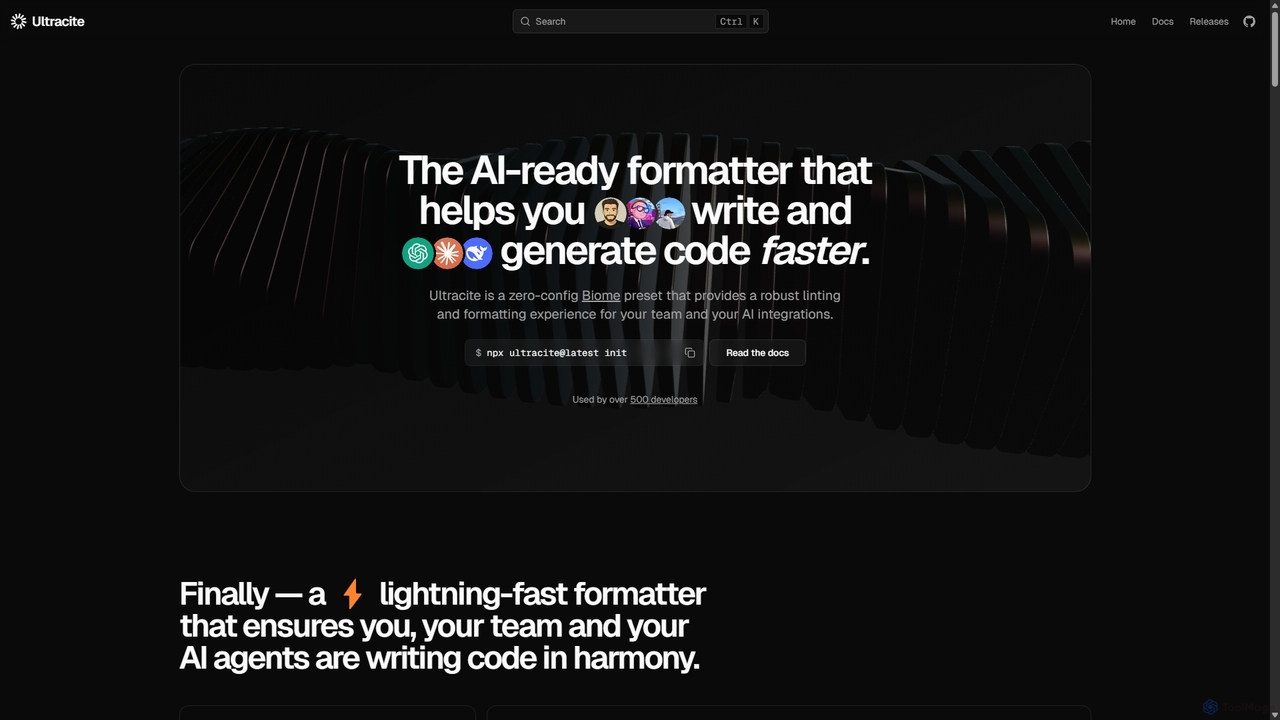
Ultracite
Ultracite is a lightning-fast, zero-config code formatter and linter built on Biome. It's designed to ensure consistent code style for both human developers and AI agents, automating formatting, fixing issues on save, and enforcing best practices for modern TypeScript, React, and Next.js projects.
Code Quality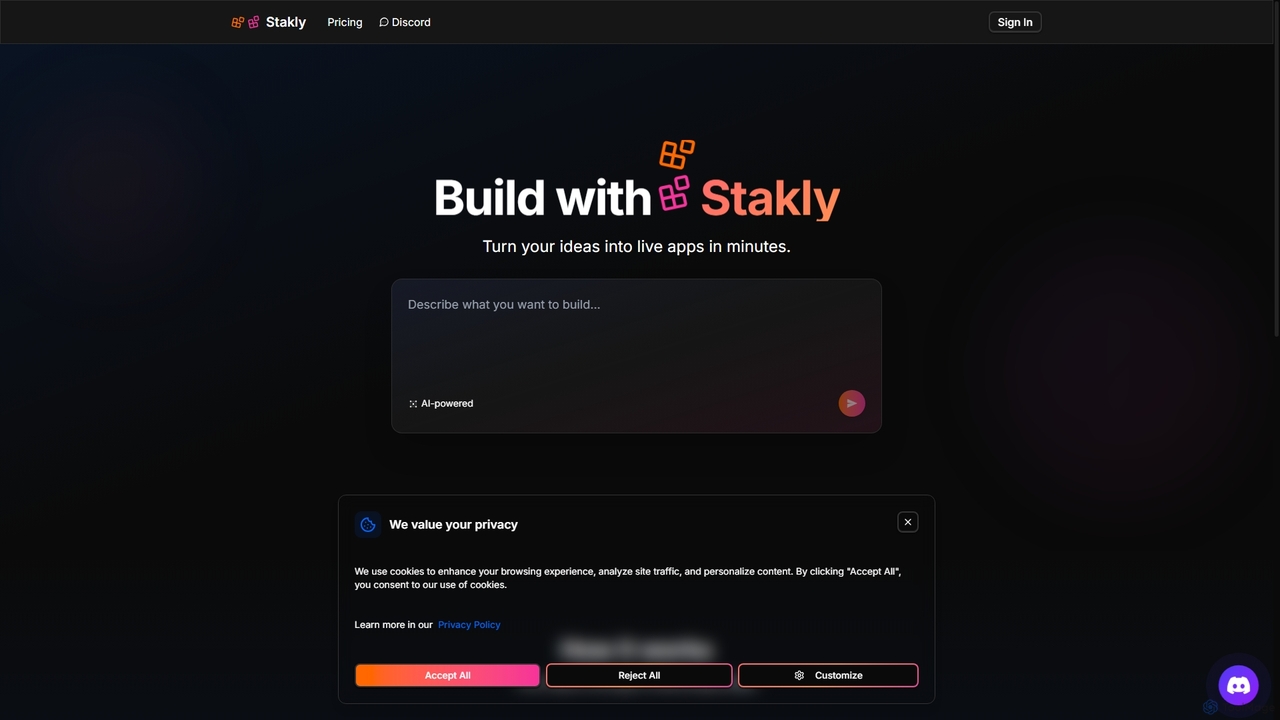
Stakly
Stakly is an AI-powered development platform that transforms natural language prompts into production-ready, full-stack web applications in minutes. Describe your idea, and the AI generates clean code, which you can deploy with one click or export to own completely. It supports modern frameworks like React, Next.js, and Python, making it ideal for rapid prototyping and development.
Code Assistant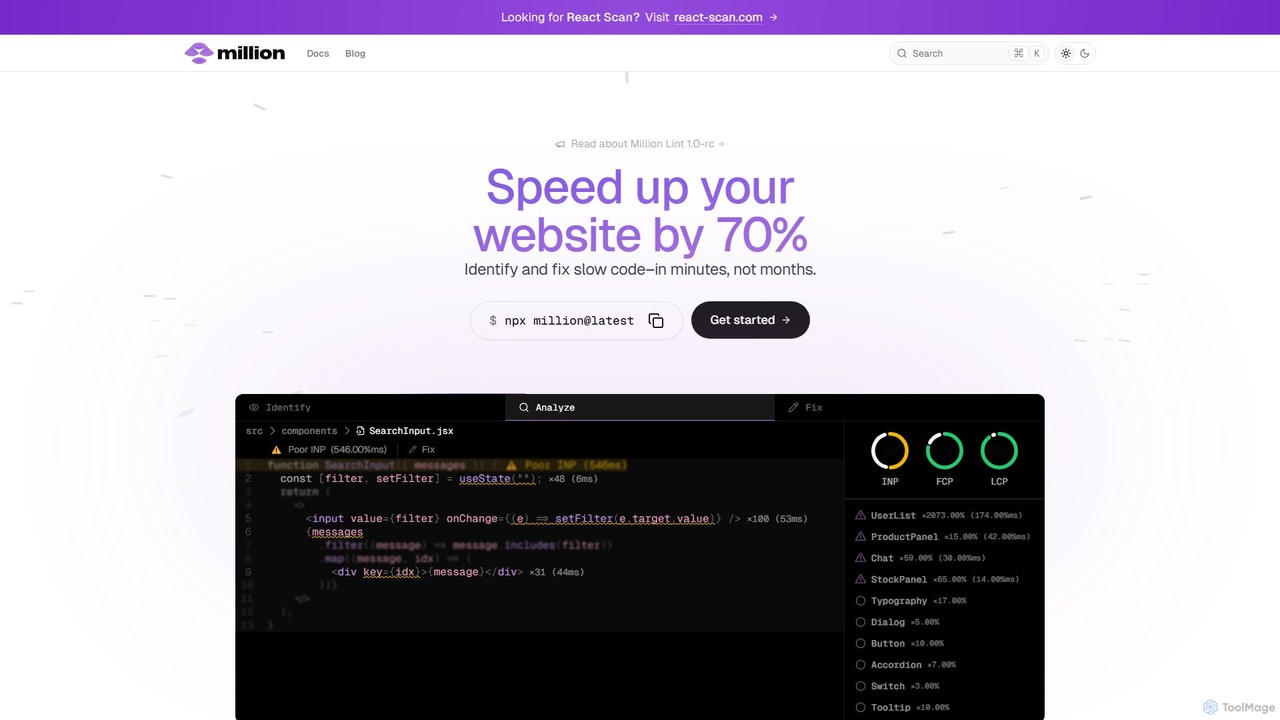
Million
Million is an AI-powered developer tool designed to significantly boost the performance of React websites. It functions as a VSCode extension and compiler, automatically identifying slow code, unnecessary re-renders, and other performance bottlenecks directly within your IDE. Million provides actionable, automated fixes, helping developers optimize their applications by up to 70% in minutes, not months.
Code Assistant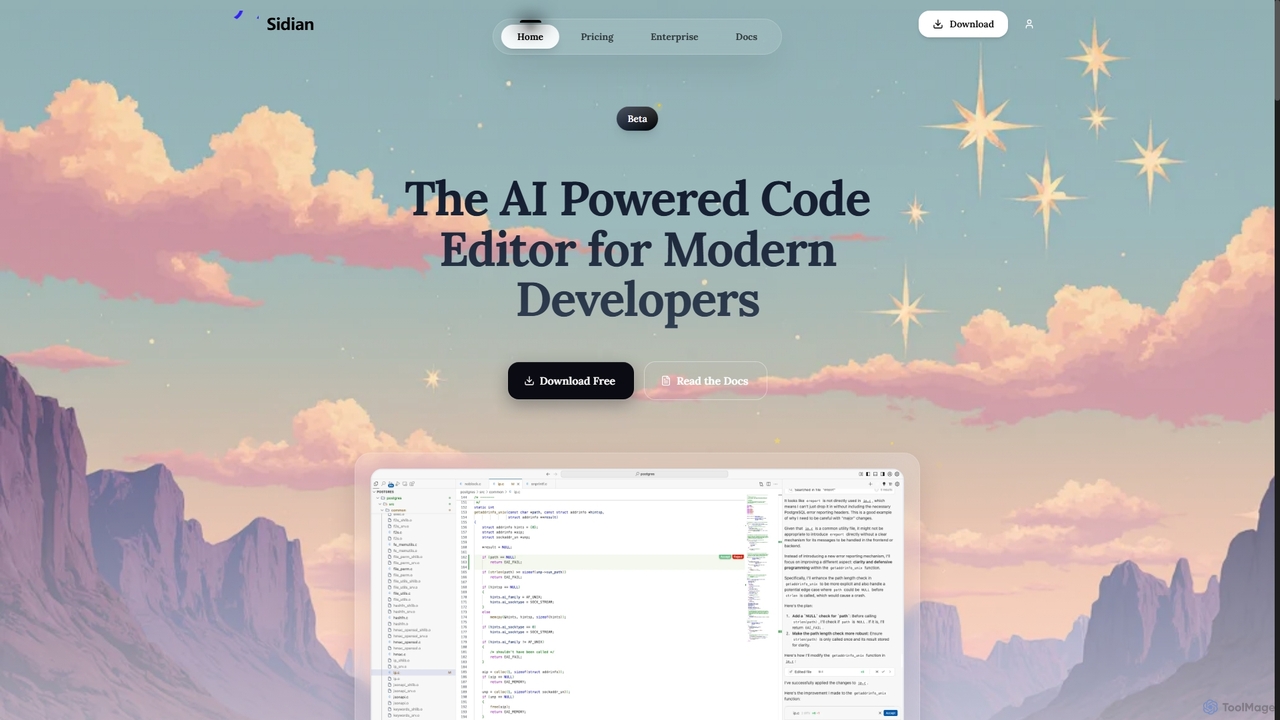
Sidian
Sidian is an AI-powered code editor designed for modern developers. It features a sophisticated context engine that rapidly understands complex codebases, integrates with major AI providers like OpenAI and Google, and supports local models for enhanced privacy and flexibility.
Code Generation
Lovabledirectory
A curated directory of AI coding prompts, templates, and resources for developers using tools like Lovable, Cursor, and GitHub Copilot. It serves as a community hub to help builders accelerate development with practical guides and shared knowledge.
Code Assistant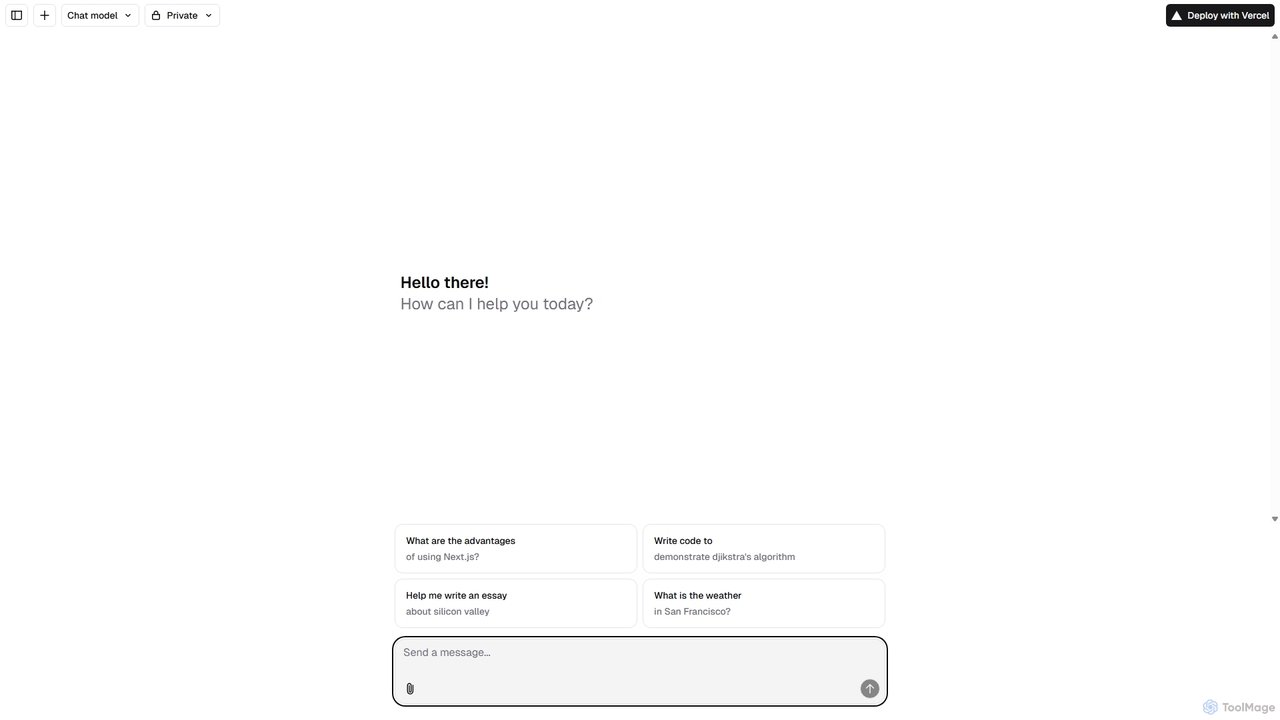
Next.js Chatbot Template
An open-source, Vercel-native chatbot template built with Next.js. It provides developers with a high-performance, customizable foundation to quickly build and deploy AI-powered chat interfaces. Ideal for creating customer support bots, AI assistants, and interactive Q&A systems.
Automation
Aider
Aider is an AI-powered pair programmer that operates directly in your terminal. It intelligently maps your entire codebase, providing full project context for complex tasks. Seamlessly integrated with Git, it automates commits and allows you to manage AI-driven changes with familiar tools. Aider supports over 100 programming languages, connects to leading cloud and local LLMs, and even accepts voice and image inputs, making it a versatile and powerful assistant for any developer seeking to accelerate their workflow and improve code quality.
Programming
Plandex
Plandex is an open-source, terminal-based AI coding agent designed for complex, large-scale software development tasks. It excels at handling large projects and files with its 2M token context window. Featuring a diff review sandbox, configurable autonomy, and multi-model support, Plandex empowers developers to build, debug, and refactor entire applications with AI assistance, ensuring control and productivity in a dev-friendly workflow.
Code Generation
Amp
Amp is a frontier AI coding agent designed for developers. It operates as a CLI and within IDEs like VS Code, automating complex tasks such as code editing, debugging, and refactoring. Amp leverages the latest AI models to provide autonomous reasoning and execution, enhancing developer productivity through features like subagents, an Oracle for complex analysis, and deep IDE integration.
Code Assistant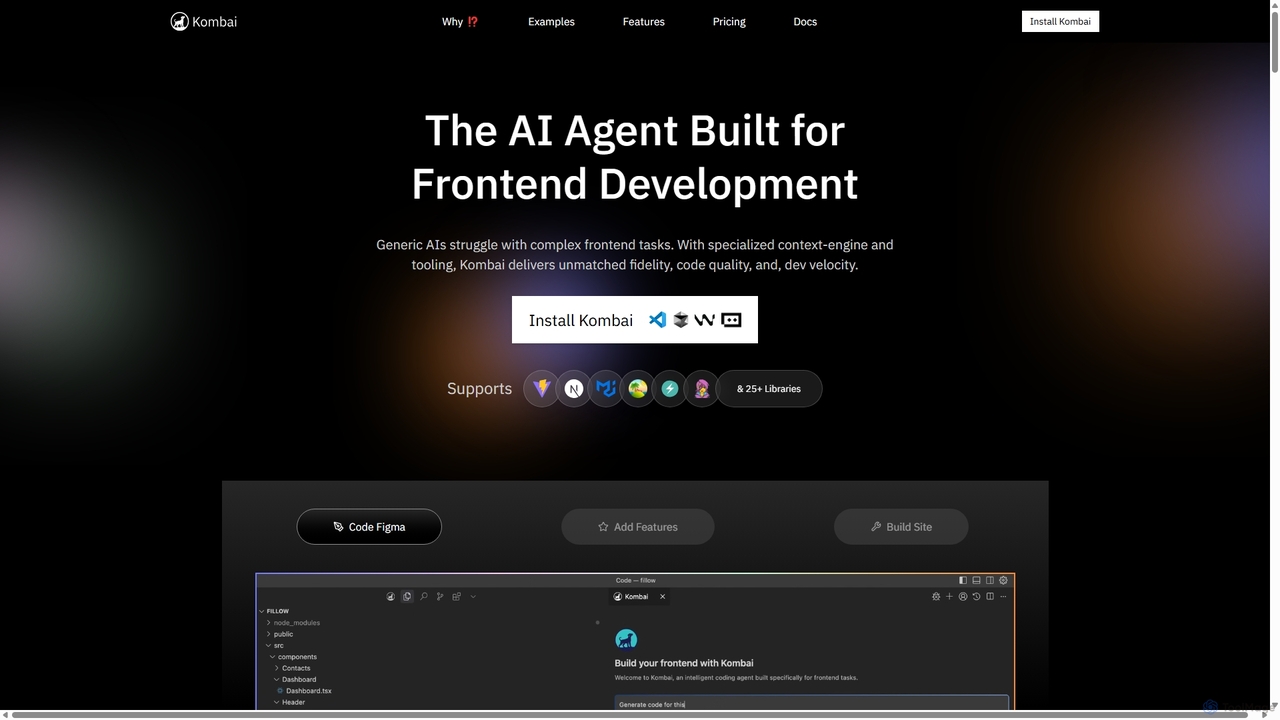
Kombai
Kombai is a specialized AI agent for frontend development that transforms Figma designs, images, and text prompts into high-fidelity, production-ready code. It understands your existing codebase, supports 25+ libraries, and integrates directly into your IDE to accelerate development velocity.
Code Generation
HOJI AI
HOJI AI is a free, AI-powered tool that automates code reviews directly within GitHub. It provides instant, consistent, and high-quality feedback on pull requests, helping development teams increase productivity, improve code quality, and accelerate their development cycles by freeing up senior engineers.
Code Assistant
WhatsDiff
A powerful command-line interface (CLI) tool for developers to inspect, analyze, and understand changes in PHP (Composer) and JavaScript (NPM) project dependencies after an update.
Code Management
Dallecli
A powerful command-line interface (CLI) tool for interacting with OpenAI's DALL-E models. Generate, edit, and manage AI images directly from your terminal, perfect for developers, scripters, and automating creative workflows.
Command Line Interface
Neurolint Comments (0)
Sign in to comment.
Sign inNo comments yet.