

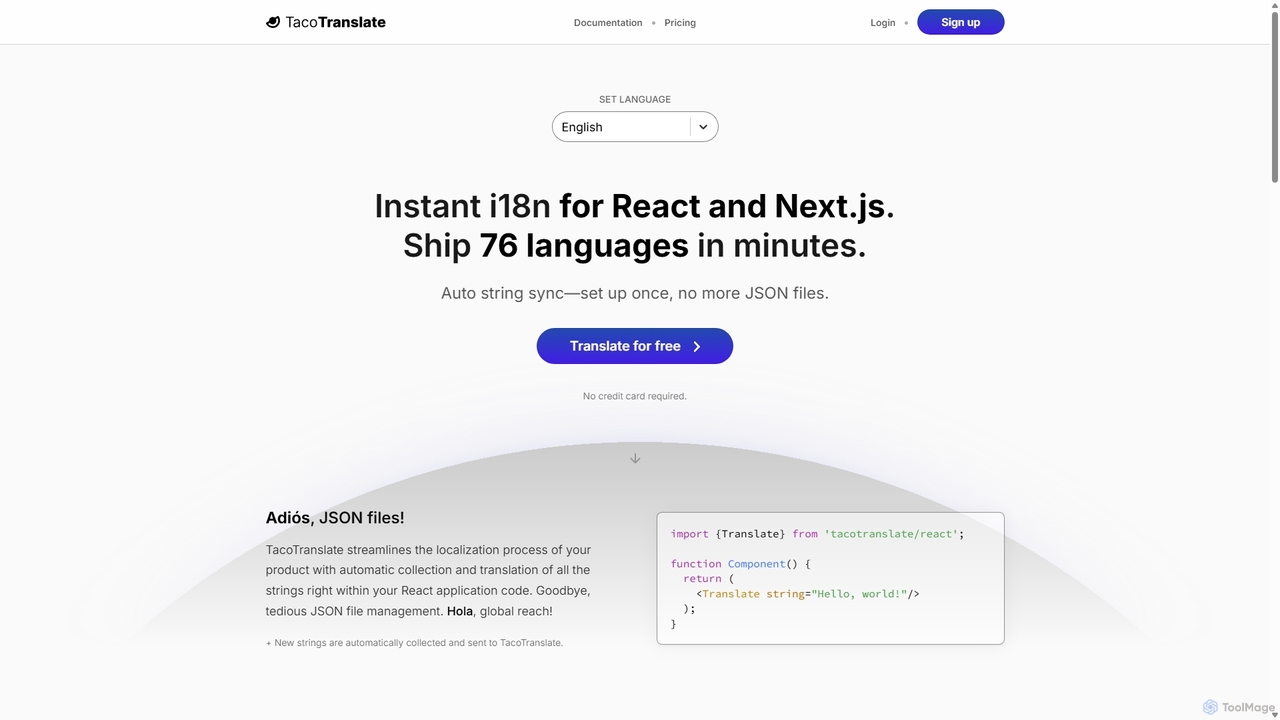
TacoTranslate Overview
TacoTranslate is a cutting-edge localization and internationalization (i18n) platform built specifically for modern web development, with a primary focus on React and Next.js applications. It revolutionizes the traditionally tedious process of making an application multilingual. Instead of developers manually managing cumbersome JSON translation files, TacoTranslate automates the entire workflow. It automatically detects, collects, and translates strings directly from your application's code, leveraging powerful, context-aware AI to provide accurate and natural-sounding translations in over 76 languages. This allows development teams to focus on building features while effortlessly reaching a global audience.
How to use TacoTranslate
Integrating TacoTranslate into your project is designed to be a seamless and incremental process. Here’s a typical workflow:
- Installation: Start by installing the TacoTranslate npm package into your React or Next.js project using `npm install TacoTranslate`.
- Account Setup: Create a free account on the TacoTranslate website. No credit card is required to get started. Once registered, create a new translation project and generate your API keys (a public read-key for production and a secret read/write key for development/staging).
- Configuration: Set up the TacoTranslate client in your application. This involves creating a client instance with your API keys and configuring environment variables for the default locale and project origin.
- Implementation: Wrap your root application component with the `TacoTranslate` provider. This makes the translation context available throughout your app.
- Translate Strings: Replace hardcoded text with the `` component. For example, `
Hello, world!
` becomes ``. In your development environment, any new string wrapped in this component is automatically sent to the TacoTranslate service for translation. - Deploy: Deploy your application. In production, the app uses the public read-only key to fetch the completed translations, ensuring a fast, server-side rendered experience for users without exposing your secret key.
Core Features of TacoTranslate
- Automatic String Synchronization: Eliminates the need for manual JSON file management. New strings in your code are automatically collected and sent for translation.
- AI-Powered Contextual Translation: Goes beyond literal word-for-word translation. The AI learns the context and tone of your product to provide more accurate and fitting translations, which continuously improve over time.
- Optimized for Next.js: Engineered to work flawlessly with Next.js, supporting both the Pages Router and the App Router for server-side rendering (SSR), which improves SEO and user experience.
- One-Click Language Addition: Add support for new languages and markets instantly through a user-friendly dashboard.
- Developer-First Workflow: Keeps developers in their codebase. Translations are managed directly via components, freeing up time to focus on core development tasks.
- Incremental Adoption: Integrate TacoTranslate at your own pace without needing to refactor your entire application at once.
- Translator-Friendly Interface: While AI handles the bulk of the work, you can invite translators to review, edit, and perfect any translation through an intuitive web interface.
- No Vendor Lock-in: You can easily export all your strings and translations at any time, giving you full control over your data.
Use Cases for TacoTranslate
TacoTranslate is ideal for a variety of scenarios, including:
- Startups and SaaS Products: Quickly validate and enter new international markets without a large initial investment in localization infrastructure.
- E-commerce Platforms: Provide a localized shopping experience for customers worldwide, increasing conversion rates.
- Content-Heavy Websites: Efficiently translate blogs, documentation, and marketing sites built with Next.js or React.
- Agile Development Teams: Integrate localization seamlessly into a continuous integration/continuous delivery (CI/CD) pipeline, ensuring new features are immediately available in all supported languages.
Advantages of TacoTranslate
The primary advantage of TacoTranslate is its ability to drastically reduce the time and complexity associated with software localization. It transforms i18n from a development bottleneck into a simple, automated process. By removing the need for manual file management, it minimizes human error and accelerates time-to-market. The context-aware AI ensures higher quality translations than standard machine translation services, and the seamless integration with modern frameworks like Next.js makes it a powerful tool for any team looking to scale globally.
Pricing and Plans
TacoTranslate offers a freemium model with scalable plans to fit different needs:
- Free Plan: Get started with translation into 1 language at no cost. No credit card required.
- Local Plan: $10 per month. Includes 2 translation projects, 2 languages, and 250 strings.
- Regional Plan: $150 per month. A popular choice for growing applications, this plan includes 5 translation projects, 5 languages, and 1,000 strings.
- Global Plan: $300 per month. Designed for large-scale applications, offering 10 translation projects, 10 languages, and 2,500 strings.
- Custom Plans: For enterprise needs, custom pricing and features can be discussed directly with the TacoTranslate team.
Additional languages and strings can be added to each plan for a fee.
Traffic
Latest traffic
Status
Monthly traffic trend
- 2025-9: 442
- 2026-1: 1.3K
- 2026-2: 1.9K
- 2026-3: 2.9K
- 2026-4: 3.4K
- 2026-5: 1.8K
Geography
Top 5 countries / regions
- 🇹🇭Thailand36.5%
- 🇷🇺Russia32.0%
- 🇺🇸United States13.8%
- 🇺🇦Ukraine11.4%
- 🇲🇳Mongolia6.2%
Top keywords
| Keyword | Cost per click |
|---|---|
| how to apply internationalization in n extjs | $0.00 |
| i18n библиотека | $0.00 |
| i18n що це | $0.00 |
| фолбек це | $0.00 |
| ստեղծé traduction | $0.00 |
TacoTranslate Alternatives
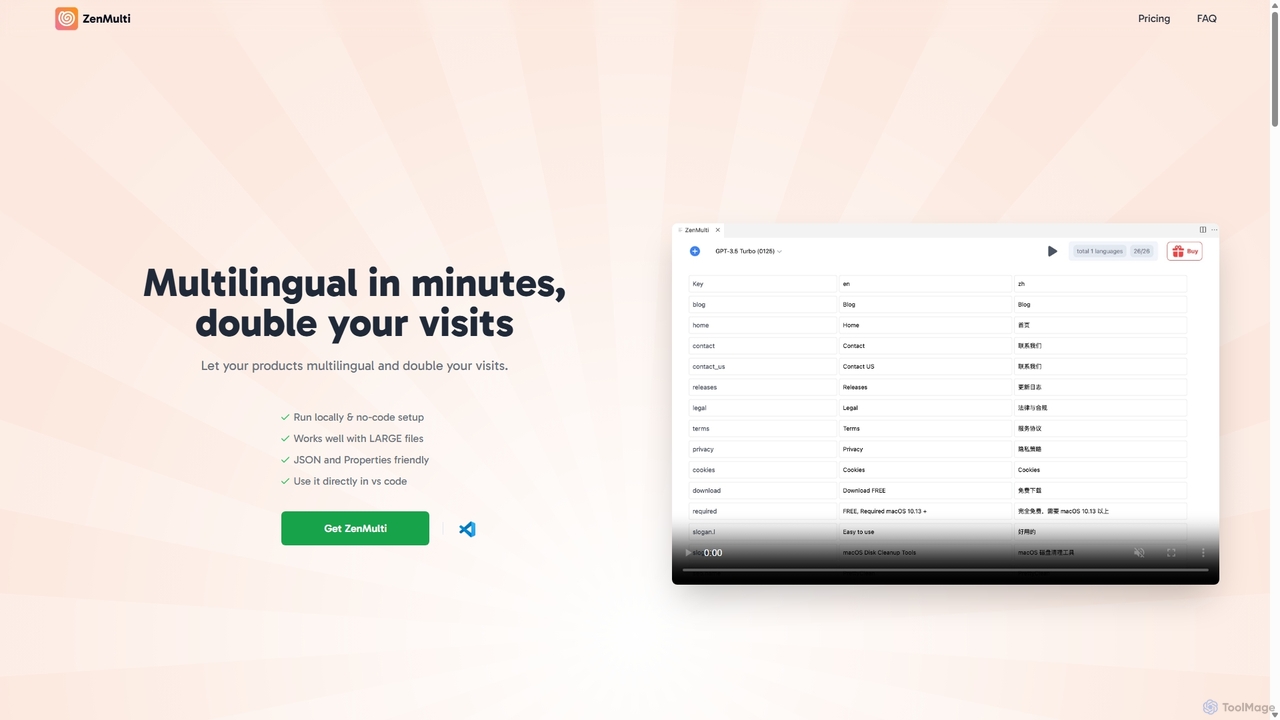
ZenMulti
ZenMulti is an AI-powered VS Code extension designed for developers to effortlessly translate application resource files (like JSON and .properties) into multiple languages. It streamlines the localization (i18n) process with a simple, no-code setup, running locally for enhanced privacy and speed. It's a one-time purchase tool for lifetime use.
Code Assistant
AI Localizer
AI Localizer by Wide Angle Software is an AI-powered application designed for iOS and macOS developers to automatically translate their apps into over 37 languages. It streamlines the localization process, enabling developers to reach a global audience with just a few clicks, saving significant time and resources compared to manual translation.
Language Translation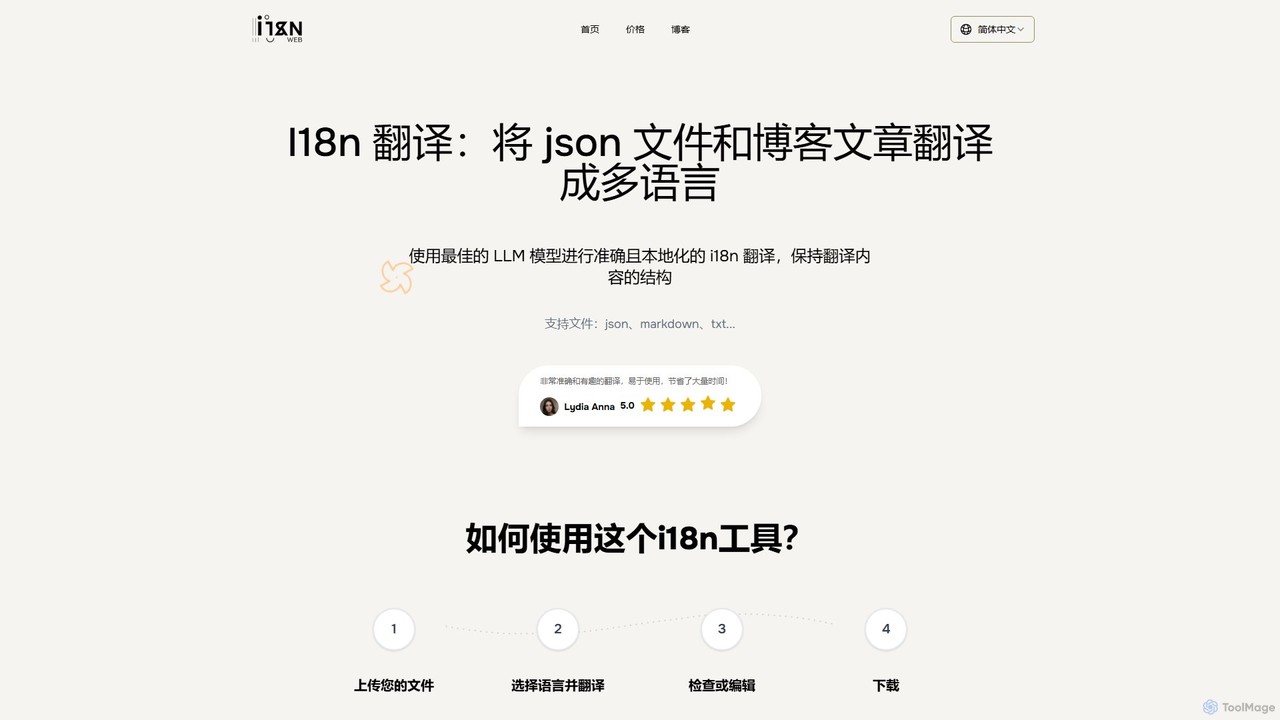
i18nweb
i18nweb is an AI-powered translation tool designed for developers and content creators. It specializes in translating structured files like JSON, Markdown, and TXT into multiple languages while preserving their original format. Using advanced LLM models, it provides accurate, context-aware, and localized translations, streamlining the internationalization (i18n) workflow for websites, apps, and blogs. The platform features a simple upload-translate-edit-download process, making localization efficient and user-friendly.
Internationalization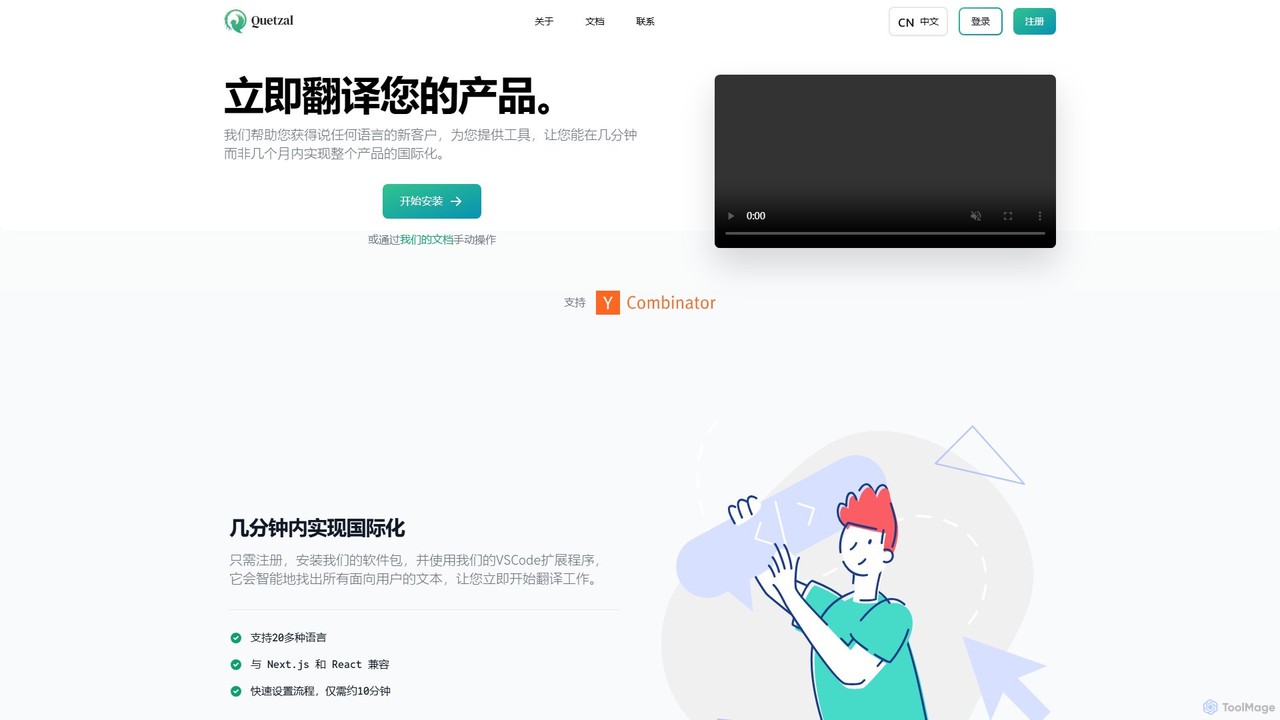
Quetzal
Quetzal is an AI-powered internationalization platform designed for modern web applications. It enables developers to translate their products into over 20 languages in minutes, not months. Through seamless integration with React, Next.js, and a smart VSCode extension, Quetzal automates the detection and translation of text, ensuring contextually accurate results and a streamlined workflow for global expansion.
Localization
Lingo.dev
Lingo.dev is an AI-powered localization platform designed for developers. It automates the translation of web and mobile applications by integrating directly into your CI/CD pipeline and Git workflow, using advanced LLMs to provide fast, context-aware, and high-quality translations.
AutomationTacoTranslate Categories
TacoTranslate Jobs
TacoTranslate Embed Widget
Copy this embed code to place the badge on your blog, article, or product site and send readers directly to this ToolMage detail page.

Related AI tools
ZenMulti
ZenMulti is an AI-powered VS Code extension designed for developers to effortlessly translate application resource files (like JSON and .properties) into multiple languages. It streamlines the localization (i18n) process with a simple, no-code setup, running locally for enhanced privacy and speed. It's a one-time purchase tool for lifetime use.
Code Assistanti18nweb
i18nweb is an AI-powered translation tool designed for developers and content creators. It specializes in translating structured files like JSON, Markdown, and TXT into multiple languages while preserving their original format. Using advanced LLM models, it provides accurate, context-aware, and localized translations, streamlining the internationalization (i18n) workflow for websites, apps, and blogs. The platform features a simple upload-translate-edit-download process, making localization efficient and user-friendly.
Internationalization
PO-File
PO-File is an AI-powered online translation tool specifically designed for PO and POT files, streamlining software localization for developers and localization teams. It ensures accuracy by preserving code variables and context.
LocalizationQuetzal
Quetzal is an AI-powered internationalization platform designed for modern web applications. It enables developers to translate their products into over 20 languages in minutes, not months. Through seamless integration with React, Next.js, and a smart VSCode extension, Quetzal automates the detection and translation of text, ensuring contextually accurate results and a streamlined workflow for global expansion.
LocalizationAI Localizer
AI Localizer by Wide Angle Software is an AI-powered application designed for iOS and macOS developers to automatically translate their apps into over 37 languages. It streamlines the localization process, enabling developers to reach a global audience with just a few clicks, saving significant time and resources compared to manual translation.
Language Translation
Stakly
Stakly is an AI-powered development platform that transforms natural language prompts into production-ready, full-stack web applications in minutes. Describe your idea, and the AI generates clean code, which you can deploy with one click or export to own completely. It supports modern frameworks like React, Next.js, and Python, making it ideal for rapid prototyping and development.
Code AssistantLingo.dev
Lingo.dev is an AI-powered localization platform designed for developers. It automates the translation of web and mobile applications by integrating directly into your CI/CD pipeline and Git workflow, using advanced LLMs to provide fast, context-aware, and high-quality translations.
Automation
i18now
i18now is an AI-powered translation tool designed for developers using the i18next framework. It leverages the DeepL API to automatically translate i18next JSON files into over 80 languages with high accuracy. This service streamlines the localization process for web apps built with React, Vue.js, or Next.js, eliminating the need for manual translation. It features a simple, pay-as-you-go pricing model, making it a cost-effective solution for expanding an app's global reach.
Localization
Globify
Globify is an AI-powered platform designed to streamline and automate the localization of mobile and web applications. It helps developers and product managers easily translate their app's UI and content into multiple languages with cultural and contextual accuracy. By leveraging advanced AI, Globify accelerates the process of reaching a global audience, reducing manual effort and time-to-market.
Internationalization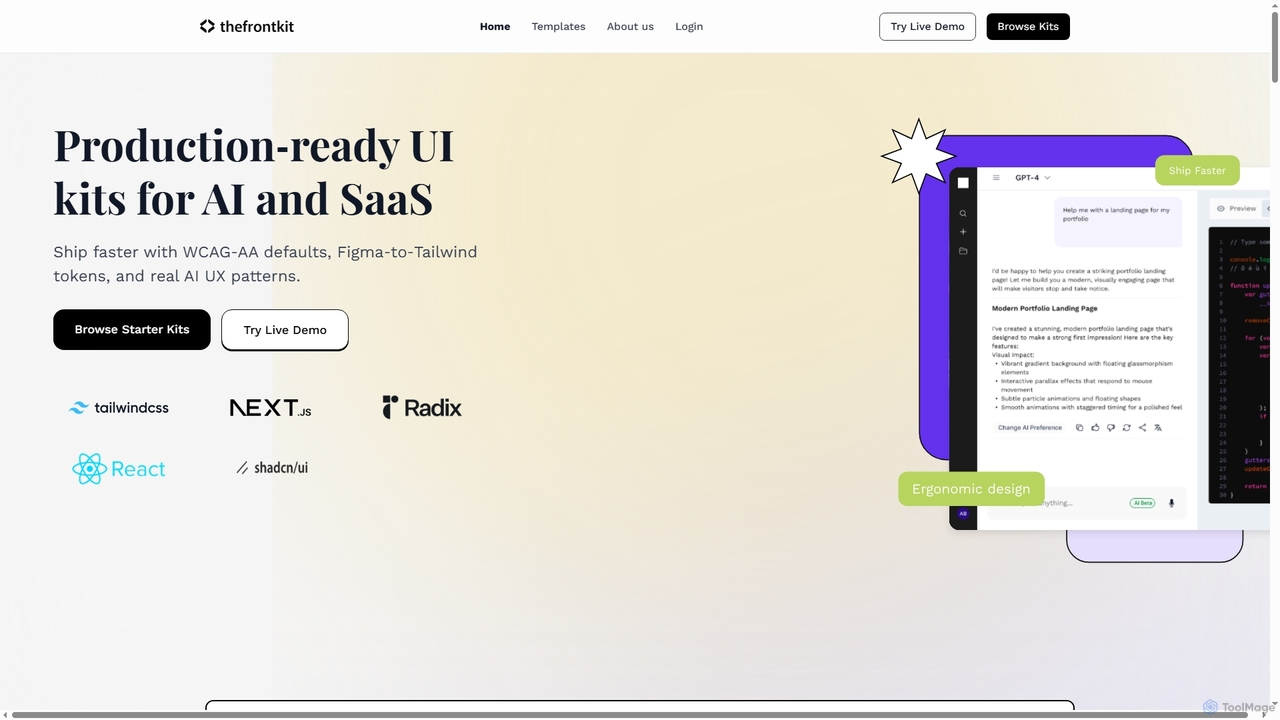
Thefrontkit
Thefrontkit provides production-ready UI kits for AI and SaaS applications, designed to accelerate development with WCAG-AA defaults, Figma-to-Tailwind token synchronization, and essential AI UX patterns. It offers structured, accessible UI components built with React and TailwindCSS, complete with Figma files and comprehensive documentation, enabling teams to ship faster and focus on product innovation.
Web Development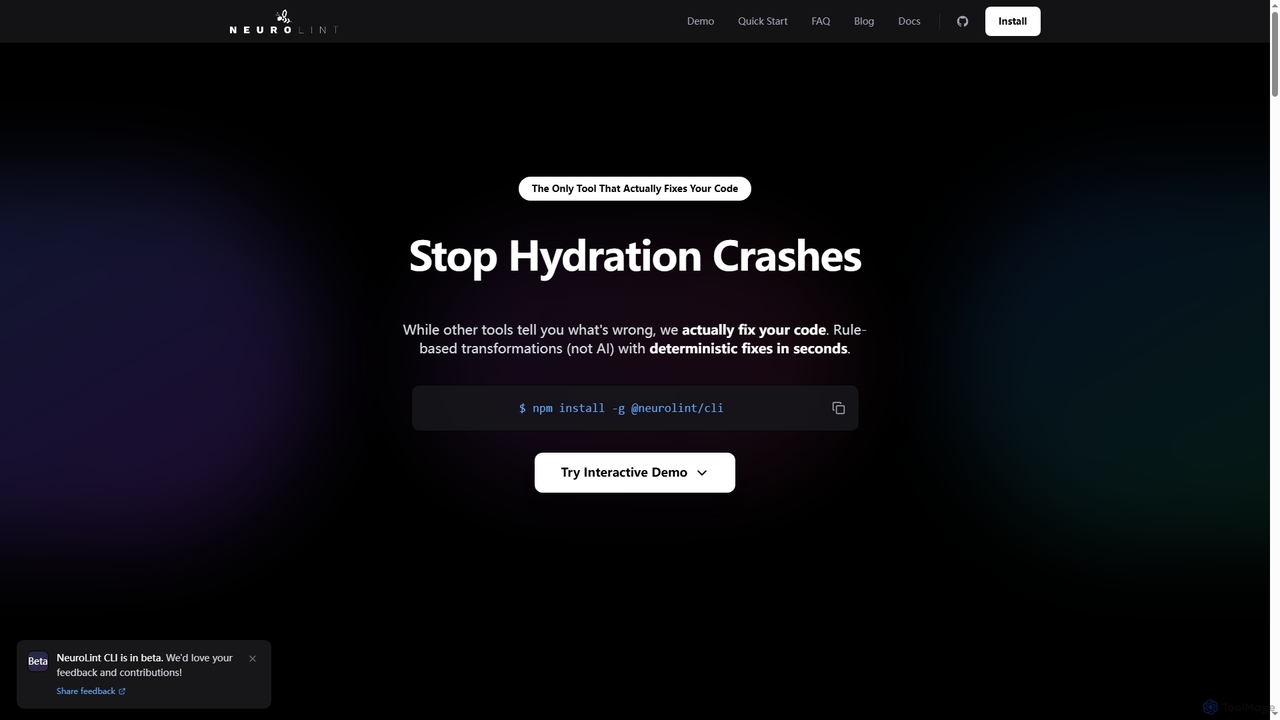
Neurolint
Neurolint is a free CLI tool that automatically detects and fixes bugs in React & Next.js codebases. It uses a deterministic, rule-based 7-layer architecture, not AI, to provide precise fixes for issues like hydration errors, accessibility problems, and performance bottlenecks, ensuring your code remains valid and production-ready.
Code Assistant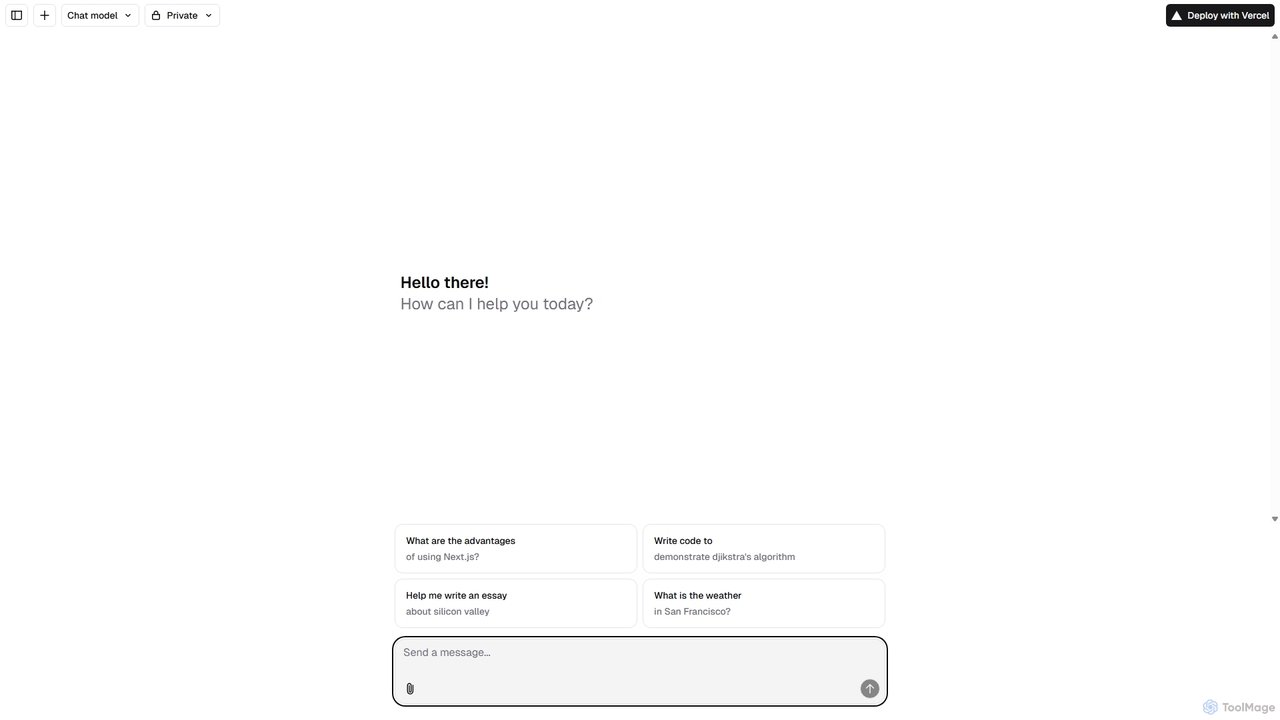
Next.js Chatbot Template
An open-source, Vercel-native chatbot template built with Next.js. It provides developers with a high-performance, customizable foundation to quickly build and deploy AI-powered chat interfaces. Ideal for creating customer support bots, AI assistants, and interactive Q&A systems.
Automation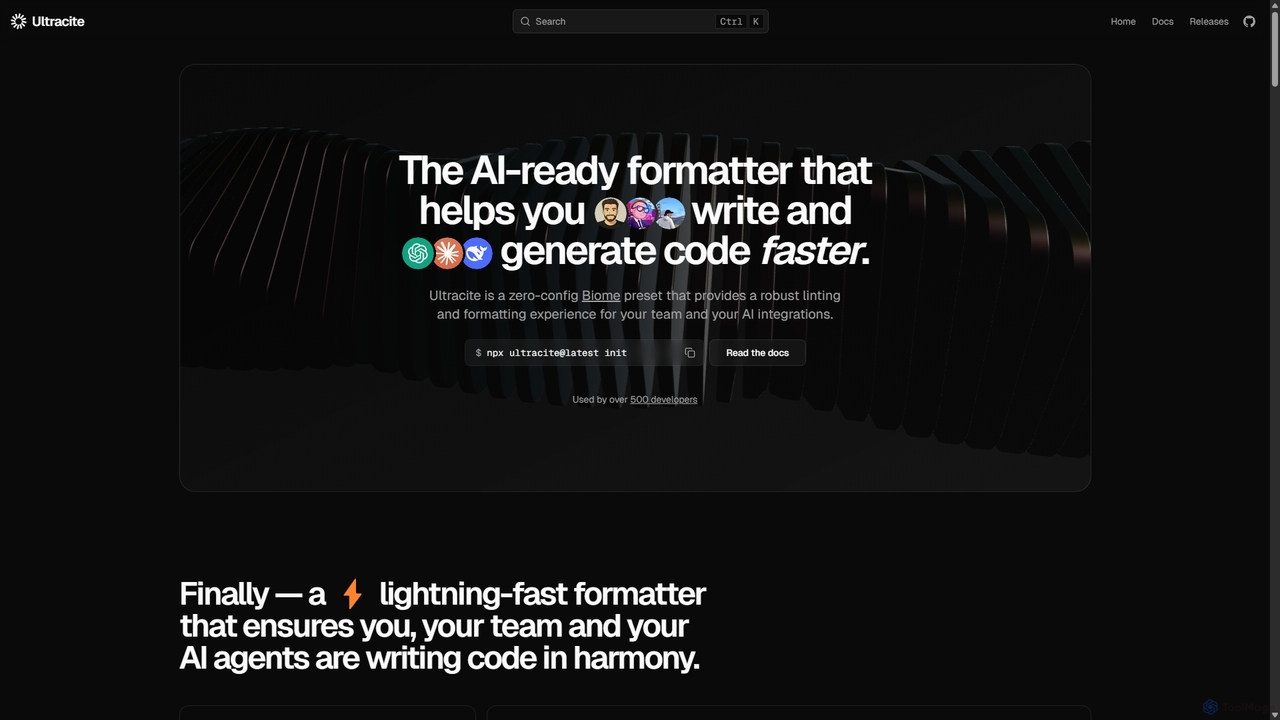
Ultracite
Ultracite is a lightning-fast, zero-config code formatter and linter built on Biome. It's designed to ensure consistent code style for both human developers and AI agents, automating formatting, fixing issues on save, and enforcing best practices for modern TypeScript, React, and Next.js projects.
Code Quality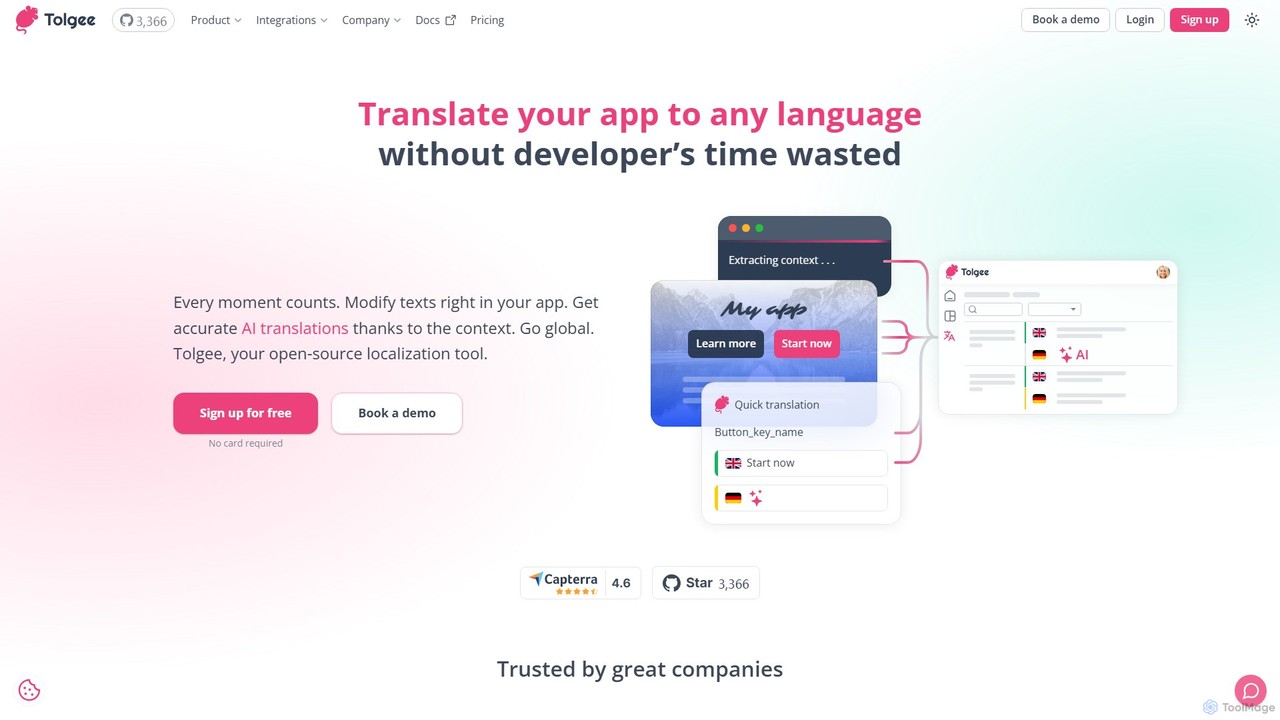
Tolgee
Tolgee is an open-source, AI-powered localization platform designed to streamline the translation process for applications. It features unique in-context editing, allowing developers, translators, and even non-technical users to modify text directly within the app. This provides crucial context for the AI translator, resulting in more accurate and reliable translations, saving significant developer time and accelerating global releases.
Collaboration
Jyek
Jyek is an AI agent platform that understands objectives, creates execution plans, uses tools, and delivers verifiable results for complex, multi-step tasks.
Automation
TacoTranslate Comments (0)
Sign in to comment.
Sign inNo comments yet.