

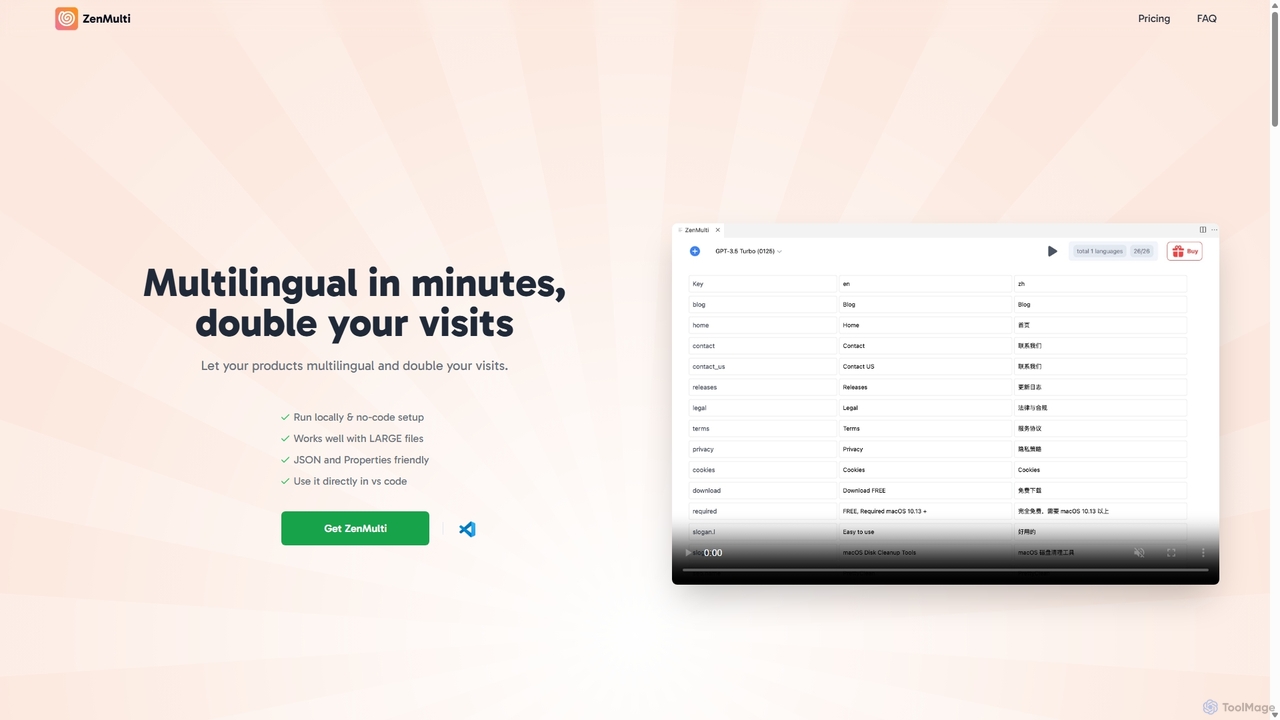
ZenMulti Overview
ZenMulti is a powerful and efficient AI-driven localization tool built specifically for developers. Integrated directly into Visual Studio Code as an extension, it dramatically simplifies the process of making software, websites, and applications multilingual. The core mission of ZenMulti is to eliminate the traditional complexities and high costs of translation, allowing developers and startups to focus on building their products while effortlessly reaching a global audience. By leveraging the power of advanced AI models, ZenMulti provides high-quality, context-aware translations in minutes, directly within your development environment.
The tool is designed with a developer-centric workflow in mind. It supports common resource file formats such as JSON and .properties, which are standard in web and mobile app development. Instead of manually copying text to external translation services and then pasting it back, ZenMulti allows you to perform the entire translation process with just a few clicks, maintaining the structure and keys of your original file. It operates locally on your machine, ensuring that your source code and sensitive data remain secure and private.
How to use ZenMulti
Getting started with ZenMulti is incredibly straightforward and requires no complex configuration. The entire process is designed to be completed in under a minute:
- Install the Extension: Open the extension marketplace in Visual Studio Code (you can use the shortcut
CMD + Shift + Pand type 'Install Extensions'). Search for "ZenMulti" and click install. - Prepare Your API Key: ZenMulti utilizes the OpenAI API for its translation capabilities. You will need to obtain an API key from your OpenAI account. Note that this is separate from a ChatGPT Plus subscription and operates on a pay-as-you-go basis with OpenAI.
- Select Your Resource File: In your VS Code project explorer, locate the source language file you wish to translate (e.g.,
en.json,messages.properties). - Launch ZenMulti: Right-click on the selected file and choose "Open ZenMulti" from the context menu. This will open the ZenMulti interface, where you can select target languages and initiate the AI-powered translation process. The tool will then generate new, translated files for each selected language automatically.
Core Features of ZenMulti
- Seamless VS Code Integration: Works as a native extension within your favorite code editor, eliminating the need to switch contexts or use external tools.
- AI-Powered Translations: Utilizes advanced AI to provide accurate and contextually relevant translations for unlimited languages.
- No-Code & Simple UI: An intuitive right-click interface makes it accessible to all developers, regardless of their experience with i18n tools.
- Local & Secure Processing: All operations run on your local machine. Your code, resource files, and API key never leave your computer, ensuring maximum privacy.
- Large File Support: Optimized to handle large and complex resource files efficiently without slowing down your workflow.
- Supports Key Formats: Natively supports JSON and .properties files, the most common formats for application localization.
- One-Time Payment: A single, affordable purchase grants you a lifetime license, including all future updates.
Use Cases for ZenMulti
ZenMulti is ideal for a wide range of development scenarios:
- Startups & Indie Developers: Quickly and cost-effectively launch a product in multiple international markets to maximize user reach and revenue from day one.
- Web Application Developers: Front-end developers using frameworks like React, Vue, or Angular can easily manage their i18n JSON files to create multilingual user interfaces.
- Mobile App Developers: iOS and Android developers can translate their string resource files to make their apps available to a global audience on the App Store and Google Play.
- SaaS Product Teams: Enable product managers and developers to rapidly iterate on new features with multi-language support, improving the user experience for international customers.
- Open-Source Projects: Project maintainers can use ZenMulti to generate baseline translations, making it easier for community members to contribute and refine language packs.
Advantages of ZenMulti
Compared to traditional translation methods, ZenMulti offers significant advantages:
- Speed and Efficiency: Reduces the translation process from hours or days to just a few minutes.
- Cost-Effectiveness: The one-time payment model is significantly more affordable than ongoing subscriptions to translation platforms or hiring professional translation agencies for initial drafts.
- Improved Workflow: Keeps developers in their coding environment, boosting productivity and reducing friction.
- Scalability: Effortlessly scales with your project, whether you're adding two new languages or twenty.
- Consistency: Ensures consistent terminology and phrasing across all translated files by using a single AI model.
Pricing and Plans
ZenMulti follows a simple and transparent pricing model. The VS Code extension is free to install from the marketplace.
To unlock the full translation capabilities, a one-time payment of $39 (often discounted from a regular price of $49) is required. This purchase provides you with a lifetime license key that includes:
- Translation of unlimited resource files.
- Support for unlimited languages.
- All future updates and features.
This model is designed to be accessible for individual developers and small teams, providing permanent value without recurring fees. Note: OpenAI API usage costs are separate and billed directly by OpenAI.
ZenMulti Alternatives

AI Localizer
AI Localizer by Wide Angle Software is an AI-powered application designed for iOS and macOS developers to automatically translate their apps into over 37 languages. It streamlines the localization process, enabling developers to reach a global audience with just a few clicks, saving significant time and resources compared to manual translation.
Language Translation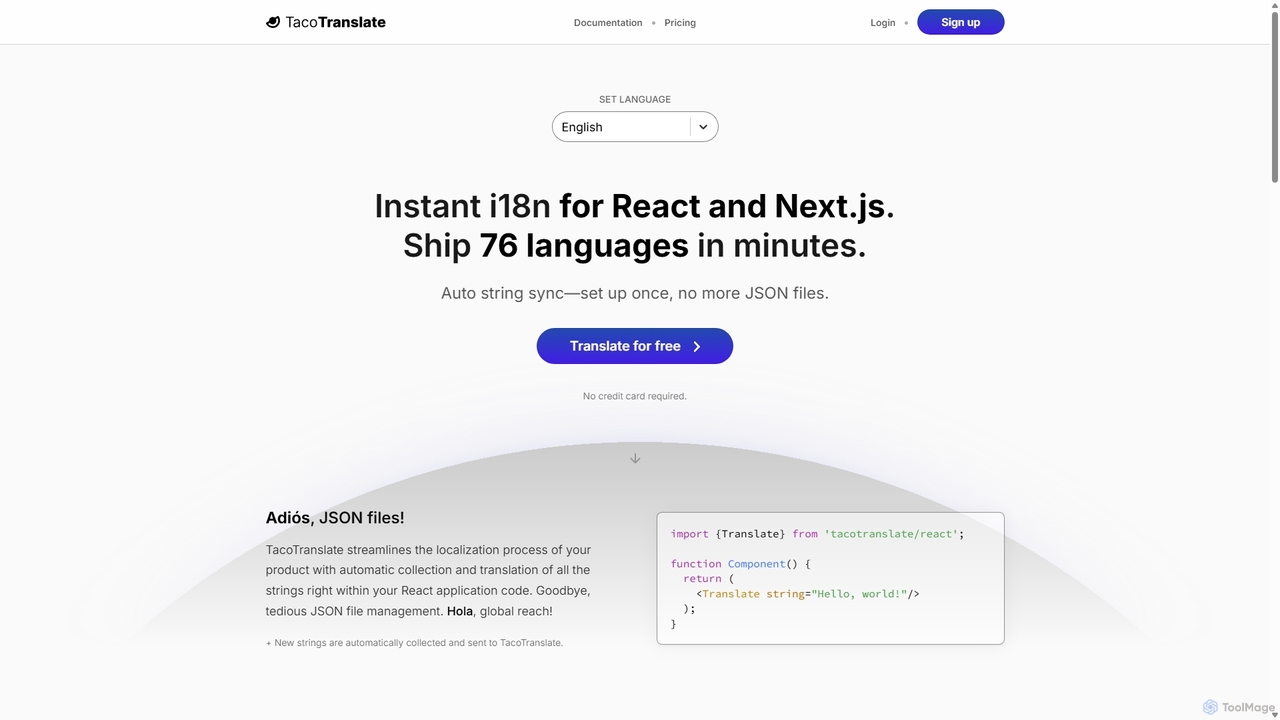
TacoTranslate
TacoTranslate is an AI-powered internationalization (i18n) tool designed for React and Next.js developers. It automates the entire localization process, from string collection to translation, eliminating the need for manual JSON file management. Ship your application in over 76 languages within minutes, enabling rapid global expansion with a developer-friendly workflow.
Localization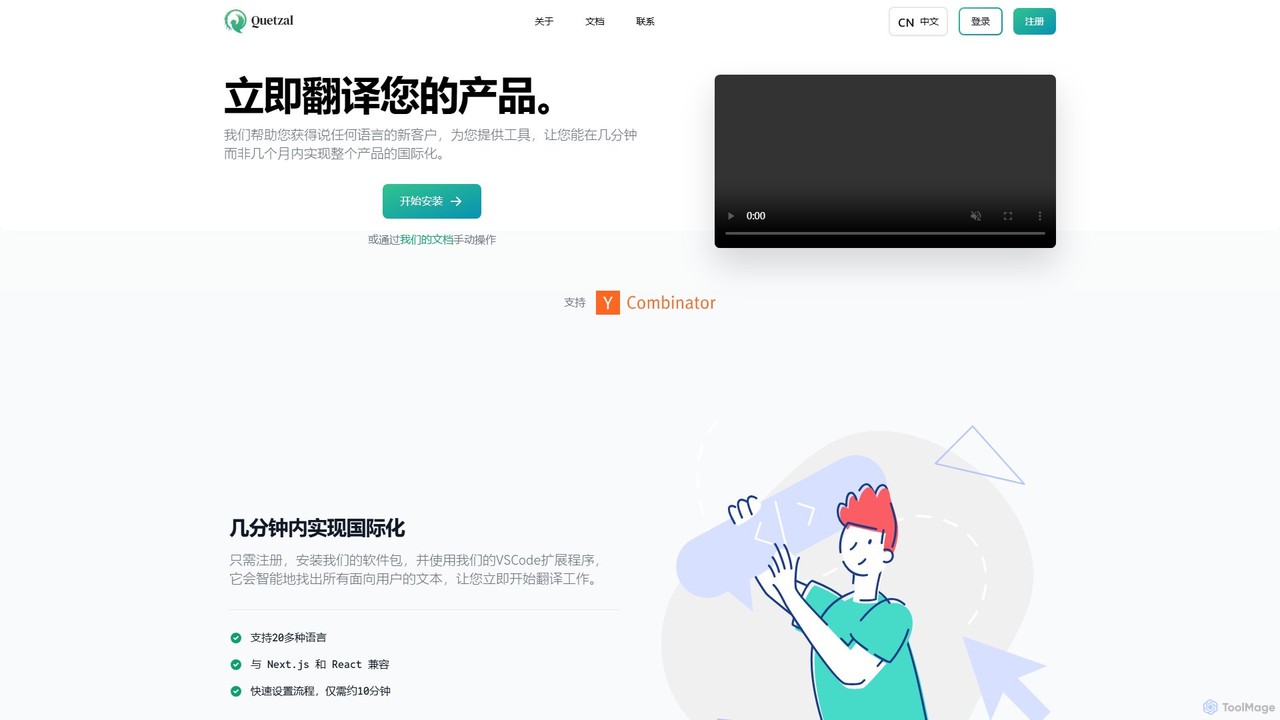
Quetzal
Quetzal is an AI-powered internationalization platform designed for modern web applications. It enables developers to translate their products into over 20 languages in minutes, not months. Through seamless integration with React, Next.js, and a smart VSCode extension, Quetzal automates the detection and translation of text, ensuring contextually accurate results and a streamlined workflow for global expansion.
Localization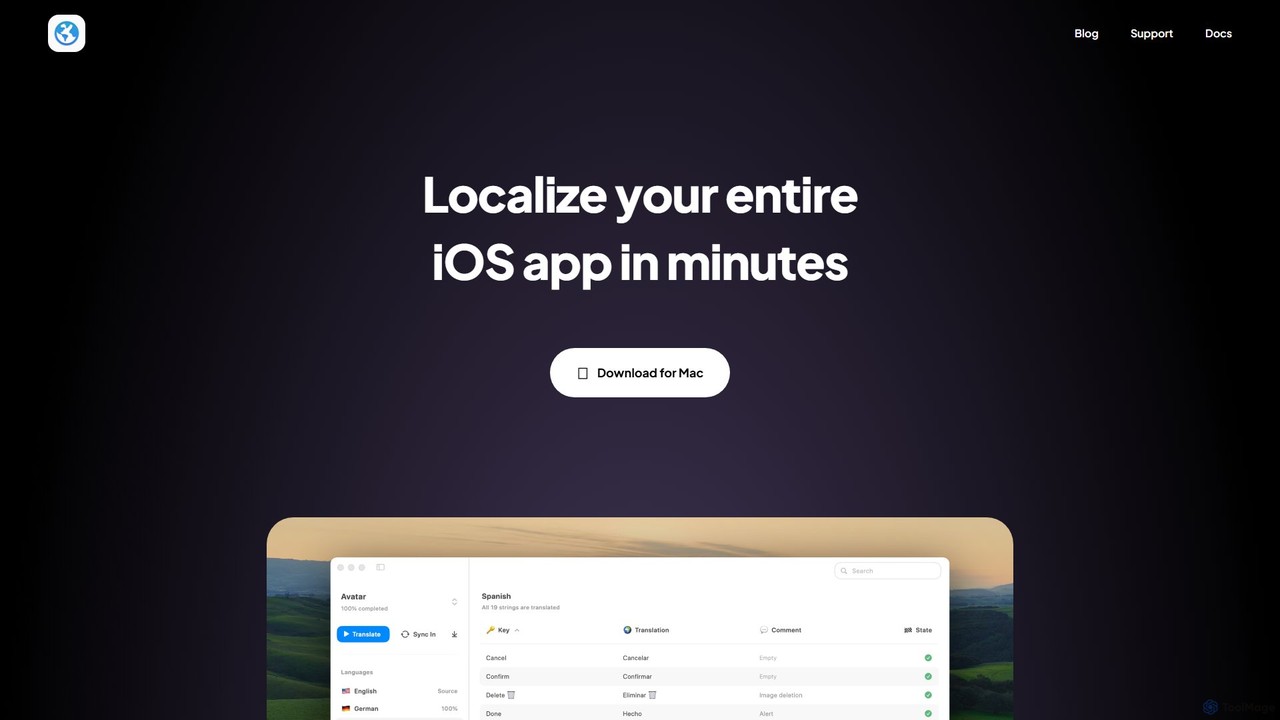
Globify
Globify is an AI-powered platform designed to streamline and automate the localization of mobile and web applications. It helps developers and product managers easily translate their app's UI and content into multiple languages with cultural and contextual accuracy. By leveraging advanced AI, Globify accelerates the process of reaching a global audience, reducing manual effort and time-to-market.
Internationalization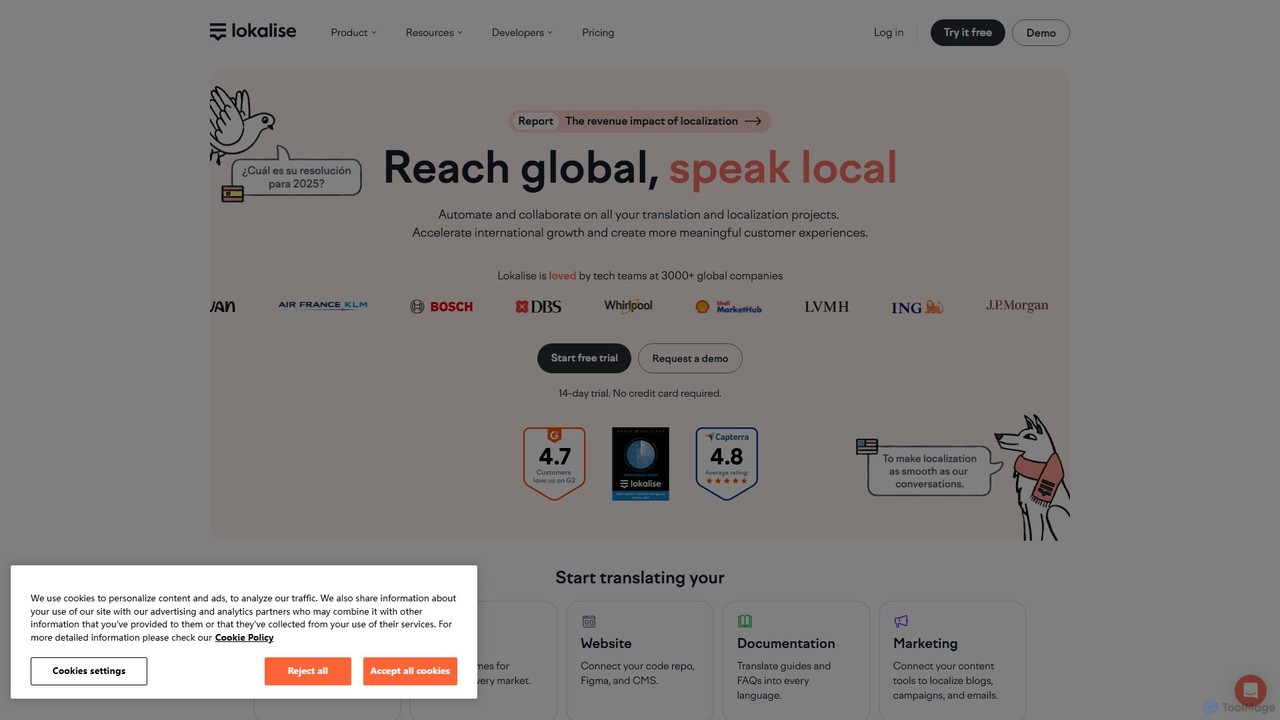
Lokalise
Lokalise is an AI-powered, collaborative localization and translation management platform. It helps teams automate their workflow, from developers and designers to translators, to localize websites, apps, games, and marketing content faster and more consistently for a global audience.
CollaborationZenMulti Categories
ZenMulti Jobs
ZenMulti Embed Widget
Copy this embed code to place the badge on your blog, article, or product site and send readers directly to this ToolMage detail page.

Related AI tools
TacoTranslate
TacoTranslate is an AI-powered internationalization (i18n) tool designed for React and Next.js developers. It automates the entire localization process, from string collection to translation, eliminating the need for manual JSON file management. Ship your application in over 76 languages within minutes, enabling rapid global expansion with a developer-friendly workflow.
Localization
PO-File
PO-File is an AI-powered online translation tool specifically designed for PO and POT files, streamlining software localization for developers and localization teams. It ensures accuracy by preserving code variables and context.
LocalizationAI Localizer
AI Localizer by Wide Angle Software is an AI-powered application designed for iOS and macOS developers to automatically translate their apps into over 37 languages. It streamlines the localization process, enabling developers to reach a global audience with just a few clicks, saving significant time and resources compared to manual translation.
Language TranslationQuetzal
Quetzal is an AI-powered internationalization platform designed for modern web applications. It enables developers to translate their products into over 20 languages in minutes, not months. Through seamless integration with React, Next.js, and a smart VSCode extension, Quetzal automates the detection and translation of text, ensuring contextually accurate results and a streamlined workflow for global expansion.
LocalizationGlobify
Globify is an AI-powered platform designed to streamline and automate the localization of mobile and web applications. It helps developers and product managers easily translate their app's UI and content into multiple languages with cultural and contextual accuracy. By leveraging advanced AI, Globify accelerates the process of reaching a global audience, reducing manual effort and time-to-market.
InternationalizationLokalise
Lokalise is an AI-powered, collaborative localization and translation management platform. It helps teams automate their workflow, from developers and designers to translators, to localize websites, apps, games, and marketing content faster and more consistently for a global audience.
Collaboration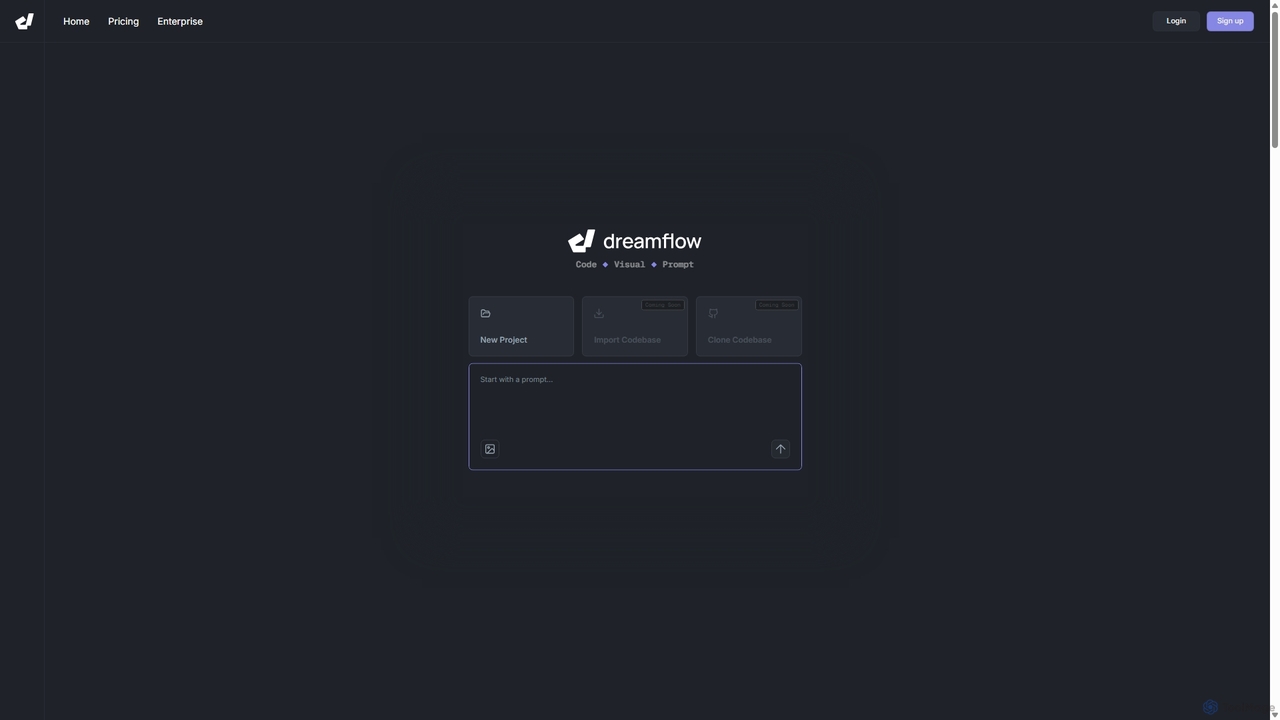
DreamFlow
DreamFlow is an AI-first development environment that transforms text prompts into cross-platform mobile applications. It integrates AI-powered code generation, a visual UI builder, and a full-featured code editor to accelerate the entire app development lifecycle for Flutter, from idea to deployment.
Code Generation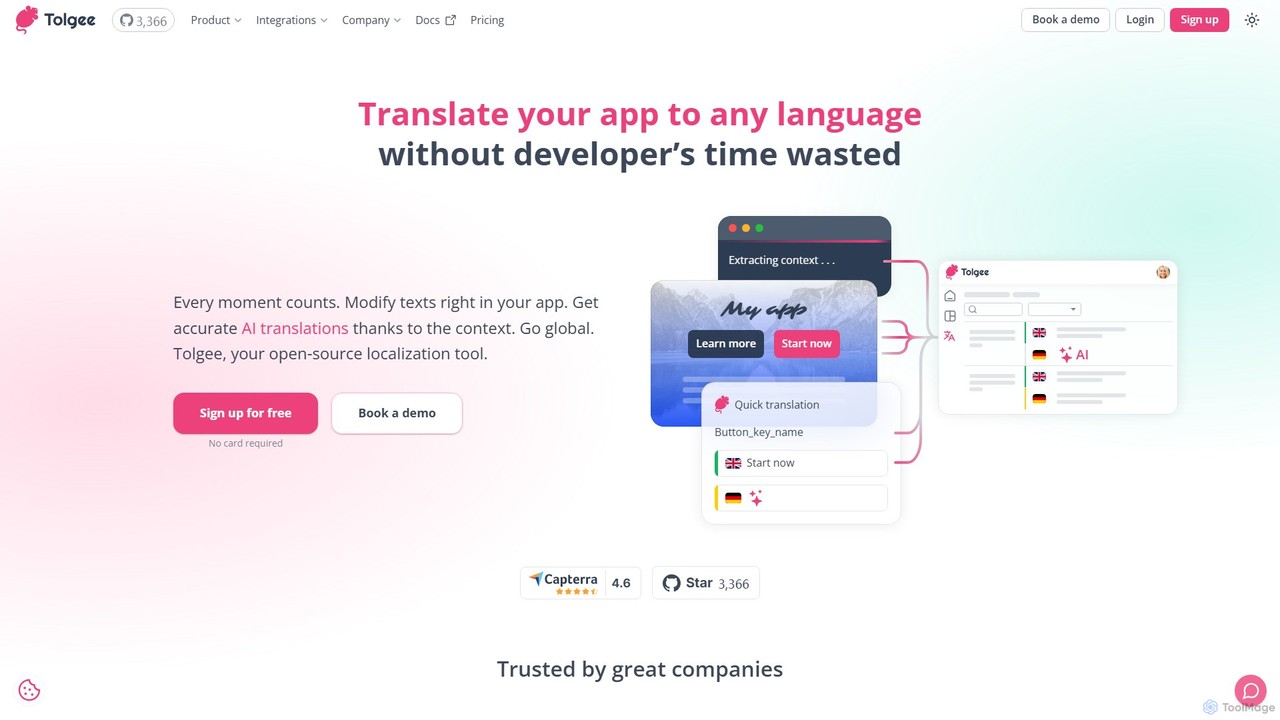
Tolgee
Tolgee is an open-source, AI-powered localization platform designed to streamline the translation process for applications. It features unique in-context editing, allowing developers, translators, and even non-technical users to modify text directly within the app. This provides crucial context for the AI translator, resulting in more accurate and reliable translations, saving significant developer time and accelerating global releases.
Collaboration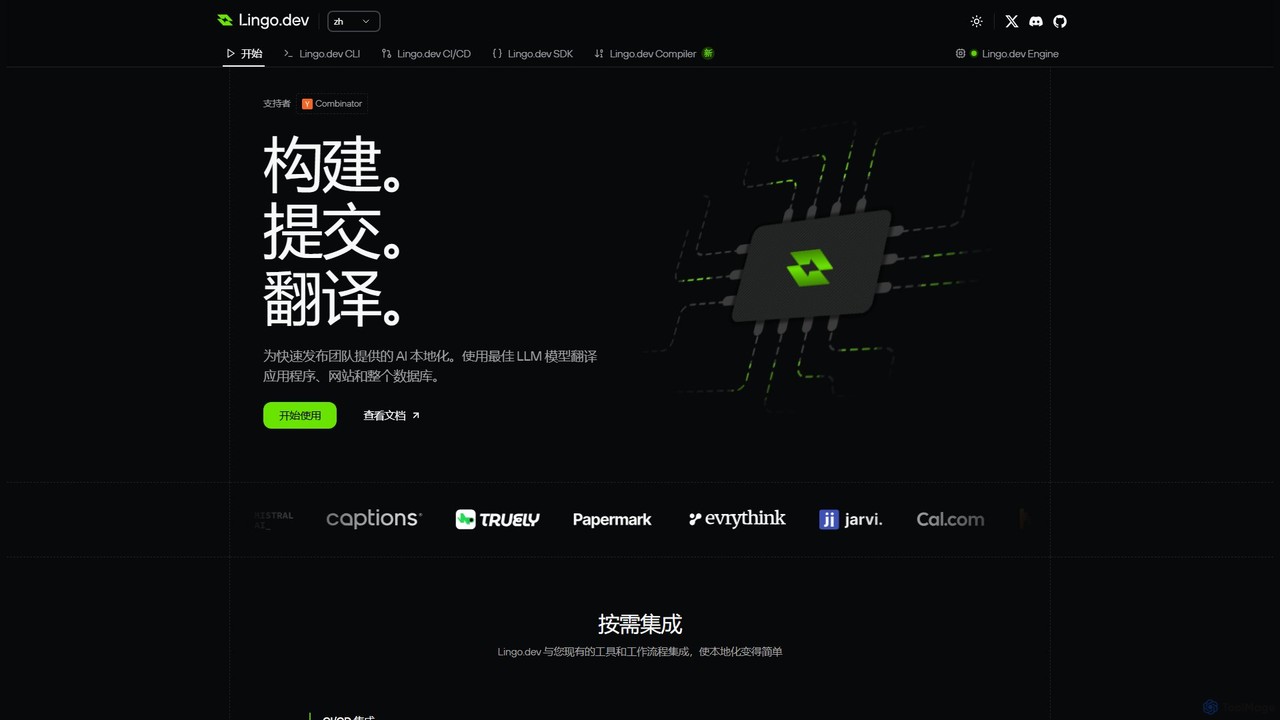
Lingo.dev
Lingo.dev is an AI-powered localization platform designed for developers. It automates the translation of web and mobile applications by integrating directly into your CI/CD pipeline and Git workflow, using advanced LLMs to provide fast, context-aware, and high-quality translations.
Automation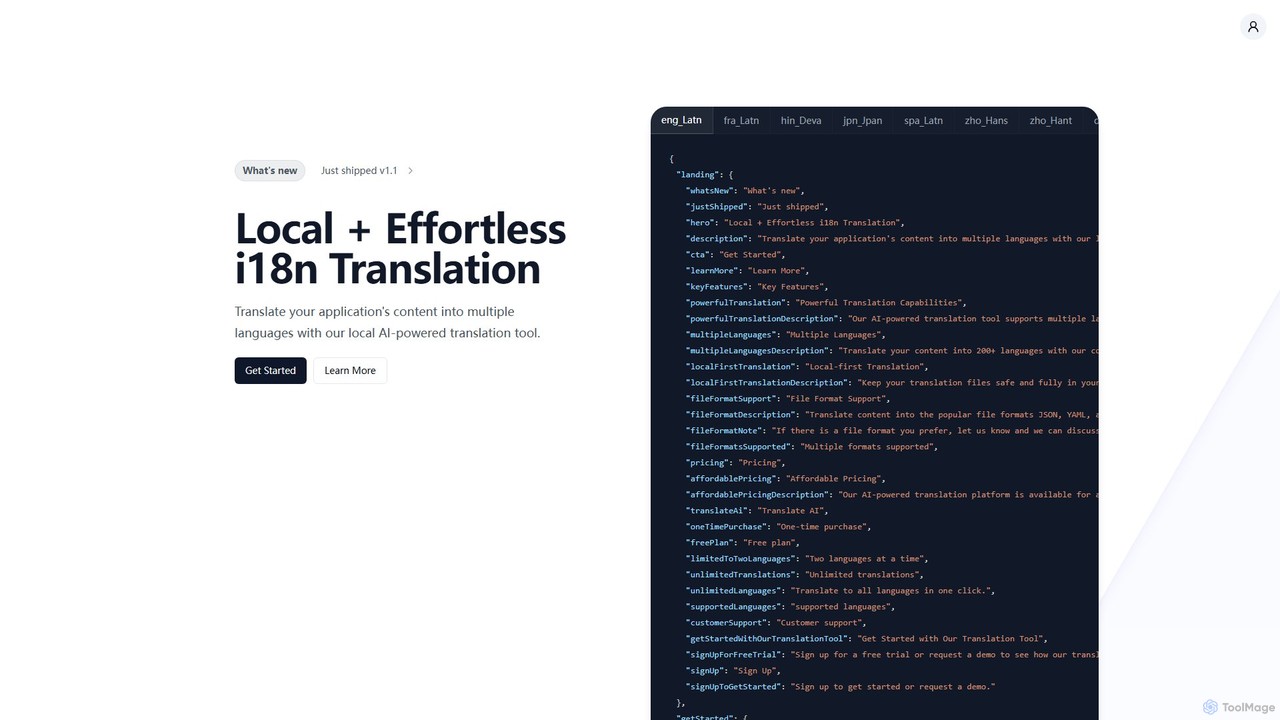
i18nlocale
i18nlocale is an AI-powered translation tool for developers that simplifies internationalization (i18n). It operates entirely locally on your device, ensuring your application's content files (JSON, YAML, JS/TS) are translated into over 200 languages with complete privacy and security. No data ever leaves your computer. It offers a free plan and an affordable one-time purchase for pro features.
Localization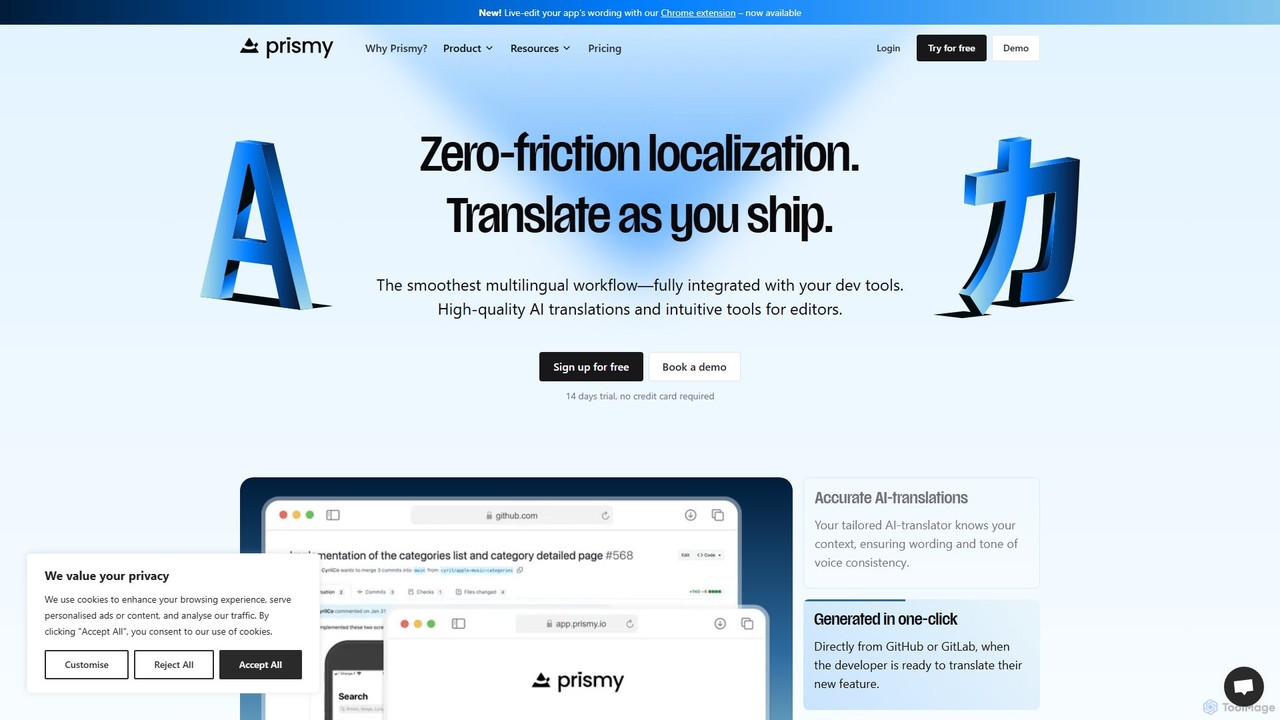
Prismy
Prismy is a modern, AI-powered localization platform designed for fast-shipping software teams. It streamlines the entire translation workflow by integrating directly with your development environment, such as GitHub. Automate string extraction, leverage AI for initial translations, and manage reviews in a collaborative dashboard to release multilingual products faster than ever.
Internationalization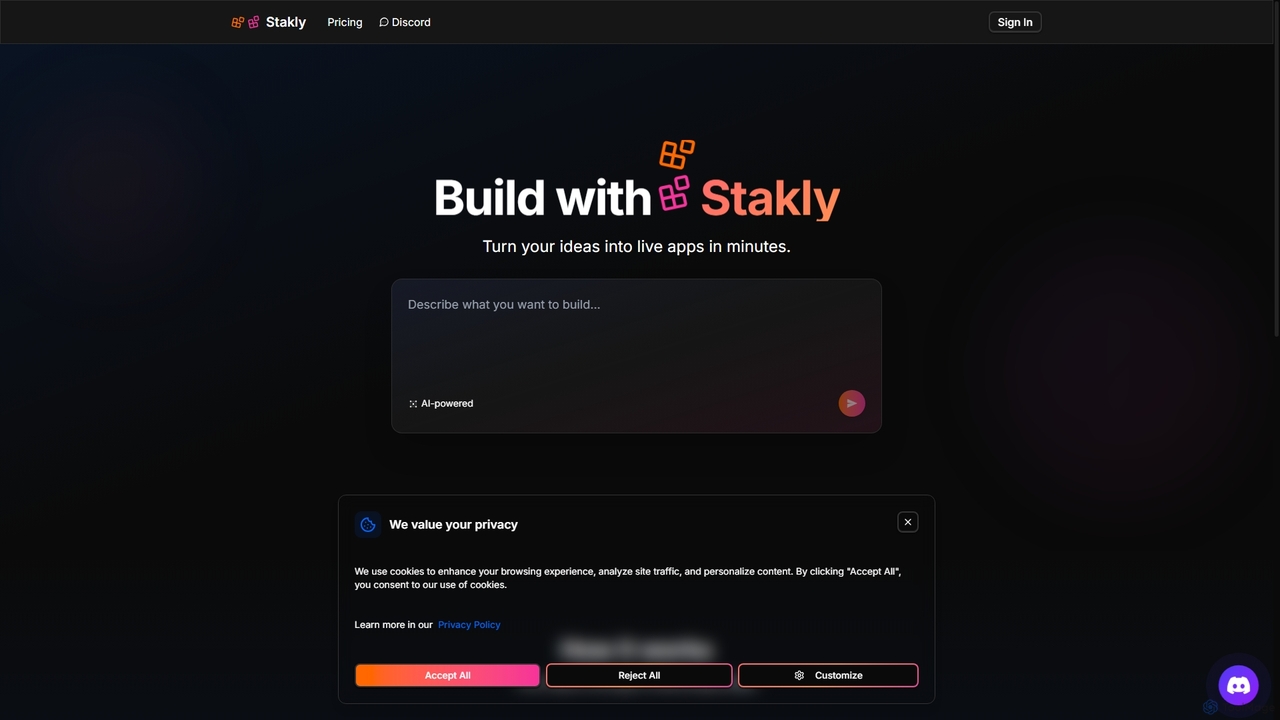
Stakly
Stakly is an AI-powered development platform that transforms natural language prompts into production-ready, full-stack web applications in minutes. Describe your idea, and the AI generates clean code, which you can deploy with one click or export to own completely. It supports modern frameworks like React, Next.js, and Python, making it ideal for rapid prototyping and development.
Code Assistant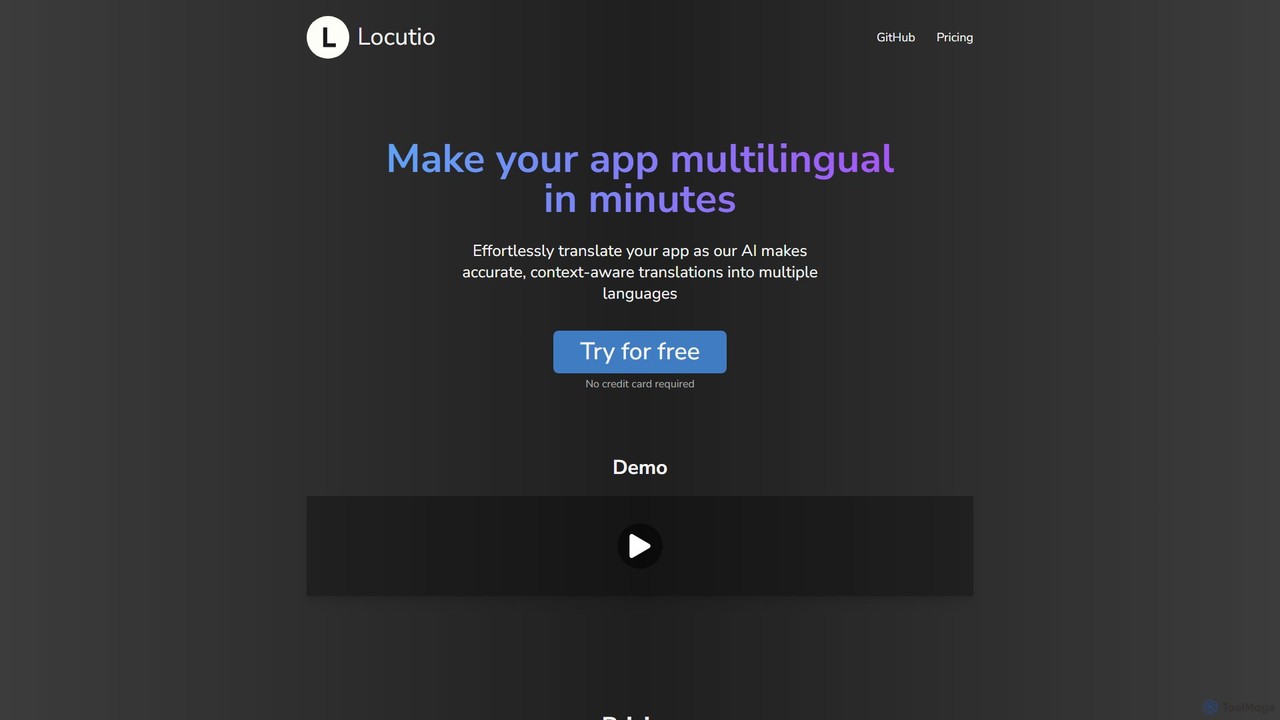
Locutio
Locutio is an AI-powered platform that enables developers and businesses to make their applications multilingual in minutes. It provides accurate, context-aware translations, streamlining the localization process with a developer-friendly workflow and a collaborative dashboard.
Internationalization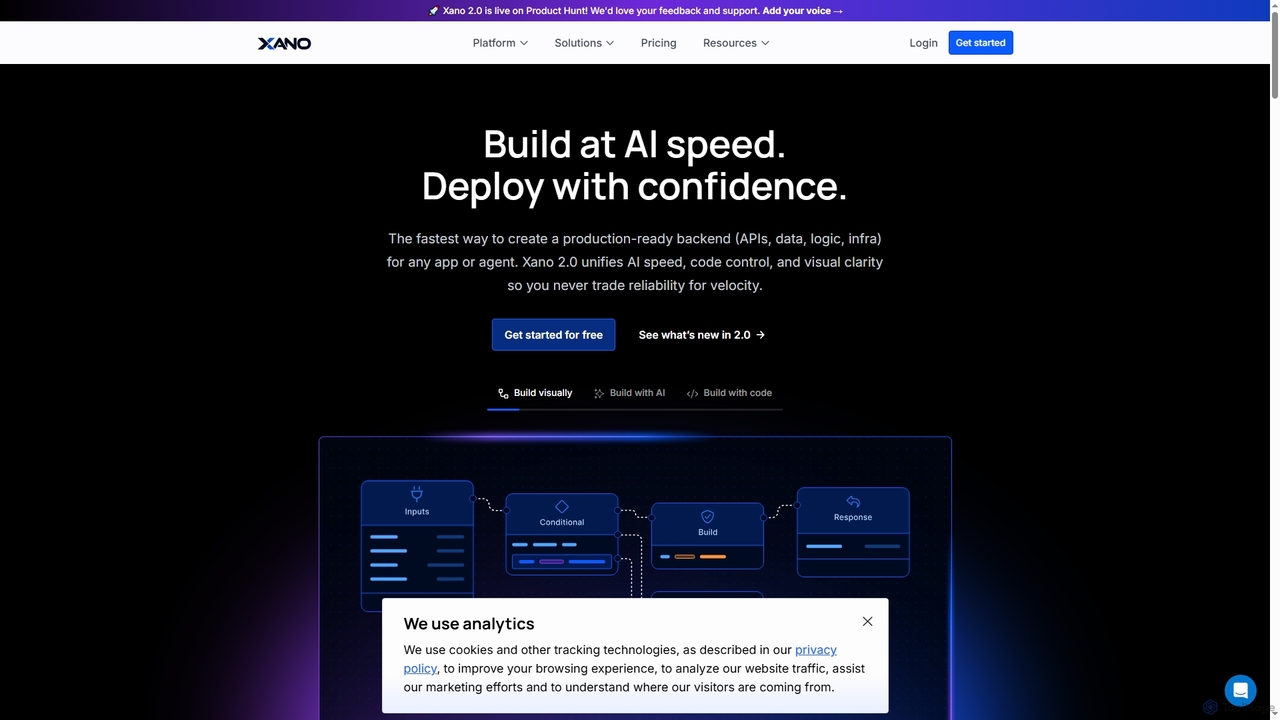
Xano
Xano is a scalable no-code backend platform that empowers developers and teams to build production-ready applications and AI agents at speed. It provides a unified solution for APIs, a managed Postgres database, visual logic, and auto-scaling infrastructure, eliminating the need for complex DevOps.
Agent Building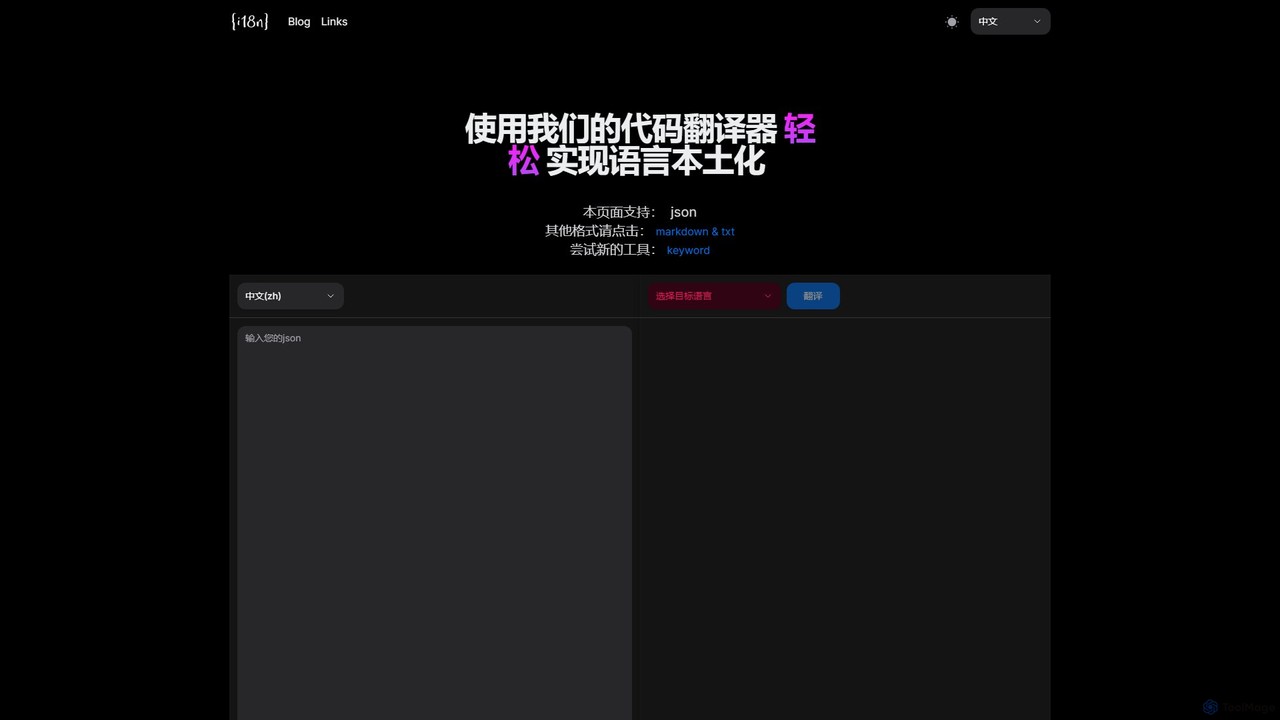
I18n Code
I18n Code is an AI-powered online translator designed for developers and content creators. It specializes in translating code files like JSON and content files like Markdown into multiple languages, streamlining the internationalization (i18n) process. Simply paste your code, select languages, and get accurately localized results instantly, preserving the original file structure.
Translation
ZenMulti Comments (0)
Sign in to comment.
Sign inNo comments yet.