ToolMage
Sign in

Best 2 Agent Building AI tools for Ai Development

Popular Agent Building AI tools in Ai Development include Xano and MCPeasy, helping you work more efficiently.

MCPeasy
Freemium

MCPeasy

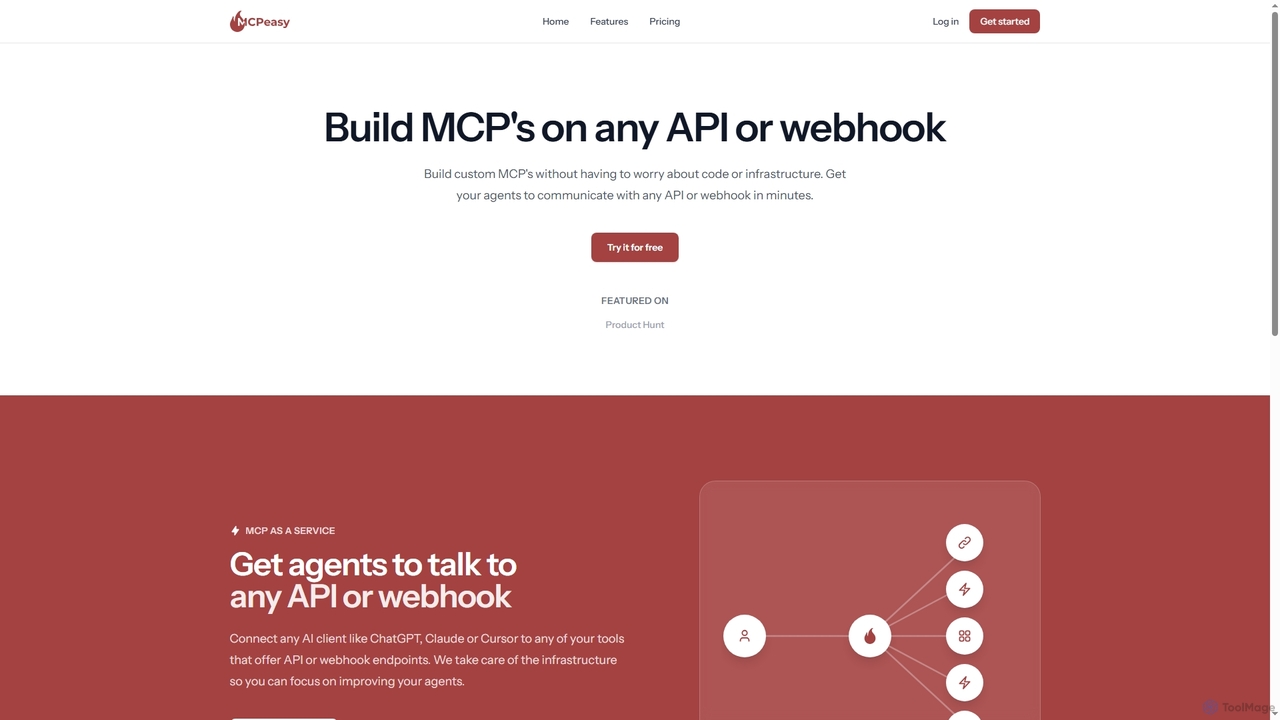
MCPeasy is a service that enables users to build custom AI agents, known as MCPs, without writing code or managing infrastructure. It allows these agents to seamlessly communicate with any API or webhook, connecting popular AI clients like ChatGPT, Claude, or Cursor to various tools and services in minutes.

Agent Building
Visits 4.1KFavorites 59Likes 59
Xano
Freemium

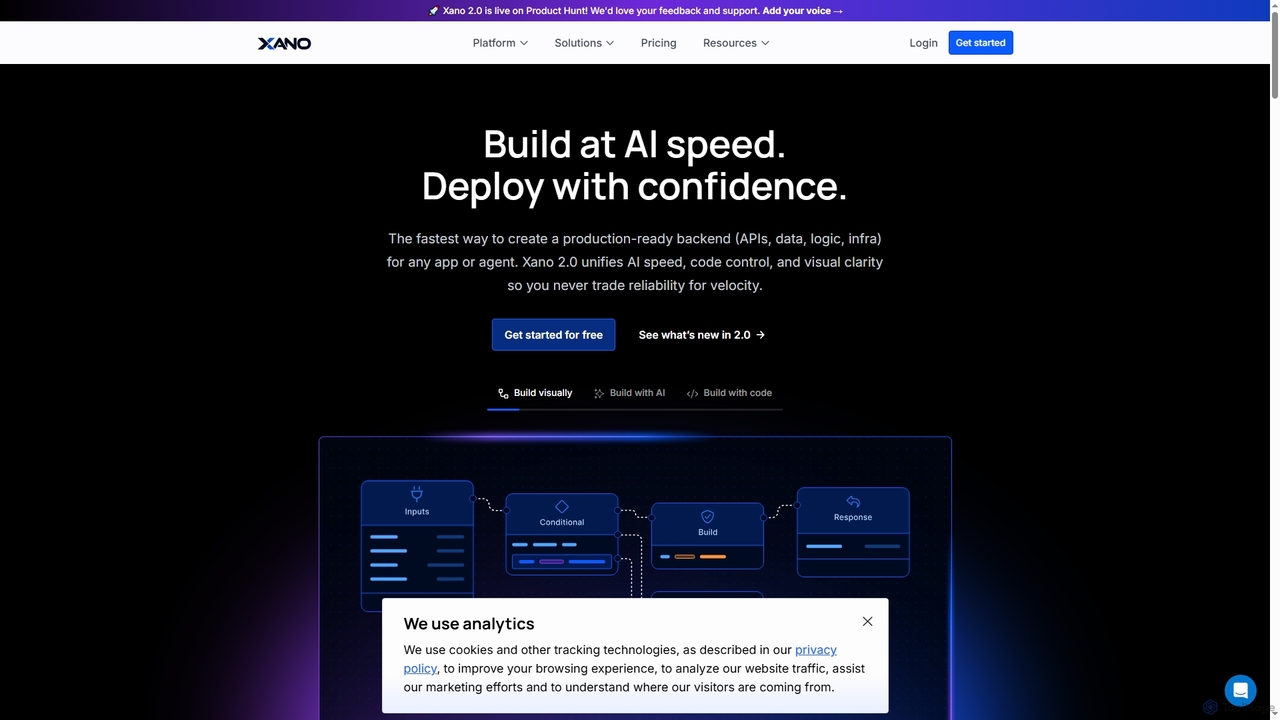
Xano

Xano is a scalable no-code backend platform that empowers developers and teams to build production-ready applications and AI agents at speed. It provides a unified solution for APIs, a managed Postgres database, visual logic, and auto-scaling infrastructure, eliminating the need for complex DevOps.

Agent Building
Visits 176KFavorites 140Likes 149

About Agent Building

Agent Building platforms are tools used to create autonomous AI agents capable of planning and executing complex, multi-step tasks. These platforms utilize Large Language Models (LLMs) to interpret high-level goals, break them down into actionable steps, and interact with various digital tools and APIs to complete them. Their primary value lies in automating sophisticated workflows that require reasoning, problem-solving, and adaptation. This enables the creation of systems that can independently conduct research, manage projects, or interact with software, moving beyond simple task automation to goal-oriented execution.

Core Features

  • Task Decomposition: Automatically breaks down a complex goal into a sequence of smaller, manageable sub-tasks.
  • Tool & API Integration: Equips agents with the ability to use external tools like web search, code interpreters, and third-party APIs.
  • Autonomous Planning & Execution: Enables agents to create, modify, and execute plans to achieve a goal with minimal human intervention.
  • Memory & Context Management: Maintains short-term and long-term memory to learn from past interactions and maintain context during tasks.
  • Visual Workflow Builders: Provides low-code or no-code interfaces for designing, testing, and deploying agents.

Use Cases

Agent Building tools are particularly valuable in roles requiring complex information synthesis and process automation. For instance, market analysts can deploy agents to automatically gather competitor data, developers can use them to automate debugging and testing workflows, and customer support teams can build agents that proactively resolve complex user issues by interacting with multiple backend systems.

How to Choose

When selecting an Agent Building platform, consider the range of available tool integrations and API connectivity. Evaluate the level of autonomy and self-correction the agents can achieve. Assess the development environment—whether it's a no-code builder for business users or a code-based framework for developers. Finally, examine the platform's scalability for deployment and its pricing model, which may be based on tasks, tokens, or subscriptions.

Featured tool rankings

Agent Building use cases

1

Automated Market Research and Reporting

A business strategist needs to compile a comprehensive report on a new market trend. Using an Agent Building platform, they define a high-level goal: 'Analyze the impact of AI on the retail industry and generate a summary report.' The AI agent autonomously breaks this down into sub-tasks: searching for recent articles, identifying key market players, summarizing academic papers, and extracting statistical data. It uses integrated web search and document analysis tools, synthesizes the findings into a structured report with key insights and charts, and delivers the final document, saving the strategist dozens of hours of manual research.

2

Proactive Customer Support Resolution

A customer support manager wants to reduce resolution times for complex issues. They build an AI agent that integrates with their CRM, knowledge base, and billing system. When a customer reports an issue like 'My latest invoice is incorrect,' the agent doesn't just provide a help article. It authenticates the user, retrieves their invoice history from the billing API, cross-references it with their usage data in the CRM, identifies the discrepancy, and drafts a corrected invoice for human approval. This proactive, multi-system approach resolves issues in minutes instead of hours of back-and-forth communication.

3

Automated Software Development Assistant

A software developer is working on a new feature and encounters a bug. Instead of manually searching through documentation and forums, they instruct their AI agent: 'The user authentication endpoint is returning a 500 error. Find the cause and suggest a fix.' The agent accesses the project's codebase via an API, uses a code interpreter tool to analyze the relevant files, identifies a database connection error in the code, searches for the correct connection syntax for their specific database, and presents a corrected code snippet. This transforms the debugging process from hours of research into a single, concise interaction.

4

Personalized Travel Itinerary Planning

An individual wants to plan a 7-day trip to Japan. They provide their preferences to an AI agent: budget, interests (history, food), and travel pace. The agent accesses flight and hotel booking APIs to find options within budget, uses a web search tool to identify historical sites and top-rated restaurants, and consults a mapping tool to create a logical daily itinerary that minimizes travel time. It then presents a complete, day-by-day plan with booking links and estimated costs. The user can then ask for modifications, like 'add more nature spots,' and the agent will dynamically replan the itinerary.

5

Social Media Content Strategy and Scheduling

A social media manager for a tech startup needs to create and schedule a week's worth of content. They instruct an agent: 'Generate 5 posts for Twitter about our new AI feature, targeting developers. Include relevant hashtags and find a suitable image for each.' The agent researches trending developer topics, drafts five distinct tweets in an appropriate tone, generates relevant hashtags using a keyword tool, uses an image generation API to create visuals, and presents the content in a schedule format. The manager simply reviews and approves, and the agent can then use the social media platform's API to schedule the posts automatically.

6

Complex Data Analysis and Visualization

A data analyst is asked to find the root cause of a recent dip in sales. They provide an AI agent with access to the company's sales database and marketing analytics platform. The instruction is: 'Analyze sales data from the last quarter, correlate it with marketing campaigns, and identify potential reasons for the 10% sales drop.' The agent formulates and executes SQL queries, pulls campaign data via API, performs statistical analysis to find correlations, and uses a data visualization tool to generate charts illustrating the findings. It concludes that a reduction in ad spend for a key demographic coincided with the drop and presents this insight in a summary.

Agent Building FAQ

What is AI Agent Building?

AI Agent Building is the process of creating autonomous AI systems, or 'agents,' that can understand goals, make plans, and execute multi-step tasks by interacting with their digital environment. Unlike simple automation tools that follow rigid rules, AI agents use Large Language Models (LLMs) for reasoning and can utilize various tools (like web browsers or APIs) to complete complex objectives. For example, an agent could be tasked with 'planning a trip to Paris' and would independently research flights, hotels, and activities to create a full itinerary.

How to choose an Agent Building platform?

Choosing the right platform depends on your technical skills and project complexity. Consider these factors:

  • Ease of Use: Look for no-code or low-code platforms with visual builders if you are not a developer. Developers might prefer code-based frameworks or SDKs for more control.
  • Integration Capabilities: Ensure the platform can connect to the tools and APIs you need, such as web search, databases, or specific software like Salesforce or Slack.
  • Agent Autonomy: Evaluate how well the agent can plan, self-correct when it fails, and handle complex, long-running tasks without constant human oversight.
  • Deployment and Scalability: Check how easy it is to deploy your agent and whether the platform can handle a high volume of tasks or users as your needs grow.
What's the difference between an AI Agent and a traditional chatbot?

The key difference is autonomy and capability. A traditional chatbot typically follows a predefined script or decision tree to answer specific questions within a narrow domain. It reacts to user input. An AI agent, on the other hand, is proactive and goal-oriented. It can independently plan and execute a series of actions across multiple tools to achieve a complex goal. For example, a chatbot can tell you a company's return policy, while an AI agent could manage the entire return process for you, including scheduling a pickup and issuing a refund by interacting with logistics and payment systems.

What kind of tasks can AI Agents perform?

AI agents excel at complex, multi-step tasks that require accessing and synthesizing information from multiple sources or interacting with different software systems. Common applications include:

  • Research and Analysis: Automatically gathering data from the web, analyzing documents, and generating summary reports.
  • Workflow Automation: Managing internal processes like employee onboarding by interacting with HR, IT, and finance systems.
  • Software Development: Assisting with coding, debugging, running tests, and managing project repositories.
  • Personal Assistance: Planning travel, managing calendars, and handling complex scheduling across different time zones.
  • Customer Service: Proactively resolving customer issues by accessing order history, shipping status, and billing information.
Do I need coding skills to build an AI Agent?

Not necessarily. The field of Agent Building caters to a wide range of users. Many modern platforms are no-code or low-code, featuring drag-and-drop interfaces and visual workflow builders. These allow business users, marketers, and other non-technical professionals to create powerful agents without writing any code. For developers and users with more complex, custom needs, there are also code-based frameworks and SDKs (like LangChain or AutoGen) that offer maximum flexibility and control over the agent's architecture and behavior.