

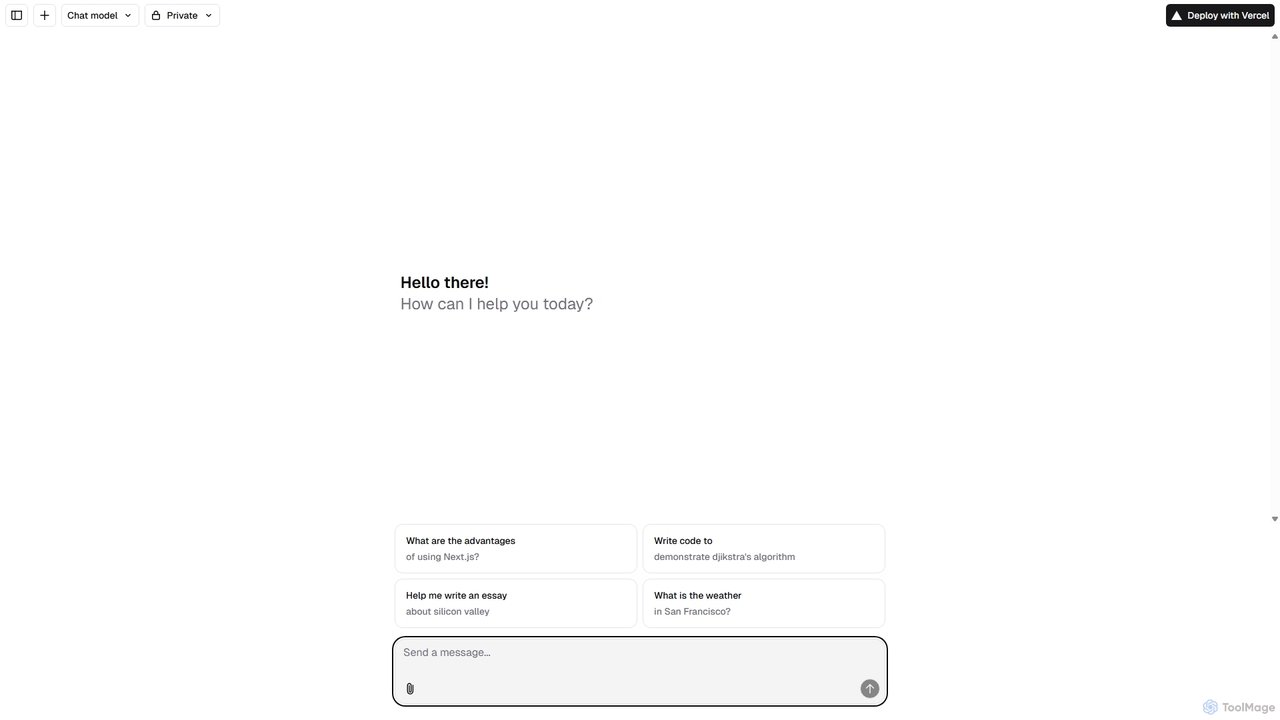
Next.js Chatbot Template Overview
The Next.js Chatbot Template is a powerful, open-source boilerplate designed for developers looking to integrate sophisticated AI chat functionalities into their web applications. Built on the robust Next.js framework and optimized for deployment on Vercel, this template offers a seamless development experience, exceptional performance, and extensive customization options. It serves as a complete starter kit, providing a beautiful, responsive chat interface out-of-the-box, which can be connected to various Large Language Model (LLM) APIs like OpenAI's GPT series, Anthropic's Claude, or Google's Gemini.
This template is more than just a UI component; it's a full-stack solution that handles state management, streaming responses for real-time interaction, and conversation history. By leveraging Next.js, it benefits from features like Server-Side Rendering (SSR) and Static Site Generation (SSG), ensuring fast load times and an SEO-friendly architecture. This makes it a superior choice compared to traditional, widget-based chatbots that can slow down a website. Developers can easily fork the repository, customize the front-end with Tailwind CSS, and plug in their preferred AI model to get a production-ready chatbot up and running in minutes.
How to use Next.js Chatbot Template
Using the Next.js Chatbot Template is a straightforward process for developers familiar with the React and Next.js ecosystem. Here’s a typical workflow:
- Clone the Repository: Start by cloning the template's official repository from GitHub to your local development environment.
- Install Dependencies: Navigate to the project directory and run `npm install` or `yarn install` to install all the necessary packages.
- Configure Environment Variables: Create a `.env.local` file in the root of the project. This is where you will add your API keys for the LLM provider you choose to use (e.g., `OPENAI_API_KEY`).
- Customize the UI: The front-end is built with React and typically styled with Tailwind CSS. You can easily modify the components in the `components` directory to match your brand's look and feel. Change colors, fonts, logos, and the layout as needed.
- Connect to Your AI Backend: The template includes API route handlers in the `pages/api` directory. You can modify these files to integrate with your chosen LLM, adjust prompts, and manage the logic for how the chatbot responds.
- Deploy to Vercel: Once you are satisfied with your customizations, you can deploy the application with a single click using Vercel's Git integration. Connect your GitHub repository to Vercel, and it will automatically build and deploy your chatbot, providing a live URL.
Core Features of Next.js Chatbot Template
- Next.js 13+ & App Router: Built with the latest Next.js features for optimal performance, routing, and developer experience.
- Vercel-Optimized: Designed for seamless, one-click deployment and hosting on Vercel, leveraging its edge network for low latency.
- Streaming Responses: Supports real-time streaming of AI responses, providing a dynamic and engaging user experience similar to ChatGPT.
- Customizable UI: Comes with a clean, modern, and responsive chat interface built with Tailwind CSS that is easy to customize.
- Bring Your Own LLM: Easily integrates with any major LLM provider, including OpenAI, Anthropic, Google, and others, by simply adding your API key.
- Conversation History: Includes built-in support for managing and displaying conversation history within the user's session.
- Open Source: The template is fully open-source, giving developers complete control and transparency over the codebase.
Use Cases for Next.js Chatbot Template
This template is versatile and can be adapted for a wide range of applications:
- Customer Support Automation: Deploy an AI-powered chatbot on your website to answer common customer questions 24/7, reducing the load on your support team.
- Interactive Documentation: Embed a chatbot in your documentation site to help users find information and get code examples conversationally.
- AI-Powered SaaS Features: Integrate a chat interface as a core feature within your software application, offering users an AI assistant to help them with tasks.
- Lead Generation: Use the chatbot on a marketing website to engage visitors, qualify leads, and schedule demos.
- Educational Tutors: Create an AI tutor that can explain complex topics, answer student questions, and provide personalized learning support.
Advantages of Next.js Chatbot Template
The primary advantage is the speed of development. It eliminates the need to build a chat interface from scratch, saving hundreds of development hours. Being built on Next.js, it offers superior performance and SEO benefits compared to third-party chat widgets. The open-source nature provides ultimate flexibility, allowing for deep customization without being locked into a specific provider's ecosystem. Finally, its seamless integration with Vercel makes deployment and scaling incredibly simple.
Pricing and Plans
The Next.js Chatbot Template itself is completely free to use as it is an open-source project. However, running a chatbot built with this template will incur costs from two main sources:
- LLM API Usage: You will be billed by your chosen AI provider (e.g., OpenAI, Anthropic) based on the number of tokens processed by the model.
- Hosting: While Vercel offers a generous free tier that is suitable for development and small-scale projects, you may need to upgrade to a paid plan for commercial applications with higher traffic.
Next.js Chatbot Template Alternatives
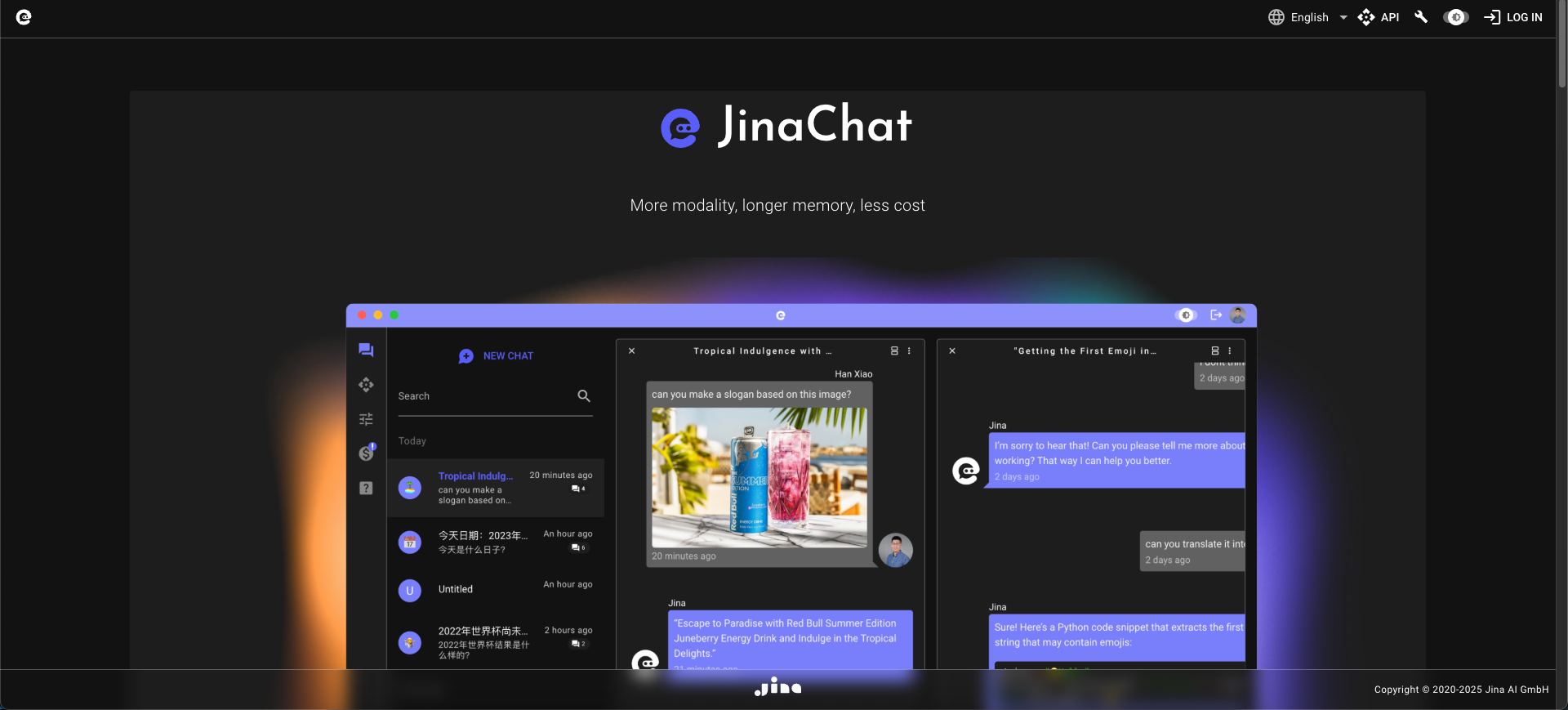
JinaChat
JinaChat is an advanced, cost-effective conversational AI platform specializing in multimodal understanding and long-context memory. It allows users and developers to build sophisticated applications that can process and interpret text, images, and more, making it a powerful alternative to other leading AI models.
Generative Ai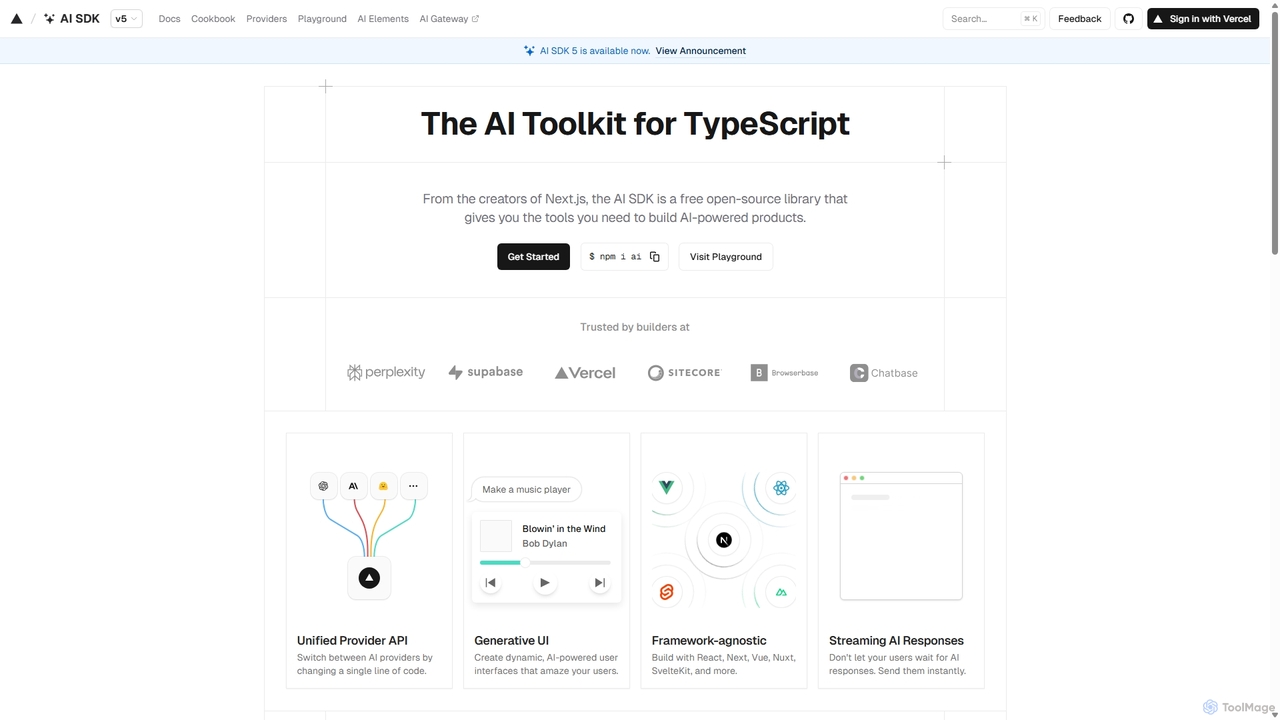
AI SDK
AI SDK by Vercel is a free, open-source TypeScript toolkit designed to help developers build AI-powered applications. It provides a unified API to seamlessly integrate with various large language models like OpenAI, Anthropic, and Google Gemini. The SDK is framework-agnostic, supporting React, Next.js, Vue, Svelte, and more, enabling the creation of features like streaming responses and generative UIs with minimal effort.
Model Integration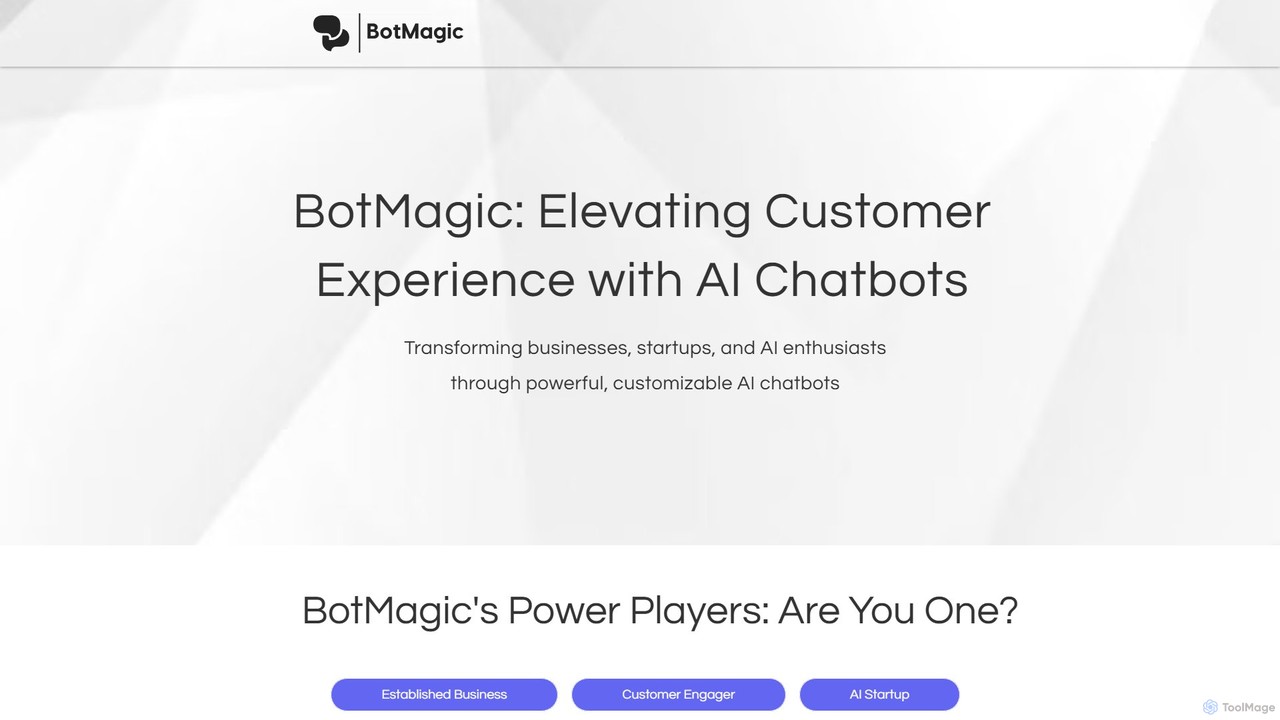
BotMagic
BotMagic is a powerful platform for creating customizable AI chatbots. It caters to businesses, startups, and AI enthusiasts, enabling them to build bots for internal productivity, customer engagement, and rapid AI application development. The platform features a comprehensive productivity suite, robust security, and advanced controls for a seamless bot creation experience.
Automation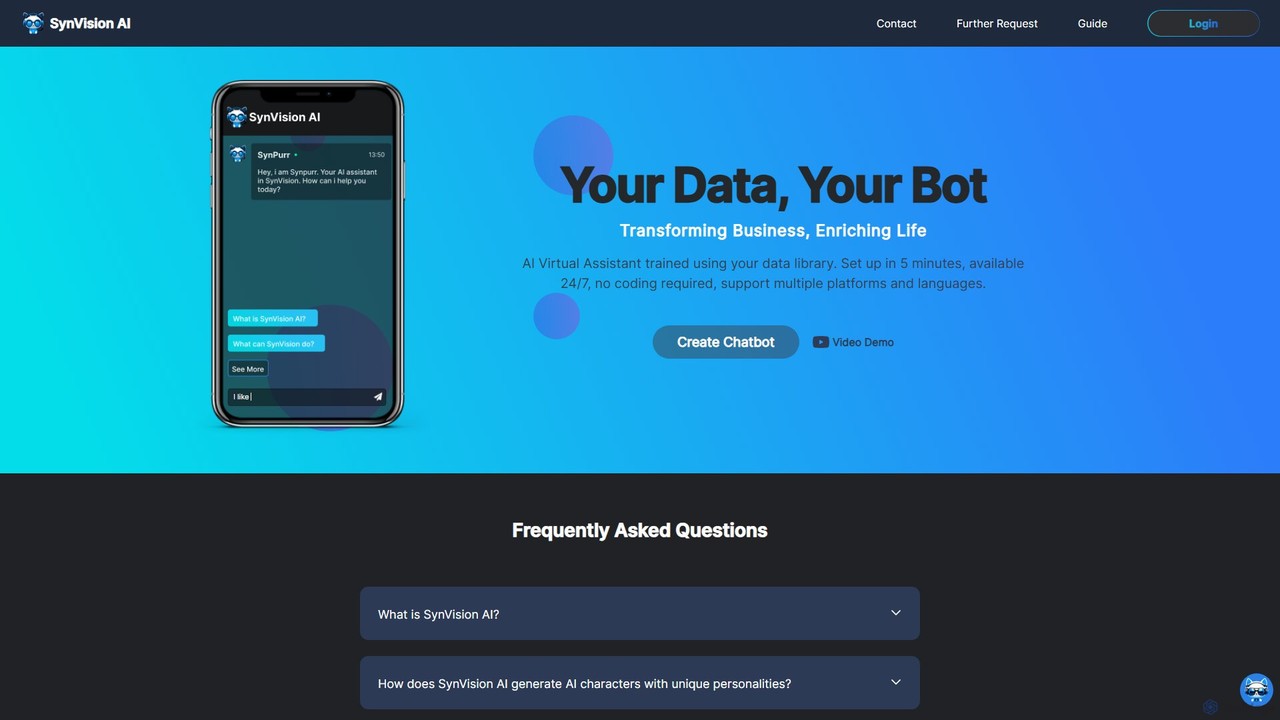
SynVision
SynVision is a no-code AI platform that allows you to create custom virtual assistants and chatbots trained on your own data. Build brand-aligned, multilingual AI characters for customer support, lead generation, and internal knowledge management in just 5 minutes, without any coding expertise.
Automation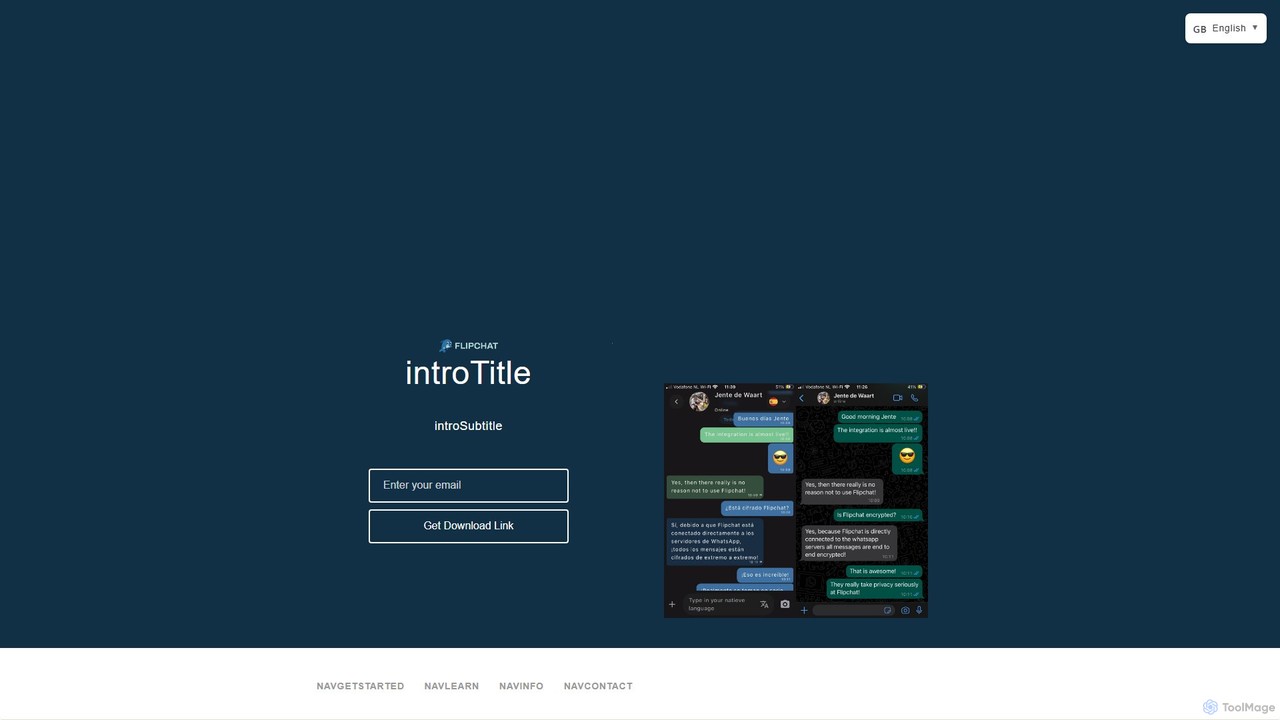
flip_chat
flip_chat is an AI-powered platform that transforms your static documents, websites, and knowledge bases into interactive chatbots. Instantly create a conversational AI that can answer questions, provide summaries, and engage users by allowing them to chat directly with your content.
AutomationNext.js Chatbot Template Categories
Next.js Chatbot Template Jobs
Next.js Chatbot Template Embed Widget
Copy this embed code to place the badge on your blog, article, or product site and send readers directly to this ToolMage detail page.

Related AI tools
AI SDK
AI SDK by Vercel is a free, open-source TypeScript toolkit designed to help developers build AI-powered applications. It provides a unified API to seamlessly integrate with various large language models like OpenAI, Anthropic, and Google Gemini. The SDK is framework-agnostic, supporting React, Next.js, Vue, Svelte, and more, enabling the creation of features like streaming responses and generative UIs with minimal effort.
Model Integration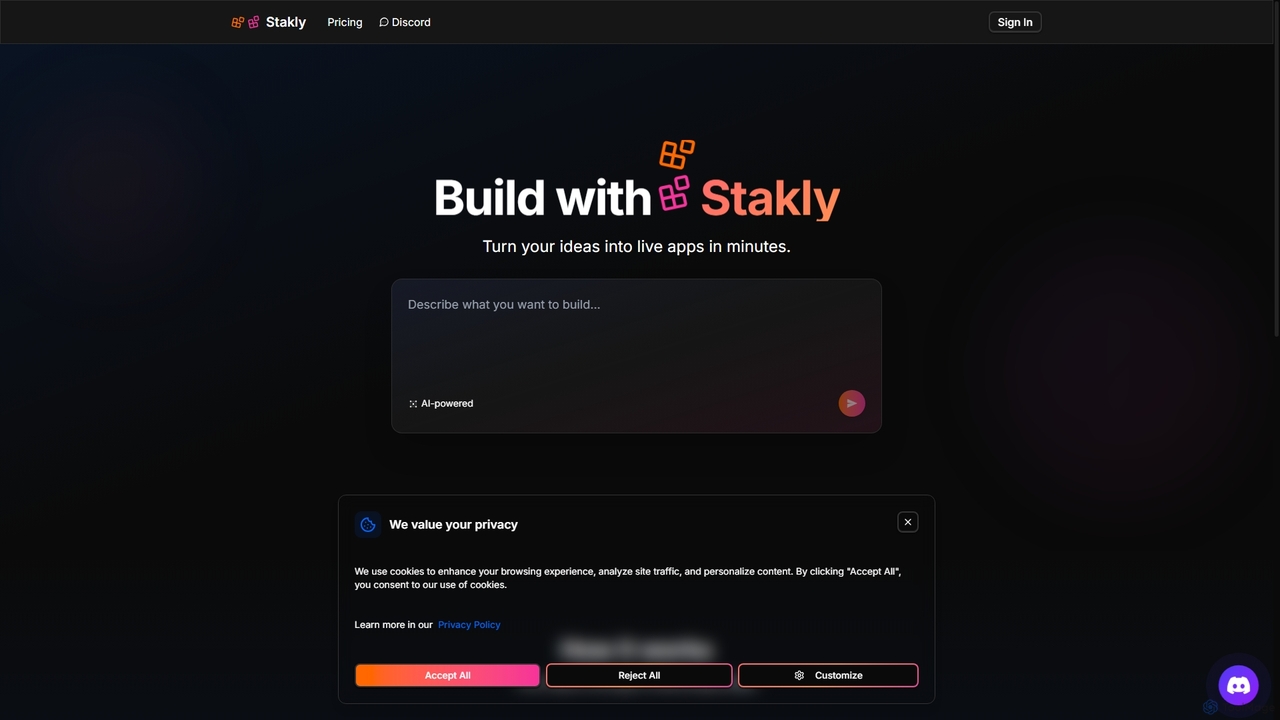
Stakly
Stakly is an AI-powered development platform that transforms natural language prompts into production-ready, full-stack web applications in minutes. Describe your idea, and the AI generates clean code, which you can deploy with one click or export to own completely. It supports modern frameworks like React, Next.js, and Python, making it ideal for rapid prototyping and development.
Code Assistant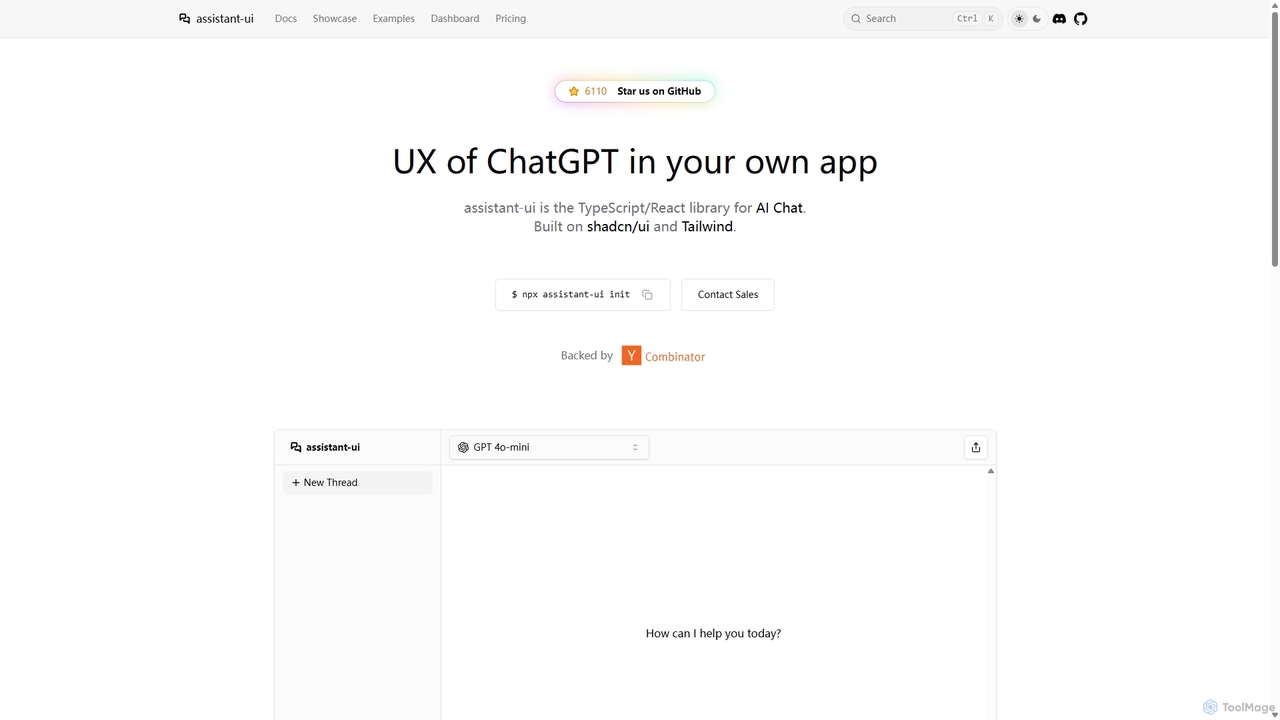
Assistant-ui
Assistant-ui is an open-source TypeScript/React library for rapidly building high-quality, customizable AI chat interfaces. Built on shadcn/ui and Tailwind CSS, it provides developers with pre-built components to integrate a ChatGPT-like experience into any application, supporting various backends and advanced features like generative UI.
Libraries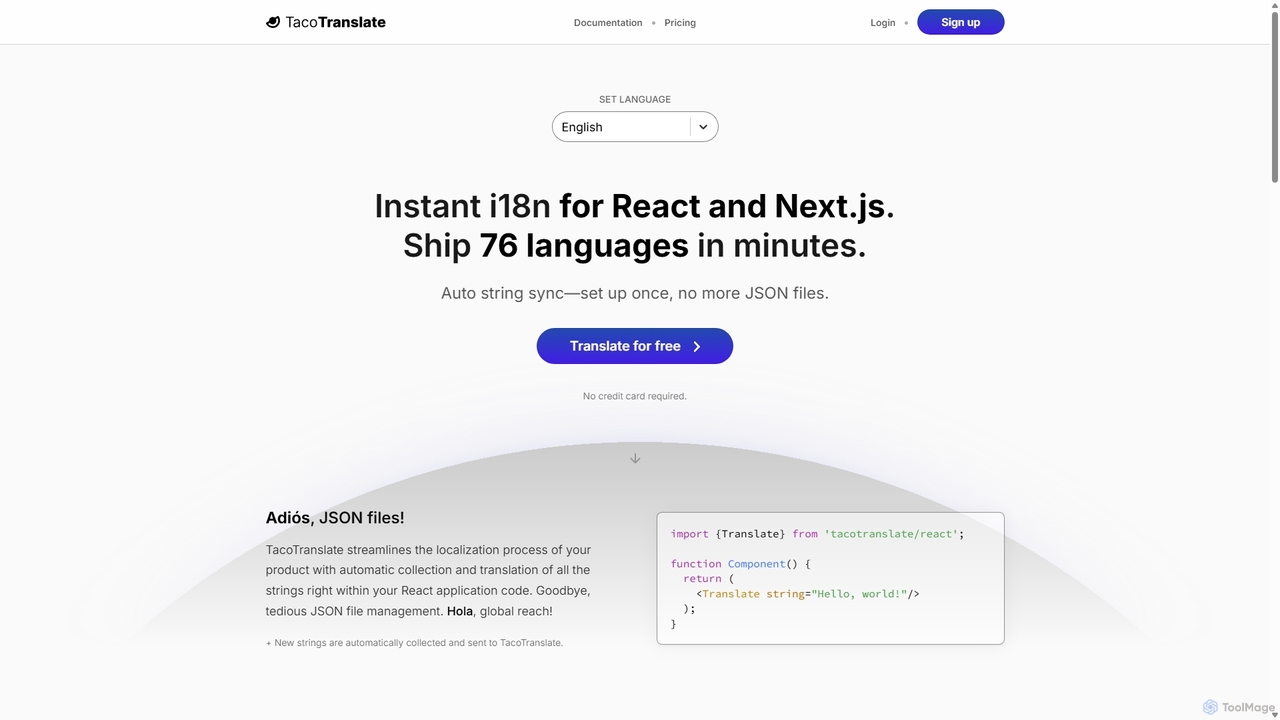
TacoTranslate
TacoTranslate is an AI-powered internationalization (i18n) tool designed for React and Next.js developers. It automates the entire localization process, from string collection to translation, eliminating the need for manual JSON file management. Ship your application in over 76 languages within minutes, enabling rapid global expansion with a developer-friendly workflow.
Localization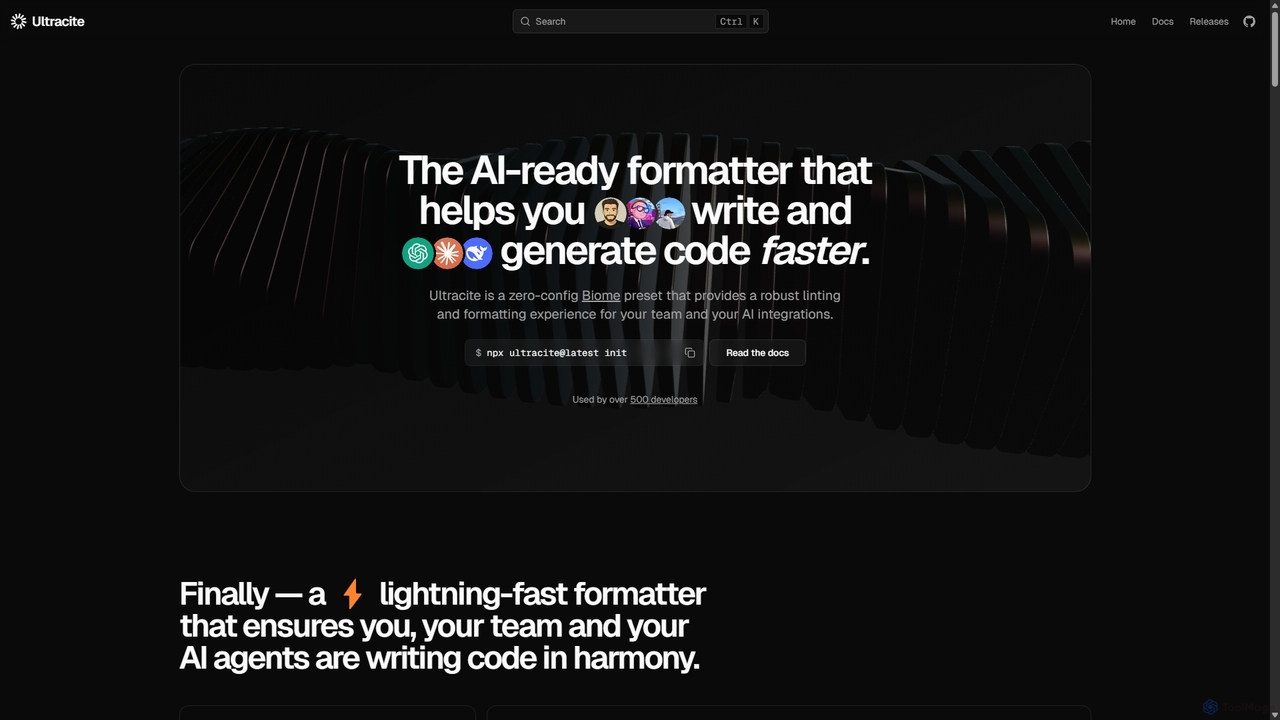
Ultracite
Ultracite is a lightning-fast, zero-config code formatter and linter built on Biome. It's designed to ensure consistent code style for both human developers and AI agents, automating formatting, fixing issues on save, and enforcing best practices for modern TypeScript, React, and Next.js projects.
Code Quality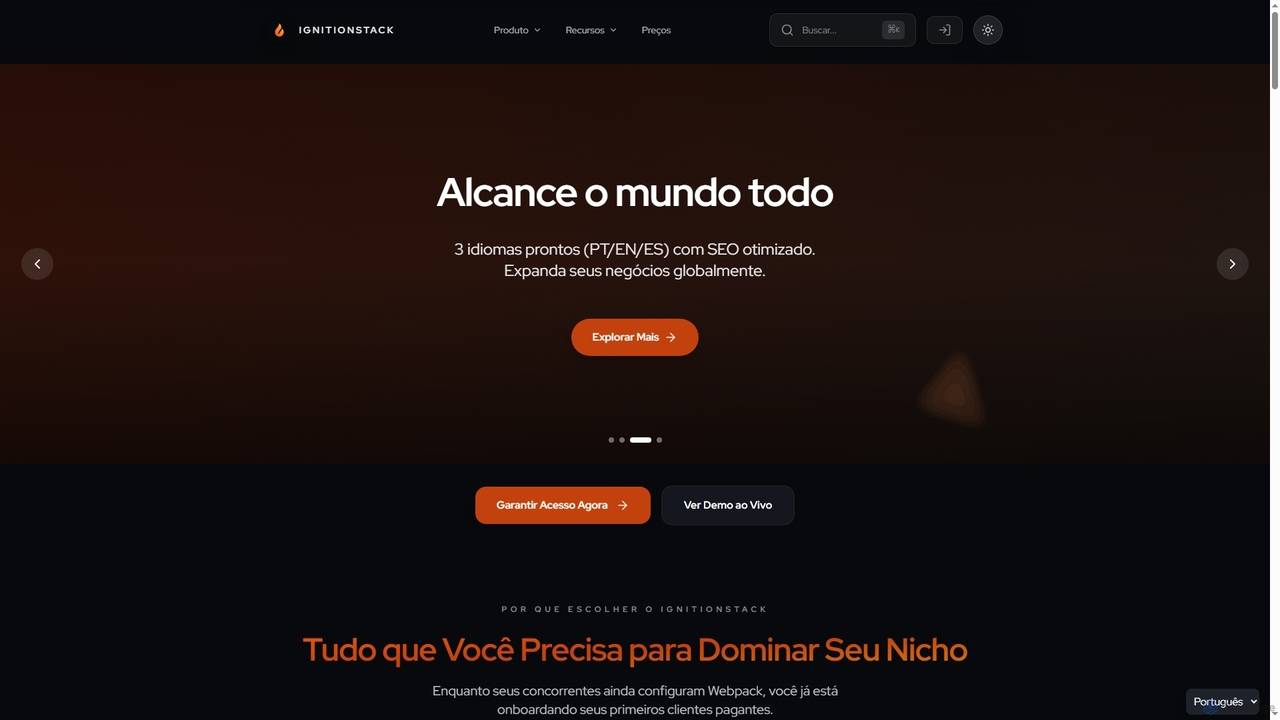
IgnitionStack
IgnitionStack is a production-ready SaaS boilerplate built with Next.js 15, Supabase, and Stripe, designed to help developers and entrepreneurs launch their SaaS products in days, not months. It saves over 200 hours of development time with pre-configured authentication, payments, internationalization, and a robust architecture.
Chatbot Builder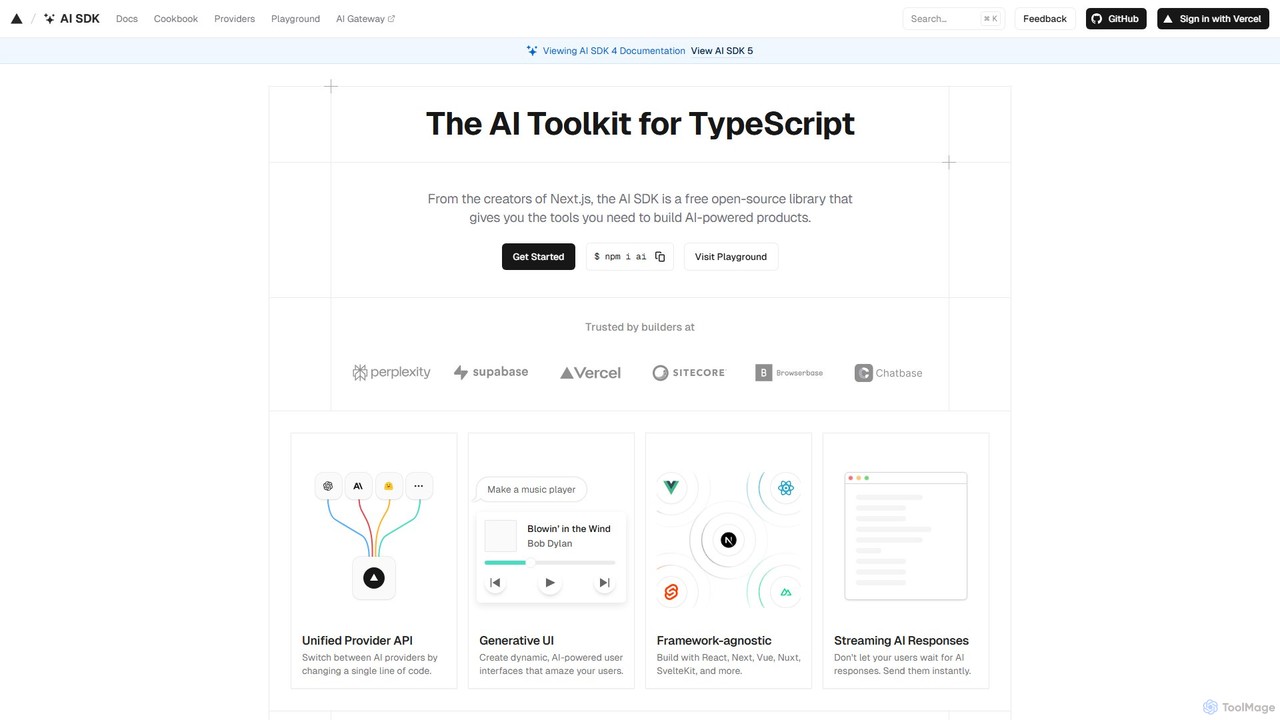
AI SDK
AI SDK by Vercel is a free, open-source TypeScript toolkit for building AI-powered applications. It provides a unified API to seamlessly integrate various large language models (LLMs) like OpenAI, Google, and Anthropic. It simplifies development with features like streaming responses, generative UI components, and tool calling, enabling developers to build and ship AI features faster across frameworks like Next.js, React, and Svelte.
Library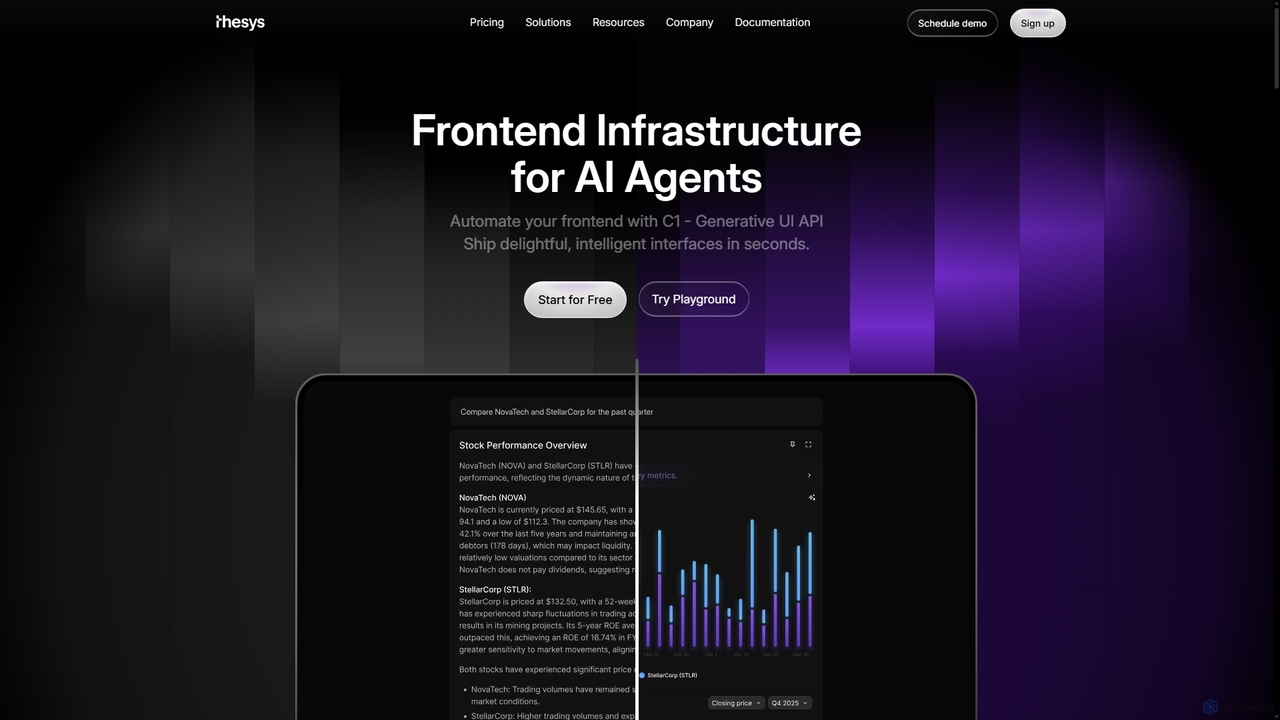
Thesys
Thesys provides C1, a Generative UI API that transforms LLM responses into dynamic, interactive user interfaces in real-time. Designed for developers building AI agents and applications, it automates frontend development by converting text outputs into live UI components like forms, charts, and tables. This allows for the creation of adaptive, engaging, and intelligent interfaces without the limitations of hardcoded UI, accelerating AI product development.
Api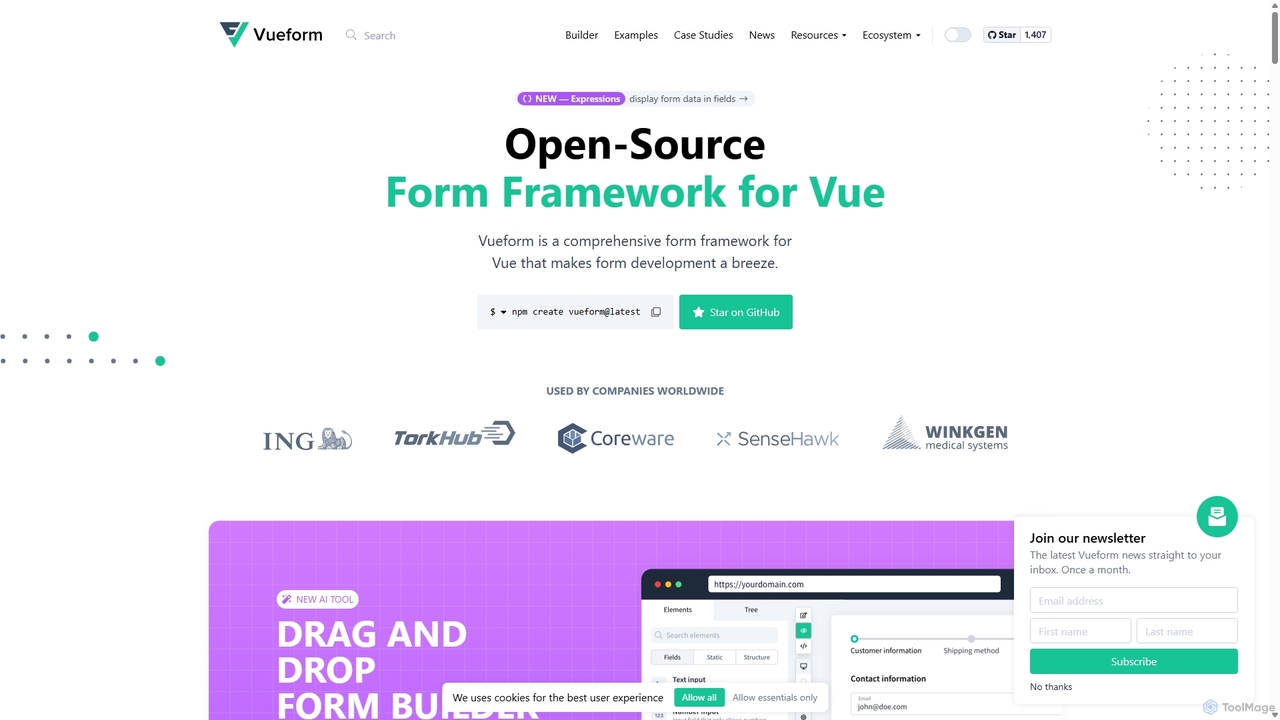
Vueform
Vueform is an open-source form framework for Vue.js, designed to streamline form development. It features a drag-and-drop builder, an AI Assistant for instant form generation, over 50 validation rules, complex conditional logic, and extensive pre-built elements. It simplifies handling nested data, multi-step wizards, and internationalization, making it a comprehensive solution for any Vue application.
Libraries & Frameworks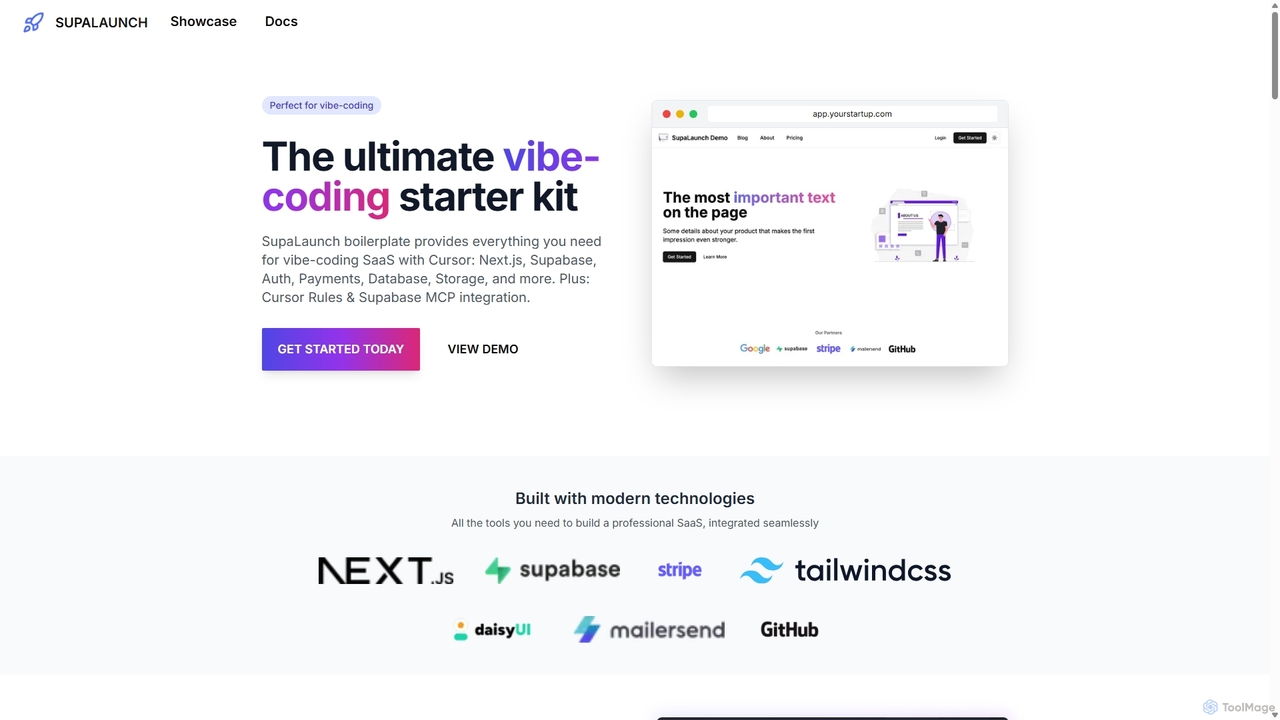
SupaLaunch
SupaLaunch is a comprehensive Next.js 14 and Supabase starter kit designed to accelerate SaaS development. It includes pre-built features like authentication, Stripe payments, database integration, and a customizable landing page. Optimized for AI-powered applications, it integrates the Vercel AI SDK and is "vibe-coding" ready with Cursor Rules, saving developers over 32 hours of setup time.
Boilerplate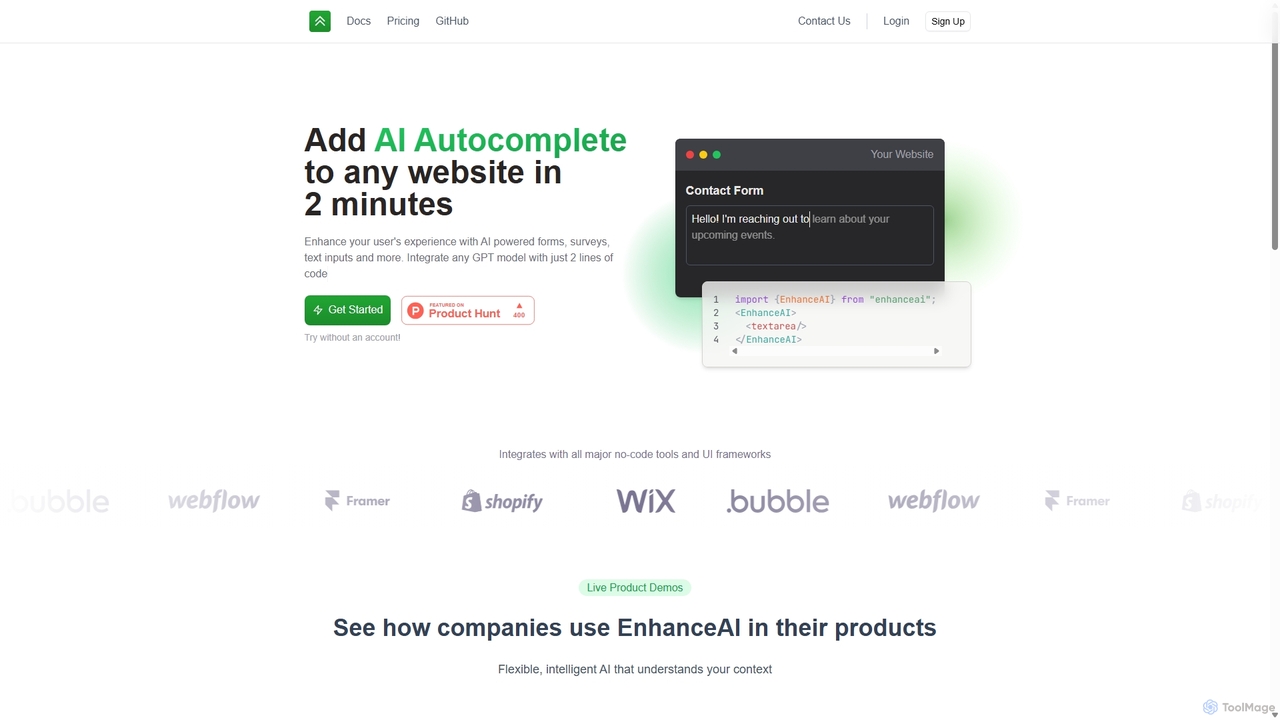
EnhanceAI
EnhanceAI is a developer tool that allows you to add powerful AI autocomplete capabilities to any website or application in under two minutes. By integrating with GPT models like GPT-4, it enhances user experience in forms, text inputs, and surveys. It's a simple, context-aware solution for developers to embed AI-powered text generation without building the infrastructure from scratch.
Forms & Surveys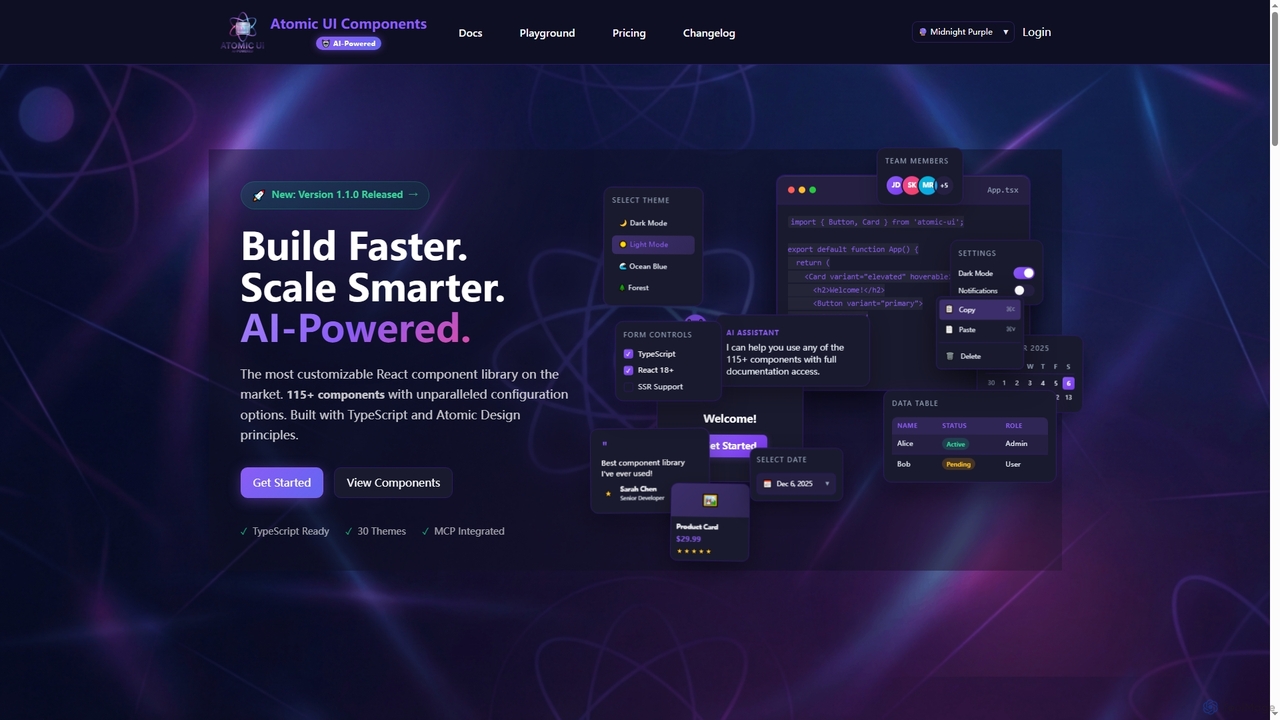
AtomicComponents
AtomicComponents is an AI-powered React component library designed for building modern, scalable, and accessible user interfaces faster. It offers over 115 highly customizable components, 30 built-in themes, and seamless integration with AI assistants like Claude and GitHub Copilot via its Model Context Protocol (MCP) server.
Design Systems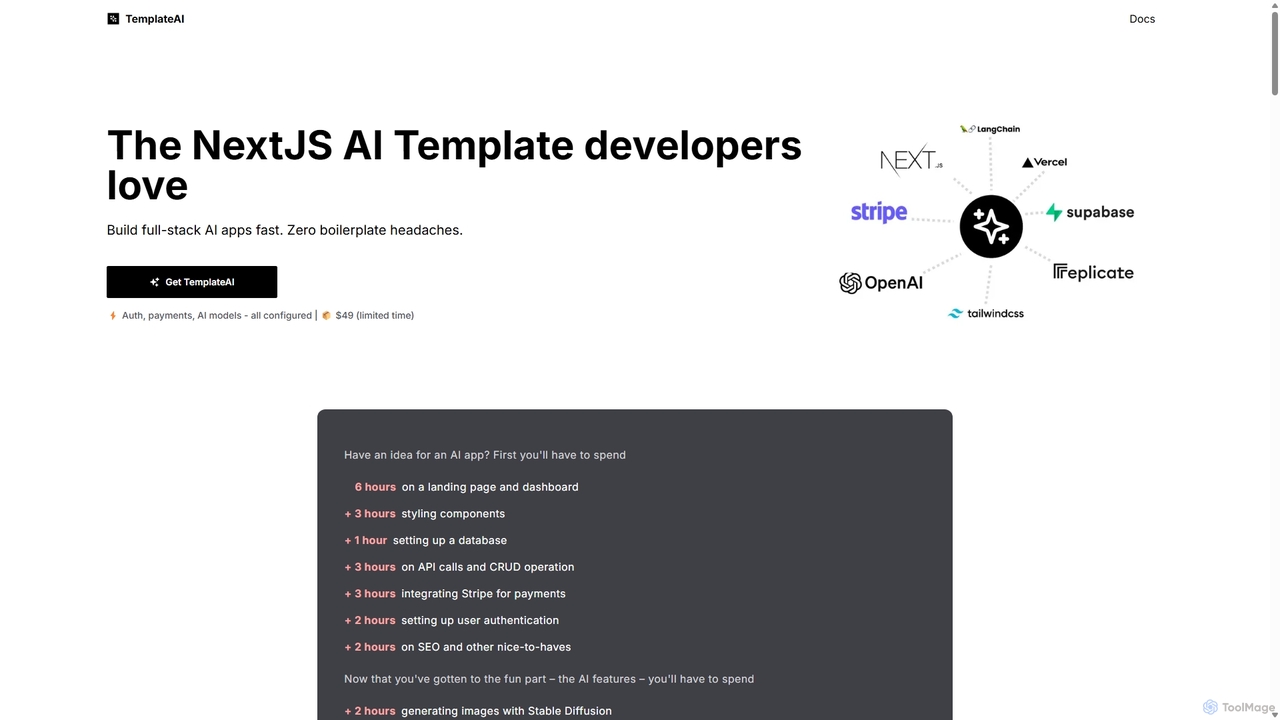
TemplateAI
TemplateAI is a Next.js boilerplate for developers to rapidly build and launch full-stack AI applications. It eliminates tedious setup by providing pre-configured modules for user authentication, payments via Stripe, database management with Supabase, and a suite of AI integrations. This allows developers to focus on creating unique AI features like text generation, image creation, and vector search, significantly accelerating the development lifecycle from idea to production.
Boilerplate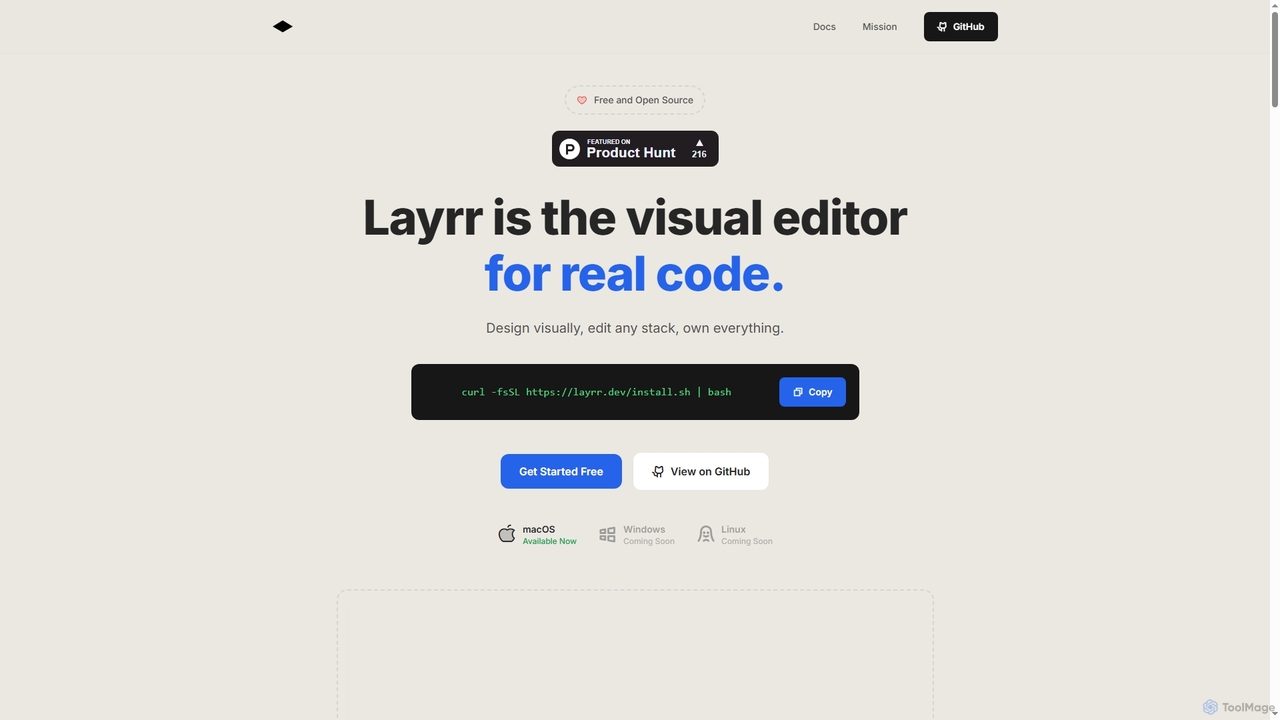
Layrr
Layrr is a free and open-source visual editor that allows developers and designers to create and edit real code directly. It combines the intuitive drag-and-drop interface of design tools like Figma with the flexibility and ownership of traditional coding, supporting any tech stack and leveraging AI for design-to-code conversion and natural language interface generation.
Code Generation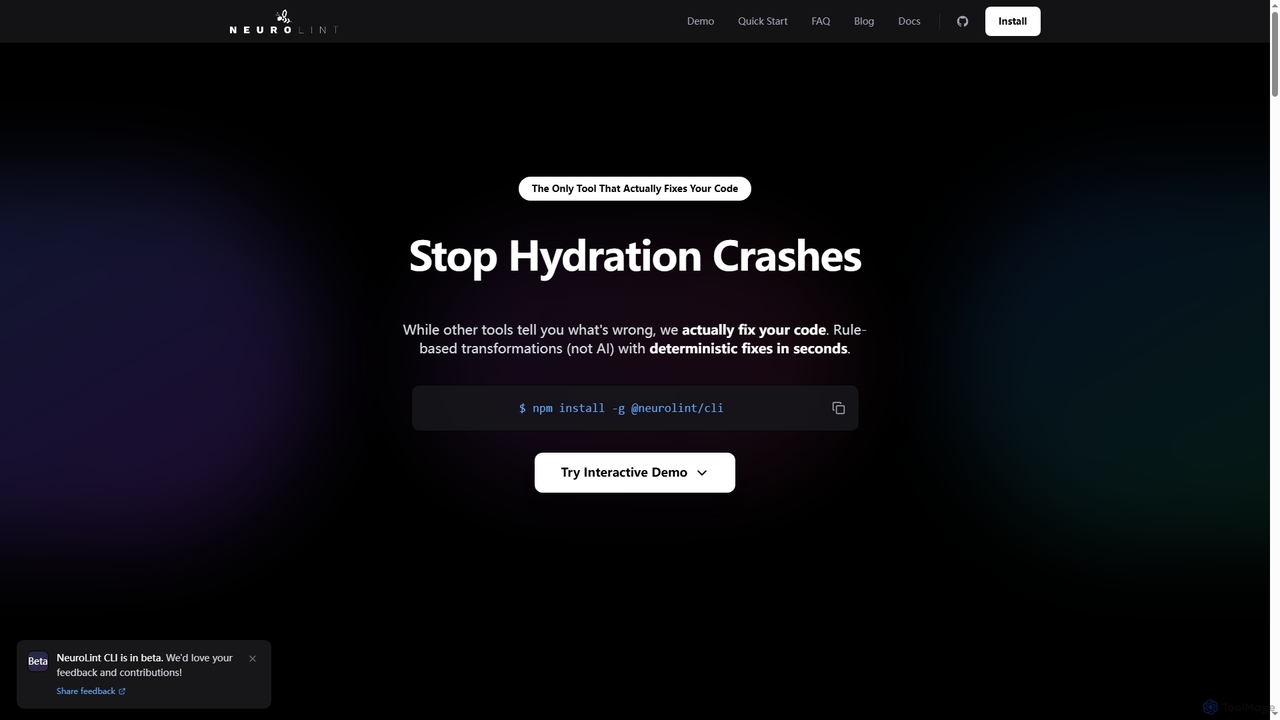
Neurolint
Neurolint is a free CLI tool that automatically detects and fixes bugs in React & Next.js codebases. It uses a deterministic, rule-based 7-layer architecture, not AI, to provide precise fixes for issues like hydration errors, accessibility problems, and performance bottlenecks, ensuring your code remains valid and production-ready.
Code Assistant
Next.js Chatbot Template Comments (0)
Sign in to comment.
Sign inNo comments yet.