CodeViz
CodeViz is an AI-powered VS Code extension that instantly generates interactive diagrams of your codebase. It helps developers …
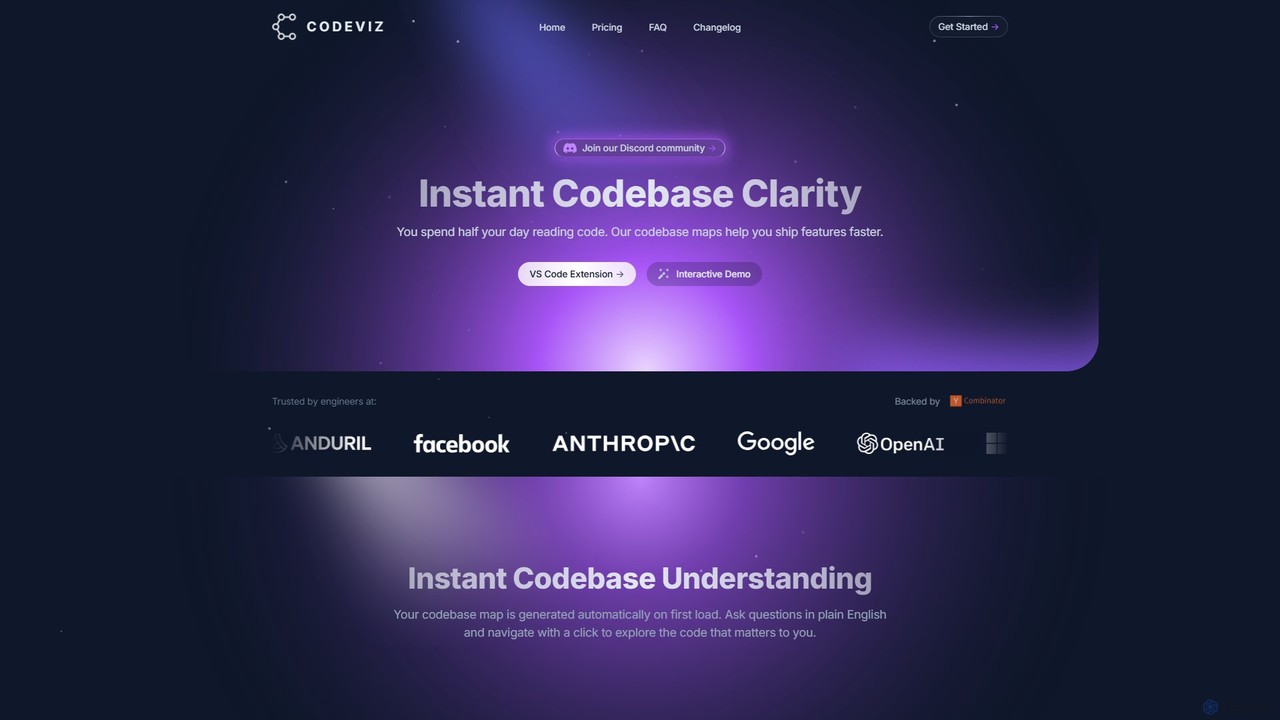
CodeViz is an AI-powered VS Code extension that instantly generates interactive diagrams of your codebase. It helps developers understand complex system architectures, navigate codebases efficiently, and ship features faster. By combining static analysis with AI, CodeViz allows you to ask questions in plain English, visualize everything from high-level architecture to specific function calls, and accelerate your development workflow.
About Visualization
AI Visualization tools are a specialized category of developer utilities that automatically transform complex code, algorithms, and system data into intuitive visual representations. They leverage artificial intelligence to parse source code, analyze data structures, or interpret log files, generating interactive diagrams, charts, and animations. This process enables developers to quickly comprehend intricate system architectures, debug logic flows, and communicate technical designs with greater clarity. Unlike static diagramming tools, AI-powered visualizers can uncover hidden dependencies and patterns, offering deeper insights into software behavior.
Core Features
- Automated Code-to-Diagram Generation: Instantly creates UML diagrams, flowcharts, or architecture maps directly from your source code.
- Interactive Data Structure Visualization: Renders complex data structures like graphs, trees, and linked lists for easier analysis and debugging.
- Algorithm Animation: Provides step-by-step visual execution of algorithms, clarifying their logic and performance characteristics.
- System Architecture Mapping: Visualizes the components and interactions within distributed systems, microservices, or cloud infrastructure.
- Log & Performance Data Visualization: Converts raw log files and performance metrics into timelines, heatmaps, or flame graphs to identify bottlenecks.
Use Cases
These tools are primarily used by software developers, system architects, DevOps engineers, and data scientists. Common applications include code reviews for complex features, designing and documenting microservice architectures, debugging performance issues in production systems, and onboarding new engineers to a large codebase.
How to Choose
When selecting an AI Visualization tool, consider its support for your specific programming languages and frameworks. Evaluate its integration capabilities with your existing IDE, version control, and CI/CD pipeline. Also, assess the range and interactivity of the visualization types it offers and whether it provides real-time updates for dynamic system analysis.
VisualizationUse Cases
Debugging Complex Algorithmic Logic
A software engineer is struggling to find a subtle bug in a recursive pathfinding algorithm. Instead of relying on print statements, they use an AI visualization tool to animate the algorithm's execution. The tool generates a step-by-step visual representation of the call stack and how the algorithm explores different paths on a graph. This visual feedback immediately highlights an incorrect base case termination, allowing the engineer to fix the bug in minutes instead of hours.
Designing and Validating System Architecture
A system architect is designing a new microservices-based e-commerce platform. They define the services, their APIs, and data flows in a configuration file. An AI visualization tool ingests this configuration and generates a comprehensive, interactive architecture diagram. The tool's AI capabilities also analyze the design for potential issues, such as circular dependencies or single points of failure, enabling the architect to refine the design before any code is written.
Accelerating Developer Onboarding
A new developer joins a team responsible for a large, legacy monolithic application with minimal documentation. To get up to speed, they use an AI visualization tool to scan the entire codebase. The tool automatically generates a set of interactive class diagrams and dependency graphs. This allows the new developer to visually explore the codebase, understand key modules and their relationships, and become a productive contributor much faster.
Optimizing Database Query Performance
A DevOps engineer notices that a specific API endpoint is experiencing high latency. They suspect an inefficient database query. Using a visualization tool integrated with their database monitoring system, they can see a visual breakdown of the query execution plan. The visualization clearly shows a full table scan that is causing the bottleneck. This insight allows them to recommend a specific index to the development team, resolving the performance issue.
Interpreting Machine Learning Model Behavior
A data scientist has trained a complex neural network for image classification but needs to understand why it misclassifies certain images. They use a specialized AI visualization tool to generate heatmaps (saliency maps) that highlight which pixels the model is focusing on for its predictions. This visual inspection reveals the model is relying on spurious correlations in the background, providing crucial information for improving the training dataset.
Automating Technical Documentation
A development team wants to maintain accurate, up-to-date documentation for their internal APIs. They integrate an AI visualization tool into their CI/CD pipeline. After every successful build, the tool analyzes the API contracts and integration tests to automatically generate and update sequence diagrams and API dependency maps. This visual documentation is published to their internal developer portal, ensuring documentation never becomes stale.