

Eraser Overview
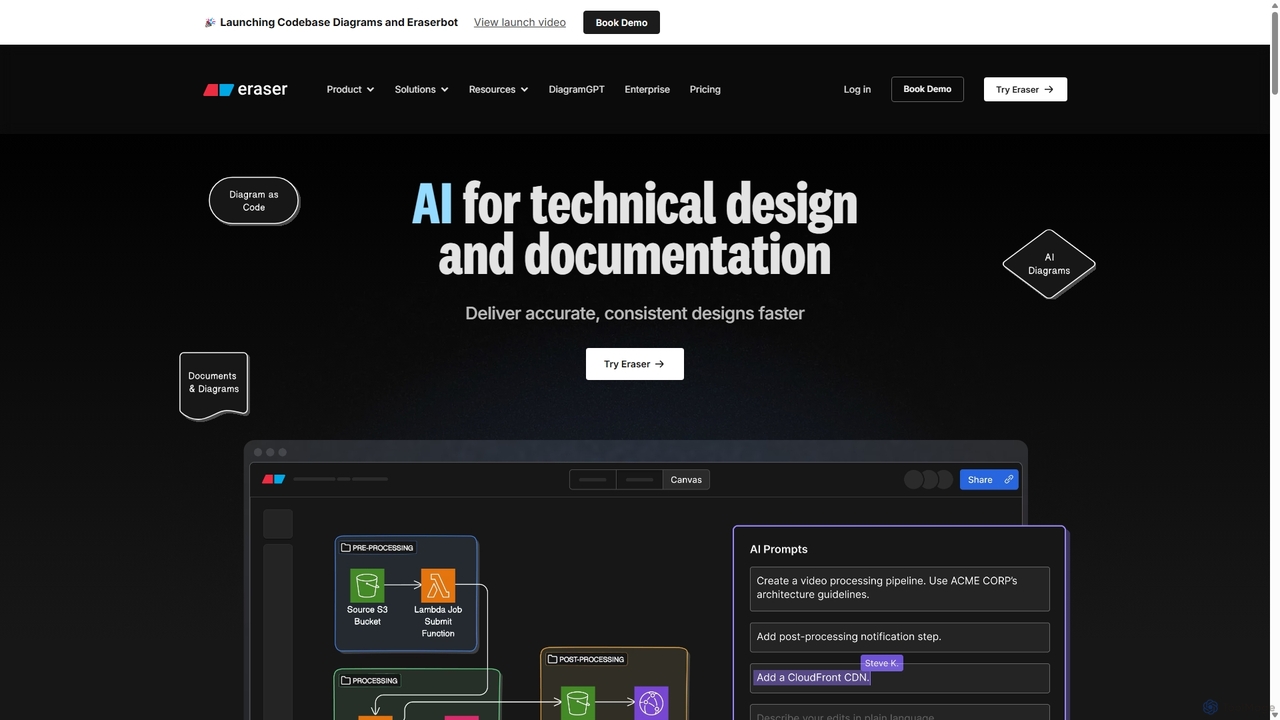
Eraser is a comprehensive platform designed to be the AI co-pilot for engineering teams, streamlining the creation of technical designs and documentation. It uniquely merges an infinite canvas for diagramming with a powerful markdown editor, allowing teams to visualize complex systems and document them in a single, collaborative environment. By leveraging AI, particularly its DiagramGPT feature, Eraser empowers developers, architects, and product managers to deliver accurate, consistent, and beautiful designs significantly faster than traditional methods.
The core philosophy of Eraser is to let technical teams focus on thinking and problem-solving rather than the tedious task of formatting diagrams. Its diagram-as-code feature ensures that all visuals are legible, maintainable, and version-controlled, much like the software they represent. This developer-centric approach is further enhanced by deep integrations with essential tools like GitHub, Notion, and Confluence, making it a seamless addition to any existing workflow.
How to use Eraser
Using Eraser is an intuitive process designed to match the speed of thought. Here's a typical workflow:
- Generate with AI: Start by giving a natural language prompt to Eraser's AI. For example, 'Create a cloud architecture diagram for a web application on AWS with a load balancer, EC2 instances, and an RDS database.' The AI will generate a complete diagram instantly.
- Refine with Code: Fine-tune the generated diagram or create one from scratch using the simple, readable diagram-as-code syntax. This provides granular control and ensures diagrams are easy to update and maintain.
- Document in Markdown: Alongside the canvas, use the integrated markdown editor to write detailed design documents, specifications, or notes. You can easily embed snapshots of your diagrams directly into the text, creating a rich, interconnected document.
- Collaborate in Real-Time: Invite team members to the canvas to brainstorm, comment, and edit together. Tag colleagues for feedback and use the version history to track changes and revert if necessary.
- Integrate and Export: Connect Eraser to your GitHub repository to commit diagrams and documentation directly, even creating pull requests from the tool. Embed live diagrams in Notion or Confluence pages, or export your work as PNG, SVG, PDF, or Markdown files.
Core Features of Eraser
- AI Diagram Generation (DiagramGPT): Instantly create various technical diagrams (Cloud Architecture, ERDs, Flowcharts, Sequence Diagrams) from simple text prompts.
- Diagram-as-code: A simple, intuitive syntax for creating and editing diagrams, ensuring they are always maintainable, versionable, and consistent.
- Integrated Docs & Canvas: A unique combination of an infinite diagramming canvas and a markdown note editor in a single file, eliminating the need to switch between tools.
- Real-time Collaboration: Work simultaneously with your team on diagrams and documents, with features like commenting, tagging, and shared team files.
- Powerful Integrations: Seamlessly connect with GitHub, Notion, Confluence, and VS Code to fit directly into your development workflow.
- Enterprise-Grade Security: SOC 2 Type 2 certified, offering SAML SSO with providers like Okta and Microsoft Entra, and flexible deployment options for security-conscious organizations.
- Version History: Automatically saves your work and creates snapshots, allowing you to review and restore previous versions of your files.
- Markdown & Export Options: Full markdown support for notes ensures portability, with options to export diagrams and documents to PNG, SVG, PDF, and MD formats.
Use Cases for Eraser
Eraser is versatile and supports a wide range of technical planning and documentation needs:
- System Architecture Design: Visualize and document complex cloud infrastructures (AWS, Azure, GCP), microservices, and network diagrams.
- Technical Design Docs: Create comprehensive design documents that combine detailed diagrams with written specifications, proposals, and analysis.
- Database Modeling: Design and iterate on entity-relationship diagrams (ERDs) to model data structures.
- Process Visualization: Map out user flows, CI/CD pipelines, decision trees, and other complex processes using flowcharts and sequence diagrams.
- Team Brainstorming & Whiteboarding: Use the infinite canvas for collaborative brainstorming sessions, wireframing, and planning sprints.
- Codebase Documentation: Generate diagrams from codebases to visualize dependencies and structures, and keep documentation in sync with the code.
Advantages of Eraser
Eraser offers significant advantages for technical teams:
- Speed and Efficiency: Generate complex diagrams in seconds with AI and diagram-as-code, drastically reducing manual effort.
- Consistency and Maintainability: The code-based approach ensures diagrams are always legible, standardized, and easy to update as systems evolve.
- Unified Workflow: By combining diagrams and docs, it serves as a single source of truth, improving clarity and reducing context switching.
- Enhanced Collaboration: Real-time features foster better communication and alignment within and across engineering teams.
- Developer-Centric: Built with developers in mind, featuring integrations, a powerful command palette (⌘K), and a focus on performance and minimal UI distractions.
Pricing and Plans
Eraser offers a freemium model with plans tailored to different needs:
- Free Plan: $0 per member/month. Includes 3 files, 4 standard + 1 premium AI diagrams, 7-day version history, and unlimited guests. Ideal for individuals and small teams getting started.
- Starter Plan: $10 per member/month (billed annually) or $12 monthly. Offers unlimited files, 30 standard + 10 premium AI diagrams per month, 90-day version history, private files, and API access.
- Business Plan: $25 per member/month (billed annually) or $35 monthly. Includes everything in Starter, plus 200 standard + 50 premium AI diagrams per month, unlimited version history, and SAML SSO.
- Enterprise Plan: Custom pricing. Provides unlimited files and AI diagrams, flexible deployment options, a dedicated customer success manager, and advanced billing options.
Traffic
Latest traffic
Status
Monthly traffic trend
- 2025-9: 1.1M
- 2026-1: 1.1M
- 2026-2: 1.1M
- 2026-3: 1.1M
- 2026-4: 1.0M
- 2026-5: 873.0K
Geography
Top 5 countries / regions
- 🇮🇳India60.6%
- 🇺🇸United States17.4%
- 🇵🇭Philippines8.2%
- 🇵🇰Pakistan7.5%
- 🇿🇦South Africa6.3%
Traffic sources
| Source type | Percentage |
|---|---|
Direct | 88.8% |
Referral | 8.5% |
Email | 2.7% |
Top keywords
| Keyword | Cost per click |
|---|---|
| ai diagram generator | $2.24 |
| eraser | $0.33 |
| eraser ai | $0.44 |
| eraser io | $1.41 |
| eraser.io | $1.19 |
Eraser Videos on YouTube
Kat Sorbello (The Stella Way)

Quang Smart AI | Ứng dụng AI trong công việc

HardReset.Info

HardReset.Info

Eraser

Eraser Alternatives
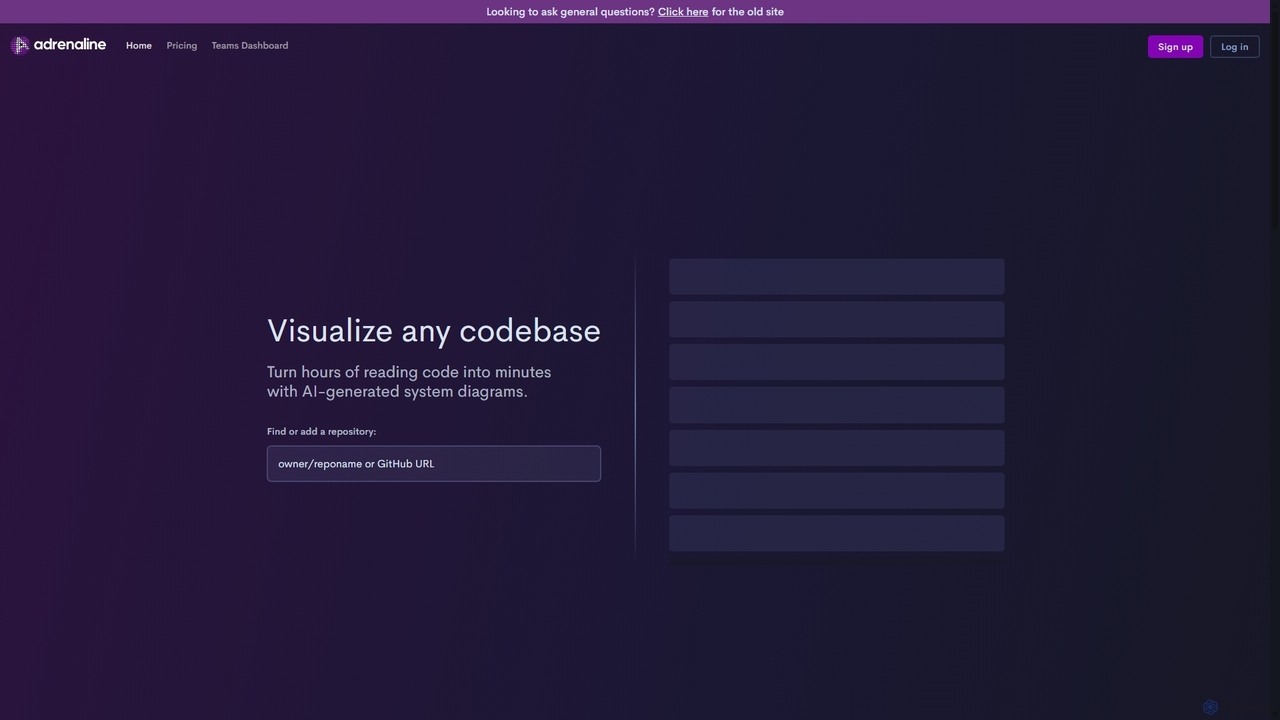
Adrenaline
Adrenaline is an AI-powered tool that transforms complex codebases into interactive, visual system diagrams. It automatically generates UML, sequence diagrams, and flowcharts, helping developers understand, document, and navigate any repository in minutes instead of hours.
Code Visualization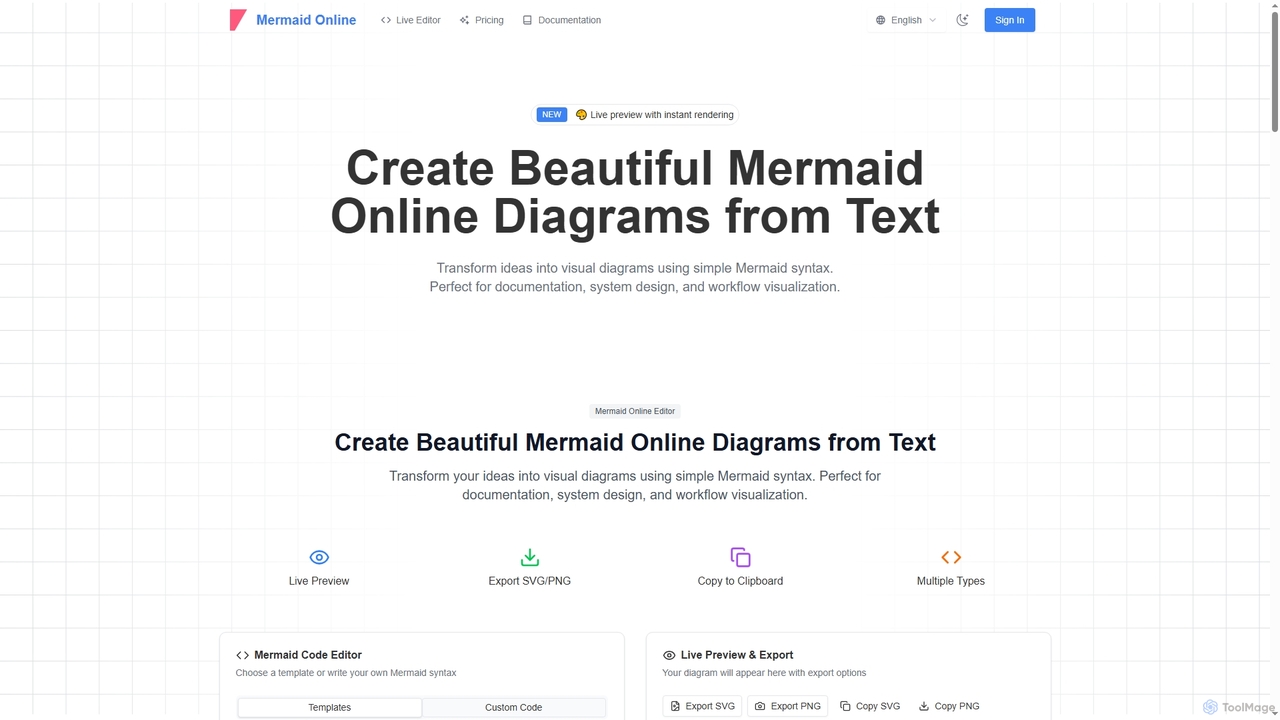
Mermaid Online
Mermaid Online is an advanced web-based editor and AI-powered diagram generator that transforms text descriptions and Mermaid syntax into professional visual diagrams. It supports various diagram types, offers real-time preview, and flexible export options, streamlining documentation and system design workflows for individuals and teams.
Text To Diagram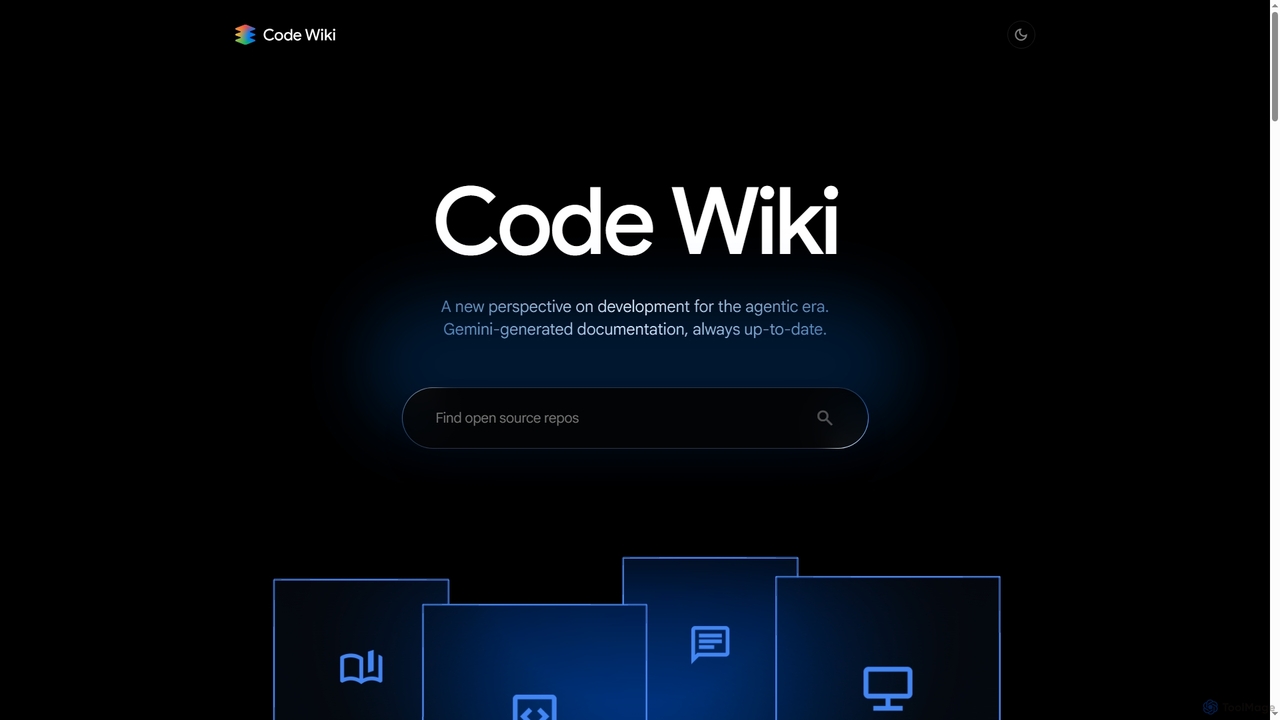
Code Wiki
Code Wiki is an AI-powered documentation hub by Google, built on Gemini models. It automatically analyzes code repositories to generate up-to-date documentation, interactive architectural diagrams, and a conversational chat interface, helping developers understand complex codebases faster.
Code Analysis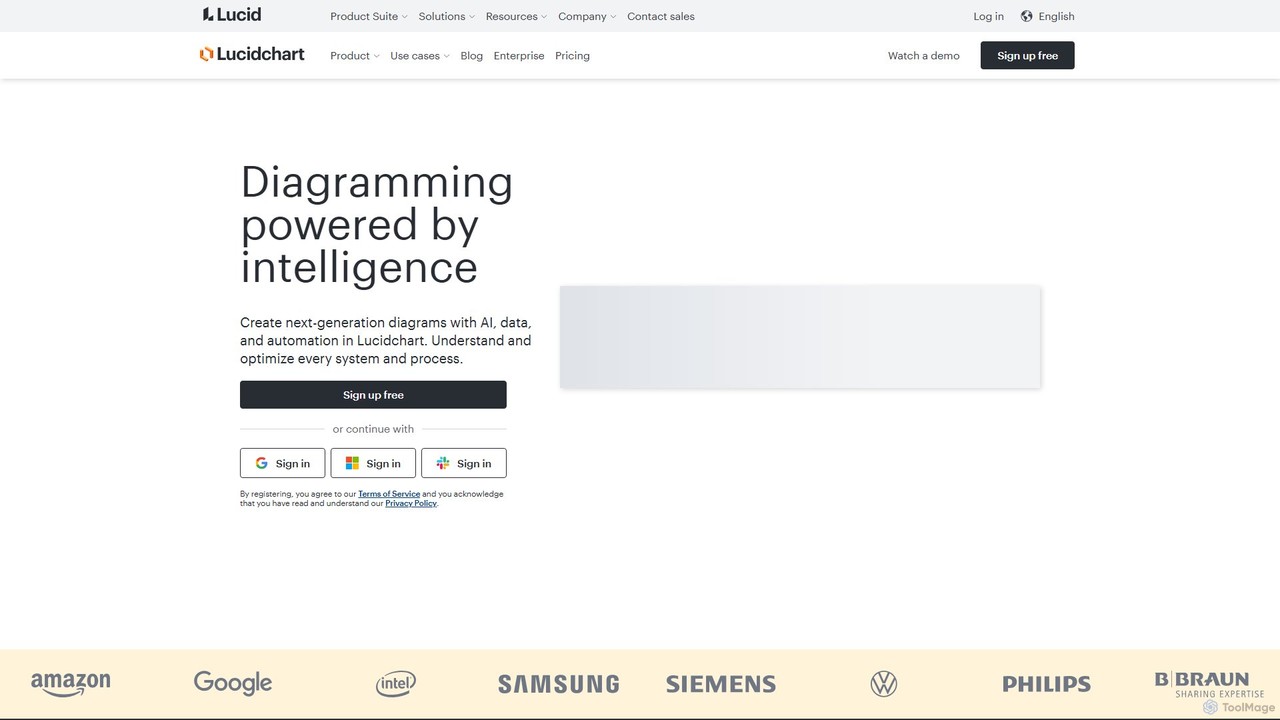
Lucidchart
Lucidchart is an intelligent diagramming and visual collaboration platform that uses AI, data automation, and real-time teamwork to help users visualize complex systems, processes, and ideas. It enables teams to create professional flowcharts, org charts, network diagrams, and more, fostering clarity and driving innovation.
Project Management
Cloudairy
Cloudairy is an AI-powered collaborative visual workspace designed for modern teams. It integrates AI-driven diagramming, mind mapping, image generation, and documentation tools into a single platform. It enables teams in engineering, sales, and project management to brainstorm, design, and deliver projects with enhanced efficiency and creativity.
Generative ArtEraser Categories
Eraser Jobs
Eraser Embed Widget
Copy this embed code to place the badge on your blog, article, or product site and send readers directly to this ToolMage detail page.

Related AI tools
Lucidchart
Lucidchart is an intelligent diagramming and visual collaboration platform that uses AI, data automation, and real-time teamwork to help users visualize complex systems, processes, and ideas. It enables teams to create professional flowcharts, org charts, network diagrams, and more, fostering clarity and driving innovation.
Project ManagementCloudairy
Cloudairy is an AI-powered collaborative visual workspace designed for modern teams. It integrates AI-driven diagramming, mind mapping, image generation, and documentation tools into a single platform. It enables teams in engineering, sales, and project management to brainstorm, design, and deliver projects with enhanced efficiency and creativity.
Generative Art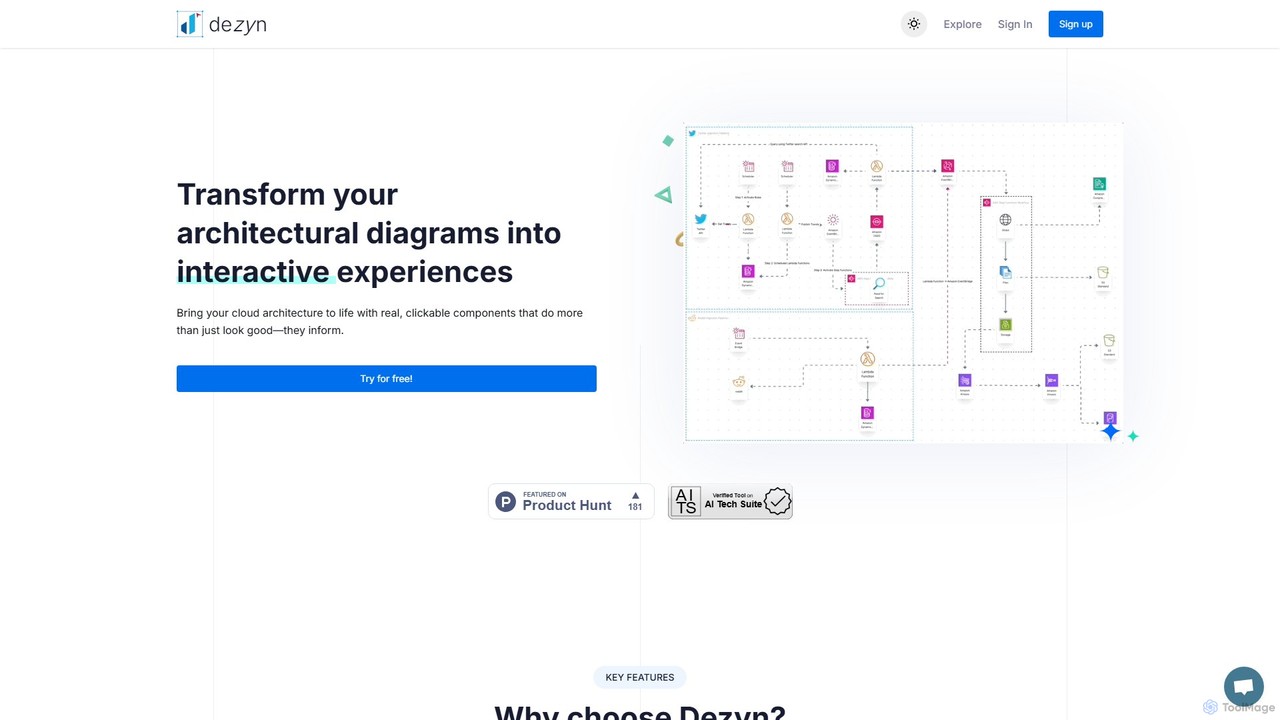
Dezyn
Dezyn is an AI-powered platform for creating interactive, data-rich architectural diagrams and flowcharts. It transforms text prompts, hand-drawn sketches, or wireframes into professional diagrams. Ideal for engineers, developers, and tech creators to visualize complex cloud systems (AWS, Azure, GCP) and collaborate effectively.
FlowchartAdrenaline
Adrenaline is an AI-powered tool that transforms complex codebases into interactive, visual system diagrams. It automatically generates UML, sequence diagrams, and flowcharts, helping developers understand, document, and navigate any repository in minutes instead of hours.
Code VisualizationMermaid Online
Mermaid Online is an advanced web-based editor and AI-powered diagram generator that transforms text descriptions and Mermaid syntax into professional visual diagrams. It supports various diagram types, offers real-time preview, and flexible export options, streamlining documentation and system design workflows for individuals and teams.
Text To DiagramCode Wiki
Code Wiki is an AI-powered documentation hub by Google, built on Gemini models. It automatically analyzes code repositories to generate up-to-date documentation, interactive architectural diagrams, and a conversational chat interface, helping developers understand complex codebases faster.
Code Analysis
DiagramGPT
DiagramGPT is an AI-powered tool that transforms natural language text prompts into various diagrams. By leveraging GPT technology and Mermaid syntax, it allows users to effortlessly generate flowcharts, sequence diagrams, and more, simply by describing what they want to visualize. It's an ideal solution for developers, project managers, and students who need to create professional diagrams quickly without manual drawing.
Process Management
Mermaid Chart
Mermaid Chart is an AI-powered diagramming tool that enables teams to create complex visuals like flowcharts, sequence diagrams, and mind maps using markdown-style code, natural language prompts, or a visual editor. It's designed for faster, smarter diagramming and seamless collaboration.
Code Generation
Jyek
Jyek is an AI agent platform that understands objectives, creates execution plans, uses tools, and delivers verifiable results for complex, multi-step tasks.
Automation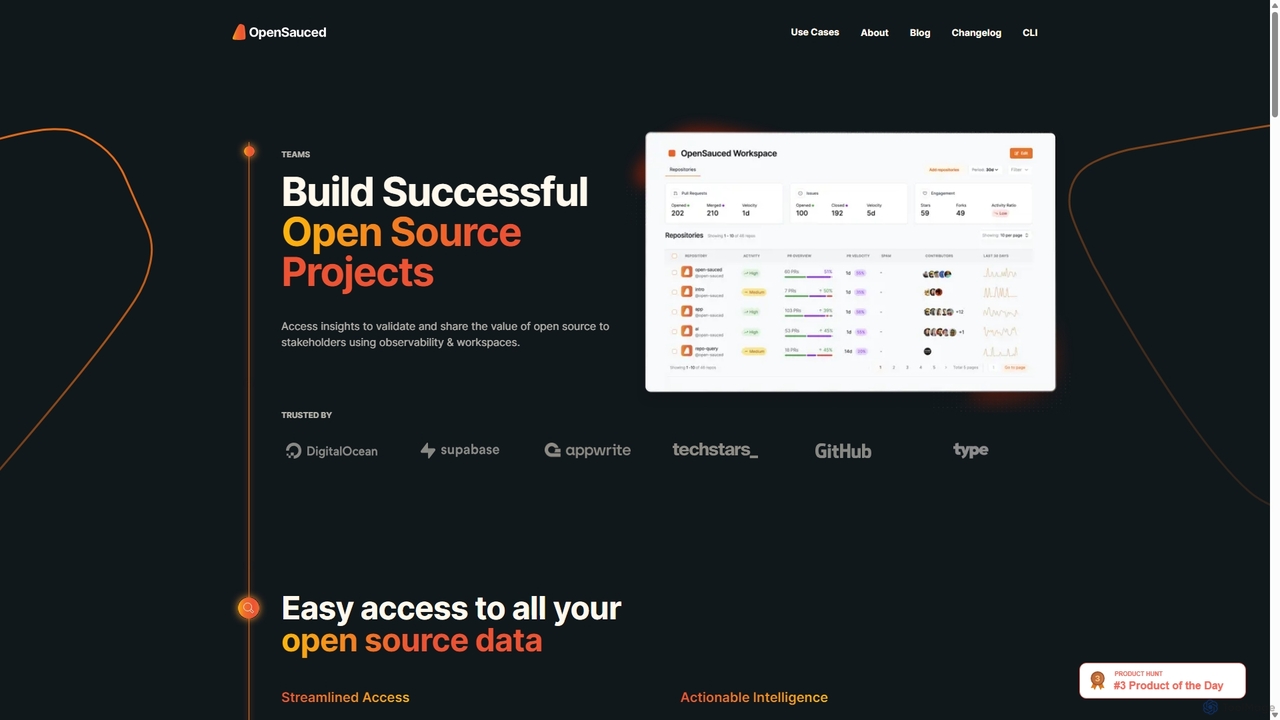
OpenSauced
OpenSauced is an AI-powered analytics and collaboration platform for open source projects. It provides deep insights into GitHub repositories and contributors, helping teams and maintainers understand project health, track contributions beyond code, and make data-driven decisions. With features like collaborative Workspaces, AI-driven StarSearch, and detailed Insight Pages, it empowers the open source community to build successful and sustainable projects.
Code Collaboration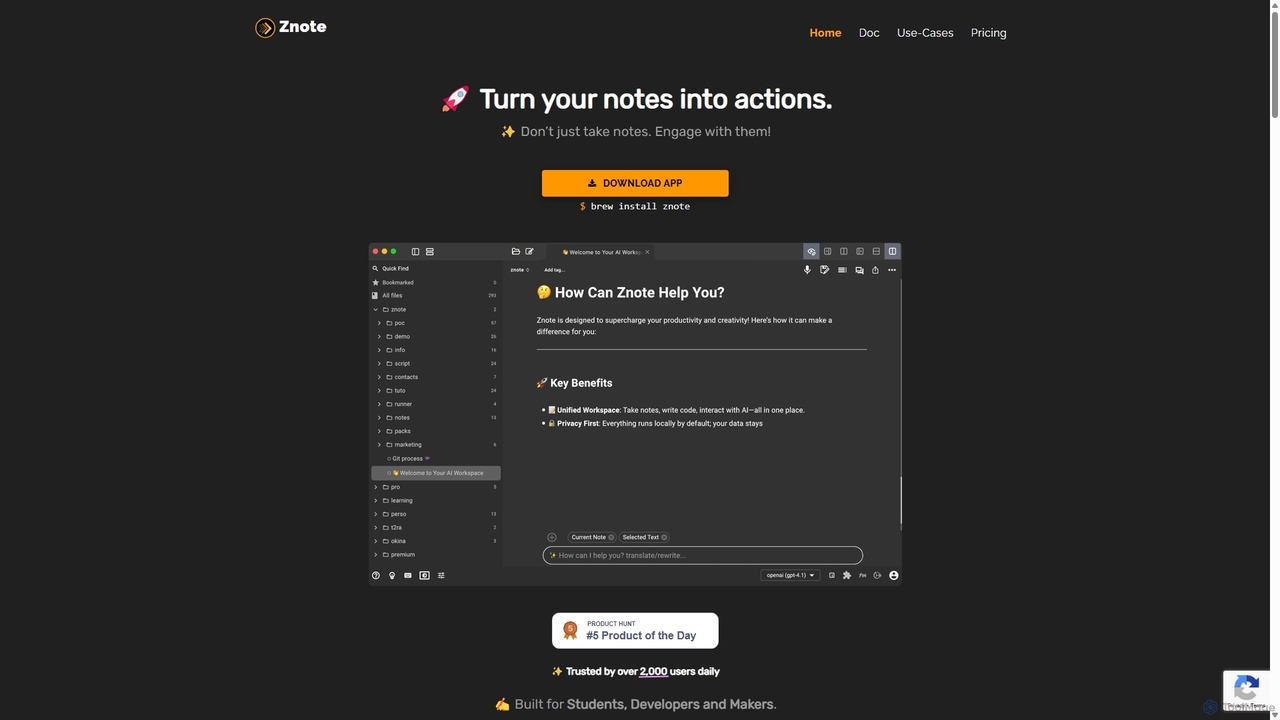
Znote
Znote is a powerful note-taking app that turns your notes into interactive, executable documents. It combines a rich Markdown editor with inline code execution (JS, Node.js, Bash), AI assistance, and data integrations, making it a versatile workspace for developers, analysts, and product teams to prototype, document, and automate workflows.
Notebooks
Vaultic
Vaultic is a centralized prompt management platform for AI development teams. It enables users to version, test, collaborate on, and deploy AI prompts at scale, eliminating hardcoded prompts and streamlining the entire AI logic workflow from a single, organized interface.
Prompt Management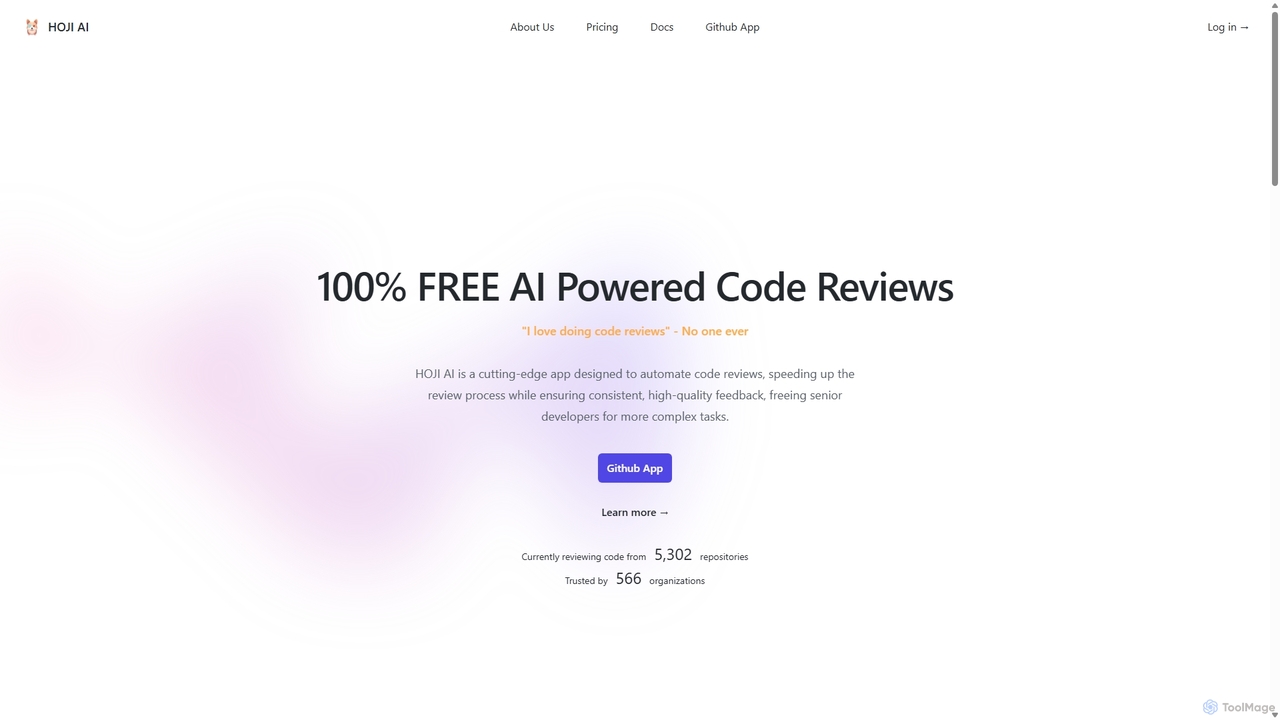
HOJI AI
HOJI AI is a free, AI-powered tool that automates code reviews directly within GitHub. It provides instant, consistent, and high-quality feedback on pull requests, helping development teams increase productivity, improve code quality, and accelerate their development cycles by freeing up senior engineers.
Code Assistant
Repodex
Repodex is an AI-powered code intelligence platform that helps developers and teams search, understand, and manage their code repositories. Using natural language, you can find code, get explanations, and generate documentation instantly.
Code Generation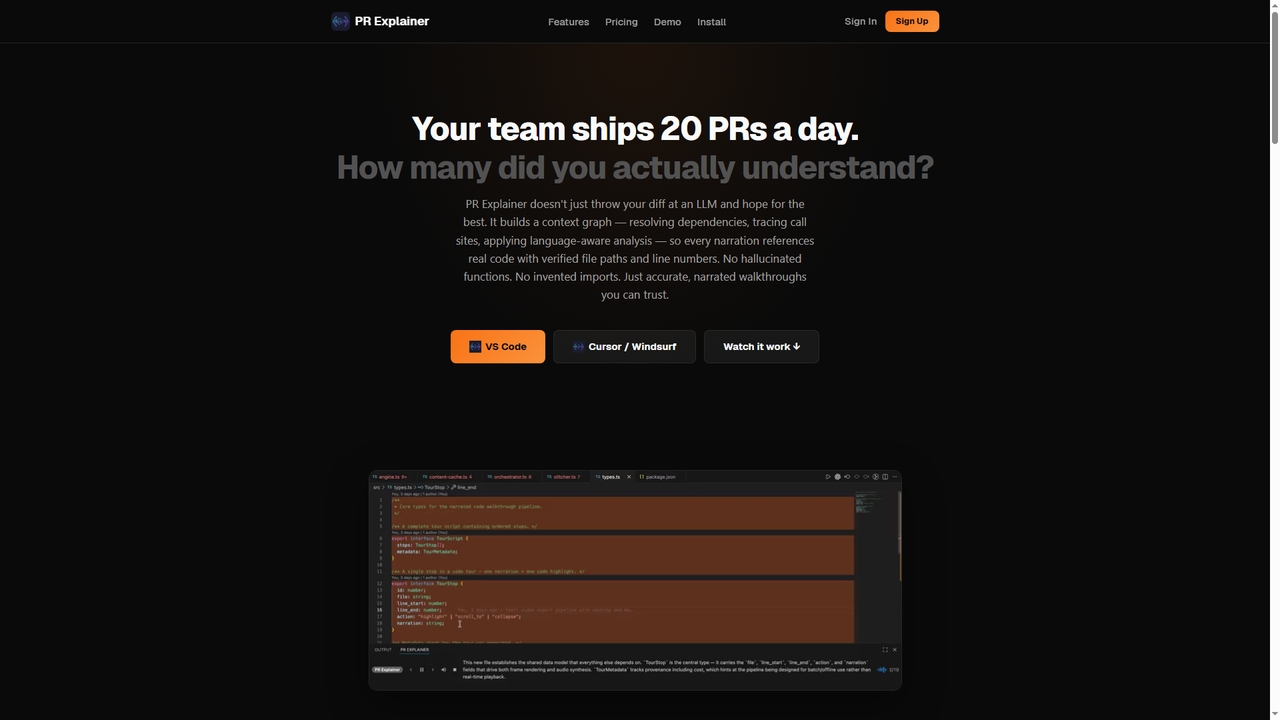
Prexplainer
Prexplainer is an AI-powered developer tool that automatically generates narrated code walkthroughs for pull requests (PRs). It transforms code diffs into engaging audio-visual tours with synchronized highlighting, helping teams understand changes faster without context switching.
Code Review
Eraser Comments (0)
Sign in to comment.
Sign inNo comments yet.