

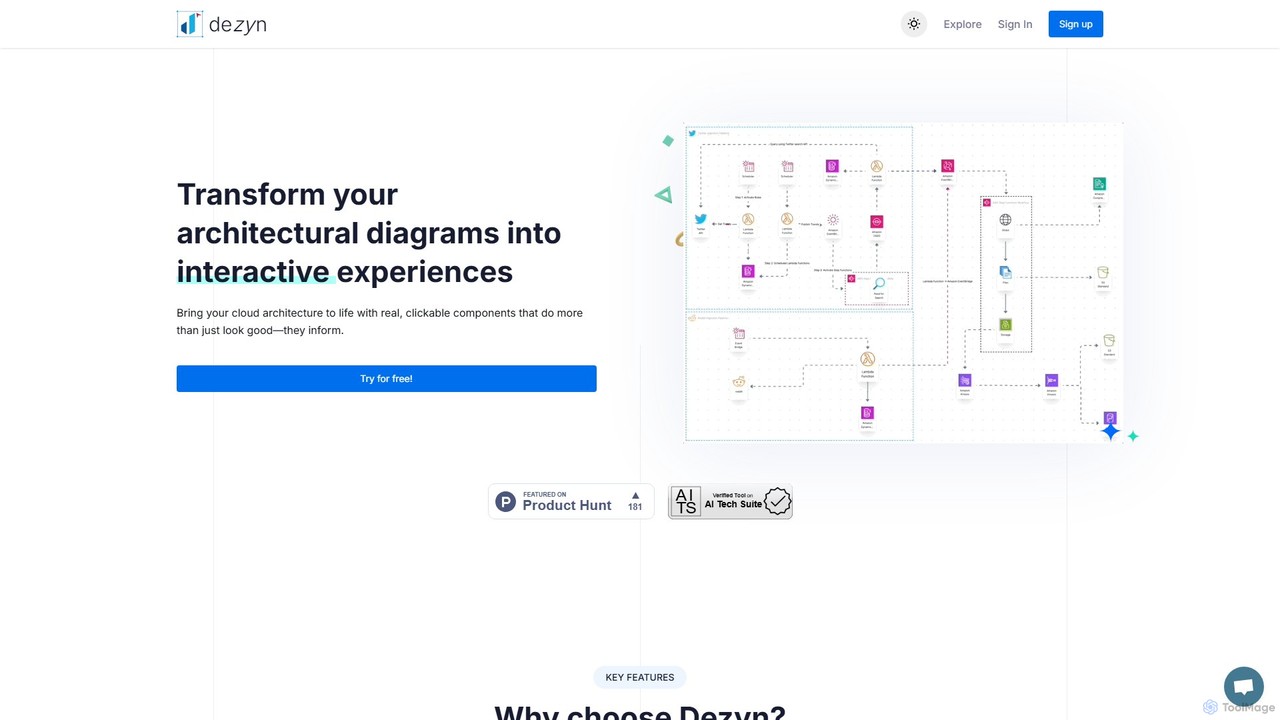
Dezyn Overview
Dezyn is a revolutionary tool designed to transform static architectural diagrams into dynamic, interactive experiences. It empowers engineers, entrepreneurs, and tech content creators to bring their cloud architecture and system designs to life. Instead of flat, lifeless images, Dezyn creates diagrams with real, clickable components that are embedded with rich data, making complex systems easier to visualize, understand, and document.
Trusted by over 500,000 developers and used to create over a million documents, Dezyn is the ultimate solution for generating informative and shareable flowcharts and cloud architecture diagrams. Its intuitive interface and powerful AI features streamline the entire creation process, from initial idea to final presentation.
How to use Dezyn
Getting started with Dezyn is incredibly intuitive, offering multiple pathways to create professional diagrams:
- Start with AI: Use the 'AI Prompt to Diagram' feature by simply describing the system or workflow you want to visualize. Dezyn's AI will interpret your text and generate a polished diagram in seconds.
- Digitize Sketches: Upload a photo of a hand-drawn diagram. The 'Hand-Drawn to Digital' feature uses AI to convert your sketch into a clean, editable digital format.
- Use the AI Copilot: For existing diagrams, the 'AI Copilot' and 'AI Interactive Chat' can help you make quick adjustments, add components, or suggest improvements, acting as an intelligent assistant.
- Manual Creation: Build your diagram from scratch using the user-friendly drag-and-drop interface. Utilize slash commands (e.g., `/connect`, `/add`) to swiftly insert components and connect nodes without taking your hands off the keyboard.
- Leverage Libraries: Access an extensive library of components from major cloud providers like AWS, Azure, and GCP. You can also create and save your own custom components for reuse across projects.
- Publish and Share: Once your diagram is complete, you can easily publish it and share a link with colleagues or stakeholders for seamless collaboration and feedback.
Core Features of Dezyn
- AI-Powered Diagram Generation: Includes AI Wireframe to Diagram, AI Prompt to Diagram, and Hand-Drawn to Digital conversion, automating the most time-consuming parts of diagramming.
- AI Copilot and Interactive Chat: An intelligent assistant that helps you modify, enhance, and understand your diagrams more efficiently.
- Rich Clickable Components: Each shape, icon, or cloud image can be embedded with detailed information, turning simple visuals into comprehensive data points.
- Extensive Component Library: A vast collection of pre-built components for AWS, Azure, GCP, and more, ensuring you have the right tools for any cloud architecture.
- Dynamic Animations: Apply animations to nodes (fade-in, shake) and edges (dotted lines, movement effects) to clearly illustrate data flow and system processes.
- Slash Commands: Boost your efficiency by using intuitive text commands to perform actions like adding nodes, connecting elements, and applying animations.
- Seamless Collaboration and Sharing: Easily publish and share your interactive diagrams with team members and stakeholders for real-time feedback and collaboration.
- Custom Components: Design, save, and reuse your own components to maintain consistency and accuracy across all your diagrams.
Use Cases for Dezyn
Dezyn is a versatile tool trusted by professionals across various roles:
- System & Software Architects: Design, document, and present complex system designs, microservices architectures, and distributed systems.
- Data Engineers: Map out intricate data pipelines, ETL processes, and data lakehouse architectures with clarity.
- DevOps Engineers: Visualize CI/CD pipelines, Kubernetes architectures, and cloud infrastructure deployments.
- Entrepreneurs & Product Managers: Quickly turn ideas into clear flowcharts and system diagrams to share with teams and investors.
- Tech Content Creators & Educators: Create clear, animated, and interactive diagrams to explain complex technical concepts to their audience.
Advantages of Dezyn
Dezyn offers significant advantages over traditional diagramming tools:
- Time-Saving: AI features dramatically reduce the time it takes to create and update complex diagrams.
- Enhanced Clarity: Interactive elements and animations make it easier for all stakeholders to understand data flows and dependencies.
- Living Documentation: By embedding rich data directly into diagram components, your diagrams become a single source of truth, always up-to-date.
- Improved Collaboration: The ability to easily share and comment on diagrams streamlines teamwork and feedback cycles.
- Accessibility: The intuitive interface makes it accessible for beginners, while advanced features cater to the needs of experts.
Pricing and Plans
Dezyn offers a simple pricing structure to suit different needs:
- Starter Plan: $0/month. This free plan includes essential features to get started, allowing for up to 100 documents, 20 AI-generated diagrams, and 50 custom components.
- Professional Plan: $9.99/month. This plan unlocks unlimited documents, unlimited AI diagrams, and unlimited custom components. It also provides access to all advanced features. A limited-time offer is available, providing this plan for $0.
- Enterprise Plan: Custom pricing (Contact Sales). This plan includes everything in Professional, plus team-specific features, dedicated support, and solutions tailored for large organizations.
Traffic
Latest traffic
Status
Monthly traffic trend
- 2025-9: 373
- 2026-1: 306
- 2026-2: 0
- 2026-3: 1.3K
- 2026-4: 1.1K
- 2026-5: 155
Geography
Top 5 countries / regions
- 🇹🇷Türkiye100.0%
Top keywords
| Keyword | Cost per click |
|---|---|
| deesigncodee,io | $0.00 |
| dezn | $0.17 |
| dezyn | $0.00 |
| dyzn ai | $0.00 |
Dezyn Alternatives
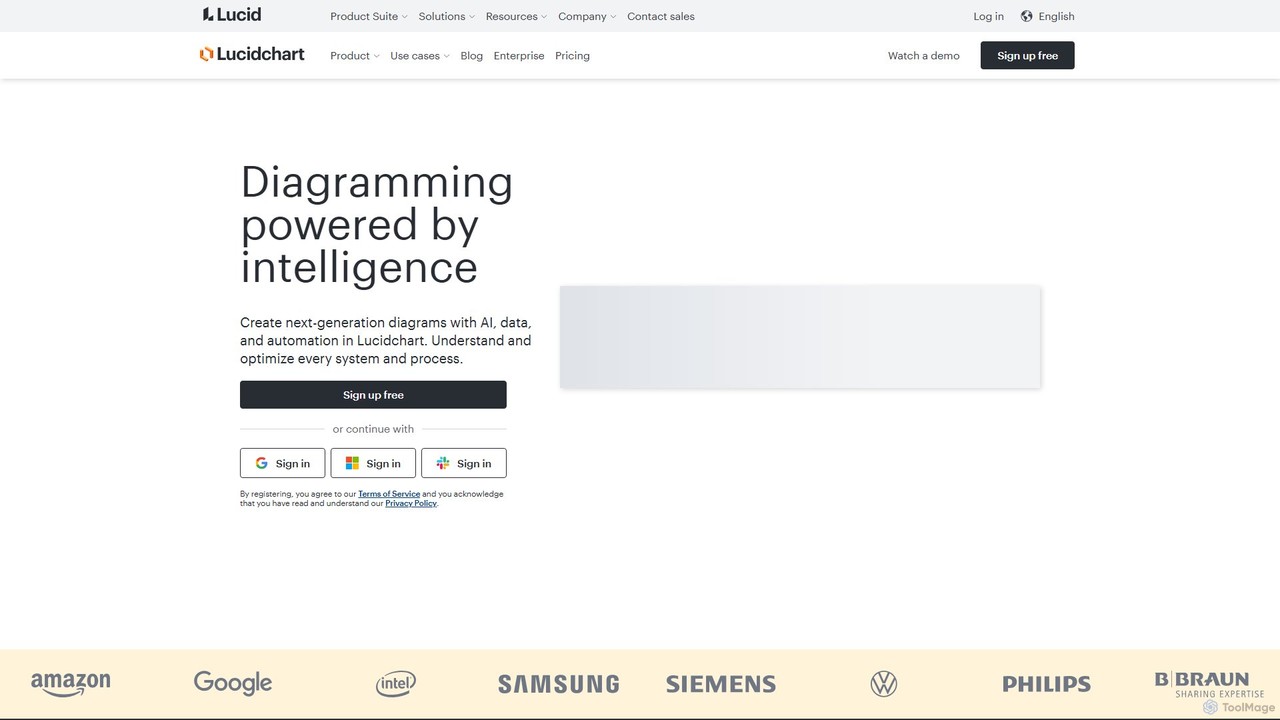
Lucidchart
Lucidchart is an intelligent diagramming and visual collaboration platform that uses AI, data automation, and real-time teamwork to help users visualize complex systems, processes, and ideas. It enables teams to create professional flowcharts, org charts, network diagrams, and more, fostering clarity and driving innovation.
Project Management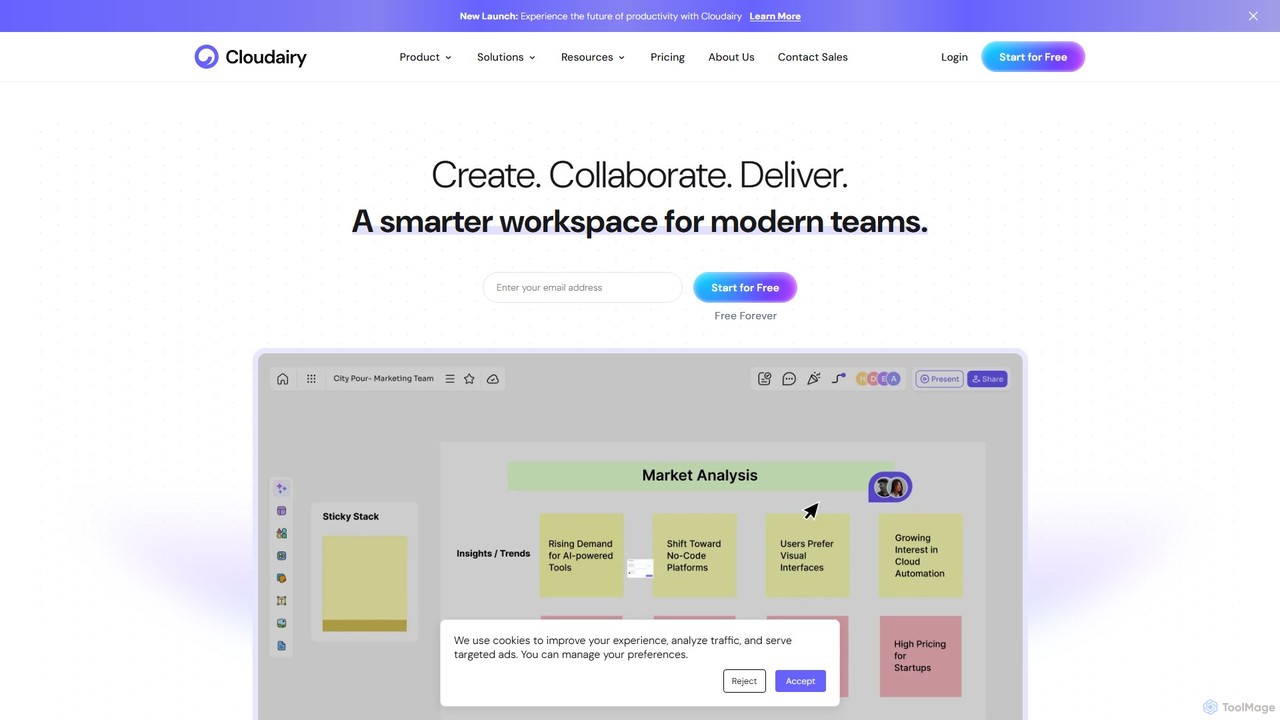
Cloudairy
Cloudairy is an AI-powered collaborative visual workspace designed for modern teams. It integrates AI-driven diagramming, mind mapping, image generation, and documentation tools into a single platform. It enables teams in engineering, sales, and project management to brainstorm, design, and deliver projects with enhanced efficiency and creativity.
Generative Art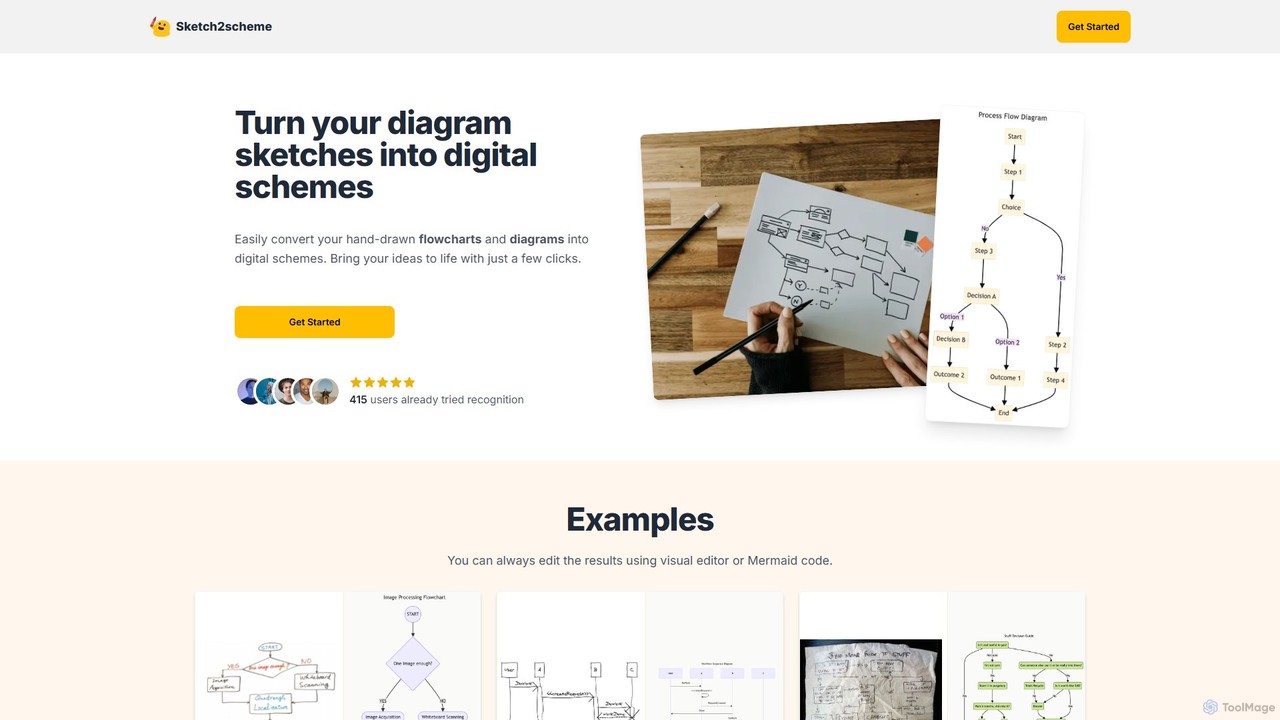
Sketch2scheme
Sketch2scheme is an AI-powered tool that effortlessly converts your hand-drawn diagram sketches into polished, editable digital schemes. Simply upload a picture of your flowchart or diagram, and the AI will recognize nodes, connections, and text, transforming your analog ideas into digital assets in seconds. It's perfect for developers, project managers, and students who want to bridge the gap between paper brainstorming and digital implementation.
Prototyping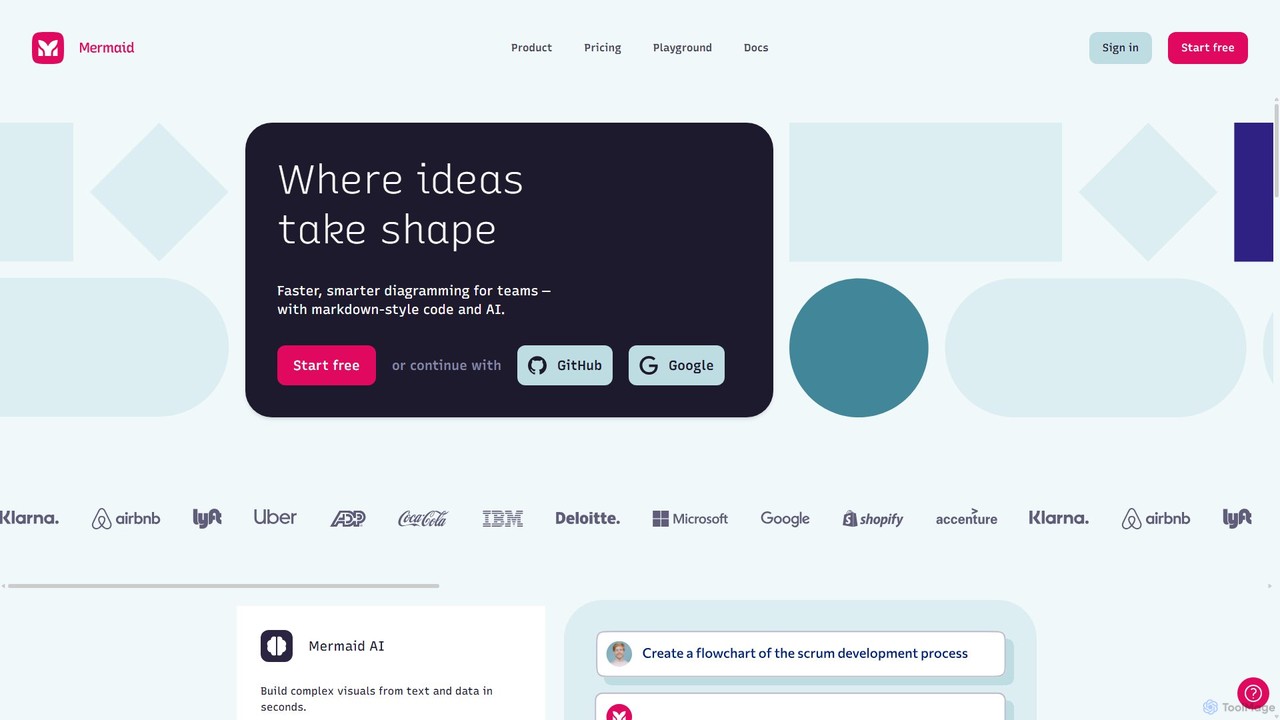
Mermaid Chart
Mermaid Chart is an AI-powered diagramming tool that enables teams to create complex visuals like flowcharts, sequence diagrams, and mind maps using markdown-style code, natural language prompts, or a visual editor. It's designed for faster, smarter diagramming and seamless collaboration.
Code Generation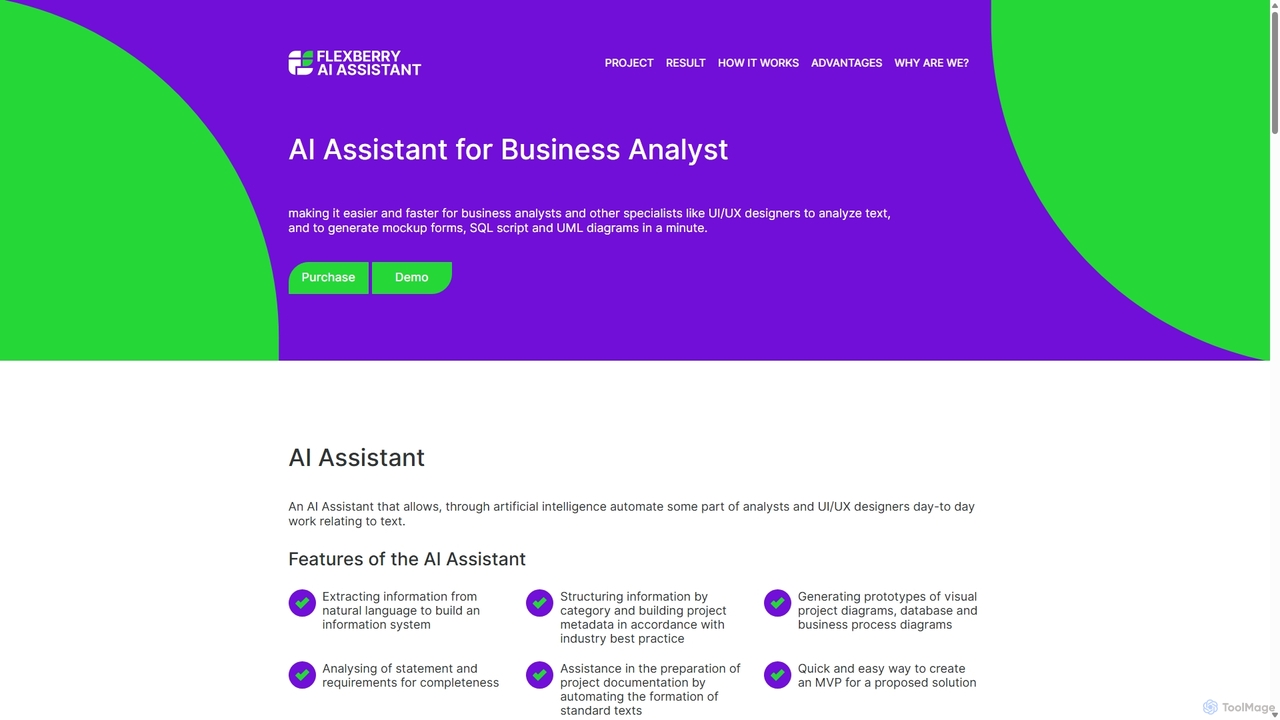
AI Assistant
An AI-powered tool for business analysts and UI/UX designers that automates the creation of technical artifacts. It transforms natural language requirements into UML diagrams, SQL scripts, and UI mockups, accelerating the system design and development process.
Requirements ManagementDezyn Categories
Dezyn Embed Widget
Copy this embed code to place the badge on your blog, article, or product site and send readers directly to this ToolMage detail page.

Related AI tools
Lucidchart
Lucidchart is an intelligent diagramming and visual collaboration platform that uses AI, data automation, and real-time teamwork to help users visualize complex systems, processes, and ideas. It enables teams to create professional flowcharts, org charts, network diagrams, and more, fostering clarity and driving innovation.
Project Management
Jyek
Jyek is an AI agent platform that understands objectives, creates execution plans, uses tools, and delivers verifiable results for complex, multi-step tasks.
Automation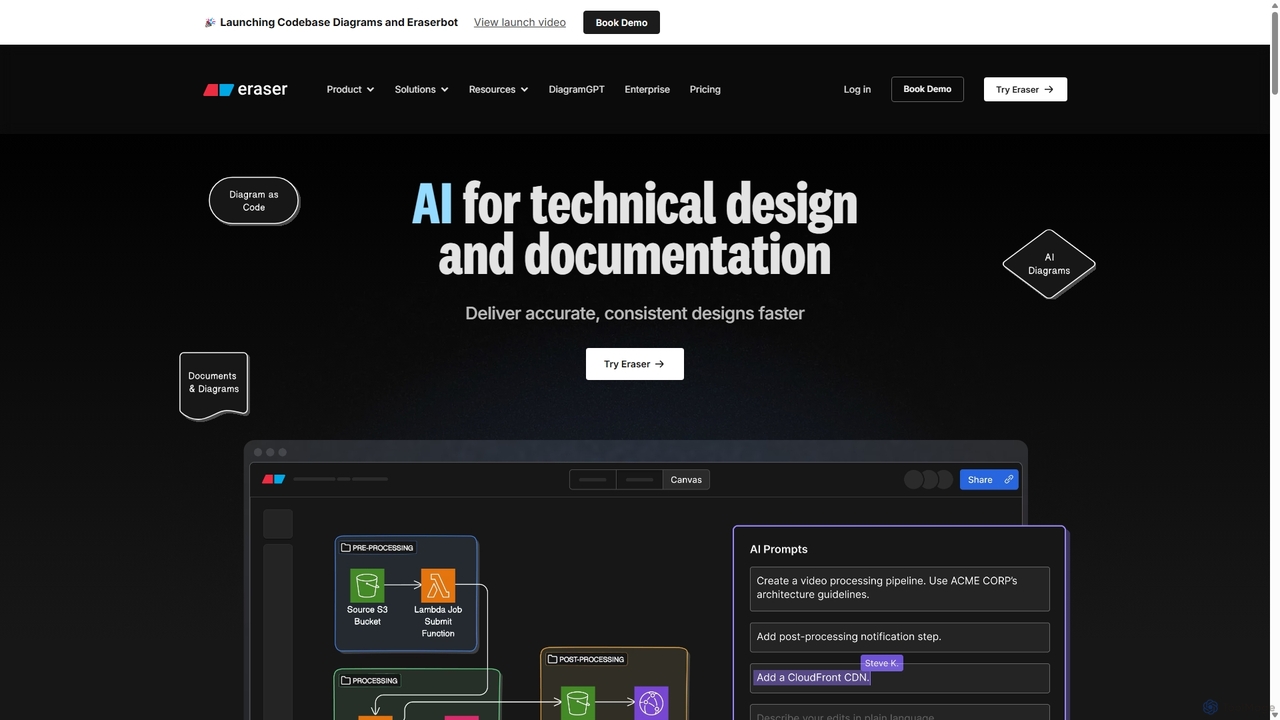
Eraser
Eraser is an AI-powered co-pilot for technical design and documentation, built for engineering teams. It enables users to generate and edit diagrams like architecture, flowcharts, and ERDs using natural language prompts. It combines a collaborative canvas with a markdown editor and diagram-as-code functionality to streamline the entire design process, from brainstorming to documentation.
WhiteboardCloudairy
Cloudairy is an AI-powered collaborative visual workspace designed for modern teams. It integrates AI-driven diagramming, mind mapping, image generation, and documentation tools into a single platform. It enables teams in engineering, sales, and project management to brainstorm, design, and deliver projects with enhanced efficiency and creativity.
Generative ArtSketch2scheme
Sketch2scheme is an AI-powered tool that effortlessly converts your hand-drawn diagram sketches into polished, editable digital schemes. Simply upload a picture of your flowchart or diagram, and the AI will recognize nodes, connections, and text, transforming your analog ideas into digital assets in seconds. It's perfect for developers, project managers, and students who want to bridge the gap between paper brainstorming and digital implementation.
PrototypingMermaid Chart
Mermaid Chart is an AI-powered diagramming tool that enables teams to create complex visuals like flowcharts, sequence diagrams, and mind maps using markdown-style code, natural language prompts, or a visual editor. It's designed for faster, smarter diagramming and seamless collaboration.
Code Generation
snapdiagram
SnapDiagram is an AI-powered tool that instantly transforms text descriptions into professional diagrams. Generate flowcharts, sequence diagrams, UML models, mind maps, and more with simple natural language prompts. It's designed to accelerate workflows for developers, business analysts, and project managers by automating the diagramming process.
Workflow Management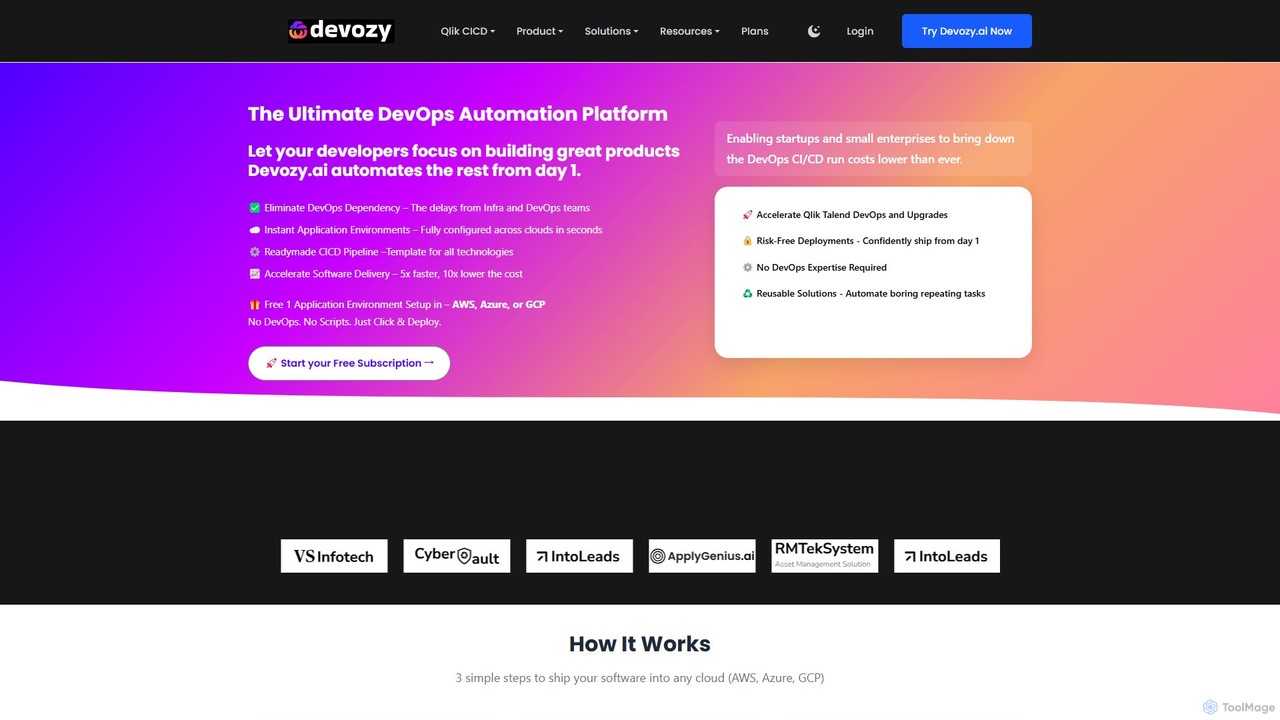
Devozy.ai
Devozy.ai is a self-service DevOps automation platform designed for IT engineering teams. It streamlines software deployment to multi-cloud environments like AWS, Azure, and GCP, providing ready-made CI/CD pipelines and instant application environments. This allows developers to focus on coding by eliminating DevOps dependencies, accelerating delivery by up to 5x and reducing costs.
Multi Cloud Management
AIaC by Firefly
AIaC by Firefly is a free, open-source CLI tool that uses AI to generate Infrastructure-as-Code (IaC) from natural language prompts. It helps developers and DevOps engineers quickly create configuration code for various cloud platforms and IaC frameworks like Terraform, Pulumi, and CloudFormation, significantly speeding up development and reducing syntax errors.
Devops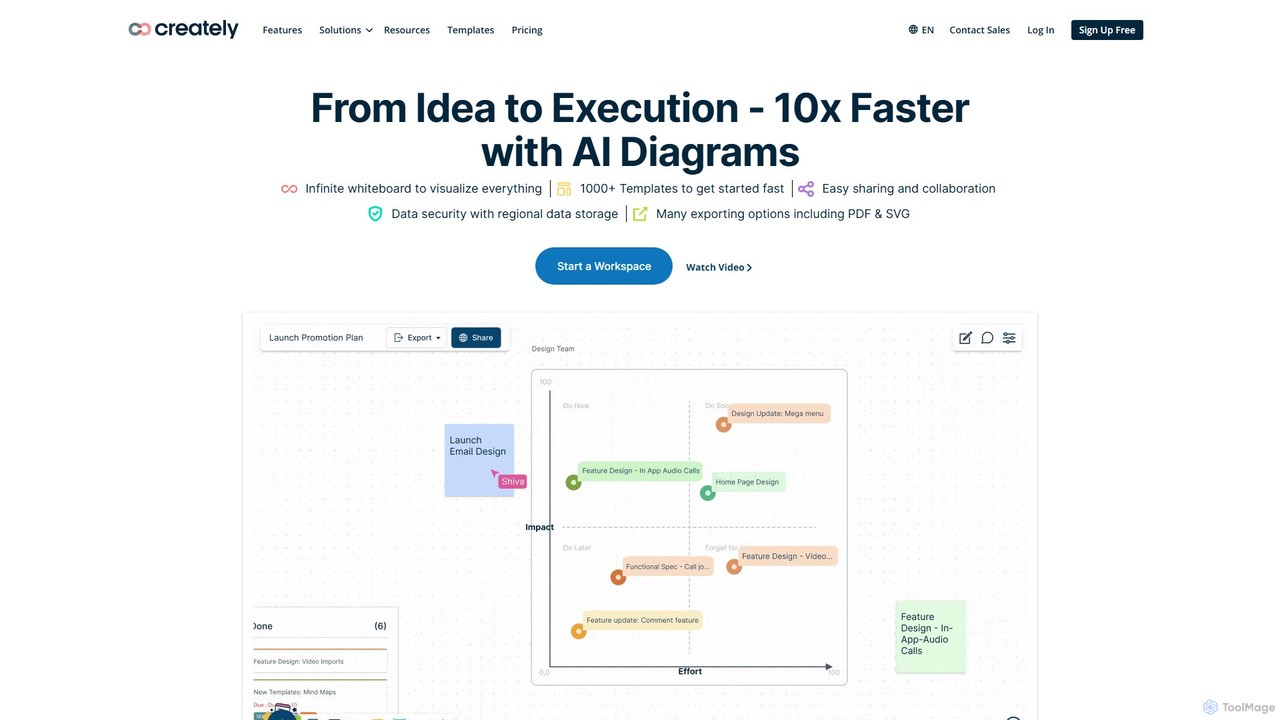
Creately
Creately is an AI-powered visual collaboration and work management platform. It combines intelligent diagramming, online whiteboarding, and data-driven project management on a single smart canvas, helping teams brainstorm, plan, and execute projects more effectively.
Planning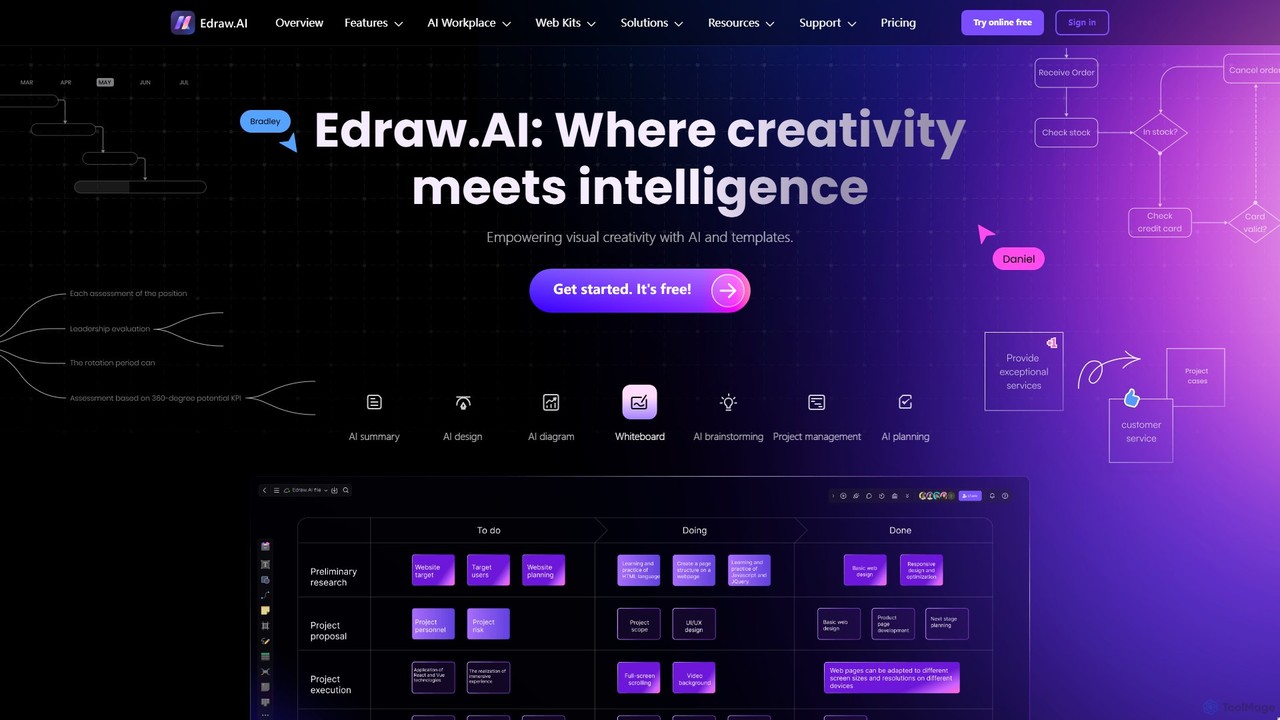
Edraw.AI
Edraw.AI is an AI-powered visual collaboration platform that enables users to create diagrams, mind maps, flowcharts, and other visuals with ease. It combines a user-friendly interface with powerful AI tools for generation, analysis, and design. Featuring real-time collaboration, an extensive library of templates and symbols, it's designed to boost productivity for teams in project management, IT, marketing, education, and more. Get started for free and transform your ideas into professional visuals.
Visualization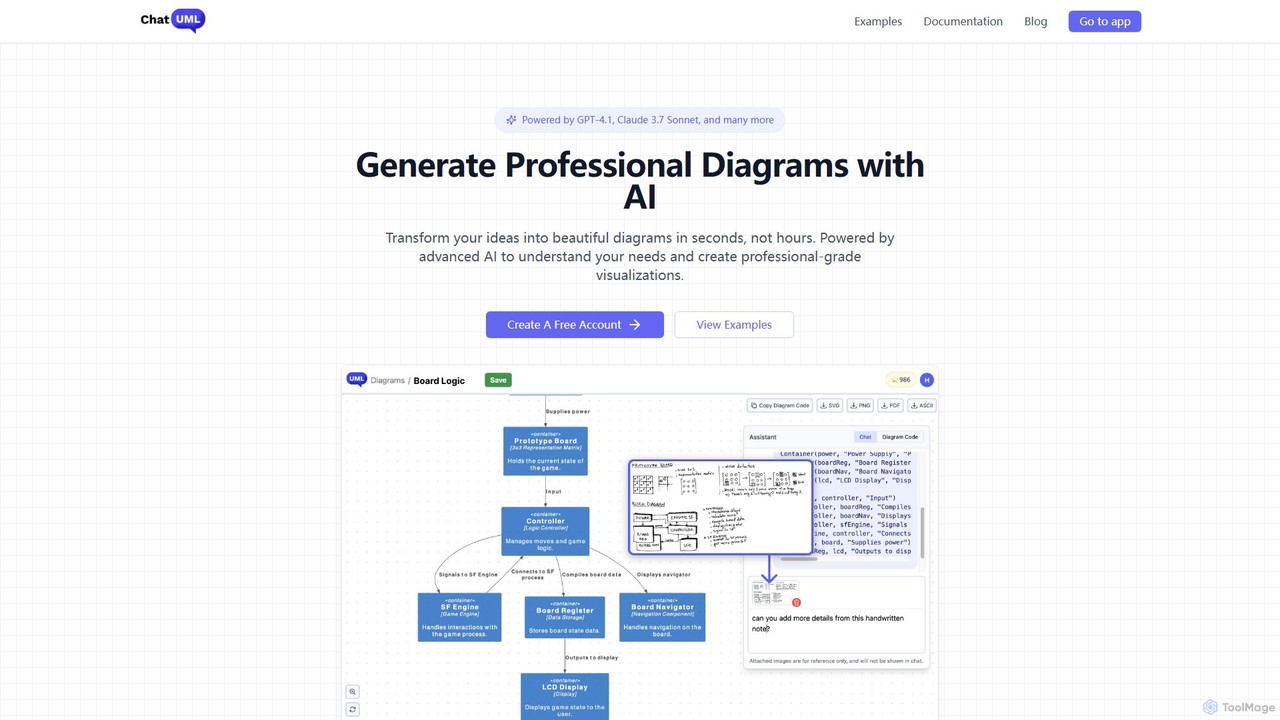
ChatUML
ChatUML is an AI-powered diagram generator that transforms text descriptions, hand-drawn sketches, and even website content into professional diagrams in seconds. Leveraging models like GPT-4.1 and Claude 3, it supports various formats including UML, C4 architecture, mind maps, and more, streamlining the visualization process for developers, project managers, and creative teams.
Planning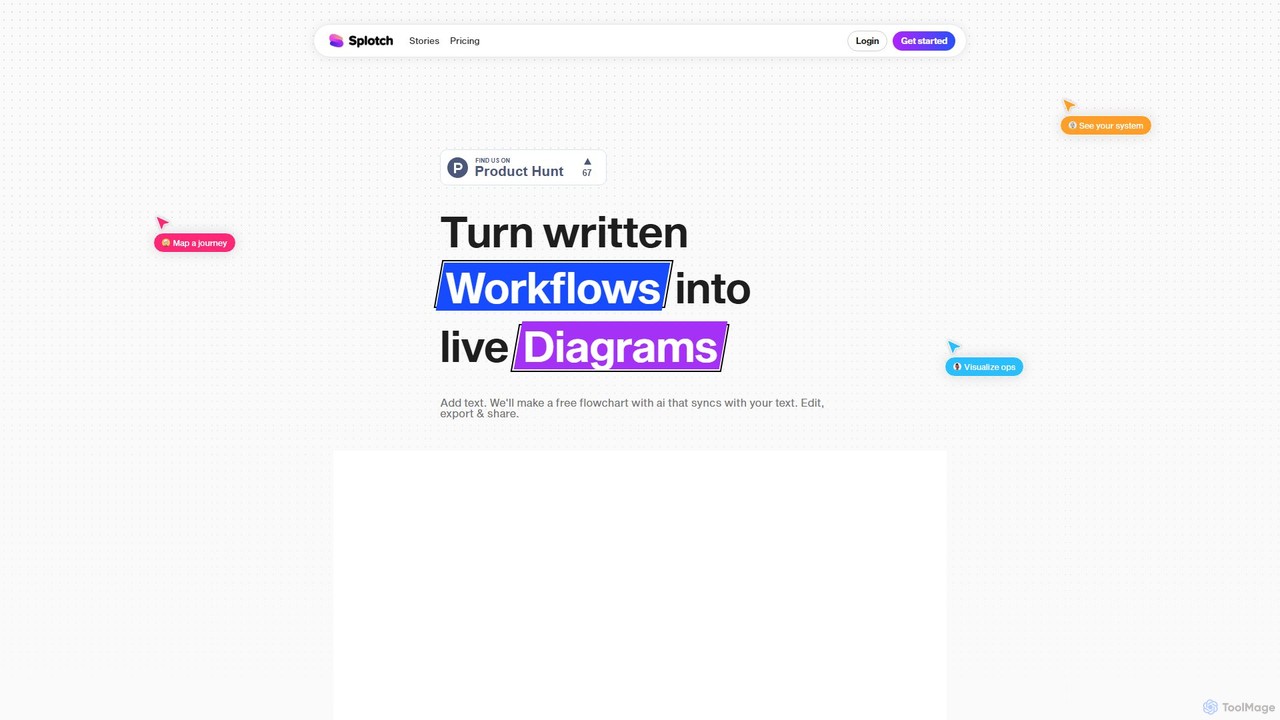
splotch
splotch is an AI-powered diagramming tool that automatically converts written text, processes, and workflows into clear, editable flowcharts and diagrams. It features a unique two-way sync, ensuring your text and visuals are always aligned, streamlining communication and process documentation.
Process Management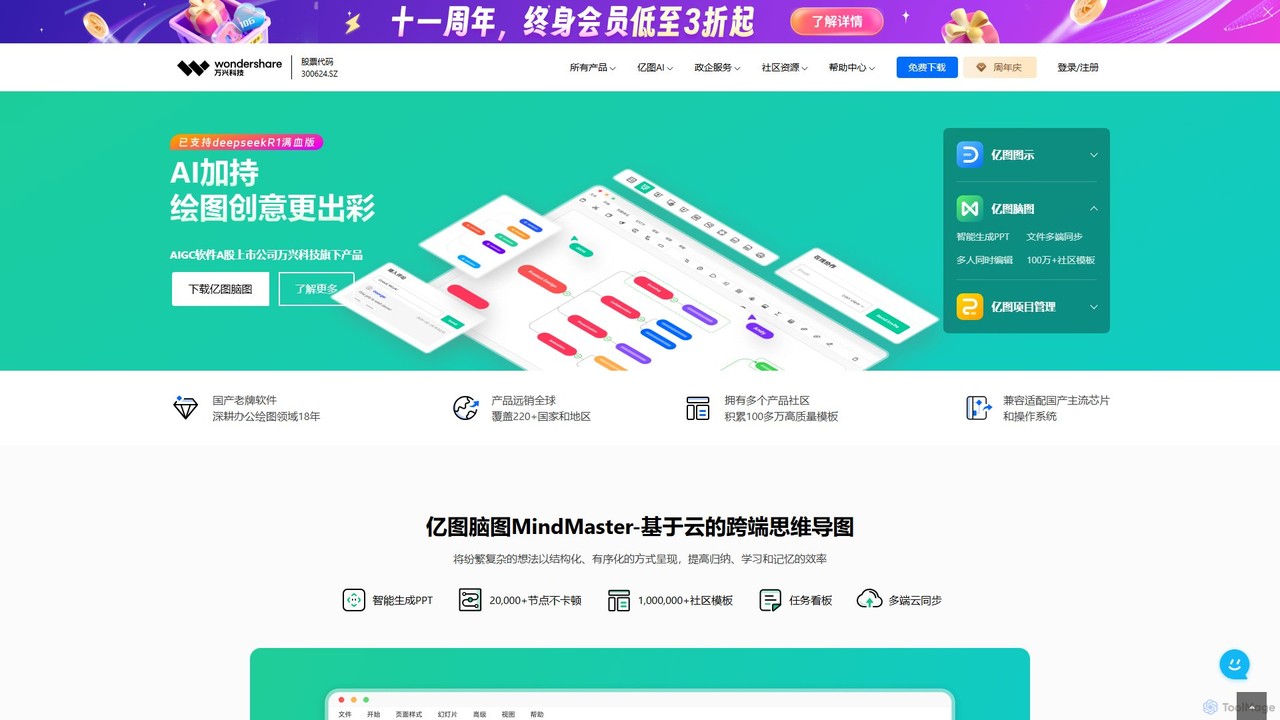
Edrawsoft
Edrawsoft is a comprehensive suite of AI-powered visual tools for diagramming, mind mapping, and project management. It includes EdrawMax for all-in-one diagram creation, EdrawMind for brainstorming, and EdrawProj for Gantt charts. With AI assistance, users can automatically generate flowcharts, org charts, and more from text, beautify designs with a single click, and collaborate seamlessly across platforms. It's a powerful Visio alternative for individuals, teams, and enterprises.
Project Management
Flux AI
Flux AI is an intelligent collaborative whiteboard that transforms text prompts into complex diagrams. It empowers teams to visualize ideas, design workflows, and create flowcharts or mind maps in seconds, streamlining the entire planning and brainstorming process.
Whiteboard
Dezyn Comments (0)
Sign in to comment.
Sign inNo comments yet.