ToolMage
Sign in

Best 3 System Design AI tools for Developer Tools

Popular System Design AI tools in Developer Tools include Lucidchart, Dezyn, and AI Assistant, helping you work more efficiently.

AI Assistant
Freemium

AI Assistant

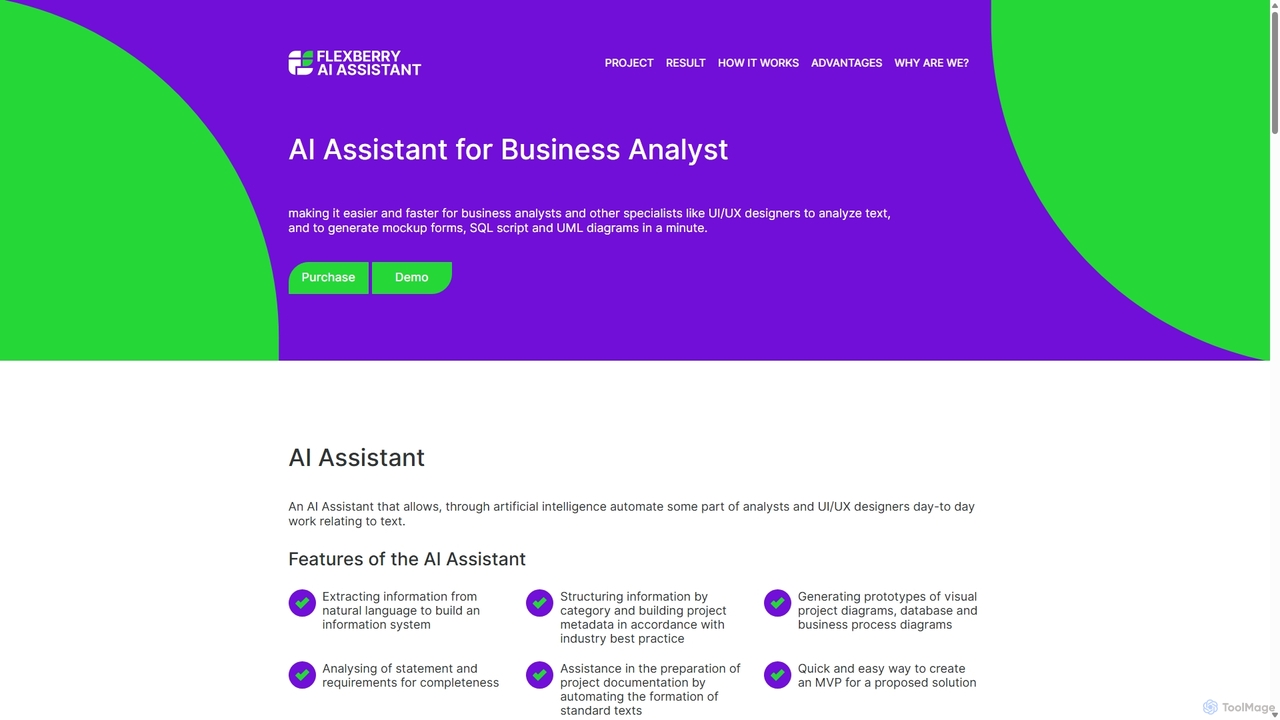
An AI-powered tool for business analysts and UI/UX designers that automates the creation of technical artifacts. It transforms natural language requirements into UML diagrams, SQL scripts, and UI mockups, accelerating the system design and development process.

Requirements Management
Visits 7.1KFavorites 124Likes 124
Lucidchart
Freemium

Lucidchart

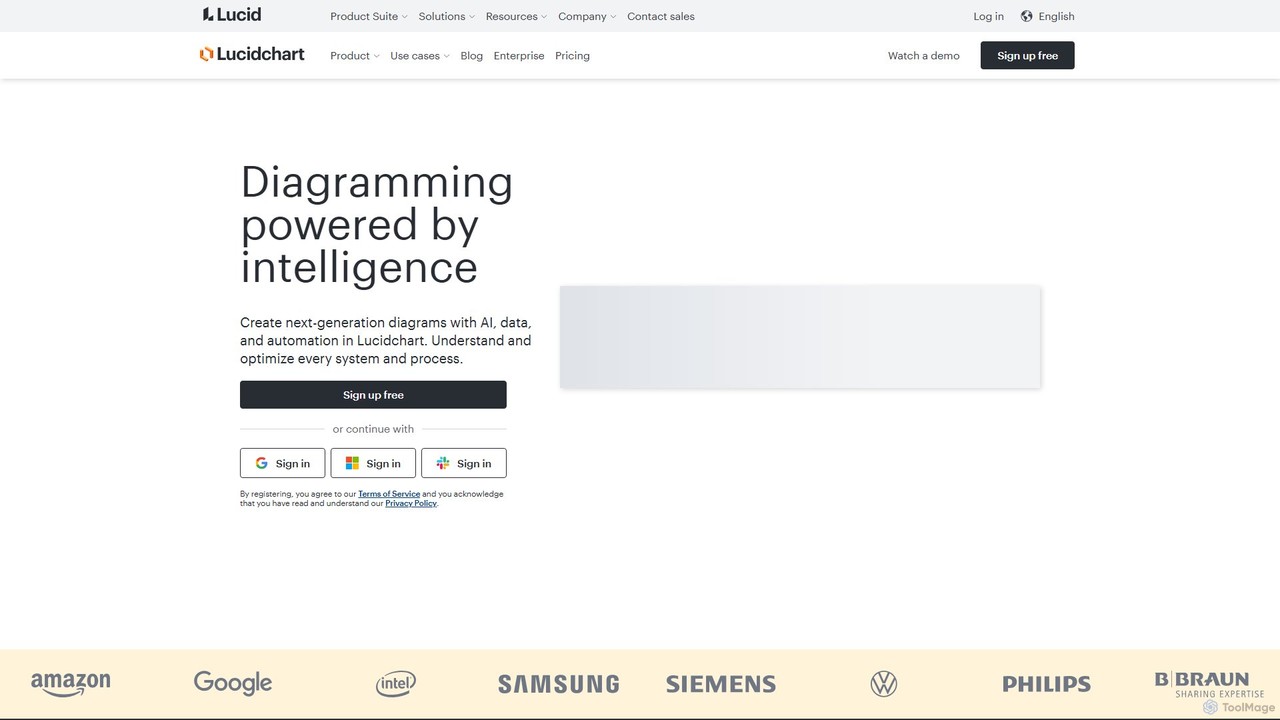
Lucidchart is an intelligent diagramming and visual collaboration platform that uses AI, data automation, and real-time teamwork to help users visualize complex systems, processes, and ideas. It enables teams to create professional flowcharts, org charts, network diagrams, and more, fostering clarity and driving innovation.

Project Management
Visits 2.4MFavorites 150Likes 141
Dezyn
Freemium

Dezyn

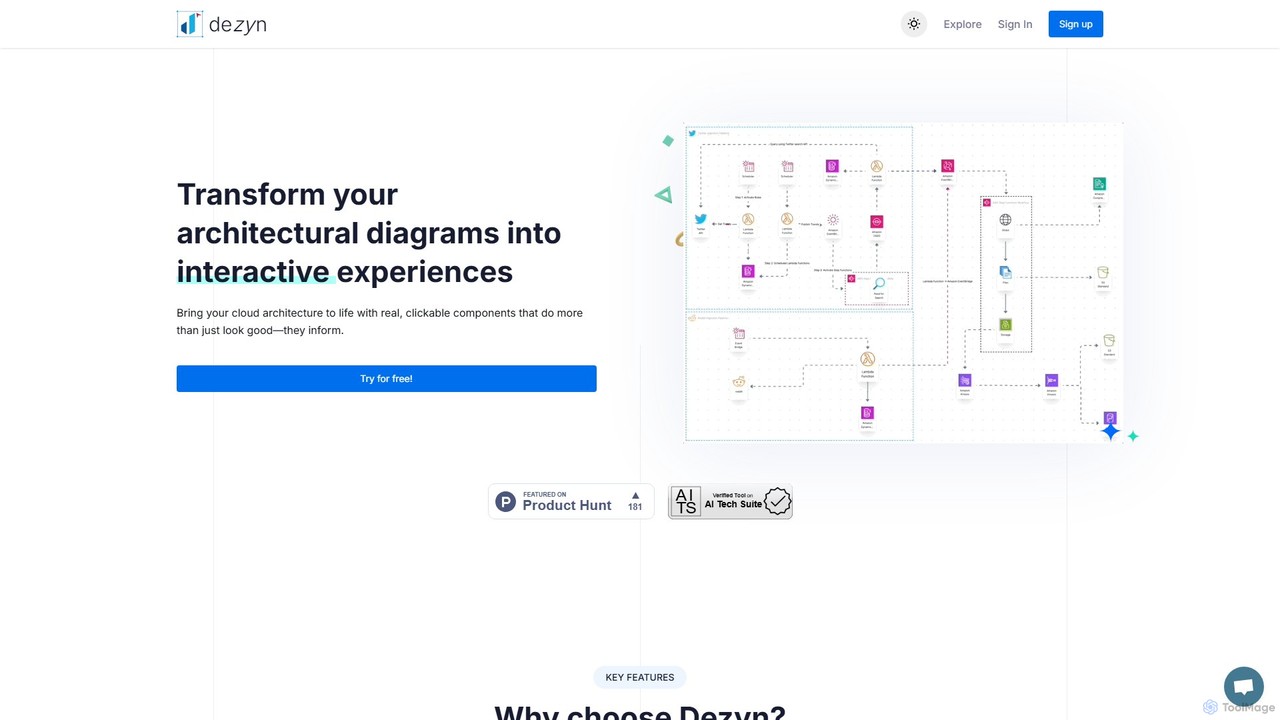
Dezyn is an AI-powered platform for creating interactive, data-rich architectural diagrams and flowcharts. It transforms text prompts, hand-drawn sketches, or wireframes into professional diagrams. Ideal for engineers, developers, and tech creators to visualize complex cloud systems (AWS, Azure, GCP) and collaborate effectively.

Flowchart
Visits 7.1KFavorites 124Likes 126

About System Design

AI System Design tools are a specialized category of developer tools that use artificial intelligence to automate and enhance the process of creating software architecture diagrams. They leverage natural language processing and machine learning to translate textual descriptions, code, or database schemas into visual representations like UML or C4 models. This approach significantly accelerates the design phase, improves clarity among team members, and helps identify potential architectural flaws early. These tools effectively bridge the gap between abstract ideas and concrete, standardized system blueprints.

Core Features

  • Text-to-Diagram Generation: Automatically create complex system diagrams from plain text prompts or markdown-like syntax.
  • Architecture Analysis: Analyze designs for inconsistencies, security vulnerabilities, or performance bottlenecks.
  • Code Reverse Engineering: Generate diagrams by analyzing existing codebases or database schemas to document current state.
  • Collaborative Whiteboarding: Provide an intelligent canvas for real-time team collaboration on system architecture.
  • Automated Documentation: Generate and maintain up-to-date technical documentation alongside the visual design.

Use Cases

These tools are primarily used by software architects, senior developers, and DevOps engineers during the planning and documentation phases of a project. They are valuable for brainstorming new microservices architectures, documenting existing legacy systems for modernization, or ensuring design consistency across large engineering teams.

How to Choose

When selecting a tool, consider the supported diagram types (e.g., UML, C4, ERD), integration with your tech stack (GitHub, Jira, Confluence), and the accuracy of the AI generation. Also, evaluate the collaboration features for team-based projects and the tool's ability to handle large-scale systems and provide various export options.

System Design use cases

1

Rapid Prototyping of Microservices Architecture

A software architect designing a new e-commerce platform uses an AI System Design tool to accelerate the process. Instead of manually drawing components, they write a text description: 'A user service handles authentication. A product service manages inventory. An order service processes payments via a Stripe gateway.' The tool instantly generates a C4 model diagram, visualizing containers and dependencies. This allows for quick iteration and stakeholder discussions, reducing initial design time by over 70%.

2

Documenting a Legacy System for Modernization

A development team needs to refactor a complex monolithic application with poor documentation. They use an AI tool's reverse engineering feature by pointing it to the application's codebase. The tool analyzes the code and automatically generates a detailed entity-relationship diagram (ERD) and component diagrams. This provides a clear visual map of the existing system, revealing hidden dependencies and making the migration to microservices safer and more predictable.

3

Creating API Documentation for a New Service

A backend developer building a new REST API uses an AI design tool to create clear documentation. By inputting the API specification (e.g., an OpenAPI file), the tool generates sequence diagrams illustrating the call flows for common user actions like 'user login' or 'place order'. This visual documentation is much easier for frontend developers to understand than text-only specs, accelerating integration work and reducing communication overhead.

4

Onboarding New Engineers to a Complex Project

A tech lead uses an AI-generated C4 model diagram to onboard a new developer. The interactive diagram allows the new hire to explore the system architecture from a high-level context down to specific code components. This visual, top-down approach is more effective than reading thousands of lines of code or outdated wikis, significantly shortening the developer's ramp-up time and enabling them to contribute to the codebase faster.

5

Real-time Architectural Design in Brainstorming Sessions

During a remote team meeting, an engineering manager uses an AI system design tool as a collaborative whiteboard. As team members suggest components and data flows, the manager types these ideas as text prompts. The tool updates the system diagram in real-time, allowing everyone to see the architectural implications of their suggestions instantly. This dynamic visualization keeps the discussion focused and ensures all participants share a common understanding of the design.

6

Validating Cloud Infrastructure Design Before Deployment

A DevOps engineer plans a new infrastructure on AWS using an AI tool that supports cloud architecture diagrams. By describing the resources like 'an EC2 instance in a public subnet connected to an RDS database in a private subnet,' the tool generates a visual diagram. More importantly, it can analyze the design for common security misconfigurations, such as a publicly accessible database, preventing costly and high-risk errors before any resources are provisioned.

System Design FAQ

What are AI System Design tools?

AI System Design tools are applications that use artificial intelligence to help create, visualize, and analyze software architecture. They primarily function by converting text descriptions, code, or data schemas into formal diagrams like UML or C4 models. Their key benefit is automating the often tedious process of manual diagramming, ensuring design consistency, and providing intelligent analysis of the proposed architecture.

How to choose the right AI System Design tool?

To choose the right tool, evaluate these factors:

  • Diagram Support: Ensure it supports the notations you use (e.g., C4, UML, ArchiMate, ERD).
  • Input Methods: Check if it can generate diagrams from text (natural language or markdown), code, or database schemas.
  • Integrations: Look for integrations with your workflow tools like GitHub, Confluence, Jira, or VS Code.
  • Collaboration: Assess its real-time collaboration features if you work in a team.
  • Analysis Capabilities: Some advanced tools can analyze designs for security flaws or performance issues.
What's the difference between AI System Design tools and traditional diagramming tools?

The key difference is automation and intelligence. Traditional tools like Visio or Lucidchart are digital drawing boards where you manually drag, drop, and connect shapes. AI System Design tools automate this process; you provide a high-level description (text or code), and the tool generates the diagram. Furthermore, AI tools can often analyze the architecture for errors or suggest improvements, a feature typically absent in traditional tools.

Who are the primary users of AI System Design tools?

These tools are most beneficial for technical roles involved in software planning and architecture. This includes software architects, senior and lead developers, system analysts, and DevOps engineers. Product managers and technical project managers also use them to better understand and communicate complex system structures with their engineering teams. They are valuable for anyone who needs to create or understand software blueprints.

Can these tools generate diagrams from existing code?

Yes, many advanced AI System Design tools offer a 'reverse engineering' feature. This capability allows them to analyze an existing codebase (e.g., from a Git repository) or connect to a database to automatically generate diagrams that represent the current architecture. This is extremely useful for documenting legacy systems, understanding unfamiliar code, or verifying that the implemented code matches the original design.