

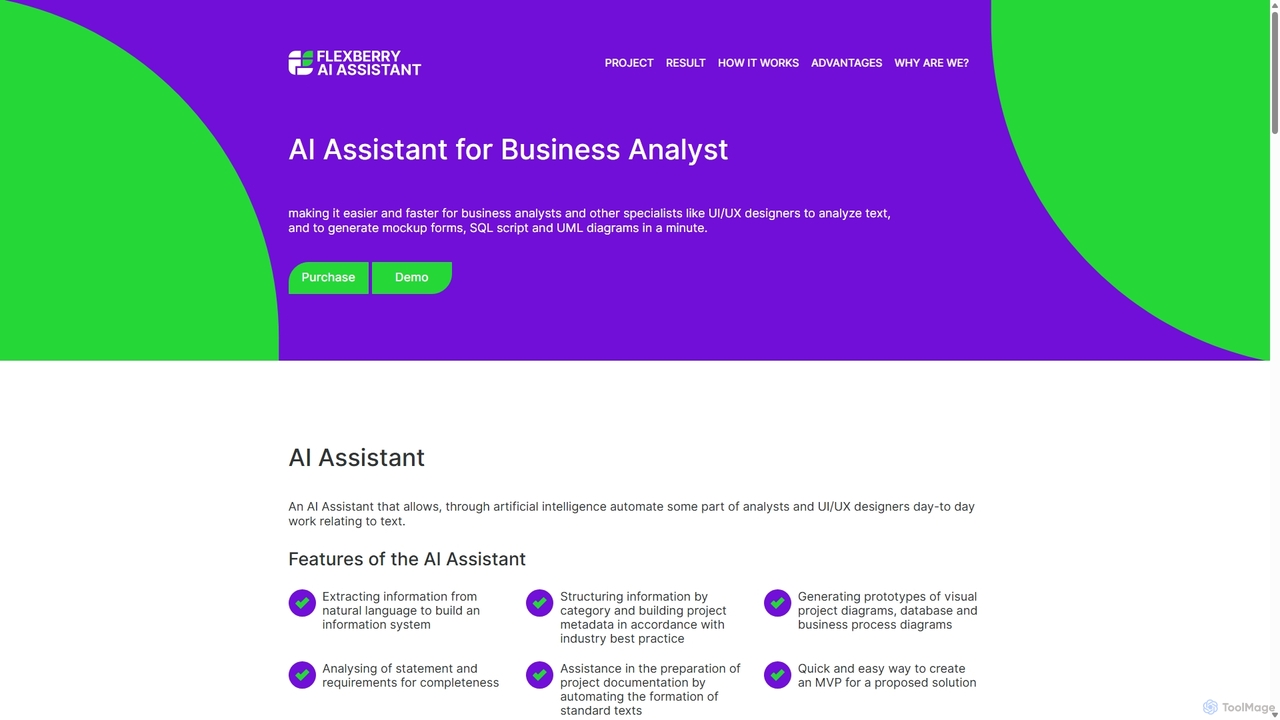
AI Assistant Overview
Flexberry's AI Assistant is a sophisticated virtual tool designed to streamline the daily workflows of business analysts, system analysts, and UI/UX designers. It leverages advanced artificial intelligence and natural language processing (NLP) to bridge the critical gap between textual business requirements and tangible technical designs. By analyzing client requests, user stories, and specification documents, the AI Assistant automatically generates essential project artifacts, including visual diagrams, database schemas, and documentation, significantly reducing manual effort and accelerating the initial phases of the software development lifecycle.
How to use AI Assistant
Using the AI Assistant is a straightforward process designed for maximum efficiency:
- Input Requirements: Begin by gathering your textual requirements. This can be anything from informal client meeting notes to formal user stories or specification documents. Copy and paste this text directly into the AI Assistant's input interface. The text should ideally describe the system's entities, their attributes, and the relationships between them.
- Select Output Type: Choose the desired artifact you wish to generate from the text. The platform offers several critical outputs for system design, including UML diagrams (such as class diagrams to visualize system structure), SQL scripts (for database table creation), or basic UI mockups (to prototype forms).
- Analyze and Generate: With your text inputted and output type selected, click the "Analyze" button. The AI engine will instantly parse and interpret the natural language, identifying key nouns as entities, related descriptors as attributes, and verbs or phrases as relationships to construct the chosen artifact.
- Review and Refine: The generated output is immediately displayed for your review. You can examine the UML diagram for logical correctness, check the SQL script for proper syntax and data types, or view the form layout to ensure it captures all necessary fields. This step allows for quick validation and iteration.
- Export and Integrate: Once you are satisfied with the result, you can easily copy or export the generated artifact. The SQL script can be executed in a database management system, diagrams can be embedded into project documentation (like Confluence or Word), and mockups can serve as a foundation for high-fidelity designs in tools like Figma or Sketch.
Core Features of AI Assistant
- Natural Language to Diagram Generation: Automatically converts textual descriptions into professional visual project diagrams, including UML class diagrams and business process models. This feature makes it easy to visualize and communicate complex system architectures.
- SQL Schema Generation: Intelligently analyzes entity-relationship descriptions in plain text and generates corresponding SQL Data Definition Language (DDL) scripts. This automates the creation of database tables, saving significant time for developers and DBAs.
- UI Form Prototyping: Creates basic UI mockups and form layouts based on the data fields and entities described in the requirements. This provides a quick and effective starting point for UI/UX design and stakeholder feedback.
- Requirements Analysis & Validation: The AI scans the input text for completeness and consistency, helping analysts identify potential gaps, ambiguities, or conflicts in the project requirements early in the process.
- Metadata and Documentation Automation: Structures unstructured information, categorizes data entities, and assists in automating the creation of standard project documentation texts, ensuring consistency and adherence to industry best practices.
- Rapid MVP Scoping: Facilitates the quick creation of a Minimum Viable Product (MVP) by generating the core data model and system structure from a high-level solution proposal, enabling teams to start development faster.
Use Cases for AI Assistant
AI Assistant is versatile and valuable for various roles within a project team:
- Business Analysts: Quickly translate meeting notes and client requirements into formal UML diagrams and data models to validate understanding and effectively communicate specifications to development teams.
- System Architects & Developers: Accelerate database design by automatically generating initial SQL schemas from requirement documents, bypassing hours of manual coding and reducing errors.
- UI/UX Designers: Generate preliminary form mockups based on data requirements, providing a functional foundation for creating user-centered, high-fidelity interfaces.
- Product Managers: Rapidly prototype new feature ideas by converting concepts into structured diagrams and models, which aids in scope definition, feasibility analysis, and stakeholder presentations.
- Students and Educators: Serves as an excellent educational tool for demonstrating the practical link between business requirements and technical system design artifacts like UML and SQL.
Advantages of AI Assistant
- Massive Efficiency Boost: Drastically cuts down the time and effort required to create foundational design documents, database schemas, and initial mockups.
- Reduced Human Error: Automation minimizes the risk of manual errors, inconsistencies, and misinterpretations when translating complex requirements into technical specifications.
- Improved Stakeholder Alignment: Visually clear diagrams generated directly from requirements provide an unambiguous representation of the system, ensuring all stakeholders share a common understanding.
- Accelerated Project Kick-off: Enables teams to transition from the requirements gathering phase to prototyping and development much more quickly, shortening the overall project timeline.
- Focus on High-Value Tasks: Frees up skilled professionals from repetitive, low-level design tasks, allowing them to concentrate on strategic analysis, complex problem-solving, and innovation.
Pricing and Plans
AI Assistant operates on a freemium model. It offers a free-to-use demo or trial directly on its website, which allows potential users to test its core capabilities with their own text or the provided examples. For full functionality, unlimited access, and advanced features, a commercial license is required. For the most current and detailed information on pricing tiers and available plans, please visit the official Flexberry AI Assistant website.
AI Assistant Alternatives
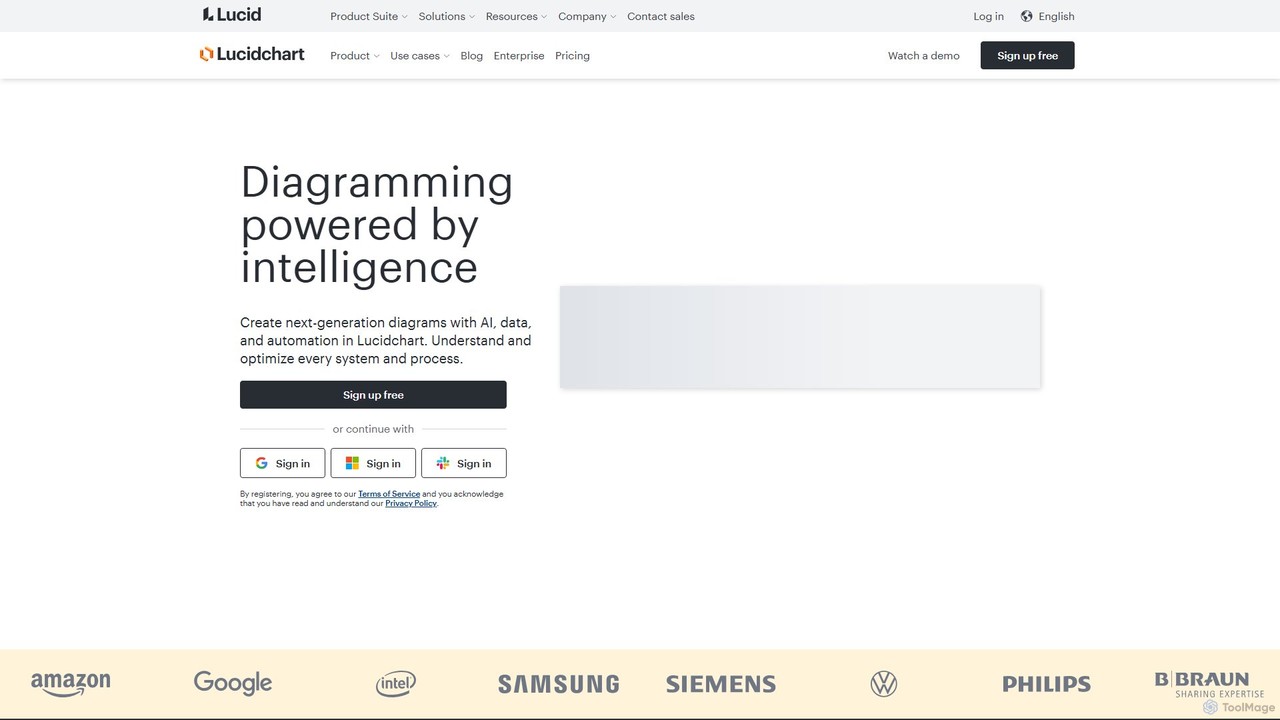
Lucidchart
Lucidchart is an intelligent diagramming and visual collaboration platform that uses AI, data automation, and real-time teamwork to help users visualize complex systems, processes, and ideas. It enables teams to create professional flowcharts, org charts, network diagrams, and more, fostering clarity and driving innovation.
Project Management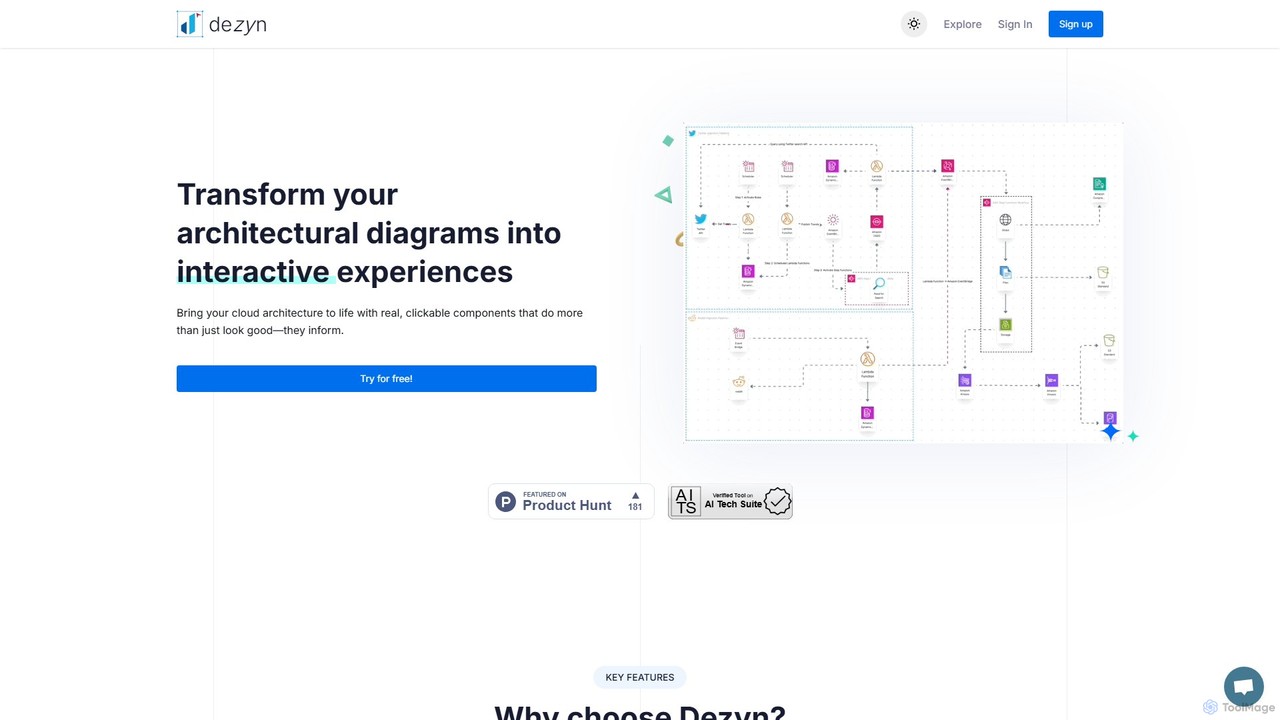
Dezyn
Dezyn is an AI-powered platform for creating interactive, data-rich architectural diagrams and flowcharts. It transforms text prompts, hand-drawn sketches, or wireframes into professional diagrams. Ideal for engineers, developers, and tech creators to visualize complex cloud systems (AWS, Azure, GCP) and collaborate effectively.
Flowchart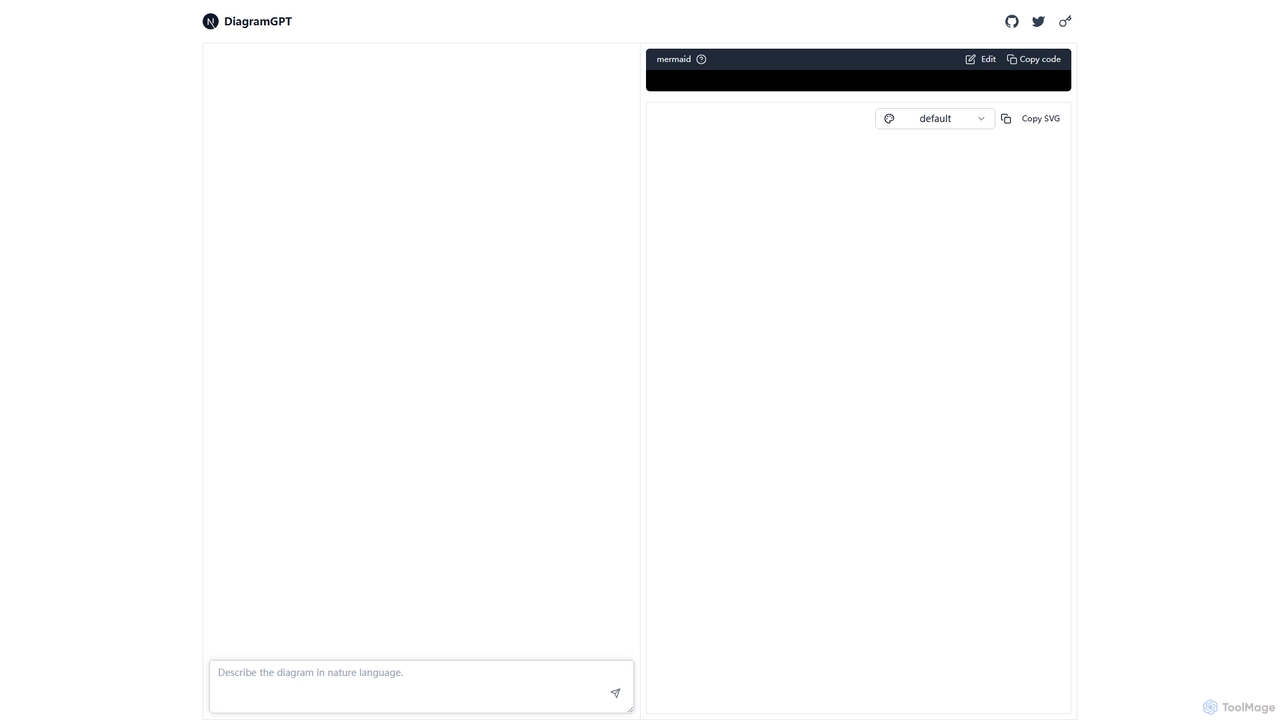
DiagramGPT
DiagramGPT is an AI-powered tool that transforms natural language text prompts into various diagrams. By leveraging GPT technology and Mermaid syntax, it allows users to effortlessly generate flowcharts, sequence diagrams, and more, simply by describing what they want to visualize. It's an ideal solution for developers, project managers, and students who need to create professional diagrams quickly without manual drawing.
Process Management
Zuvu
Zuvu is a next-generation AI agents platform that acts as a Smart Router, providing access to a diverse range of advanced AI models like OpenAI GPT-5, Anthropic Claude, and Google Gemini for complex, agentic workflows across various domains.
Automation
Imagetodrawio
An AI-powered tool that converts images of diagrams, such as screenshots, photos, and hand-drawn sketches, into fully editable Draw.io files. It helps users recover lost source files, digitize whiteboard sessions, and modernize legacy documentation in minutes, preserving shapes, text, and connections with high accuracy.
AutomationAI Assistant Categories
AI Assistant Jobs
AI Assistant Embed Widget
Copy this embed code to place the badge on your blog, article, or product site and send readers directly to this ToolMage detail page.

Related AI tools
Zuvu
Zuvu is a next-generation AI agents platform that acts as a Smart Router, providing access to a diverse range of advanced AI models like OpenAI GPT-5, Anthropic Claude, and Google Gemini for complex, agentic workflows across various domains.
Automation
Jyek
Jyek is an AI agent platform that understands objectives, creates execution plans, uses tools, and delivers verifiable results for complex, multi-step tasks.
Automation
Mermaid Online
Mermaid Online is an advanced web-based editor and AI-powered diagram generator that transforms text descriptions and Mermaid syntax into professional visual diagrams. It supports various diagram types, offers real-time preview, and flexible export options, streamlining documentation and system design workflows for individuals and teams.
Text To Diagram
HeroUI Chat
HeroUI Chat is an AI-powered tool that generates UI components and pages from simple text prompts. Built on NextUI and Tailwind CSS, it allows developers and designers to rapidly create beautiful, responsive, and accessible user interfaces by describing them in natural language, significantly accelerating the prototyping and development workflow.
Ui Ux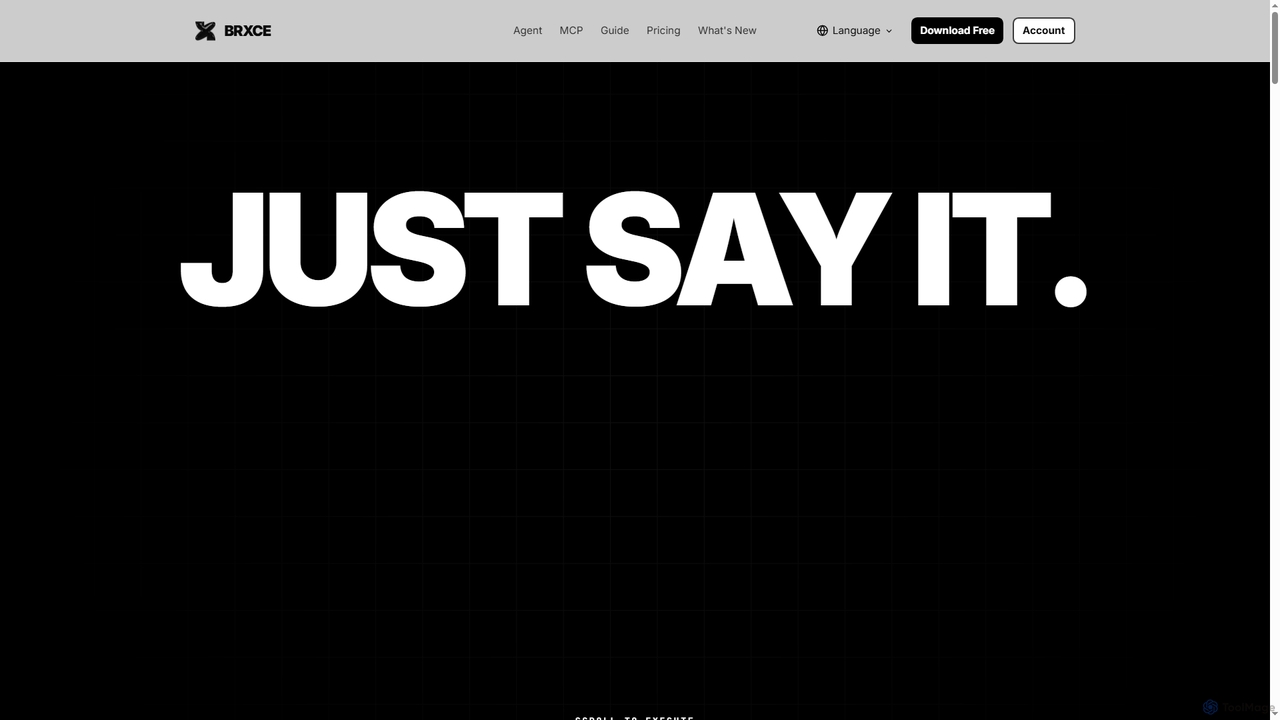
BRXCE
BRXCE is an AI-powered task management and workflow automation application that allows users to organize and execute tasks using natural language commands. It integrates with major LLM clients to provide an intuitive, conversational interface for managing personal and team projects, reducing complex clicks and streamlining productivity.
Virtual Assistant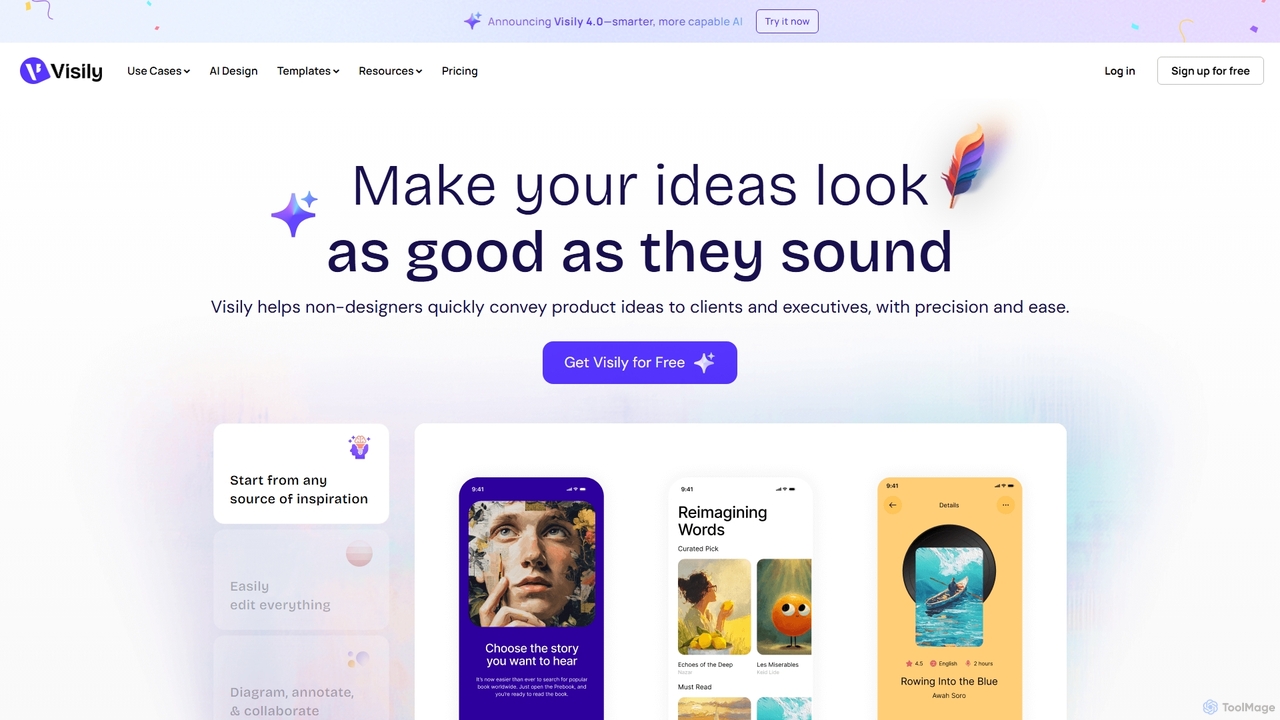
Visily
Visily is an AI-powered UI design and prototyping tool specifically created for non-designers. It enables teams to quickly transform ideas, screenshots, or text prompts into high-fidelity wireframes and mockups. With its intuitive interface and powerful collaboration features, Visily streamlines the process of visualizing product concepts and gathering feedback, bridging the gap between ideas and execution without a steep learning curve.
Ui Ux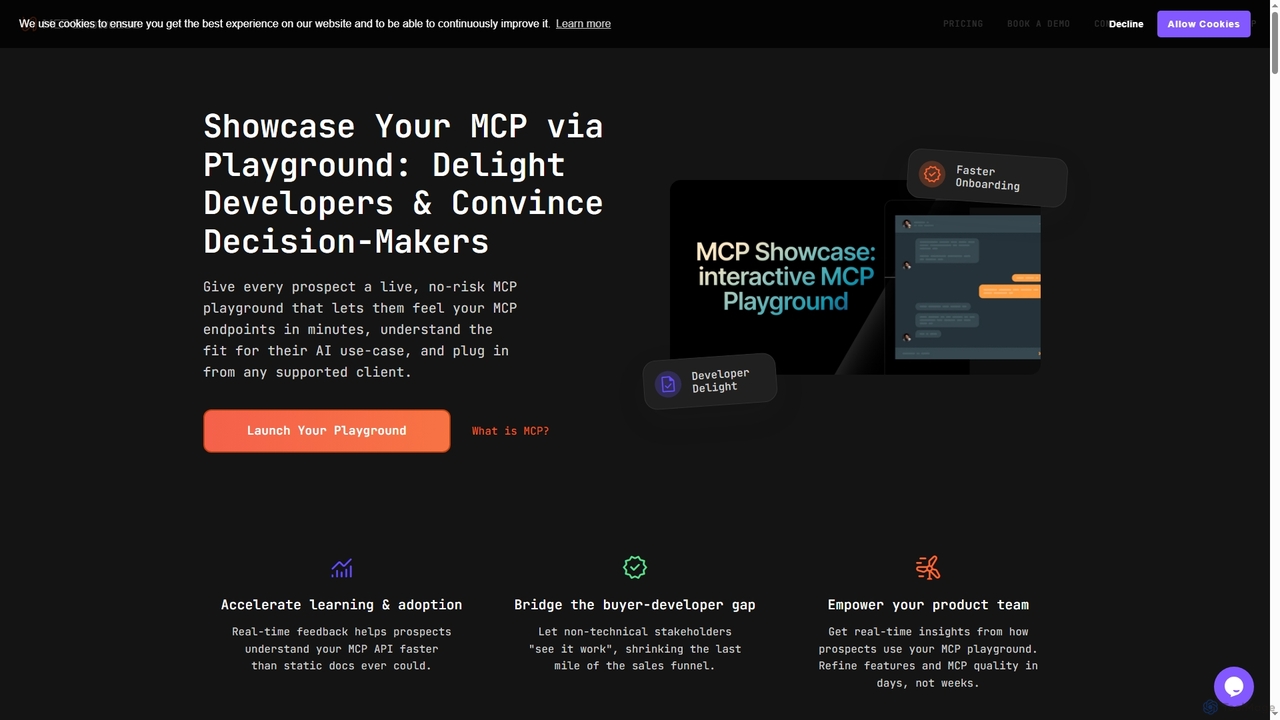
MCP Showcase
MCP Showcase is a pioneering platform demonstrating the Model Context Protocol (MCP), an open standard enabling AI assistants to seamlessly integrate with diverse external services like GitHub, Hugging Face, and Teamwork. It transforms complex API interactions into natural language conversations, empowering AI with real-time context and action capabilities across various domains.
Api ManagementDiagramGPT
DiagramGPT is an AI-powered tool that transforms natural language text prompts into various diagrams. By leveraging GPT technology and Mermaid syntax, it allows users to effortlessly generate flowcharts, sequence diagrams, and more, simply by describing what they want to visualize. It's an ideal solution for developers, project managers, and students who need to create professional diagrams quickly without manual drawing.
Process Management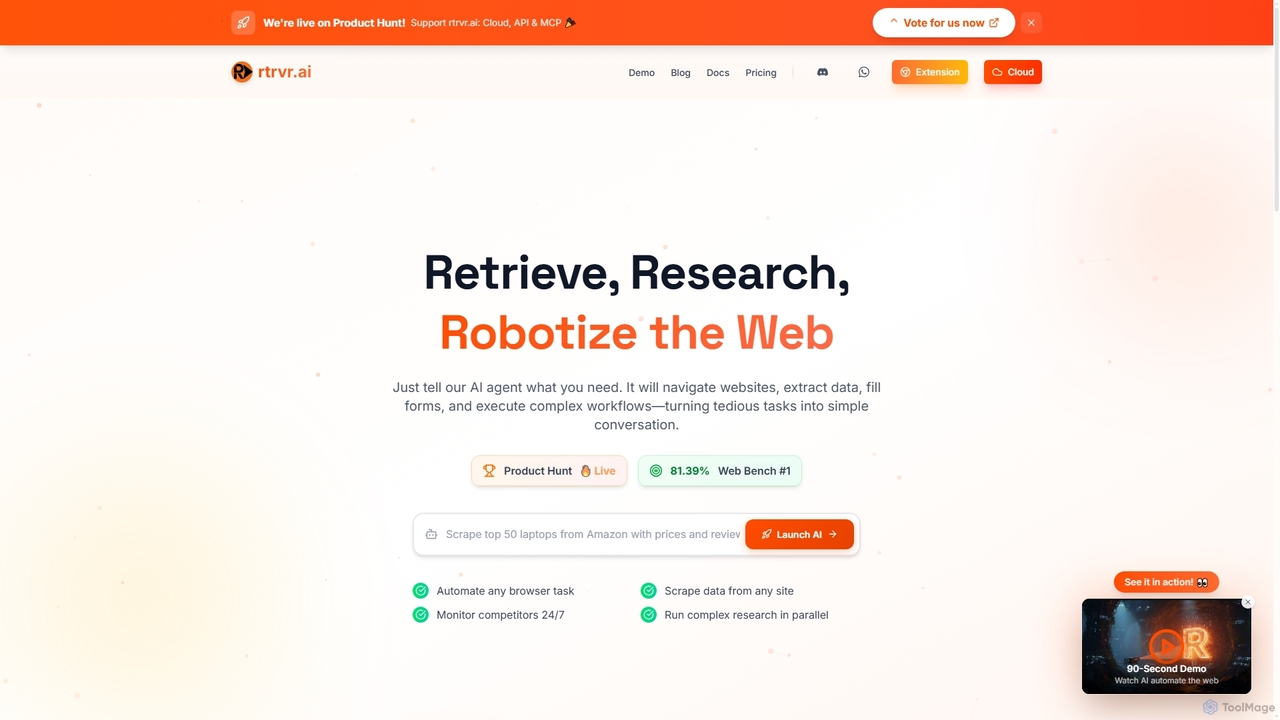
Rtrvr
Rtrvr is an advanced AI agent designed to automate complex web tasks using natural language. It navigates websites, extracts data, fills forms, and executes workflows, transforming tedious operations into simple conversations.
Web Automation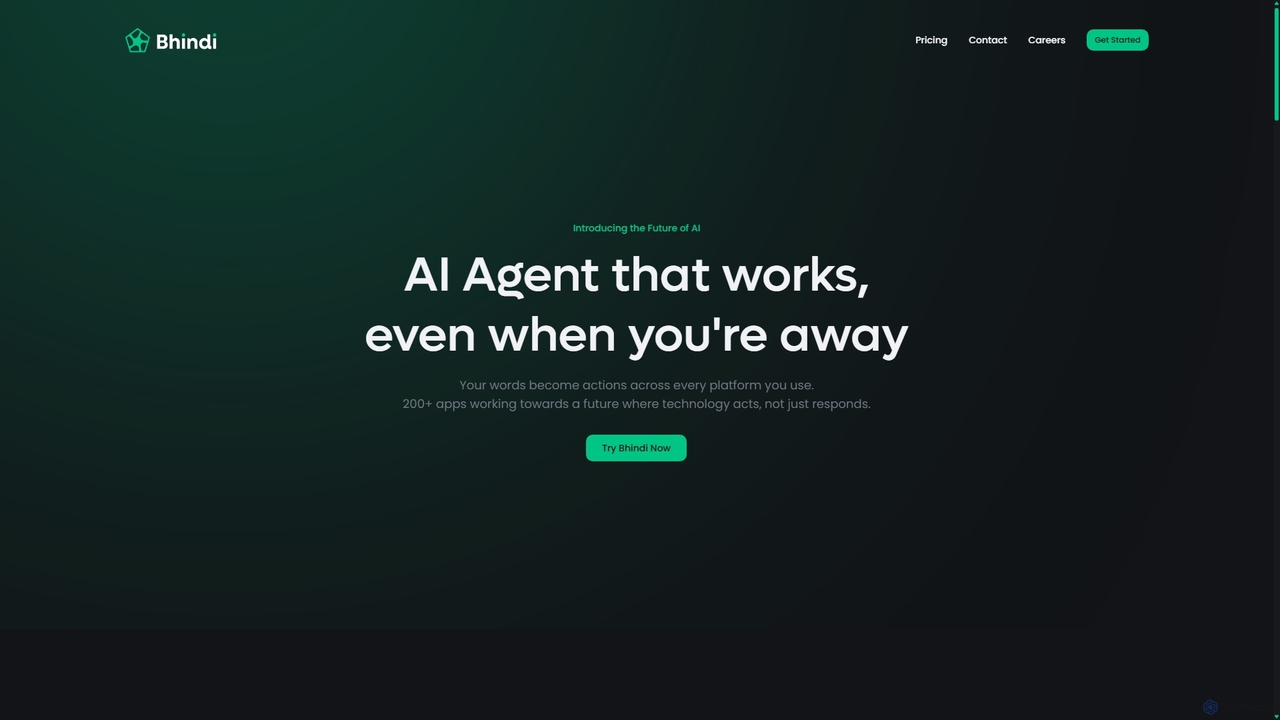
Bhindi
Bhindi is an AI agent platform that automates complex tasks and workflows across over 200 applications using simple natural language commands. It acts as an intelligent assistant that works in the background, connecting your favorite tools like Gmail, Slack, and Notion to execute multi-step actions, turning your words into a seamless, automated reality.
Personal Assistant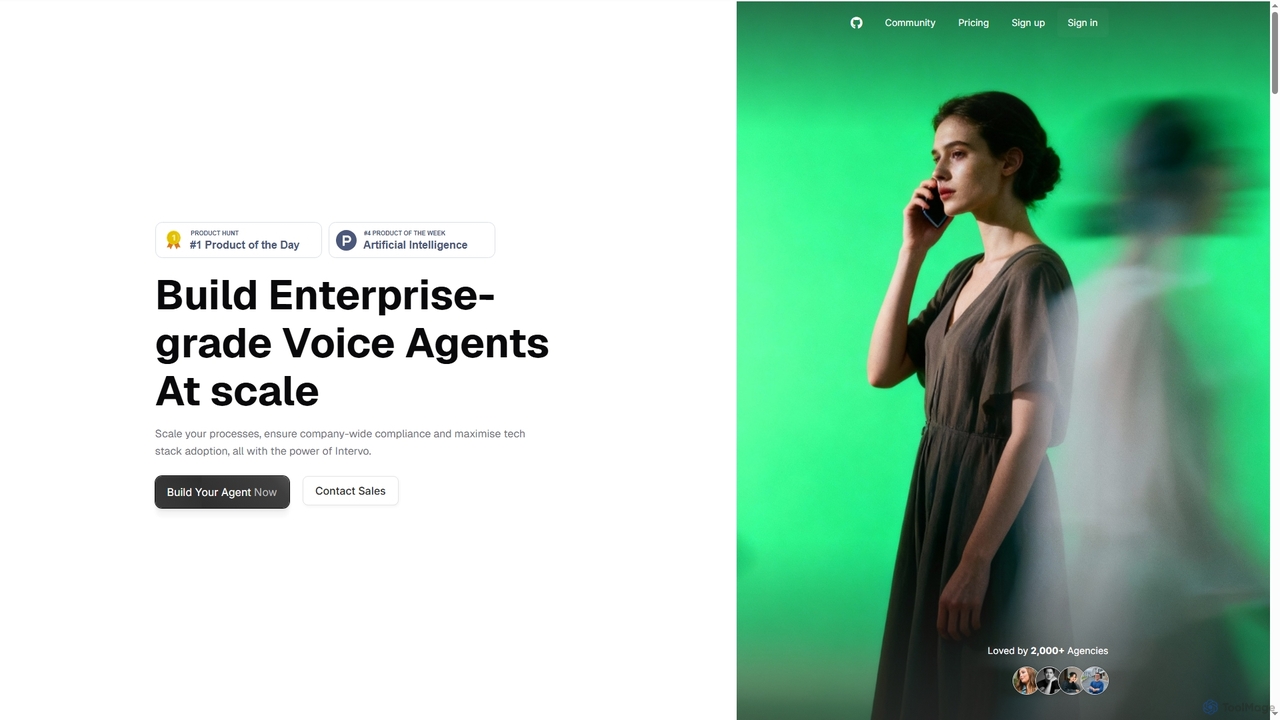
Intervo
Intervo is an open-source platform for businesses to build and deploy intelligent voice and chat AI agents. It automates customer interactions, streamlines workflows, and enhances lead qualification, customer support, and internal operations with advanced conversational AI.
Chatbot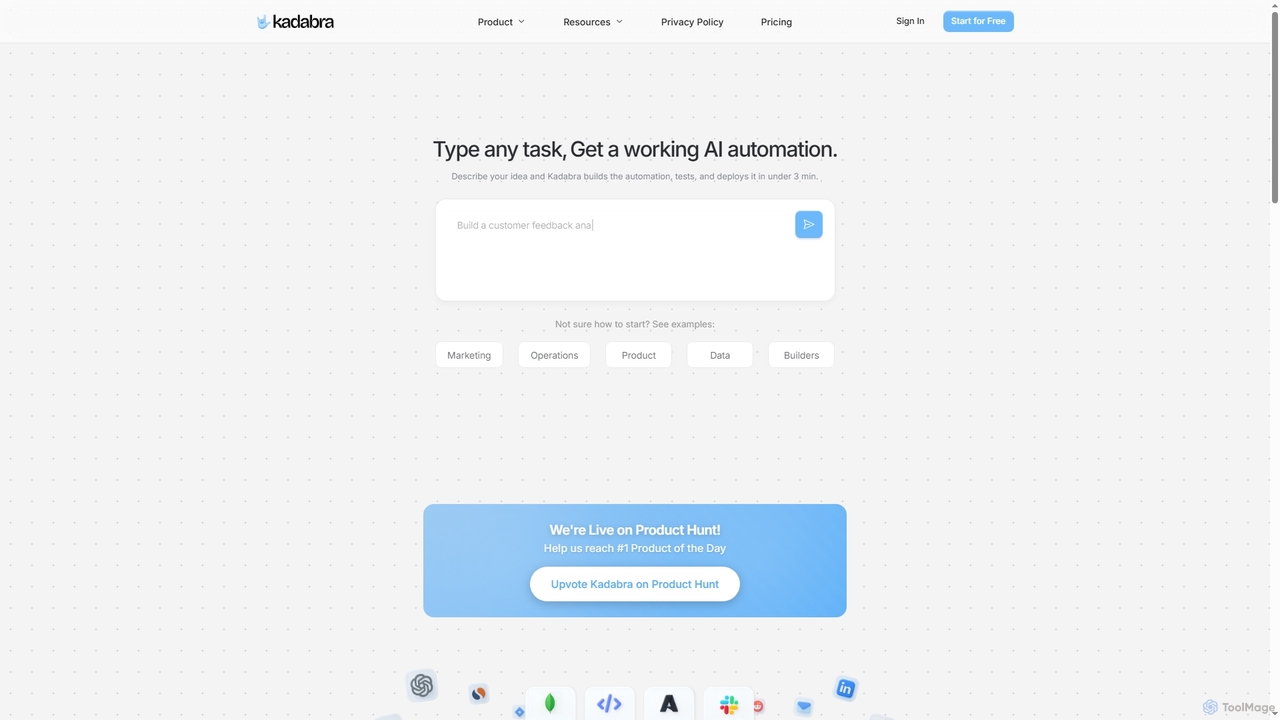
Kadabra
Kadabra is an AI-powered platform that transforms plain English descriptions into functional, deployable business and data automations. It allows users to build, test, and deploy complex workflows visually in minutes, integrating with a wide range of popular tools to streamline operations and enhance productivity.
Operations Management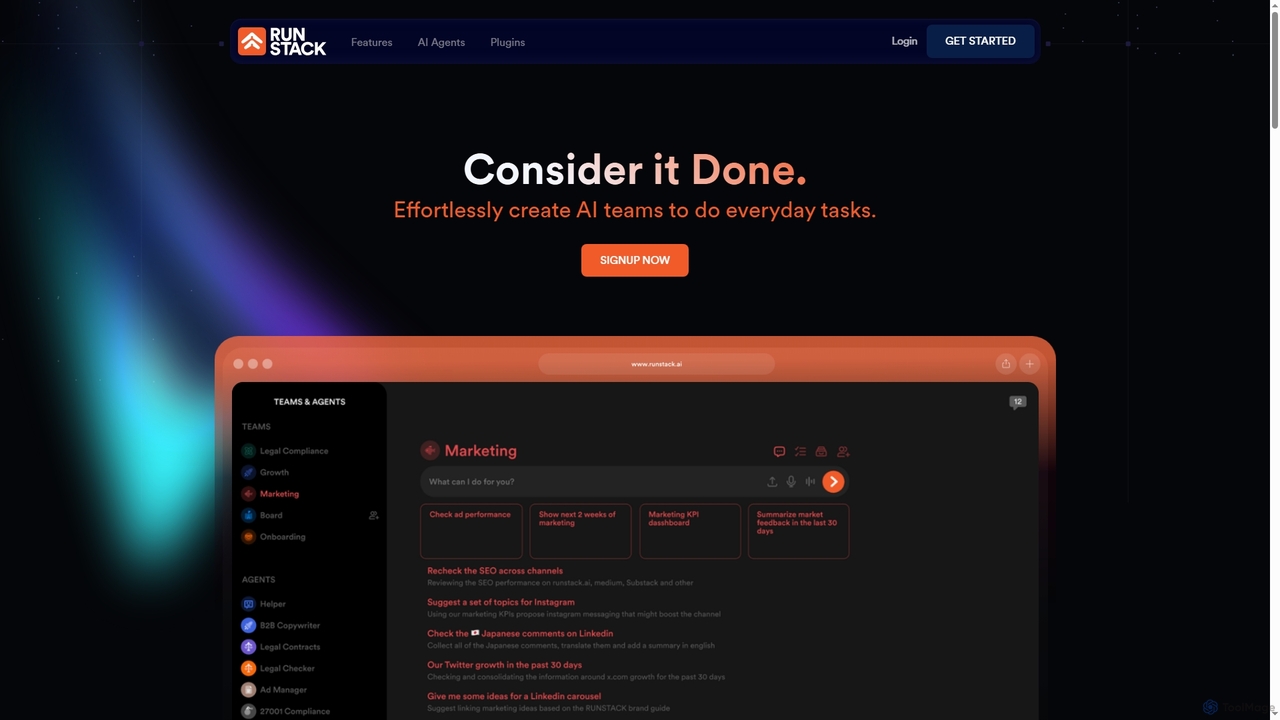
Runstack
Runstack is an innovative AI agent platform that empowers businesses to effortlessly create custom AI assistants. By simply describing tasks in plain English, users can deploy intelligent agents to automate workflows, integrate with over 50 business tools, and handle complex operations across various departments, from sales and marketing to finance and project management.
Sales Automation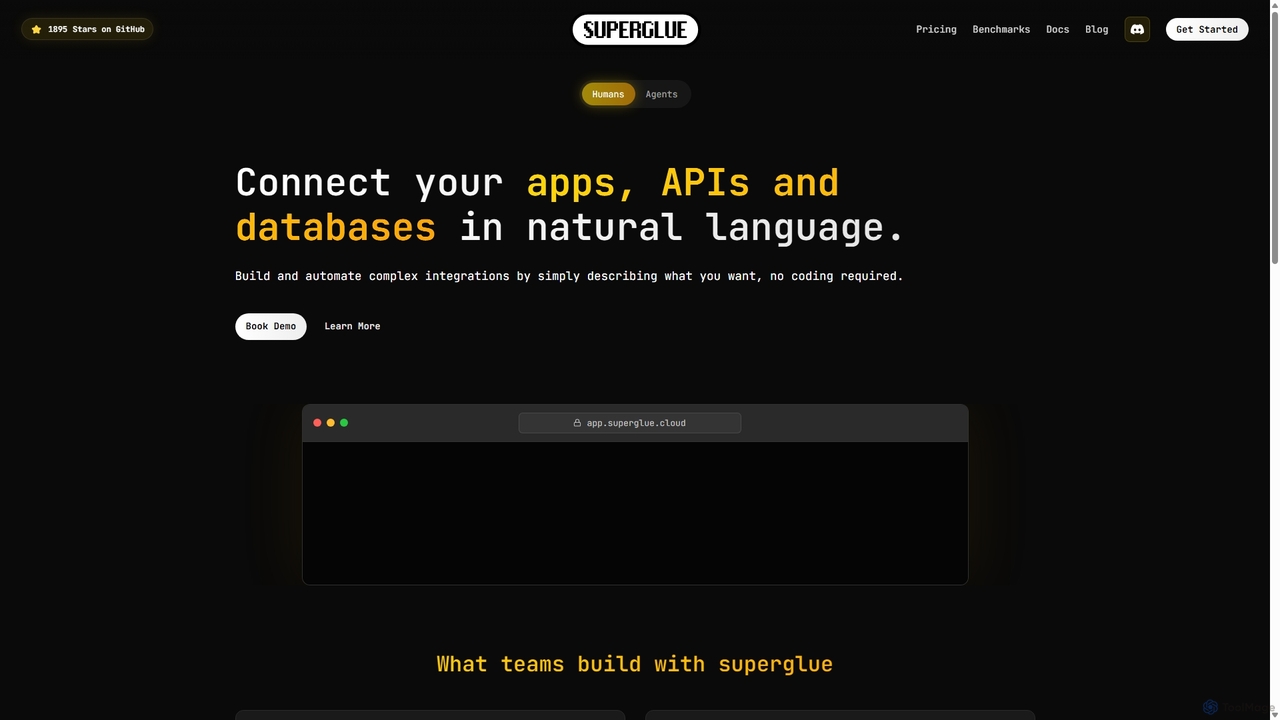
Superglue
Superglue is an AI-powered platform that translates natural language intent into reliable API execution. It enables developers and teams to automate ETL pipelines, build API connectors instantly, migrate data, and create complex workflows using a chat interface or code. It's designed to empower AI agents with dynamic, production-ready tools for any API.
Tooling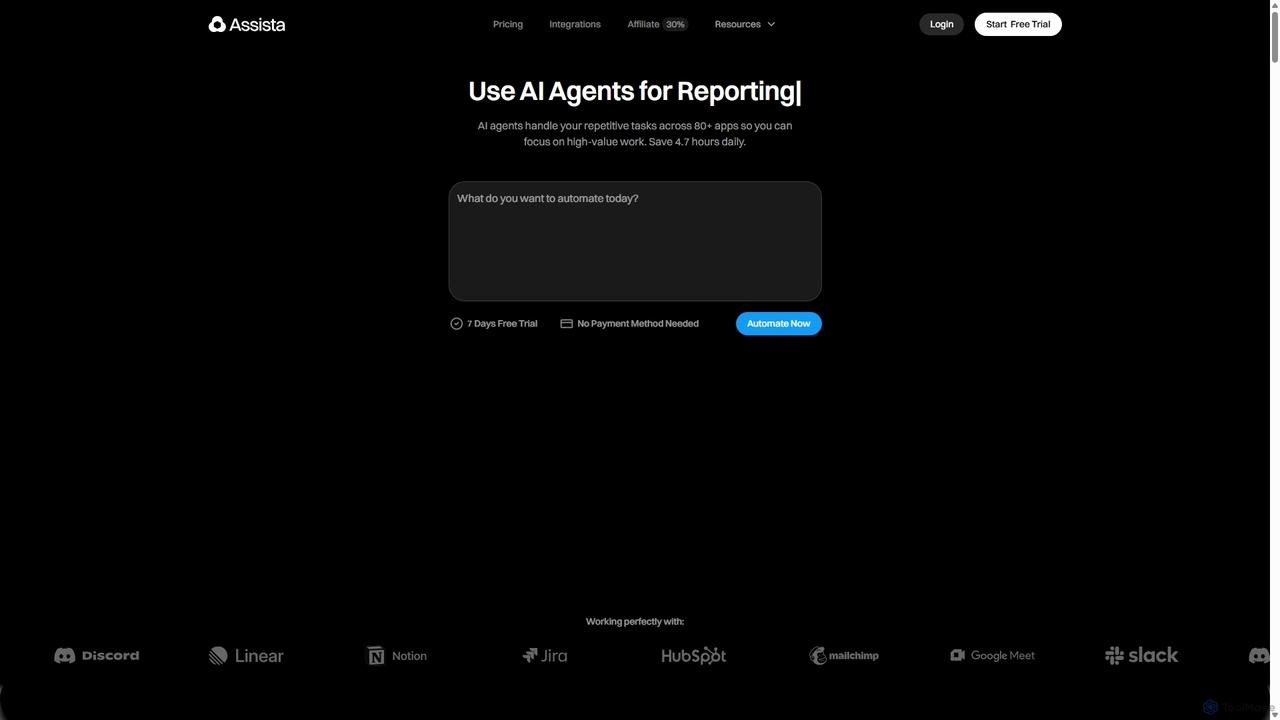
Assista
Assista is an AI agent platform that automates repetitive tasks and complex workflows across 80+ applications using simple, natural language commands. It acts as a complete AI workforce, allowing users to delegate tasks without any coding, saving hours of manual work daily and boosting overall productivity.
Workflow Management
AI Assistant Comments (0)
Sign in to comment.
Sign inNo comments yet.