Design Best in category 5 results Automation AI Tool

Popular AI tools in the Automation field of Design include Alai、Imagetodrawio、Viewst、Okkslides、Edvora, etc., helping you quickly improve efficiency.

Edvora

Edvora

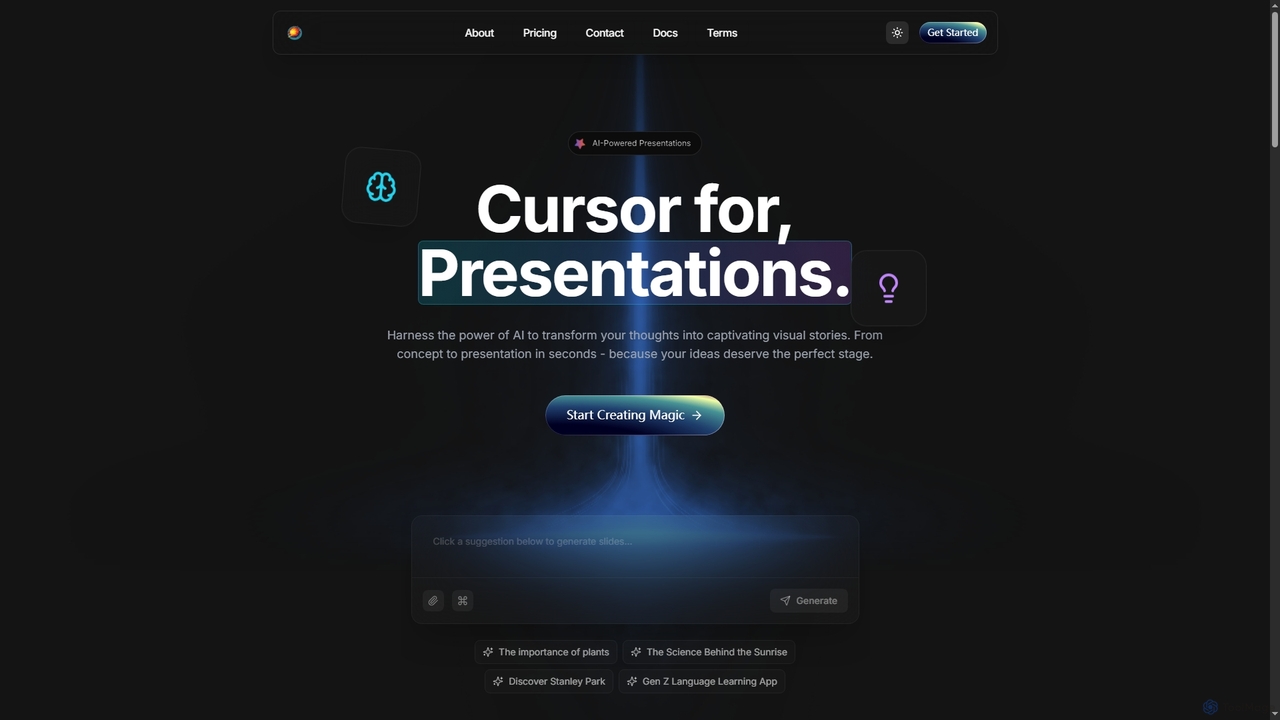
Edvora is an AI-powered presentation builder that transforms ideas into captivating visual stories rapidly. It leverages artificial intelligence …

2.8K
Alai

Alai

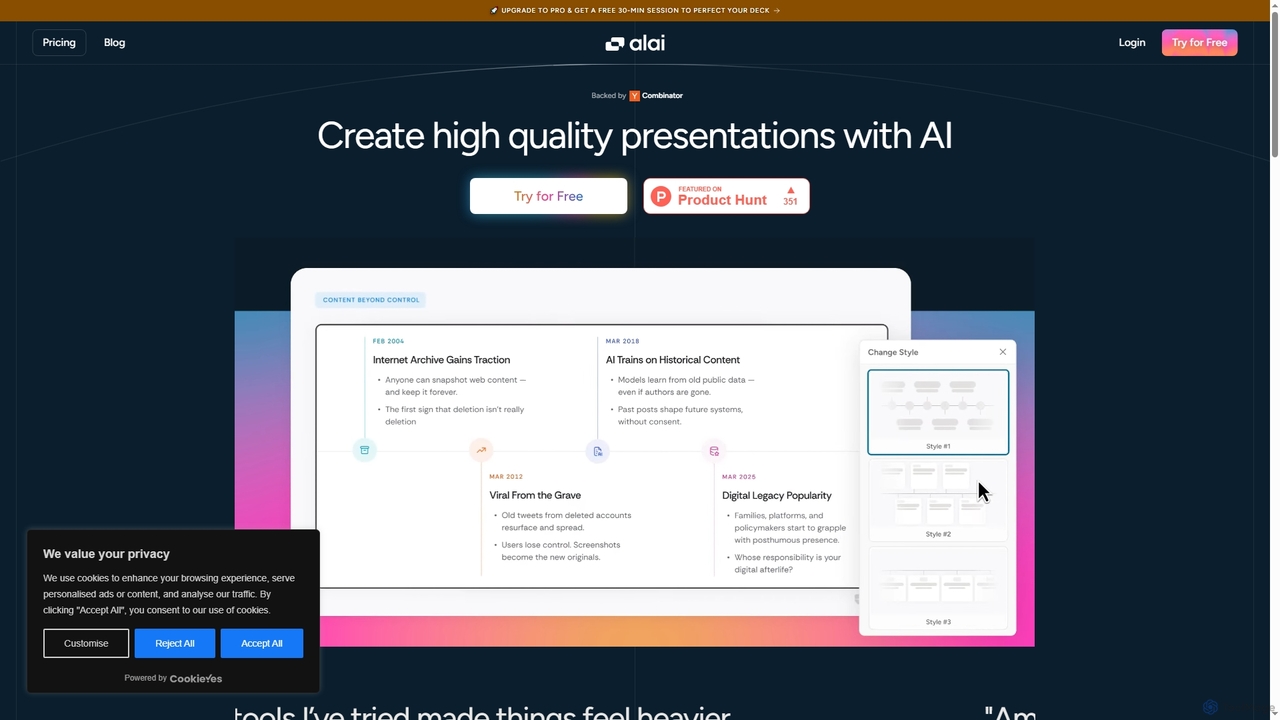
Alai is an AI-powered presentation maker that transforms your ideas into professional, high-quality slide decks in seconds. It …

237.2K
Okkslides

Okkslides

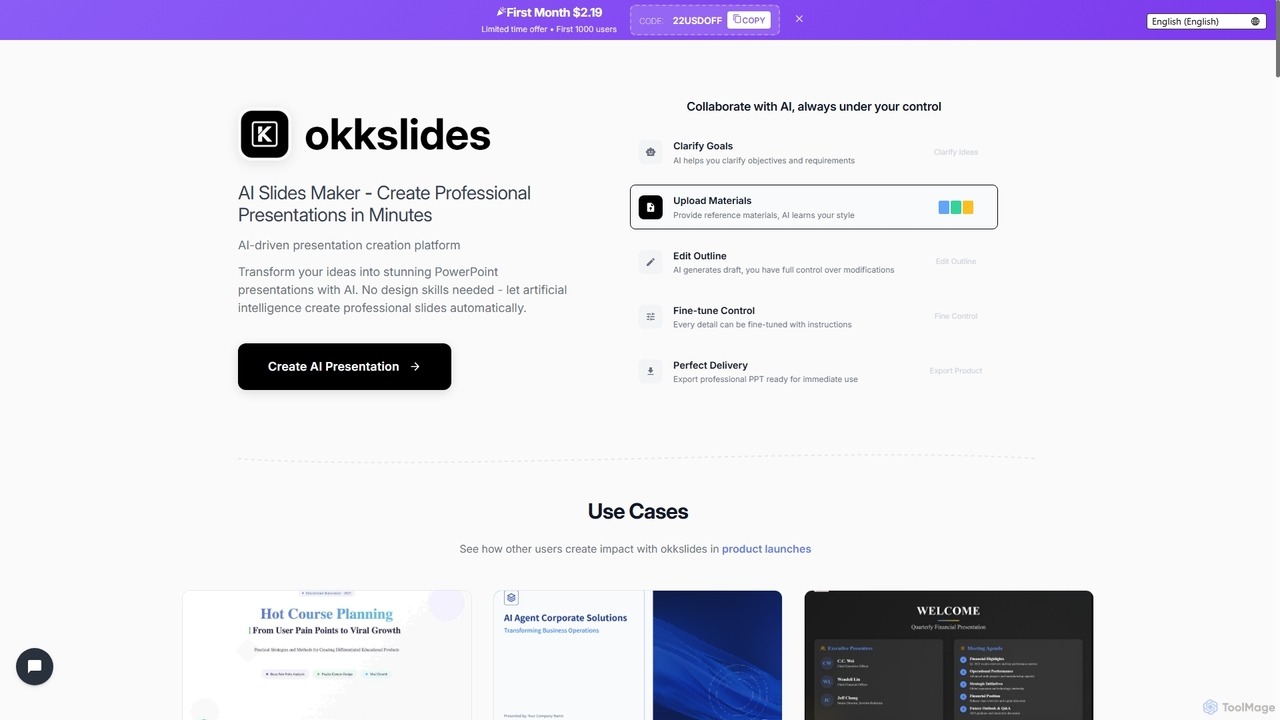
Okkslides is an AI-driven presentation creation platform that transforms your ideas into stunning PowerPoint presentations in minutes. It …

8.2K
Imagetodrawio

Imagetodrawio

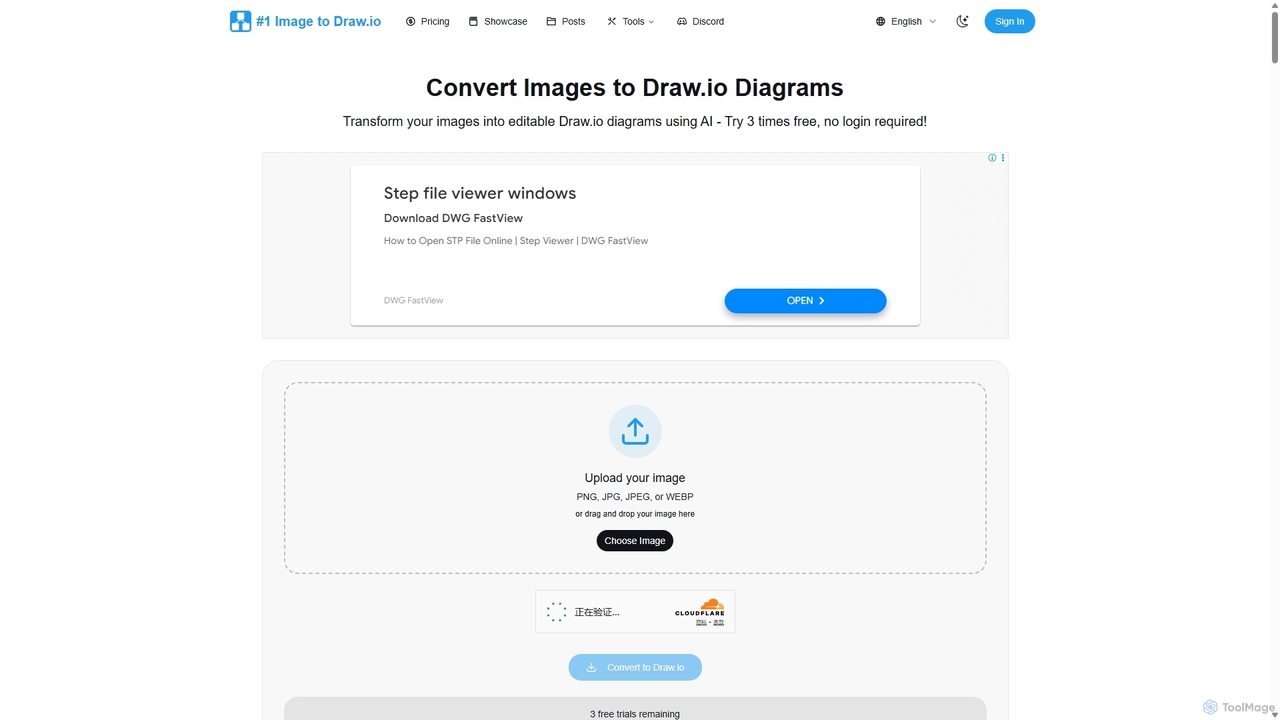
An AI-powered tool that converts images of diagrams, such as screenshots, photos, and hand-drawn sketches, into fully editable …

23.9K
Viewst

Viewst

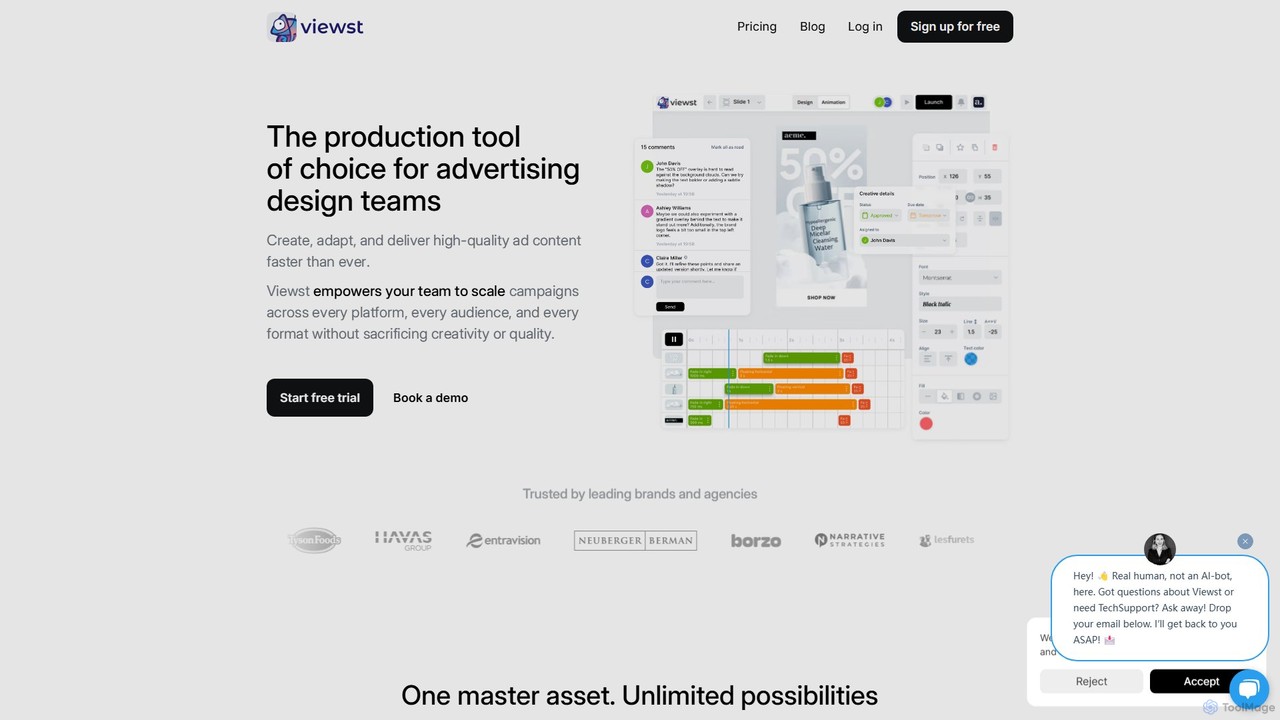
Viewst is a creative production platform for advertising design teams to create, adapt, and scale high-quality ad content. …

13.4K

About Automation

Automation tools in design are AI-powered solutions that streamline and accelerate repetitive or complex creative tasks, transforming how designers work. They leverage advanced algorithms and machine learning to generate, modify, and optimize design assets, significantly enhancing efficiency and consistency across various design workflows. These tools empower designers to focus on strategic thinking and innovation by handling mundane operations automatically, from content generation to visual asset manipulation.

Core Features

  • Generative Design: Automatically create design variations, layouts, or assets from simple inputs and parameters.
  • Batch Processing: Apply edits, transformations, or optimizations to multiple design files simultaneously.
  • Design System Integration: Automate component updates and ensure brand consistency across all design elements.
  • Content Automation: Generate text, images, or videos for design projects based on data or prompts.
  • Workflow Orchestration: Connect different design tools and automate task handoffs between stages.

Applicable Scenarios

Designers, marketing teams, and e-commerce businesses utilize automation for tasks like generating multiple ad banner variations, automatically resizing images for different platforms, or applying brand guidelines across a large set of marketing materials. This frees up valuable time for more creative problem-solving and strategic design work, ensuring consistency at scale.

How to Choose

When selecting design automation tools, consider their compatibility with your existing design software, the specific types of tasks you need to automate, the level of customization offered, and the scalability for future projects. Evaluate the learning curve, integration capabilities, and the accuracy of AI-generated outputs to ensure a smooth adoption into your workflow and high-quality results.

AutomationUse Cases

1

Generating Personalized Marketing Ad Variations

Marketing designers can input core ad elements (text, images, brand guidelines) and automatically generate hundreds of personalized ad variations optimized for different audience segments and platforms (e.g., Facebook, Instagram, Google Ads). This process, which would take days manually, is reduced to hours, allowing for extensive A/B testing and improved campaign performance.

2

Automating Image Resizing and Cropping for E-commerce

E-commerce businesses or content creators often need to adapt product images for various website sections, social media, and mobile displays. Automation tools can batch process hundreds or thousands of images, automatically resizing, cropping, and optimizing them according to predefined specifications, ensuring consistent visual quality and saving countless hours of manual photo editing.

3

Creating Design System Components from Code

For large-scale product development, maintaining consistency between design mockups and implemented UI components is crucial. Automation tools can bridge this gap by generating design system components directly from code or vice versa, ensuring that any changes in the codebase are reflected in the design system, streamlining updates and reducing discrepancies across the product ecosystem.

4

Dynamic Content Generation for Websites and Apps

Web designers and content managers can integrate automation tools to dynamically generate website or app content, such as blog post layouts, product descriptions, or personalized landing page elements. By feeding data inputs, these tools can quickly assemble content blocks, apply design rules, and publish, significantly accelerating content deployment and ensuring brand consistency across dynamic interfaces.

5

Brand Guideline Enforcement Across Design Assets

Large organizations with extensive branding guidelines face challenges in ensuring consistent application across all design assets. Automation tools can enforce these guidelines by automatically checking for compliance in colors, fonts, logos, and layouts, and even correcting deviations. This ensures visual consistency across all marketing materials, presentations, and digital platforms, reducing manual review time and brand inconsistencies.

6

Rapid Prototyping and Iteration for UI/UX Design

Product designers can leverage automation to quickly generate multiple UI/UX prototype variations based on initial wireframes, user flows, or design specifications. These tools can automatically apply different themes, component arrangements, or interaction patterns, allowing for faster testing, user feedback collection, and iteration cycles in the design process. This significantly accelerates the discovery and validation phases of product development.

AutomationFrequently Asked Questions