

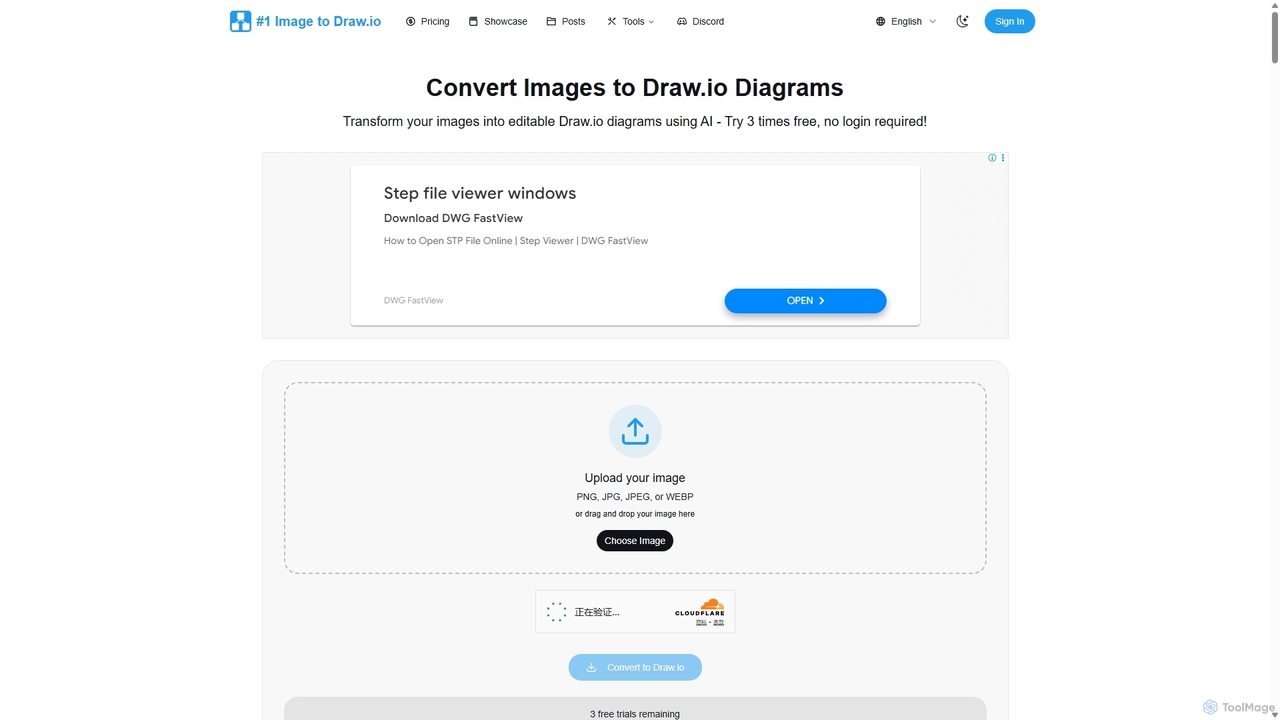
Imagetodrawio Overview
Imagetodrawio is an advanced AI-driven service designed to solve a common problem for professionals: diagrams trapped in static image formats. Whether it's a screenshot of a system architecture, a photo of a whiteboard flowchart, or a legacy diagram saved as a PNG or JPG, this tool transforms it into a fully editable, vector-based Draw.io file. By leveraging sophisticated computer vision and AI models, it intelligently recognizes shapes, text (using OCR), and connectors, reconstructing the entire diagram in Draw.io's native XML format. This process saves countless hours of manual recreation, allowing teams to quickly update, adapt, and collaborate on visual documentation.
How to use Imagetodrawio
The process is designed to be simple and fast, typically taking only 1-2 minutes to get an editable diagram.
- Upload Your Image: Start by dragging and dropping your diagram image (PNG, JPG, JPEG, or WEBP) onto the website. No signup is required for the first few free conversions.
- Initiate Conversion: Click the 'Convert' button. The AI gets to work analyzing the image, identifying all diagrammatic elements like shapes, arrows, and text.
- Edit Instantly: Once the conversion is complete, the diagram automatically opens in a fully integrated Draw.io editor directly within your browser. You can immediately start making changes—editing text, moving shapes, or altering connections.
- Export and Save: After making your edits, you can export the diagram in various formats like PNG or PDF, or download the native .drawio file for future use.
- Access History: Registered users can access their entire conversion history, allowing them to re-download or re-edit previous diagrams at any time without using additional credits.
Core Features of Imagetodrawio
- AI-Powered Diagram Recognition: Utilizes advanced AI and computer vision to accurately identify shapes (rectangles, circles, diamonds), text, and connectors.
- Hand-Drawn & Whiteboard Conversion: Capable of transforming photos of hand-drawn sketches and whiteboard sessions into clean, professional digital diagrams.
- High-Fidelity Conversion: Preserves the original layout, colors, text, and connections, ensuring the converted diagram is a faithful and editable replica.
- Integrated Draw.io Editor: Provides a seamless workflow by opening the converted diagram directly in an embedded, full-featured Draw.io editor for immediate modifications.
- Broad Format Support: Accepts common image formats including PNG, JPG, JPEG, and WEBP.
- Privacy-Focused: Ensures user data is secure. Uploaded images are deleted after conversion, and user diagrams are not used for AI training.
- Conversion History: Saves all converted diagrams for registered users, allowing for easy access and re-editing.
- API Access: The Premium plan offers API access for developers and teams looking to integrate the conversion functionality into their own workflows and applications.
Use Cases for Imagetodrawio
Imagetodrawio is valuable for various professionals and scenarios:
- Recovering Lost Source Files: When you can only find a PNG or JPG export of a diagram you created, convert it back to an editable Draw.io file to make necessary updates.
- Digitizing Collaborative Sessions: Convert photos of whiteboards from brainstorming sessions, workshops, or meetings into digital assets for documentation and further refinement.
- Modernizing Legacy Documentation: Update old technical diagrams, flowcharts, and system architectures from static images in old documents to a modern, maintainable format.
- Adapting Existing Diagrams: Take a screenshot of a useful diagram found online or in a PDF and convert it to make it your own by changing text, branding, and structure.
- For Agile Teams: Digitize sprint planning boards and workflows captured on whiteboards.
- For Engineers & Developers: Convert system architecture sketches or algorithm flowcharts into formal documentation that can evolve with the codebase.
Advantages of Imagetodrawio
The tool offers significant advantages over manual redrawing:
- Time and Cost Savings: Drastically reduces the time spent recreating diagrams from scratch, saving hours or even days of work.
- Accuracy and Consistency: The AI maintains the original layout and structure, preventing human error and ensuring consistency.
- Enhanced Collaboration: Transforms static, non-editable images into living documents that can be shared and collaboratively edited by teams.
- Accessibility: No software installation is required. The entire process is web-based and accessible from any browser.
- Workflow Efficiency: The seamless upload-convert-edit process removes friction and allows users to stay focused on their tasks.
Pricing and Plans
Imagetodrawio operates on a credit-based system with a freemium model.
- Free Trial: 3 free conversions without an account. Signing up grants 5 additional free credits.
- Starter Plan: A one-time purchase of $4.99 for 20 conversion credits. These credits never expire. Ideal for occasional users.
- Standard Plan: A monthly subscription at $19.99 for 100 credits per month. This plan offers a lower cost per conversion and is suitable for regular users.
- Premium Plan: A monthly subscription at $89.99 for 500 credits per month. This plan is designed for power users, teams, and developers, and includes batch processing support and API access.
Traffic
Latest traffic
Status
Monthly traffic trend
- 2025-9: 10.2K
- 2026-1: 6.0K
- 2026-2: 8.4K
- 2026-3: 8.3K
- 2026-4: 20.6K
- 2026-5: 9.9K
Geography
Top 5 countries / regions
- 🇮🇩Indonesia33.8%
- 🇮🇳India24.5%
- 🇧🇷Brazil16.1%
- 🇮🇹Italy15.0%
- 🇵🇰Pakistan10.5%
Top keywords
| Keyword | Cost per click |
|---|---|
| convert jpg to drawio | $0.00 |
| convert png to draw.io | $0.00 |
| da jpeg a dwa.io | $0.00 |
| from png to drawio | $0.00 |
| png to drawio | $0.00 |
Imagetodrawio Alternatives
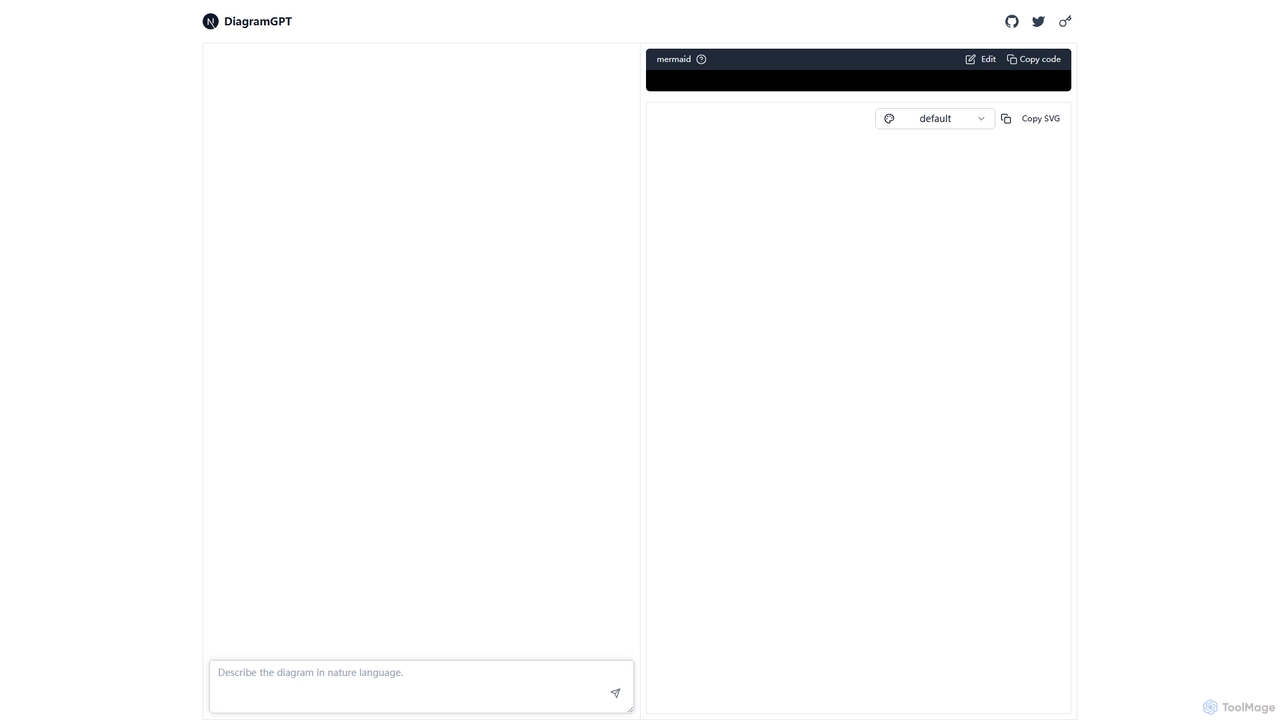
DiagramGPT
DiagramGPT is an AI-powered tool that transforms natural language text prompts into various diagrams. By leveraging GPT technology and Mermaid syntax, it allows users to effortlessly generate flowcharts, sequence diagrams, and more, simply by describing what they want to visualize. It's an ideal solution for developers, project managers, and students who need to create professional diagrams quickly without manual drawing.
Process Management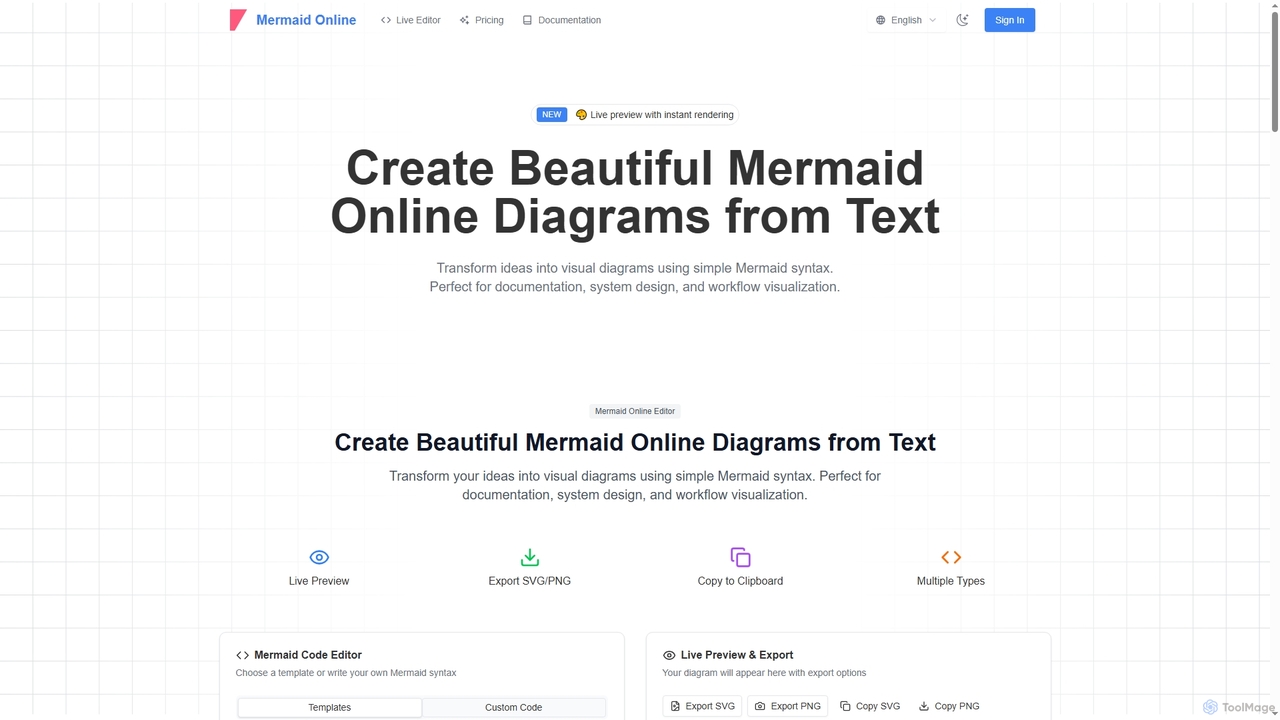
Mermaid Online
Mermaid Online is an advanced web-based editor and AI-powered diagram generator that transforms text descriptions and Mermaid syntax into professional visual diagrams. It supports various diagram types, offers real-time preview, and flexible export options, streamlining documentation and system design workflows for individuals and teams.
Text To Diagram
Prodify
Prodify is an AI-powered platform designed for product managers and teams to streamline the entire product development lifecycle. It helps generate user stories, create roadmaps, analyze user feedback, and automate documentation, accelerating product delivery and enhancing decision-making.
Project Management
Workdiary
Workdiary is an AI-powered career companion that helps you track goals, projects, and achievements. It transforms your daily work into compelling narratives for performance reviews, promotions, and interviews, ensuring you can effectively showcase your professional impact.
Career Planning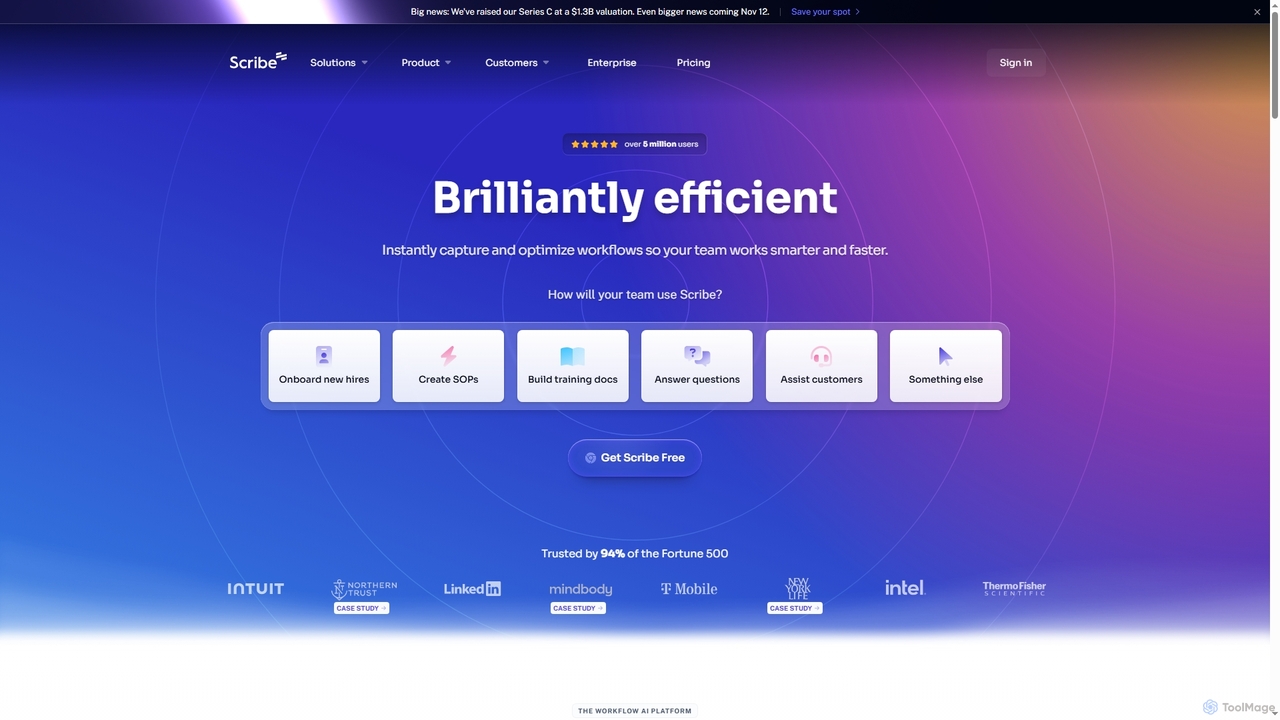
Scribe
Scribe is an AI-powered workflow documentation tool that automatically captures any process—web, desktop, or mobile—and instantly transforms it into a step-by-step guide. It helps teams create SOPs, training materials, and customer support guides faster, enhancing efficiency and knowledge sharing across organizations.
TrainingImagetodrawio Categories
Imagetodrawio Jobs
Imagetodrawio Embed Widget
Copy this embed code to place the badge on your blog, article, or product site and send readers directly to this ToolMage detail page.

Related AI tools
Mermaid Online
Mermaid Online is an advanced web-based editor and AI-powered diagram generator that transforms text descriptions and Mermaid syntax into professional visual diagrams. It supports various diagram types, offers real-time preview, and flexible export options, streamlining documentation and system design workflows for individuals and teams.
Text To DiagramWorkdiary
Workdiary is an AI-powered career companion that helps you track goals, projects, and achievements. It transforms your daily work into compelling narratives for performance reviews, promotions, and interviews, ensuring you can effectively showcase your professional impact.
Career PlanningDiagramGPT
DiagramGPT is an AI-powered tool that transforms natural language text prompts into various diagrams. By leveraging GPT technology and Mermaid syntax, it allows users to effortlessly generate flowcharts, sequence diagrams, and more, simply by describing what they want to visualize. It's an ideal solution for developers, project managers, and students who need to create professional diagrams quickly without manual drawing.
Process ManagementScribe
Scribe is an AI-powered workflow documentation tool that automatically captures any process—web, desktop, or mobile—and instantly transforms it into a step-by-step guide. It helps teams create SOPs, training materials, and customer support guides faster, enhancing efficiency and knowledge sharing across organizations.
Training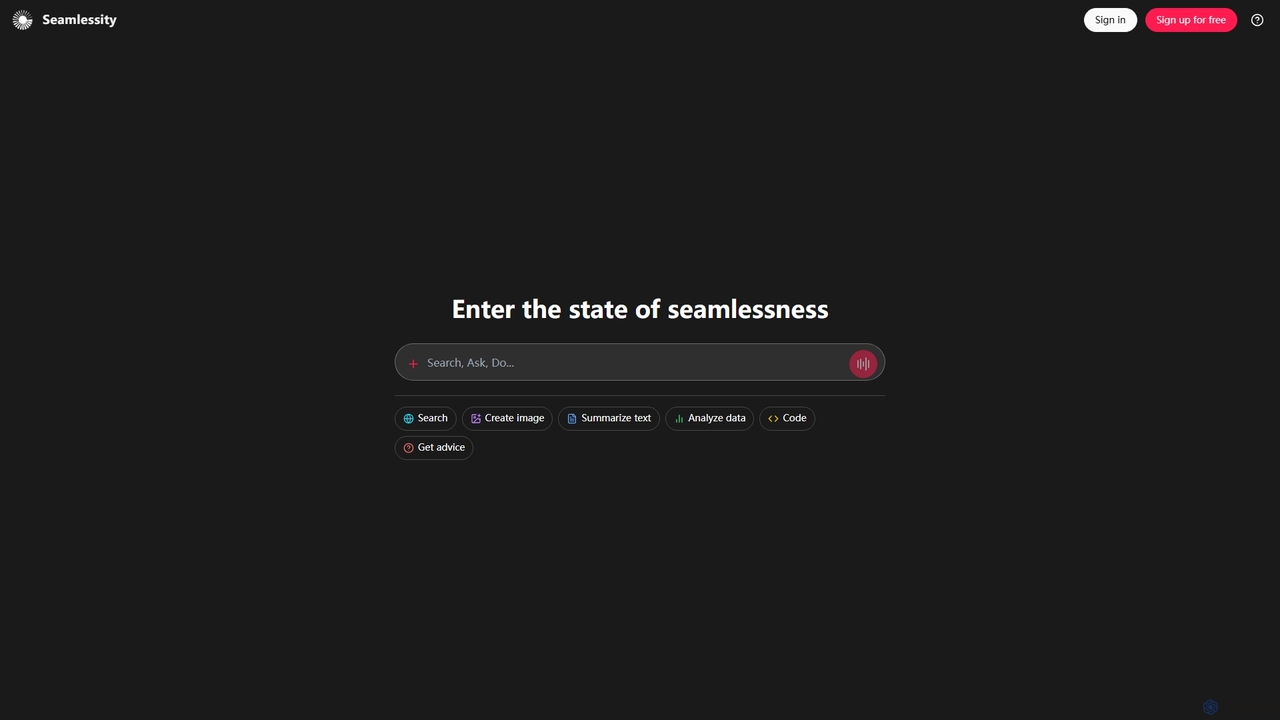
Seamlessity
Seamlessity is a versatile AI platform designed to streamline various tasks, offering functionalities such as image creation, text summarization, data analysis, code generation, and expert advice. It aims to provide a unified experience for users seeking efficiency across multiple domains, from creative content generation to complex data interpretation and development support.
Image Generation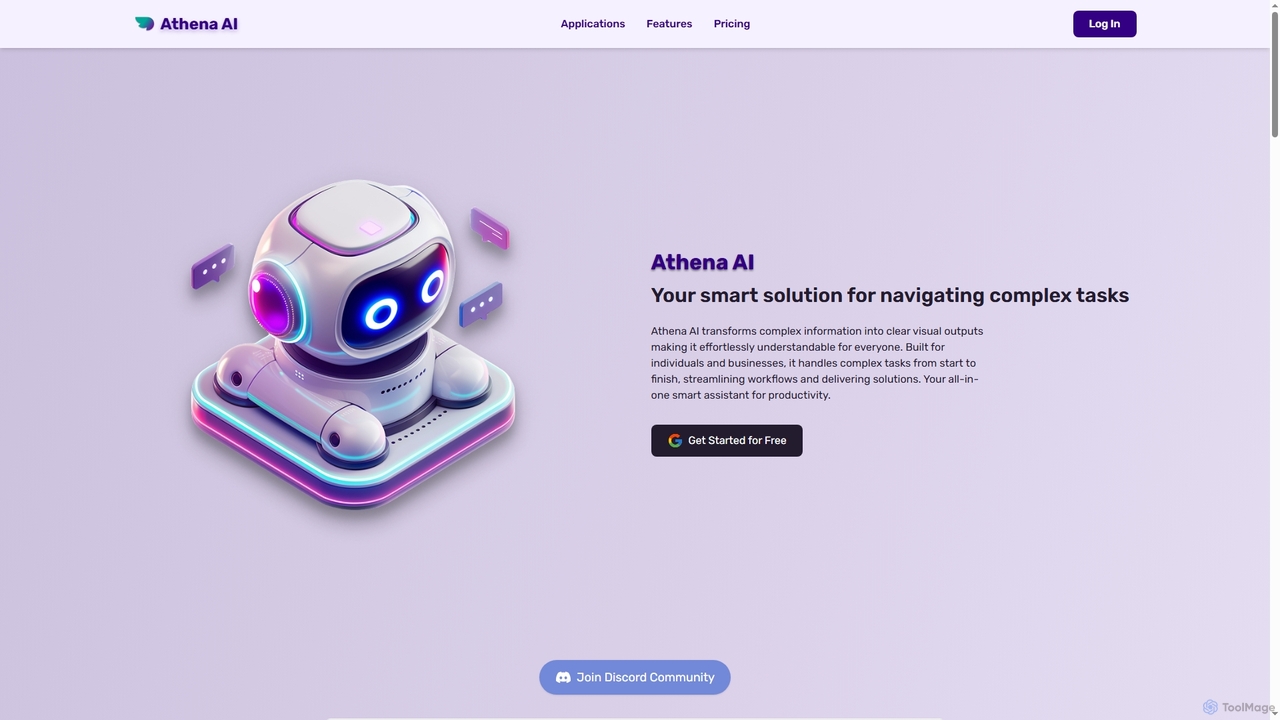
Athenachat
Athenachat is an all-in-one AI assistant that transforms complex text prompts into visual outputs like diagrams, websites, and images. It streamlines workflows by handling multi-step tasks, conducting real-time research, and integrating with platforms like Google Meet and Shopify.
Diagram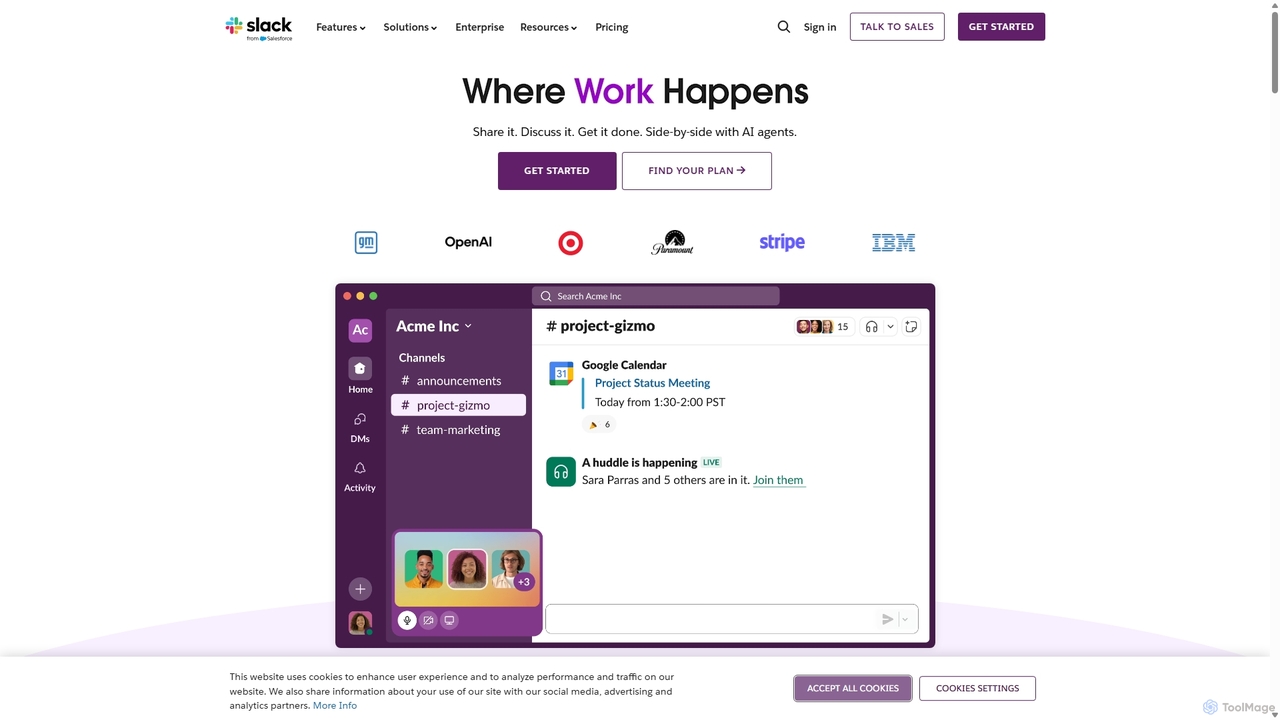
Slack
Slack is an AI-powered collaboration hub that connects your people, partners, and tools. It replaces email with faster, better-organized communication through channels. With integrated AI, workflow automation, and thousands of apps, Slack centralizes your work to boost productivity and streamline project management.
Project Management
Baidu AI Search
Baidu AI Search is an all-in-one AI-powered platform that integrates conversational search, content creation, document analysis, and image editing. It provides a one-stop solution for work, study, and creative tasks, leveraging Baidu's powerful ERNIE model to deliver comprehensive answers and generate high-quality content.
Writing
Geekflare AI
Geekflare AI is a collaborative artificial intelligence platform designed to enhance business flexibility. It allows users to integrate their own API keys via Geekflare Connect or access an all-in-one AI chat experience through a Geekflare Chat subscription, empowering businesses to automate tasks and accelerate growth.
Collaboration
TicNote
TicNote is an AI-powered meeting notetaker that transcribes, summarizes, and organizes conversations in real-time across 120+ languages. It uses on-device AI to generate smart summaries, mind maps, and action items without meeting bots, enhancing productivity and knowledge management for professionals.
Language Processing
Xmind AI
Xmind AI is an advanced AI-powered mind mapping and brainstorming tool designed to enhance creativity and productivity. It helps users visualize thoughts, organize complex information, and collaborate with teams in real-time. With features like AI-driven idea generation, content summarization, and automated to-do lists, Xmind AI transforms abstract concepts into structured, actionable plans.
Teamwork
OneCal
OneCal is a powerful calendar automation tool that syncs Outlook, Google, and iCloud calendars in real-time. It helps professionals and teams avoid double bookings, save time on scheduling, and maintain privacy by consolidating all events into a unified view and providing customizable scheduling links.
Time Management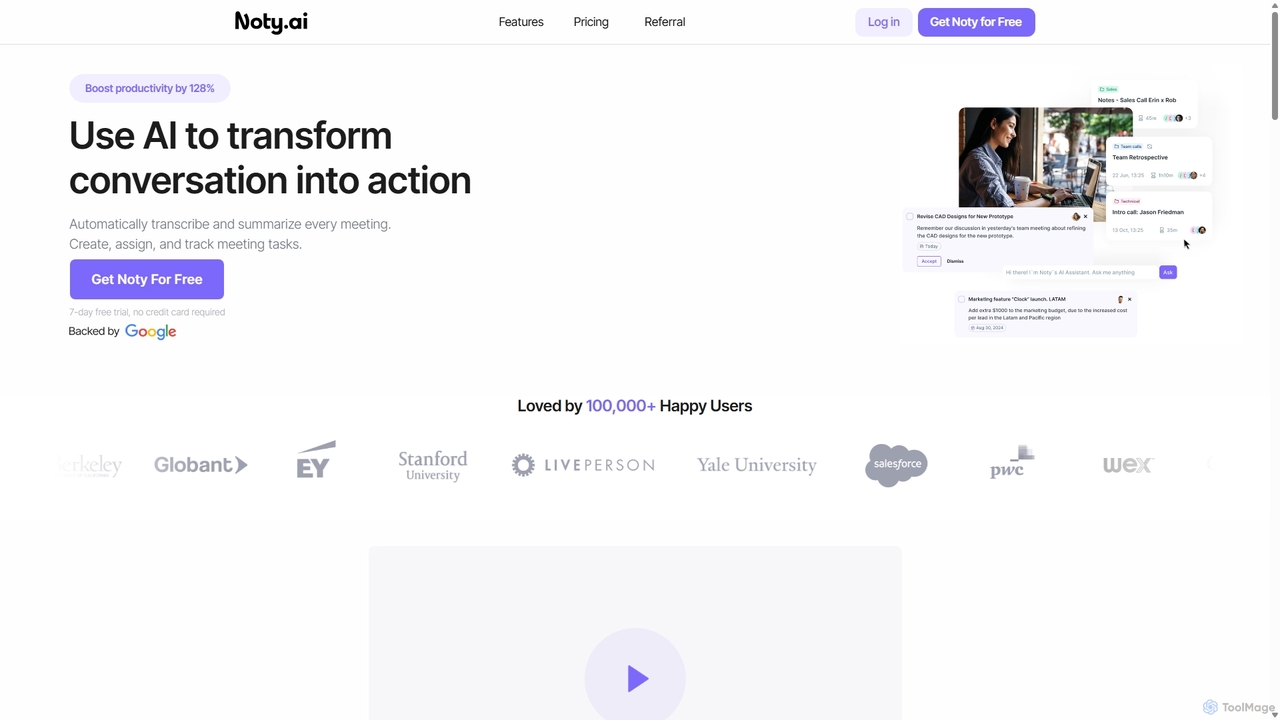
Noty.ai
Noty.ai is an AI meeting assistant that automatically transcribes, summarizes, and generates action items from your conversations. It helps you focus during meetings, ensures no detail is missed, and transforms discussions into trackable tasks, boosting team productivity and accountability.
Task Management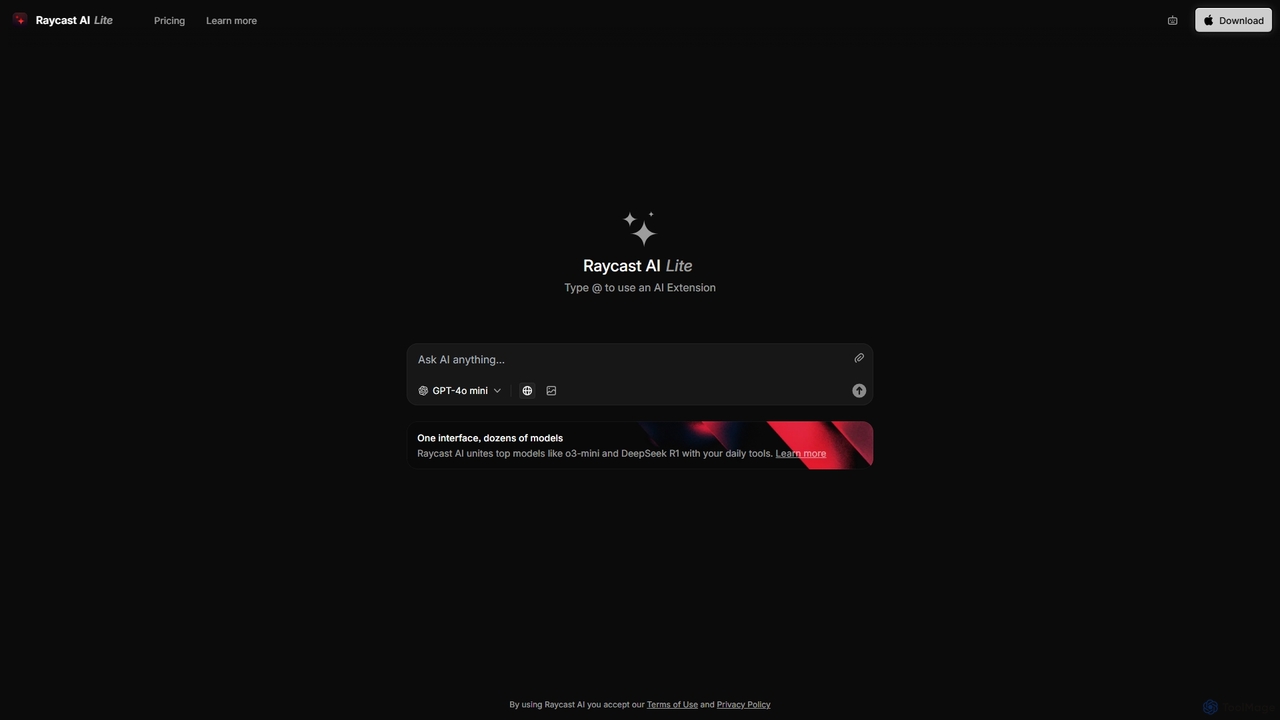
Raycast
Raycast is a blazingly fast, extensible launcher for macOS that supercharges your productivity. It acts as a central command bar to control your tools, with integrated AI, an extensive extension store, and powerful built-in features like window management and clipboard history. It's designed to reduce context switching and keep you in the flow.
Personal Assistant
Jyek
Jyek is an AI agent platform that understands objectives, creates execution plans, uses tools, and delivers verifiable results for complex, multi-step tasks.
Automation
Imagetodrawio Comments (0)
Sign in to comment.
Sign inNo comments yet.