
splotch Overview
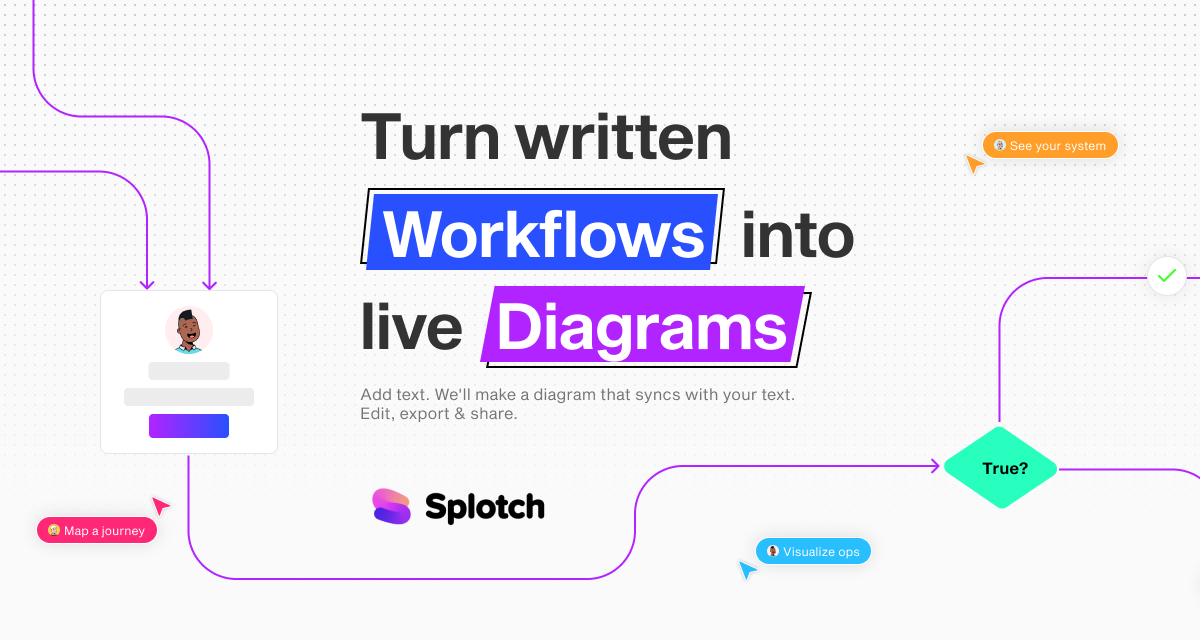
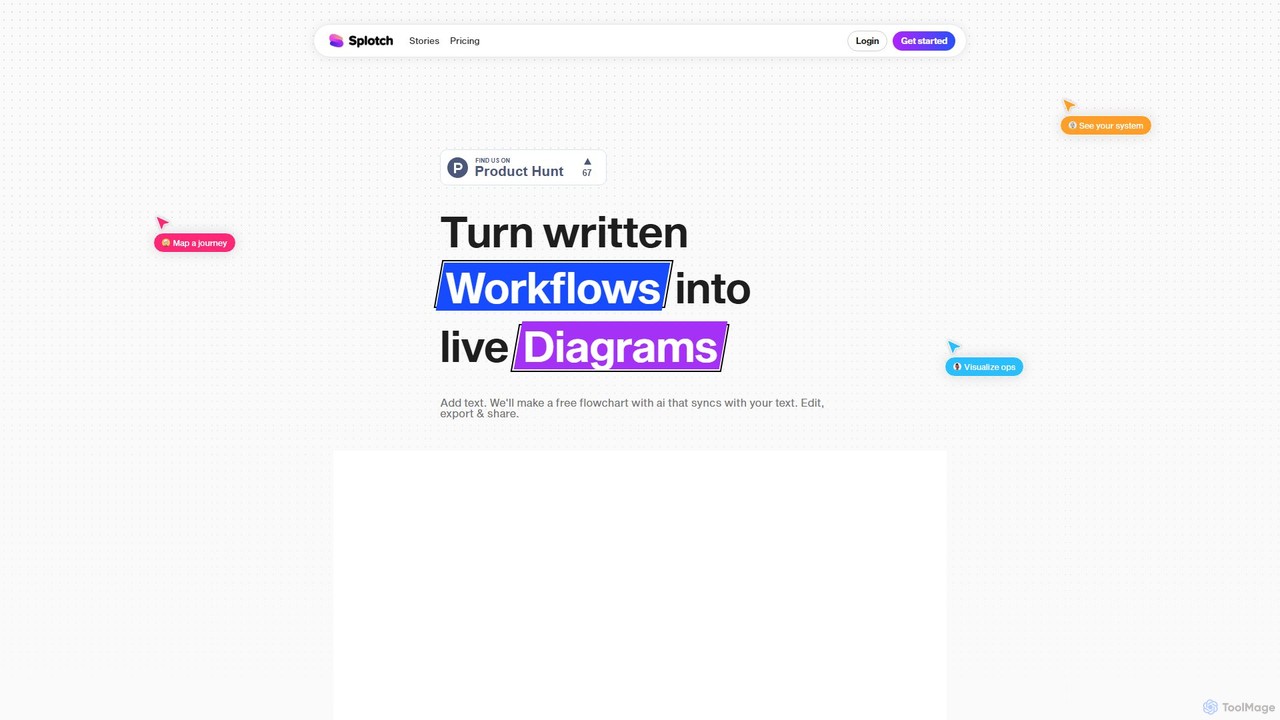
splotch is a revolutionary AI tool designed to bridge the gap between written documentation and visual process mapping. It addresses the common challenge of manually creating and updating diagrams, which is often time-consuming and prone to errors. With the simple motto, "You write, we draw," splotch transforms your text-based workflows, standard operating procedures (SOPs), and even meeting transcripts into dynamic, live diagrams in seconds.
The platform is built for professionals who need to communicate complex systems and processes clearly. By automating the creation of flowcharts, splotch allows teams to focus on refining their ideas rather than struggling with diagramming software. Its intuitive interface and powerful features make it an indispensable asset for improving efficiency, collaboration, and stakeholder buy-in across various departments.
How to use splotch
Using splotch is a straightforward, four-step process designed for maximum efficiency:
- Write or Import Your Process: Start by typing, pasting, or importing your process description. You can import directly from Google Docs or even use integrations like Fireflies to convert call transcripts into visual workflows.
- Generate the Diagram: With a single click, splotch's AI analyzes your text and instantly generates a professional and accurate flowchart that represents your process.
- Edit and Sync: This is where splotch's standout feature shines. You can edit the diagram visually by moving nodes or use AI prompts to make changes. Crucially, the two-way sync ensures that any modification made to the diagram is automatically reflected in the source text, and vice-versa. This keeps your documentation and visuals perfectly aligned at all times.
- Share and Collaborate: Once your diagram is ready, you can easily share it with team members, clients, or other stakeholders to gather feedback, get approvals, and develop ideas collaboratively. You can also export the diagrams for use in presentations, reports, and other documents.
Core Features of splotch
- AI Text-to-Diagram Generation: Automatically converts unstructured or structured text into well-organized flowcharts and system diagrams.
- Two-Way Sync: A game-changing feature that maintains perfect synchronization between the written text and the visual diagram. Edit one, and the other updates instantly.
- Manual & AI Editing: Provides the flexibility to manually adjust diagrams for precision or use AI-powered commands to modify flows, saving time and effort.
- Google Docs Integration: A dedicated plugin allows you to turn your existing process documents in Google Docs into live diagrams without leaving your workflow.
- Third-Party Integrations: Connects with tools like Fireflies to automatically create solution diagrams from sales and customer success call transcripts.
- Collaboration and Sharing: Shareable links and export options make it easy to present your processes and get buy-in from stakeholders.
Use Cases for splotch
splotch is versatile and valuable for a wide range of professionals and teams:
- Operations Managers & RevOps: Visualize and refine Standard Operating Procedures (SOPs), playbooks, and complex system interactions between platforms like Salesforce and NetSuite.
- Consultants: Quickly create and present clear process maps and system architectures to clients, enhancing communication and understanding.
- Product Managers and Designers: Map out critical user journeys, UI flows, and feature logic to ensure a shared understanding within the development team.
- Sales and Marketing Teams: Design and visualize marketing campaigns, pre-sales solution diagrams, proof-of-concept (POC) flows, and customer onboarding plans.
- E-commerce Specialists: Diagram the entire product lifecycle, from inventory management and sales funnels to shipping and logistics.
- Technical Integrators: Build and document complex architecture diagrams for ERP, CRM, and API integrations.
Advantages of splotch
splotch offers significant advantages over traditional diagramming methods. It dramatically reduces the time and manual effort required to create and maintain process visuals. The improved clarity of visual diagrams helps align teams, reduce misunderstandings, and accelerate decision-making. The unique two-way sync ensures that documentation is never out of date, creating a single source of truth. This ultimately leads to more efficient workflows, faster project delivery, and better stakeholder alignment.
Pricing and Plans
splotch offers a simple pricing structure to get started:
- Trial (Free): A 14-day free trial that includes access to all core features like 2-way sync, manual + AI editing, sharing & export, and the Google Docs plugin. This plan is limited to 1 project and 10 diagrams.
- Pro Plan: Priced at $14 per month (with a 20% discount for annual billing). This plan includes all features from the trial but significantly increases the limits to 10 projects and 200 diagrams, making it ideal for professionals and teams.
Traffic
Latest traffic
Status
Monthly traffic trend
- 2025-9: 2.7K
- 2026-1: 5.0K
- 2026-2: 3.0K
- 2026-3: 3.2K
- 2026-4: 3.5K
- 2026-5: 811
Geography
Top 5 countries / regions
- 🇺🇸United States74.1%
- 🇨🇦Canada25.9%
Top keywords
| Keyword | Cost per click |
|---|---|
| ai flowchart | $1.92 |
| flowchart ai | $1.13 |
| flowchart generator | $2.63 |
| google flowchart | $10.28 |
| splotch | $2.07 |
splotch Alternatives
Text to Flowchart
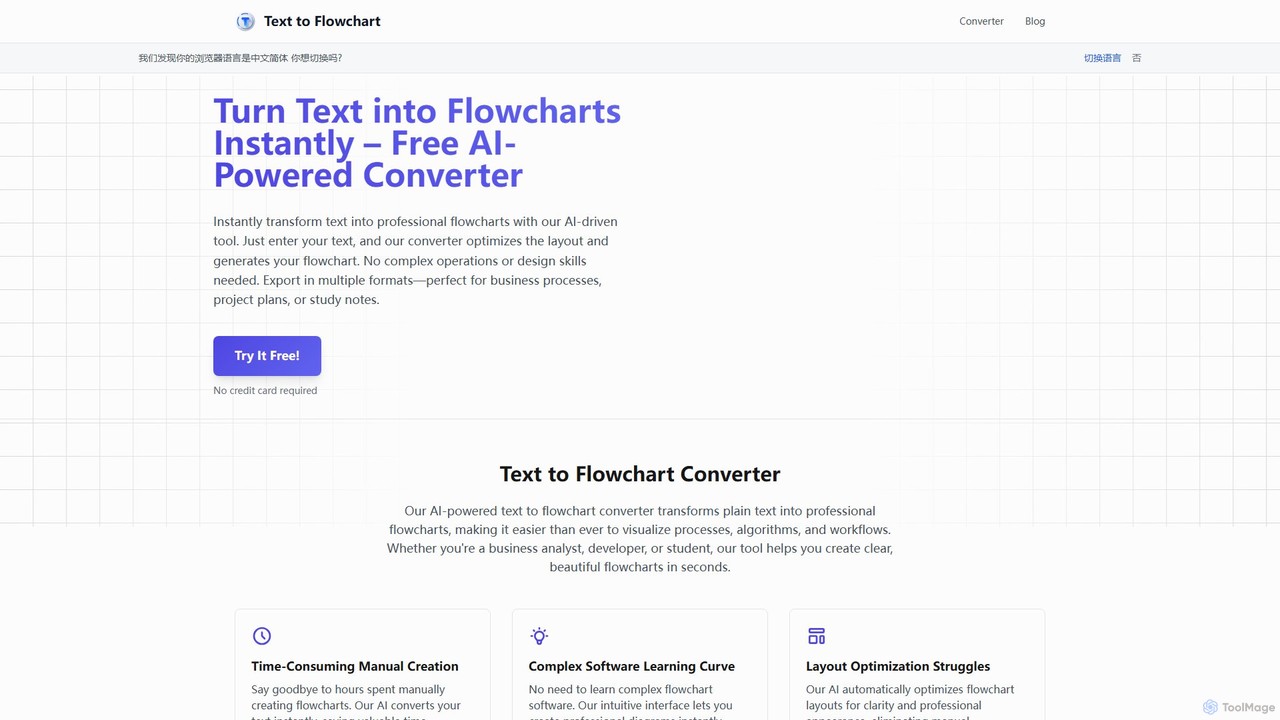
An AI-powered tool that instantly transforms plain text descriptions into professional, well-structured flowcharts and diagrams. Ideal for developers, business analysts, and students, it simplifies the visualization of processes, algorithms, and workflows without requiring design skills.
Process Management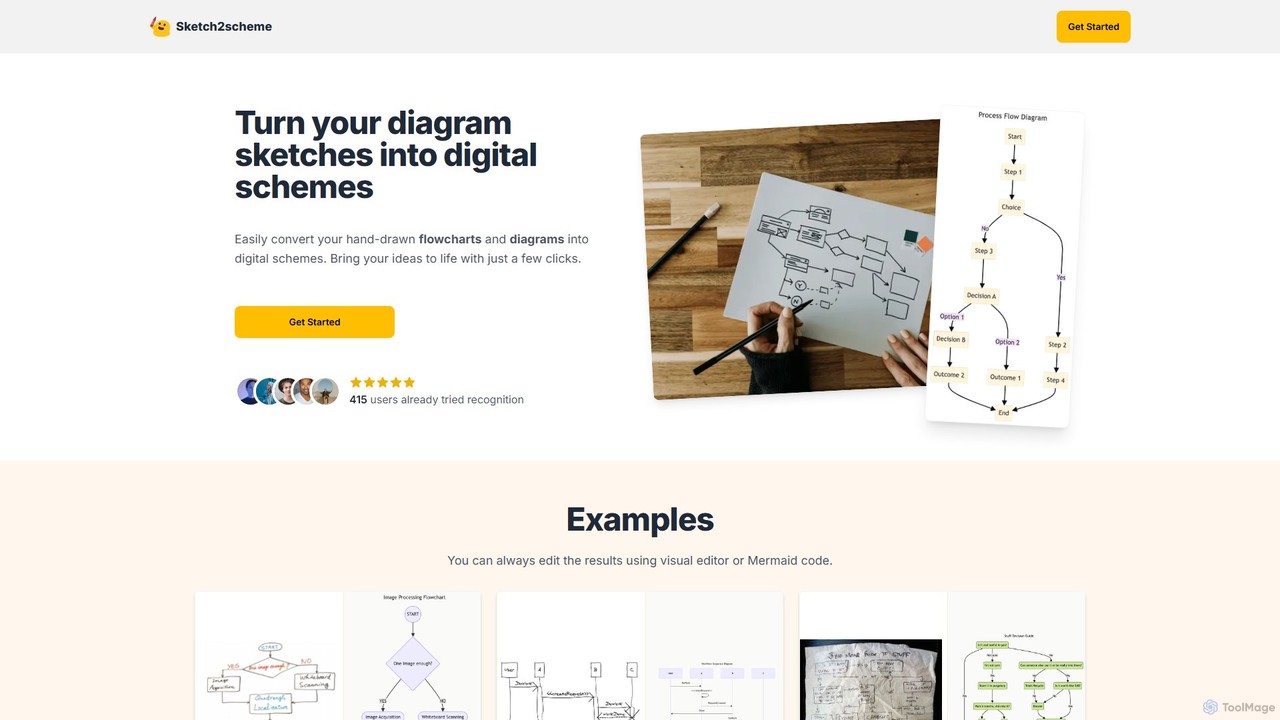
Sketch2scheme
Sketch2scheme is an AI-powered tool that effortlessly converts your hand-drawn diagram sketches into polished, editable digital schemes. Simply upload a picture of your flowchart or diagram, and the AI will recognize nodes, connections, and text, transforming your analog ideas into digital assets in seconds. It's perfect for developers, project managers, and students who want to bridge the gap between paper brainstorming and digital implementation.
Prototyping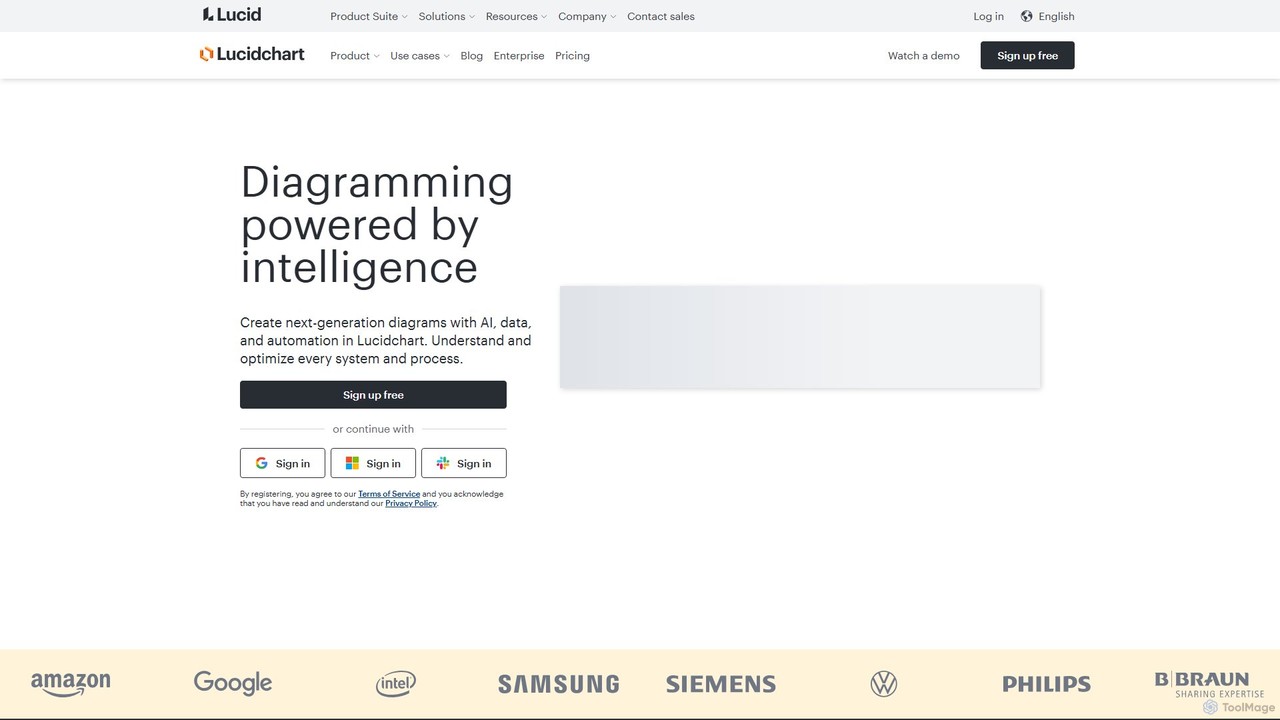
Lucidchart
Lucidchart is an intelligent diagramming and visual collaboration platform that uses AI, data automation, and real-time teamwork to help users visualize complex systems, processes, and ideas. It enables teams to create professional flowcharts, org charts, network diagrams, and more, fostering clarity and driving innovation.
Project Management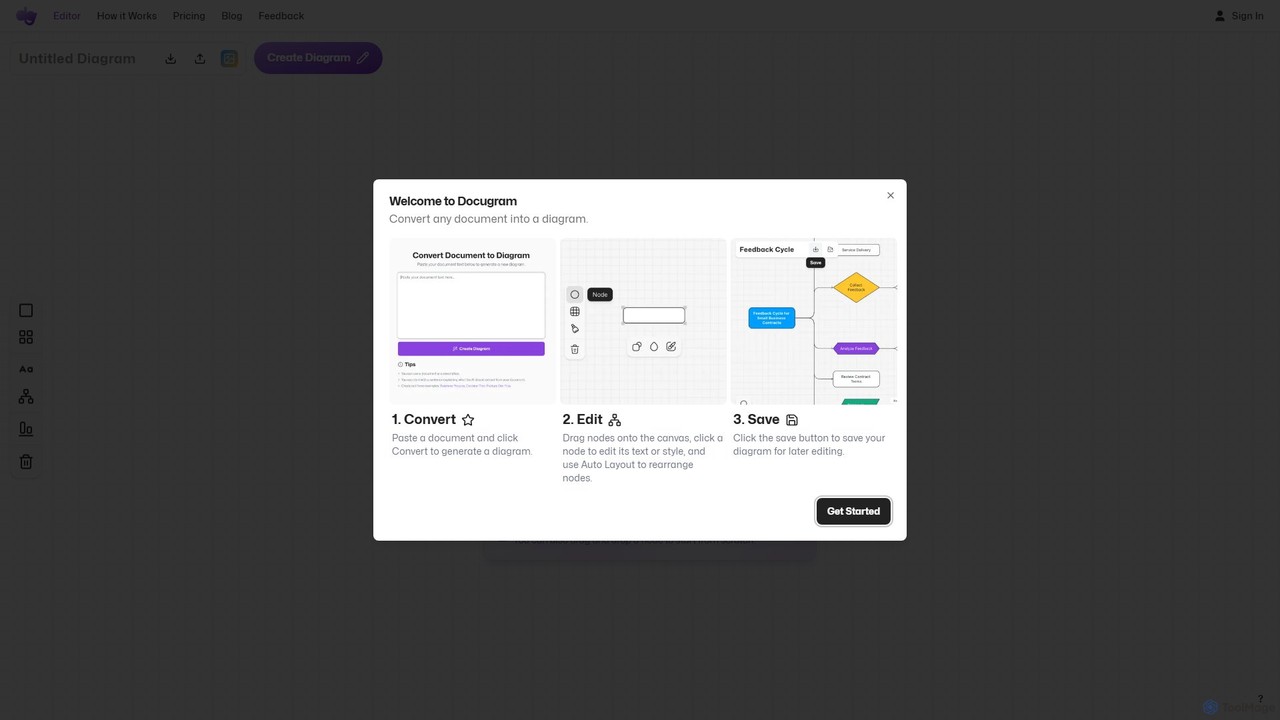
Docugram
Docugram is an AI-powered tool that instantly transforms text documents, notes, and prompts into clear, editable diagrams and flowcharts. It streamlines workflows by converting complex information from formats like Word, Excel, and PDF into visual maps, enhancing productivity for professionals in project management, development, and business analysis.
Project Management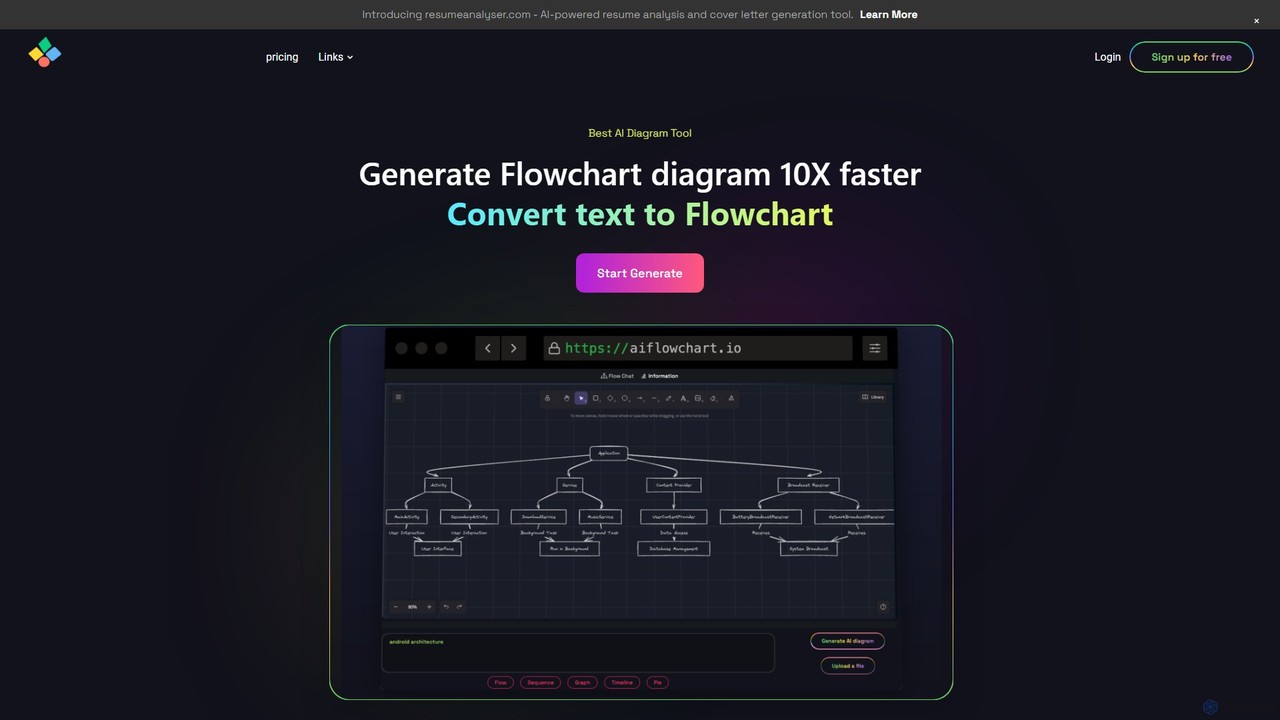
aiflowchart
An AI-powered diagramming tool that automatically generates flowcharts, sequence diagrams, pie charts, and more from text, PDFs, or blog content. It leverages models like GPT-4o to create unique, customizable diagrams with explanations, saving users significant time and effort.
Visualizationsplotch Categories
splotch Embed Widget
Copy this embed code to place the badge on your blog, article, or product site and send readers directly to this ToolMage detail page.

Related AI tools
Text to Flowchart
An AI-powered tool that instantly transforms plain text descriptions into professional, well-structured flowcharts and diagrams. Ideal for developers, business analysts, and students, it simplifies the visualization of processes, algorithms, and workflows without requiring design skills.
Process ManagementLucidchart
Lucidchart is an intelligent diagramming and visual collaboration platform that uses AI, data automation, and real-time teamwork to help users visualize complex systems, processes, and ideas. It enables teams to create professional flowcharts, org charts, network diagrams, and more, fostering clarity and driving innovation.
Project ManagementDocugram
Docugram is an AI-powered tool that instantly transforms text documents, notes, and prompts into clear, editable diagrams and flowcharts. It streamlines workflows by converting complex information from formats like Word, Excel, and PDF into visual maps, enhancing productivity for professionals in project management, development, and business analysis.
Project Managementaiflowchart
An AI-powered diagramming tool that automatically generates flowcharts, sequence diagrams, pie charts, and more from text, PDFs, or blog content. It leverages models like GPT-4o to create unique, customizable diagrams with explanations, saving users significant time and effort.
VisualizationSketch2scheme
Sketch2scheme is an AI-powered tool that effortlessly converts your hand-drawn diagram sketches into polished, editable digital schemes. Simply upload a picture of your flowchart or diagram, and the AI will recognize nodes, connections, and text, transforming your analog ideas into digital assets in seconds. It's perfect for developers, project managers, and students who want to bridge the gap between paper brainstorming and digital implementation.
Prototyping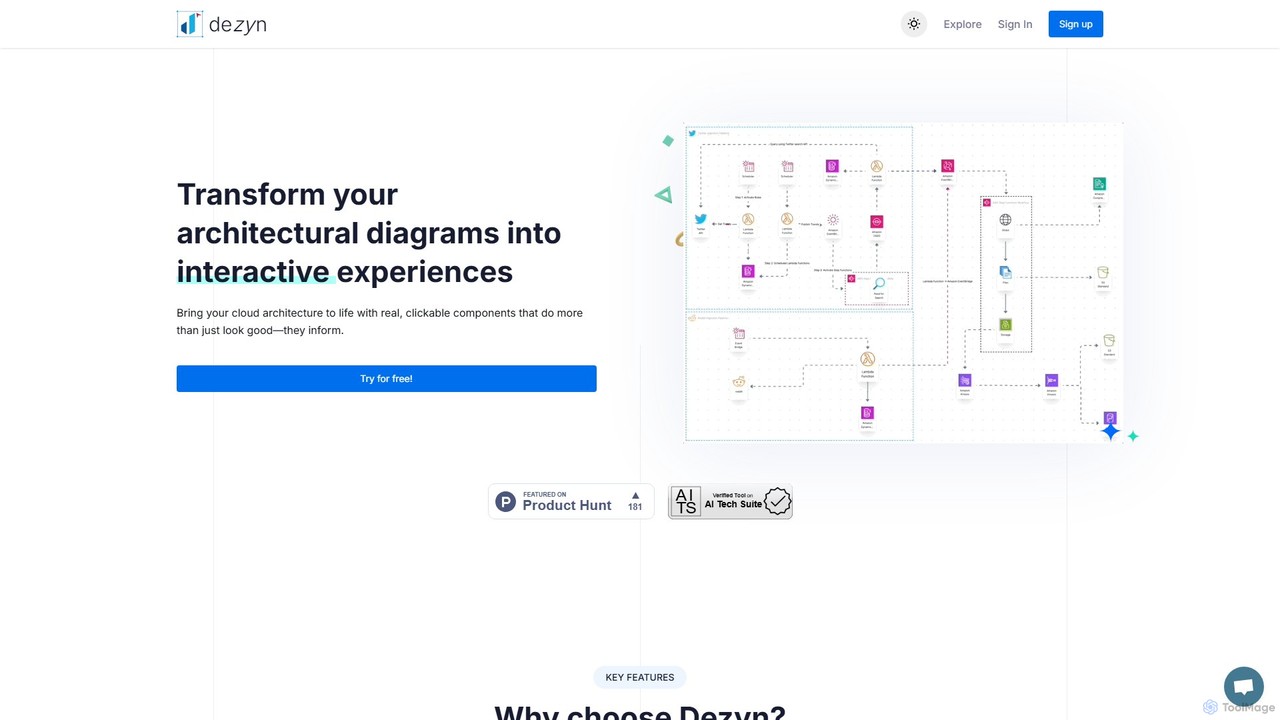
Dezyn
Dezyn is an AI-powered platform for creating interactive, data-rich architectural diagrams and flowcharts. It transforms text prompts, hand-drawn sketches, or wireframes into professional diagrams. Ideal for engineers, developers, and tech creators to visualize complex cloud systems (AWS, Azure, GCP) and collaborate effectively.
Flowchart
snapdiagram
SnapDiagram is an AI-powered tool that instantly transforms text descriptions into professional diagrams. Generate flowcharts, sequence diagrams, UML models, mind maps, and more with simple natural language prompts. It's designed to accelerate workflows for developers, business analysts, and project managers by automating the diagramming process.
Workflow Management
Flux AI
Flux AI is an intelligent collaborative whiteboard that transforms text prompts into complex diagrams. It empowers teams to visualize ideas, design workflows, and create flowcharts or mind maps in seconds, streamlining the entire planning and brainstorming process.
Whiteboard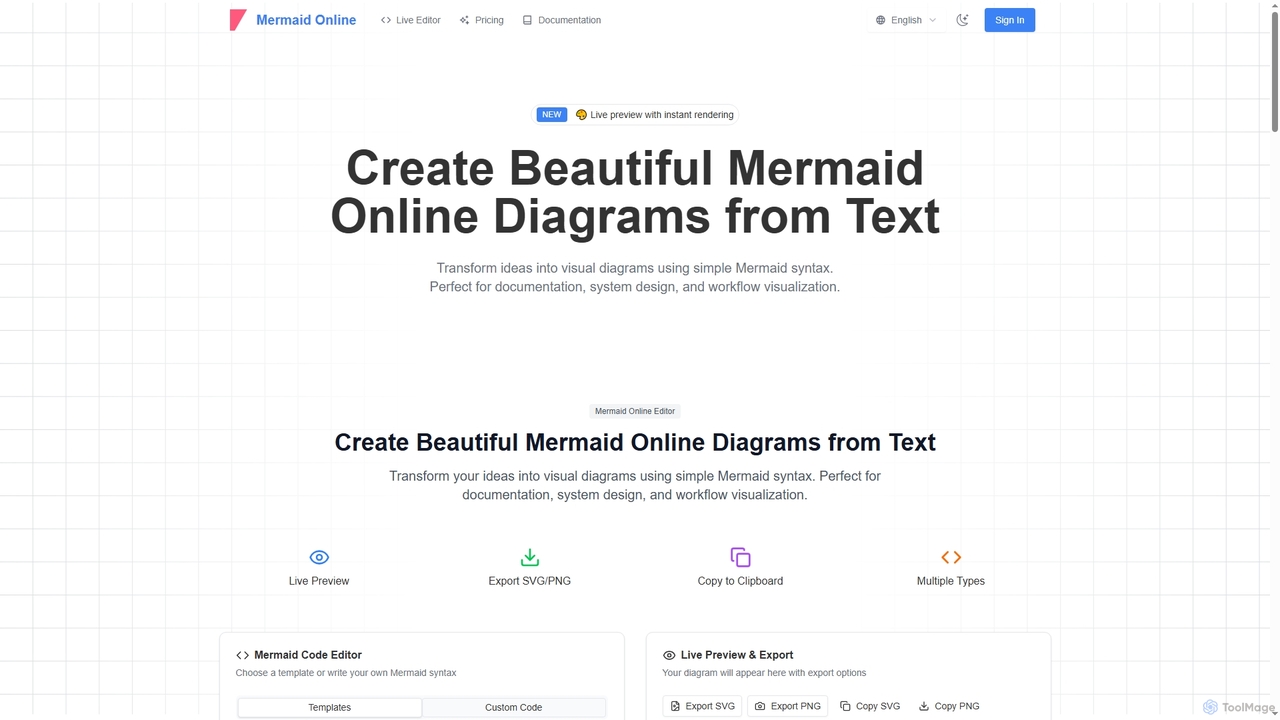
Mermaid Online
Mermaid Online is an advanced web-based editor and AI-powered diagram generator that transforms text descriptions and Mermaid syntax into professional visual diagrams. It supports various diagram types, offers real-time preview, and flexible export options, streamlining documentation and system design workflows for individuals and teams.
Text To Diagram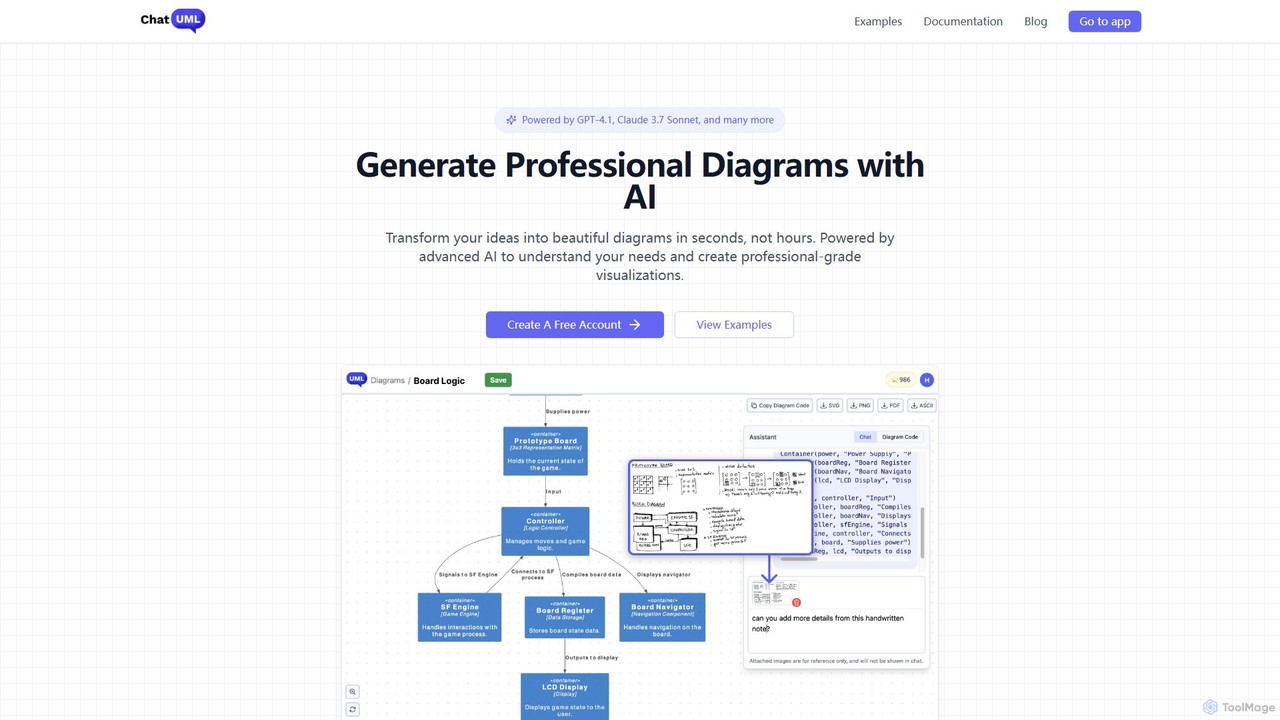
ChatUML
ChatUML is an AI-powered diagram generator that transforms text descriptions, hand-drawn sketches, and even website content into professional diagrams in seconds. Leveraging models like GPT-4.1 and Claude 3, it supports various formats including UML, C4 architecture, mind maps, and more, streamlining the visualization process for developers, project managers, and creative teams.
Planning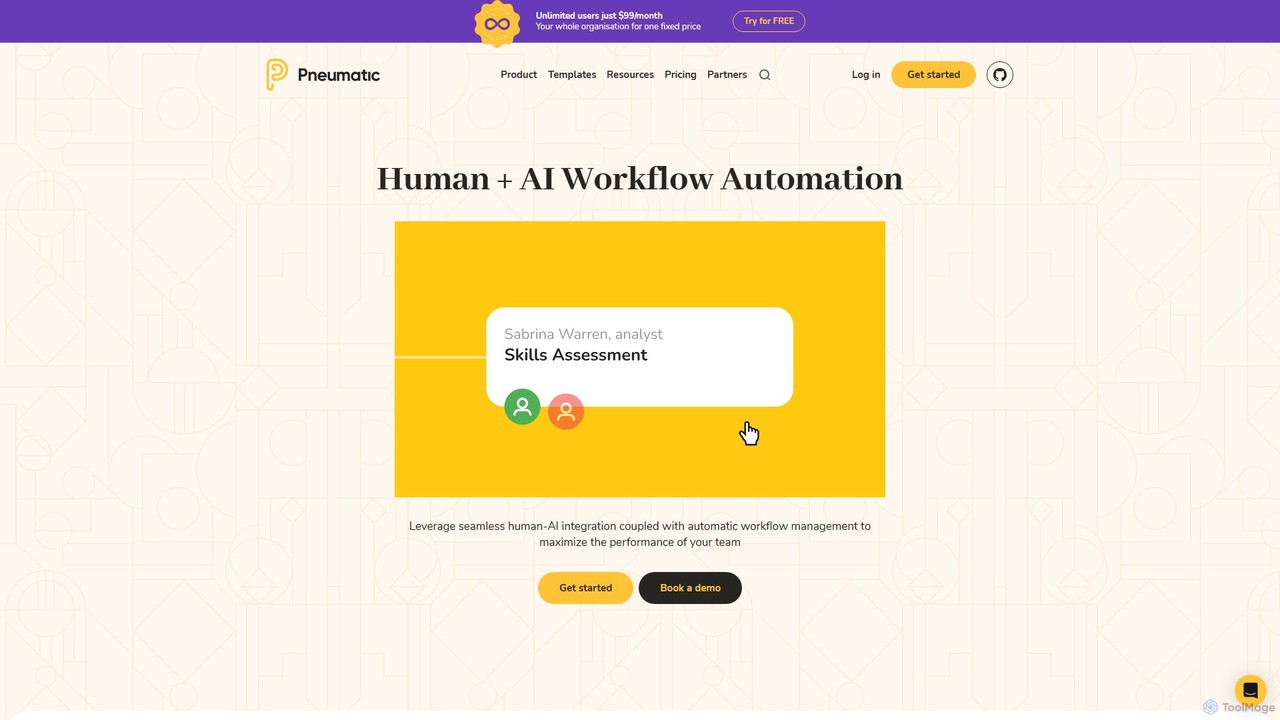
Pneumatic
Pneumatic is an open-source workflow management platform that combines human and AI automation. It helps teams build, manage, and optimize standardized business processes using an intuitive, assembly-line approach. Ideal for creating intelligent workflows, it enhances team performance through seamless human-AI collaboration and powerful automation features.
Process Management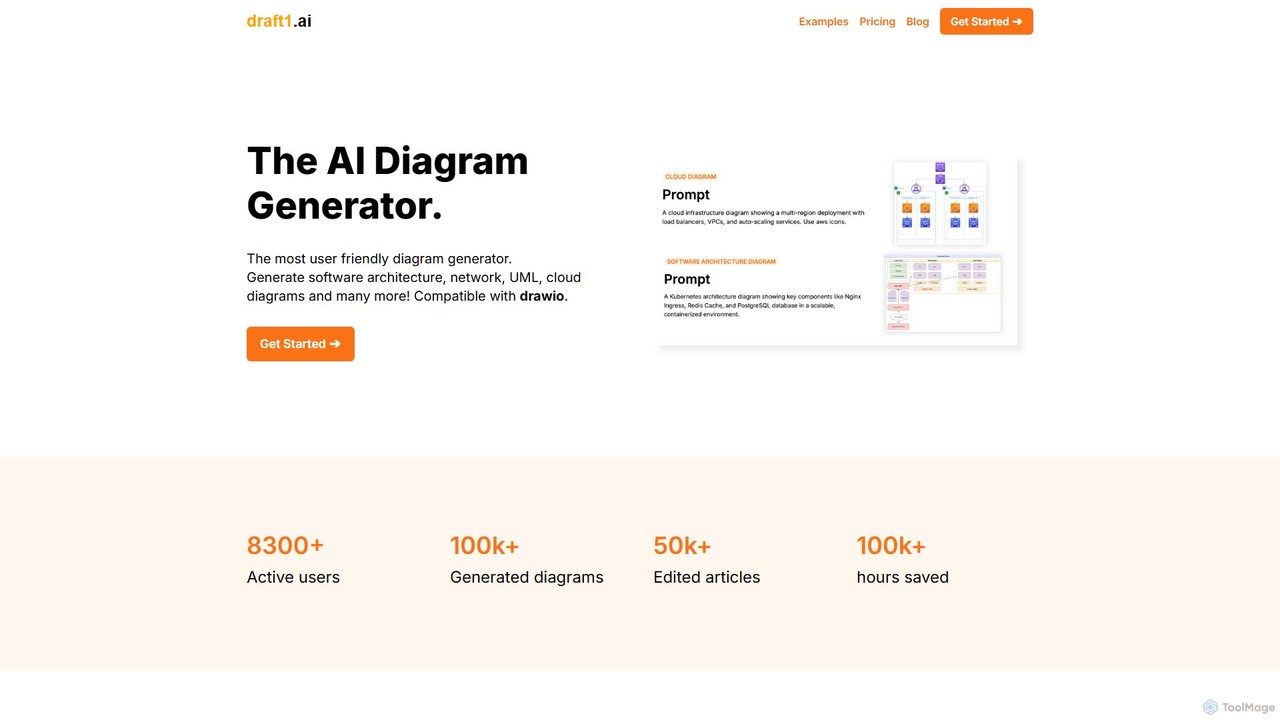
draft1.ai
draft1.ai is an AI-powered diagram generator that transforms your text, notes, and ideas into professional diagrams like ER, UML, Kubernetes, and network layouts. Simply paste your text to instantly create visual illustrations and a first-draft report. Edit diagrams as needed and export your work in multiple formats, streamlining your documentation and design process.
Software Development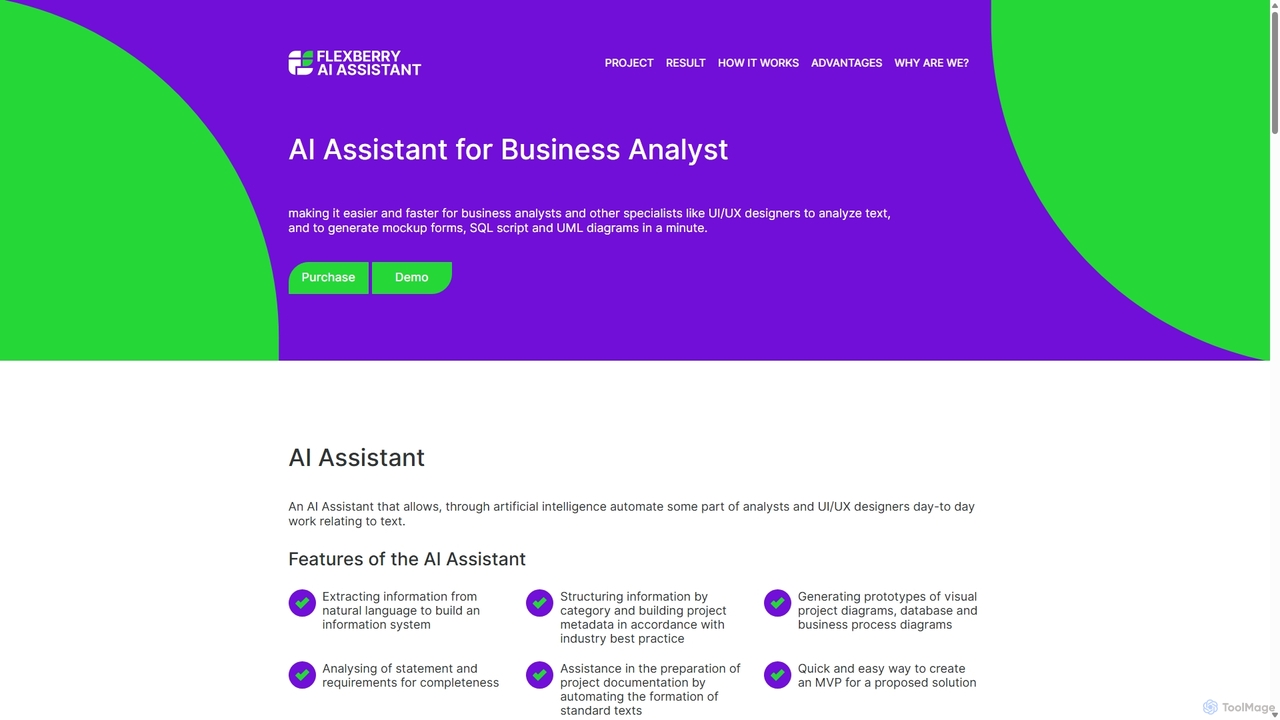
AI Assistant
An AI-powered tool for business analysts and UI/UX designers that automates the creation of technical artifacts. It transforms natural language requirements into UML diagrams, SQL scripts, and UI mockups, accelerating the system design and development process.
Requirements Management
Jyek
Jyek is an AI agent platform that understands objectives, creates execution plans, uses tools, and delivers verifiable results for complex, multi-step tasks.
Automation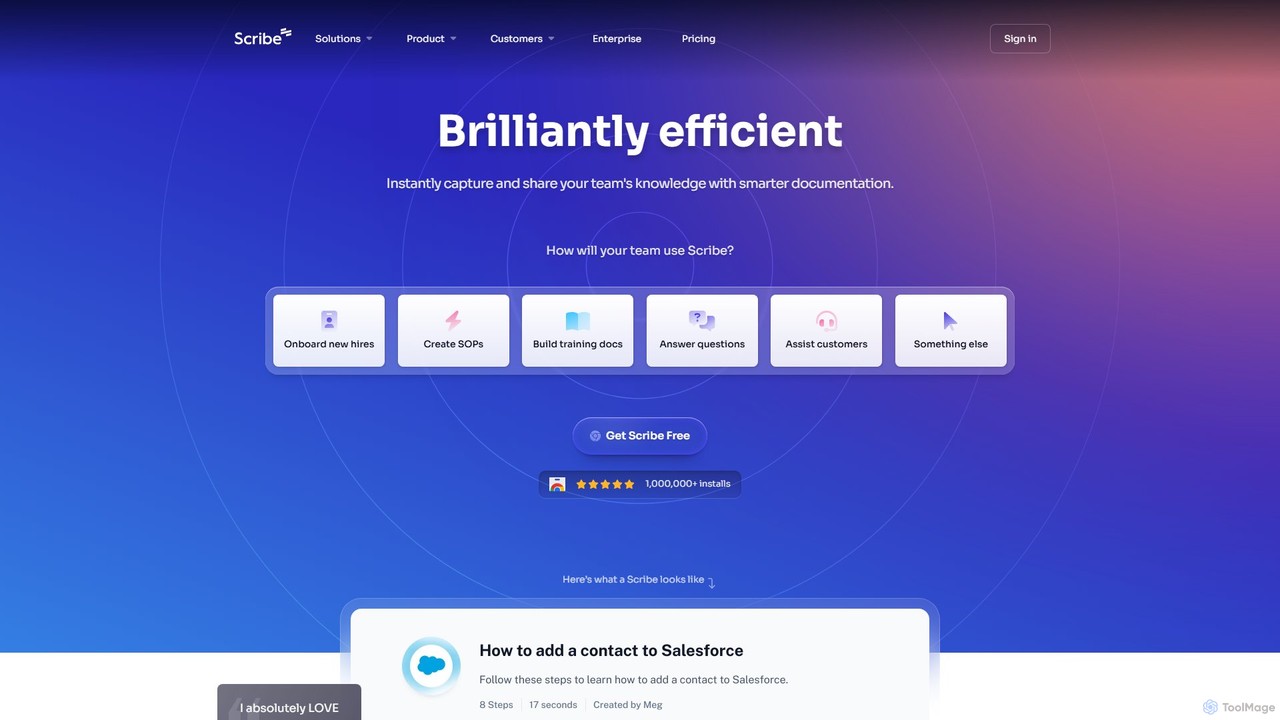
Scribe
Scribe is an AI-powered platform that automatically captures your workflow and instantly creates step-by-step visual guides. It eliminates manual documentation by recording your clicks and keystrokes, generating shareable tutorials with annotated screenshots. Ideal for team training, customer support, and creating SOPs.
Training
splotch Comments (0)
Sign in to comment.
Sign inNo comments yet.