

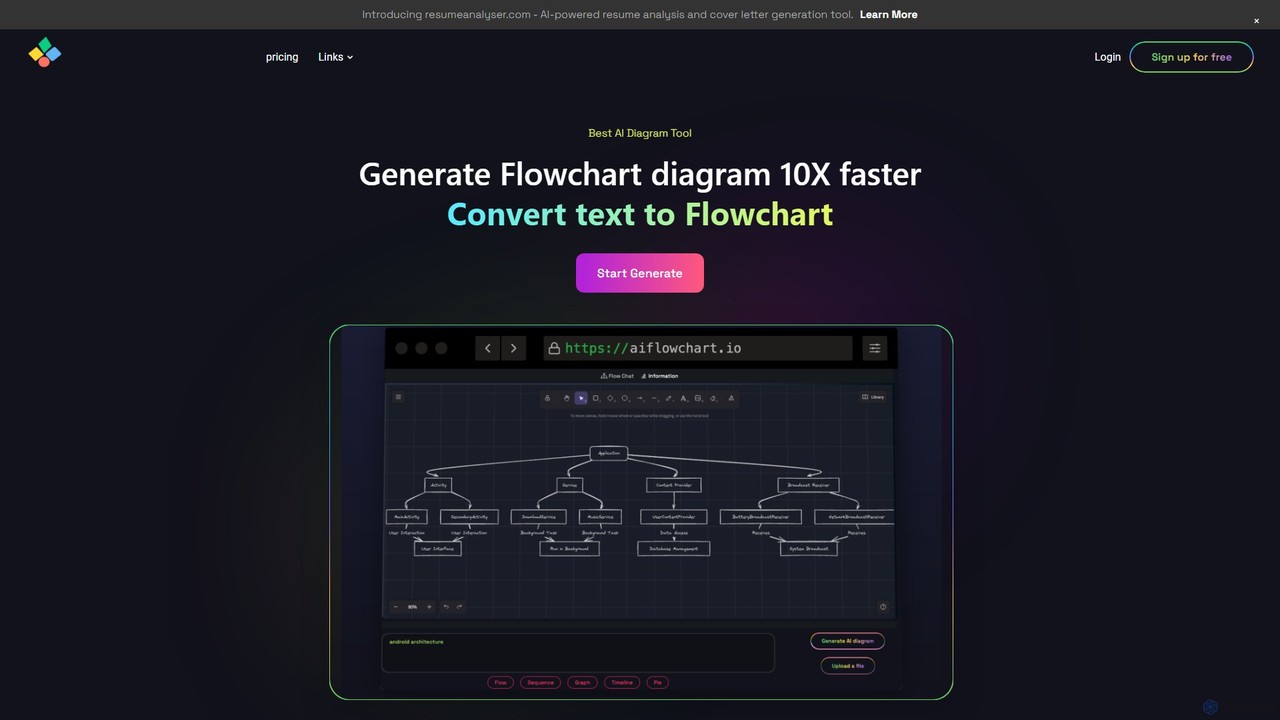
aiflowchart Overview
aiflowchart is an innovative and powerful tool designed to streamline the process of creating diagrams using artificial intelligence. It leverages the capabilities of advanced AI models like ChatGPT and GPT-4o to transform raw data from various sources into clear, professional, and visually appealing diagrams. Whether you need to visualize a complex process, illustrate a sequence of events, or present data in a chart, aiflowchart offers a fast and intuitive solution, claiming to be 10 times faster than traditional diagramming methods.
The platform is built for versatility, allowing users to generate a wide array of diagram types, including flowcharts, graph diagrams, sequence diagrams, timelines, and pie charts. This makes it an indispensable asset for a diverse range of users, from students and educators to business professionals and software developers. The core promise of aiflowchart is to simplify complexity and enhance productivity by automating the often tedious task of diagram creation.
How to use aiflowchart
Using aiflowchart is a straightforward process designed for maximum efficiency:
- Sign Up: Start by creating a free account to access the basic features.
- Choose Your Input Source: You can generate a diagram in multiple ways. Type or paste text directly into the editor, upload a PDF file containing the information you want to visualize, or simply provide the URL of a blog post.
- Select Diagram Type: Choose the type of diagram that best suits your needs from the available options, such as Flowchart, Sequence, Graph, Timeline, or Pie Chart.
- Generate: With a single click, the AI analyzes your input and generates a complete diagram. The tool also provides a step-by-step explanation for each component of the diagram, adding a layer of clarity.
- Review and Refine: aiflowchart prides itself on generating unique diagrams every time. If the initial result isn't perfect, you can simply click 'recreate' to generate a new, different version until you are satisfied.
- Customize: Apply various themes to change the look and feel of your diagram. A customizable theme is also available, allowing you to adjust colors to match your branding or preference.
- Download: Pro plan users can download the final diagram in a high-quality format without any watermarks, ready for use in presentations, reports, or documentation.
Core Features of aiflowchart
- Diverse Diagram Generation: Create multiple types of diagrams including flowcharts, graph diagrams, sequence diagrams, timelines, and pie charts from a single platform.
- Versatile Source Compatibility: Generate diagrams from plain text, PDF documents, and online blog content, offering great flexibility.
- AI-Powered Uniqueness: The tool generates a completely new and unique diagram with every attempt, ensuring creative and varied visual outputs.
- Diagrams with Explanations: Each generated diagram comes with a detailed explanation of its steps and components, making complex information easier to understand.
- Customizable Themes: A selection of pre-built themes and a fully customizable theme option are available to style your diagrams.
- Iterative Creation: Users can regenerate diagrams as many times as needed to achieve the perfect visual representation.
- Powered by Advanced AI: Utilizes powerful models like GPT-3.5 for the free plan and GPT-4o for Pro users, ensuring high-quality and context-aware results.
- Watermark-Free Downloads: Subscribers to the Pro plan can download their creations without any branding or watermarks.
Use Cases for aiflowchart
aiflowchart is a versatile tool suitable for various professional and academic scenarios:
- Business Professionals: Quickly map out business processes, project workflows, and organizational structures. Create data-driven pie charts for reports and presentations.
- Software Developers & Engineers: Visualize system architecture, user flows, and application logic to improve planning and documentation.
- Students & Educators: Turn lecture notes or textbook chapters into easy-to-understand flowcharts and timelines for better learning and teaching.
- Content Creators & Marketers: Convert long-form articles or data into engaging visual diagrams for social media, infographics, and presentations.
- Project Managers: Create sequence diagrams and timelines to track project milestones and dependencies, ensuring clarity for the entire team.
Advantages of aiflowchart
The primary advantage of aiflowchart is its massive time-saving potential. By automating diagram creation, it allows users to focus on the core information rather than the design process. Its ease of use makes it accessible to non-designers, while the AI-driven creativity helps overcome mental blocks. The ability to generate diagrams from existing documents like PDFs and blogs further enhances productivity by repurposing content effortlessly. Finally, its affordable pricing model makes it a highly accessible tool for individuals and businesses alike.
Pricing and Plans
aiflowchart offers a freemium model with clear and affordable plans:
- Basic Plan (Free): Ideal for personal use. Includes 5 credits and access to the GPT-3.5 model.
- Pro Plan ($4.99 per month): Designed for business use. Includes unlimited credits, access to the more powerful GPT-4o model, watermark-free diagrams, and the ability to download diagrams.
- Pro Annual Plan ($19.99 per year): Offers all the benefits of the Pro plan at a significant discount for users who commit to a yearly subscription.
Traffic
Latest traffic
Status
Monthly traffic trend
- 2025-9: 9.2K
- 2026-1: 2.1K
- 2026-2: 1.7K
- 2026-3: 1.5K
- 2026-4: 2.0K
- 2026-5: 462
Geography
Top 5 countries / regions
- 🇮🇳India100.0%
Top keywords
| Keyword | Cost per click |
|---|---|
| ai generated diagrams | $0.00 |
| flow diagram gamma ai | $0.00 |
| how to convert pdf file to diagram | $0.00 |
| text to high level s diagram | $0.00 |
| turn a text flow diagram to a image | $0.00 |
aiflowchart Alternatives
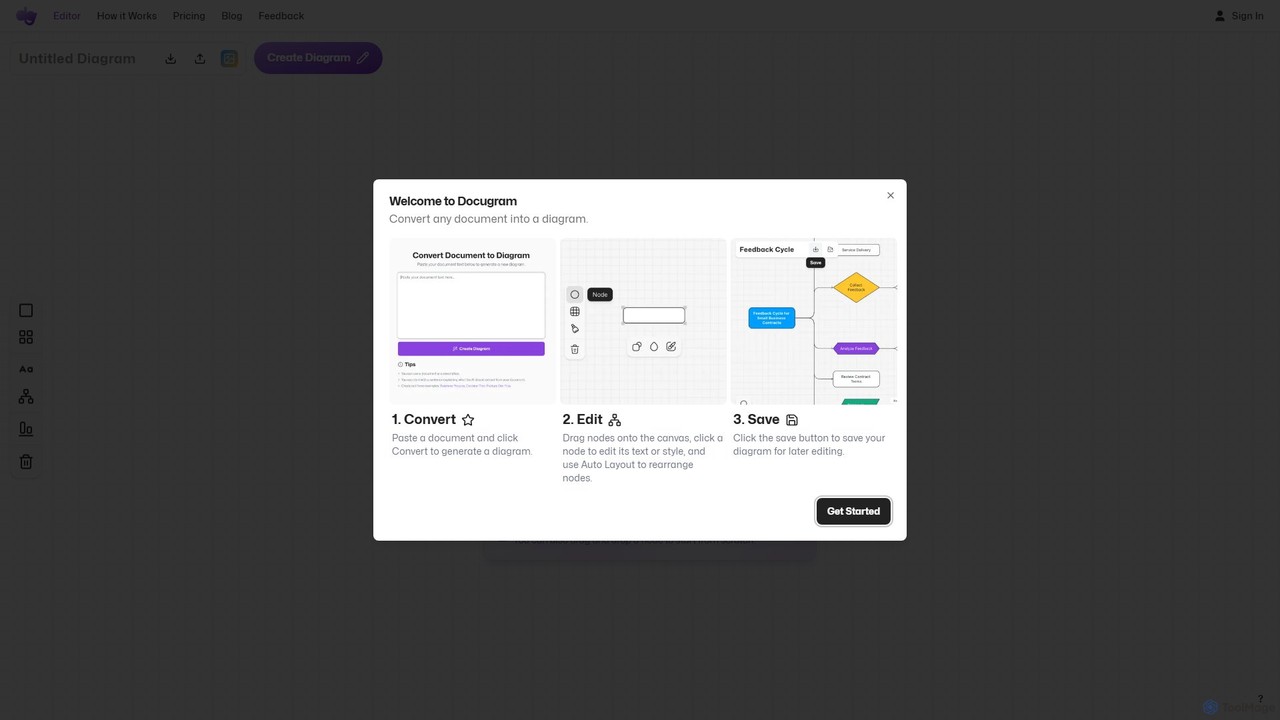
Docugram
Docugram is an AI-powered tool that instantly transforms text documents, notes, and prompts into clear, editable diagrams and flowcharts. It streamlines workflows by converting complex information from formats like Word, Excel, and PDF into visual maps, enhancing productivity for professionals in project management, development, and business analysis.
Project Management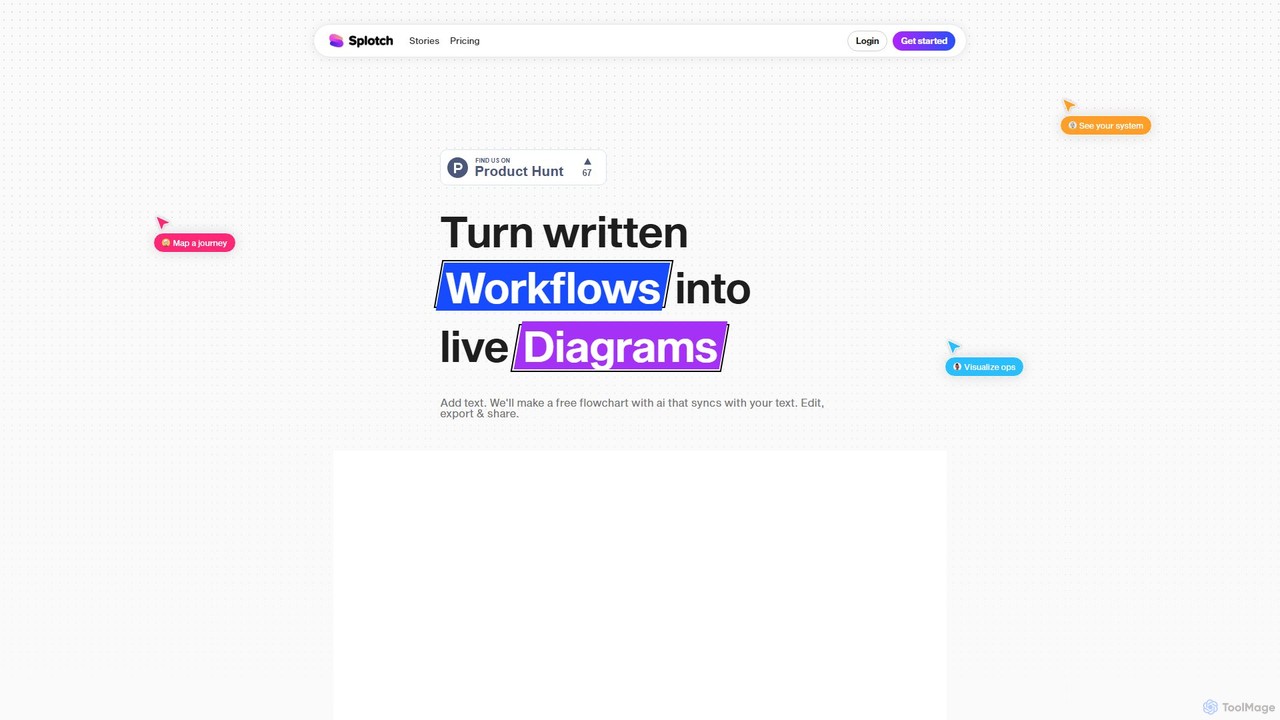
splotch
splotch is an AI-powered diagramming tool that automatically converts written text, processes, and workflows into clear, editable flowcharts and diagrams. It features a unique two-way sync, ensuring your text and visuals are always aligned, streamlining communication and process documentation.
Process Management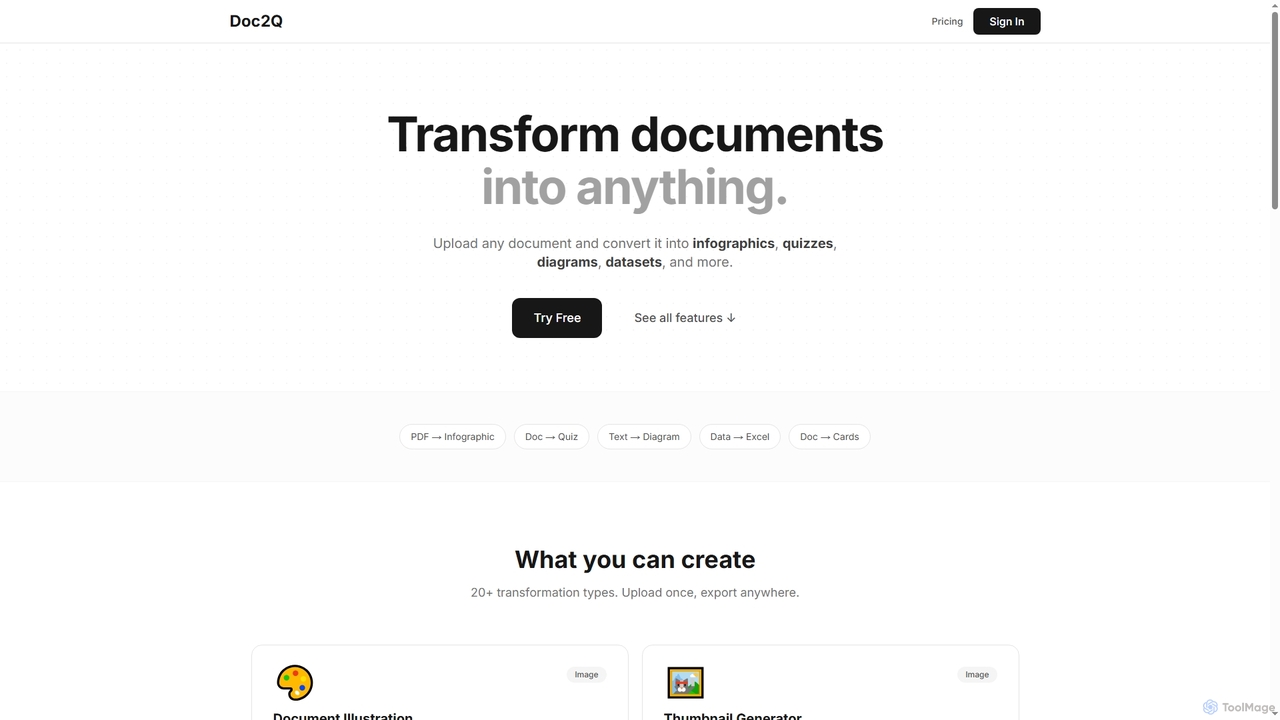
Doc2Q
Doc2Q is an AI-powered tool that transforms documents (PDF, DOCX, images) into various formats like infographics, quizzes, diagrams, and datasets. It operates on a flexible pay-as-you-go credit system, allowing users to convert content quickly and efficiently for marketing, education, or data analysis purposes.
Visualization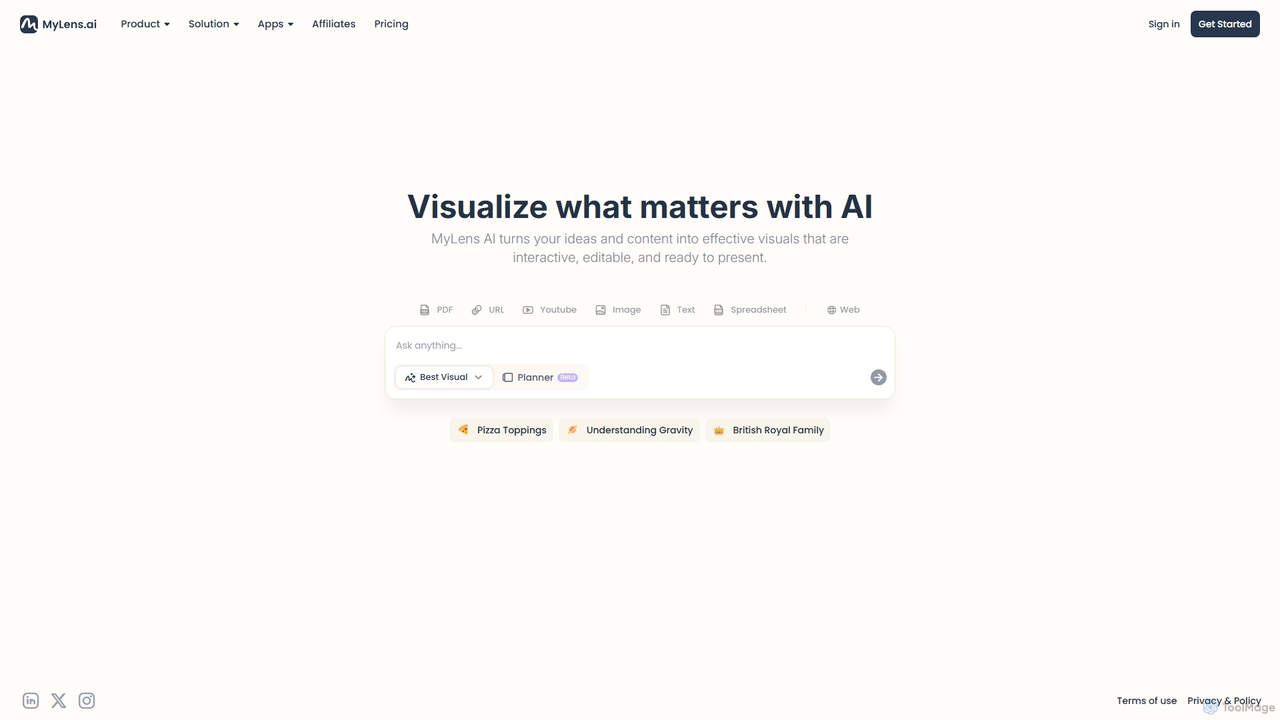
MyLens
MyLens is an AI-powered visualization tool that transforms your ideas and various content formats—like PDFs, URLs, text, and videos—into clear, interactive, and editable diagrams. With a single click, it helps you understand complex information, brainstorm effectively, and create presentation-ready visuals, acting as your personal visual planner.
Visualization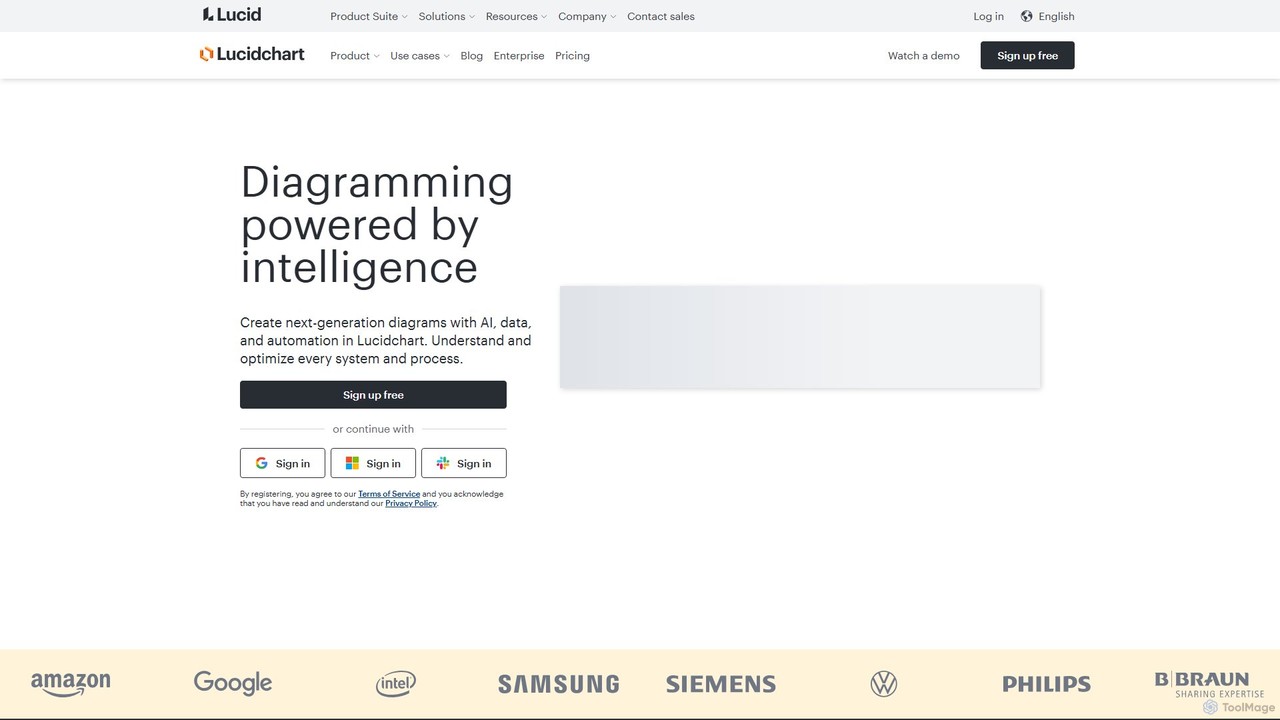
Lucidchart
Lucidchart is an intelligent diagramming and visual collaboration platform that uses AI, data automation, and real-time teamwork to help users visualize complex systems, processes, and ideas. It enables teams to create professional flowcharts, org charts, network diagrams, and more, fostering clarity and driving innovation.
Project Managementaiflowchart Categories
aiflowchart Embed Widget
Copy this embed code to place the badge on your blog, article, or product site and send readers directly to this ToolMage detail page.

Related AI tools
Docugram
Docugram is an AI-powered tool that instantly transforms text documents, notes, and prompts into clear, editable diagrams and flowcharts. It streamlines workflows by converting complex information from formats like Word, Excel, and PDF into visual maps, enhancing productivity for professionals in project management, development, and business analysis.
Project Managementsplotch
splotch is an AI-powered diagramming tool that automatically converts written text, processes, and workflows into clear, editable flowcharts and diagrams. It features a unique two-way sync, ensuring your text and visuals are always aligned, streamlining communication and process documentation.
Process ManagementLucidchart
Lucidchart is an intelligent diagramming and visual collaboration platform that uses AI, data automation, and real-time teamwork to help users visualize complex systems, processes, and ideas. It enables teams to create professional flowcharts, org charts, network diagrams, and more, fostering clarity and driving innovation.
Project Management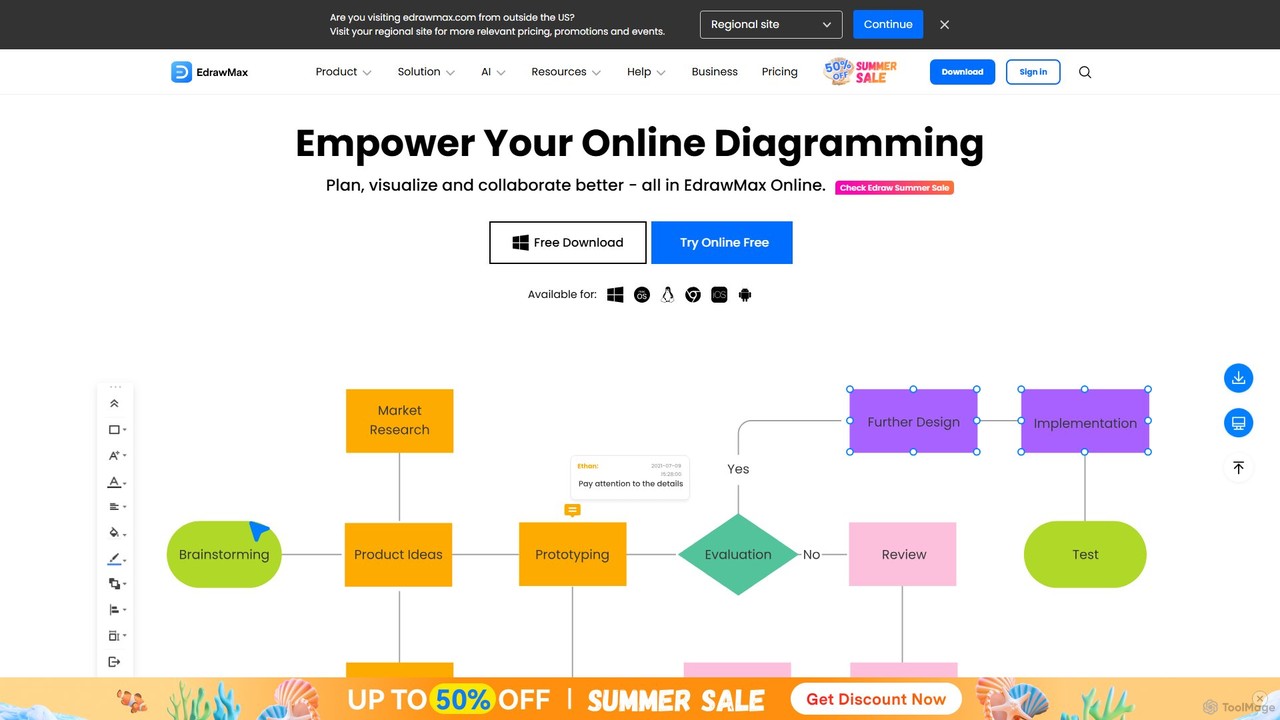
EdrawMax
EdrawMax is an all-in-one, AI-powered diagramming tool for creating over 210 types of diagrams, from flowcharts to floor plans. It combines intuitive drag-and-drop functionality with advanced AI features like one-click diagram generation, content analysis, and OCR. Ideal for teams and individuals, it facilitates real-time collaboration, offers extensive templates, and serves as a powerful Visio alternative for visualizing ideas and workflows.
Project Management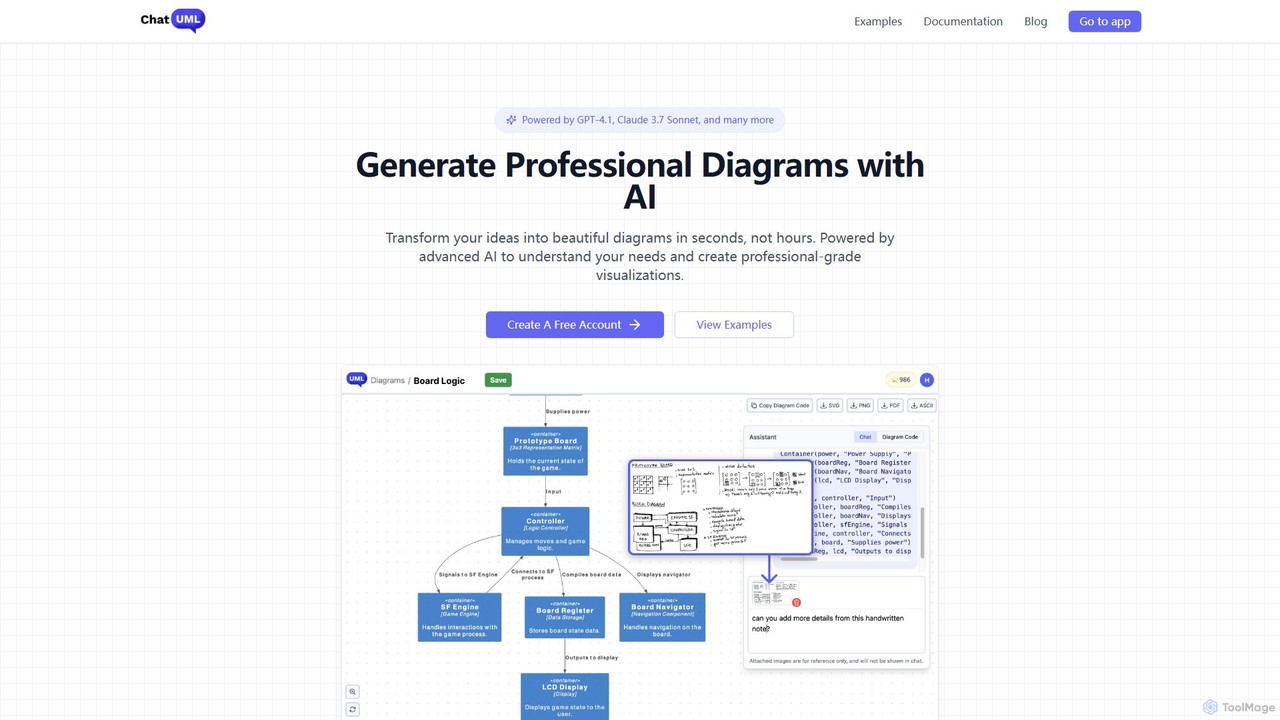
ChatUML
ChatUML is an AI-powered diagram generator that transforms text descriptions, hand-drawn sketches, and even website content into professional diagrams in seconds. Leveraging models like GPT-4.1 and Claude 3, it supports various formats including UML, C4 architecture, mind maps, and more, streamlining the visualization process for developers, project managers, and creative teams.
Planning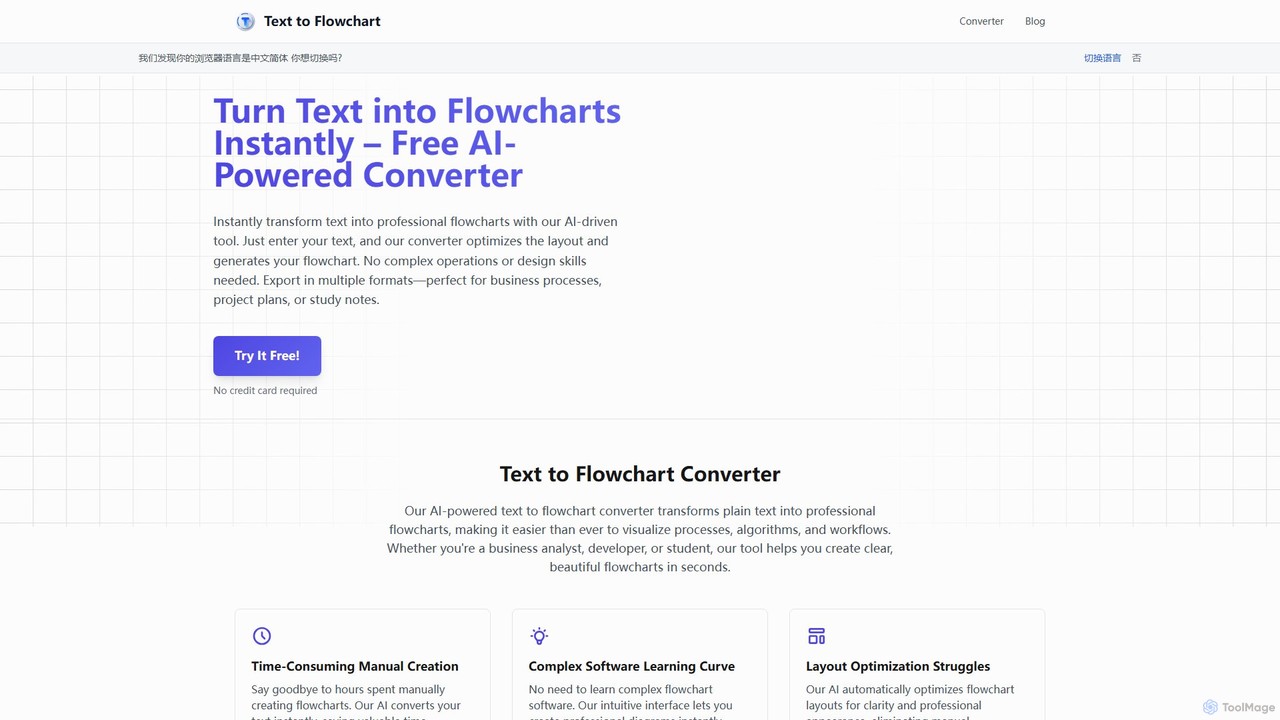
Text to Flowchart
An AI-powered tool that instantly transforms plain text descriptions into professional, well-structured flowcharts and diagrams. Ideal for developers, business analysts, and students, it simplifies the visualization of processes, algorithms, and workflows without requiring design skills.
Process Management
DiagramGPT
DiagramGPT is an AI-powered tool that transforms natural language text prompts into various diagrams. By leveraging GPT technology and Mermaid syntax, it allows users to effortlessly generate flowcharts, sequence diagrams, and more, simply by describing what they want to visualize. It's an ideal solution for developers, project managers, and students who need to create professional diagrams quickly without manual drawing.
Process Management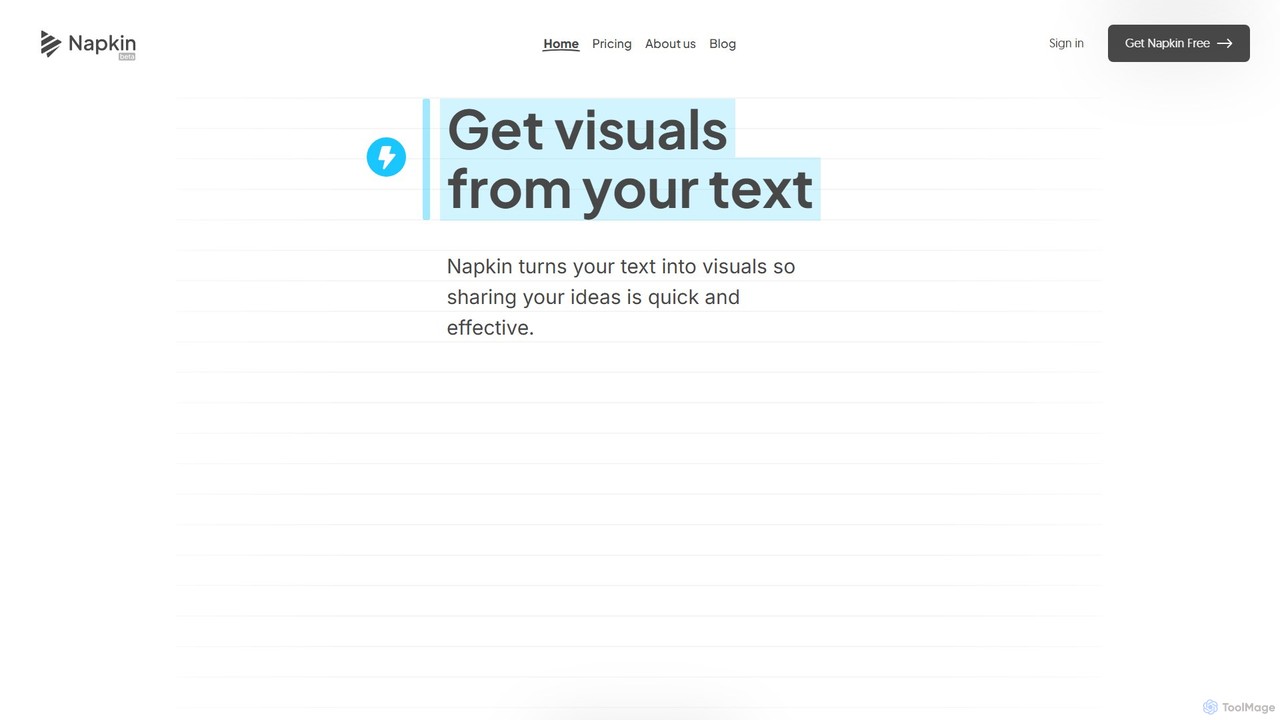
Napkin AI
Napkin AI is a visual AI tool that transforms your text into professional business visuals like diagrams, infographics, flowcharts, and mind maps. It's designed for effortless business storytelling, allowing users to create compelling, editable visuals directly from their content without needing any design skills. Ideal for presentations, reports, and social media.
Infographics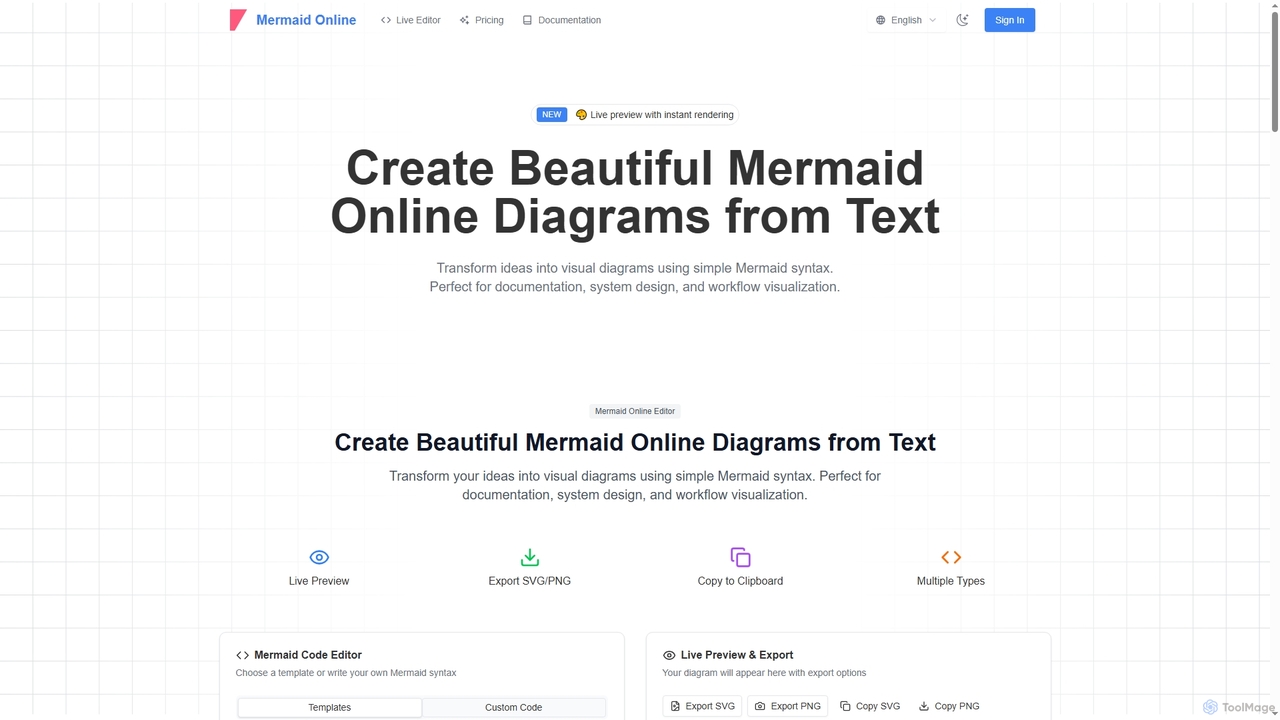
Mermaid Online
Mermaid Online is an advanced web-based editor and AI-powered diagram generator that transforms text descriptions and Mermaid syntax into professional visual diagrams. It supports various diagram types, offers real-time preview, and flexible export options, streamlining documentation and system design workflows for individuals and teams.
Text To Diagram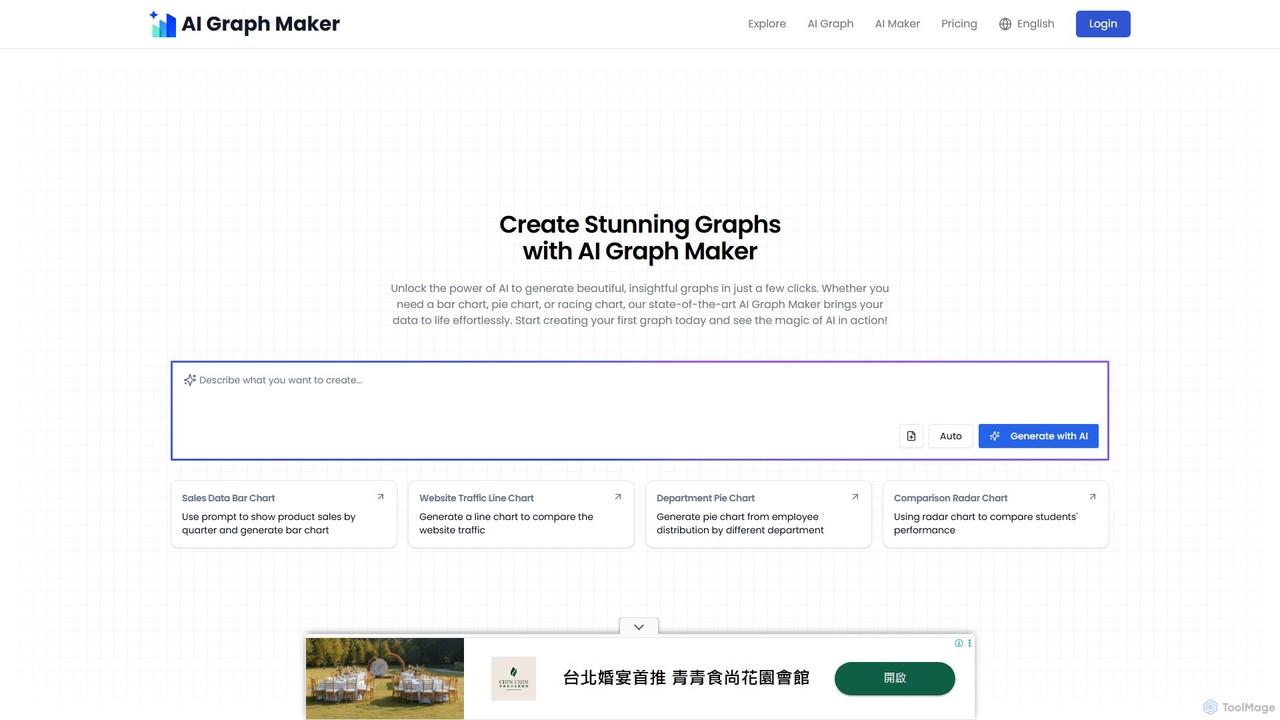
aigraphmaker
aigraphmaker is an AI-powered platform that transforms raw data and text prompts into a wide variety of professional and interactive charts and diagrams. It enables users, from beginners to experts, to effortlessly create stunning visualizations like bar charts, mind maps, flowcharts, and knowledge graphs in seconds, without any coding or design skills required.
Analytics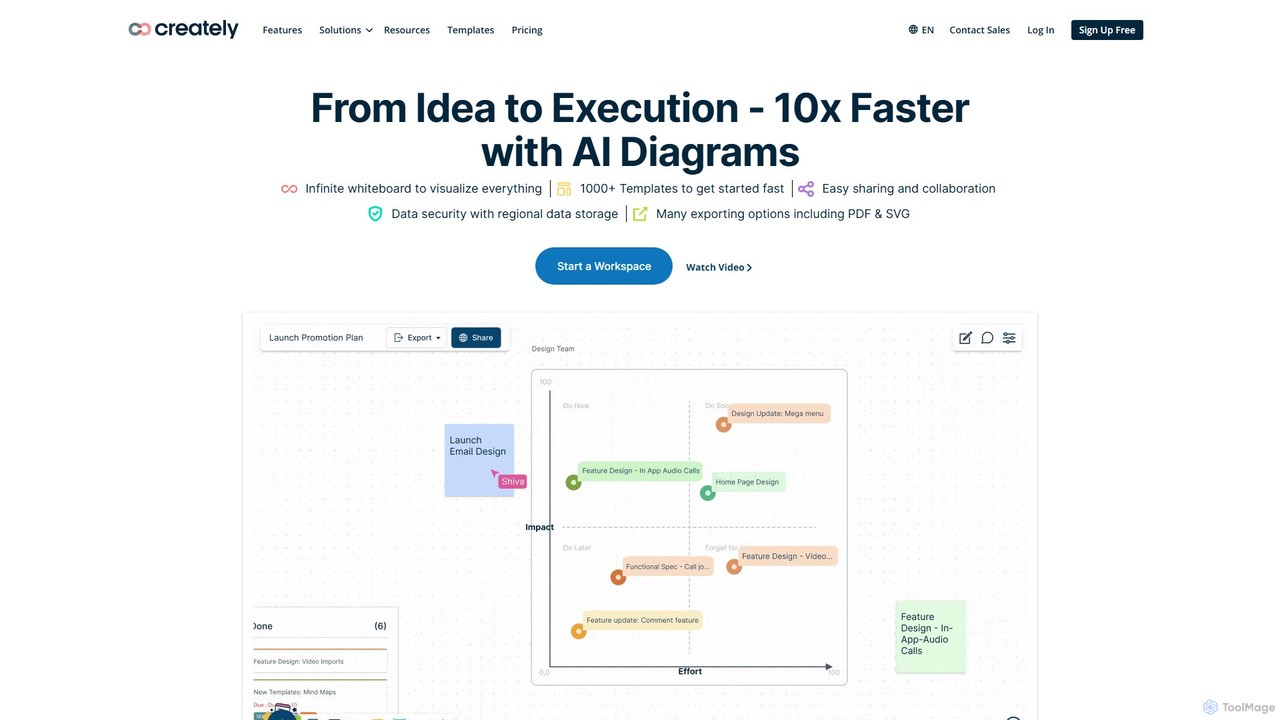
Creately
Creately is an AI-powered visual collaboration and work management platform. It combines intelligent diagramming, online whiteboarding, and data-driven project management on a single smart canvas, helping teams brainstorm, plan, and execute projects more effectively.
Planning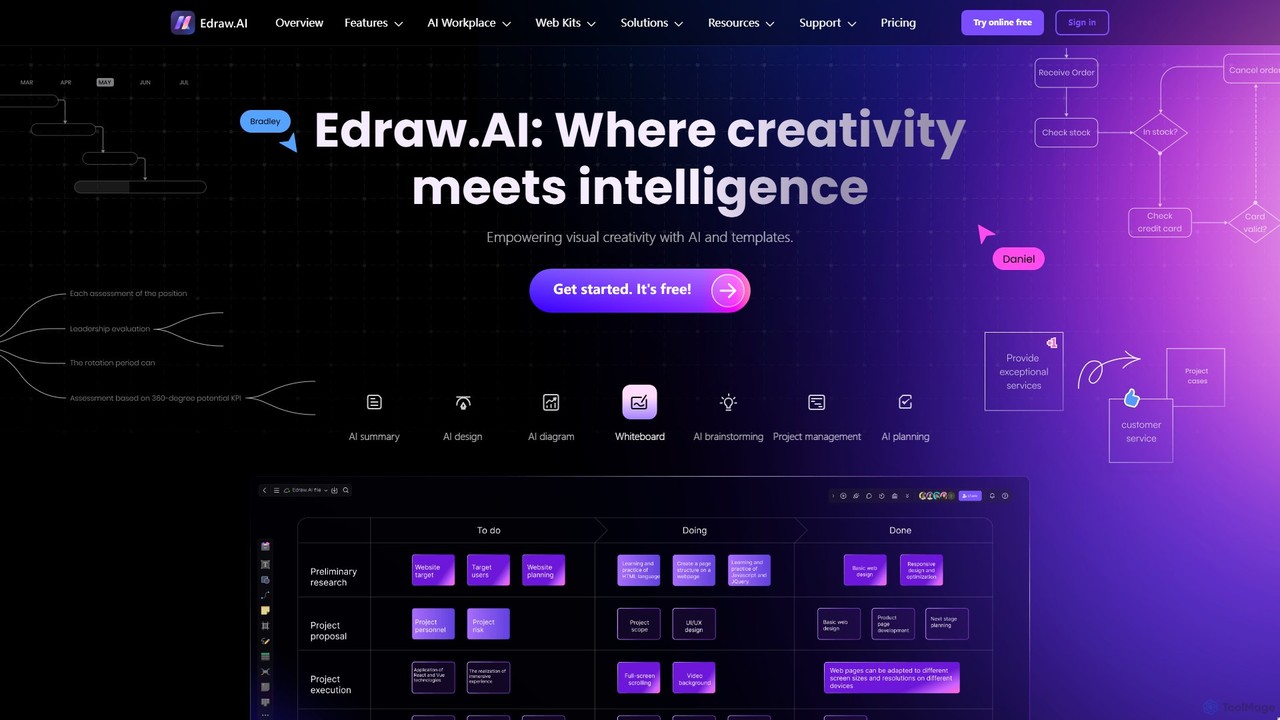
Edraw.AI
Edraw.AI is an AI-powered visual collaboration platform that enables users to create diagrams, mind maps, flowcharts, and other visuals with ease. It combines a user-friendly interface with powerful AI tools for generation, analysis, and design. Featuring real-time collaboration, an extensive library of templates and symbols, it's designed to boost productivity for teams in project management, IT, marketing, education, and more. Get started for free and transform your ideas into professional visuals.
Visualization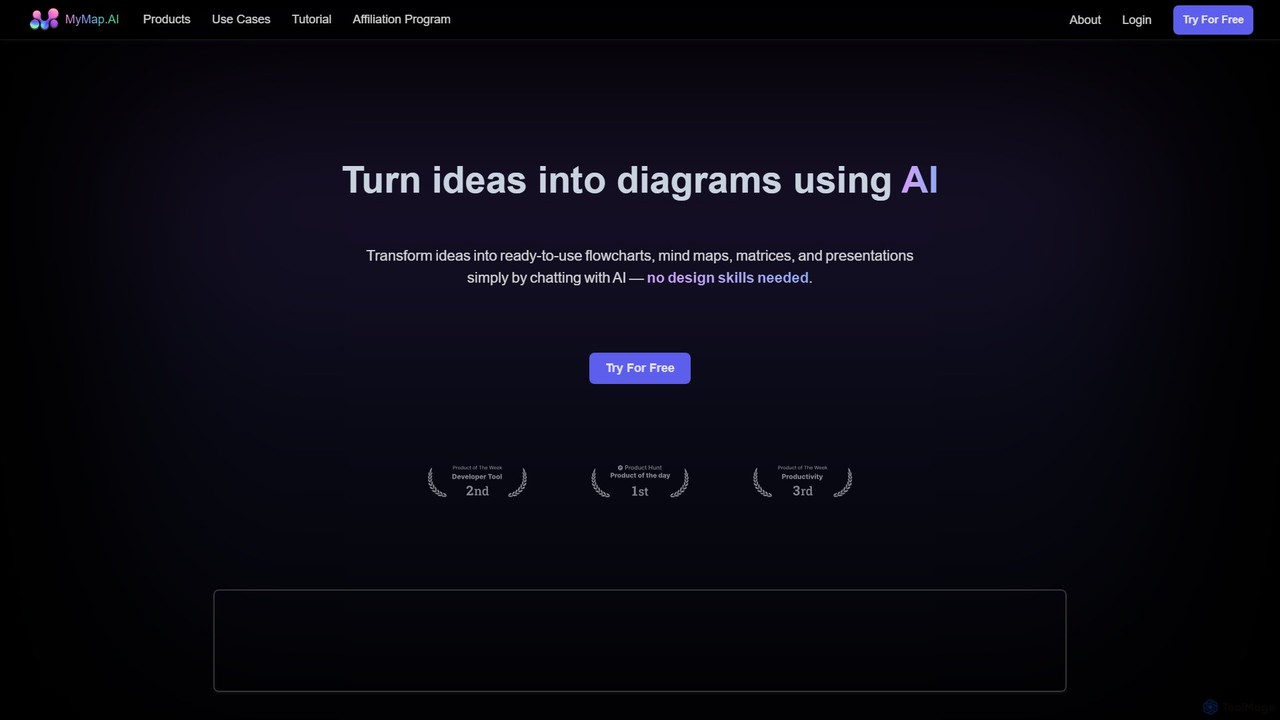
MyMap
MyMap is an AI-native diagramming tool that transforms text, files, and web content into visual formats like mind maps, flowcharts, and presentations. Simply chat with the AI to generate, edit, and collaborate on diagrams in real-time. It's designed for visual thinkers to quickly structure ideas, plan projects, and create engaging content without manual design work.
Planning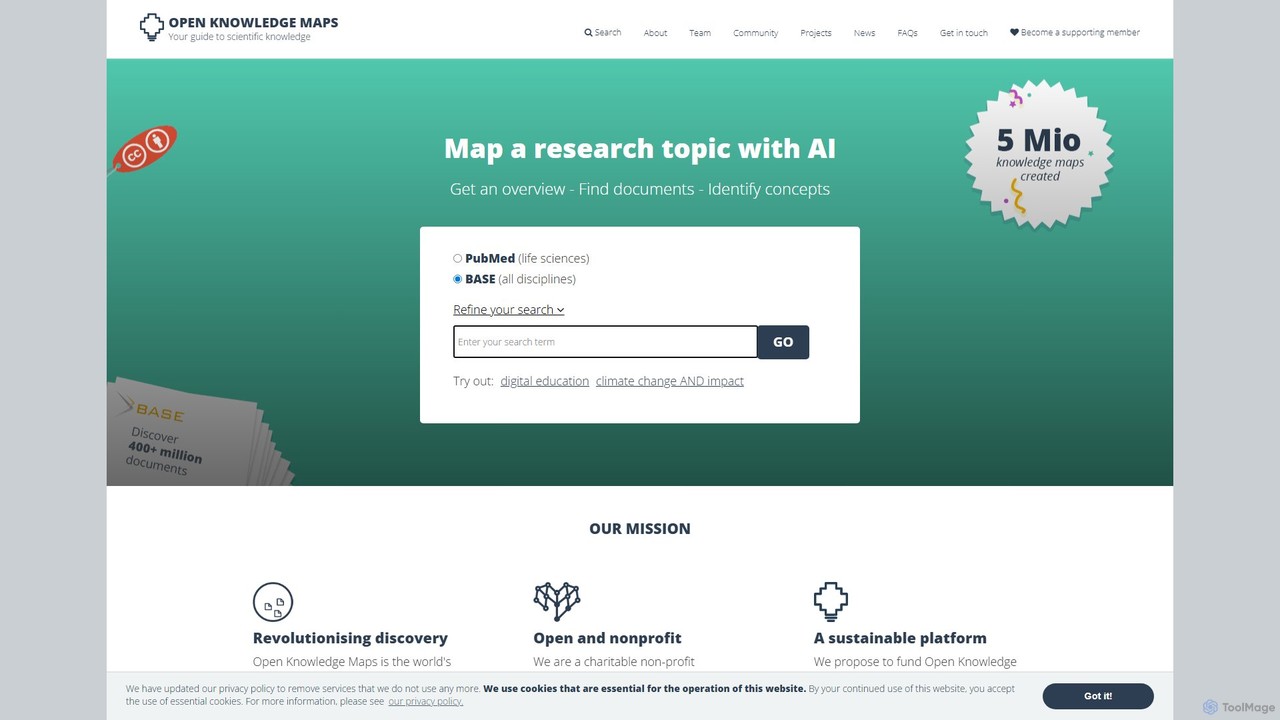
Open Knowledge Maps
Open Knowledge Maps is a non-profit AI-powered discovery platform that transforms research discovery. It creates visual knowledge maps from millions of research articles, providing an instant overview of a topic. Instead of linear search results, it clusters documents by topic, helping users quickly identify relevant concepts and papers, especially in interdisciplinary fields. It emphasizes open access content and offers services for individuals, libraries, and institutions to enhance research visibility and assessment.
Visualization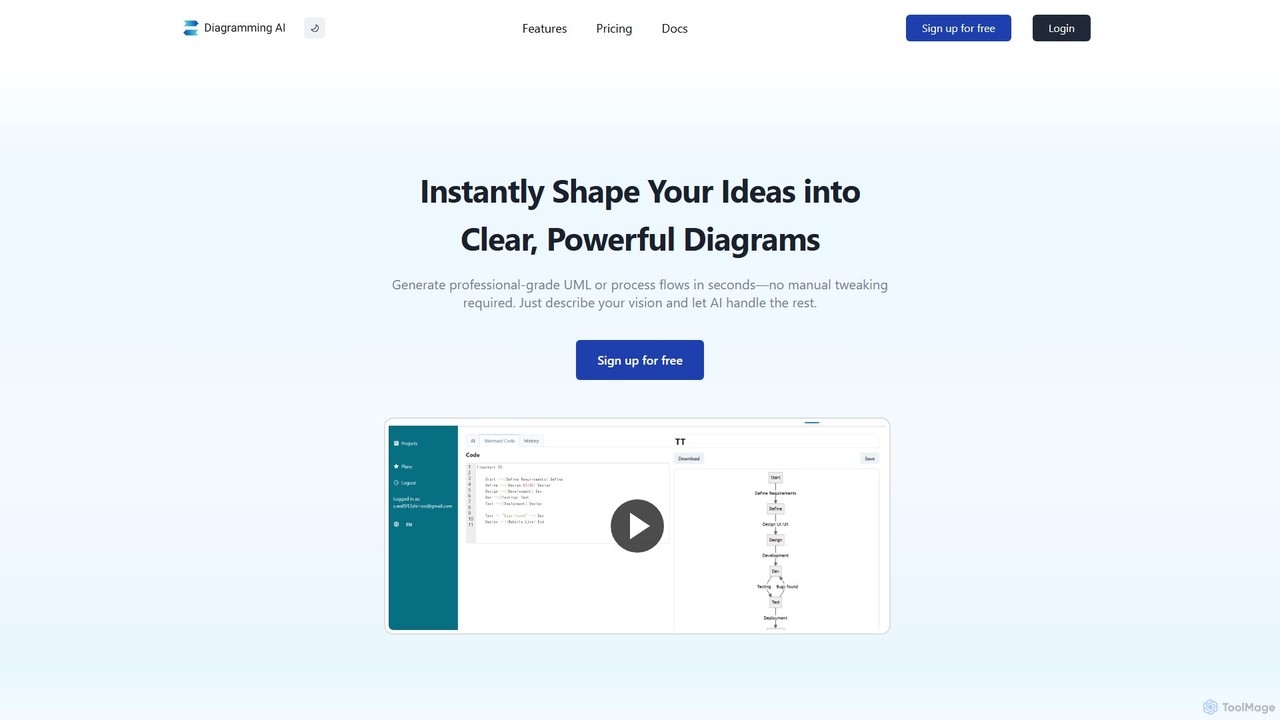
Diagramming AI
Diagramming AI is an advanced AI-powered platform that instantly generates and edits a wide range of diagrams from text, URLs, or images. It supports popular formats like Mermaid, PlantUML, and Graphviz, and features an intuitive AI chat for real-time modifications and a visual editor integration with Excalidraw for precise adjustments.
Visualization
aiflowchart Comments (0)
Sign in to comment.
Sign inNo comments yet.