
Docugram Overview
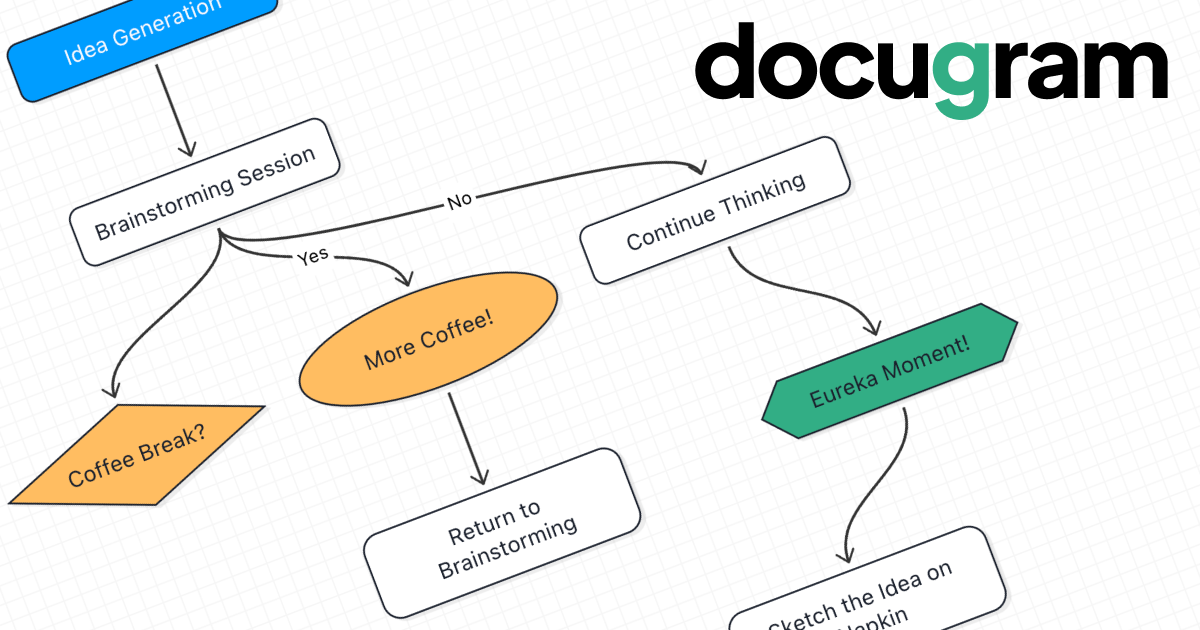
Docugram is an innovative AI-driven platform designed to revolutionize how professionals visualize information. It effortlessly converts any text-based document, including meeting notes, project plans, technical specifications, or simple prompts, into dynamic and interactive diagrams. This tool serves as a bridge between dense text and clear visual understanding, making it invaluable for project managers, developers, business analysts, and anyone looking to streamline their documentation and brainstorming processes. By automating the creation of flowcharts, decision trees, and process maps, Docugram saves significant time and effort, allowing users to focus on analysis and collaboration rather than manual diagramming.
The platform features a user-friendly interface that combines AI generation with a powerful manual editor. Users can start with an AI-generated diagram and then refine it to perfection. The editor supports drag-and-drop functionality, extensive customization of nodes (shape, color, size), and Markdown formatting for text, providing full control over the final output. With its intelligent auto-layout algorithms, creating a clean, organized, and professional-looking diagram is just a click away.
How to use Docugram
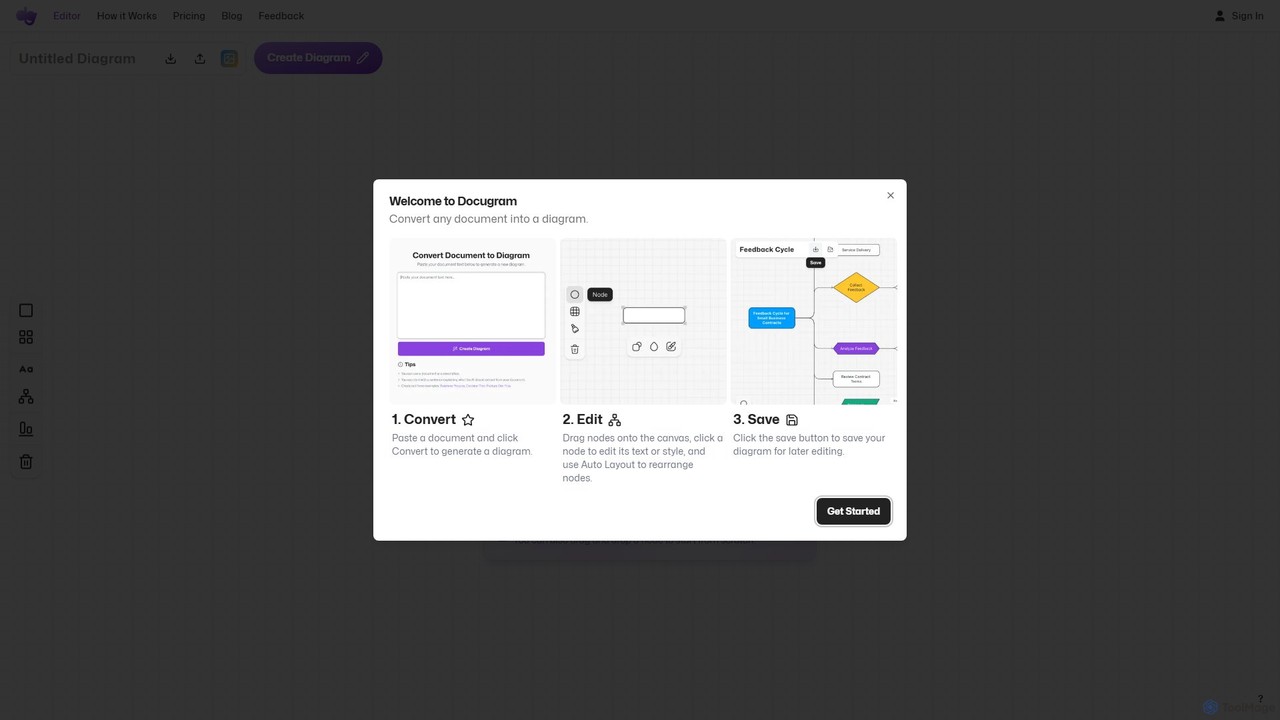
Using Docugram is a simple, three-step process designed for maximum efficiency:
- Convert: Begin by pasting your document content (such as meeting notes, a process outline, or a project plan) or a descriptive prompt (e.g., "create a diagram of our user onboarding flow") into the input field. Click the "Convert" button, and the AI will instantly generate a corresponding diagram.
- Edit: Once the diagram is generated, you can enter the editing mode. Drag new nodes or frames from the sidebar onto the canvas to expand your diagram. Click on any node to edit its text using Markdown for formatting. You can also customize the style, color, and size of each element. Use the powerful auto-layout options, including the "Tidy" button, to automatically align nodes and clean up the overall appearance.
- Save: Docugram prioritizes data control by allowing you to save your work locally. Name your project and click the save button to download the diagram file. This allows you to store your data on your own system or share it via services like Google Drive or Dropbox, ensuring you always have full ownership of your creations.
Core Features of Docugram
- AI Document-to-Diagram Conversion: Automatically generates flowcharts and diagrams from various text inputs, including documents, notes, and direct prompts.
- Intuitive Diagram Editor: A full-featured editor with drag-and-drop functionality, node and frame creation, and easy text editing with Markdown support.
- Advanced Customization: Offers options to change the shape, color, and size of diagram nodes to visually represent different types of information.
- Automatic Layout Algorithms: Intelligently arranges diagram elements for a clean and professional look, with a one-click "Tidy" feature for perfect alignment.
- Local Data Storage: Empowers users with full control over their data by enabling local saving and loading of diagram files.
- Unlimited Generations (Pro): The Pro plan removes all limits on the number of diagrams you can generate.
- Upcoming Pro Features: Future enhancements include diagram exporting in multiple formats (e.g., PNG, SVG), custom themes, and real-time collaboration for teams.
Use Cases for Docugram
Docugram is versatile and can be applied in numerous professional scenarios:
- Project Management: Convert Excel project plans or task lists into visual workflows and timelines.
- Business Process Mapping: Transform procedural documents or standard operating procedures (SOPs) into clear, easy-to-follow flowcharts.
- Software Development: Map out feature development flows, system architecture, or user journeys from technical documentation.
- Brainstorming and Ideation: Quickly turn scattered ideas and brainstorming notes into structured mind maps or concept diagrams.
- Meeting Summaries: Convert lengthy meeting minutes into concise decision trees or action-item flowcharts.
- Technical Documentation: Simplify complex technical concepts from PDFs or other documents into understandable diagrams for training and reference.
Advantages of Docugram
Docugram offers a distinct competitive edge by focusing on speed, simplicity, and user control. Its primary advantage is the immense time savings it provides by automating a traditionally manual and tedious task. The AI is incredibly fast and intuitive, allowing users to go from a dense document to a polished diagram in seconds. Furthermore, the freemium model makes it accessible to everyone, from students to seasoned professionals. By prioritizing local file saving, Docugram respects user data privacy and ownership, a crucial feature in today's cloud-centric world. The upcoming Pro features like real-time collaboration and exporting promise to make it an even more powerful tool for teams.
Pricing and Plans
Docugram offers a straightforward freemium pricing model:
- Starter Plan ($0/forever): Ideal for personal projects and occasional use. This plan includes 5 free document-to-diagram generations, unlimited access to the diagram editor, full customization options (shape, color, size), auto-layout algorithms, and local saving/loading of files.
- Pro Plan ($3/month): Designed for professionals and teams who need more power and features. This plan includes everything in the Starter plan, plus unlimited document-to-diagram generations and priority support. It will also grant early access to upcoming features like diagram exporting, custom templates and themes, and real-time collaboration.
Traffic
Latest traffic
Status
Monthly traffic trend
- 2025-9: 3.7K
- 2026-1: 2.3K
- 2026-2: 2.9K
- 2026-3: 3.0K
- 2026-4: 2.0K
- 2026-5: 3.0K
Geography
Top 5 countries / regions
- 🇺🇸United States59.4%
- 🇷🇺Russia40.6%
Top keywords
| Keyword | Cost per click |
|---|---|
| ai flowchart | $1.92 |
| flowchart generator | $2.63 |
| free ai flowchart generator | $0.00 |
| how do u upload a pdf on flowchart | $0.00 |
| скачать доксграмм на пк | $0.00 |
Docugram Alternatives
aiflowchart
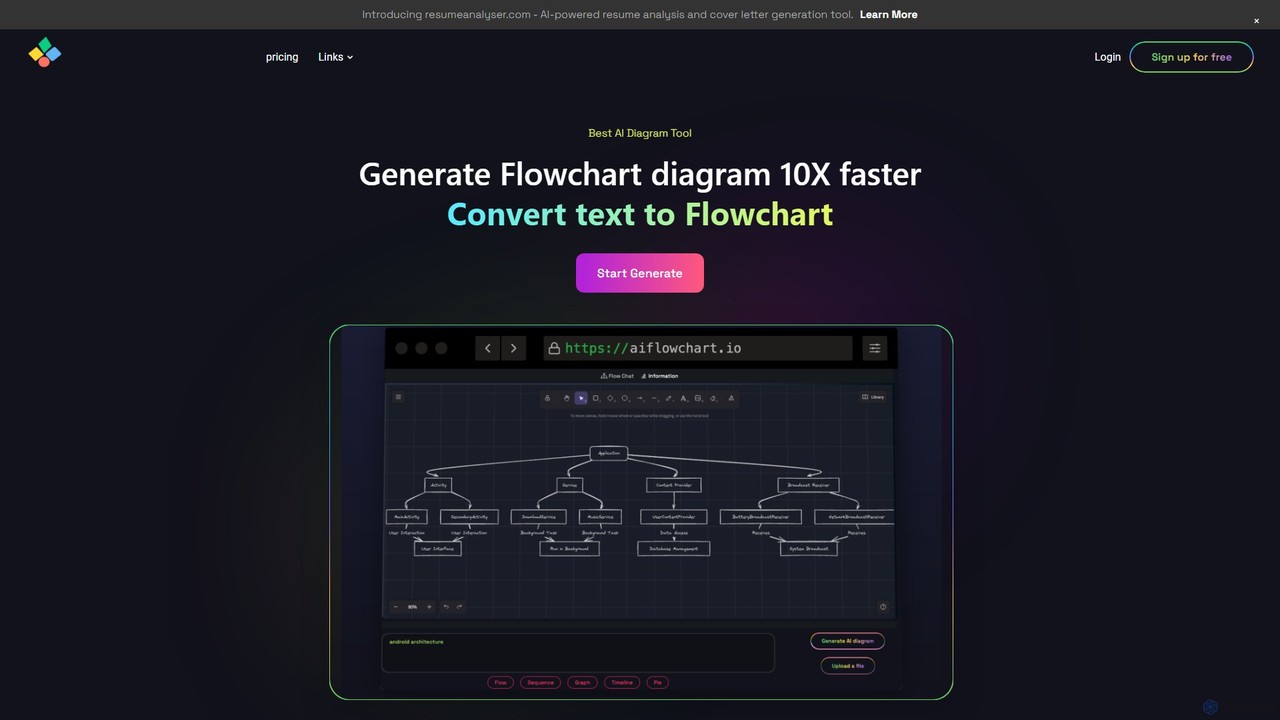
An AI-powered diagramming tool that automatically generates flowcharts, sequence diagrams, pie charts, and more from text, PDFs, or blog content. It leverages models like GPT-4o to create unique, customizable diagrams with explanations, saving users significant time and effort.
Visualization
Lucidchart
Lucidchart is an intelligent diagramming and visual collaboration platform that uses AI, data automation, and real-time teamwork to help users visualize complex systems, processes, and ideas. It enables teams to create professional flowcharts, org charts, network diagrams, and more, fostering clarity and driving innovation.
Project Management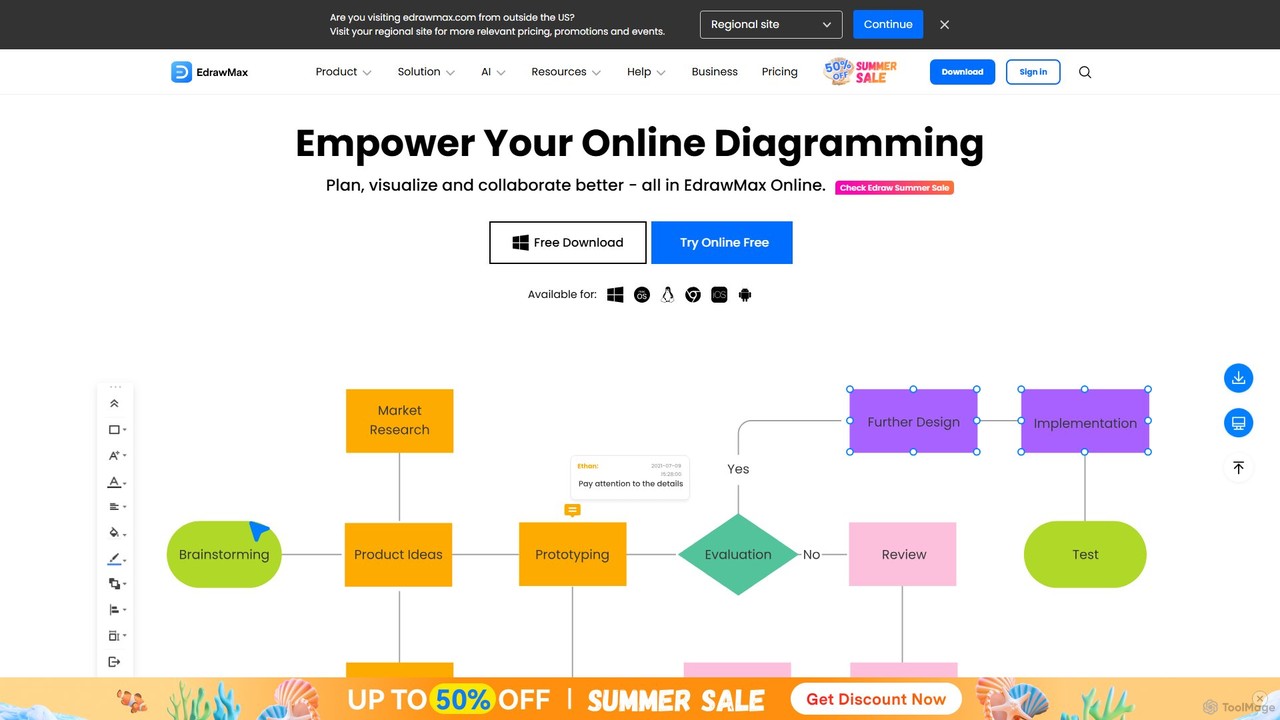
EdrawMax
EdrawMax is an all-in-one, AI-powered diagramming tool for creating over 210 types of diagrams, from flowcharts to floor plans. It combines intuitive drag-and-drop functionality with advanced AI features like one-click diagram generation, content analysis, and OCR. Ideal for teams and individuals, it facilitates real-time collaboration, offers extensive templates, and serves as a powerful Visio alternative for visualizing ideas and workflows.
Project Management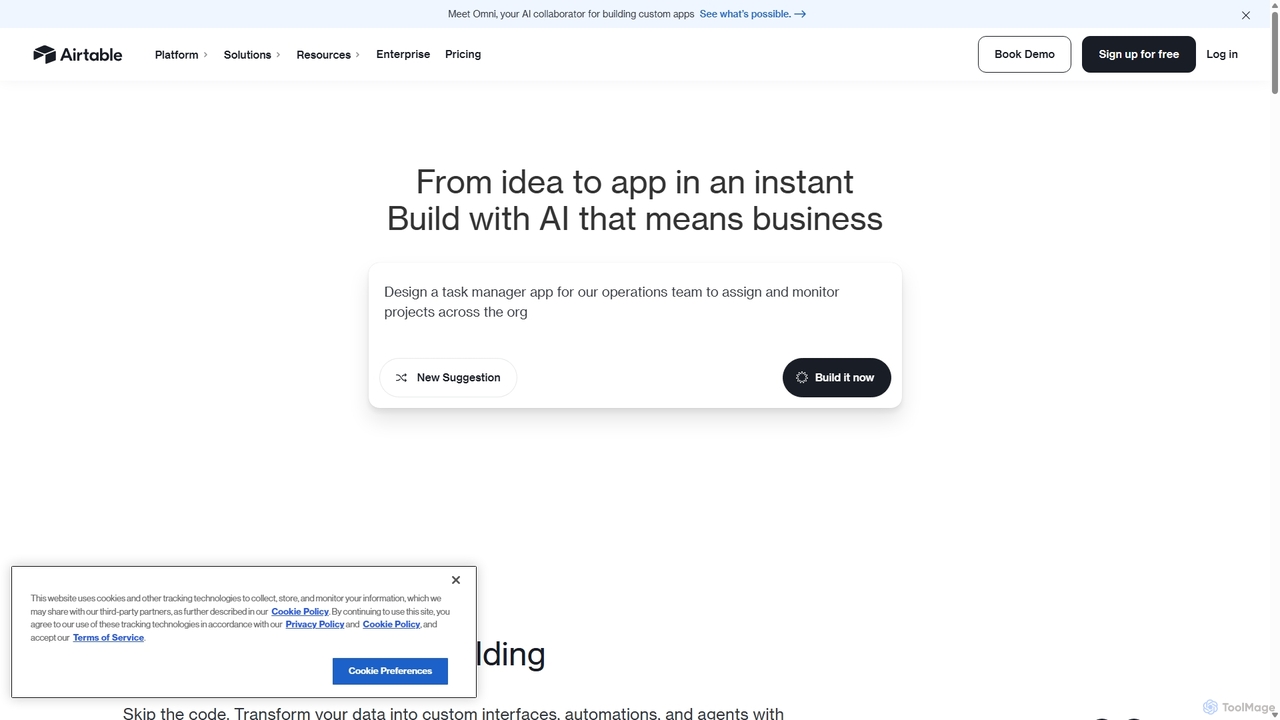
Airtable
Airtable is an AI-native app building platform for enterprises, combining the flexibility of a spreadsheet with the power of a database. It enables teams to create custom applications, automate complex workflows, and deploy intelligent AI agents without writing code, transforming critical data into actionable insights and streamlined operations.
Project Management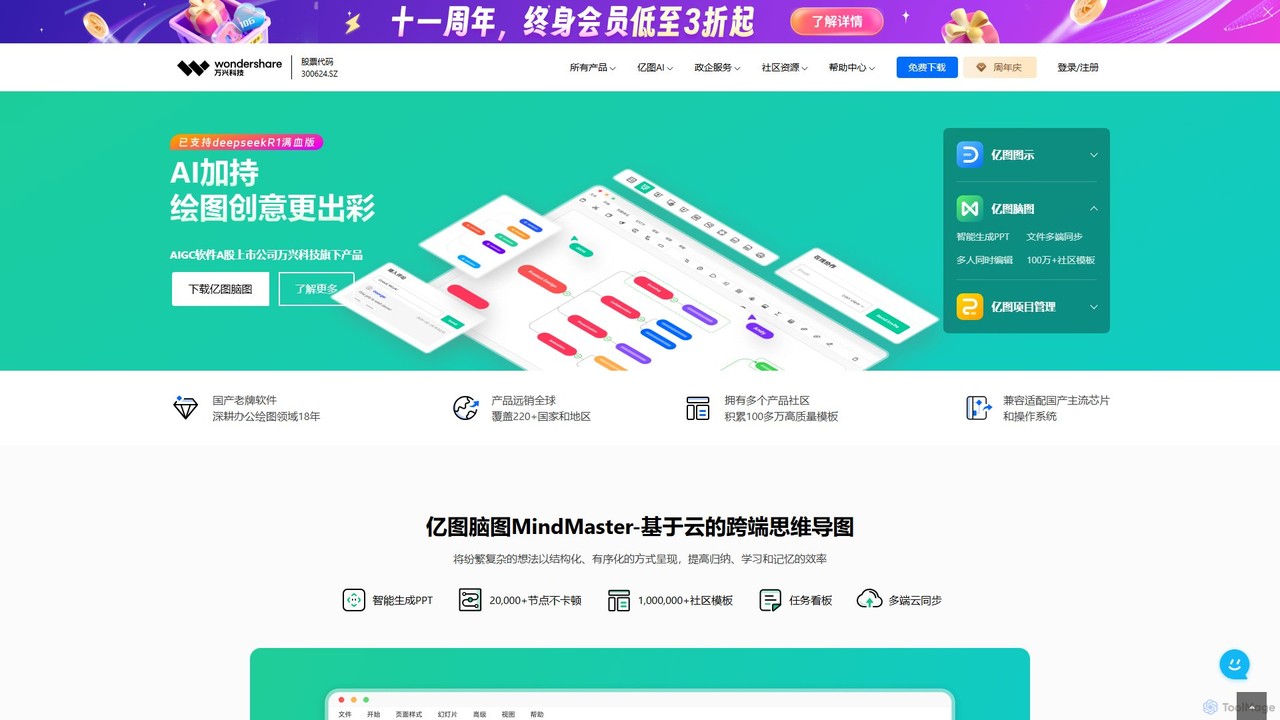
Edrawsoft
Edrawsoft is a comprehensive suite of AI-powered visual tools for diagramming, mind mapping, and project management. It includes EdrawMax for all-in-one diagram creation, EdrawMind for brainstorming, and EdrawProj for Gantt charts. With AI assistance, users can automatically generate flowcharts, org charts, and more from text, beautify designs with a single click, and collaborate seamlessly across platforms. It's a powerful Visio alternative for individuals, teams, and enterprises.
Project ManagementDocugram Categories
Docugram Embed Widget
Copy this embed code to place the badge on your blog, article, or product site and send readers directly to this ToolMage detail page.

Related AI tools
aiflowchart
An AI-powered diagramming tool that automatically generates flowcharts, sequence diagrams, pie charts, and more from text, PDFs, or blog content. It leverages models like GPT-4o to create unique, customizable diagrams with explanations, saving users significant time and effort.
Visualization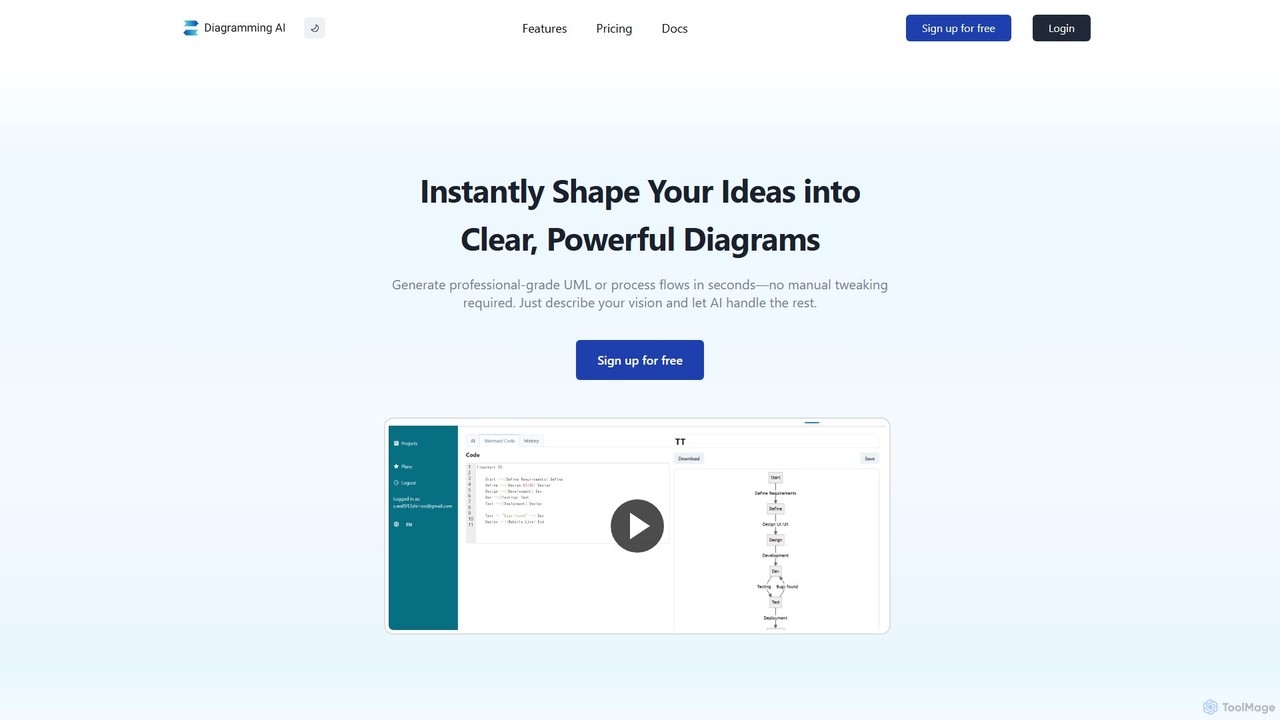
Diagramming AI
Diagramming AI is an advanced AI-powered platform that instantly generates and edits a wide range of diagrams from text, URLs, or images. It supports popular formats like Mermaid, PlantUML, and Graphviz, and features an intuitive AI chat for real-time modifications and a visual editor integration with Excalidraw for precise adjustments.
VisualizationLucidchart
Lucidchart is an intelligent diagramming and visual collaboration platform that uses AI, data automation, and real-time teamwork to help users visualize complex systems, processes, and ideas. It enables teams to create professional flowcharts, org charts, network diagrams, and more, fostering clarity and driving innovation.
Project ManagementEdrawMax
EdrawMax is an all-in-one, AI-powered diagramming tool for creating over 210 types of diagrams, from flowcharts to floor plans. It combines intuitive drag-and-drop functionality with advanced AI features like one-click diagram generation, content analysis, and OCR. Ideal for teams and individuals, it facilitates real-time collaboration, offers extensive templates, and serves as a powerful Visio alternative for visualizing ideas and workflows.
Project Management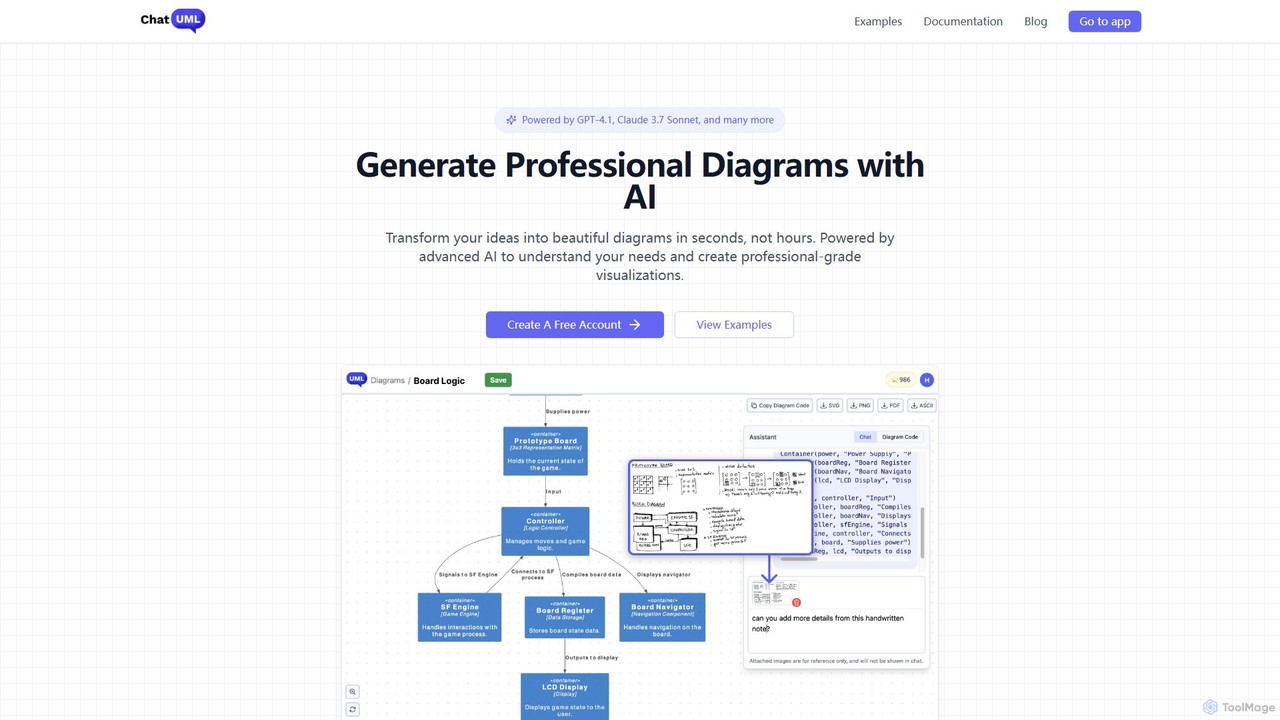
ChatUML
ChatUML is an AI-powered diagram generator that transforms text descriptions, hand-drawn sketches, and even website content into professional diagrams in seconds. Leveraging models like GPT-4.1 and Claude 3, it supports various formats including UML, C4 architecture, mind maps, and more, streamlining the visualization process for developers, project managers, and creative teams.
Planning
splotch
splotch is an AI-powered diagramming tool that automatically converts written text, processes, and workflows into clear, editable flowcharts and diagrams. It features a unique two-way sync, ensuring your text and visuals are always aligned, streamlining communication and process documentation.
Process Management
DiagramGPT
DiagramGPT is an AI-powered tool that transforms natural language text prompts into various diagrams. By leveraging GPT technology and Mermaid syntax, it allows users to effortlessly generate flowcharts, sequence diagrams, and more, simply by describing what they want to visualize. It's an ideal solution for developers, project managers, and students who need to create professional diagrams quickly without manual drawing.
Process ManagementAirtable
Airtable is an AI-native app building platform for enterprises, combining the flexibility of a spreadsheet with the power of a database. It enables teams to create custom applications, automate complex workflows, and deploy intelligent AI agents without writing code, transforming critical data into actionable insights and streamlined operations.
Project ManagementEdrawsoft
Edrawsoft is a comprehensive suite of AI-powered visual tools for diagramming, mind mapping, and project management. It includes EdrawMax for all-in-one diagram creation, EdrawMind for brainstorming, and EdrawProj for Gantt charts. With AI assistance, users can automatically generate flowcharts, org charts, and more from text, beautify designs with a single click, and collaborate seamlessly across platforms. It's a powerful Visio alternative for individuals, teams, and enterprises.
Project Management
Jyek
Jyek is an AI agent platform that understands objectives, creates execution plans, uses tools, and delivers verifiable results for complex, multi-step tasks.
Automation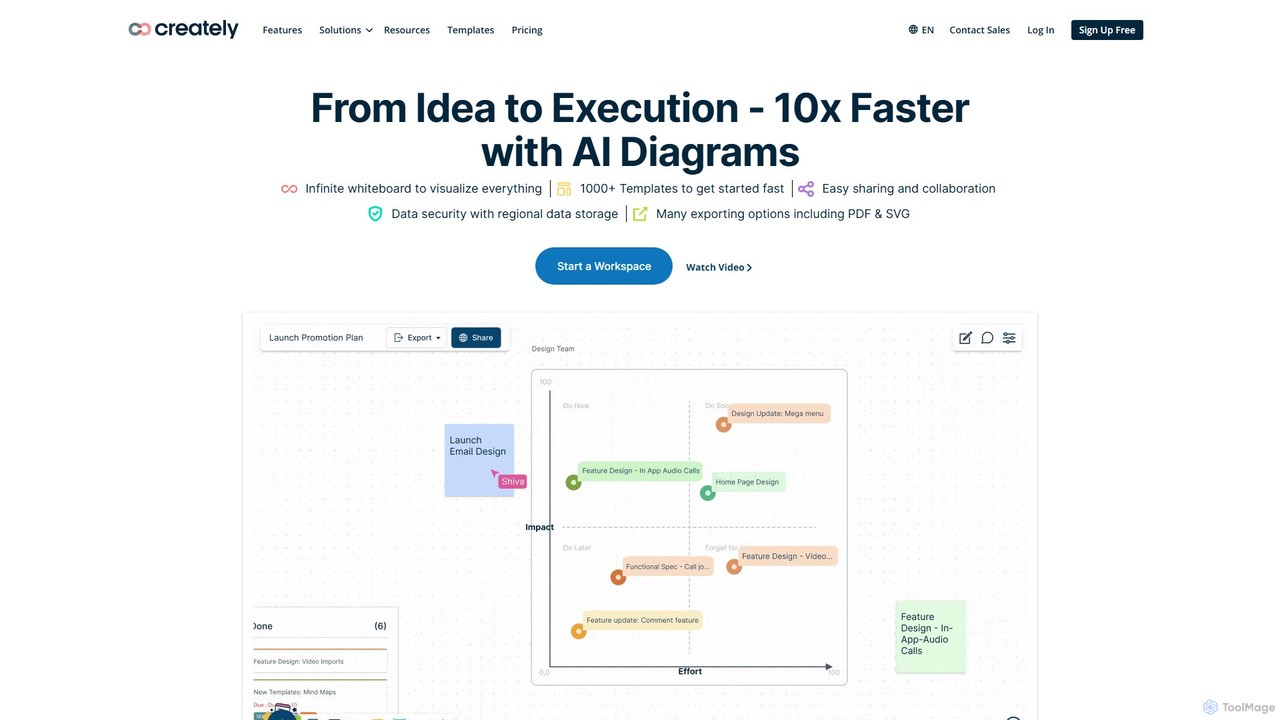
Creately
Creately is an AI-powered visual collaboration and work management platform. It combines intelligent diagramming, online whiteboarding, and data-driven project management on a single smart canvas, helping teams brainstorm, plan, and execute projects more effectively.
Planning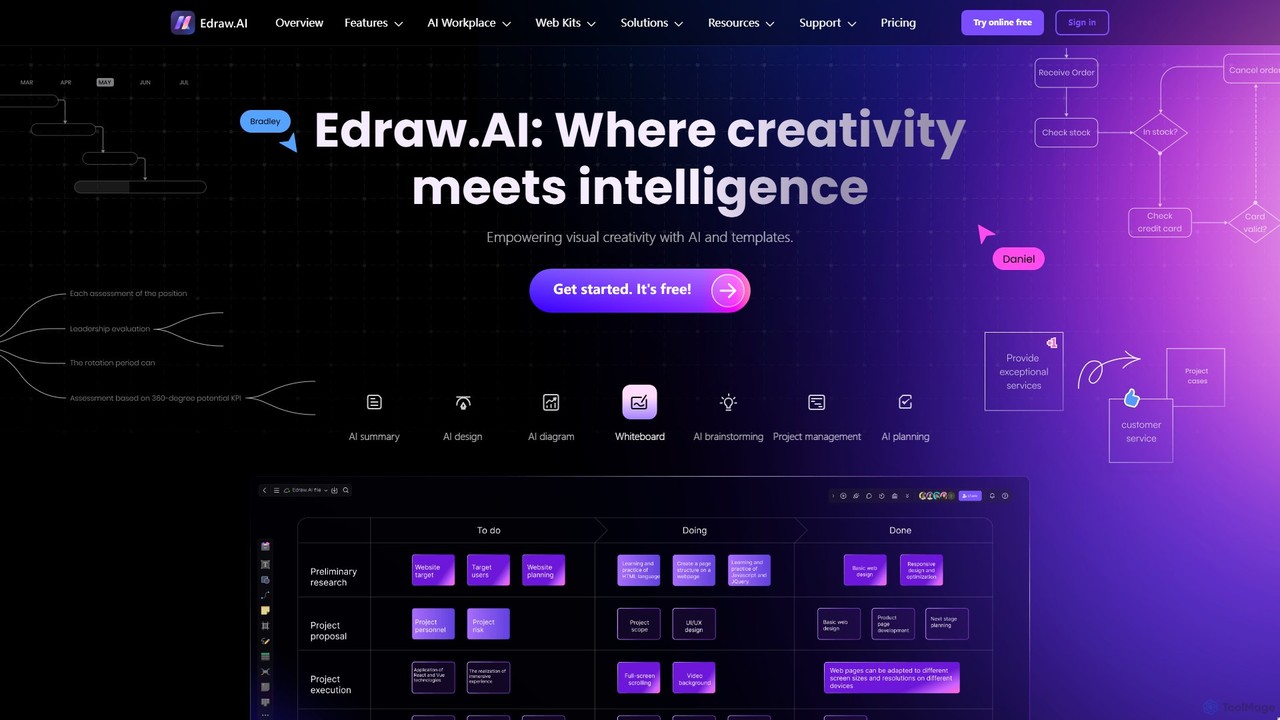
Edraw.AI
Edraw.AI is an AI-powered visual collaboration platform that enables users to create diagrams, mind maps, flowcharts, and other visuals with ease. It combines a user-friendly interface with powerful AI tools for generation, analysis, and design. Featuring real-time collaboration, an extensive library of templates and symbols, it's designed to boost productivity for teams in project management, IT, marketing, education, and more. Get started for free and transform your ideas into professional visuals.
Visualization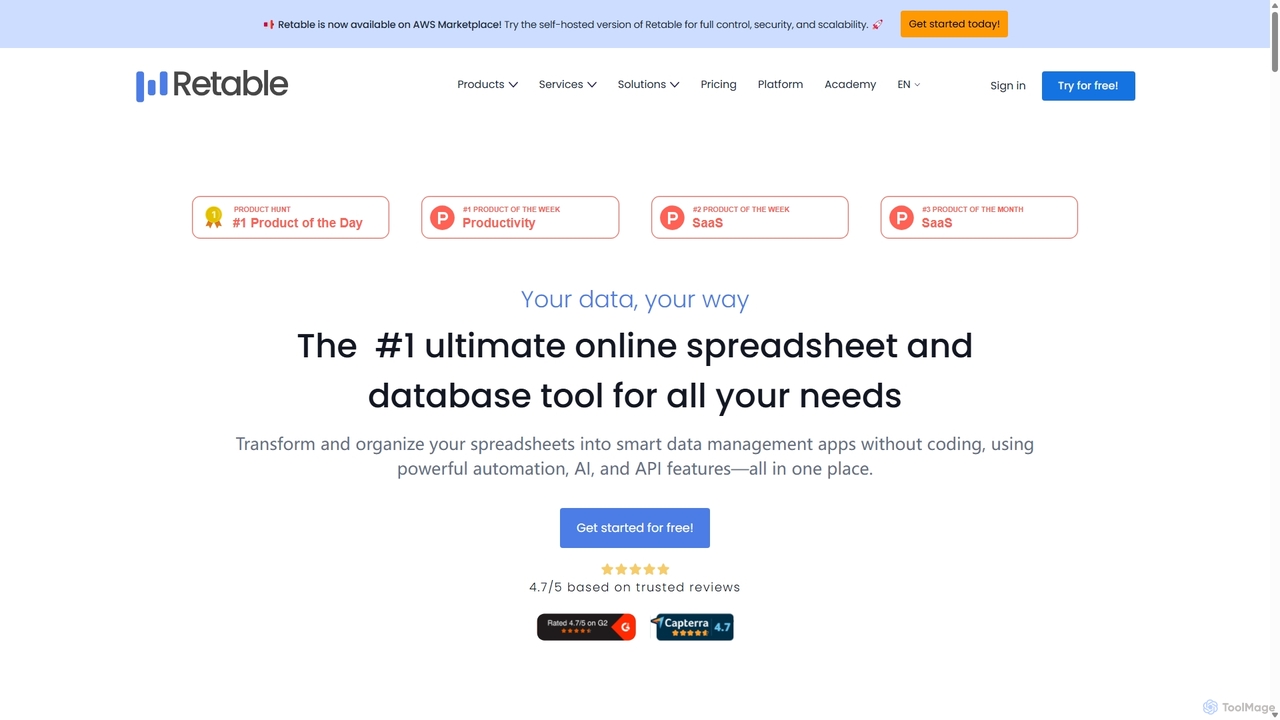
Retable
Retable is a powerful no-code online spreadsheet and database solution. It transforms your data into smart, collaborative applications with features like AI integration, multiple data views, and workflow automation, making it an ideal Airtable alternative for teams of all sizes.
Project Management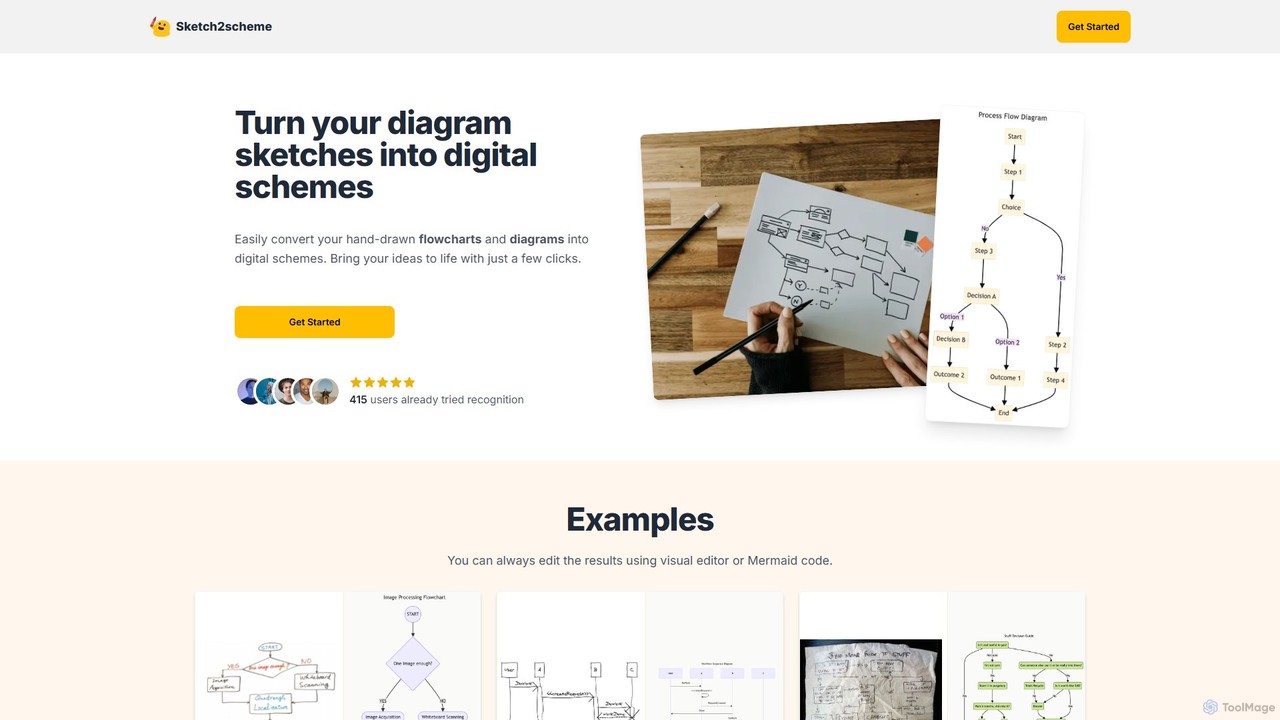
Sketch2scheme
Sketch2scheme is an AI-powered tool that effortlessly converts your hand-drawn diagram sketches into polished, editable digital schemes. Simply upload a picture of your flowchart or diagram, and the AI will recognize nodes, connections, and text, transforming your analog ideas into digital assets in seconds. It's perfect for developers, project managers, and students who want to bridge the gap between paper brainstorming and digital implementation.
Prototyping
MindmapAI
MindmapAI is an advanced AI-powered platform that transforms ideas, PDFs, YouTube videos, and web URLs into structured, visual mind maps. It automates information analysis and organization, enabling users to quickly grasp complex topics, brainstorm effectively, and collaborate with teams in real-time. Ideal for students, professionals, and creators looking to enhance productivity and clarity.
Project Management
Docugram Comments (0)
Sign in to comment.
Sign inNo comments yet.