


ai_flowchart Overview
ai_flowchart is a leading AI-powered solution designed to revolutionize the way professionals create diagrams. It instantly transforms your ideas, described in natural language, into professional and beautiful flowcharts. By harnessing advanced Natural Language Processing (NLP), the tool understands context and relationships within your text, making it the perfect instrument for developers, managers, and business analysts who need to create clear diagrams in seconds. The platform is built upon a powerful engine, likely leveraging technologies like the Mermaid Live Editor, which allows for real-time generation and customization of diagrams from text-based inputs.
How to use ai_flowchart
Creating a diagram with ai_flowchart is a simple and intuitive three-step process:
- Describe Your Process: Start by typing a description of your workflow or process in plain, natural language. For example, you could write, "A user visits the homepage. The user clicks the login button. If the login is successful, they are redirected to the dashboard. If it fails, an error message is displayed." The AI is designed to understand your intent and the logical flow.
- AI Generates Flowchart: Once you've provided the description, the advanced AI engine instantly processes your text and generates a professionally structured and visually coherent flowchart. It automatically arranges shapes, lines, and text to represent the process you described.
- Customize & Share: After the initial generation, you have full control to fine-tune the diagram. You can customize colors, shapes, text styles, and the overall layout to match your specific needs or brand guidelines. Once you are satisfied, you can export the flowchart in various formats (such as PNG, SVG, or PDF) and share it with your team for collaboration or presentations.
Core Features of ai_flowchart
- Natural Language to Flowchart Conversion: The core functionality allows users to generate complex diagrams simply by describing them in text.
- Advanced AI Context Understanding: The AI doesn't just map keywords; it understands the logical relationships and context between different steps of a process.
- Real-time Editing and Generation: The live editor interface provides instant visual feedback, transforming your text into a diagram as you type.
- Full Customization Suite: Offers extensive options to modify the appearance of your flowcharts, including colors, shapes, fonts, and layouts.
- Easy Collaboration: Share your diagrams with team members via a link, allowing for real-time feedback and collaborative editing.
- Multiple Export Formats: Supports exporting diagrams to high-quality formats like PNG, SVG, and PDF, suitable for documentation, presentations, and web embedding.
Use Cases for ai_flowchart
ai_flowchart is a versatile tool suitable for various professional scenarios:
- Software Development: Developers and architects can create detailed flowcharts for software architecture, system processes, and user flows. It's perfect for documenting complex systems and explaining workflows to stakeholders.
- Business Process Mapping: Business analysts can use it to document, analyze, and optimize business processes. It's ideal for creating training materials and driving process improvement initiatives.
- Project Management: Project managers can plan and visualize project workflows, timelines, and dependencies, making it easier to communicate project stages to team members and stakeholders.
- Educational Content: Educators and trainers can create clear, easy-to-understand diagrams to explain complex concepts and processes to students visually.
Advantages of ai_flowchart
The primary advantage of ai_flowchart is its incredible speed and efficiency. What used to take hours of manual work in traditional diagramming tools can now be accomplished in minutes. Its intuitive, language-based interface makes it accessible to everyone, regardless of their technical skills—no need to learn complex software or drag-and-drop mechanics. This leads to clearer communication within teams, as complex ideas are easily translated into universally understood visual formats. The final output is consistently professional, structured, and aesthetically pleasing.
Pricing and Plans
ai_flowchart operates on a freemium model. A free plan is available, allowing users to experience the core AI flowchart generation capabilities. This plan is ideal for individual use, students, or small projects, though it may have limitations on the number of diagrams, advanced features, or export options. For professionals and teams requiring unlimited diagrams, advanced customization, priority support, and enhanced collaboration features, ai_flowchart offers various paid subscription plans. For the most up-to-date pricing information, please visit the official website.
ai_flowchart Alternatives
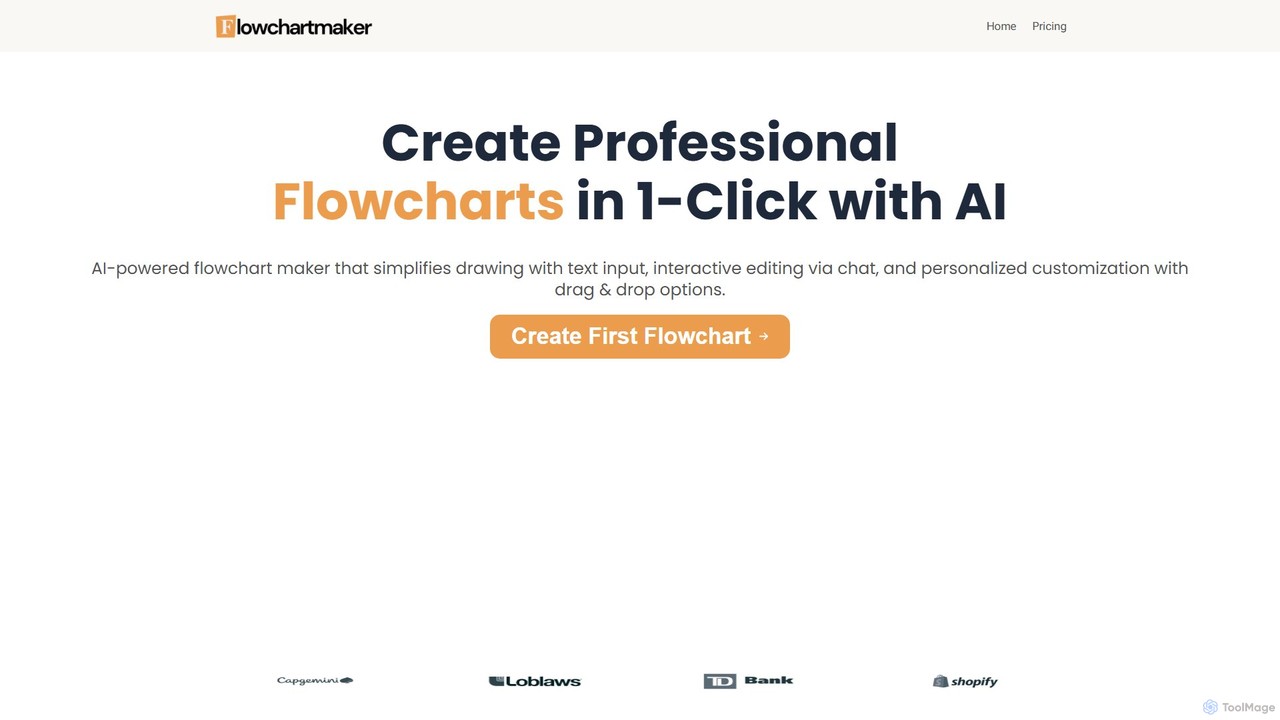
Flowchartmaker
An AI-powered tool that instantly creates professional flowcharts from simple text descriptions. It features interactive editing via a chat interface and full customization with drag-and-drop options, streamlining the process of visualizing workflows and ideas.
Process Management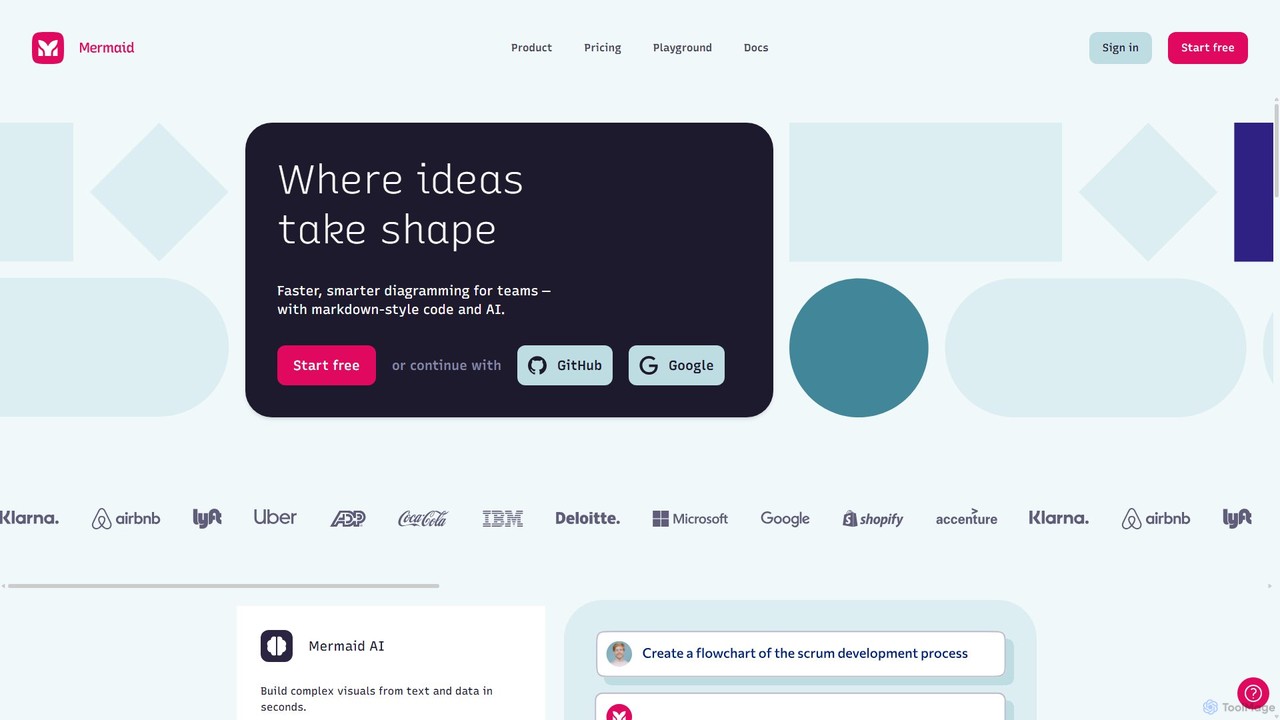
Mermaid Chart
Mermaid Chart is an AI-powered diagramming tool that enables teams to create complex visuals like flowcharts, sequence diagrams, and mind maps using markdown-style code, natural language prompts, or a visual editor. It's designed for faster, smarter diagramming and seamless collaboration.
Code Generation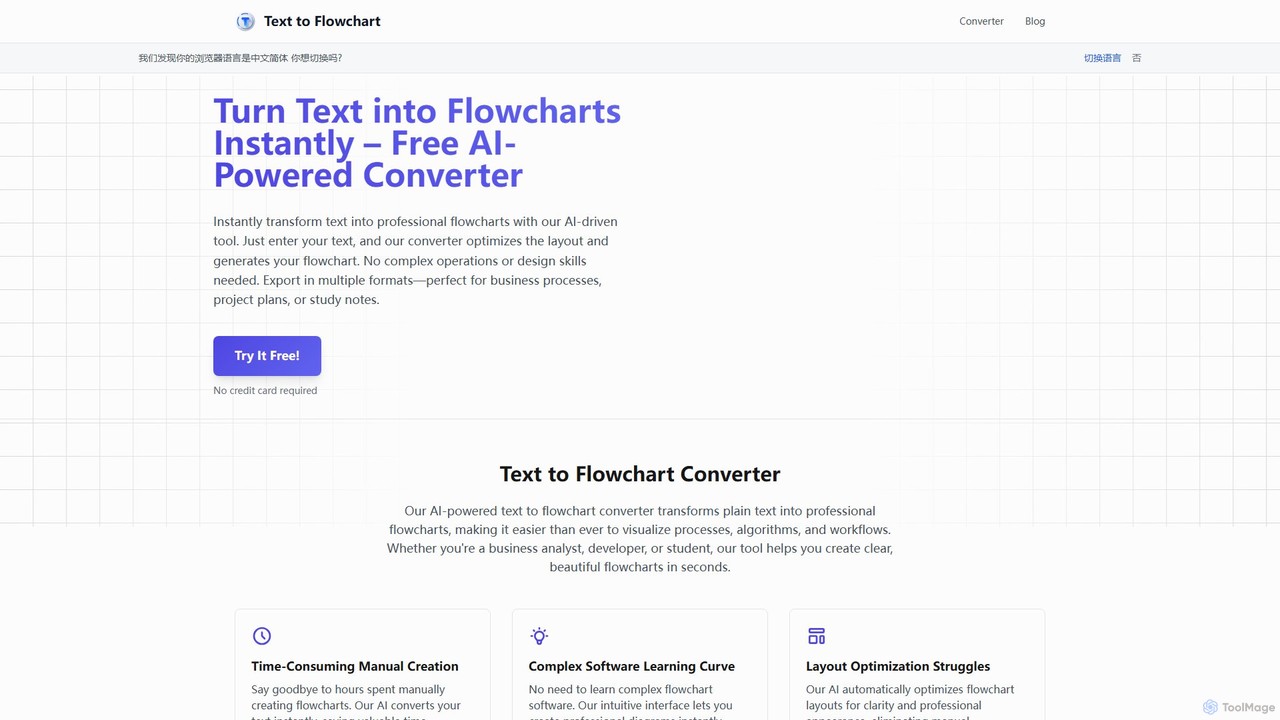
Text to Flowchart
An AI-powered tool that instantly transforms plain text descriptions into professional, well-structured flowcharts and diagrams. Ideal for developers, business analysts, and students, it simplifies the visualization of processes, algorithms, and workflows without requiring design skills.
Process Management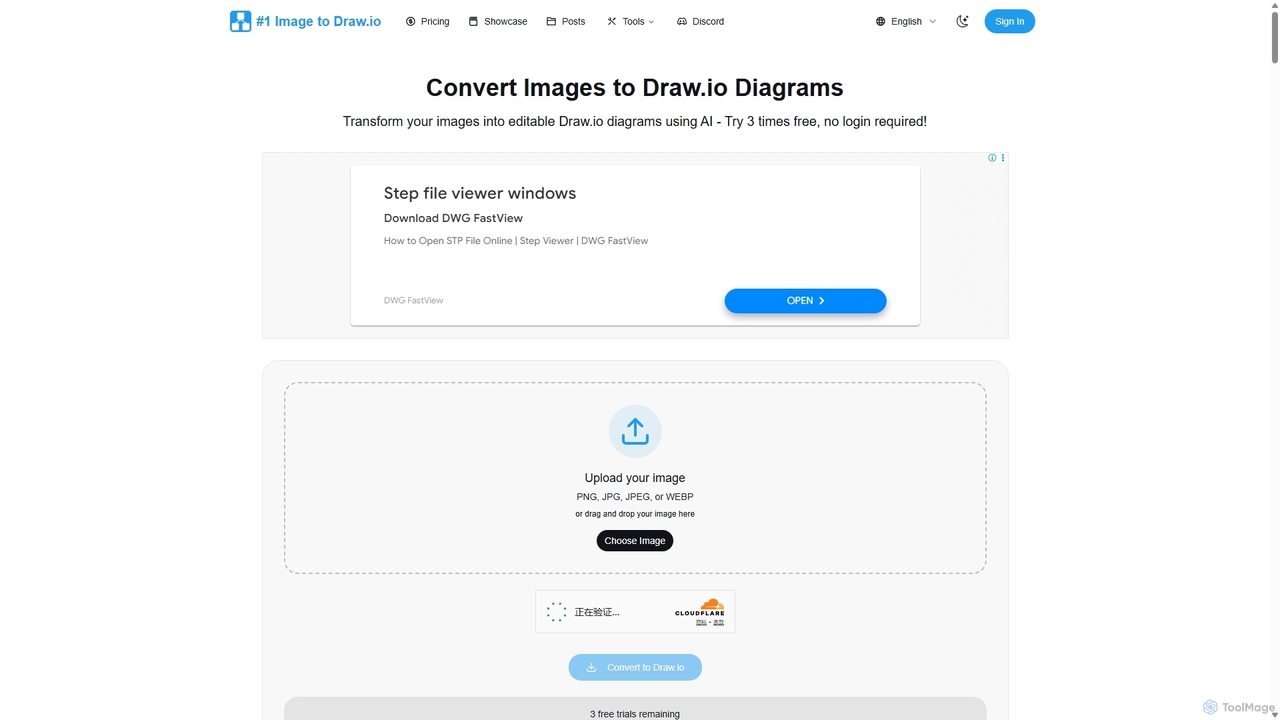
Imagetodrawio
An AI-powered tool that converts images of diagrams, such as screenshots, photos, and hand-drawn sketches, into fully editable Draw.io files. It helps users recover lost source files, digitize whiteboard sessions, and modernize legacy documentation in minutes, preserving shapes, text, and connections with high accuracy.
Automation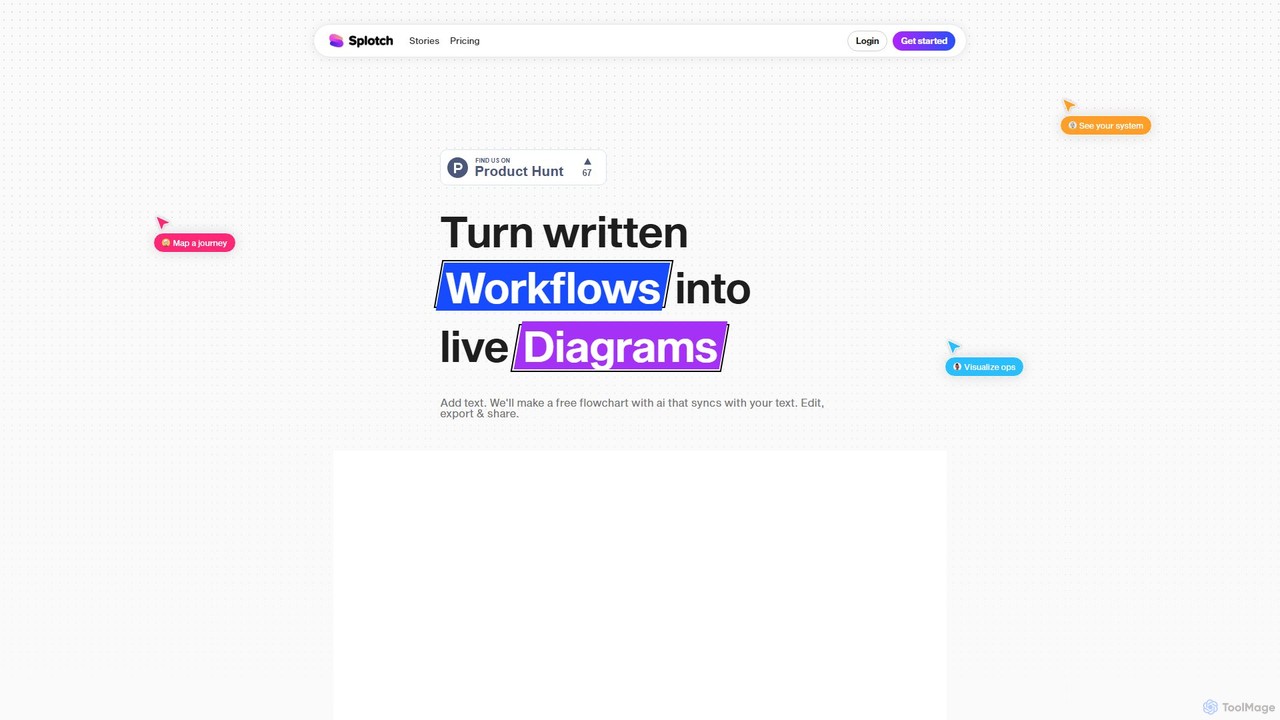
splotch
splotch is an AI-powered diagramming tool that automatically converts written text, processes, and workflows into clear, editable flowcharts and diagrams. It features a unique two-way sync, ensuring your text and visuals are always aligned, streamlining communication and process documentation.
Process Managementai_flowchart Categories
ai_flowchart Embed Widget
Copy this embed code to place the badge on your blog, article, or product site and send readers directly to this ToolMage detail page.

Related AI tools
Flowchartmaker
An AI-powered tool that instantly creates professional flowcharts from simple text descriptions. It features interactive editing via a chat interface and full customization with drag-and-drop options, streamlining the process of visualizing workflows and ideas.
Process Management
snapdiagram
SnapDiagram is an AI-powered tool that instantly transforms text descriptions into professional diagrams. Generate flowcharts, sequence diagrams, UML models, mind maps, and more with simple natural language prompts. It's designed to accelerate workflows for developers, business analysts, and project managers by automating the diagramming process.
Workflow Management
Jyek
Jyek is an AI agent platform that understands objectives, creates execution plans, uses tools, and delivers verifiable results for complex, multi-step tasks.
Automation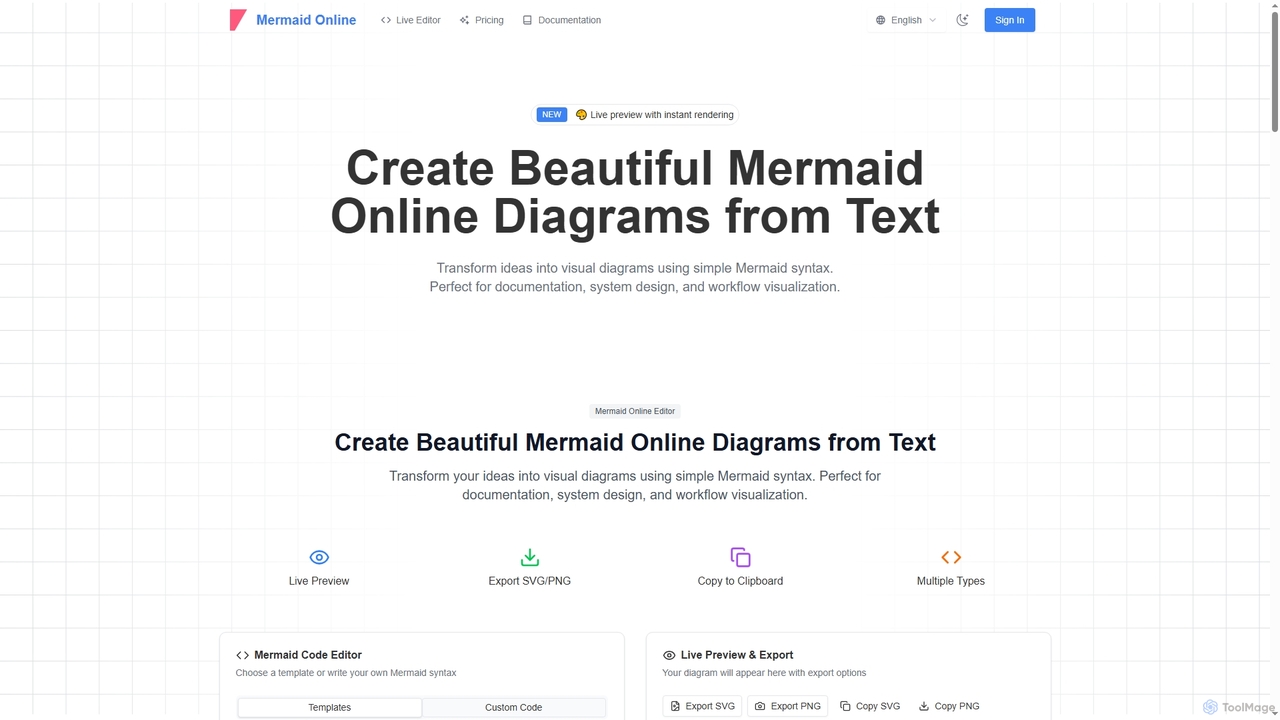
Mermaid Online
Mermaid Online is an advanced web-based editor and AI-powered diagram generator that transforms text descriptions and Mermaid syntax into professional visual diagrams. It supports various diagram types, offers real-time preview, and flexible export options, streamlining documentation and system design workflows for individuals and teams.
Text To DiagramMermaid Chart
Mermaid Chart is an AI-powered diagramming tool that enables teams to create complex visuals like flowcharts, sequence diagrams, and mind maps using markdown-style code, natural language prompts, or a visual editor. It's designed for faster, smarter diagramming and seamless collaboration.
Code Generation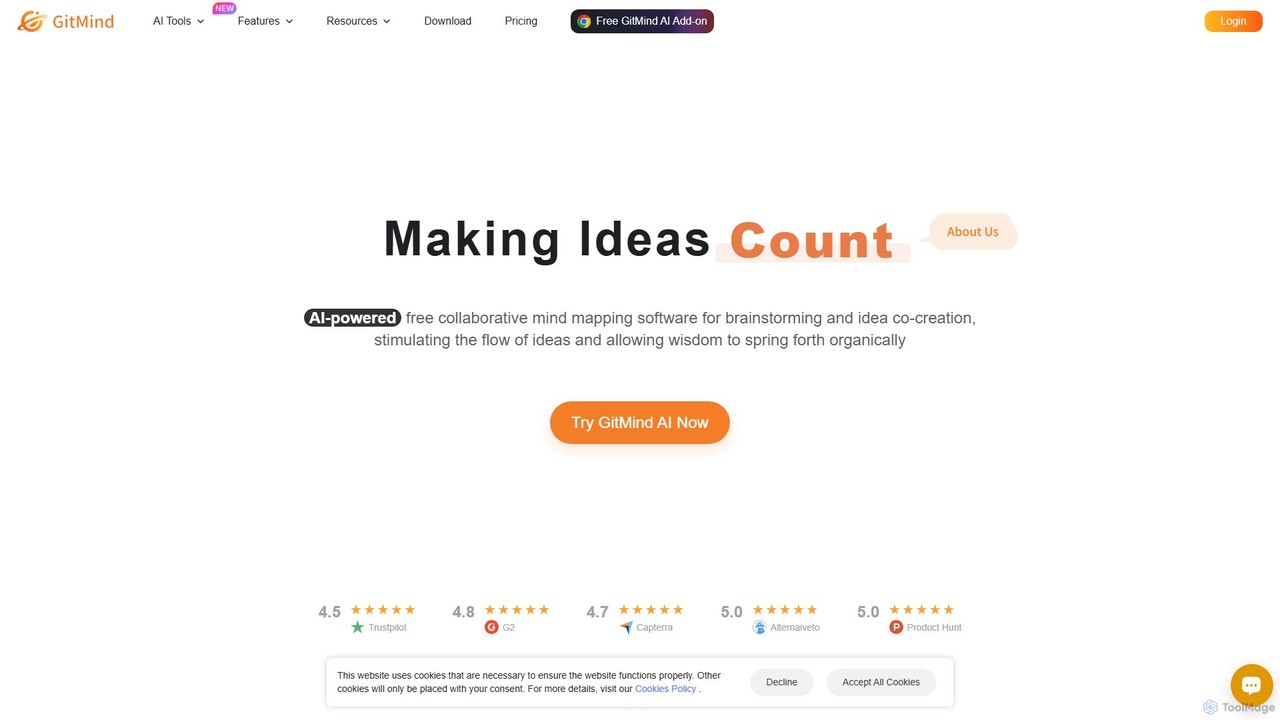
GitMind
GitMind is an AI-powered collaborative mind mapping and brainstorming tool. It enables users to create mind maps, flowcharts, org charts, and other diagrams with ease. Featuring AI-driven content generation, summarization of documents and videos, and real-time co-editing, GitMind helps individuals and teams visualize ideas, streamline workflows, and enhance productivity. With cross-platform availability and a rich template library, it transforms complex information into clear, organized visuals.
Project Management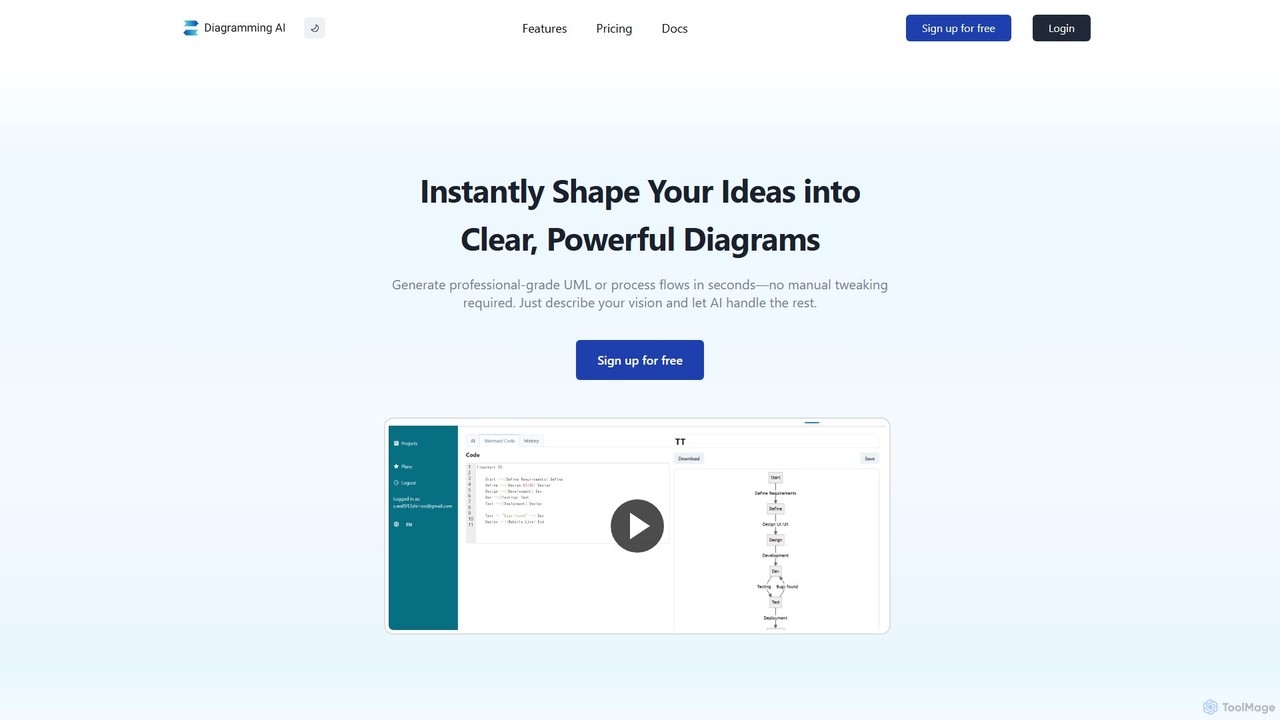
Diagramming AI
Diagramming AI is an advanced AI-powered platform that instantly generates and edits a wide range of diagrams from text, URLs, or images. It supports popular formats like Mermaid, PlantUML, and Graphviz, and features an intuitive AI chat for real-time modifications and a visual editor integration with Excalidraw for precise adjustments.
Visualization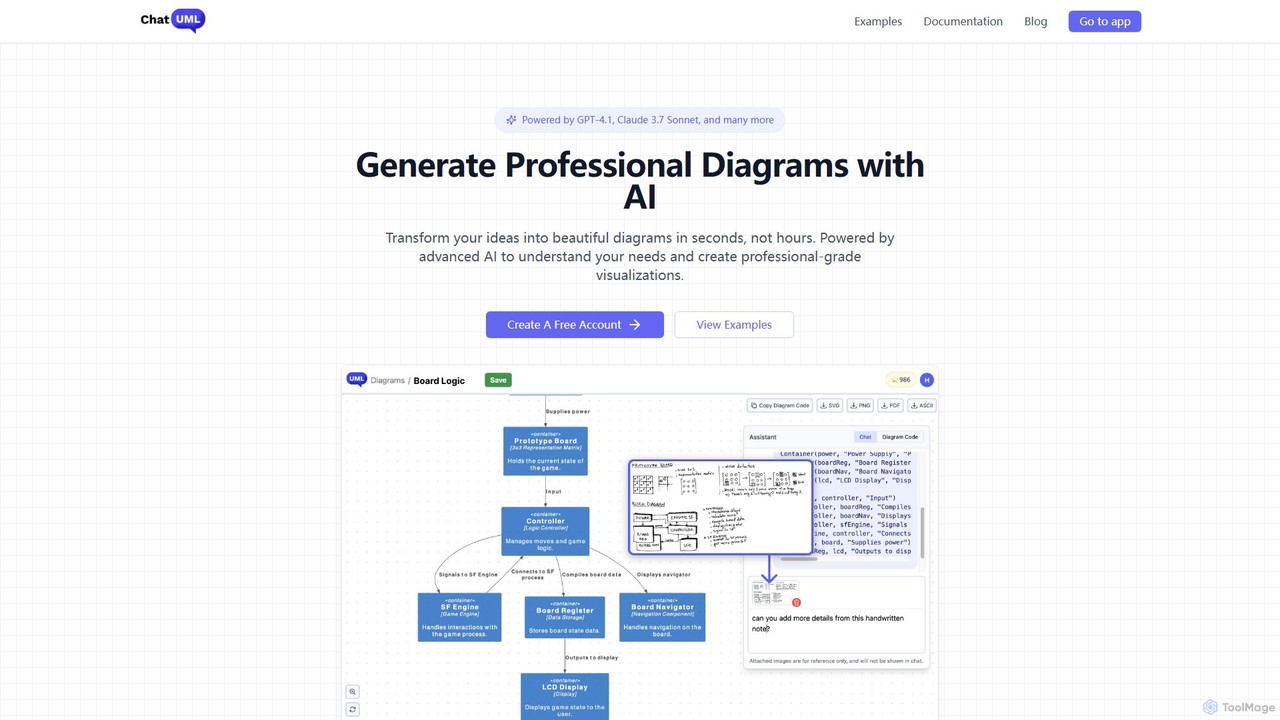
ChatUML
ChatUML is an AI-powered diagram generator that transforms text descriptions, hand-drawn sketches, and even website content into professional diagrams in seconds. Leveraging models like GPT-4.1 and Claude 3, it supports various formats including UML, C4 architecture, mind maps, and more, streamlining the visualization process for developers, project managers, and creative teams.
Planning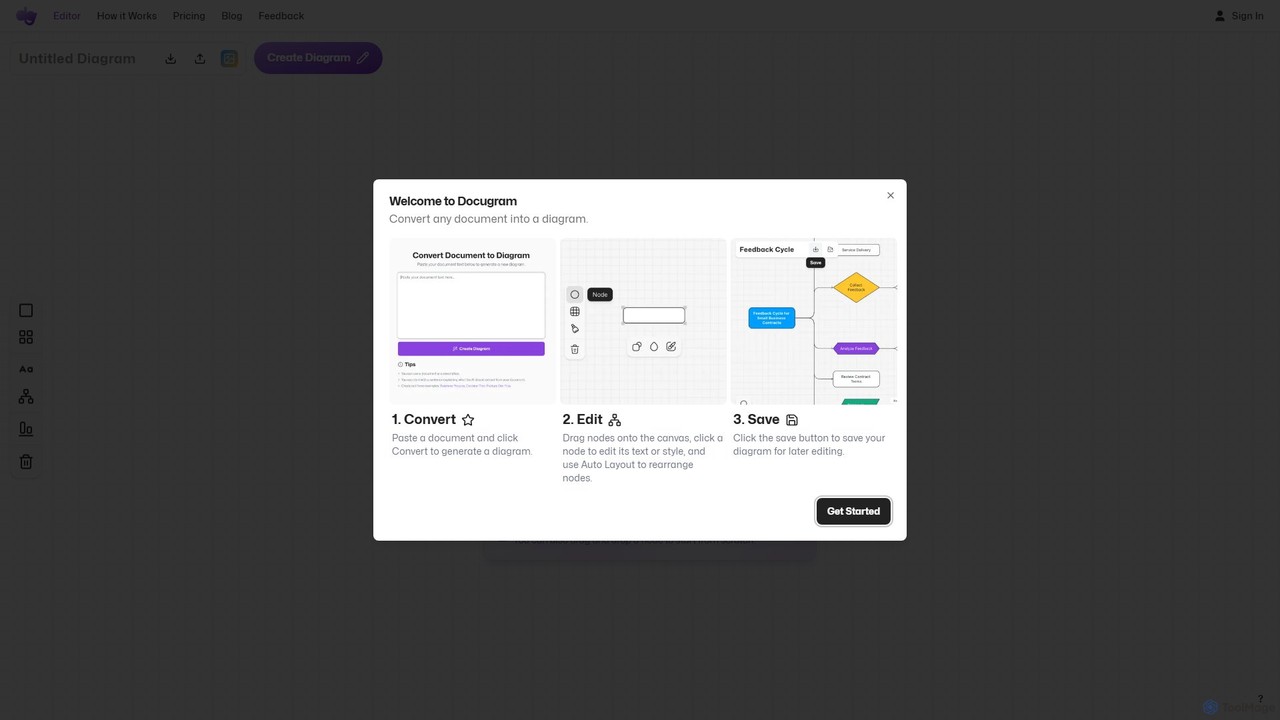
Docugram
Docugram is an AI-powered tool that instantly transforms text documents, notes, and prompts into clear, editable diagrams and flowcharts. It streamlines workflows by converting complex information from formats like Word, Excel, and PDF into visual maps, enhancing productivity for professionals in project management, development, and business analysis.
Project Management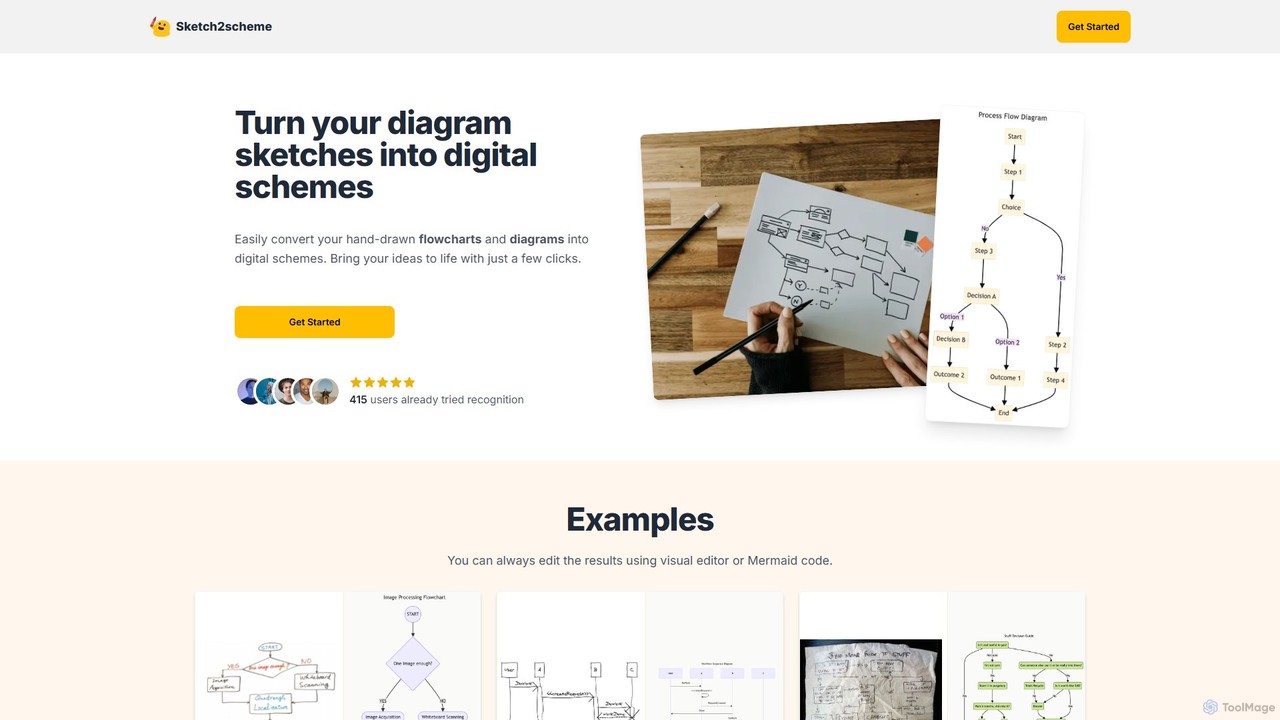
Sketch2scheme
Sketch2scheme is an AI-powered tool that effortlessly converts your hand-drawn diagram sketches into polished, editable digital schemes. Simply upload a picture of your flowchart or diagram, and the AI will recognize nodes, connections, and text, transforming your analog ideas into digital assets in seconds. It's perfect for developers, project managers, and students who want to bridge the gap between paper brainstorming and digital implementation.
Prototyping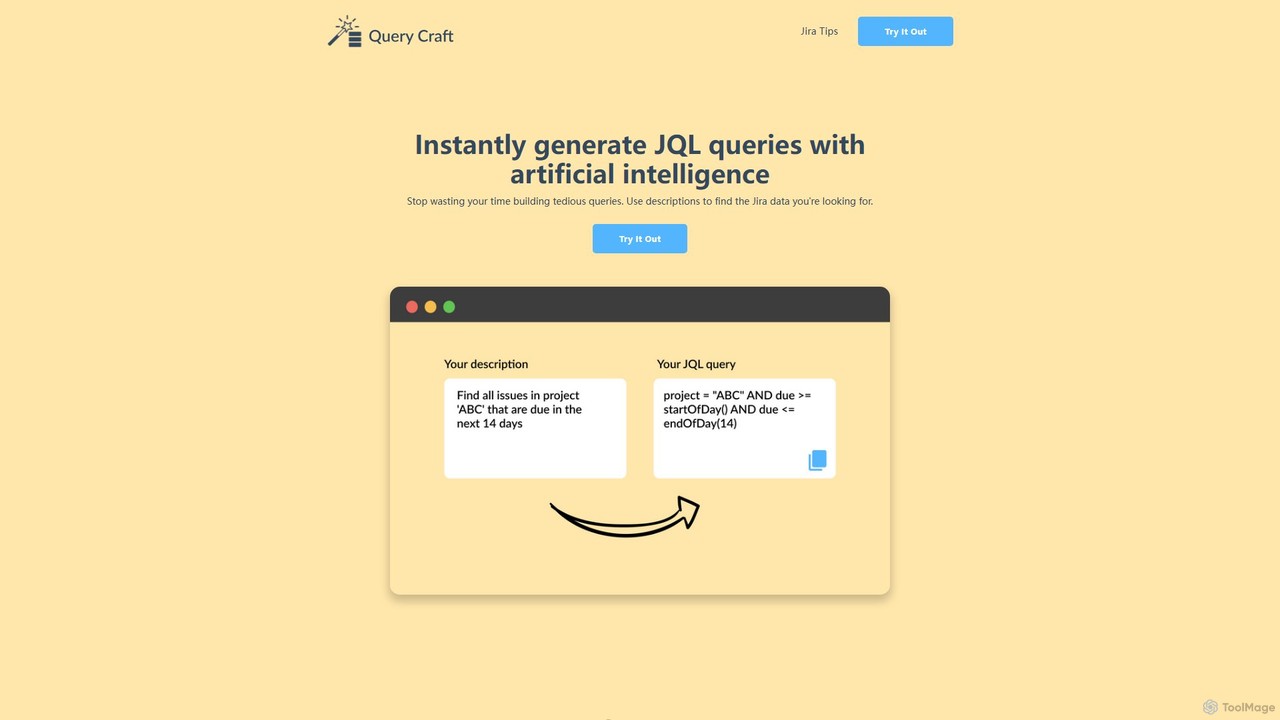
QueryCraft
QueryCraft is an AI-powered tool that instantly generates complex Jira Query Language (JQL) queries from simple, natural language descriptions. It's designed for project managers, developers, and Scrum masters to save time and enhance productivity by simplifying Jira searches.
Database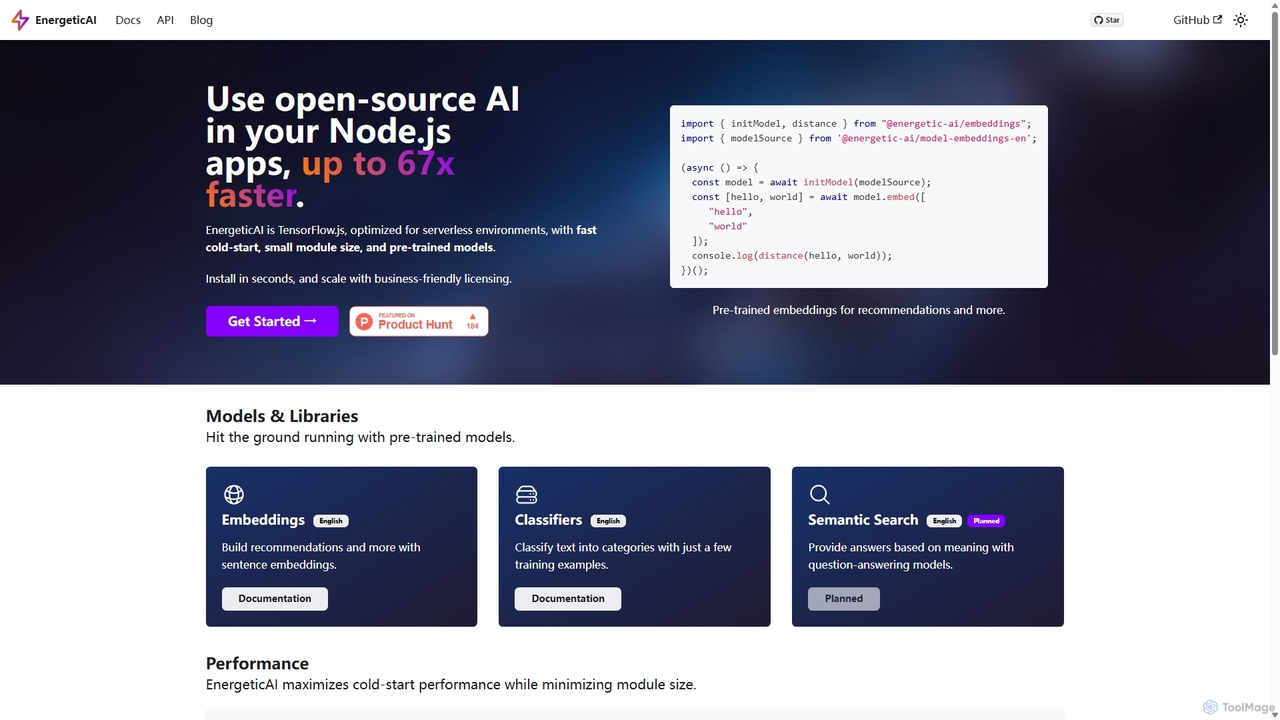
EnergeticAI
EnergeticAI is an open-source Node.js library for integrating AI models into applications, specifically optimized for serverless environments. It provides a high-performance, low-latency alternative to standard TensorFlow.js, featuring a minimal module size and rapid cold-start times. With pre-trained models for embeddings and few-shot text classification, developers can easily build features like semantic search, recommendations, and content categorization without relying on third-party APIs, ensuring data privacy and cost control.
Libraries & Frameworks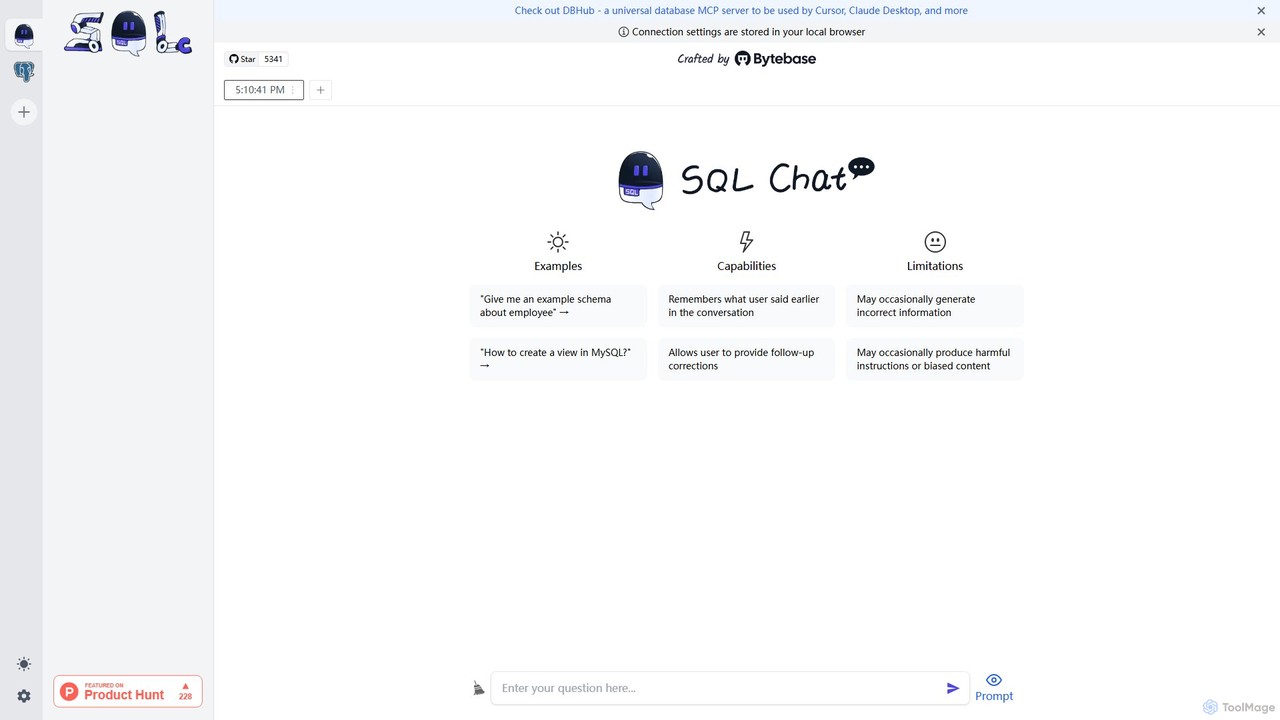
SQL Chat
SQL Chat is an open-source, chat-based SQL client and editor that uses AI to translate natural language questions into SQL queries. Connect to your database, ask questions in plain English, and get results instantly, democratizing data access for both technical and non-technical users.
Code Assistant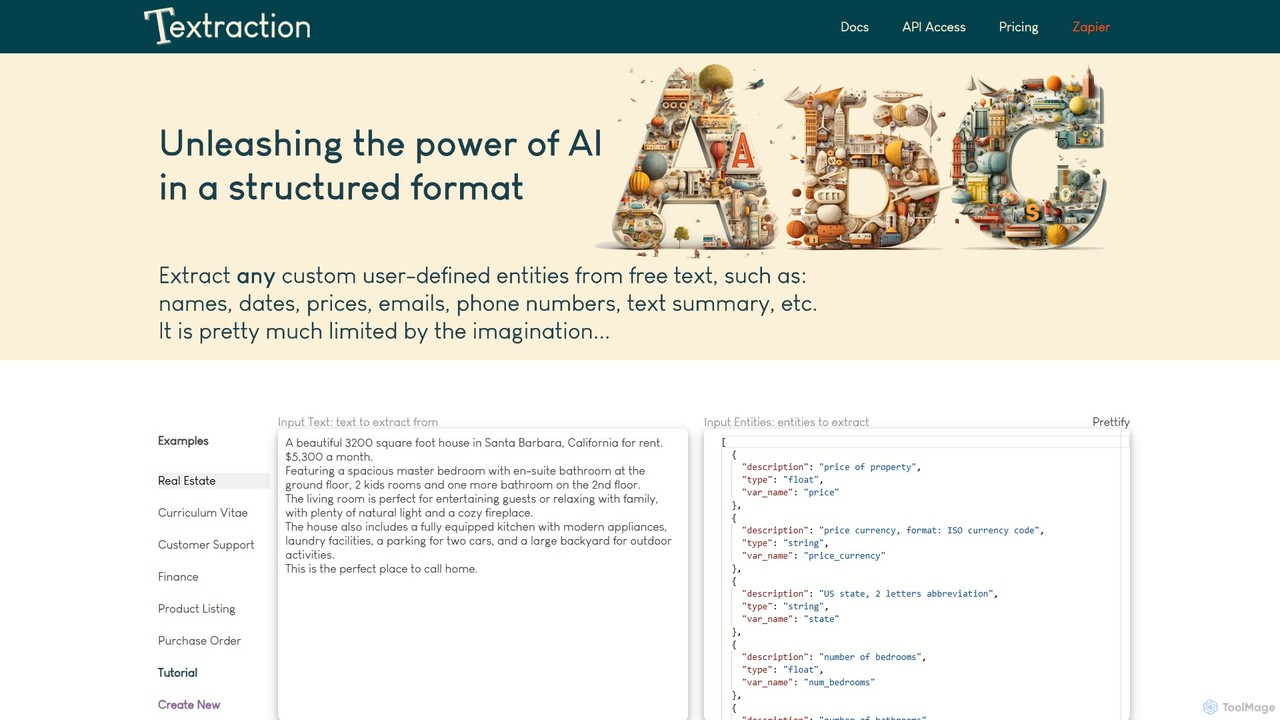
Textraction
Textraction is a powerful AI-powered API that transforms unstructured text into structured data. By simply describing the information you need in natural language, you can extract any entity from documents, emails, or web content. With seamless API and Zapier integration, it automates data extraction, converting messy text into clean, table-ready JSON format, supporting multiple languages and endless custom use cases.
Data Extraction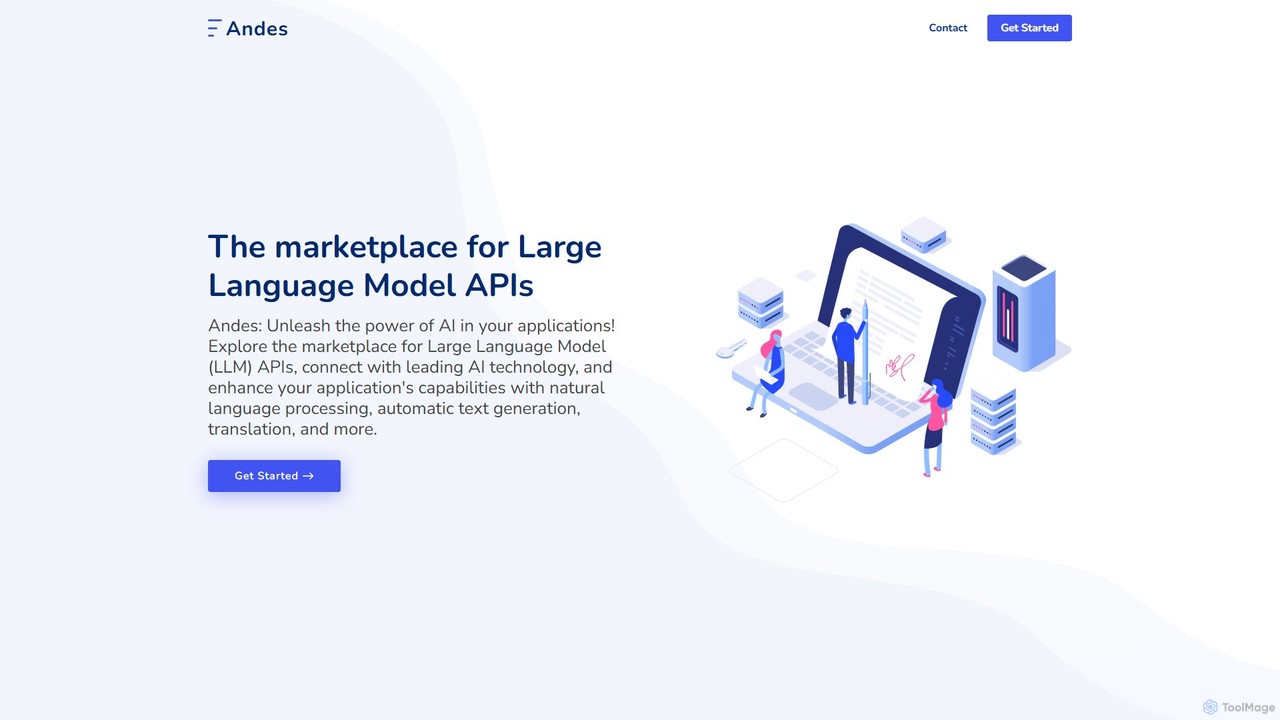
Andes
Andes is a unified API marketplace for developers, providing access to a wide range of Large Language Models (LLMs) through a single, streamlined interface. It simplifies the integration of advanced AI capabilities like text generation, NLP, and translation into applications.
Infrastructure
ai_flowchart Comments (0)
Sign in to comment.
Sign inNo comments yet.