


snapdiagram Overview
SnapDiagram is an innovative, AI-driven platform designed to revolutionize the way we create diagrams. It eliminates the tedious, manual process of dragging and dropping shapes and connectors, allowing users to generate complex and visually appealing diagrams simply by describing them in plain text. Whether you're a software engineer mapping out system architecture, a business analyst visualizing a process, or a student creating a mind map, SnapDiagram streamlines the entire workflow, turning ideas into clear visuals in seconds.
The core of SnapDiagram is its advanced natural language processing (NLP) engine, which intelligently interprets user prompts to understand entities, relationships, and hierarchies. This enables the creation of a wide variety of diagram types with remarkable accuracy, saving users countless hours and boosting productivity. The platform is built for both speed and flexibility, offering an intuitive interface that makes diagramming accessible to everyone, regardless of their technical expertise.
How to use snapdiagram
Using SnapDiagram is a straightforward, three-step process designed for maximum efficiency:
- Describe Your Diagram: Start by typing a description of the diagram you want to create in the input box. Be as descriptive as you need. For example, you could type: "Create a flowchart for a user login process. The user enters their email and password. If the credentials are valid, they are redirected to the dashboard. If not, an error message is shown."
- Generate and Review: Click the 'Generate' button. The AI will instantly process your text and render a diagram. You can review the generated visual to ensure it matches your requirements.
- Refine and Export: If needed, you can refine the diagram using further text commands (e.g., "Change the color of the 'dashboard' node to green") or by using the intuitive visual editor for minor tweaks. Once you are satisfied, you can export your diagram in various formats like PNG, SVG, or even as code (e.g., Mermaid.js syntax) for documentation purposes.
Core Features of snapdiagram
- AI-Powered Text-to-Diagram: The primary feature that converts natural language prompts into a wide range of diagrams.
- Multiple Diagram Types: Supports flowcharts, sequence diagrams, class diagrams (UML), entity-relationship diagrams (ERD), mind maps, and system architecture diagrams.
- Intelligent Editing: Refine and modify diagrams using conversational AI commands or a traditional point-and-click editor.
- Customizable Styling: Easily change colors, shapes, and layouts to match your brand or presentation style.
- Multiple Export Formats: Export your work as high-resolution images (PNG, JPG), scalable vectors (SVG), or code for easy integration into wikis and documentation.
- Collaboration Hub: Share diagrams with your team, leave comments, and work on visualizations together in real-time (available in team plans).
- Template Library: Get started quickly with a collection of pre-built templates for common use cases like software development lifecycles, business process modeling, and more.
Use Cases for snapdiagram
SnapDiagram is a versatile tool suitable for various professional and educational scenarios:
- Software Engineering: Quickly create UML diagrams, database schemas (ERDs), and system architecture diagrams to plan and document software projects.
- Business Analysis: Model business processes, map customer journeys, and create organizational charts to analyze and improve workflows.
- Project Management: Visualize project timelines, dependency maps, and stakeholder relationships to keep projects on track.
- Education and Research: Create mind maps for brainstorming, flowcharts to explain complex concepts, and diagrams for research papers.
- Product Management: Design user flow diagrams and map out feature interactions to build intuitive products.
Advantages of snapdiagram
SnapDiagram offers significant advantages over traditional diagramming tools:
- Unmatched Speed: Go from idea to a complete diagram in seconds, not hours.
- Effortless Creation: No steep learning curve. If you can describe it, you can create it.
- Enhanced Productivity: Automates the most time-consuming part of diagramming, freeing up professionals to focus on high-value tasks.
- Consistency and Standardization: AI ensures diagrams are created with consistent styling and layout, improving clarity and professionalism.
- Fosters Creativity: Allows for rapid brainstorming and iteration, making it easier to explore different visual representations of an idea.
Pricing and Plans
SnapDiagram offers a freemium model to suit different needs:
- Free Plan: Ideal for individuals and casual use. It includes a limited number of diagrams per month, access to basic diagram types, and standard export options with a watermark.
- Pro Plan: Designed for professionals who need more power. It offers unlimited diagrams, access to all diagram types, advanced customization, high-resolution exports without watermarks, and priority support.
- Team Plan: Perfect for collaborative work. It includes all Pro features plus real-time collaboration, shared workspaces, centralized billing, and advanced security controls.
snapdiagram Alternatives
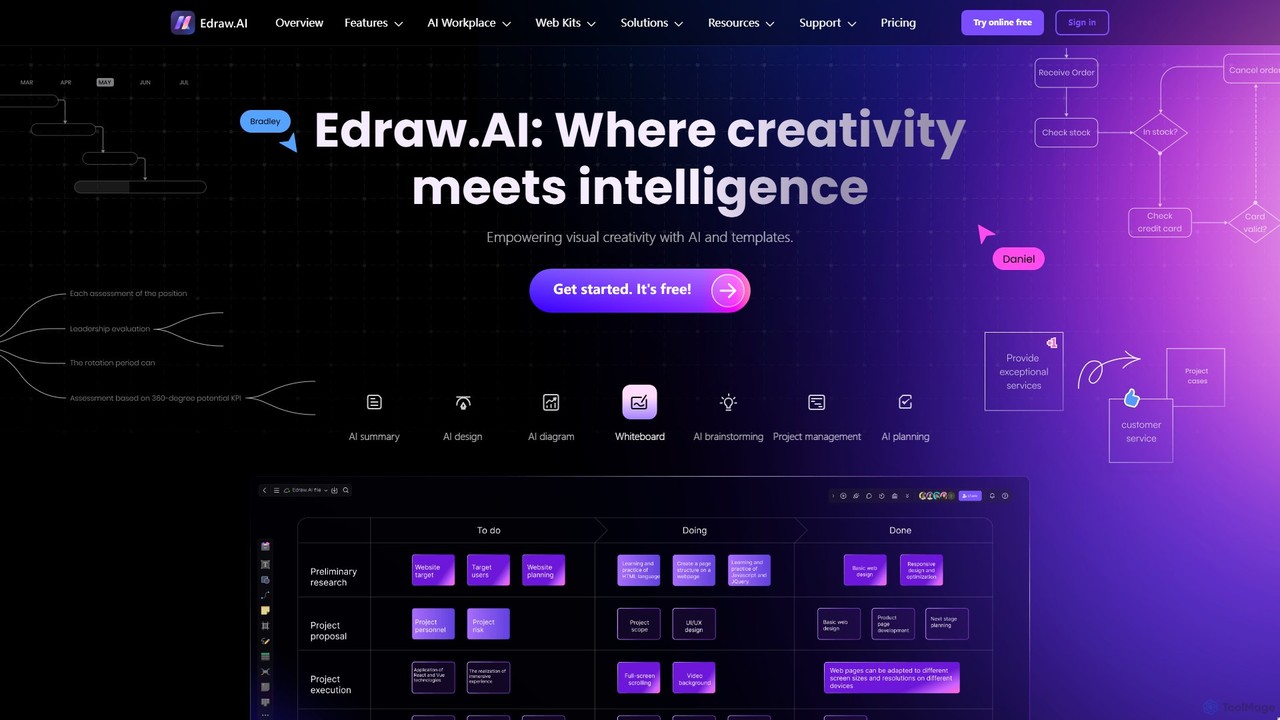
Edraw.AI
Edraw.AI is an AI-powered visual collaboration platform that enables users to create diagrams, mind maps, flowcharts, and other visuals with ease. It combines a user-friendly interface with powerful AI tools for generation, analysis, and design. Featuring real-time collaboration, an extensive library of templates and symbols, it's designed to boost productivity for teams in project management, IT, marketing, education, and more. Get started for free and transform your ideas into professional visuals.
Visualization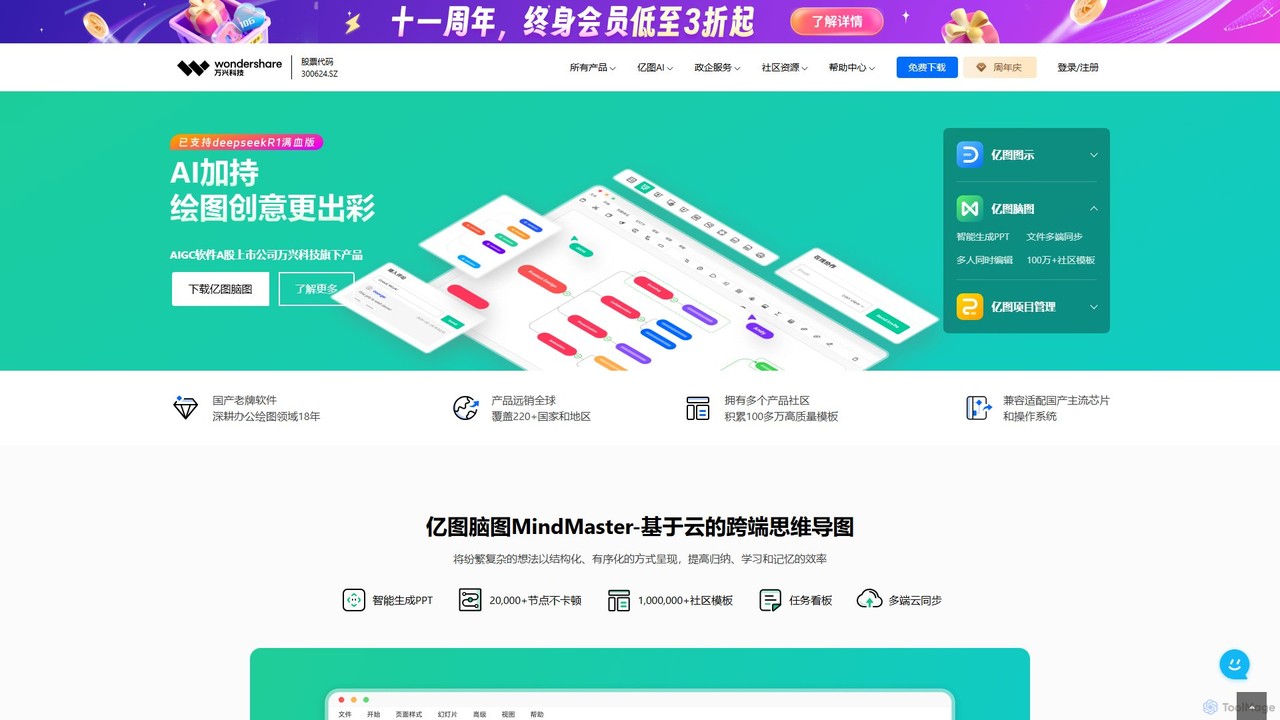
Edrawsoft
Edrawsoft is a comprehensive suite of AI-powered visual tools for diagramming, mind mapping, and project management. It includes EdrawMax for all-in-one diagram creation, EdrawMind for brainstorming, and EdrawProj for Gantt charts. With AI assistance, users can automatically generate flowcharts, org charts, and more from text, beautify designs with a single click, and collaborate seamlessly across platforms. It's a powerful Visio alternative for individuals, teams, and enterprises.
Project Management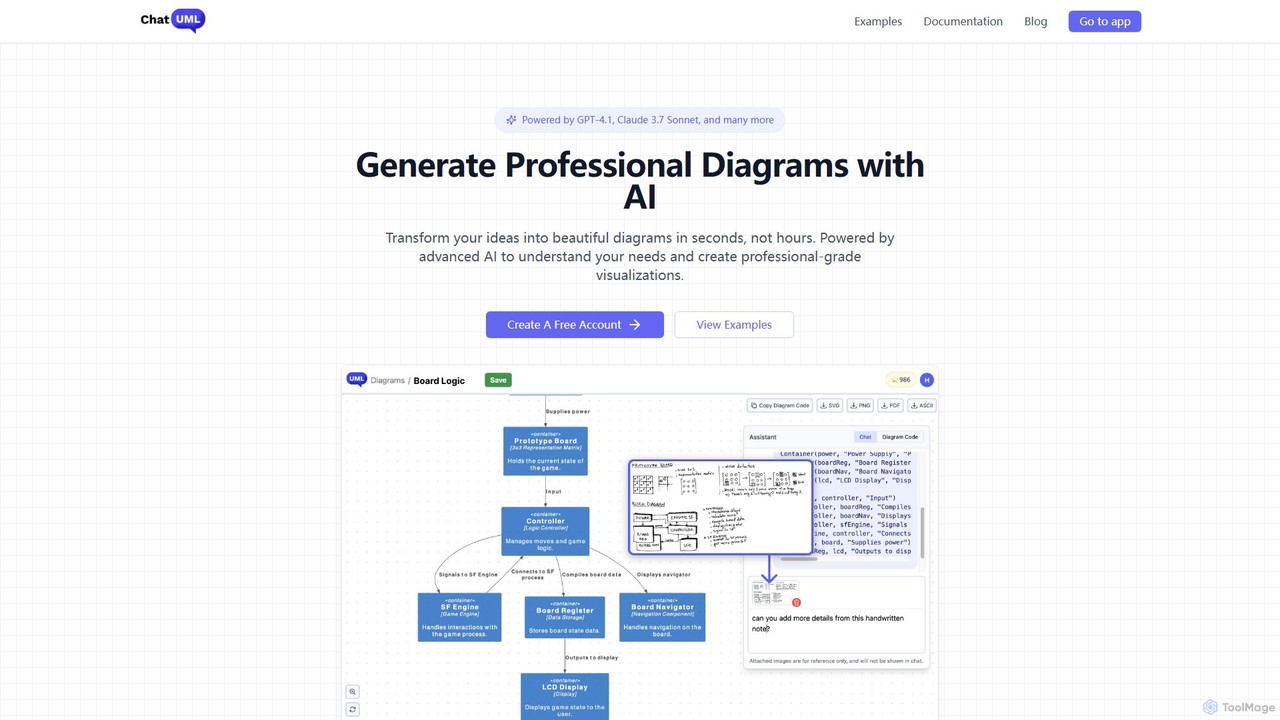
ChatUML
ChatUML is an AI-powered diagram generator that transforms text descriptions, hand-drawn sketches, and even website content into professional diagrams in seconds. Leveraging models like GPT-4.1 and Claude 3, it supports various formats including UML, C4 architecture, mind maps, and more, streamlining the visualization process for developers, project managers, and creative teams.
Planning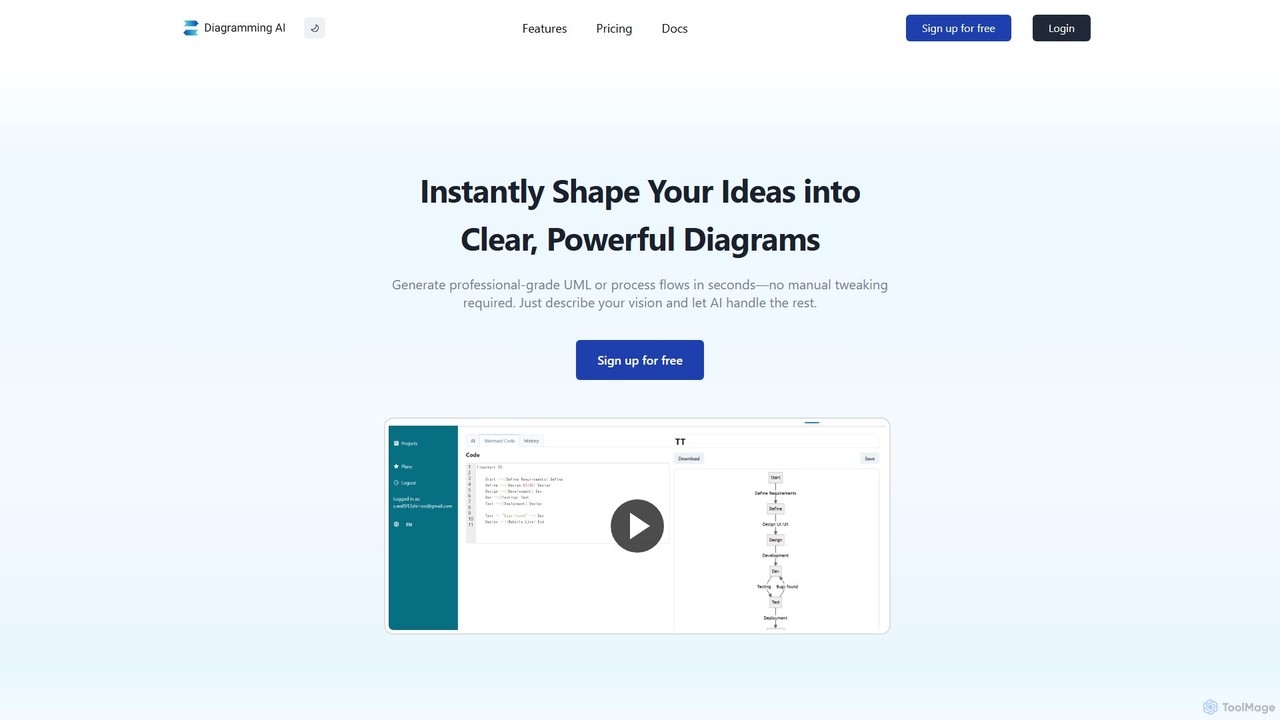
Diagramming AI
Diagramming AI is an advanced AI-powered platform that instantly generates and edits a wide range of diagrams from text, URLs, or images. It supports popular formats like Mermaid, PlantUML, and Graphviz, and features an intuitive AI chat for real-time modifications and a visual editor integration with Excalidraw for precise adjustments.
Visualization
iMiaoban
iMiaoban is an AI-powered collaborative online whiteboard designed to enhance team productivity. It allows users to instantly create various diagrams, including flowcharts and mind maps, using text prompts. With a vast library of templates and real-time collaboration features, it simplifies the process of visualizing ideas and workflows.
Whiteboardsnapdiagram Categories
snapdiagram Embed Widget
Copy this embed code to place the badge on your blog, article, or product site and send readers directly to this ToolMage detail page.

Related AI tools
ChatUML
ChatUML is an AI-powered diagram generator that transforms text descriptions, hand-drawn sketches, and even website content into professional diagrams in seconds. Leveraging models like GPT-4.1 and Claude 3, it supports various formats including UML, C4 architecture, mind maps, and more, streamlining the visualization process for developers, project managers, and creative teams.
Planning
Jyek
Jyek is an AI agent platform that understands objectives, creates execution plans, uses tools, and delivers verifiable results for complex, multi-step tasks.
AutomationiMiaoban
iMiaoban is an AI-powered collaborative online whiteboard designed to enhance team productivity. It allows users to instantly create various diagrams, including flowcharts and mind maps, using text prompts. With a vast library of templates and real-time collaboration features, it simplifies the process of visualizing ideas and workflows.
Whiteboard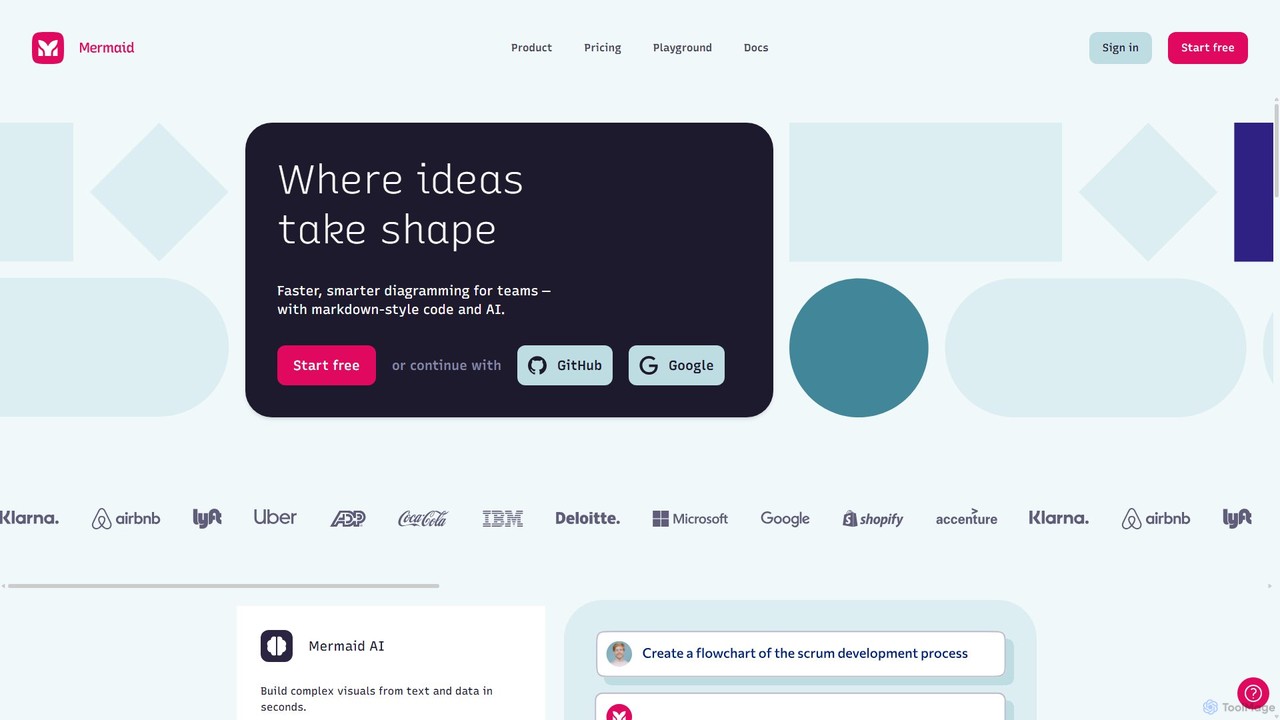
Mermaid Chart
Mermaid Chart is an AI-powered diagramming tool that enables teams to create complex visuals like flowcharts, sequence diagrams, and mind maps using markdown-style code, natural language prompts, or a visual editor. It's designed for faster, smarter diagramming and seamless collaboration.
Code Generation
Flux AI
Flux AI is an intelligent collaborative whiteboard that transforms text prompts into complex diagrams. It empowers teams to visualize ideas, design workflows, and create flowcharts or mind maps in seconds, streamlining the entire planning and brainstorming process.
WhiteboardEdraw.AI
Edraw.AI is an AI-powered visual collaboration platform that enables users to create diagrams, mind maps, flowcharts, and other visuals with ease. It combines a user-friendly interface with powerful AI tools for generation, analysis, and design. Featuring real-time collaboration, an extensive library of templates and symbols, it's designed to boost productivity for teams in project management, IT, marketing, education, and more. Get started for free and transform your ideas into professional visuals.
VisualizationEdrawsoft
Edrawsoft is a comprehensive suite of AI-powered visual tools for diagramming, mind mapping, and project management. It includes EdrawMax for all-in-one diagram creation, EdrawMind for brainstorming, and EdrawProj for Gantt charts. With AI assistance, users can automatically generate flowcharts, org charts, and more from text, beautify designs with a single click, and collaborate seamlessly across platforms. It's a powerful Visio alternative for individuals, teams, and enterprises.
Project Management
Lucidchart
Lucidchart is an intelligent diagramming and visual collaboration platform that uses AI, data automation, and real-time teamwork to help users visualize complex systems, processes, and ideas. It enables teams to create professional flowcharts, org charts, network diagrams, and more, fostering clarity and driving innovation.
Project Management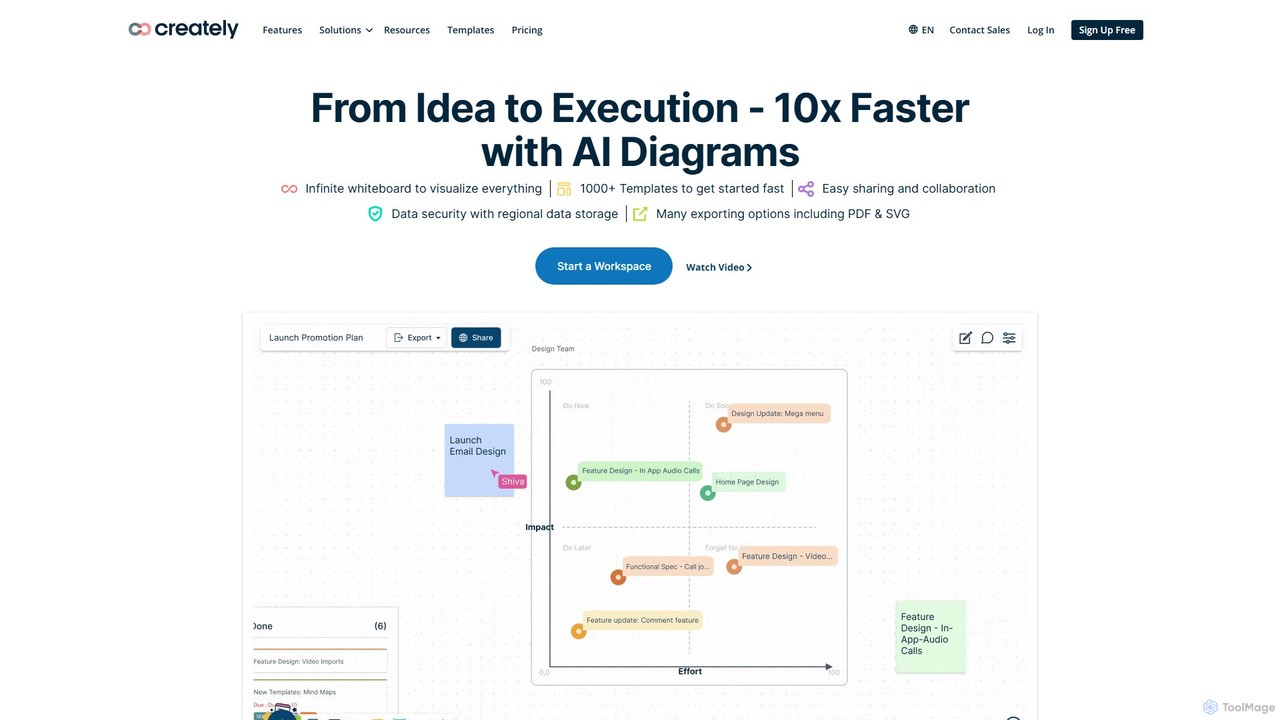
Creately
Creately is an AI-powered visual collaboration and work management platform. It combines intelligent diagramming, online whiteboarding, and data-driven project management on a single smart canvas, helping teams brainstorm, plan, and execute projects more effectively.
Planning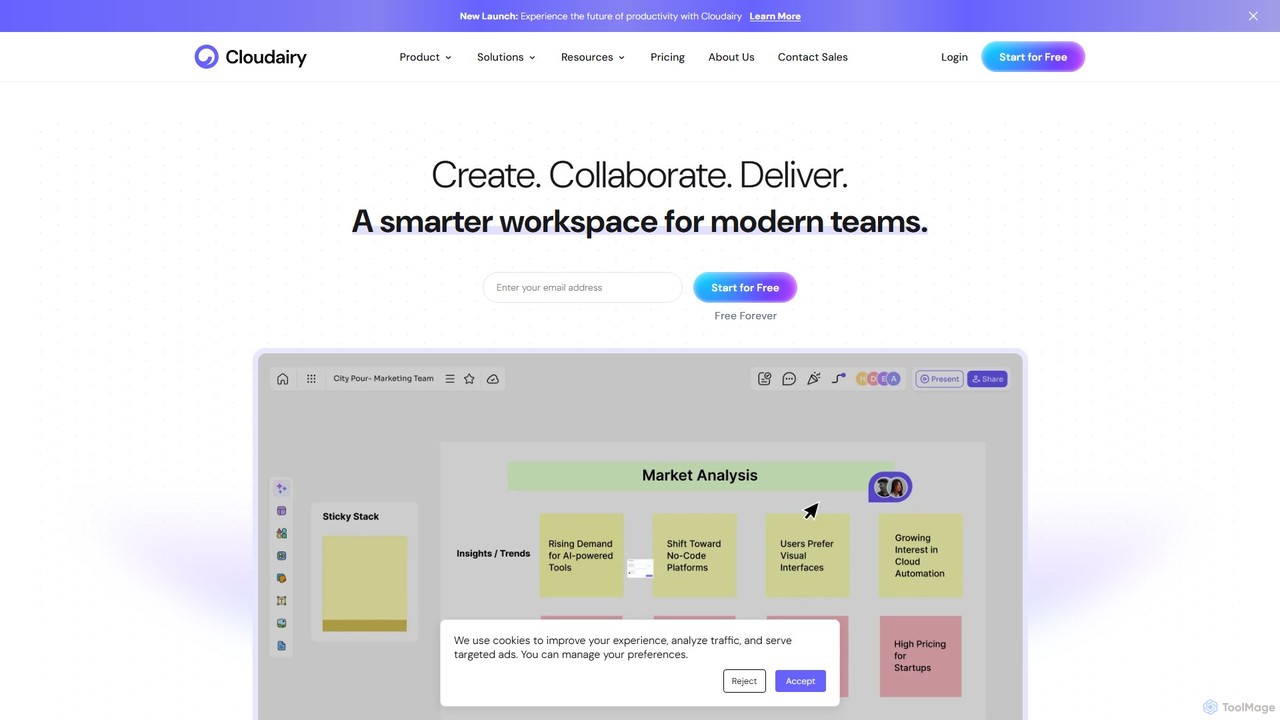
Cloudairy
Cloudairy is an AI-powered collaborative visual workspace designed for modern teams. It integrates AI-driven diagramming, mind mapping, image generation, and documentation tools into a single platform. It enables teams in engineering, sales, and project management to brainstorm, design, and deliver projects with enhanced efficiency and creativity.
Generative Art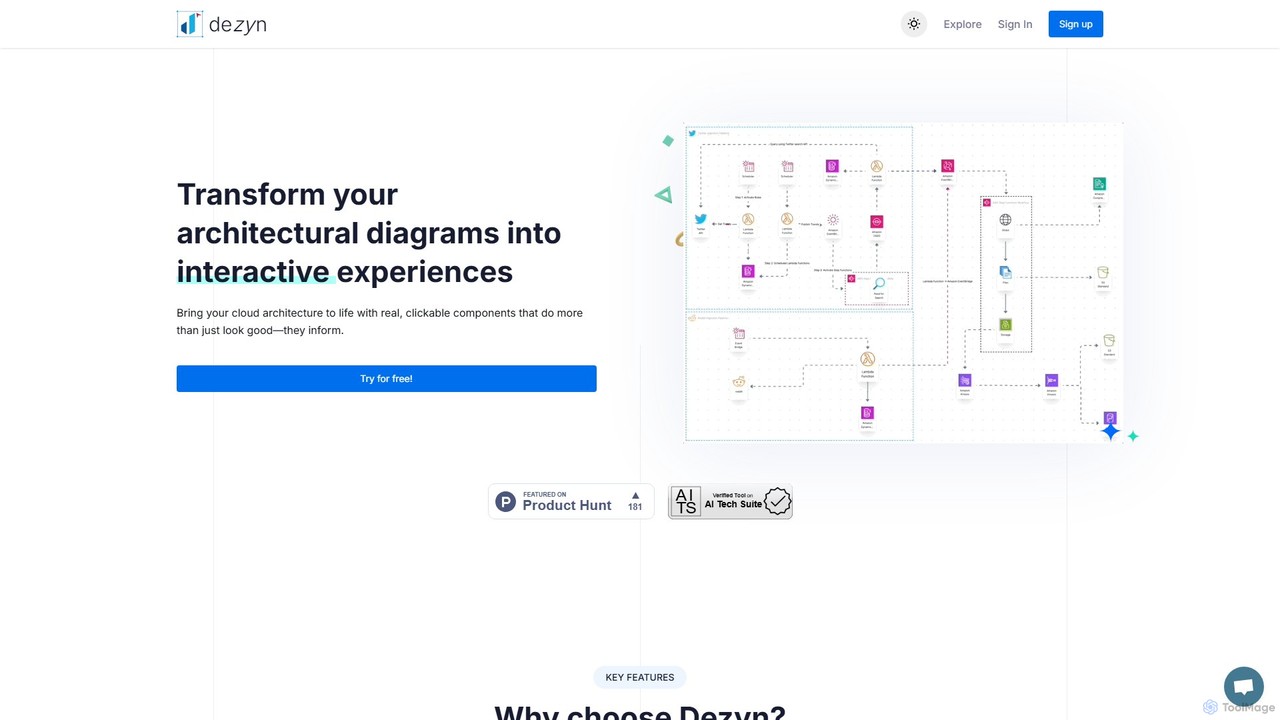
Dezyn
Dezyn is an AI-powered platform for creating interactive, data-rich architectural diagrams and flowcharts. It transforms text prompts, hand-drawn sketches, or wireframes into professional diagrams. Ideal for engineers, developers, and tech creators to visualize complex cloud systems (AWS, Azure, GCP) and collaborate effectively.
Flowchart
ai_flowchart
ai_flowchart is an AI-powered tool that transforms natural language descriptions into professional flowcharts and diagrams instantly. Leveraging advanced NLP, it allows users to simply describe a process, and the AI generates a visually appealing and structured diagram. It's designed for developers, project managers, and business analysts, featuring customization, collaboration, and multiple export options. Ideal for software architecture, business process mapping, and project planning.
Process Management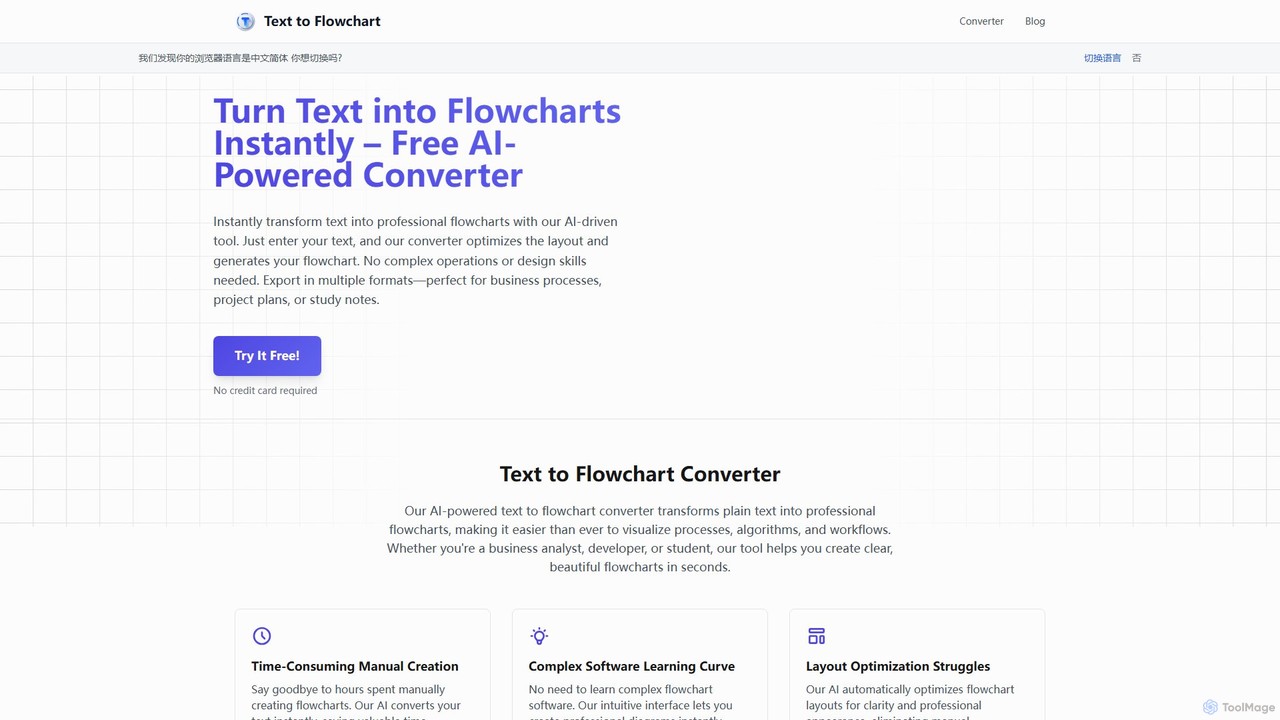
Text to Flowchart
An AI-powered tool that instantly transforms plain text descriptions into professional, well-structured flowcharts and diagrams. Ideal for developers, business analysts, and students, it simplifies the visualization of processes, algorithms, and workflows without requiring design skills.
Process Management
AmyMind
AmyMind is an AI-powered mind mapping tool that instantly transforms text, documents (PDF, Word, Markdown), and ideas into clear, organized mind maps, flowcharts, and UML diagrams. It features AI-assisted exploration for deeper insights, one-click export to multiple formats like PowerPoint and PDF, and a versatile online whiteboard. Ideal for students, professionals, and creatives looking to visualize information and streamline their workflow.
Diagramming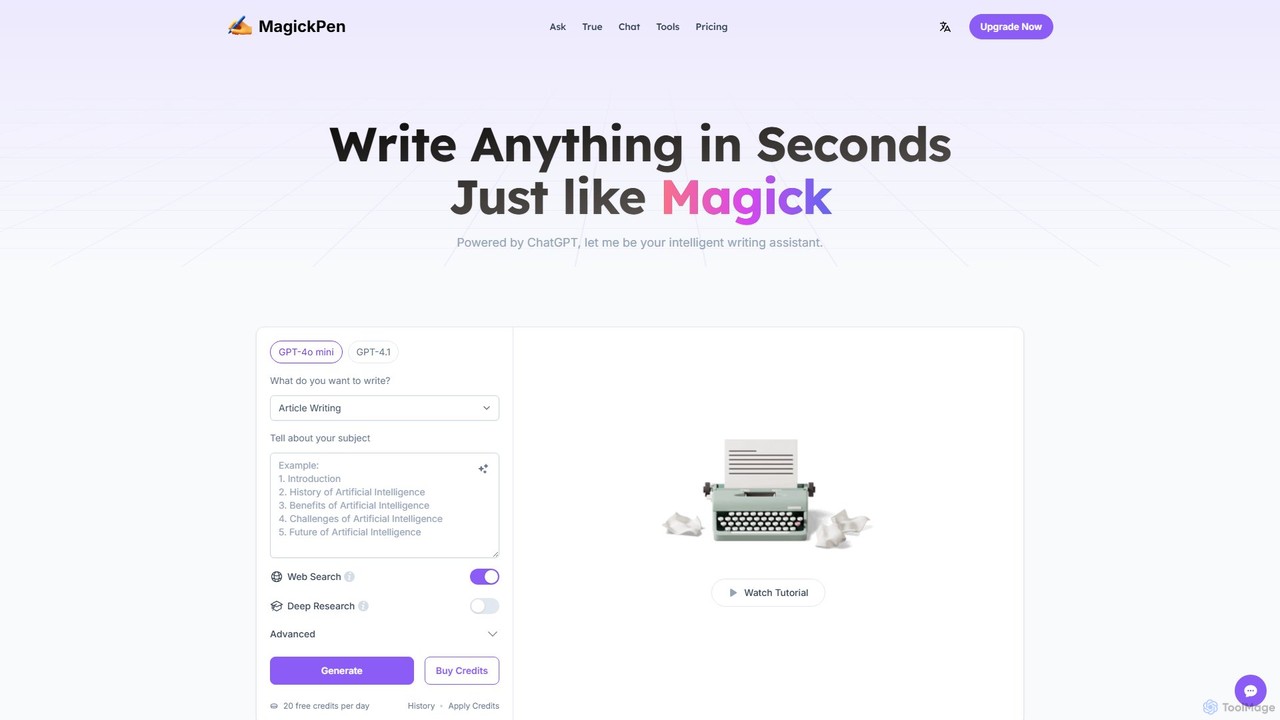
MagickPen
MagickPen is a versatile AI writing and code assistant powered by GPT-4o mini and GPT-4.1. It offers a vast library of templates for writing, marketing, coding, and personal planning. Generate articles, explain code, create mind maps, and much more in seconds. A free plan is available to get started.
Code Assistant
snapdiagram Comments (0)
Sign in to comment.
Sign inNo comments yet.