ToolMage
Sign in

Best 4 Whiteboard AI tools for Collaboration

Popular Whiteboard AI tools in Collaboration include ideapad.live, Eraser, iMiaoban, and VisFlow, helping you work more efficiently.

Eraser
Freemium

Eraser

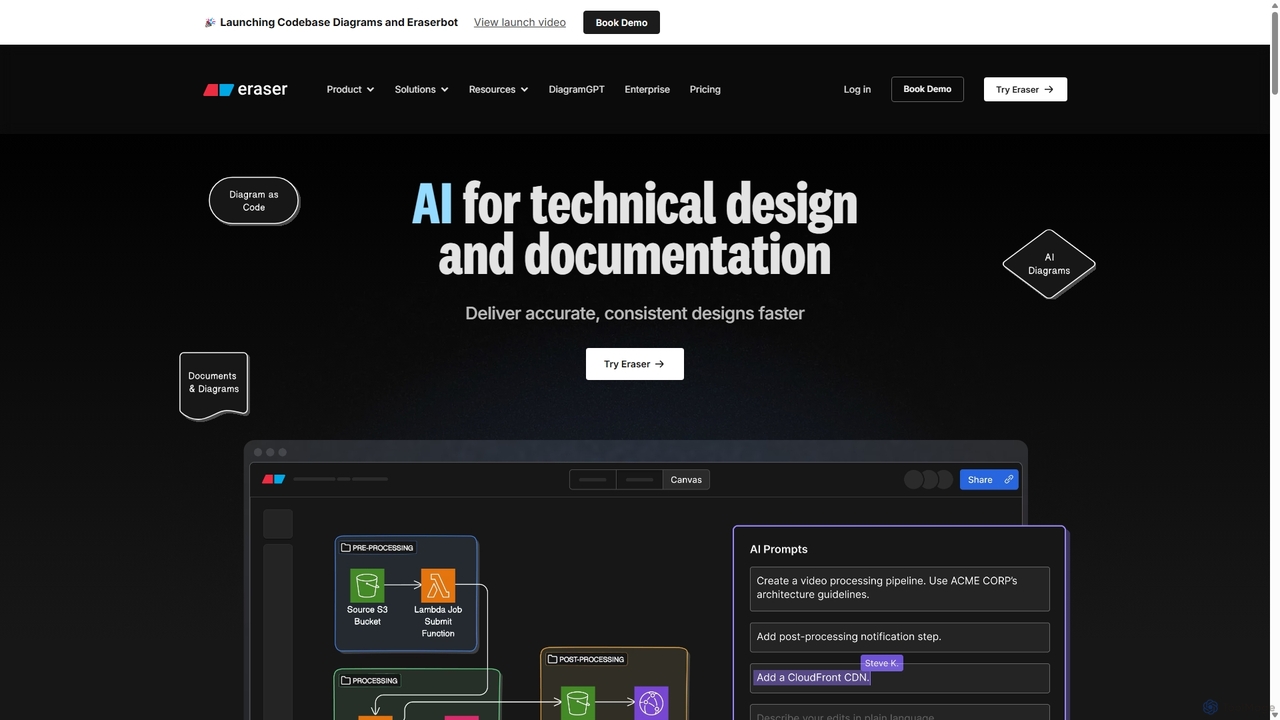
Eraser is an AI-powered co-pilot for technical design and documentation, built for engineering teams. It enables users to generate and edit diagrams like architecture, flowcharts, and ERDs using natural language prompts. It combines a collaborative canvas with a markdown editor and diagram-as-code functionality to streamline the entire design process, from brainstorming to documentation.

Whiteboard
Visits 877.5KFavorites 98Likes 114
ideapad.live
Freemium

ideapad.live

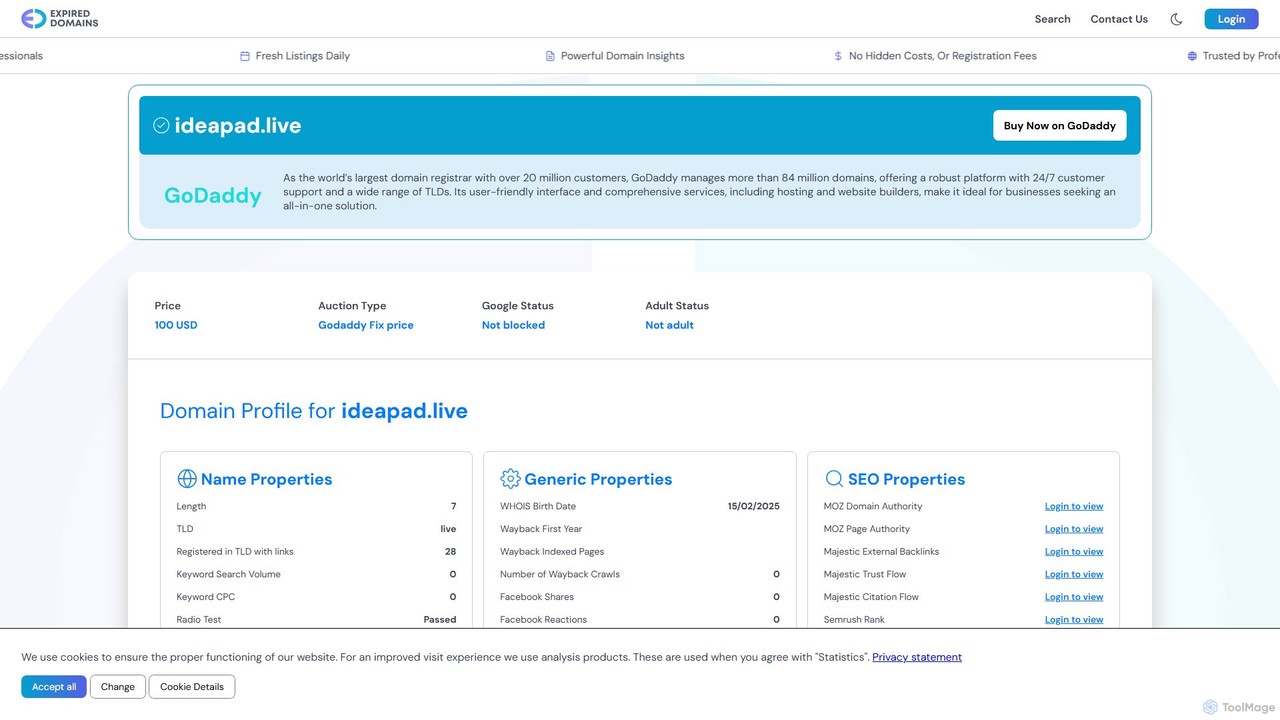
ideapad.live is an AI-powered collaborative whiteboard designed to supercharge brainstorming and idea management. It provides a real-time, infinite canvas for teams to generate, organize, and develop ideas with the help of intelligent suggestions, automated structuring, and seamless integration. Transform messy brainstorms into actionable plans effortlessly.

Whiteboard
Visits 1.8MFavorites 113Likes 113
VisFlow
Freemium

VisFlow

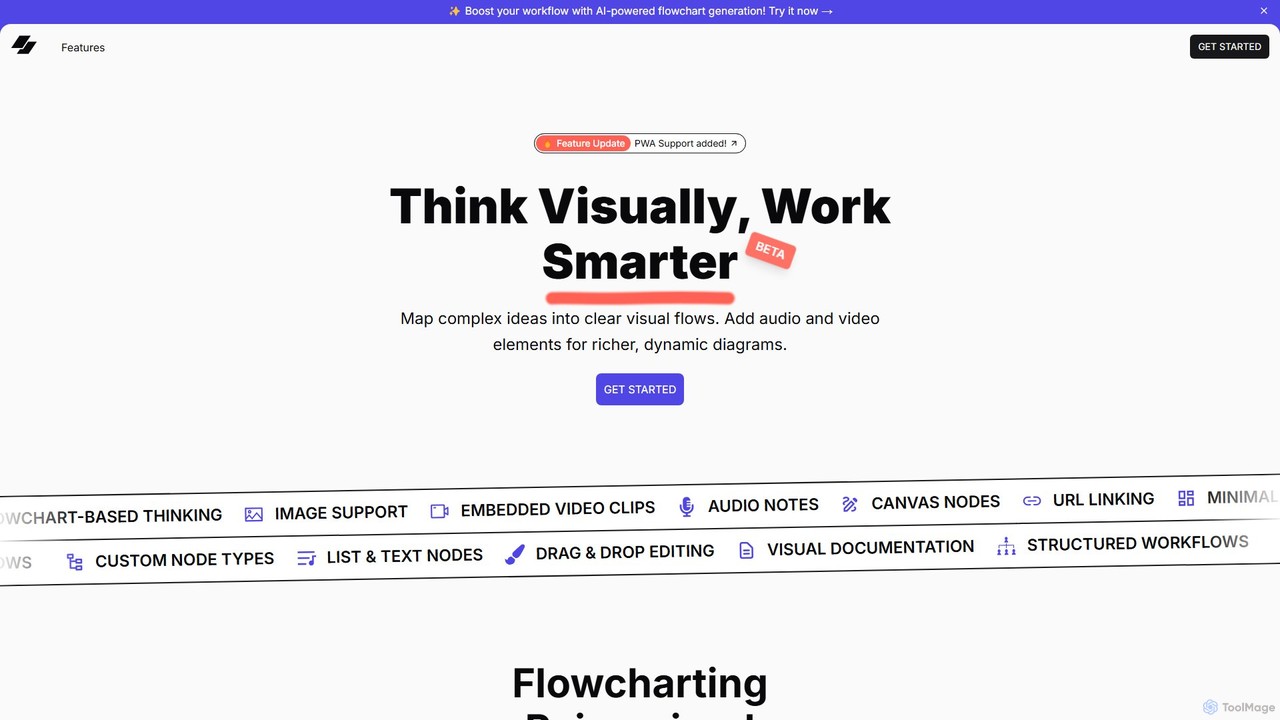
VisFlow is an AI-powered visual workspace that redefines flowcharting and mind mapping by integrating rich multimedia. It allows users to embed images, audio, and video directly into their diagrams, fostering a more dynamic and contextual way to brainstorm, plan, and collaborate. With a focus on privacy through local-first storage and an intuitive drag-and-drop interface, VisFlow is designed for creatives, educators, and teams who think visually.

Whiteboard
Visits 4.3KFavorites 100Likes 125
iMiaoban
Freemium

iMiaoban

iMiaoban is an AI-powered collaborative online whiteboard designed to enhance team productivity. It allows users to instantly create various diagrams, including flowcharts and mind maps, using text prompts. With a vast library of templates and real-time collaboration features, it simplifies the process of visualizing ideas and workflows.

Whiteboard
Visits 9.1KFavorites 122Likes 131

About Whiteboard

AI Whiteboard tools are digital platforms enhanced with artificial intelligence to revolutionize visual collaboration and idea generation. These tools leverage AI algorithms for features like smart diagramming, content organization, and real-time insights, transforming unstructured thoughts into actionable plans. They provide dynamic spaces for teams to brainstorm, plan projects, and conduct interactive workshops, making remote and hybrid collaboration more intuitive and productive. By automating mundane tasks and offering intelligent suggestions, AI whiteboards significantly boost creative output and decision-making efficiency.

Core Features

  • Smart Diagramming & Flowcharting: Automatically converts text descriptions into professional diagrams, flowcharts, or mind maps.
  • AI-Powered Idea Generation: Suggests related concepts, prompts for brainstorming, and helps overcome creative blocks.
  • Content Organization & Clustering: Intelligently groups sticky notes, shapes, and text based on semantic similarity or user-defined criteria.
  • Handwriting & Sketch Recognition: Converts handwritten notes and rough sketches into perfectly formed digital text and shapes.
  • Meeting Summarization: Analyzes whiteboard content to generate concise summaries, action items, and key decisions.

Use Cases

AI whiteboards are invaluable for diverse teams and individuals seeking to enhance visual communication and streamline creative processes. They are widely adopted in product development for agile sprint planning, in marketing for campaign ideation, and in education for interactive lesson delivery. Remote teams leverage these tools to maintain engagement and clarity during virtual brainstorming sessions, ensuring all participants can contribute effectively regardless of location.

How to Choose

When selecting an AI whiteboard, consider the specific AI features offered, such as smart diagramming or idea generation, and how they align with your team's needs. Evaluate its integration capabilities with existing collaboration tools like video conferencing or project management software. User interface intuitiveness and real-time collaboration features are crucial for adoption. Finally, assess security protocols and scalability to ensure it meets your organizational requirements.

Featured tool rankings

Whiteboard use cases

1

Facilitating Remote Brainstorming Sessions

Product teams use AI whiteboards to conduct virtual brainstorming. AI assists by suggesting ideas, organizing sticky notes into themes, and converting rough sketches into polished diagrams, ensuring all team members contribute effectively and ideas are captured systematically.

2

Agile Sprint Planning & Retrospectives

Development teams leverage AI whiteboards for visual sprint planning, backlog grooming, and retrospective meetings. AI features can automatically categorize tasks, identify dependencies, and summarize discussion points, making planning more efficient and action items clearer.

3

Designing User Flows & System Architectures

UX designers and solution architects utilize AI whiteboards to map out user journeys, create wireframes, and design system architectures. AI can convert text descriptions into flowcharts or sequence diagrams, accelerating the design process and ensuring consistency.

4

Interactive Online Workshops & Training

Educators and corporate trainers use AI whiteboards to deliver engaging online workshops. AI can help generate prompts for group activities, organize participant input, and summarize key learning points, fostering a more dynamic and interactive learning environment.

5

Strategic Planning & Vision Mapping

Leadership teams employ AI whiteboards for strategic planning, SWOT analysis, and vision mapping. AI can help structure complex ideas, visualize strategic frameworks, and identify connections between different initiatives, leading to more coherent and actionable strategies.

6

Content Creation & Storyboarding

Marketing and content teams use AI whiteboards for storyboarding video content, planning social media campaigns, or outlining blog posts. AI can suggest visual elements, organize narrative flows, and even generate initial content snippets, streamlining the creative process.

Whiteboard FAQ

What are AI Whiteboard tools?

AI Whiteboard tools are digital platforms that integrate artificial intelligence to enhance visual collaboration. They go beyond traditional digital whiteboards by offering smart features like AI-powered idea generation, automatic diagramming, intelligent content organization, and real-time summarization. These tools are designed to make brainstorming, planning, and visual communication more efficient, intuitive, and productive for teams working remotely or in hybrid environments.

How do AI Whiteboards differ from traditional digital whiteboards?

Traditional digital whiteboards offer a canvas for drawing, writing, and sharing. AI Whiteboards add intelligence through features like converting handwritten notes to text, automatically structuring diagrams from text input, suggesting ideas, and organizing content semantically. This AI layer automates tedious tasks, provides creative assistance, and extracts insights, making the collaboration process significantly smarter and more efficient than a basic digital canvas.

What are the key benefits of using an AI Whiteboard for collaboration?

The primary benefits include enhanced productivity through automation of tasks like diagramming and organization, improved creativity via AI-powered idea generation, and clearer communication with smart summarization features. They facilitate more engaging remote sessions, help teams quickly synthesize complex information, and transform unstructured ideas into structured, actionable plans, ultimately leading to faster decision-making and innovation.

Can AI Whiteboards integrate with other collaboration tools?

Yes, most advanced AI Whiteboard tools are designed to integrate seamlessly with a wide range of other collaboration and productivity platforms. Common integrations include video conferencing software (like Zoom, Microsoft Teams), project management tools (like Jira, Asana), cloud storage services (like Google Drive, Dropbox), and communication apps (like Slack). These integrations allow for a unified workflow, enabling users to share content, launch meetings, and link whiteboard sessions directly to project tasks.

What should I look for when choosing an AI Whiteboard tool?

When selecting an AI Whiteboard, prioritize tools that offer AI features relevant to your needs, such as smart diagramming, idea generation, or content organization. Evaluate its real-time collaboration capabilities, including multi-user editing and communication features. Check for integrations with your existing tech stack, ease of use, and the intuitiveness of its interface. Finally, consider security, scalability, and pricing models to ensure it aligns with your team's size and budget.