

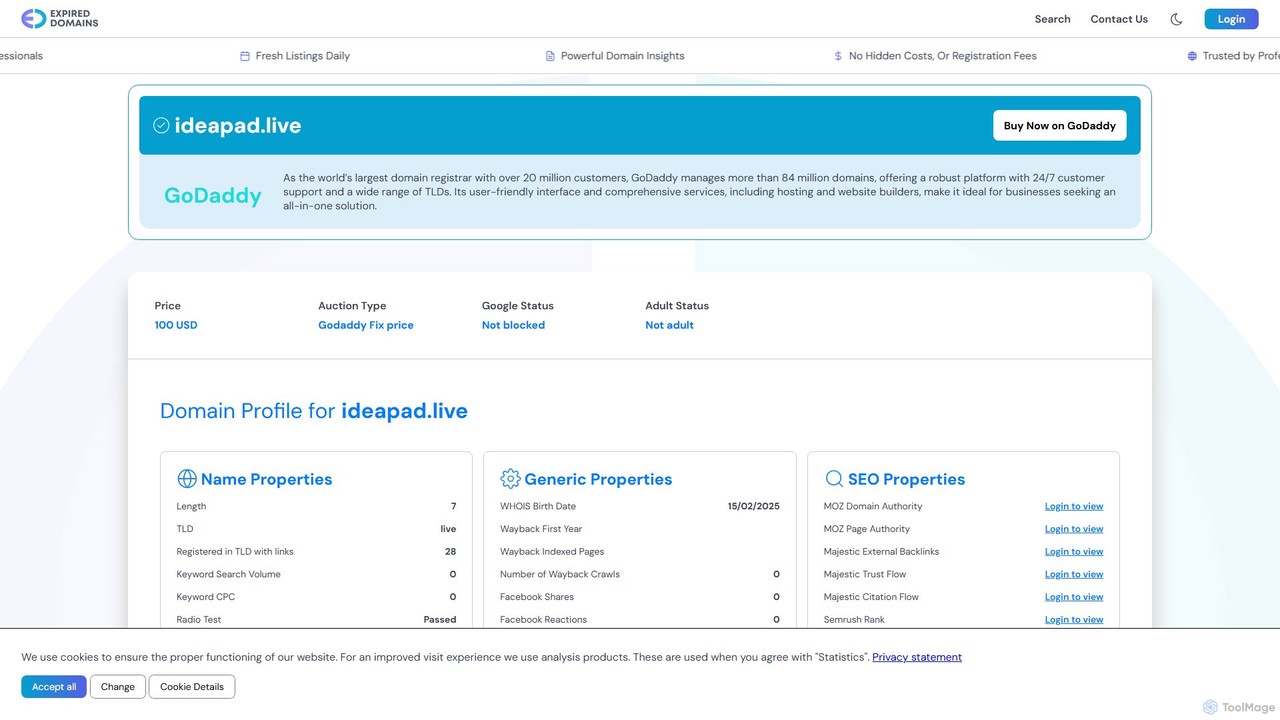
ideapad.live Overview
ideapad.live is a next-generation digital workspace that merges the intuitive flexibility of a whiteboard with the power of artificial intelligence. It serves as a central hub for teams to unlock their collective creativity, streamline brainstorming sessions, and turn abstract concepts into structured, actionable strategies. Whether you're a marketing team devising a new campaign, a product team mapping out features, or a writer outlining a story, ideapad.live provides the tools to visualize, connect, and expand upon your best ideas in a dynamic, collaborative environment.
The platform is built on the principle that great ideas need space to grow. Its infinite canvas allows for unrestricted thinking, while its AI engine acts as a creative partner, helping to overcome blocks, discover new connections, and organize information intelligently. By automating the tedious aspects of idea management, ideapad.live frees up users to focus on what truly matters: innovation and collaboration.
How to use ideapad.live
Using ideapad.live is designed to be intuitive and straightforward, allowing users to get started in minutes. Here’s a typical workflow:
- Create a Pad: Start by creating a new 'Pad,' which is your infinite digital canvas. Give it a title related to your project or brainstorming topic.
- Invite Collaborators: Share a secure link with your team members to invite them to the Pad. You can see everyone's cursors and contributions in real-time, making remote collaboration feel like you're in the same room.
- Seed Ideas with AI: Use the AI Idea Generator. Simply type a prompt, a question, or a central theme (e.g., "eco-friendly packaging ideas"), and the AI will populate the canvas with a diverse range of initial concepts, keywords, and related topics as sticky notes or mind map nodes.
- Brainstorm and Build: Manually add your own ideas using sticky notes, text boxes, shapes, and connectors. Drag and drop elements, draw connections, and build out your mind map or flowchart.
- Leverage AI Assistance: As your Pad fills up, use AI features to bring order to the chaos. Select a group of ideas and ask the AI to 'Summarize Key Themes,' 'Group by Category,' or 'Suggest Next Steps.'
- Add Context: Use the AI-powered Inspiration Hub to search for and embed relevant articles, images, or data directly onto your canvas to support your ideas.
- Finalize and Export: Once the brainstorming session is complete, export your Pad in various formats, including PDF, high-resolution PNG, or even as a structured text document for reports or presentations.
Core Features of ideapad.live
- AI Idea Generator: Kickstart creativity with AI-powered suggestions based on simple prompts, eliminating creative blocks.
- Infinite Collaborative Canvas: An endless workspace for mind mapping, diagramming, and freeform brainstorming with real-time multi-user editing.
- Automated Idea Structuring: AI algorithms that can automatically group related notes, create thematic clusters, and generate structured outlines from messy brainstorms.
- Content Summarization: Instantly generate concise summaries of long discussions or complex diagrams to capture the core takeaways.
- Inspiration Hub: An integrated search tool that pulls relevant articles, images, and data from the web to enrich your brainstorming sessions.
- Multi-Format Export: Easily export your work into various formats like PDF, PNG, TXT, and Markdown for seamless integration into other workflows.
- Version History: Track changes and revert to previous versions of your Pad, ensuring no idea is ever lost.
Use Cases for ideapad.live
ideapad.live is versatile and can be adapted for numerous professional and creative scenarios:
- Marketing & Advertising: Brainstorming campaign concepts, creating content calendars, mapping customer journeys, and planning social media strategies.
- Product Management: Ideating new features, creating product roadmaps, mapping user flows, and conducting retrospective meetings.
- UX/UI Design: Wireframing, creating user flow diagrams, and collaborating on design sprints.
- Consulting & Strategy: Facilitating client workshops, developing business models, and performing SWOT analysis.
- Writing & Content Creation: Outlining novels, scripts, or articles; developing characters and plot points; and organizing research.
- Education & Academia: Collaborative student projects, lesson planning, and organizing research notes.
Advantages of ideapad.live
The primary advantage of ideapad.live is its seamless fusion of human creativity and machine intelligence. It enhances productivity by automating organizational tasks, allowing teams to stay in a creative flow. The real-time collaboration breaks down geographical barriers, fostering a more inclusive and efficient teamwork environment. Unlike traditional whiteboarding tools, its AI capabilities provide a unique 'creative assistant' that actively participates in the ideation process, leading to richer, more innovative outcomes.
Pricing and Plans
ideapad.live operates on a freemium model to cater to different user needs:
- Free Plan: Ideal for individuals and small teams starting out. Includes up to 3 editable Pads, core AI idea generation, and basic collaboration features for up to 5 users per Pad.
- Pro Plan ($12/user/month): Designed for professionals and growing teams. Offers unlimited Pads, advanced AI features (summarization, structuring), version history, priority support, and high-resolution exports.
- Enterprise Plan (Custom Pricing): Tailored for large organizations. Includes all Pro features plus advanced security controls, SAML SSO, dedicated account management, custom integrations, and team usage analytics.
Traffic
Latest traffic
Status
Monthly traffic trend
- 2026-1: 2.6M
- 2026-2: 1.5M
- 2026-3: 1.6M
- 2026-4: 2.1M
- 2026-5: 1.8M
Geography
Top 5 countries / regions
- 🇺🇸United States46.6%
- 🇷🇺Russia18.8%
- 🇨🇳China15.0%
- 🇮🇳India11.6%
- 🇩🇪Germany8.0%
Traffic sources
| Source type | Percentage |
|---|---|
Direct | 68.9% |
Referral | 30.2% |
Email | 0.8% |
Top keywords
| Keyword | Cost per click |
|---|---|
| dizipal | $0.19 |
| expired domain | $1.07 |
| expired domains | $1.22 |
| expireddomains | $2.03 |
| порно | $0.00 |
ideapad.live Alternatives
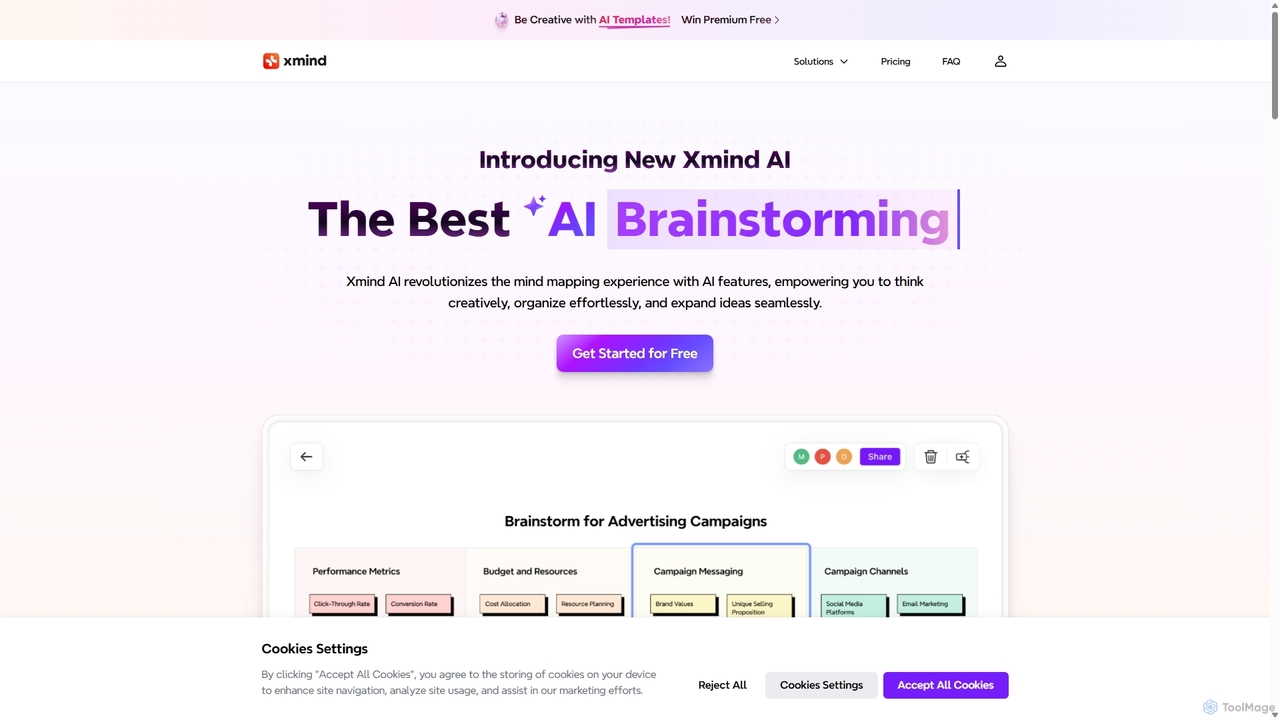
Xmind AI
Xmind AI is an advanced AI-powered mind mapping and brainstorming tool designed to enhance creativity and productivity. It helps users visualize thoughts, organize complex information, and collaborate with teams in real-time. With features like AI-driven idea generation, content summarization, and automated to-do lists, Xmind AI transforms abstract concepts into structured, actionable plans.
Teamwork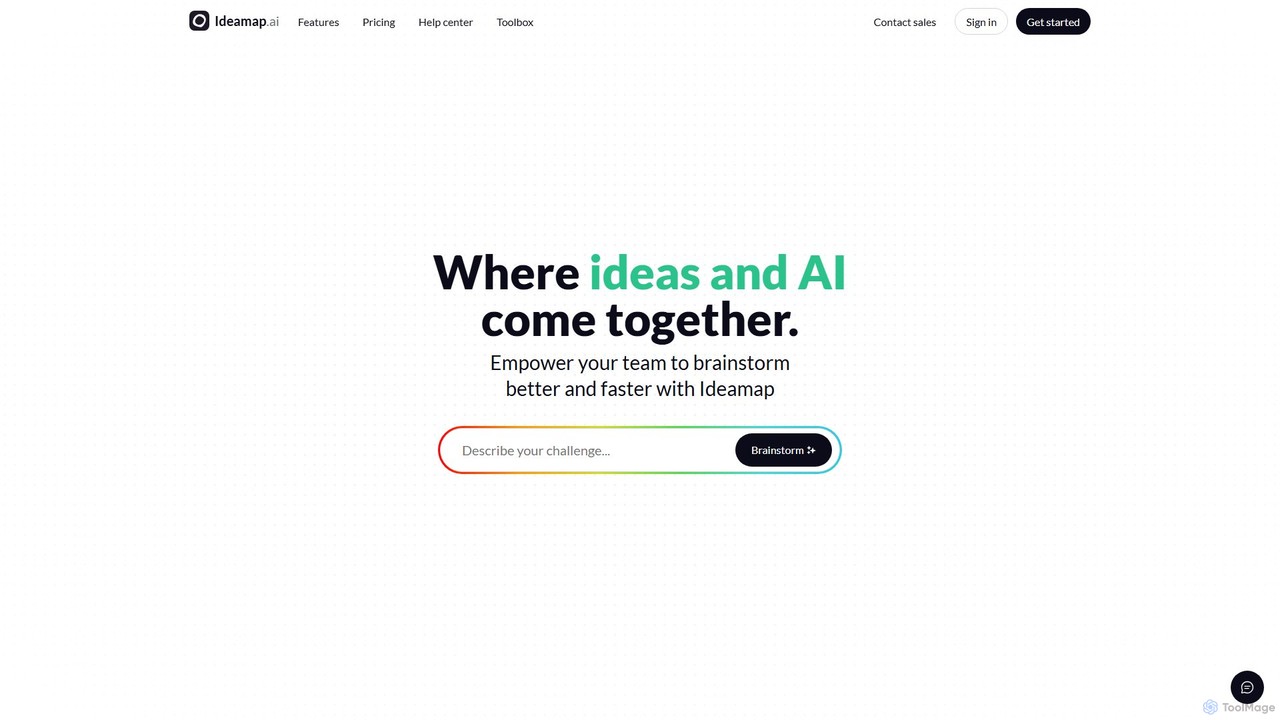
Ideamap
Ideamap is an AI-powered brainstorming and mind-mapping tool designed to transform your ideas into structured visual maps. It helps users generate, organize, and expand on concepts collaboratively. By leveraging AI, Ideamap accelerates the creative process, making it ideal for teams, strategists, and creators to unlock new insights and plan projects effectively.
Strategy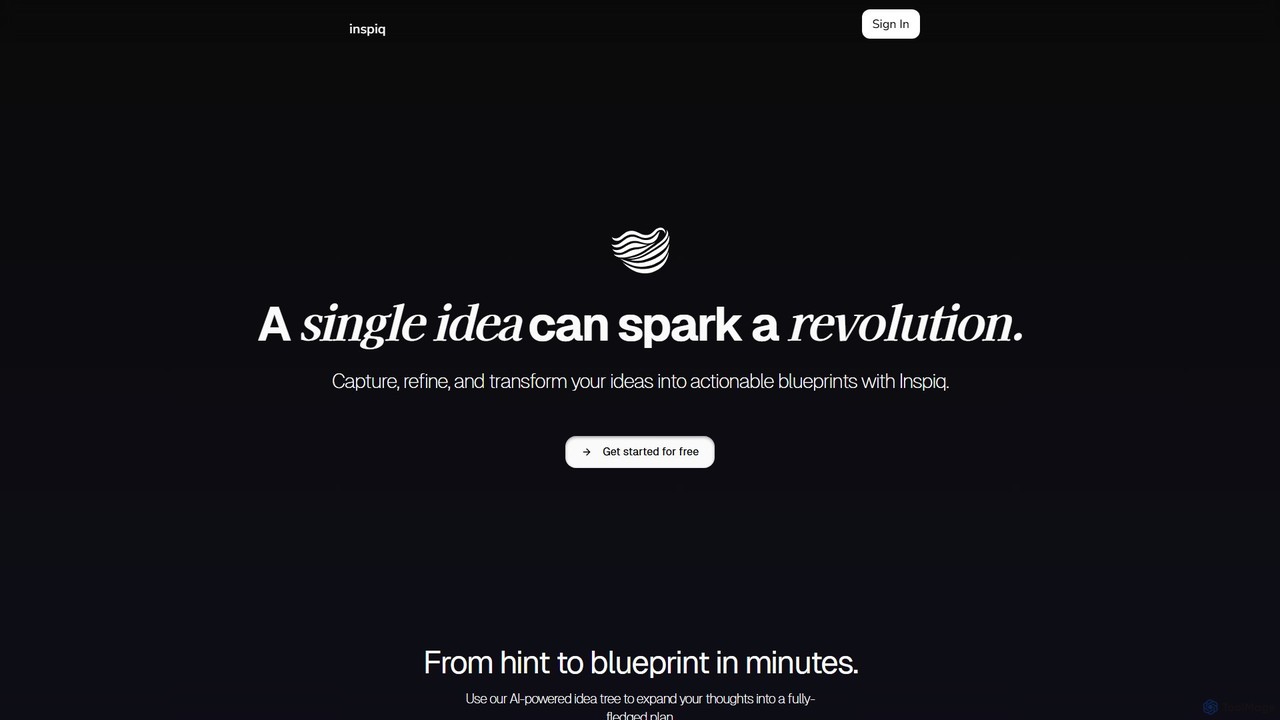
Inspiq
Inspiq is an AI-powered brainstorming tool that transforms a single idea into a detailed, actionable plan. Using an interactive "idea tree," it helps users capture, refine, and visually structure their thoughts. Ideal for entrepreneurs, writers, students, and creatives, it expands simple concepts into comprehensive blueprints, overcoming mental blocks and accelerating the planning process.
Planning
MindGenie
MindGenie is an AI-powered mind mapping and brainstorming platform designed to help users visualize, organize, and expand their ideas. It uses generative AI to suggest new concepts, create detailed branches, and transform thoughts into structured plans, boosting creativity and productivity.
Study
Kuse AI
Kuse AI is an intelligent visual collaboration platform that uses AI to supercharge brainstorming, mind mapping, and project planning. It provides an infinite canvas where teams can generate, organize, and develop ideas in real-time with the help of an AI assistant.
Mind Mappingideapad.live Categories
ideapad.live Embed Widget
Copy this embed code to place the badge on your blog, article, or product site and send readers directly to this ToolMage detail page.

Related AI tools
Xmind AI
Xmind AI is an advanced AI-powered mind mapping and brainstorming tool designed to enhance creativity and productivity. It helps users visualize thoughts, organize complex information, and collaborate with teams in real-time. With features like AI-driven idea generation, content summarization, and automated to-do lists, Xmind AI transforms abstract concepts into structured, actionable plans.
TeamworkIdeamap
Ideamap is an AI-powered brainstorming and mind-mapping tool designed to transform your ideas into structured visual maps. It helps users generate, organize, and expand on concepts collaboratively. By leveraging AI, Ideamap accelerates the creative process, making it ideal for teams, strategists, and creators to unlock new insights and plan projects effectively.
StrategyInspiq
Inspiq is an AI-powered brainstorming tool that transforms a single idea into a detailed, actionable plan. Using an interactive "idea tree," it helps users capture, refine, and visually structure their thoughts. Ideal for entrepreneurs, writers, students, and creatives, it expands simple concepts into comprehensive blueprints, overcoming mental blocks and accelerating the planning process.
PlanningMindGenie
MindGenie is an AI-powered mind mapping and brainstorming platform designed to help users visualize, organize, and expand their ideas. It uses generative AI to suggest new concepts, create detailed branches, and transform thoughts into structured plans, boosting creativity and productivity.
Study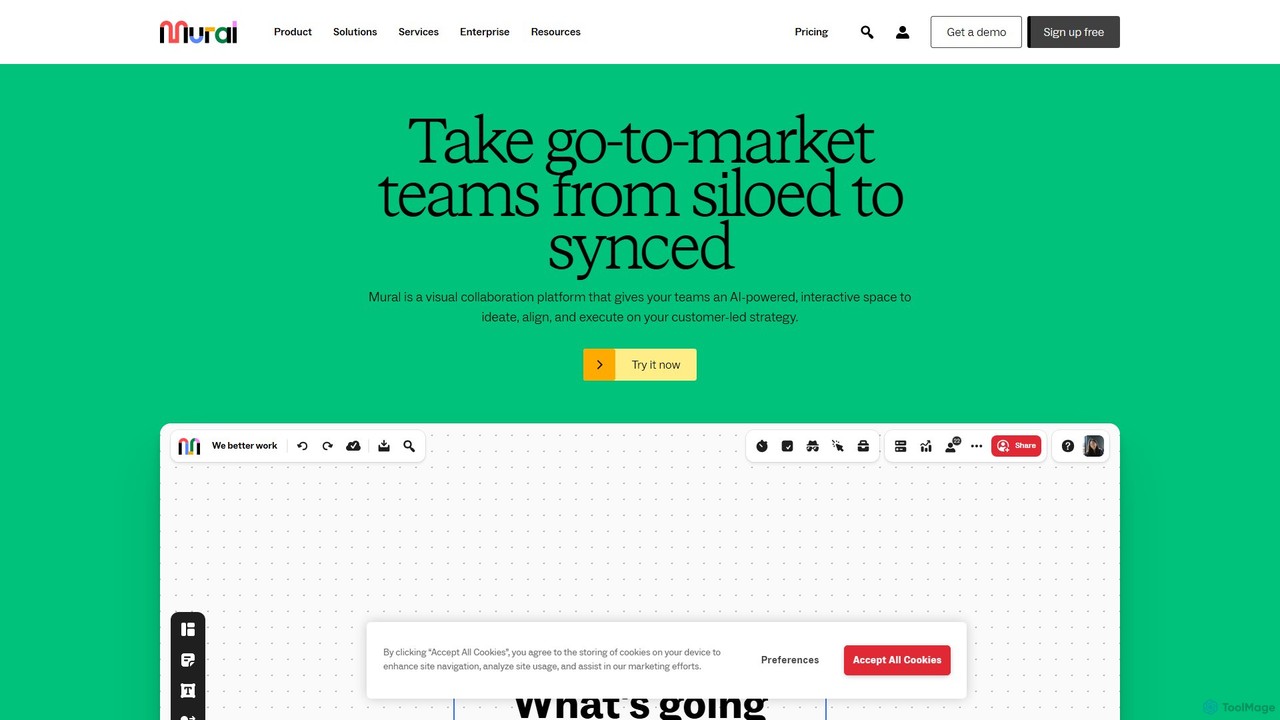
Mural
Mural is an AI-powered visual collaboration platform and digital whiteboard designed for teams. It provides an interactive space to brainstorm ideas, align on strategies, and execute projects, enhancing productivity and breaking down communication silos.
Brainstorming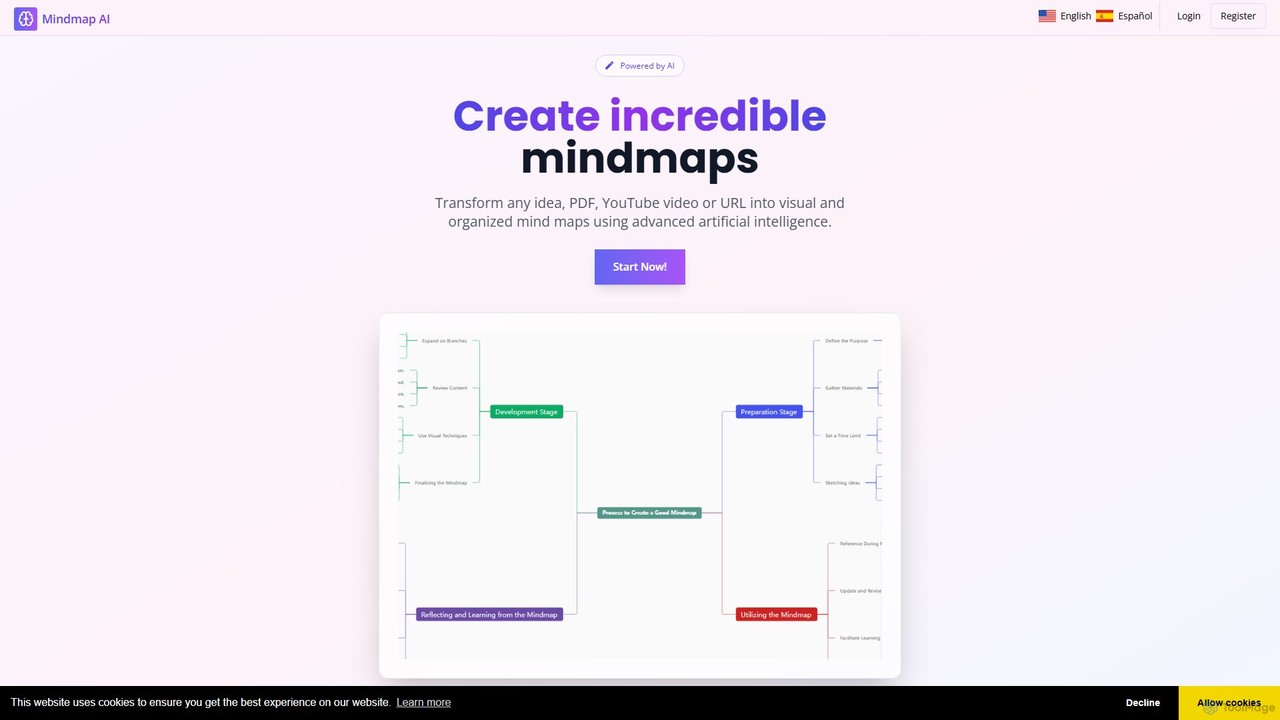
MindMap AI
MindMap AI is an intelligent tool that instantly transforms your ideas, documents, and multimedia files into structured mind maps. Featuring an interactive AI Copilot, it facilitates dynamic brainstorming, idea expansion, and visual organization. It supports a wide range of input formats, including text, PDF, audio, and video, making it a versatile solution for students, professionals, and creatives to visualize and structure information effortlessly.
Brainstorming
boardmix
boardmix is an AI-powered collaborative online whiteboard designed to enhance team creativity and productivity. It integrates AIGC, mind mapping, flowcharts, and real-time collaboration tools into a single, infinite canvas, making it an all-in-one solution for brainstorming, project management, and visual communication.
Project Management
mapmindai
mapmindai is an AI-powered mind mapping tool that transforms your ideas, notes, and documents into clear, beautiful visual diagrams. Simply provide a central topic or text, and our AI will automatically generate a structured mind map, helping you brainstorm, organize thoughts, and plan projects with unprecedented speed and ease. It's perfect for students, professionals, and creatives looking to unlock their full potential.
PlanningKuse AI
Kuse AI is an intelligent visual collaboration platform that uses AI to supercharge brainstorming, mind mapping, and project planning. It provides an infinite canvas where teams can generate, organize, and develop ideas in real-time with the help of an AI assistant.
Mind Mapping
Jyek
Jyek is an AI agent platform that understands objectives, creates execution plans, uses tools, and delivers verifiable results for complex, multi-step tasks.
Automation
BrainstormGPT
BrainstormGPT is an AI-powered collaborative platform designed for business teams. It facilitates structured brainstorming sessions, generates creative ideas, analyzes inputs in real-time, and produces actionable reports. Ideal for strategic planning, problem-solving, and innovation, it helps teams transform raw ideas into data-driven decisions efficiently.
Strategic Planning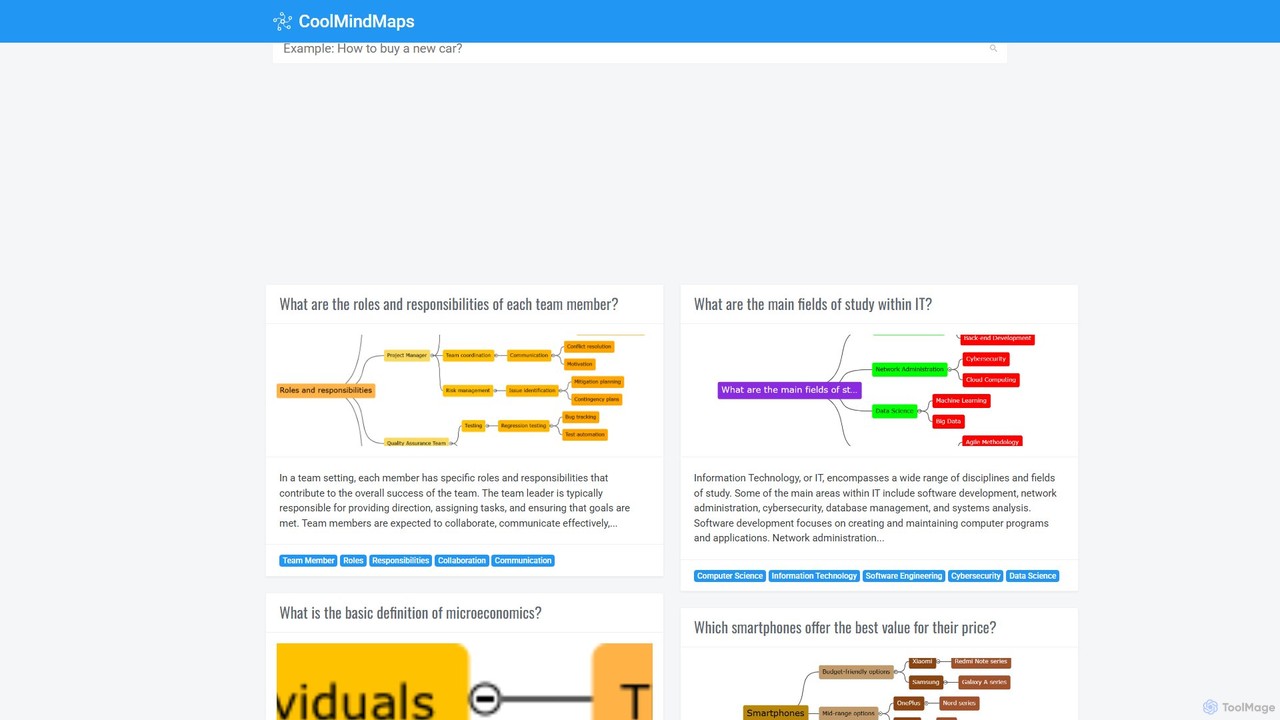
CoolMindMaps
CoolMindMaps is an AI-powered tool that transforms your questions and topics into clear, structured mind maps. Simply enter a query, and the AI instantly generates a visual breakdown of key concepts, definitions, and related ideas. It's perfect for students, writers, and professionals who need to quickly research, brainstorm, and organize information on any subject. With multi-language support, it makes complex knowledge accessible and easy to understand.
Research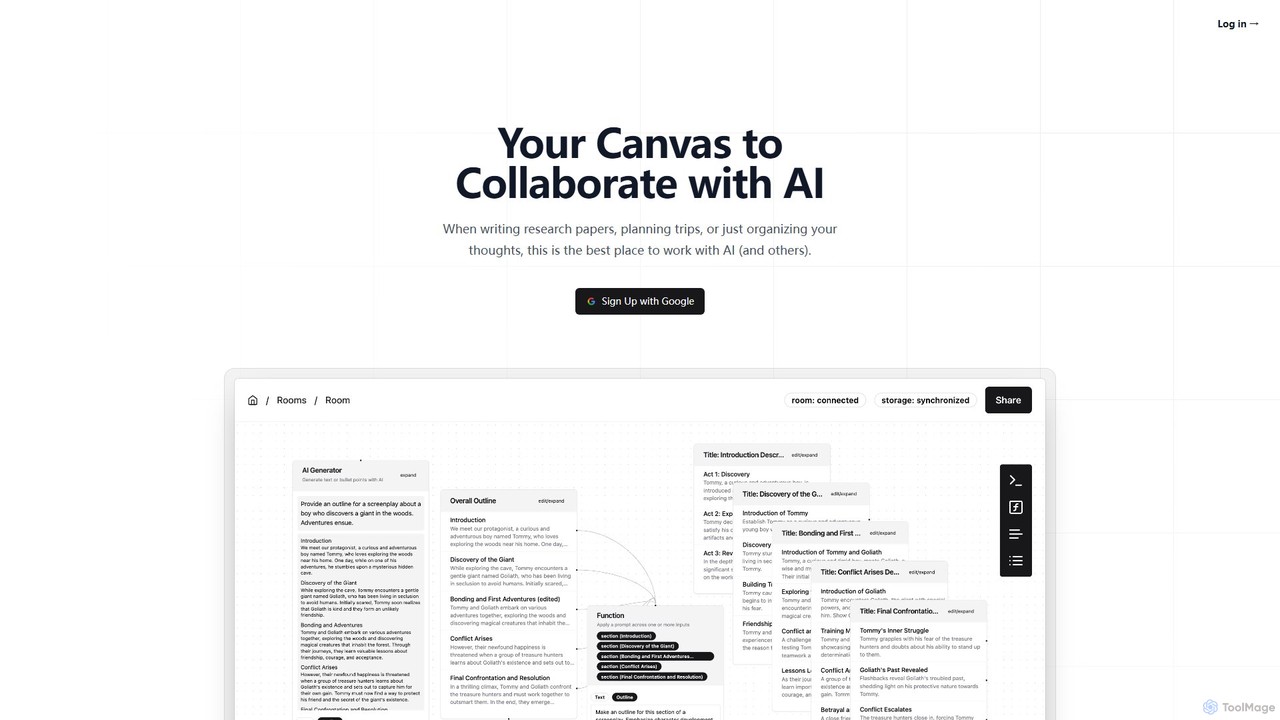
lxi.ai
lxi.ai is a collaborative AI canvas designed to enhance complex workflows like research, planning, and brainstorming. Move beyond linear chats with a visual workspace where you can connect ideas, provide context to the AI, and work in real-time with teammates. It's an iterative environment that keeps you in control, allowing you to draft, revise, and organize thoughts seamlessly.
Brainstorming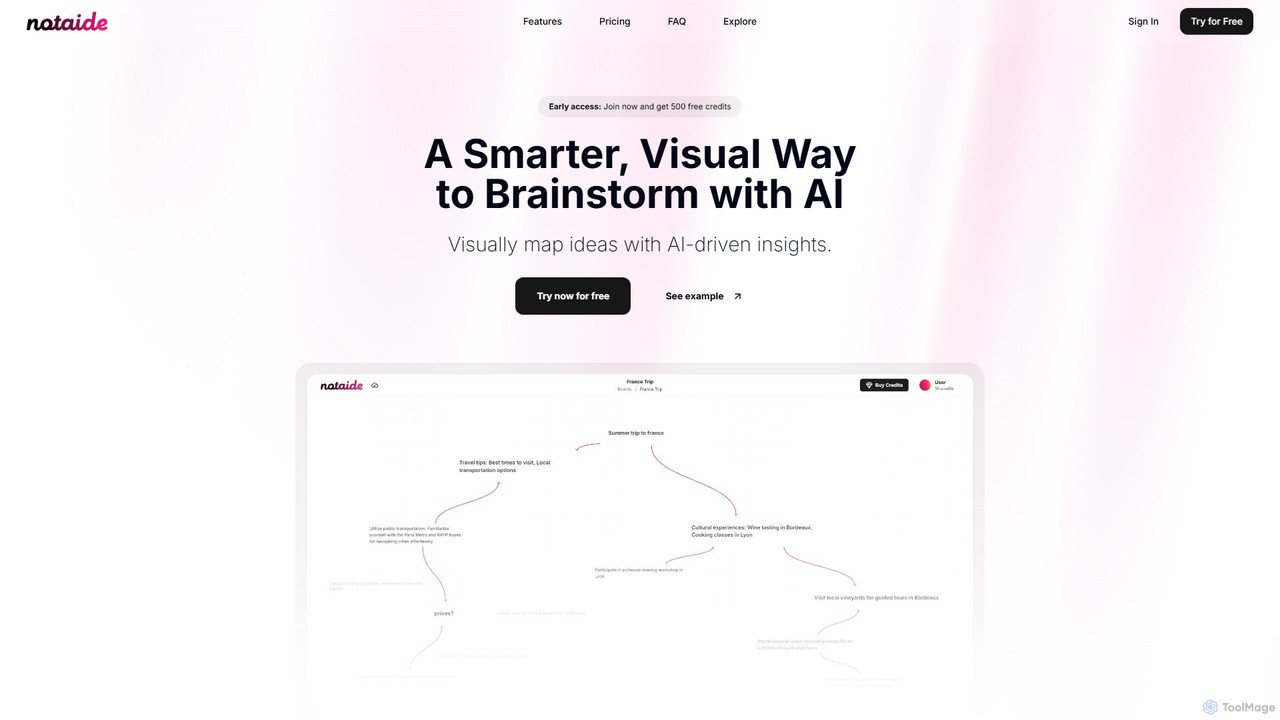
Notaide
Notaide is a visual AI brainstorming tool designed to enhance creativity and organization. It allows users to generate ideas, create interactive mind maps, and visually connect concepts with AI-driven suggestions. It operates on a flexible pay-as-you-go model, eliminating the need for subscriptions.
Planning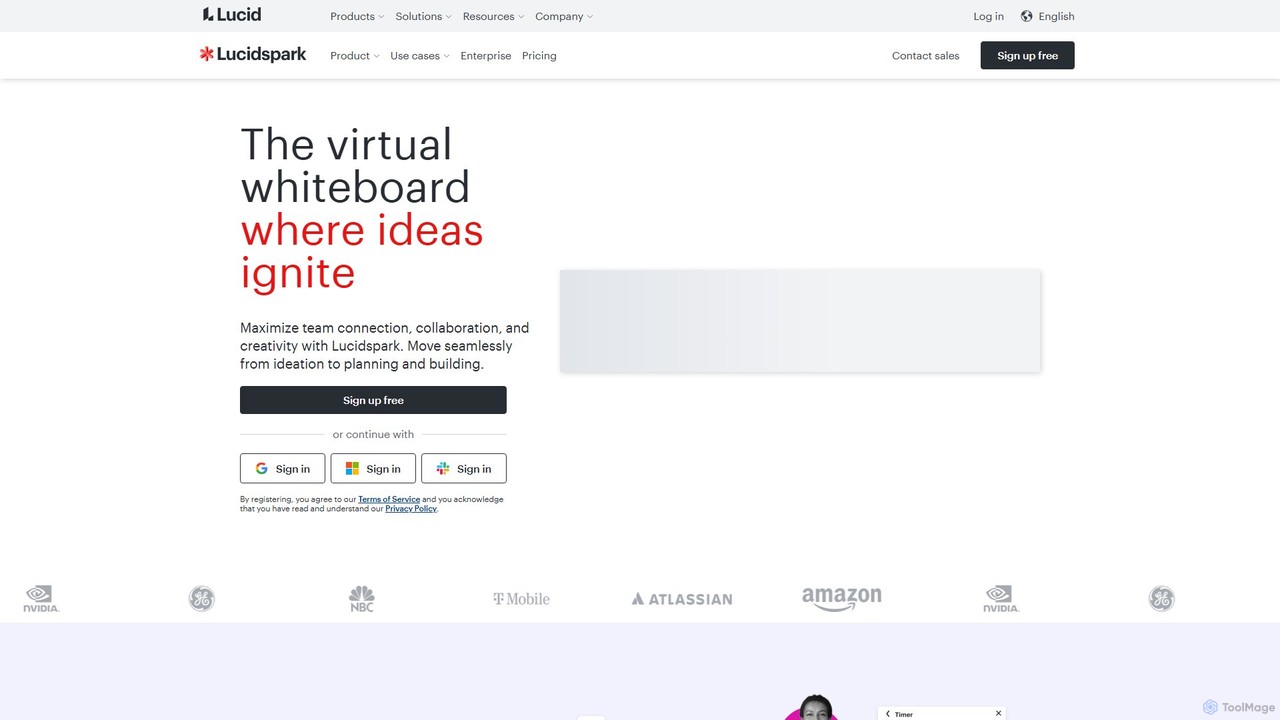
Lucidspark
Lucidspark is an AI-powered virtual whiteboard designed to enhance team collaboration, brainstorming, and project planning. It provides an infinite canvas for teams to connect, ideate, and move seamlessly from concept to execution. With features like Collaborative AI, extensive templates, and deep integrations, Lucidspark helps teams unlock their most innovative ideas and turn them into actionable plans.
Project Management
ideapad.live Comments (0)
Sign in to comment.
Sign inNo comments yet.