
Notaide Overview
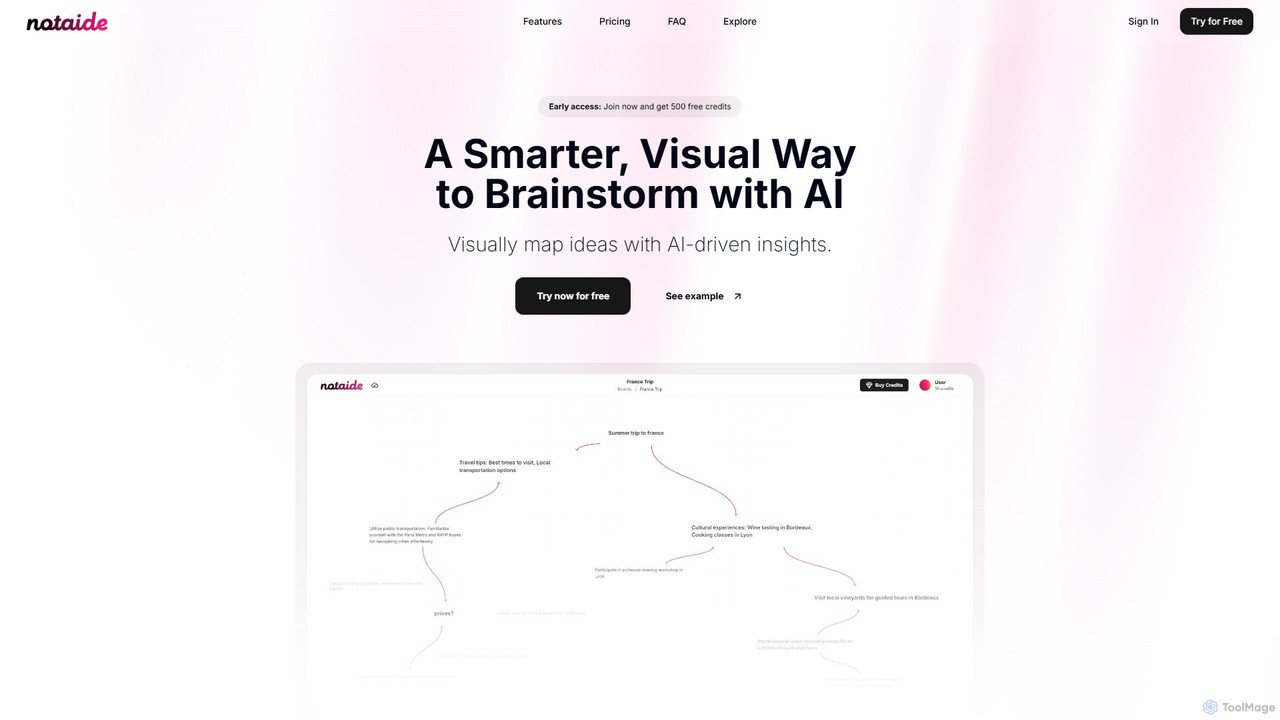
Notaide offers a smarter, more visual way to brainstorm and organize ideas. It's an innovative platform that combines the intuitive nature of mind mapping with the power of artificial intelligence to help users think faster, more creatively, and with greater clarity. Whether you're a student planning a project, an entrepreneur developing a business idea, or a creative professional outlining a story, Notaide provides an interactive canvas to bring your thoughts to life. The tool is designed for visual learners and anyone who benefits from seeing the connections between concepts. It moves beyond simple note-taking, creating a dynamic environment where ideas can grow and evolve with AI assistance.
How to use Notaide
Getting started with Notaide is a simple and intuitive process designed to get you brainstorming in seconds:
- Create a Board: Start by creating a new, clean board for your project or topic. Each board is a dedicated space for a specific set of ideas.
- Add Your First Idea: Click anywhere on the board to create a text node. Type in your initial thought, question, or topic to serve as the starting point for your brainstorming session.
- Receive AI Suggestions: As you type, Notaide's AI immediately begins generating relevant suggestions and related concepts. These appear around your node, offering new directions and sparking further creativity.
- Expand Your Mind Map: To add an AI-generated idea to your board, simply double-click on it. It will become a new node, and the AI will then generate fresh suggestions based on this new concept, allowing you to dive deeper into specific branches of thought.
- Connect and Organize: To visually structure your ideas, drag nodes close to one another. A link will automatically form, creating a clear connection. You can drag, drop, and rearrange all elements in real-time to build a mind map that logically represents your thought process.
Core Features of Notaide
- AI-Powered Brainstorming: Automatically generates contextual ideas, suggestions, and connections to help you overcome creative blocks and explore topics more deeply.
- Visual Mind Mapping: Organize your thoughts on an infinite, interactive canvas. Create separate boards for different projects to keep your ideas structured and easily accessible.
- Interactive and Engaging Interface: A user-friendly drag-and-drop system allows you to modify, link, and rearrange elements in real-time, giving you full control over your creative flow.
- Effortless Idea Expansion: Seamlessly turn a single idea into a comprehensive network of thoughts by adding AI suggestions to your board with a simple double-click.
- Pay-As-You-Go Model: No recurring subscriptions or hidden fees. Users simply purchase credits and pay only for the AI assistance they use, making it a flexible and cost-effective solution.
Use Cases for Notaide
Notaide is a versatile tool suitable for a wide range of applications:
- Students and Educators: Planning study schedules (e.g., "Physics Study Plan"), outlining research papers, understanding complex topics (e.g., "Respiratory System"), and preparing lesson plans.
- Entrepreneurs and Business Professionals: Developing new business ideas (e.g., "AI startup ideas"), mapping out product features, creating marketing strategies, and organizing team brainstorming sessions.
- Writers and Creatives: Outlining novels or scripts, developing characters, brainstorming content ideas for blogs or social media (e.g., "Books to read"), and planning creative projects.
- Personal Planning: Organizing personal goals, planning trips (e.g., "Summer vacation to Spain"), managing home renovation projects, or learning a new skill (e.g., "Learning guitar").
Advantages of Notaide
Notaide stands out by offering several key benefits:
- Enhanced Creativity: The AI acts as a creative partner, suggesting paths you might not have considered, thus enriching the brainstorming process.
- Increased Efficiency: By automating idea generation and simplifying organization, Notaide helps you move from concept to actionable plan much faster.
- Visual Clarity: Perfect for visual thinkers, the mind map format makes complex information easy to understand and helps reveal relationships between different ideas.
- Cost-Effective Flexibility: The credit-based system ensures you only pay for what you use, making it an affordable tool for both occasional and heavy users.
Pricing and Plans
Notaide uses a straightforward and transparent pay-as-you-go pricing model. There are no monthly or annual subscriptions. Users purchase credits which are then used for AI-powered actions.
- $5 Plan: 100 credits (at $0.05 per credit). Enough for approximately 200 AI requests.
- $10 Plan (Most Popular): 220 credits (at $0.045 per credit). Enough for approximately 440 AI requests.
- $25 Plan: 600 credits (at $0.042 per credit). Enough for approximately 1200 AI requests.
Credits are deducted each time the AI helps brainstorm ideas (about 1 credit covers up to 2 AI requests) and a small amount is also used when creating a new board. New users can get started with 500 free credits upon joining.
Notaide Alternatives
MindGenie
MindGenie is an AI-powered mind mapping and brainstorming platform designed to help users visualize, organize, and expand their ideas. It uses generative AI to suggest new concepts, create detailed branches, and transform thoughts into structured plans, boosting creativity and productivity.
Study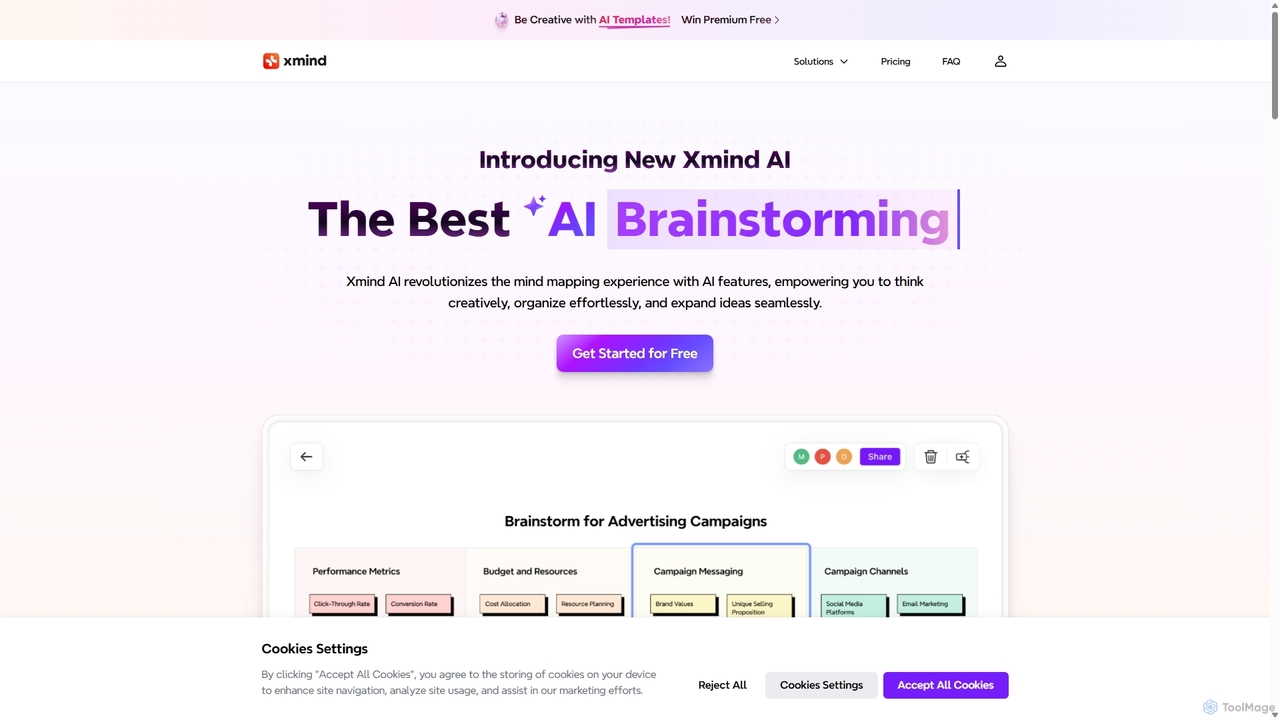
Xmind AI
Xmind AI is an advanced AI-powered mind mapping and brainstorming tool designed to enhance creativity and productivity. It helps users visualize thoughts, organize complex information, and collaborate with teams in real-time. With features like AI-driven idea generation, content summarization, and automated to-do lists, Xmind AI transforms abstract concepts into structured, actionable plans.
Teamwork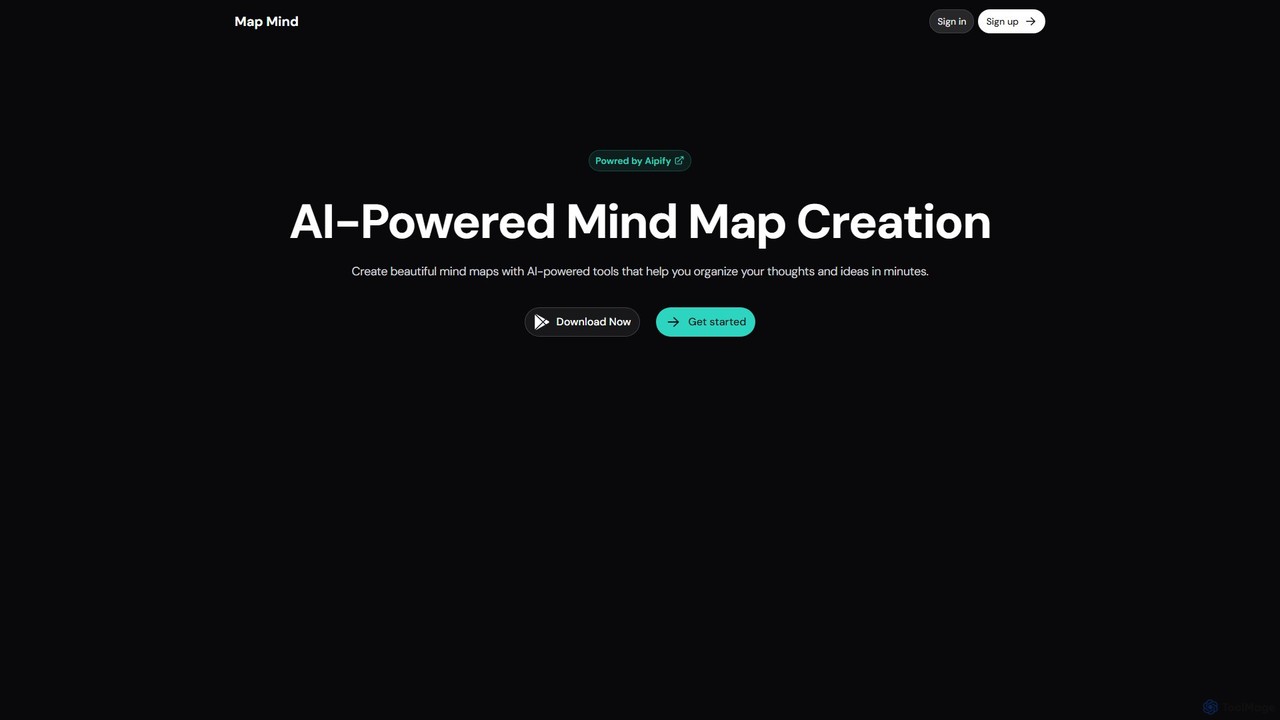
mapmindai
mapmindai is an AI-powered mind mapping tool that transforms your ideas, notes, and documents into clear, beautiful visual diagrams. Simply provide a central topic or text, and our AI will automatically generate a structured mind map, helping you brainstorm, organize thoughts, and plan projects with unprecedented speed and ease. It's perfect for students, professionals, and creatives looking to unlock their full potential.
Planning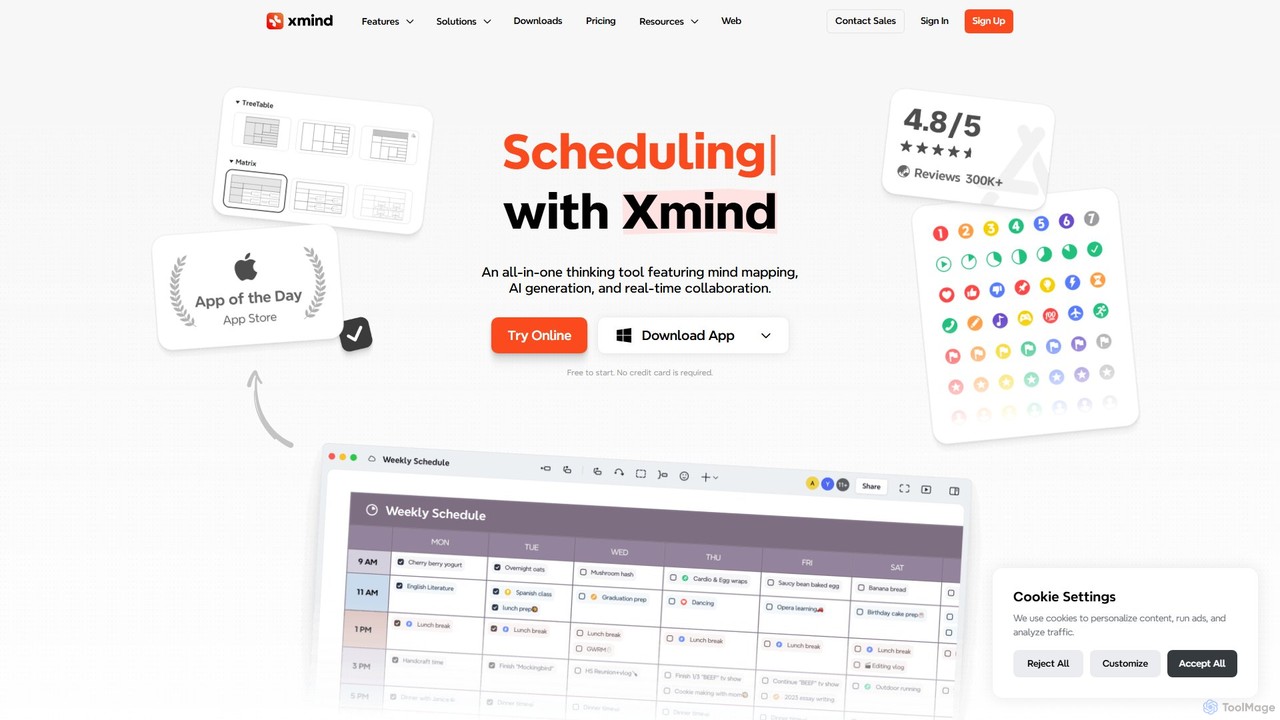
Ideamap
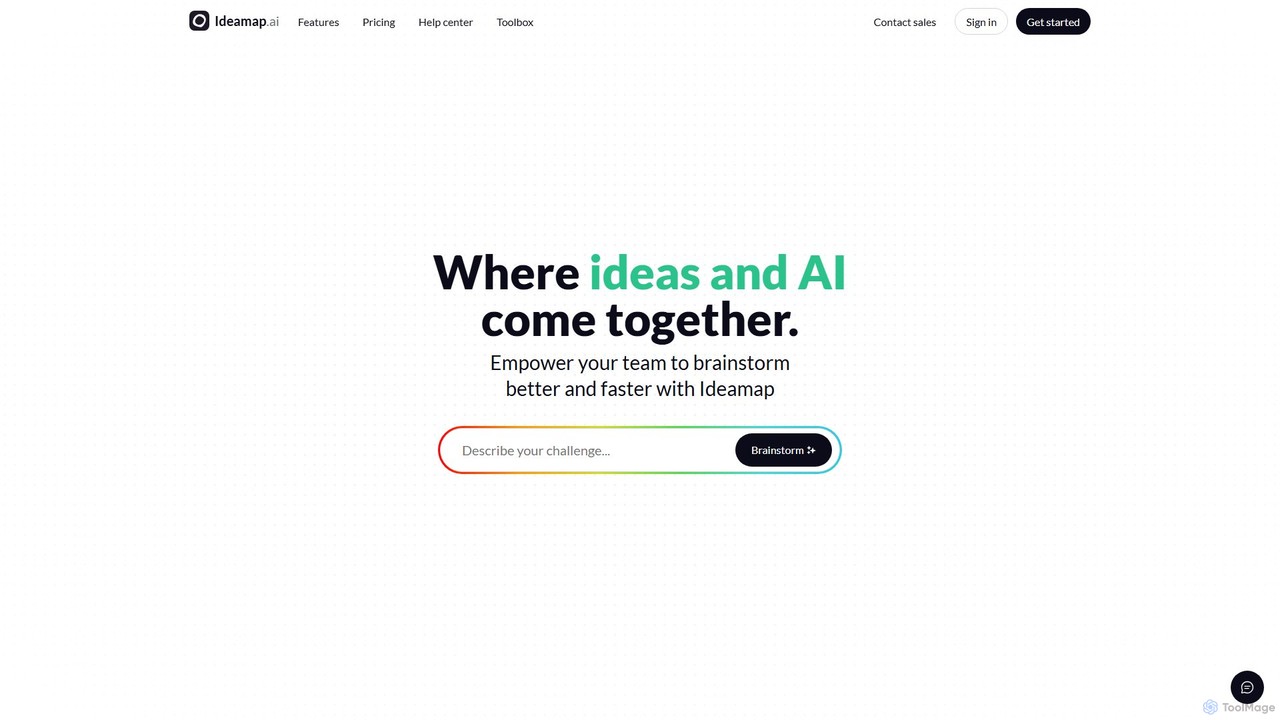
Ideamap is an AI-powered brainstorming and mind-mapping tool designed to transform your ideas into structured visual maps. It helps users generate, organize, and expand on concepts collaboratively. By leveraging AI, Ideamap accelerates the creative process, making it ideal for teams, strategists, and creators to unlock new insights and plan projects effectively.
StrategyNotaide Categories
Notaide Embed Widget
Copy this embed code to place the badge on your blog, article, or product site and send readers directly to this ToolMage detail page.

Related AI tools
MindGenie
MindGenie is an AI-powered mind mapping and brainstorming platform designed to help users visualize, organize, and expand their ideas. It uses generative AI to suggest new concepts, create detailed branches, and transform thoughts into structured plans, boosting creativity and productivity.
StudyXmind AI
Xmind AI is an advanced AI-powered mind mapping and brainstorming tool designed to enhance creativity and productivity. It helps users visualize thoughts, organize complex information, and collaborate with teams in real-time. With features like AI-driven idea generation, content summarization, and automated to-do lists, Xmind AI transforms abstract concepts into structured, actionable plans.
Teamworkmapmindai
mapmindai is an AI-powered mind mapping tool that transforms your ideas, notes, and documents into clear, beautiful visual diagrams. Simply provide a central topic or text, and our AI will automatically generate a structured mind map, helping you brainstorm, organize thoughts, and plan projects with unprecedented speed and ease. It's perfect for students, professionals, and creatives looking to unlock their full potential.
Planning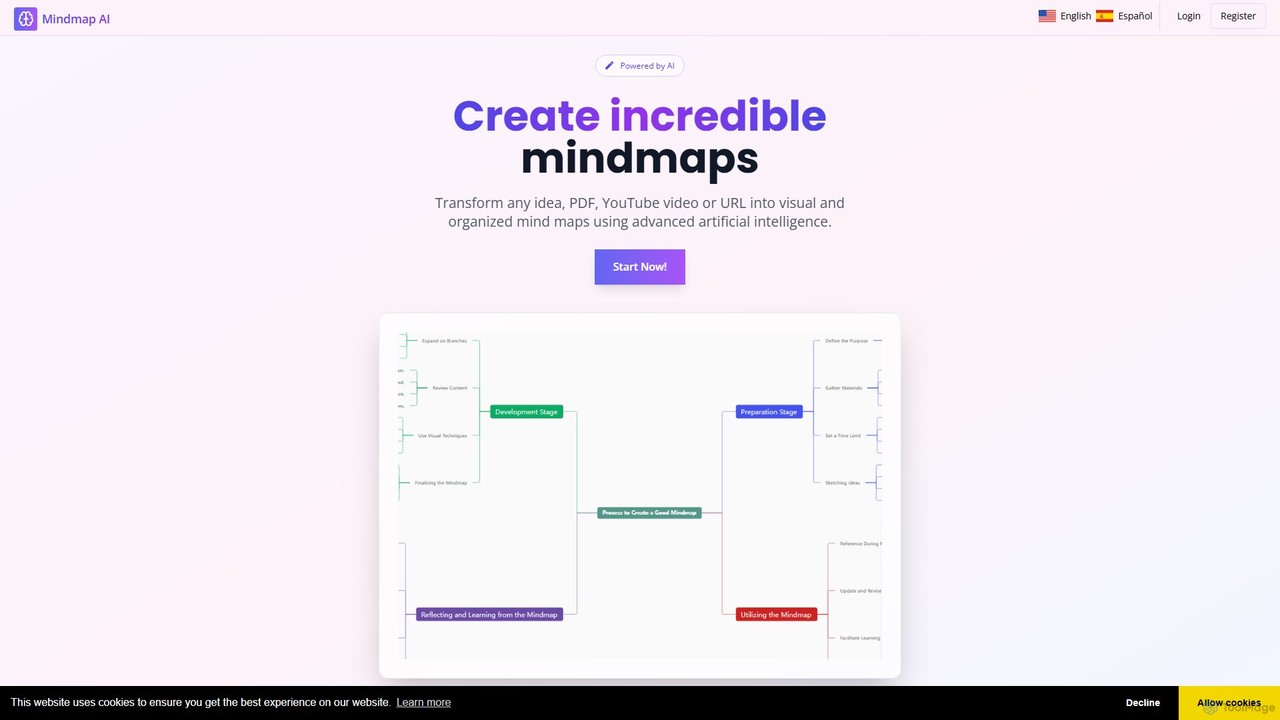
MindMap AI
MindMap AI is an intelligent tool that instantly transforms your ideas, documents, and multimedia files into structured mind maps. Featuring an interactive AI Copilot, it facilitates dynamic brainstorming, idea expansion, and visual organization. It supports a wide range of input formats, including text, PDF, audio, and video, making it a versatile solution for students, professionals, and creatives to visualize and structure information effortlessly.
Brainstorming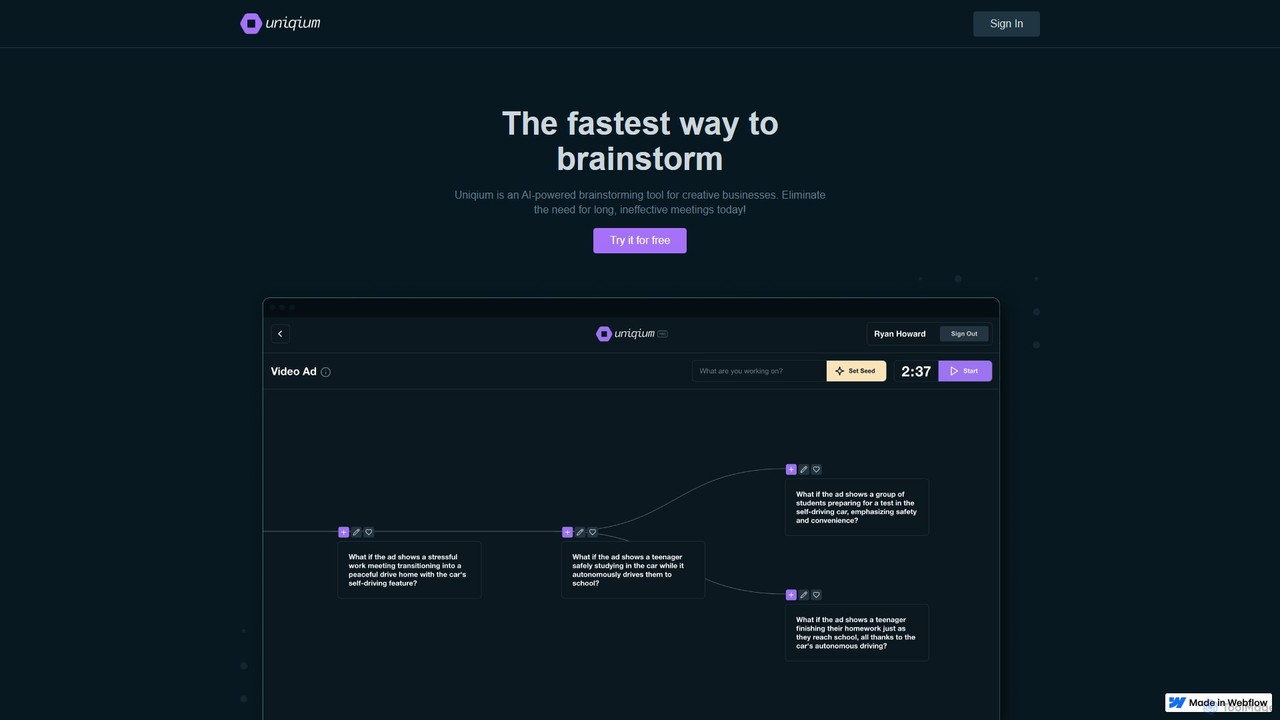
Uniqium
Uniqium is an AI-powered brainstorming platform designed for creative businesses. It replaces inefficient meetings with fast, focused, and individual AI-assisted sessions, helping teams generate high-quality ideas in minutes.
CollaborationIdeamap
Ideamap is an AI-powered brainstorming and mind-mapping tool designed to transform your ideas into structured visual maps. It helps users generate, organize, and expand on concepts collaboratively. By leveraging AI, Ideamap accelerates the creative process, making it ideal for teams, strategists, and creators to unlock new insights and plan projects effectively.
Strategy
Inspiq
Inspiq is an AI-powered brainstorming tool that transforms a single idea into a detailed, actionable plan. Using an interactive "idea tree," it helps users capture, refine, and visually structure their thoughts. Ideal for entrepreneurs, writers, students, and creatives, it expands simple concepts into comprehensive blueprints, overcoming mental blocks and accelerating the planning process.
Planning
TreeMind
TreeMind is a next-generation AI-powered mind mapping tool that allows users to generate, organize, and visualize ideas effortlessly. It supports creating mind maps from a single sentence, images, or documents, and offers real-time collaboration, cross-platform synchronization, and a vast library of templates and design assets.
Generative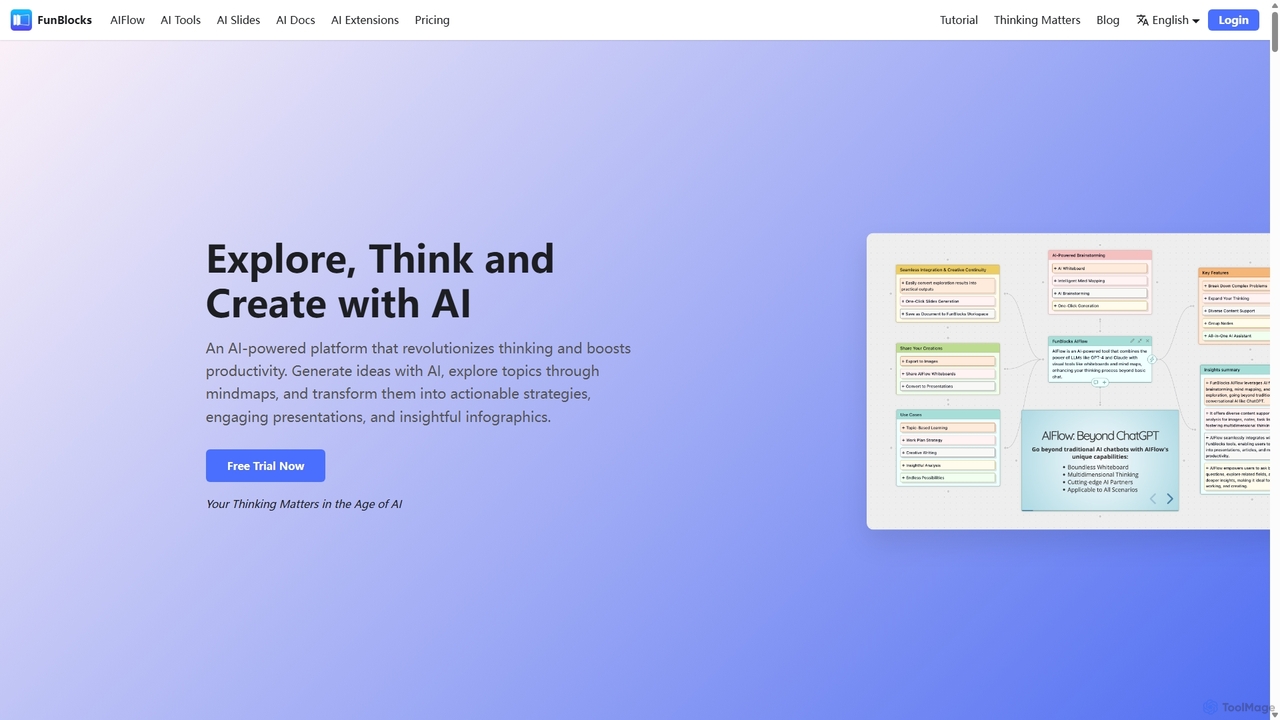
FunBlocks
FunBlocks is an all-in-one AI workspace designed to revolutionize thinking and boost productivity. It seamlessly integrates AI-powered tools for mind mapping (AIFlow), document creation (AI Docs), slide generation (AI Slides), and web research (Browser Extension). From brainstorming complex ideas visually to producing polished documents and presentations with a single click, FunBlocks supports the entire knowledge workflow, enhancing creativity and critical thinking for students, professionals, and teams.
Presentations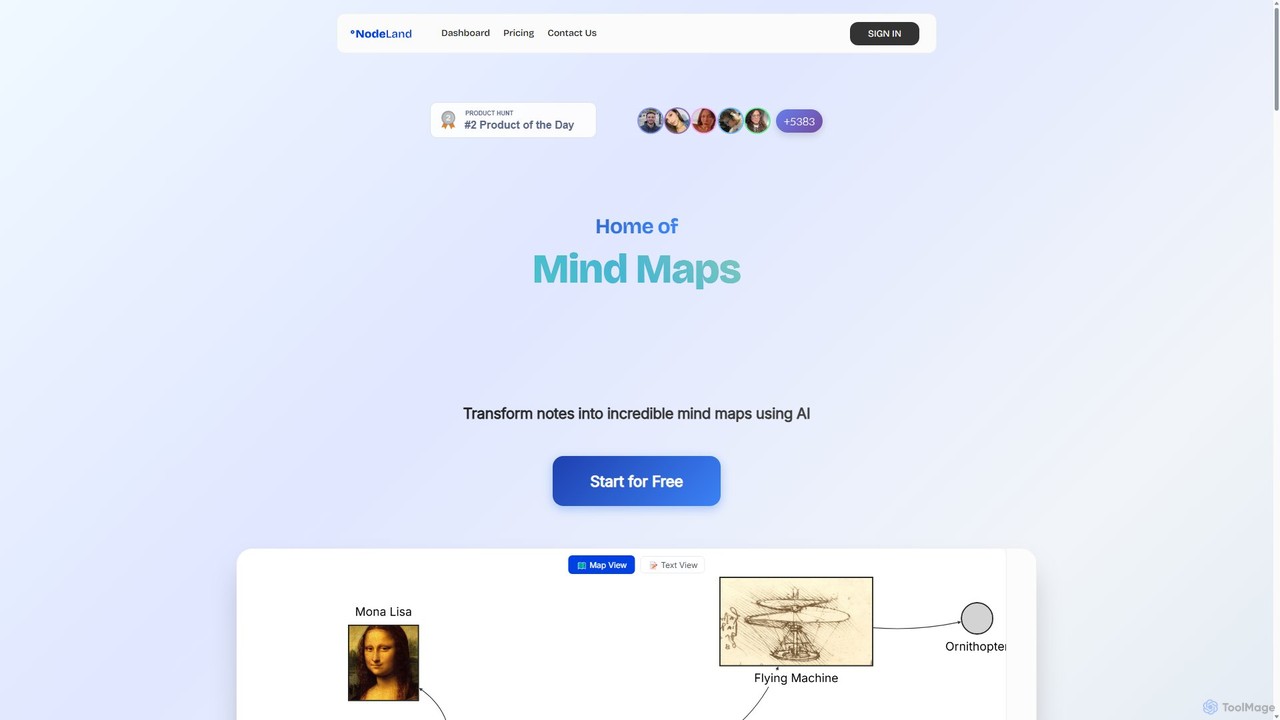
Nodeland
Nodeland is an AI-powered platform that transforms your notes, ideas, and documents into interactive mind maps and concept maps. It uses a non-linear, connection-based model to help you visualize information, enhance learning, and boost creativity. With its AI assistant, you can automatically generate maps, summarize texts, and explore topics in depth, making it an ideal tool for students, professionals, and creative thinkers.
Note Taking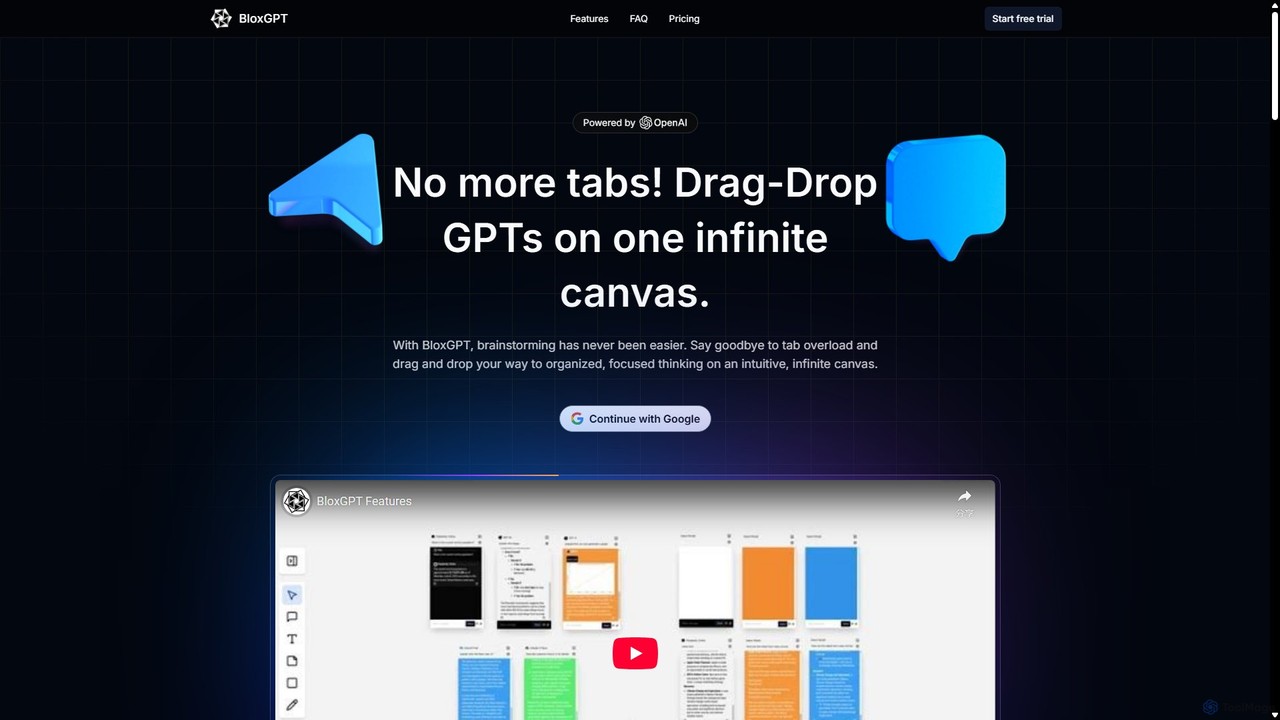
BloxGPT
BloxGPT is an AI-powered collaborative workspace that replaces tab clutter with a single, infinite canvas. Users can drag and drop GPT instances, brainstorm ideas, create diagrams, and collaborate with teams in real-time. It's designed for visual thinking, project planning, and enhanced productivity.
Wireframing
WiseMap
WiseMap is an AI-powered mind mapping tool that transforms your text prompts into structured, visual diagrams. Leveraging AI like ChatGPT, it helps you brainstorm, plan projects, and organize ideas effortlessly. Start with a simple idea and let the AI expand it into a comprehensive map, which you can then manually edit, customize, and share.
Brainstorming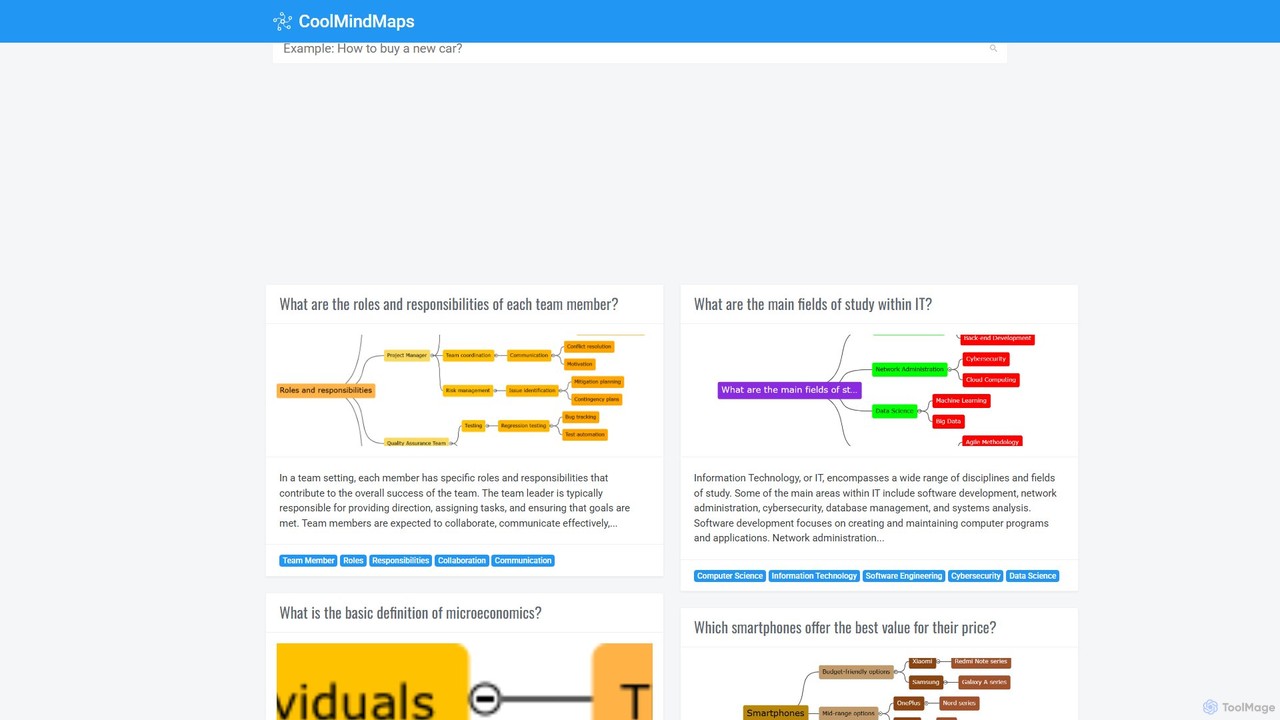
CoolMindMaps
CoolMindMaps is an AI-powered tool that transforms your questions and topics into clear, structured mind maps. Simply enter a query, and the AI instantly generates a visual breakdown of key concepts, definitions, and related ideas. It's perfect for students, writers, and professionals who need to quickly research, brainstorm, and organize information on any subject. With multi-language support, it makes complex knowledge accessible and easy to understand.
Research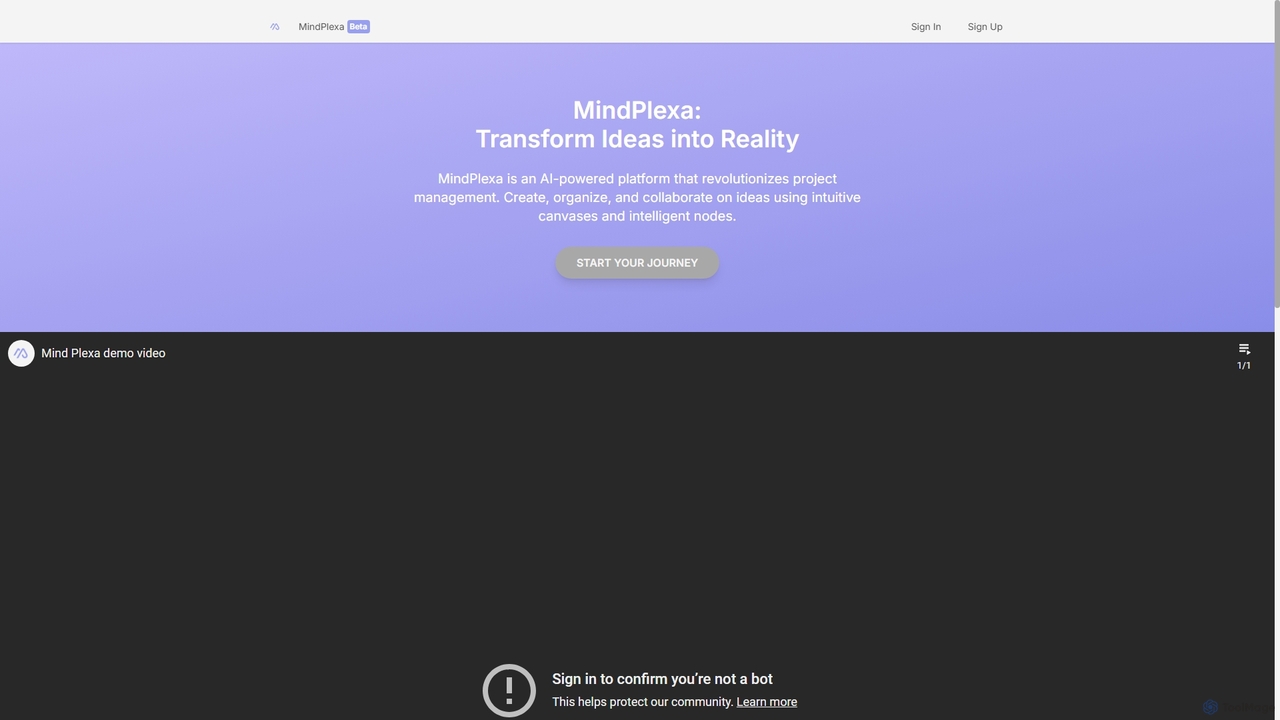
MindPlexa
MindPlexa is an AI-powered productivity platform that transforms ideas into actionable projects. It combines visual mind mapping with intelligent project management, allowing users to create, organize, and collaborate on ideas using intuitive canvases and smart nodes. The AI assistant helps generate project layouts, suggest tasks, and streamline workflows, making it an ideal tool for teams and individuals looking to boost creativity and efficiency.
Teamwork
Notaide Comments (0)
Sign in to comment.
Sign inNo comments yet.