
Xmind Overview
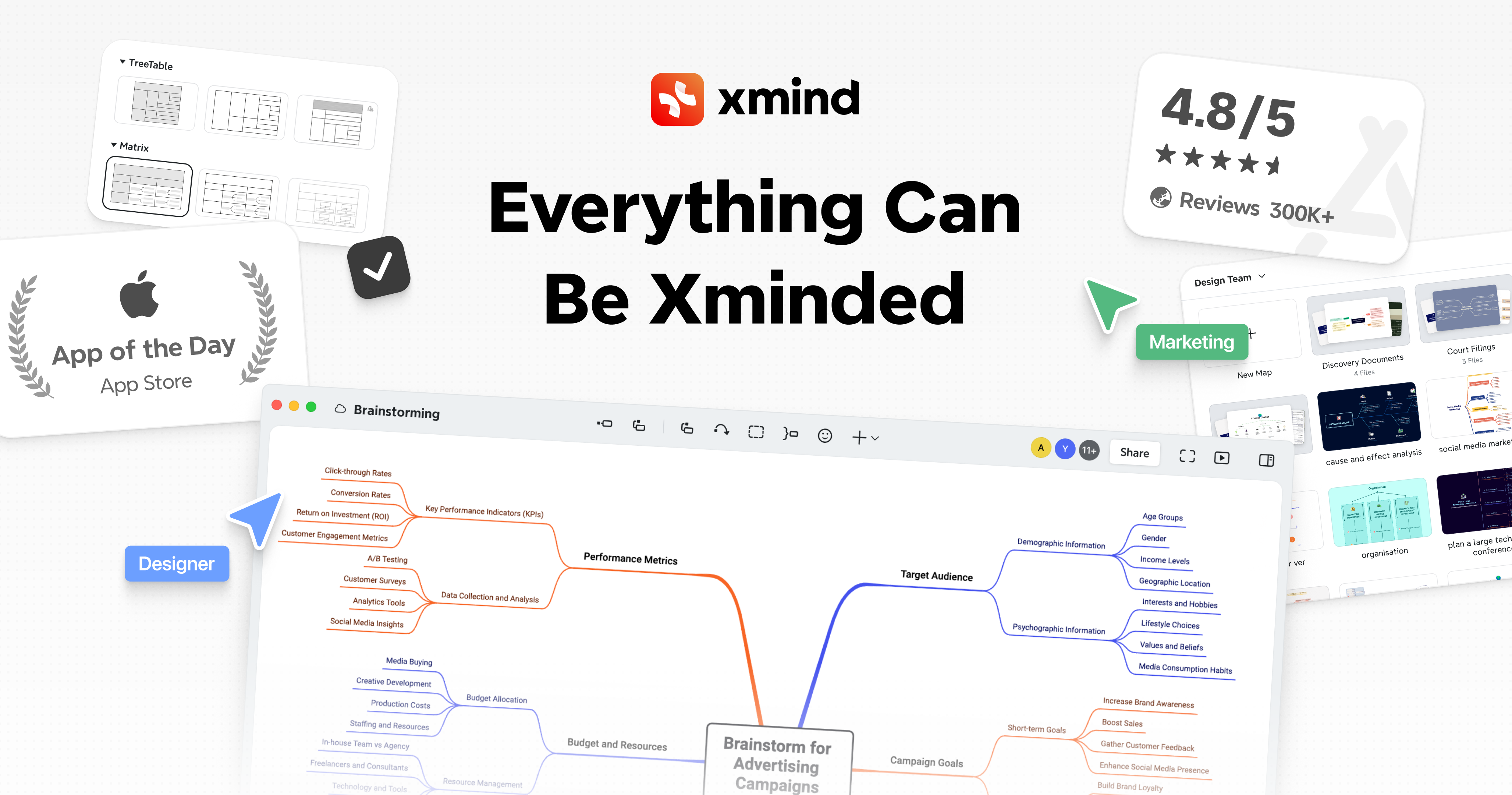
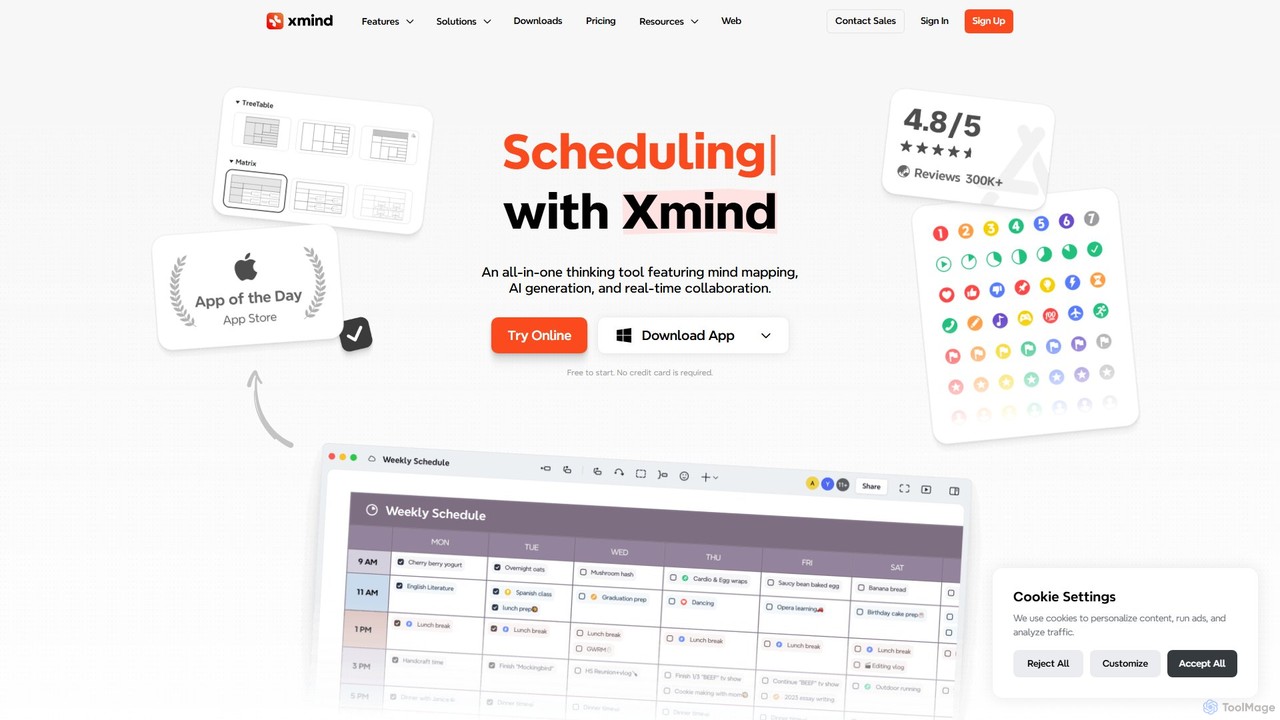
Xmind is a comprehensive and versatile mind mapping and brainstorming application designed to enhance creativity and productivity for individuals and teams. Trusted by over 100 million users worldwide, from students to Fortune 500 companies, Xmind provides a powerful suite of tools to visualize thoughts, structure complex information, and streamline workflows. It seamlessly integrates traditional mind mapping with advanced features like AI generation, real-time collaboration, and multiple presentation modes, making it an indispensable tool for modern thinking and planning.
At its core, Xmind allows users to create visually rich and detailed mind maps. You can start with a central idea and expand it with sub-topics, connecting concepts logically. The platform supports a wide range of elements to enrich your maps, including labels for classification, notes for detailed text, and markers for highlighting key points. With its recent integration of AI, Xmind can now automatically generate ideas, expand on topics, and even create structured to-do lists, significantly accelerating the brainstorming process.
How to use Xmind
Getting started with Xmind is intuitive. Begin by creating a new map and establishing a central topic. From there, you can easily add main topics and subtopics using simple keyboard shortcuts or the user interface. To organize your thoughts effectively, utilize features like labels, markers, and notes to add context and detail. You can insert attachments, local images, and even record audio notes directly into your topics. For academic or technical work, the equation feature supports LaTeX for mathematical and chemical formulas. When your map becomes complex, use the 'Show Branch Only' feature or the Outliner mode to focus on specific sections. For presentations, the Pitch Mode instantly transforms your mind map into a dynamic and professional slideshow. The AI features can be accessed to generate new branches or create task lists from your existing map, providing creative sparks and saving time.
Core Features of Xmind
- AI-Powered Generation: Utilizes AI to generate ideas, expand topics, and create to-do lists, offering creative inspiration and enhancing efficiency.
- Advanced Mind Mapping: Supports labels, notes, markers, tasks, web links, topic links, attachments, audio notes, local images, stickers, and LaTeX equations.
- Multiple Viewing Modes: Includes Outliner for structured lists, Pitch Mode for creating elegant slideshows, and ZEN Mode for a distraction-free, focused environment.
- High-Level Customization: Offers customizable text styles, a wide array of colorful themes, and a library of artistic illustrations and stickers to personalize your maps.
- Cross-Platform Sync: Available on Web, macOS, Windows, iOS/iPadOS, Android, Linux, and visionOS, with seamless data synchronization via AWS for security and reliability.
- Collaboration Tools: Premium plans offer real-time collaboration on unlimited files, allowing teams to work together on mind maps simultaneously.
- Versatile Export Options: Export mind maps to various formats, including PDF, PNG (up to 3x size), SVG, Markdown, OPML, Textbundle, Excel, and Word.
- Privacy and Security: Features an ad-free experience, local file storage for full data control, and robust data security with AWS synchronization.
Use Cases for Xmind
Xmind is adaptable for a wide range of applications. In business, it's used for project planning, meeting management, and strategic analysis. For students and educators, it's an excellent tool for note-taking, summarizing lectures, and planning research papers. Writers and content creators use it to outline articles, books, and scripts. Developers can use it to map out software architecture and user flows. Essentially, anyone who needs to organize thoughts, plan projects, or present information visually can benefit from Xmind.
Advantages of Xmind
Xmind's primary advantage is its combination of a powerful, feature-rich mind mapping engine with modern AI and collaboration capabilities. Its user-friendly and minimalist design makes it accessible to beginners, while its advanced features cater to power users. The commitment to privacy, with an ad-free experience and local file control, is a significant plus. Furthermore, its availability across all major platforms ensures that users can access and work on their ideas anywhere, anytime.
Pricing and Plans
Xmind operates on a freemium model with several tiers:
- Free Plan: $0. Includes unlimited topics and maps, rich text styles, 5 slides in Pitch Mode, and 10 trial AI credits.
- Pro Plan: $4.92/month (billed yearly). Includes everything in Free, plus unlimited slides, advanced elements like equations and attachments, more export formats (SVG, Markdown), and custom themes.
- Premium Plan: $8.25/month (billed yearly). Includes everything in Pro, plus 500 AI credits per month, AI-generated to-dos, 30-day version history, unlimited storage space, and unlimited collaborative files.
Traffic
Latest traffic
Status
Monthly traffic trend
- 2025-9: 1.0M
- 2026-1: 1.8M
- 2026-2: 1.7M
- 2026-3: 1.7M
- 2026-4: 1.6M
- 2026-5: 1.5M
Geography
Top 5 countries / regions
- 🇻🇳Vietnam32.8%
- 🇹🇼Taiwan31.2%
- 🇧🇷Brazil13.0%
- 🇷🇺Russia12.6%
- 🇮🇹Italy10.4%
Traffic sources
| Source type | Percentage |
|---|---|
Direct | 86.5% |
Referral | 12.2% |
Email | 1.4% |
Xmind Videos on YouTube


Xmind

Be Productive


Piyush Sharma

Xmind


Xmind Alternatives
GitMind
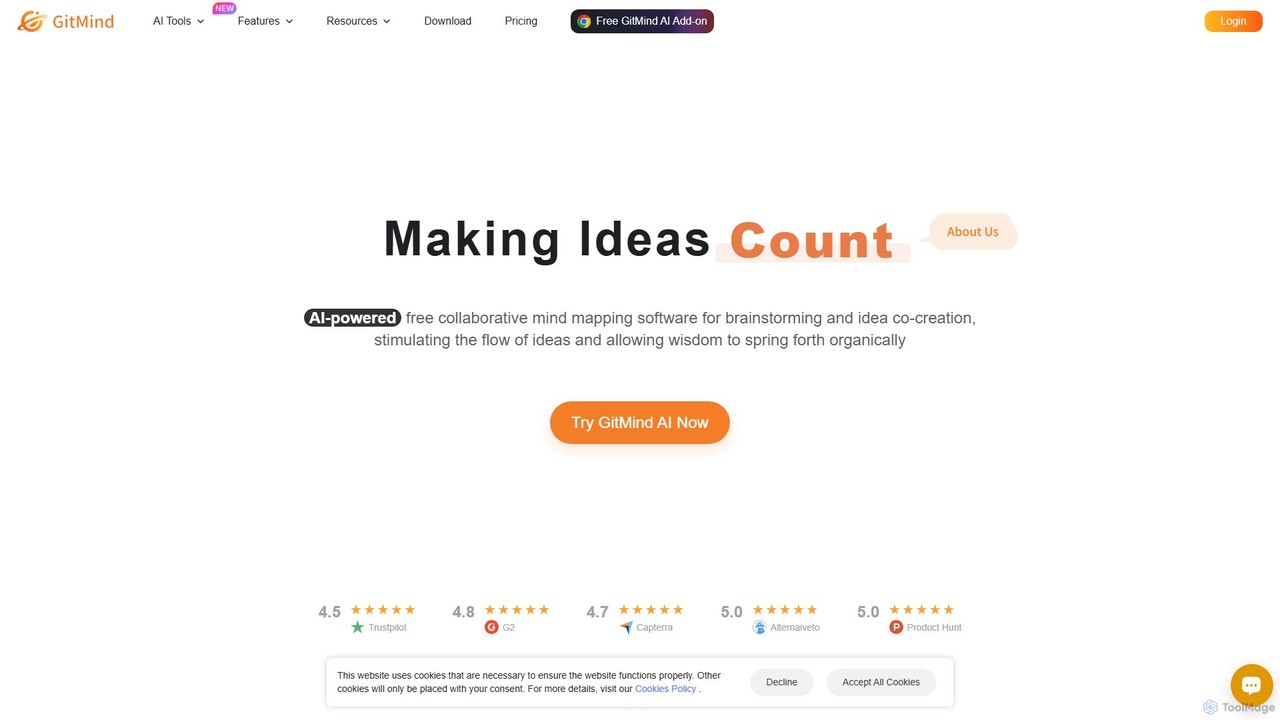
GitMind is an AI-powered collaborative mind mapping and brainstorming tool. It enables users to create mind maps, flowcharts, org charts, and other diagrams with ease. Featuring AI-driven content generation, summarization of documents and videos, and real-time co-editing, GitMind helps individuals and teams visualize ideas, streamline workflows, and enhance productivity. With cross-platform availability and a rich template library, it transforms complex information into clear, organized visuals.
Project Management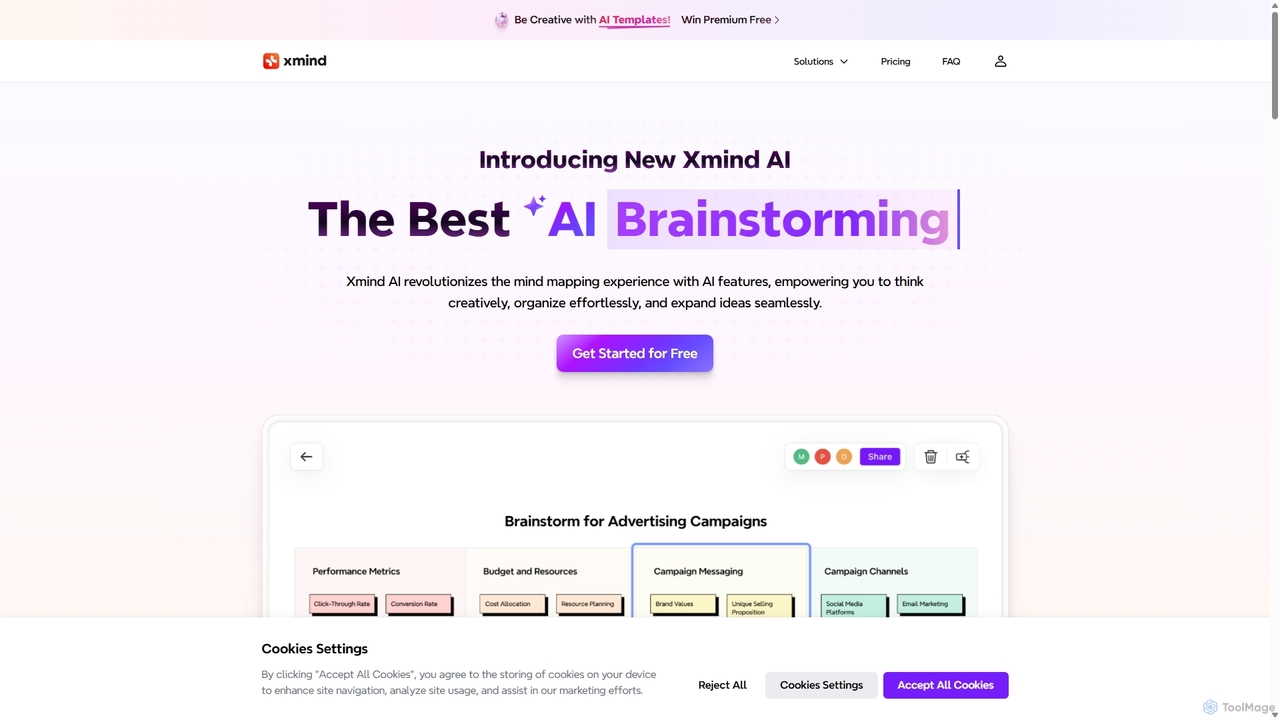
Xmind AI
Xmind AI is an advanced AI-powered mind mapping and brainstorming tool designed to enhance creativity and productivity. It helps users visualize thoughts, organize complex information, and collaborate with teams in real-time. With features like AI-driven idea generation, content summarization, and automated to-do lists, Xmind AI transforms abstract concepts into structured, actionable plans.
Teamwork
TreeMind
TreeMind is a next-generation AI-powered mind mapping tool that allows users to generate, organize, and visualize ideas effortlessly. It supports creating mind maps from a single sentence, images, or documents, and offers real-time collaboration, cross-platform synchronization, and a vast library of templates and design assets.
Generative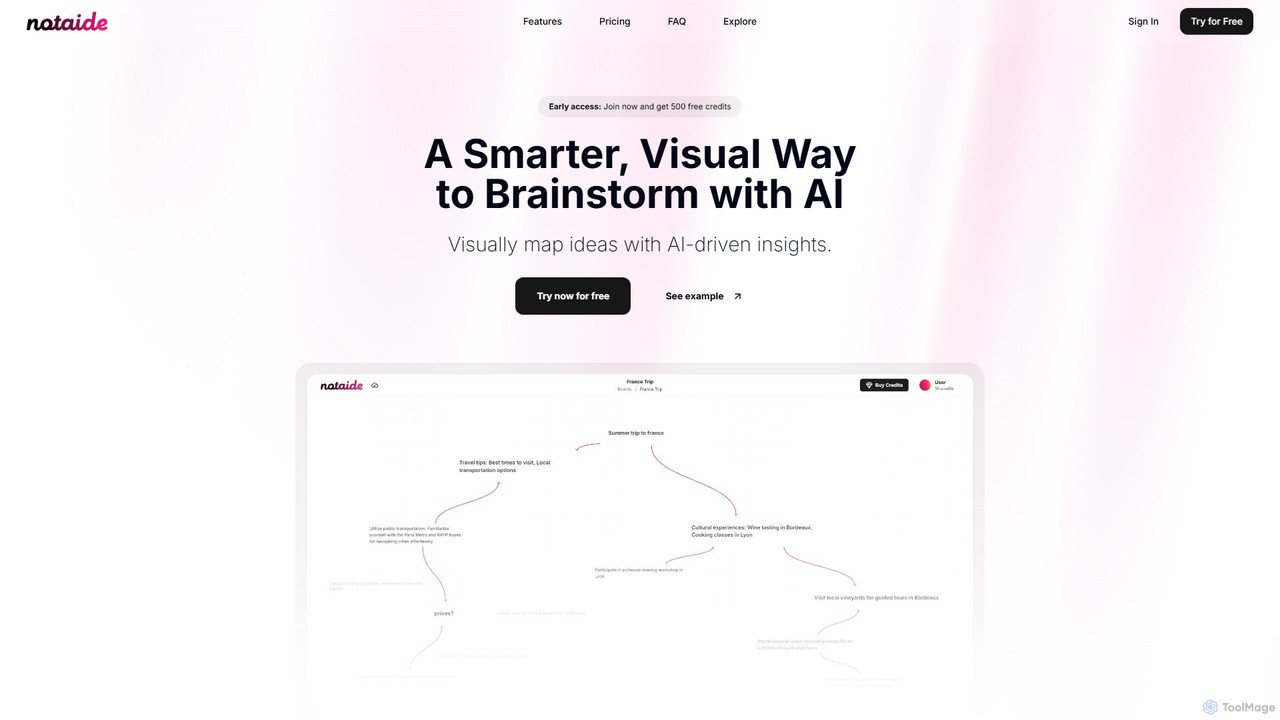
Notaide
Notaide is a visual AI brainstorming tool designed to enhance creativity and organization. It allows users to generate ideas, create interactive mind maps, and visually connect concepts with AI-driven suggestions. It operates on a flexible pay-as-you-go model, eliminating the need for subscriptions.
Planning
Inspiq
Inspiq is an AI-powered brainstorming tool that transforms a single idea into a detailed, actionable plan. Using an interactive "idea tree," it helps users capture, refine, and visually structure their thoughts. Ideal for entrepreneurs, writers, students, and creatives, it expands simple concepts into comprehensive blueprints, overcoming mental blocks and accelerating the planning process.
PlanningXmind Categories
Xmind Embed Widget
Copy this embed code to place the badge on your blog, article, or product site and send readers directly to this ToolMage detail page.

Related AI tools
Xmind AI
Xmind AI is an advanced AI-powered mind mapping and brainstorming tool designed to enhance creativity and productivity. It helps users visualize thoughts, organize complex information, and collaborate with teams in real-time. With features like AI-driven idea generation, content summarization, and automated to-do lists, Xmind AI transforms abstract concepts into structured, actionable plans.
TeamworkTreeMind
TreeMind is a next-generation AI-powered mind mapping tool that allows users to generate, organize, and visualize ideas effortlessly. It supports creating mind maps from a single sentence, images, or documents, and offers real-time collaboration, cross-platform synchronization, and a vast library of templates and design assets.
GenerativeGitMind
GitMind is an AI-powered collaborative mind mapping and brainstorming tool. It enables users to create mind maps, flowcharts, org charts, and other diagrams with ease. Featuring AI-driven content generation, summarization of documents and videos, and real-time co-editing, GitMind helps individuals and teams visualize ideas, streamline workflows, and enhance productivity. With cross-platform availability and a rich template library, it transforms complex information into clear, organized visuals.
Project Management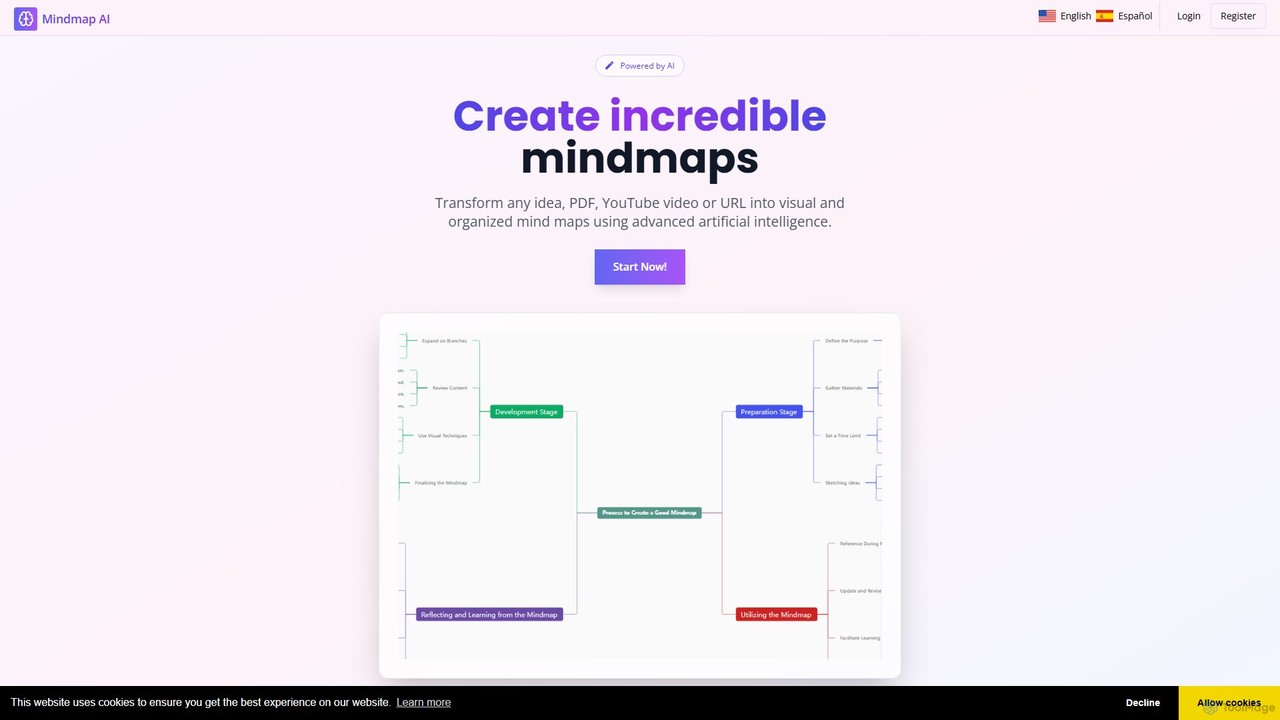
MindMap AI
MindMap AI is an intelligent tool that instantly transforms your ideas, documents, and multimedia files into structured mind maps. Featuring an interactive AI Copilot, it facilitates dynamic brainstorming, idea expansion, and visual organization. It supports a wide range of input formats, including text, PDF, audio, and video, making it a versatile solution for students, professionals, and creatives to visualize and structure information effortlessly.
Brainstorming
mapmindai
mapmindai is an AI-powered mind mapping tool that transforms your ideas, notes, and documents into clear, beautiful visual diagrams. Simply provide a central topic or text, and our AI will automatically generate a structured mind map, helping you brainstorm, organize thoughts, and plan projects with unprecedented speed and ease. It's perfect for students, professionals, and creatives looking to unlock their full potential.
Planning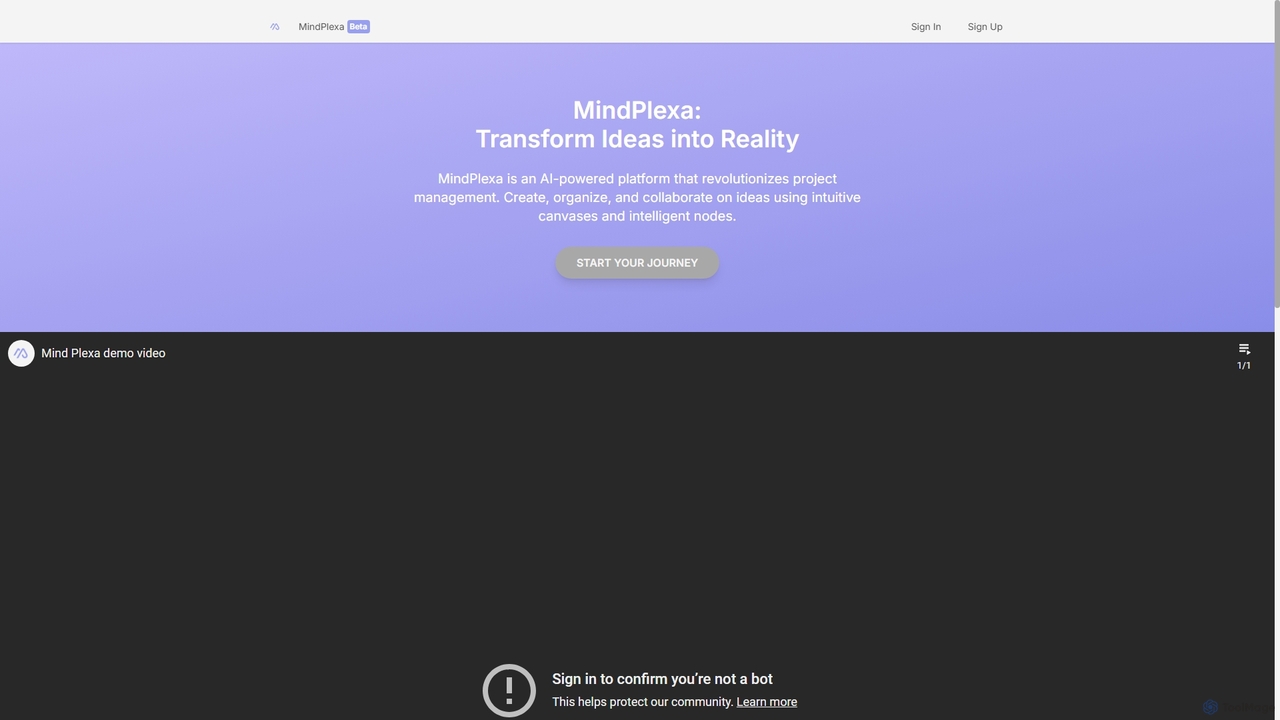
MindPlexa
MindPlexa is an AI-powered productivity platform that transforms ideas into actionable projects. It combines visual mind mapping with intelligent project management, allowing users to create, organize, and collaborate on ideas using intuitive canvases and smart nodes. The AI assistant helps generate project layouts, suggest tasks, and streamline workflows, making it an ideal tool for teams and individuals looking to boost creativity and efficiency.
Teamwork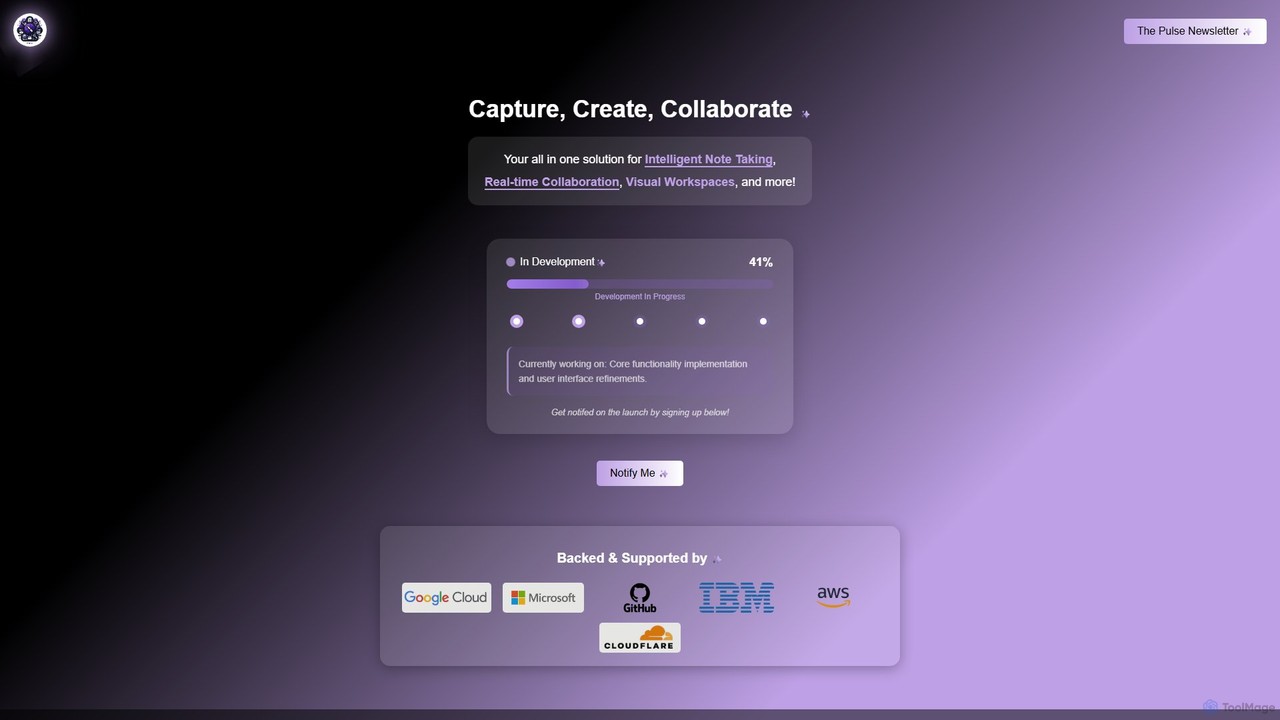
Prodhiiv
Prodhiiv is an upcoming all-in-one intelligent workspace designed for modern productivity. It integrates intelligent note-taking, real-time collaboration, and visual workspaces to help teams and individuals capture, create, and collaborate more effectively. It aims to be a central hub for all your ideas and projects.
Collaboration
MindmapAI
MindmapAI is an advanced AI-powered platform that transforms ideas, PDFs, YouTube videos, and web URLs into structured, visual mind maps. It automates information analysis and organization, enabling users to quickly grasp complex topics, brainstorm effectively, and collaborate with teams in real-time. Ideal for students, professionals, and creators looking to enhance productivity and clarity.
Project Management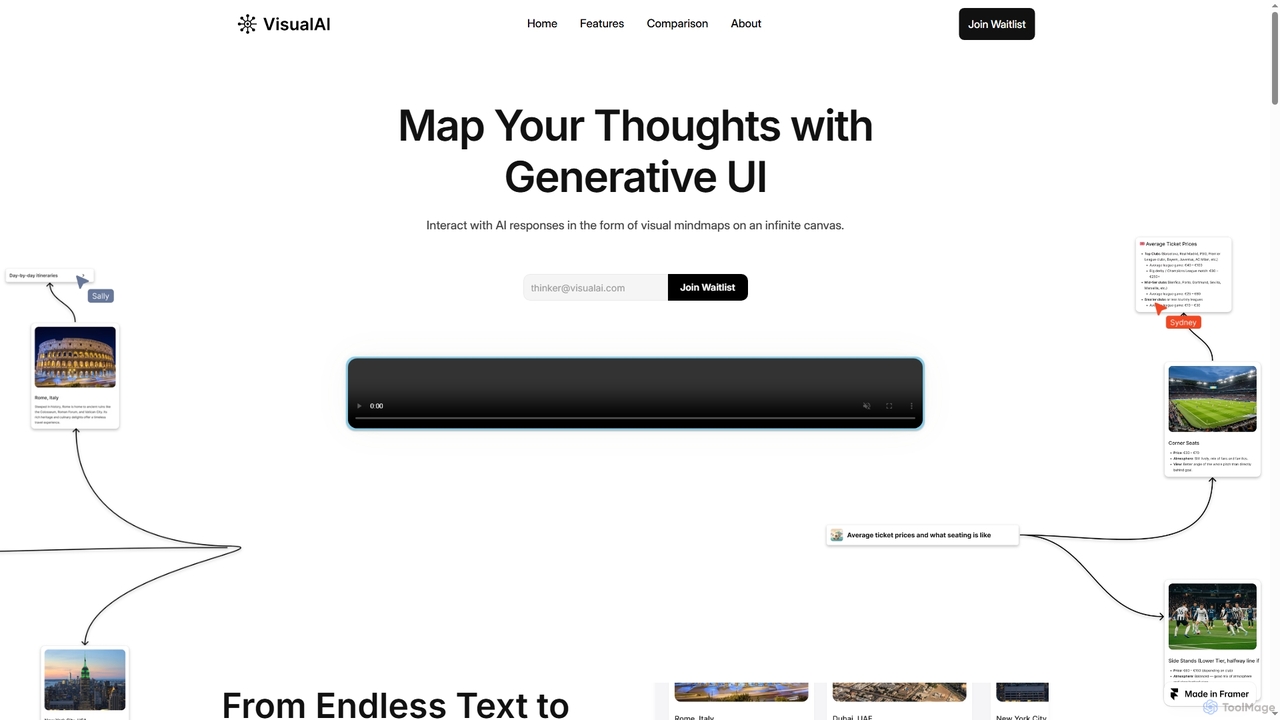
Visual AI
Visual AI is an innovative platform that transforms linear AI text responses into dynamic, visual clarity. It automatically structures information into interconnected nodes, enriching data with relevant visuals to enhance understanding and retention. Designed for non-linear thinkers, it offers an infinite collaborative workspace for brainstorming, prototyping, and evolving ideas.
Brainstorming
WiseMap
WiseMap is an AI-powered mind mapping tool that transforms your text prompts into structured, visual diagrams. Leveraging AI like ChatGPT, it helps you brainstorm, plan projects, and organize ideas effortlessly. Start with a simple idea and let the AI expand it into a comprehensive map, which you can then manually edit, customize, and share.
BrainstormingNotaide
Notaide is a visual AI brainstorming tool designed to enhance creativity and organization. It allows users to generate ideas, create interactive mind maps, and visually connect concepts with AI-driven suggestions. It operates on a flexible pay-as-you-go model, eliminating the need for subscriptions.
Planning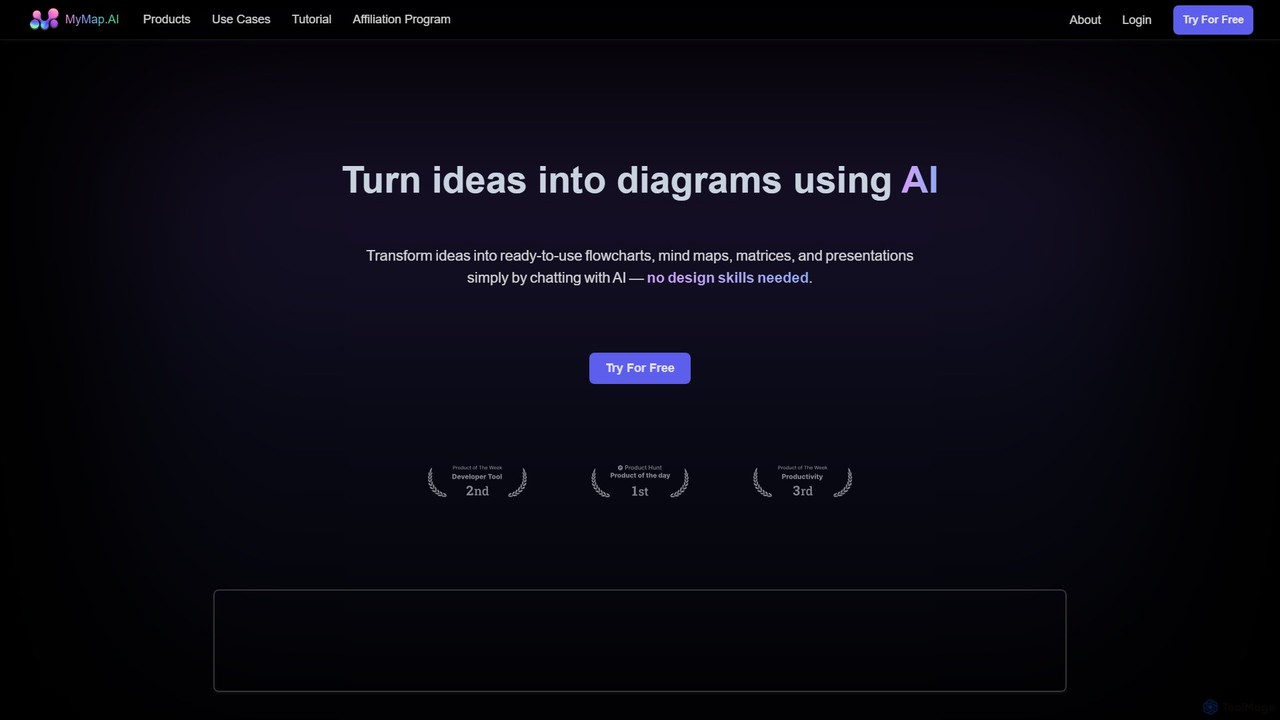
MyMap
MyMap is an AI-native diagramming tool that transforms text, files, and web content into visual formats like mind maps, flowcharts, and presentations. Simply chat with the AI to generate, edit, and collaborate on diagrams in real-time. It's designed for visual thinkers to quickly structure ideas, plan projects, and create engaging content without manual design work.
Planning
AmyMind
AmyMind is an AI-powered mind mapping tool that instantly transforms text, documents (PDF, Word, Markdown), and ideas into clear, organized mind maps, flowcharts, and UML diagrams. It features AI-assisted exploration for deeper insights, one-click export to multiple formats like PowerPoint and PDF, and a versatile online whiteboard. Ideal for students, professionals, and creatives looking to visualize information and streamline their workflow.
Diagramming
Walling
Walling is an AI-powered visual workspace designed to help you organize ideas, manage projects, and present your work in a more engaging and impressive way. It replaces boring documents with a flexible, interactive canvas called a 'wall' where you can centralize notes, tasks, images, and more.
Content Creation
Height
Height is an autonomous project management tool that leverages AI to automate workflows, manage tasks, and enhance team collaboration. It was designed to be flexible for entire companies. (Note: Service will be discontinued on September 24th, 2025).
Task Management
Xmind Comments (0)
Sign in to comment.
Sign inNo comments yet.