
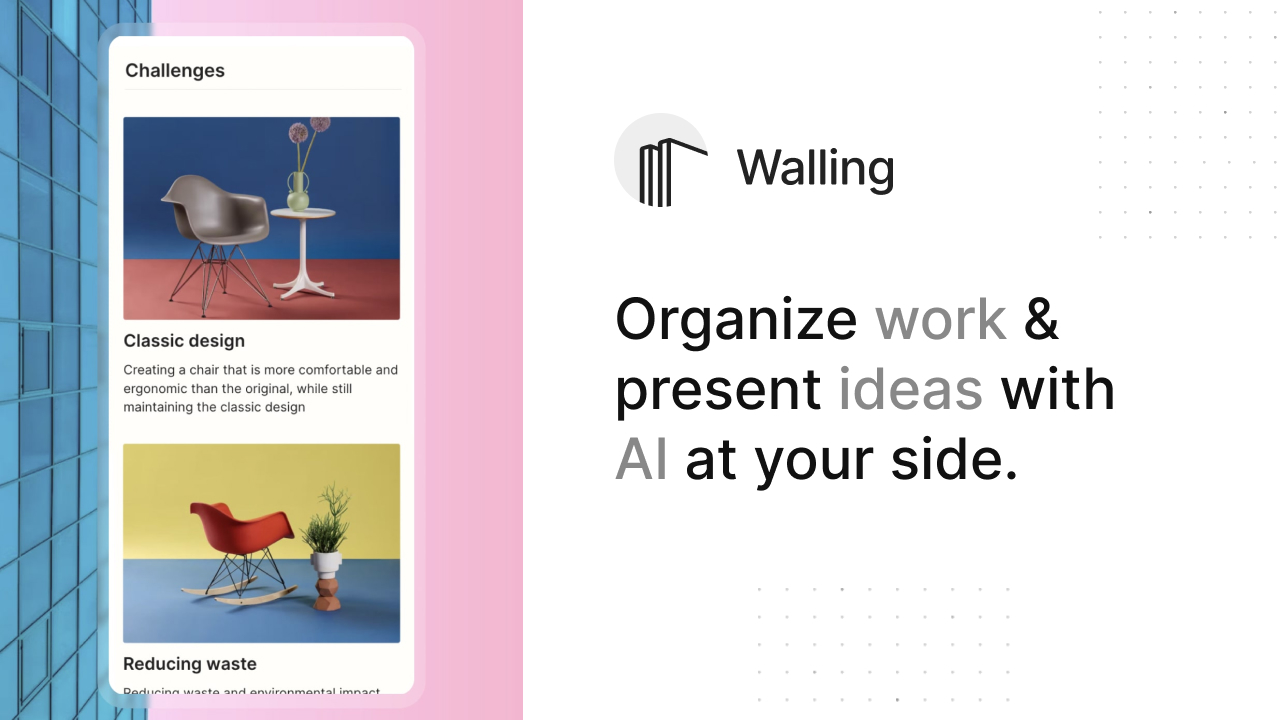
Walling Overview
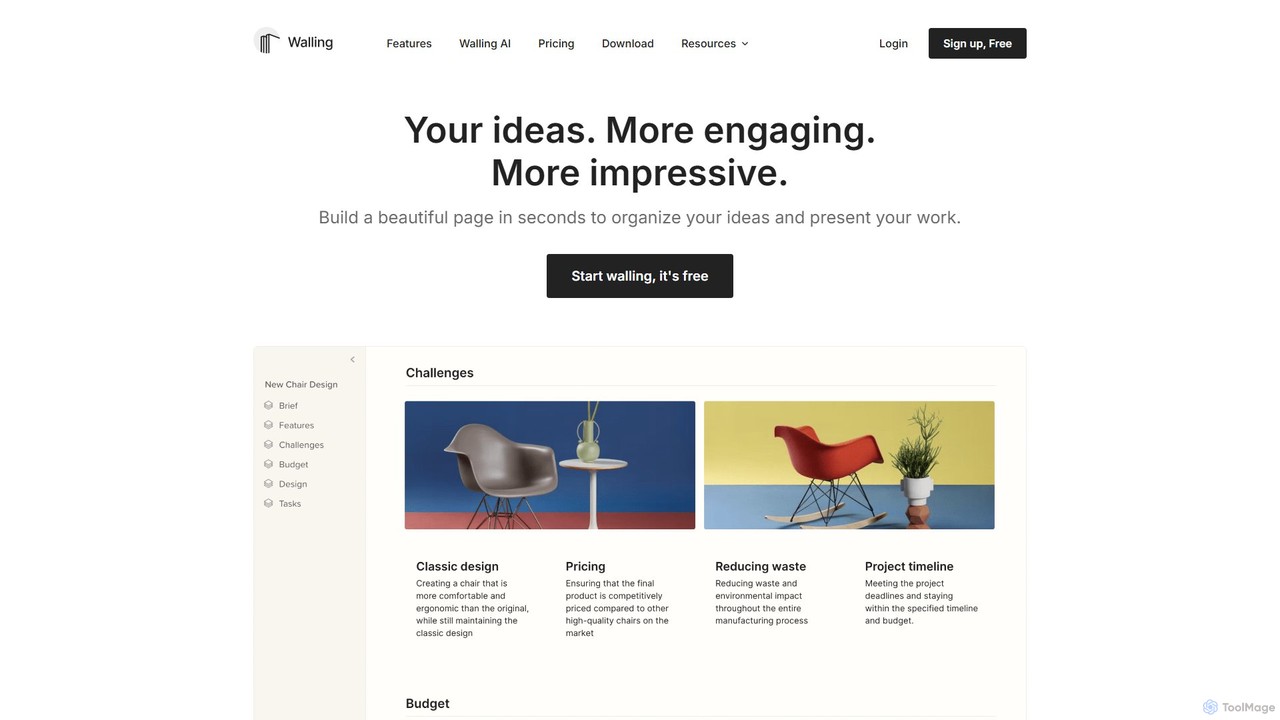
Walling is a dynamic and visually-driven platform that redefines how individuals and teams capture, organize, and present their ideas. It moves beyond the limitations of traditional documents and slides by offering a flexible, interactive canvas known as a 'wall'. This unique medium allows users to consolidate all project-related elements—notes, images, videos, files, links, tables, and calendars—into a single, coherent, and beautifully designed space. At its core, Walling is powered by an intelligent AI assistant that can generate entire project plans, brainstorm ideas, create tasks, and even produce images from a simple text prompt, transforming a blank page into a comprehensive project hub in seconds.
Designed for productivity and clarity, Walling helps teams stay aligned by providing a central source of truth for project ideas, notes, and assets. Its intuitive interface and powerful features make it an indispensable tool for anyone looking to enhance their creative process and project management workflow. Whether you're a designer creating a moodboard, a marketer planning a campaign, or a startup mapping out a roadmap, Walling provides the structure and flexibility needed to bring your vision to life and share it with the world in a stunning, responsive format.
How to use Walling
Getting started with Walling is a straightforward process designed to get you from idea to a fully-realized project quickly. First, you create a new 'wall' which serves as your project's canvas. From there, you can leverage Walling AI by simply telling it what you want to organize or manage. For example, you could type "Create a project plan for a new mobile app launch." The AI will then instantly generate a structured wall with relevant sections, tasks, ideas, and even placeholder content. You can then customize this foundation by adding your own content. Drag and drop images to create moodboards, type notes directly onto 'bricks' (the content blocks), embed links from other apps, upload files, or create structured data with tables and calendars. To collaborate, invite team members or guests to your wall. They can add comments in real-time, vote on ideas using reactions, and be assigned tasks with due dates. Finally, when you're ready to share your work, you can publish the entire wall or specific sections with a single click, generating a shareable link that looks great on any device.
Core Features of Walling
- Walling AI: Instantly generate ideas, tasks, images, tables, and complete project plans from text prompts. It helps overcome the blank page and accelerates the initial setup of any project.
- Visual Canvas (The Wall): A flexible, interactive space to organize notes, images, videos, files, and embeds from various apps, creating a rich, contextual project hub.
- Structured Content Blocks: Go beyond simple notes with integrated tables, lists, Kanban boards, and calendars to manage information and schedules effectively.
- Task Management: Create and assign tasks, add subtasks, set due dates, and receive reminders to ensure projects stay on track.
- Advanced Customization: Tailor the look and feel of your walls with custom colors, fonts, and your own logo to match your brand identity.
- Seamless Collaboration: Invite team members and guests to collaborate in real-time with comments, @mentions, idea voting, and a dedicated discussion panel.
- One-Click Publishing: Easily share your walls via a public link. The shared pages are fully responsive and look stunning on any device, from desktop to mobile.
- Cross-Platform Availability: Access your work anywhere with apps for Web, macOS, Windows, iOS, and Android, plus browser extensions for Chrome and Firefox.
- Integrations: Embed content directly from a wide range of services like YouTube, Spotify, Google Maps, Unsplash, and more.
- Data Export & Security: Your content is never locked in. Export walls to various formats (PDF, HTML, Markdown). All data is secured with TLS and AES-256 encryption.
Use Cases for Walling
Walling's versatility makes it suitable for a wide range of professional and creative applications. For Product & Design teams, it's perfect for creating moodboards, organizing user research, and mapping out product features. Creatives and Marketers use it to brainstorm campaign ideas, plan content calendars, and present marketing strategies to clients in a visually compelling format. Startups and Businesses leverage Walling for project management, creating a central hub that provides clarity on project goals, notes, and assets, ensuring the entire team is aligned. It's also an excellent tool for Sales teams to build client-facing presentations and for individuals to create personal portfolios or organize research for complex topics. Essentially, anyone who needs to collect, organize, and present information can benefit from Walling's unique visual approach.
Advantages of Walling
The primary advantage of Walling is its ability to make your work look significantly more impressive and engaging than standard documents or presentations. The visual canvas format provides unparalleled flexibility, allowing you to display the nitty-gritty details of your ideas in a way that is both comprehensive and easy to digest. The integration of Walling AI dramatically boosts productivity by automating the initial, often time-consuming, stages of project planning and content creation. By centralizing all project details on a single wall, it eliminates the need to jump between different apps and documents, which reduces context switching and improves focus. Furthermore, its robust collaboration features make teamwork more interactive and efficient, while its cross-platform nature ensures you and your team can access and contribute to projects from anywhere, on any device.
Pricing and Plans
Walling offers a tiered pricing structure to accommodate different needs:
- Free Plan: Ideal for getting started. It includes unlimited bricks and wall sections, up to 10 walls, 20 AI credits, 1 guest per wall, and a 5 MB file upload limit.
- Premium Plan: Priced at $6 per month (billed yearly). This plan is for individuals who want to make Walling their primary workspace. It includes everything in Free, plus unlimited walls, unlimited AI credits, custom colors and white labeling, due dates and reminders, unlimited guests, unlimited file uploads, text and color extraction from images (OCR), and API access.
- Team Plan: Priced at $6 per member per month (billed yearly). Designed for team collaboration, this plan includes all Premium features, plus shared walls and folders, private walls for each member, shared tags, and advanced wall permissions.
Discounts of 50% on the first year are available for students, teachers, and nonprofit organizations.
Traffic
Latest traffic
Status
Monthly traffic trend
- 2025-9: 37.0K
- 2026-1: 25.5K
- 2026-2: 32.4K
- 2026-3: 23.2K
- 2026-4: 17.9K
- 2026-5: 13.3K
Geography
Top 5 countries / regions
- 🇲🇽Mexico27.8%
- 🇺🇸United States24.4%
- 🇻🇳Vietnam18.7%
- 🇮🇹Italy16.3%
- 🇮🇳India12.8%
Traffic sources
| Source type | Percentage |
|---|---|
Direct | 95.9% |
Email | 2.3% |
Referral | 1.8% |
Top keywords
| Keyword | Cost per click |
|---|---|
| mem ai | $2.50 |
| prompt site design | $0.00 |
| walling | $2.49 |
| walling note | $0.00 |
| whalling | $0.00 |
Walling Alternatives
Prodhiiv
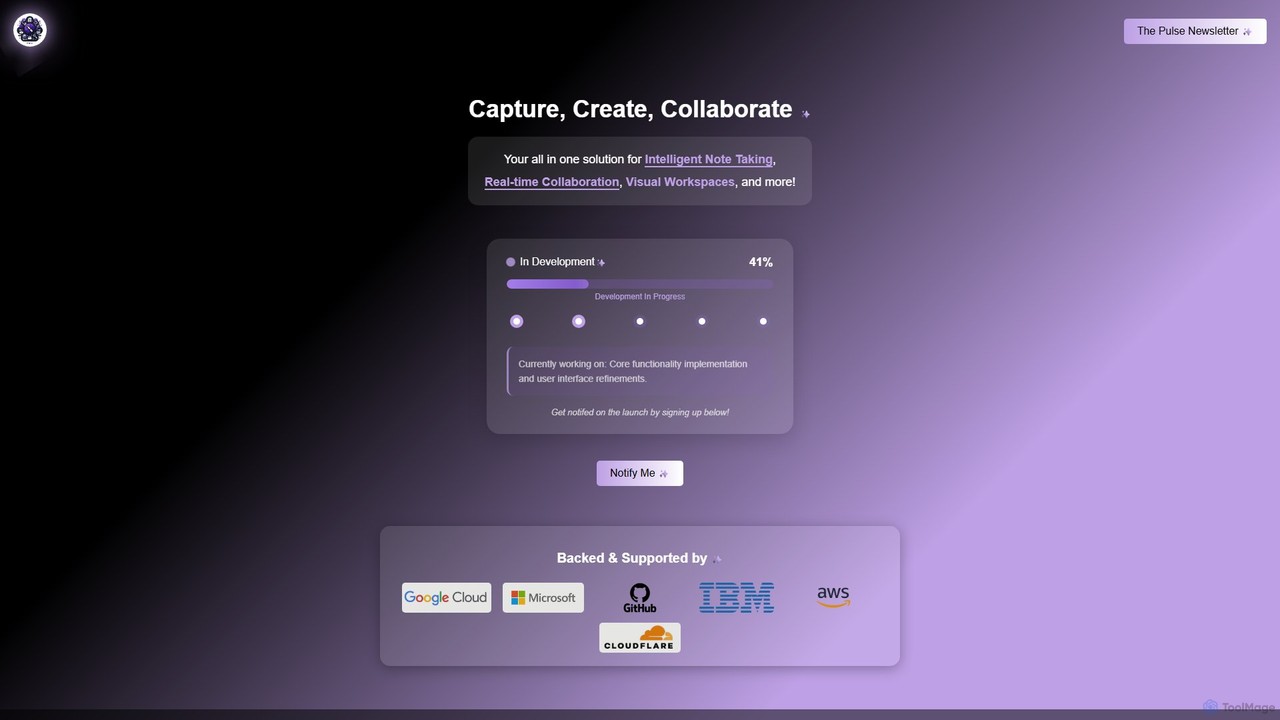
Prodhiiv is an upcoming all-in-one intelligent workspace designed for modern productivity. It integrates intelligent note-taking, real-time collaboration, and visual workspaces to help teams and individuals capture, create, and collaborate more effectively. It aims to be a central hub for all your ideas and projects.
Collaboration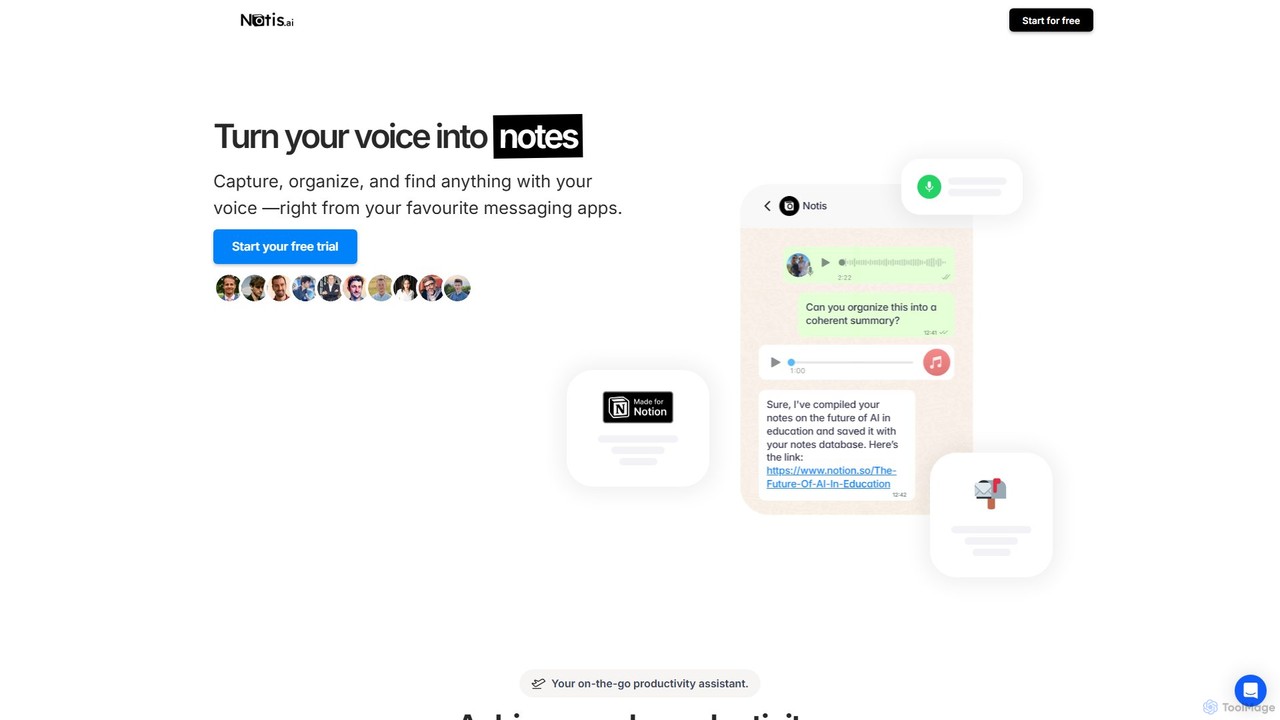
Notis
Notis is an AI-powered productivity assistant that turns your voice, text, and images into structured entries in Notion. Operating directly from messaging apps like WhatsApp and Telegram, it helps you capture ideas, manage tasks, draft content, and organize your life without ever opening the Notion app.
Content Creation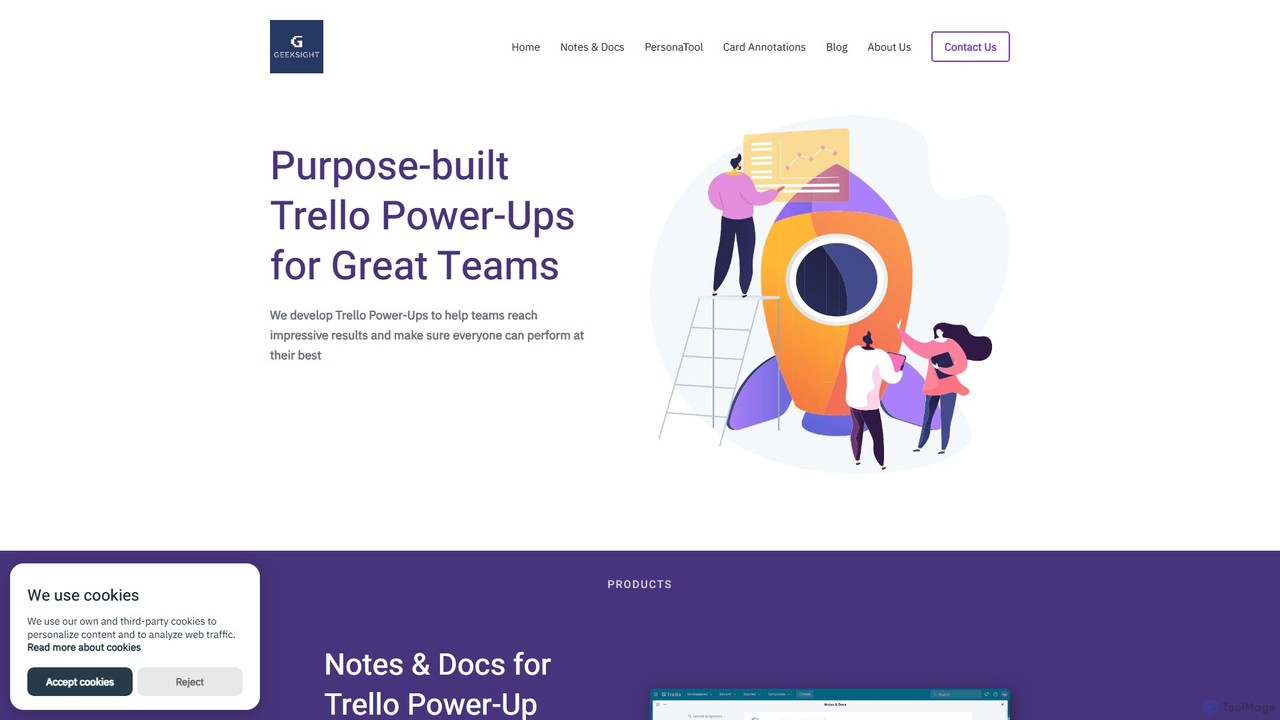
GeekSight
GeekSight develops specialized, AI-powered Trello Power-Ups designed to enhance team productivity and workflow management. Its products, including Notes & Docs and Persona Tool, integrate seamlessly into Trello to provide advanced note-taking with a ChatGPT assistant, instant user persona generation, and improved card annotations. These tools help teams centralize information, streamline content creation, and foster a shared understanding of project goals and customer needs directly within their Trello boards.
Customer Relationship Management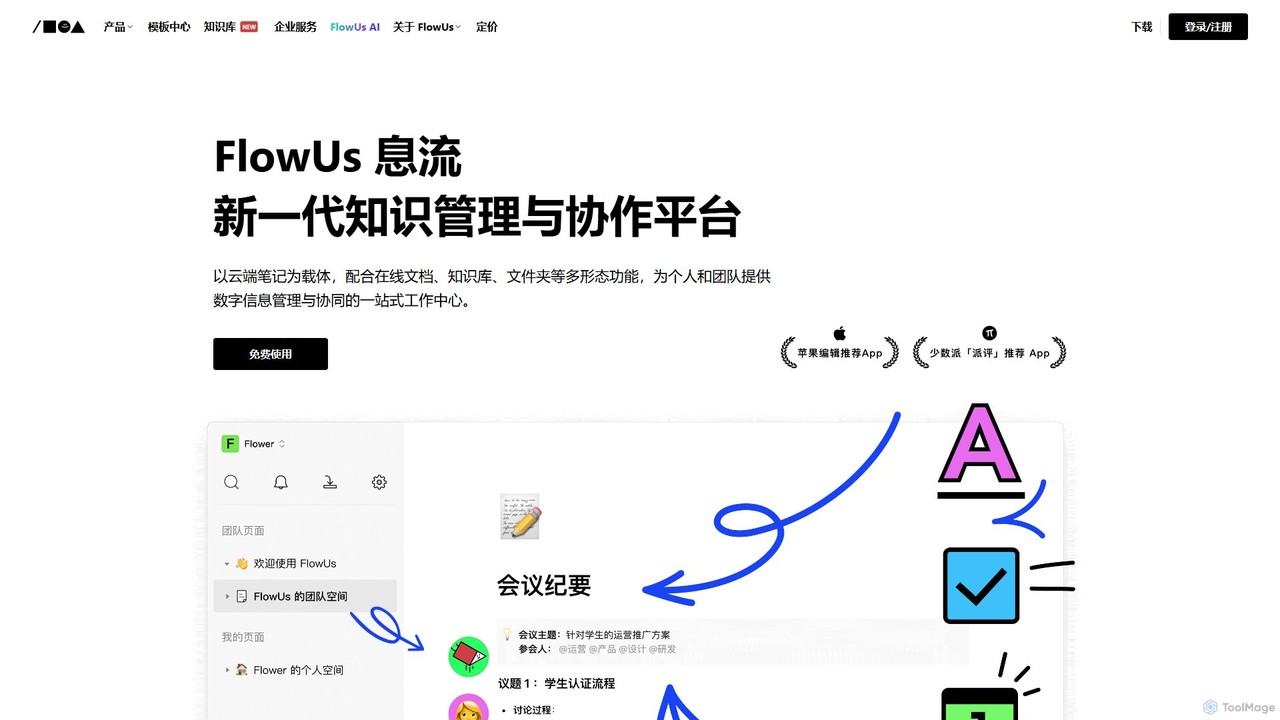
FlowUs
FlowUs is a next-generation knowledge management and collaboration platform that integrates documents, notes, databases, and project management into a unified workspace. It features a powerful, natively embedded AI assistant to streamline workflows for individuals and teams.
Writing
MindPlexa
MindPlexa is an AI-powered productivity platform that transforms ideas into actionable projects. It combines visual mind mapping with intelligent project management, allowing users to create, organize, and collaborate on ideas using intuitive canvases and smart nodes. The AI assistant helps generate project layouts, suggest tasks, and streamline workflows, making it an ideal tool for teams and individuals looking to boost creativity and efficiency.
TeamworkWalling Categories
Walling Embed Widget
Copy this embed code to place the badge on your blog, article, or product site and send readers directly to this ToolMage detail page.

Related AI tools
MindPlexa
MindPlexa is an AI-powered productivity platform that transforms ideas into actionable projects. It combines visual mind mapping with intelligent project management, allowing users to create, organize, and collaborate on ideas using intuitive canvases and smart nodes. The AI assistant helps generate project layouts, suggest tasks, and streamline workflows, making it an ideal tool for teams and individuals looking to boost creativity and efficiency.
TeamworkProdhiiv
Prodhiiv is an upcoming all-in-one intelligent workspace designed for modern productivity. It integrates intelligent note-taking, real-time collaboration, and visual workspaces to help teams and individuals capture, create, and collaborate more effectively. It aims to be a central hub for all your ideas and projects.
Collaboration
TheBrain
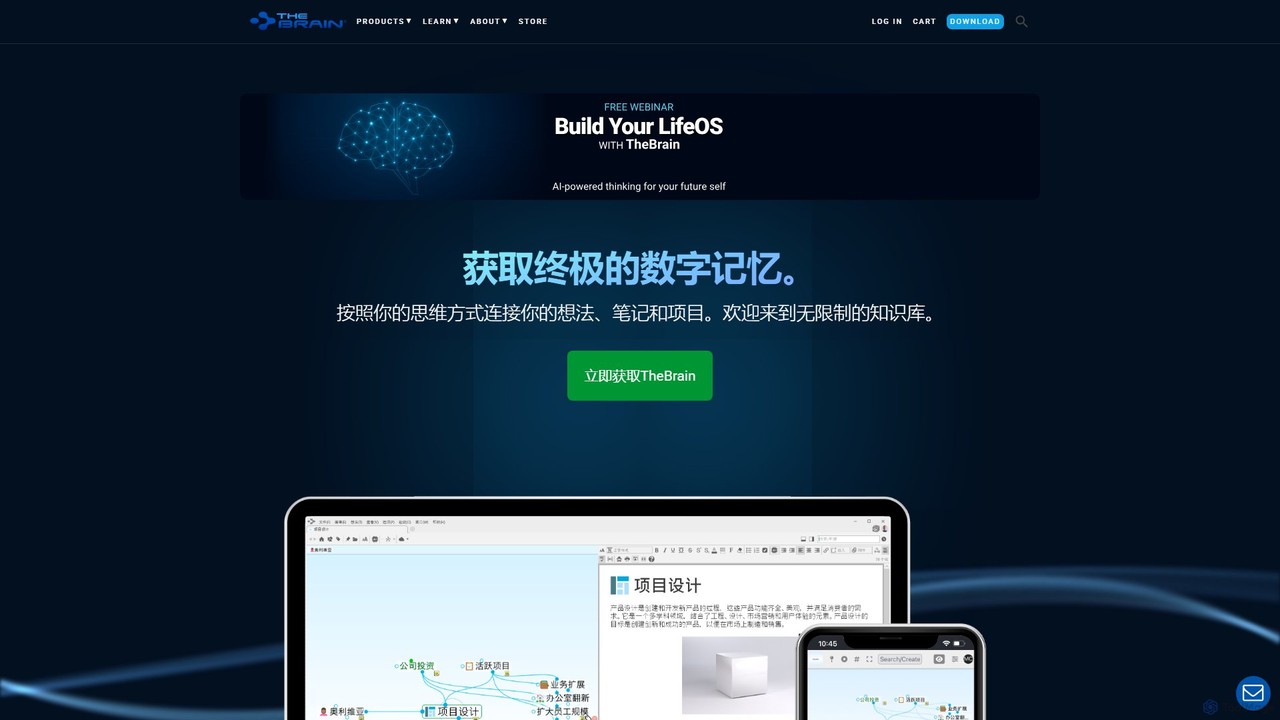
TheBrain is an ultimate digital memory and mind mapping software that uses AI to help you organize your thoughts, projects, and digital life. It moves beyond traditional folders and lists, allowing you to create a dynamic, interconnected network of information that mirrors how you think. Link any file, webpage, or note to create a visual context for all your knowledge.
Second Brain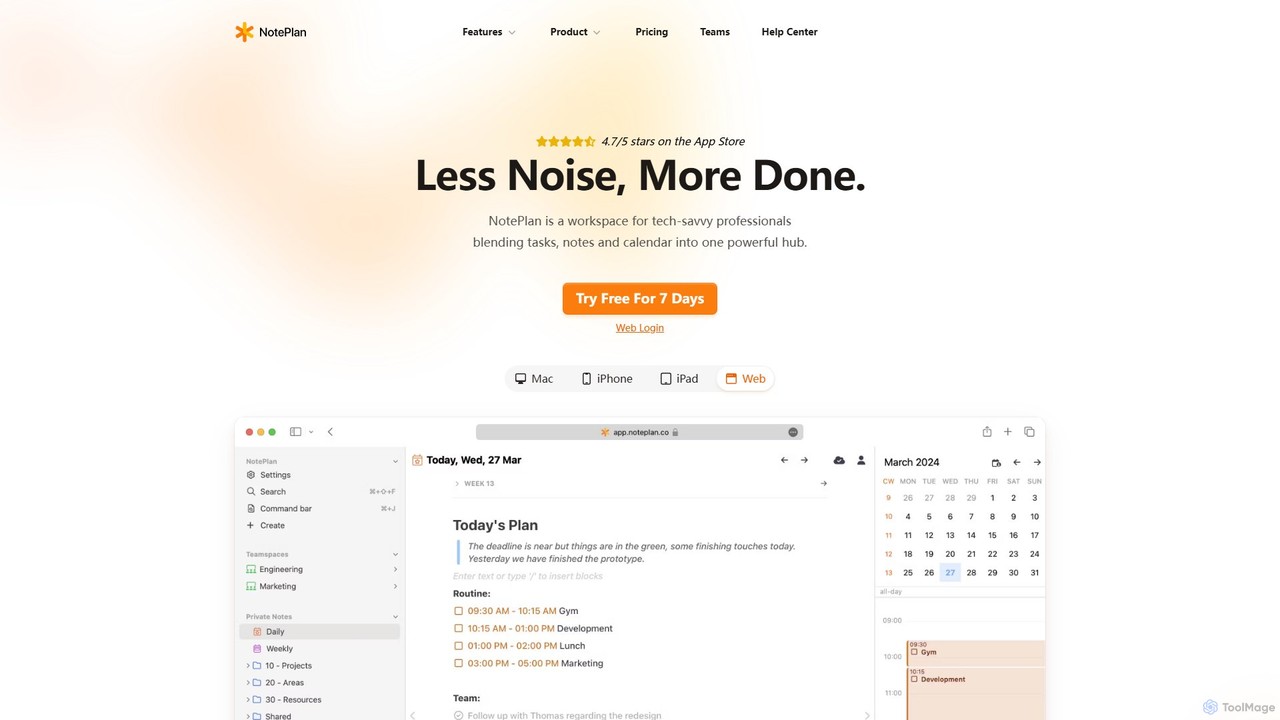
NotePlan
NotePlan is an all-in-one productivity workspace for professionals, blending tasks, notes, and calendar into a single, powerful hub. It supports Markdown, personal knowledge management (PKM) with bi-directional links, and features integrated AI for summarizing, rewriting, and transcribing. Available on Mac, iOS, and Web, it keeps you organized and focused.
Calendar
Todo.is
Todo.is is an AI-powered productivity command center designed for streamlined task and project management. It combines a minimalist, text-based interface with a unique AI Export feature, allowing users to instantly transform their to-do lists into structured reports, summaries, and actionable plans. Ideal for individuals and teams seeking efficiency and clarity in their workflow.
Project Management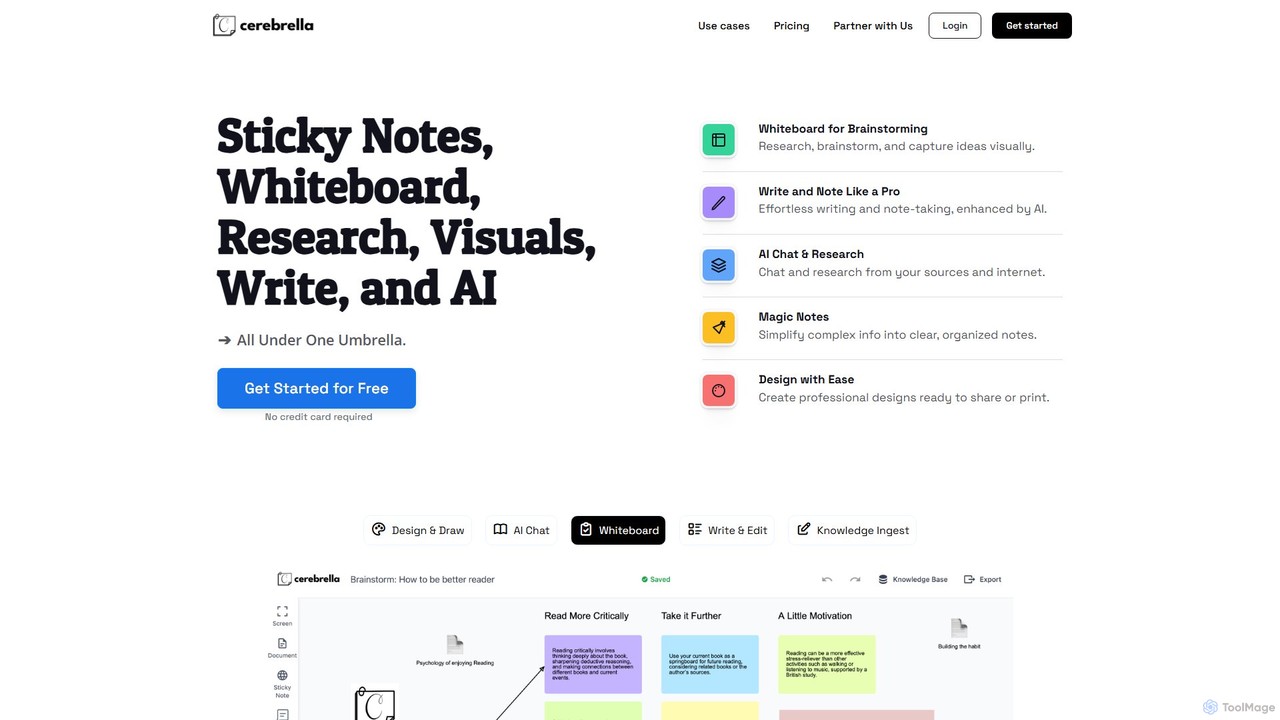
Cerebrella
Cerebrella is an all-in-one AI-powered workspace that integrates a visual whiteboard, sticky notes, research tools, and a document editor. It's designed to help users brainstorm, organize knowledge, write content, and create visuals seamlessly. By allowing you to upload your documents and chat with your data, Cerebrella centralizes your workflow and enhances productivity for students, professionals, and creators.
PresentationNotis
Notis is an AI-powered productivity assistant that turns your voice, text, and images into structured entries in Notion. Operating directly from messaging apps like WhatsApp and Telegram, it helps you capture ideas, manage tasks, draft content, and organize your life without ever opening the Notion app.
Content CreationGeekSight
GeekSight develops specialized, AI-powered Trello Power-Ups designed to enhance team productivity and workflow management. Its products, including Notes & Docs and Persona Tool, integrate seamlessly into Trello to provide advanced note-taking with a ChatGPT assistant, instant user persona generation, and improved card annotations. These tools help teams centralize information, streamline content creation, and foster a shared understanding of project goals and customer needs directly within their Trello boards.
Customer Relationship Management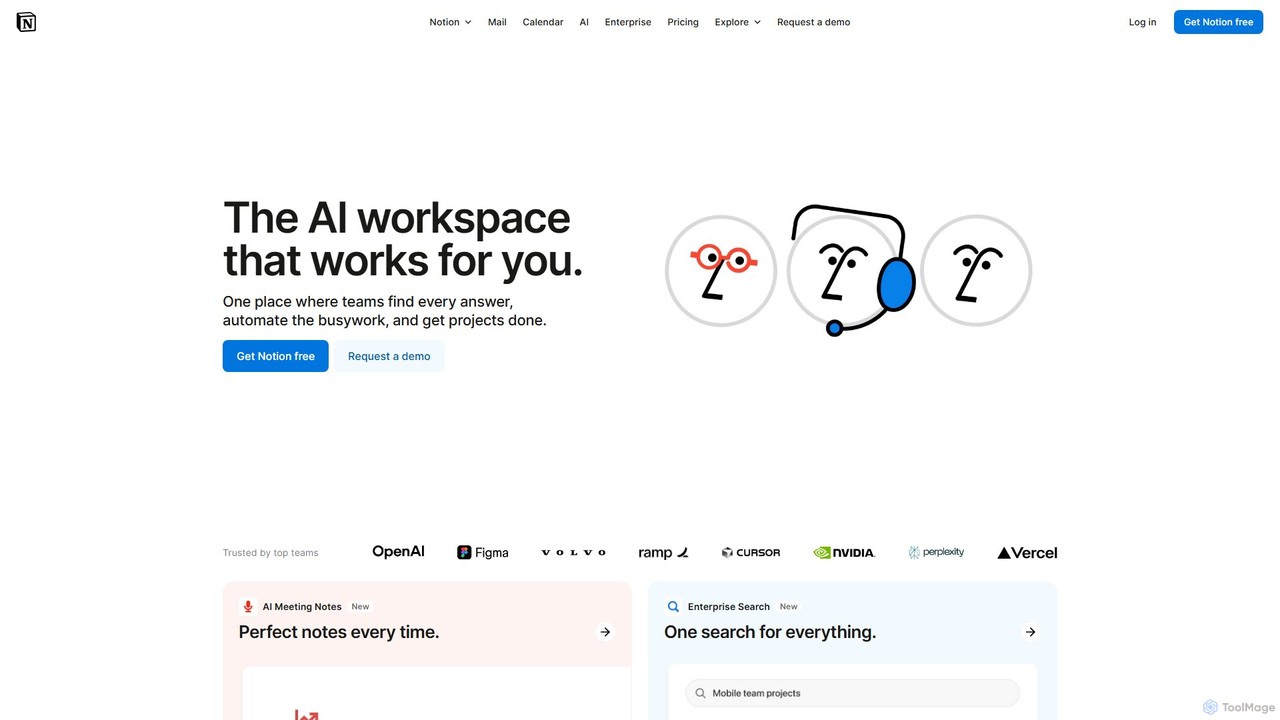
Notion
Notion is the all-in-one AI workspace that combines notes, documents, project management, and wikis. It provides a flexible, customizable platform where individuals and teams can organize work, collaborate in real-time, and build custom workflows. With integrated AI features, Notion helps automate tasks, summarize content, and generate ideas, consolidating multiple tools into a single, powerful space for enhanced productivity.
Knowledge Management
Craft
Craft is a beautifully designed, native document editor for notes, tasks, and ideas. It combines powerful features like a local AI assistant, task management, and flexible organization with a joyful, fast, and offline-first user experience, making it the perfect tool for writers, thinkers, and teams to capture and structure their thoughts.
Knowledge Management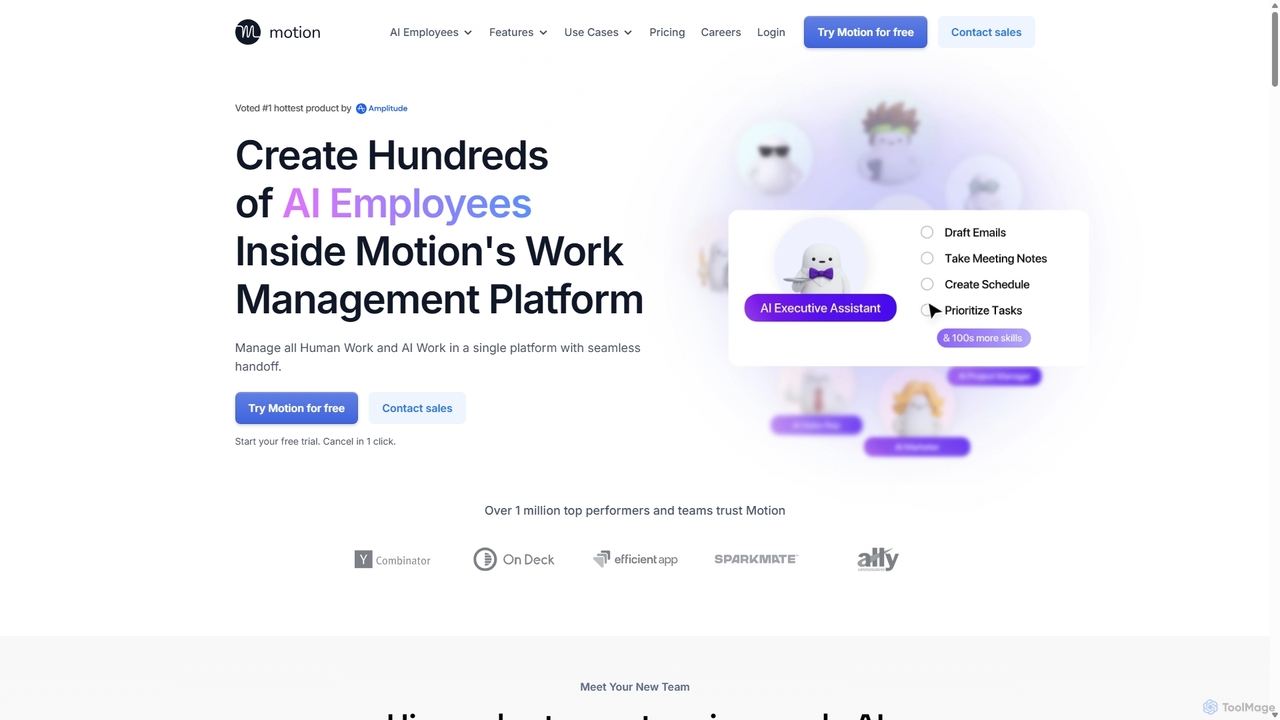
Motion
Motion is an AI-powered platform that provides a suite of AI Employees and productivity tools to automate tasks, manage projects, and organize schedules. It's designed to 10x your team's output by handling everything from calendar management and email replies to sales outreach and customer support, all within a single integrated workspace.
Virtual Assistant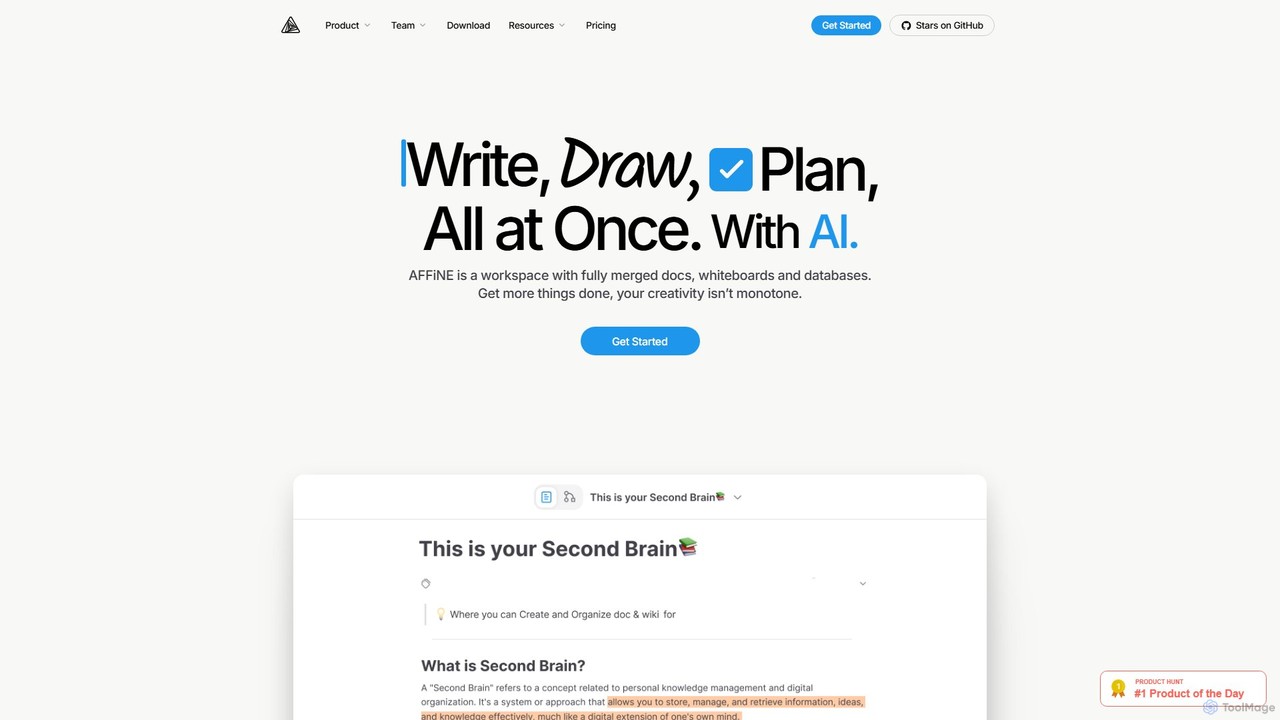
AFFiNE
AFFiNE is an all-in-one, AI-powered KnowledgeOS that seamlessly merges documents, whiteboards, and databases. It's a privacy-focused, open-source workspace designed to enhance productivity by allowing you to write, draw, and plan in a single, unified environment, eliminating the need to switch between multiple applications.
Whiteboard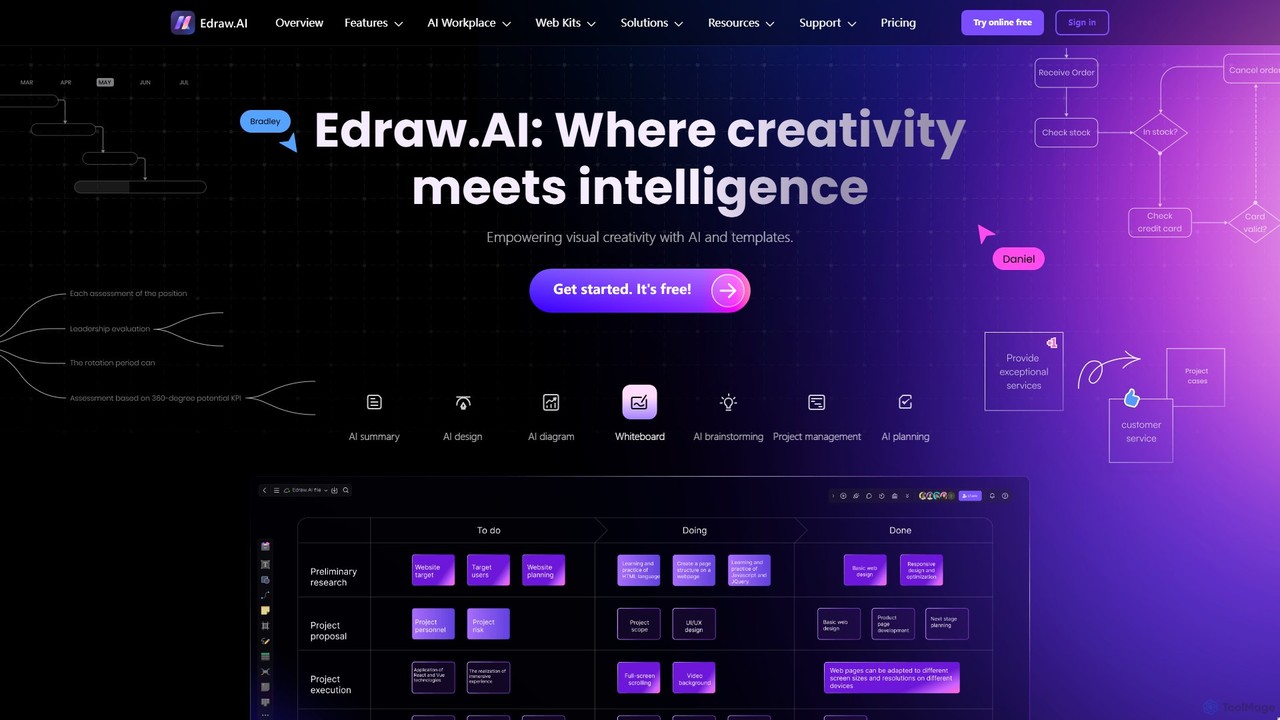
Edraw.AI
Edraw.AI is an AI-powered visual collaboration platform that enables users to create diagrams, mind maps, flowcharts, and other visuals with ease. It combines a user-friendly interface with powerful AI tools for generation, analysis, and design. Featuring real-time collaboration, an extensive library of templates and symbols, it's designed to boost productivity for teams in project management, IT, marketing, education, and more. Get started for free and transform your ideas into professional visuals.
Visualization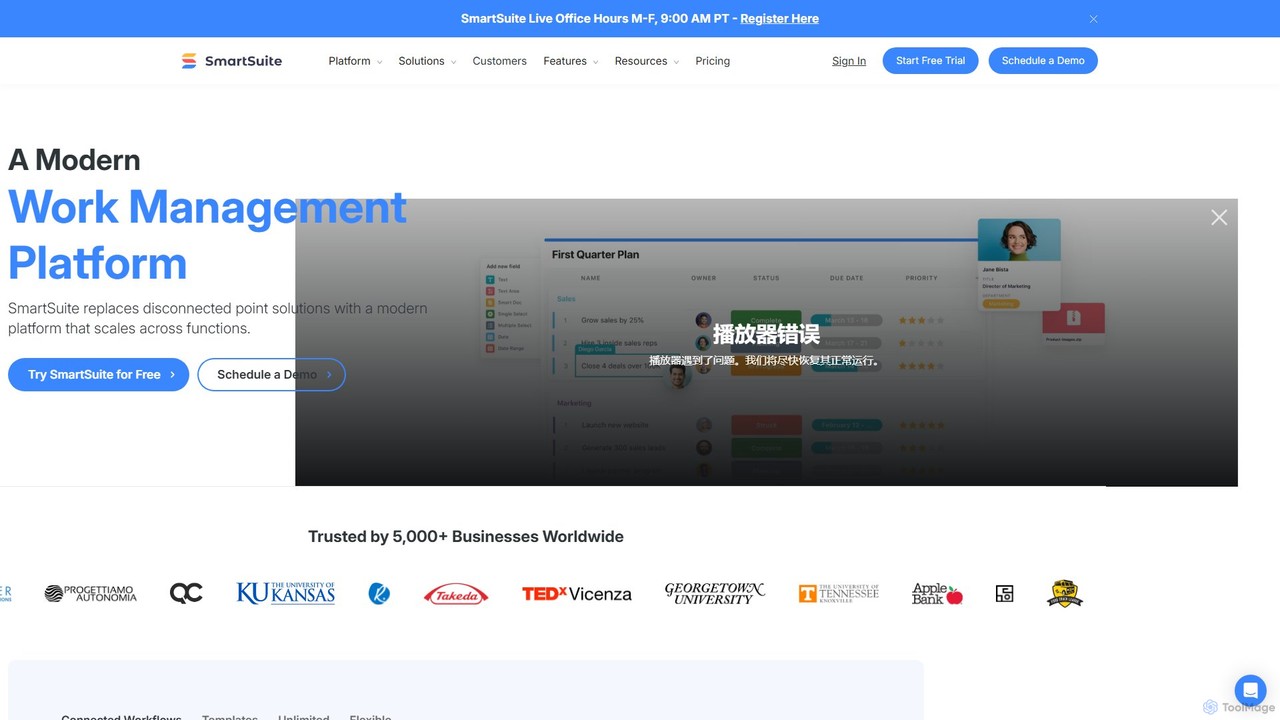
SmartSuite
SmartSuite is a powerful, all-in-one work management platform that unifies all your business processes, from project management and CRM to ITSM and HR. SmartSuite replaces scattered spreadsheets and apps with a single, customizable no-code solution. It features integrated AI, robust reporting, workflow automation, and numerous data views to help teams collaborate and work smarter.
Crm
Walling Comments (0)
Sign in to comment.
Sign inNo comments yet.