
Notion Overview
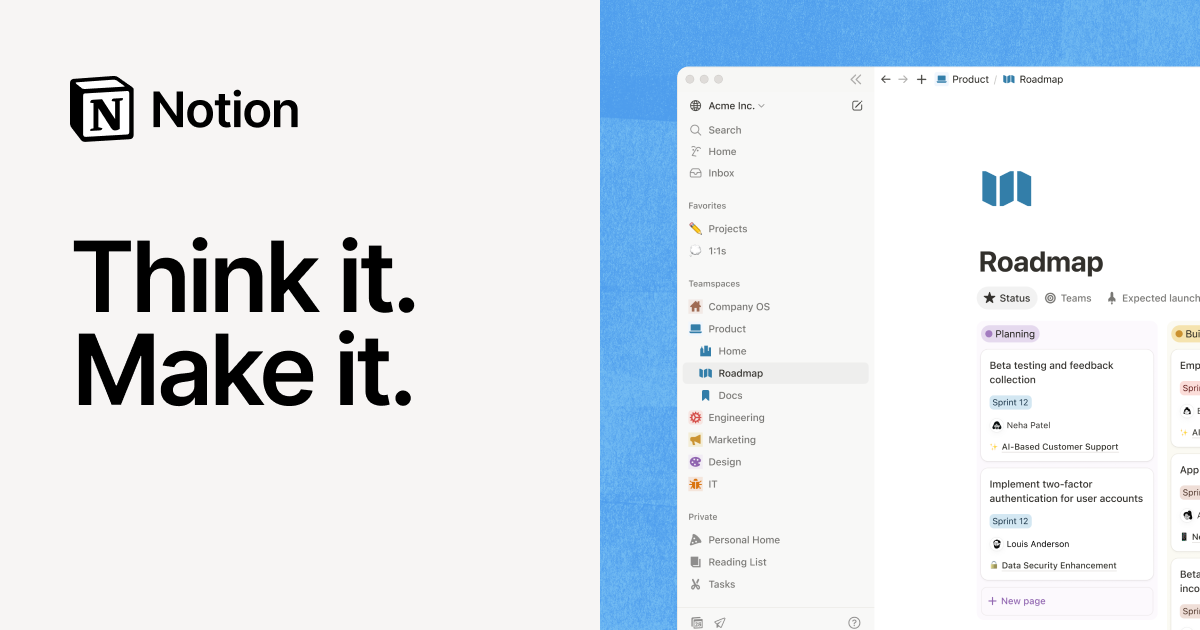
Notion is a revolutionary all-in-one workspace designed to replace a fragmented set of work tools. It unifies notes, documents, project management, and team wikis into a single, cohesive environment. Born from the idea of creating a tool that amplifies imagination and augments intellect, Notion moves beyond traditional digital documents and spreadsheets. It operates on a "LEGO-style" block system, allowing users to build and customize their own pages, databases, and workflows. With the recent integration of powerful AI capabilities, Notion has evolved into the "AI workspace," a smart assistant that helps you think, write, and organize more efficiently. It's trusted by millions worldwide, from individual creators and students to Fortune 100 companies, serving as the central hub for knowledge and work.
How to use Notion
Getting started with Notion is intuitive. First, you can create a new page, either starting from a blank canvas or by choosing from thousands of pre-built templates for various purposes like meeting notes, content calendars, or project roadmaps. The core of Notion is its block-based editor; simply type `/` to access a menu of content blocks, including text, headings, to-do lists, images, videos, code snippets, and embeds from other applications. For structured data, you can create powerful databases, which can be viewed as tables, Kanban boards, calendars, lists, galleries, or timelines. To unlock its full potential, leverage Notion AI by pressing the spacebar or using the `/ai` command. You can ask it to summarize long documents, extract action items from meeting notes, translate text, improve your writing, or brainstorm new ideas. Collaboration is seamless: invite team members to your workspace, @-mention them in comments, and edit pages together in real-time. Finally, connect Notion to your other essential tools like Slack, Google Drive, Jira, and Figma to create a truly integrated and centralized workflow.
Core Features of Notion
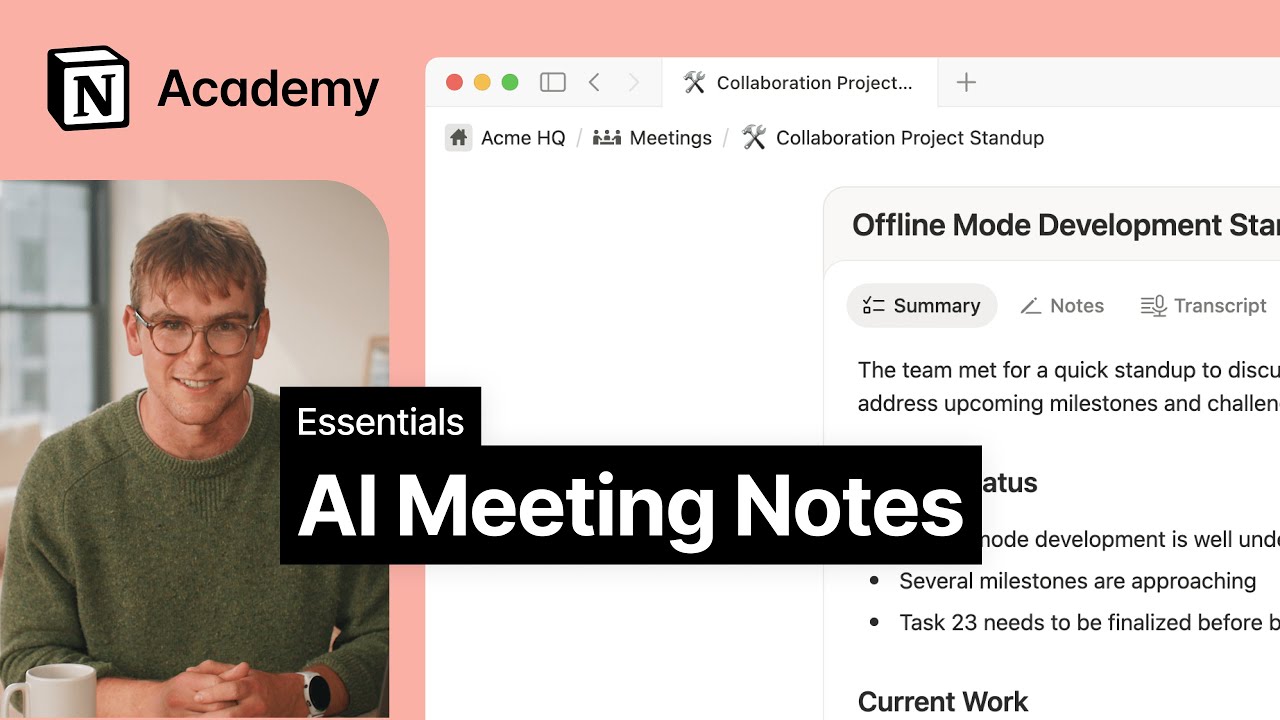
- Notion AI: An integrated assistant that can summarize, translate, edit, and generate text, find action items, and autofill database tables. It includes advanced features like Enterprise Search and AI Meeting Notes in higher-tier plans.
- Connected Workspace: A unified platform for notes, docs, wikis, and project management, eliminating the need to switch between multiple applications.
- Powerful Databases: Highly customizable databases with multiple views (Table, Board, List, Calendar, Gallery, Timeline), relations, rollups, and formulas to manage any kind of information.
- Flexible Block Editor: Build any page or workflow you can imagine using intuitive, rearrangeable content blocks for ultimate customization.
- Extensive Template Library: Access a vast collection of official and community-created templates to get started quickly on any task or project.
- Real-Time Collaboration: Edit documents simultaneously with teammates, leave comments, and use @-mentions to keep everyone in sync and projects moving forward.
- Cross-Platform Sync: Available as a web app, dedicated desktop apps for Mac & Windows, and mobile apps for iOS & Android, with all content perfectly synchronized across all your devices.
- Third-Party Integrations: Seamlessly embed content and sync data from hundreds of other applications, including Slack, GitHub, Jira, Figma, and Google Drive.
Use Cases for Notion
Notion's flexibility makes it suitable for a wide array of applications. Teams use it to build a comprehensive Company Wiki & Knowledge Base, creating a single source of truth for policies, processes, and institutional knowledge. For Project & Task Management, users can build custom project trackers, plan sprints with Kanban boards or timelines, and assign tasks. It excels at capturing Meeting Notes, using templates for agendas and AI to summarize key takeaways and action items. Marketing and content teams rely on it for Content Creation & Management, planning and tracking their entire content lifecycle. On an individual level, it's a powerful tool for Personal Productivity, used for organizing to-do lists, journaling, or managing personal projects. Product managers also use it extensively to create detailed Product Roadmaps & PRDs, defining strategy and tracking feature development in one shared space.
Advantages of Notion
The primary advantage of Notion is its ability to consolidate multiple tools into one, which reduces subscription costs, simplifies workflows, and minimizes context switching. Its unmatched flexibility, thanks to the block-based architecture, allows users to build the exact tools and systems they need, rather than adapting to a rigid structure. The seamless AI integration is a core part of the experience, enhancing productivity across all tasks from writing to data analysis. Notion is also highly scalable, working just as effectively for a single user as it does for a large enterprise. Finally, it is supported by a strong and active community that provides a wealth of templates, tutorials, and best practices, making it easy for new users to get started and for advanced users to discover new possibilities.
Pricing and Plans
Notion offers a freemium model with several tiers:
- Free: Ideal for individual use. It includes unlimited pages & blocks, but team use is limited. File uploads are capped at 5MB, and page history is retained for 7 days. Includes a trial of Notion AI.
- Plus Plan: Priced at $8 per user/month (billed annually). Designed for small teams, it offers everything in the Free plan plus unlimited blocks for teams, unlimited file uploads, and a 30-day page history.
- Business Plan: Priced at $15 per user/month (billed annually). Aimed at companies, this plan includes all Plus features, plus SAML SSO, private teamspaces, advanced page analytics, and a 90-day page history. Notion AI features are included.
- Enterprise Plan: Custom pricing. Tailored for large organizations, it includes all Business features plus advanced security & controls, an audit log, a dedicated customer success manager, and user provisioning (SCIM). It comes with the most advanced Notion AI features.
- Notion AI Add-on: Can be added to any plan for an additional fee (e.g., $8 per member/month when billed annually). It is already included in the Business and Enterprise plans.
Traffic
Latest traffic
Status
Monthly traffic trend
- 2025-9: 17.0M
- 2026-1: 20.7M
- 2026-2: 17.2M
- 2026-3: 19.2M
- 2026-4: 18.1M
- 2026-5: 33.4M
Geography
Top 5 countries / regions
- 🇺🇸United States33.7%
- 🇰🇷South Korea25.9%
- 🇯🇵Japan17.7%
- 🇮🇳India13.0%
- 🇧🇷Brazil9.7%
Traffic sources
| Source type | Percentage |
|---|---|
Direct | 91.1% |
Referral | 6.9% |
Email | 2.0% |
Top keywords
| Keyword | Cost per click |
|---|---|
| 노션 | $1.47 |
| notion | $2.07 |
| notion ai | $2.04 |
| notion calendar | $2.38 |
| notion download | $2.07 |
Notion Videos on YouTube

Systems Made Better


The Organized Notebook

The Organized Notebook

Notion

Notion
Notion Alternatives
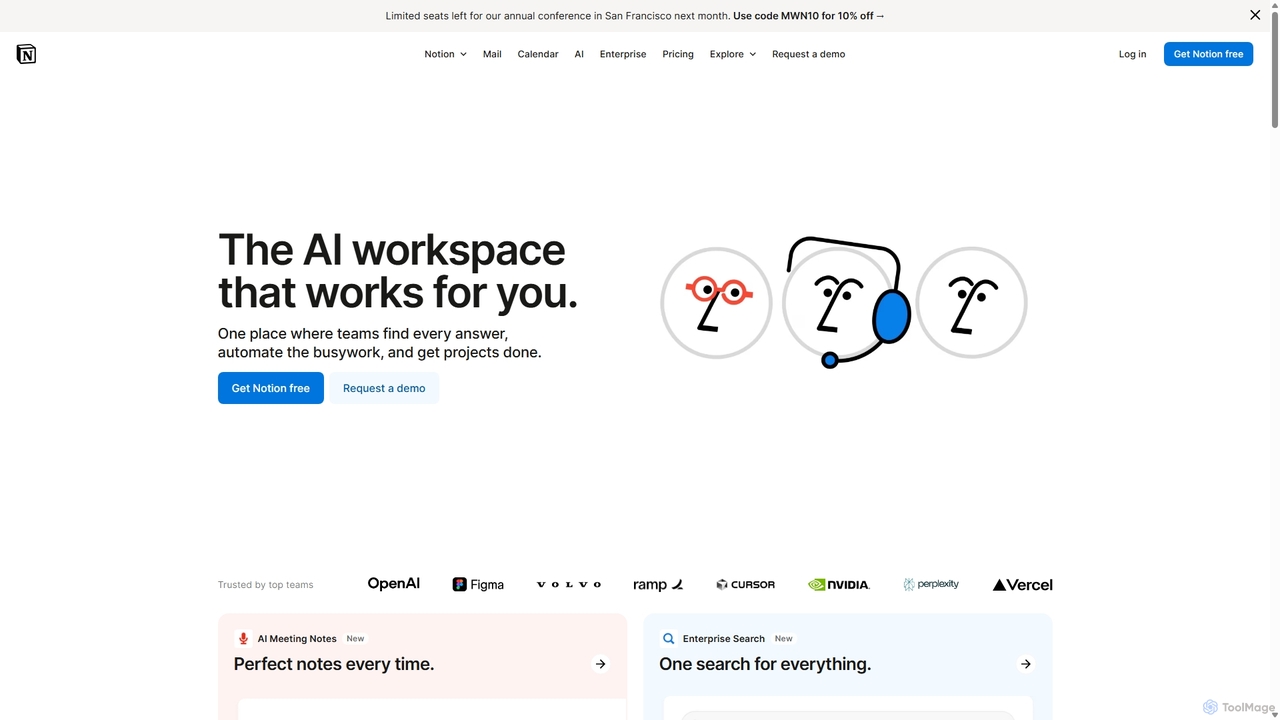
Notion
Notion is an all-in-one AI workspace that combines notes, docs, project management, and wikis into a single, highly customizable platform. It empowers teams and individuals to organize information, manage projects, and collaborate more effectively, all within a flexible, block-based editor enhanced with powerful AI capabilities.
Knowledge Management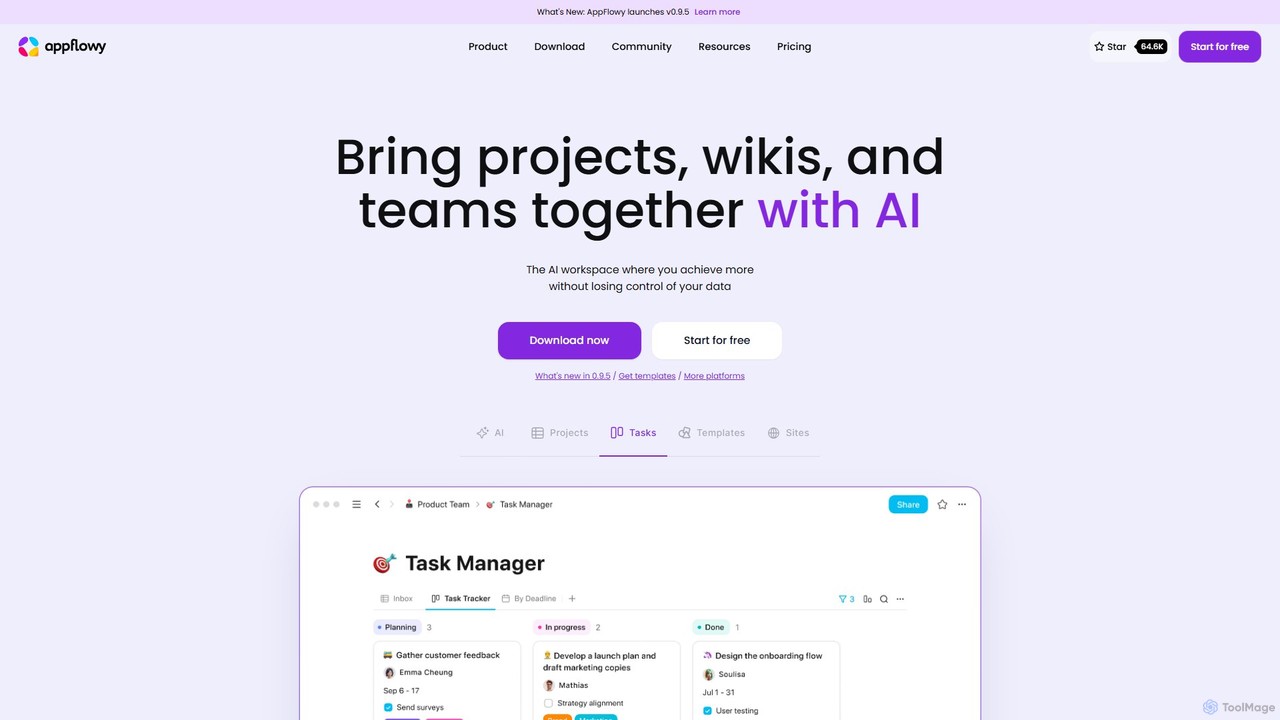
AppFlowy
AppFlowy is a secure, open-source AI workspace designed for projects, wikis, and teams. It offers a privacy-first alternative to tools like Notion, allowing users to own their data through self-hosting and offline capabilities. It integrates powerful AI for writing, search, and task automation, supporting both local and cloud-based models.
Documentation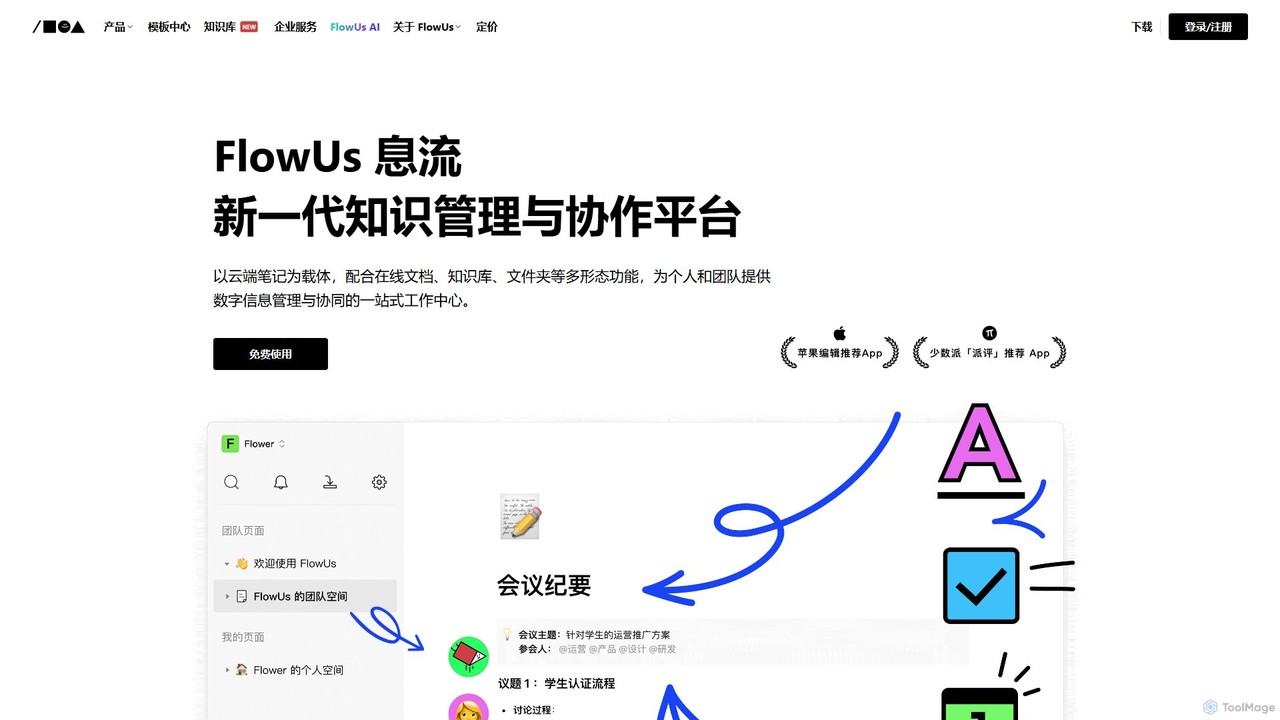
FlowUs
FlowUs is a next-generation knowledge management and collaboration platform that integrates documents, notes, databases, and project management into a unified workspace. It features a powerful, natively embedded AI assistant to streamline workflows for individuals and teams.
Writing
Saga
Saga is an AI-powered workspace designed for notes, documents, and tasks. It combines a fast, intuitive editor with powerful knowledge management features like automatic linking and back-references. With integrated GPT-4o, Saga helps individuals and teams streamline workflows, from content creation and project management to building a collaborative knowledge base, all within a single, interconnected environment.
Knowledge Management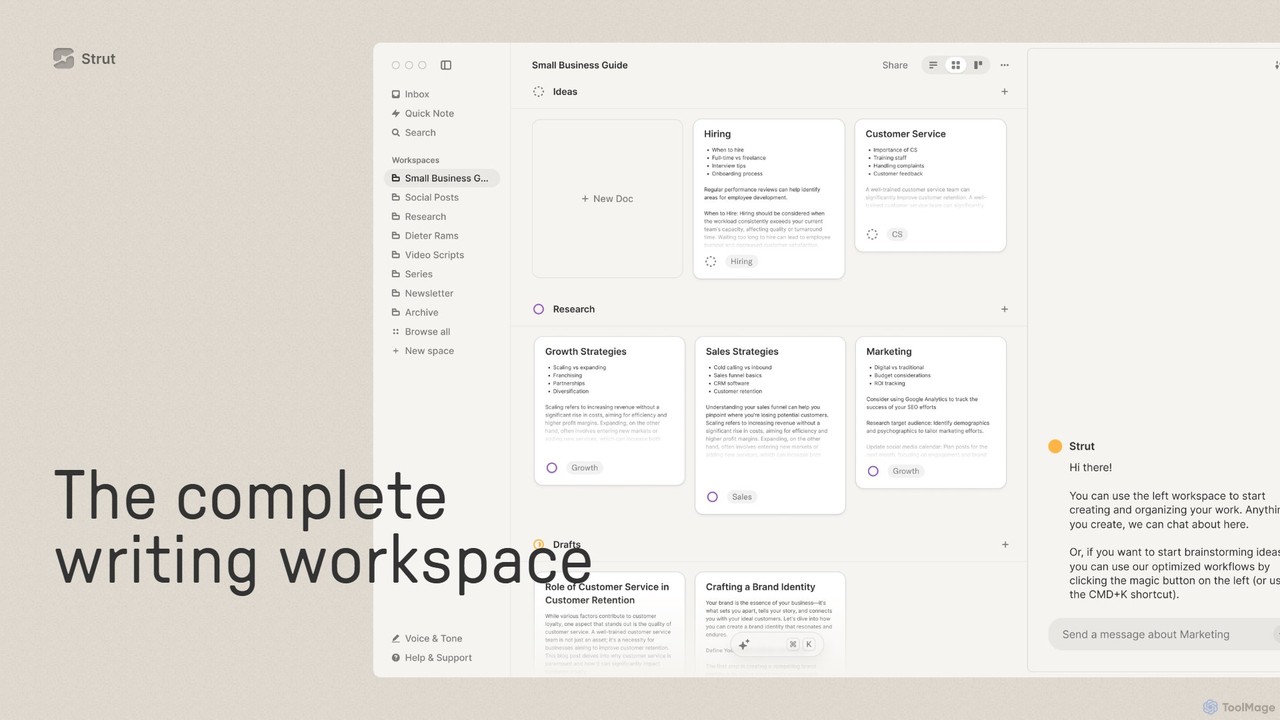
Strut
Strut is a comprehensive AI-powered writing workspace that unifies notes, documents, and project management into a single, collaborative platform. It's designed to streamline the entire writing process, from initial idea capture to final publication, with an AI partner to assist with research, editing, and inspiration.
Project ManagementNotion Categories
Notion Embed Widget
Copy this embed code to place the badge on your blog, article, or product site and send readers directly to this ToolMage detail page.

Related AI tools
AppFlowy
AppFlowy is a secure, open-source AI workspace designed for projects, wikis, and teams. It offers a privacy-first alternative to tools like Notion, allowing users to own their data through self-hosting and offline capabilities. It integrates powerful AI for writing, search, and task automation, supporting both local and cloud-based models.
DocumentationSaga
Saga is an AI-powered workspace designed for notes, documents, and tasks. It combines a fast, intuitive editor with powerful knowledge management features like automatic linking and back-references. With integrated GPT-4o, Saga helps individuals and teams streamline workflows, from content creation and project management to building a collaborative knowledge base, all within a single, interconnected environment.
Knowledge ManagementFlowUs
FlowUs is a next-generation knowledge management and collaboration platform that integrates documents, notes, databases, and project management into a unified workspace. It features a powerful, natively embedded AI assistant to streamline workflows for individuals and teams.
Writing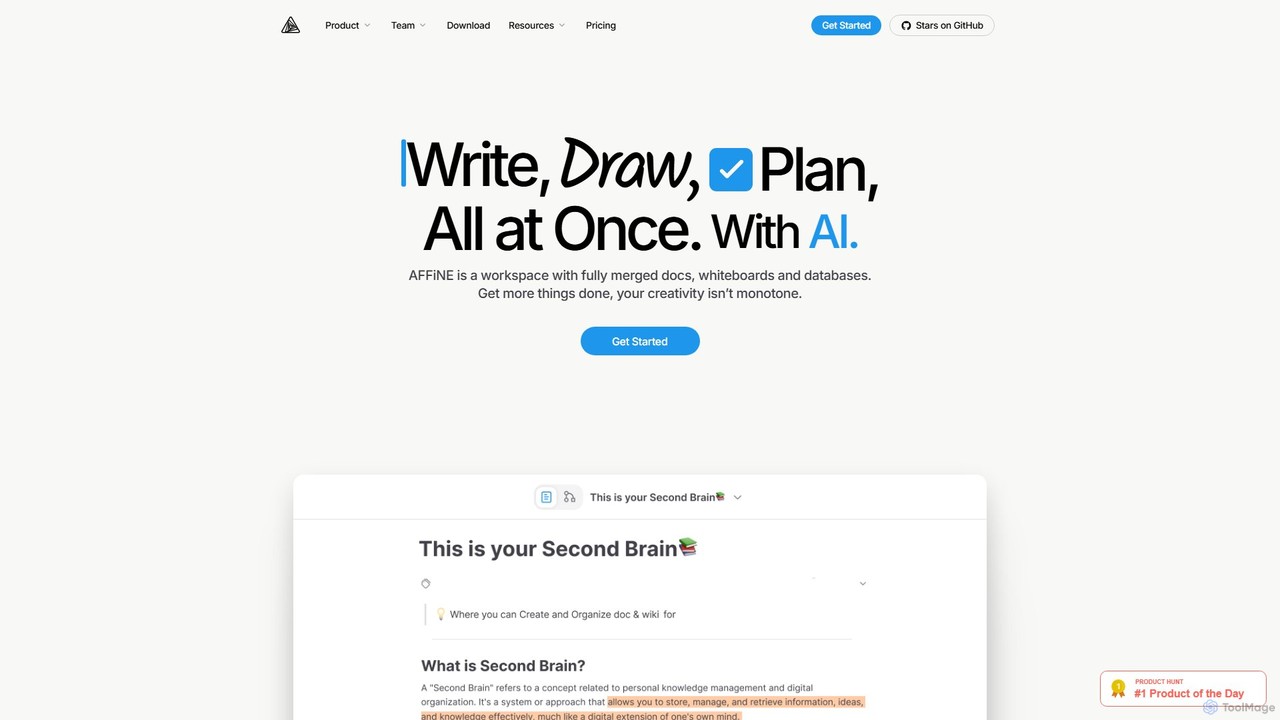
AFFiNE
AFFiNE is an all-in-one, AI-powered KnowledgeOS that seamlessly merges documents, whiteboards, and databases. It's a privacy-focused, open-source workspace designed to enhance productivity by allowing you to write, draw, and plan in a single, unified environment, eliminating the need to switch between multiple applications.
WhiteboardNotion
Notion is an all-in-one AI workspace that combines notes, docs, project management, and wikis into a single, highly customizable platform. It empowers teams and individuals to organize information, manage projects, and collaborate more effectively, all within a flexible, block-based editor enhanced with powerful AI capabilities.
Knowledge ManagementStrut
Strut is a comprehensive AI-powered writing workspace that unifies notes, documents, and project management into a single, collaborative platform. It's designed to streamline the entire writing process, from initial idea capture to final publication, with an AI partner to assist with research, editing, and inspiration.
Project Management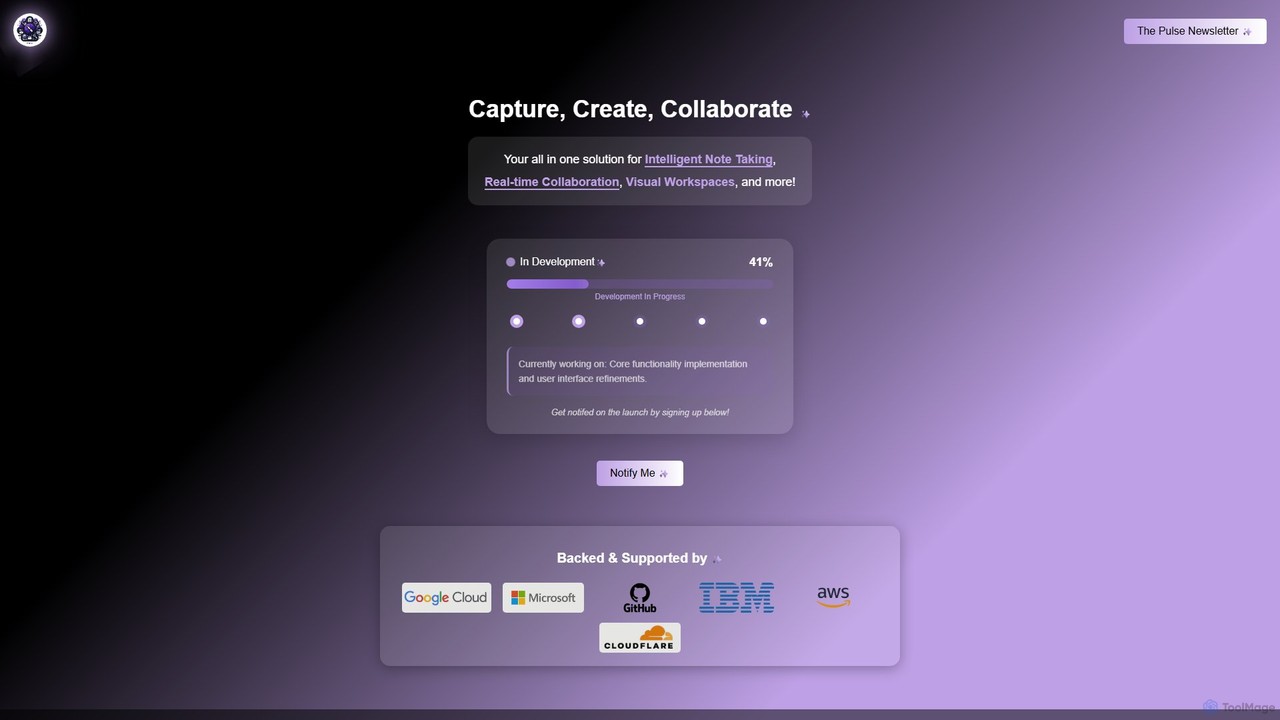
Prodhiiv
Prodhiiv is an upcoming all-in-one intelligent workspace designed for modern productivity. It integrates intelligent note-taking, real-time collaboration, and visual workspaces to help teams and individuals capture, create, and collaborate more effectively. It aims to be a central hub for all your ideas and projects.
Collaboration
Wroolo
Wroolo is an AI-powered, all-in-one platform for project and knowledge management. It combines flexible tools like a free-form canvas and Kanban boards with a powerful AI-enhanced knowledge base. Ideal for innovative teams, communities, and individuals to organize tasks, manage complex projects, and derive insights from their content.
Teamwork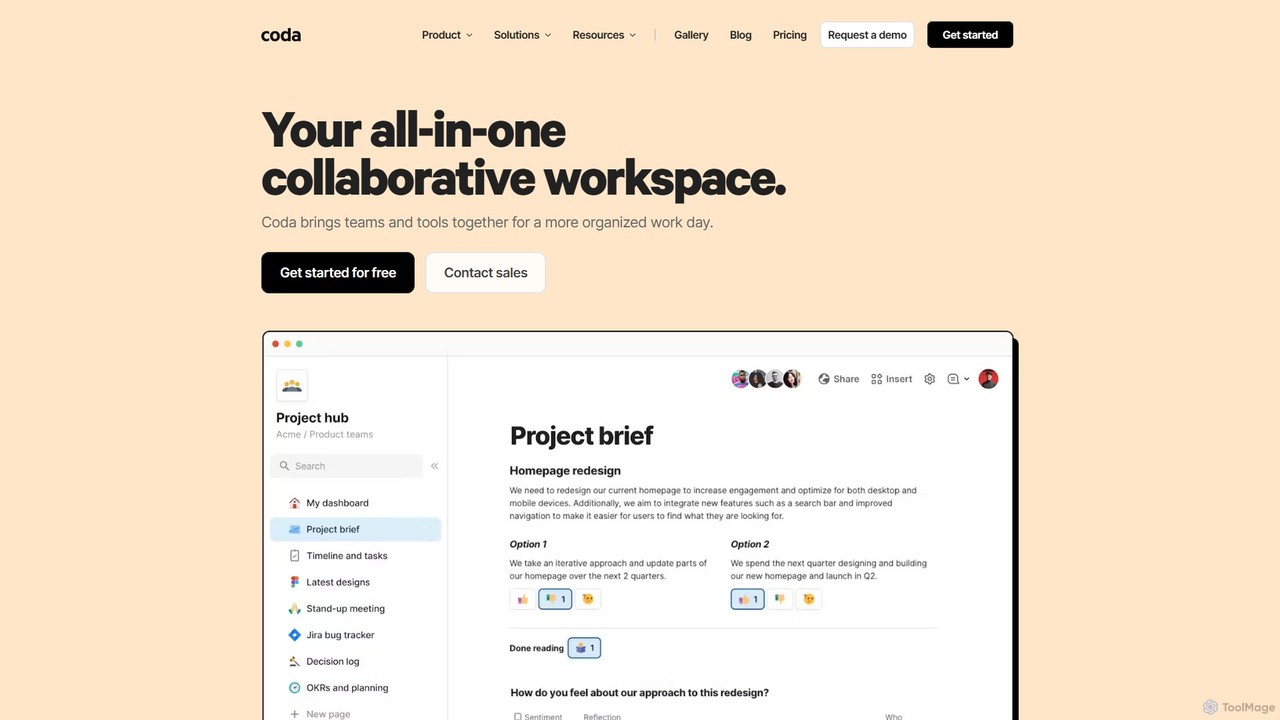
Coda
Coda is an all-in-one collaborative workspace that blends documents, spreadsheets, and applications into a single, flexible surface. Powered by Coda AI, it helps teams centralize information, automate workflows, and make faster decisions. Replace your scattered tool stack with a unified platform for writing, tracking, and building custom solutions.
Knowledge Base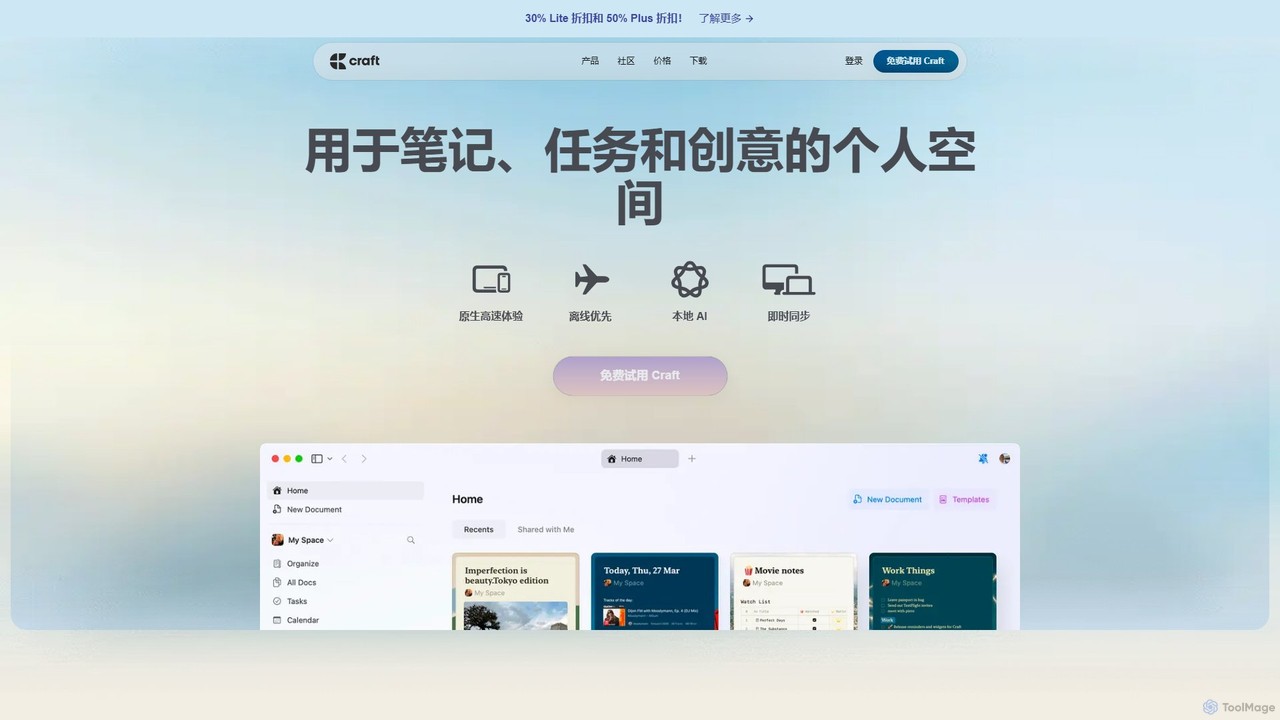
Craft
Craft is a beautifully designed, native document editor for notes, tasks, and ideas. It combines powerful features like a local AI assistant, task management, and flexible organization with a joyful, fast, and offline-first user experience, making it the perfect tool for writers, thinkers, and teams to capture and structure their thoughts.
Knowledge Management
Fibery
Fibery is a highly flexible, all-in-one work management platform designed to replace scattered tools. It integrates project management, knowledge bases, and process automation into a single, customizable workspace, enhanced with AI to help teams build, connect, and streamline their entire operational workflow.
All In One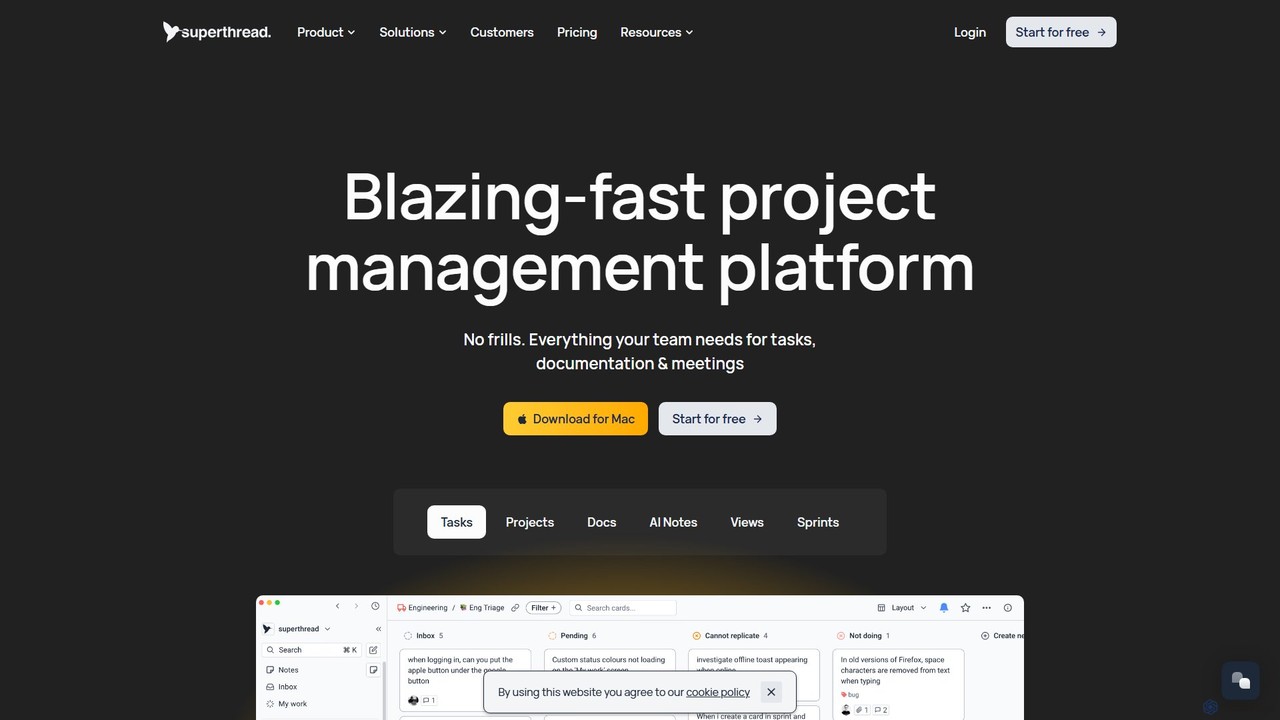
Superthread
Superthread is a blazing-fast, AI-powered project management platform that unifies tasks, docs, and meetings. It features AI-driven meeting transcription and task suggestions to streamline workflows, eliminate the need for multiple tools, and significantly boost team productivity.
Meeting Assistant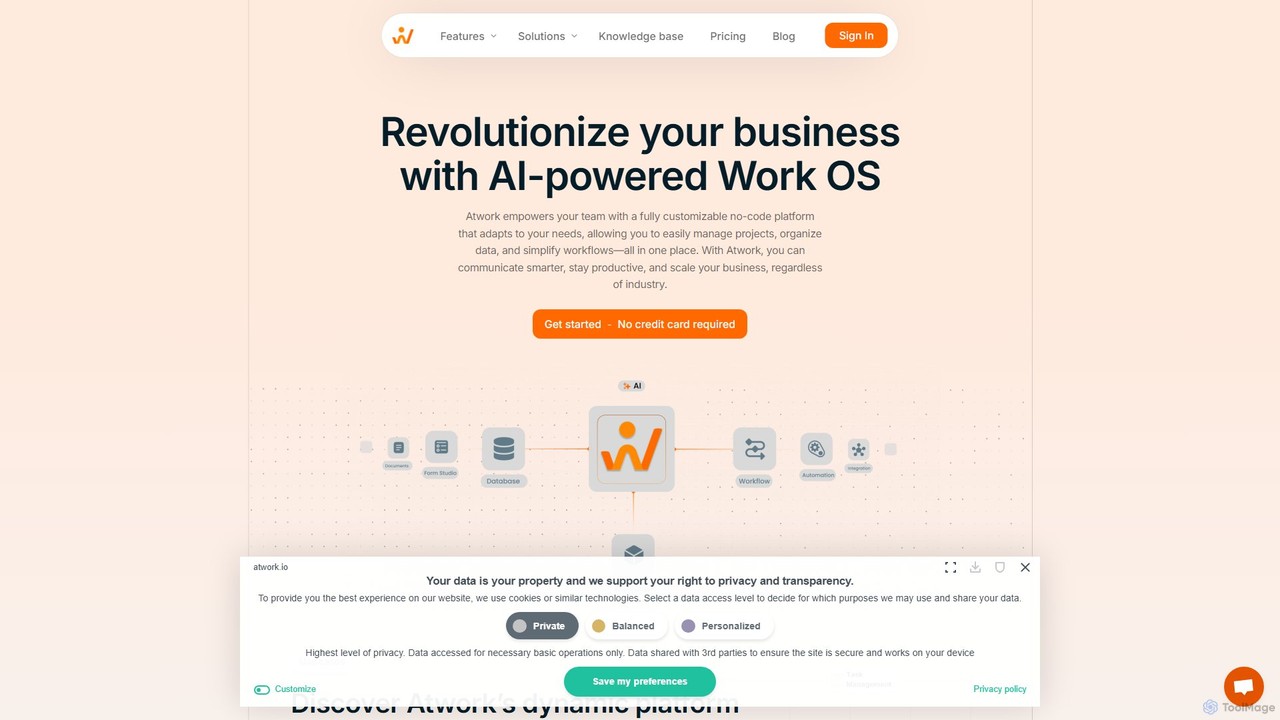
Atwork
Atwork is an AI-powered, no-code Work OS designed for efficient workflow management. It provides a fully customizable platform for teams to manage projects, organize data, and automate processes in one central place, boosting productivity and enabling business scalability.
Crm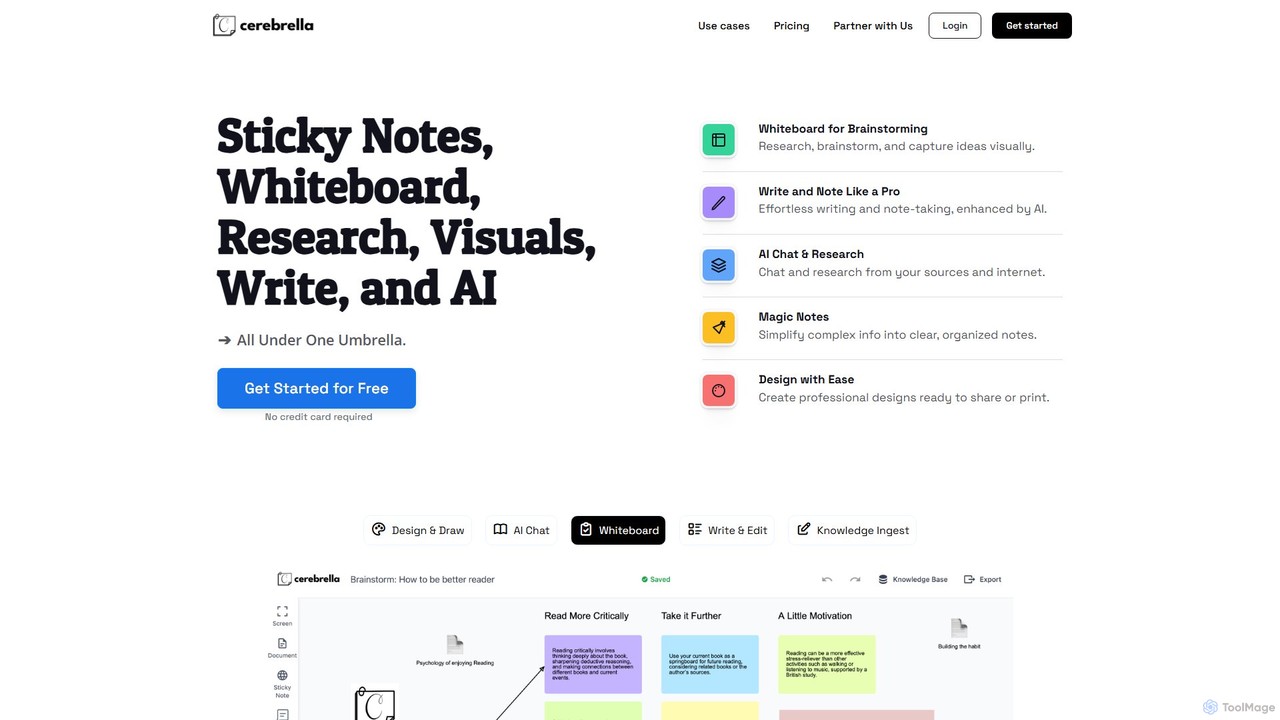
Cerebrella
Cerebrella is an all-in-one AI-powered workspace that integrates a visual whiteboard, sticky notes, research tools, and a document editor. It's designed to help users brainstorm, organize knowledge, write content, and create visuals seamlessly. By allowing you to upload your documents and chat with your data, Cerebrella centralizes your workflow and enhances productivity for students, professionals, and creators.
Presentation
Jyek
Jyek is an AI agent platform that understands objectives, creates execution plans, uses tools, and delivers verifiable results for complex, multi-step tasks.
Automation
Notion Comments (0)
Sign in to comment.
Sign inNo comments yet.