
Strut Overview
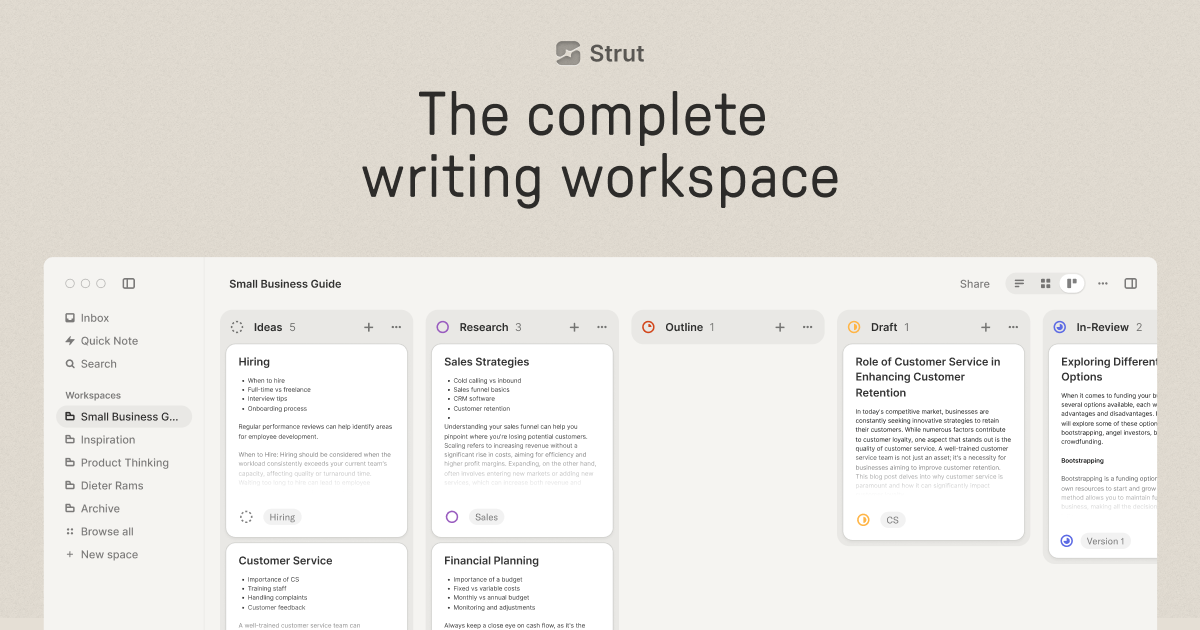
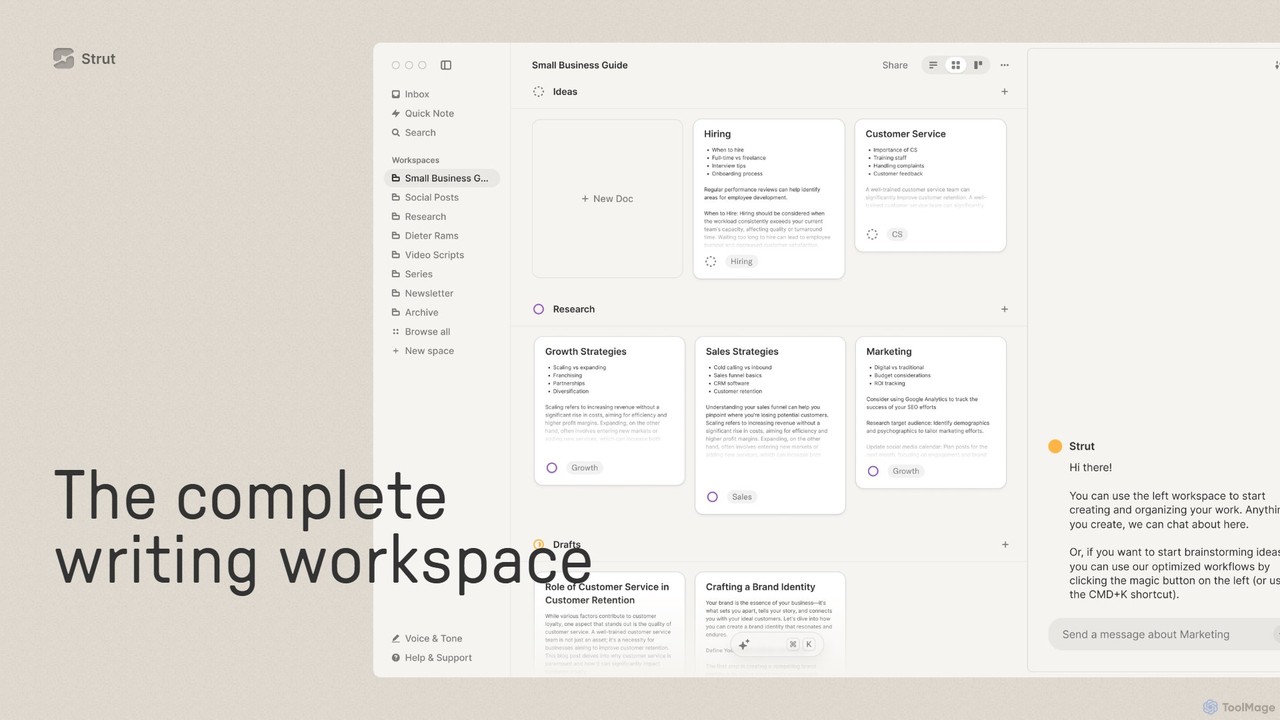
Strut emerges as the complete writing workspace, meticulously designed to bring clarity to the chaos of creative and professional writing. It integrates your notes, documents, and complex writing projects into collaborative, AI-supported workspaces. By consolidating the essential tools a writer needs, Strut eliminates the friction of switching between multiple applications, allowing you to maintain focus and momentum. From capturing fleeting ideas to managing multi-stage projects, Strut provides a seamless, beautiful, and highly functional environment to move your work forward.
How to use Strut
Getting started with Strut is intuitive and designed to match your natural workflow. Begin by capturing all your thoughts, notes, and ideas in the 'Inbox'—a dedicated space for unstructured writing. This 'write first, organize later' approach removes the pressure of immediate categorization. When an idea is ready to evolve, you can easily drag and drop it into a new or existing project. Within a project workspace, you can organize your tasks and documents using flexible list, grid, or Kanban-style board views. Customize these views with stages that mirror your unique writing process (e.g., 'Ideas', 'Drafting', 'Editing', 'Published'). For deep work, switch to the typewriter-inspired 'Deep Focus Mode' to eliminate all distractions. Collaborate with your team in real-time on any document, and leverage the built-in AI chat to discuss your project, ask for suggestions, or get research assistance by simply @mentioning relevant documents.
Core Features of Strut
- AI Writing Partner: Powered by GPT-4o, Strut's AI acts as a collaborator, not an automator. It offers suggestions, edits, research assistance, and inspiration. You can chat with the AI about specific documents or entire projects.
- Integrated Project Management: Organize your writing projects with customizable workspaces. Use list, grid, and board views to track progress through different stages of your workflow.
- Unified Workspace: Combines notes, documents, and project management tools into one cohesive application, available on both web and desktop.
- Idea & Note Capture: Features a dedicated 'Inbox' to quickly capture ideas and notes, which are automatically organized by date and can be easily converted into projects.
- Deep Focus Mode: A minimalist, typewriter-inspired writing mode designed to eliminate distractions and enhance concentration.
- Real-time Collaboration: Invite team members to work on documents simultaneously, with changes synced in real-time across all devices.
- Powerful Editor: A robust text editor with all the necessary formatting tools, ensuring a smooth writing and editing experience.
- Customization and Efficiency: Tailor Strut to fit any project, from tweets to novels. Utilize keyboard shortcuts for fast navigation and @mentions to bring multiple documents into an AI chat context.
- Data Privacy: Strut is committed to user privacy and explicitly states that it never uses customer data to train AI models.
Use Cases for Strut
Strut is versatile enough for a wide range of users and projects. Novelists and screenwriters can use it to organize chapters, character profiles, and plot points. Content marketing teams can manage their entire editorial calendar, from brainstorming blog posts to collaborating on final drafts. Students and academics can consolidate their research notes, outlines, and essays in one place. Freelance writers can manage multiple client projects, keeping all related documents and communications organized. Even for personal use, it's perfect for journaling, note-taking, and organizing personal projects.
Advantages of Strut
The primary advantage of Strut is its all-in-one nature, which significantly streamlines the writing workflow and boosts productivity. By bringing project management and a powerful editor into one space, it reduces context switching. Its AI implementation is thoughtfully designed as a supportive partner, helping to overcome writer's block without taking over the creative process. The strong emphasis on a distraction-free writing environment and a firm commitment to data privacy make it a trustworthy and effective tool for serious writers.
Pricing and Plans
Strut offers a tiered pricing model to suit different needs:
- Free Plan: $0/month. Includes 1 Workspace, 1 Brand Voice, and 25 monthly AI messages. Perfect for individuals and light use.
- Plus Plan: $8 per month (billed annually). Offers unlimited Workspaces, unlimited Brand Voices, and 500 monthly AI messages. Ideal for professionals and frequent writers.
- Pro Plan: $20 per month (billed annually). Provides everything in the Plus plan, with the addition of unlimited monthly AI messages. Best for power users, teams, and those who rely heavily on AI assistance.
All plans include access to List, Grid & Kanban views, real-time collaboration, Markdown export, cloud sync, and support via web and desktop apps.
Traffic
Latest traffic
Status
Monthly traffic trend
- 2025-9: 10.4K
- 2026-1: 10.7K
- 2026-2: 12.7K
- 2026-3: 12.2K
- 2026-4: 9.2K
- 2026-5: 5.2K
Geography
Top 5 countries / regions
- 🇮🇳India27.8%
- 🇺🇸United States24.6%
- 🇻🇳Vietnam23.6%
- 🇵🇱Poland14.5%
- 🇪🇬Egypt9.4%
Top keywords
| Keyword | Cost per click |
|---|---|
| how can i get strut.so app? | $0.00 |
| strut | $2.08 |
| strut downlaod | $0.00 |
| strut free download | $0.00 |
| strut so login | $0.00 |
Strut Alternatives
Learnitive
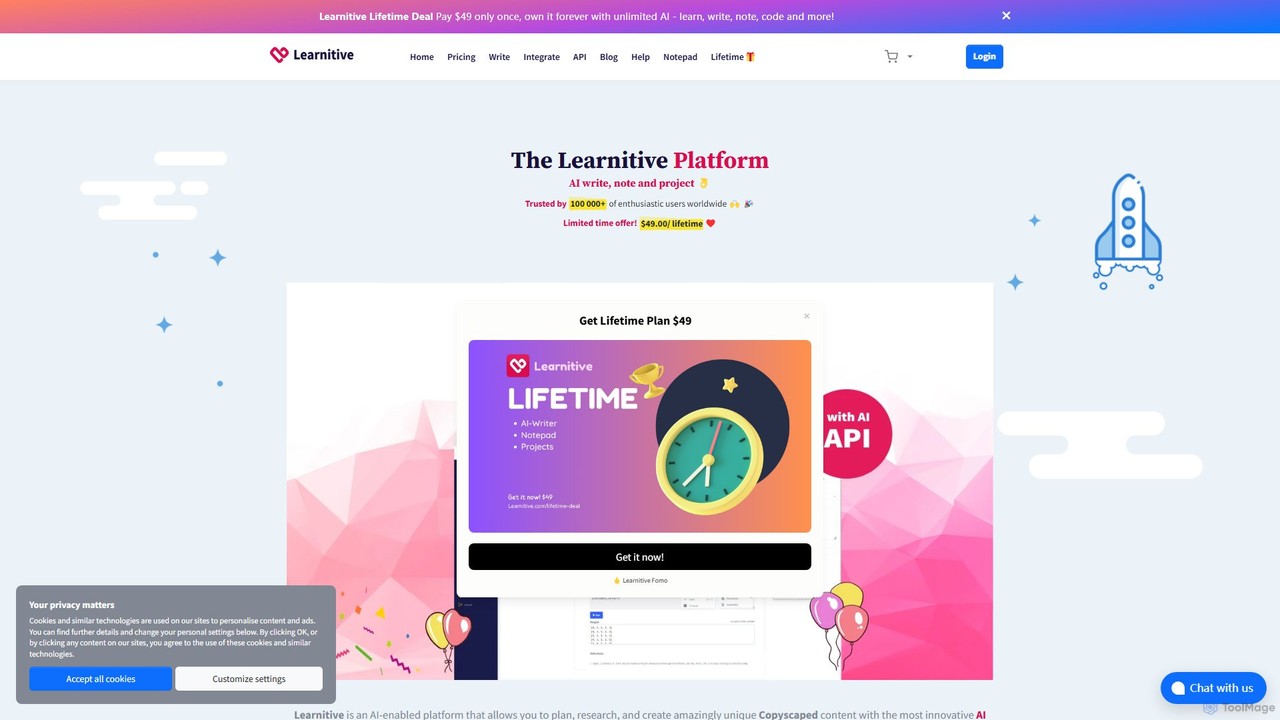
Learnitive is an all-in-one AI-powered platform for students, researchers, and writers. It combines an advanced AI writer for creating unique, Copyscape-checked content with research tools, a code generator, and automatic citations. The platform also includes integrated productivity tools like a Kanban project manager, an AI-enhanced notepad, and an e-book creator. With browser extensions and API access, Learnitive streamlines the entire workflow from research and planning to final creation, boosting productivity and enhancing learning.
Code Assistant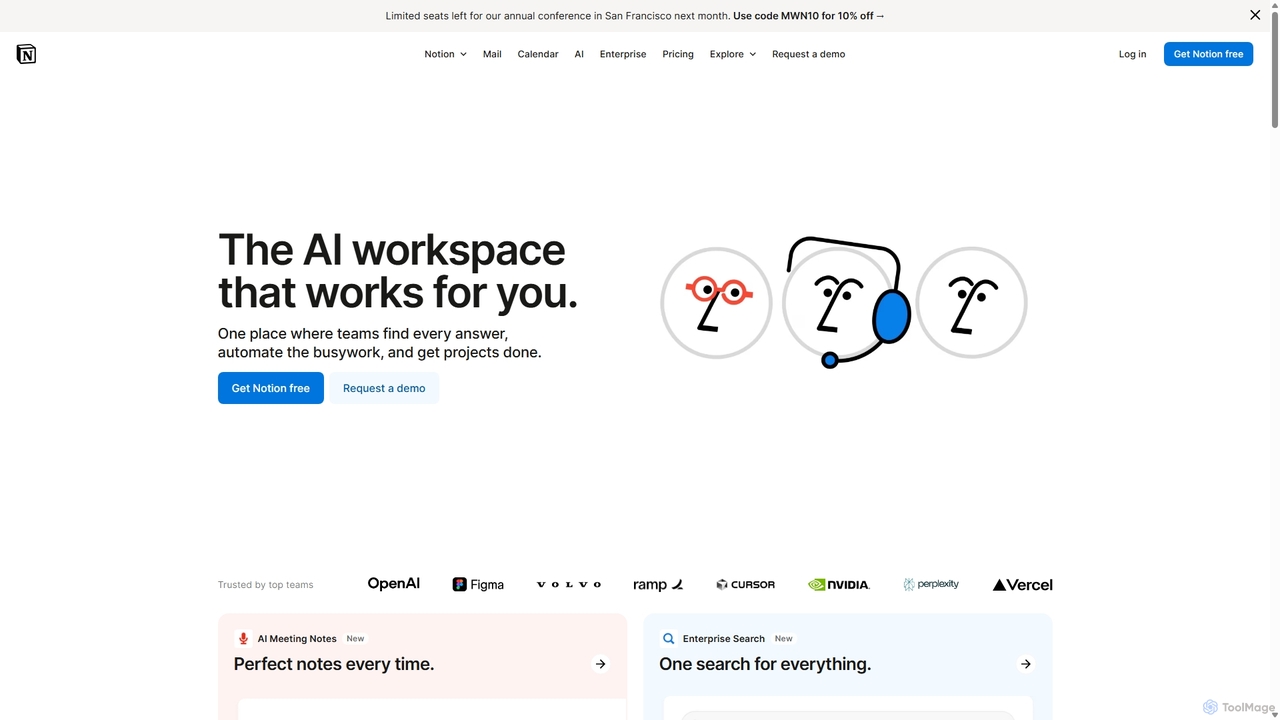
Notion
Notion is an all-in-one AI workspace that combines notes, docs, project management, and wikis into a single, highly customizable platform. It empowers teams and individuals to organize information, manage projects, and collaborate more effectively, all within a flexible, block-based editor enhanced with powerful AI capabilities.
Knowledge Management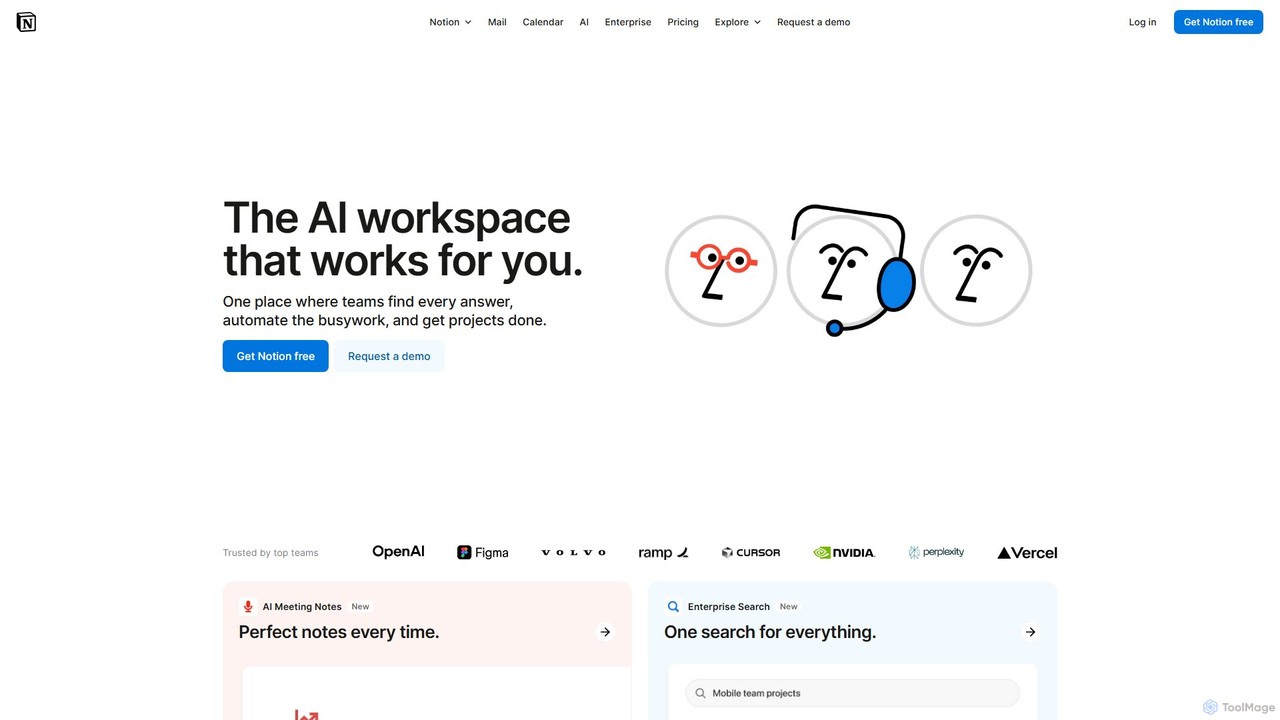
Notion
Notion is the all-in-one AI workspace that combines notes, documents, project management, and wikis. It provides a flexible, customizable platform where individuals and teams can organize work, collaborate in real-time, and build custom workflows. With integrated AI features, Notion helps automate tasks, summarize content, and generate ideas, consolidating multiple tools into a single, powerful space for enhanced productivity.
Knowledge Management
ag11lab
ag11lab is an AI-powered text editor designed to transform ideas into structured documents like essays, papers, and books effortlessly. It automates the writing process, helping students, researchers, and professionals save time and enhance the quality of their work with features like an LLM consensus mechanic and real-time data integration.
Academic Research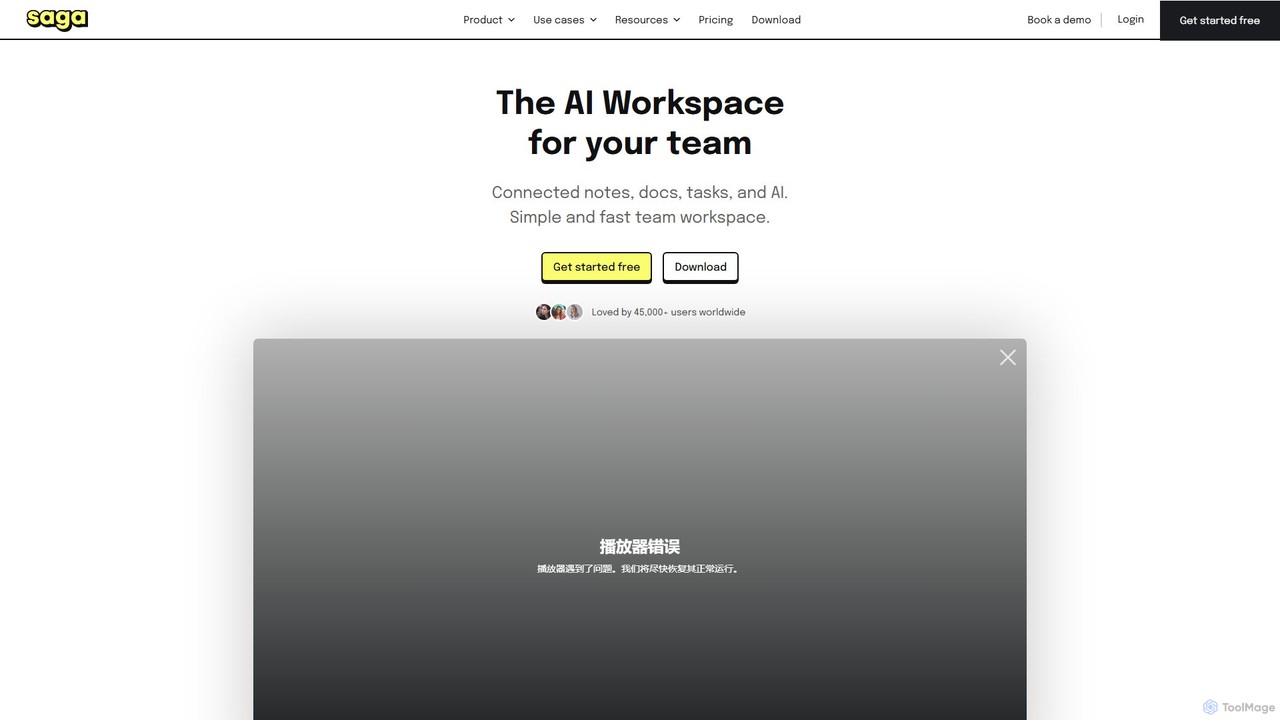
Saga
Saga is an AI-powered workspace designed for notes, documents, and tasks. It combines a fast, intuitive editor with powerful knowledge management features like automatic linking and back-references. With integrated GPT-4o, Saga helps individuals and teams streamline workflows, from content creation and project management to building a collaborative knowledge base, all within a single, interconnected environment.
Knowledge ManagementStrut Categories
Strut Embed Widget
Copy this embed code to place the badge on your blog, article, or product site and send readers directly to this ToolMage detail page.

Related AI tools
Learnitive
Learnitive is an all-in-one AI-powered platform for students, researchers, and writers. It combines an advanced AI writer for creating unique, Copyscape-checked content with research tools, a code generator, and automatic citations. The platform also includes integrated productivity tools like a Kanban project manager, an AI-enhanced notepad, and an e-book creator. With browser extensions and API access, Learnitive streamlines the entire workflow from research and planning to final creation, boosting productivity and enhancing learning.
Code AssistantSaga
Saga is an AI-powered workspace designed for notes, documents, and tasks. It combines a fast, intuitive editor with powerful knowledge management features like automatic linking and back-references. With integrated GPT-4o, Saga helps individuals and teams streamline workflows, from content creation and project management to building a collaborative knowledge base, all within a single, interconnected environment.
Knowledge Management
Sojot.ai
Sojot.ai is an AI-powered platform that redefines the writing experience. It integrates tools for journaling, storytelling, research, and diary-keeping, fostering creativity and productivity. Users can create, share, and manage their thoughts in a secure, collaborative environment, supported by an intelligent assistant and a community of writers.
ResearchNotion
Notion is an all-in-one AI workspace that combines notes, docs, project management, and wikis into a single, highly customizable platform. It empowers teams and individuals to organize information, manage projects, and collaborate more effectively, all within a flexible, block-based editor enhanced with powerful AI capabilities.
Knowledge ManagementNotion
Notion is the all-in-one AI workspace that combines notes, documents, project management, and wikis. It provides a flexible, customizable platform where individuals and teams can organize work, collaborate in real-time, and build custom workflows. With integrated AI features, Notion helps automate tasks, summarize content, and generate ideas, consolidating multiple tools into a single, powerful space for enhanced productivity.
Knowledge Managementag11lab
ag11lab is an AI-powered text editor designed to transform ideas into structured documents like essays, papers, and books effortlessly. It automates the writing process, helping students, researchers, and professionals save time and enhance the quality of their work with features like an LLM consensus mechanic and real-time data integration.
Academic Research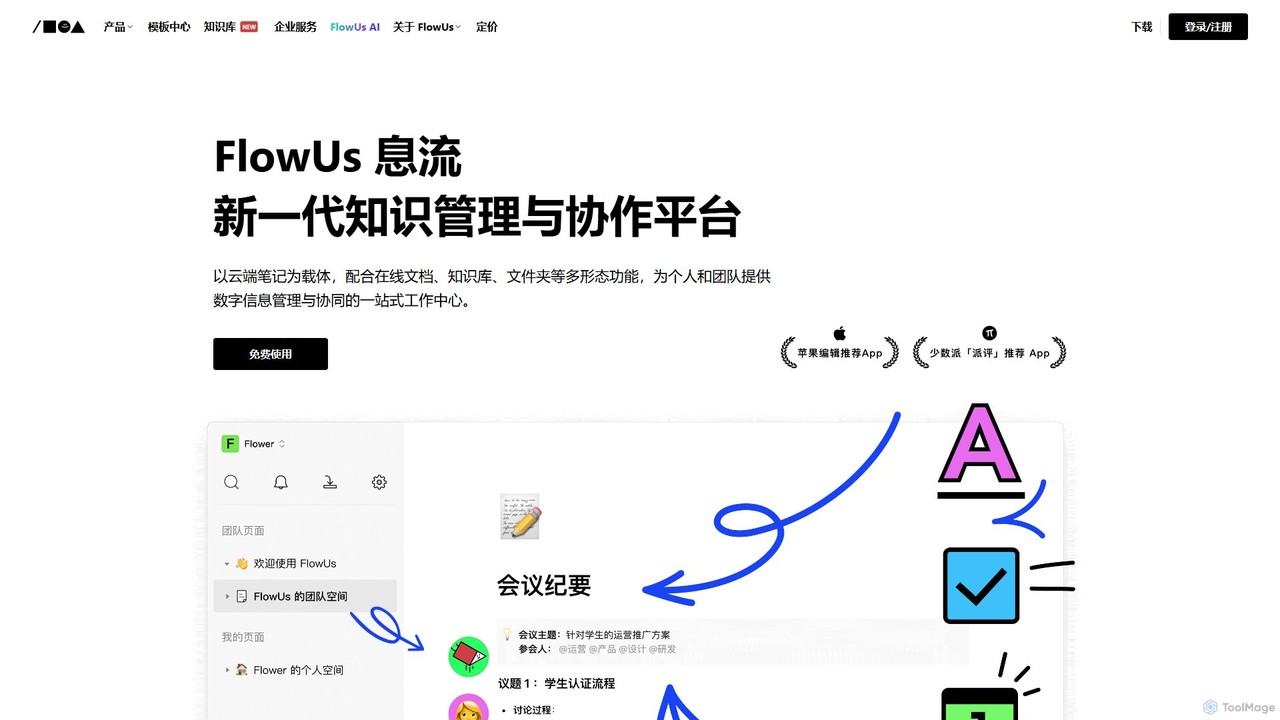
FlowUs
FlowUs is a next-generation knowledge management and collaboration platform that integrates documents, notes, databases, and project management into a unified workspace. It features a powerful, natively embedded AI assistant to streamline workflows for individuals and teams.
Writing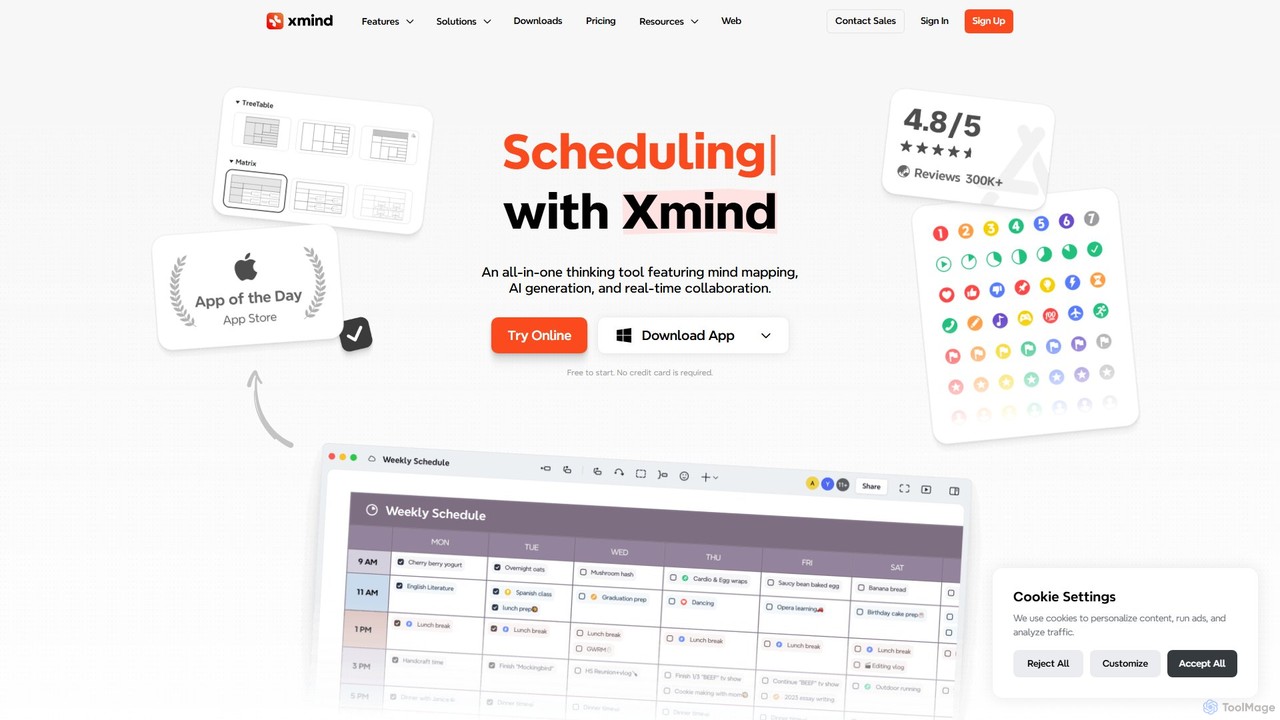
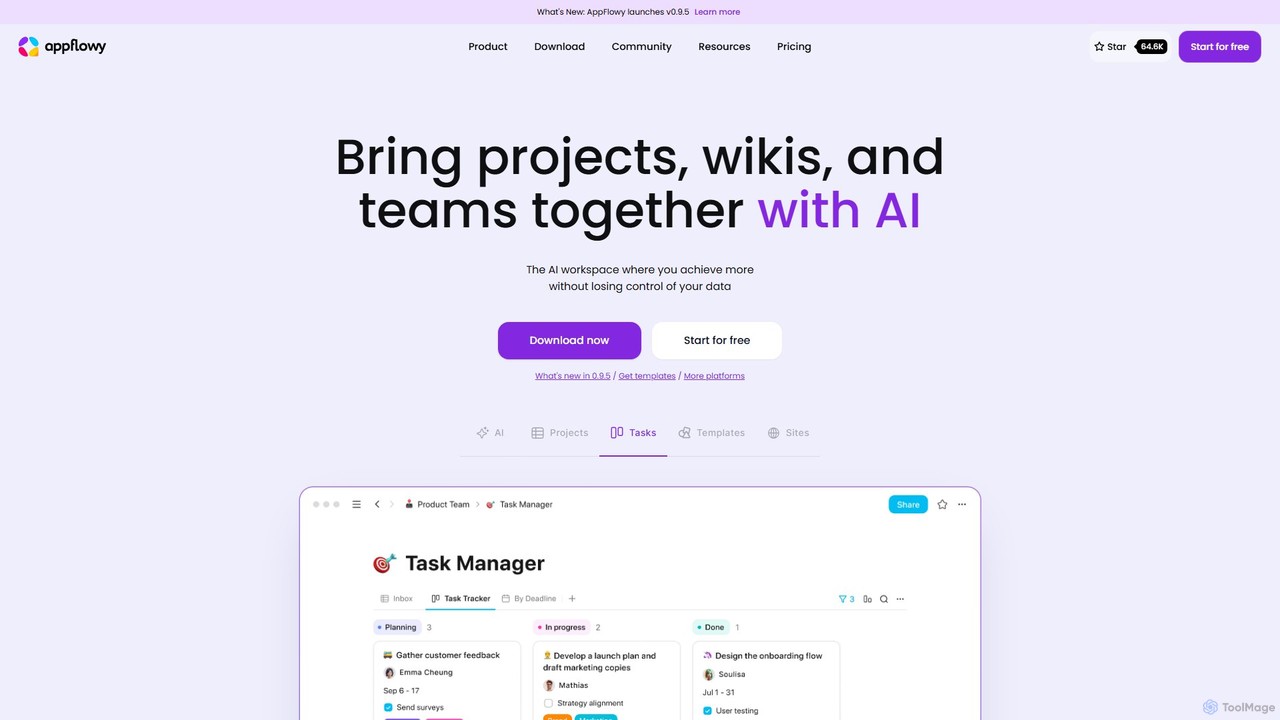
AppFlowy
AppFlowy is a secure, open-source AI workspace designed for projects, wikis, and teams. It offers a privacy-first alternative to tools like Notion, allowing users to own their data through self-hosting and offline capabilities. It integrates powerful AI for writing, search, and task automation, supporting both local and cloud-based models.
Documentation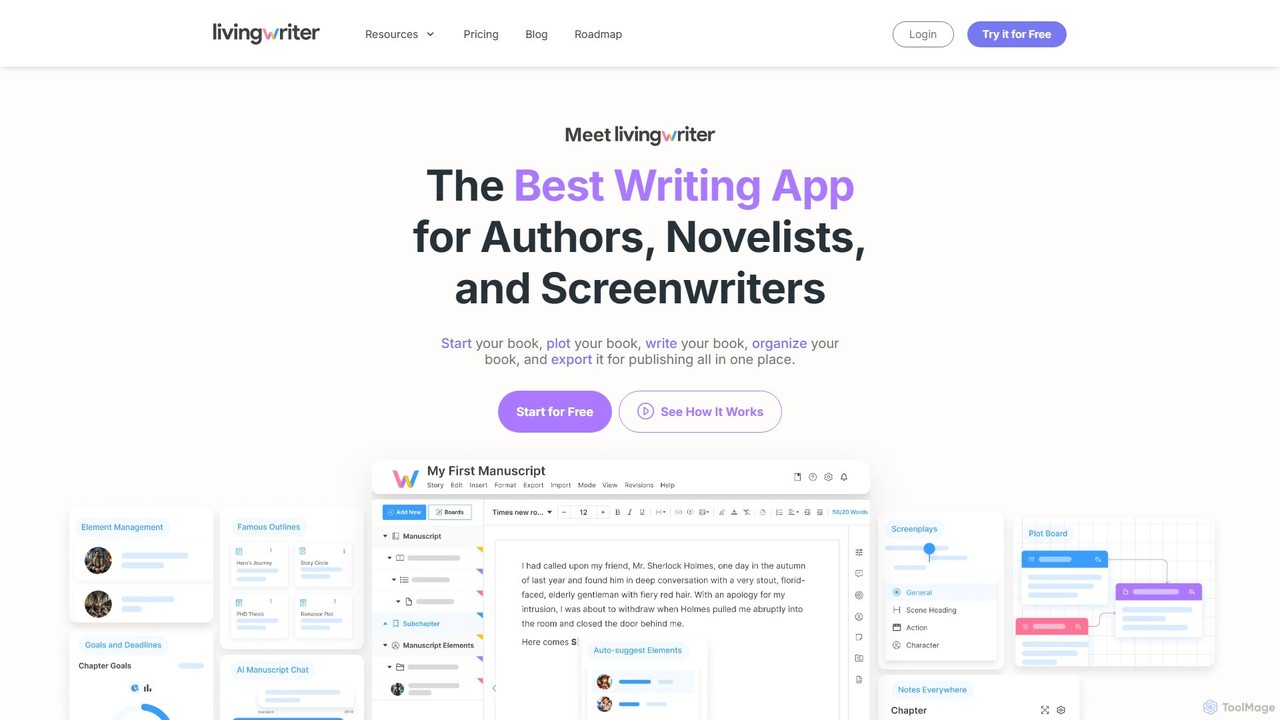
LivingWriter
LivingWriter is an all-in-one writing platform for authors, novelists, and screenwriters. It combines powerful plotting tools, story organization, and optional AI assistance to streamline the creative process. With features like drag-and-drop storyboards, character auto-suggest, cloud syncing across all devices, and seamless import/export, it's designed to take your manuscript from idea to publication-ready draft in one place.
Storytelling
Compose AI
Compose AI is an AI-powered writing assistant and Chrome extension that accelerates your writing process. It offers intelligent autocompletion, text generation, and rephrasing capabilities across all your favorite sites, from emails to documents. By learning your personal writing style, it helps you write faster and more effectively, saving up to 40% of your time.
Chrome Extensions
docswrite
docswrite is an AI-powered writing assistant designed to streamline the creation of high-quality documents. It helps users generate articles, reports, marketing copy, and more with advanced AI. Features include content generation, intelligent editing, and a vast library of templates to boost productivity and enhance writing quality.
Document Management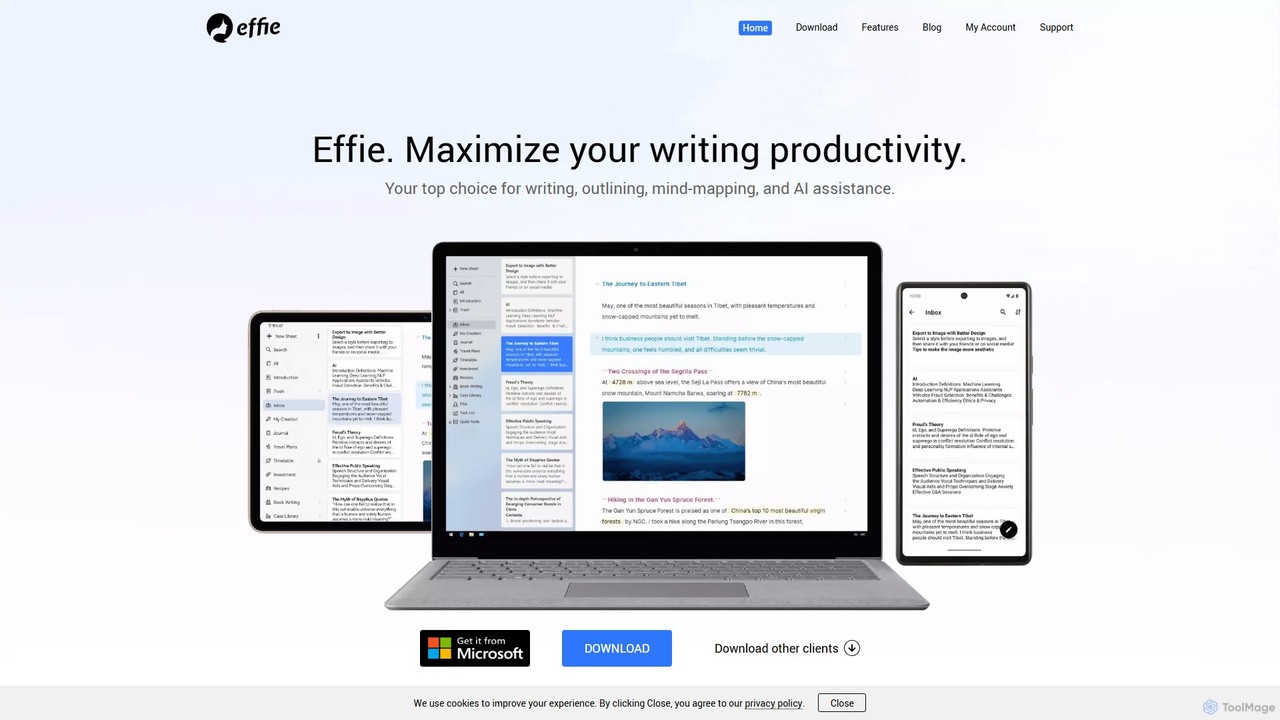
Effie
Effie is a minimalist, AI-powered workspace designed for writers, thinkers, and creators. It seamlessly integrates note-taking, outlining, mind mapping, and writing into a single, distraction-free environment. Available on all major platforms with cloud sync, Effie helps you capture, structure, and develop your ideas effortlessly.
Mind Mapping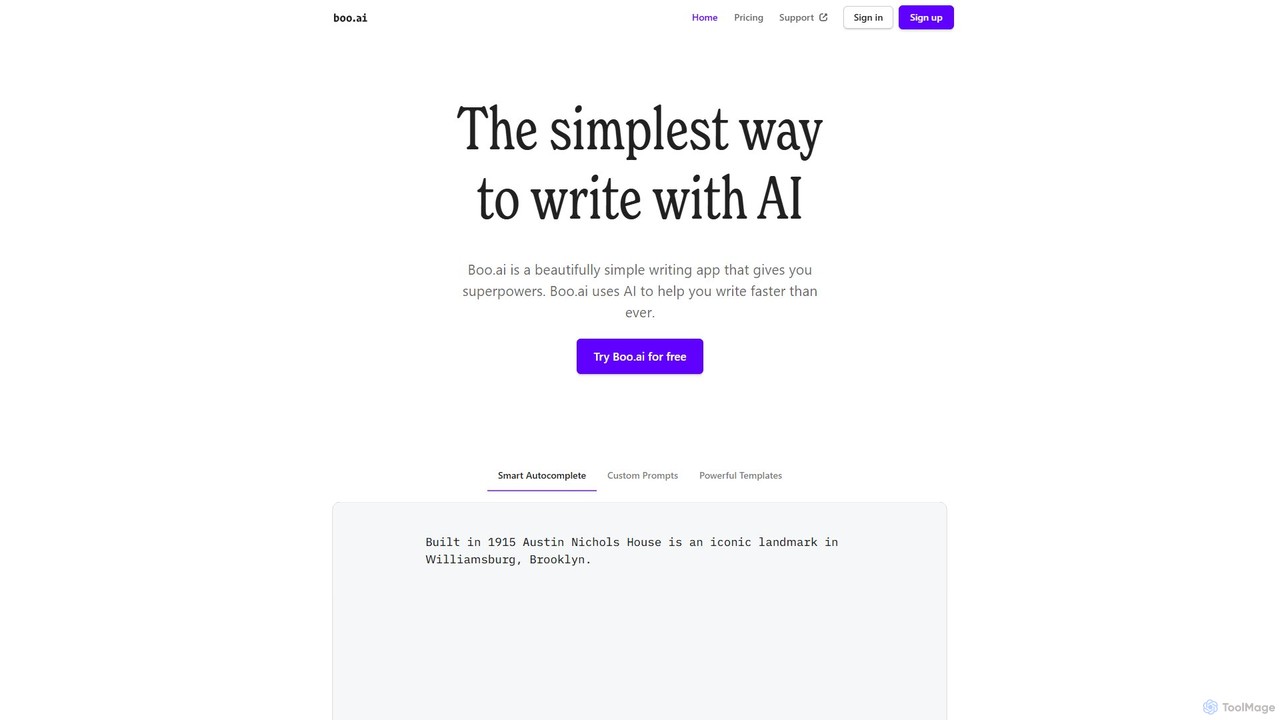
boo.ai
boo.ai is a minimalist AI-powered writing assistant designed for speed and simplicity. It leverages AI to offer smart autocomplete, custom prompts, and powerful templates. The tool learns your writing style over time, provides advanced editing suggestions for tone and structure, and helps with everything from emails and essays to business plans.
Essay Writing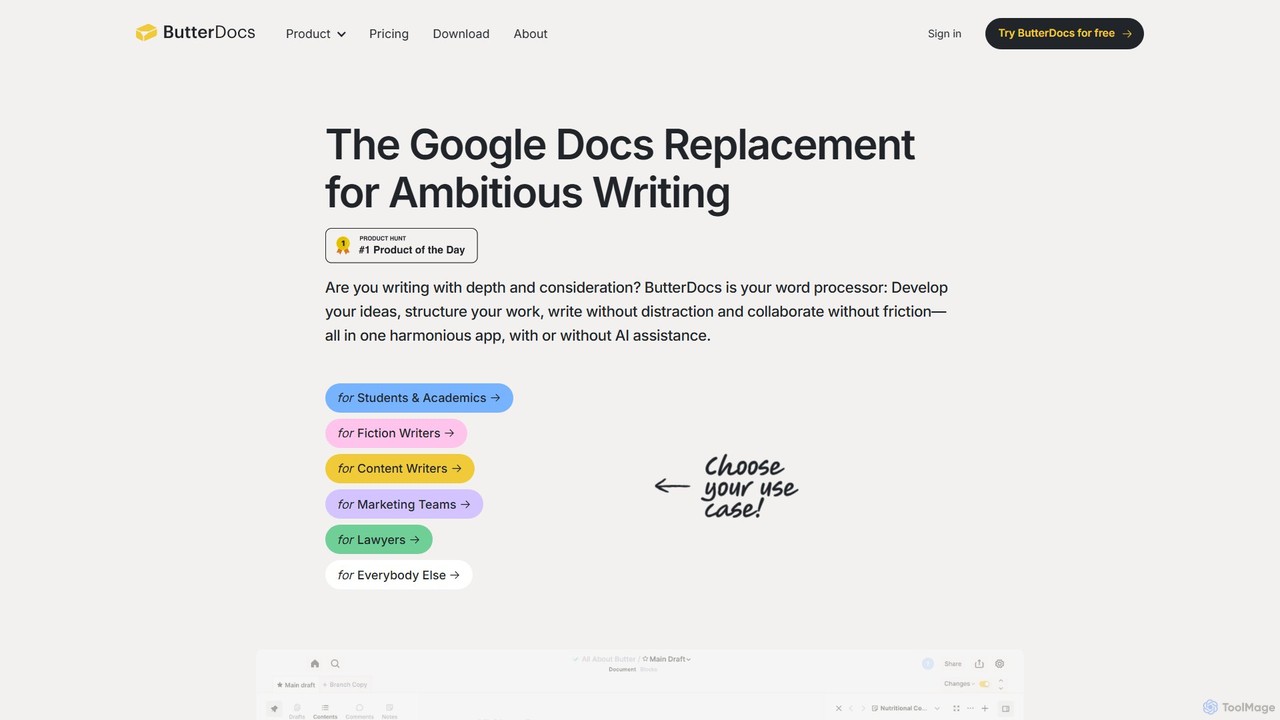
ButterDocs
ButterDocs is a professional writing and collaboration platform designed as a superior alternative to Google Docs for ambitious writers. It integrates research, outlining, drafting, and optional AI assistance into a unified, non-linear workspace. Features like branching for edits, version snapshots, and a focus-enhancing interface help individuals and teams manage complex writing projects from concept to final draft without the chaos.
Documentediting
Strut Comments (0)
Sign in to comment.
Sign inNo comments yet.