
ButterDocs Overview
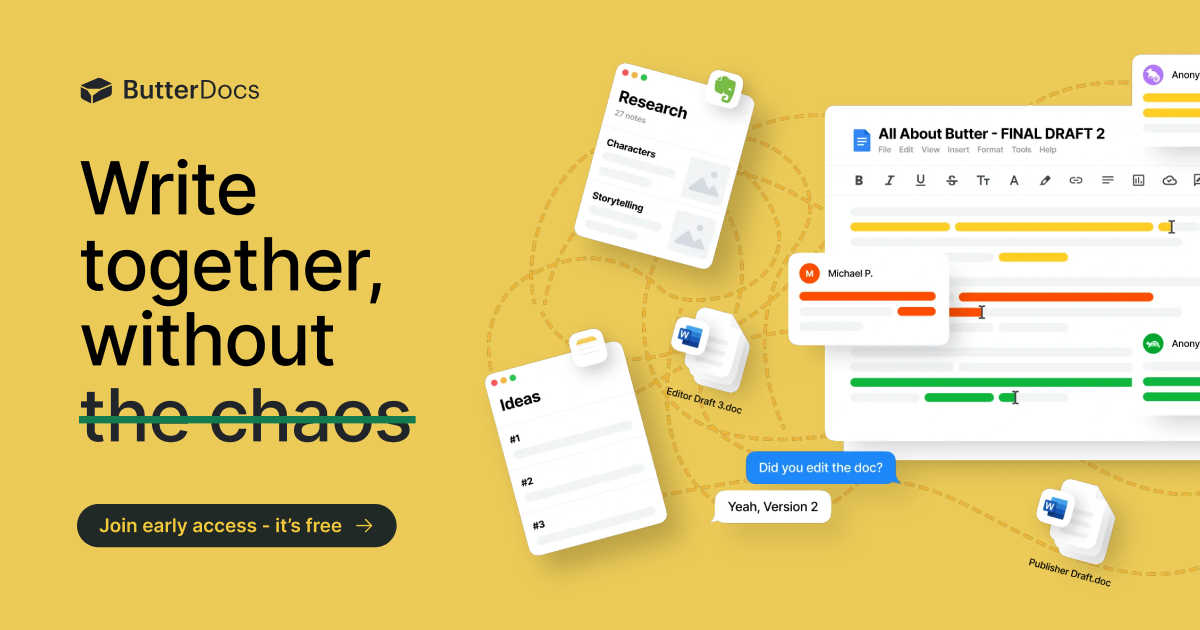
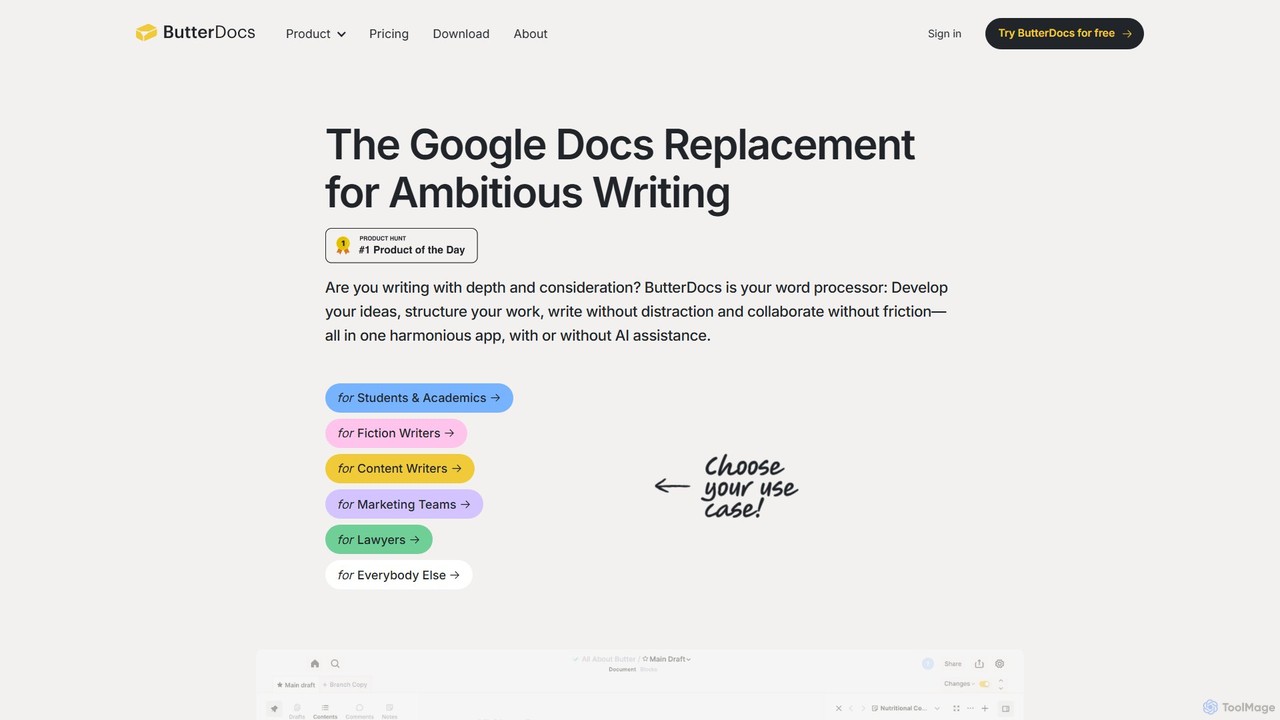
ButterDocs is a next-generation word processor built for writers who demand more than a simple digital typewriter. Positioned as the Google Docs replacement for ambitious writing, it provides a harmonious, all-in-one application where you can develop ideas, structure your work, write without distraction, and collaborate without friction. It's designed to be for writers what Figma is for designers and GitHub is for developers—a professional tool for a professional craft.
The core philosophy behind ButterDocs is that great writing is a complex process that starts long before the first words are typed. Traditional tools like Google Docs, with their linear, single-page format, become messy and inefficient when managing research, outlines, multiple drafts, and collaborative feedback. ButterDocs solves this by creating a multi-dimensional writing environment that supports the entire workflow, from brainstorming to the final, polished piece, with or without AI assistance.
How to use ButterDocs
The workflow in ButterDocs is intuitive and designed to mirror a writer's natural process. You begin by creating a new document, which serves as your central hub. Use the 'Board' feature, a digital whiteboard, to brainstorm ideas, map out your structure with cards, and collect research links and resources. As you begin writing in the main editor, you can keep your 'Notes' visible in a side panel, eliminating the need to constantly switch between tabs. Unused paragraphs or ideas can be moved to the 'Stash' instead of being deleted, keeping them safe for potential future use. For collaboration, you can invite others to edit in real-time or, for more controlled feedback, have them work on a separate 'Branch'. This allows them to suggest edits without altering the main draft. You can then review their changes side-by-side and merge the ones you approve with a single click. Throughout the process, 'Snapshots' are automatically and manually saved, giving you a complete version history you can revert to at any time.
Core Features of ButterDocs
- Board: A digital whiteboard to organize ideas, resources, and project structure visually before you start writing.
- Side-by-Side Notes: Keep your research, outlines, and other notes visible right next to your draft.
- Stash: A secure place to store unused text and ideas that you might want to use later, protecting them from accidental deletion.
- AI Assistant: An integrated AI to help with research, brainstorming, and drafting directly within the document, keeping you in your flow.
- Branching & Merging: Allow collaborators to edit on a separate 'branch' of the document. You can then review their suggestions and merge approved changes into the main draft, preventing comment overload and rogue edits.
- Snapshots & Unlimited Undo: Automatic and manual version control that you'll actually use. Revert to any previous version of your document or undo any specific edit from the past.
- Focus-Oriented Interface: Features like Focus Mode, a minimalist formatting bar, Markdown support, and a built-in timer help you eliminate distractions and stay productive.
- Cross-Platform Availability: Work seamlessly in your browser or with the dedicated desktop application for Mac and Windows, with both online and offline access.
Use Cases for ButterDocs
ButterDocs is versatile and caters to a wide range of writers and teams. Content Writers and Marketing Teams use it to streamline their entire content lifecycle, from strategy on the Board to collaborative editing with Branches. Fiction Writers leverage the Board and Notes to build worlds, track plotlines, and structure their novels. Students and Academics find the integrated research and outlining tools invaluable for writing papers and dissertations. Lawyers can draft complex legal documents, managing multiple clauses and versions with ease. Essentially, anyone undertaking a writing project that requires depth, structure, and collaboration will find it a game-changer.
Advantages of ButterDocs
The primary advantage of ButterDocs is its all-in-one, structured workflow. It eliminates the chaos of juggling multiple apps and tabs for research, outlining, and writing. Its non-linear approach, using blocks and the Board, is a more natural fit for the creative process than a rigid, top-to-bottom document. The collaboration model, built on branching and merging, is vastly superior to the comment-heavy, confusing nature of suggesting edits in traditional word processors. Finally, its unwavering focus on the writer's experience, with distraction-free modes and powerful shortcuts, helps produce better work, faster.
Pricing and Plans
ButterDocs offers a flexible pricing structure, currently with significant early access discounts.
- Free Plan: Ideal for trying out the tool, allowing you to create up to 3 documents for free. No credit card is required. It's also free for students.
- Professional Plan: Designed for individuals who need unlimited capabilities. It includes unlimited documents, unlimited collaborators, and email support. The early access pricing is $100/year (a 70% discount on the standard price of $333/year). Monthly options are also available.
- Team Plan: Built for organizations and writing teams. It includes everything in the Professional plan plus unlimited users (for a limited time), dedicated support via email and calls, user permissions, and options for on-premise deployment for advanced security. The early access price starts at $1000/year (a 70% discount on the standard $3333/year).
Traffic
Latest traffic
Status
Monthly traffic trend
- 2025-9: 3.1K
- 2026-1: 3.5K
- 2026-2: 7.8K
- 2026-3: 1.1K
- 2026-4: 1.7K
- 2026-5: 1.9K
Geography
Top 5 countries / regions
- 🇺🇸United States66.0%
- 🇧🇷Brazil34.0%
Top keywords
| Keyword | Cost per click |
|---|---|
| butter ai | $0.00 |
| butteredit | $0.00 |
| google docs alternatives for writers | $0.00 |
| how to add a link to a note on butterdocks | $0.00 |
| narrative with dialogue story in google docs | $0.00 |
ButterDocs Alternatives
Lex
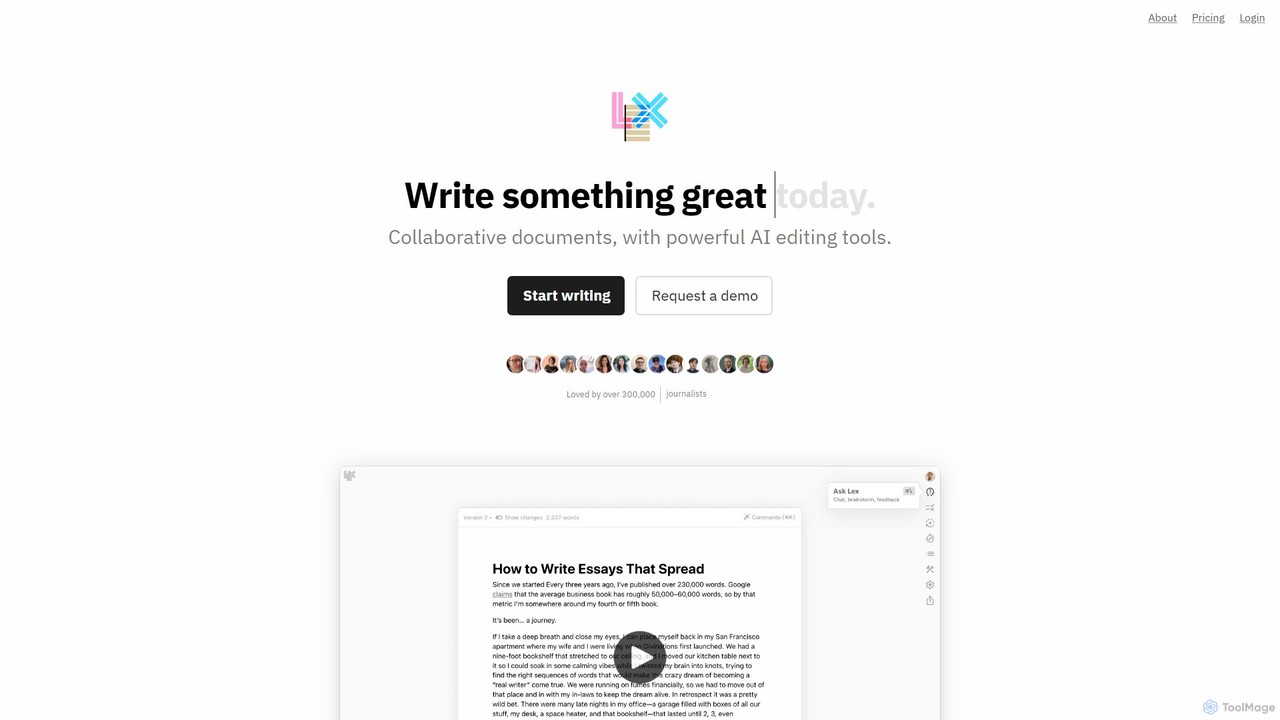
Lex is an intelligent, collaborative word processor designed to enhance the writing process. It combines a minimalist, distraction-free interface with powerful AI tools, serving as a superior alternative to Google Docs. Users can get instant feedback, brainstorm ideas, rewrite text, and collaborate in real-time, all while leveraging the best AI models like GPT-4 and Claude.
Copywriting
Wordtune
Wordtune is an AI-powered writing companion and paraphrasing tool that helps you rewrite, rephrase, and improve your text. It offers features like tone adjustment, text shortening/expansion, summarization, and translation into English, ensuring your writing is clear, compelling, and authentic across various platforms.
Email Assistant
Paraphrase Tool
An AI-powered writing assistant that offers paraphrasing in over 100 languages with 18+ writing modes. It also includes a plagiarism checker, grammar checker, text generator from keywords, and an automatic citation creator, making it an all-in-one solution for students, writers, and content creators.
Academic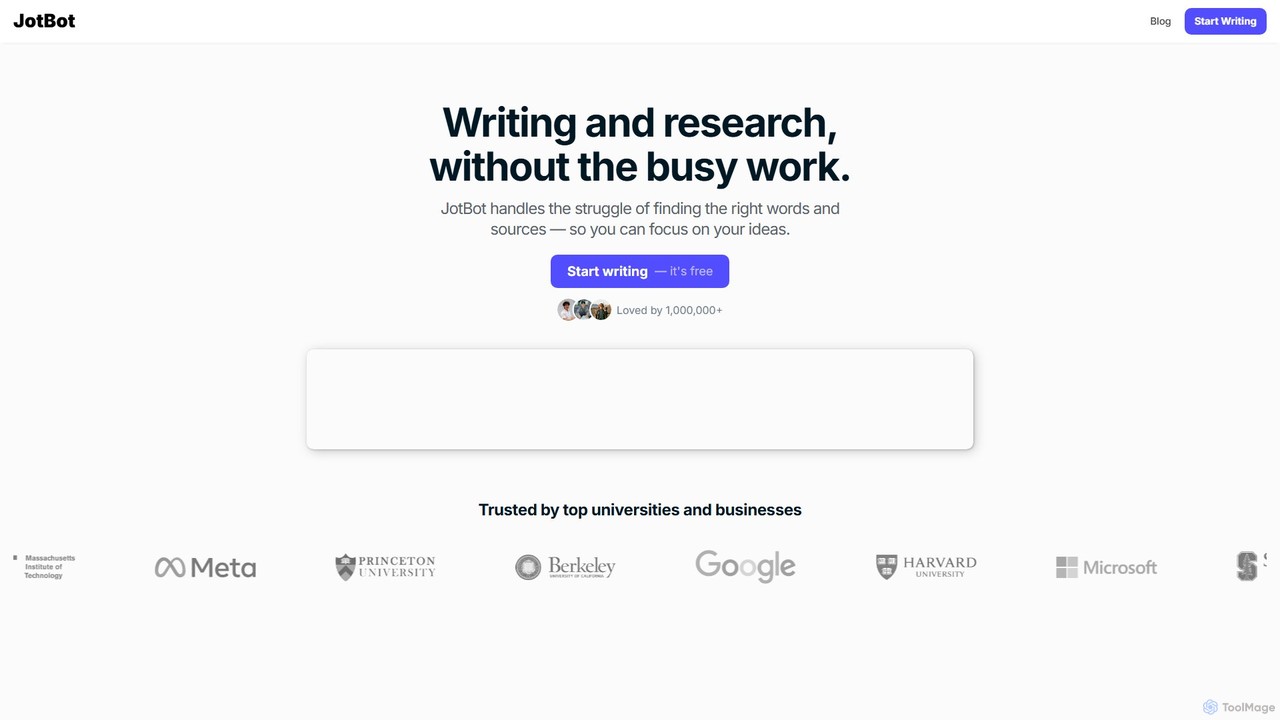
JotBot
JotBot is an AI-powered writing and research assistant designed to streamline your workflow. It helps overcome writer's block with AI autocomplete, finds and cites sources instantly, generates drafts in your unique style, and allows you to chat with your documents and sources. Ideal for students, writers, and researchers.
Research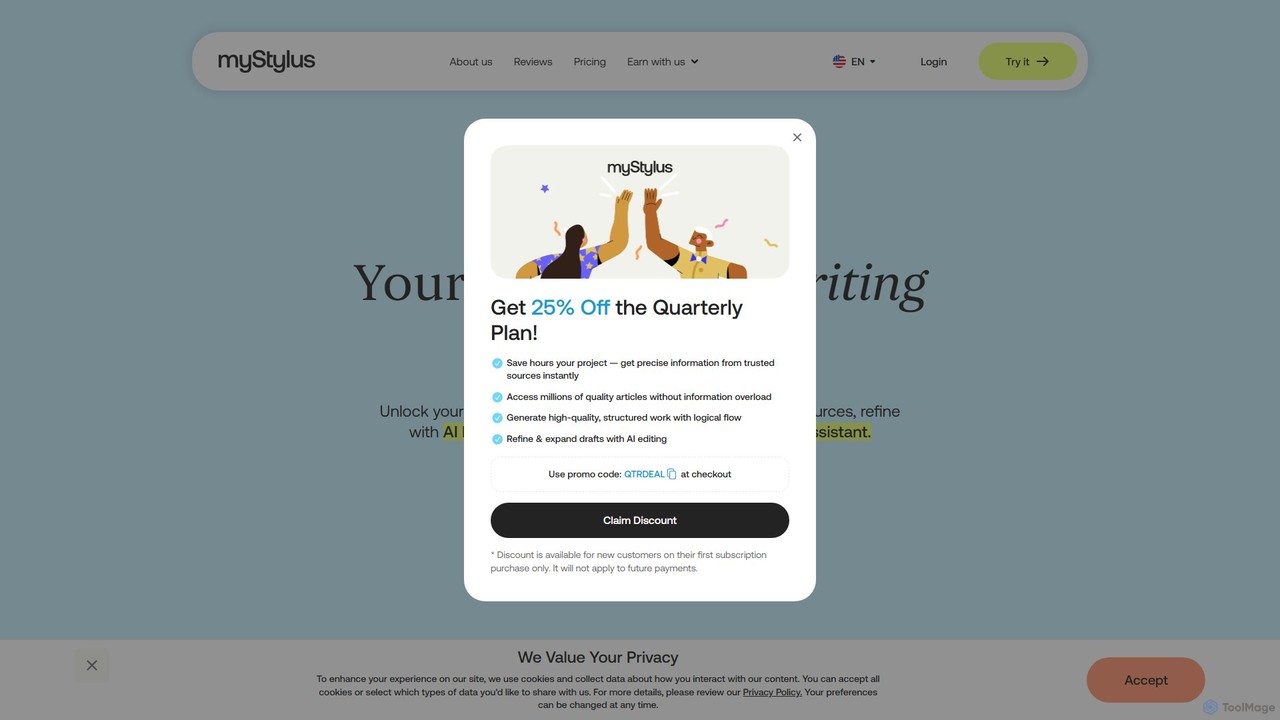
myStylus
myStylus is an advanced AI writing assistant designed for researchers, students, and content creators. It integrates powerful features like a research assistant with verified sources, intelligent text editing, and a conversational AI agent. The platform helps users brainstorm, draft, refine, and format content, adapting to their unique writing style and ensuring originality.
ResearchButterDocs Categories
ButterDocs Embed Widget
Copy this embed code to place the badge on your blog, article, or product site and send readers directly to this ToolMage detail page.

Related AI tools
Lex
Lex is an intelligent, collaborative word processor designed to enhance the writing process. It combines a minimalist, distraction-free interface with powerful AI tools, serving as a superior alternative to Google Docs. Users can get instant feedback, brainstorm ideas, rewrite text, and collaborate in real-time, all while leveraging the best AI models like GPT-4 and Claude.
CopywritingWordtune
Wordtune is an AI-powered writing companion and paraphrasing tool that helps you rewrite, rephrase, and improve your text. It offers features like tone adjustment, text shortening/expansion, summarization, and translation into English, ensuring your writing is clear, compelling, and authentic across various platforms.
Email AssistantParaphrase Tool
An AI-powered writing assistant that offers paraphrasing in over 100 languages with 18+ writing modes. It also includes a plagiarism checker, grammar checker, text generator from keywords, and an automatic citation creator, making it an all-in-one solution for students, writers, and content creators.
AcademicJotBot
JotBot is an AI-powered writing and research assistant designed to streamline your workflow. It helps overcome writer's block with AI autocomplete, finds and cites sources instantly, generates drafts in your unique style, and allows you to chat with your documents and sources. Ideal for students, writers, and researchers.
ResearchmyStylus
myStylus is an advanced AI writing assistant designed for researchers, students, and content creators. It integrates powerful features like a research assistant with verified sources, intelligent text editing, and a conversational AI agent. The platform helps users brainstorm, draft, refine, and format content, adapting to their unique writing style and ensuring originality.
Research
Shy Editor
Shy Editor is a modern, AI-native writing environment designed for all types of writers. It seamlessly integrates an AI assistant, intelligent grammar checker, and robust organizational tools to enhance creativity and productivity. From novelists to academics, it provides a unified workspace for writing, research, and editing, empowering users to produce their best work.
Research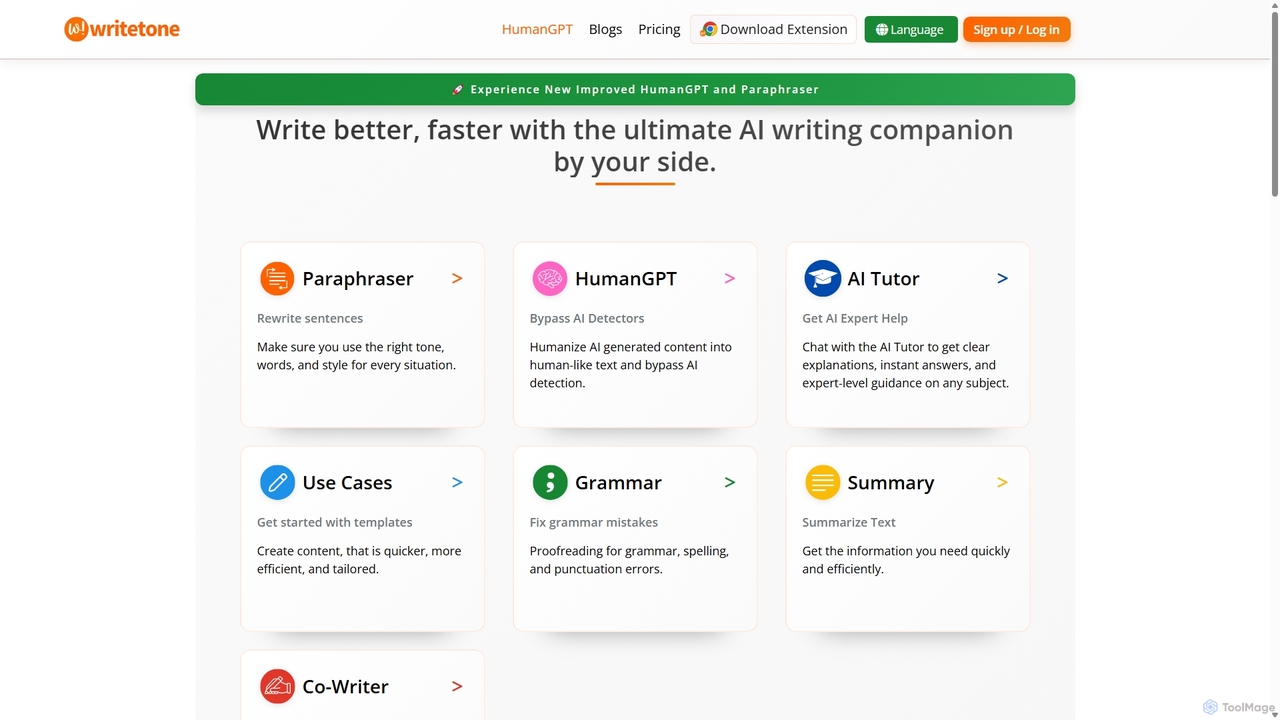
Writetone
Writetone is an AI-powered writing companion designed to help users write better and faster. It offers a comprehensive suite of tools including a paraphraser, grammar checker, summarizer, and a unique HumanGPT feature to bypass AI detection. With over 90 writing tones and support for 50+ languages, it adapts to any writing style for emails, academic papers, marketing copy, and more. It's an all-in-one platform for students, marketers, and writers.
Academic Writing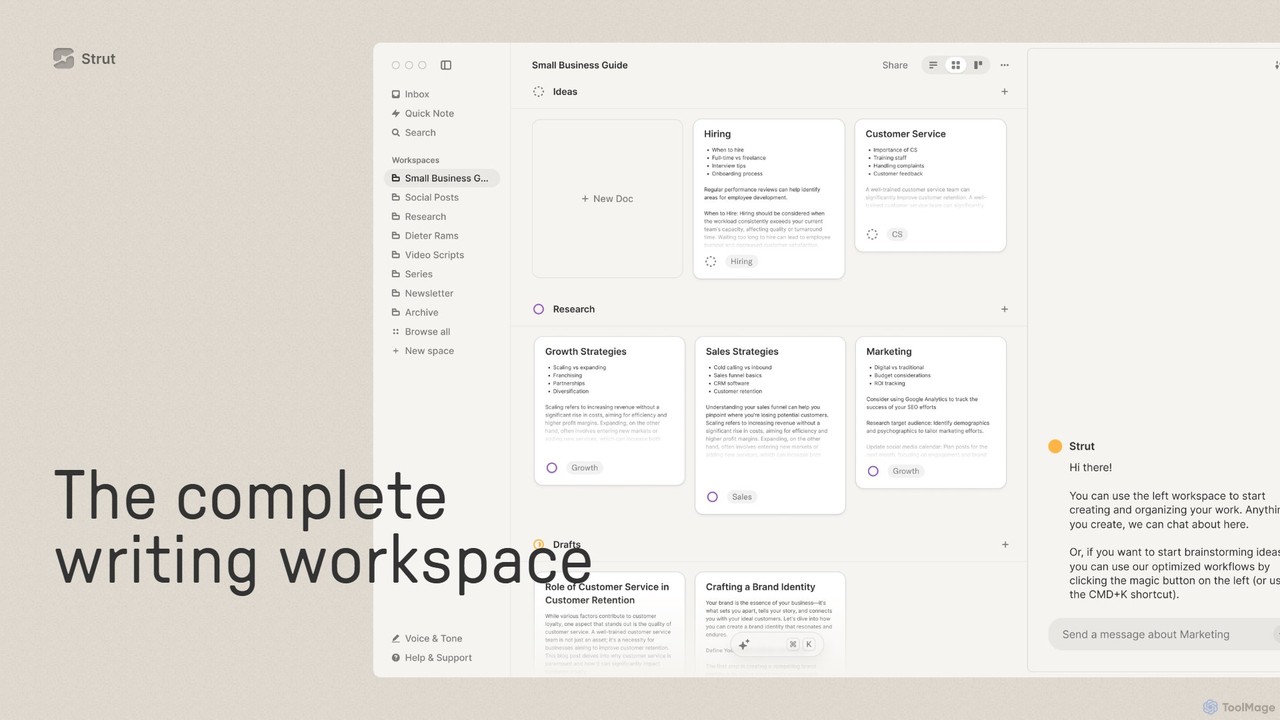
Strut
Strut is a comprehensive AI-powered writing workspace that unifies notes, documents, and project management into a single, collaborative platform. It's designed to streamline the entire writing process, from initial idea capture to final publication, with an AI partner to assist with research, editing, and inspiration.
Project Management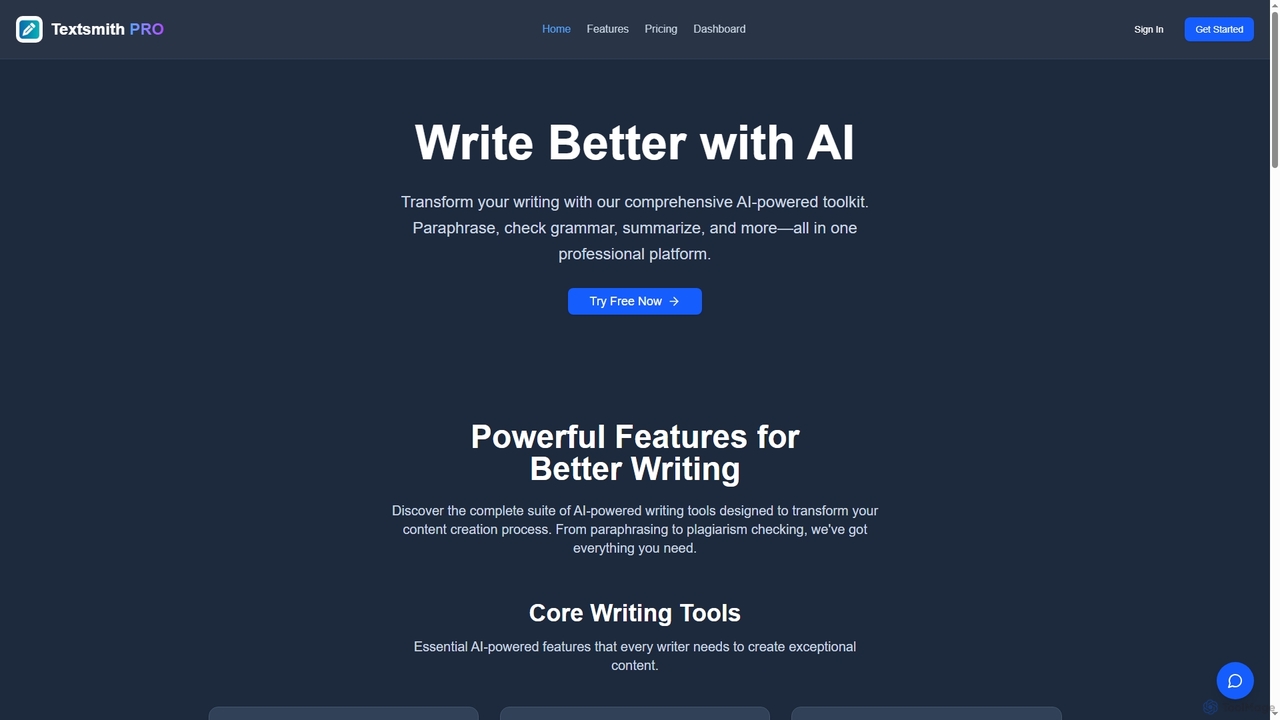
Textsmith Pro
Textsmith Pro is a comprehensive AI writing assistant designed to enhance writing quality and productivity. It offers a suite of tools including an advanced paraphraser with 10+ modes, a grammar checker, plagiarism detection, an AI humanizer, a smart translator for over 20 languages, and a citation generator. Ideal for writers, students, and professionals, it helps create clear, original, and publication-ready content efficiently.
Research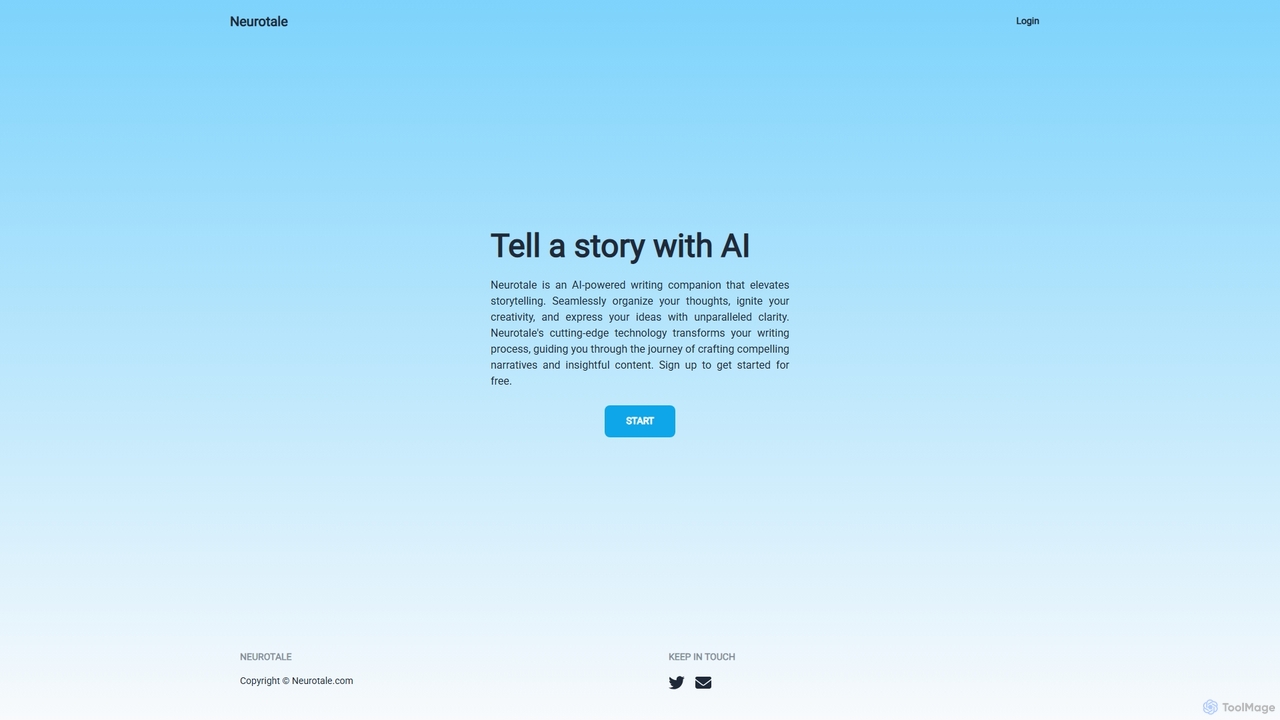
Neurotale
Neurotale is an AI-powered writing companion designed to elevate storytelling. It helps writers organize thoughts, ignite creativity, and craft compelling narratives with unparalleled clarity. Ideal for authors, screenwriters, and content creators looking to overcome writer's block and streamline their creative process.
Storytelling
AllWriting Tools
AllWriting Tools is a comprehensive AI-powered suite designed for students, writers, and researchers. It offers a vast collection of free tools for essay generation, paraphrasing, research assistance, citation creation, and creative writing, aiming to streamline the writing process and enhance academic performance.
Academic Assistance
Incribo
Incribo is an AI-powered writing platform designed for consistent and high-quality content creation. It helps startups, freelancers, and students streamline their writing process, generating everything from blog posts and marketing copy to academic papers with ease and efficiency.
Academic Writing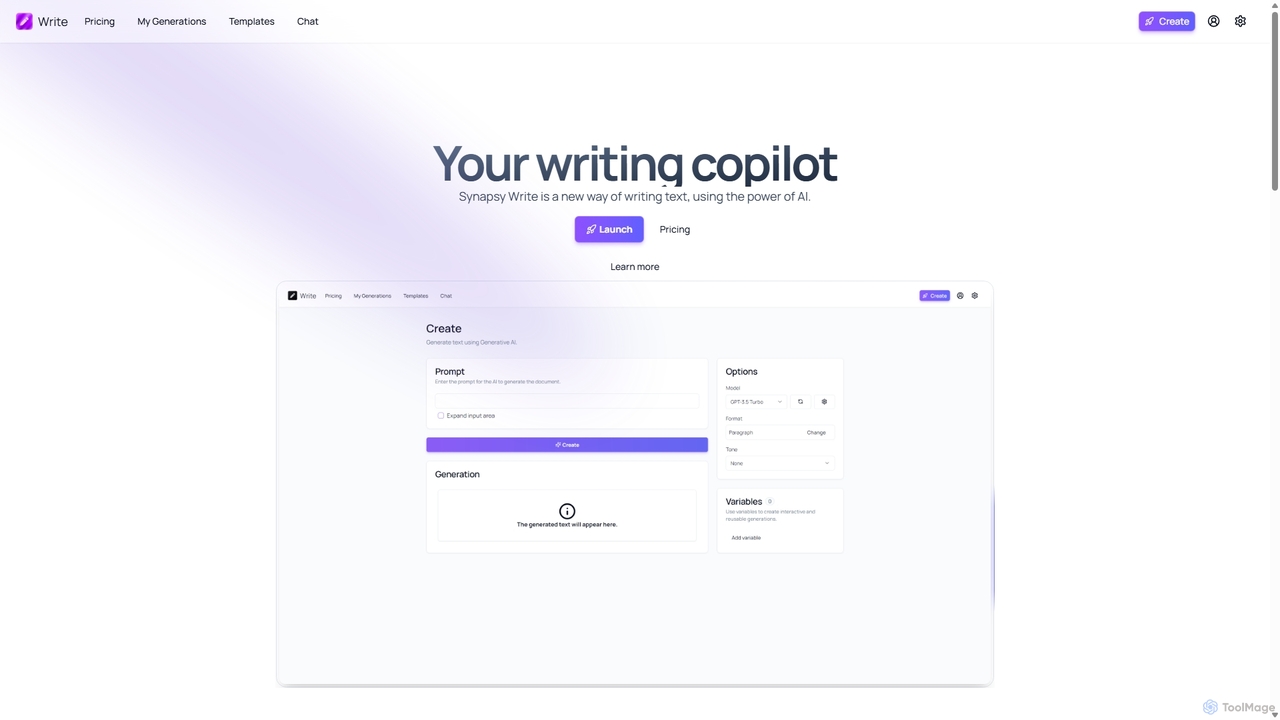
Synapsy Write
Synapsy Write is an open-source AI writing copilot designed to enhance productivity and creativity. It supports multiple advanced AI models like GPT-4o and Claude 3.5, offering versatile text generation, an integrated editor, advanced controls with variables, and specialized tools for creating essays, tables, and in-depth text analysis.
Academic Writing
aiparagraphgenerator
An AI-powered writing assistant designed to instantly generate high-quality, coherent, and contextually relevant paragraphs. Ideal for students, writers, and marketers, it helps overcome writer's block and accelerate content creation by transforming simple prompts into well-structured text.
Study Tools
ButterDocs Comments (0)
Sign in to comment.
Sign inNo comments yet.