
Saga Overview
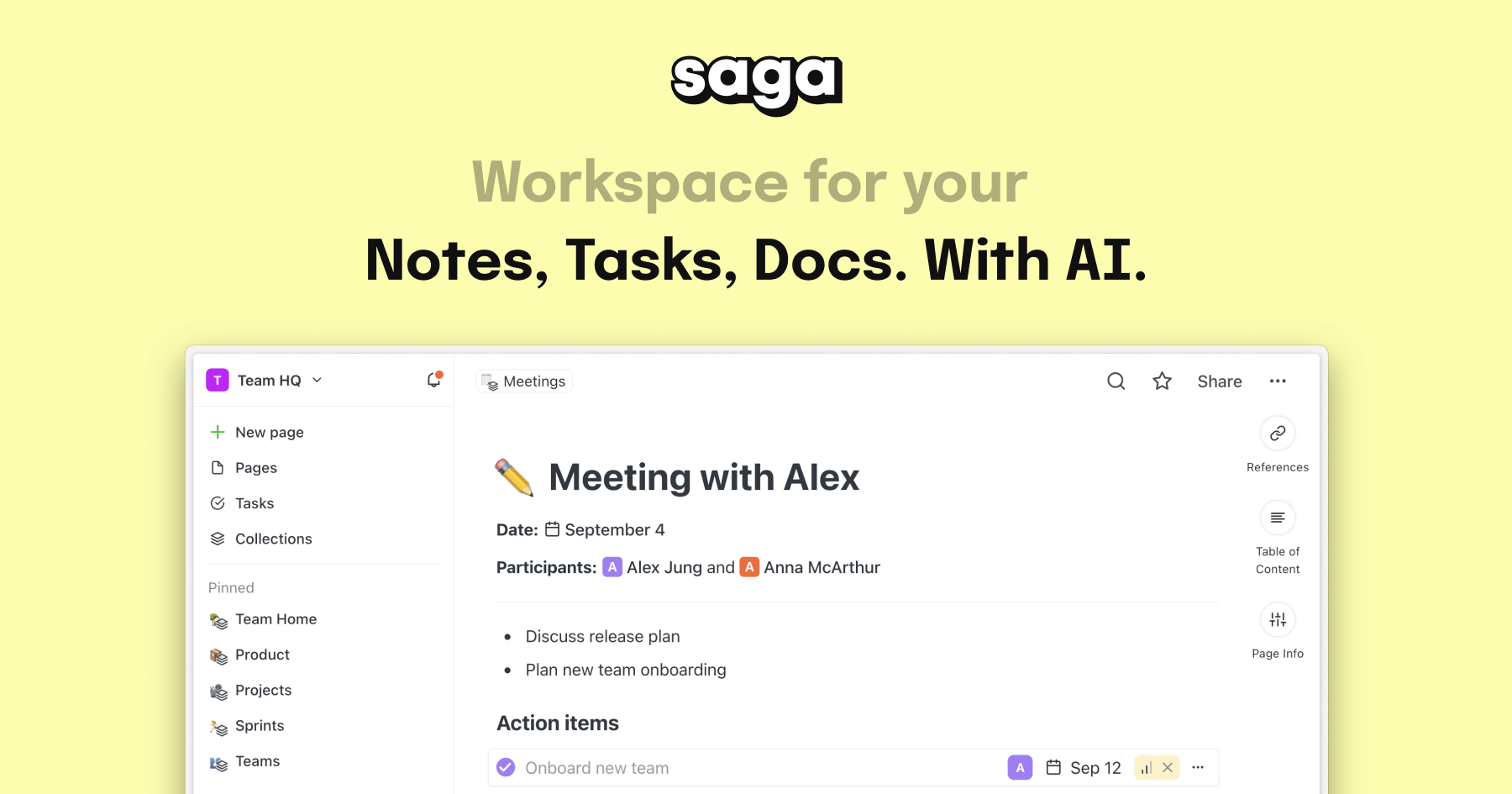
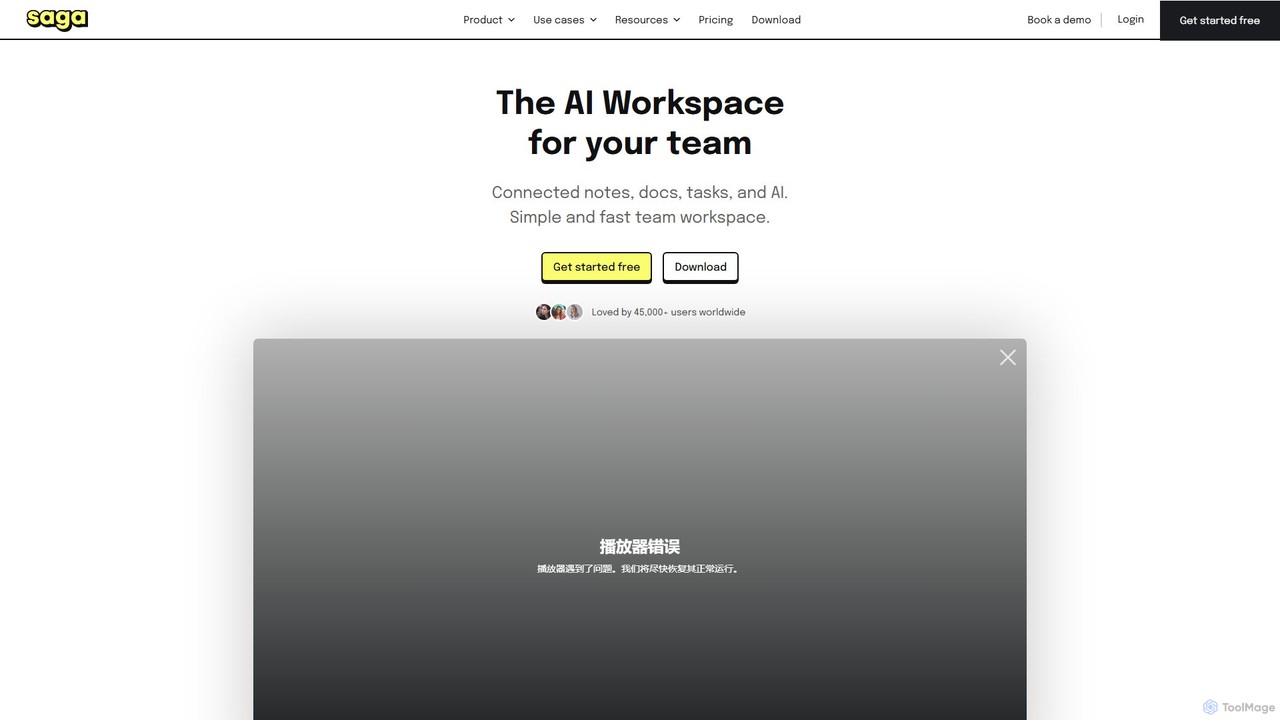
Saga is a next-generation, AI-powered collaborative workspace that seamlessly integrates your notes, documents, and tasks. It is designed for both individuals and teams who seek a faster, more intuitive way to manage knowledge and projects. At its core, Saga believes that all your knowledge should be accessible and interconnected without any friction. It stands out from competitors like Notion and Google Docs by focusing on speed, simplicity, and the powerful concept of a connected knowledge graph. By embedding OpenAI's advanced GPT-4o model directly into the editor, Saga transforms your workspace into an intelligent partner that can help you draft content, brainstorm ideas, translate text, and much more.
How to use Saga
Getting started with Saga is straightforward and designed to be user-friendly. Here’s a typical workflow:
- Create a Workspace: A workspace is your central hub for a specific project, team, or personal knowledge base. You can create multiple workspaces for different purposes.
- Start with Pages: Pages are the fundamental building blocks. Simply open a new page and start writing. The editor is clean and distraction-free, supporting rich text formatting, headings, lists, and more.
- Connect Your Knowledge: This is where Saga shines. Type a page's title within another page, and Saga automatically creates a link. This builds a web of connected information. All pages that link to the current page are visible in the 'References' section, making it easy to navigate and discover relationships between your notes.
- Leverage Saga AI: Highlight any text or use the autocomplete menu to access Saga AI. You can ask it to generate a first draft, rewrite a paragraph, check for grammar, summarize long documents, or even create custom AI commands for repetitive tasks.
- Manage Tasks: Integrate tasks directly into your notes and documents. You can assign tasks, set due dates, and view all tasks from across your workspace in a single, aggregated task manager.
- Collaborate with Your Team: Invite members to your workspace for real-time collaboration. You can also share specific pages or the entire workspace publicly with a link.
Core Features of Saga
- Saga AI Assistant: Powered by GPT-4o, the AI assistant is integrated directly into your workflow. It can generate, rewrite, summarize, and translate content, as well as execute custom prompts.
- Connected Knowledge Graph: Features like automatic linking and references (backlinks) create a dynamic network of your knowledge, helping you uncover hidden connections.
- Live Blocks: Sync content blocks across multiple pages. Update a block in one place, and it automatically updates everywhere it's used, perfect for recurring information or templates.
- Integrated Task Management: Create and manage tasks within your documents. A centralized task manager aggregates all tasks from your workspace for a clear overview.
- Real-time Collaboration: Work with your team simultaneously on the same page. Manage permissions for workspace members and guests.
- Rich Editor & Embeds: Supports tables, templates, callout blocks, equations, and side-by-side page views. Embed content from other apps like Google Drive, Figma, Linear, and YouTube.
- Desktop Applications: Native apps for macOS and Windows provide a faster, more integrated experience.
- Powerful Search: Instantly search the full text of your entire workspace to find exactly what you need in seconds.
Use Cases for Saga
Saga is a versatile tool suitable for a wide range of applications:
- Knowledge Management: Build a personal wiki or a central knowledge base for your team. The automatic linking makes it easy to create a self-organizing library of information.
- Project Management: Plan projects, draft specifications, take meeting notes, and track tasks all in one place. Link project documents together for a complete overview.
- Content Creation: Use Saga AI to brainstorm blog posts, draft marketing copy, or create social media content. Organize your content calendar and research in one workspace.
- Product Management: Write Product Requirements Documents (PRDs), analyze user feedback with AI, and manage product release notes.
- Studying & Research: Organize academic notes, link concepts, and summarize research papers to enhance learning and retention.
- HR & Recruiting: Create and manage internal documentation, onboarding guides, and company policies.
Advantages of Saga
Saga offers several key advantages over traditional productivity tools:
- Speed and Simplicity: The interface is designed to be fast and intuitive, reducing clutter and allowing you to focus on your work.
- Truly Connected Knowledge: Unlike the siloed file-and-folder structure of Google Docs or the block-heavy approach of some tools, Saga's automatic linking fosters a more organic and discoverable knowledge network.
- Seamless AI Integration: AI is not a bolt-on feature but a core component of the writing and editing experience, making it more practical and powerful.
- Frictionless Collaboration: Real-time editing and flexible sharing options make it easy to work with team members and external partners.
- Integration Over Replacement: Saga integrates with tools you already use, like Google Drive and Linear, enhancing your existing workflow rather than forcing you into a closed ecosystem.
Pricing and Plans
Saga offers a flexible pricing structure to suit different needs:
- Free Plan: Ideal for individuals and small teams. Includes up to 3 workspace members and a monthly allowance of 5,000 AI words using GPT-4o.
- Standard Plan: Priced at $6 per member/month (billed annually) or $8 per member/month (billed monthly). This plan unlocks full features, including unlimited use of the best AI model (GPT-4o), the aggregated task manager, collaboration with more than 3 people, and member permissions.
- Business Plan: Priced at $12 per member/month (billed annually) or $15 per member/month (billed monthly). This plan offers advanced features for larger teams.
- Nonprofit Discount: Saga offers a 50% discount to eligible nonprofit and charitable organizations.
Traffic
Latest traffic
Status
Monthly traffic trend
- 2025-9: 52.3K
- 2026-1: 50.0K
- 2026-2: 35.2K
- 2026-3: 45.3K
- 2026-4: 45.5K
- 2026-5: 44.8K
Geography
Top 5 countries / regions
- 🇧🇷Brazil32.1%
- 🇺🇸United States24.5%
- 🇳🇬Nigeria20.6%
- 🇮🇳India12.7%
- 🇬🇧United Kingdom10.2%
Top keywords
| Keyword | Cost per click |
|---|---|
| anotacoes ia sites | $0.00 |
| createonsaga | $0.00 |
| saga | $0.75 |
| saga ai | $1.70 |
| saga note taking | $0.00 |
Saga Videos on YouTube

saga_ai

Saga Digital AI

Digital Product Review

App Verdict


Shree Shayan G R

PT Indoway Syariah Sejahtera
PT Indoway Syariah Sejahtera
Saga Alternatives
AFFiNE
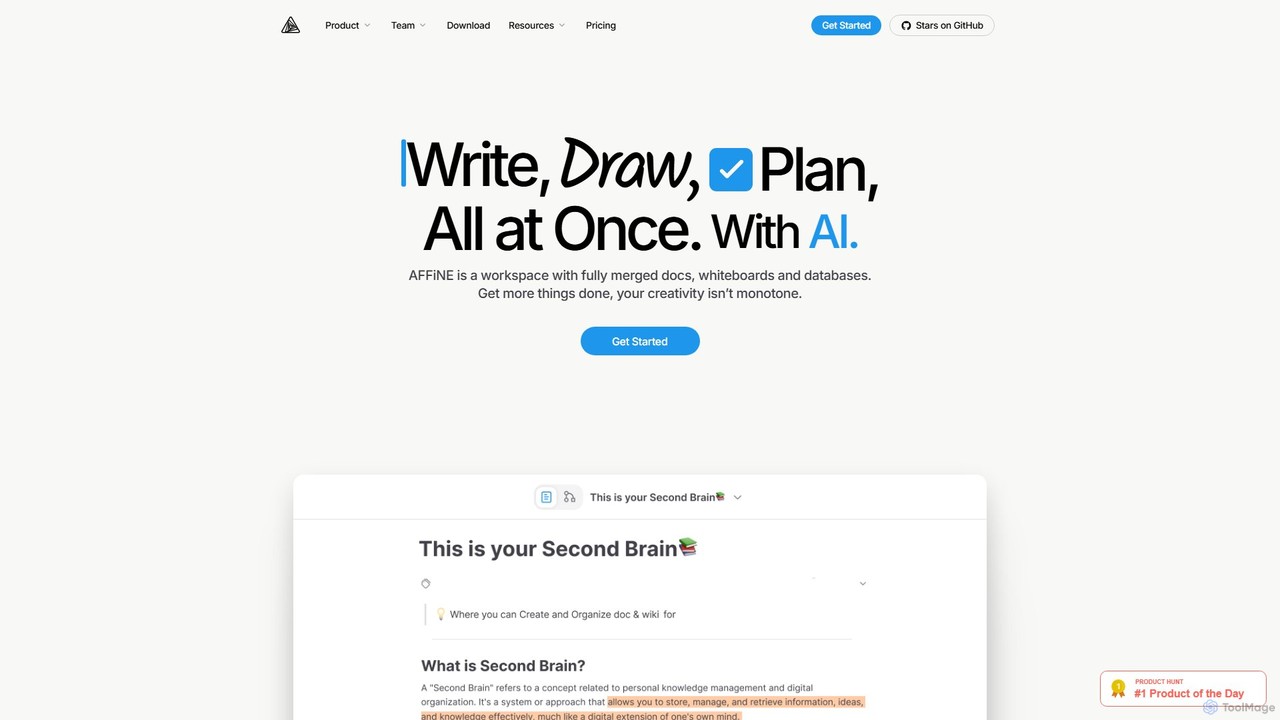
AFFiNE is an all-in-one, AI-powered KnowledgeOS that seamlessly merges documents, whiteboards, and databases. It's a privacy-focused, open-source workspace designed to enhance productivity by allowing you to write, draw, and plan in a single, unified environment, eliminating the need to switch between multiple applications.
Whiteboard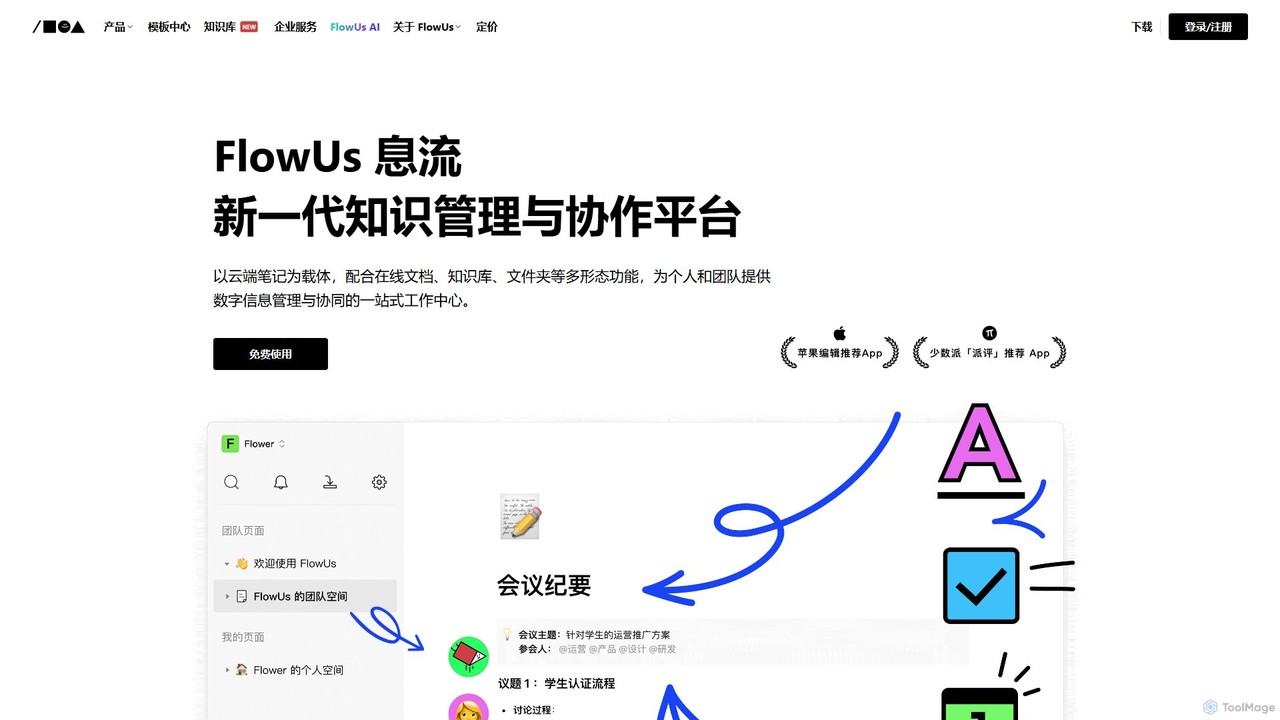
FlowUs
FlowUs is a next-generation knowledge management and collaboration platform that integrates documents, notes, databases, and project management into a unified workspace. It features a powerful, natively embedded AI assistant to streamline workflows for individuals and teams.
Writing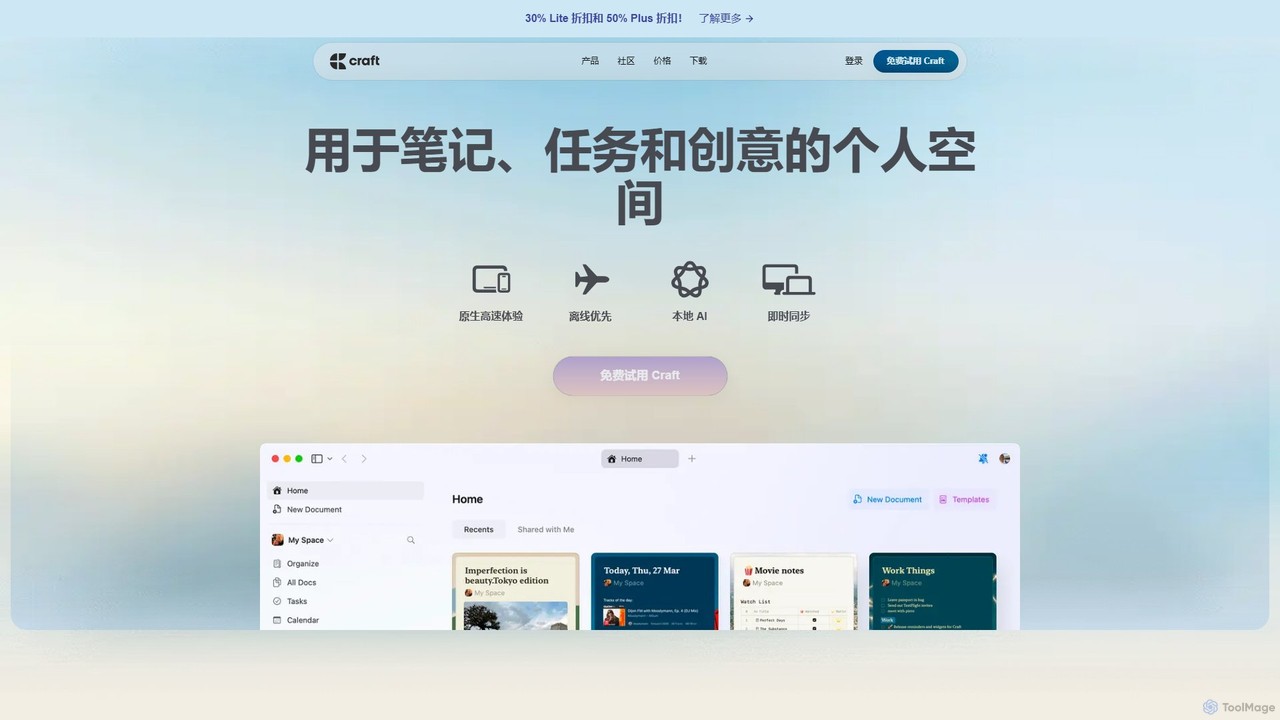
Craft
Craft is a beautifully designed, native document editor for notes, tasks, and ideas. It combines powerful features like a local AI assistant, task management, and flexible organization with a joyful, fast, and offline-first user experience, making it the perfect tool for writers, thinkers, and teams to capture and structure their thoughts.
Knowledge Management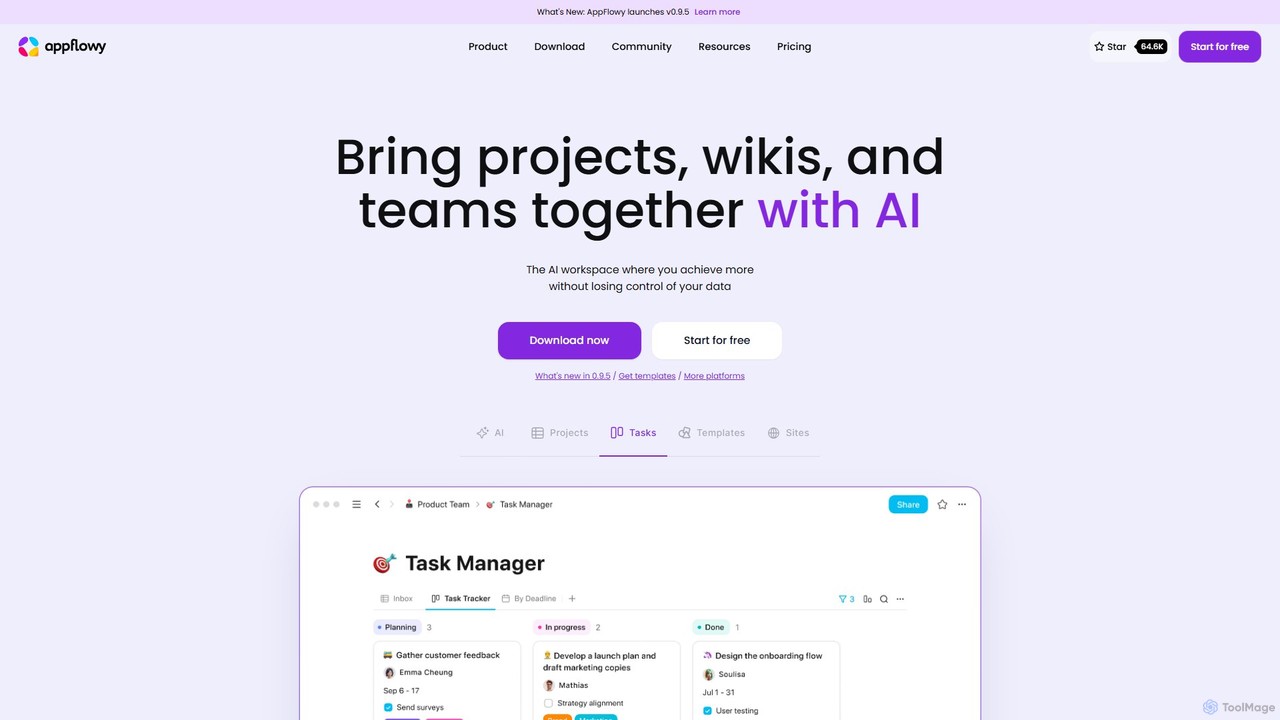
AppFlowy
AppFlowy is a secure, open-source AI workspace designed for projects, wikis, and teams. It offers a privacy-first alternative to tools like Notion, allowing users to own their data through self-hosting and offline capabilities. It integrates powerful AI for writing, search, and task automation, supporting both local and cloud-based models.
Documentation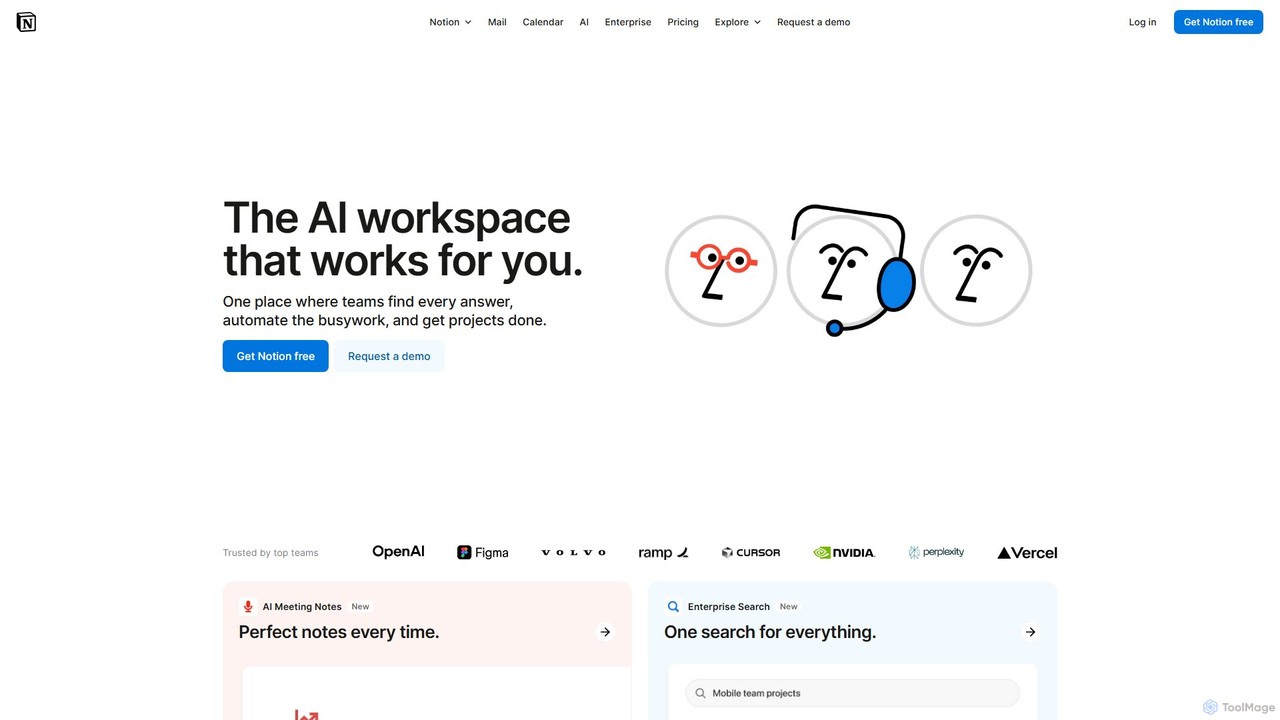
Notion
Notion is the all-in-one AI workspace that combines notes, documents, project management, and wikis. It provides a flexible, customizable platform where individuals and teams can organize work, collaborate in real-time, and build custom workflows. With integrated AI features, Notion helps automate tasks, summarize content, and generate ideas, consolidating multiple tools into a single, powerful space for enhanced productivity.
Knowledge ManagementSaga Categories
Saga Embed Widget
Copy this embed code to place the badge on your blog, article, or product site and send readers directly to this ToolMage detail page.

Related AI tools
AppFlowy
AppFlowy is a secure, open-source AI workspace designed for projects, wikis, and teams. It offers a privacy-first alternative to tools like Notion, allowing users to own their data through self-hosting and offline capabilities. It integrates powerful AI for writing, search, and task automation, supporting both local and cloud-based models.
DocumentationAFFiNE
AFFiNE is an all-in-one, AI-powered KnowledgeOS that seamlessly merges documents, whiteboards, and databases. It's a privacy-focused, open-source workspace designed to enhance productivity by allowing you to write, draw, and plan in a single, unified environment, eliminating the need to switch between multiple applications.
WhiteboardFlowUs
FlowUs is a next-generation knowledge management and collaboration platform that integrates documents, notes, databases, and project management into a unified workspace. It features a powerful, natively embedded AI assistant to streamline workflows for individuals and teams.
WritingNotion
Notion is the all-in-one AI workspace that combines notes, documents, project management, and wikis. It provides a flexible, customizable platform where individuals and teams can organize work, collaborate in real-time, and build custom workflows. With integrated AI features, Notion helps automate tasks, summarize content, and generate ideas, consolidating multiple tools into a single, powerful space for enhanced productivity.
Knowledge Management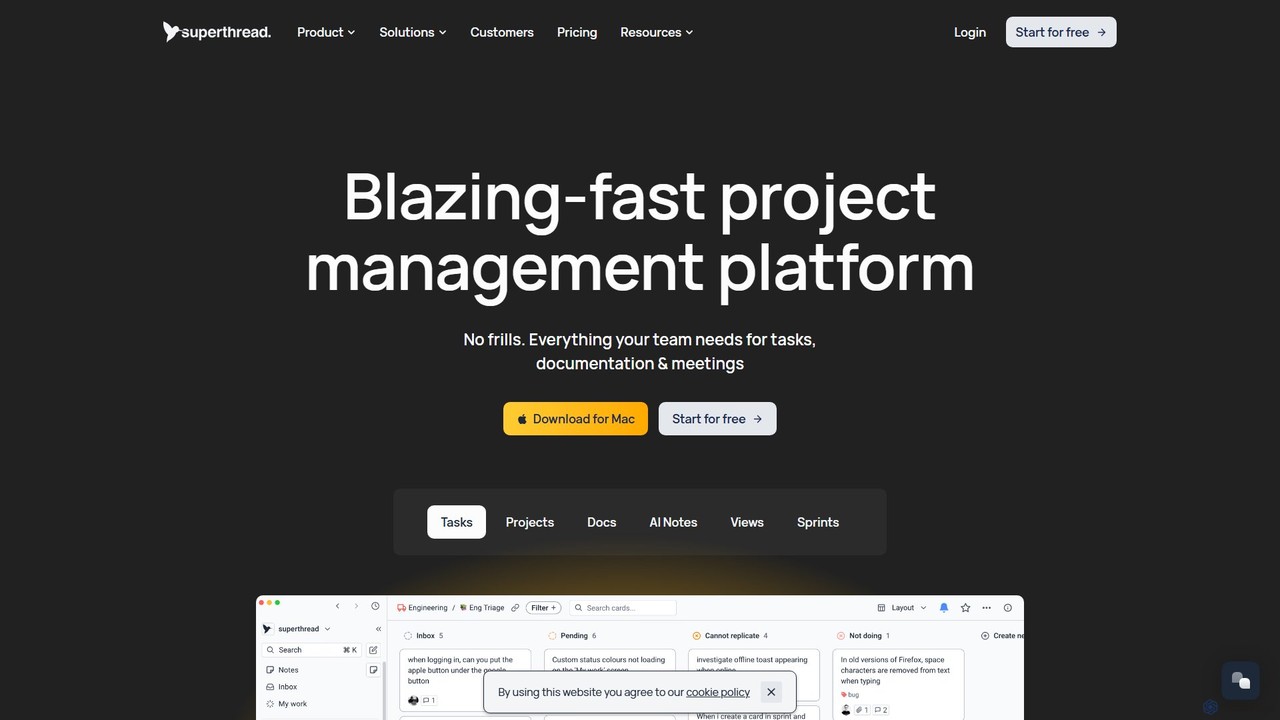
Superthread
Superthread is a blazing-fast, AI-powered project management platform that unifies tasks, docs, and meetings. It features AI-driven meeting transcription and task suggestions to streamline workflows, eliminate the need for multiple tools, and significantly boost team productivity.
Meeting Assistant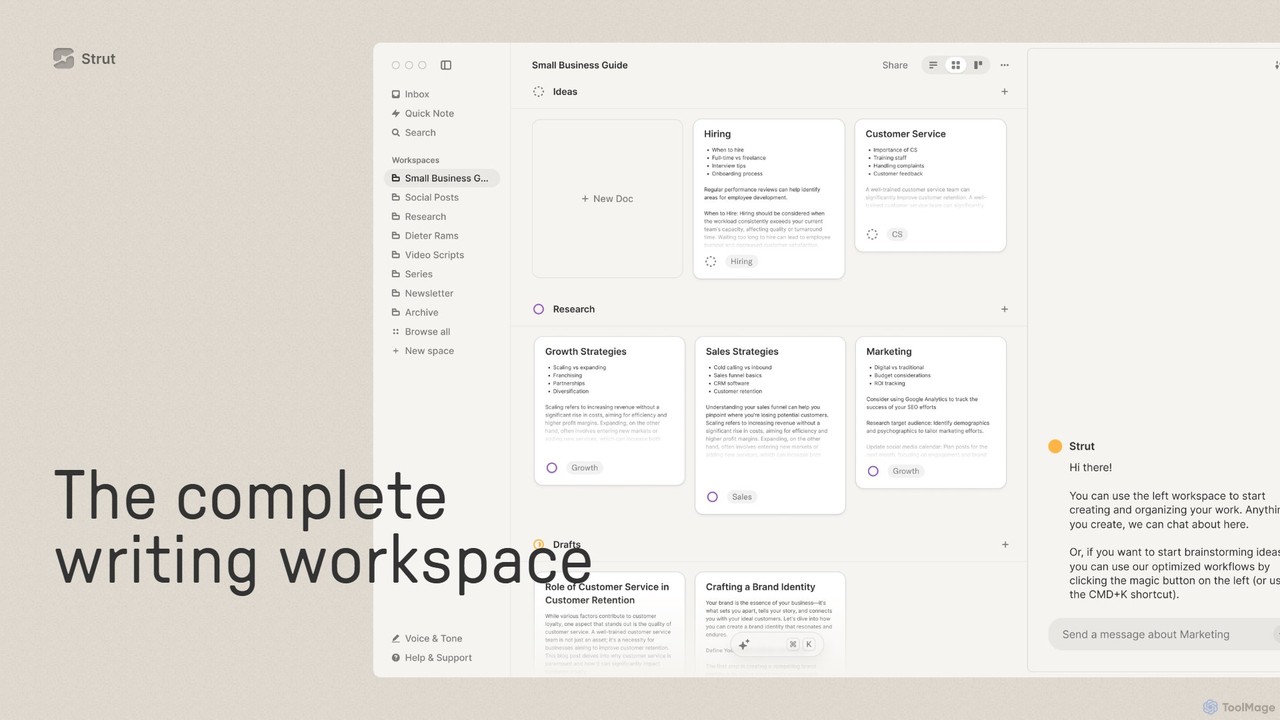
Strut
Strut is a comprehensive AI-powered writing workspace that unifies notes, documents, and project management into a single, collaborative platform. It's designed to streamline the entire writing process, from initial idea capture to final publication, with an AI partner to assist with research, editing, and inspiration.
Project ManagementCraft
Craft is a beautifully designed, native document editor for notes, tasks, and ideas. It combines powerful features like a local AI assistant, task management, and flexible organization with a joyful, fast, and offline-first user experience, making it the perfect tool for writers, thinkers, and teams to capture and structure their thoughts.
Knowledge Management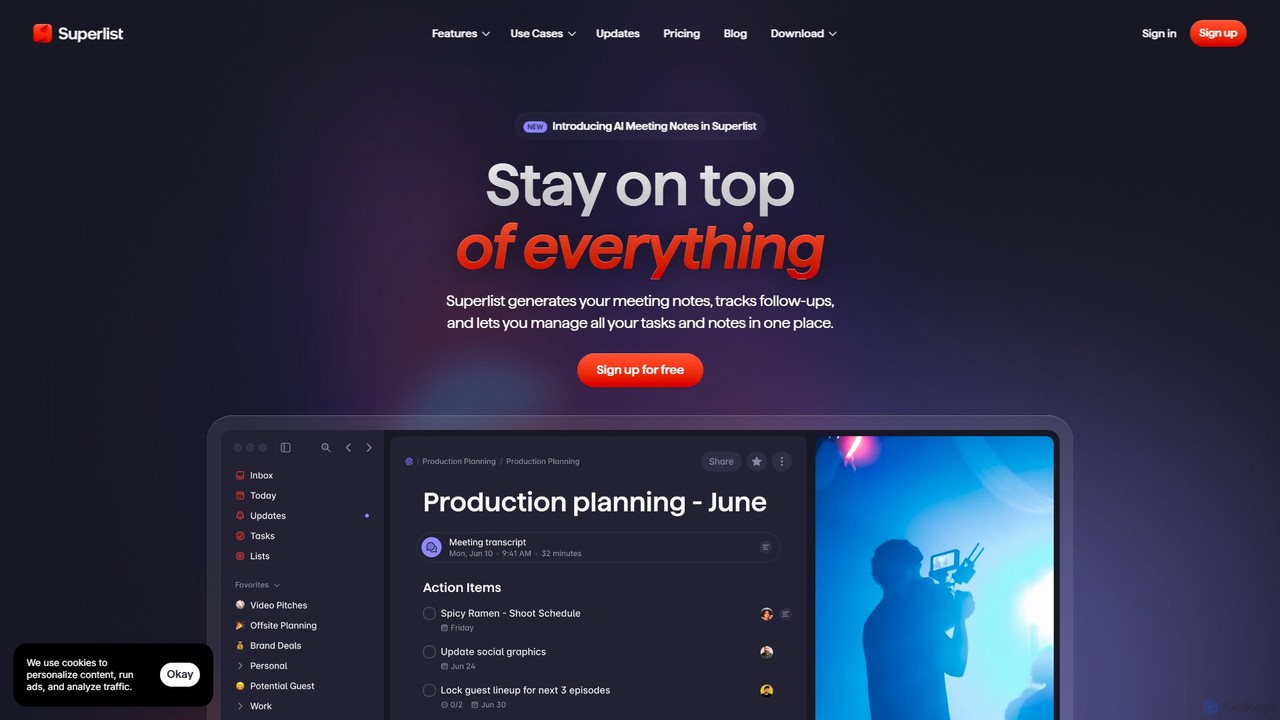
Superlist
Superlist is an AI-powered productivity tool that unifies tasks, notes, and meeting summaries in a single platform. Designed for both individuals and teams, it uses AI to automatically generate meeting notes, track action items, and convert voice memos into tasks, streamlining workflows and enhancing collaboration.
Meeting Assistant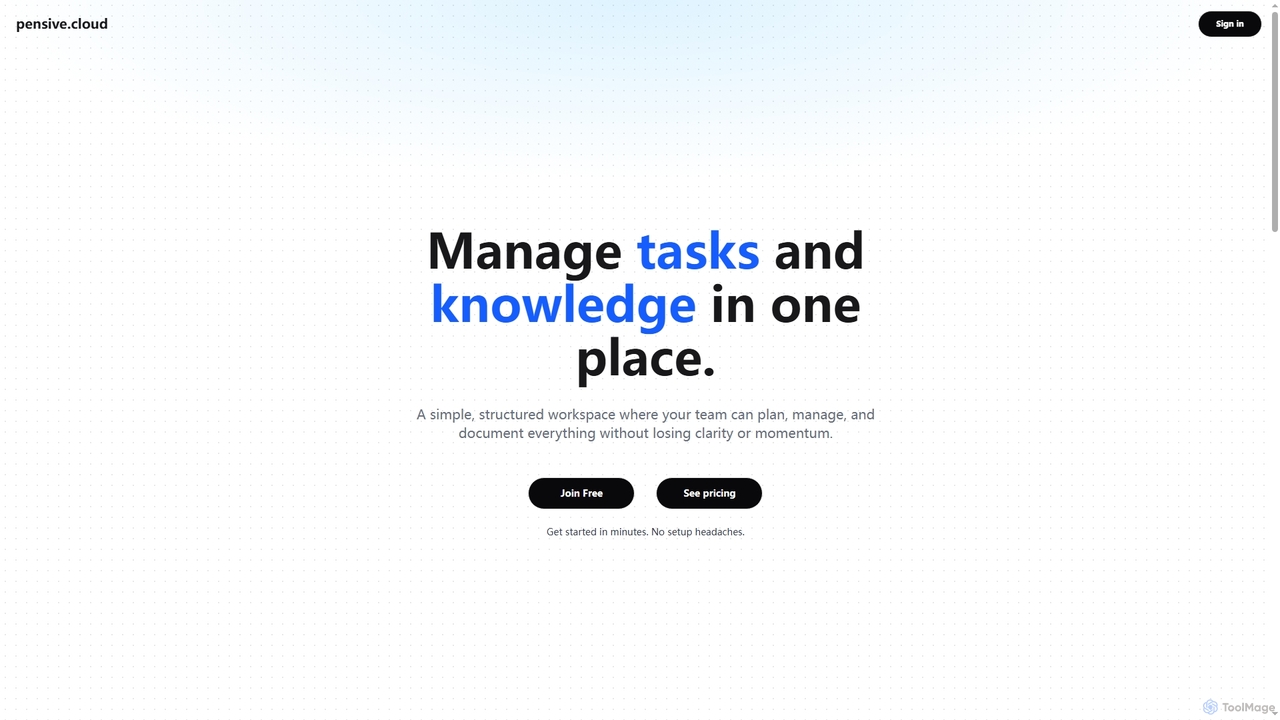
Pensive
Pensive is a unified workspace designed for teams to manage tasks, knowledge, and collaboration in one place. It offers simple task management, a centralized knowledge hub, and seamless team communication to keep projects organized and moving forward without complexity.
Collaboration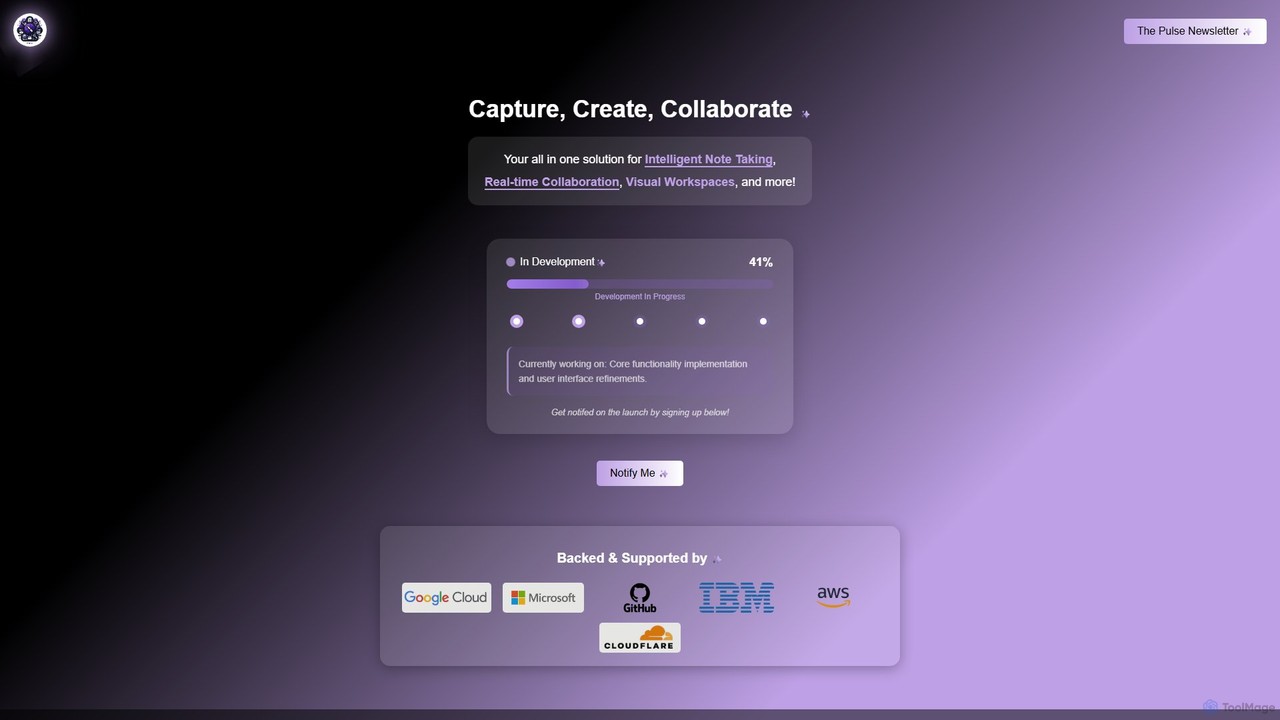
Prodhiiv
Prodhiiv is an upcoming all-in-one intelligent workspace designed for modern productivity. It integrates intelligent note-taking, real-time collaboration, and visual workspaces to help teams and individuals capture, create, and collaborate more effectively. It aims to be a central hub for all your ideas and projects.
Collaboration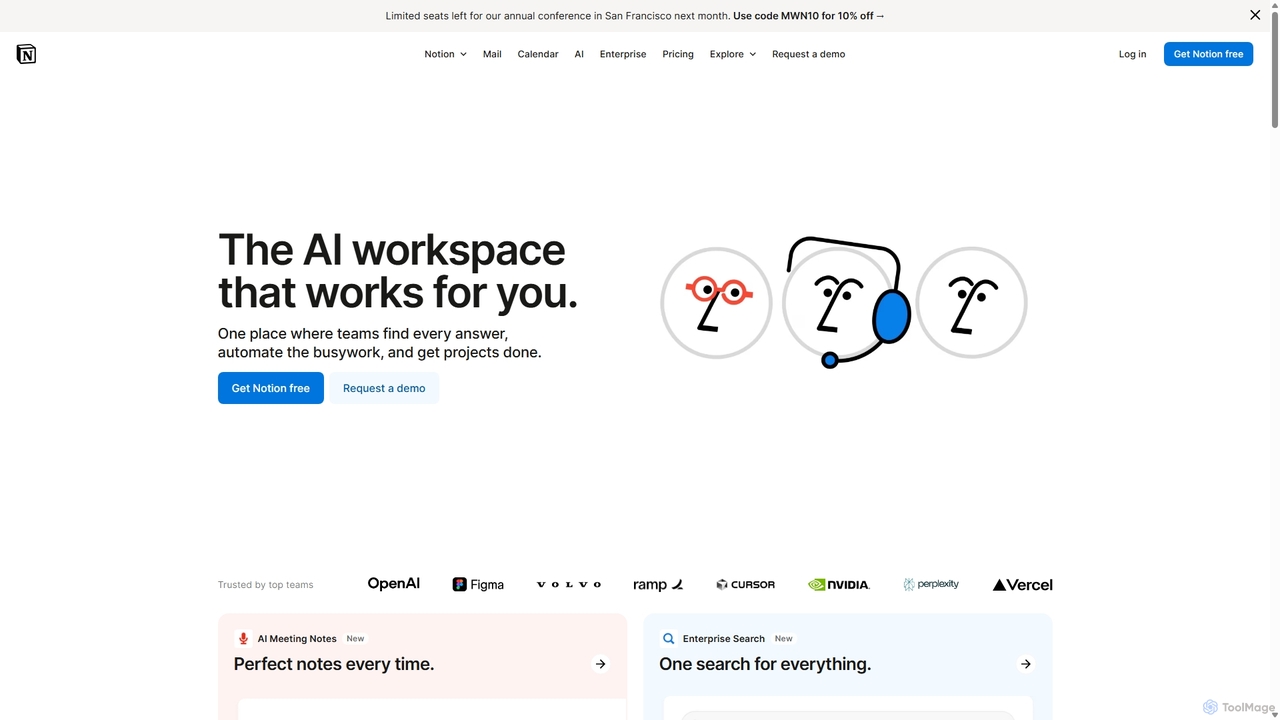
Notion
Notion is an all-in-one AI workspace that combines notes, docs, project management, and wikis into a single, highly customizable platform. It empowers teams and individuals to organize information, manage projects, and collaborate more effectively, all within a flexible, block-based editor enhanced with powerful AI capabilities.
Knowledge Management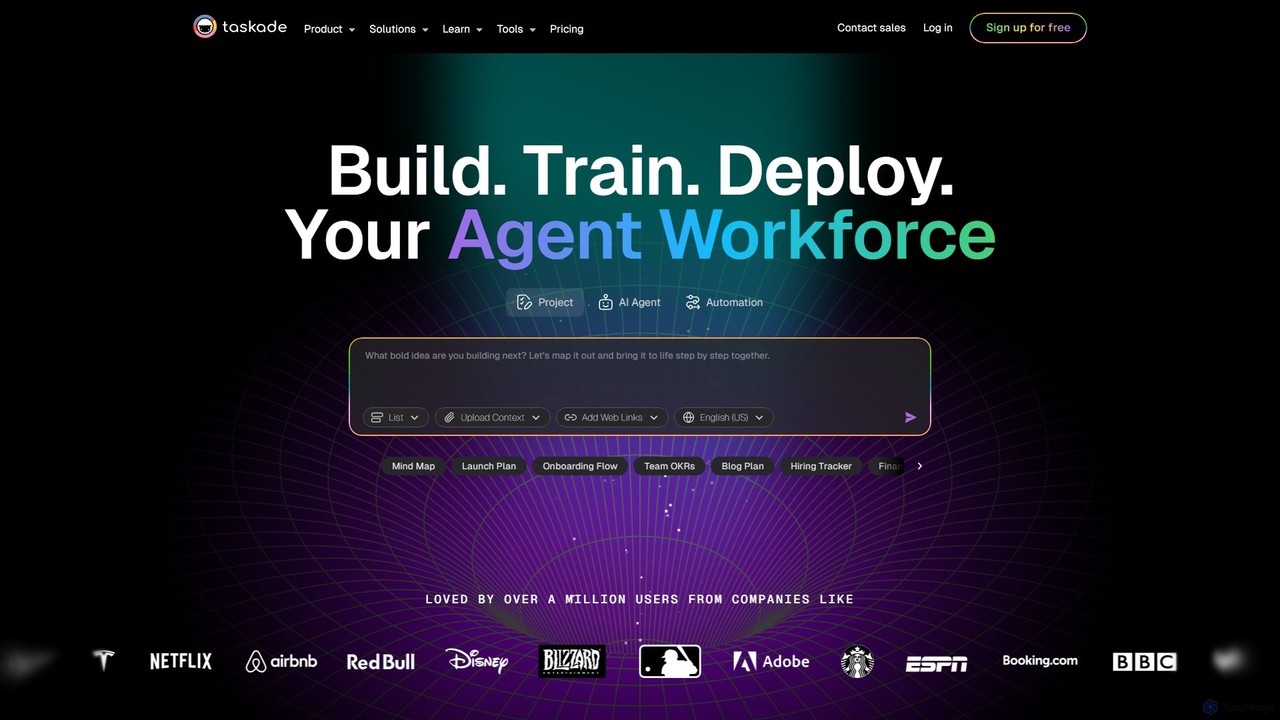
Taskade
Taskade is an AI-powered unified workspace designed to supercharge team productivity. It combines task management, note-taking, mind mapping, and real-time collaboration with a workforce of autonomous AI agents. Build, train, and deploy AI agents to automate workflows, conduct research, and turn ideas into action, all within a single, synchronized platform available on all your devices.
Workflow Automation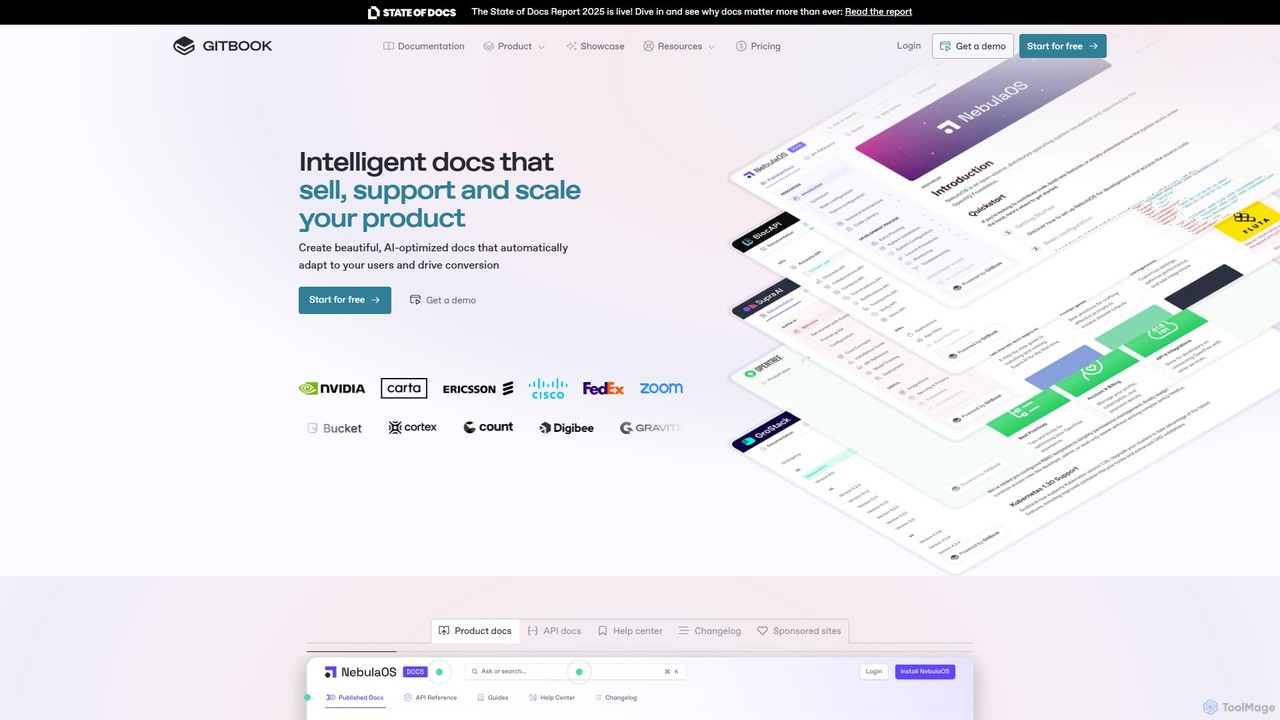
GitBook
GitBook is an intelligent documentation platform designed for technical teams. It simplifies the creation of beautiful, AI-optimized product docs, API references, and help centers. With a git-based workflow, collaborative editor, and powerful AI features, GitBook helps you create documentation that sells, supports, and scales your product, turning it into a key driver for user conversion and success.
Teamwork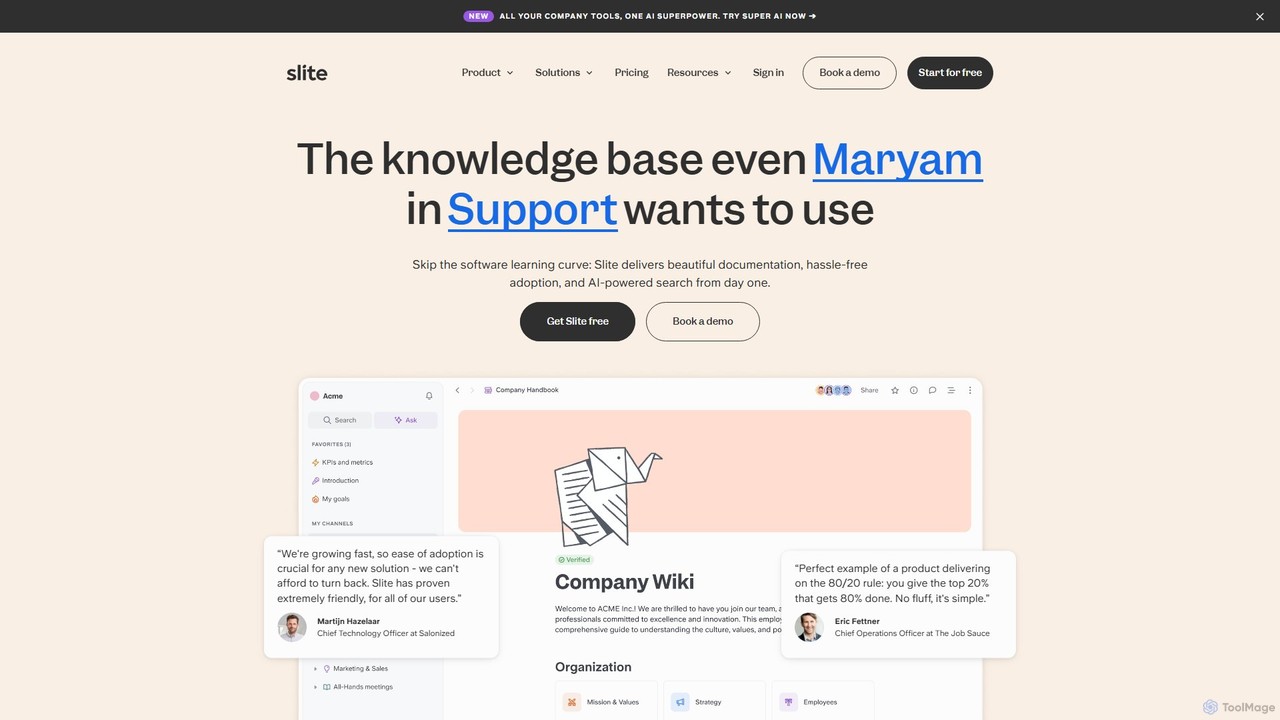
Slite
Slite is an AI-powered knowledge base designed for modern teams. It simplifies documentation, centralizes company knowledge, and provides instant, trustworthy answers through its smart search. Built for high adoption, Slite ensures your team can easily create, manage, and find the information they need, eliminating repetitive questions and information silos.
Team Management
Slite
Slite is an AI-powered knowledge base and team collaboration tool. It serves as a single source of truth, helping teams organize their documents, share knowledge, and make decisions asynchronously. Its core AI feature, 'Ask', allows users to find answers from across the entire workspace using natural language questions, making information instantly accessible.
Internal Communication
Saga Comments (0)
Sign in to comment.
Sign inNo comments yet.