
GitBook Overview
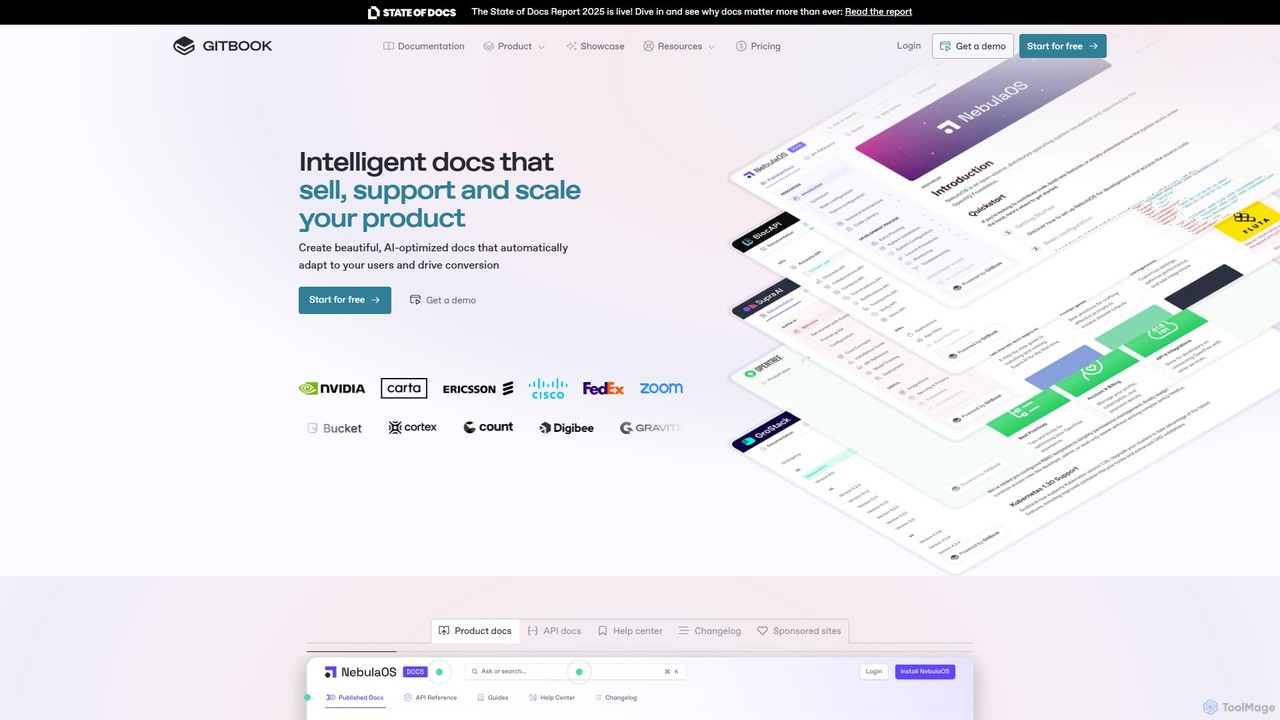
GitBook is a modern documentation platform that empowers technical teams to create, manage, and publish beautiful and effective documentation with ease. It's designed to streamline the entire documentation lifecycle, from collaborative writing to intelligent delivery. By combining a user-friendly editor with a powerful Git-based workflow, GitBook allows developers, technical writers, and product managers to work together seamlessly. The platform is trusted by over 30,000 teams to power their product docs, API references, internal knowledge bases, and help centers, transforming static documentation into an interactive and valuable asset.
At its core, GitBook leverages AI to enhance both the creation and consumption of content. The built-in GitBook AI acts as an intelligent assistant for users, providing instant answers to their questions by searching the documentation contextually. For creators, AI-powered features accelerate writing, editing, and even translation, allowing for rapid localization of content into multiple languages. This focus on intelligence ensures that documentation is not only easy to create but also incredibly helpful and accessible to the end-user.
How to use GitBook
Getting started with GitBook is a straightforward process designed for rapid implementation:
- Setup and Import: Create a new space in GitBook. You can start from scratch or import existing content from Markdown files, Confluence, or other sources.
- Sync with Git: For technical teams, the most powerful feature is Git Sync. Connect your GitBook space to a GitHub or GitLab repository. This creates a bi-directional sync, allowing developers to contribute to docs from their IDE while others use GitBook's visual editor.
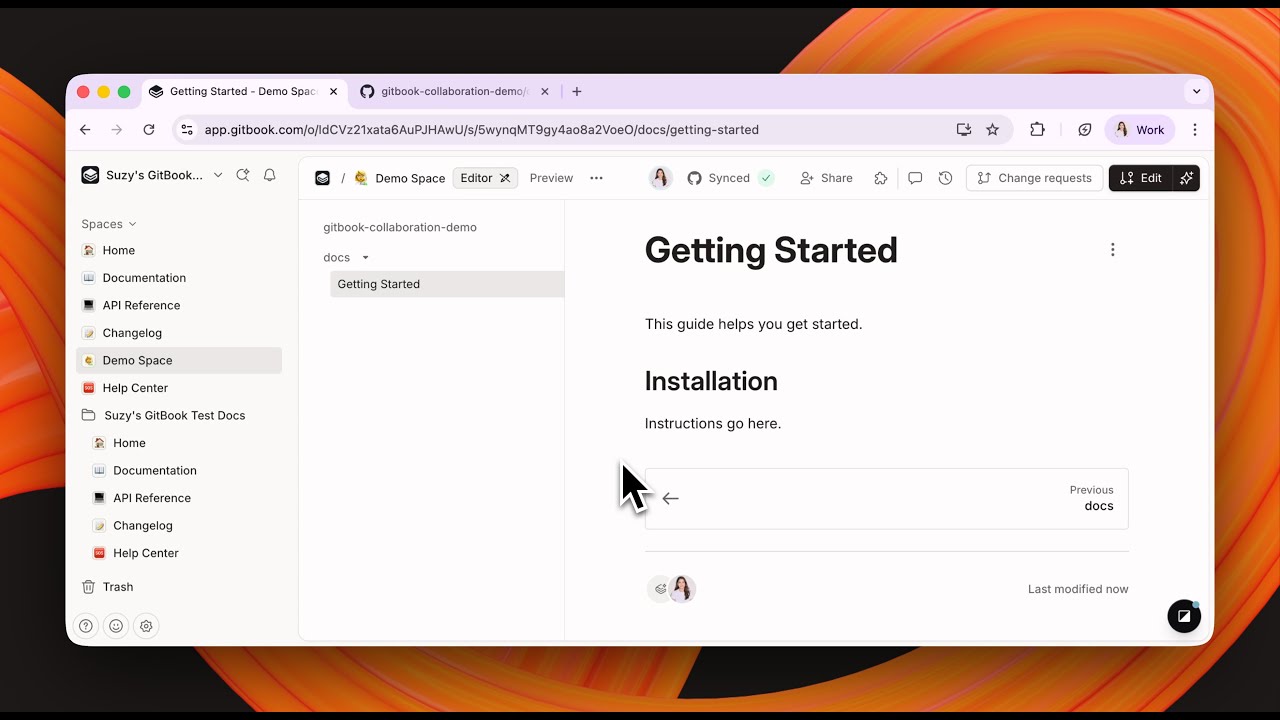
- Collaborate and Edit: Invite your team to collaborate. You can work on different branches, just like with code. Use the modern block-based WYSIWYG editor to add rich content like code blocks, tables, callouts, and integrations with tools like Figma and Miro. Team members can leave comments and suggest changes.
- Generate API Docs: If you have an OpenAPI specification file, simply upload it. GitBook will automatically generate interactive and user-friendly API documentation, complete with an API playground for testing endpoints directly on the page.
- Customize and Brand: Tailor the look and feel of your documentation site. Add your company's logo, change colors and fonts, and set up a custom domain to create a fully branded experience.
- Publish: Once you're ready, publish your documentation with a single click. GitBook hosts the content, ensuring it's fast, responsive, and automatically optimized for SEO and AI data ingestion (via an llms.txt file).
- Measure and Improve: Use the built-in analytics to track page views, user searches, and feedback. These insights help you understand what content is effective and where improvements are needed, allowing you to connect documentation updates to key business metrics like user conversion and support ticket reduction.
Core Features of GitBook
- Git Sync: Bi-directional synchronization with GitHub and GitLab repositories, enabling a seamless 'docs-as-code' workflow.
- GitBook AI: An AI assistant that provides instant, context-aware answers to user queries. It also offers AI-powered writing, editing, and one-click translation features.
- Modern Block-Based Editor: An intuitive WYSIWYG editor that supports Markdown, code blocks with syntax highlighting, tables, images, and various integrations.
- Interactive API Docs: Automatically generates beautiful and interactive documentation from OpenAPI/Swagger specification files.
- Centralized Knowledge Hub: Combine product docs, API references, help centers, and changelogs into a single, searchable site.
- Custom Branding and Publishing: Easily publish to a hosted site with custom domains, themes, logos, and fonts.
- Built-in Analytics and Insights: Track documentation performance, user engagement, and feedback to measure impact and drive improvements.
- Adaptive Content: Personalize the documentation experience for users by showing or hiding content based on their profile, such as their pricing plan or feature access.
- Authenticated Access: Protect your documentation with SSO and authenticated access for specific customers or internal teams.
Use Cases for GitBook
GitBook is versatile and can be used for various documentation needs:
- Product Documentation: Create comprehensive and easy-to-navigate guides for your product to improve user onboarding and feature adoption.
- API References: Publish interactive and always-up-to-date API docs that developers will love to use.
- Help Centers & Knowledge Bases: Build a centralized, searchable help center to empower users to find answers themselves, reducing the load on your support team.
- Internal Documentation: Centralize internal knowledge, engineering guides, and team processes to improve internal communication and efficiency.
- Changelogs: Keep users informed about the latest product updates and releases in a clean, organized format.
Advantages of GitBook
GitBook offers significant advantages over traditional documentation tools:
- Unified Workflow: It bridges the gap between technical and non-technical teams by integrating a Git workflow with a user-friendly editor.
- Enhanced User Experience: Published sites are fast, beautifully designed, and optimized for search, providing a superior experience for your users.
- AI-Powered Efficiency: AI features drastically reduce the time spent on writing, translating, and finding information.
- Data-Driven Decisions: Built-in analytics provide actionable insights, turning documentation from a cost center into a measurable driver of business goals like conversion and retention.
- Scalability: From small startups to large enterprises, GitBook scales with your needs, offering features like team management, advanced permissions, and enterprise-grade security.
Pricing and Plans
GitBook offers a freemium model with plans designed for different team sizes and needs.
- Free Plan: Ideal for individuals or small projects. Includes 1 user, the block-based editor, Git Sync, and publishing on a gitbook.io domain.
- Premium Plan: Starts at $65/site/month + user fees ($8/user/month for Plus, $12/user/month for Pro). This plan includes everything in Free, plus custom domains, branded documentation, AI-powered instant answers, and site insights.
- Ultimate Plan: Starts at $249/site/month + user fees. It includes all Premium features, plus the ability to scale docs with sections, global search across all content, authenticated access, and adaptive content.
- Enterprise Plan: Custom pricing for large organizations. Includes all Ultimate features, plus SAML SSO, migration assistance, a dedicated account manager, and custom contracts.
Discounts are available for open-source projects, and all paid plans come with a 14-day free trial.
Traffic
Latest traffic
Status
Monthly traffic trend
- 2025-9: 784.9K
- 2026-1: 885.7K
- 2026-2: 751.1K
- 2026-3: 805.1K
- 2026-4: 749.1K
- 2026-5: 653.4K
Geography
Top 5 countries / regions
- 🇺🇸United States51.7%
- 🇮🇳India14.6%
- 🇻🇳Vietnam13.8%
- 🇨🇳China10.0%
- 🇩🇪Germany9.9%
Traffic sources
| Source type | Percentage |
|---|---|
Direct | 82.8% |
Referral | 14.5% |
Email | 2.6% |
Top keywords
| Keyword | Cost per click |
|---|---|
| dify | $2.08 |
| git book | $1.48 |
| gitbook | $2.85 |
| gitbook login | $0.00 |
| llms.txt | $1.45 |
GitBook Videos on YouTube


GitBook
Alludium
GitBook Alternatives
Archbee
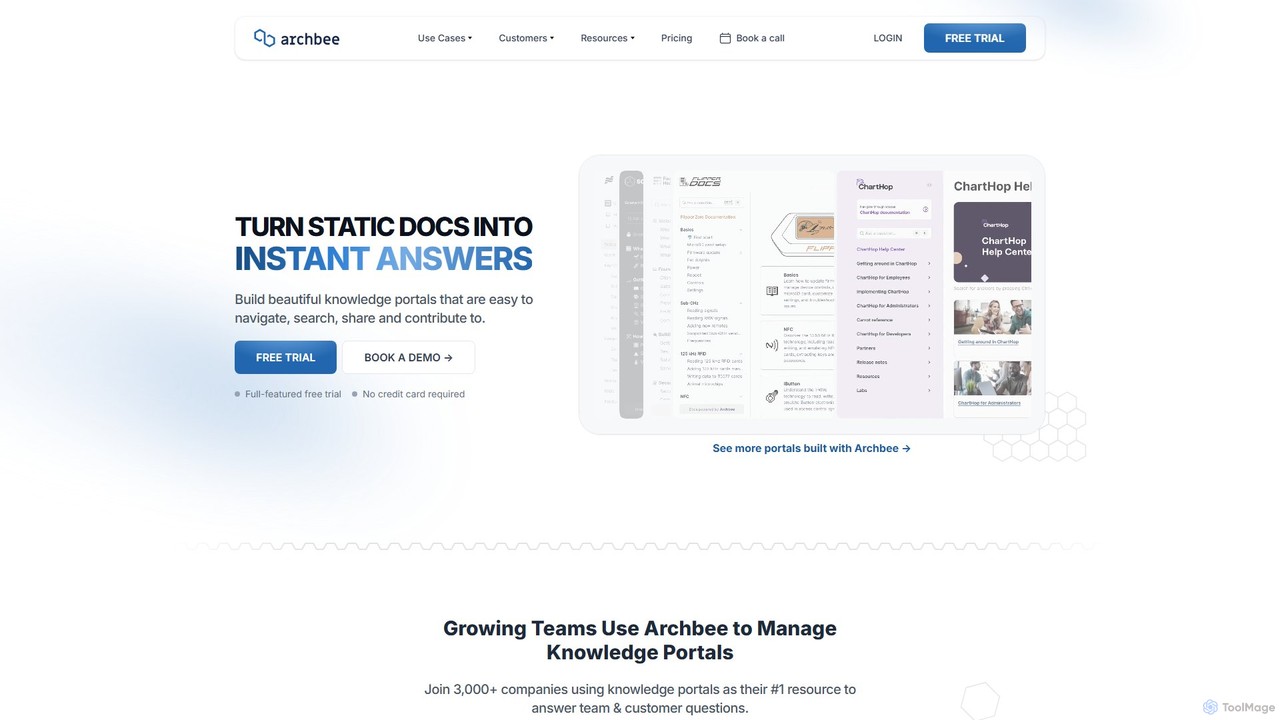
Archbee is an AI-powered knowledge portal platform designed for teams and customers. It transforms static documentation into interactive, searchable knowledge bases, enabling instant answers to questions. It's ideal for creating product docs, API documentation, internal wikis, and customer help centers with powerful collaboration and content management features.
Help Center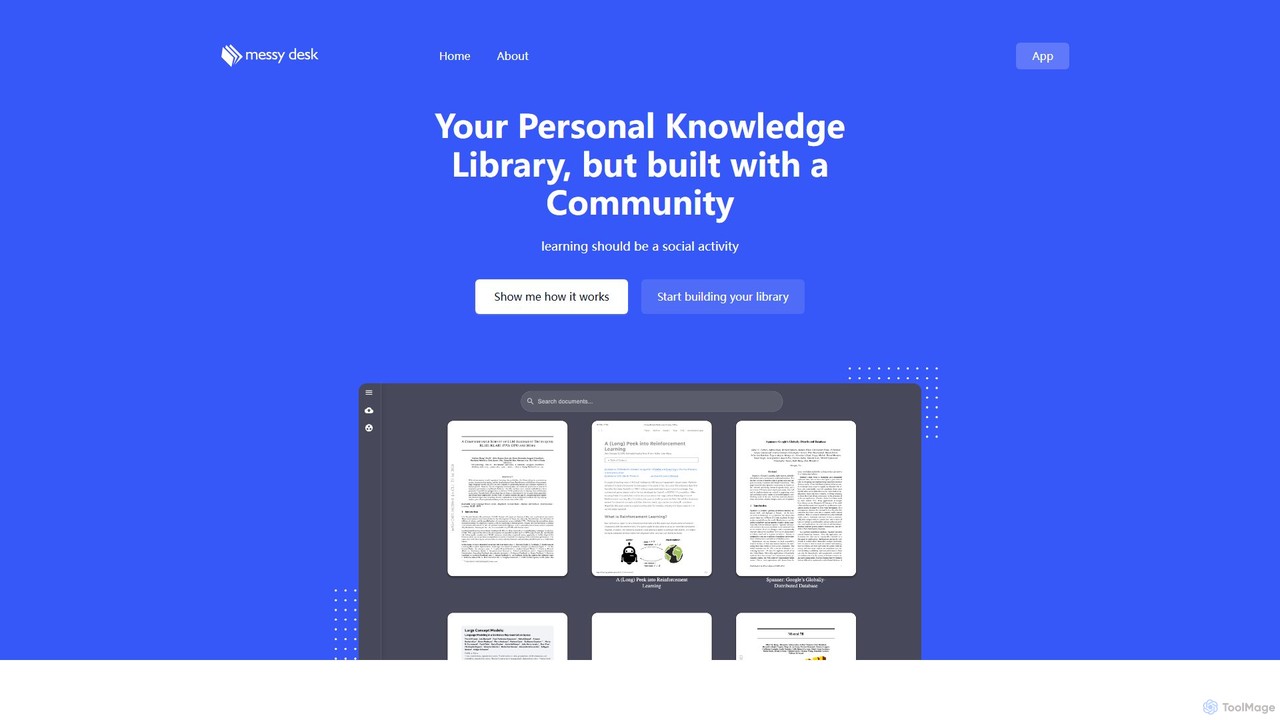
messydesk
messydesk is an AI-powered knowledge librarian that transforms personal note-taking into a social learning experience. It helps you organize your "messy desk" of information into a structured library and connect with a community of learners. Build your personal knowledge base, discover insights from others, and collaborate on shared knowledge, all within one intelligent platform.
Teamwork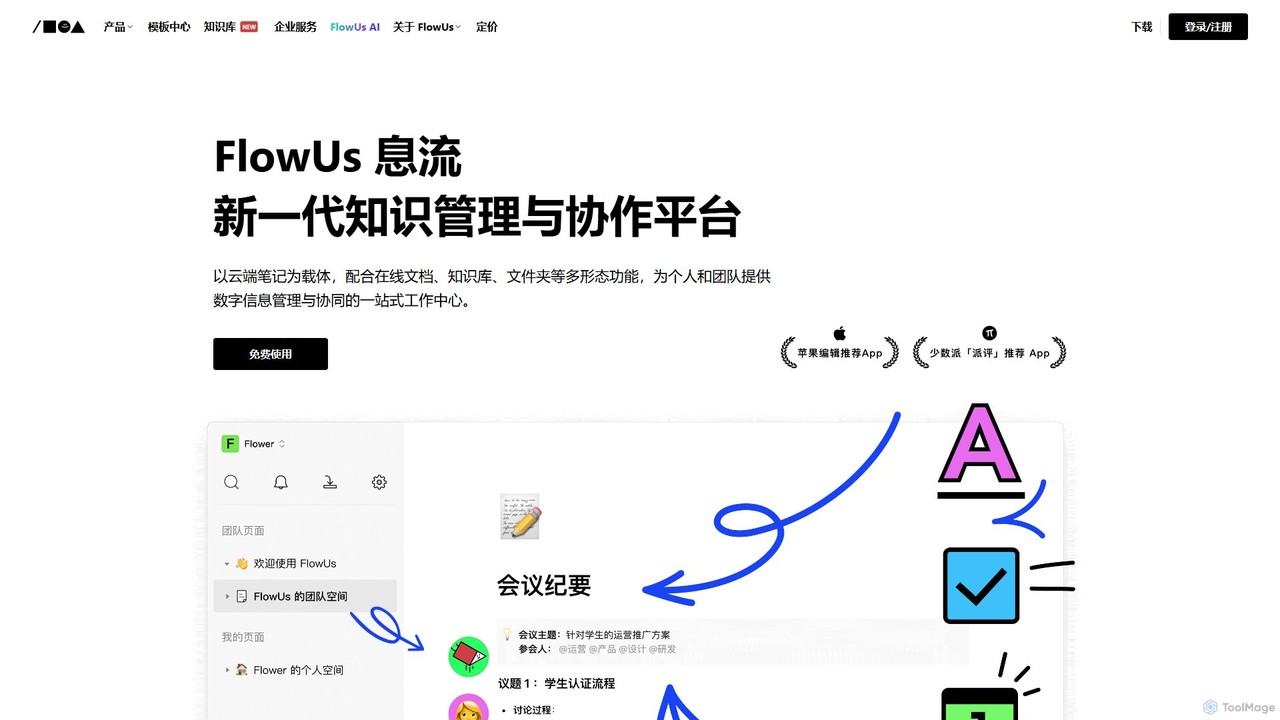
FlowUs
FlowUs is a next-generation knowledge management and collaboration platform that integrates documents, notes, databases, and project management into a unified workspace. It features a powerful, natively embedded AI assistant to streamline workflows for individuals and teams.
Writing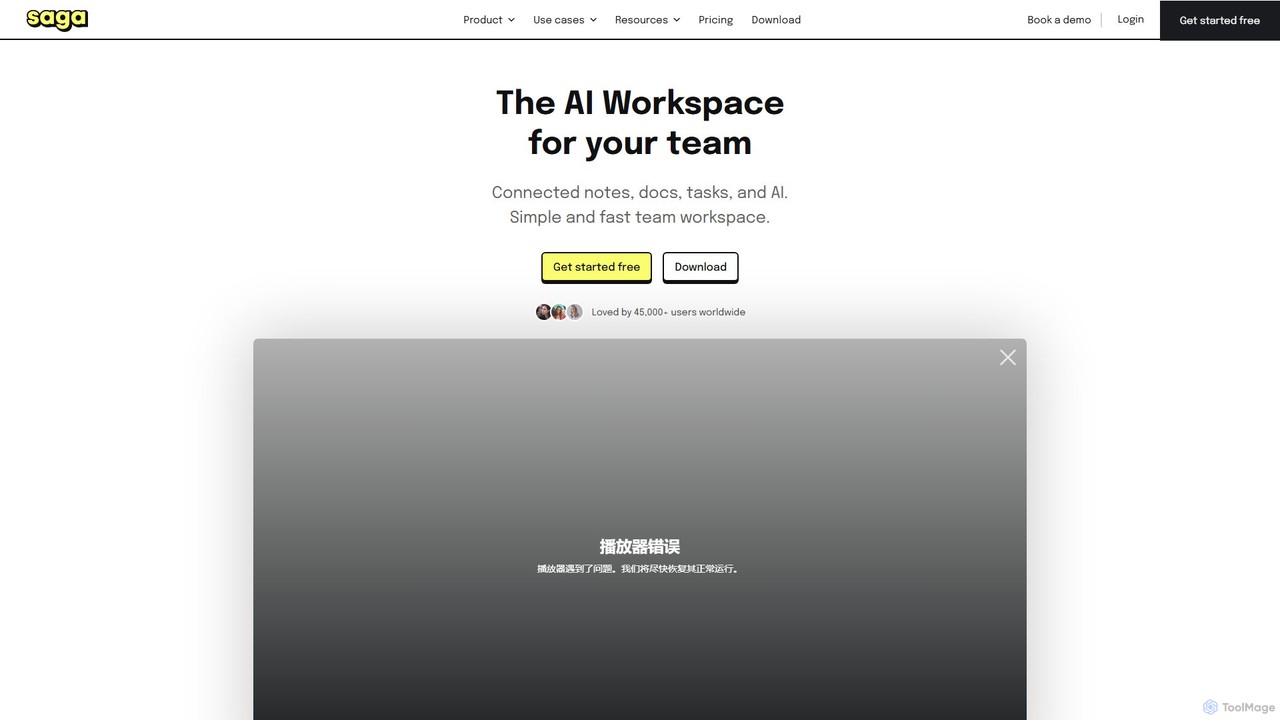
Saga
Saga is an AI-powered workspace designed for notes, documents, and tasks. It combines a fast, intuitive editor with powerful knowledge management features like automatic linking and back-references. With integrated GPT-4o, Saga helps individuals and teams streamline workflows, from content creation and project management to building a collaborative knowledge base, all within a single, interconnected environment.
Knowledge Management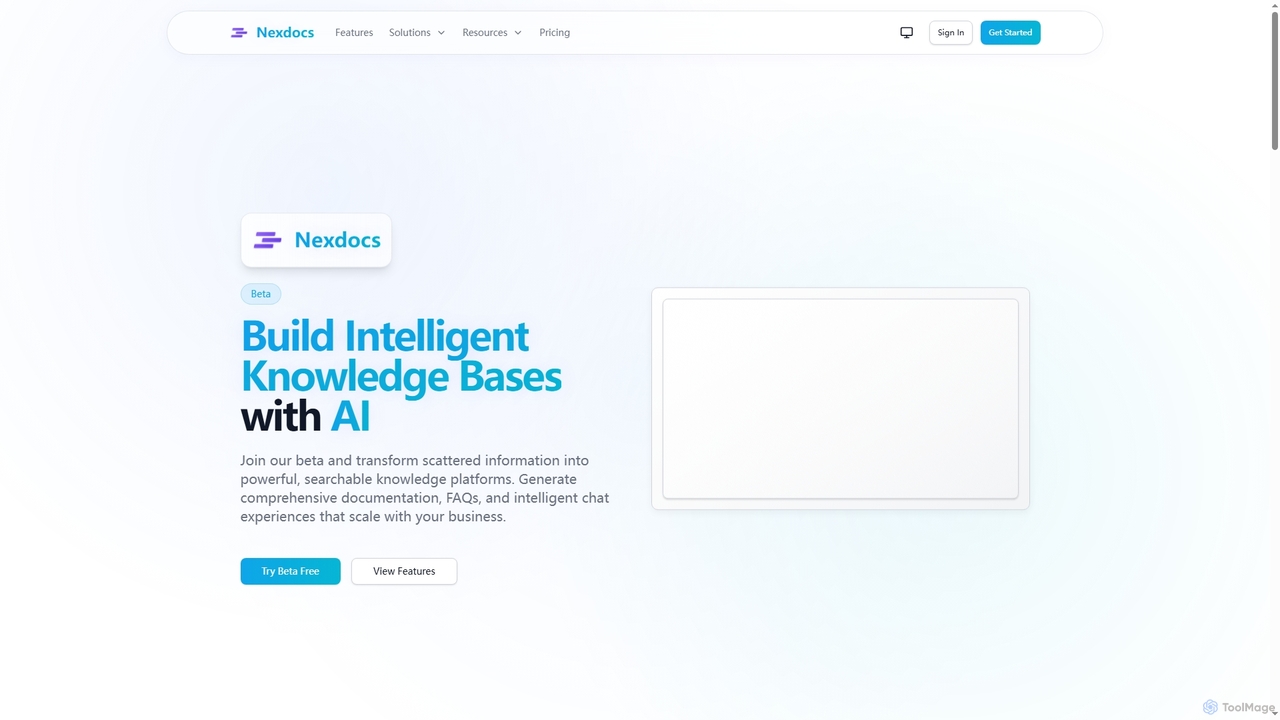
Nexdocs
Nexdocs is an AI-powered platform that transforms scattered information into intelligent, searchable knowledge bases. It generates comprehensive documentation, FAQs, and chat experiences from documents or URLs, designed for SaaS companies, customer support, and internal teams.
Help CenterGitBook Categories
GitBook Embed Widget
Copy this embed code to place the badge on your blog, article, or product site and send readers directly to this ToolMage detail page.

Related AI tools
Archbee
Archbee is an AI-powered knowledge portal platform designed for teams and customers. It transforms static documentation into interactive, searchable knowledge bases, enabling instant answers to questions. It's ideal for creating product docs, API documentation, internal wikis, and customer help centers with powerful collaboration and content management features.
Help Center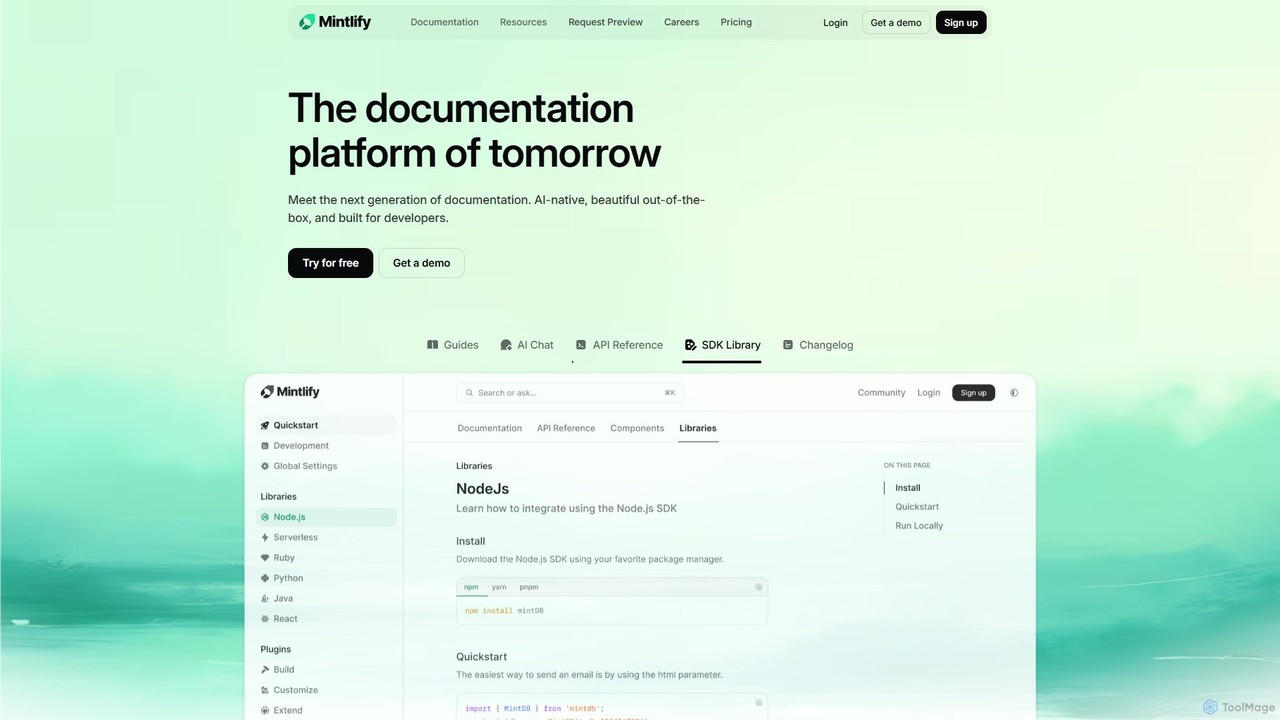
Mintlify
Mintlify is an AI-powered documentation platform designed for modern teams. It helps create beautiful, interactive, and conversion-focused documentation with features like an AI assistant, real-time writing suggestions, and seamless Git integration. Built for collaboration and scalability, it enables companies to provide a world-class developer experience and turn their docs into a growth engine.
Knowledge Base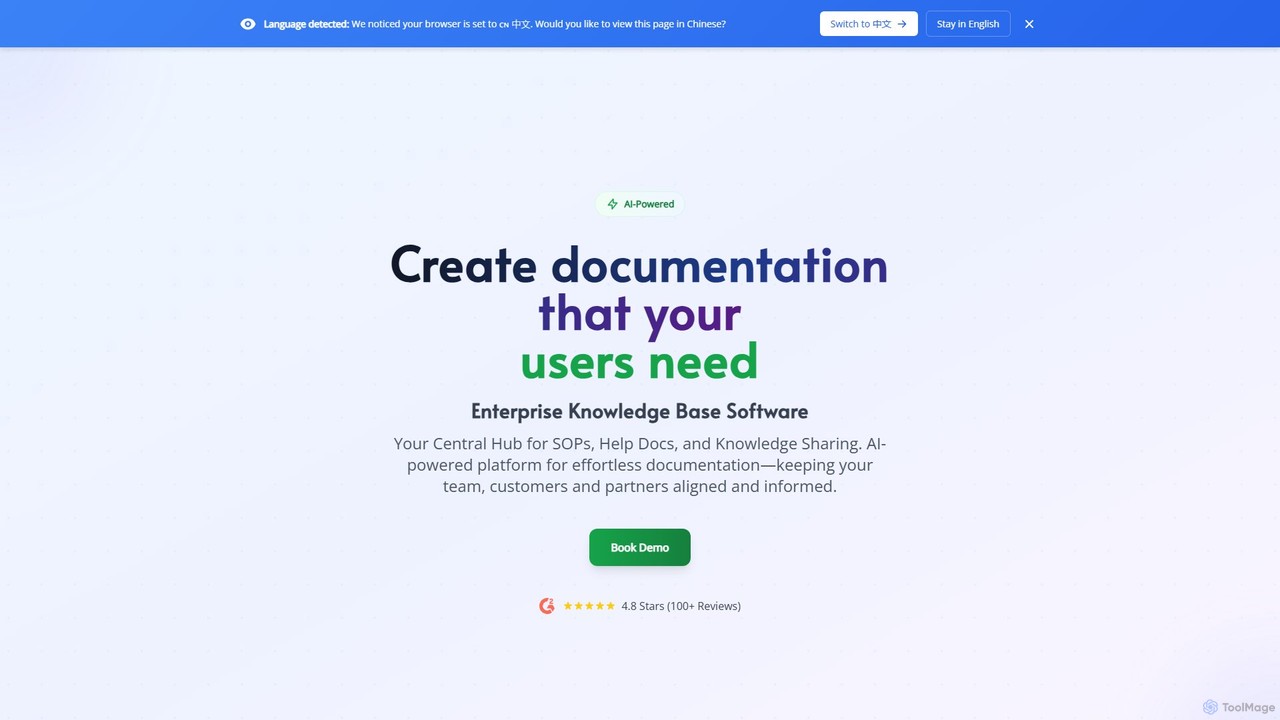
Docsie
Docsie is an AI-powered documentation and knowledge base platform designed to help teams create, manage, and deliver technical content efficiently. It streamlines the creation of user manuals, SOPs, and product documentation, featuring AI writing assistants, collaborative editing, version control, and an integrated AI chatbot to reduce support tickets and improve user self-service.
Collaboration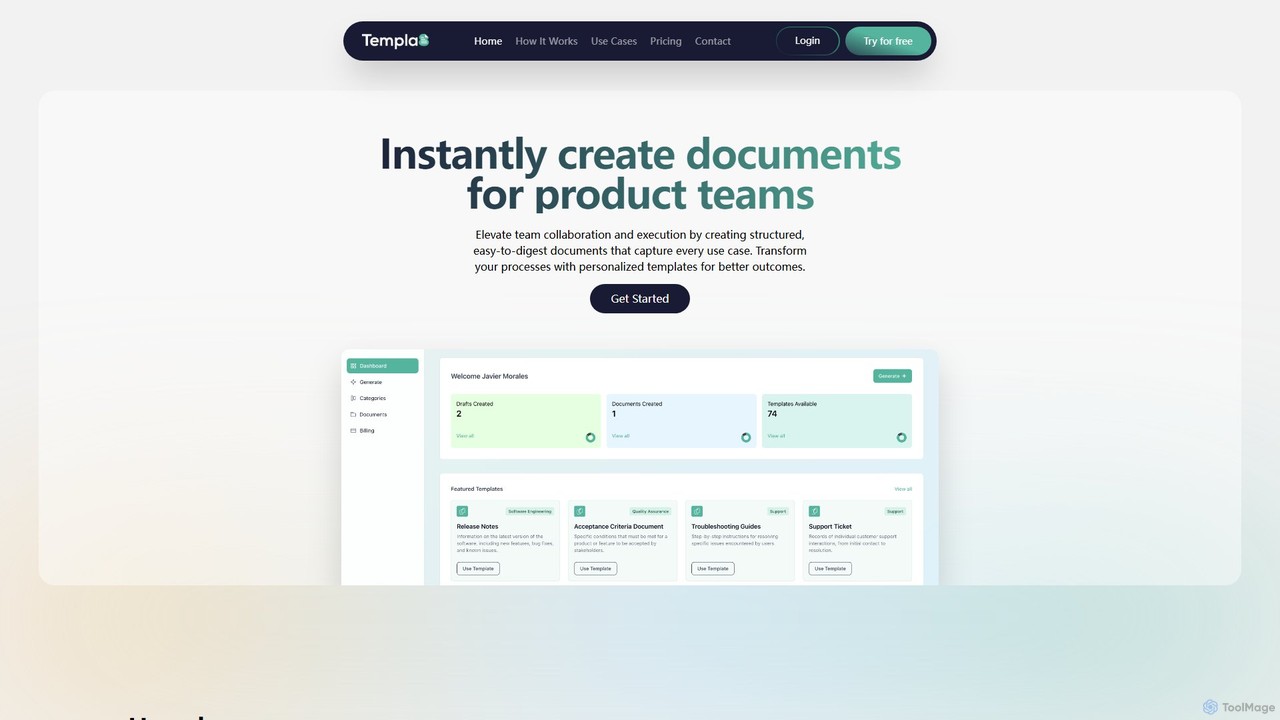
Templa8
Templa8 is an AI-powered platform designed to streamline document creation and enhance team collaboration. It generates intelligent, structured templates for various professional needs, from technical specs and API docs to project plans and business reports, accelerating workflows and ensuring consistency across all team documentation.
Document ManagementFlowUs
FlowUs is a next-generation knowledge management and collaboration platform that integrates documents, notes, databases, and project management into a unified workspace. It features a powerful, natively embedded AI assistant to streamline workflows for individuals and teams.
WritingSaga
Saga is an AI-powered workspace designed for notes, documents, and tasks. It combines a fast, intuitive editor with powerful knowledge management features like automatic linking and back-references. With integrated GPT-4o, Saga helps individuals and teams streamline workflows, from content creation and project management to building a collaborative knowledge base, all within a single, interconnected environment.
Knowledge ManagementNexdocs
Nexdocs is an AI-powered platform that transforms scattered information into intelligent, searchable knowledge bases. It generates comprehensive documentation, FAQs, and chat experiences from documents or URLs, designed for SaaS companies, customer support, and internal teams.
Help Center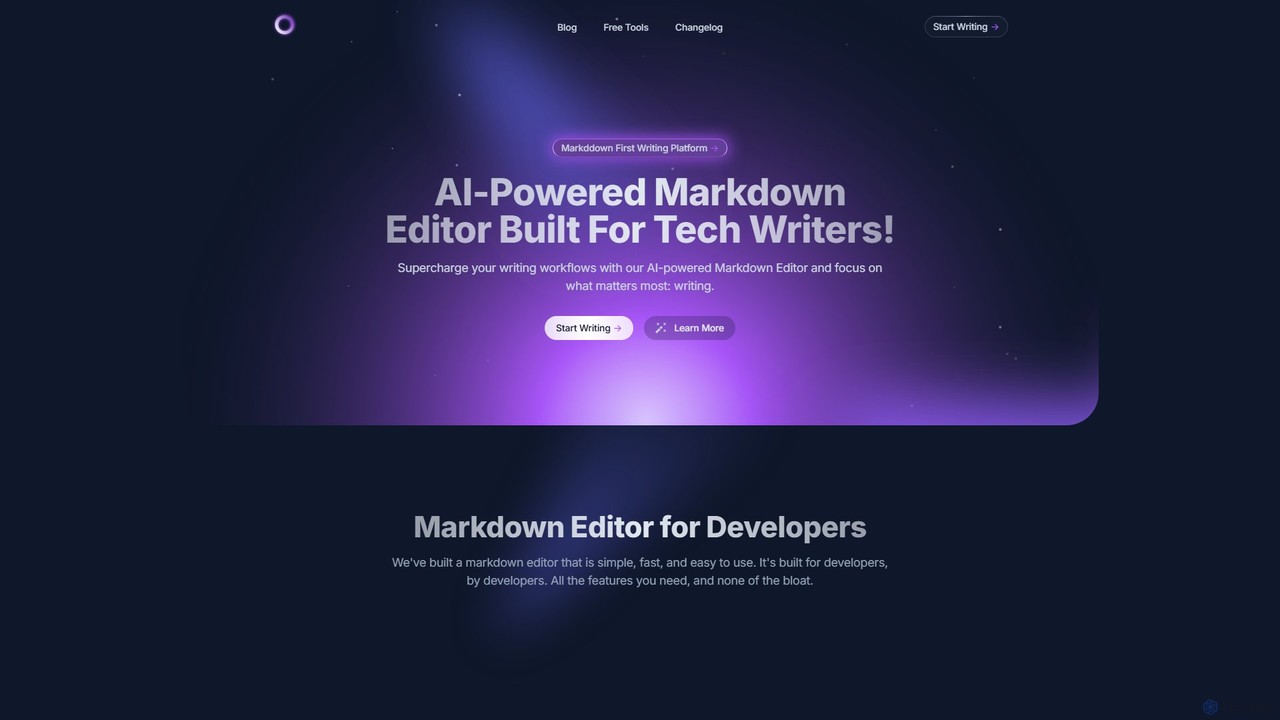
mdedit
mdedit is an AI-powered, Markdown-first writing platform designed for technical writers, developers, and bloggers. It streamlines the writing workflow with an intelligent AI assistant for drafting, code generation, and text rewriting. The platform features a powerful editor supporting Jupyter Notebooks and Mermaid diagrams, robust article management, multi-platform publishing, and collaboration tools. With features like BYOK (Bring Your Own Keys) and extensive customization, mdedit enhances productivity and content quality for technical documentation and articles.
Documentation
tekclarion
Tekclarion is an AI-powered platform designed to help technical writers, developers, and marketers create clear, accurate, and engaging technical content. It transforms complex technical concepts, code snippets, and data into easy-to-understand documentation, tutorials, and blog posts, streamlining the content creation workflow.
Documentation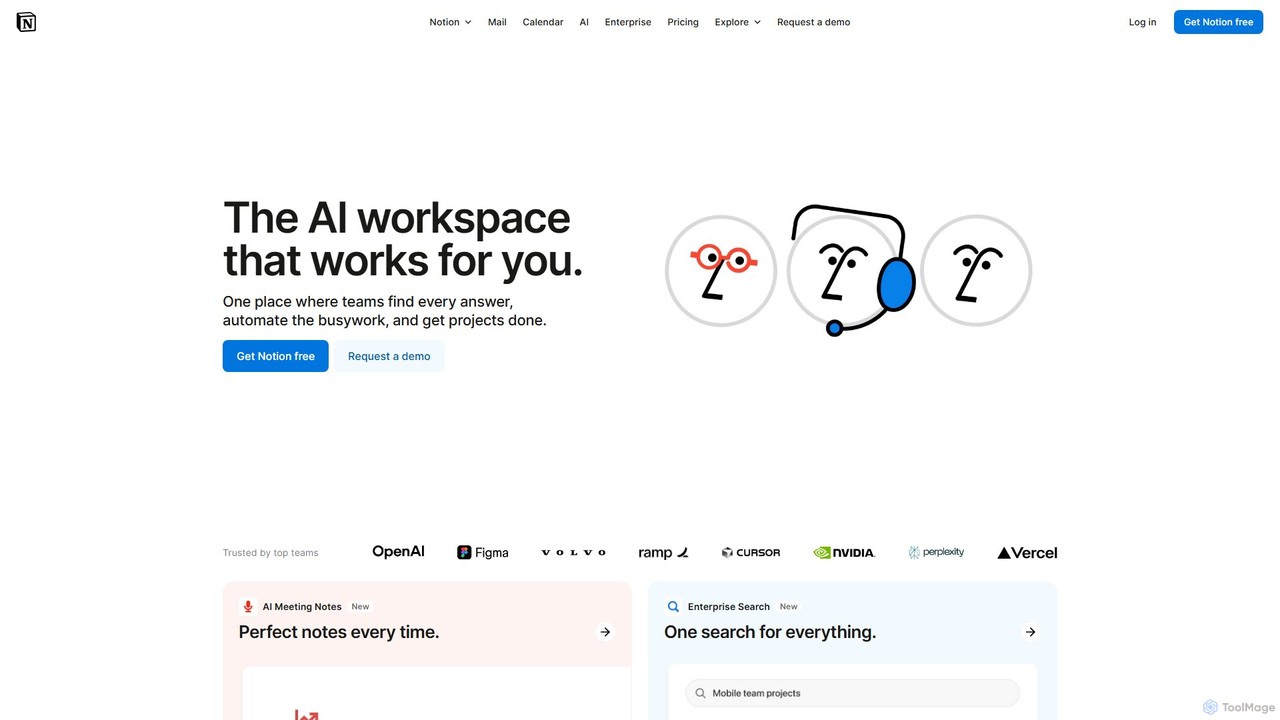
Notion
Notion is the all-in-one AI workspace that combines notes, documents, project management, and wikis. It provides a flexible, customizable platform where individuals and teams can organize work, collaborate in real-time, and build custom workflows. With integrated AI features, Notion helps automate tasks, summarize content, and generate ideas, consolidating multiple tools into a single, powerful space for enhanced productivity.
Knowledge Management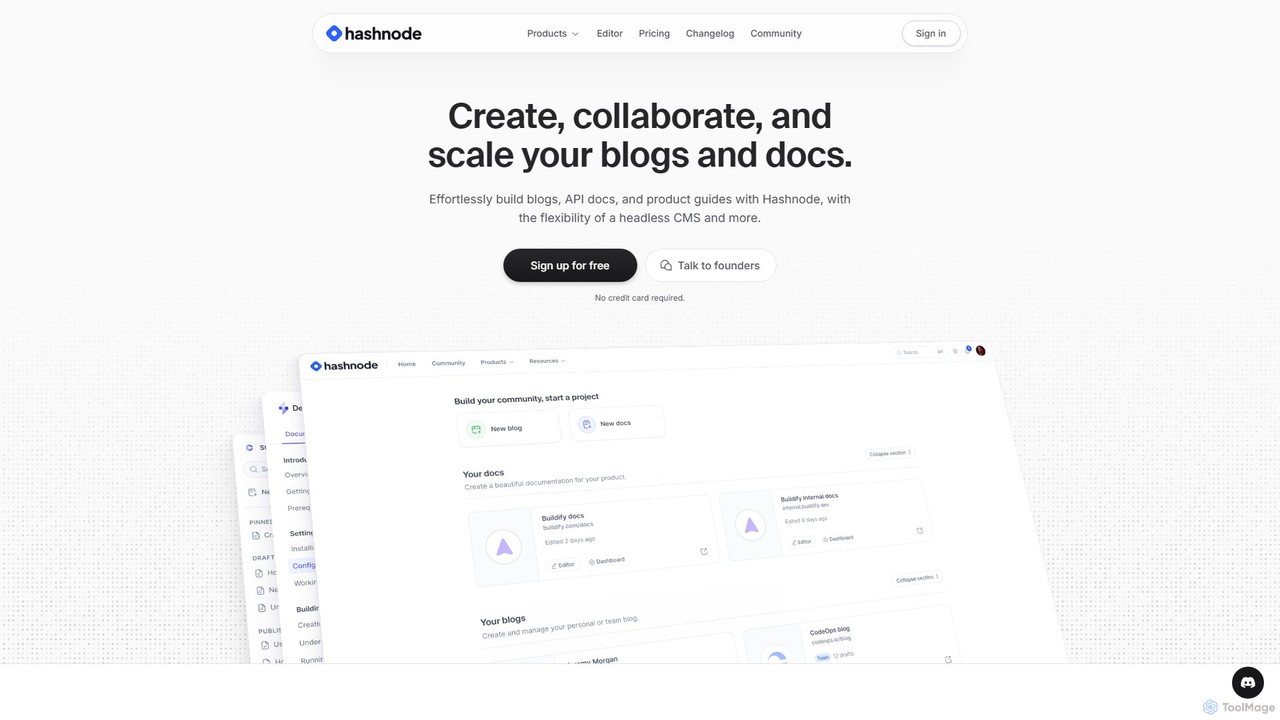
Hashnode
Hashnode is an AI-powered blogging and documentation platform designed for developers, tech teams, and enterprises. It offers a headless CMS, a collaborative MDX editor, and integrated AI tools to streamline the creation of blogs, API docs, and product guides. Users can customize everything, use custom domains, and leverage AI for writing, search, and productivity, all on a single, cost-effective platform.
Documentation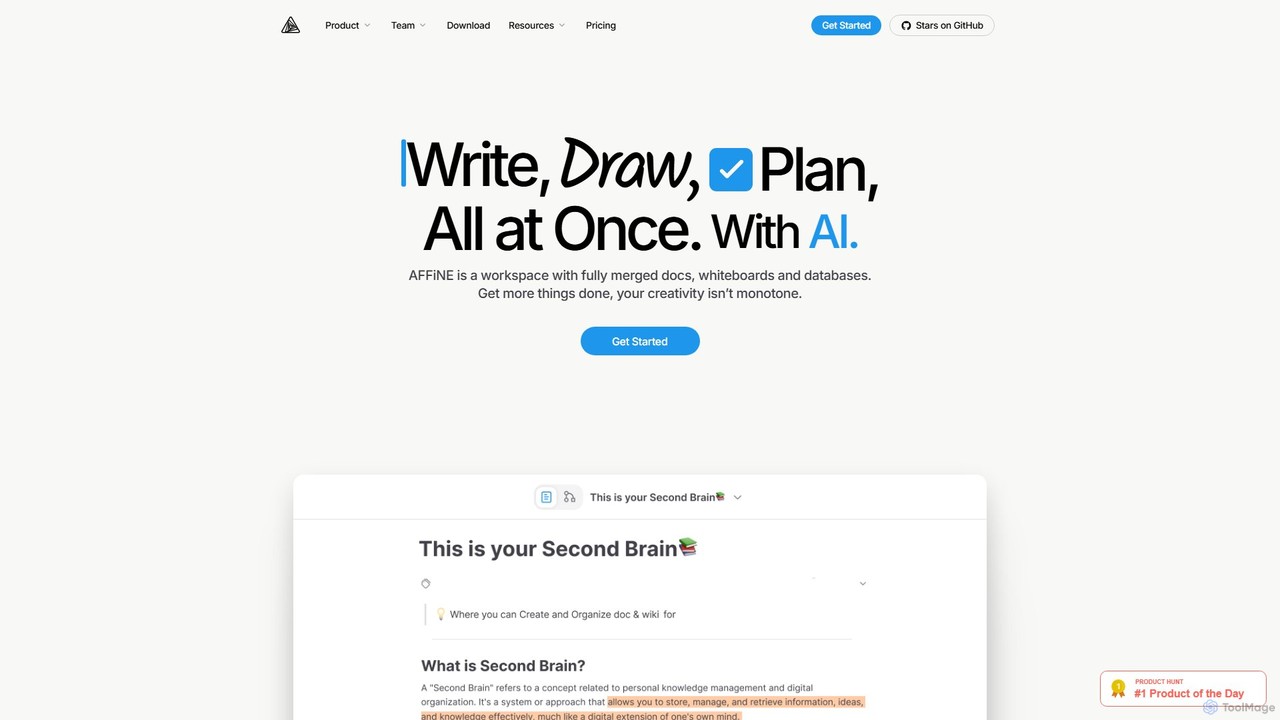
AFFiNE
AFFiNE is an all-in-one, AI-powered KnowledgeOS that seamlessly merges documents, whiteboards, and databases. It's a privacy-focused, open-source workspace designed to enhance productivity by allowing you to write, draw, and plan in a single, unified environment, eliminating the need to switch between multiple applications.
Whiteboard
Jyek
Jyek is an AI agent platform that understands objectives, creates execution plans, uses tools, and delivers verifiable results for complex, multi-step tasks.
Automation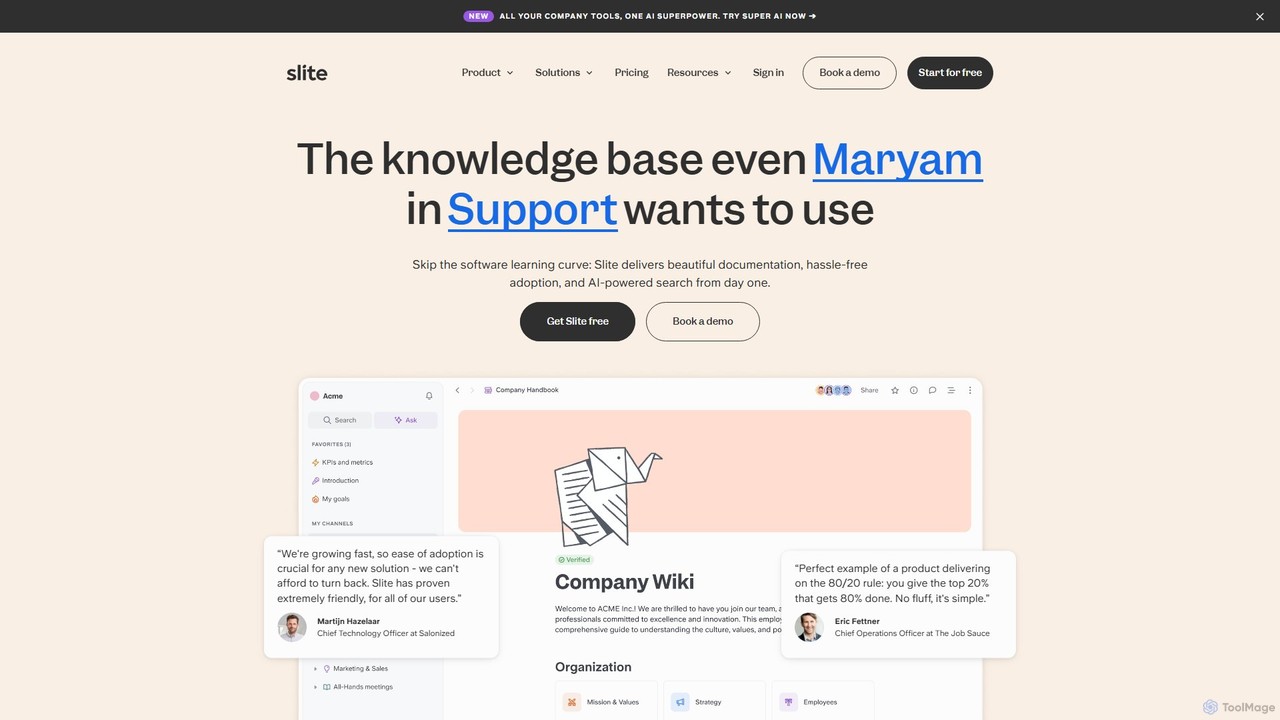
Slite
Slite is an AI-powered knowledge base designed for modern teams. It simplifies documentation, centralizes company knowledge, and provides instant, trustworthy answers through its smart search. Built for high adoption, Slite ensures your team can easily create, manage, and find the information they need, eliminating repetitive questions and information silos.
Team Management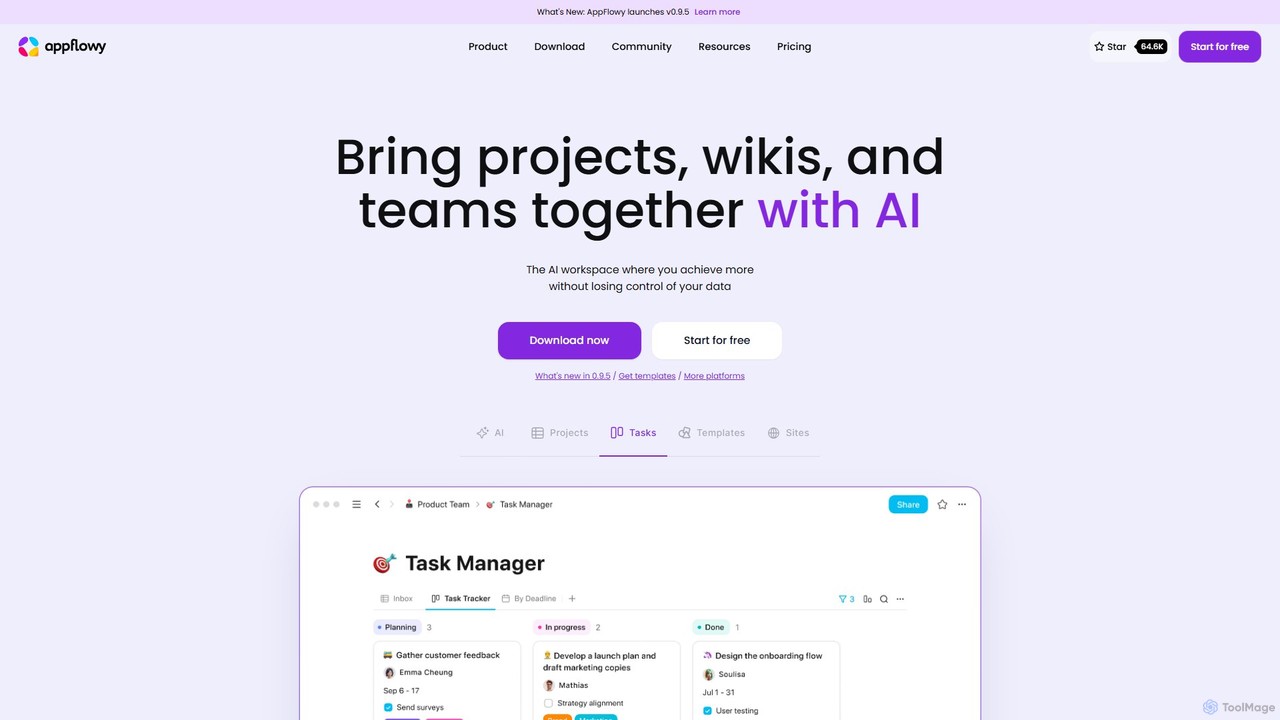
AppFlowy
AppFlowy is a secure, open-source AI workspace designed for projects, wikis, and teams. It offers a privacy-first alternative to tools like Notion, allowing users to own their data through self-hosting and offline capabilities. It integrates powerful AI for writing, search, and task automation, supporting both local and cloud-based models.
Documentation
GitBook Comments (0)
Sign in to comment.
Sign inNo comments yet.