

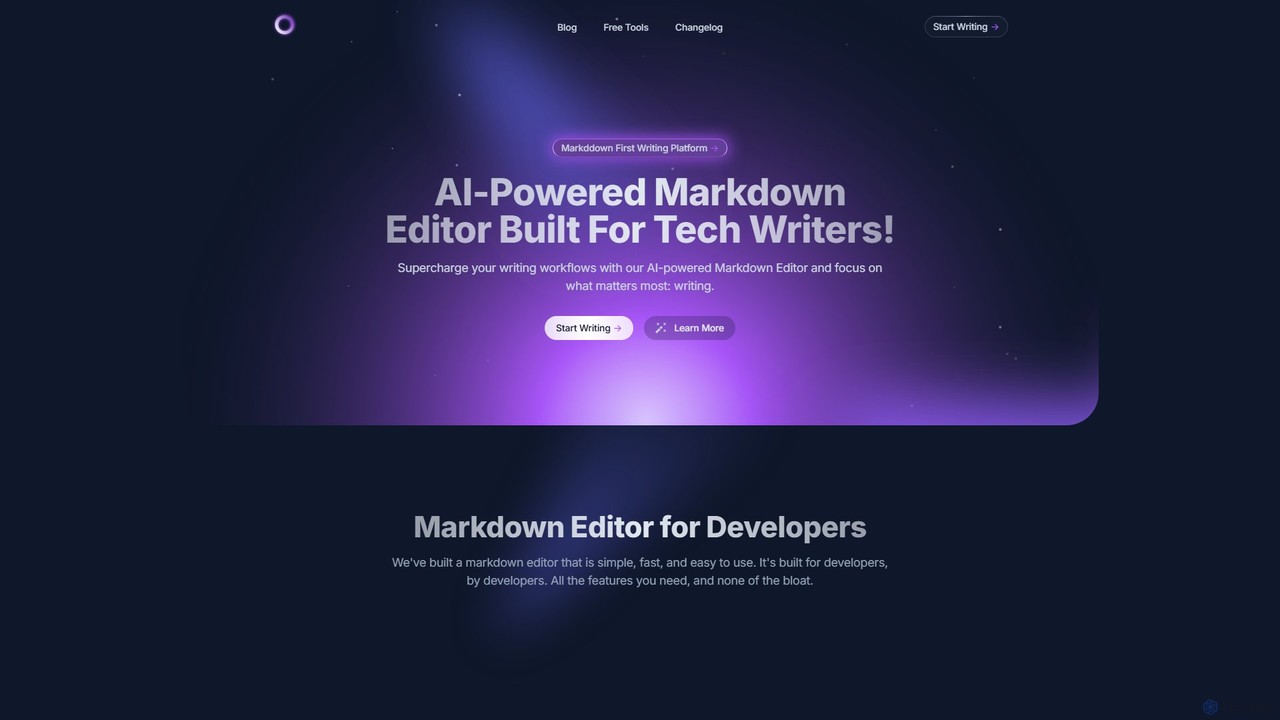
mdedit Overview
mdedit is a comprehensive, AI-powered Markdown editor specifically built to meet the unique needs of technical writers, developers, and professional bloggers. It positions itself as a "Markdown First Writing Platform," designed to supercharge writing workflows by integrating intelligent AI features directly into a clean, fast, and user-friendly editor. The platform's core mission is to allow creators to focus on what matters most: producing clear, concise, and technically accurate content with maximum efficiency.
The platform is built by developers for developers, ensuring it includes all the necessary features without any unnecessary bloat. It combines a powerful editor with sophisticated article management, seamless sharing capabilities, and a versatile AI assistant. This holistic approach aims to replace the need for multiple disparate tools, offering a single, unified environment for the entire content creation lifecycle, from brainstorming and drafting to collaboration and publishing.
How to use mdedit
Getting started with mdedit is a straightforward process designed for quick onboarding:
- Sign Up & Import: Create an account using various methods, including GitHub, Google, or a standard email/password. You can start a new article from scratch, import existing content from local files (Markdown, HTML, Jupyter Notebooks), or even from a web URL.
- Generate with AI: For a quick start, use the AI assistant to generate a first draft. Simply provide an article title and select a writing style, and the AI will create a foundational text that you can then edit and refine.
- Write & Edit: Utilize the powerful Markdown editor which features syntax highlighting and a live preview. You can easily insert complex elements like code blocks, Jupyter Notebooks, and Mermaid diagrams to enrich your technical content.
- Leverage the AI Assistant: Throughout the writing process, call upon the AI to brainstorm ideas, generate or explain code snippets, rewrite sentences for clarity, create images from text prompts, and more.
- Organize Your Work: Manage all your articles, drafts, and ideas in one centralized location. Organize them into folders, add tags for easy searching, and maintain a backlog of future content ideas.
- Collaborate with Your Team: Invite team members via email to collaborate on articles. You can manage permissions, allowing others to view, edit, or leave comments directly within the document.
- Publish & Share: When your article is ready, export it to multiple formats like HTML, PDF, and DOCX using the built-in Pandoc support. Alternatively, publish it directly with a single click to platforms such as Medium, Dev.to, Hashnode, or your own website via GitHub integration.
Core Features of mdedit
- AI Writing Assistant: Offers intelligent suggestions, draft generation, text rewriting, and brainstorming. It can generate code, explain complex code snippets, and even create images from text prompts. Supports various models, including OpenAI's GPT series and Anthropic's Claude series.
- Advanced Markdown Editor: A powerful editor with full support for Markdown syntax, code blocks with highlighting, Jupyter Notebooks, and Mermaid diagrams for creating flowcharts and graphs.
- Visual Table Editor: Simplifies table creation by allowing users to build tables visually or import data from CSV files, eliminating the need to write complex Markdown table syntax.
- Comprehensive Article Management: A complete system to manage articles, drafts, and ideas. Users can organize content in folders, add tags, and easily search through their entire library.
- Rich Code Handling: Add code snippets manually or with AI, display them as GitHub Gists or pretty code images, and use the built-in prettifier to format all code consistently.
- Multimedia & Image Integration: Add images from local files, the web, Unsplash, or Giphy. The platform also offers AI image generation and can host images on its servers or integrate with Imgur.
- Multi-Platform Publishing: Seamlessly publish articles to Medium, Dev.to, Hashnode, and custom websites through GitHub integration or HTML/MDX export.
- Collaboration Tools: Share articles with team members for collaborative writing and editing, complete with a commenting system and permission management.
- Customization and Flexibility: Customize the writing experience with various themes, fonts, and editor settings. The "Bring Your Own Keys" (BYOK) feature allows users to connect their personal OpenAI, Medium, and Dev.to accounts.
- Accessibility Features: Includes speech-to-text for dictating articles and text-to-speech to generate an audio version of the content.
Use Cases for mdedit
mdedit is ideal for a variety of users and scenarios:
- Technical Bloggers: Efficiently write, format, and publish high-quality technical articles with accurate code snippets, diagrams, and data tables to platforms like Dev.to and Hashnode.
- Software Developers: Create and maintain project documentation, tutorials, API guides, and README files in a developer-centric environment.
- Content & Documentation Teams: Collaborate on technical manuals, knowledge bases, and user guides, managing a shared content calendar and streamlining the review and publishing process.
- Students & Educators: Write technical papers, create interactive course materials with embedded code, and export assignments in standard formats like PDF or DOCX.
Advantages of mdedit
mdedit stands out for several key reasons:
- All-in-One Solution: It consolidates writing, AI assistance, code management, and publishing into a single, cohesive platform, eliminating tool fragmentation.
- Tailored for Technical Content: Its native support for code, diagrams, and Jupyter Notebooks makes it superior to generic word processors for technical writing.
- Enhanced Productivity: The AI assistant drastically reduces the time spent on drafting, research, and refinement, allowing writers to produce more content faster.
- Flexibility and Control: The BYOK model provides users with control over their API usage and costs, while support for multiple AI models offers greater choice and power.
- Streamlined Collaboration: The platform's collaboration features are designed to simplify teamwork on complex technical documents.
Pricing and Plans
mdedit appears to operate on a freemium model, likely offering a free tier with core functionalities and premium paid plans for advanced features, higher usage limits, and enhanced collaboration. The "Bring Your Own Keys" (BYOK) feature provides a flexible option for users to manage their own AI and publishing API costs. For the most accurate and up-to-date information on pricing tiers and included features, it is recommended to visit the official mdedit website.
Traffic
Latest traffic
Status
Monthly traffic trend
- 2025-9: 6.9K
- 2026-1: 14.2K
- 2026-2: 9.9K
- 2026-3: 10.4K
- 2026-4: 11.1K
- 2026-5: 12.0K
Geography
Top 5 countries / regions
- 🇺🇸United States36.7%
- 🇧🇷Brazil25.3%
- 🇮🇳India15.7%
- 🇩🇪Germany12.0%
- 🇬🇧United Kingdom10.3%
Top keywords
| Keyword | Cost per click |
|---|---|
| html to mp3 converter free | $0.00 |
| ipynb to odt | $0.00 |
| markdown editor online with word counter | $0.00 |
| md editor | $2.08 |
| mhtml to mp3 | $0.00 |
mdedit Alternatives
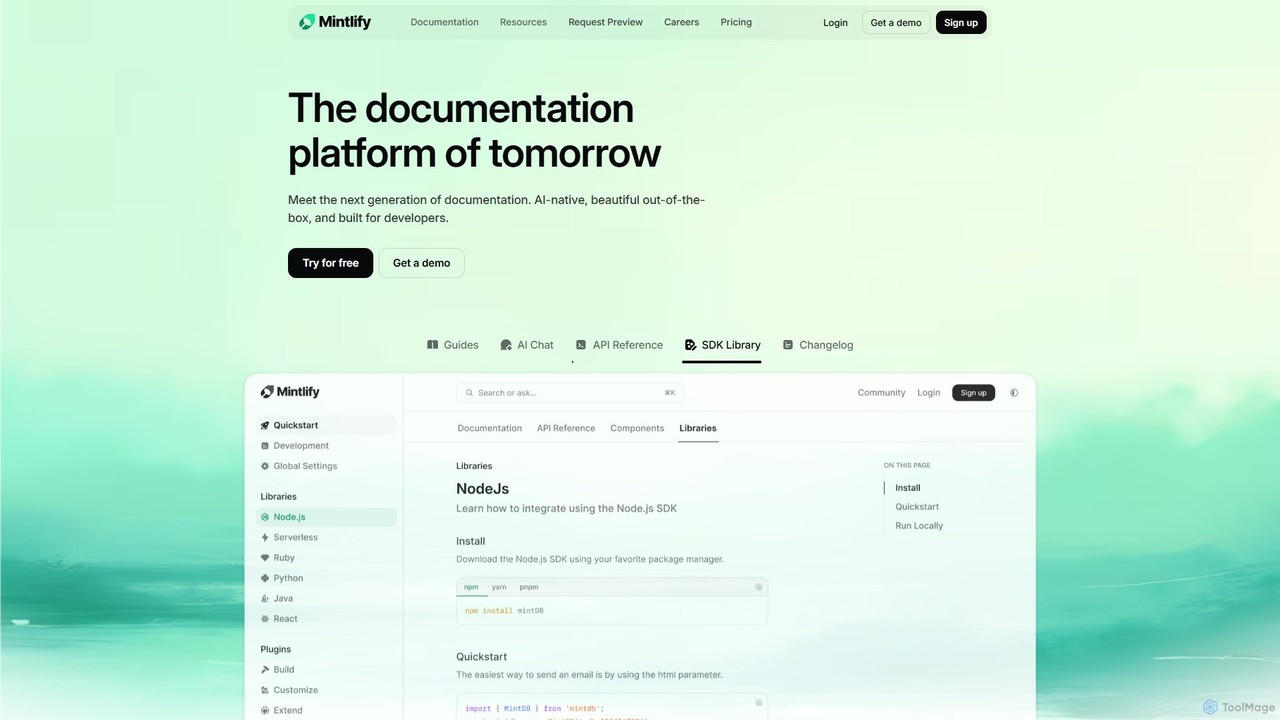
Mintlify
Mintlify is an AI-powered documentation platform designed for modern teams. It helps create beautiful, interactive, and conversion-focused documentation with features like an AI assistant, real-time writing suggestions, and seamless Git integration. Built for collaboration and scalability, it enables companies to provide a world-class developer experience and turn their docs into a growth engine.
Knowledge Base
tekclarion
Tekclarion is an AI-powered platform designed to help technical writers, developers, and marketers create clear, accurate, and engaging technical content. It transforms complex technical concepts, code snippets, and data into easy-to-understand documentation, tutorials, and blog posts, streamlining the content creation workflow.
Documentation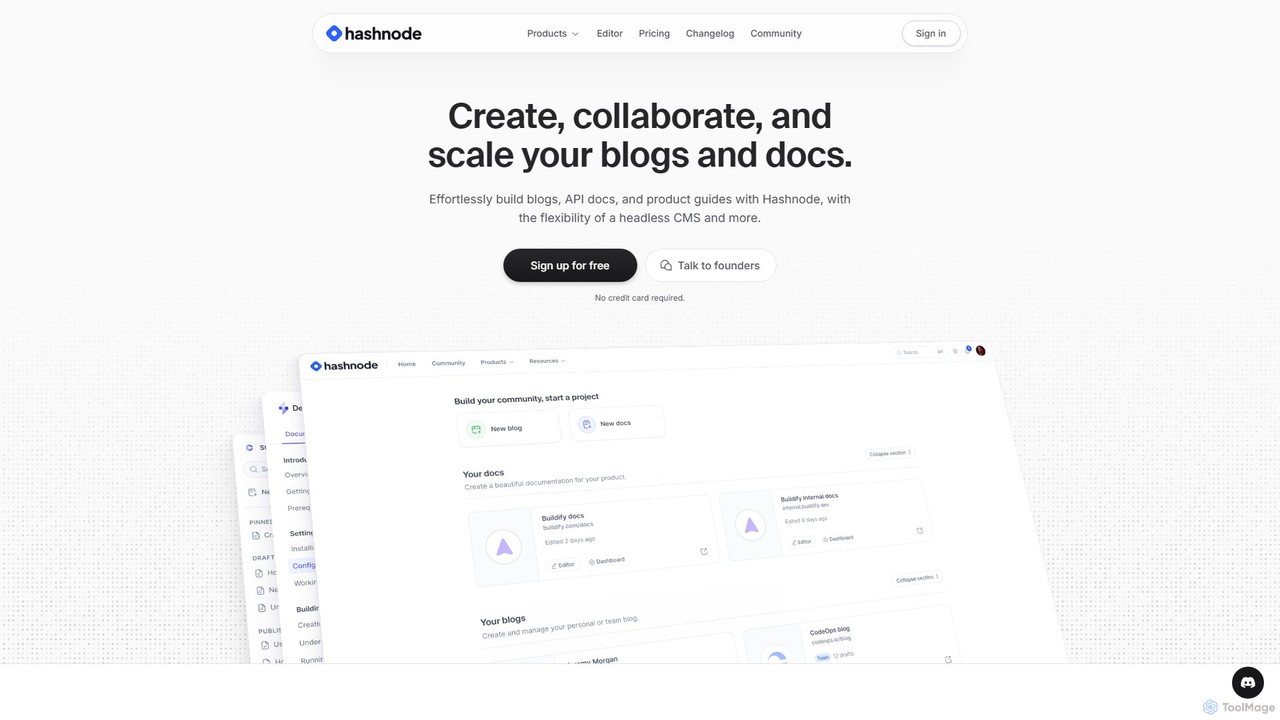
Hashnode
Hashnode is an AI-powered blogging and documentation platform designed for developers, tech teams, and enterprises. It offers a headless CMS, a collaborative MDX editor, and integrated AI tools to streamline the creation of blogs, API docs, and product guides. Users can customize everything, use custom domains, and leverage AI for writing, search, and productivity, all on a single, cost-effective platform.
Documentation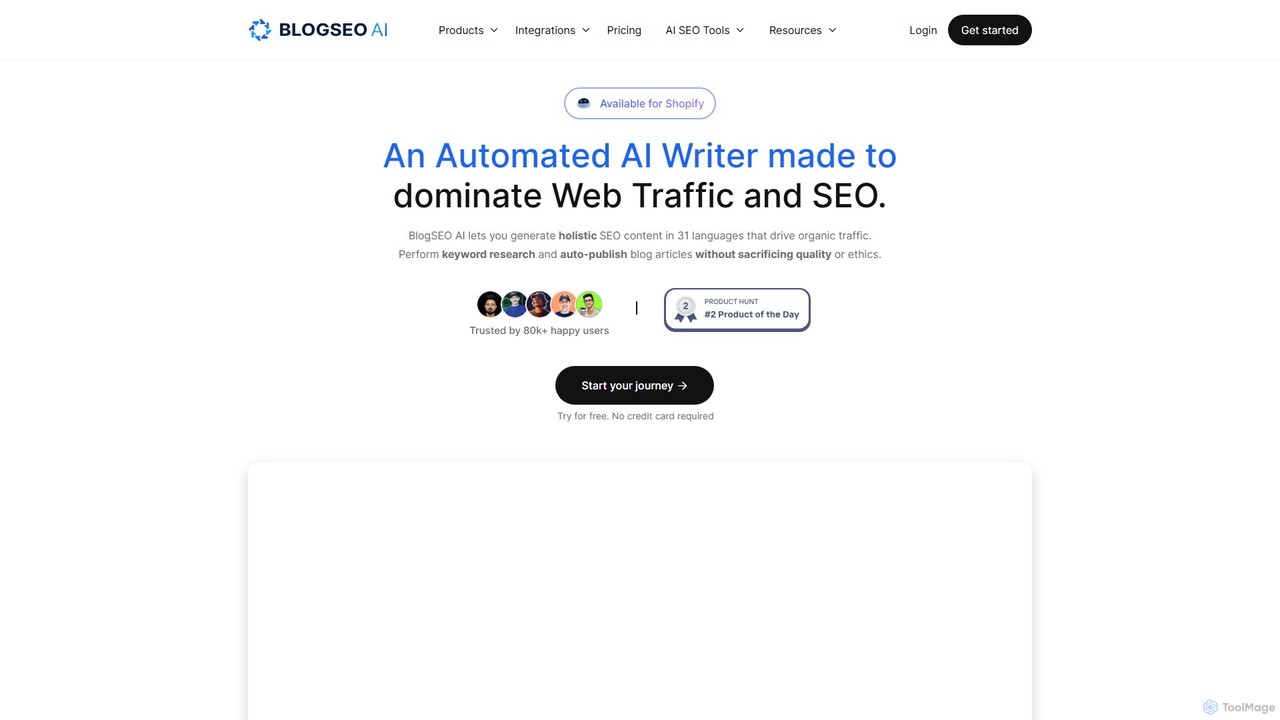
BlogSEO AI
BlogSEO AI is an automated AI writing assistant designed to dominate SEO and web traffic. It empowers bloggers, marketers, and e-commerce businesses to perform keyword research, generate high-quality, holistic SEO content in over 30 languages, and auto-publish articles directly to platforms like Shopify, WordPress, and Ghost. With features like YouTube-to-blog conversion, competitor analysis, and a suite of 24+ AI SEO tools, it streamlines the entire content creation workflow, helping users grow organic traffic on autopilot.
Blogging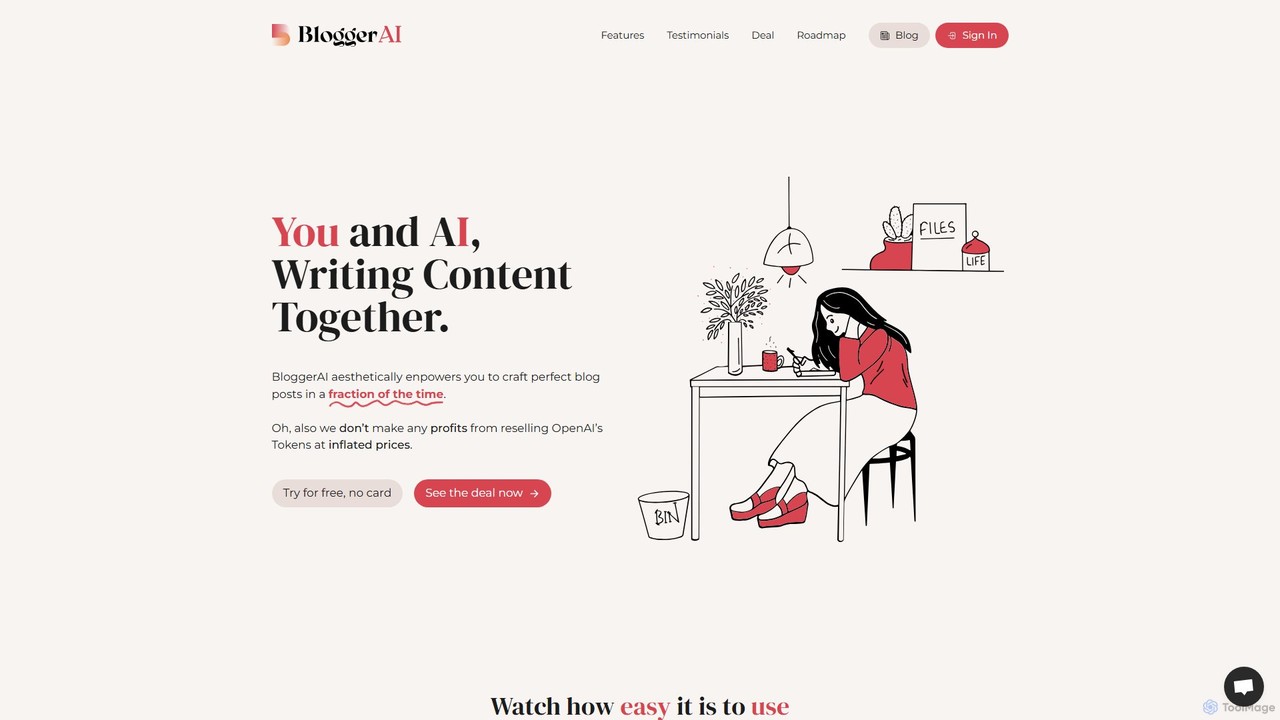
BloggerAI
BloggerAI is an AI-powered content writing assistant designed specifically for bloggers. It helps you create high-quality, SEO-optimized blog posts in a fraction of the time. Featuring a unique "Bring Your Own Key" model, it offers an ethical and cost-effective solution by allowing you to use your own OpenAI API key, avoiding inflated token prices. It supports over 10 languages, WordPress integration, and provides a full suite of tools for writing, rewriting, and SEO.
Bloggingmdedit Categories
mdedit Embed Widget
Copy this embed code to place the badge on your blog, article, or product site and send readers directly to this ToolMage detail page.

Related AI tools
Mintlify
Mintlify is an AI-powered documentation platform designed for modern teams. It helps create beautiful, interactive, and conversion-focused documentation with features like an AI assistant, real-time writing suggestions, and seamless Git integration. Built for collaboration and scalability, it enables companies to provide a world-class developer experience and turn their docs into a growth engine.
Knowledge Basetekclarion
Tekclarion is an AI-powered platform designed to help technical writers, developers, and marketers create clear, accurate, and engaging technical content. It transforms complex technical concepts, code snippets, and data into easy-to-understand documentation, tutorials, and blog posts, streamlining the content creation workflow.
Documentation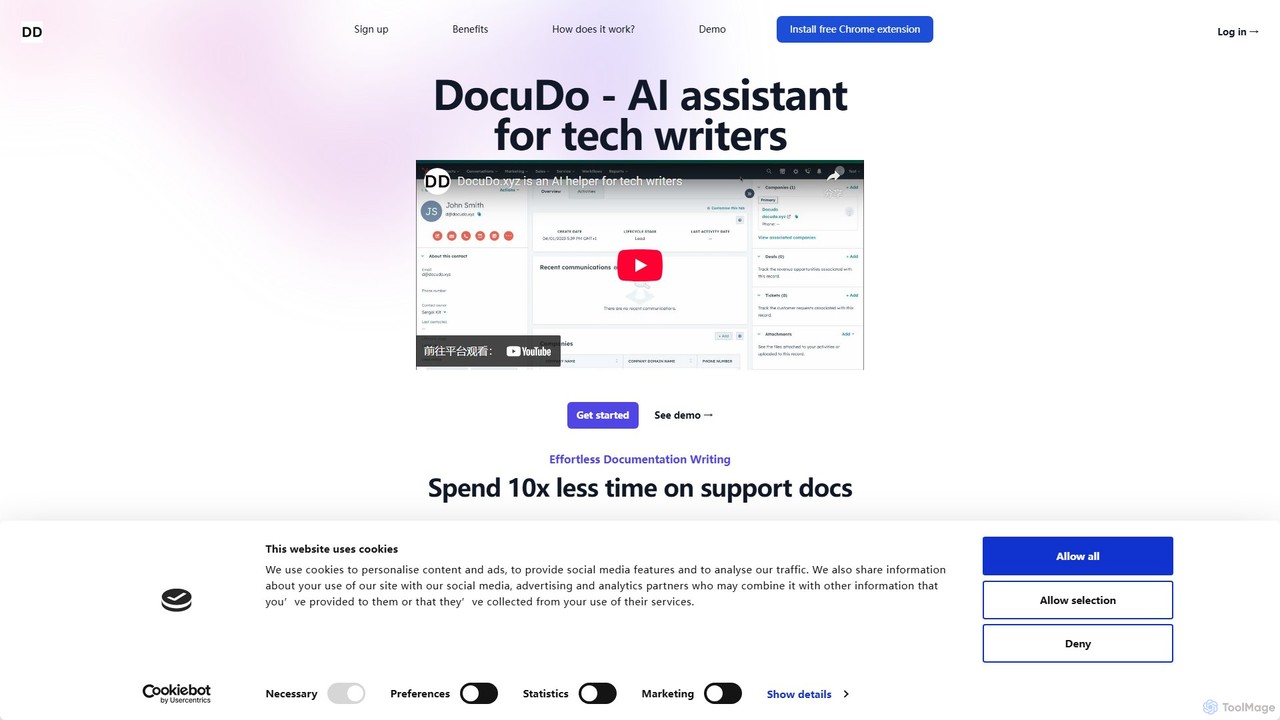
DocuDo
DocuDo is a generative AI platform specifically designed for technical writers. It automates and accelerates the creation of technical documentation, such as API guides, user manuals, and knowledge base articles, by transforming code, specifications, and prompts into clear, structured content.
Code Assistant
MakeTheDocs
MakeTheDocs is an AI-powered tool that transforms videos into comprehensive documentation pages in seconds. Simply upload a video, and the AI will generate clear, well-structured text, saving you countless hours of manual writing. It's designed for developers, educators, HR departments, and content creators who need to produce high-quality tutorials, guides, and training materials efficiently.
Documentation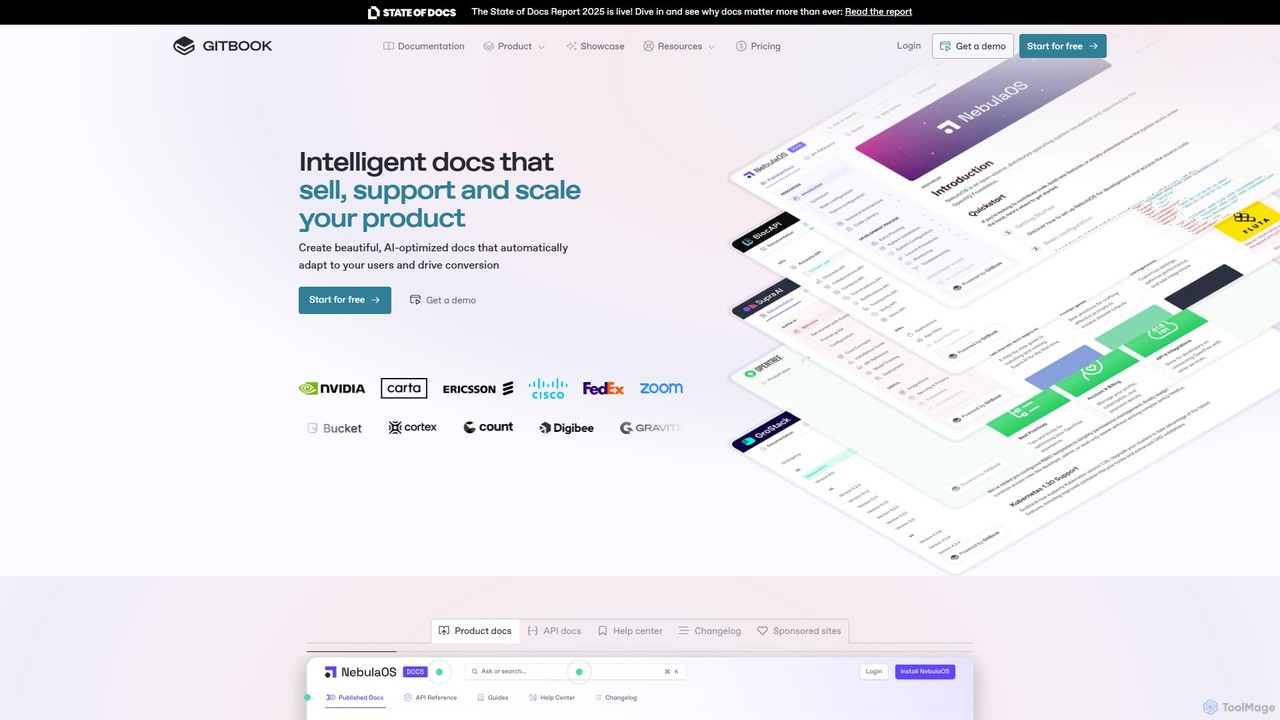
GitBook
GitBook is an intelligent documentation platform designed for technical teams. It simplifies the creation of beautiful, AI-optimized product docs, API references, and help centers. With a git-based workflow, collaborative editor, and powerful AI features, GitBook helps you create documentation that sells, supports, and scales your product, turning it into a key driver for user conversion and success.
Teamwork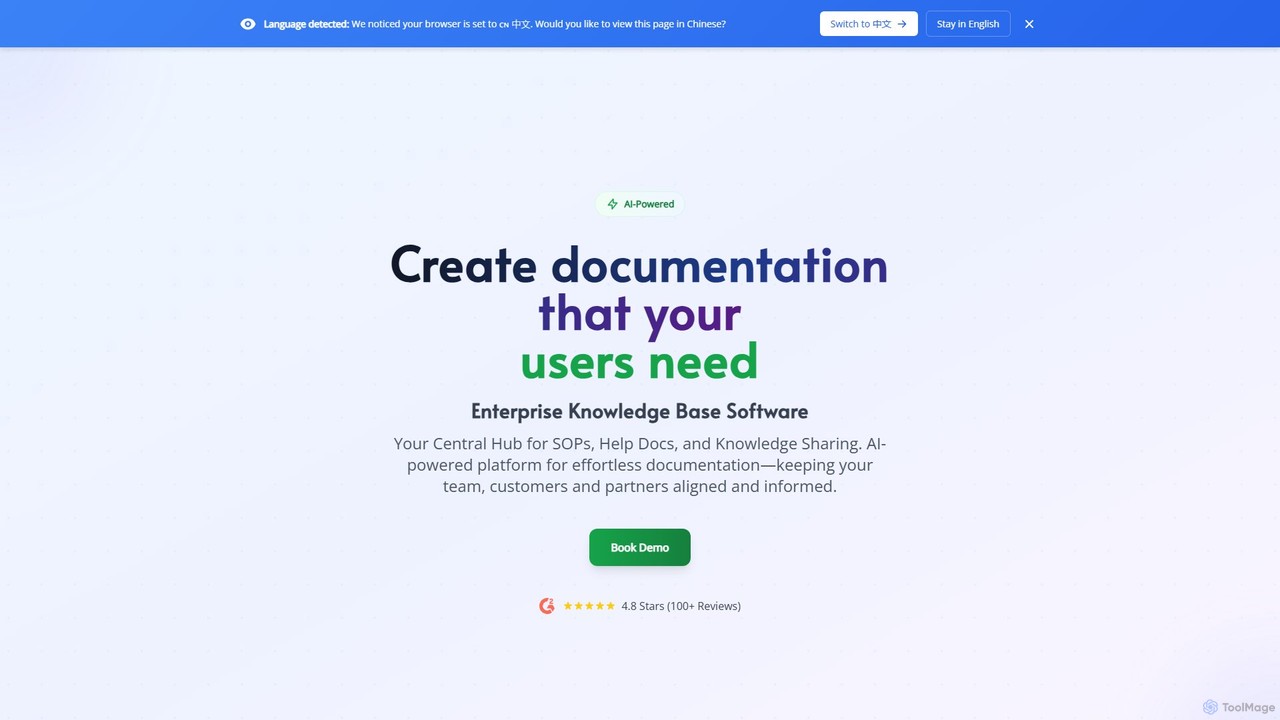
Docsie
Docsie is an AI-powered documentation and knowledge base platform designed to help teams create, manage, and deliver technical content efficiently. It streamlines the creation of user manuals, SOPs, and product documentation, featuring AI writing assistants, collaborative editing, version control, and an integrated AI chatbot to reduce support tickets and improve user self-service.
Collaboration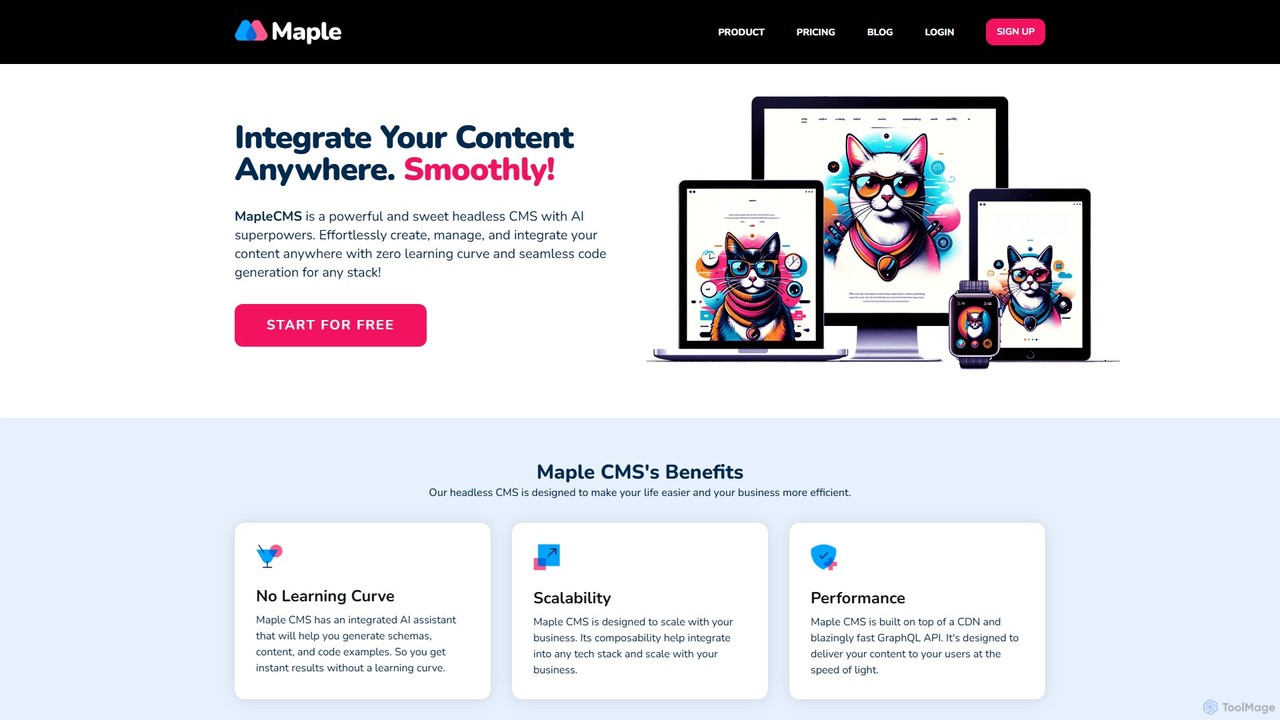
MapleCMS
MapleCMS is a powerful, developer-first headless CMS supercharged with AI. It enables users to effortlessly create, manage, and integrate content anywhere using a fast GraphQL API and a global CDN. With an integrated AI assistant, it offers a zero learning curve experience for developers, content creators, and marketers, streamlining workflows from schema generation to content creation and code implementation.
Headless Cms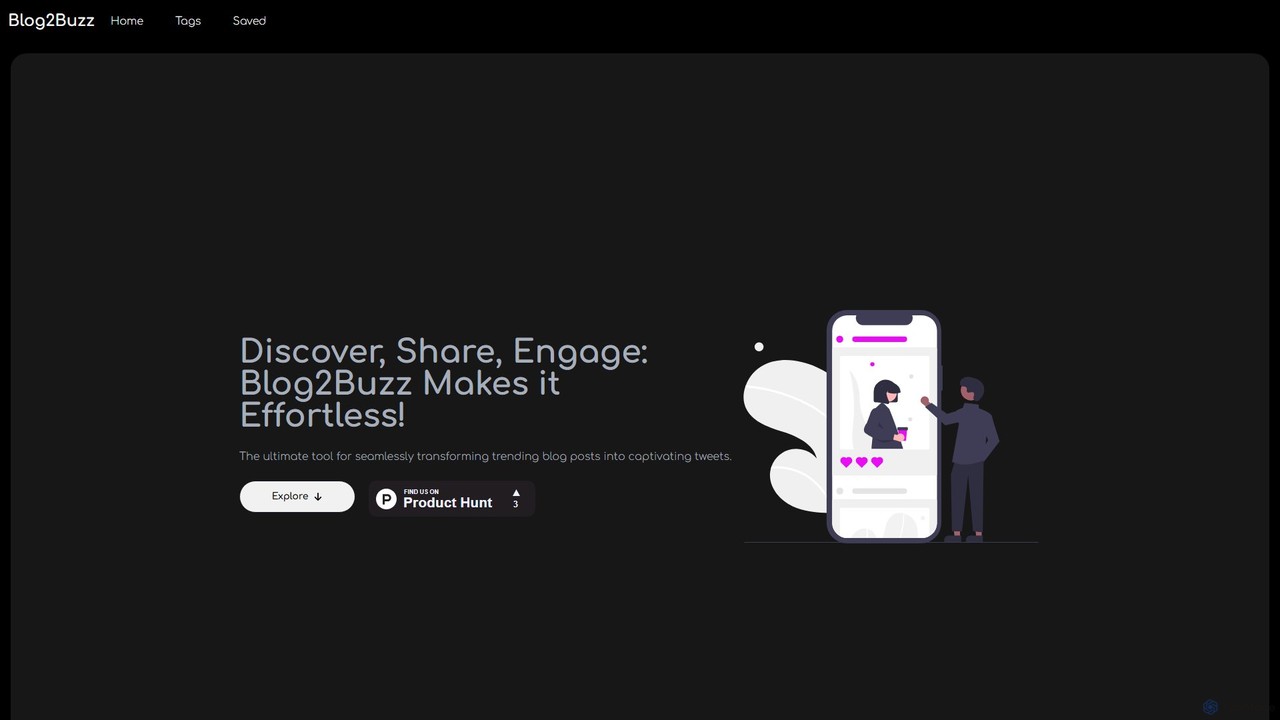
Blog2Buzz
Blog2Buzz is an AI-powered tool that transforms long-form blog posts into engaging social media content. It automates the discovery of trending articles and generates captivating tweets, summaries, and posts for platforms like Twitter and Medium, helping you save time and amplify your content's reach.
Content Marketing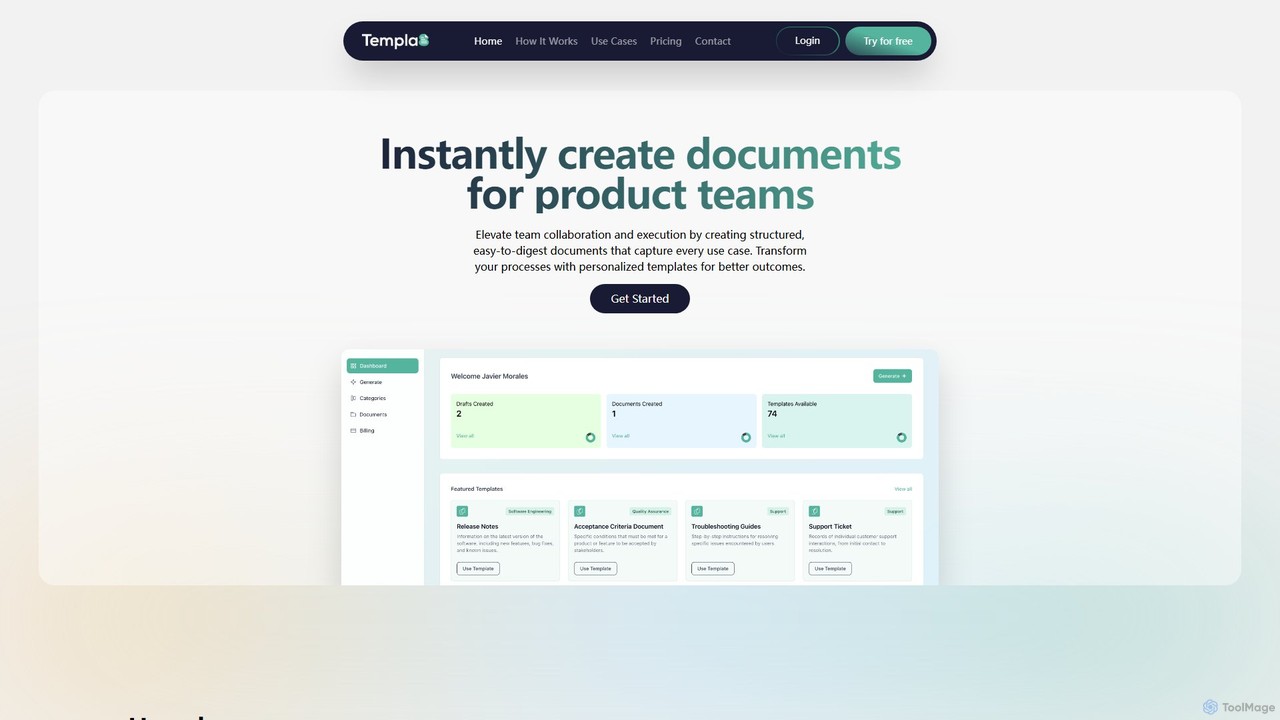
Templa8
Templa8 is an AI-powered platform designed to streamline document creation and enhance team collaboration. It generates intelligent, structured templates for various professional needs, from technical specs and API docs to project plans and business reports, accelerating workflows and ensuring consistency across all team documentation.
Document ManagementHashnode
Hashnode is an AI-powered blogging and documentation platform designed for developers, tech teams, and enterprises. It offers a headless CMS, a collaborative MDX editor, and integrated AI tools to streamline the creation of blogs, API docs, and product guides. Users can customize everything, use custom domains, and leverage AI for writing, search, and productivity, all on a single, cost-effective platform.
Documentation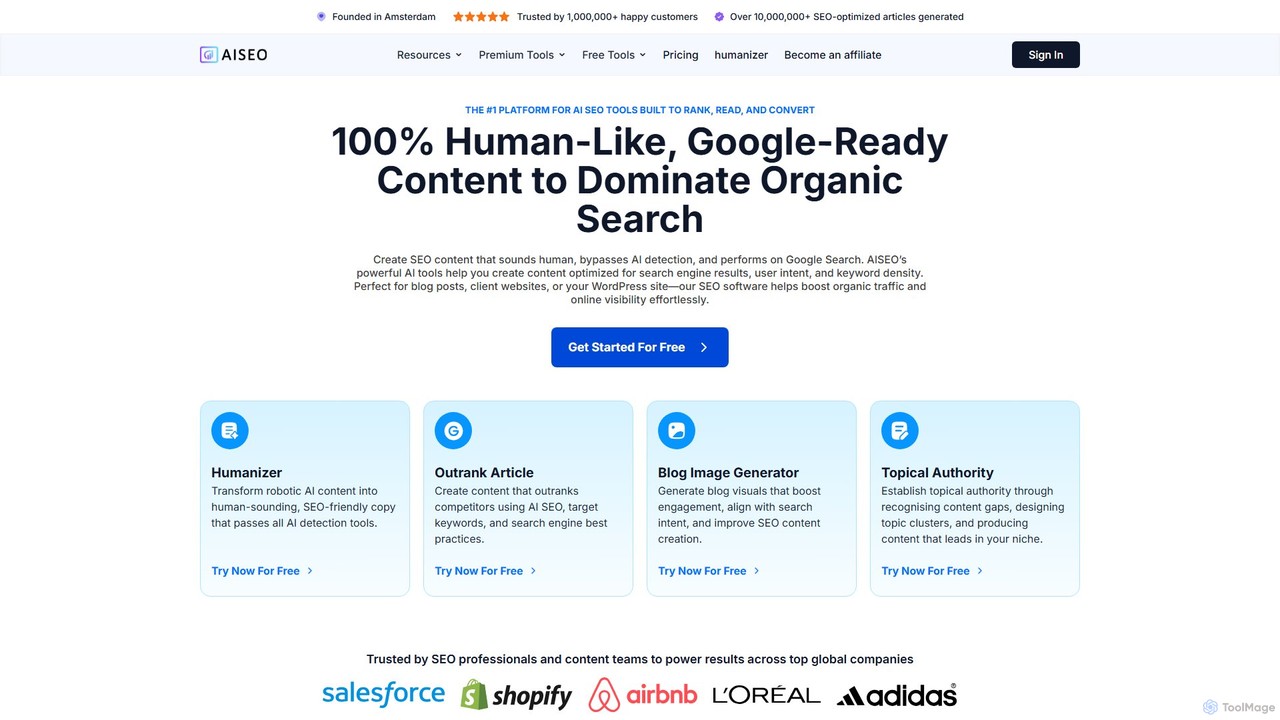
AISEO
AISEO is an advanced AI writing assistant designed for creating SEO-optimized, human-like content that ranks on Google. It features a powerful suite of tools including an AI humanizer to bypass detection, an article generator that analyzes SERPs, a topical authority builder, and a blog image generator. It's tailored for SEO professionals, marketers, and content creators to streamline their workflow, improve organic traffic, and dominate search results without needing deep technical expertise.
Content Marketing
LivingWriter
LivingWriter is an all-in-one writing platform for authors, novelists, and screenwriters. It combines powerful plotting tools, story organization, and optional AI assistance to streamline the creative process. With features like drag-and-drop storyboards, character auto-suggest, cloud syncing across all devices, and seamless import/export, it's designed to take your manuscript from idea to publication-ready draft in one place.
Storytelling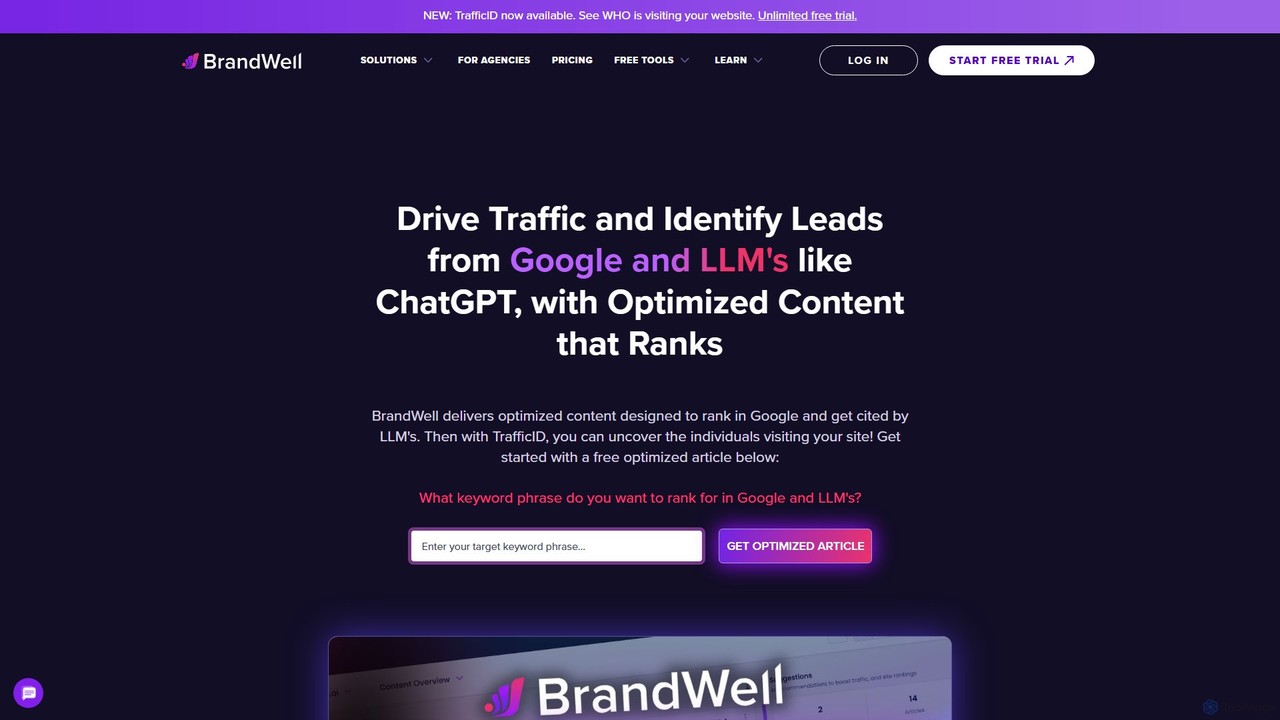
BrandWell
BrandWell is an all-in-one AI-powered brand growth platform designed for marketers and publishers. It combines long-form SEO content creation (RankWell), short-form copy generation (WriteWell), and a content intelligence suite. Key features include deep research, knowledge graph technology for brand context, automated internal linking, and a co-op network for natural backlink building, aiming to streamline the entire content lifecycle for maximum growth.
Content Marketing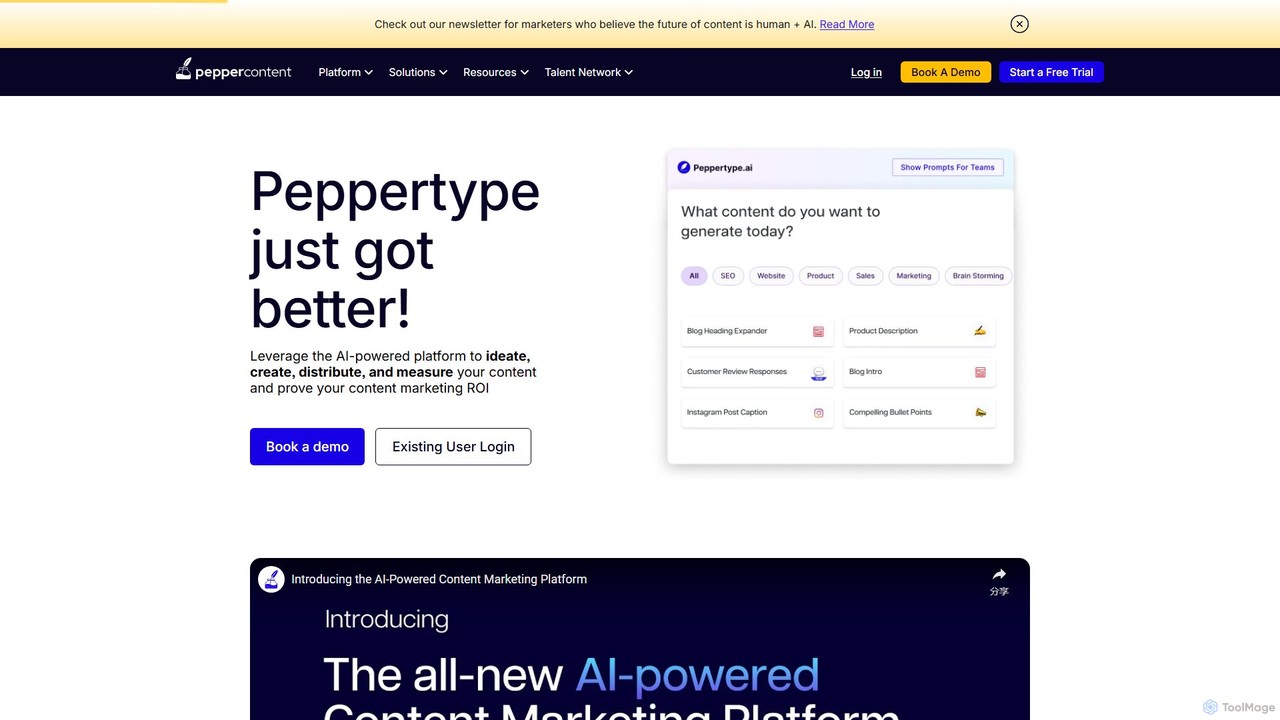
Peppertype.ai
Peppertype.ai is an advanced AI-powered content creation platform designed to streamline the entire content marketing lifecycle. It helps marketers, agencies, and businesses ideate, create, optimize, and distribute high-quality content faster. By integrating AI writing with SEO tools, grammar checks, and plagiarism detection, Peppertype.ai accelerates content production while ensuring quality and performance.
Content Creation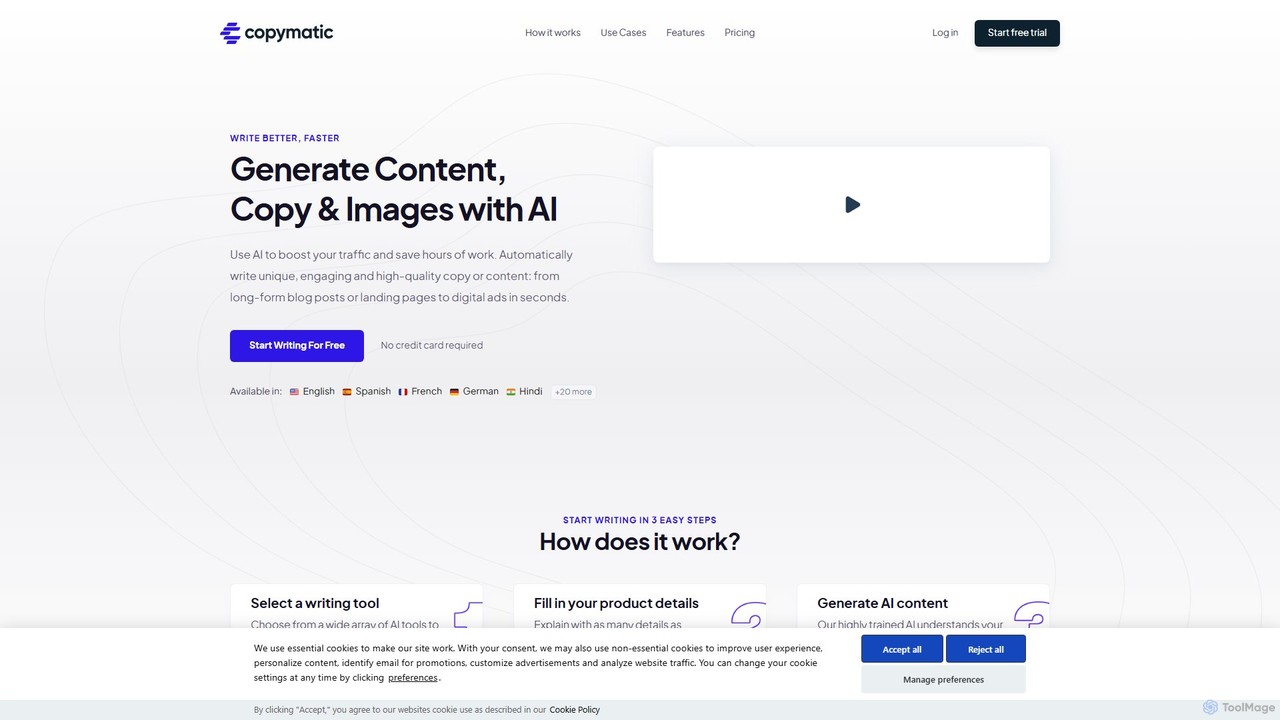
Copymatic
Copymatic is an AI-powered content writer, copywriter, and content generator that helps you create high-quality content 10x faster. It offers a wide range of tools for blogs, articles, website copy, and social media, integrated with powerful SEO features to boost your rankings.
Content Marketing
mdedit Comments (0)
Sign in to comment.
Sign inNo comments yet.