

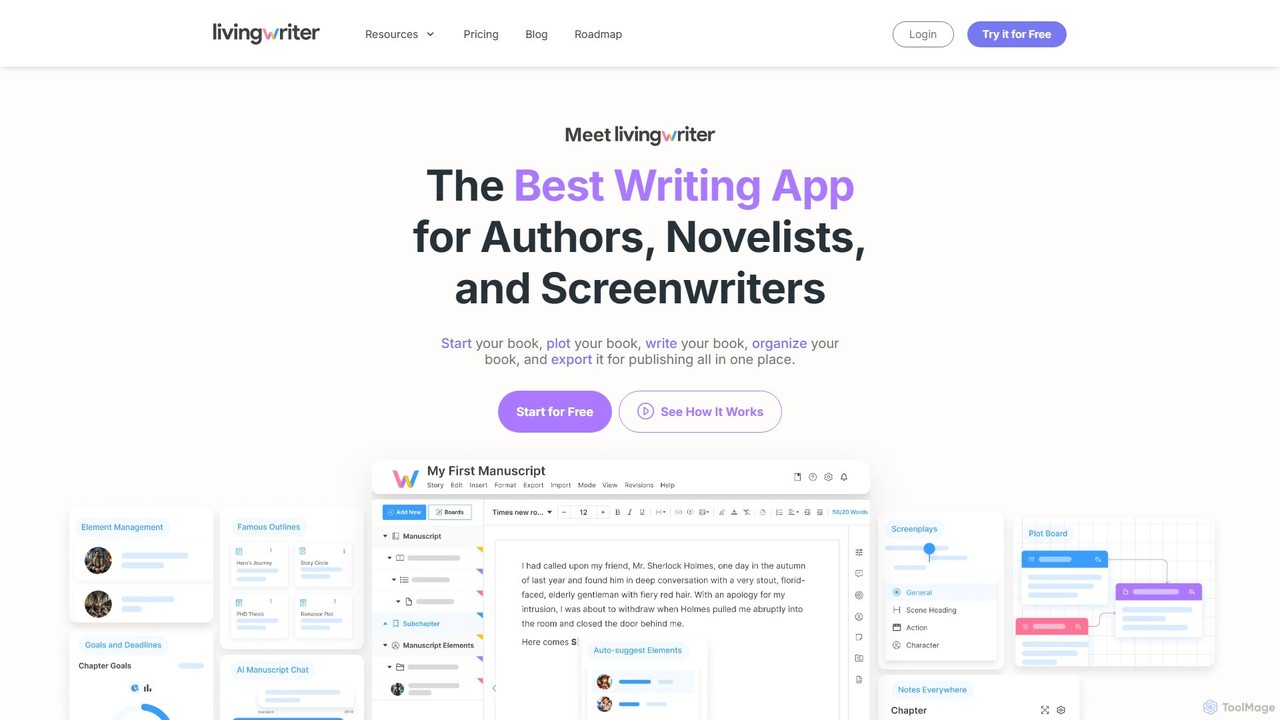
LivingWriter Overview
LivingWriter is a comprehensive, cloud-based writing application meticulously designed for authors, novelists, and screenwriters. It serves as a singular, unified workspace that replaces the need for multiple tools like word processors, plotting software, and note-taking apps. The platform's core mission is to make the writing process more streamlined, productive, and enjoyable by offering an intuitive interface packed with powerful features for every stage of manuscript creation, from initial brainstorming to final export.
At its heart, LivingWriter is built for organization. It allows writers to leave behind the cumbersome process of managing separate documents. You can structure your book with chapters and subchapters, easily reordering them with a simple drag-and-drop interface. The on-screen sidebar provides immediate access to chapter notes, manuscript-wide notes, and writing goals, ensuring all your essential information is visible without ever leaving your writing flow.
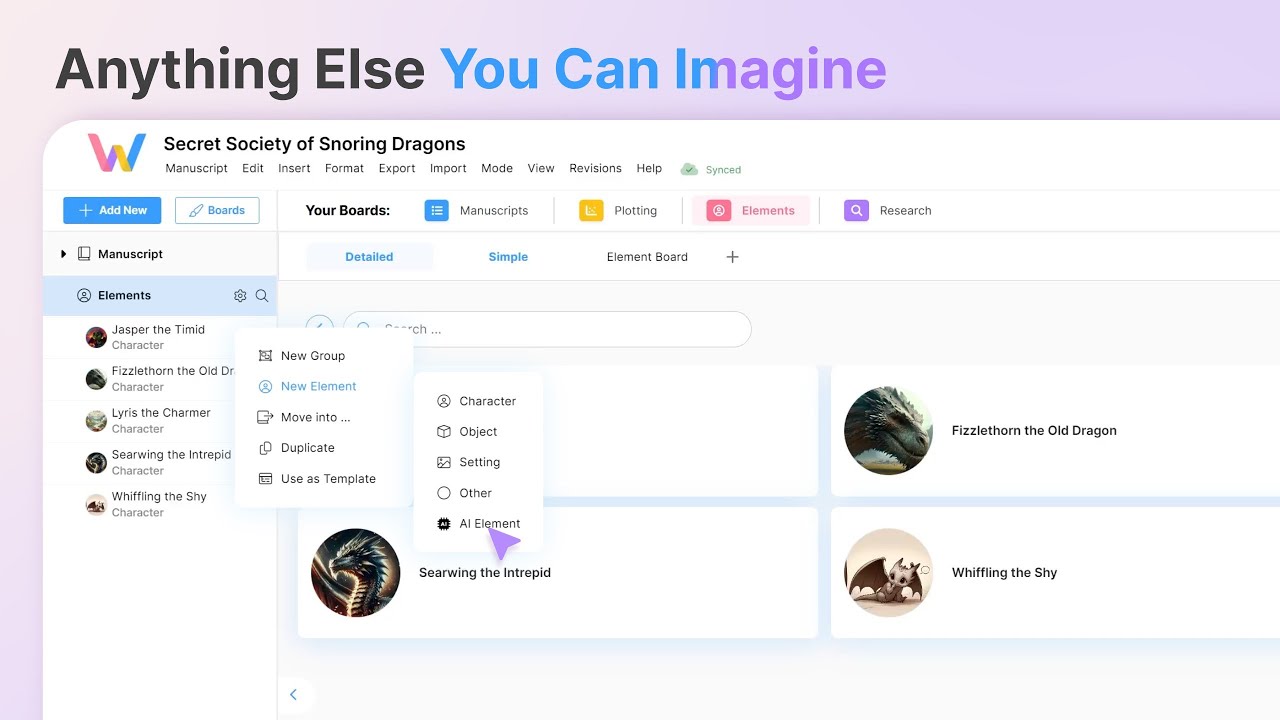
One of its standout features is the 'Boards' system, a visual and interactive space for plotting, research, and element management. The Plot Board and Outline Board offer a god's-eye view of your story, allowing you to map out plot points and restructure your narrative visually. The Research Board helps you consolidate all your research materials—files, images, notes, and documents—for each topic, while the Elements Board is a dynamic space for developing characters, locations, and other story elements with detailed or simple views.
LivingWriter also integrates optional, privacy-focused AI tools to assist with creative blocks and structural planning. The AI can generate story outlines based on famous templates like the Hero's Journey or Romancing the Beat, help generate story elements, rewrite passages, and even create book covers. Crucially, LivingWriter guarantees that user data is never stored or used to train its AI models, ensuring your work remains private and secure.
How to use LivingWriter
Getting started with LivingWriter is an intuitive process designed to get you writing quickly:
- Start a New Manuscript: Begin by creating a new project. You can start from scratch or import an existing work from other software like Scrivener or any word processor.
- Outline and Plot: Use the built-in story outline templates (e.g., Three-Act Structure, Dan Harmon's Story Circle) or the AI Outline Generator to create a solid structure for your story. Visually arrange your plot points on the Plot Board.
- Build Your World: Use the Elements Board to create and manage your characters, locations, and important objects. The auto-suggest feature will then recognize these elements as you write, allowing you to access their details with a single click.
- Write and Organize: Write your manuscript chapter by chapter. Use the drag-and-drop sidebar to organize your structure. Set word count goals for chapters, sessions, or the entire manuscript to stay motivated and on track. Use the 'Stash' feature to save text snippets you might want to use later.
- Research Seamlessly: Keep all your research materials organized in the Research Board, linking them to relevant parts of your manuscript.
- Collaborate and Share: Share your entire manuscript or specific chapters with editors or beta readers. You can grant view-only or editing permissions.
- Export for Publishing: Once your masterpiece is complete, export it in various formats, including DOCX, PDF, or a pre-formatted Amazon Manuscript for Kindle Direct Publishing (KDP).
Core Features of LivingWriter
- Advanced Organization: Hierarchical structure with drag-and-drop chapters and subchapters.
- Visual Plotting Boards: Interactive boards for plotting, outlining, research, and managing story elements (characters, locations, etc.).
- AI-Powered Assistance: Optional AI tools for generating outlines, elements, rewriting text, summarizing, and creating book covers, with a strong privacy policy.
- Smart Text & Auto-Suggest: The editor automatically suggests your created story elements as you type, providing quick access to notes.
- Story Outline Templates: Access to famous storytelling structures like The Hero's Journey and the Three-Act Structure.
- Writing Goals and Stats: Set and track daily, chapter, and manuscript word count goals, with NaNoWriMo integration.
- Cloud-Based and Cross-Device Sync: Work seamlessly across web, desktop (Windows/Mac), and mobile (iOS/Android) apps with constant, automatic saving.
- Effortless Import/Export: Import from various formats and export to DOCX, PDF, and Amazon KDP-ready files.
- Collaboration Tools: Share your work with others for viewing or co-authoring.
- Stash Feature: A dedicated space to save and archive text snippets you've cut but might want to reuse.
Use Cases for LivingWriter
LivingWriter is versatile and caters to a wide range of writers:
- Fiction Authors: Novelists writing fantasy, sci-fi, romance, or thrillers can use the Elements Board for extensive world-building and character tracking.
- Screenwriters: The platform includes intuitive screenplay formatting, allowing writers to structure scenes and dialogue professionally without needing separate software like Final Draft.
- Non-Fiction Writers: Authors of memoirs, biographies, and self-help books can leverage the Research Board and organizational tools to structure complex information and arguments.
- Academics and Students: The AI Outline generator includes templates for academic theses, helping to structure research papers and dissertations effectively.
- World-Builders: The freeform boards and element management are perfect for creating intricate worlds, timelines, and family trees before a single word of the narrative is written.
Advantages of LivingWriter
LivingWriter stands out by offering a holistic writing environment. Its primary advantage is being an all-in-one solution, eliminating the need to switch between different applications for writing, plotting, and research. The cloud-based infrastructure ensures your work is always safe, backed up, and accessible from any device, freeing you from the constraints of a single computer. The user interface is designed for ease of use, making powerful features accessible to even non-technical writers. Finally, its commitment to continuous, user-driven development means the platform is constantly evolving to meet the needs of its community.
Pricing and Plans
LivingWriter offers a straightforward subscription model with a free trial to start.
- 14-Day Free Trial: Access all features for 14 days with no credit card required.
- Monthly Plan: $14.99 per month for full access to all features.
- Annual Plan (Best Value): $12.00 per month, billed annually at $144.
- Lifetime Plan: A one-time fee of $699 is available after registering for the trial, granting lifetime access.
A key benefit is that once you subscribe, your price is locked in and will never increase for as long as you remain a member. The subscription model supports continuous development, cloud hosting on secure Amazon AWS servers, and dedicated customer support.
Traffic
Latest traffic
Status
Monthly traffic trend
- 2025-9: 136.4K
- 2026-1: 130.9K
- 2026-2: 106.0K
- 2026-3: 97.4K
- 2026-4: 126.5K
- 2026-5: 97.3K
Geography
Top 5 countries / regions
- 🇺🇸United States78.2%
- 🇬🇧United Kingdom12.0%
- 🇧🇷Brazil3.5%
- 🇦🇺Australia3.5%
- 🇮🇳India2.8%
Traffic sources
| Source type | Percentage |
|---|---|
Direct | 87.1% |
Referral | 12.7% |
Email | 0.3% |
Top keywords
| Keyword | Cost per click |
|---|---|
| 27 chapter outline | $0.47 |
| living writer | $6.86 |
| livingwriter | $6.04 |
| novel beginning | $0.00 |
| sudowrite | $1.34 |
LivingWriter Videos on YouTube

LivingWriter Alternatives
Squibler
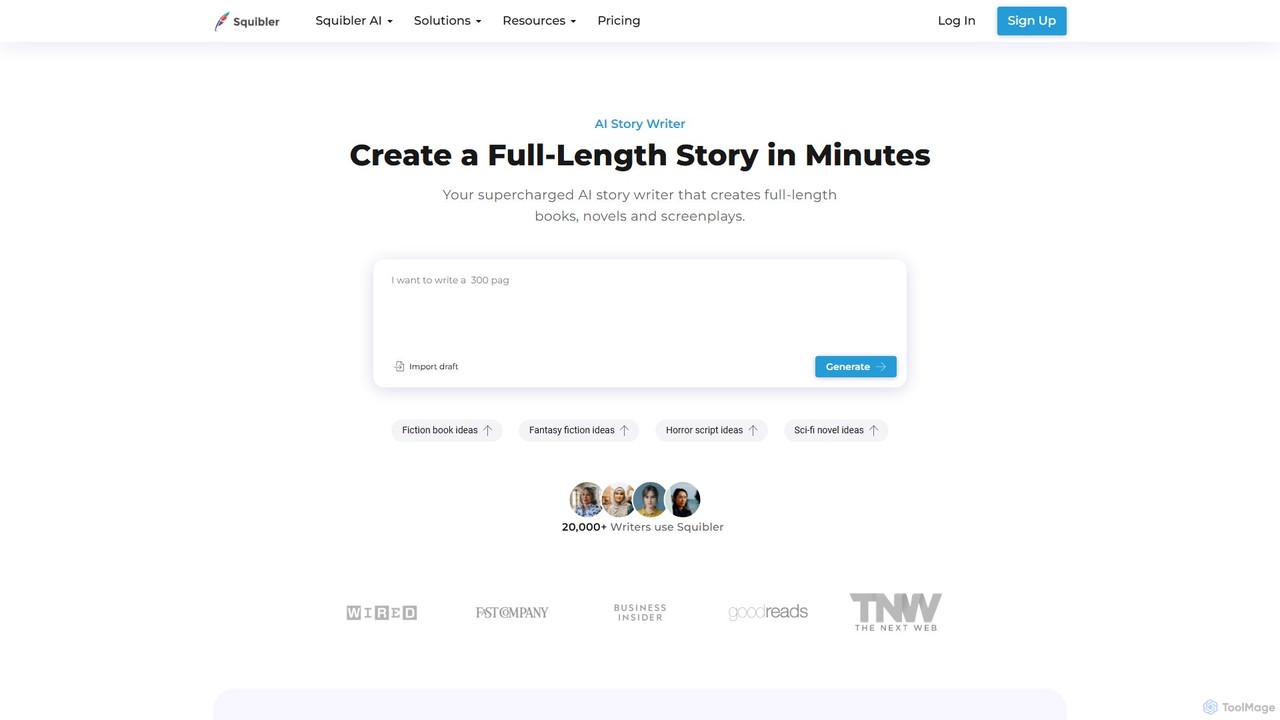
Squibler is an AI-powered writing platform designed for authors and screenwriters. It streamlines the entire creative process, from initial idea to a finished manuscript, offering tools for story generation, plot element management, goal tracking, and real-time collaboration. It's the ultimate assistant for writing better stories, faster.
Storytelling
Storywiz
Storywiz is an AI-powered narrative creation platform designed for writers, marketers, and game developers. It helps generate compelling story ideas, develop complex characters, build intricate plots, and write engaging dialogue, streamlining the entire creative writing process from concept to completion.
Storytelling
storywiz
storywiz is an AI-powered creative writing assistant designed to help writers, marketers, and developers overcome creative blocks. It generates unique story ideas, develops complex characters, builds immersive worlds, and assists in writing compelling narratives, from novels to screenplays and brand stories.
Storytelling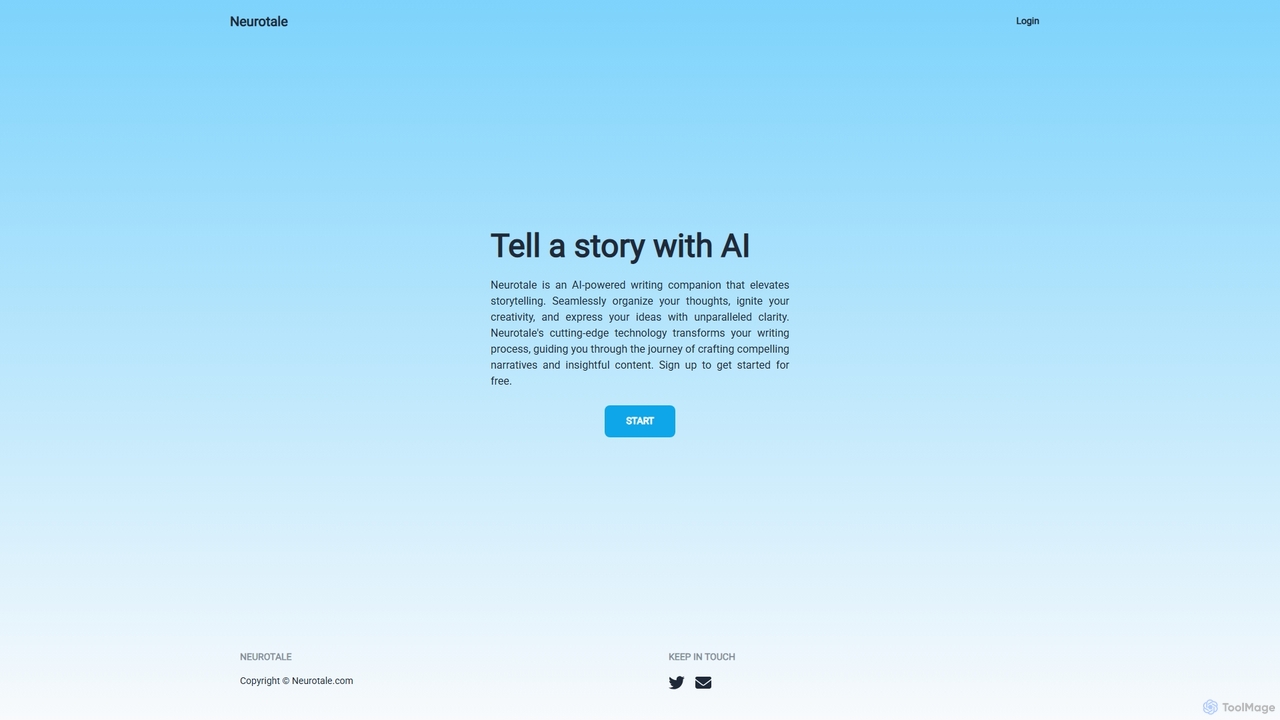
Neurotale
Neurotale is an AI-powered writing companion designed to elevate storytelling. It helps writers organize thoughts, ignite creativity, and craft compelling narratives with unparalleled clarity. Ideal for authors, screenwriters, and content creators looking to overcome writer's block and streamline their creative process.
Storytelling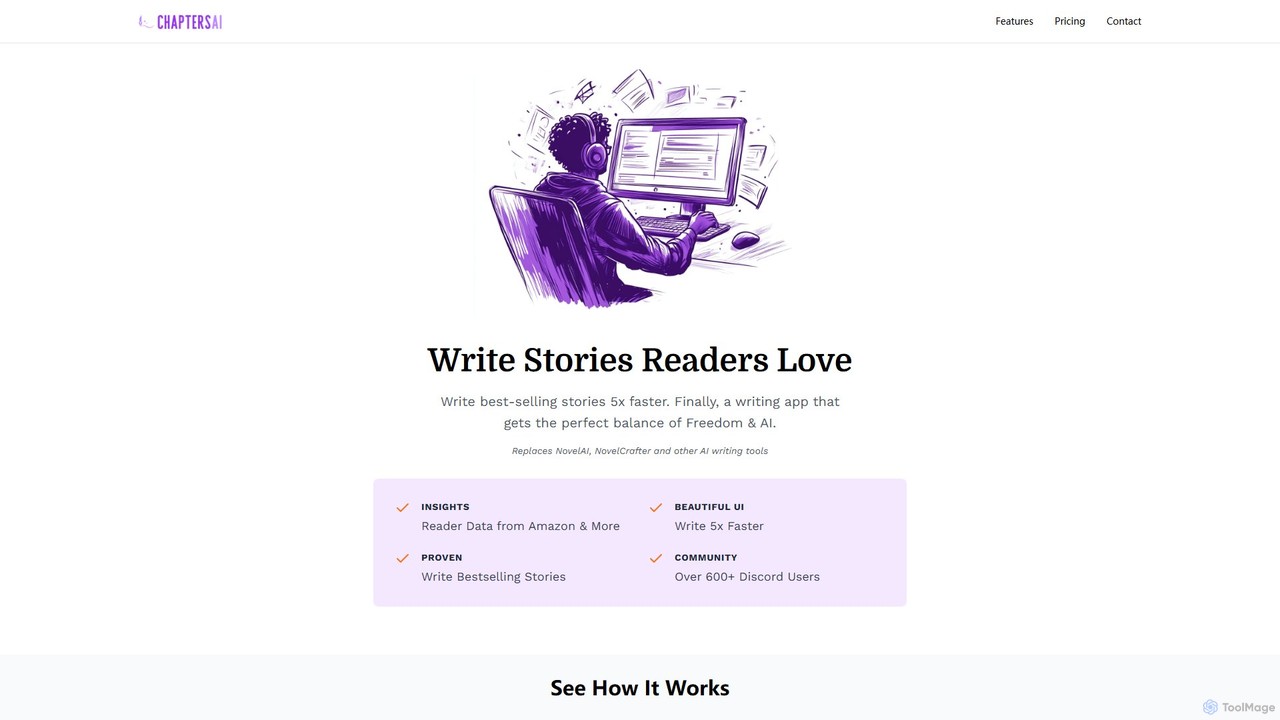
Chapters AI
Chapters AI is a specialized writing platform designed for authors and storytellers. It combines AI-powered assistance with user-centric creative freedom, enabling you to write bestselling stories up to 5x faster. Leverage unique market insights from Amazon reader data to craft narratives that captivate your audience.
StorytellingLivingWriter Categories
LivingWriter Embed Widget
Copy this embed code to place the badge on your blog, article, or product site and send readers directly to this ToolMage detail page.

Related AI tools
Squibler
Squibler is an AI-powered writing platform designed for authors and screenwriters. It streamlines the entire creative process, from initial idea to a finished manuscript, offering tools for story generation, plot element management, goal tracking, and real-time collaboration. It's the ultimate assistant for writing better stories, faster.
Storytelling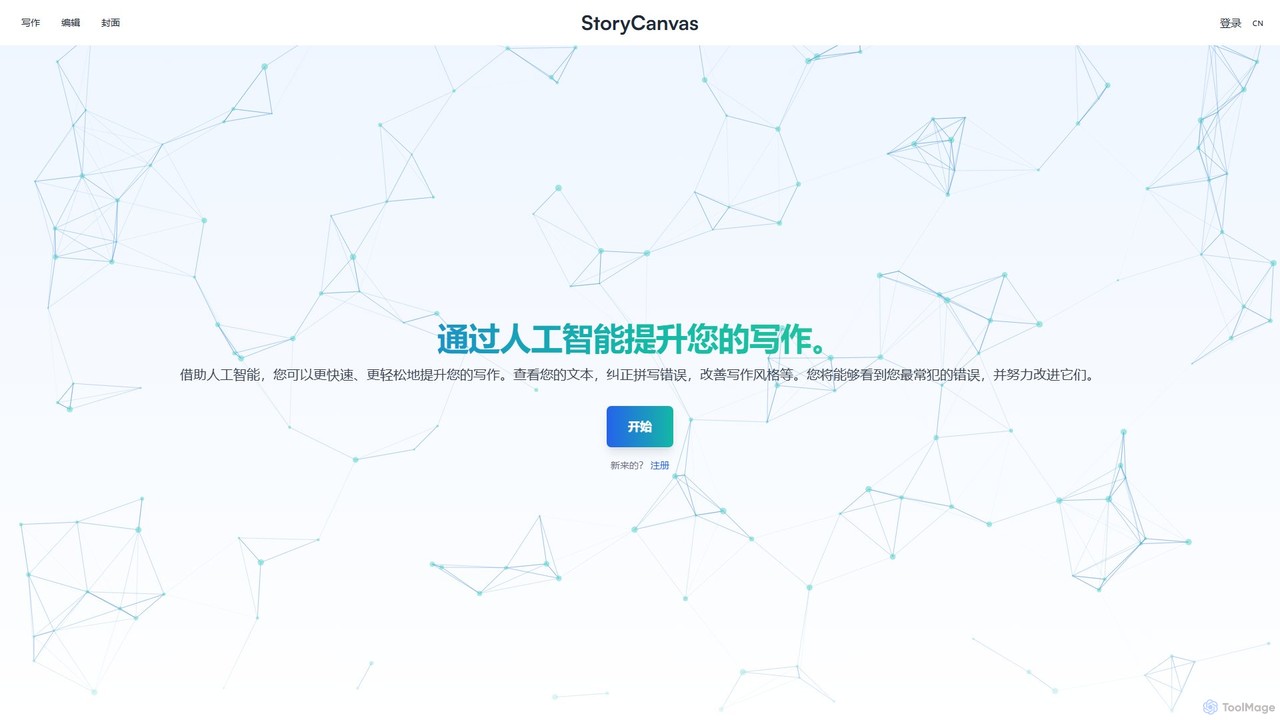
StoryCanvas
StoryCanvas is an AI-powered comprehensive writing platform for authors and storytellers. It integrates tools for every stage of the creative process, from brainstorming with mind maps and Kanban boards to writing chapters, developing characters, and designing book covers. With AI-assisted editing, text correction, and image generation, it helps writers enhance their work, track progress, and bring their stories to life more efficiently.
StorytellingStorywiz
Storywiz is an AI-powered narrative creation platform designed for writers, marketers, and game developers. It helps generate compelling story ideas, develop complex characters, build intricate plots, and write engaging dialogue, streamlining the entire creative writing process from concept to completion.
Storytellingstorywiz
storywiz is an AI-powered creative writing assistant designed to help writers, marketers, and developers overcome creative blocks. It generates unique story ideas, develops complex characters, builds immersive worlds, and assists in writing compelling narratives, from novels to screenplays and brand stories.
Storytelling
Toolsaday
Toolsaday is a comprehensive AI-powered platform offering a suite of over 40 writing and content creation tools. It's designed to help writers, marketers, students, and storytellers save time, overcome writer's block, and produce high-quality content. Key features include a paraphrasing tool, story generator, email writer, ad copy creator, and text-to-speech converter.
Text To Speech
Shy Editor
Shy Editor is a modern, AI-native writing environment designed for all types of writers. It seamlessly integrates an AI assistant, intelligent grammar checker, and robust organizational tools to enhance creativity and productivity. From novelists to academics, it provides a unified workspace for writing, research, and editing, empowering users to produce their best work.
Research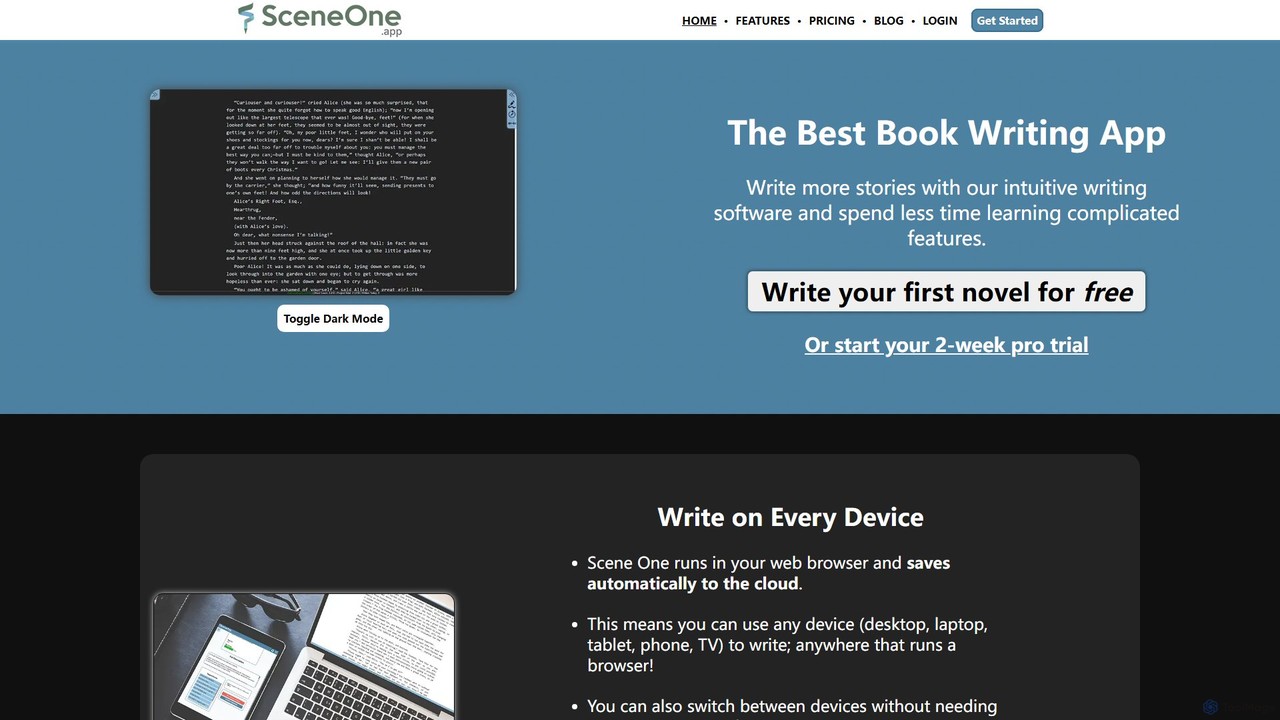
sceneone
Scene One is an intuitive, cloud-based book writing software designed for novelists and storytellers. It features an AI writing assistant, robust manuscript organization, character and world-building tools, and cross-device compatibility. Organize your story with scenes and chapters, track every detail in a built-in wiki, and overcome writer's block with AI-powered plot generation.
Storytelling
Jyek
Jyek is an AI agent platform that understands objectives, creates execution plans, uses tools, and delivers verifiable results for complex, multi-step tasks.
Automation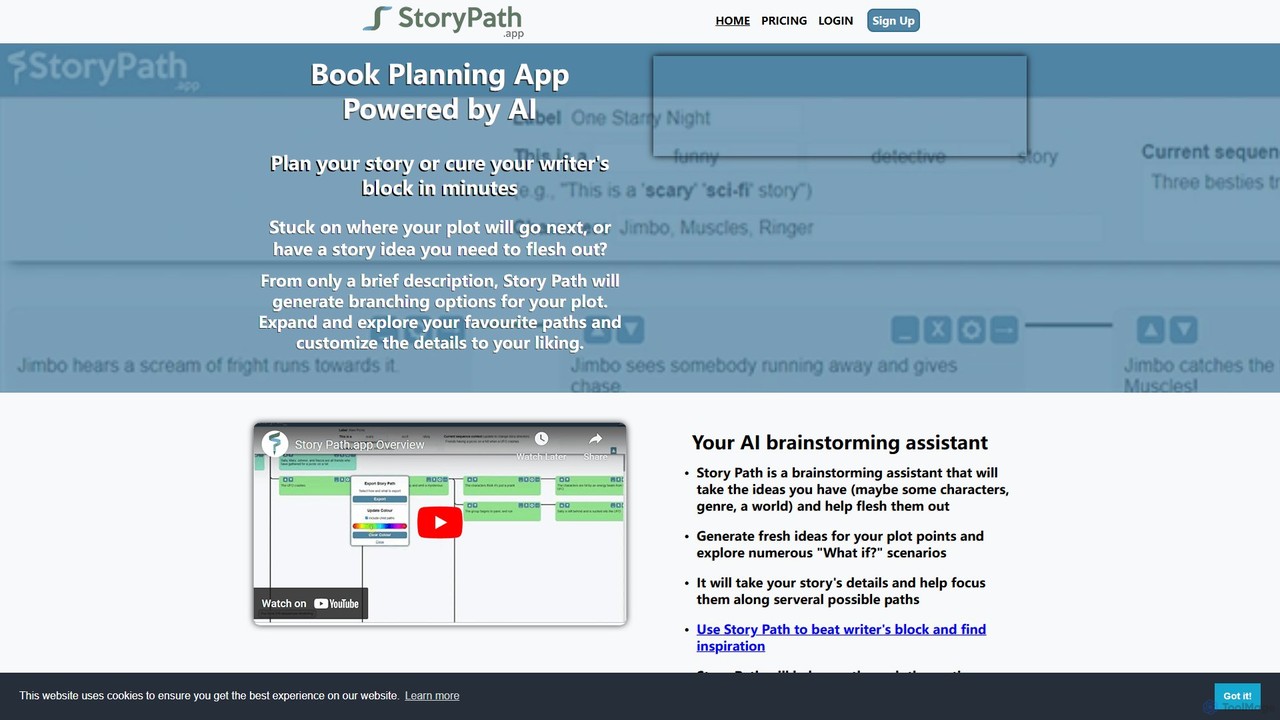
storypath
Storypath is an AI-powered brainstorming assistant designed for writers to plan their stories and overcome writer's block. By providing a brief description, genre, and character details, the tool generates branching plot options, allowing users to explore numerous "what if" scenarios. It helps flesh out ideas, outline entire stories or specific scenes, and organize plot points with color-coded paths. Users can customize suggestions, export their work, and find inspiration to keep their narrative moving forward.
Idea Generation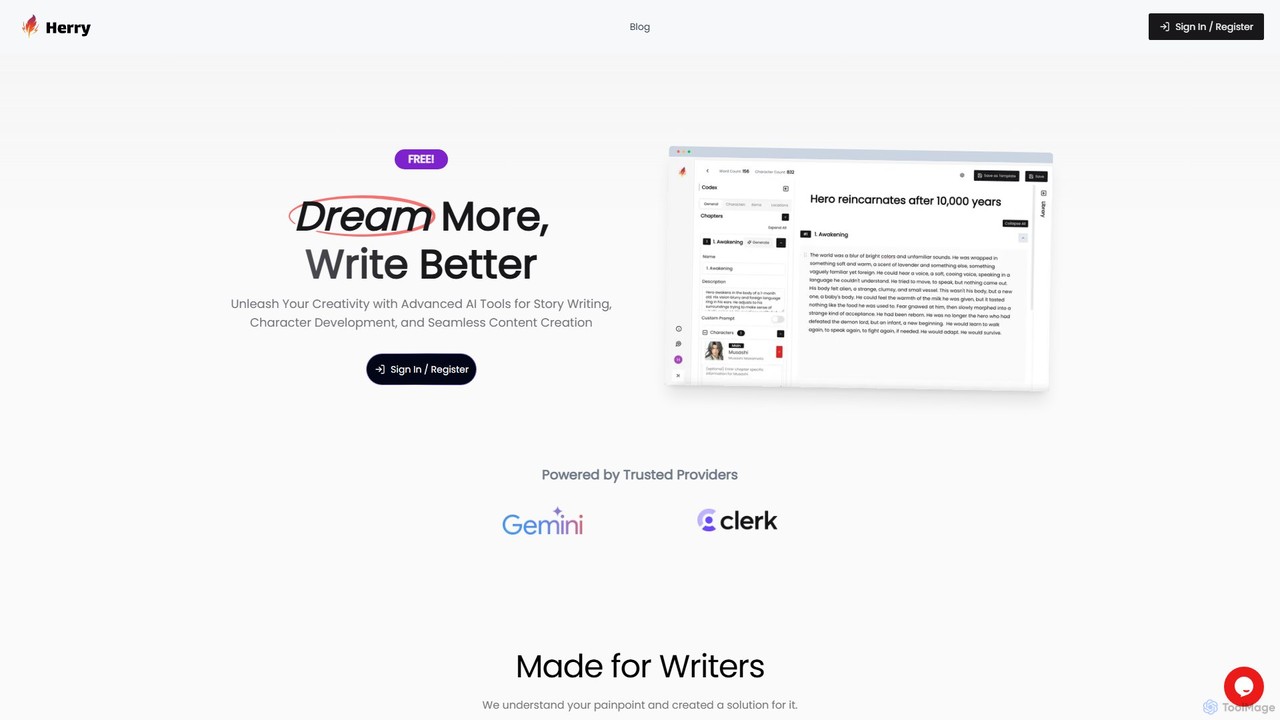
herry
Herry is an AI-powered writing platform designed for storytellers and content creators. It assists in every stage of the writing process, from brainstorming and outlining to character development and manuscript polishing. Unleash your creativity with smart suggestions, interactive storyboarding, and advanced editing tools.
Storytelling
Talers
Talers is an elegant, modern, and collaborative writing application designed for novelists, screenwriters, and academics. It combines project-based organization with powerful AI features like sentence rephrasing, document translation, and advanced grammar checking. With a focus on productivity, privacy, and a distraction-free experience, Talers synchronizes across all devices and works offline, making it a powerful alternative to Google Docs and Scrivener.
Collaboration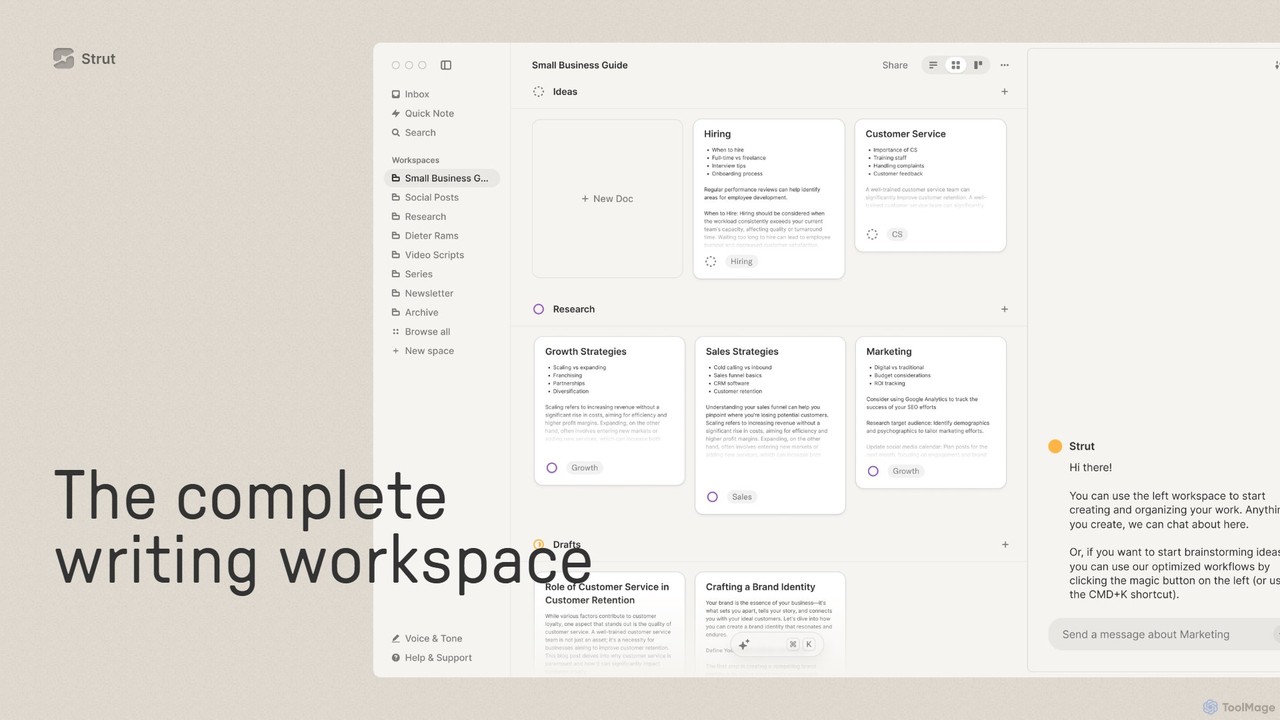
Strut
Strut is a comprehensive AI-powered writing workspace that unifies notes, documents, and project management into a single, collaborative platform. It's designed to streamline the entire writing process, from initial idea capture to final publication, with an AI partner to assist with research, editing, and inspiration.
Project ManagementNeurotale
Neurotale is an AI-powered writing companion designed to elevate storytelling. It helps writers organize thoughts, ignite creativity, and craft compelling narratives with unparalleled clarity. Ideal for authors, screenwriters, and content creators looking to overcome writer's block and streamline their creative process.
StorytellingChapters AI
Chapters AI is a specialized writing platform designed for authors and storytellers. It combines AI-powered assistance with user-centric creative freedom, enabling you to write bestselling stories up to 5x faster. Leverage unique market insights from Amazon reader data to craft narratives that captivate your audience.
Storytelling
Wordtune
Wordtune is an AI-powered writing companion and paraphrasing tool that helps you rewrite, rephrase, and improve your text. It offers features like tone adjustment, text shortening/expansion, summarization, and translation into English, ensuring your writing is clear, compelling, and authentic across various platforms.
Email Assistant
LivingWriter Comments (0)
Sign in to comment.
Sign inNo comments yet.