


Talers Overview
Talers is a sophisticated and modern writing application designed to bring your stories and complex projects to life. It serves as a comprehensive creative environment, blending elegant design with powerful functionality for writers of all types, including novelists, screenwriters, academics, and bloggers. Unlike traditional word processors that mix writing and formatting, Talers focuses on a pure writing experience first, allowing for structured project management and seamless collaboration. It respects user privacy and is built to enhance productivity through a clean, distraction-free interface and intelligent AI-powered tools.
How to use Talers
Getting started with Talers is intuitive. Upon logging in, you are greeted by a dashboard listing all your projects. You can create a new project, which opens a dedicated workspace. The interface is split into two main panes. The left pane is for organization: you can name your project, create a nested structure of folders and text files, and access settings. The right pane contains four tabs for the selected file or folder: a description area, a task manager to create to-do lists for specific documents, a built-in dictionary for synonyms and rhymes, and document-specific settings. To format text, simply select it to reveal a floating menu with styling options, or use standard keyboard shortcuts (e.g., Ctrl+B for bold). You can also use Markdown syntax for rapid formatting, like typing '#' for a title. To insert new content blocks like images or separators, click the '+' button that appears on an empty line.
Core Features of Talers
- Project-Based Organization: Manage complex works like novels or theses by organizing them into folders and files, including notes, research, and drafts.
- AI-Powered Writing Assistance: Enhance your text with advanced AI features, including sentence and paragraph rephrasing, and document translation into 29 different languages.
- Advanced Correction: The Pro plan offers sophisticated detection of spelling, grammar, and style mistakes with intelligent suggestions for improvement.
- Real-time Collaboration & Sync: Work with others in real-time by sharing a simple link. All your work is automatically synchronized across desktop, tablet, and mobile devices.
- Distraction-Free Mode: An optimized display mode that minimizes UI elements to help you concentrate solely on your writing.
- Offline Functionality: With the desktop and mobile apps, you can continue working on your projects 100% offline, with changes syncing automatically when you reconnect.
- Advanced Statistics: Gain insights into your writing habits with detailed stats on average sentence length, readability scores, writing frequency, and more.
- Markdown Support: Write and structure documents quickly using the simple and efficient Markdown syntax.
- Embedded Dictionaries: Instantly look up synonyms and rhymes from within the application to enrich your vocabulary.
Use Cases for Talers
Talers is versatile and particularly well-suited for large-scale, structured writing projects. Novelists and short story writers can use the folder system to organize chapters, character profiles, and plot outlines. Screenwriters can structure their scripts by scene and act. For academics, it's ideal for writing dissertations, theses, and scientific papers, allowing them to manage research notes, drafts, and bibliographies in one place. Bloggers can manage a content calendar with one file per article, tracking its status from 'idea' to 'published'. Its collaborative features also make it excellent for co-authoring articles or reports.
Advantages of Talers
Compared to tools like Google Docs, Talers offers superior organization through its project-based folder structure. It provides a much stronger commitment to user privacy, promising not to store or resell user data. The application is designed for speed and features an elegant, modern interface that is aesthetically pleasing by default. Key productivity boosters include the auto-scrolling feature, which keeps the current line at eye level, and full offline usability via its dedicated apps. The integration of Markdown, writing statistics, and AI tools provides a more specialized and powerful environment for serious writers.
Pricing and Plans
Talers operates on a freemium model with two main plans:
- Free Plan: Costs $0. This plan allows you to create unlimited projects and includes device synchronization, a distraction-free mode, and basic spelling correction. Pro features like advanced correction, AI rephrasing, translation, and dictionaries can be tried, but are disabled after your total character count across all projects exceeds 30,000.
- Pro Plan: Costs €12 per month. This plan includes all the features of the Free plan with no limitations. Subscribers get full access to advanced statistics, objectives & rewards, advanced grammar and style correction, embedded dictionaries, unlimited sentence rephrasing, and document translation.
Traffic
Latest traffic
Status
Monthly traffic trend
- 2025-9: 22.2K
- 2026-1: 37.5K
- 2026-2: 20.6K
- 2026-3: 13.9K
- 2026-4: 22.1K
- 2026-5: 17.1K
Geography
Top 5 countries / regions
- 🇩🇪Germany54.2%
- 🇺🇸United States17.5%
- 🇫🇷France11.0%
- 🇨🇦Canada10.5%
- 🇳🇱Netherlands6.7%
Traffic sources
| Source type | Percentage |
|---|---|
Direct | 98.7% |
Email | 0.8% |
Referral | 0.5% |
Top keywords
| Keyword | Cost per click |
|---|---|
| talers | $0.00 |
| talers 2 writing | $0.00 |
| talers.io | $0.00 |
| talor | $0.00 |
| will talers the writing software have any more updates | $0.00 |
Talers Alternatives
Lex
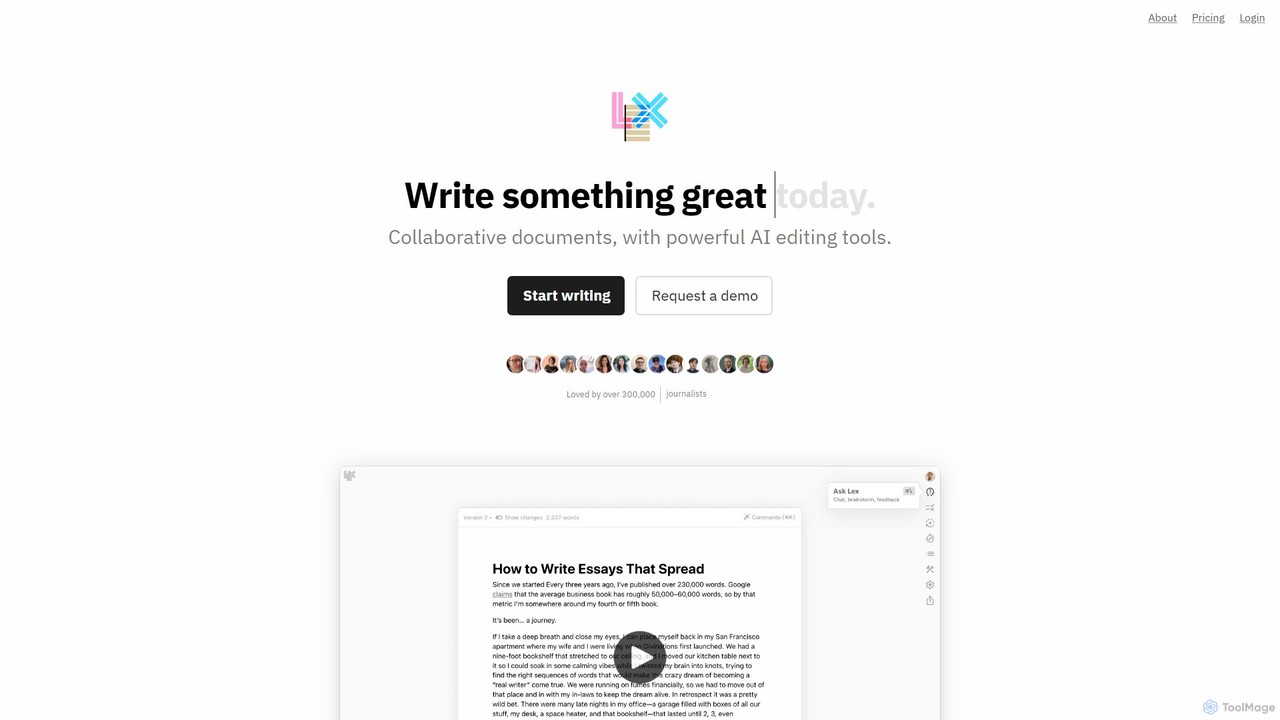
Lex is an intelligent, collaborative word processor designed to enhance the writing process. It combines a minimalist, distraction-free interface with powerful AI tools, serving as a superior alternative to Google Docs. Users can get instant feedback, brainstorm ideas, rewrite text, and collaborate in real-time, all while leveraging the best AI models like GPT-4 and Claude.
Copywriting
Shy Editor
Shy Editor is a modern, AI-native writing environment designed for all types of writers. It seamlessly integrates an AI assistant, intelligent grammar checker, and robust organizational tools to enhance creativity and productivity. From novelists to academics, it provides a unified workspace for writing, research, and editing, empowering users to produce their best work.
Research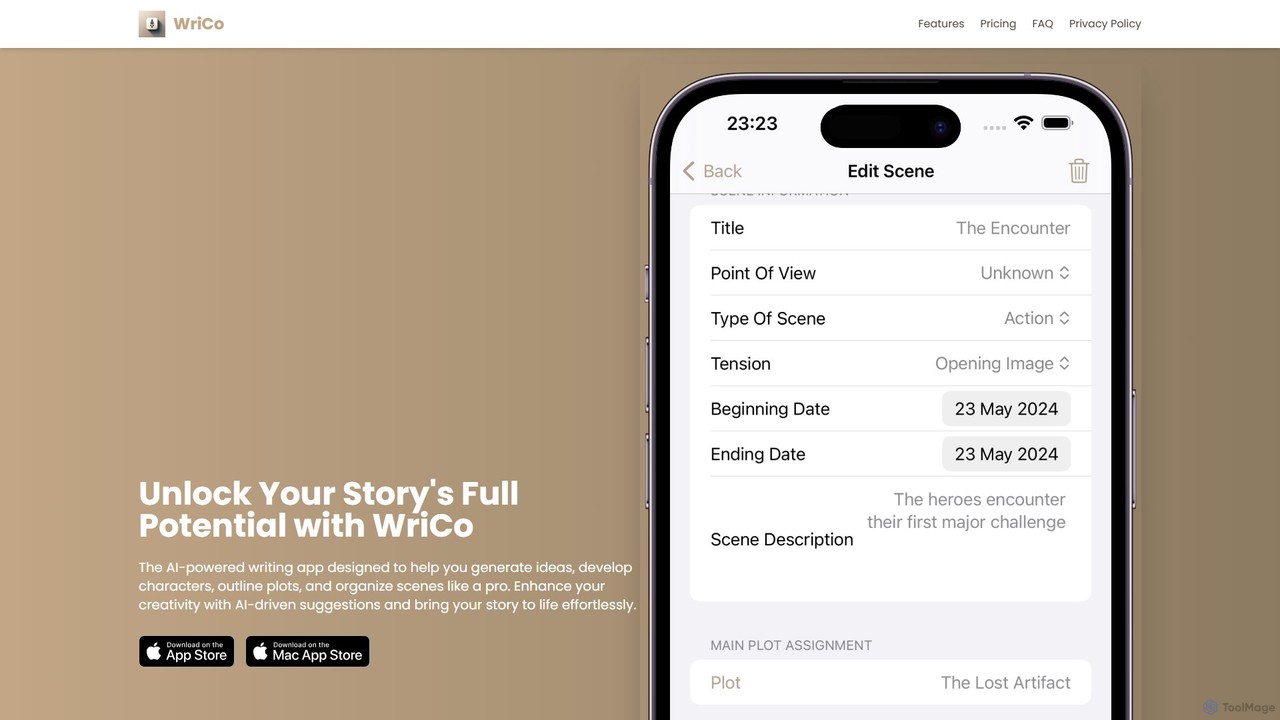
WriCo
WriCo is an AI-powered writing assistant designed for storytellers using Apple devices. It helps you generate ideas, develop rich characters, outline complex plots, and organize scenes professionally. Seamlessly syncing across iPhone, iPad, and Mac, WriCo combines organizational tools with creative AI to help you overcome writer's block and bring your stories to life.
Storytelling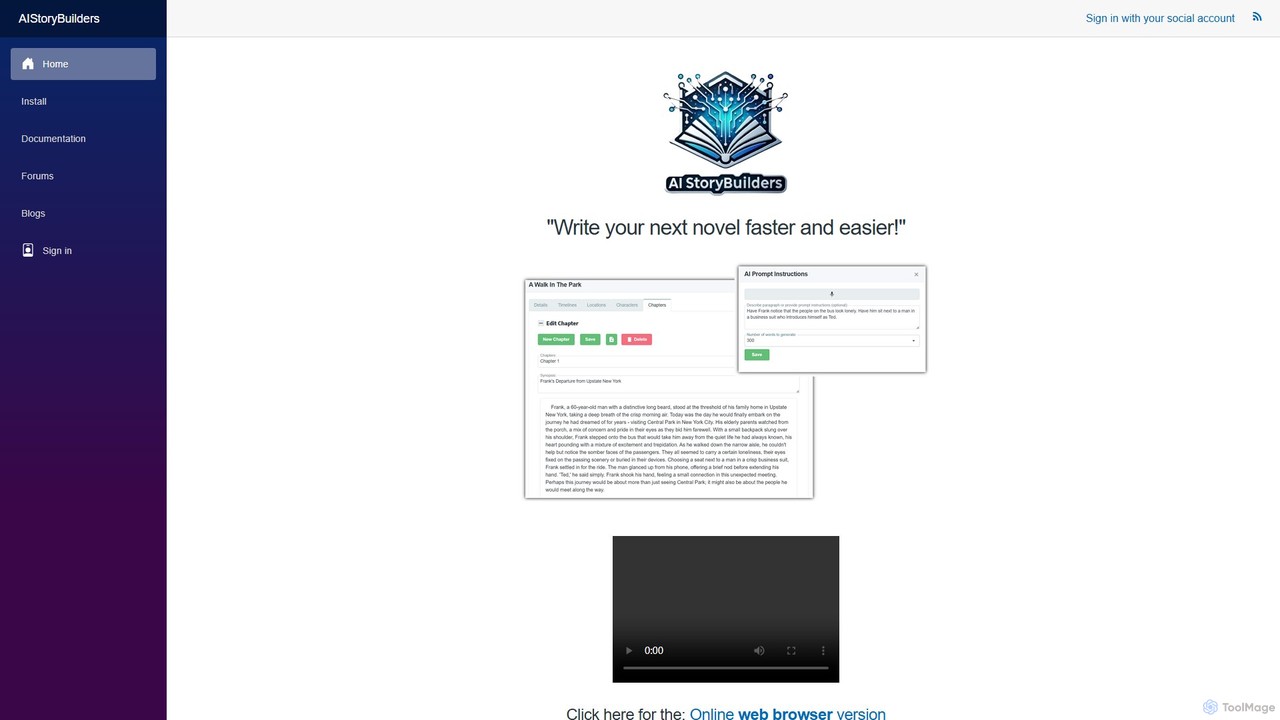
AIStoryBuilders
AIStoryBuilders is a specialized AI writing tool for novelists and storytellers. It uses a unique database system for characters, locations, and timelines to ensure contextual consistency in long-form narratives. Available as a web app and a Windows program, it connects to your OpenAI or Azure API key, offering a cost-effective way to write novels faster, overcome writer's block, and manage complex story structures.
Writing
Writers-Copilot
Writers-Copilot is a free, intuitive AI-powered writing assistant that helps you improve your text. It offers interactive feedback, suggests enhancements, and refines your writing style without requiring any registration. Simply paste your text and use the chat interface to edit and perfect your content.
Study ToolsTalers Categories
Talers Embed Widget
Copy this embed code to place the badge on your blog, article, or product site and send readers directly to this ToolMage detail page.

Related AI tools
Shy Editor
Shy Editor is a modern, AI-native writing environment designed for all types of writers. It seamlessly integrates an AI assistant, intelligent grammar checker, and robust organizational tools to enhance creativity and productivity. From novelists to academics, it provides a unified workspace for writing, research, and editing, empowering users to produce their best work.
ResearchWriters-Copilot
Writers-Copilot is a free, intuitive AI-powered writing assistant that helps you improve your text. It offers interactive feedback, suggests enhancements, and refines your writing style without requiring any registration. Simply paste your text and use the chat interface to edit and perfect your content.
Study Tools
Editair
Editair is an AI-powered writing assistant designed to elevate your text. It goes beyond basic grammar checks, offering suggestions for style, tone, and clarity. Perfect for professionals, students, and content creators, Editair helps you craft clear, compelling, and error-free content effortlessly, making your writing process smoother and more efficient.
Study Tools
LingoEdit
LingoEdit is an AI-powered writing assistant designed to elevate your text. It offers advanced grammar, style, and tone suggestions, along with powerful paraphrasing and multi-language proofreading capabilities to help you write with clarity, confidence, and precision.
Language Learning
RewriteBar
RewriteBar is a native macOS menu bar app that acts as your personal AI writing assistant. It works seamlessly across all applications, allowing you to instantly correct grammar, change tone, translate text, summarize content, and more with a simple keyboard shortcut. It supports over 12 AI providers, including local models for ultimate privacy, offering a powerful and flexible writing enhancement experience.
Code AssistantLex
Lex is an intelligent, collaborative word processor designed to enhance the writing process. It combines a minimalist, distraction-free interface with powerful AI tools, serving as a superior alternative to Google Docs. Users can get instant feedback, brainstorm ideas, rewrite text, and collaborate in real-time, all while leveraging the best AI models like GPT-4 and Claude.
Copywriting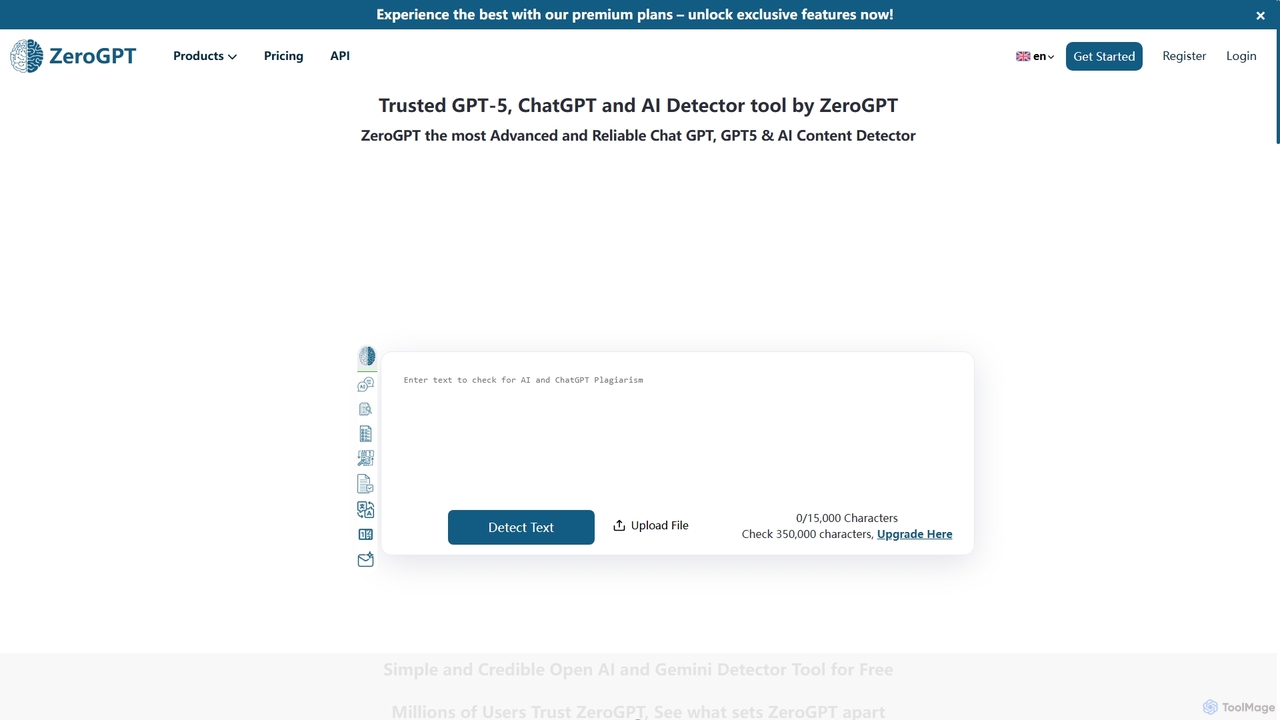
ZeroGPT
ZeroGPT is an advanced AI content detector and a comprehensive writing toolkit. It accurately identifies text generated by models like ChatGPT, GPT-5, and Gemini. The platform also offers a suite of tools including a plagiarism checker, paraphraser, summarizer, grammar check, and more to enhance writing quality and ensure originality.
Academic Integrity
Wordtune
Wordtune is an AI-powered writing companion and paraphrasing tool that helps you rewrite, rephrase, and improve your text. It offers features like tone adjustment, text shortening/expansion, summarization, and translation into English, ensuring your writing is clear, compelling, and authentic across various platforms.
Email Assistant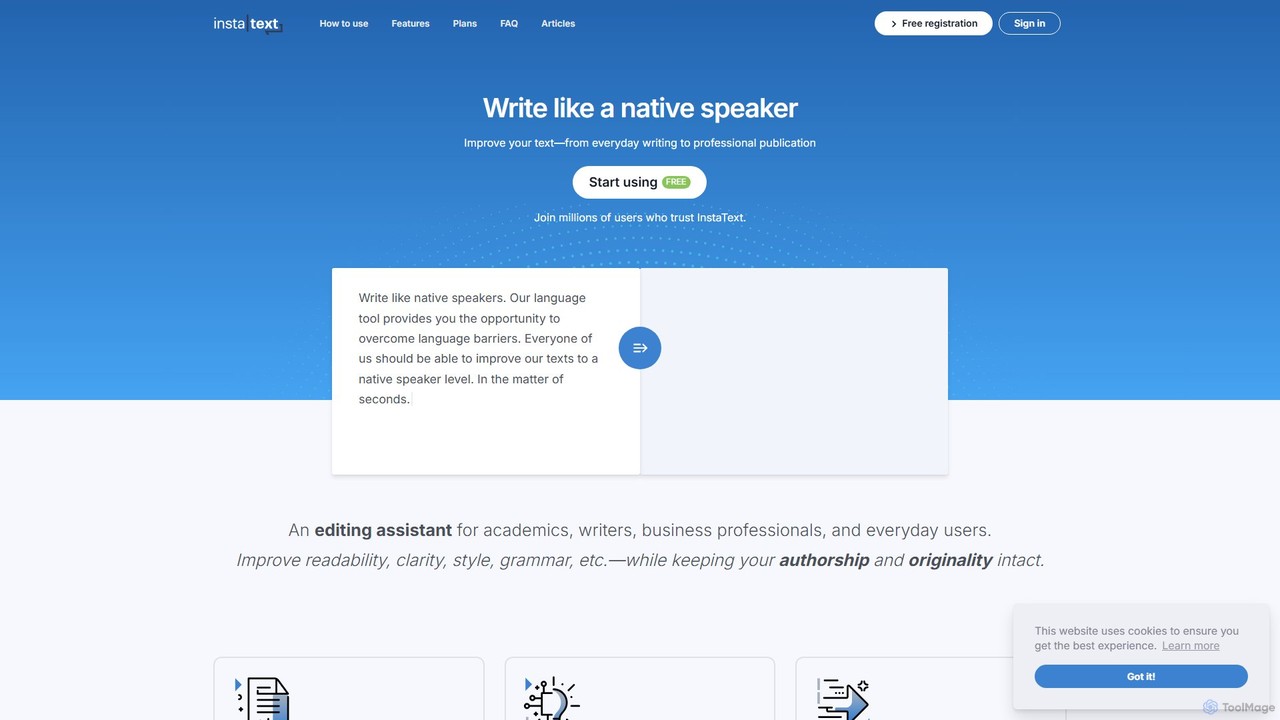
InstaText
InstaText is an AI-powered writing assistant that helps non-native and native speakers improve their English texts. It goes beyond basic grammar and spelling corrections by rewriting sentences for better clarity, style, and readability, ensuring your writing sounds natural and professional while preserving your unique voice.
Communication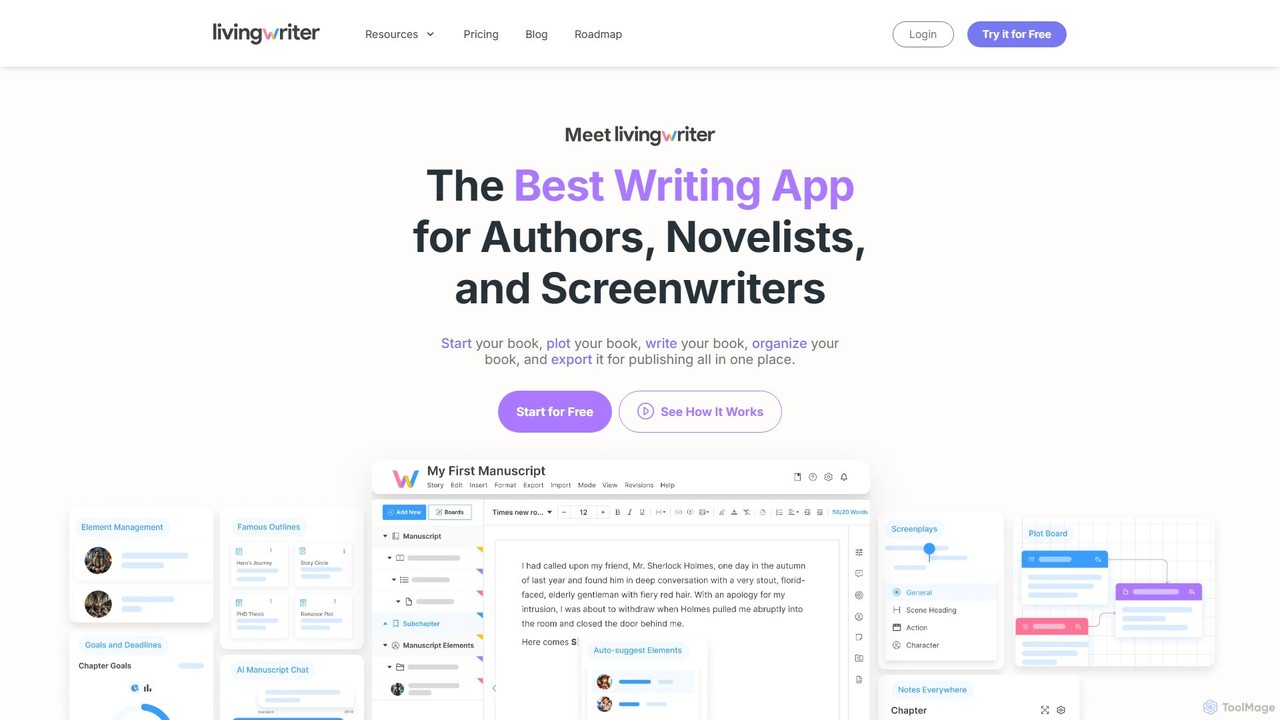
LivingWriter
LivingWriter is an all-in-one writing platform for authors, novelists, and screenwriters. It combines powerful plotting tools, story organization, and optional AI assistance to streamline the creative process. With features like drag-and-drop storyboards, character auto-suggest, cloud syncing across all devices, and seamless import/export, it's designed to take your manuscript from idea to publication-ready draft in one place.
Storytelling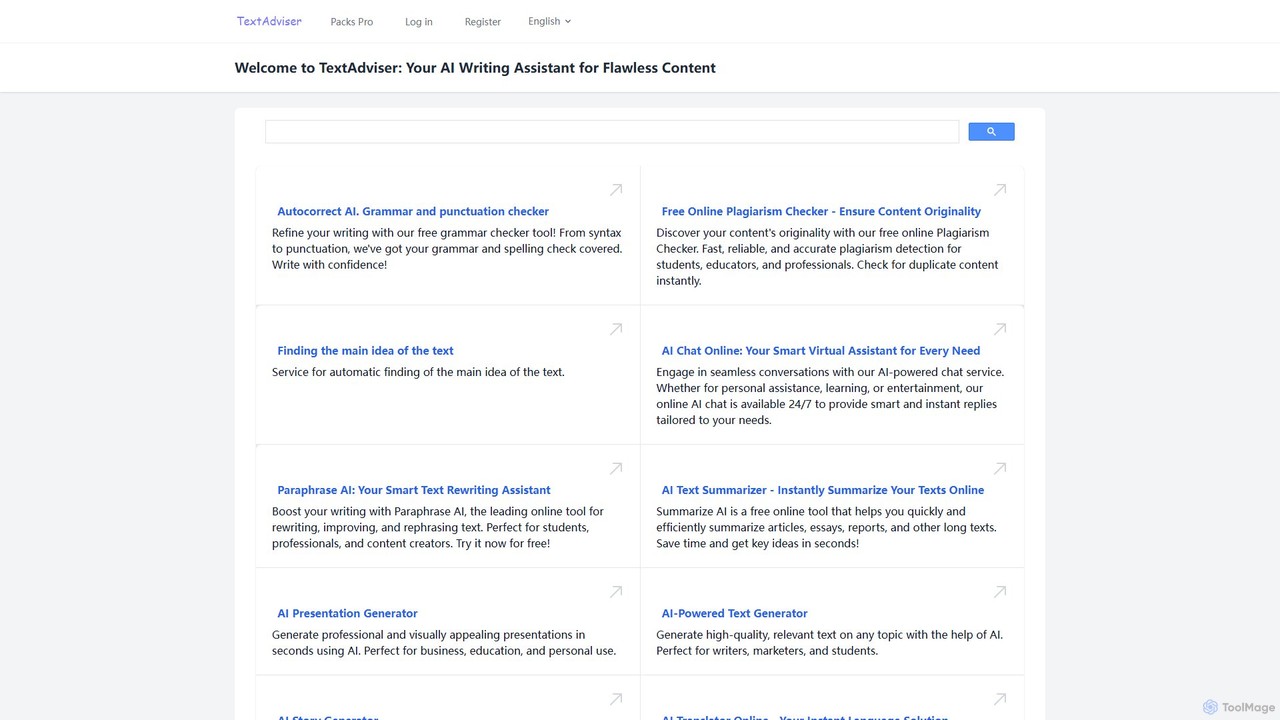
TextAdviser
TextAdviser is a comprehensive AI-powered platform offering a wide array of writing and content processing tools. It assists users with grammar and plagiarism checking, paraphrasing, summarizing, and generating various types of content, from articles and presentations to stories and poems. Designed for students, professionals, and creators, it aims to enhance writing productivity and quality through its intuitive web interface and mobile applications.
Research
ParagraphAI
ParagraphAI is a versatile AI writing assistant designed to enhance your writing across all platforms. It offers one-tap grammar correction, instant email replies, and content generation in your unique voice. With features like real-time editing, multi-language translation, and AI humanization, it helps you create flawless, natural-sounding text for professional reports, casual messages, and everything in between, saving you time and effort.
Email Assistant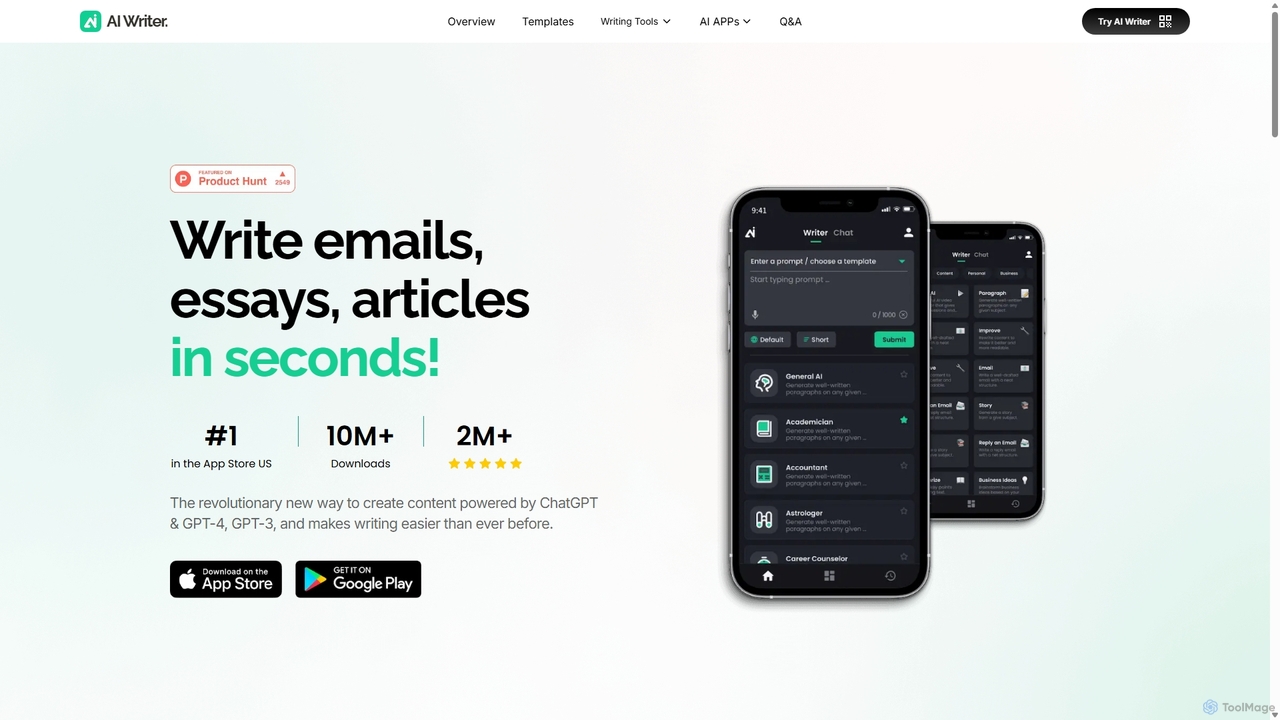
AI Writer
AI Writer is a versatile writing assistant powered by GPT-4, designed to generate high-quality content in seconds. It offers over 100 tools for creating essays, articles, emails, and social media posts. Key features include paraphrasing, grammar checking, text summarization, and content humanization, helping users overcome writer's block and enhance productivity across multiple devices.
Academic Writing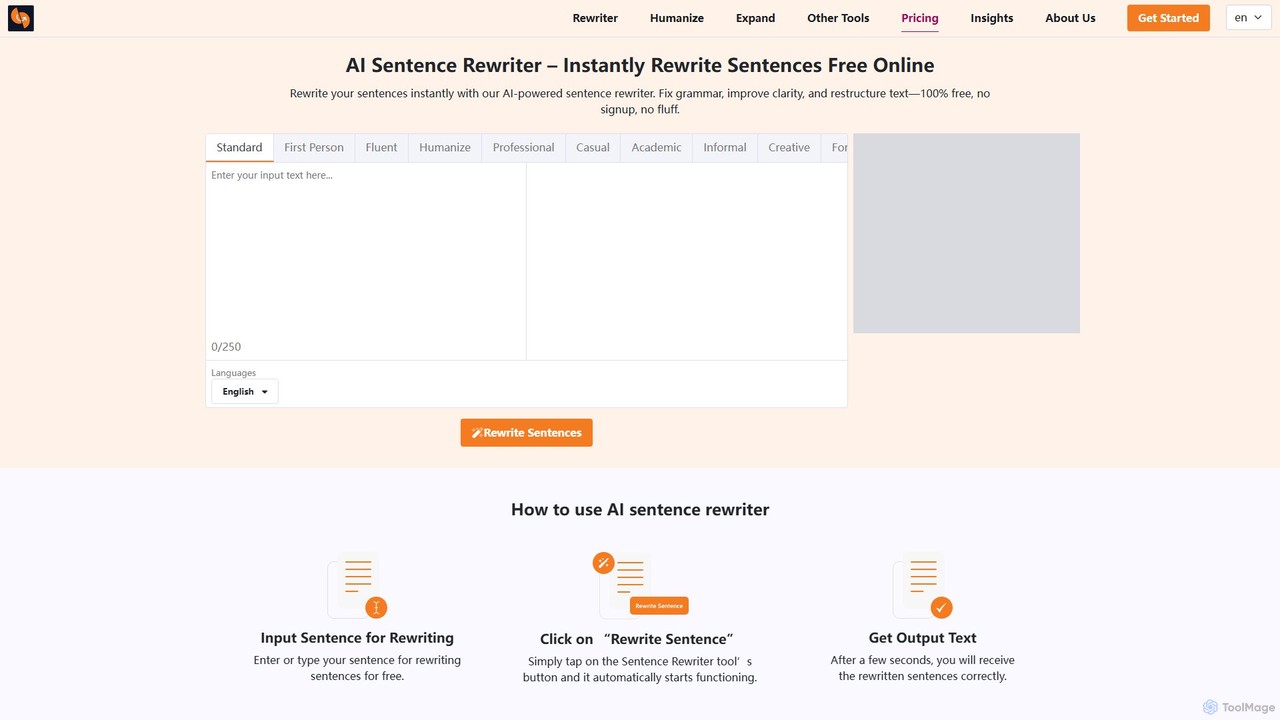
sentencerewriter.net
sentencerewriter.net is a free, AI-powered tool that instantly rewrites sentences, paragraphs, and articles. It helps fix grammar, improve clarity, adjust tone, and humanize AI-generated text to avoid plagiarism and AI detection. With multiple writing modes and a user-friendly interface, it's an essential assistant for students, writers, marketers, and ESL learners looking to enhance their content quality effortlessly.
Academic Writing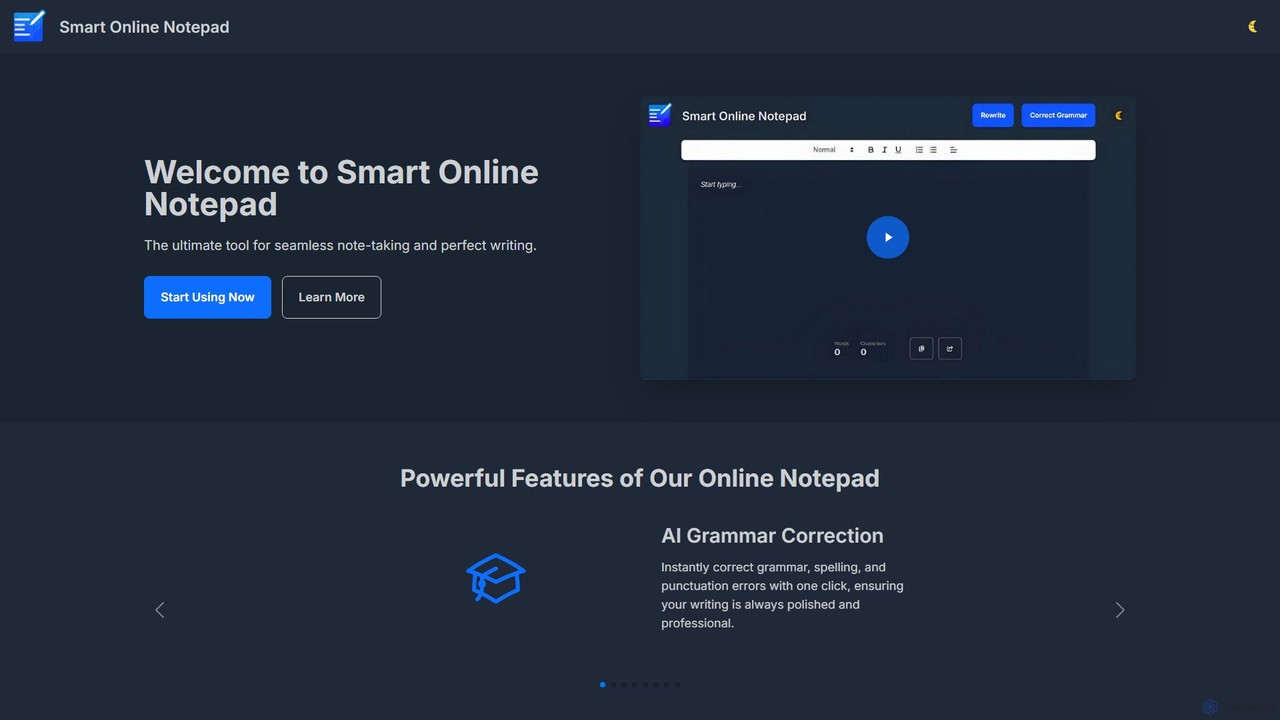
smartonlinenotepad
A free, AI-powered online notepad that offers instant grammar correction, text rewriting, and seamless note-sharing. No sign-up required, it supports multiple languages and features like word count and dark mode to enhance your writing productivity.
Note Taking
Talers Comments (0)
Sign in to comment.
Sign inNo comments yet.