ToolMage
Sign in

Best 2 Screenwriting AI tools for Writing

Popular Screenwriting AI tools in Writing include Talers and Fenixs, helping you work more efficiently.

Fenixs
Freemium

Fenixs

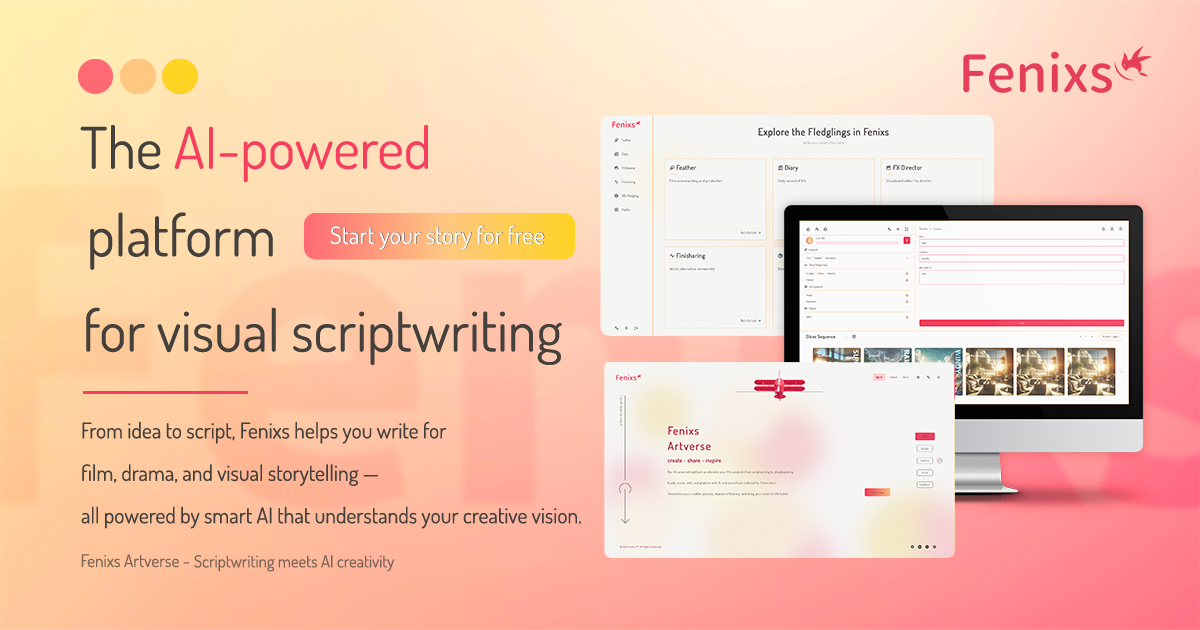
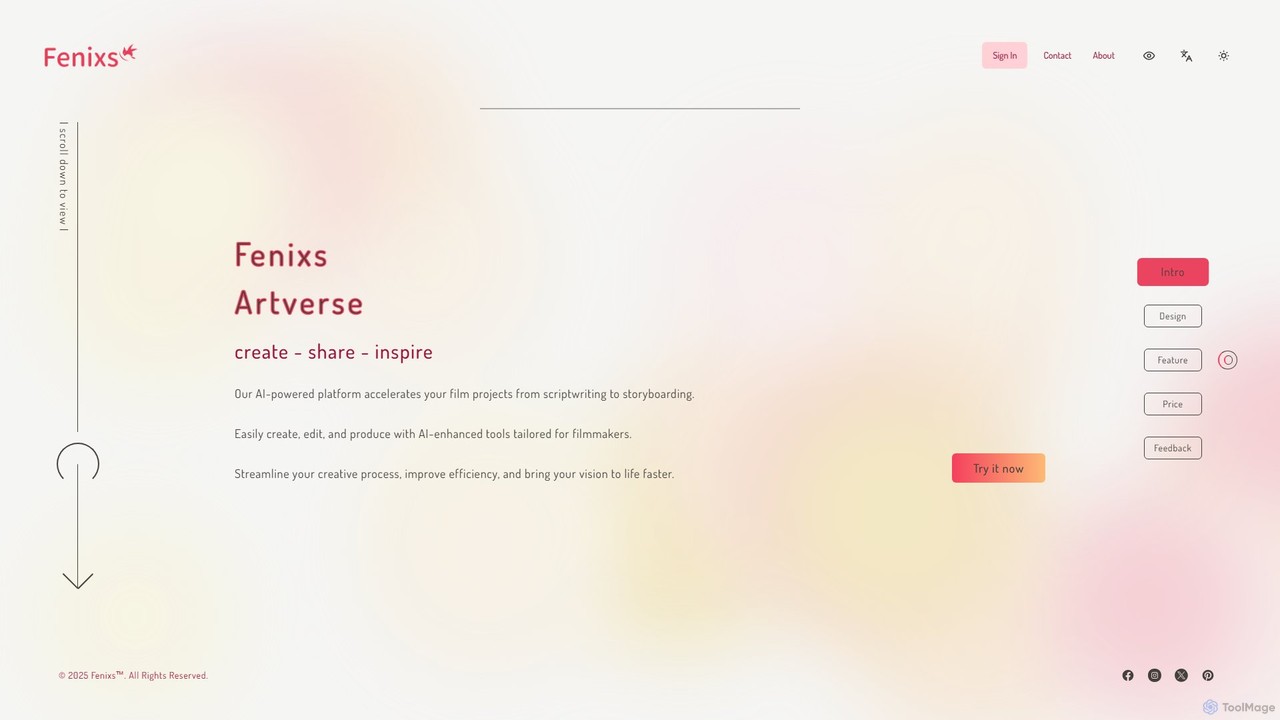
Fenixs is an AI-powered platform designed for filmmakers and screenwriters. It seamlessly integrates scriptwriting and storyboarding, allowing you to transform text into visual scenes instantly. Generate compelling dialogue, plot outlines, and professional-grade storyboards with customizable art styles. Fenixs accelerates the pre-production process, helping you bring your creative vision to life faster and more efficiently.

Image Generation
Visits 4.8KFavorites 119Likes 122
Talers
Freemium

Talers

Talers is an elegant, modern, and collaborative writing application designed for novelists, screenwriters, and academics. It combines project-based organization with powerful AI features like sentence rephrasing, document translation, and advanced grammar checking. With a focus on productivity, privacy, and a distraction-free experience, Talers synchronizes across all devices and works offline, making it a powerful alternative to Google Docs and Scrivener.

Collaboration
Visits 21.4KFavorites 117Likes 131

About Screenwriting

AI Screenwriting tools are specialized applications that assist writers in creating, structuring, and formatting scripts for film, television, and other media. These tools leverage large language models and narrative algorithms to automate tedious tasks and provide creative assistance. They streamline the entire script development process, from generating initial ideas and character profiles to polishing dialogue and ensuring industry-standard formatting. Unlike general AI writers, these tools deeply understand the specific conventions of screenplays, such as scene headings, action lines, and character cues.

Core Features

  • Automatic Formatting: Instantly formats text into industry-standard screenplay layouts, including scene headings, character names, dialogue, and parentheticals.
  • Plot & Structure Generation: Suggests plot points, outlines, and narrative arcs based on established storytelling structures like the three-act model.
  • Character & Dialogue Creation: Generates detailed character backstories, motivations, and natural-sounding dialogue based on user prompts.
  • Scene Expansion: Develops a simple idea or outline into a fully described scene with action, setting, and character interactions.
  • Logline & Synopsis Generation: Condenses a story concept into a compelling logline or a concise summary for pitches.

Use Cases

These tools are primarily used by screenwriters, playwrights, video game narrative designers, and content creators. They are invaluable in the film, television, gaming, and digital media industries for tasks such as brainstorming a new TV pilot, overcoming writer's block on a feature film, or rapidly drafting scripts for a YouTube series.

How to Choose

When selecting an AI Screenwriting tool, consider its formatting accuracy and adherence to industry standards. Evaluate the level of creative control it offers—whether it primarily suggests ideas or generates full drafts. Also, check its export capabilities (e.g., to Final Draft .fdx, PDF) and whether its AI model is well-suited for your specific genre, be it comedy, drama, or sci-fi.

Featured tool rankings

Screenwriting use cases

1

Develop a TV Series Pilot Script

An aspiring screenwriter has a core concept for a new TV series but needs to flesh out the plot, characters, and the first episode. Using an AI screenwriting tool, they can brainstorm plot points for a full season arc, generate detailed backstories and personality traits for the main characters, and draft key scenes for the pilot. The AI ensures every part of the script adheres to standard formatting, allowing the writer to focus purely on the creative narrative. This results in a complete, properly formatted pilot script draft in a fraction of the time, ready for refinement and pitching.

2

Overcome Writer's Block for a Feature Film

A screenwriter is stuck in the middle of their feature film script, unable to connect key plot points in the second act. They input their existing scenes and a summary of their goal into an AI tool. The AI then generates several potential 'what happens next' scenarios, suggests alternative dialogue for a stale scene, or proposes a new subplot to increase tension. This provides fresh perspectives and multiple creative paths, effectively breaking the writer's block and allowing them to move forward with a re-energized narrative.

3

Rapidly Script Short-Form Video Content

A social media content creator needs to produce multiple short, engaging video scripts daily for platforms like TikTok or YouTube Shorts. Instead of writing each from scratch, they use an AI tool by providing a simple prompt, such as 'a 30-second funny sketch about a cat trying to use a laptop.' The AI instantly generates a complete script with scene descriptions, character actions, and dialogue, all formatted for easy reading and production. This reduces script production time from hours to minutes, enabling a consistent and high-volume content schedule.

4

Create Character Profiles for a Video Game

A narrative designer for a new video game needs to create a large cast of non-player characters (NPCs), each with a unique backstory and personality. Using an AI tool, they can input character archetypes like 'gruff shopkeeper with a secret' or 'wise old mentor.' The AI then generates detailed profiles including their history, motivations, fears, and sample dialogue lines that reflect their personality. This process populates the game world with rich, believable characters quickly, freeing up the writer to focus on the main storyline and key character arcs.

5

Adapt a Novel into a Screenplay

A screenwriter is tasked with adapting a dense novel for the screen. This involves condensing the plot and translating descriptive prose into visual scenes. They use an AI tool to help with this process by feeding it chapter summaries to identify key narrative beats. The tool can then suggest how to structure these beats into a three-act screenplay, convert descriptive passages into concise action lines, and transform internal monologues into external dialogue or visual actions. This accelerates the initial structural breakdown and conversion, providing a solid foundation for the screenplay.

6

Polish Dialogue and Pacing

A writer has completed a script draft, but feels the dialogue is unnatural and the pacing is off in certain scenes. They use an AI screenwriting tool as a script doctor. By inputting scenes, they can request feedback on pacing, ask for alternative phrasings for specific lines of dialogue, or check for consistency in a character's voice. The AI can highlight scenes that are too long or slow and suggest cuts or rephrasing to make the dialogue sharper and more impactful. This revision process results in a tighter, more professional script that is more engaging for the reader.

Screenwriting FAQ

What are AI Screenwriting tools?

AI Screenwriting tools are specialized software designed to assist in the script creation process. Unlike general writing assistants, they are built with an understanding of screenplay structure, formatting, and narrative conventions. Key features often include automatic formatting to industry standards, plot point generation, character development assistance, and dialogue creation. They act as a creative partner to help writers brainstorm ideas, overcome writer's block, and accelerate the drafting process from concept to a finished script.

How do AI tools differ from traditional screenwriting software like Final Draft?

Traditional software like Final Draft excels at formatting and organizing a script that you write manually. It's essentially a specialized word processor for screenplays. AI screenwriting tools, on the other hand, are active creative partners. They don't just format your text; they can generate new text, ideas, dialogue, and plot structures based on your prompts. The key difference is creation versus facilitation: traditional software facilitates the writing process, while AI tools actively participate in the creation process.

How do I choose the right AI Screenwriting tool?

Choosing the right tool depends on your specific needs. Consider the following factors:

  • Formatting Precision: Ensure the tool strictly adheres to industry-standard screenplay formats.
  • Creative Control: Decide if you need a tool for brainstorming and suggestions, or one that can generate entire scenes and drafts.
  • Genre Suitability: Some AI models may be better trained for specific genres like comedy, sci-fi, or drama. Check for user reviews or specializations.
  • Export Options: Verify that you can export your work to common formats like PDF, Final Draft (.fdx), or plain text for compatibility with other software.
  • Ease of Use: Look for an intuitive interface that doesn't distract from the creative process.
Can AI write a complete, production-ready screenplay?

Currently, AI is best used as a powerful assistant or co-writer rather than a full replacement for a human screenwriter. It excels at generating drafts, brainstorming ideas, creating dialogue variations, and structuring scenes. However, a final, production-ready script requires human nuance, emotional depth, subtext, and creative vision that AI cannot yet fully replicate. The most effective workflow involves a writer using AI to handle the heavy lifting and explore possibilities, then applying their own unique voice and craft to refine the output into a polished, compelling story.

Who should use AI Screenwriting tools?

AI screenwriting tools are valuable for a wide range of creators. This includes:

  • Professional Screenwriters: To accelerate the drafting process, break through writer's block, and explore alternative story paths quickly.
  • Aspiring Writers: To learn script structure and formatting while getting assistance in developing their initial ideas into tangible drafts.
  • Content Creators: For rapidly scripting short-form videos, web series, or podcasts, enabling a faster production cycle.
  • Narrative Designers: To generate character backstories, dialogue, and plot points for video games and interactive experiences.